Simplify your document creation process with the Populating MS Word Templates. This powerful and effective tool allows you to generate dynamic Microsoft Word documents by using your own pre-designed .docx files as templates. Simply create a Word template with placeholders for your Odoo data, upload it to the system, and let the module automatically populate it with the correct information. This eliminates the need for complex report design, allowing you to leverage the full capabilities of Microsoft Word to create professional, consistently formatted documents with ease.
Generate dynamic Microsoft Word (.docx) documents data.
Use your own custom-designed .docx files as templates for reports and documents.
Simple and effective method for creating professional-looking printouts.
Seamlessly integrates with models to pull in relevant data.
Easy to set up and use, requiring no advanced technical skills.
Supports a wide range of document types, from invoices to custom reports.
Leverage the full design and formatting capabilities of Microsoft Word for your reports.
Save significant time and effort by automating the document generation process.
Ensure brand consistency with standardized, professionally designed templates.
Improve the quality and appearance of your business documents.
Empower users to create their own report templates without needing developer assistance.
Streamline workflows by generating necessary documents directly from records.
Design print templates using word
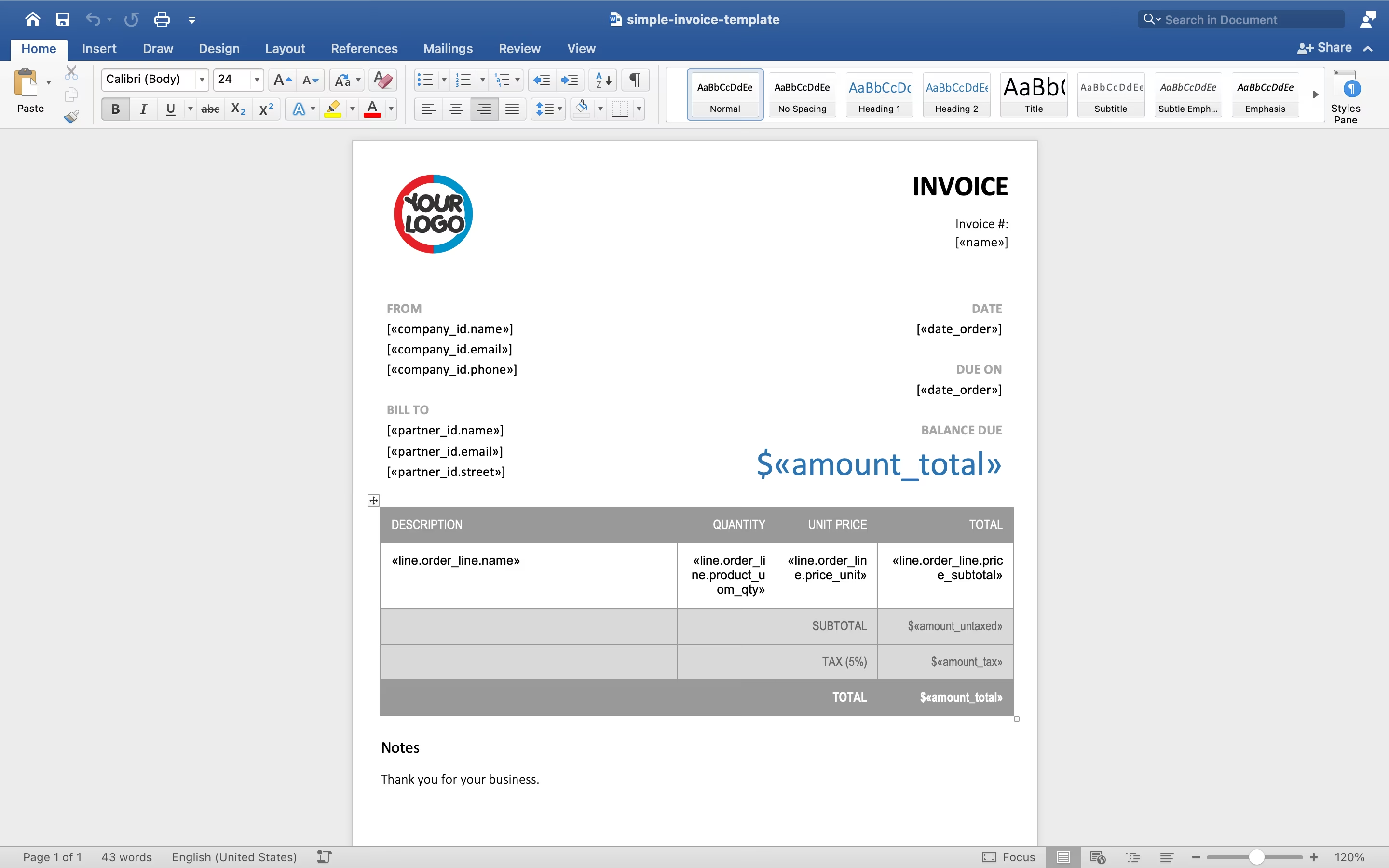
Installation required: pip install docx-mailmerge and pip install python-docx You just need to design a word template file and put it. So you have a design template on word.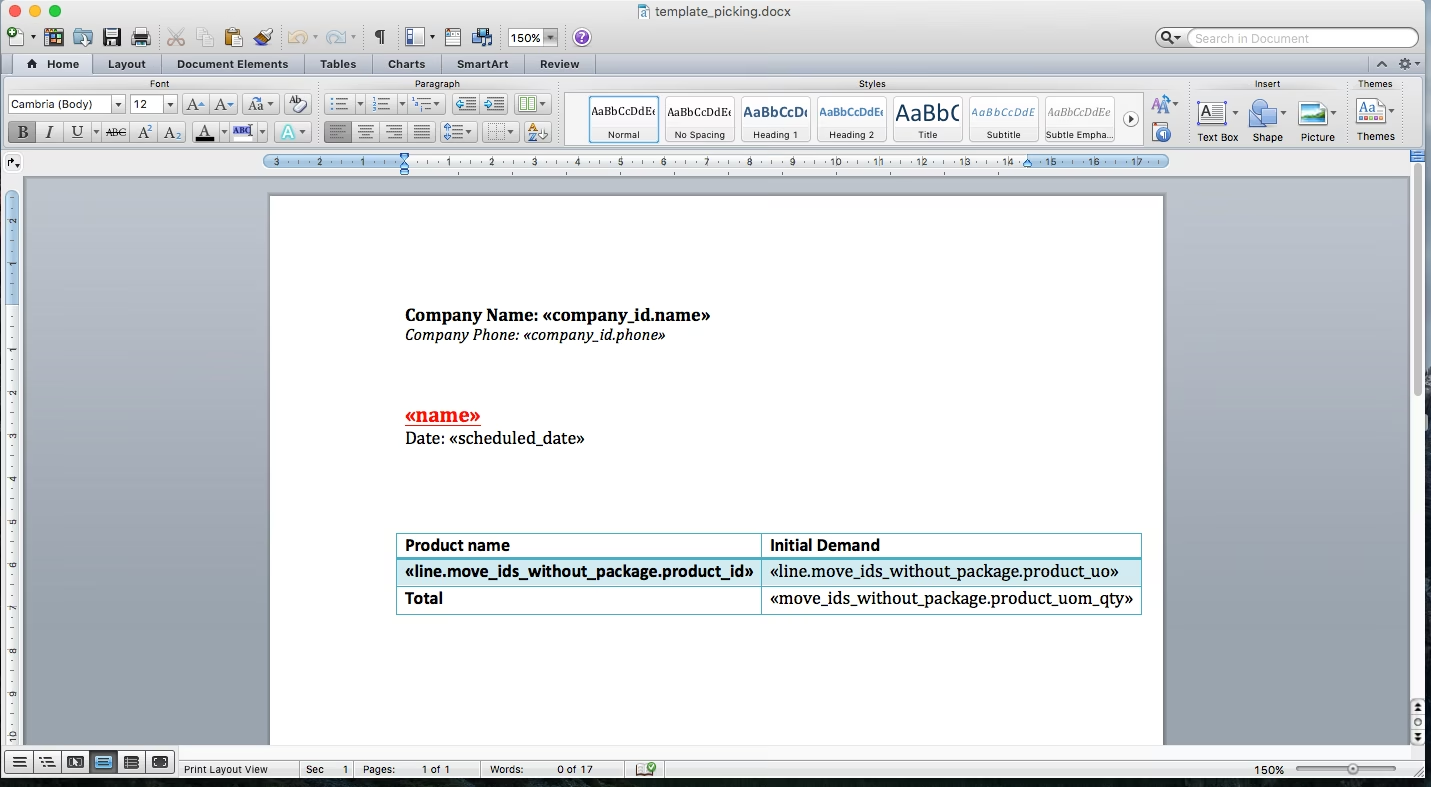
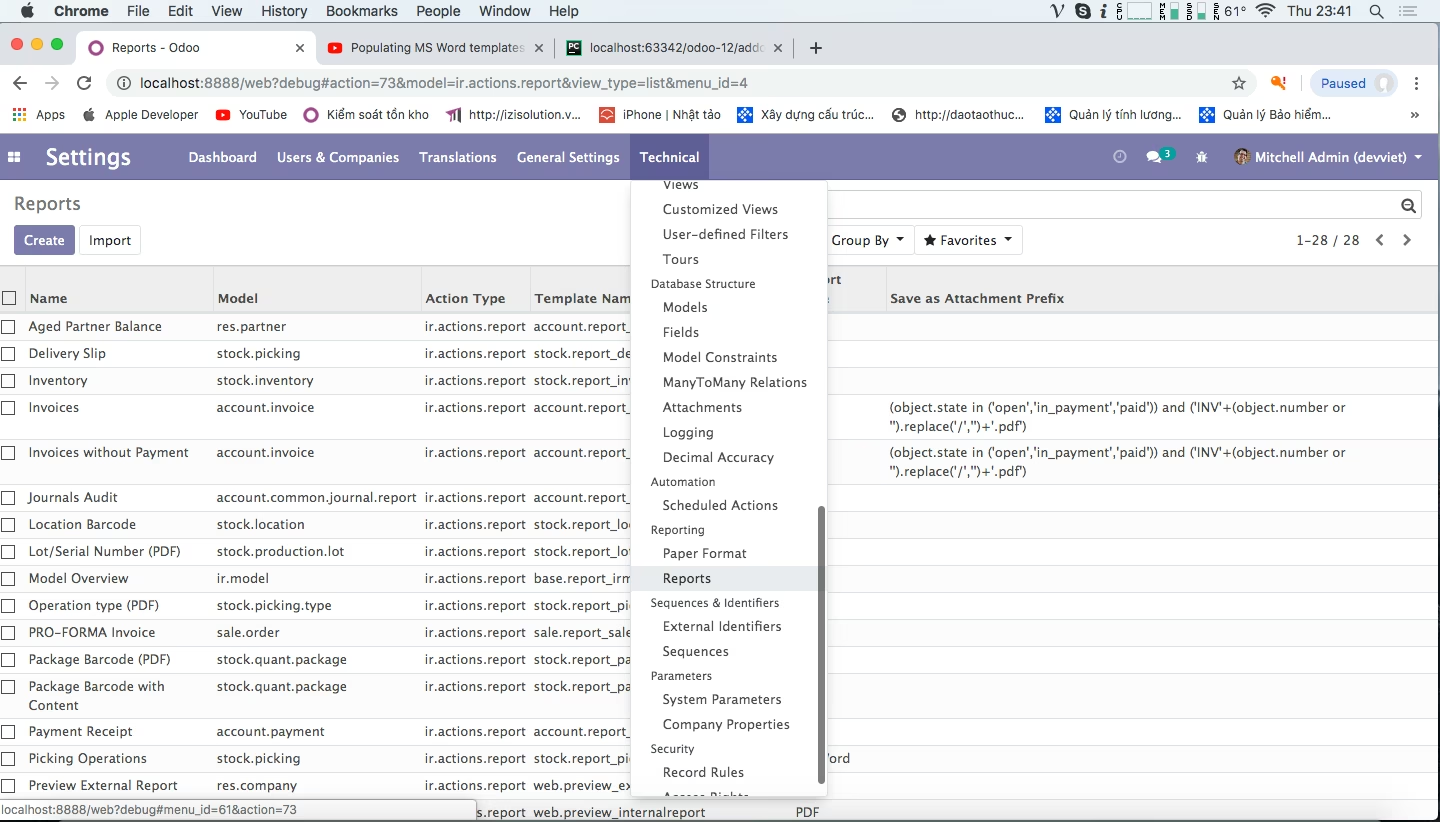
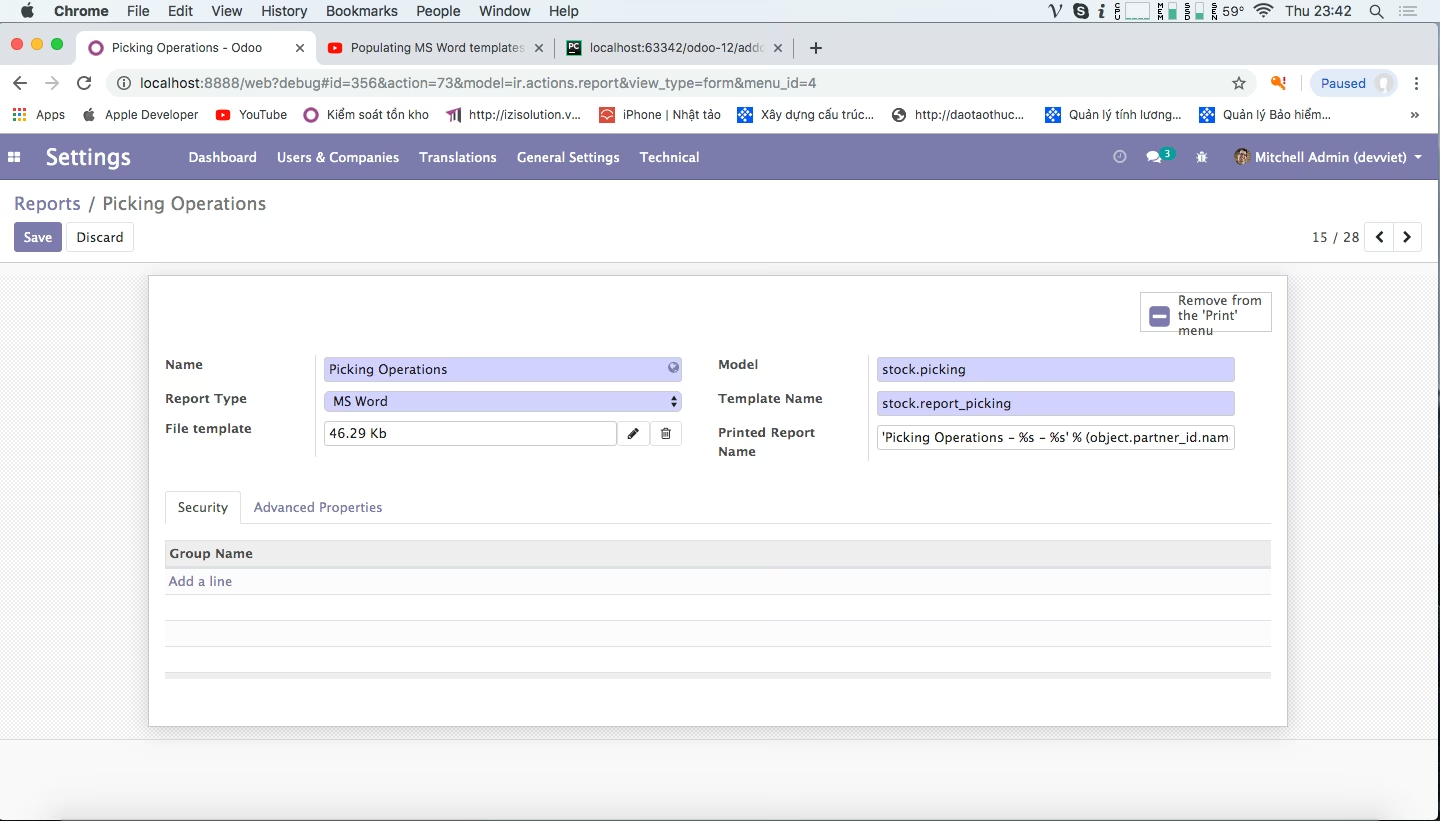
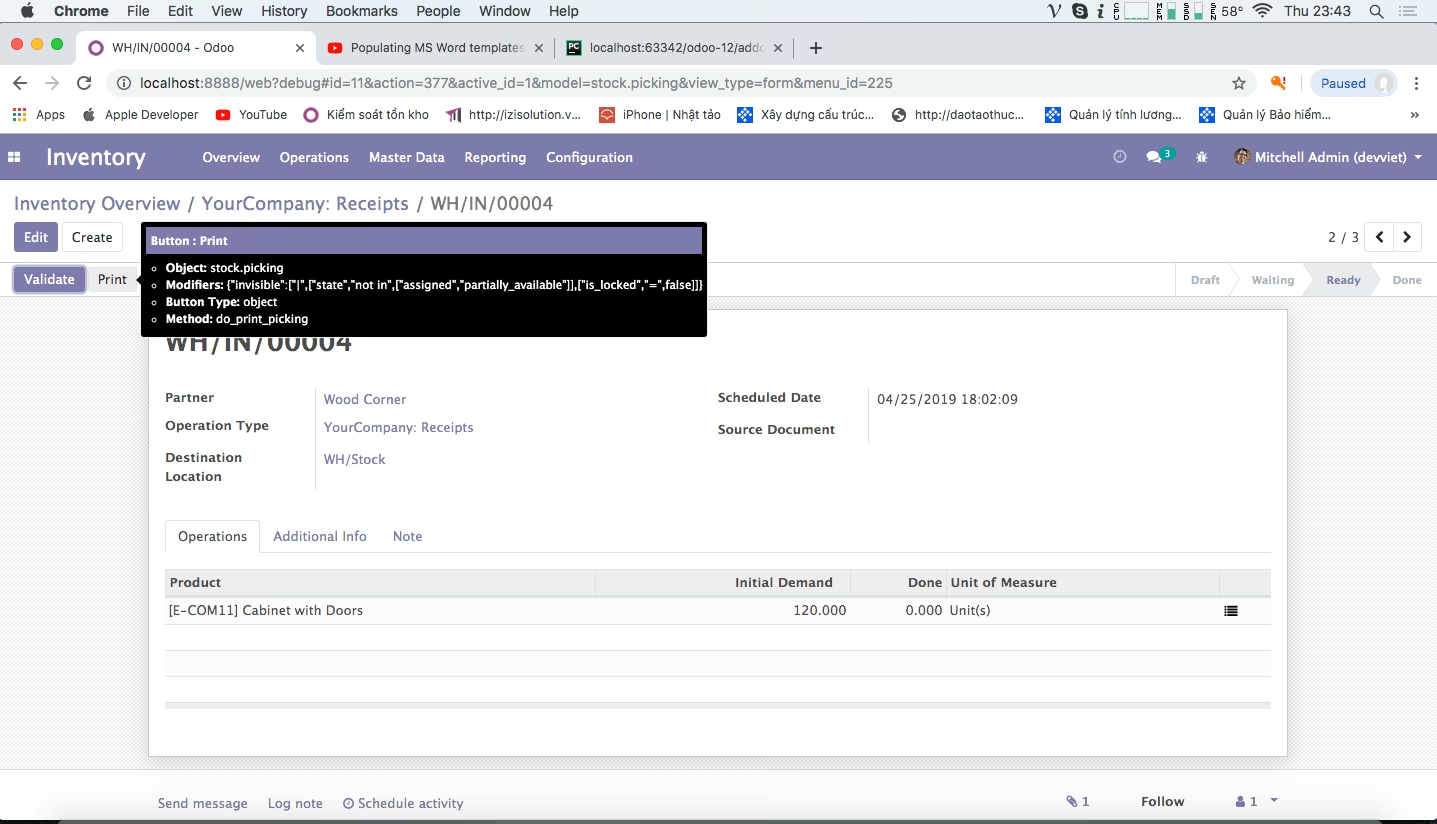
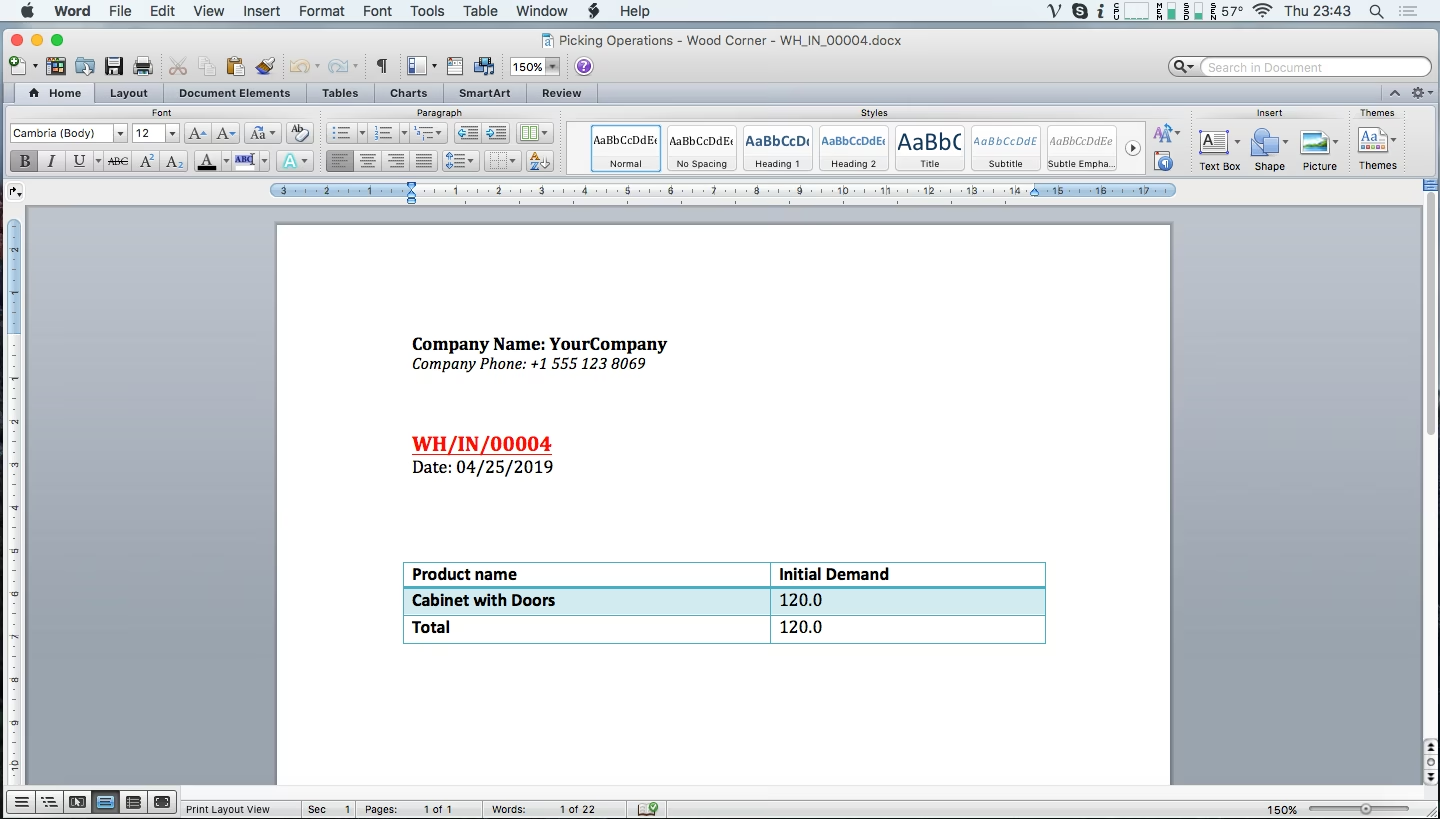
Date: 28/12/2020 Update version: 1.3
Features updated
1. Convert datetime UTC to datetime user timezone.
2. Add keyword "numerical_order" to do ordinal numbers in the printed data table.
3. Add keyword "float_time" to display time.
4. Add the keyword "count" to count the total number of lines.
5. Additional keyword "sum_number2word" to convert from numbers to letters.
Date: 12/04/2022 Update version: 1.3
Features updated
1. Fix error not downloading PDF files .
2. Define file name docx .
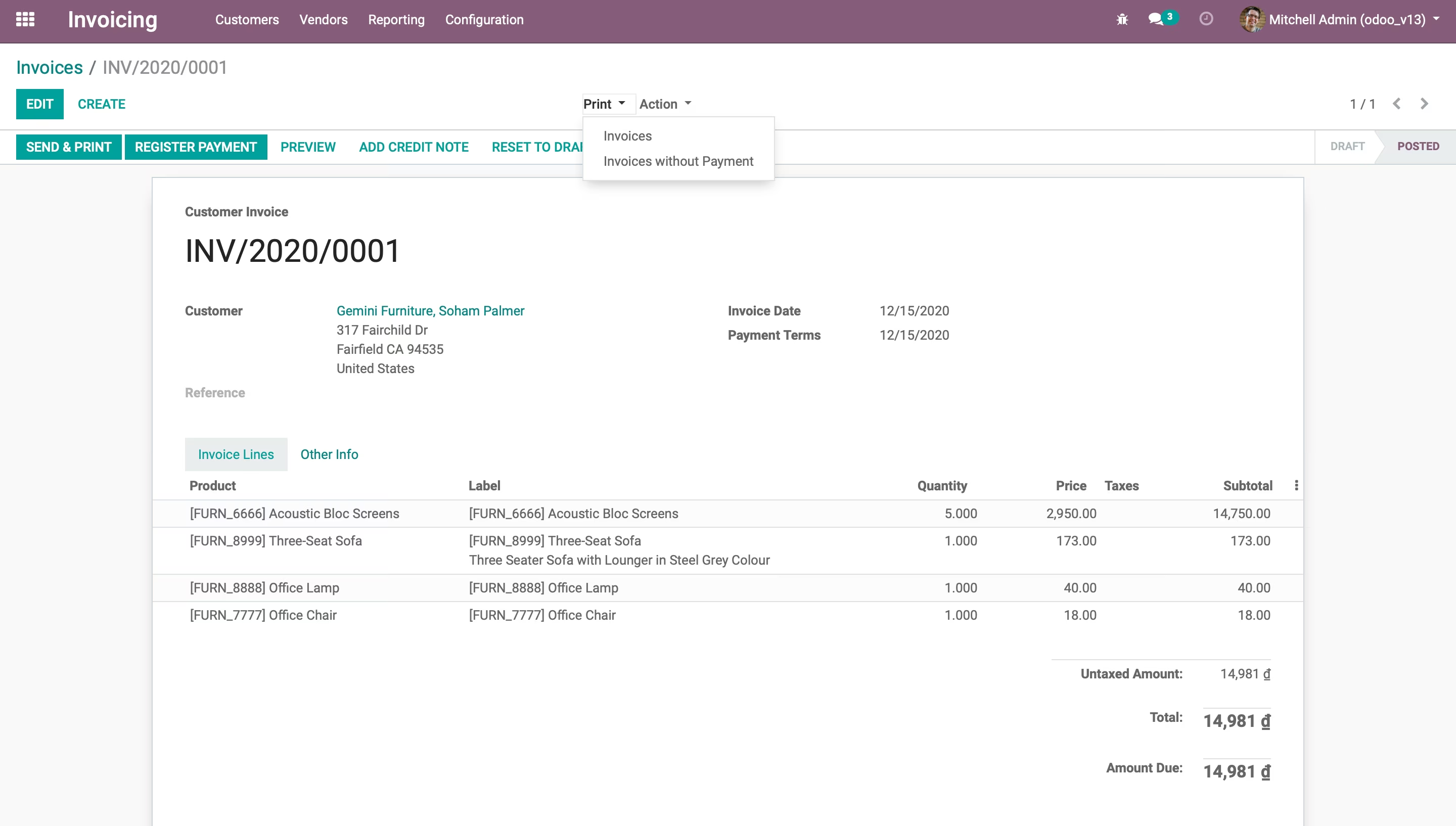
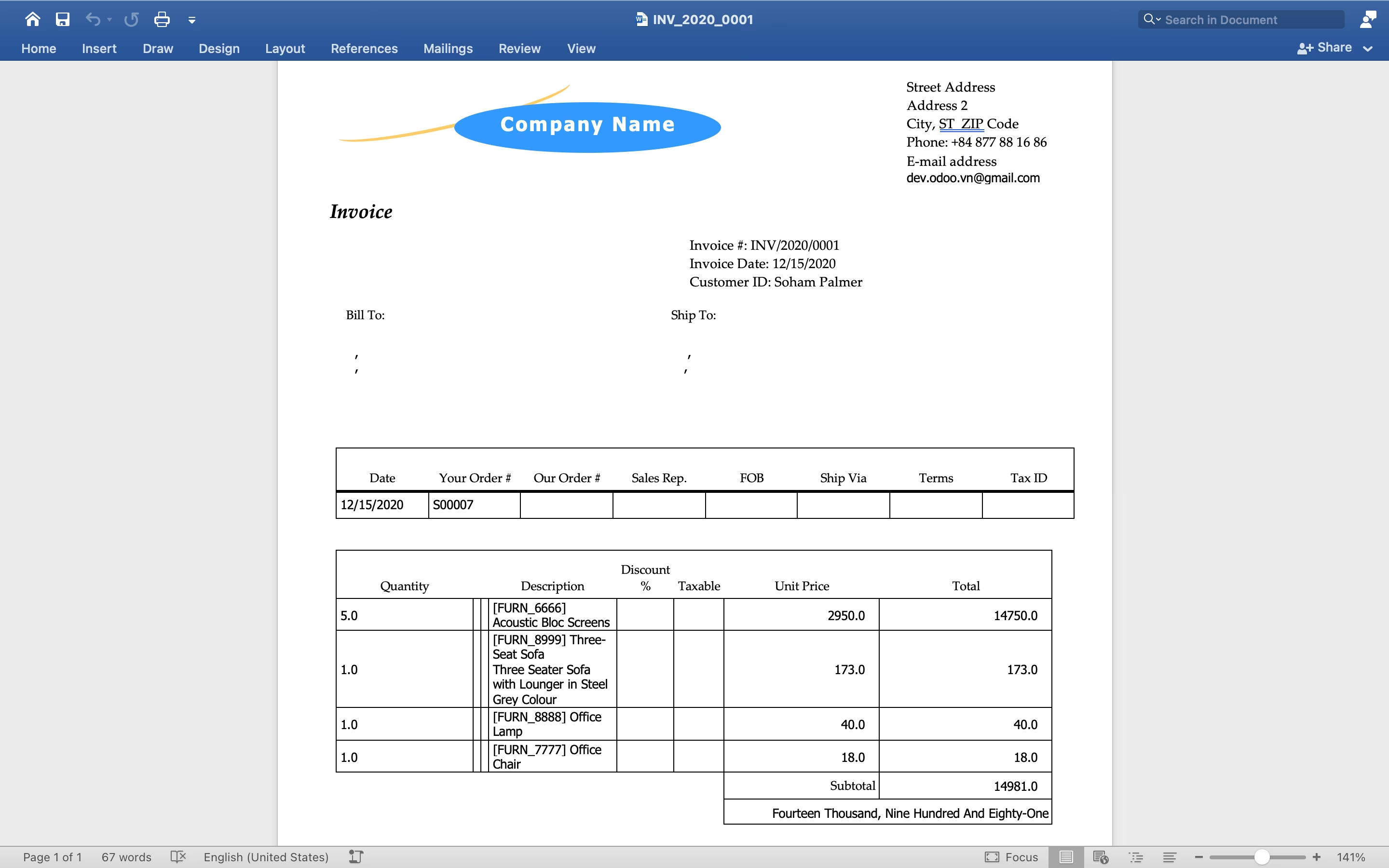
DEMO Version 1.3
Input:
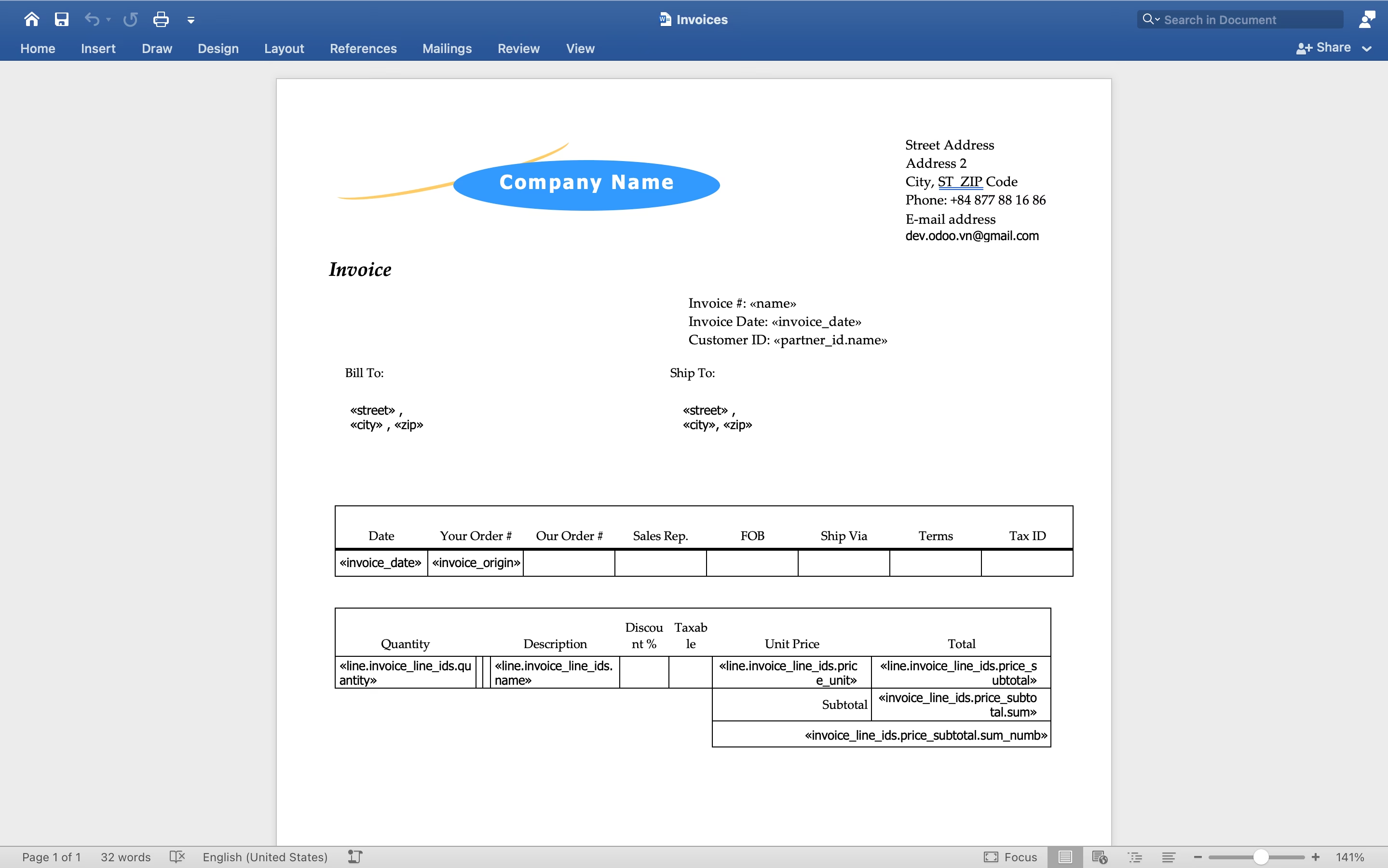
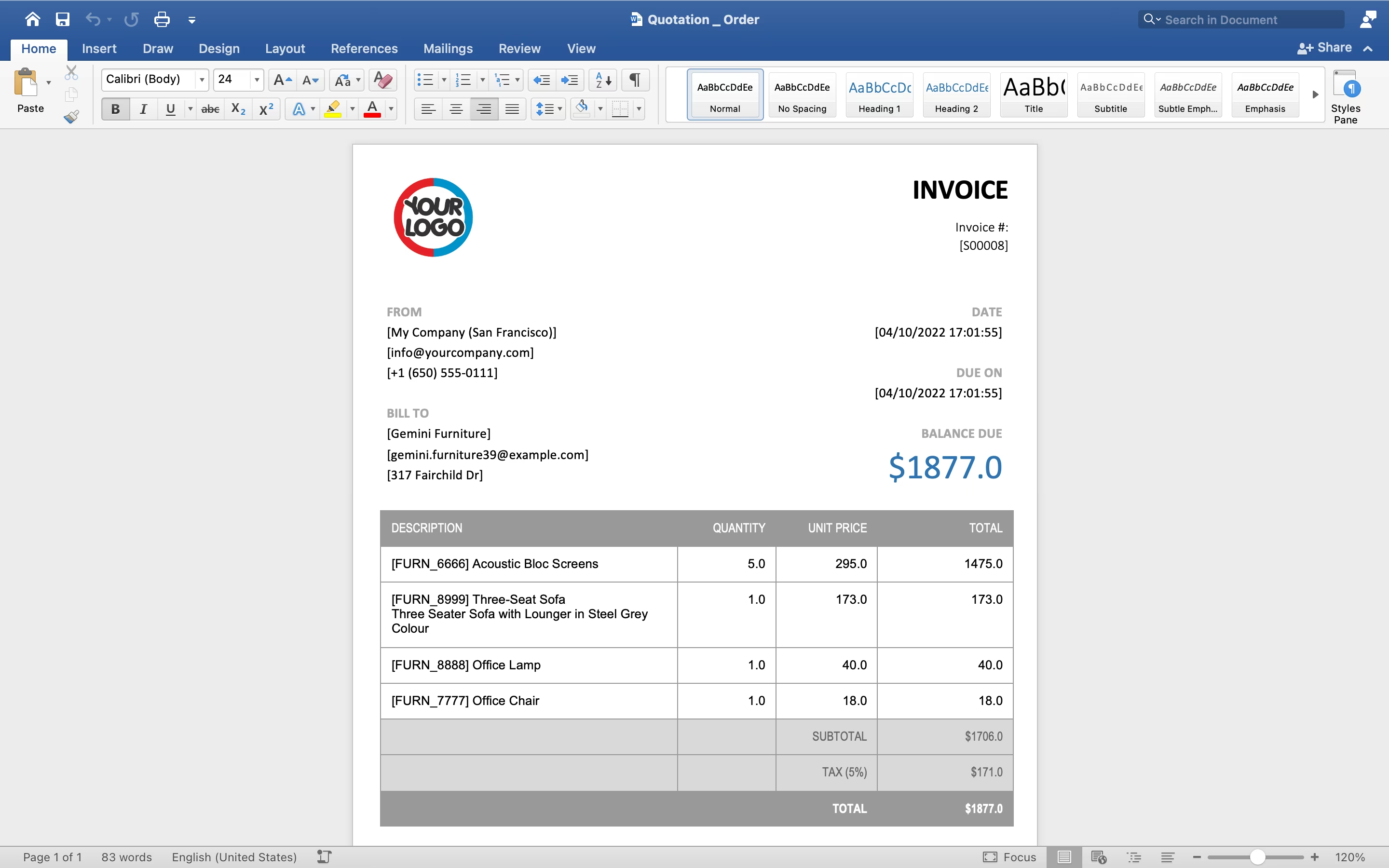
Output:
Date: 21/04/2022 Update version 1.4
Features updated
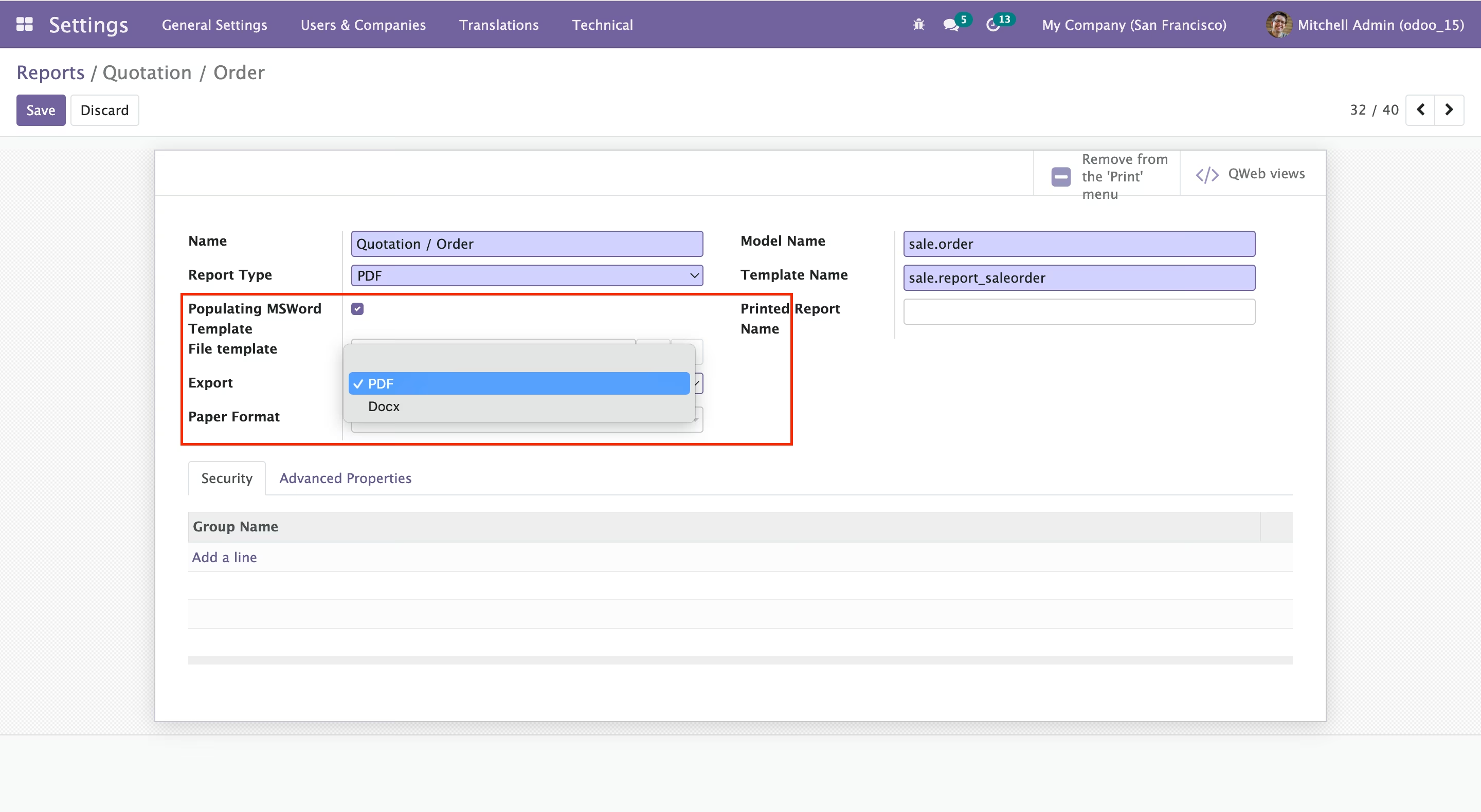
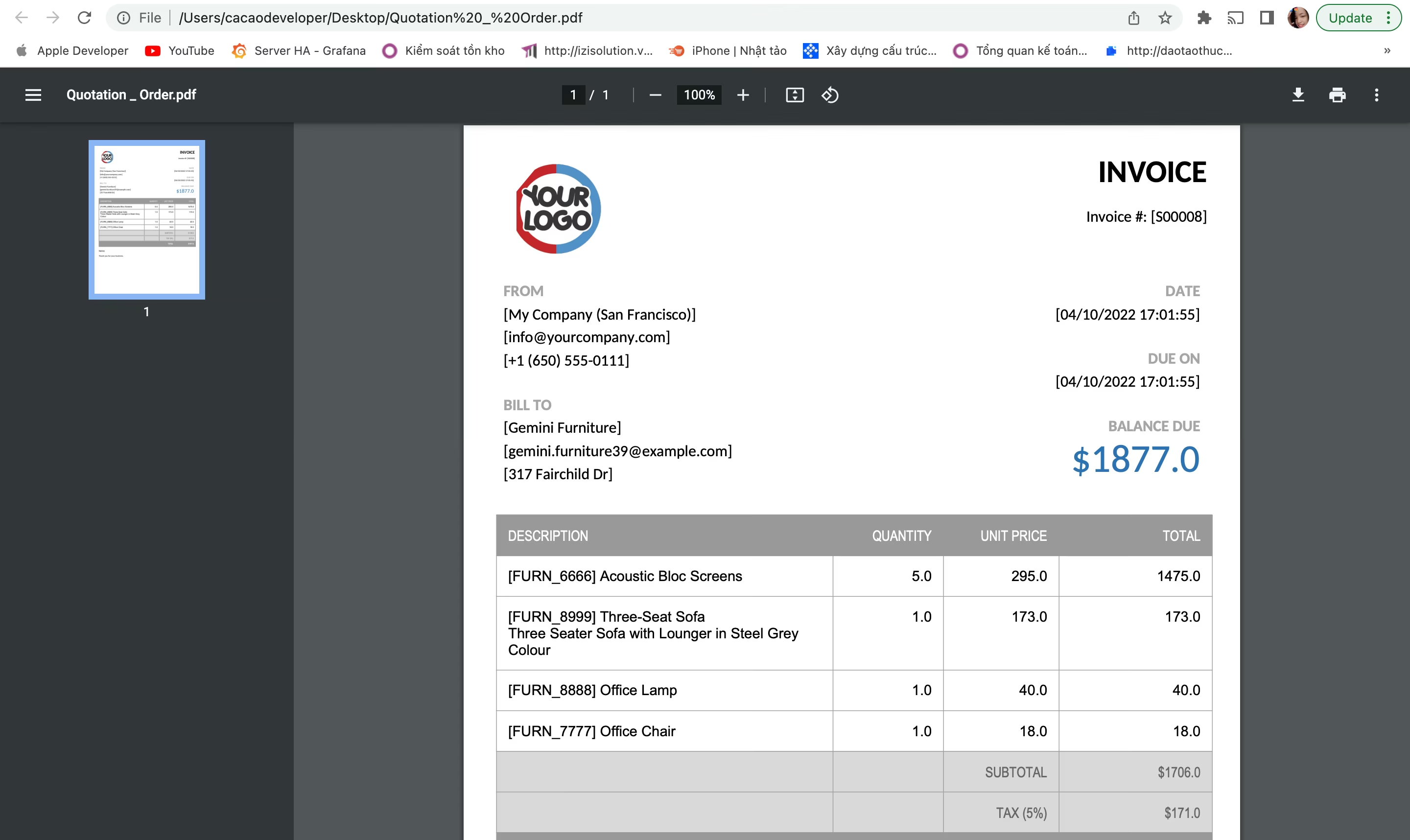
Export PDF file