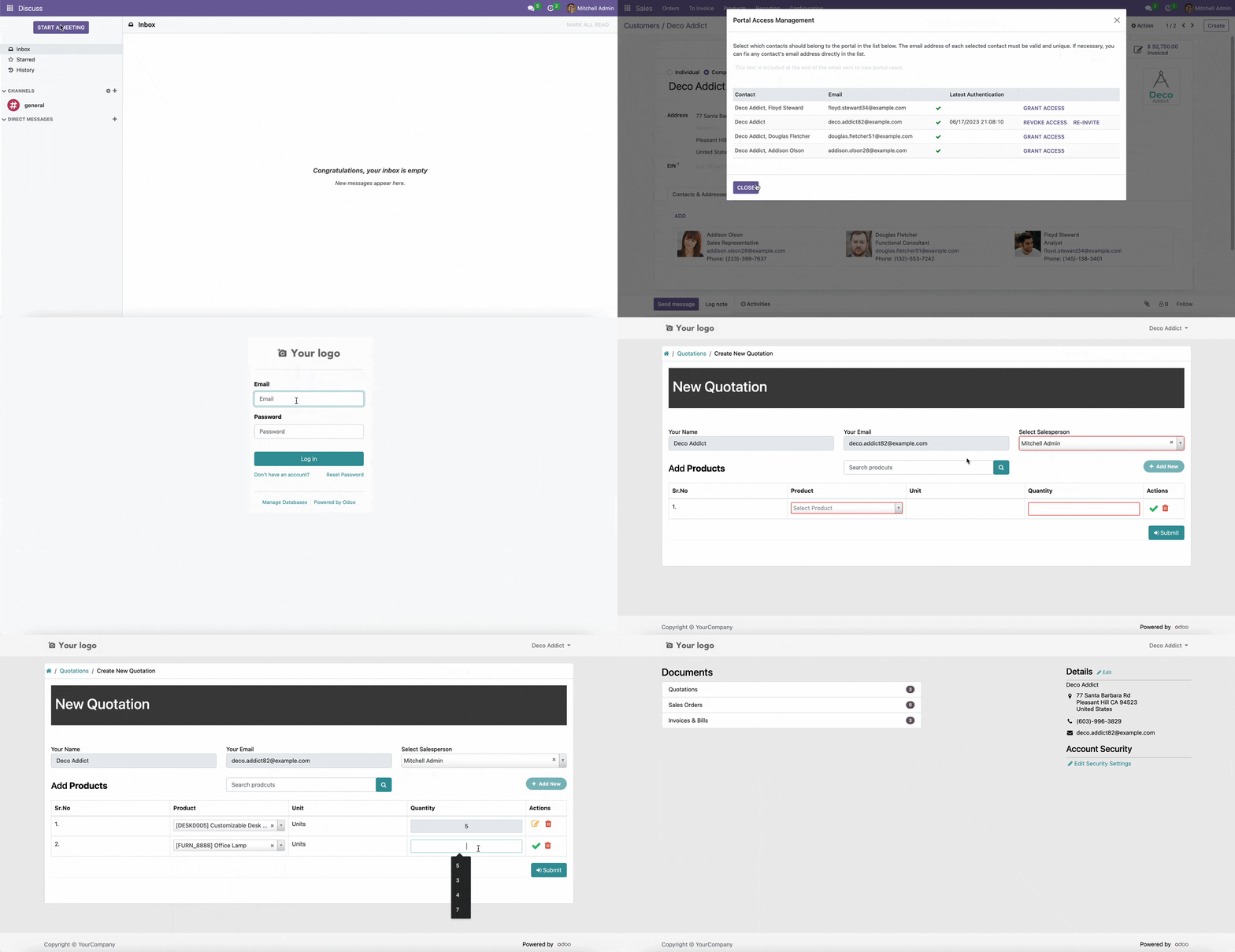
The module empowers customers to generate quotations directly from their portal accounts, enhancing self-service capabilities and streamlining the sales process. By enabling customers to create and submit their own quotations, businesses can reduce manual data entry, accelerate response times, and improve overall customer satisfaction. This integration seamlessly connects the portal interface with sales management system, ensuring a smooth and efficient workflow.
Allow customers to create and submit quotations from their portal accounts.
Automatically link submitted quotations to the respective customer profiles.
Customize quotation templates for consistent branding and messaging.
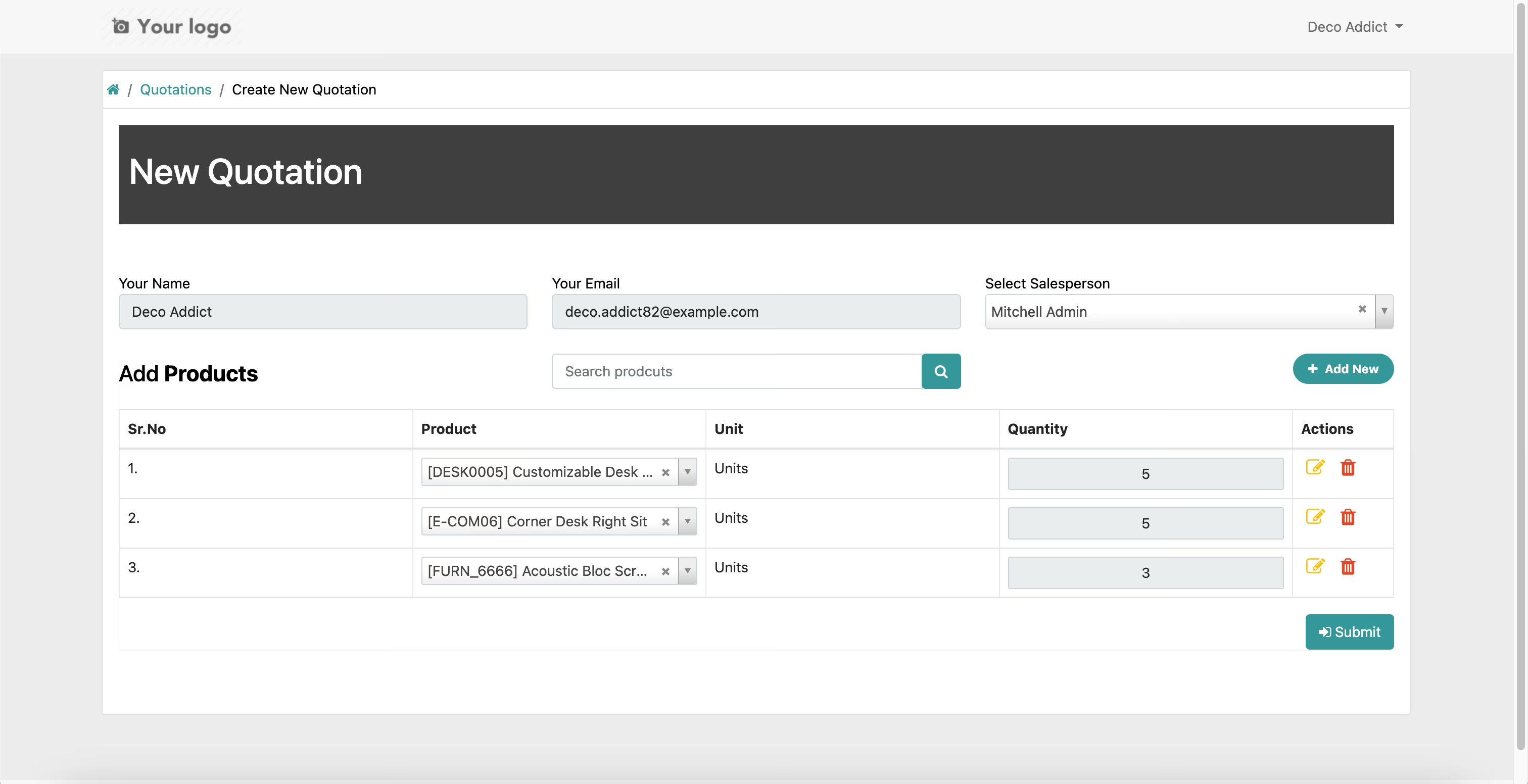
Enable customers to select products and specify quantities for their quotations.
Provide real-time updates on the status of submitted quotations.
Integrate with Sales and Invoicing modules for seamless processing.
Support for multiple languages and currencies to cater to diverse customer bases.
Enhance customer engagement through a user-friendly interface.
Reduce administrative workload by automating quotation creation.
Improve sales efficiency with quicker response times to customer inquiries.
Empower customers to create their own quotations, enhancing self-service capabilities.
Streamline the sales process by reducing manual data entry and administrative tasks.
Improve customer satisfaction with faster response times and personalized quotations.
Ensure consistent branding and messaging through customizable quotation templates.
Increase sales efficiency by integrating with Sales and Invoicing modules.
Cater to a global customer base with support for multiple languages and currencies.
Enhance customer engagement with a user-friendly and intuitive portal interface.
Gain valuable insights into customer preferences and quotation trends.
Facilitate better decision-making with real-time updates on quotation statuses.
Support business growth by automating and optimizing the quotation process.
Features
- Create new Sale Ouotation from Portal
Installation
- Copy portal_quick_quotation module to addons folder
- Install the module normally like other modules.
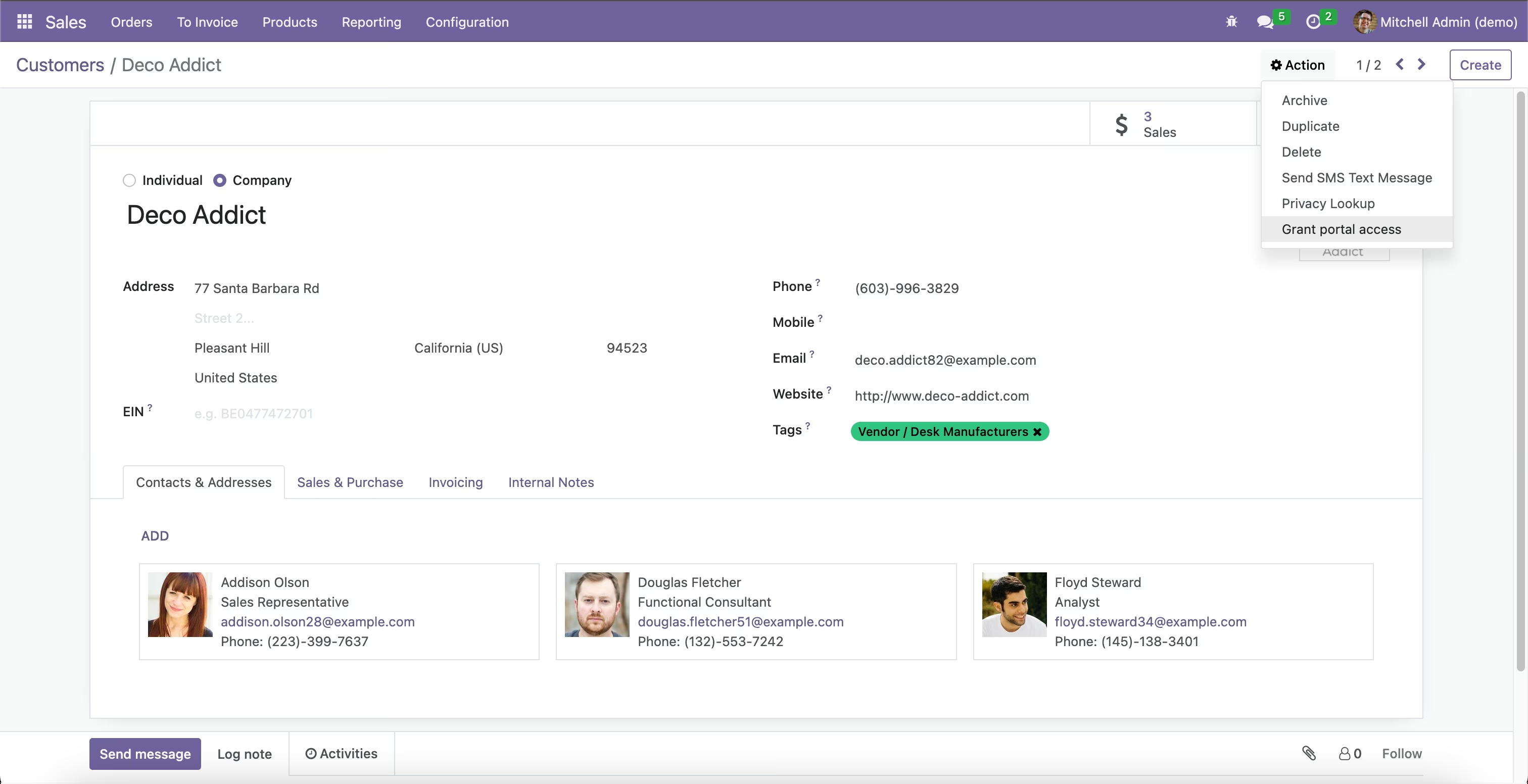
1. Portal User
Grant Portal Acces to Customer: Customers -> Customer -> Grant Portal Acces
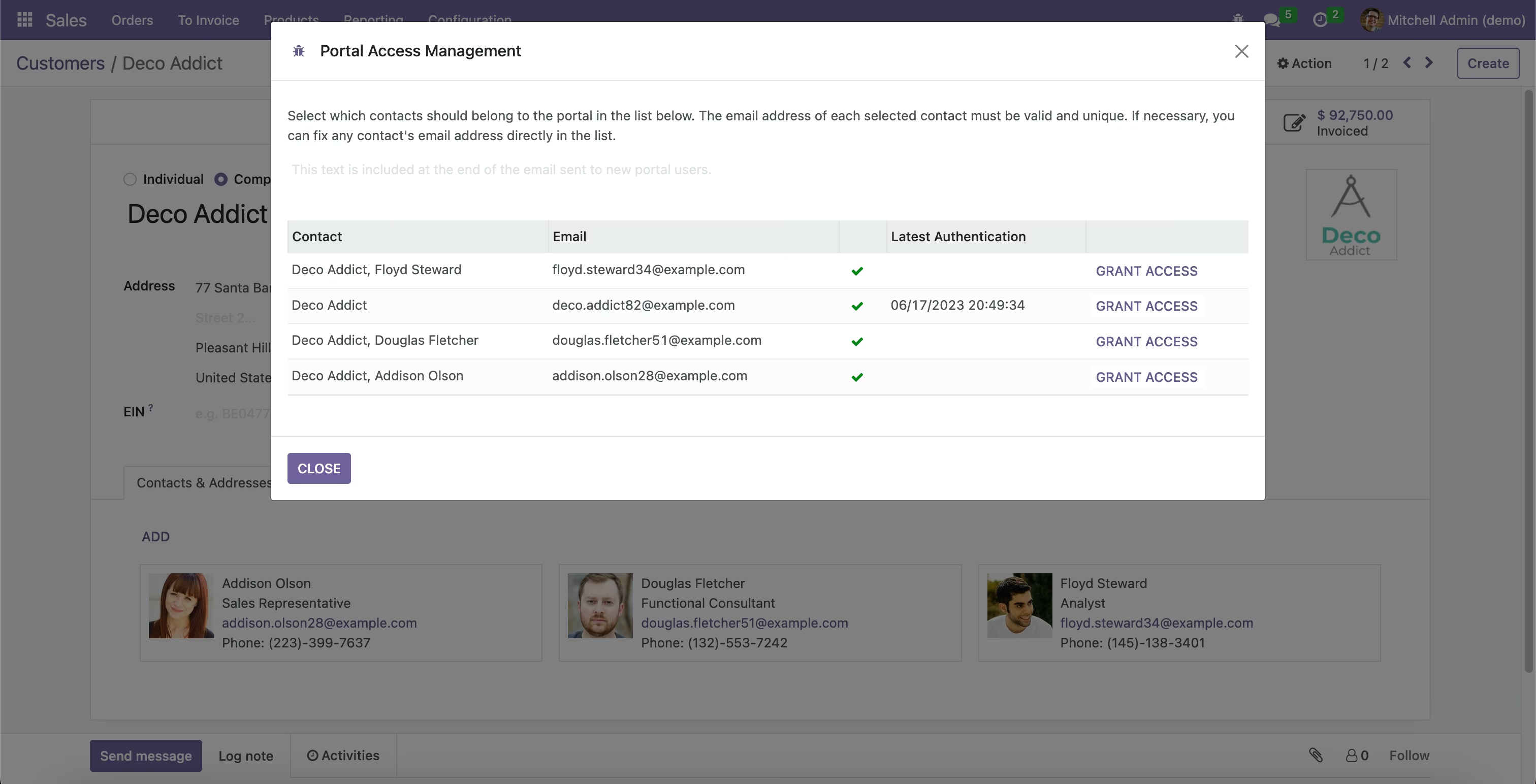
2. Grant Access
Portal -> Tasks -> List
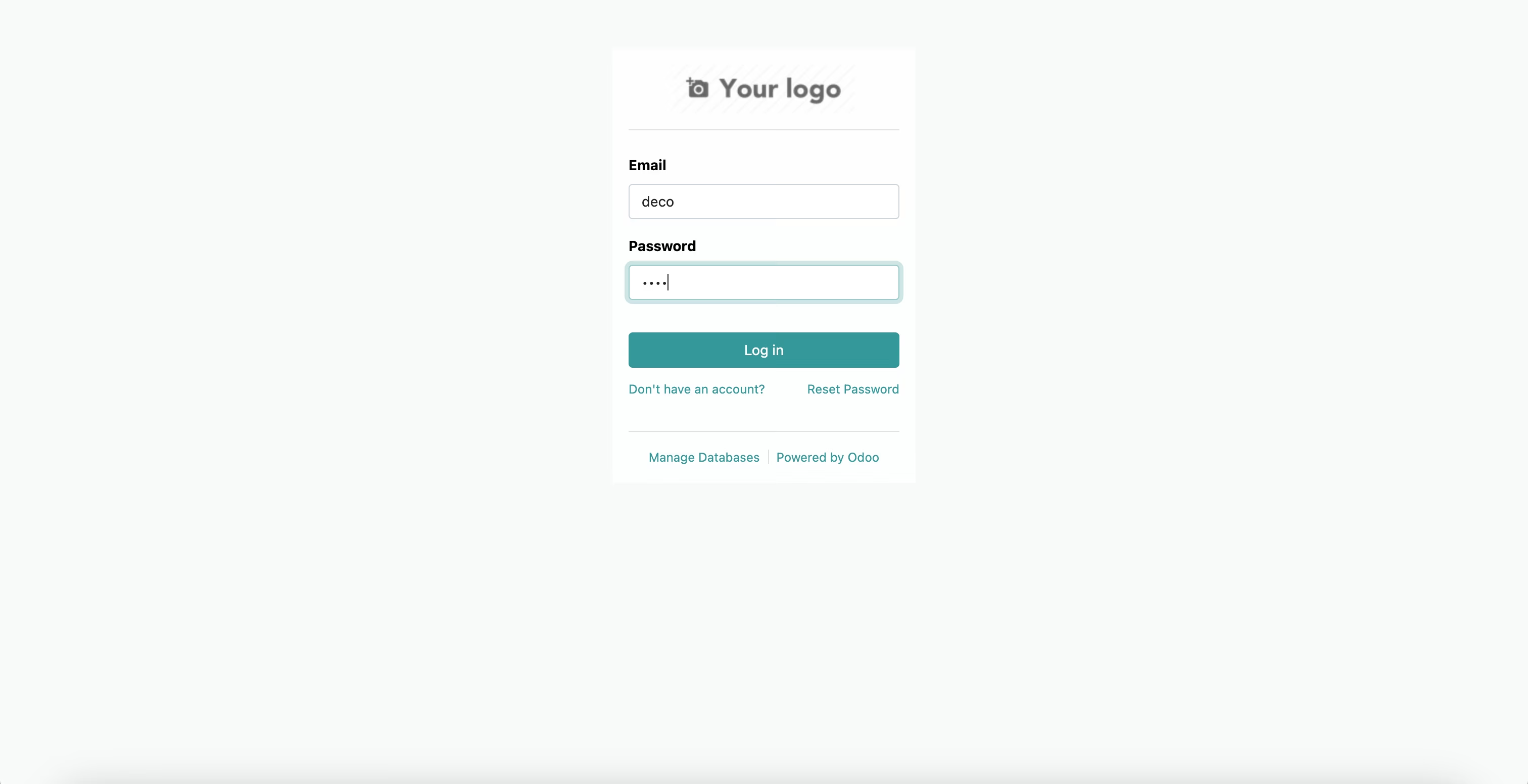
3. Login with Portal User
Portal -> Login
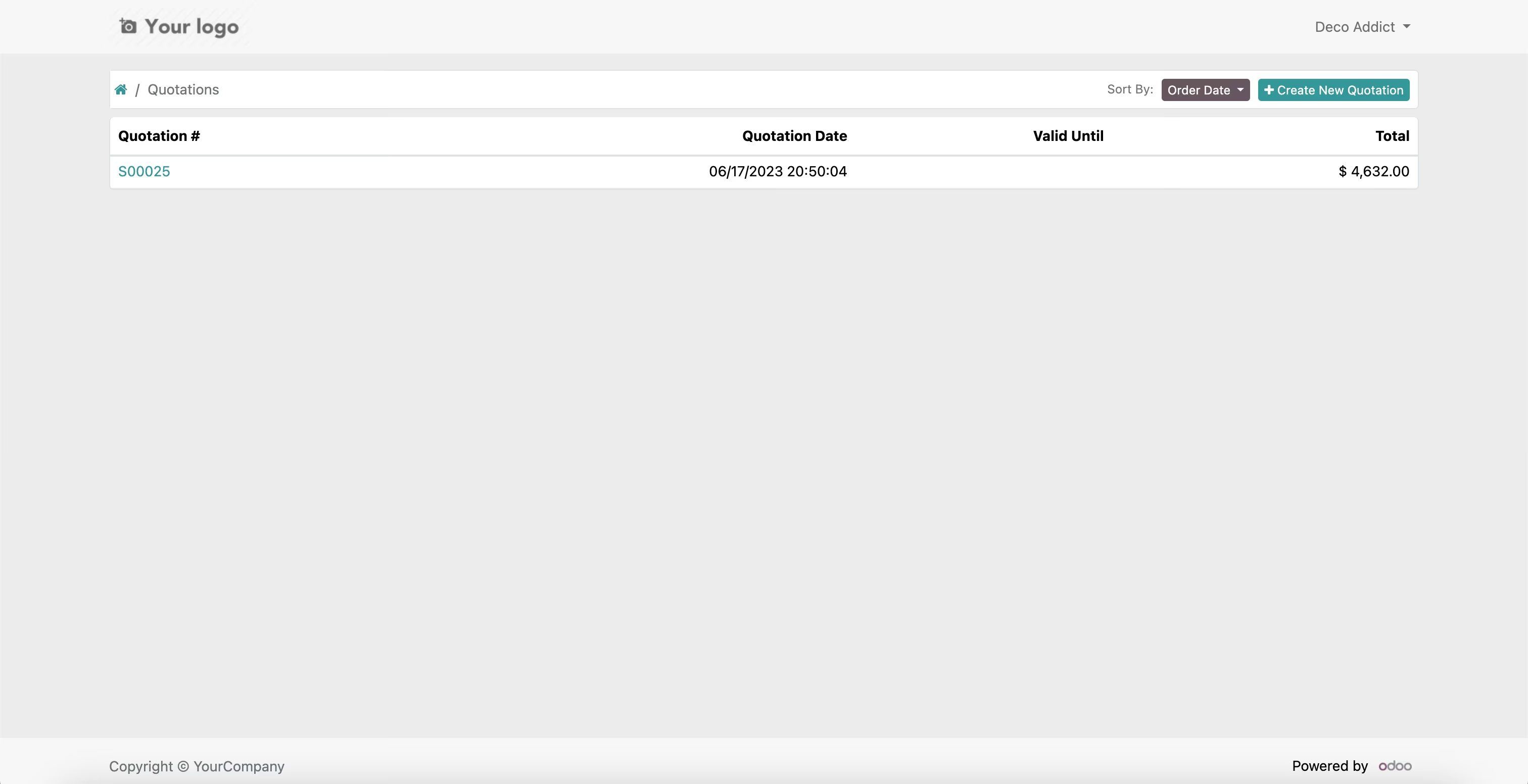
4. Create New Quotation
Quotations -> Lists -> New Quotation
4. Fill the Quotation Data
New Quotation
Features