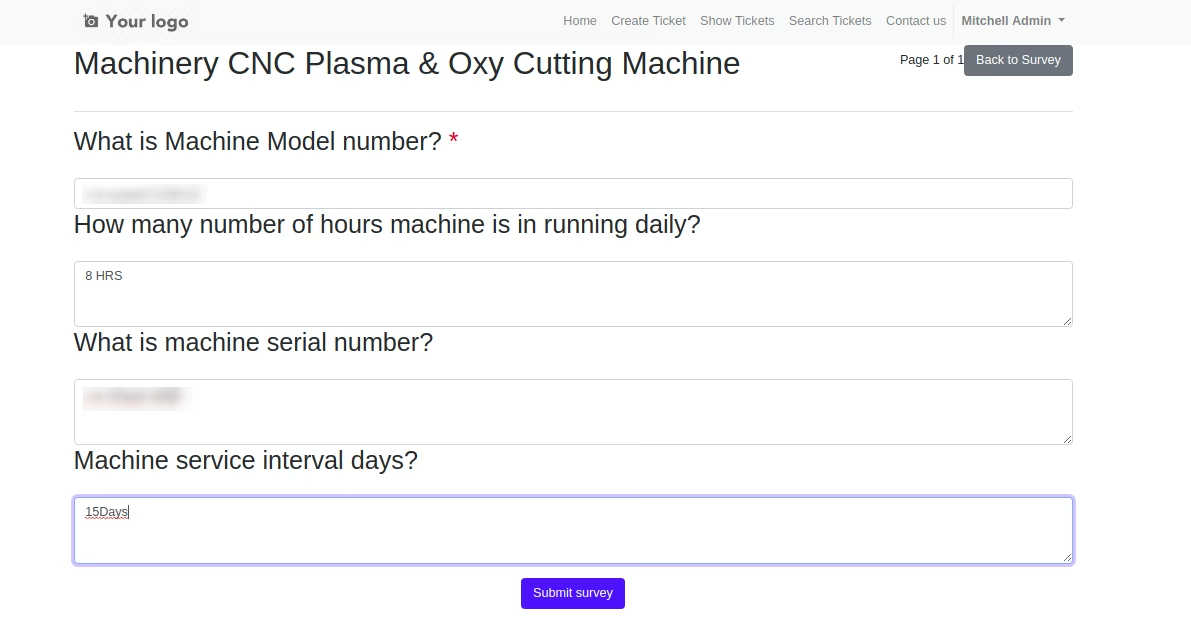
The module streamlines support interactions by allowing helpdesk agents to select predefined form or survey templates that can be attached to tickets. These forms guide clients through structured data input, ensuring consistency in information capture and improving support efficiency across teams.
Provides predefined form or survey templates that agents can attach to helpdesk tickets for structured customer input.
Enables consistent information gathering by directing users through standardized question flows.
Seamlessly integrates with Helpdesk ticket model, triggering forms within existing workflows.
Designed for quick deployment agents can apply canned forms with minimal configuration.
Supports multi-step surveys or forms, ideal for scenarios requiring detailed input.
Enhances ticket context by embedding customer responses directly into helpdesk records.
Ensures uniform data collection across customer interactions.
Improves ticket handling speed through structured and guided input.
Reduces follow-up questions by capturing complete information upfront.
Enhances collaboration between agents with richer, context-driven ticket information.
Supports knowledge sharing through consistent support documentation.
Helps enforce service quality standards across teams.
Adapts easily to various support scenarios via configurable form templates.
Minimizes manual content creation by using reusable form structures.
Streamlines customer onboarding into support processes.
Scales with growing support needs without adding complexity.
Canned Forms / Survey Forms for Helpdesk Support Ticket System
Helpdesk Ticket System with Canned Forms and Survey Forms Odoo App
This app allows your helpdesk support ticket team to get canned responses for Customer Service / Helpdesk Tickets from your customers.
Main Features:
- Allow you to build your own canned forms / survey forms for your helpdesk ticket customers.
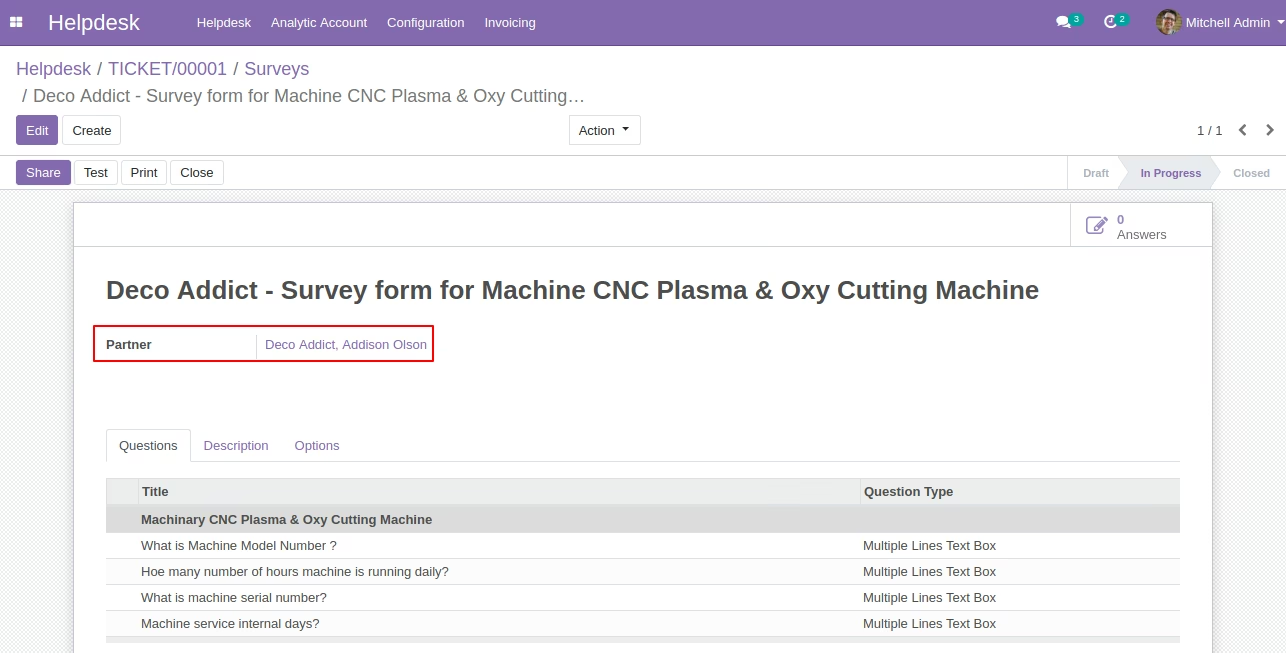
- Users can select the customer on survey form to link it with a helpdesk ticket.
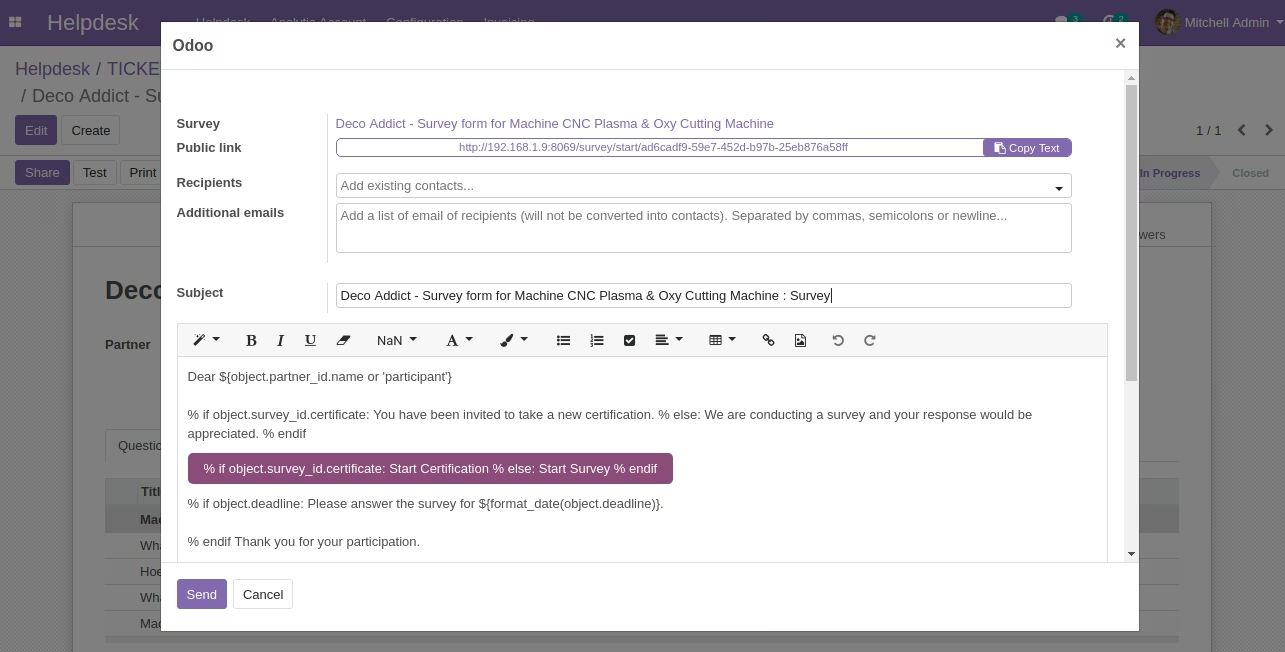
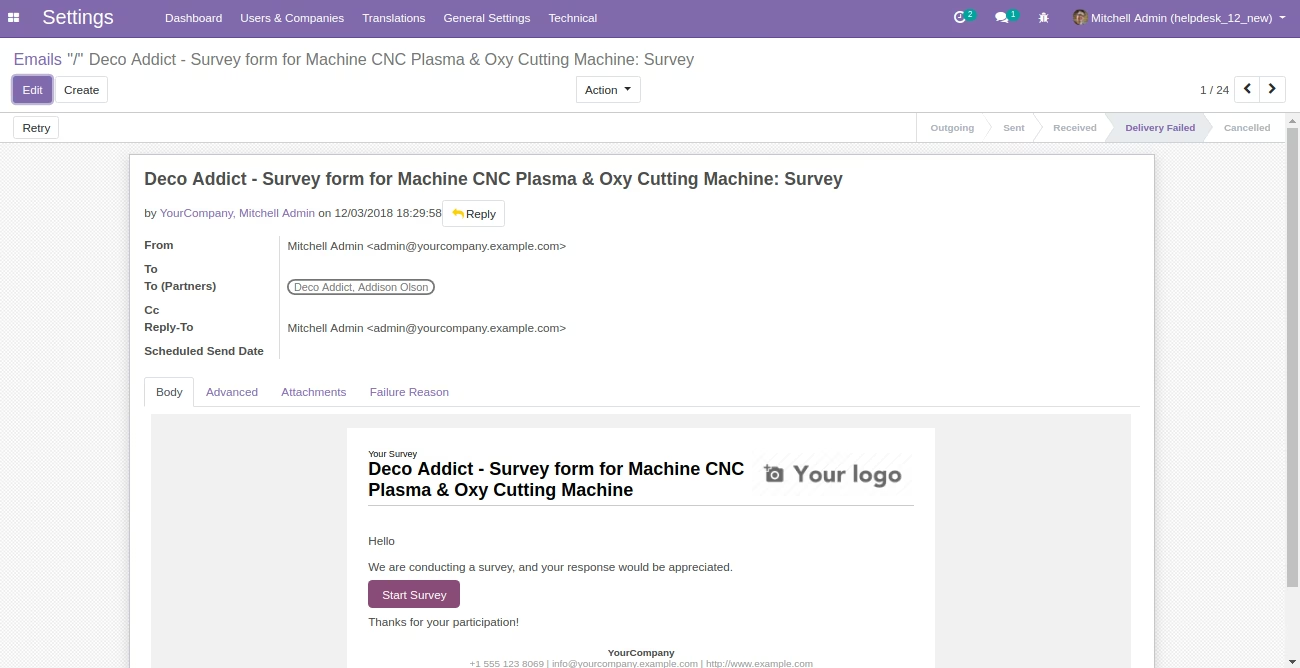
- You can send forms / surveys to customers by email from survey form [Odoo Standard Survey Module].
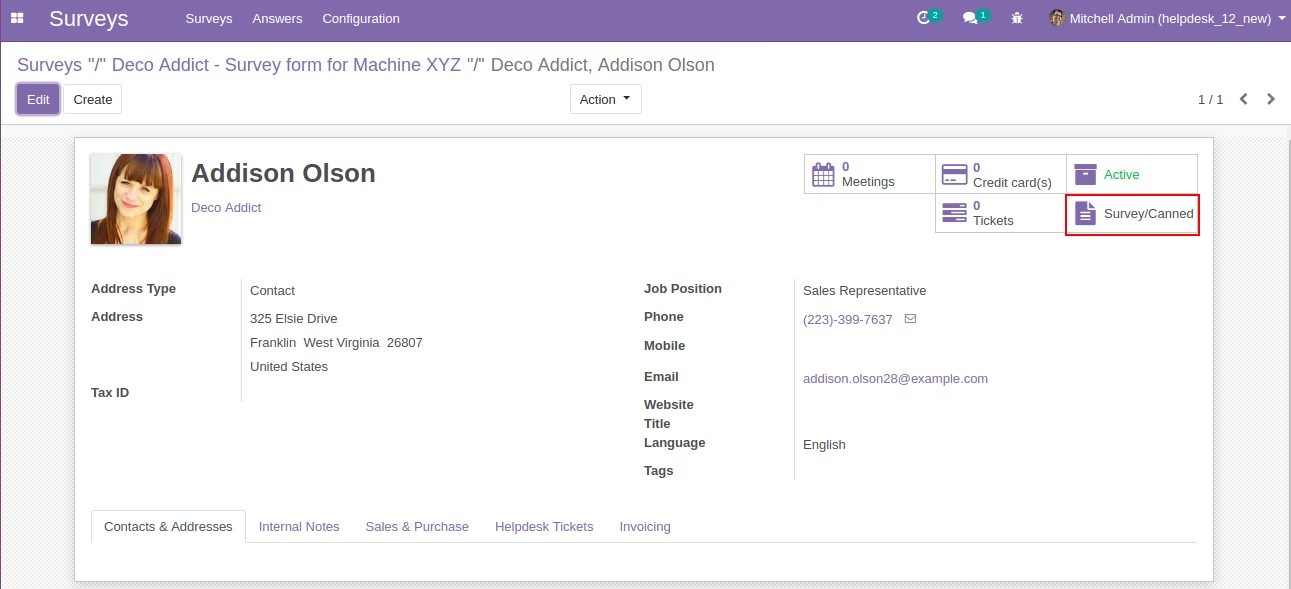
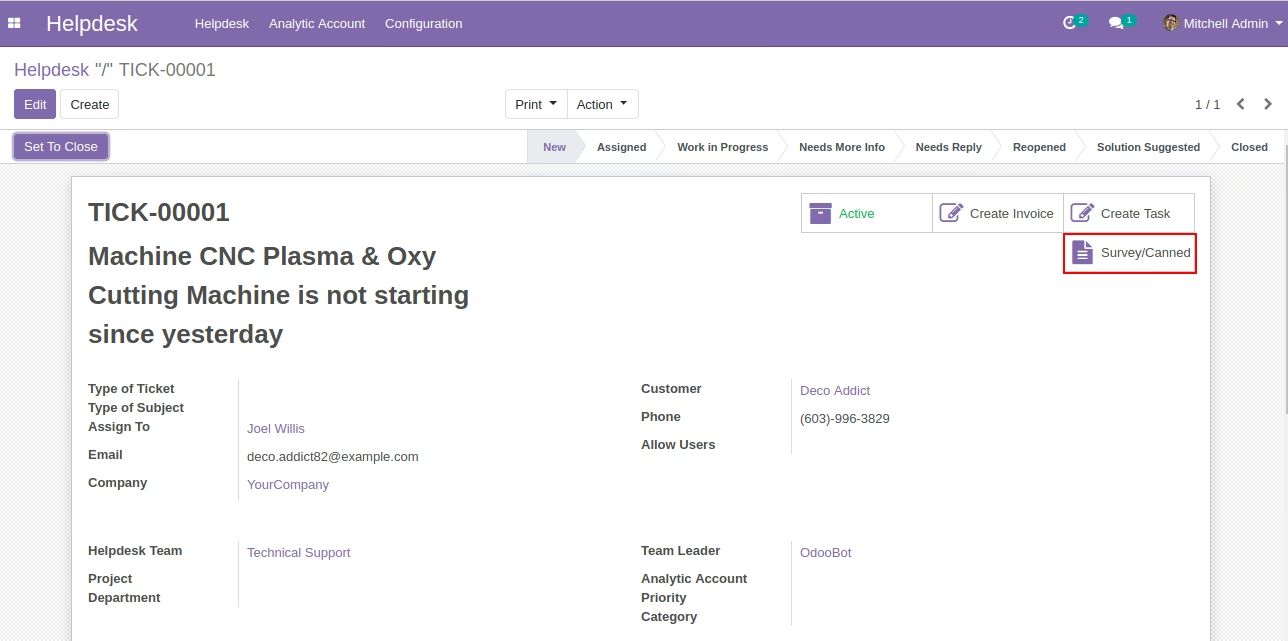
- You can see the history of canned responses from customer on customer form and helpdesk ticket form as smart buttons.
- Customer(s) can Submit Survey answers online from the web. (Note: We are using Odoo Standard Out of Box Survey Feature.)
- For more details please see below screenshots and watch the video.
- This is only compatible with the Odoo community edition.
Customer on Canned / Survey Form (Odoo Standard)
Canned/Surveys of Customer History (Odoo Standard)
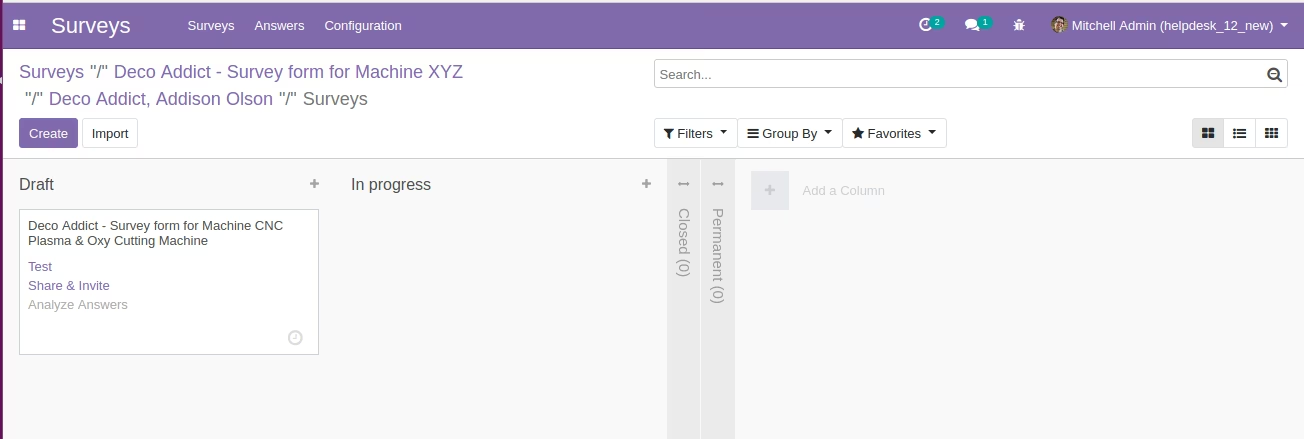
Canned/Surveys of Customer History on Support Ticket Form
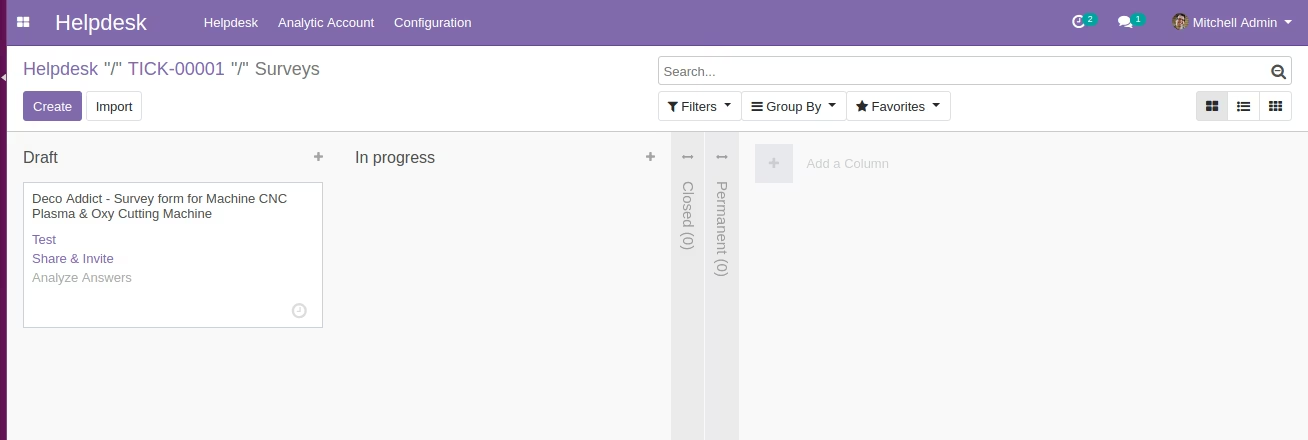
Send Canned/Survey to the Customer (Odoo Standard)
Email to Customer
Customer can Submit Survey answers from the online from web (Odoo Standard)