The All in One Dynamic Financial Reports is a comprehensive reporting module that empowers businesses with interactive financial visibility. Tailored, it gives accountants and analysts a dynamic way to view, analyze, and export key financial statements with enhanced interactivity and customization.
Interactive Balance Sheet Reports: View your balance sheet with customizable layouts and drill-down into underlying journal entries.
Dynamic Profit & Loss Statements: Analyze profit & loss with real-time filters and hierarchical navigation.
Trial Balance & General Ledger: Comprehensive reports with expandable account lines and transaction details.
User-Friendly Filters: Filter reports by date range, journals, analytic tags, or company.
Export Options: Export reports to PDF or Excel for sharing or further analysis.
Real-Time Financial Insights: Instantly analyze financial data with intuitive drill-downs and filters.
Enhanced Decision-Making: Easily spot financial trends and anomalies.
Faster Reporting: Save time with interactive views and export features.
Whether you are managing accounting operations or preparing financial reports for stakeholders, this module streamlines the entire reporting process.
Dynamic Financial Reports for Onvodo®
Partner Ledger Report (View, Pdf and Xlsx)
Analytic Report (View, Pdf and Xlsx)
General Ledger (View, Pdf and Xlsx)
Trial Balance (View, Pdf and Xlsx)
Aged Partner Balance (View, Pdf and Xlsx)
Profit and Loss (View, Pdf and Xlsx)
Balance Sheet (View, Pdf and Xlsx)
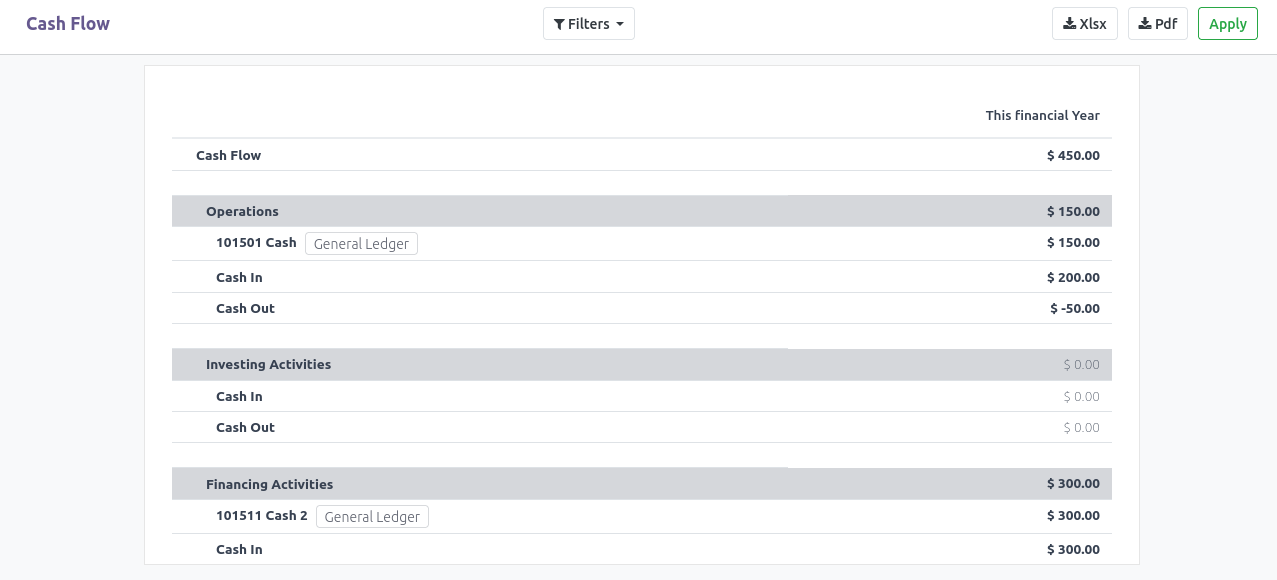
Cash Flow (View, Pdf and Xlsx)
All in one dynamic financial reports for community edition
General Ledger
General ledger report with rich filters. Download option in Xlsx and Pdf
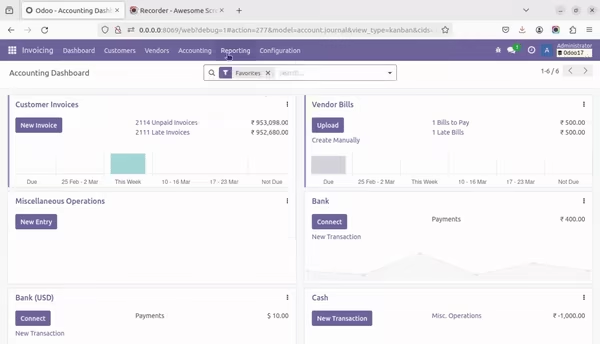
Partner Ledger
Partner ledger report with rich filters. Download option in Xlsx and Pdf
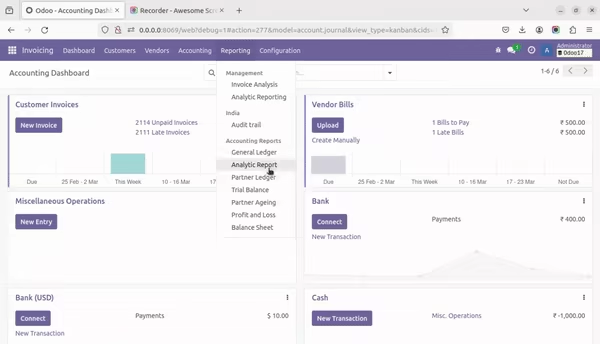
Analytic Report
Analytic Report report with rich filters. Download option in Xlsx and Pdf
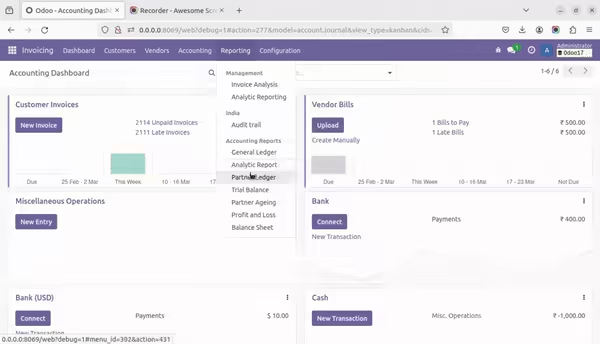
Trial Balance
Trial Balance report with rich filters. Download option in Xlsx and Pdf
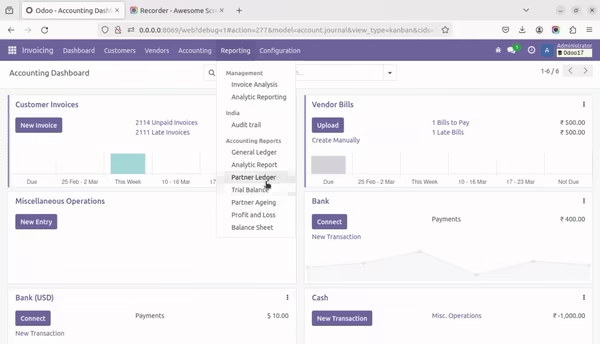
Ageing Report
Ageing Report report with rich filters. Download option in Xlsx and Pdf
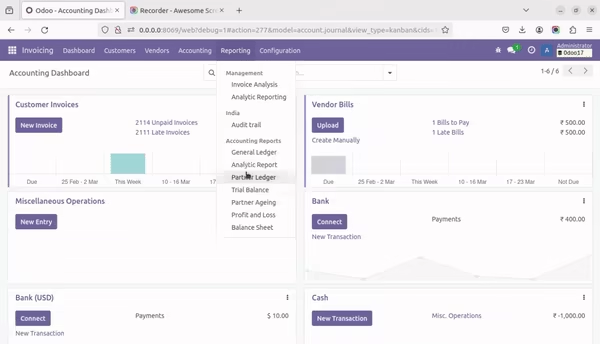
Profit and Loss
Profit and Loss report with rich filters and comparison. Download option in Xlsx and Pdf
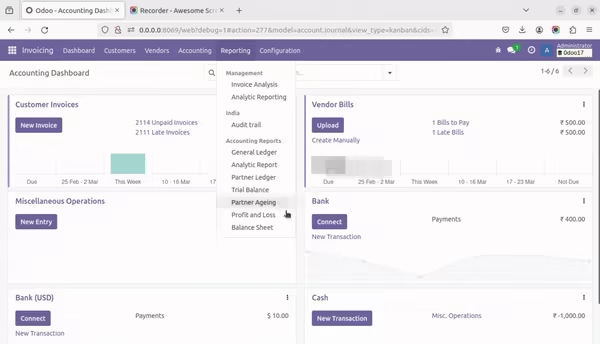
Balance Sheet
Balance Sheet report with rich filters and comparison. Download option in Xlsx and Pdf
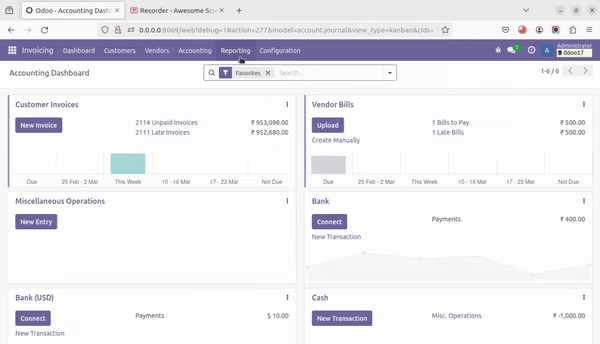
Cash Flow
Cash flow report with rich filters and comparison. Download option in Xlsx and Pdf
To configure cash flow report, go to 'Chart of Accounts' menu and open the account to add, choose 'Cash Flow Type' from the dropdown. Save it. That's all!