The module brings seamless support for IP-based ESC/POS network printers into Point of Sale system. Designed for restaurant and bar environments, it eliminates the need for IoTBox hardware by enabling direct receipt and kitchen order printing over the local network. This solution saves costs, simplifies setup, and enhances the flexibility of your POS operations.
Connect multiple ESC/POS printers via IP and port settings directly in POS configuration
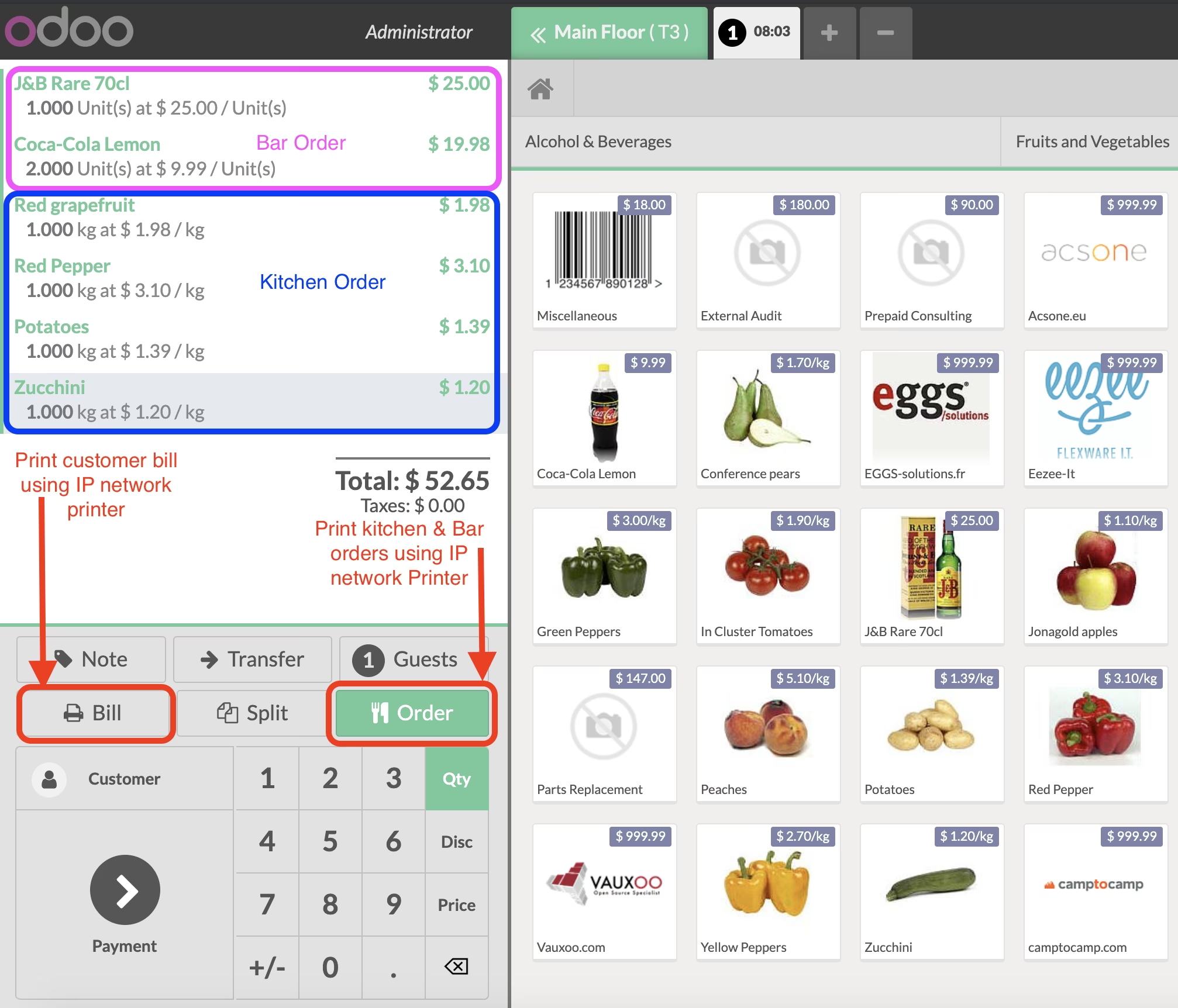
Print kitchen orders, bar tickets, and customer receipts without requiring any IoTBox device
Assign printers per product category to route orders efficiently
Supports a broad range of character encodings including cp437, cp850, cp1254, katakana, and more
Ensure seamless integration with POS workflows using only networked printer devices
Reduce dependency on additional hardware, making printing cost-effective and flexible
Streamline order processing by routing printouts by category directly from POS
Simplify installation and maintenance with straightforward network printer setup
Enhance operational efficiency in restaurant or bar environments with reliable printing
Provide staff with faster, more dependable receipt and order ticket generation
IP Network Printer Drivers for POS Bar/Restaurant
Allows you to connect and use your IP based ESC/POS printer in Restaurant or Bar business
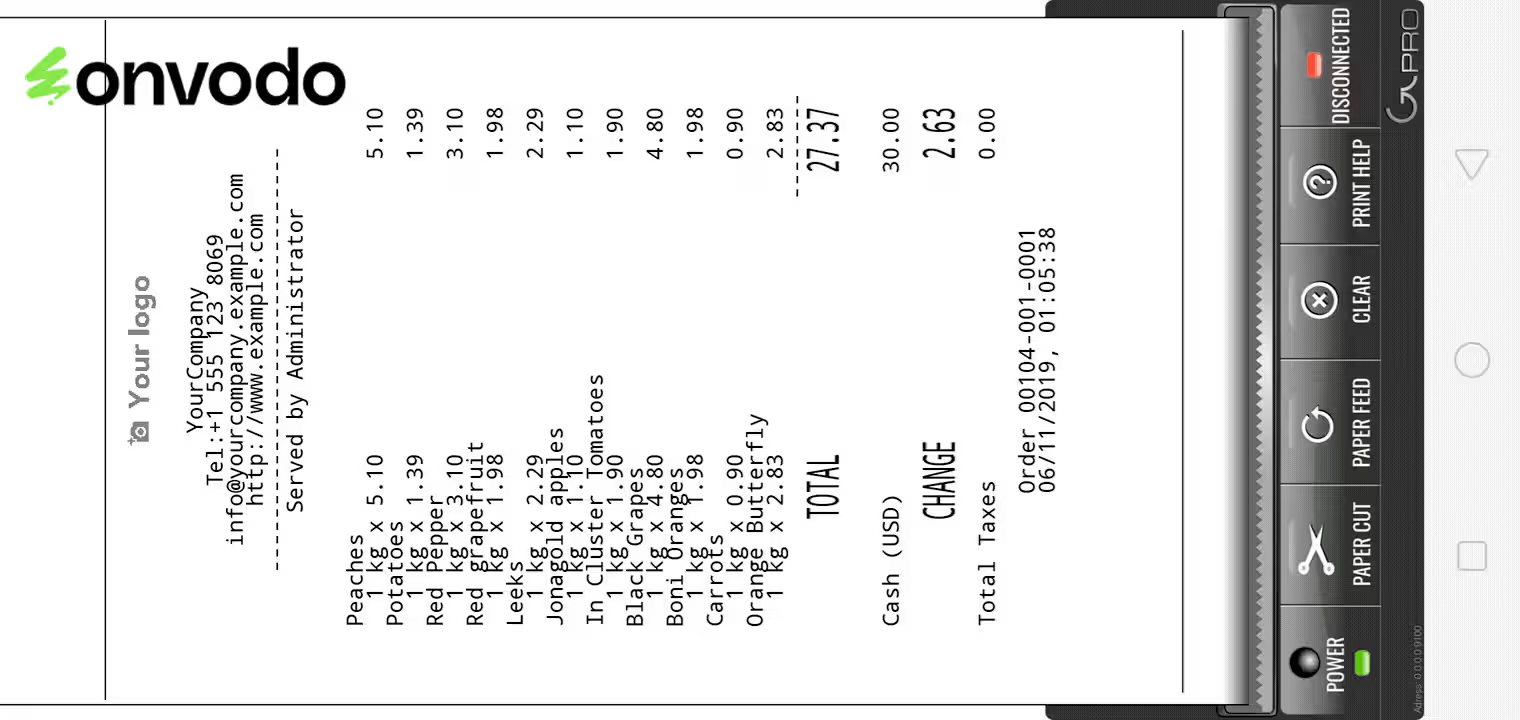
With this App installed you will not require IotBox to print Kitchen/Bar Orders and customer Bills & Receipts
Simply install this App and connect your POS printer to same network as your POS
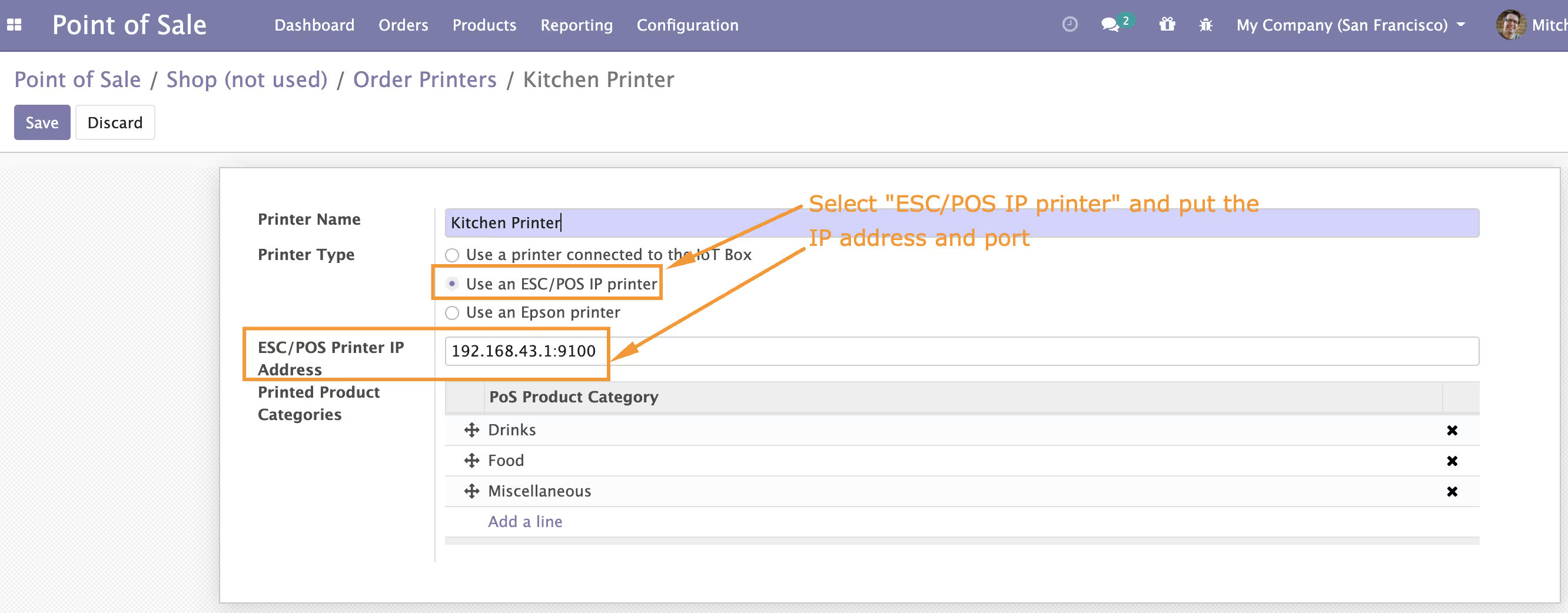
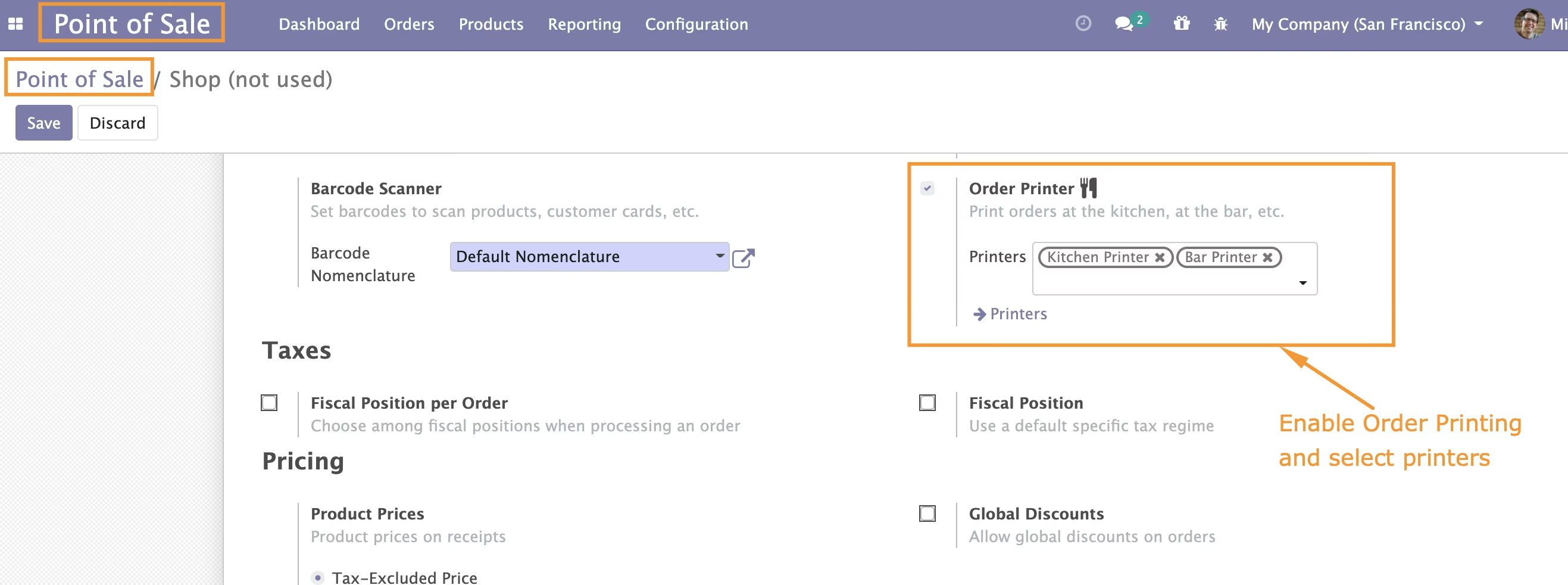
Configure the IP address and port of the printer in Point of sale configuration menu
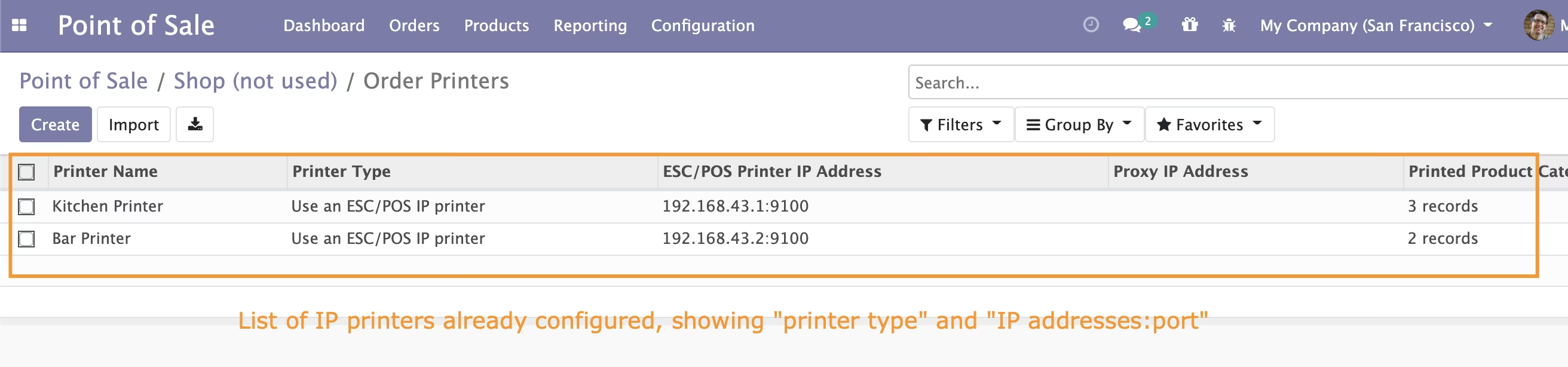
Add as many IP printers as you want and print based on products categories
Restaurant/Bar IP Network Printer
Configuration
Menu: Point of Sale Configurations Order Printers