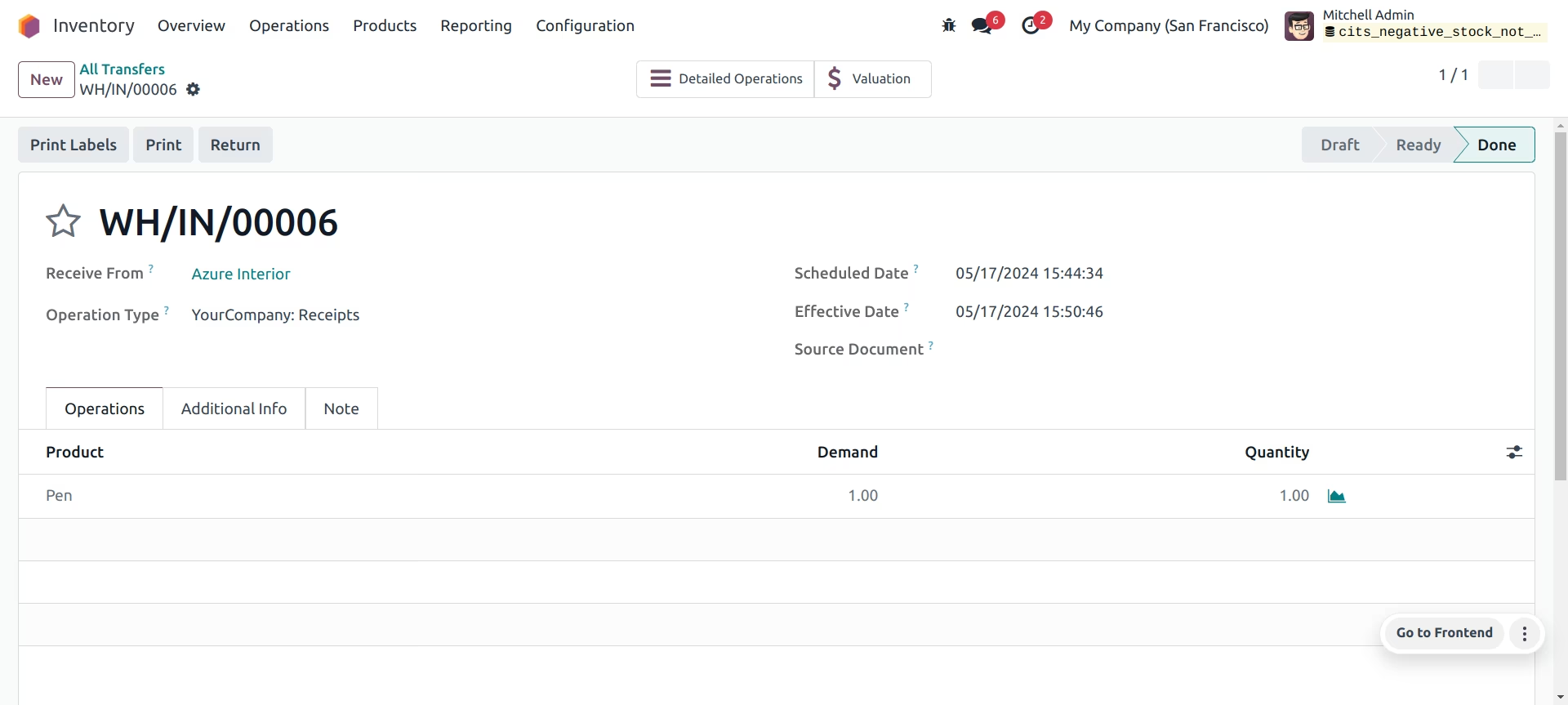
The Restrict Negative Stock module is a crucial tool for maintaining accurate and reliable inventory records. By default, allows stock levels to go into the negative, which can lead to operational inefficiencies, incorrect financial reporting, and fulfillment issues. This module addresses this problem by providing a robust mechanism to block any stock-out operation, such as sales orders, internal transfers, or manufacturing orders, if there is not enough quantity on hand. This forces a timely correction of any stock discrepancies, ensuring that your inventory data is always a true reflection of your physical stock.
Blocks Negative Stock: Prevents the validation of any stock operation that would result in a negative quantity for a stockable product.
Flexible Configuration: You can choose to apply the negative stock restriction globally or make exceptions for specific products, product categories, or even individual warehouse locations.
Works on Key Operations: The restriction applies to all relevant inventory movements, including delivery orders, manufacturing orders, and internal transfers.
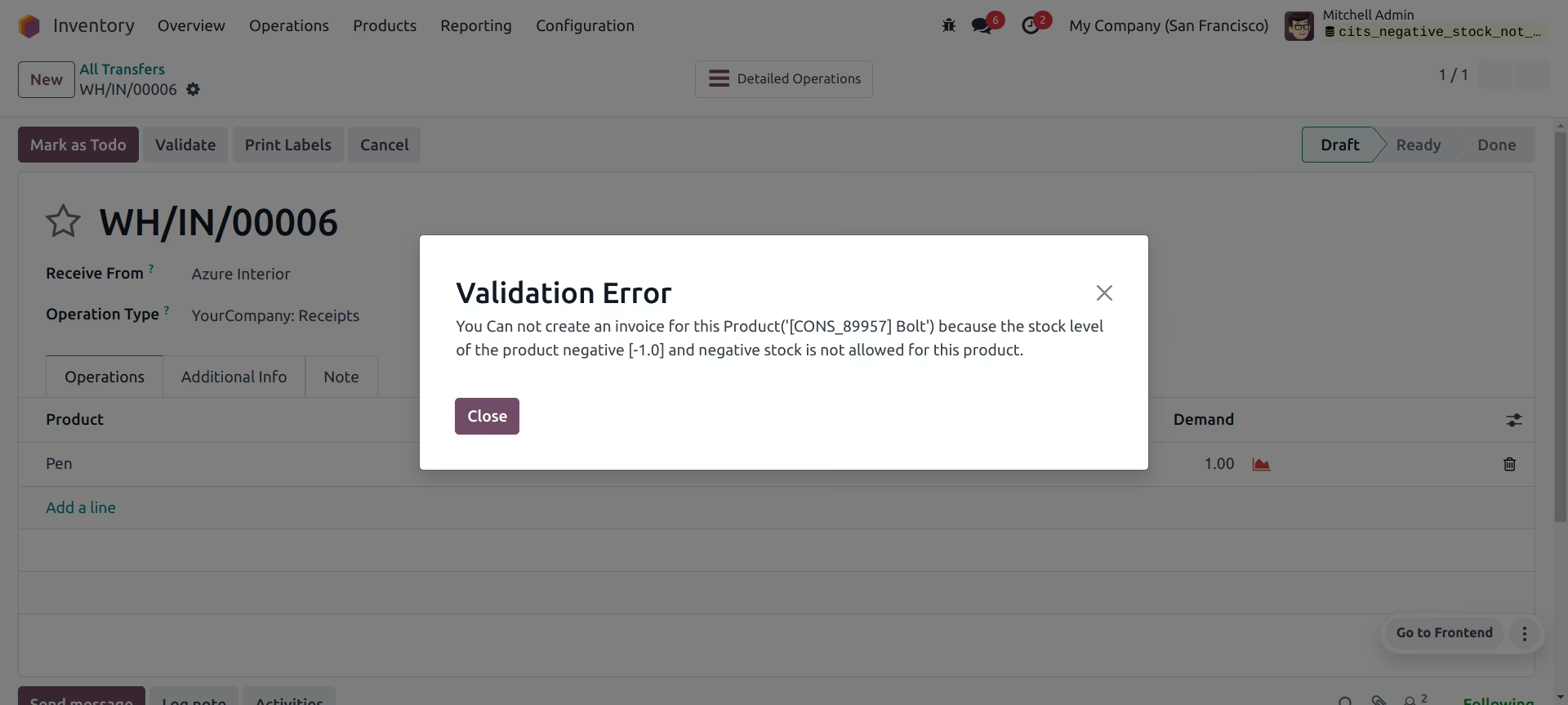
Clear Error Messaging: When a transaction is blocked, the system provides a clear and informative error message, explaining why the operation cannot be completed.
Supports BoM Products: The functionality extends to Bill of Materials (BoM) products, preventing the manufacturing of a product if its components are not available in the required quantity.
Ignores Consumables: The restriction does not apply to consumable products, allowing for standard behavior where needed.
Improved Inventory Accuracy: Ensures that your stock levels in are always accurate and reflect the physical reality of your warehouse.
Prevents Fulfillment Errors: Avoids the issue of selling products that are not actually in stock, leading to fewer backorders and happier customers.
Enhanced Financial Reporting: Accurate inventory data leads to more precise financial statements and cost of goods sold (COGS) calculations.
Better operational Discipline: Forces users to address and resolve stock discrepancies in a timely manner, rather than letting them accumulate.
Increased Control: Provides greater control over your inventory and warehouse operations, reducing the risk of stock-related issues.
Simple to Use: Easy to install and configure, with intuitive options to manage exceptions as needed.
Negative stock not allowed
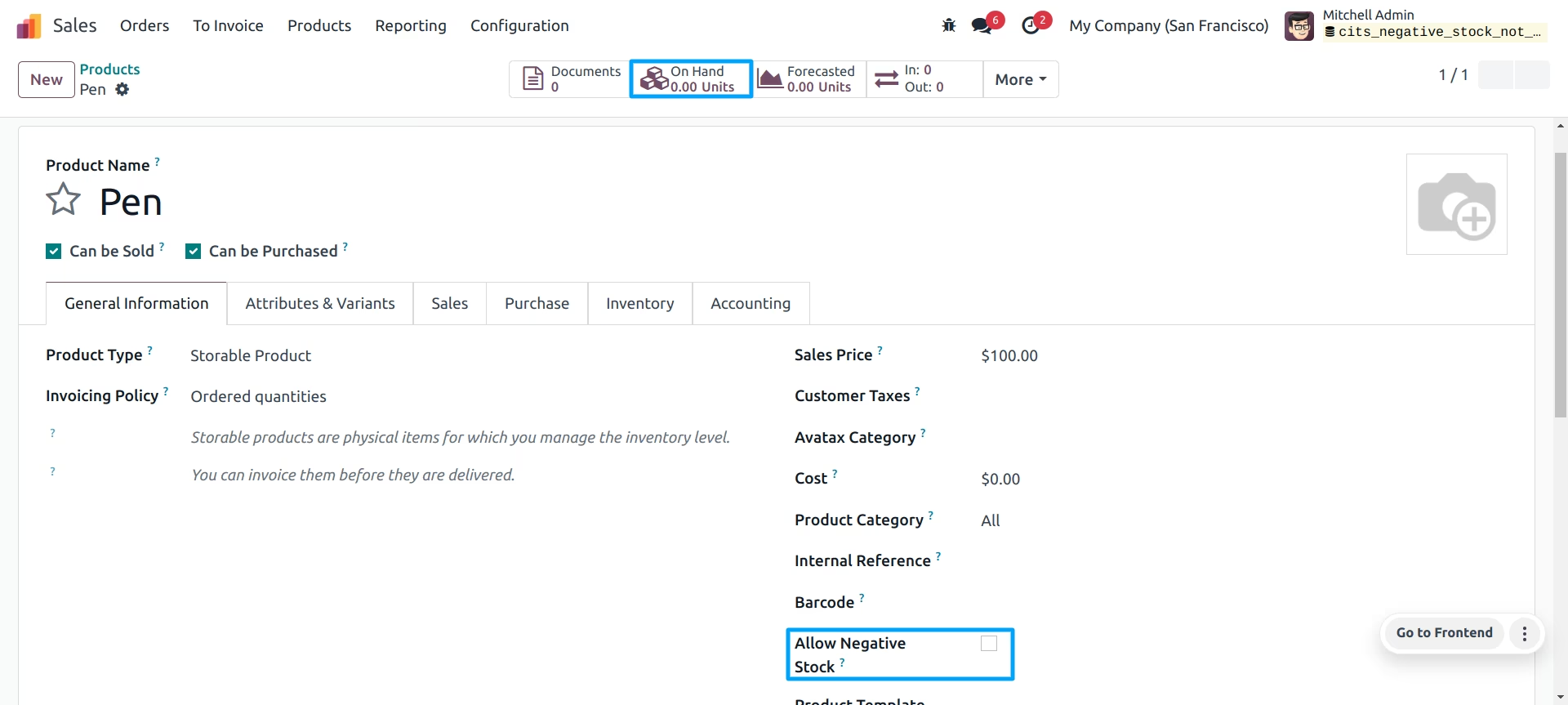
Configuration of Product (Allow Negative Stock) Boolean is False.
If the Order line has more quantity then the on hand qty of the same product when displaying error message when Delivery is confirmed.
Default allows negative qty on sale order products and this functionality does not allow negative stock.
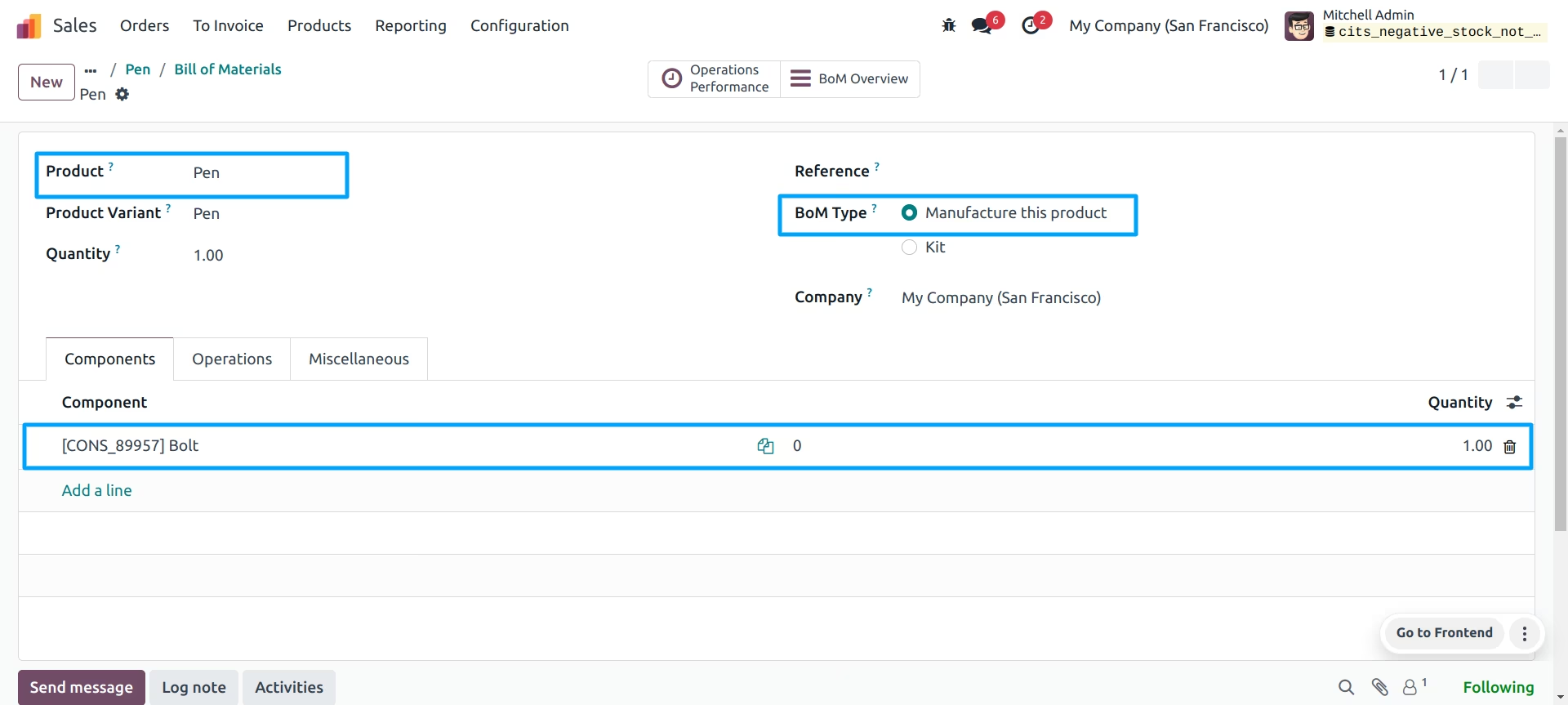
This feature works for only stockable product types and also works on bom type is (Manufacture this product).
Products List View.
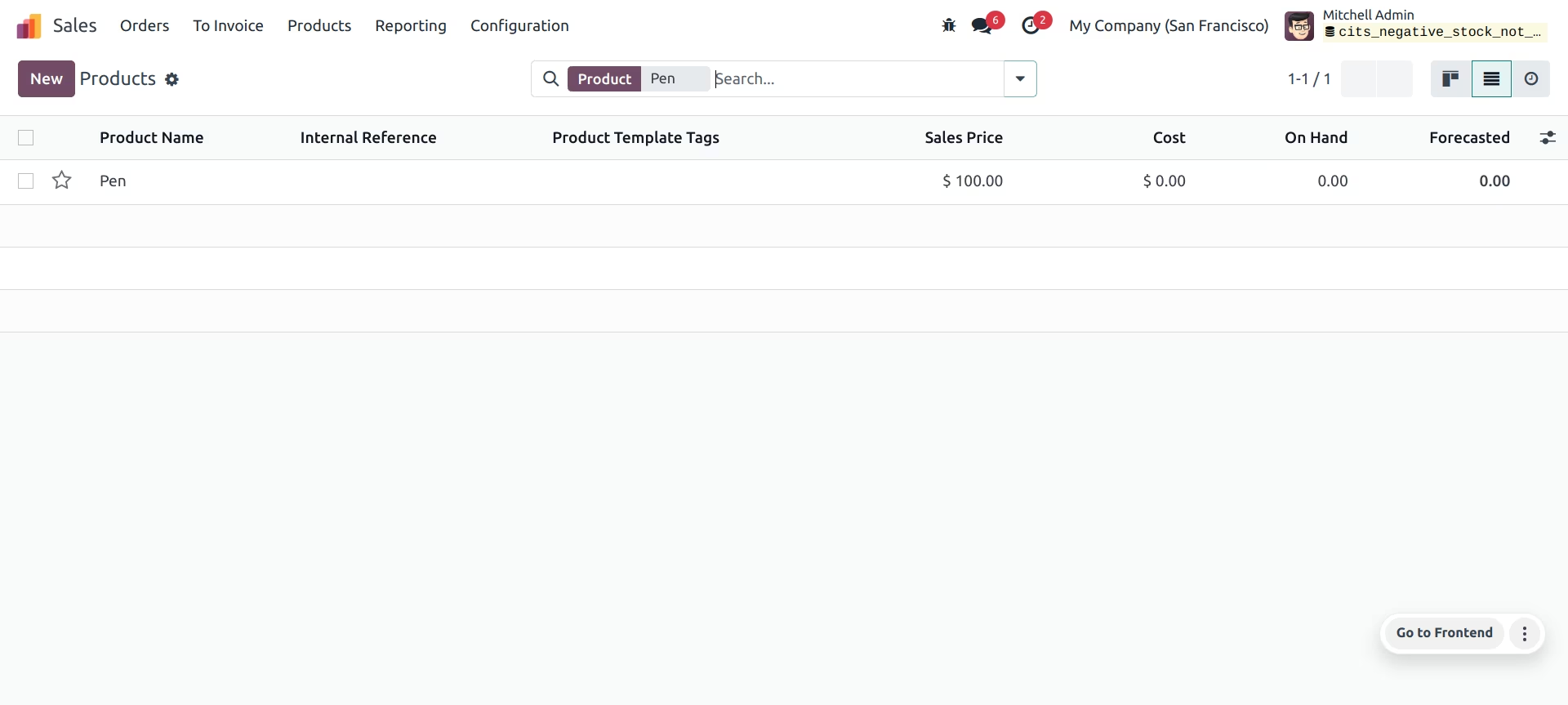
Configuration of Product Form Allow Negative Stock Boolean is False.
Products Form View.
Configuration of Bill Of Materials
This feature works when the same product type of BOM and - Bom Type is set (Manufacture this product).
Bill Of Materials Form view.
Sale Order Confirm.
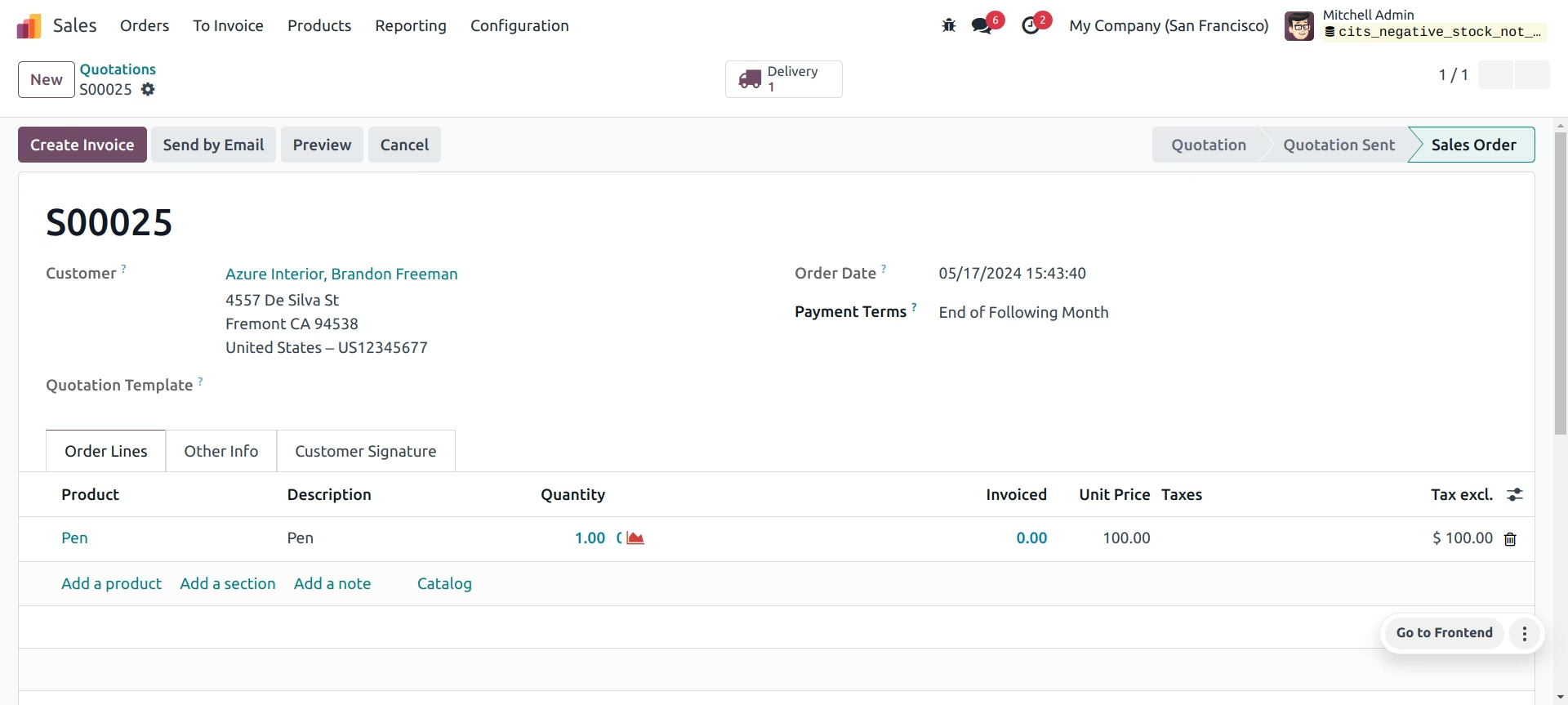
Delivery Is not Confirm.If product configuration time allows negative stock boolean is false.
Allow negative stock Boolean is True.
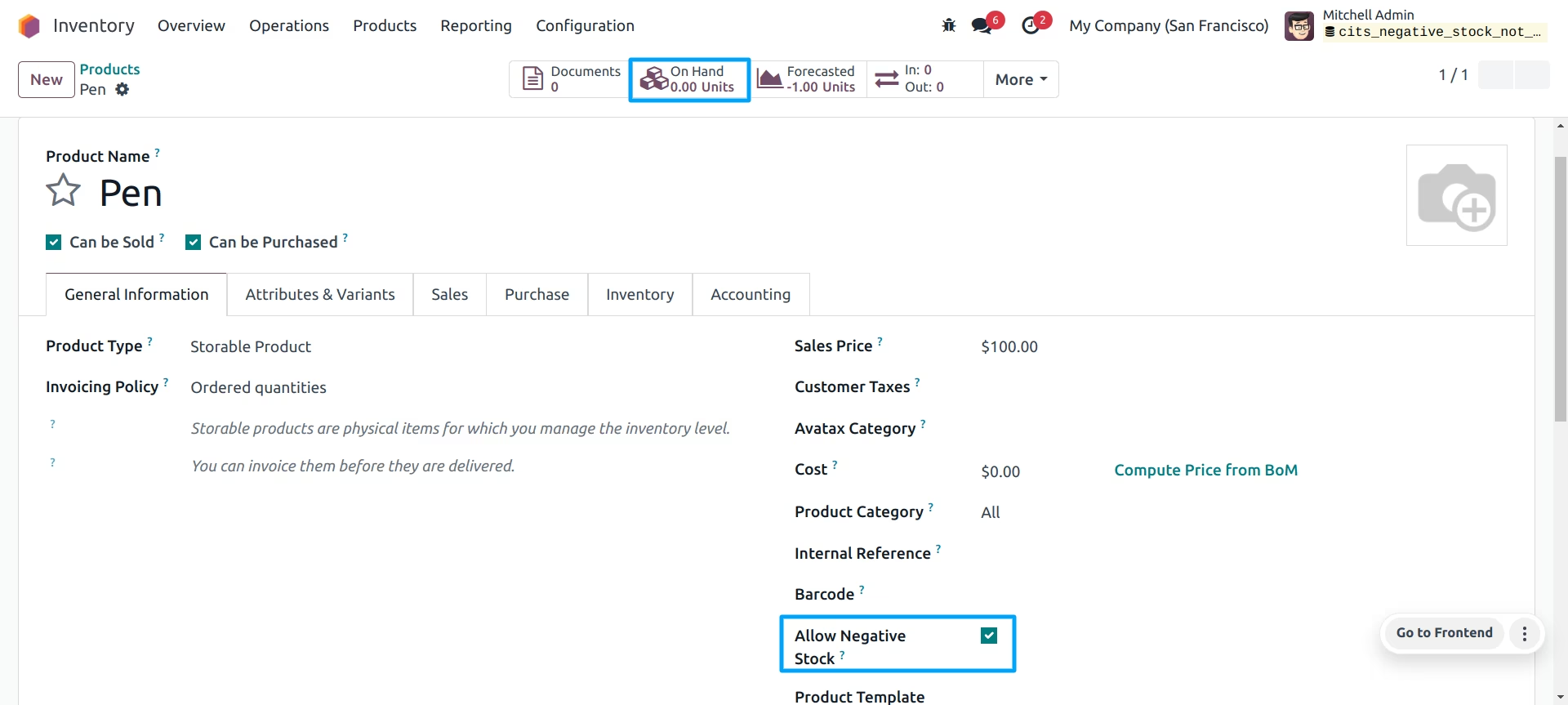
Confirm Delivery When Allow negative stock Boolean is True.