The Multi-Branch Purchase Tender module is an essential tool for businesses that operate with multiple branches or units under a single company. This module extends core purchasing functionality, allowing you to manage purchase requisitions and tender processes on a per-branch basis. It provides a structured and segregated workflow, enabling each branch to handle its procurement needs independently while maintaining centralized oversight. By bringing the same level of control and organization as multi-company environment to a multi-branch setup, this solution simplifies complex procurement scenarios, enhances security, and improves overall operational efficiency.
Branch-Specific Procurement: Create and manage purchase requisitions and tenders for individual branches.
User Access Control: Assign users to specific branches, ensuring they can only access and manage the records relevant to their branch.
Seamless Integration: Works in conjunction with a base multi-branch module to extend branch functionality across contacts, products, sales, and accounting.
Automated Branch Assignment: The branch from the purchase agreement or requisition is automatically carried over to the corresponding purchase orders.
Clear Visibility: The assigned branch is clearly visible on all related documents, including purchase agreements and purchase orders.
Kanban View: Easily track and manage the status of purchase agreements for each branch through an intuitive kanban view.
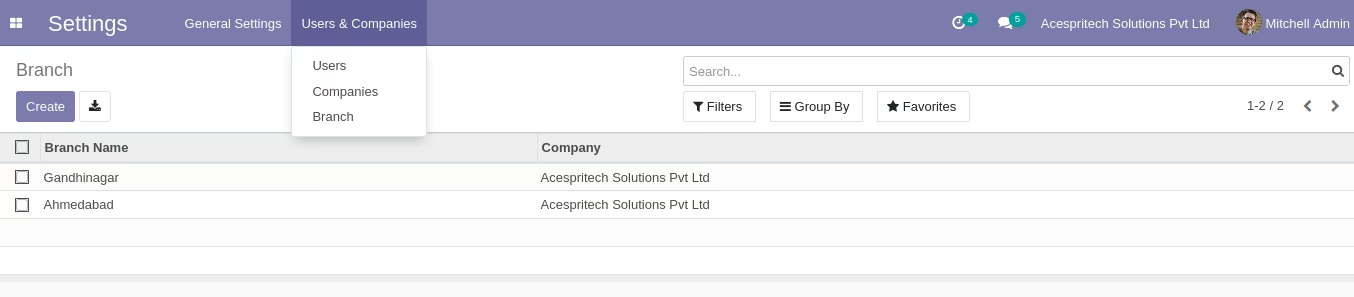
Centralized Branch Management: Create and configure all your business branches from a single, centralized settings menu.
Improved Organization: Streamline your procurement process by segregating purchase requisitions and tenders by branch.
Enhanced Security: Control data access with branch-specific user rights, ensuring that sensitive information is only visible to authorized personnel.
Increased Efficiency: Automate the flow of information between purchase agreements and purchase orders, reducing manual data entry.
Better Control: Gain a clearer overview of the procurement activities and performance of each individual branch.
Simplified Management: Manage all your branch operations from within a single company environment, avoiding the complexity of a multi-company setup.
Greater Transparency: Easily track the origin and status of all purchase-related documents for each branch.
Features
- Multiple Branch Management for single/multi company.
- Enable Branch Concept from Users Configuration.
- Multi Branch feature applied on Sale,Purchase,Stock Module.
- Customize Sale, Purchase and Stock report for Branch Feature.
- Create Branch based on single or multi company concept.
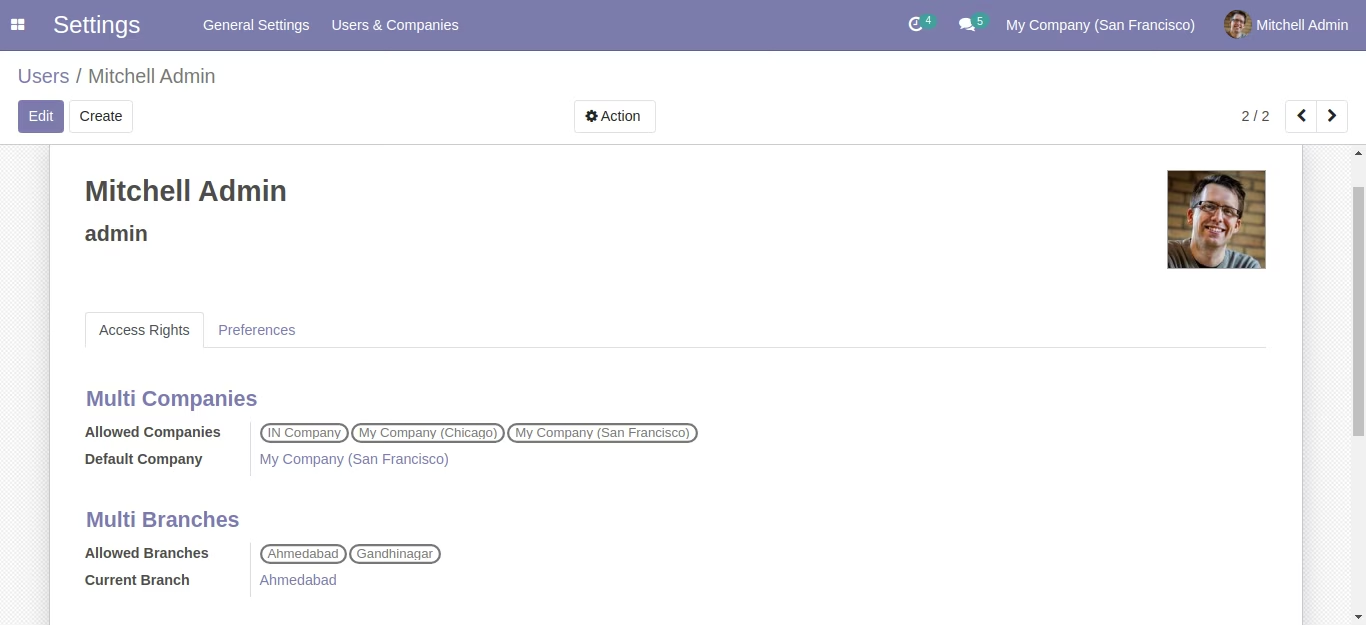
- Assign branch to particular user.
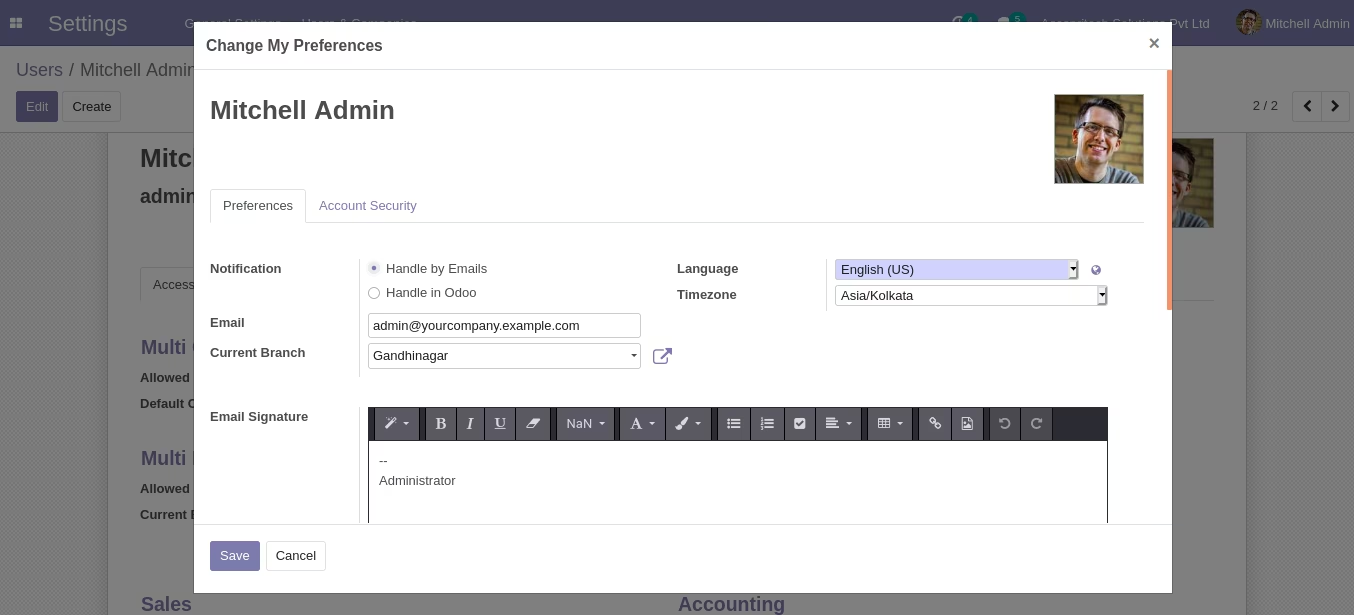
- You can change branch in user preference form.
- Sale Order Workflow with Branch
- while create Sale order branch will come as per configured in warehouse.
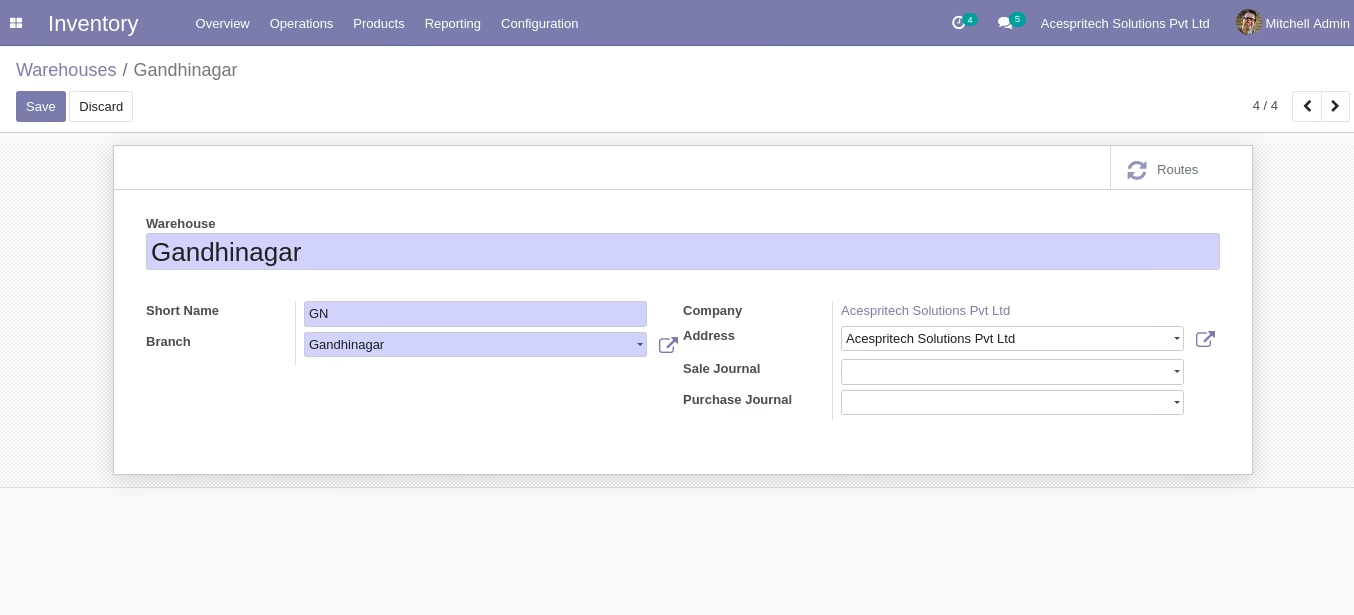
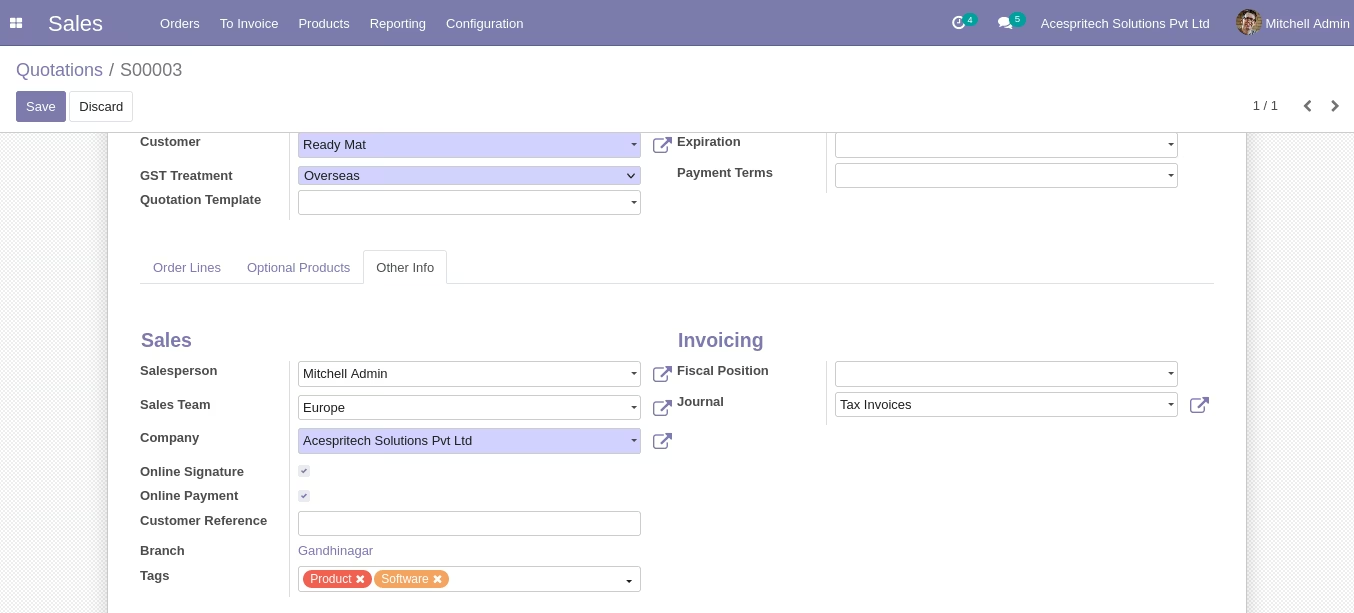
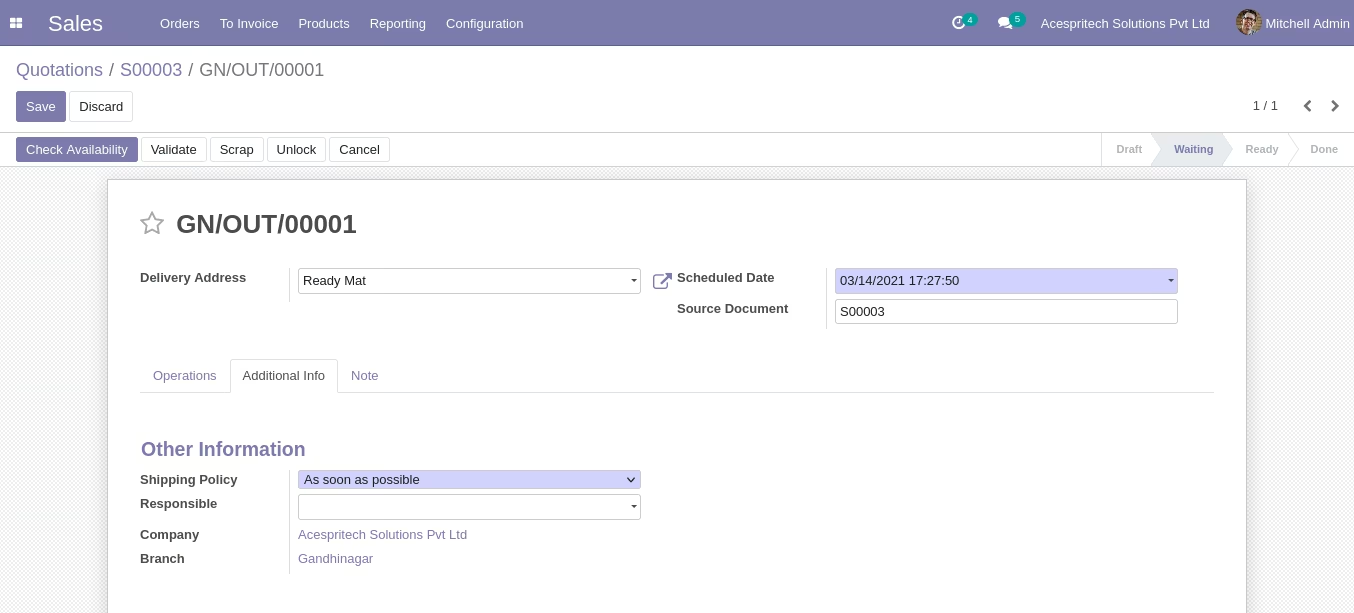
- While Confirm Sale order it will create Delivery order and branch set automatically based on sale order.
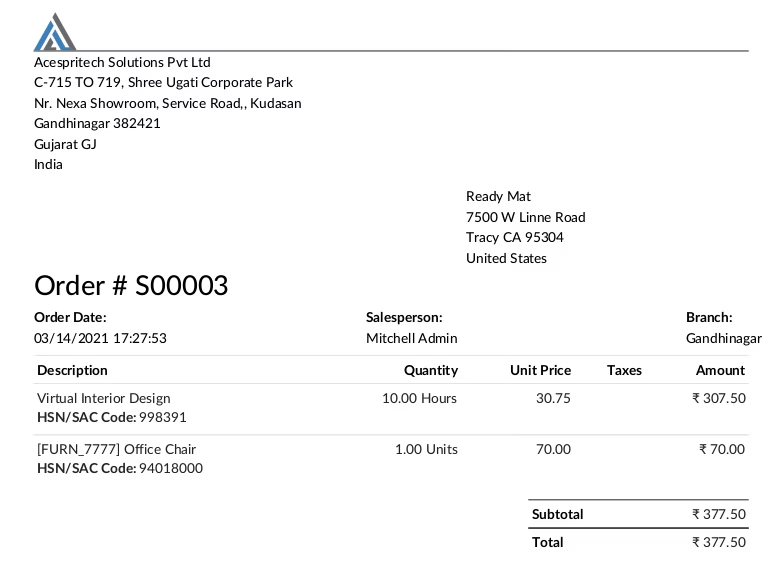
- Customize Sales Order Report.
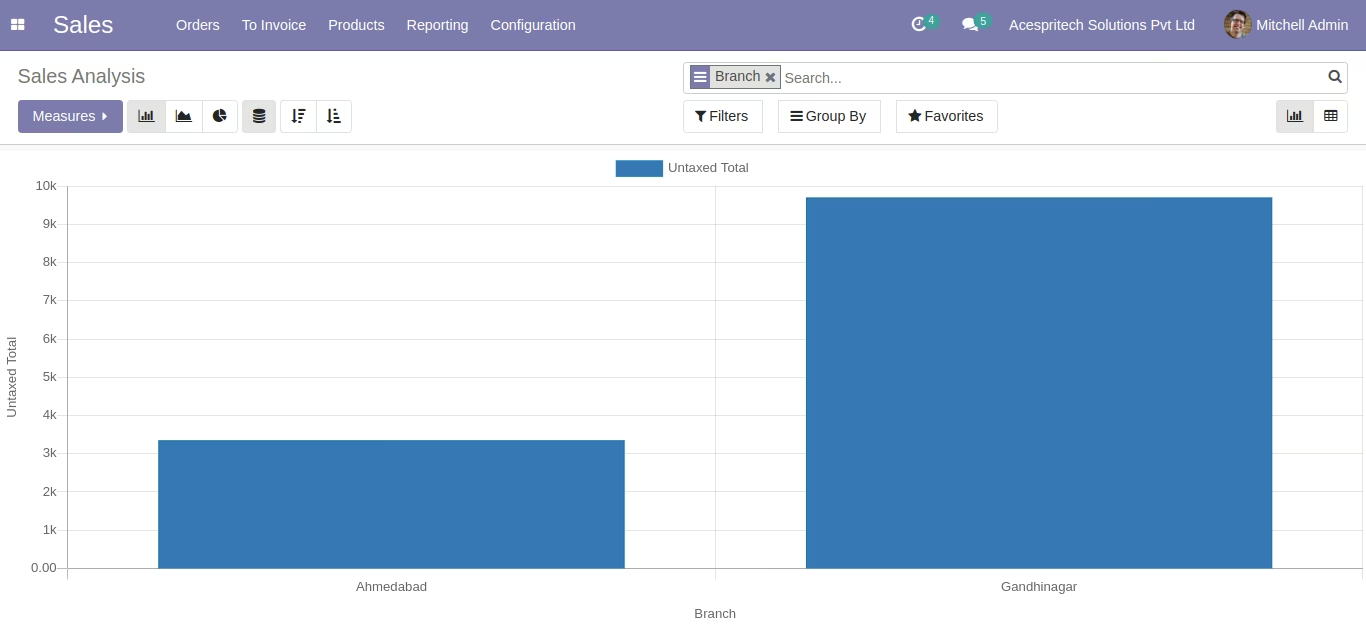
- Customize Sale Analysis with Branch Concept.
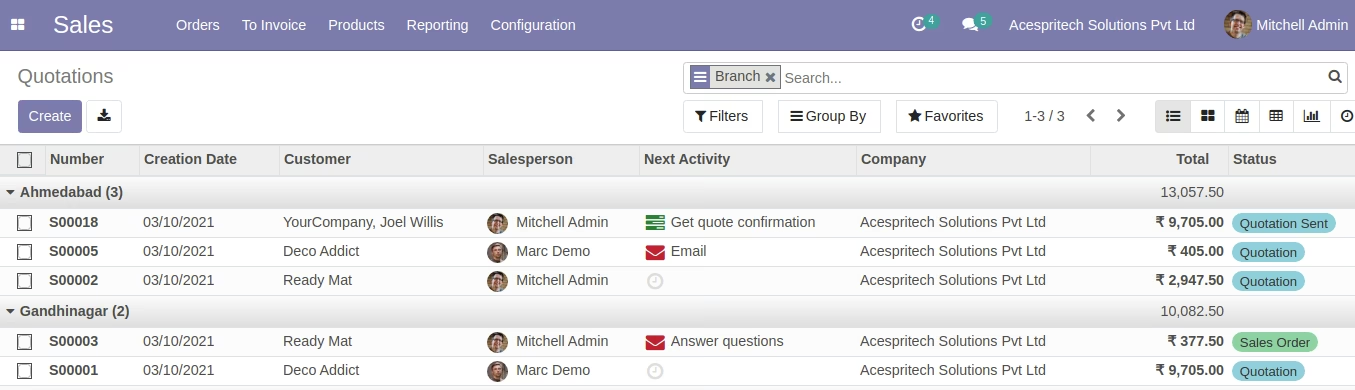
- You can use the Branch group by filters in sales order.
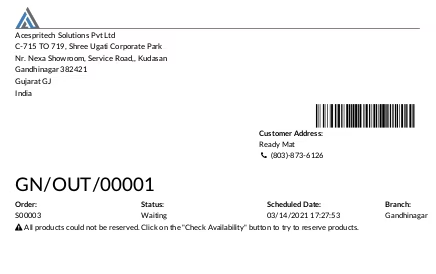
- Customize Stock Picking Operations Report
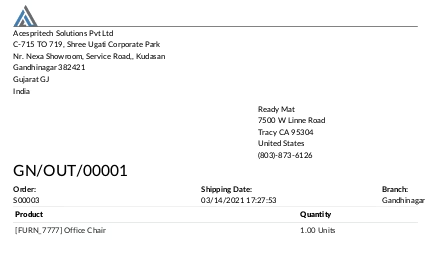
- Customize Stock Delivery Slip Report
- While create invoice from sales order branch set automatically based on sale order.
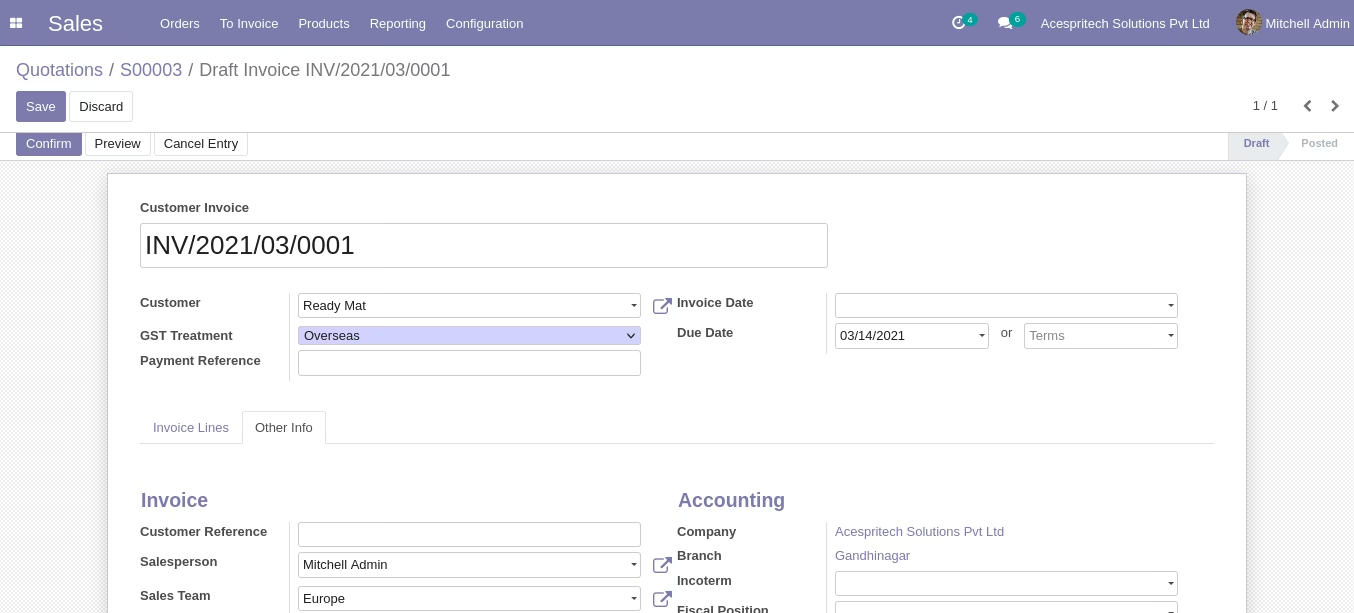
- Purchase Order Workflow with Branch
- while create purchase order branch will set based on current login user branch.
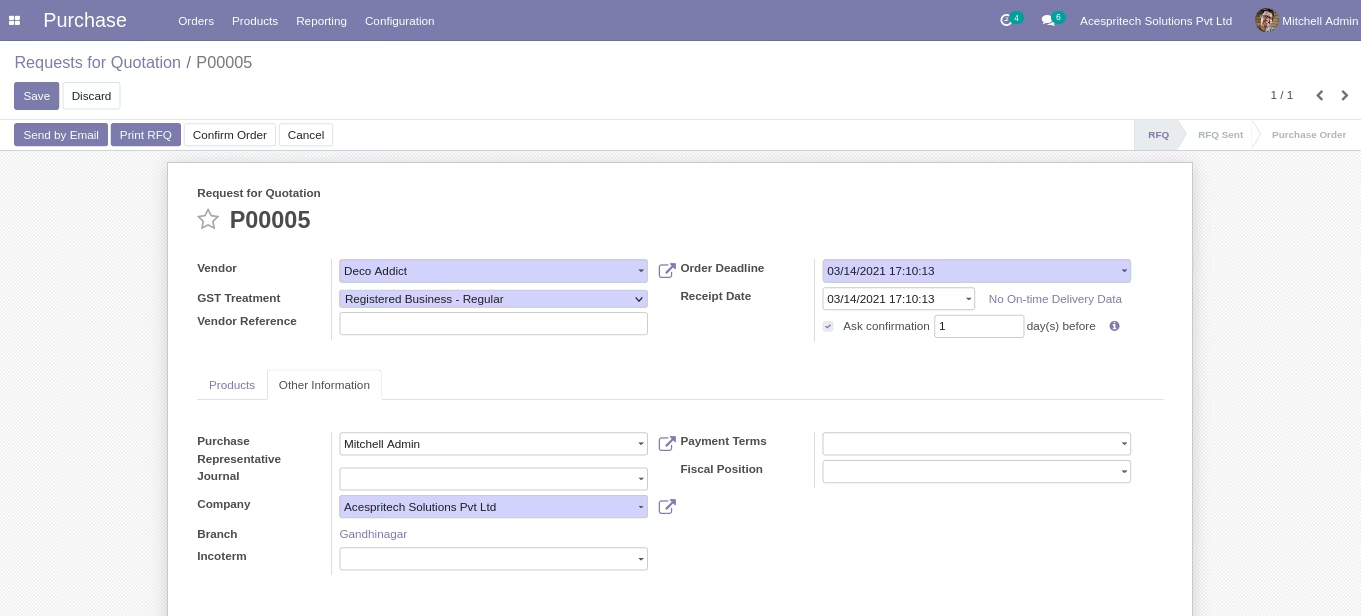
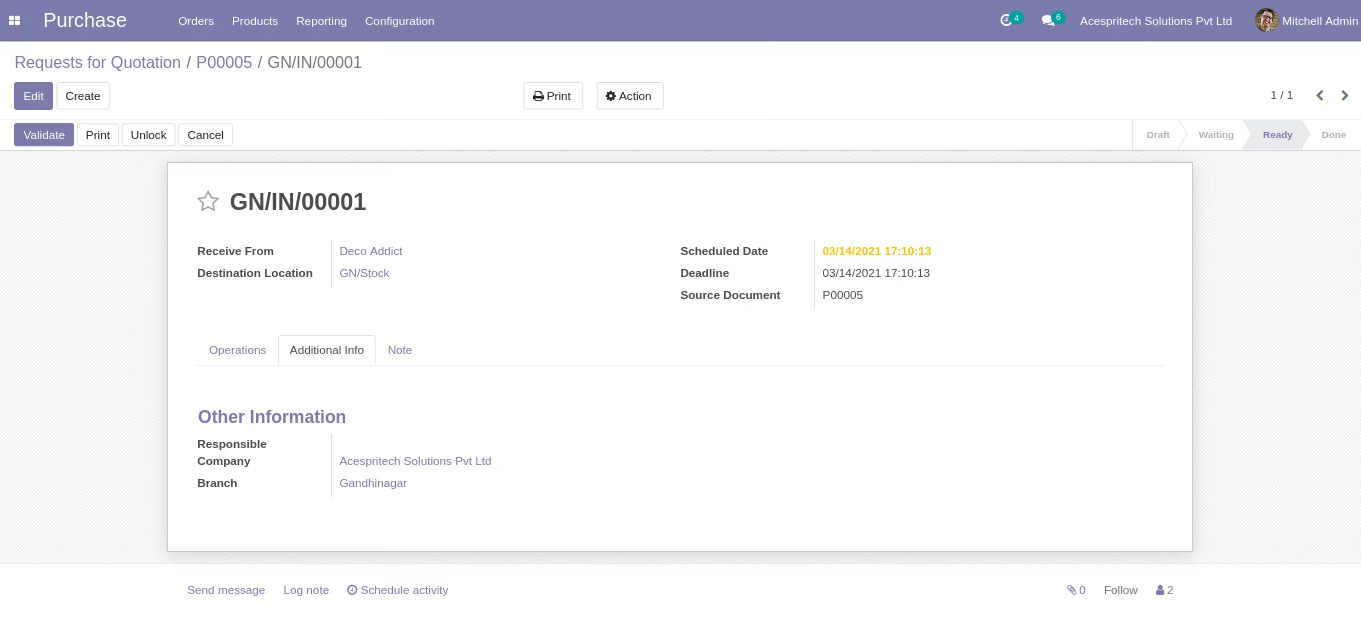
- while confirm purchase order it will create Receipt Picking and branch set automatically based on purchase order.
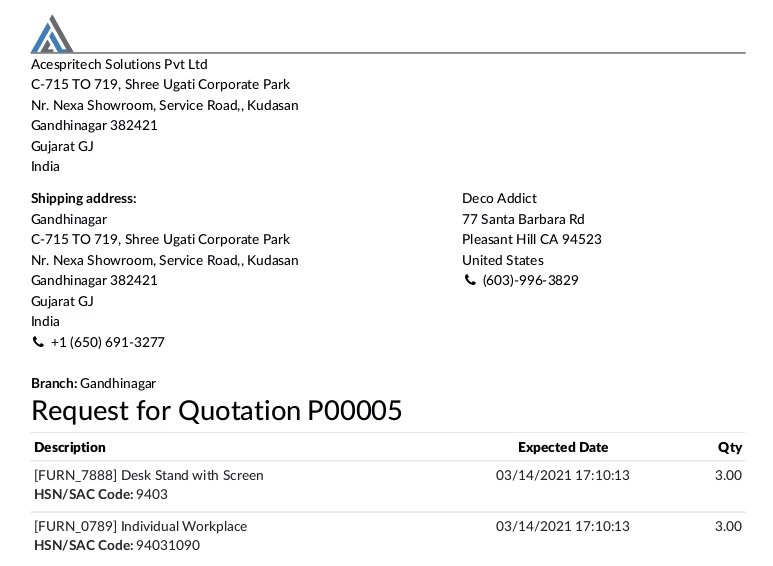
- Customize Purchase Order Quotation Report.
- Customize Purchase Order Report.
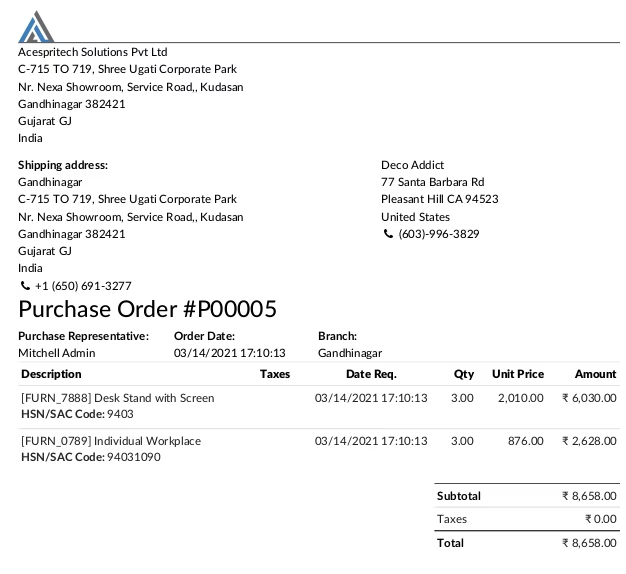
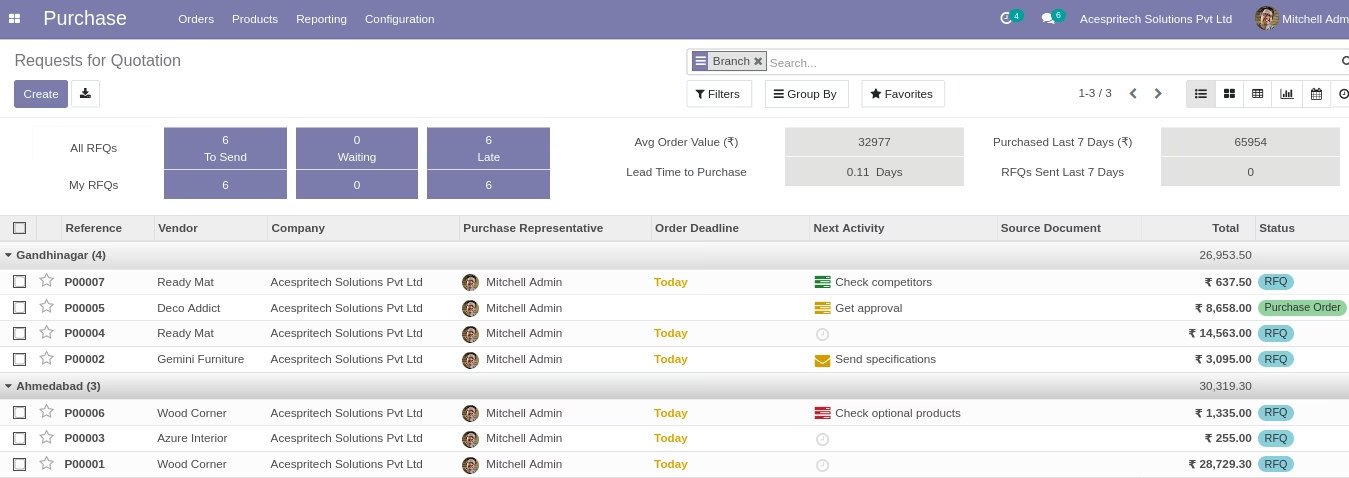
- You can use group by Branch filter in purchase order.
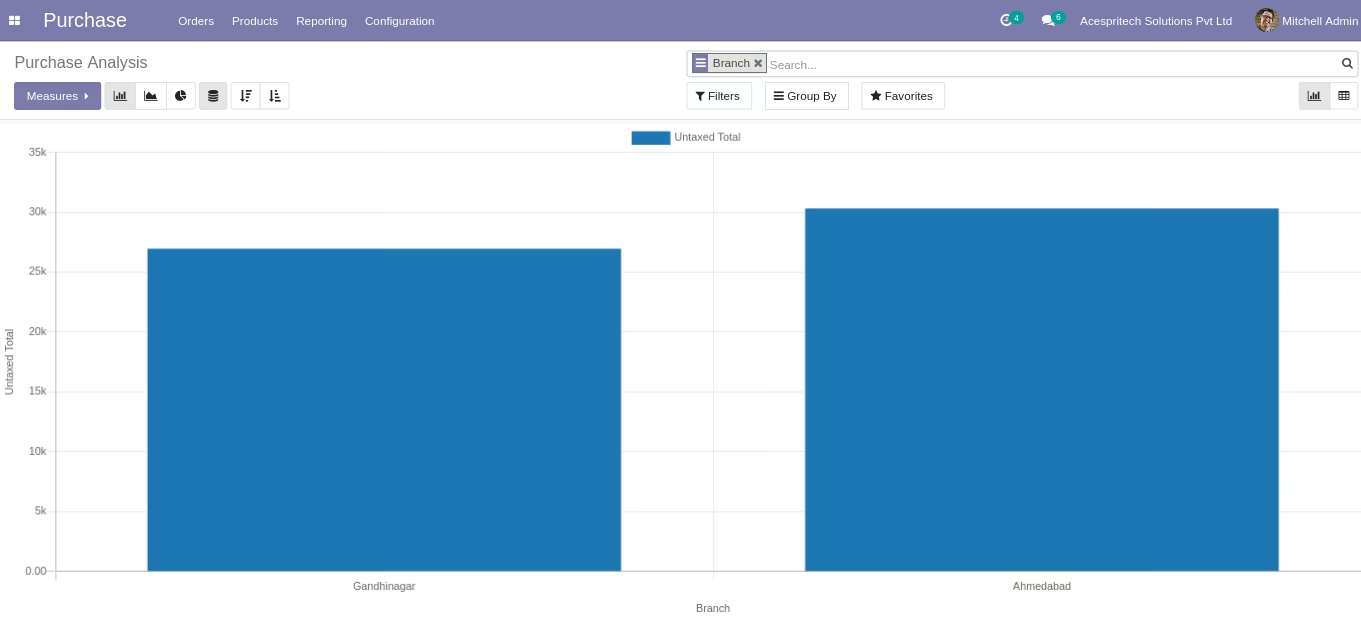
- Customize Purchase Analysis with Branch Concept.
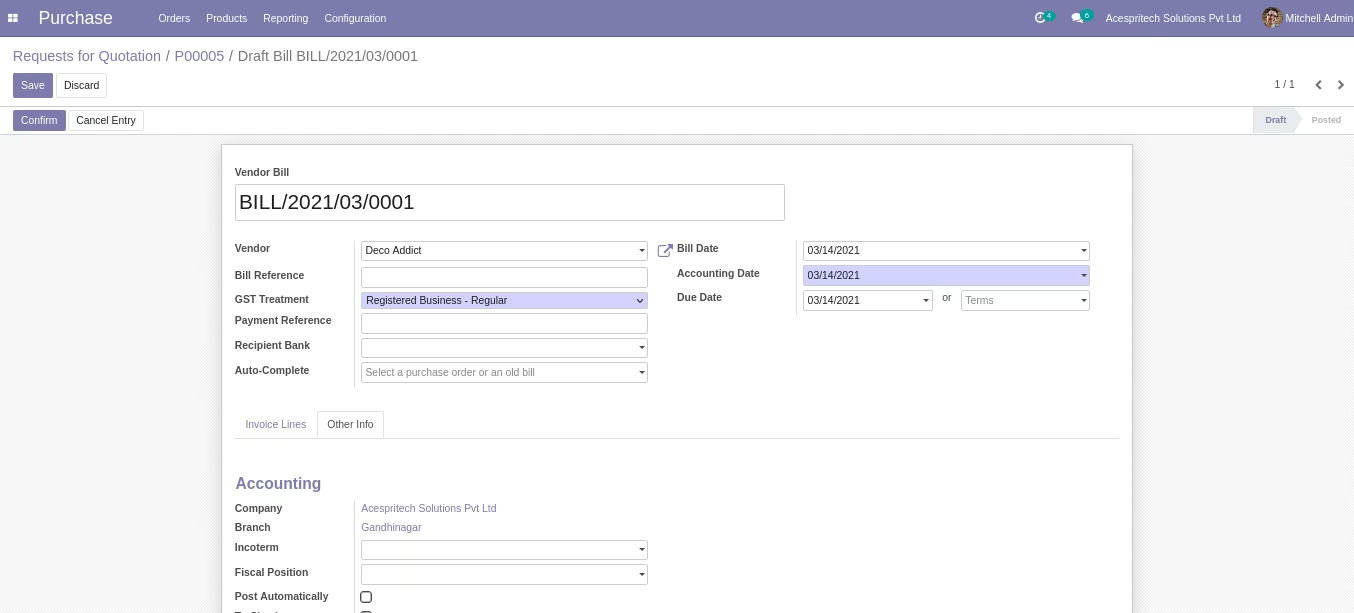
- While create vendor bill from purchase order branch set automatically based on purchase order.
- Invoice Workflow with Branch
- while create customer/supplier invoice branch will set based on current login user branch.
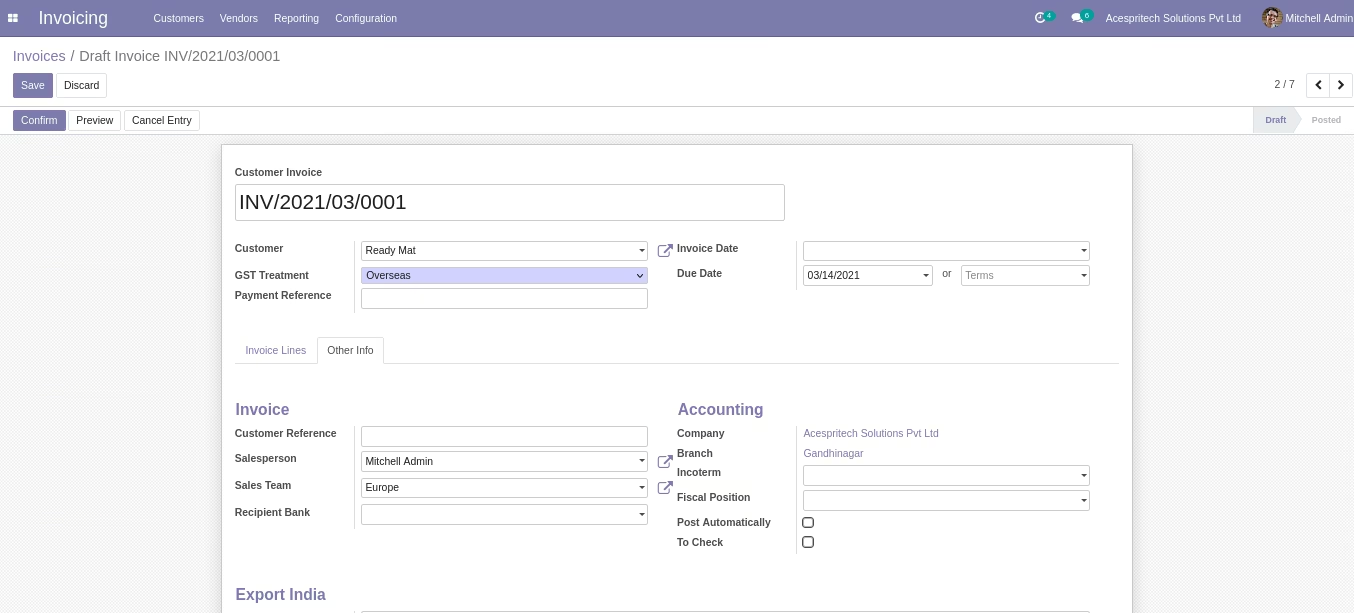
- Customize invoice report.
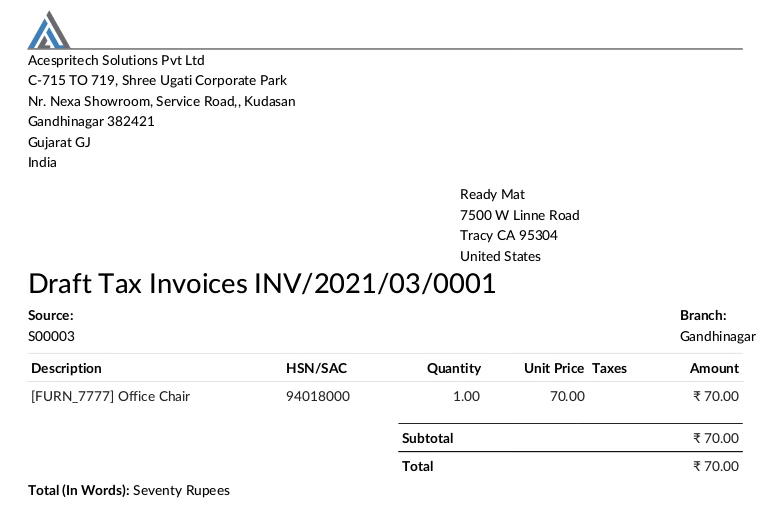
- While Validate invoice it will create Journal entry and branch will set automatically based on invoice branch.
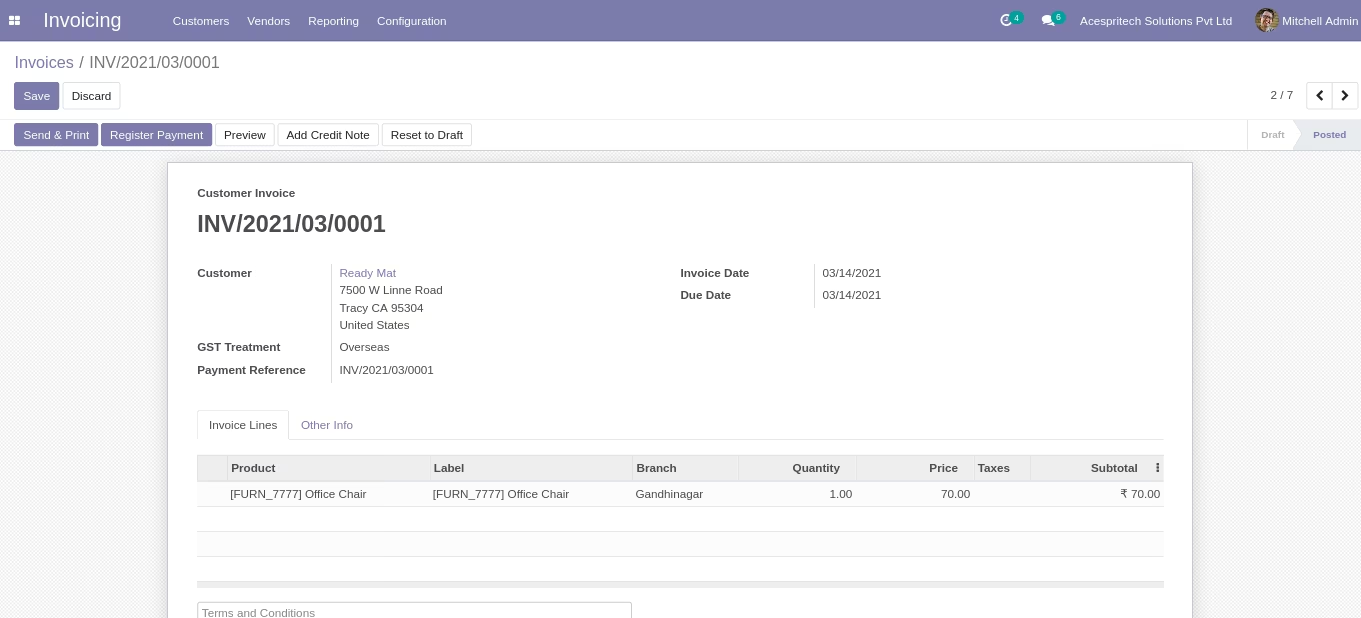
- While make payment for the invoice it will create Journal entry and branch will set automatically based on invoice branch.
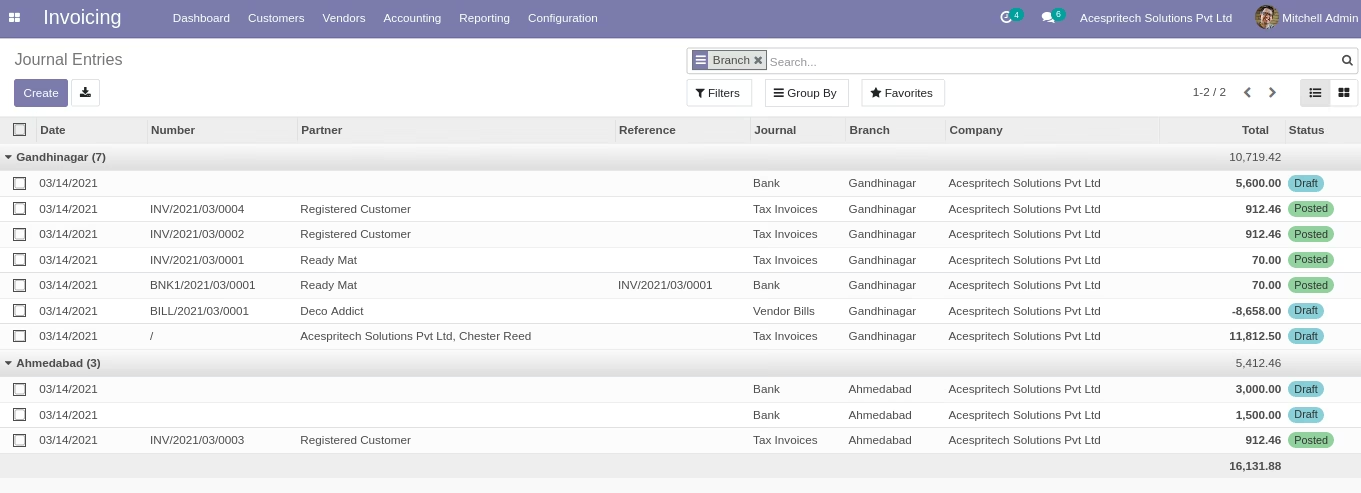
- While make payment for the invoice it will create customer/supplier payment and branch will set automatically based on invoice branch.
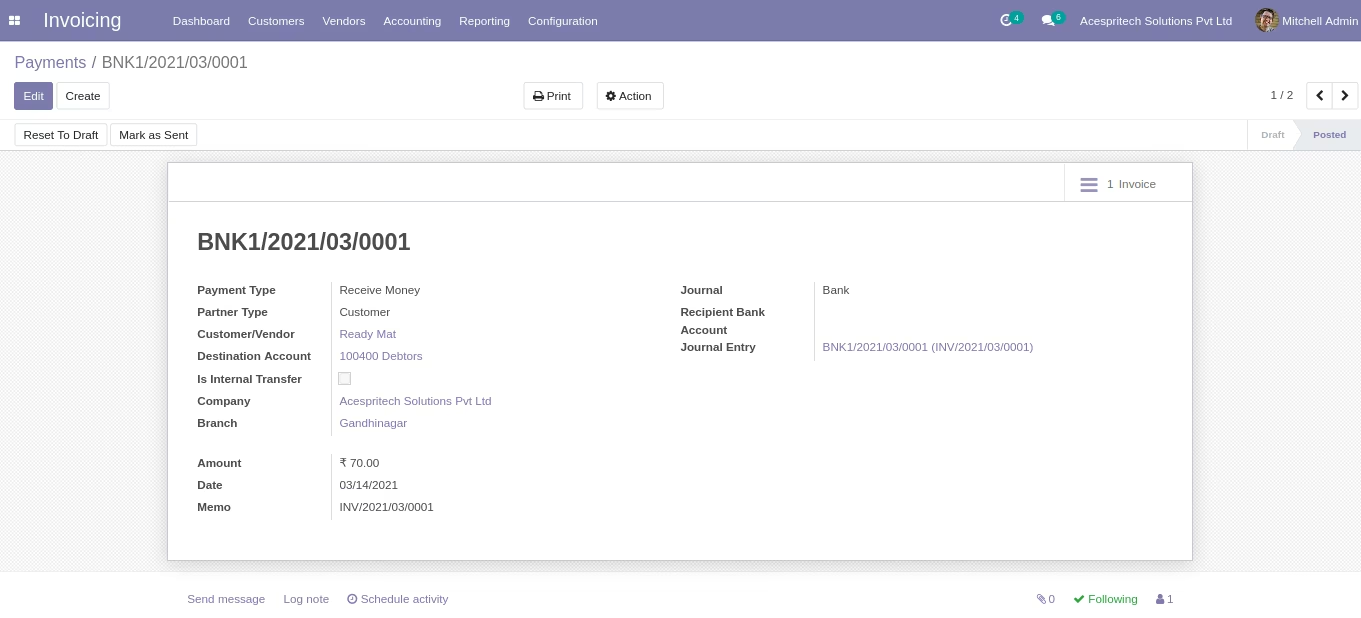
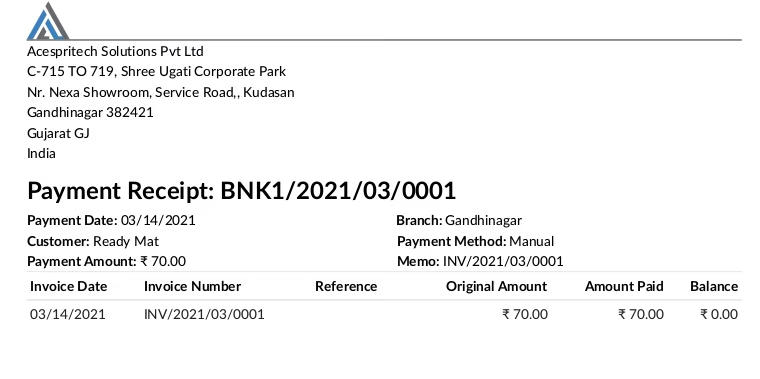
- Customize customer/supplier payments report.
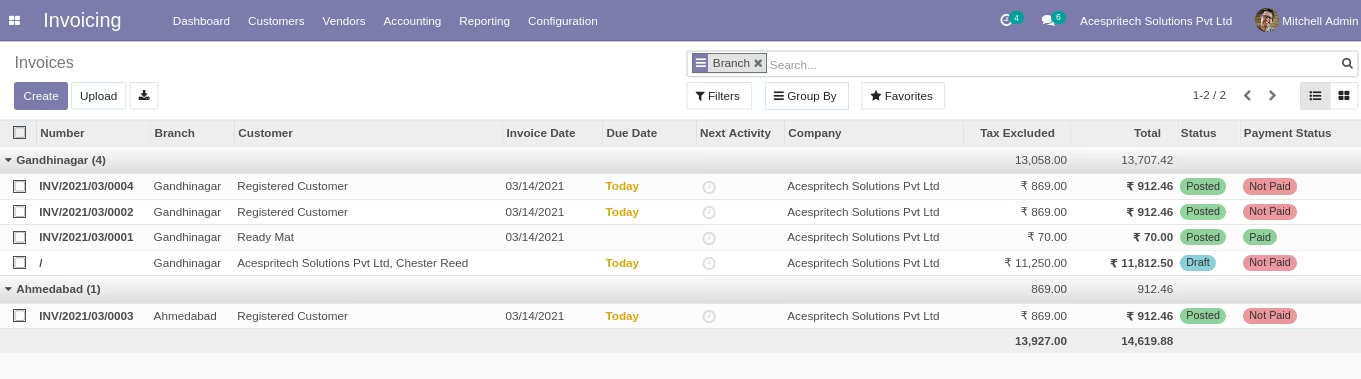
- You can use group by Branch filter in customer/supplier invoice.
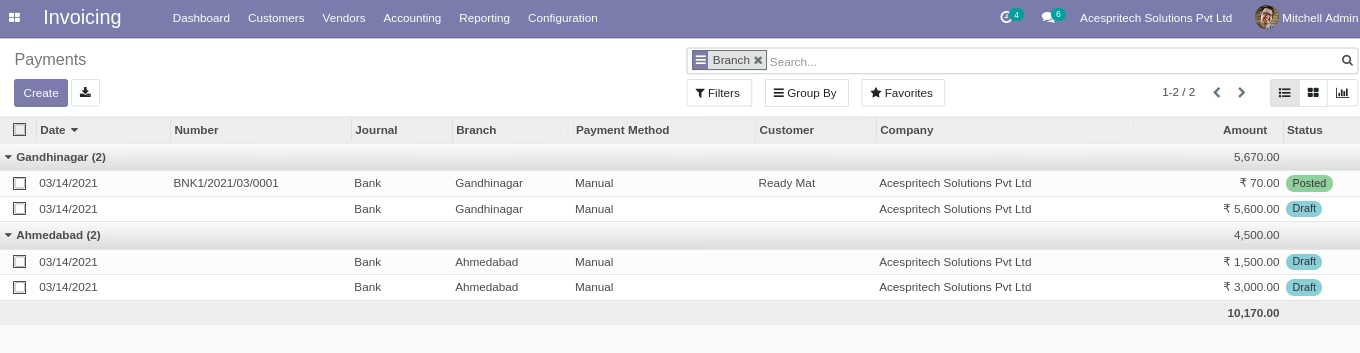
- You can use group by Branch filter in customer/supplier payments.
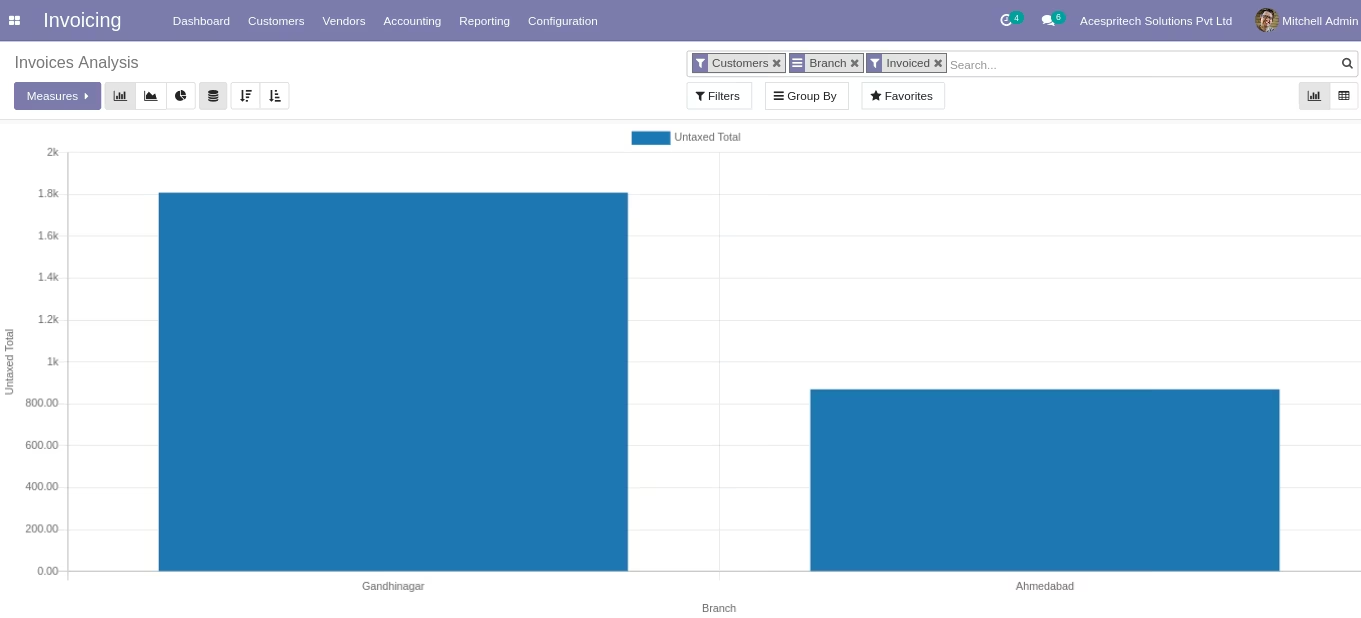
- Make invoice analysis based on branch wise.