The module enables employees to create and manage timesheets directly from a mobile-friendly website interface. With responsive design for both mobile and tablet devices, users can easily enter and edit their timesheets on the go. The module also supports quick date-based search to simplify time entry management. By integrating seamlessly with timesheet system, it improves accessibility, accuracy, and efficiency in time tracking.
Responsive mobile and tablet interface for timesheet submission.
Simple creation and editing of timesheet entries from the website.
Date-based search functionality for quick access to timesheet records.
Full integration with timesheet backend for consistent data.
Increases employee convenience with mobile-friendly time entry.
Saves time by enabling quick submission and updates anywhere.
Improves data accuracy and reduces administrative workload.
Enhances productivity with seamless timesheet integration.
Smart Time Logging on All Devices
Log Hours Anytime, on Any Platform
Flexible Time Entry – Web, Mobile, Tablet
Track Time Anywhere – Mobile, Tablet, Web
Website Timesheet with Mobile Time-sheet Apps is used to create timesheet from website. Employee and Timesheet User can fill and edit their timesheet easily with mobile and website. Employee easily create new timesheets and timesheet activity from the mobile screen and user can easily fill timesheet from website with mobile compatible view. Also user can search particular timesheet by using date. This apps works for both community and enterprise Edition.
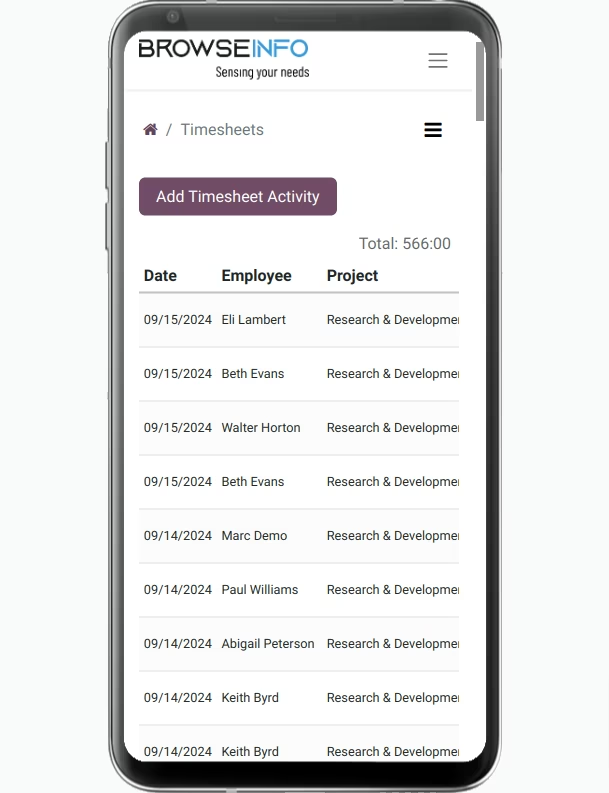
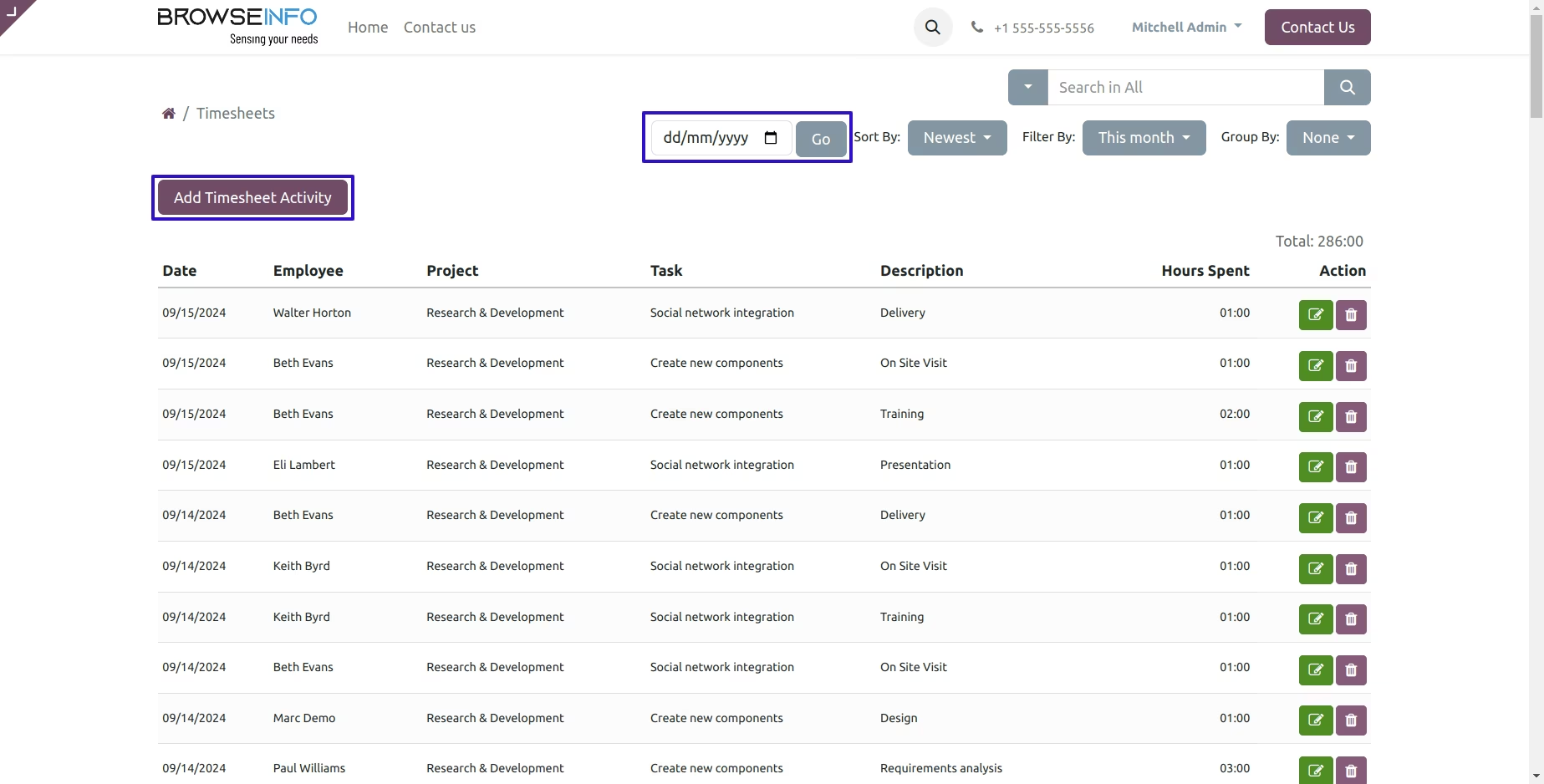
Timesheet Page
Add Timesheet Button
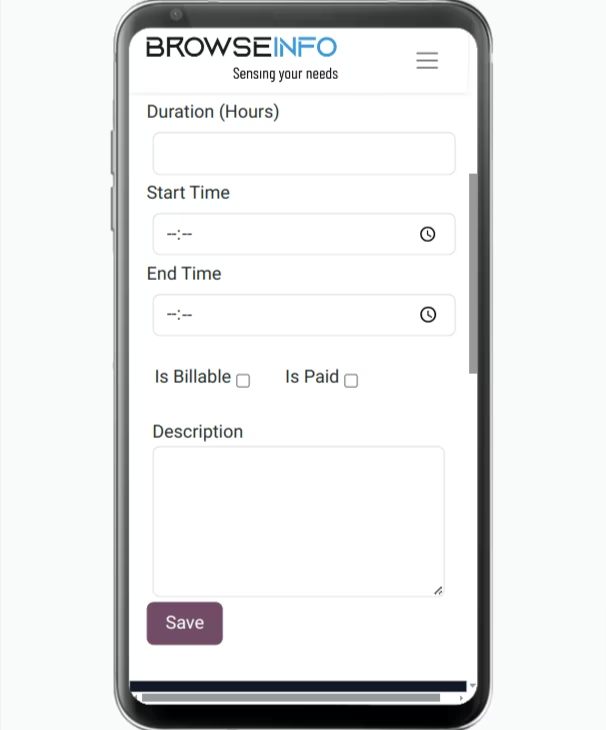
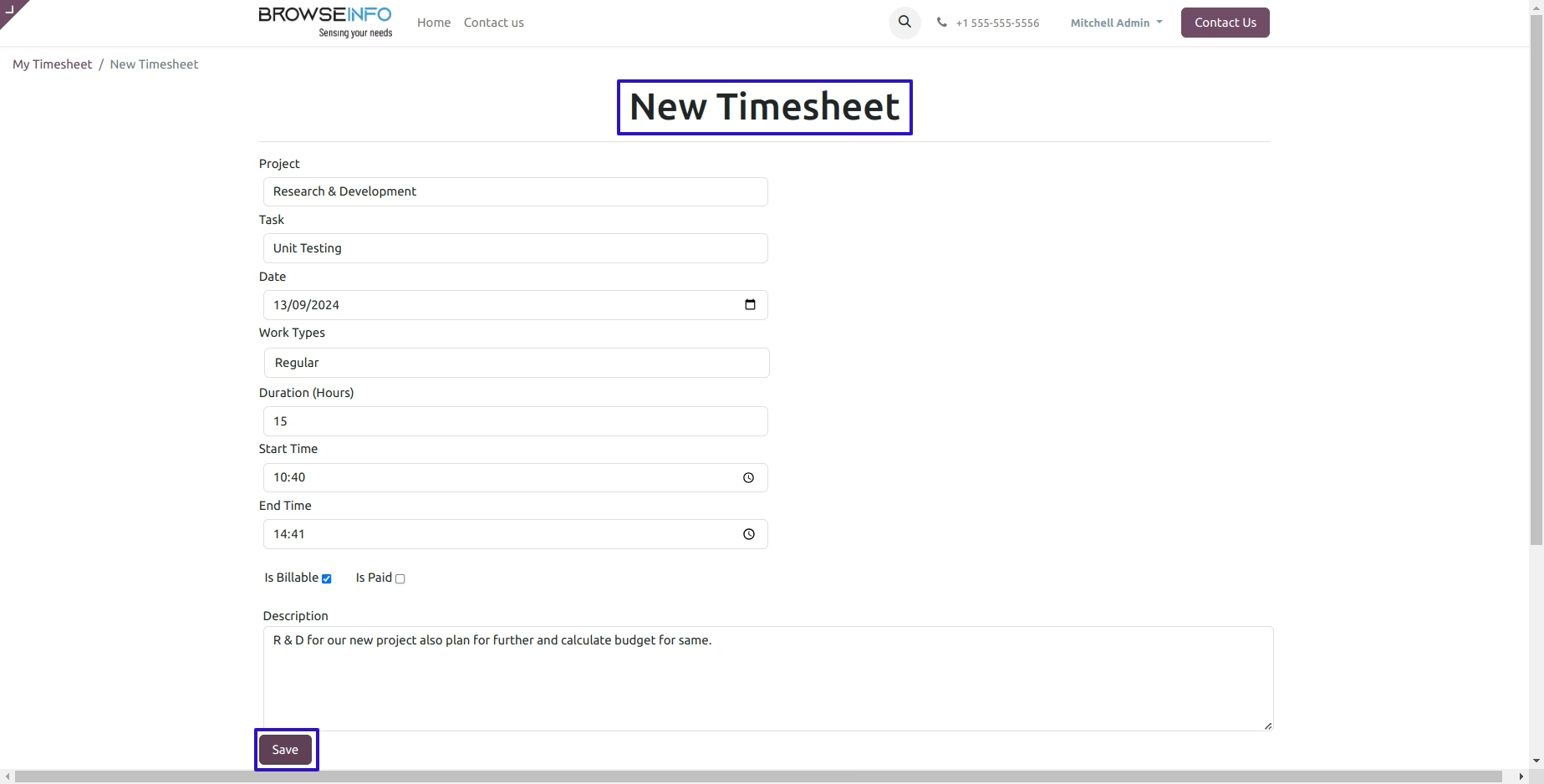
Add New Timesheet
User can View newly created purchase order by clicking on smart button.
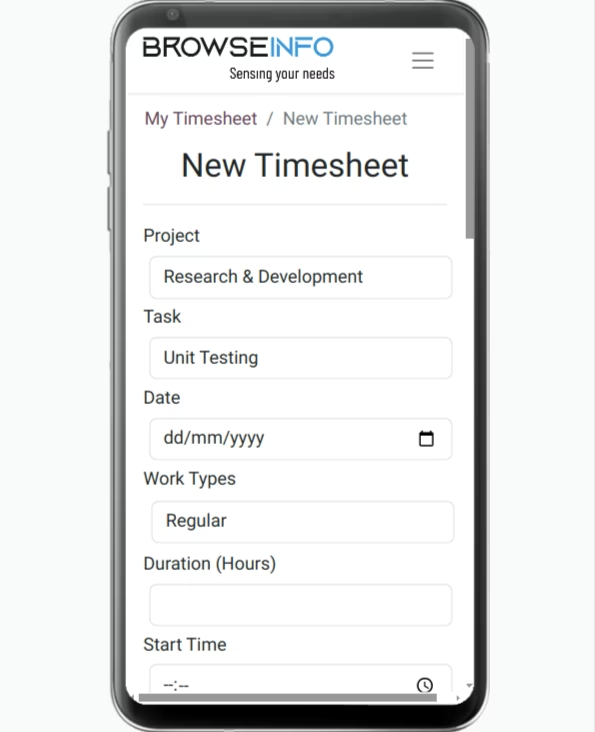
Save Timesheet Form
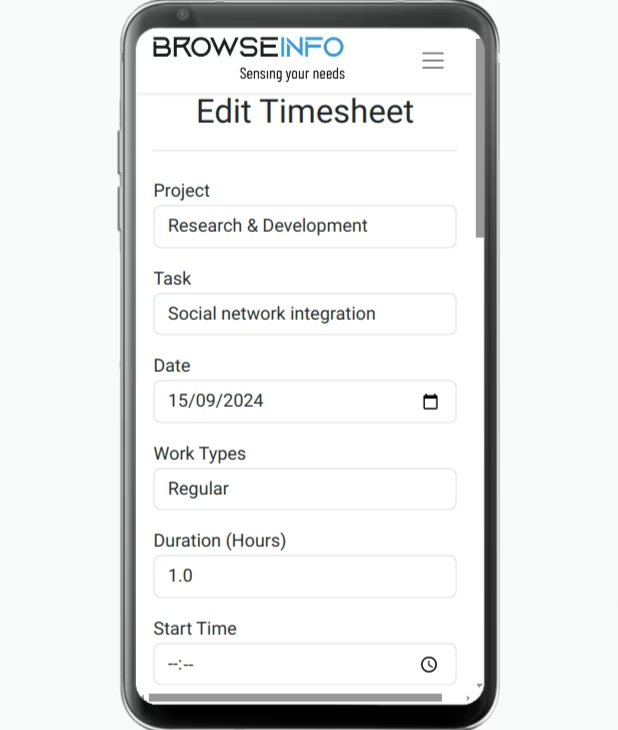
Edit Timesheet
Timesheet views on different mobile/tablet screens
Samsung Galaxy
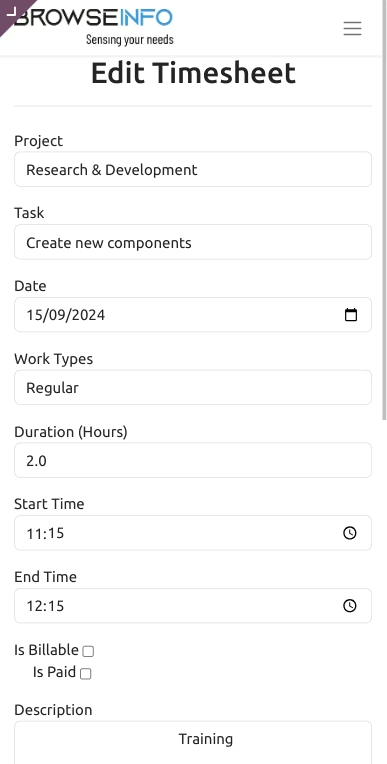
Iphone
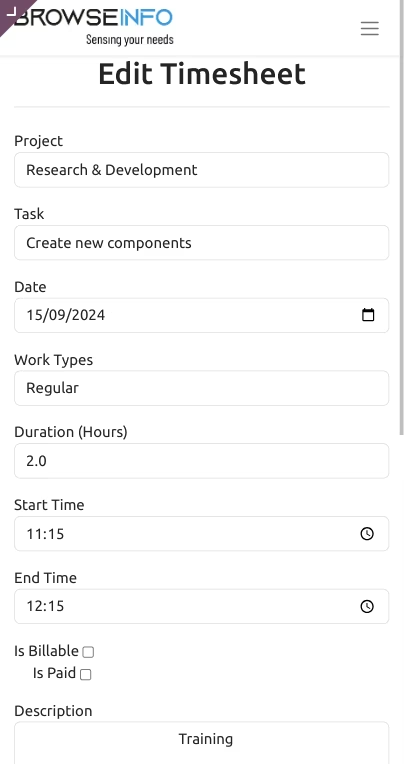
Google Pixel
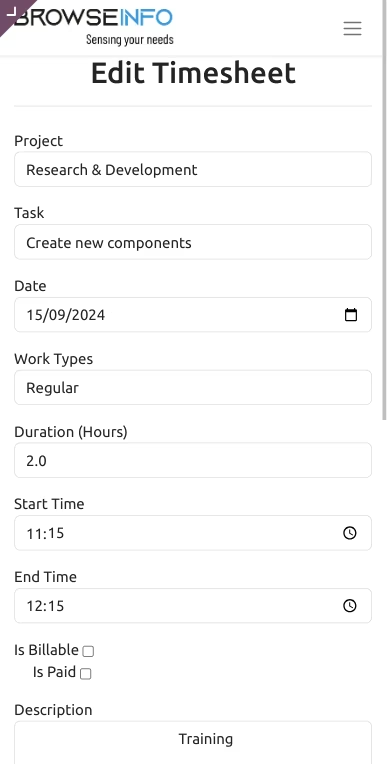
Ipad
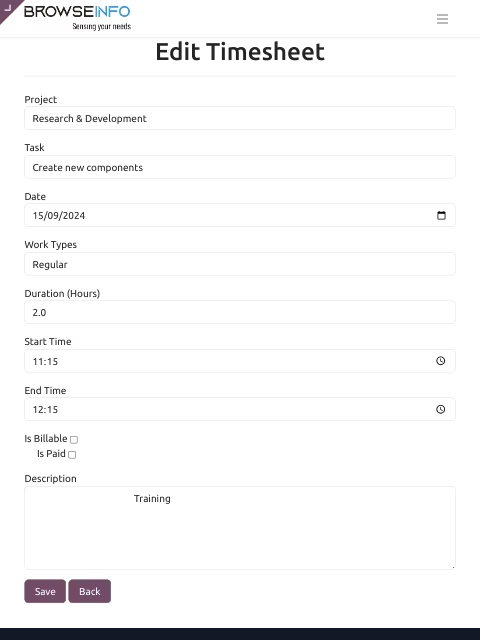
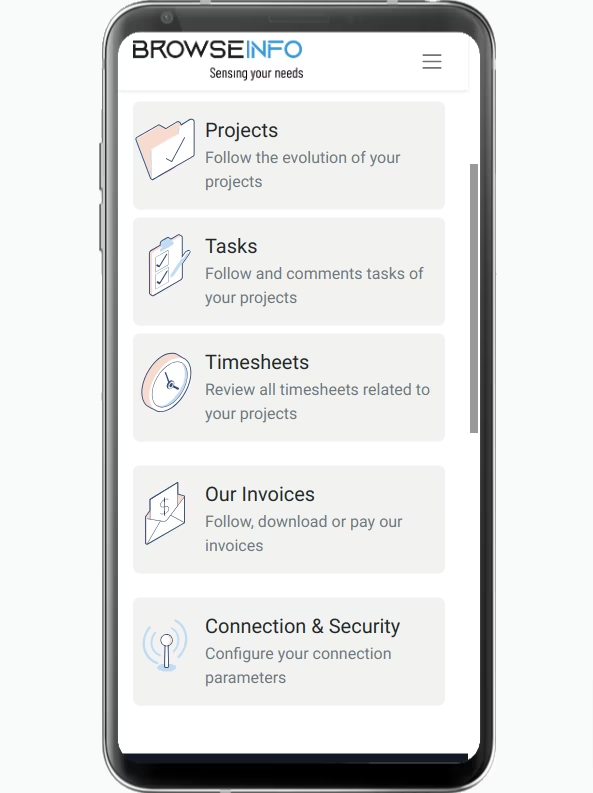
Timesheet Menu
By clicking on this menu you will redirect to timesheet page.
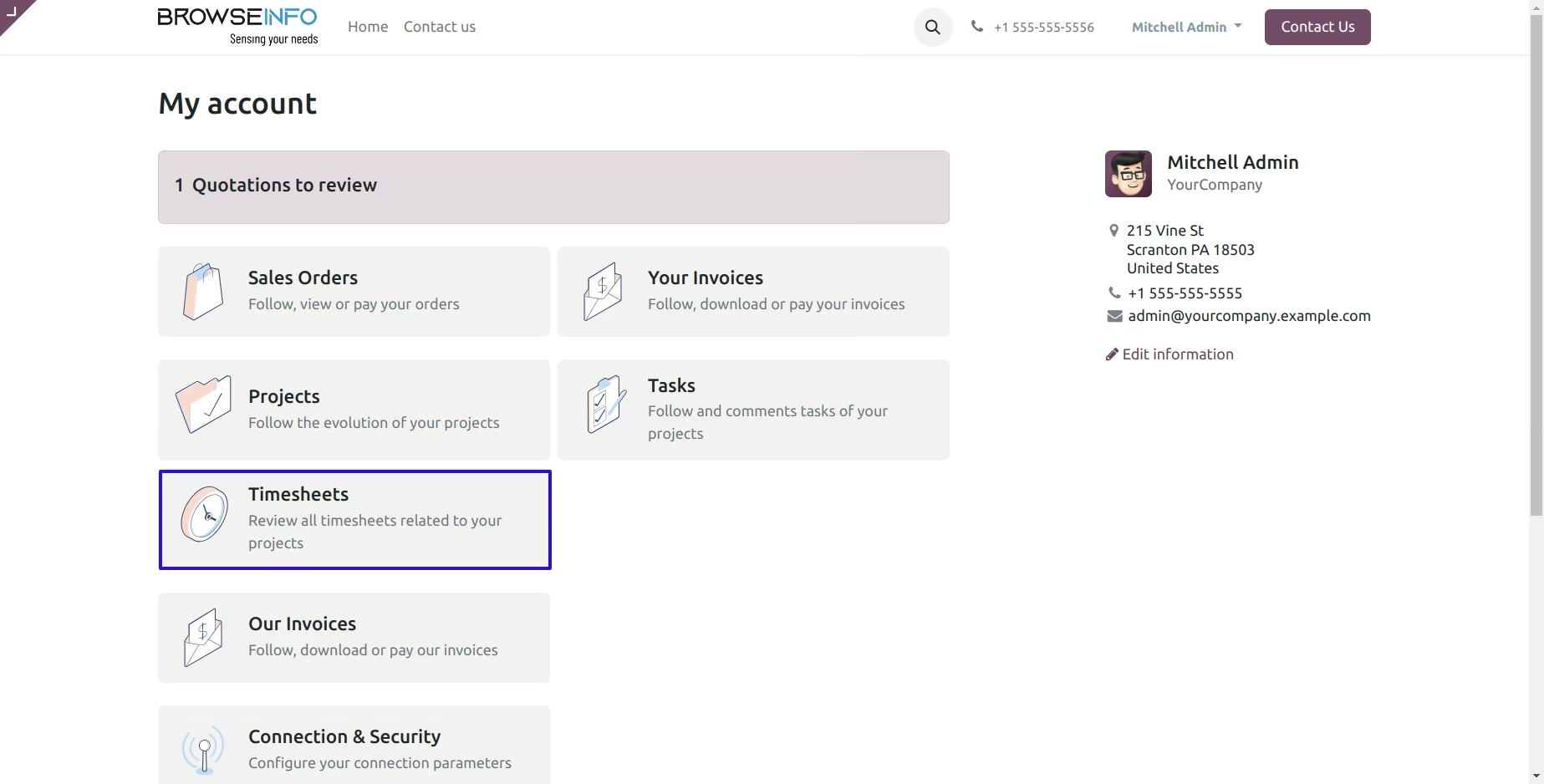
Add Timesheet
Using the "Add timesheet" button you can add the new timesheets also you can sorting timesheet by newest, older etc.
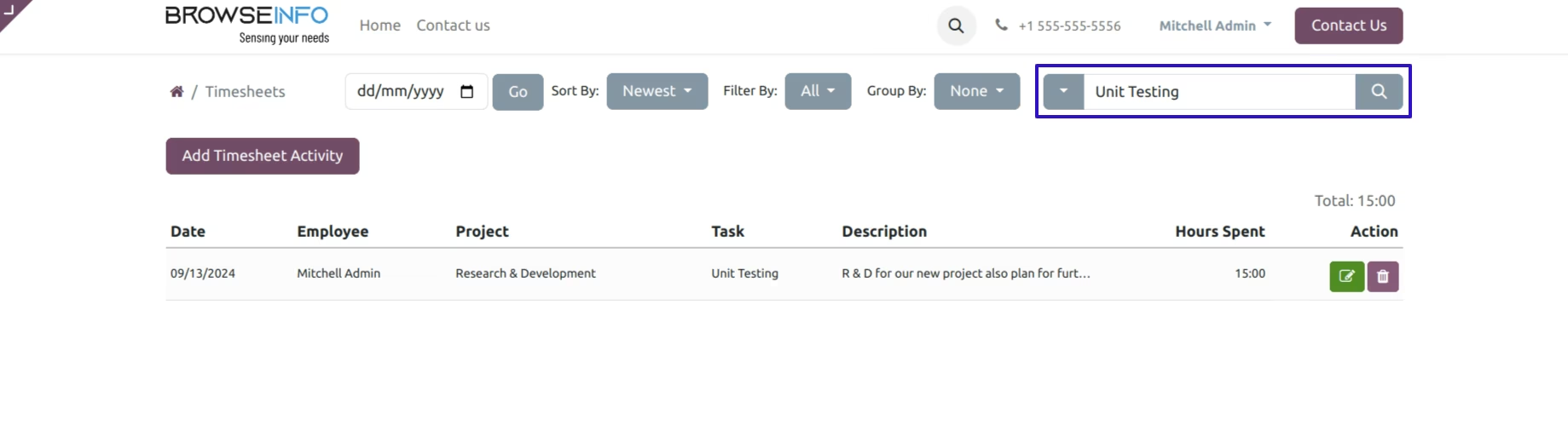
Searched Timesheet
You can also search the particular timesheet.
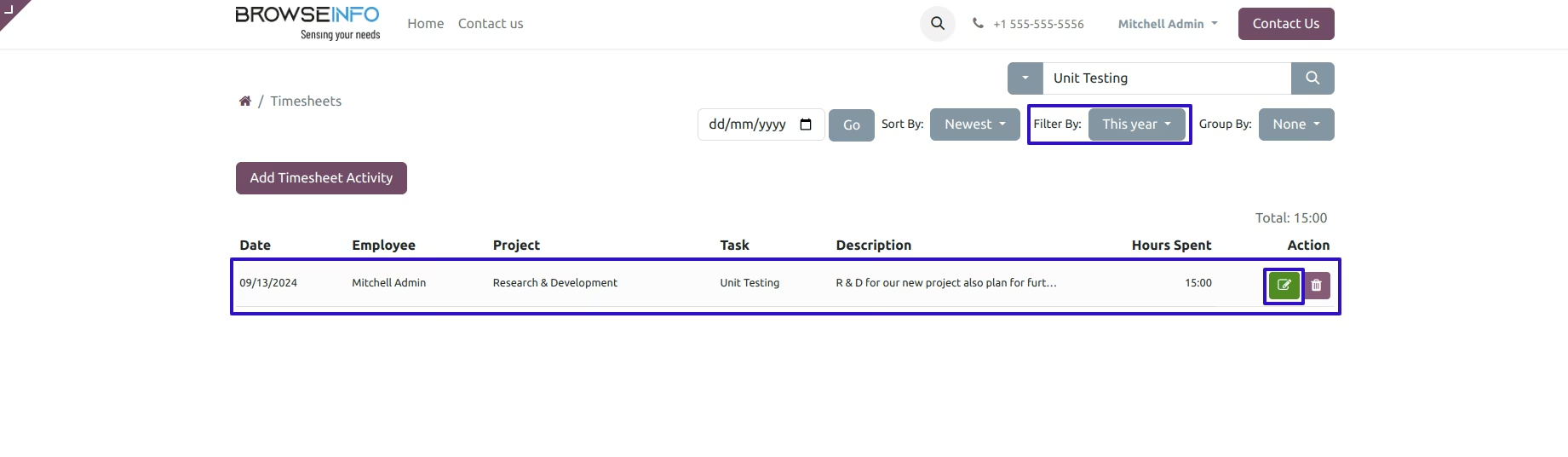
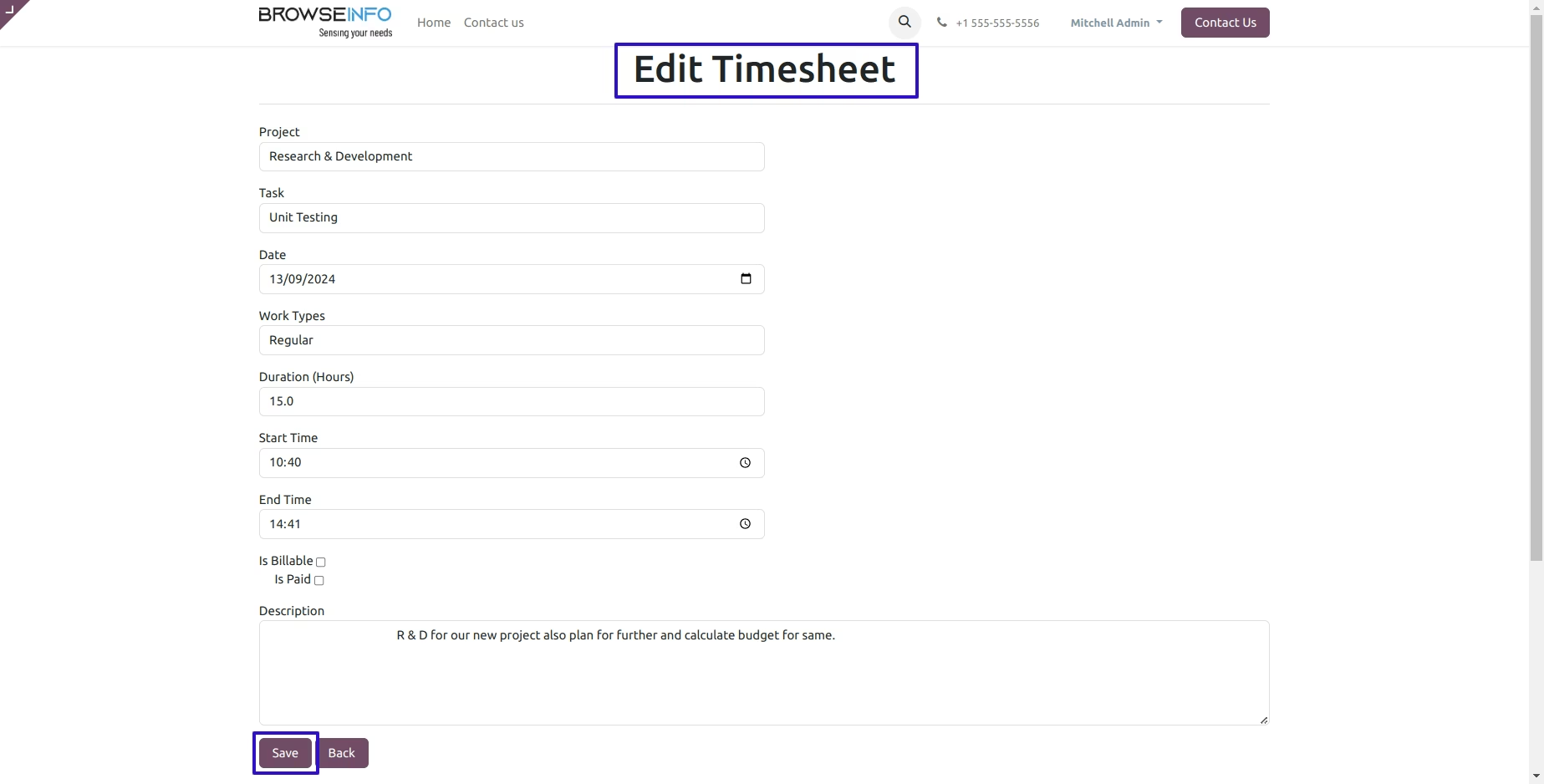
Edit Timesheet
You can edit the particular timesheet also you can filter the timesheet.
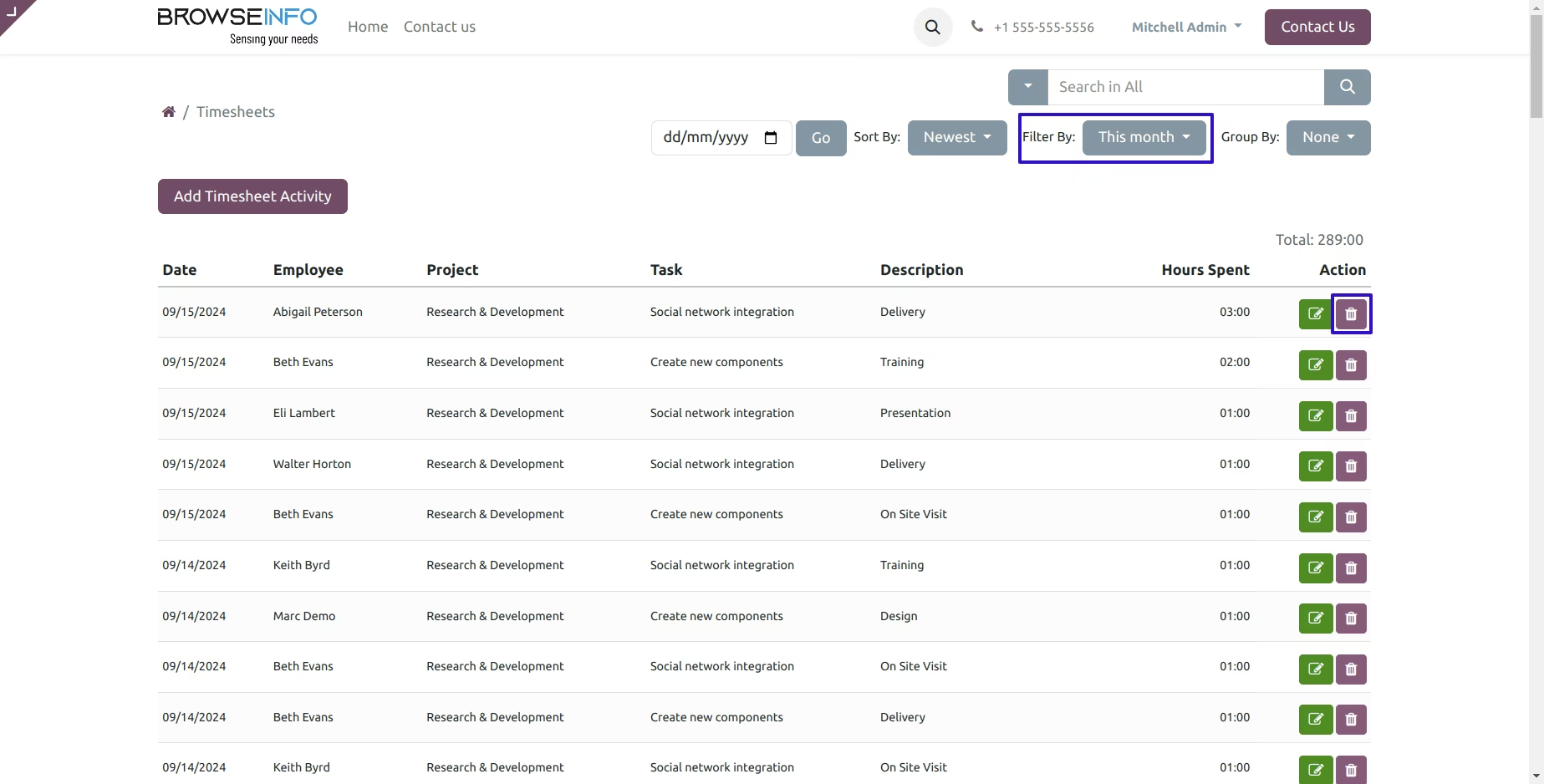
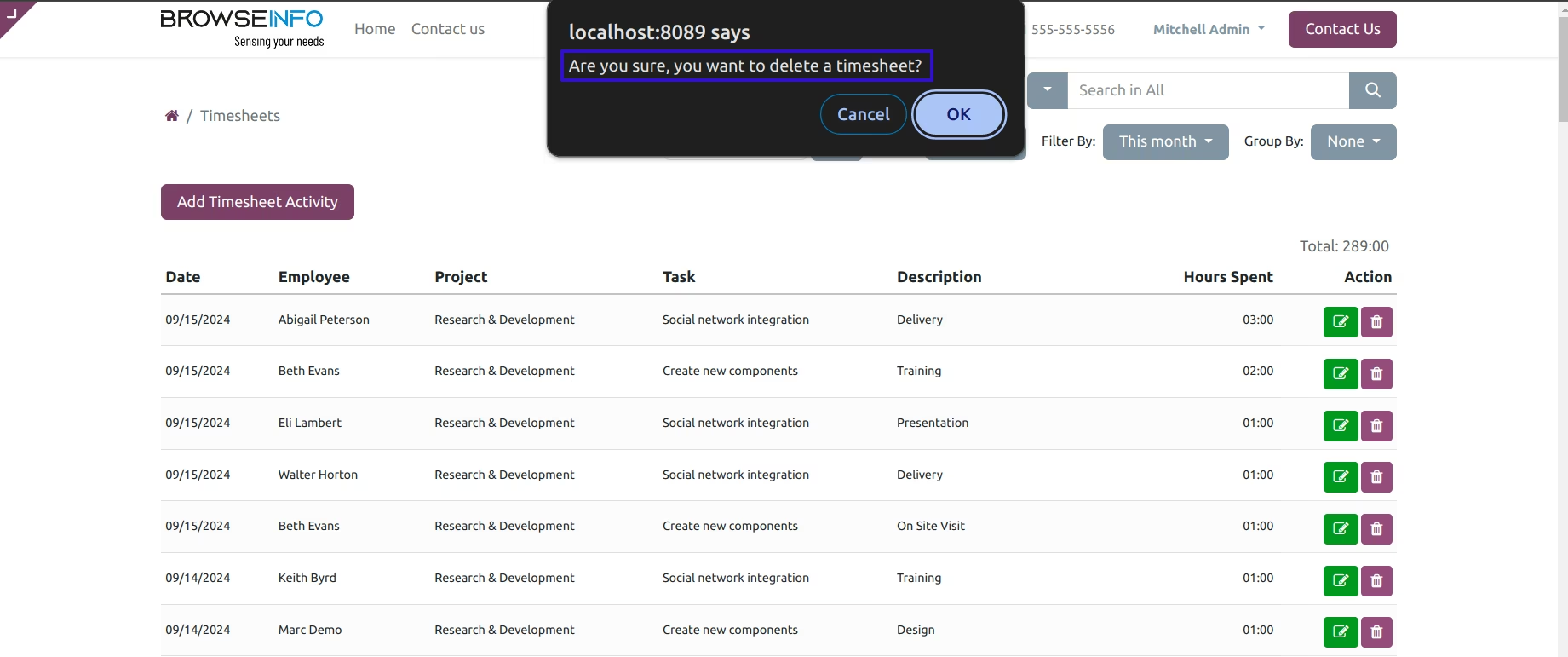
Delete Timesheet
You can also delete the particular timesheet, when you delete timesheet it raise alert message.
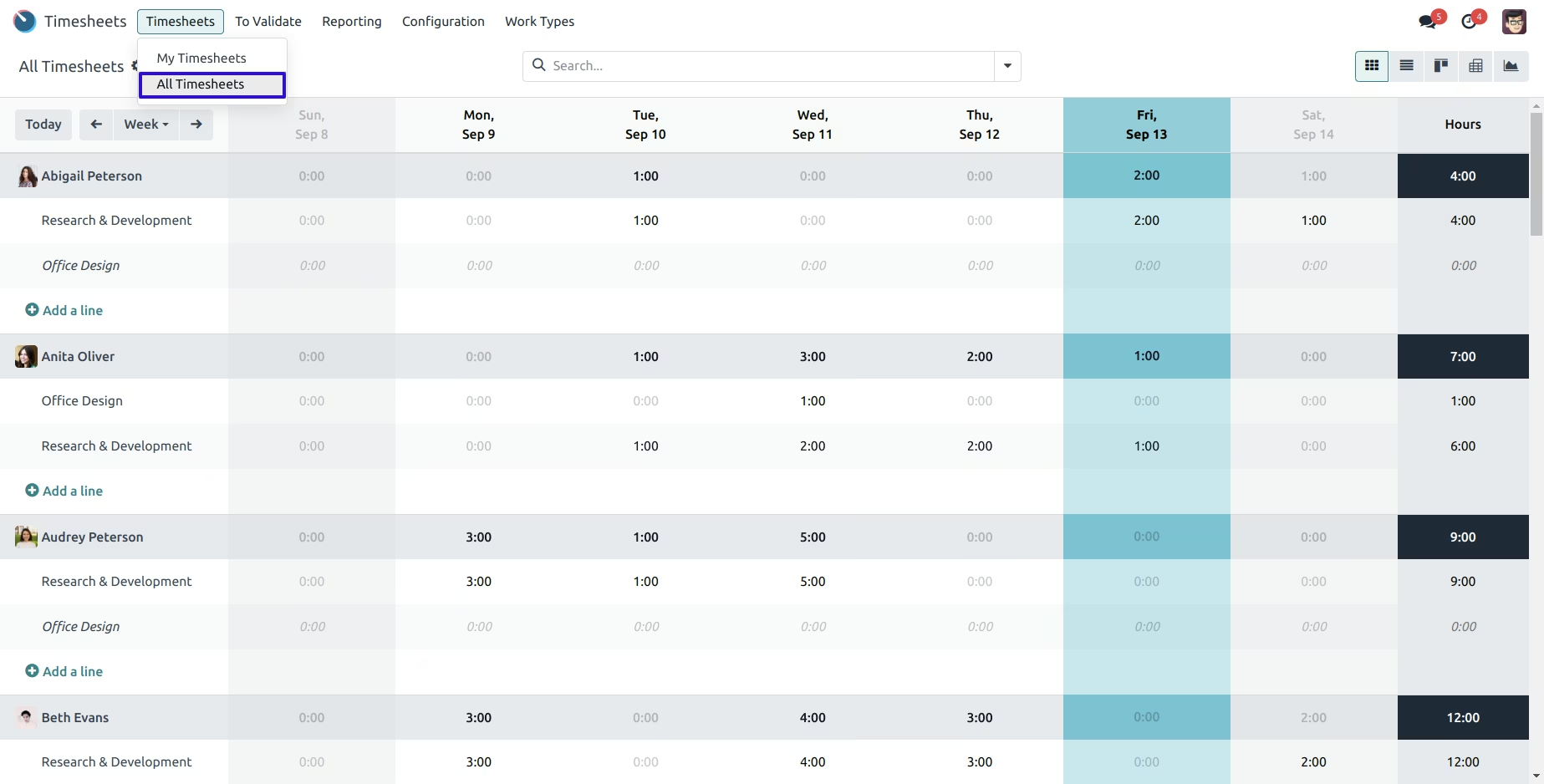
Backend View
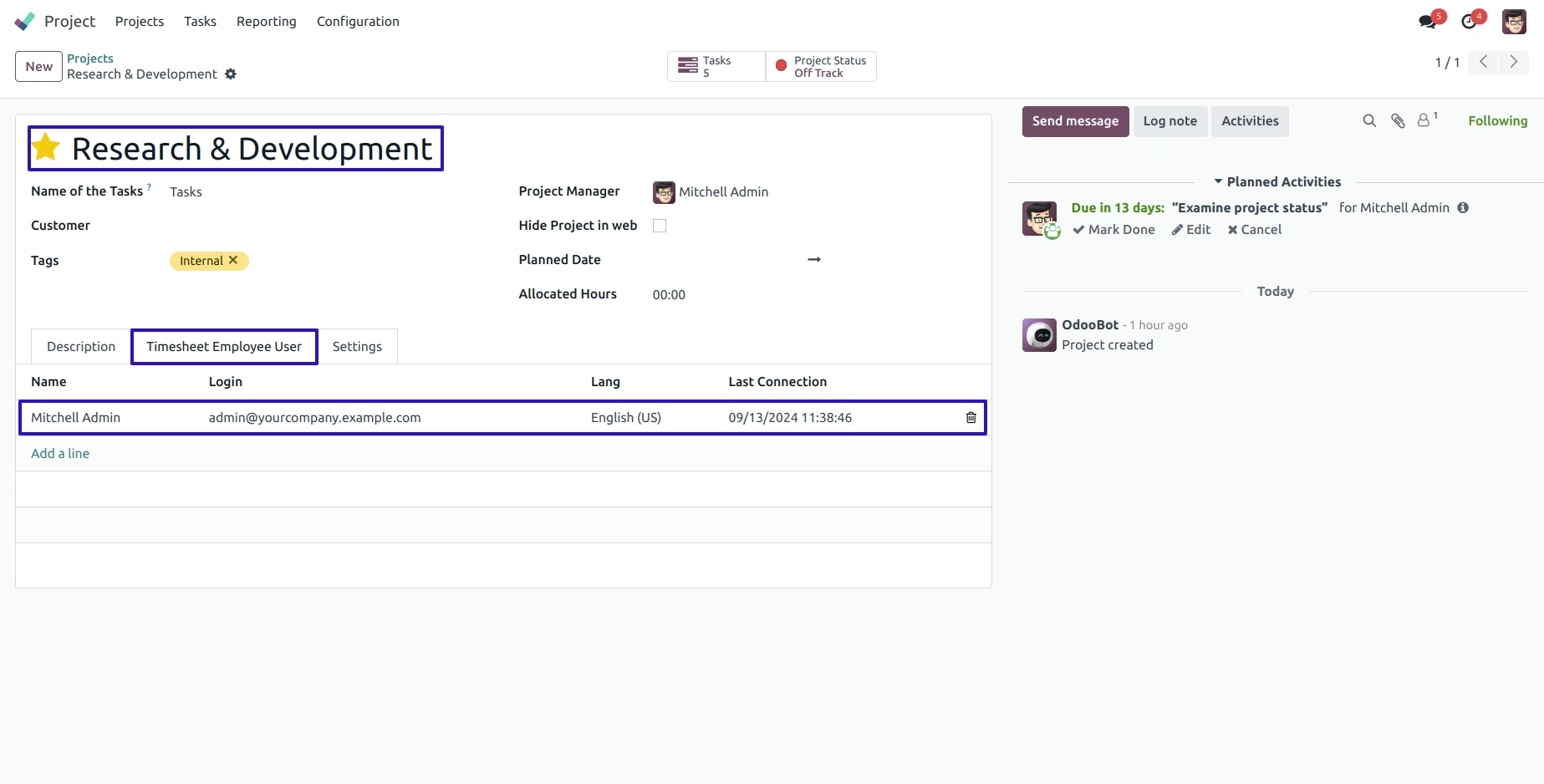
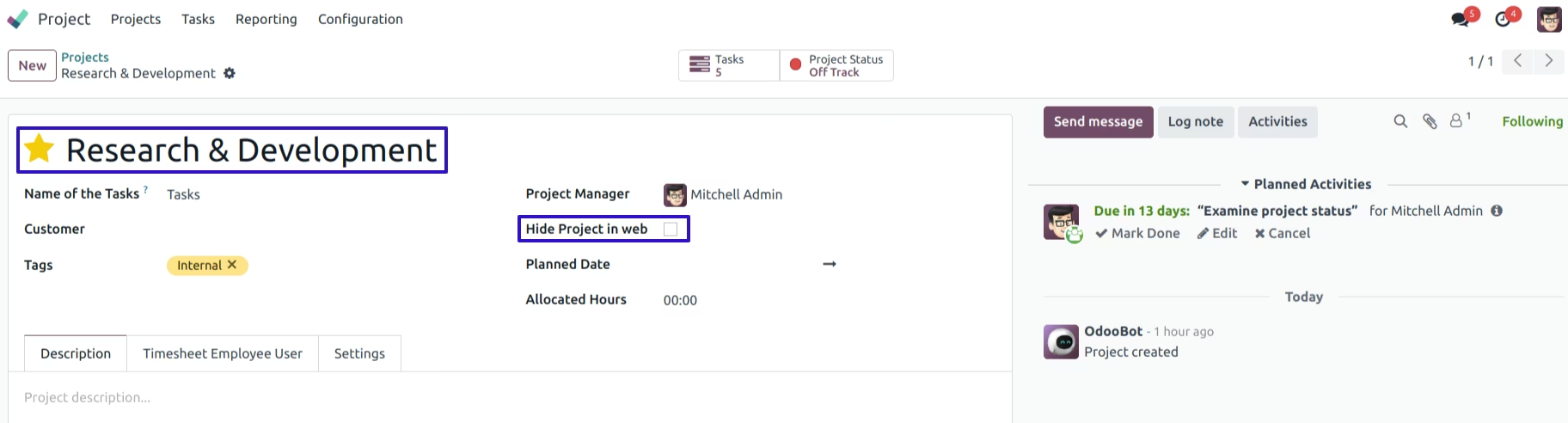
Hide Project in Web View