The module integrates Mastercard's secure payment gateway, enabling businesses to accept online payments via Mastercard and other credit/debit cards. This integration enhances the eCommerce experience by providing a seamless and secure payment process for customers.
Secure Payment Processing:
Utilizes Mastercard's Payment Gateway Service to ensure secure online transactions.
Supports various payment methods, including Mastercard and other major credit/debit cards.
Seamless Integration:
Integrates smoothly with eCommerce and invoicing modules.
Allows customers to make payments directly on the website.
Real-Time Payment Status Updates:
Provides real-time updates on payment status.
Automatically updates the sales order and invoice upon successful payment.
Multi-Currency Support:
Supports multiple currencies, allowing businesses to cater to international customers.
Ensures accurate currency conversion during transactions.
Comprehensive Reporting:
Offers detailed reports on transactions.
Helps businesses track and manage payments efficiently.
Enhanced Customer Trust:
Provides a secure and familiar payment method, boosting customer confidence.
Reduces cart abandonment rates by offering trusted payment options.
Streamlined Payment Process:
Simplifies the payment process for customers, leading to improved user experience.
Reduces manual intervention in payment processing.
Improved Cash Flow Management:
Accelerates payment collection through real-time updates.
Enhances financial planning and forecasting.
Global Reach:
Expands the business's reach by accepting international payments.
Supports global sales and customer base growth.
- Payment Processing: A single provider for all your payment needs. Your customer can pay anywhere, anytime, and through multiple channels
- International Processing: Unlock new markets and benefit from the rapid growth of international sales
- Fraud & Risk Management: Reduce the costs of fraud to your business whilst ensuring that genuine customers are not rejected or left frustrated
- To install this module required to install bellow library:
- pip3.10 install pycountry
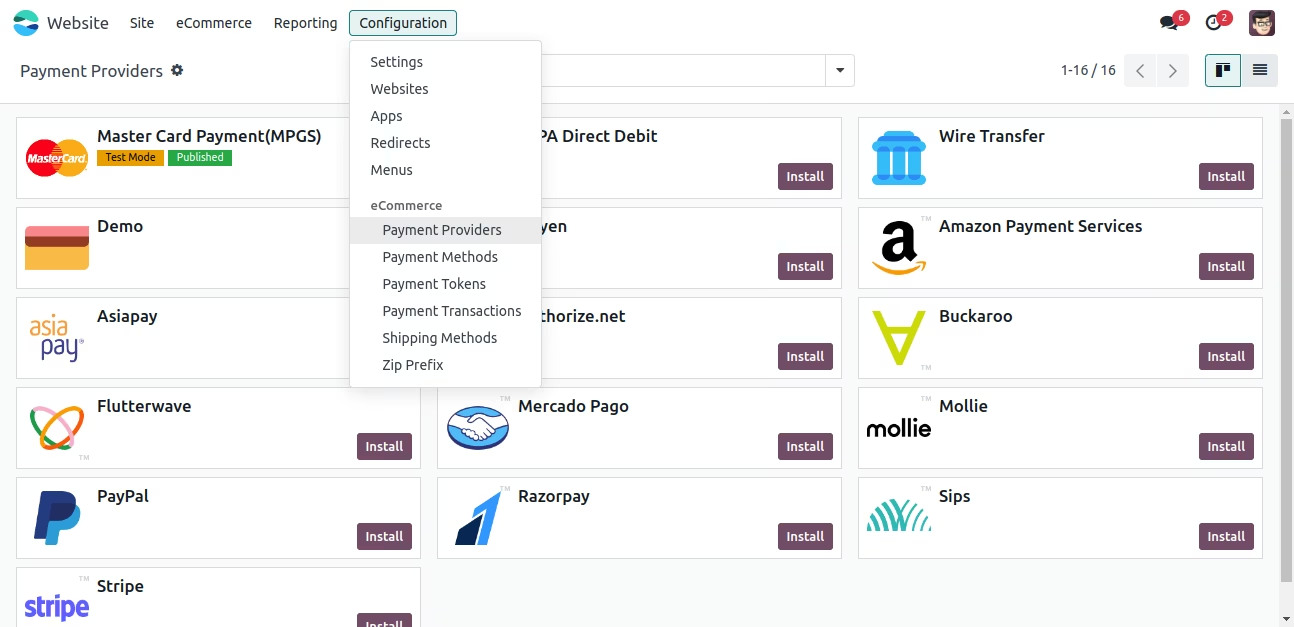
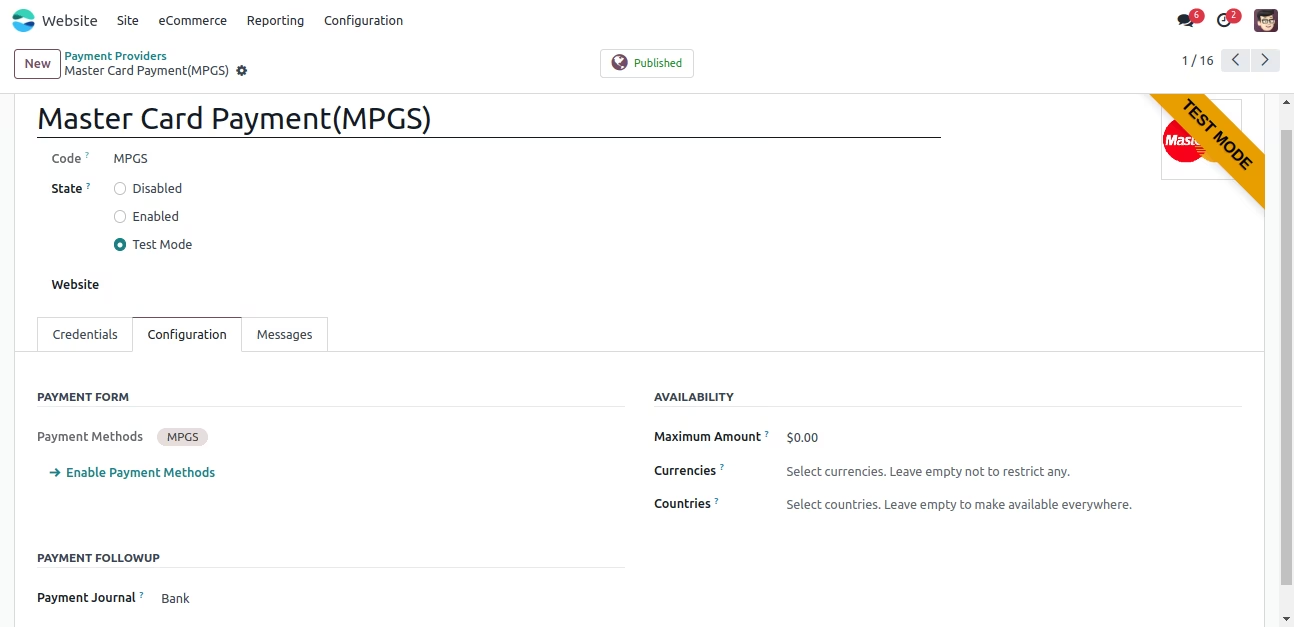
- Website > Configuration > Payment Transaction
- From the list of payment provider select Master Card Gateway
- MPGS Credentials: Take Merchant ID, MPGS Secret Key and Merchant Name and Address from your MPGS account and put into MPGS Payment Provider.
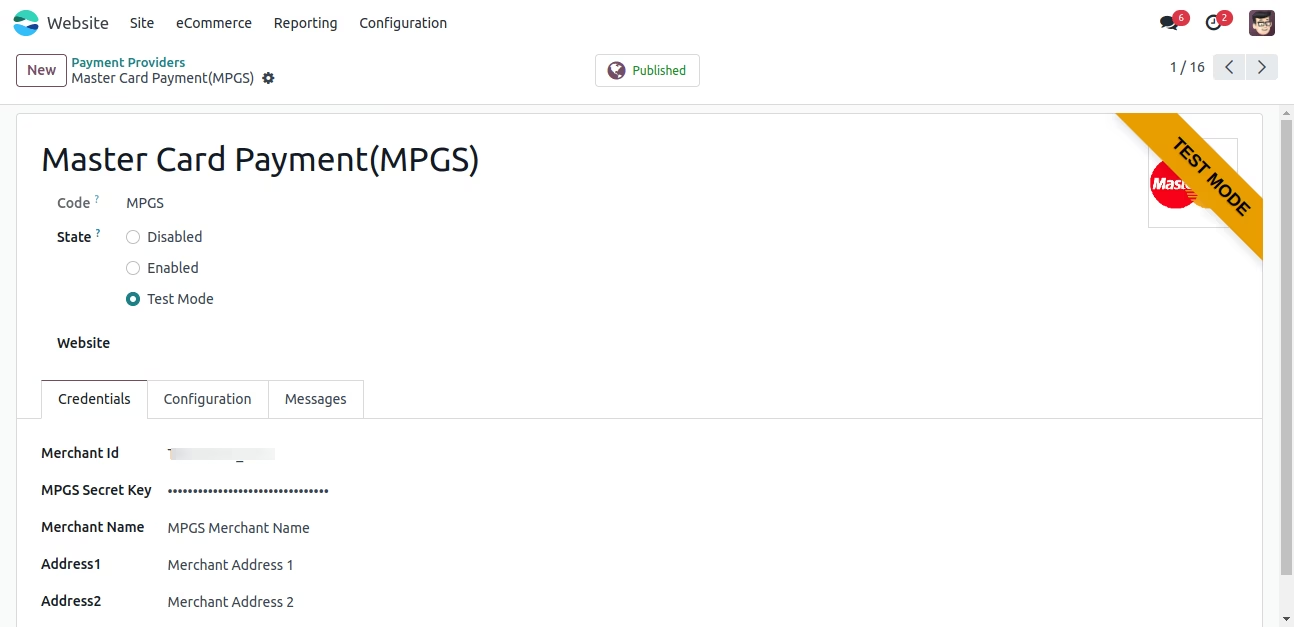
- Company currency and API currency should be same
- Here need to configure Journal
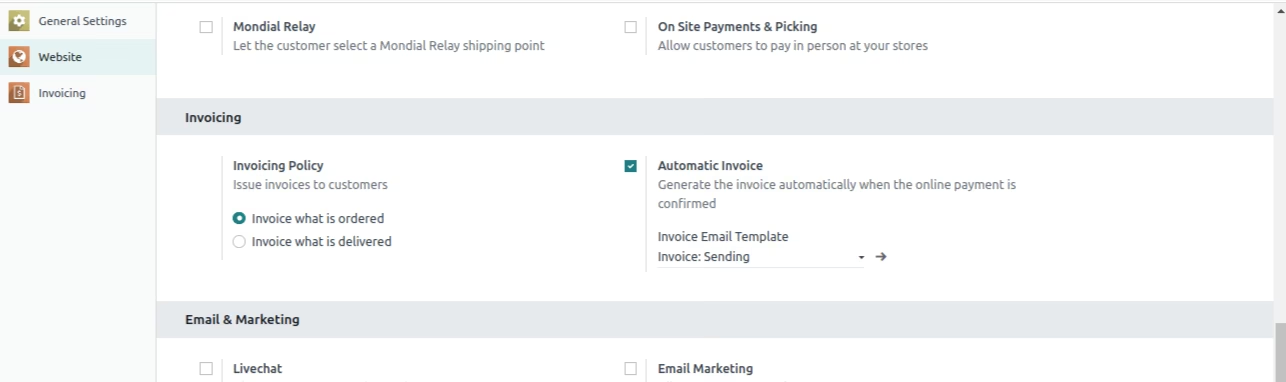
- If you want to generate invoice at the time of online payment then you have to configure this settings
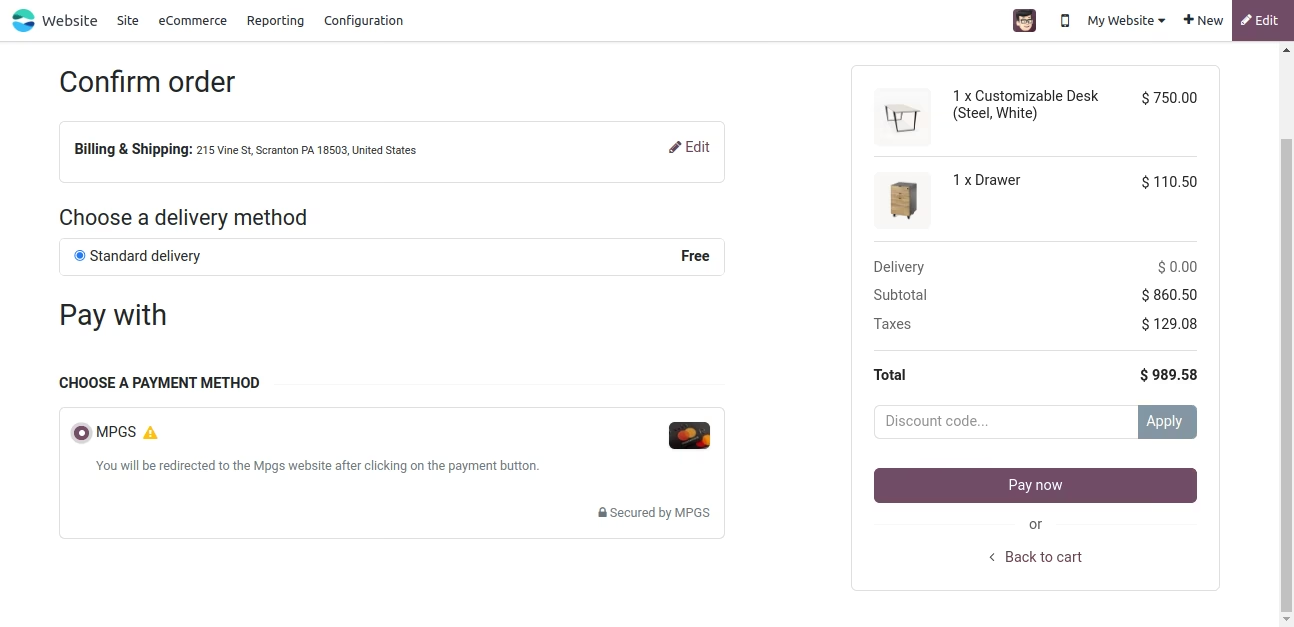
- Now let's do payment from website, so open website and make order
- Select MPGS from payment methods.
- You need to follow this payment step
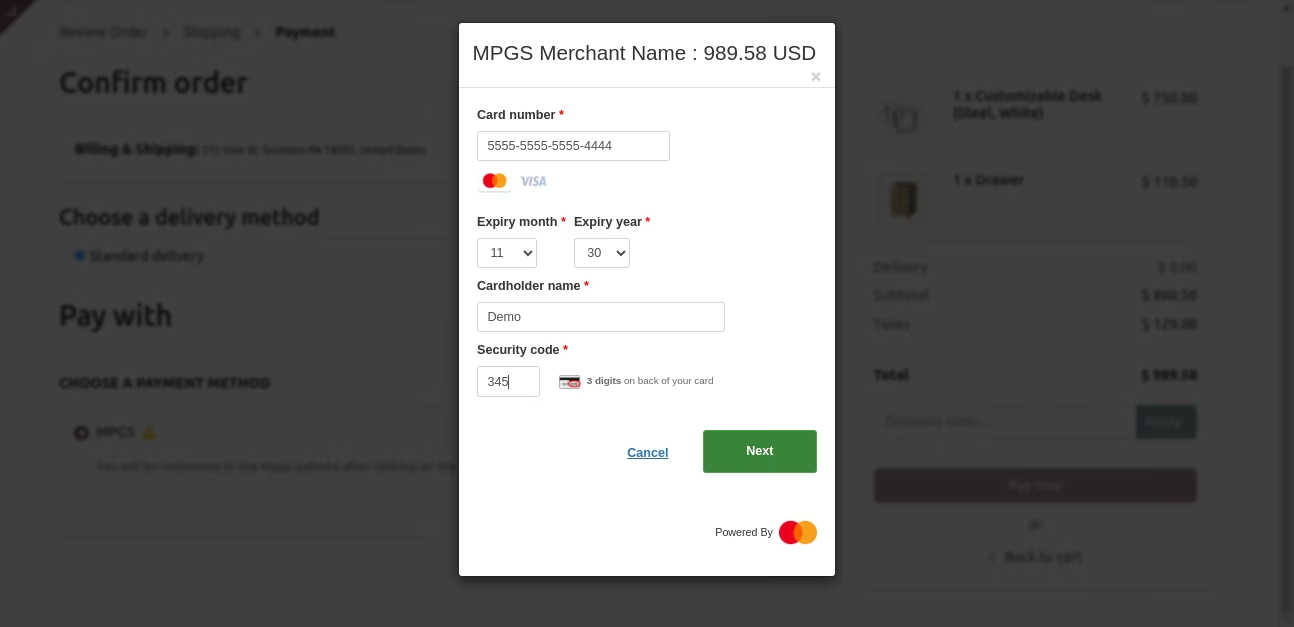
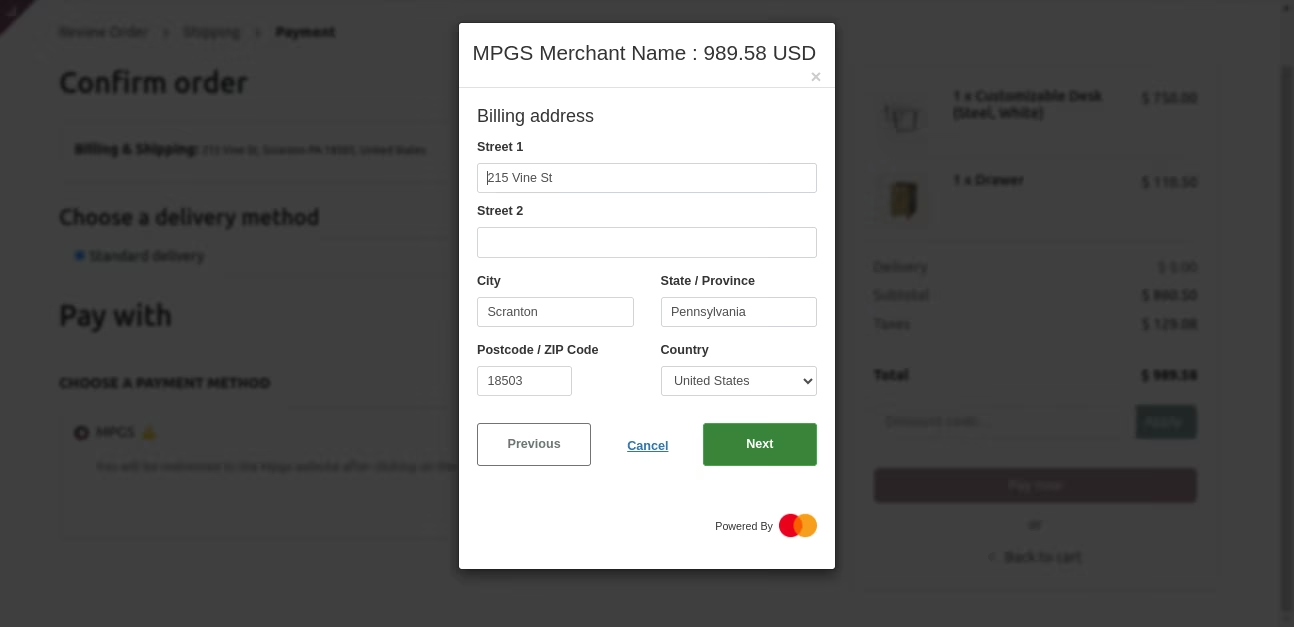
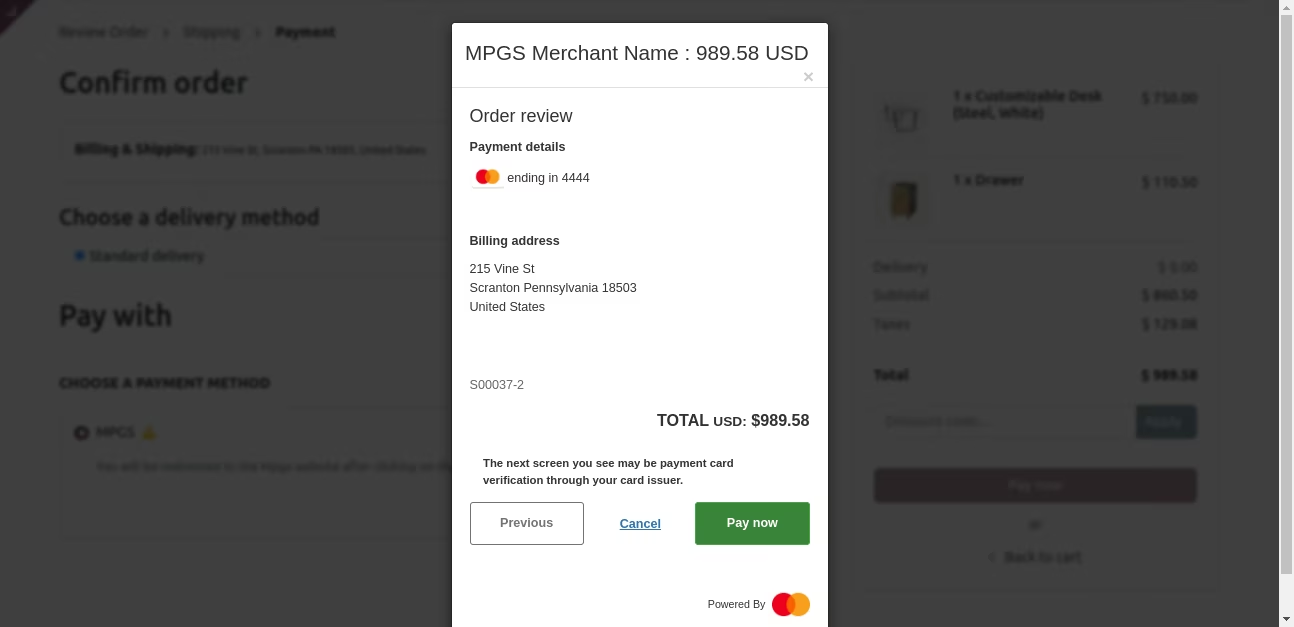
- User can see confirm order detail here
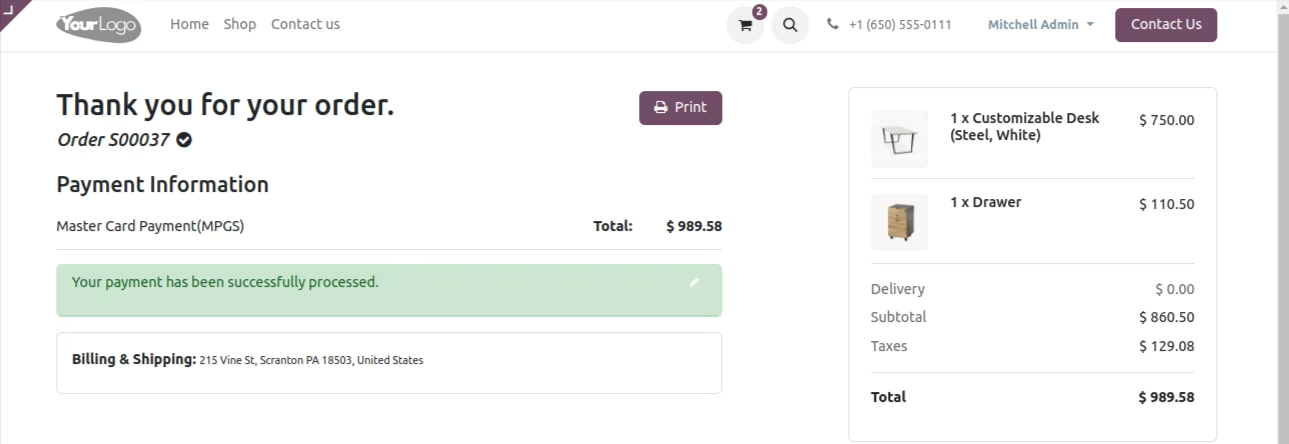
- Transaction Record has been created in Payment Transaction
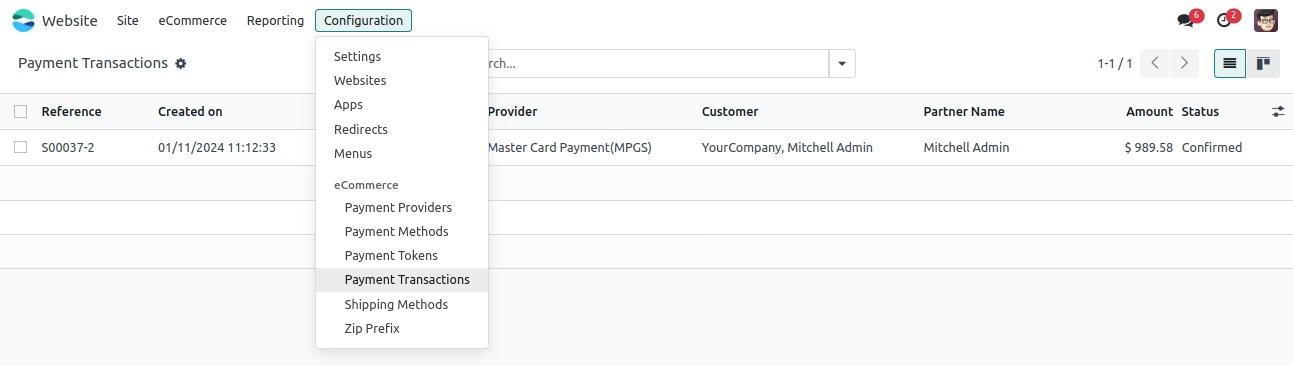
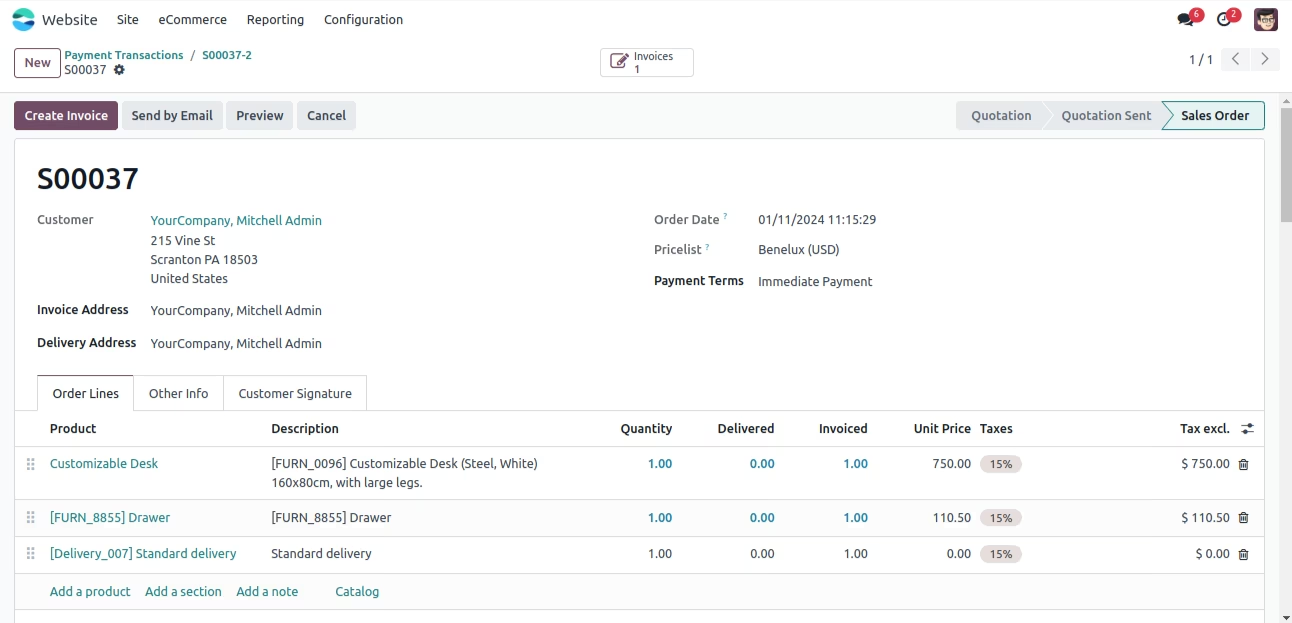
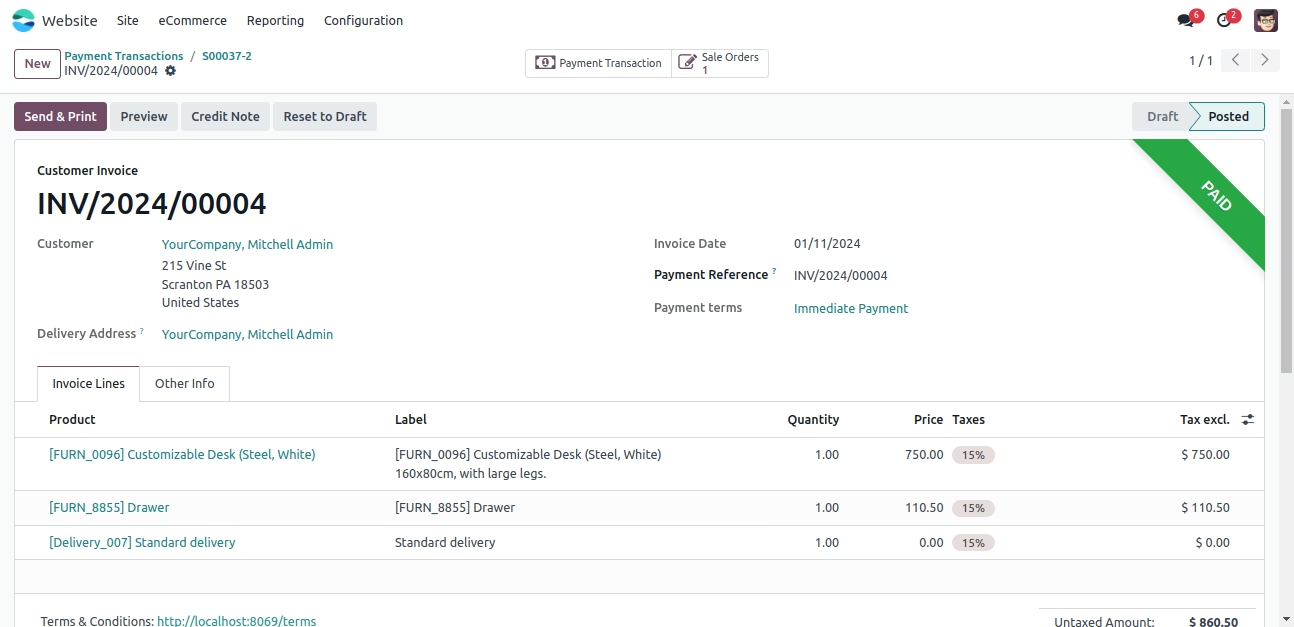
- Here you can check sale order and invoice inside transaction
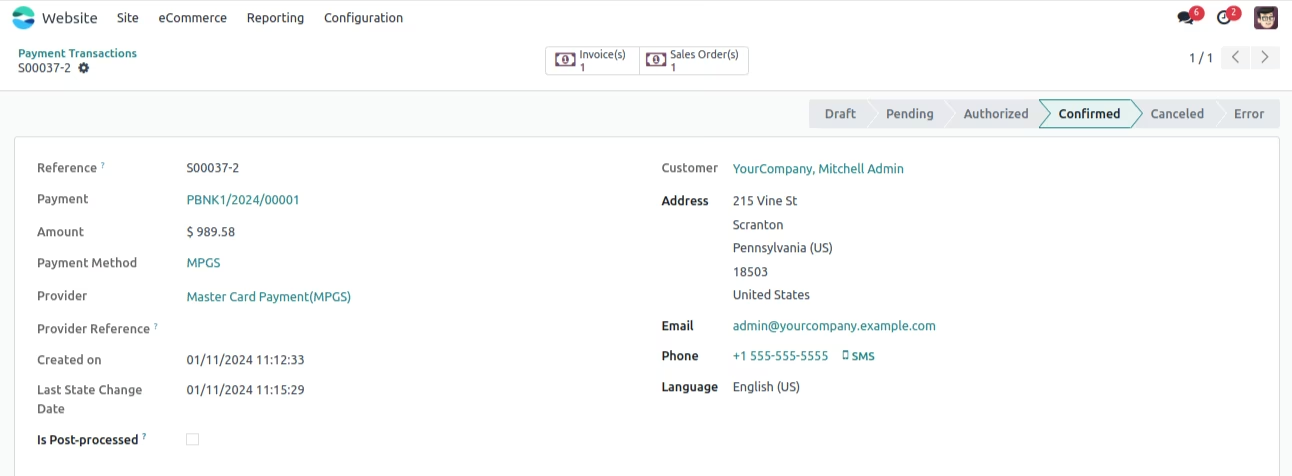
- Here you can check sale order and invoice in details