
The module for enhances the Manufacturing module by enabling users to produce multiple manufacturing orders simultaneously with a single click. This functionality is particularly beneficial for businesses handling a large volume of orders, allowing for efficient production management and reduced manual intervention.
Bulk Production: Produce multiple manufacturing orders at once, regardless of their current state (draft, confirmed, planned, or in progress).
Routing Support: Supports both routing and non-routing manufacturing processes, accommodating various production workflows.
State Flexibility: Allows mass production for orders in different states, including draft, confirmed, planned, and in progress.
Component Availability Check: Raises warnings if selected manufacturing orders are in the "Done" state or if component quantities are insufficient.
User-Friendly Interface: Provides a simple interface to select and produce multiple manufacturing orders, enhancing user experience.
Increased Efficiency: Streamline production processes by handling multiple orders simultaneously, saving time and resources.
Reduced Manual Effort: Minimize manual intervention by automating bulk production tasks, reducing the risk of errors.
Improved Production Planning: Enhance planning and scheduling by managing multiple orders in a unified manner.
Better Resource Management: Ensure optimal use of resources by efficiently allocating materials and labor across multiple orders.
Multi MO Produce from Any State
Multiple Manufacturing Order Produce Apps
Produce Mass Production order in single click Apps
Mass finish Manufacturing Produce in single click Apps
Mass Manufacturing Orders Produce app helps user to produce multiple manufacturing orders at single click even if manufacturing orders in draft, state, confirmed, or partially produced, Also raise warning if any manufacturing orders in done state or if manufacturing component quantity not available.
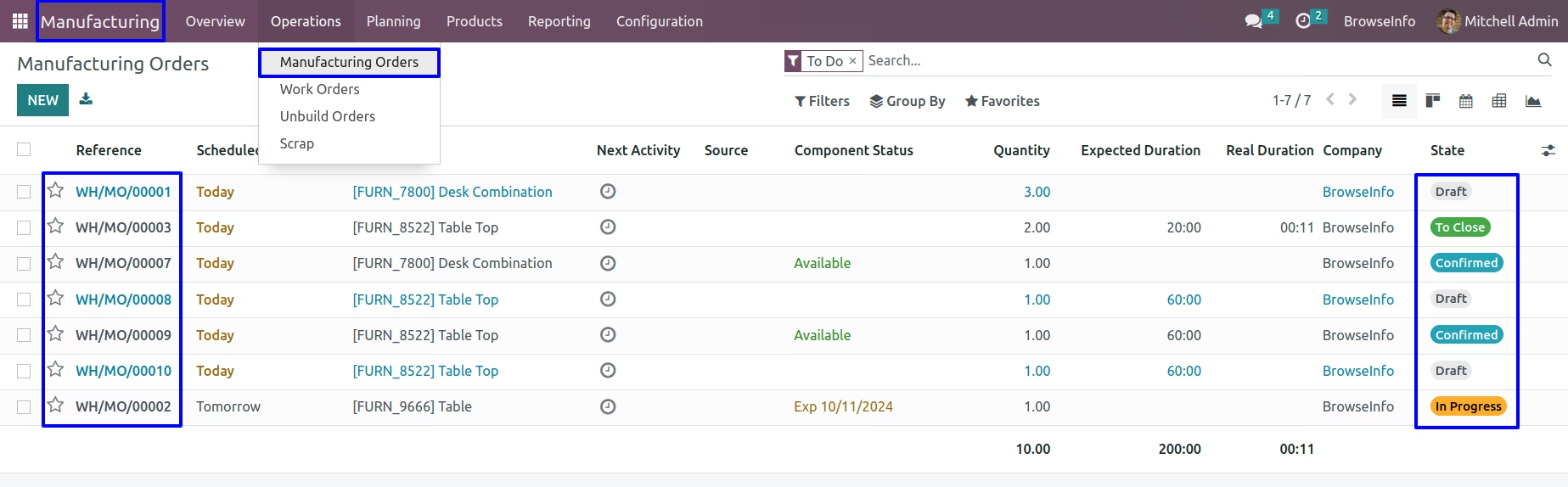
Manufacturing Orders
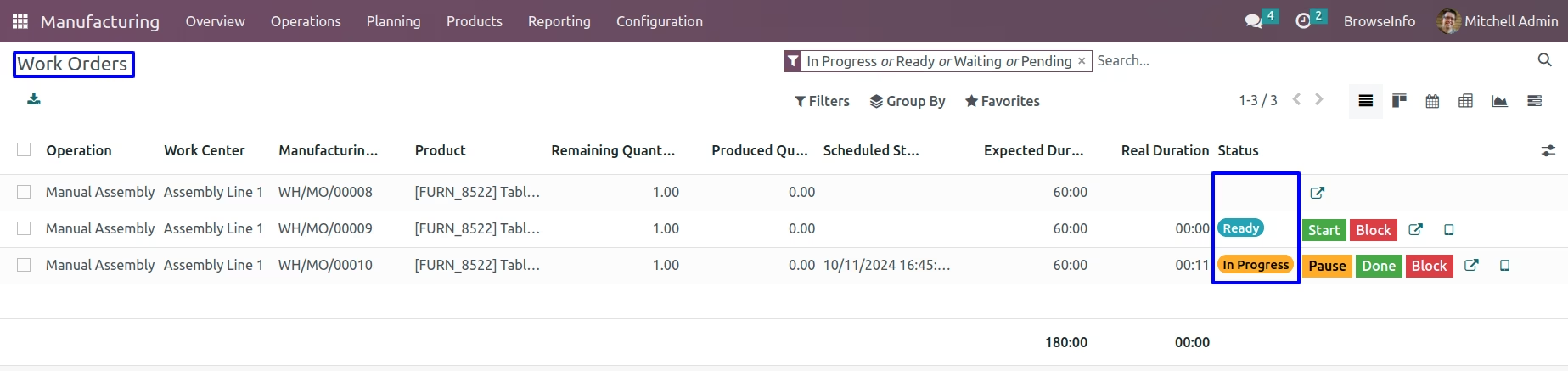
User can see multiple manufacturing orders in different state.
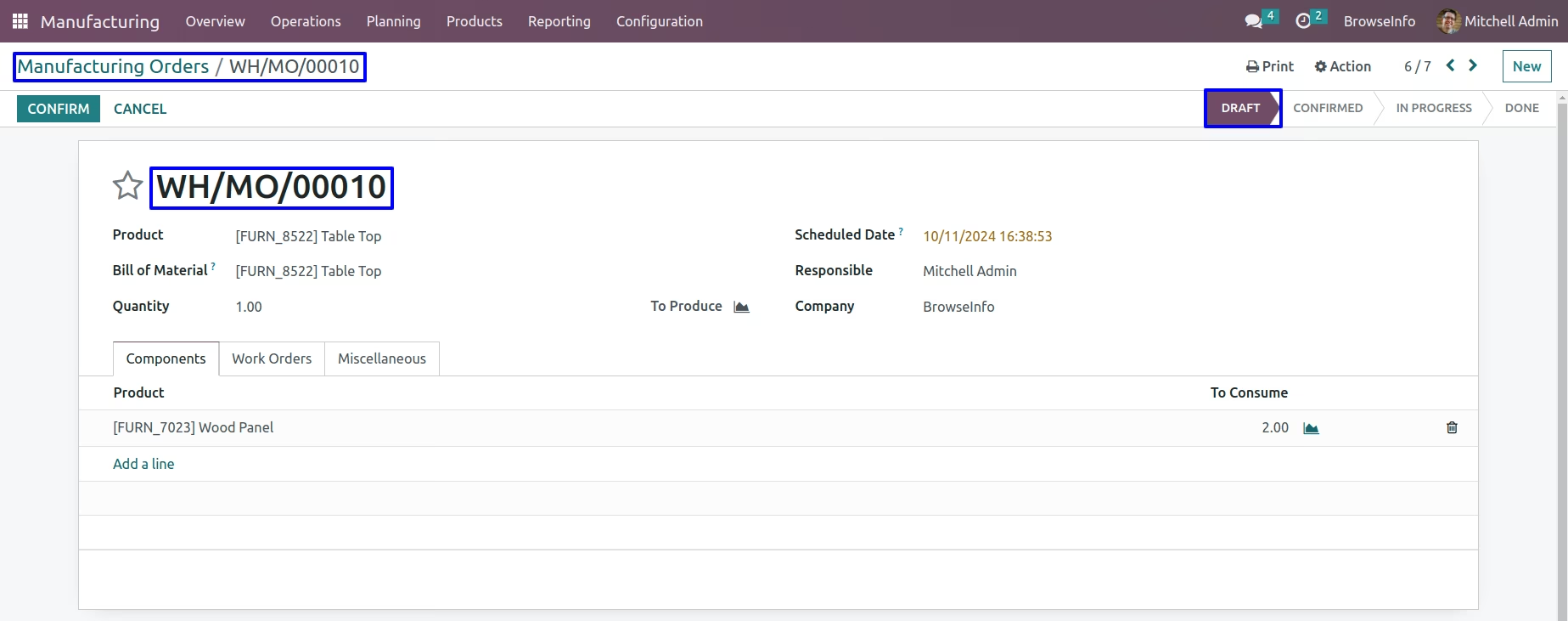
Draft MO
User can see manufacturing order in draft state.
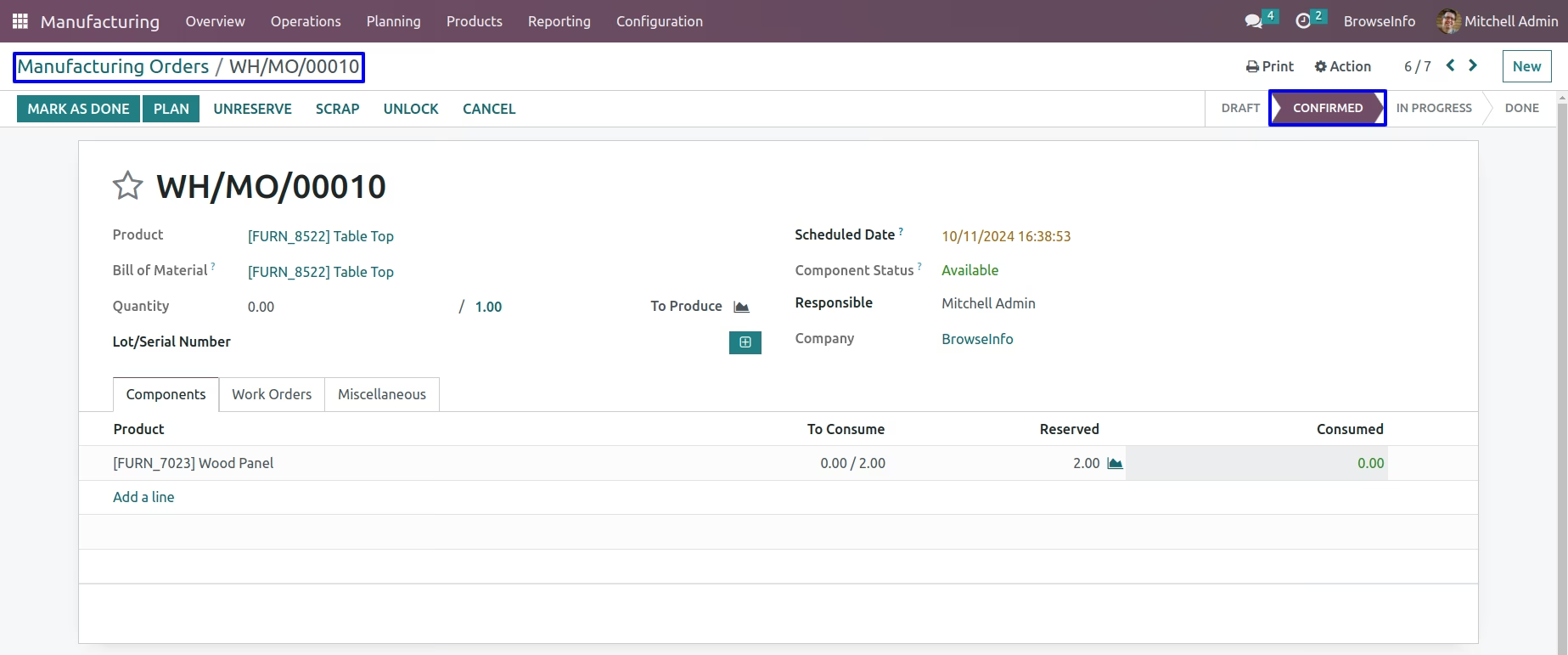
Validated MO
User can see confirmed /validated manufacturing order.
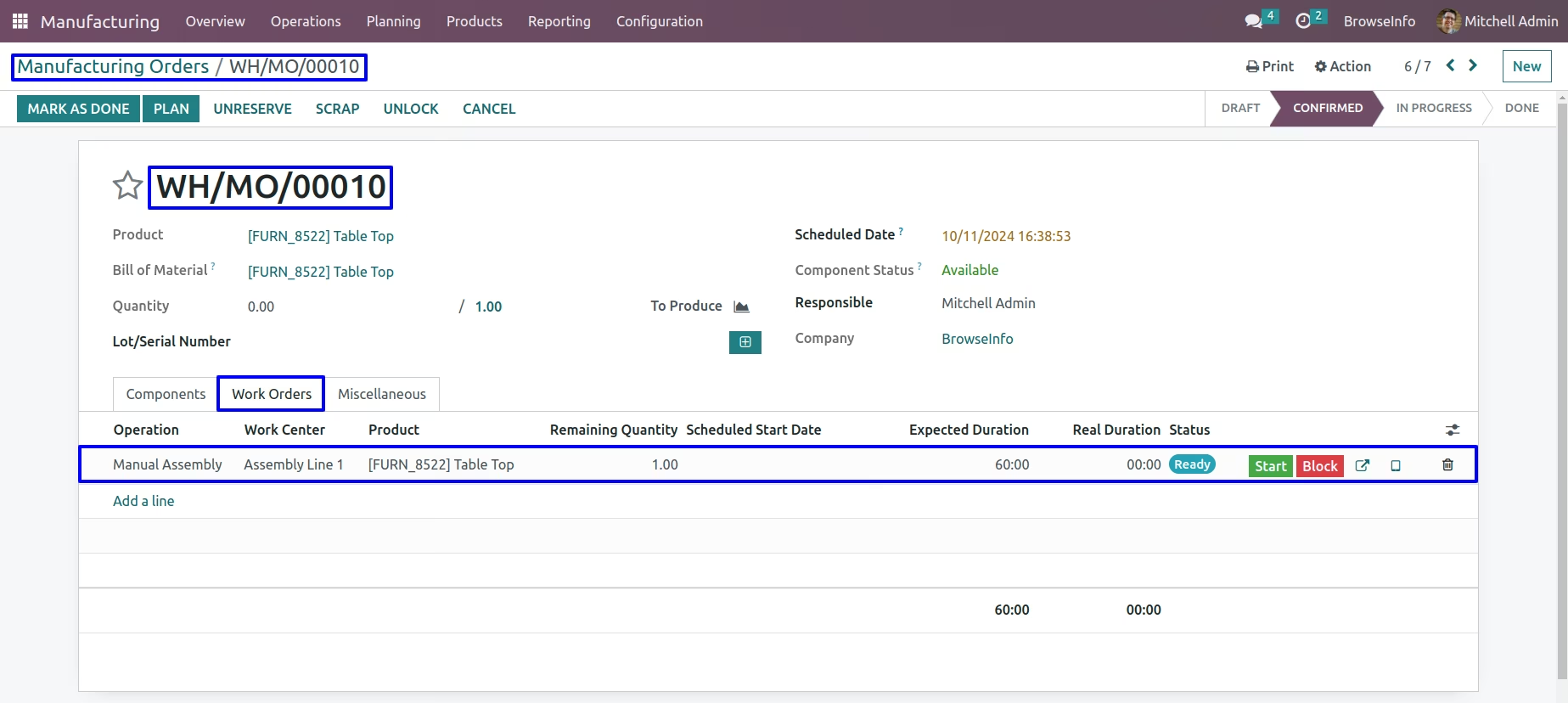
Partial MO
User can see partial mo for which work orders created and some of work order and finished.
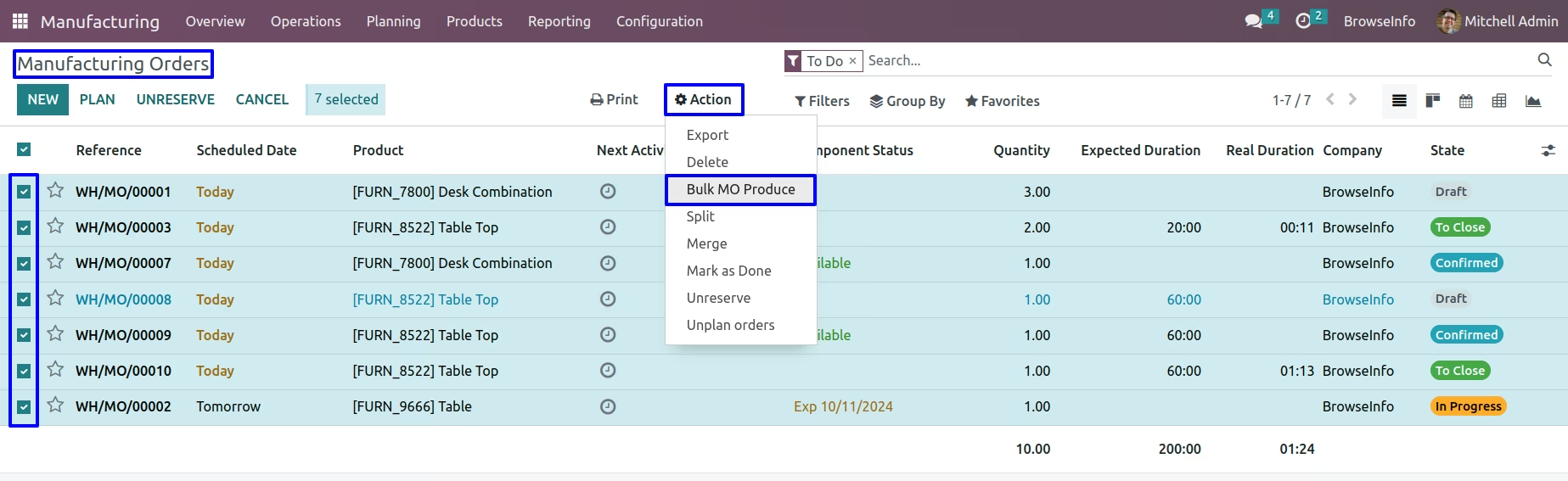
Bulk MO Produce
User have to select all manufacturing order in tree view and click "Bulk MO Produce" menu under action menu.
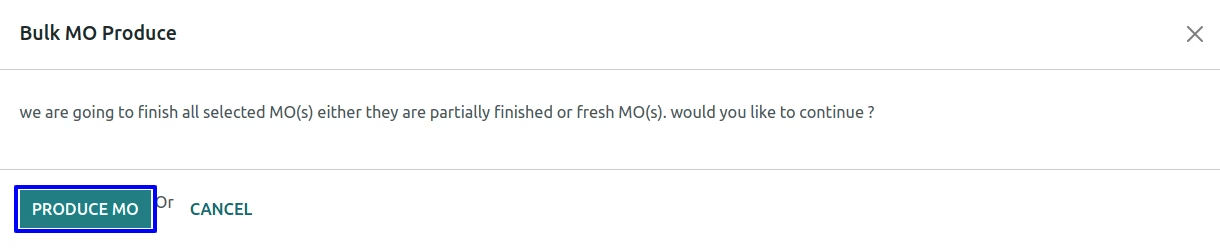
On next wizard user have to click "PRODUCE MO" button in order to process bulk manufacturing order production.
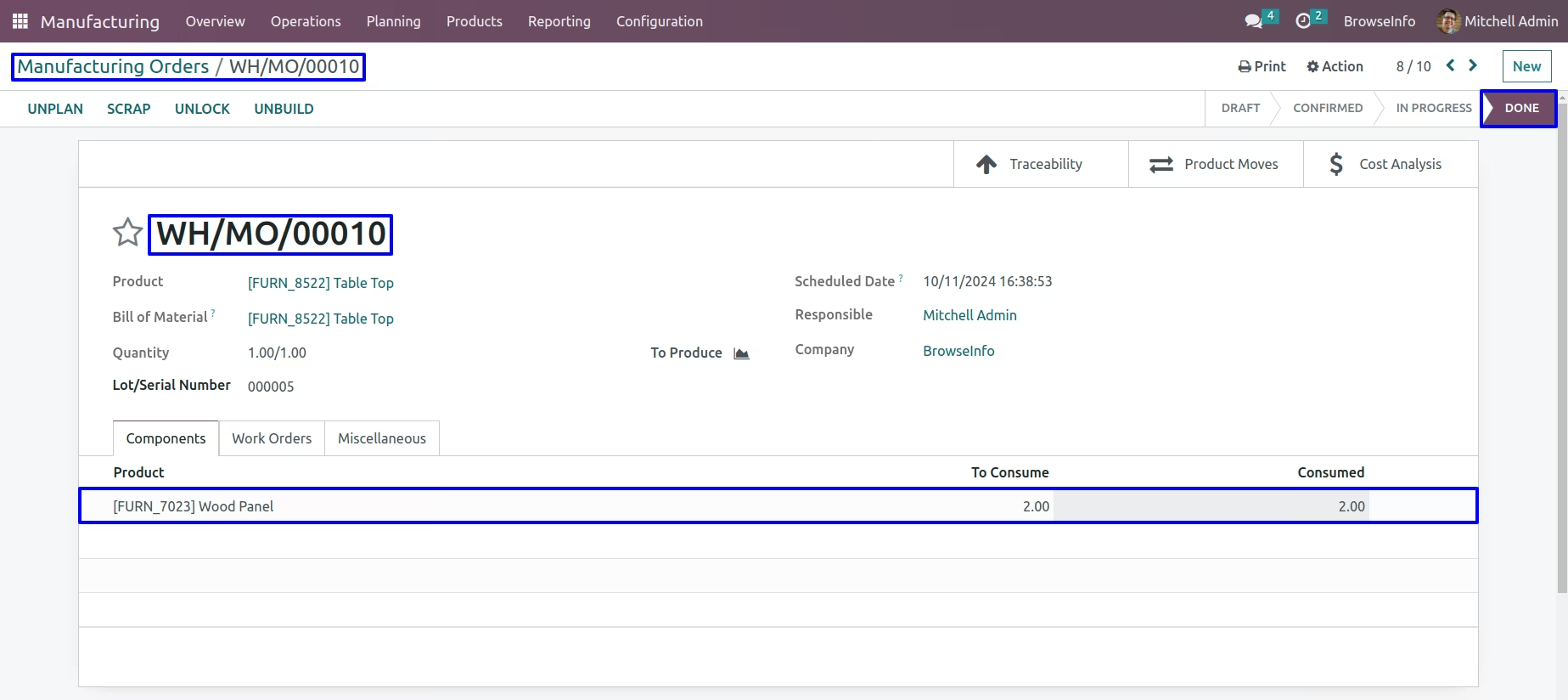
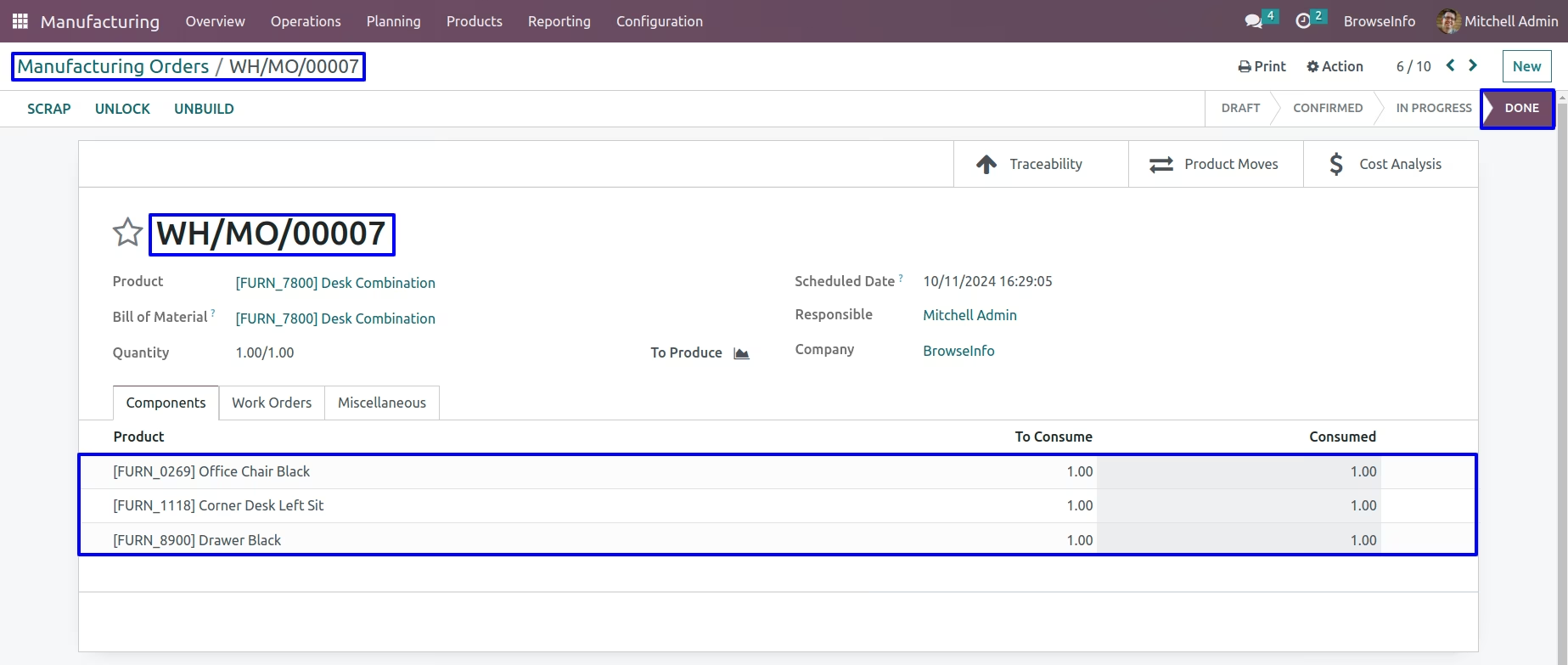
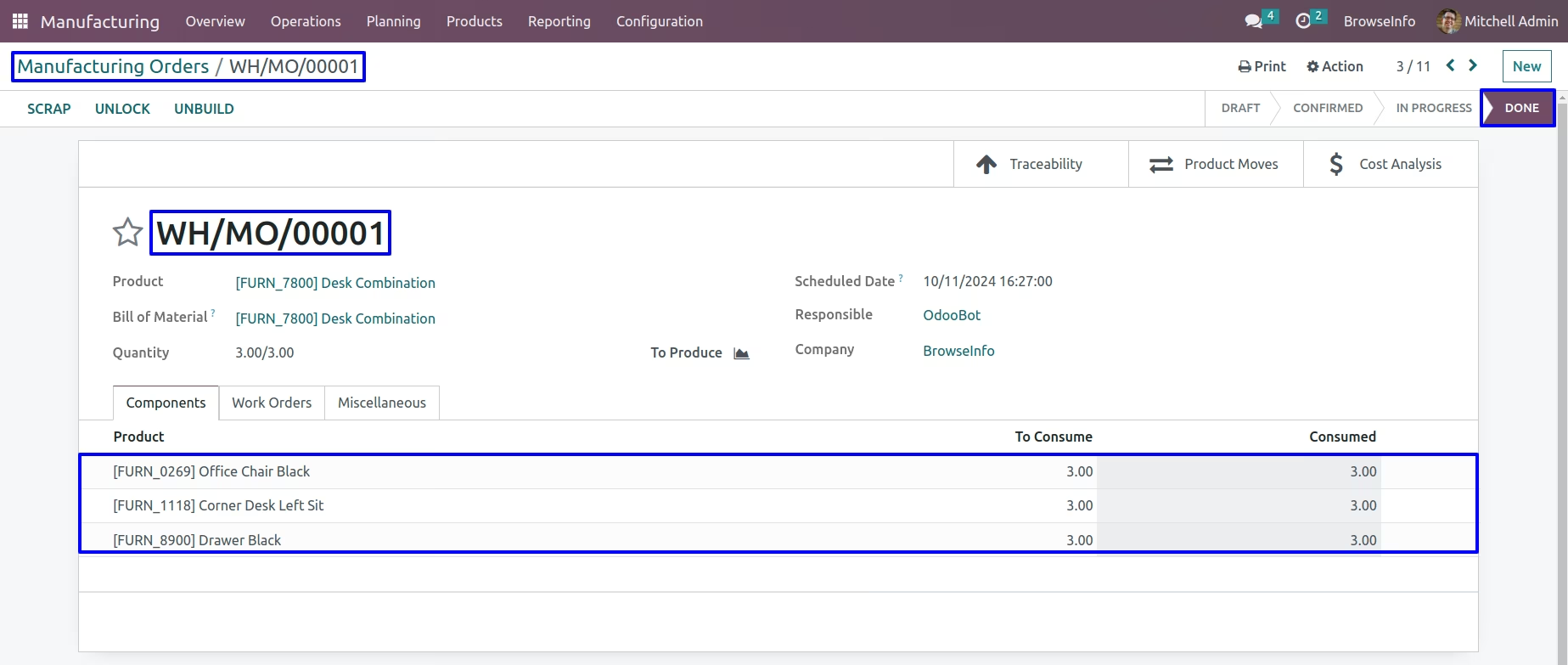
Done Manufacturing Order
User can see all manufacturing orders are done and production are recorded for all orders.
Warnings
Raise warnings if component product quantity is not available for manufacturing orders.

Raise warnings if selected orders already in "Done" state.
