The module for enhances the payment management process by allowing users to cancel or reset multiple payments to draft status simultaneously. This functionality is particularly beneficial for businesses that need to make bulk changes to payment records, ensuring consistency and saving time.
Bulk Payment Cancellation:
Allows users to select multiple payments and cancel them in one action.
Streamlines the process of reversing multiple payment transactions.
Reset Payments to Draft:
Enables users to reset multiple payments to draft status.
Facilitates the reprocessing or editing of payment records as needed.
Supports Multiple Payment Types:
Works with various payment types, including customer and supplier payments.
Provides flexibility in managing different payment scenarios.
User-Friendly Interface:
Integrates seamlessly into the accounting interface.
Provides an intuitive and easy-to-use interface for managing bulk payment actions.
Confirmation Prompts:
Displays confirmation messages before applying changes.
Prevents accidental cancellations or resets and ensures intentional actions.
Time Efficiency:
Significantly reduces the time spent on manually canceling or resetting individual payments.
Enhances productivity by enabling bulk actions.
Consistency:
Ensures uniformity in payment records by applying changes to multiple entries simultaneously.
Reduces the risk of errors and discrepancies.
Improved Payment Management:
Facilitates better tracking and management of payment records.
Supports timely corrections and adjustments to payment transactions.
Enhanced User Experience:
Offers an intuitive and easy-to-use interface.
Simplifies the process of managing a large number of payment records.
App for Bulk Payment State Reset
Reset Multiple Payments to Draft
Mass Reset and Cancel Payments App
Multi-Payment Cancel and Draft Restore App
Payment Reset app helps users to cancel or reset to draft multiple selected payments with single click even if from different states. Users can select multiple payments from tree view and cancel all selected payments or reset to draft state with a single click.
User can see created payments in "POSTED" state.
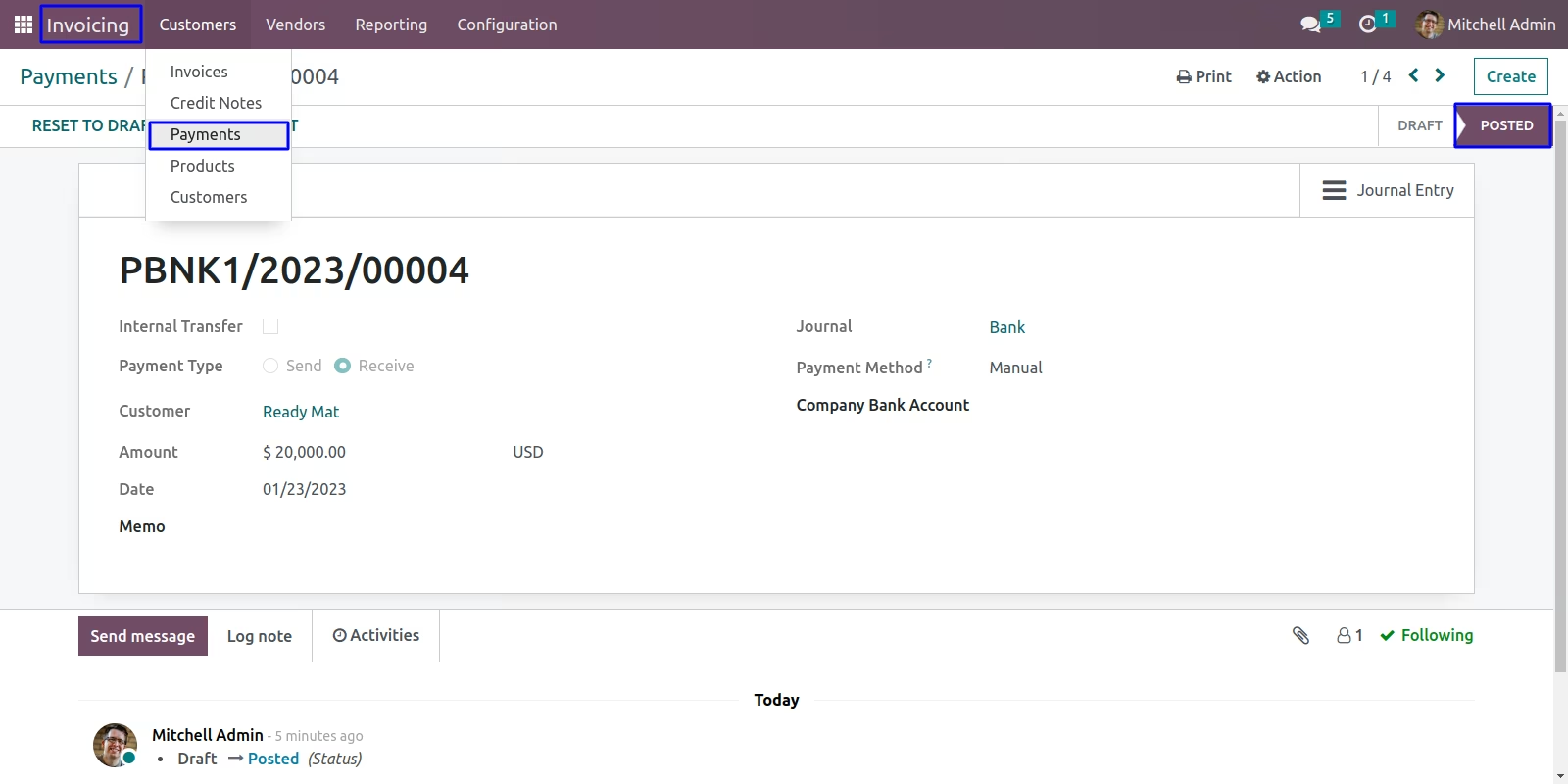
Mass Payment Reset To Draft Menu
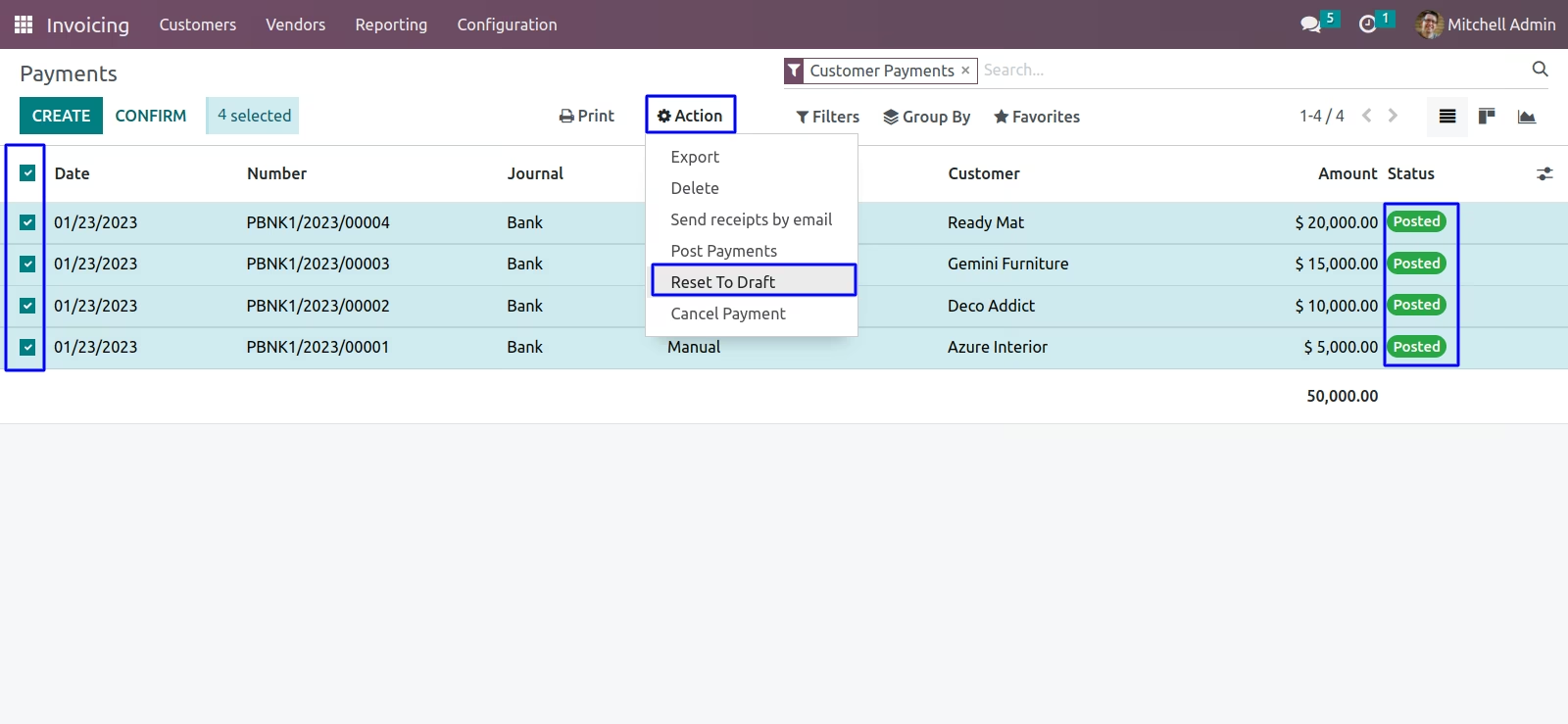
User can select multiple payments and under tree view, Also see "Reset To Draft" menu under "Action" menu.
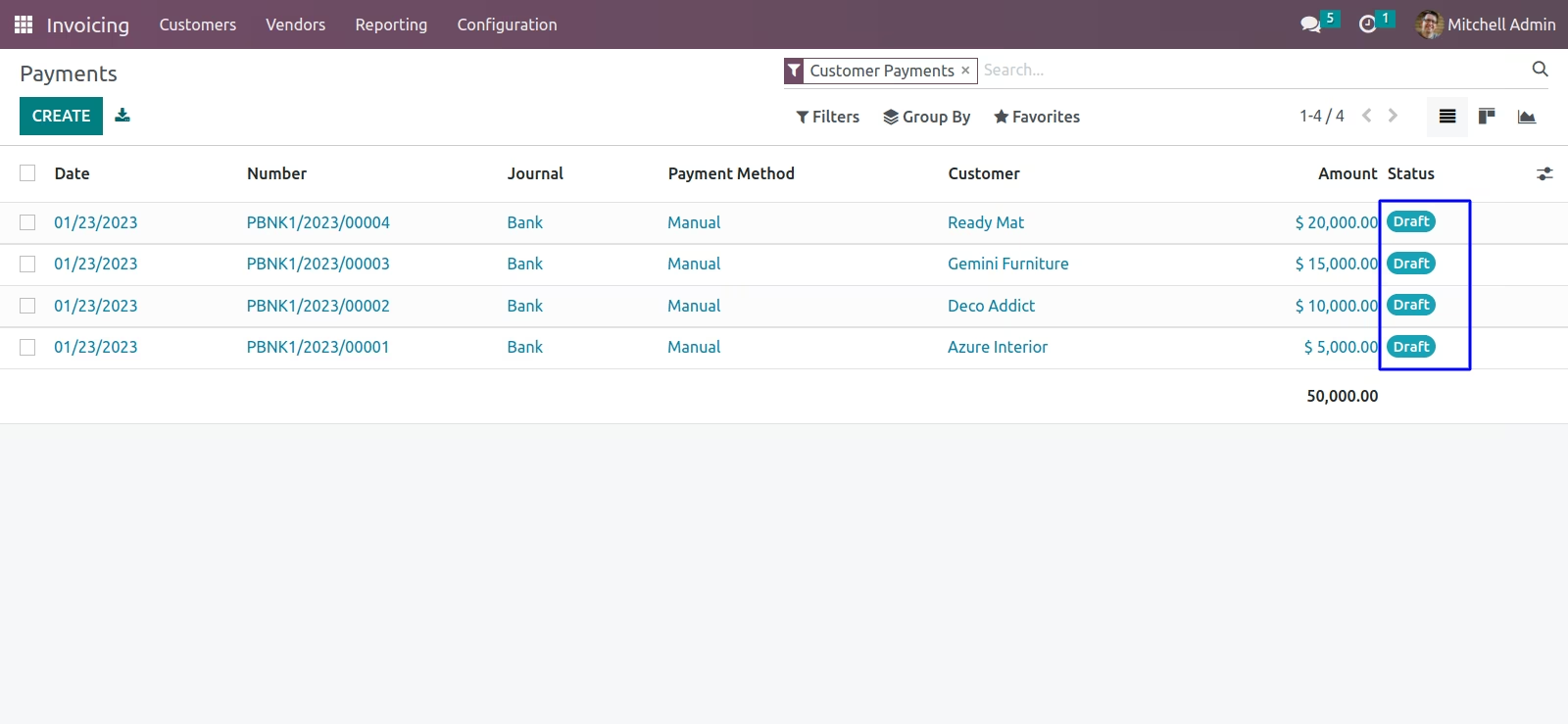
On clicking "Reset To Draft" menu user can see all selected payments are reset to draft and state also changed to "Draft" state.
User can also see payments moved to "Draft" state in form view.
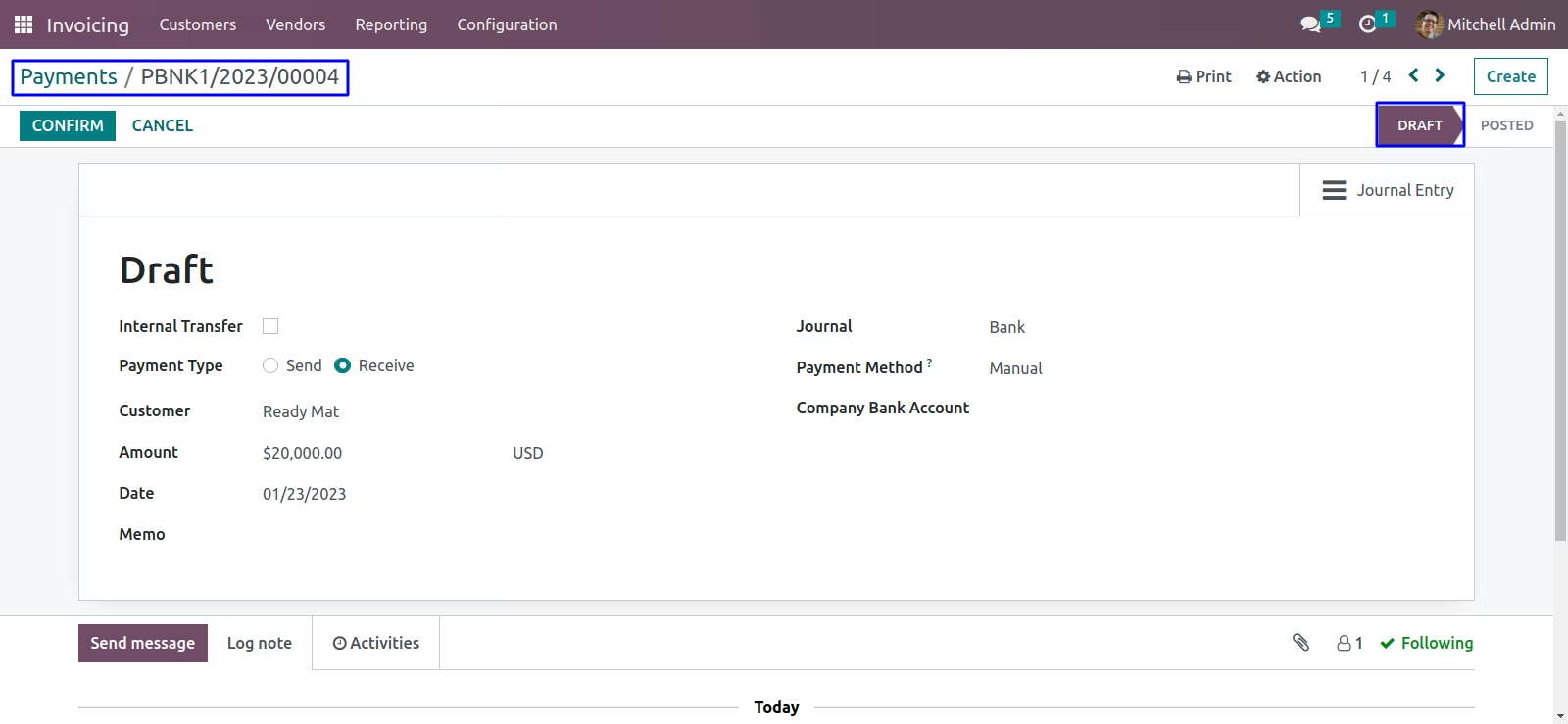
User can see created payments in "POSTED" state.
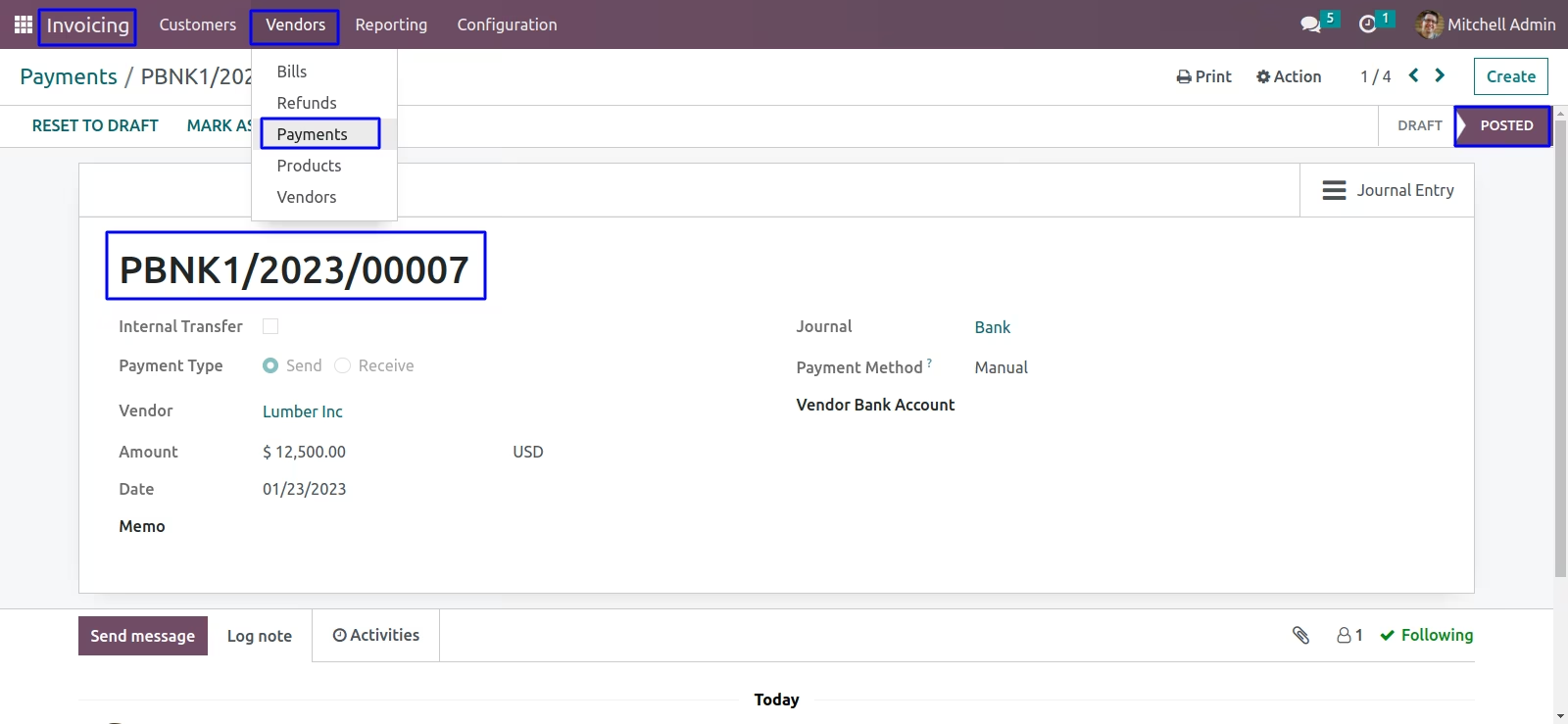
Mass Payment Cancel Menu
User can select multiple payments and under tree view, Also see "Cancel Payment" menu under "Action" menu.
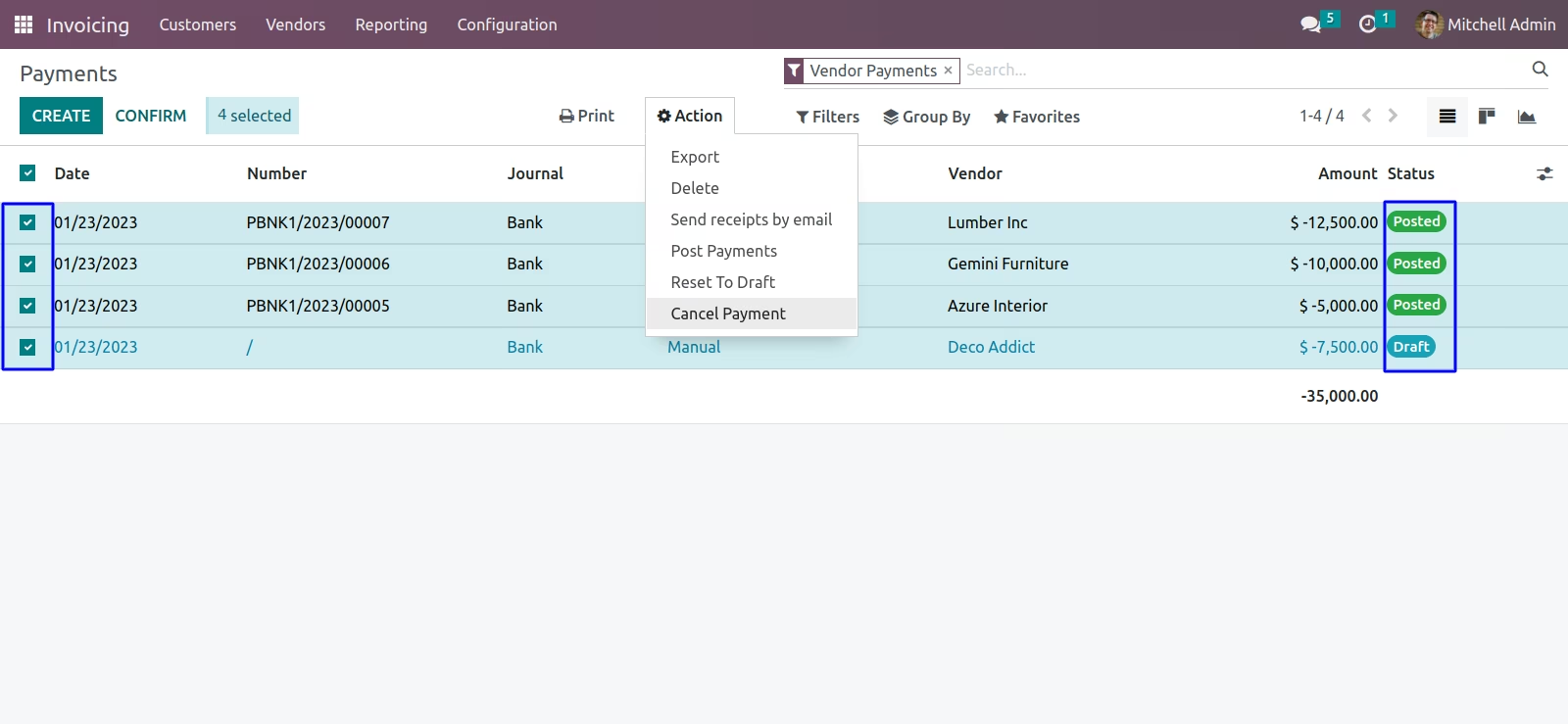
On clicking "Cancel Payment" menu user can see all selected payments are cancelled and state also changed to "Cancelled" state.
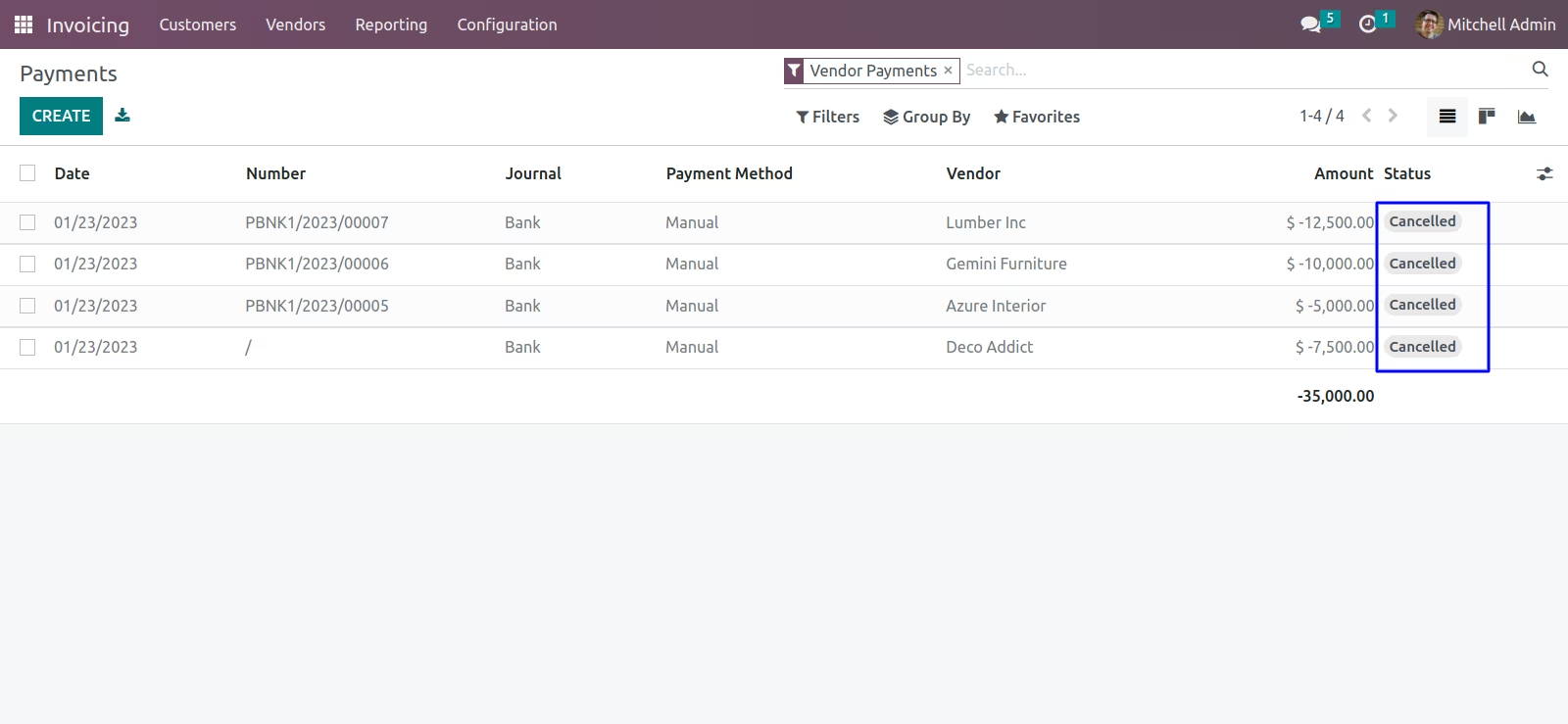
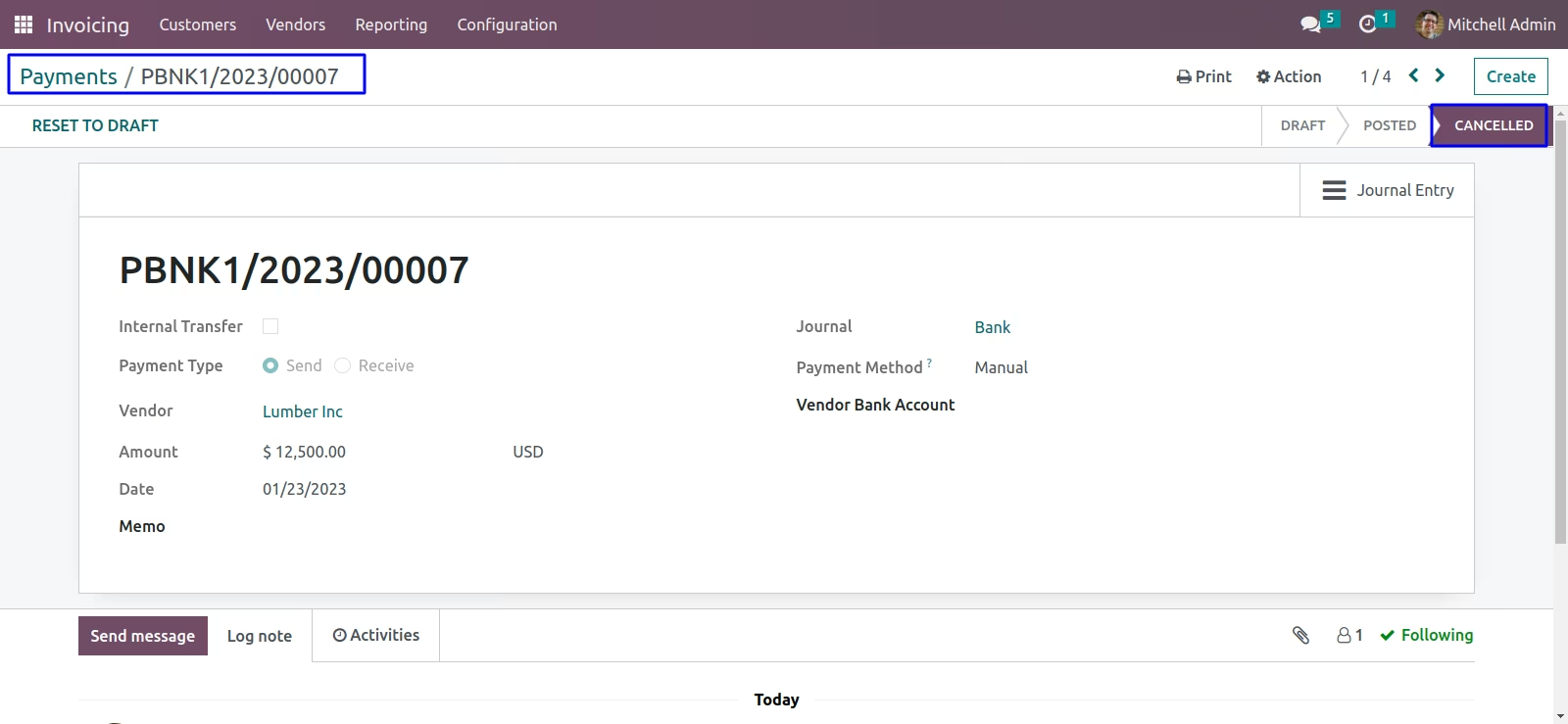
User can also see payments moved to "Cancelled" state in form view.