The module integrates a WhatsApp chat widget into your Marketplace. It enables real-time communication by allowing customers to select a seller and initiate a live chat via WhatsApp, streamlining support and enhancing customer interaction.
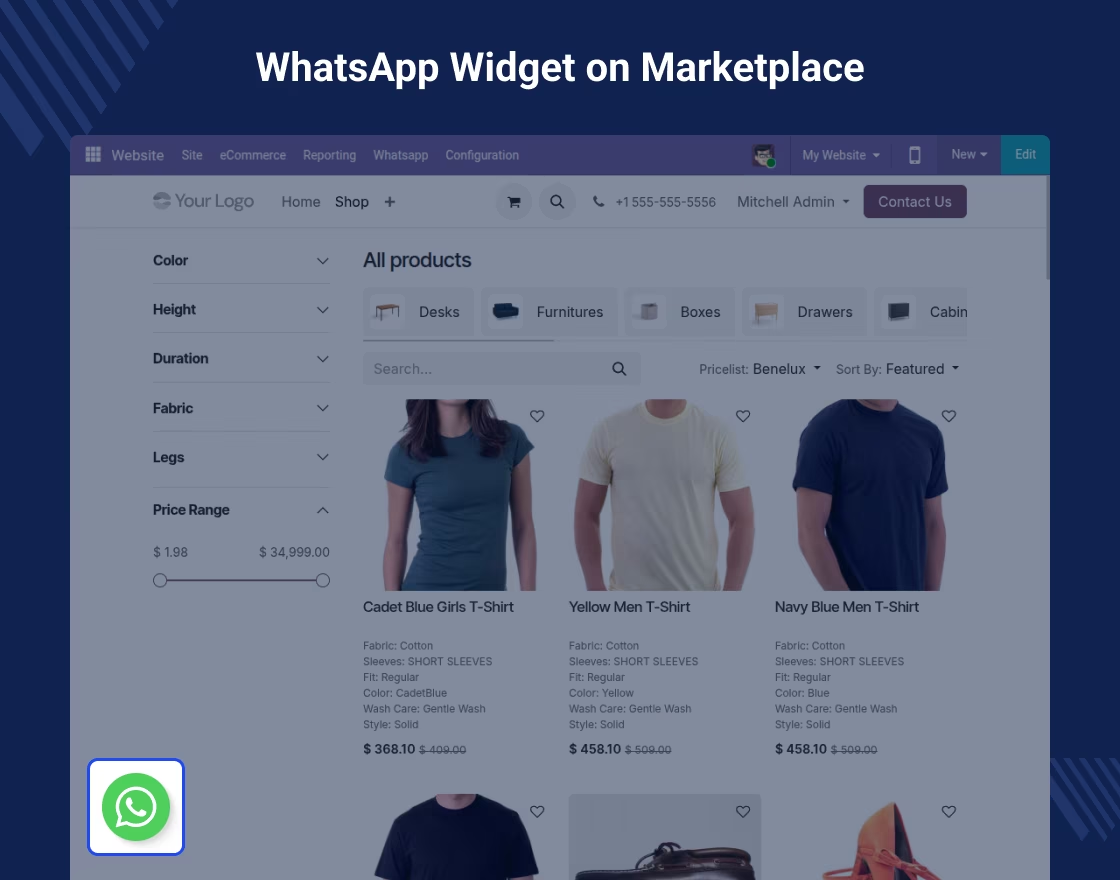
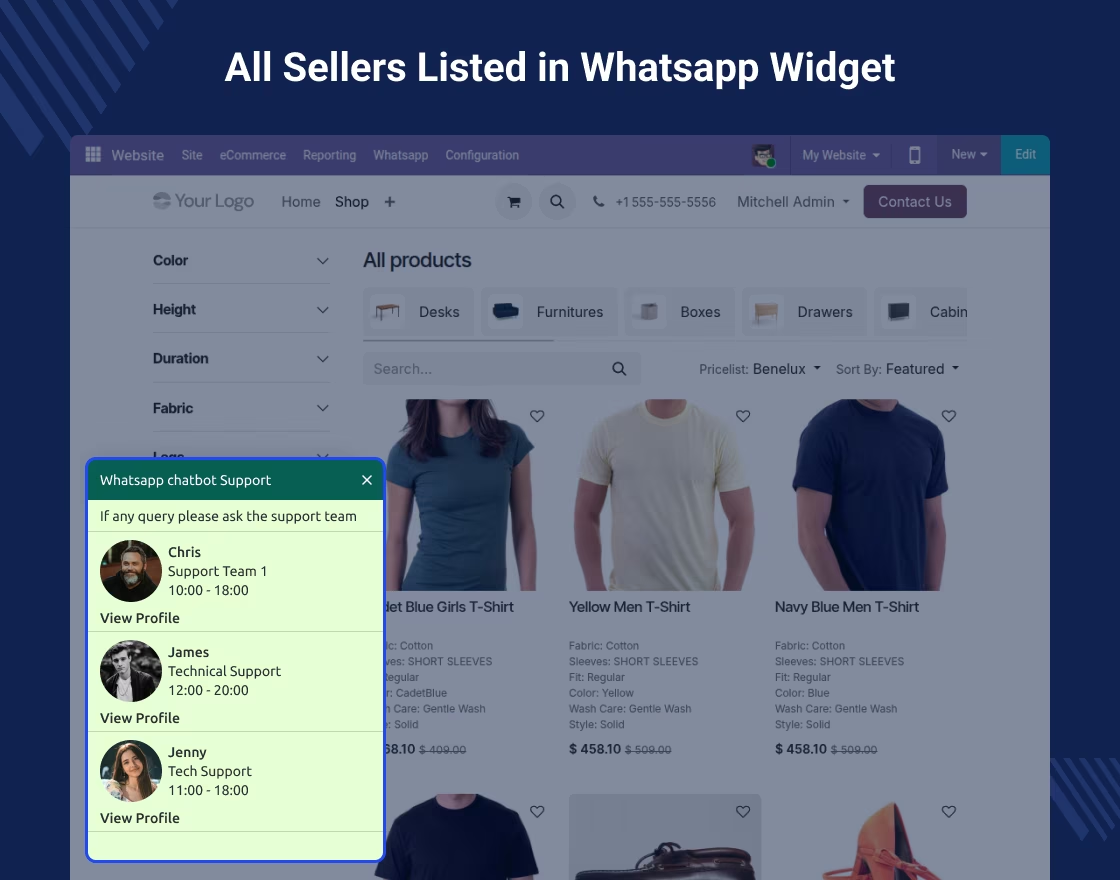
Customer-facing widget that displays active sellers supporting WhatsApp chat.
Customers can choose a seller from the list and connect via WhatsApp effortlessly.
Admin control for enabling or disabling chat support per seller.
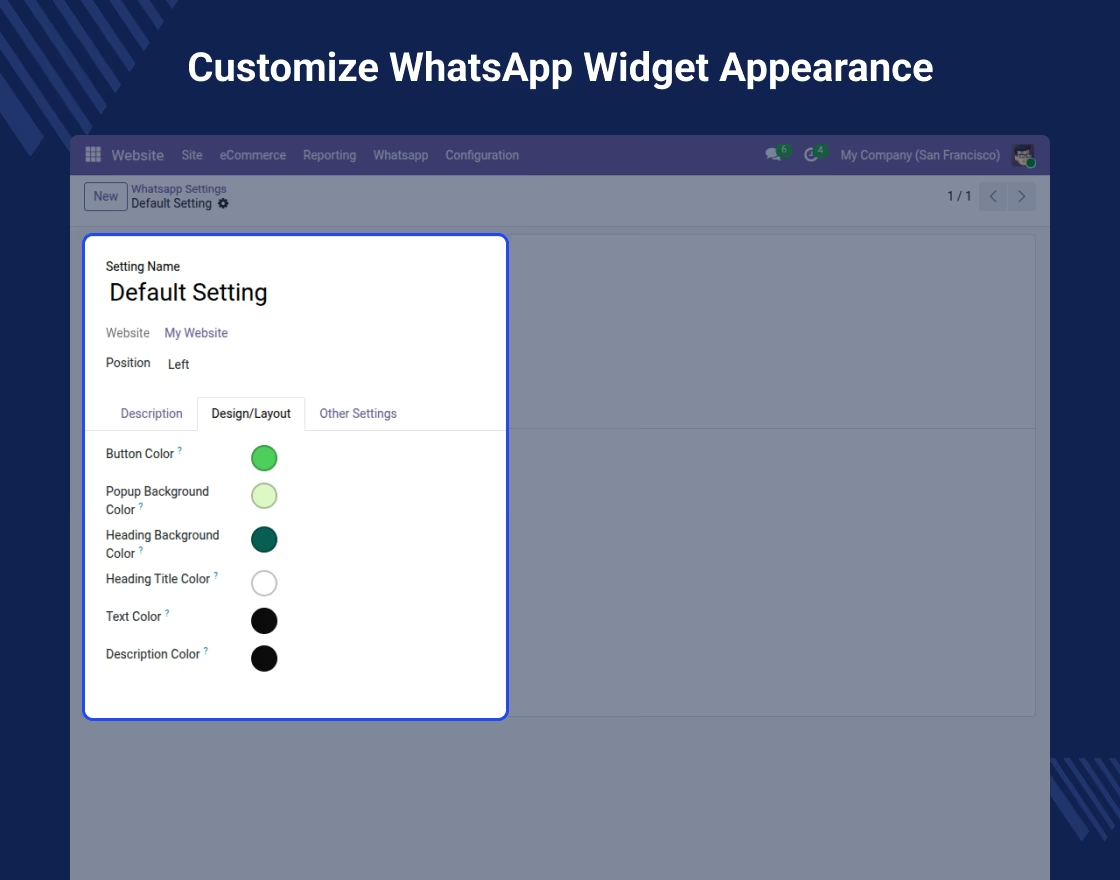
Customizable widget interface: configure background, opening message, title, and seller availability.
Sellers receive messages directly on their registered WhatsApp numbers.
Boost customer engagement: Provide instant, familiar communication for better support.
Improved seller accessibility: Customers can interact with sellers directly, fostering trust.
Administrative control: Easily activate or deactivate seller availability for chat.
Enhanced UX: A WhatsApp-based interface is intuitive and mobile-friendly.
Scalable support: Customers can reach out to multiple sellers in one marketplace seamlessly.
Boost Collaboration 
Marketplace WhatsApp Live Chat
Marketplace WhatsApp Live Chat adds live chat to your marketplace so customers can talk with sellers right away. This module adds a WhatsApp widget for live conversations. Customers can reach sellers through WhatsApp for fast answers and better help.


Essential Features of Our Module
We are excited to introduce the latest features that will enhance your user experience!
Seller Registration and Configuration
-
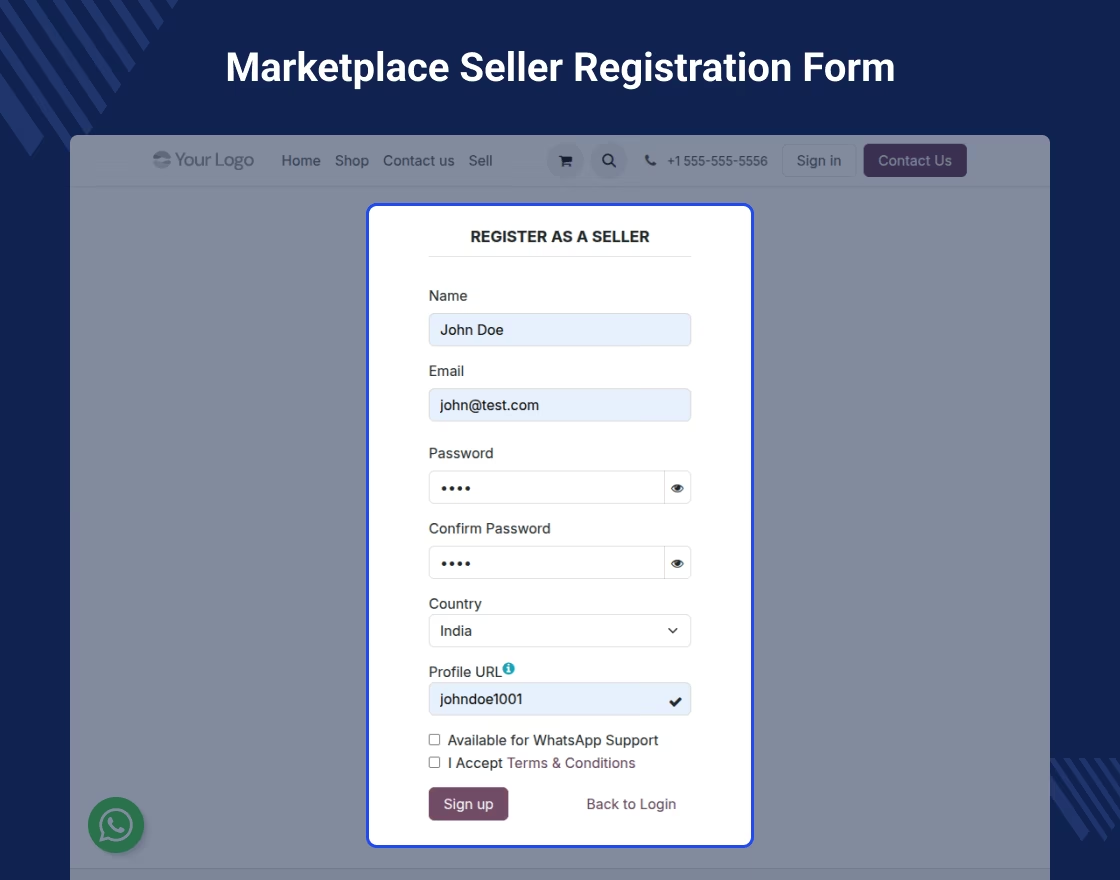
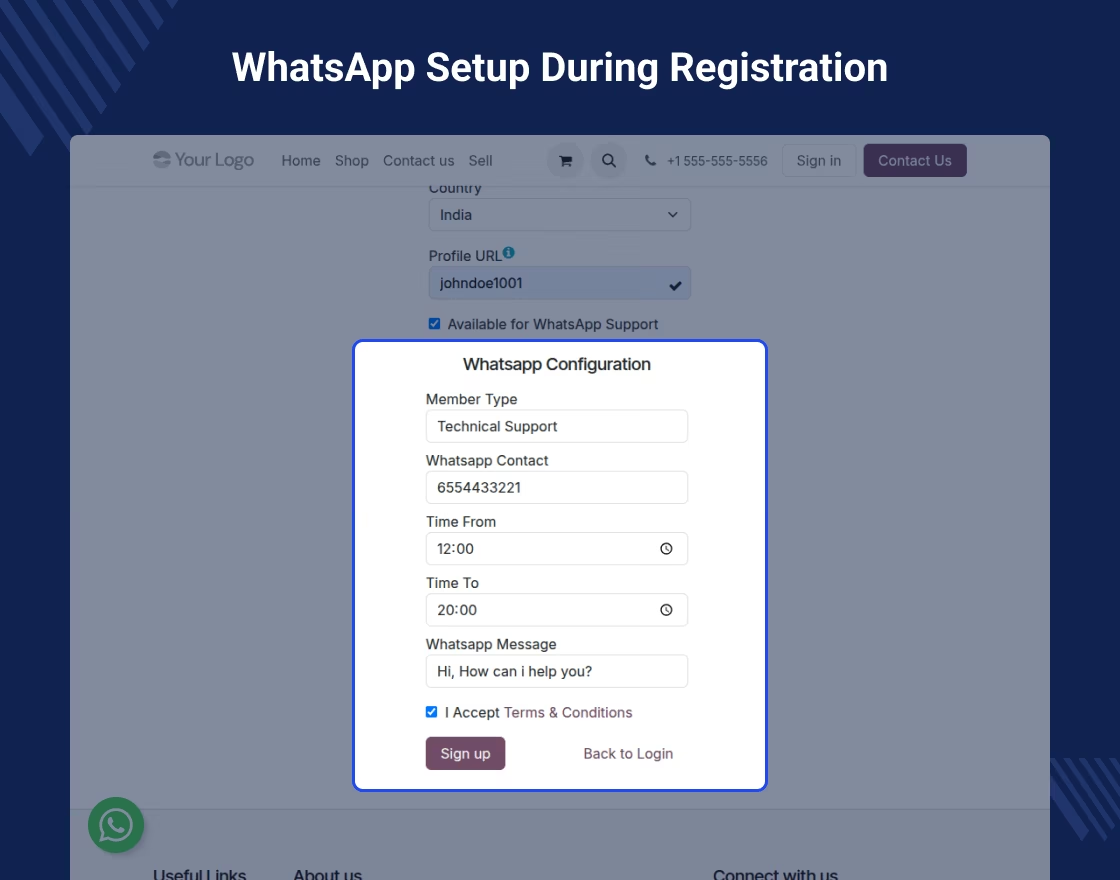
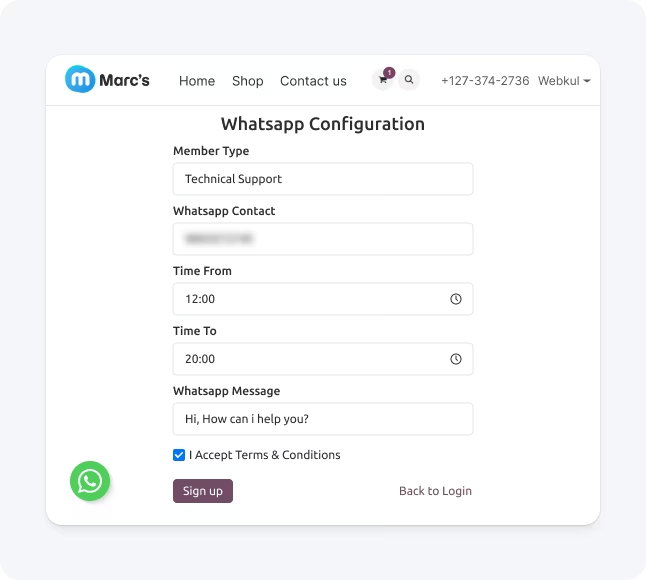
 Sellers add their WhatsApp accounts during the marketplace store sign up process
-
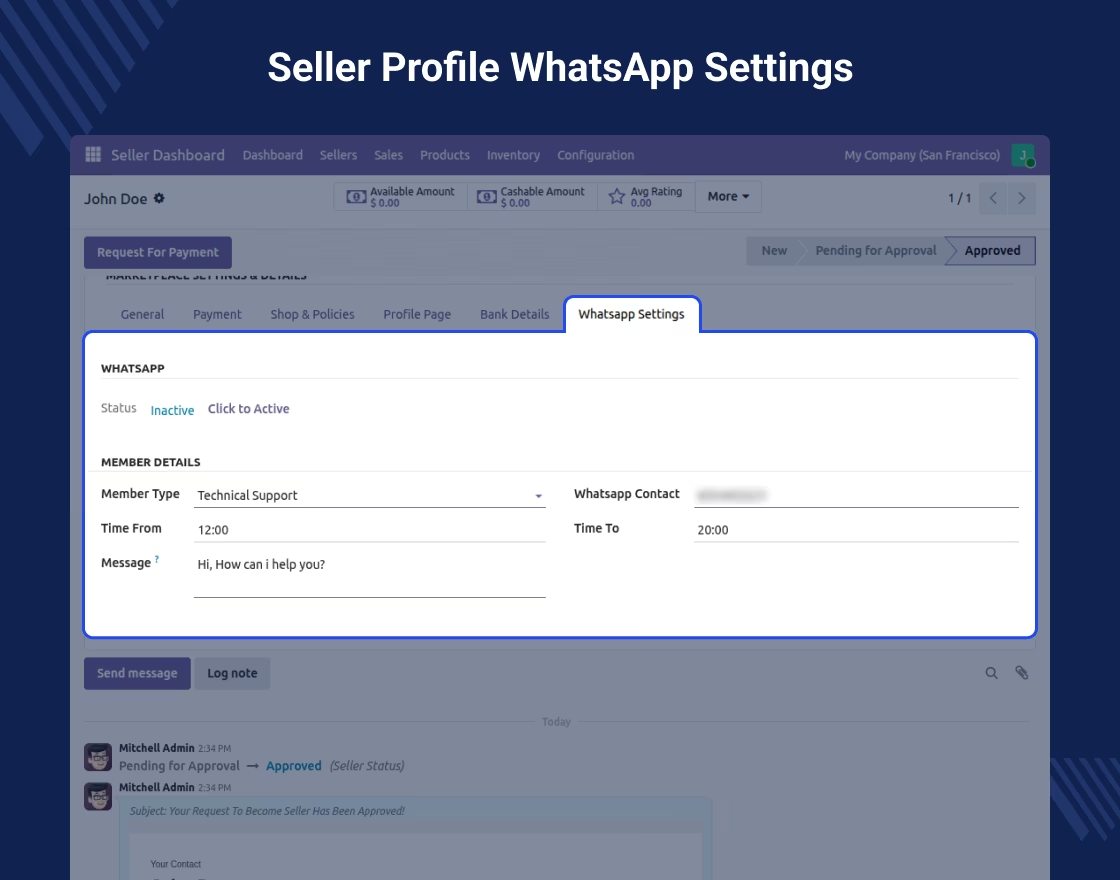
They can add and update phone numbers from the seller profile settings area
-
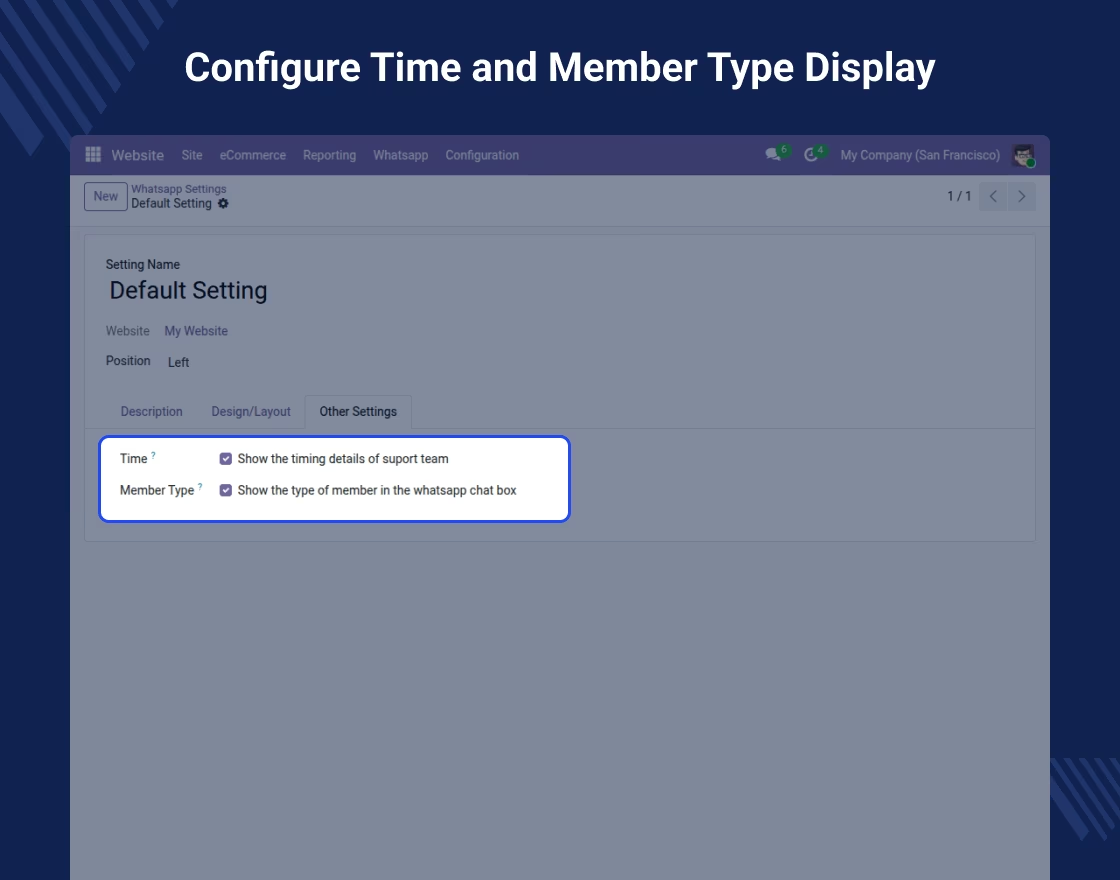
Sellers can set their support hours based on when they are free and available
-
No admin approval is needed at all for making these basic configuration changes
Seller-Specific Product Page Display
-
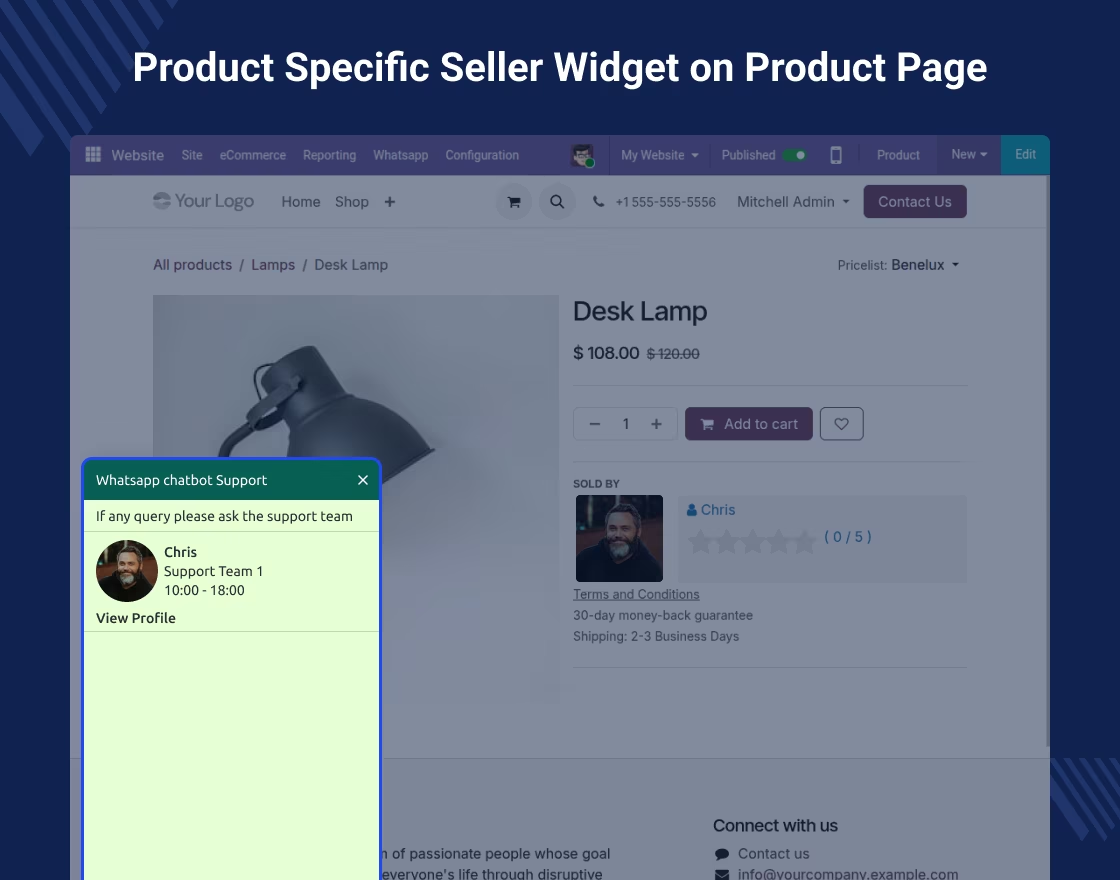
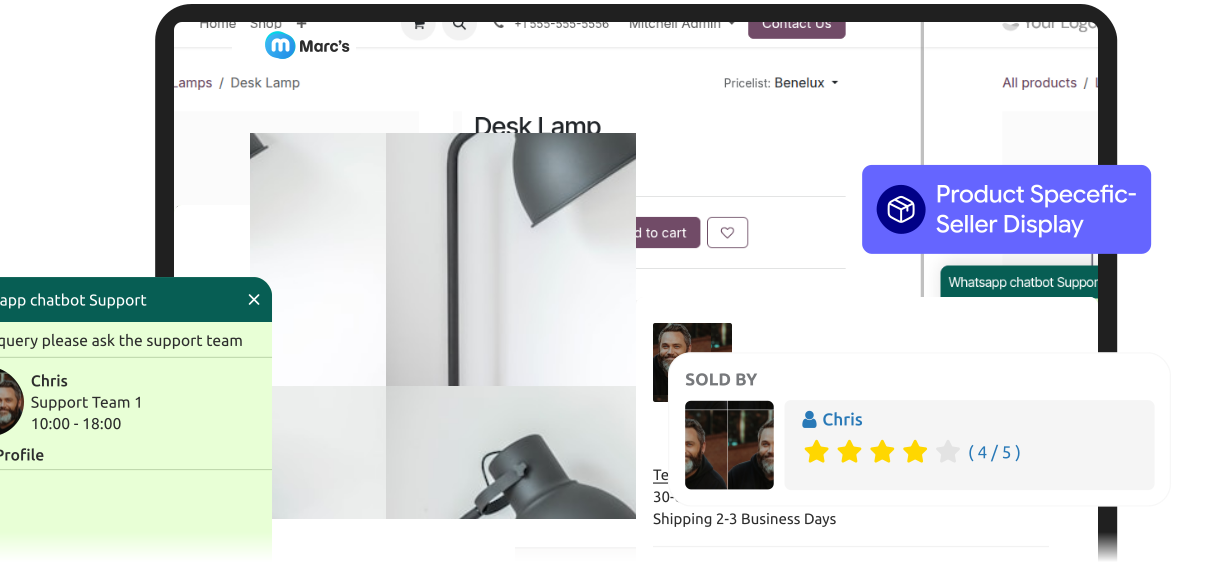
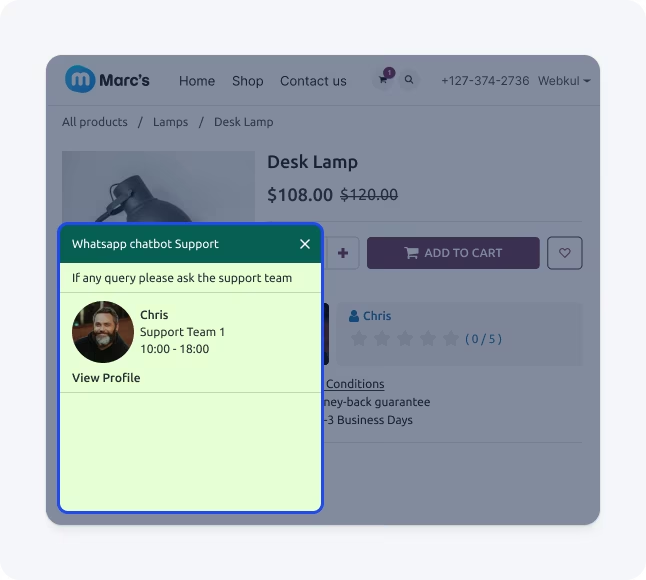
The widget button shows only the right and relevant product seller clearly
-
This feature stops all confusion about which seller to call or contact directly
-
It makes a clear and direct talk path between the product and seller instantly
-
This helps increase sales through the right and targeted seller contact connections significantly
Widget Customization Options
-
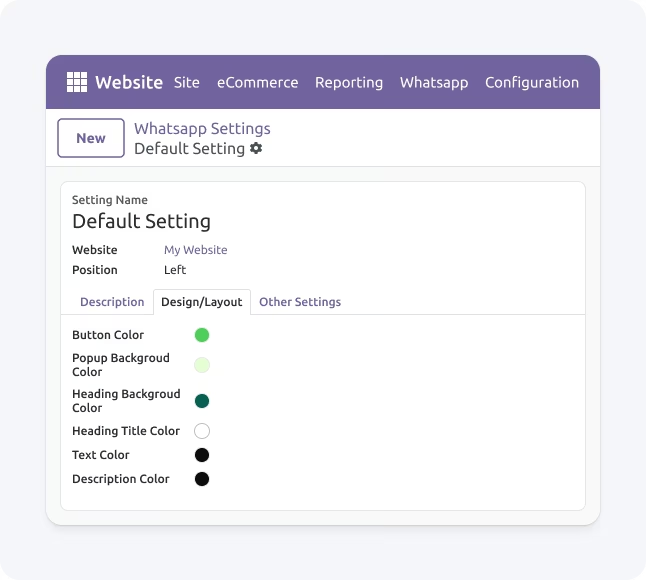
Match the WhatsApp widget with your brand by customizing colors for the button, background, and text.
-
Set custom titles and taglines on the WhatsApp widget to encourage customers to start a conversation.
-
Set the WhatsApp widget position (Left/Right) on all marketplace store pages.
Admin Backend Control Panel
-
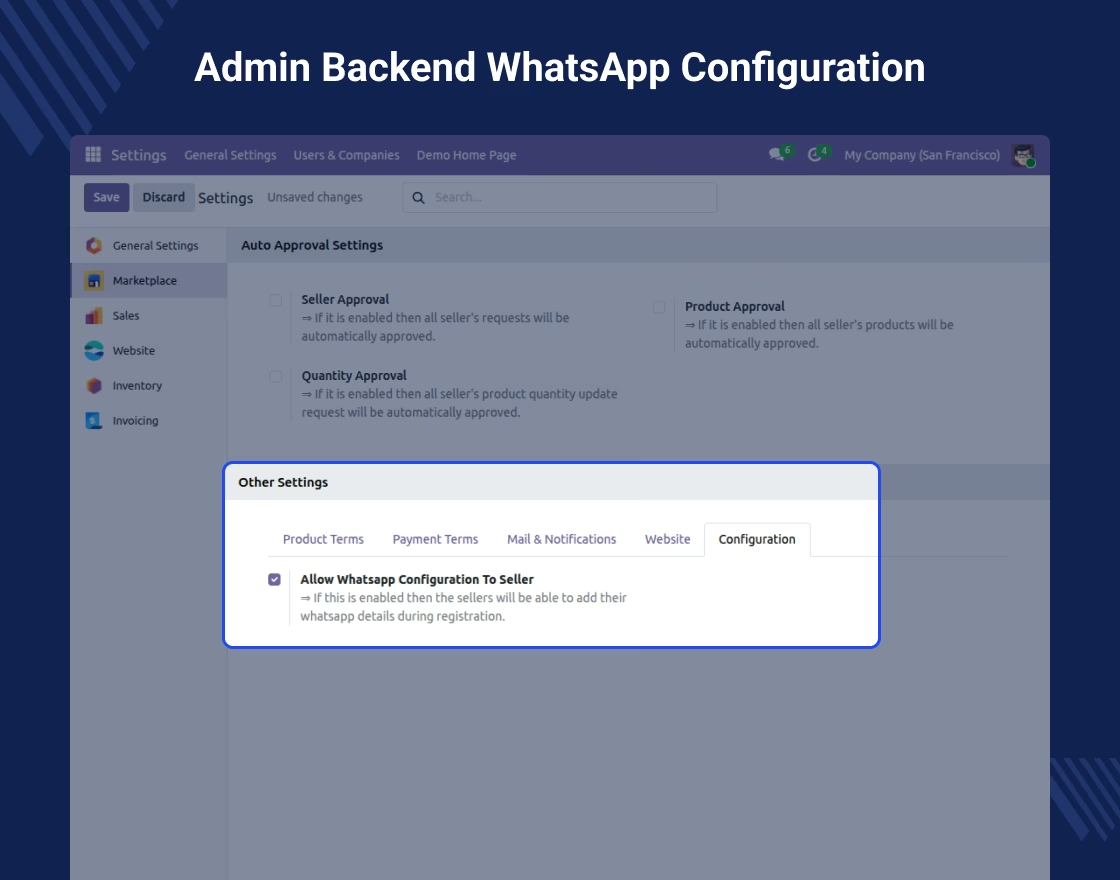
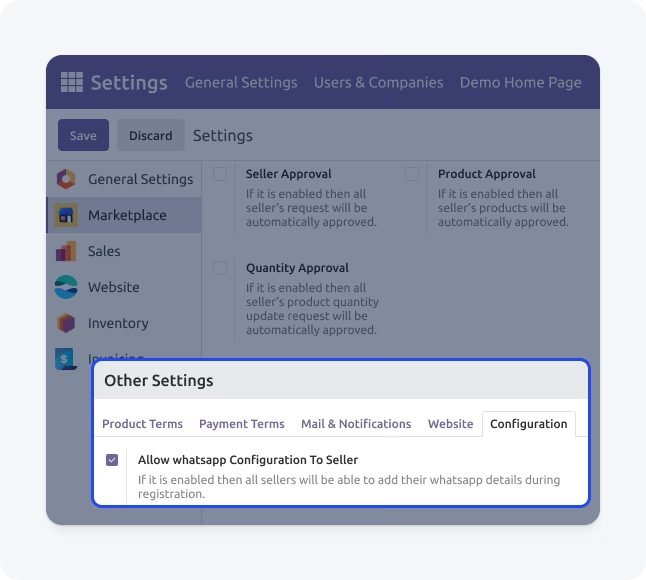
Enable or disable any seller WhatsApp support feature very easily from backend
-
Allow sellers to add WhatsApp details during marketplace registration process
-
Manage seller WhatsApp access permissions from the backend
Explore our module to uncover enhanced functionality, seamless performance, and powerful tools designed to improve productivity.