The module for provides a streamlined solution for reversing completed manufacturing orders. This functionality is particularly useful in scenarios where errors occur during production or when adjustments are necessary. The module ensures that all associated processes, including inventory movements and accounting entries, are properly reversed, maintaining data integrity and consistency across the system.
Cancel Completed Orders:
Allows users to cancel manufacturing orders that have already been marked as 'Done', facilitating corrections or adjustments.
Reset to Draft:
After cancellation, the manufacturing order is reset to the 'Draft' state, enabling users to make necessary modifications or deletions.
Automatic Deletion of Product Moves:
Automatically deletes inventory and product movements associated with the canceled manufacturing order, ensuring accurate stock levels.
Reversal of Lot and Serial Numbers:
Properly handles the reversal of lot and serial numbers for both raw materials and finished goods, maintaining traceability and compliance.
Deletion of Accounting Entries:
Removes any accounting journal entries created from the manufacturing order, ensuring that financial records reflect the cancellation.
Automated Journal Entry Reversal:
Automatically reverses journal entries related to inventory valuation, preventing discrepancies in financial reporting.
Enhanced Data Accuracy:
Ensures that all aspects of the manufacturing process, including inventory and accounting, are accurately updated during order cancellations.
Improved Workflow Efficiency:
Streamlines the process of reversing manufacturing orders, reducing manual effort and potential errors.
Maintained Compliance and Traceability:
Properly manages lot and serial number tracking, ensuring compliance with industry standards and regulations.
Consistent Financial Records:
Guarantees that financial records are consistent and accurate, reflecting the reversal of manufacturing orders.
Automatic Reversal of Accounting Entries
Full Support for Lot and Serial Number Tracking
Reset Completed Manufacturing Orders to Draft
Update Production Quantities and Reverse Workflow
This Odoo apps use to cancel the MO after being done and again set it to "Draft" also update the quantity.This Odoo apps is useful for reverse complete MO when needed or any mistake done on manufacturing/production Order. This Odoo apps also manage proper reverse workflow for lot and serial number for raw materials and finished goods. so if you are managing your products with lot or serial number tracking then don't worry this module take care of everything for reserve stock movement and quant calculation generated from the finished production order. If any accounting entry/journal entry transaction created from the Manufacturing order(With inventory valuation automated) those created journal entry is also deleted when you cancel the done manufacturing/production order on Odoo ERP system.
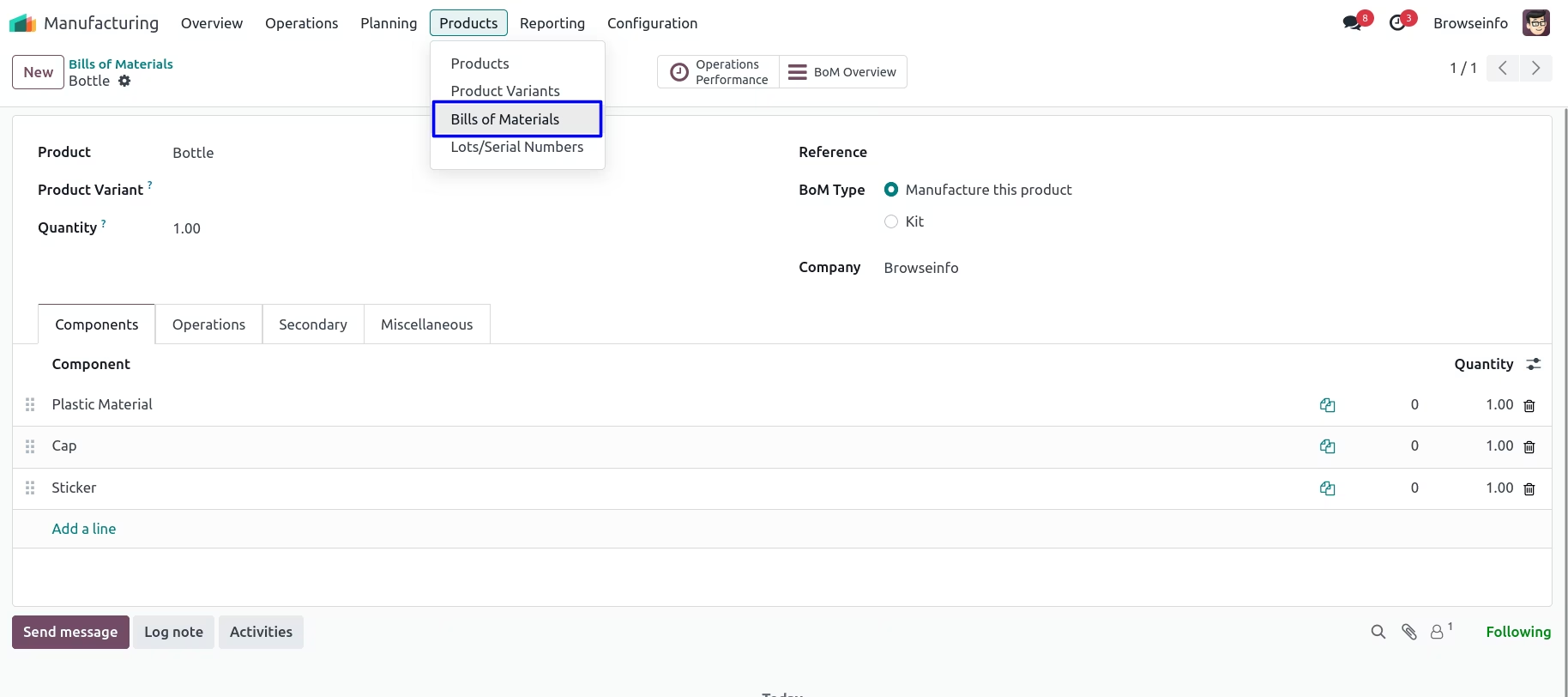
Bills Of Materials
Creation of Manufacturing Order
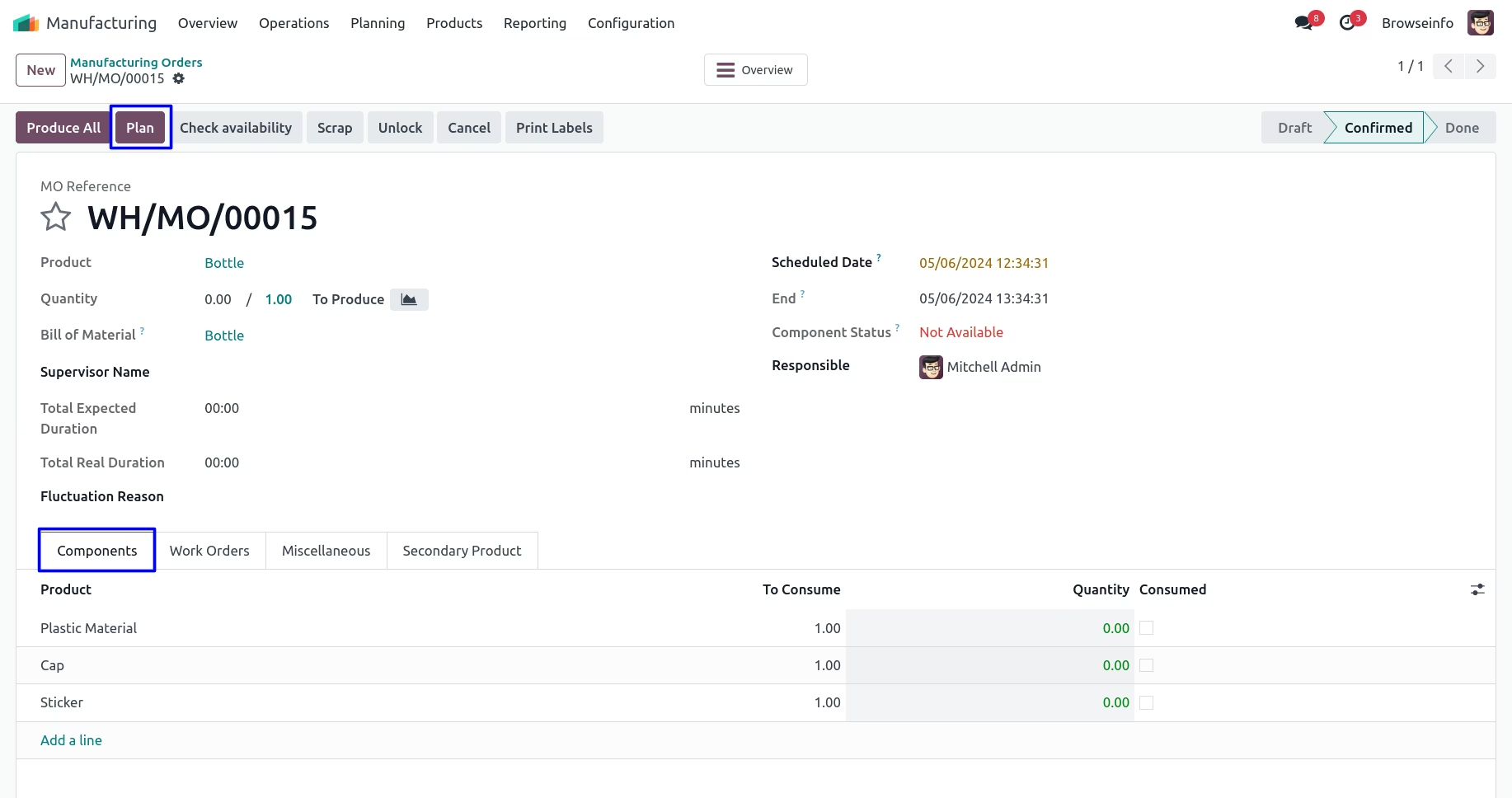
Components of Manufacturing Order
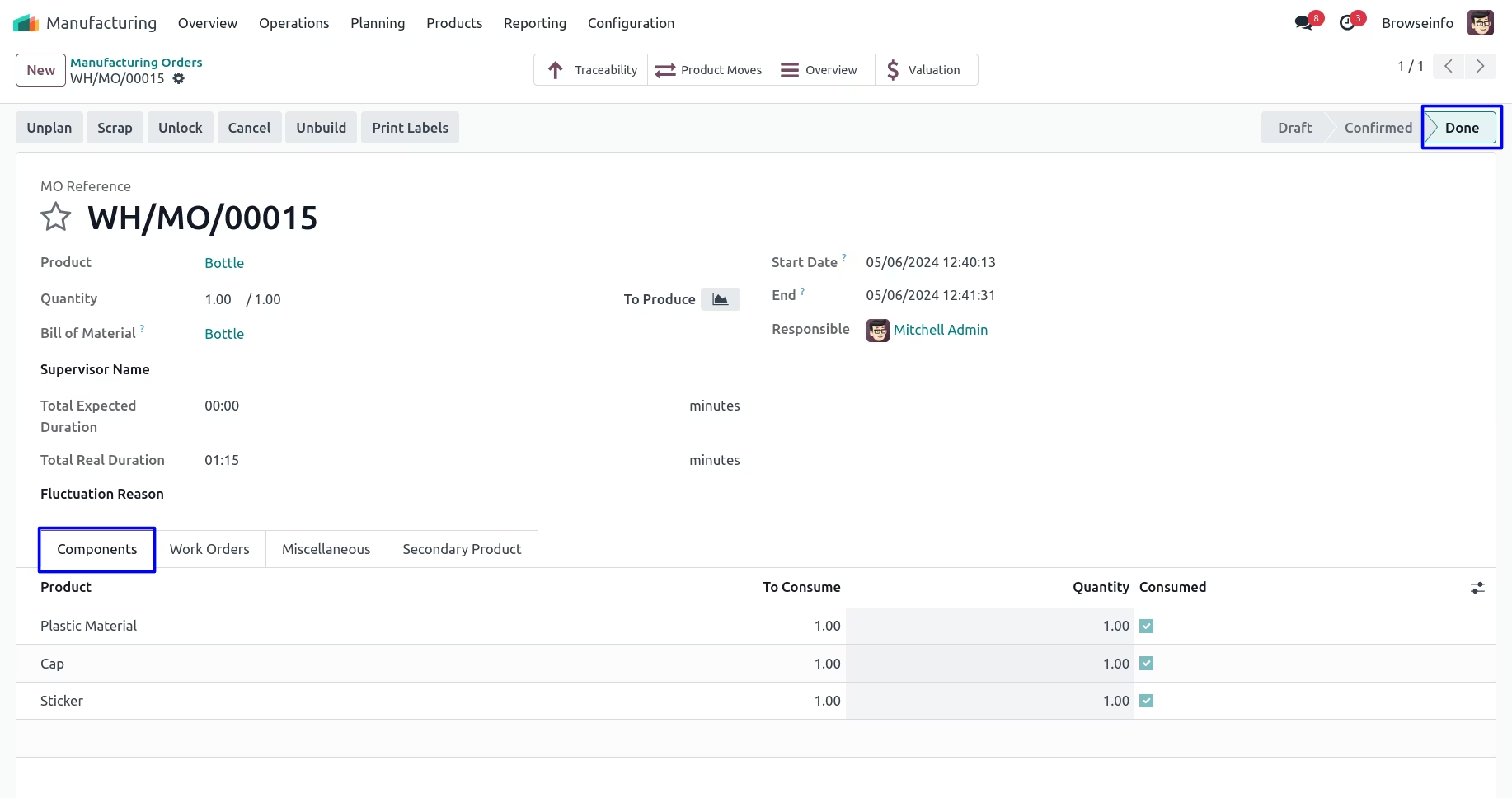
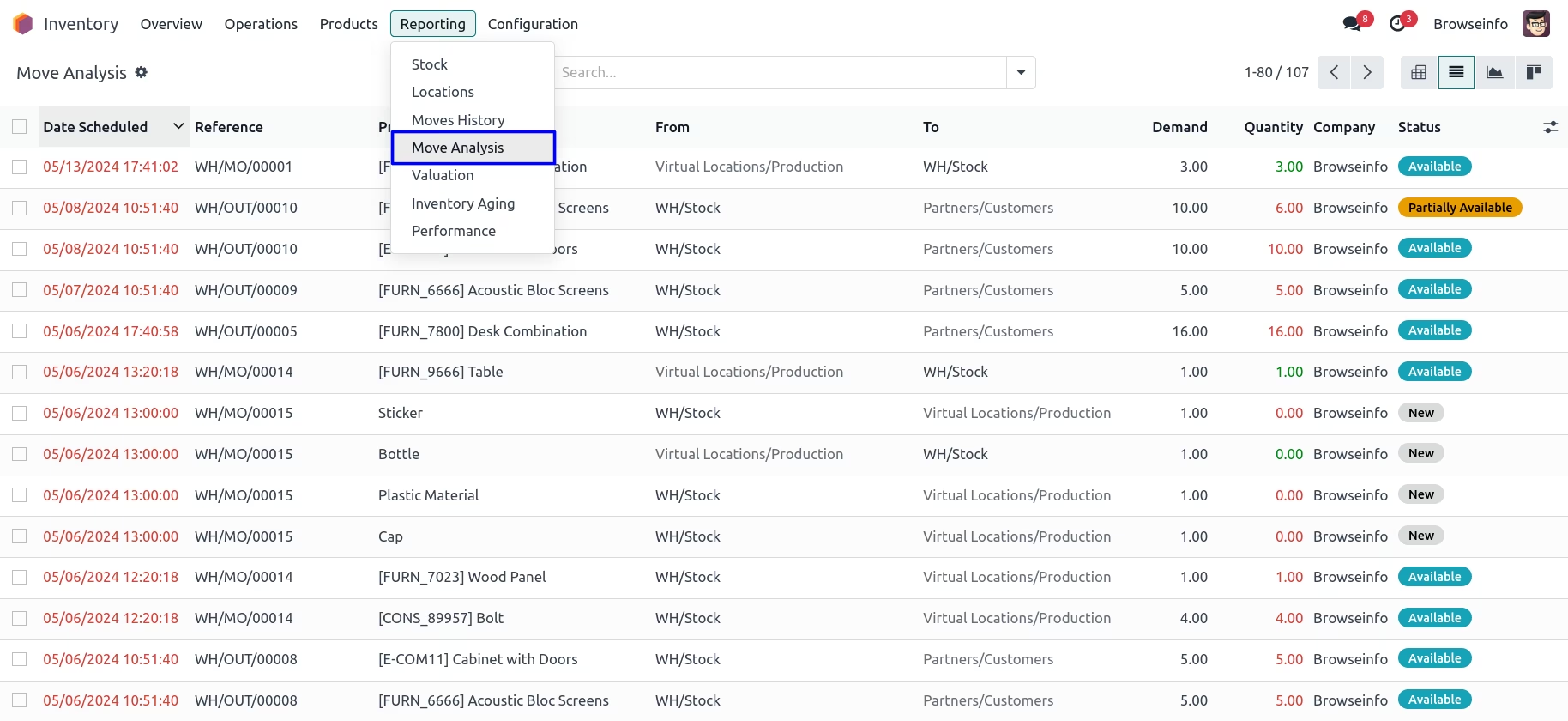
List View of Inventory Moves
You can see that created products is displayed in list view.
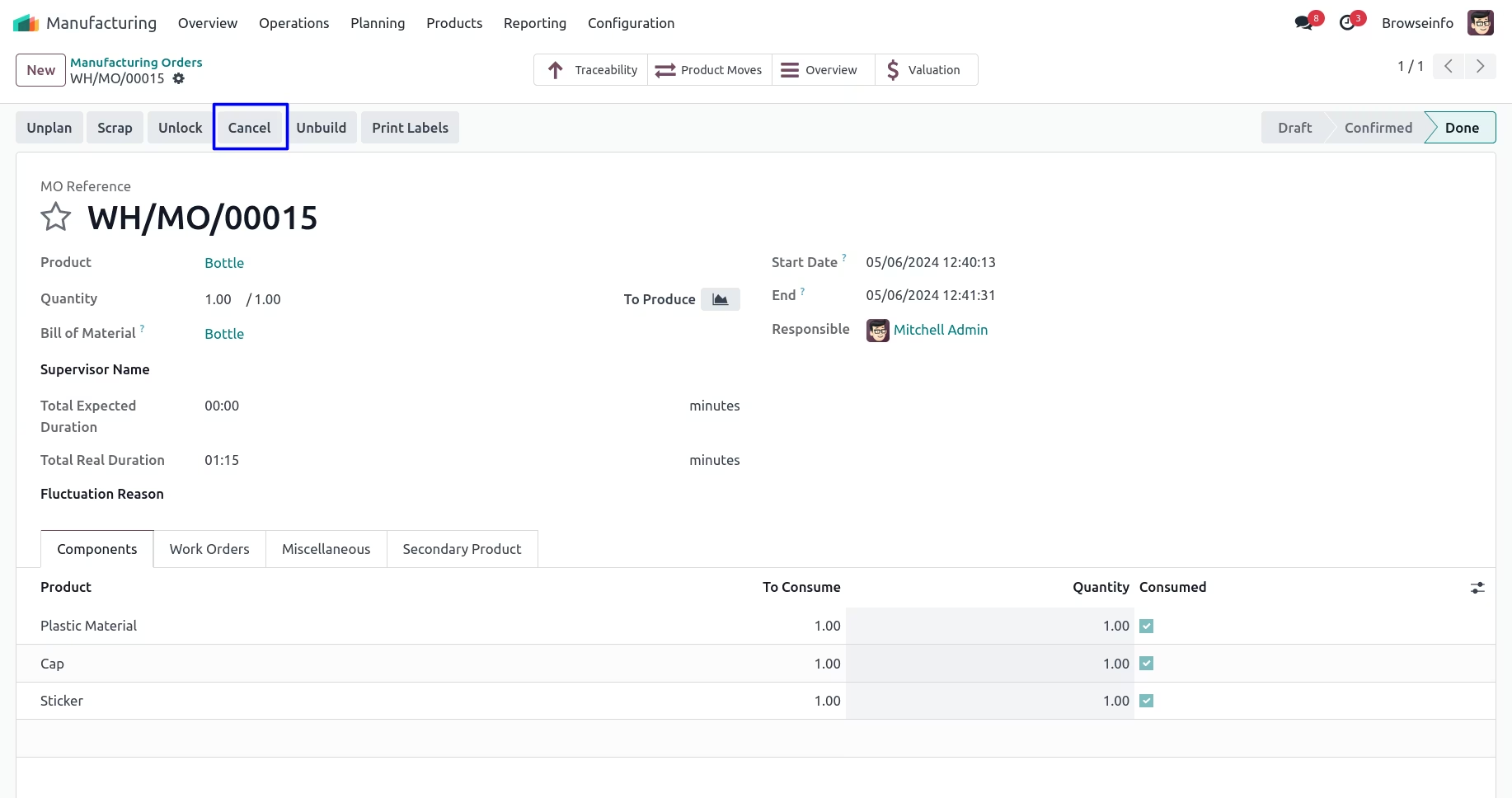
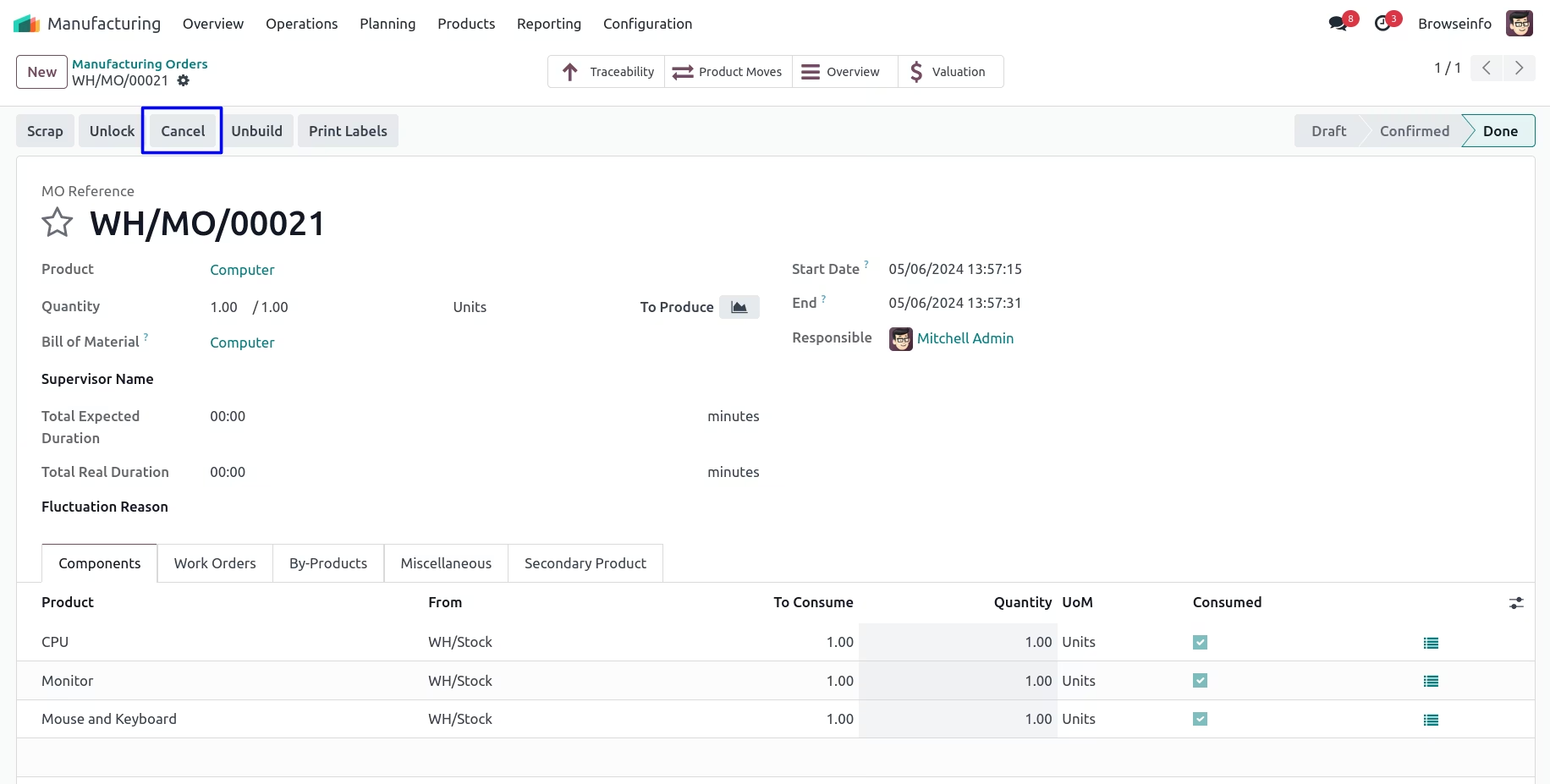
Cancel button of Manufacturing Order
You can see cancel button available now on the done state of manufacturing order. If you cancel manufacturing order then stock quant related to that manufacturing order get effected.
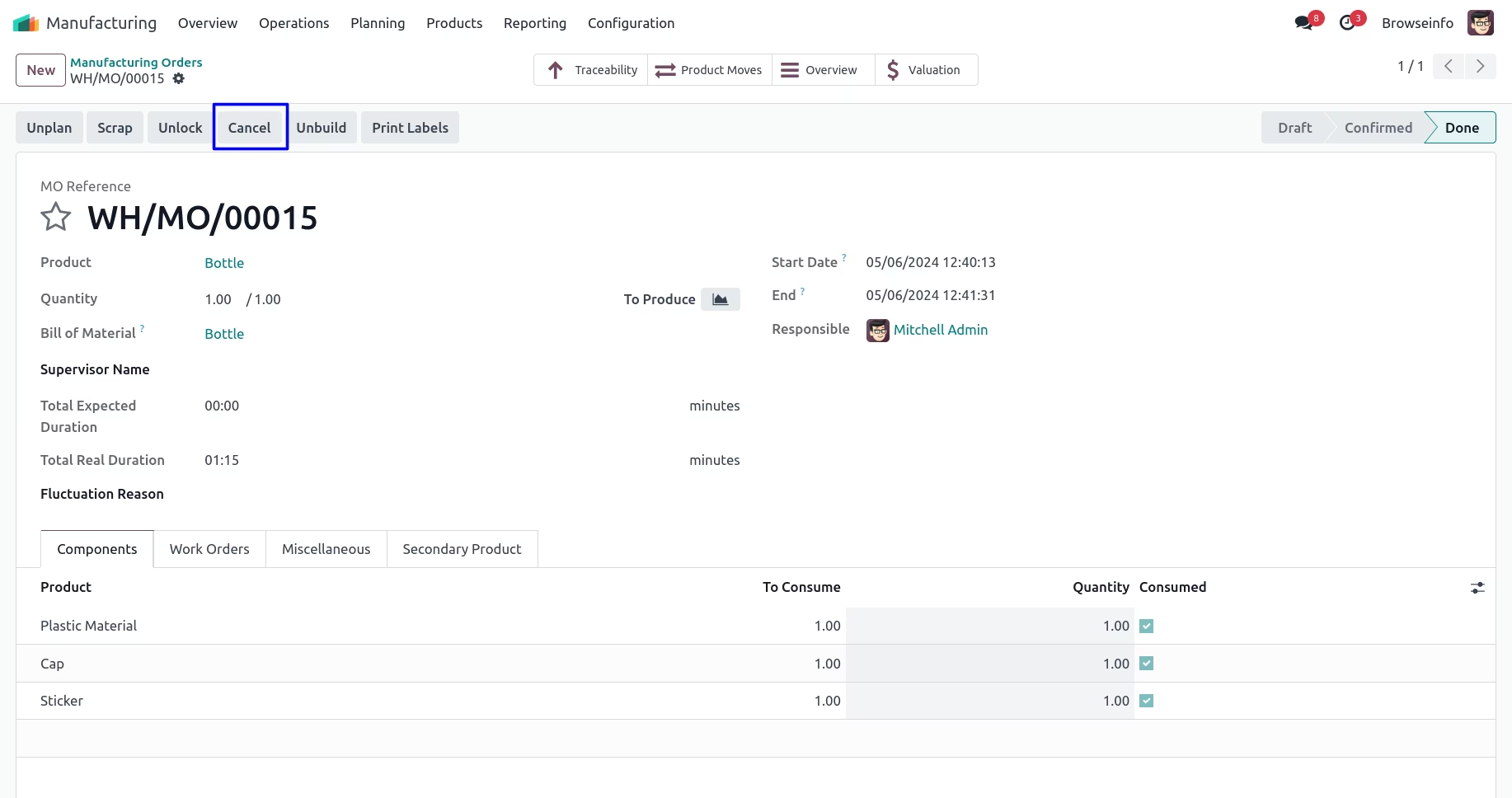
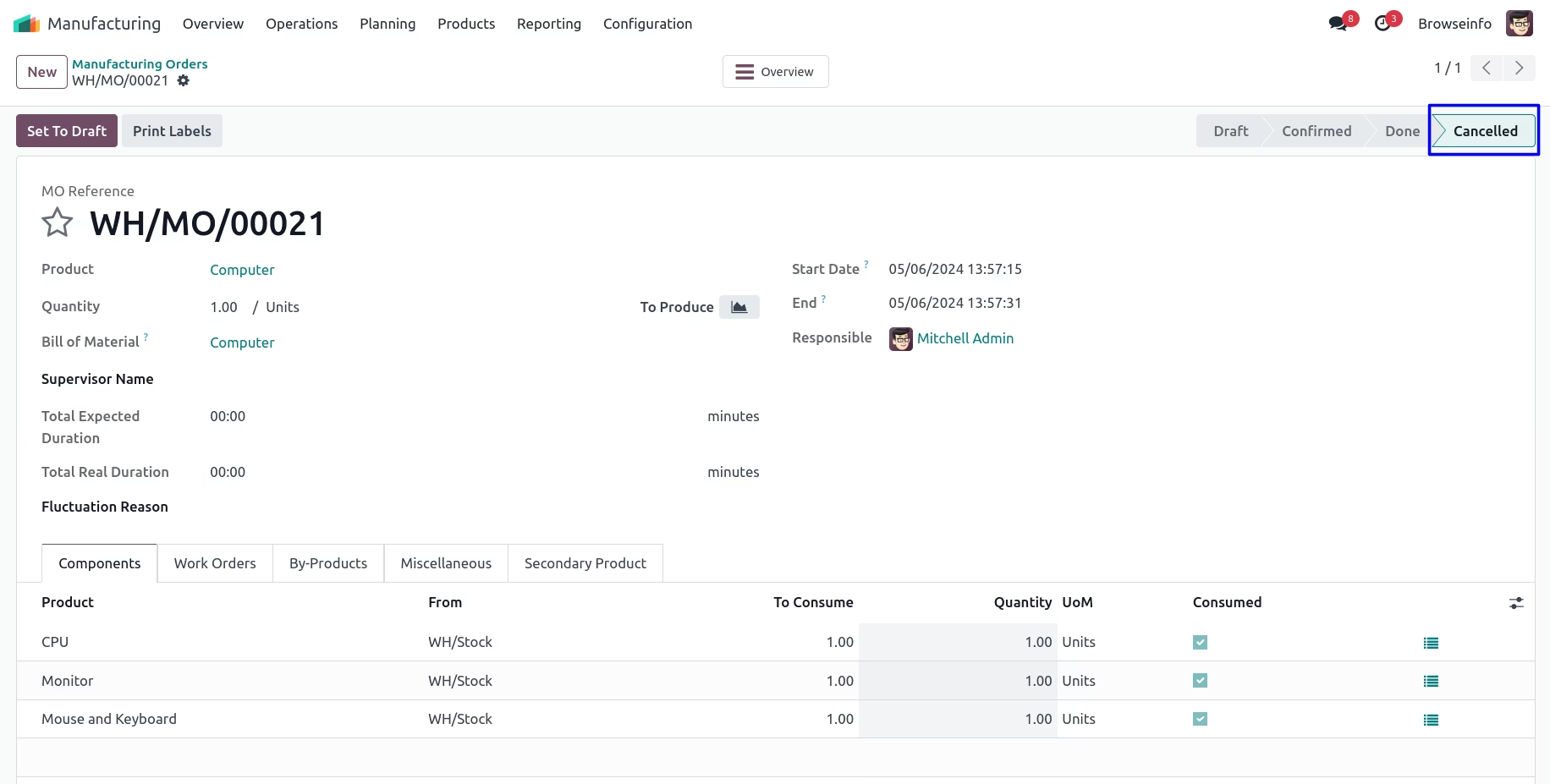
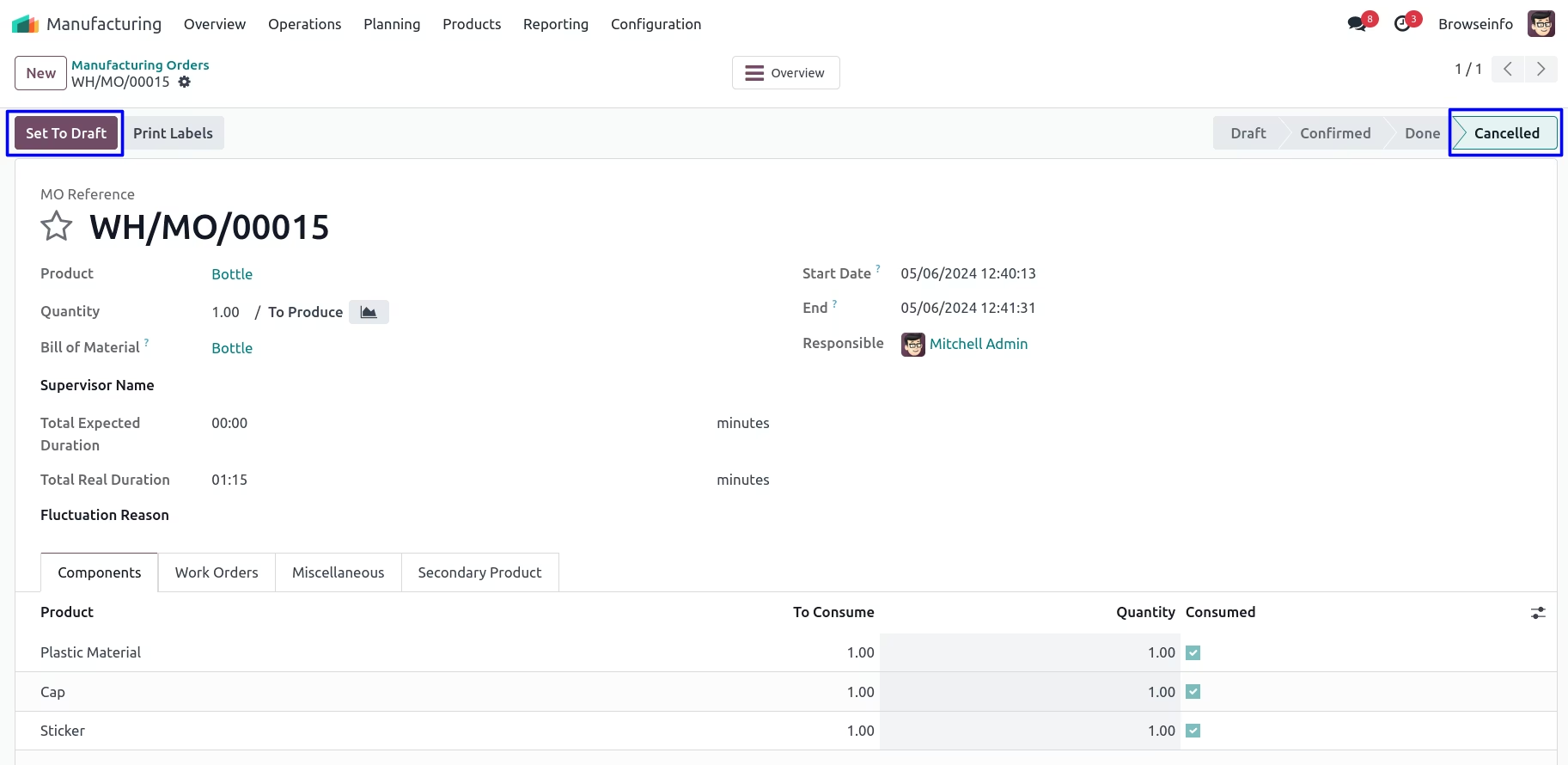
Cancelled Manufacturing Order
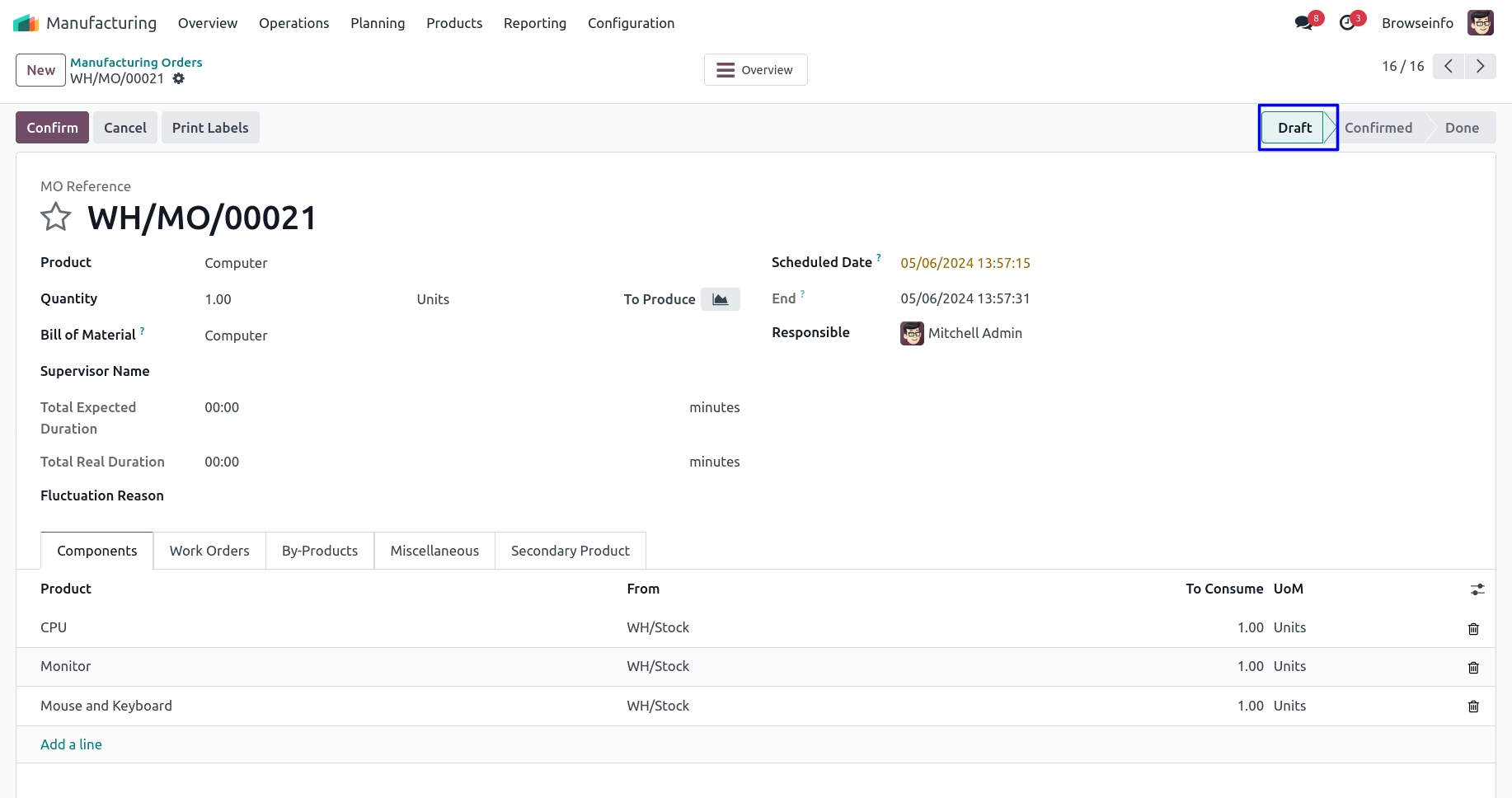
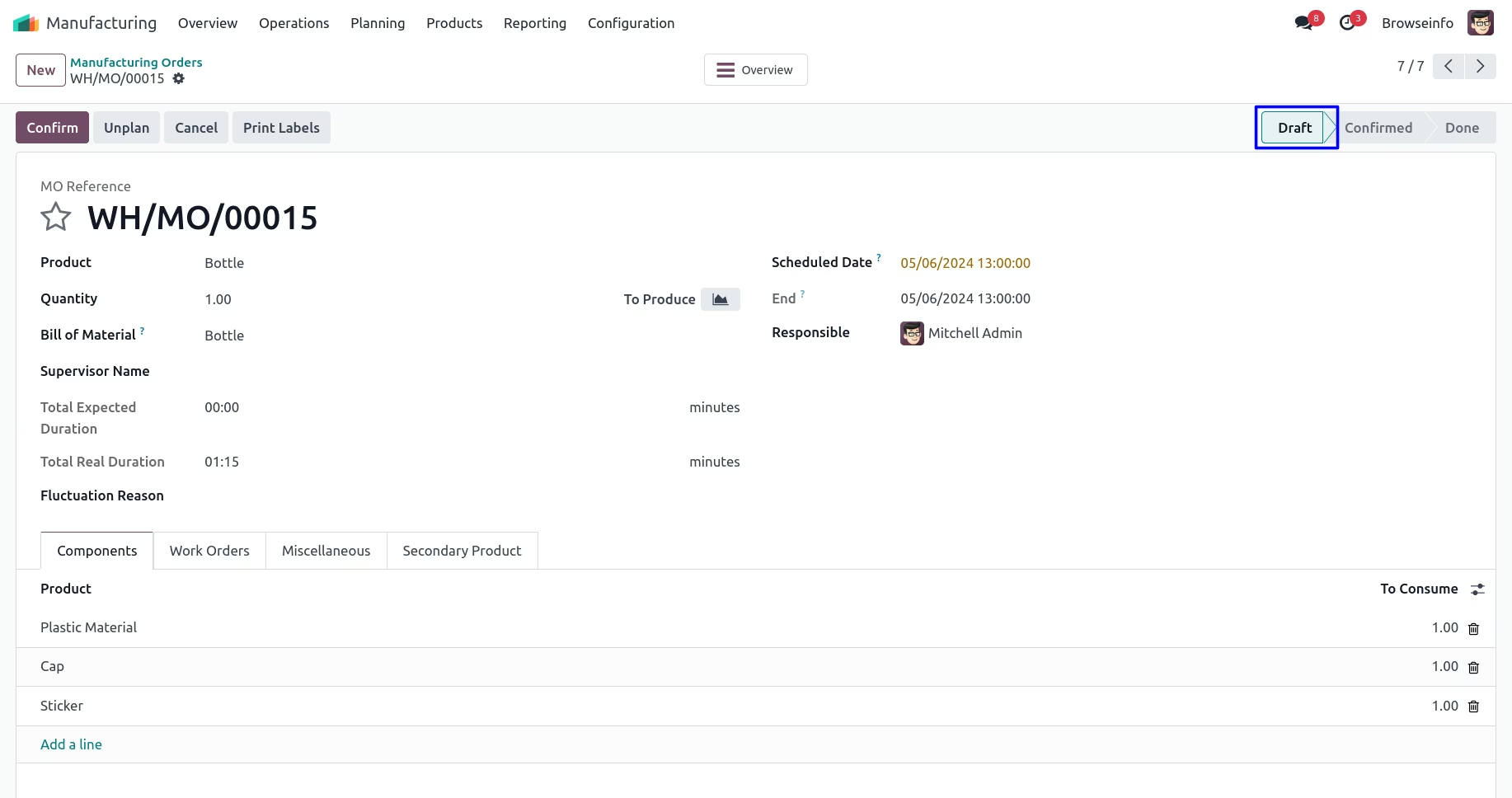
When manufacturing order get cancelled that time inventory moves will be automatically deleted and by clicking on 'SET TO DRAFT' button it will be moved to draft stage.
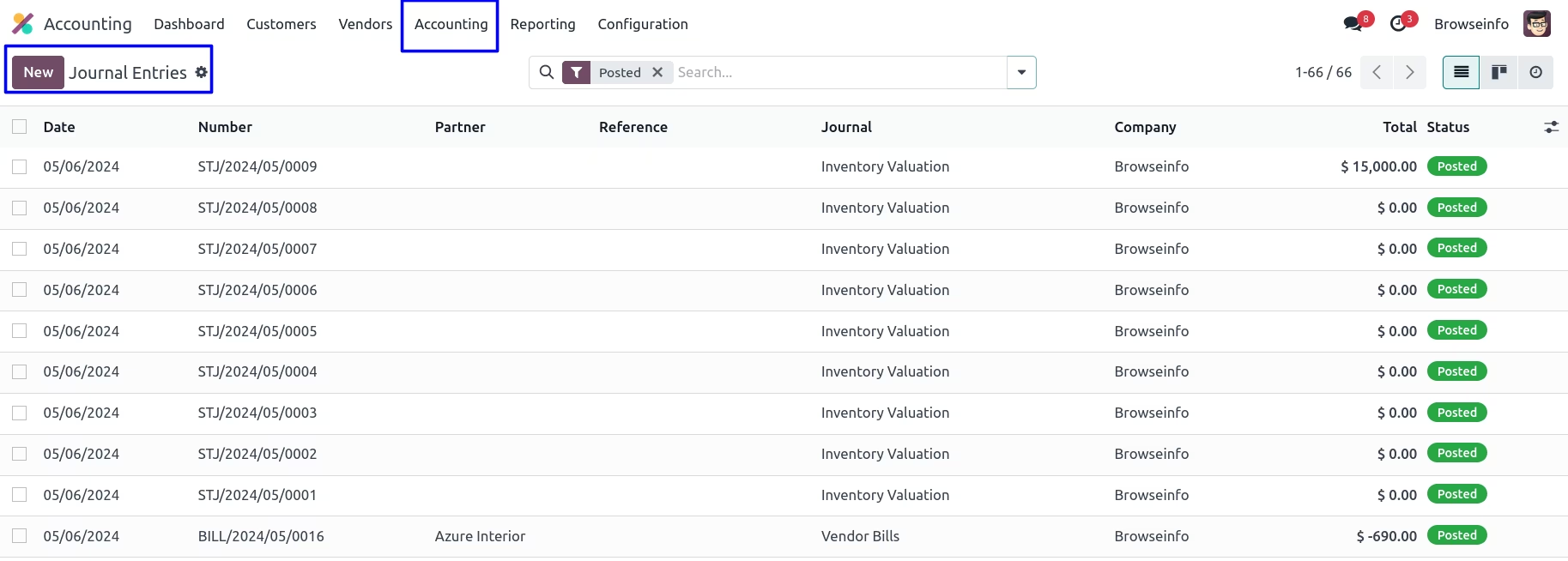
Accounting Journal Entries
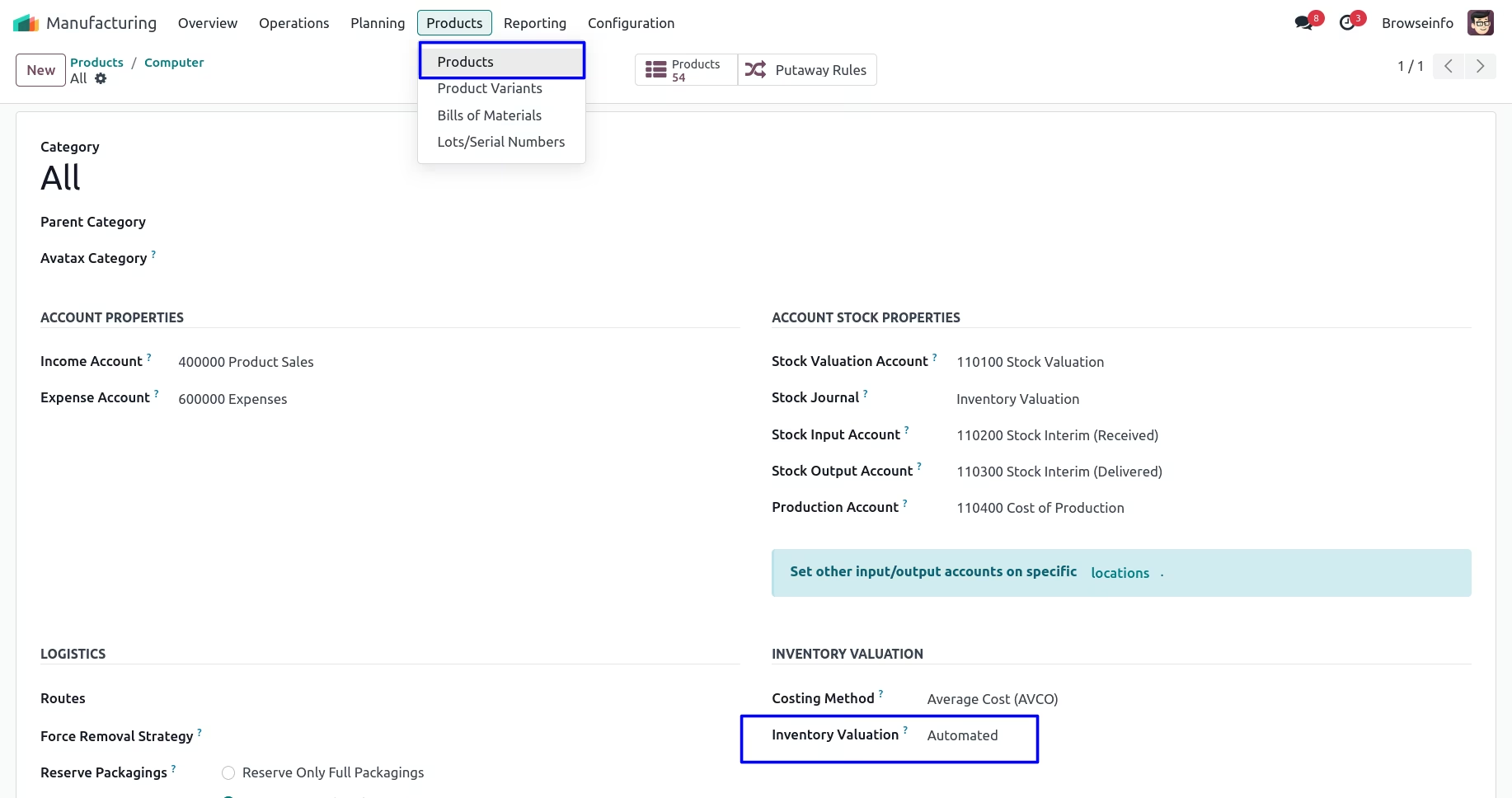
In product category select inventory valuation is 'Automated' so that journal entry will be created
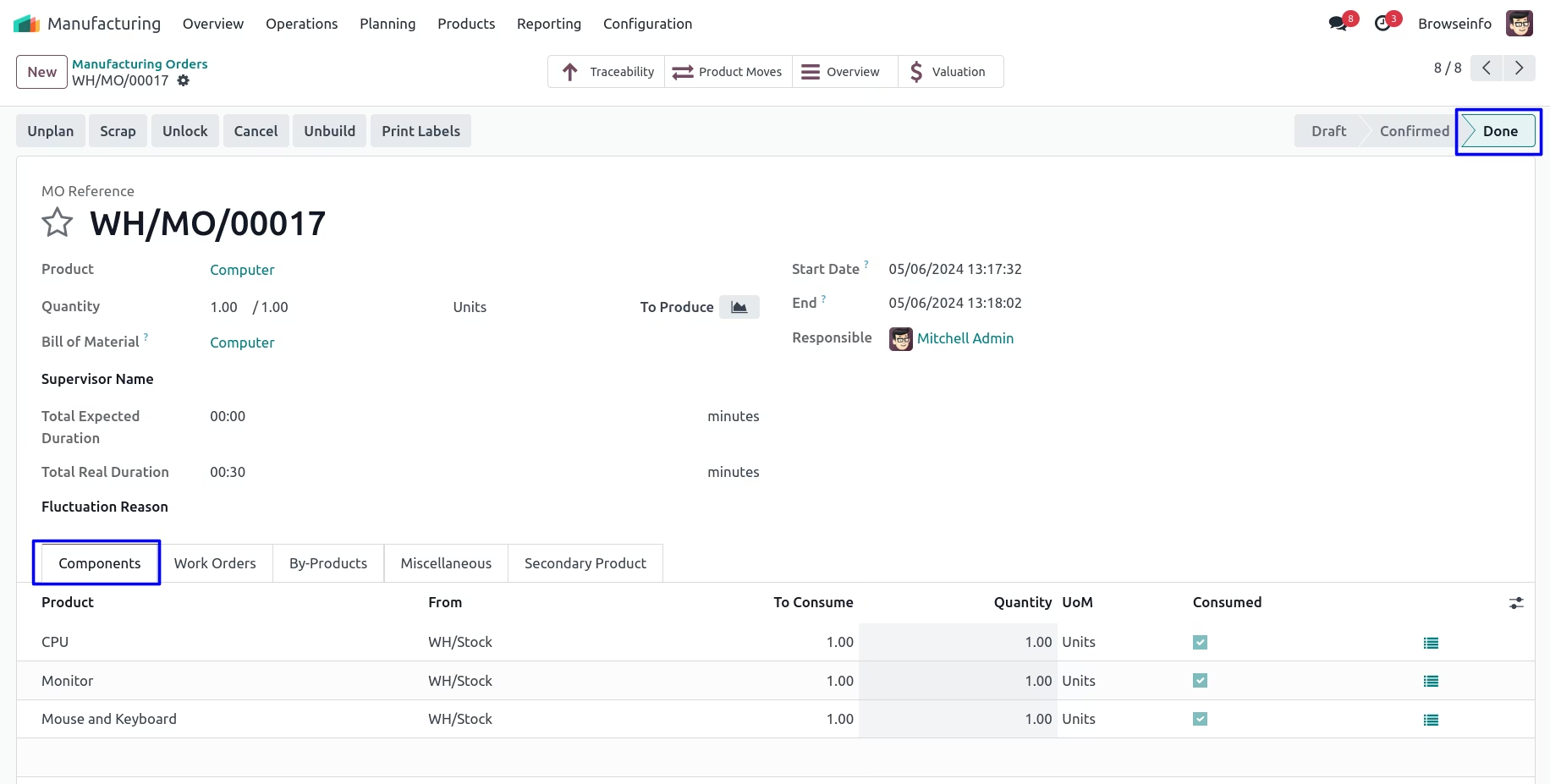
Done Manufacturing Order
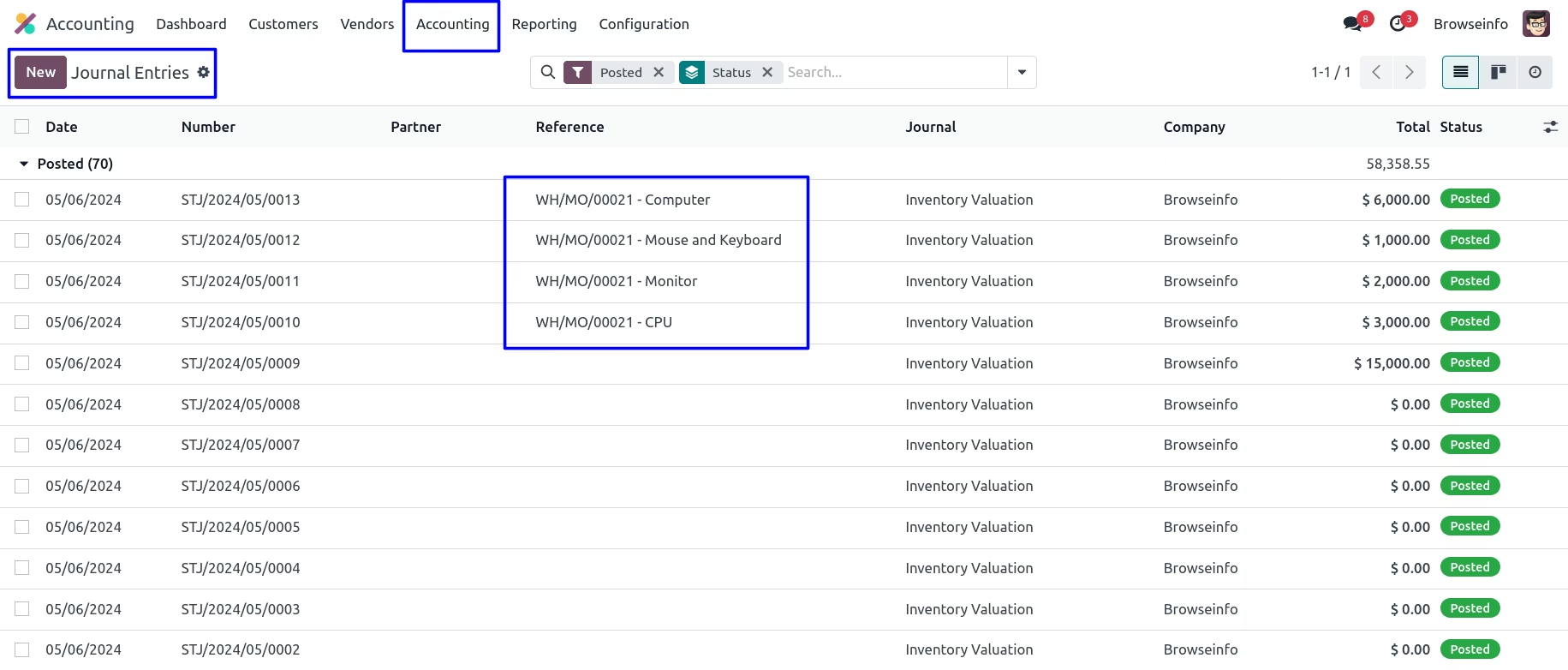
When you done the manufacturing order, you can see the account journal entry will be automatically created.
Journal Entries
Cancel button of Manufacturing Order
Cancelled Manufacturing Order
When manufacturing order get cancelled that time journal entry will be automatically deleted and by clicking on 'SET TO DRAFT' button it will be moved to draft stage.