Streamline your maintenance operations and save valuable time with the Machine Repair Request Import module. This efficient tool allows you to import multiple machine repair requests at once from an Excel file, eliminating the need for manual data entry and reducing the risk of errors. By simplifying the process of creating repair requests, you can ensure that all necessary information is accurately and quickly entered into your system. This module is an essential asset for businesses that handle a high volume of repair requests and are looking to optimize their maintenance workflow for greater efficiency and productivity.
Enables bulk import of machine repair requests from an Excel file.
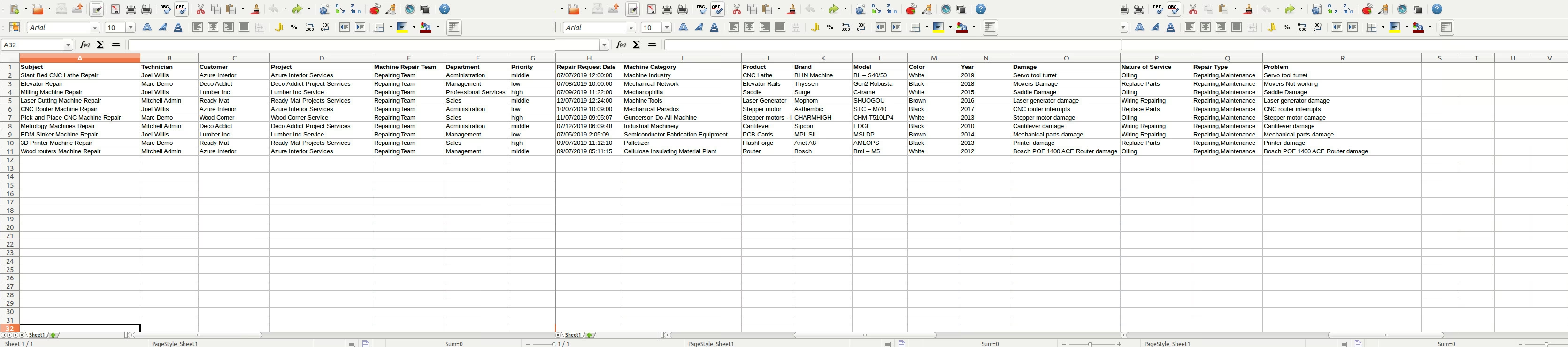
Provides a sample Excel file to ensure correct data formatting.
Supports the import of various fields, including technician, customer, project, and machine details.
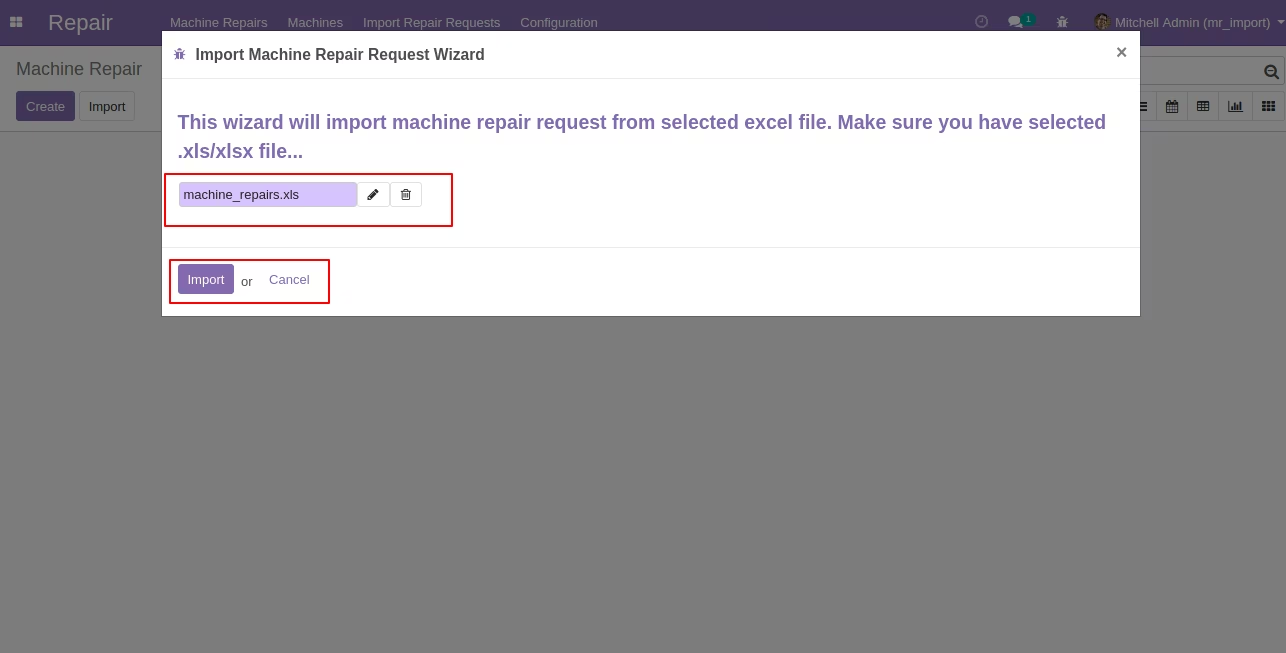
Includes a user-friendly wizard to guide you through the import process.
Automatically creates new machine repair requests in upon successful import.
Reduces manual data entry and minimizes the potential for errors.
Offers a quick and efficient way to manage a large number of repair requests.
Significantly reduces the time and effort required to create machine repair requests.
Improves data accuracy by eliminating manual entry errors.
Enhances operational efficiency by automating the request creation process.
Streamlines the maintenance workflow for faster response and resolution times.
Allows for easy management of high-volume repair requests.
Provides a centralized and organized system for all machine repair data.
Simplifies the onboarding process for new equipment or large-scale maintenance projects.
Import Machine Repair Requests from Excel
This module imports machine repair requests from excel files.
Main Features
- Allow you to Import Machine Repair Requests from excel file.
- Sample Excel is available inside sample folder in module.
- Make sure you have xlrd Python Library installed.
- For more details please see screenshots and watch the video.
- Subject (subject) :
- Technician (user_id) :
- Customer (partner_id) :
- Project (project_id) :
- Machine Repair Team (team_id) :
- Department (department_id) :
- Priority (priority):
- Repair Request Date (request_date):
- Machine Category (product_category) :
- Product (product_id) :
- Brand (brand):
- Model (model):
- Color (color):
- Year (year):
- Damage (damage):
- Nature of Service (nature_of_service_id):
- Repair Type (repair_types_ids):
- Problem (problem):
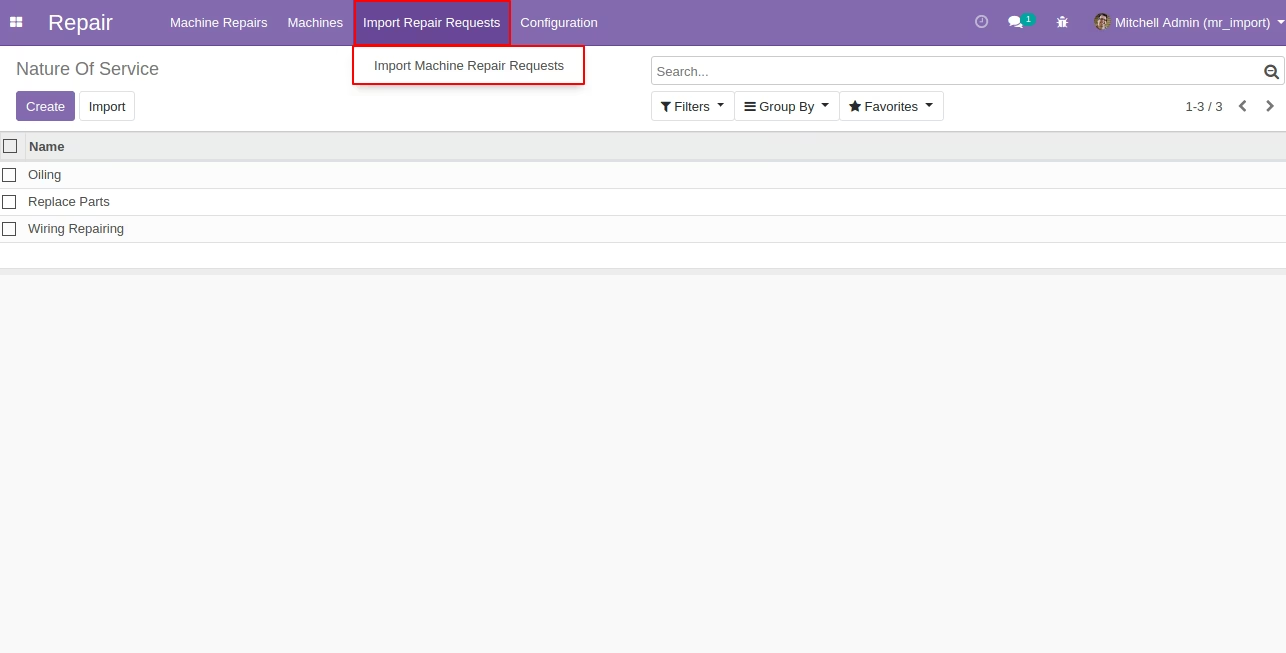
Import Machine Repair Requests Menu
Import Machine Repair Request Wizard
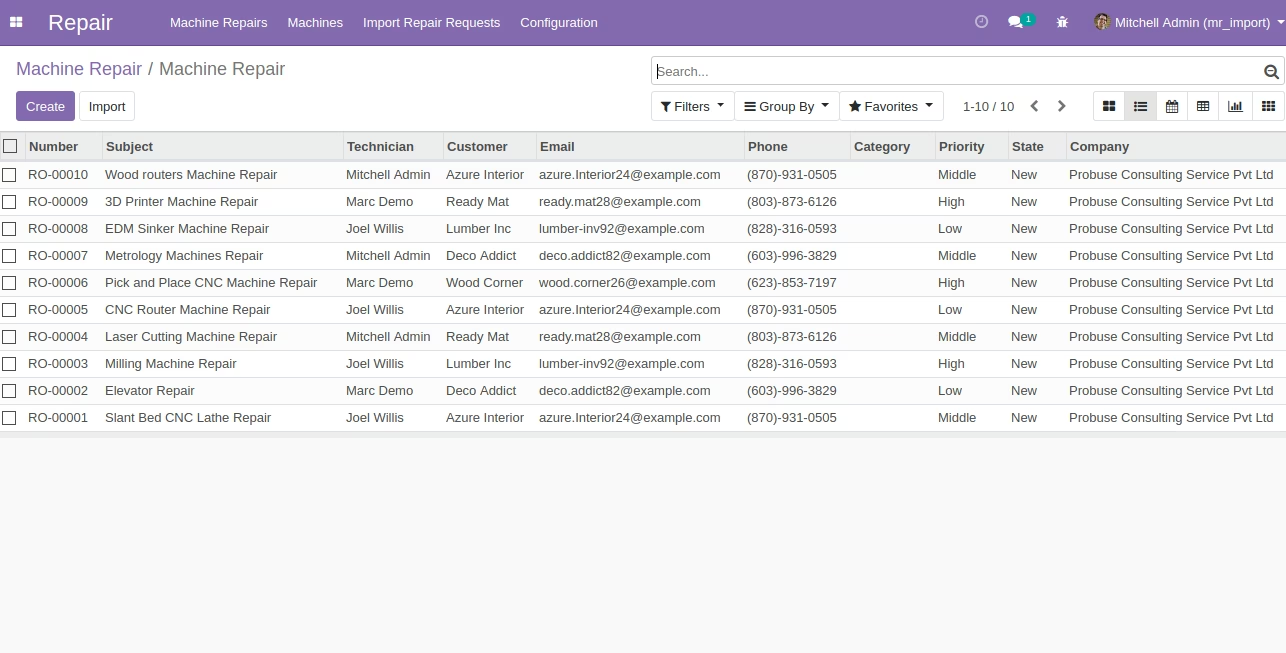
Created Machine Repair Request after Running Wizard.
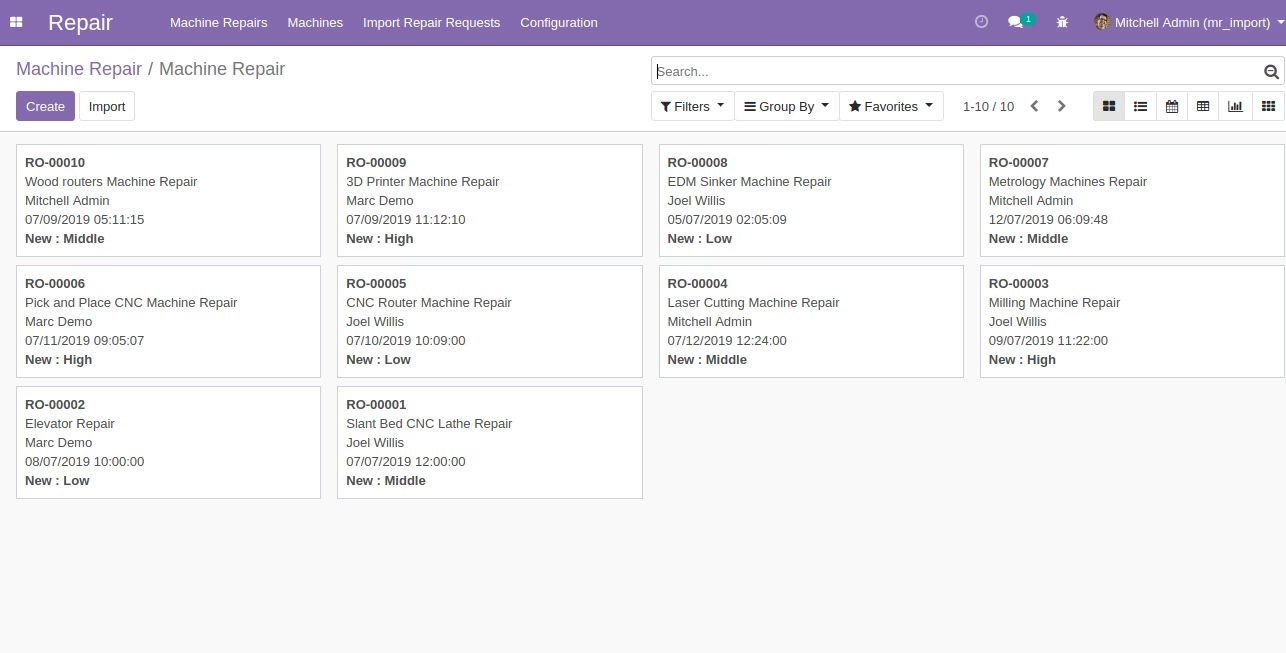
Machine Repair List View
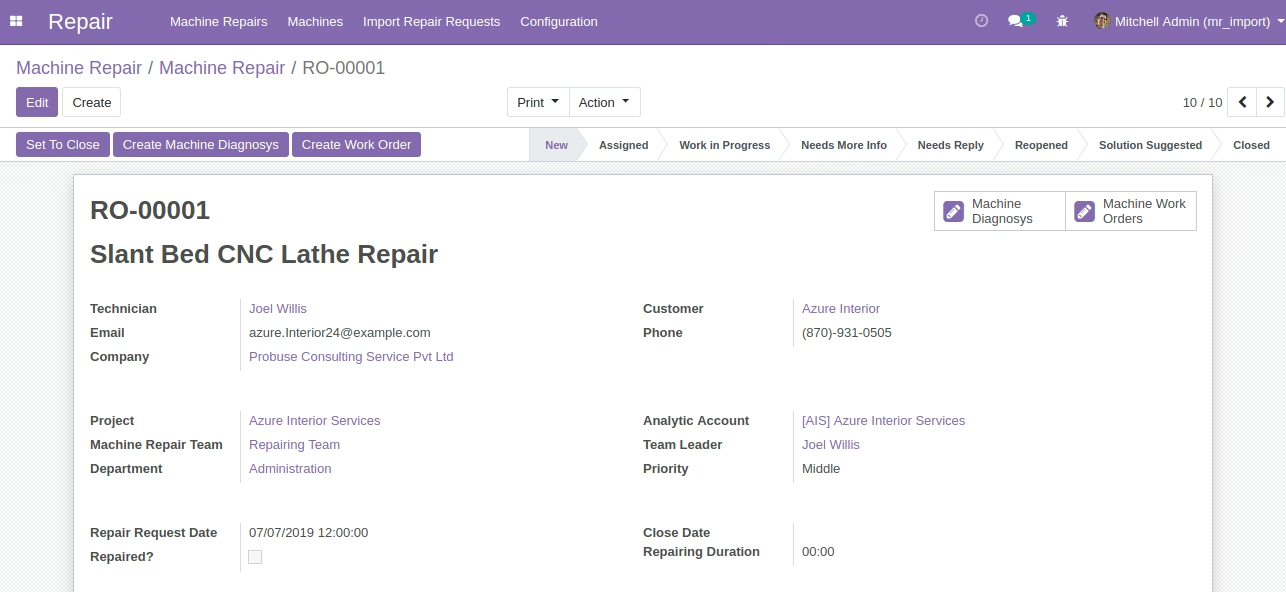
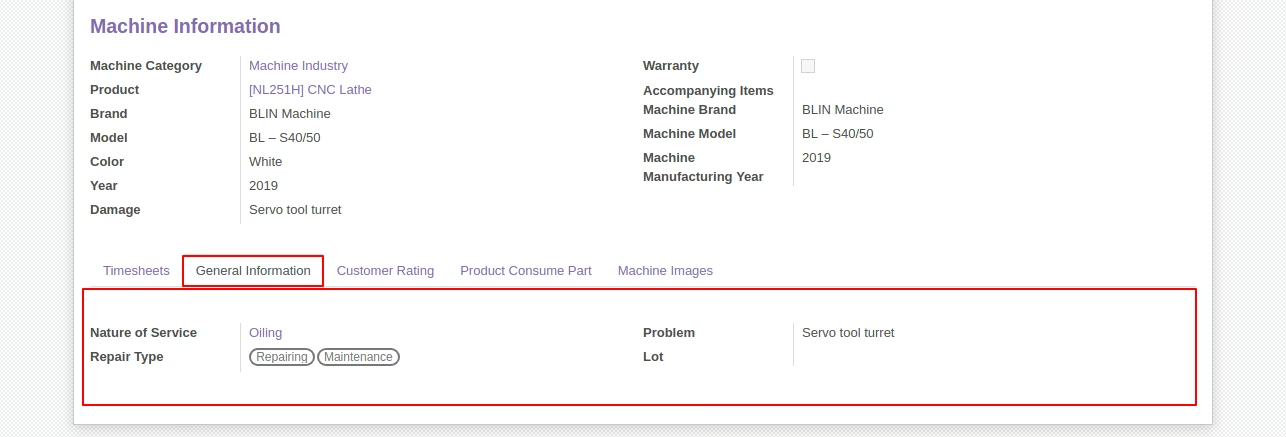
Machine Repair Form View
Sample Excel File