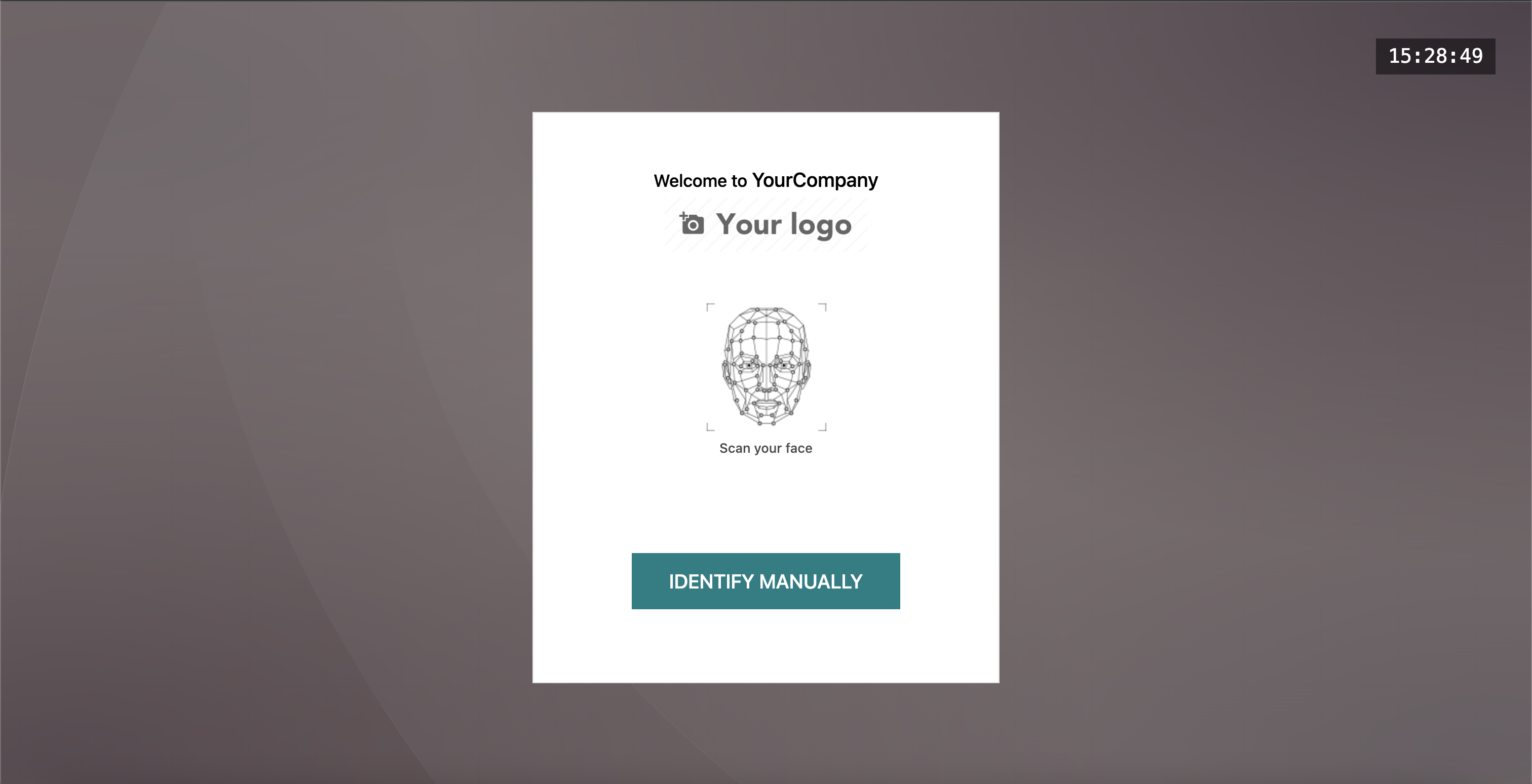
Transform your lunch ordering system with the Advanced Kiosk Mode for the Lunch module. This innovative feature introduces a modern, self-service kiosk interface that allows employees or customers to order their meals quickly and securely. By incorporating user-friendly authentication methods like personal PINs and state-of-the-art face recognition, this module significantly speeds up the ordering process, reduces queues, and enhances the overall user experience. It's the perfect solution for businesses looking to modernize their cafeteria or canteen operations and improve efficiency.
Adds a sleek, user-friendly kiosk mode to the Lunch module.
Enables secure user authentication via a personal PIN.
Features advanced face recognition for quick and touchless ordering.
Simplifies the process of selecting and confirming lunch orders.
Integrates seamlessly with existing employee profiles and lunch settings.
Designed for fast-paced environments like corporate cafeterias and canteens.
Speeds up the lunch ordering process and reduces waiting times.
Enhances security with reliable PIN and face recognition authentication.
Improves the employee experience with a convenient self-service option.
Reduces the administrative workload for canteen staff.
Minimizes errors in order taking and processing.
Provides a modern and professional impression of your company's facilities.
Lunch Kiosk Mode | Lunch Authentication | Lunch Kiosk Face Recognition | Lunch Kiosk Facerecognition
This module gives the lunch module a new kiosk feature that allows customers to order lunch with their PIN and Face recognition features.
Installation
- Copy lunch_kiosk_mode_adv module to addons folder
- Install the module normally like other modules
Features
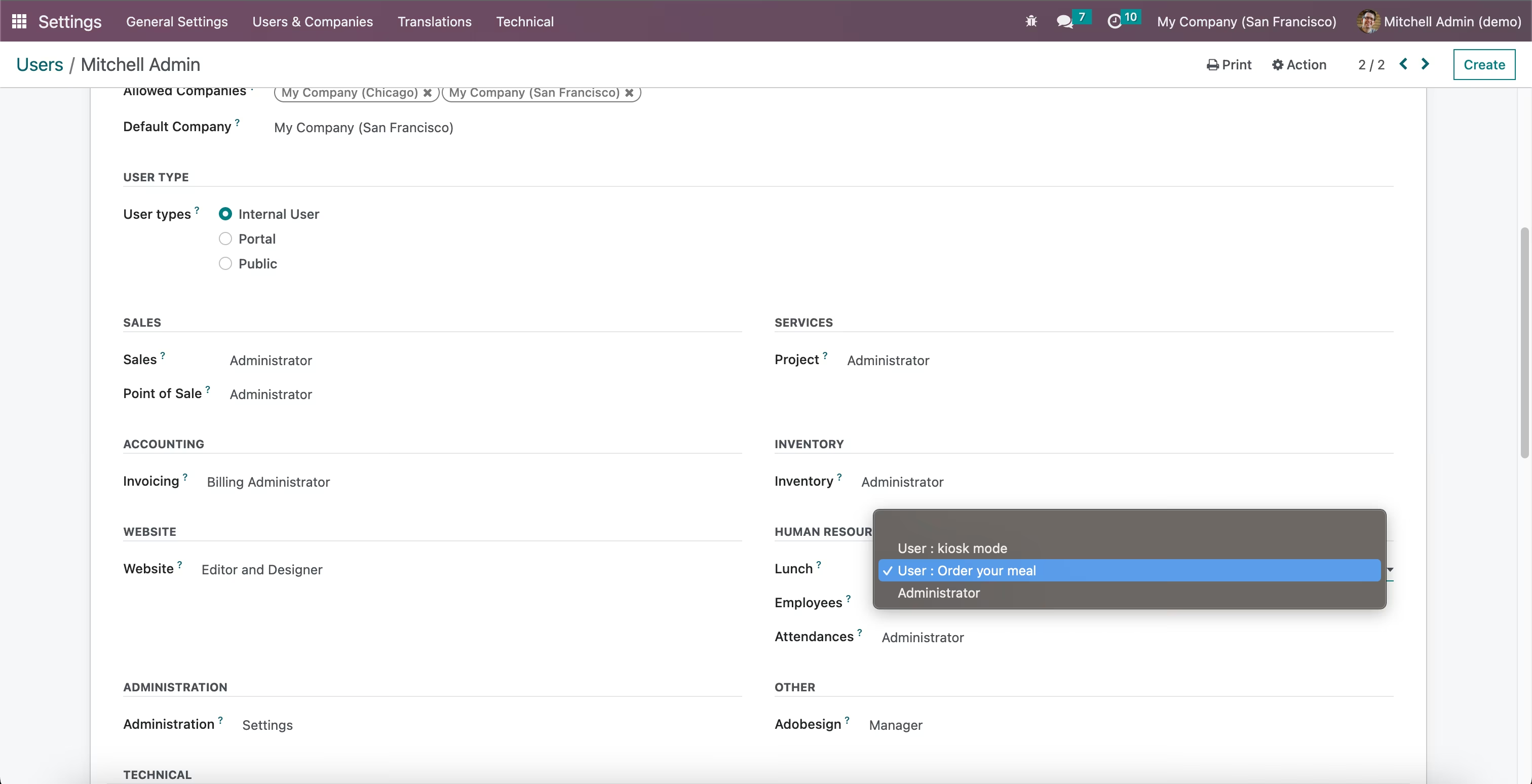
1. Enable Kiosk Mode for User Role
Settings -> Users -> User -> Access Rights -> Lunch -> Kiosk mode
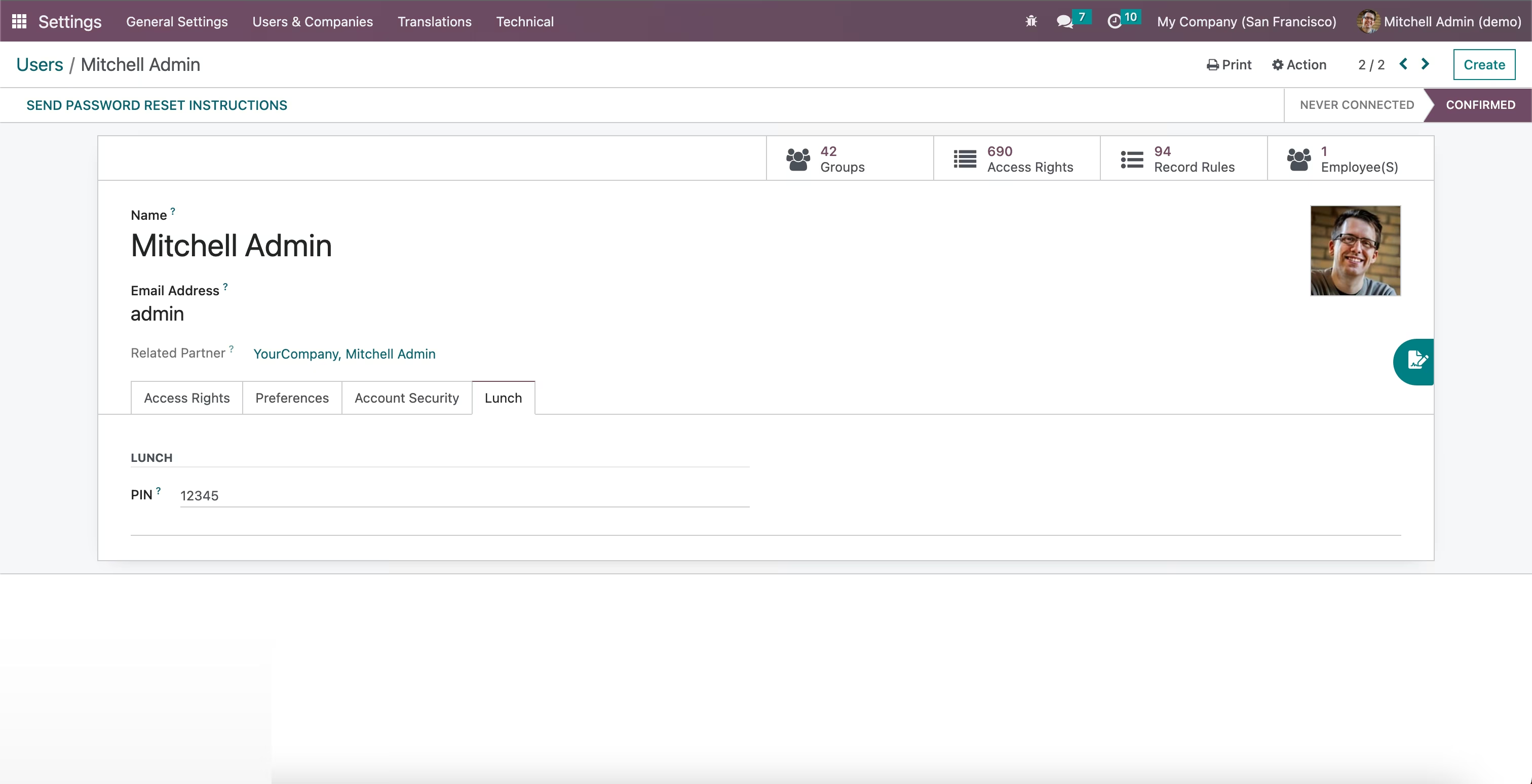
2. Set PIN for Users
Settings -> Users -> User -> Lunch -> PIN
3. Lunch Kiosk Mode
Lunch -> Kiosk
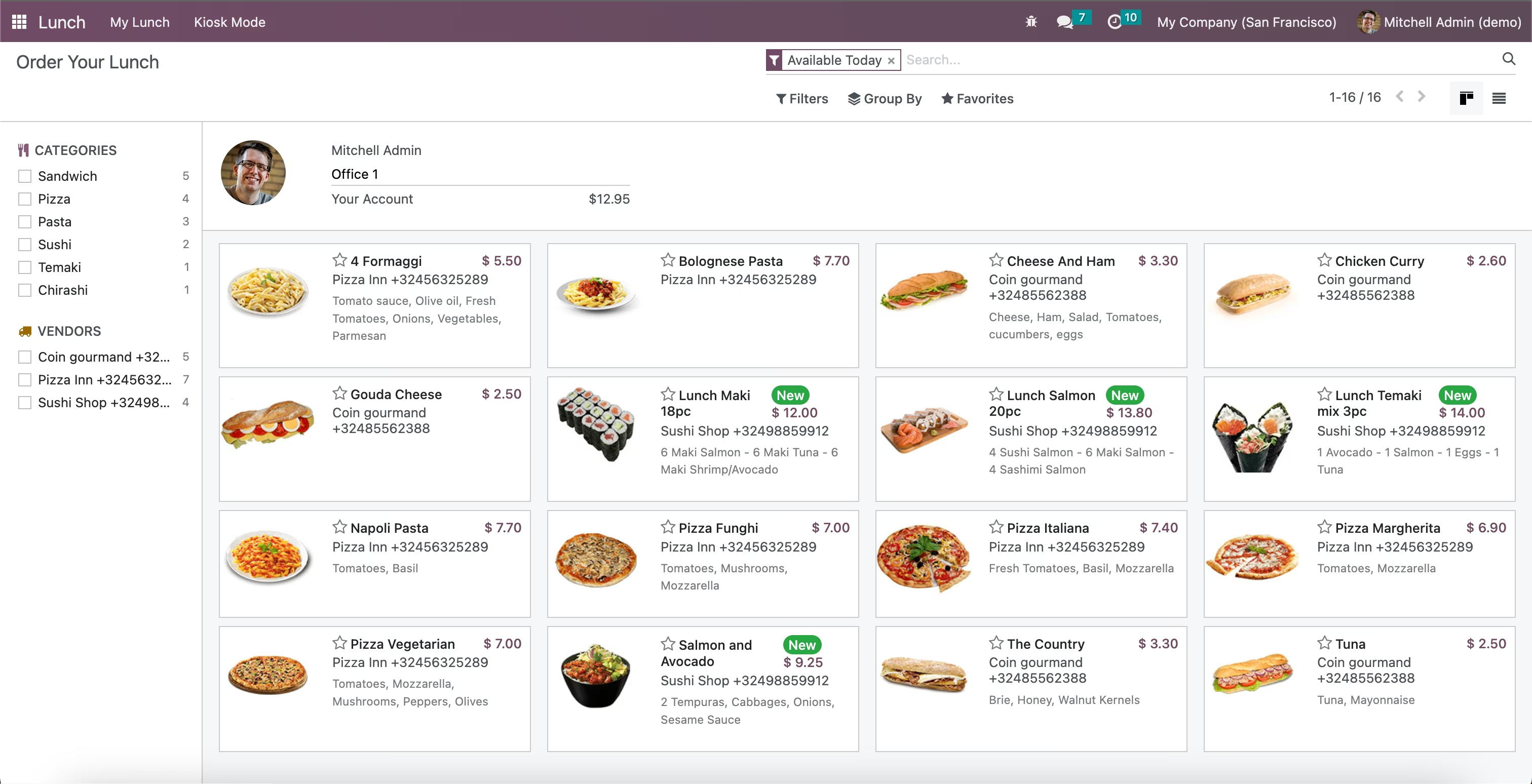
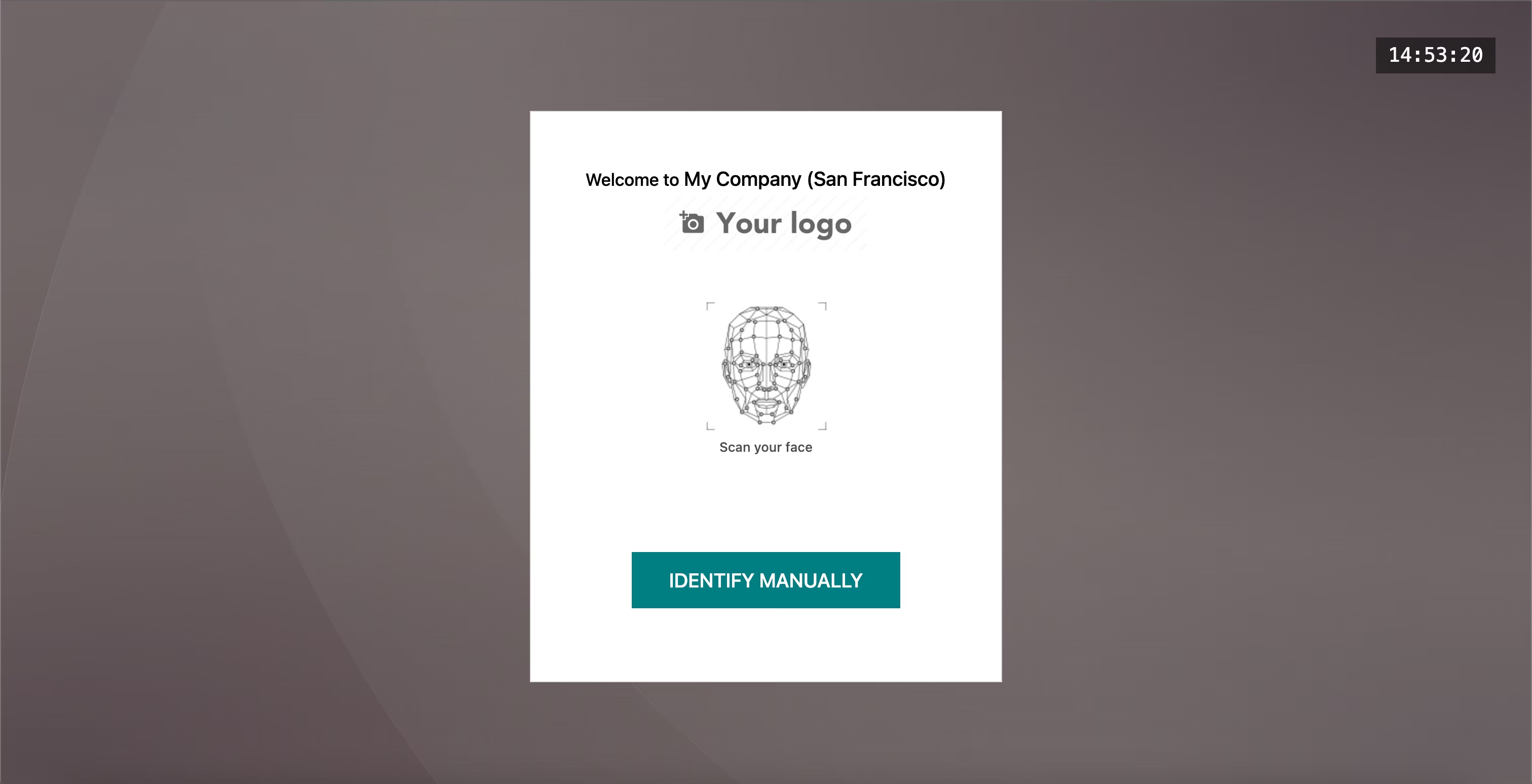
Lunch -> Kiosk
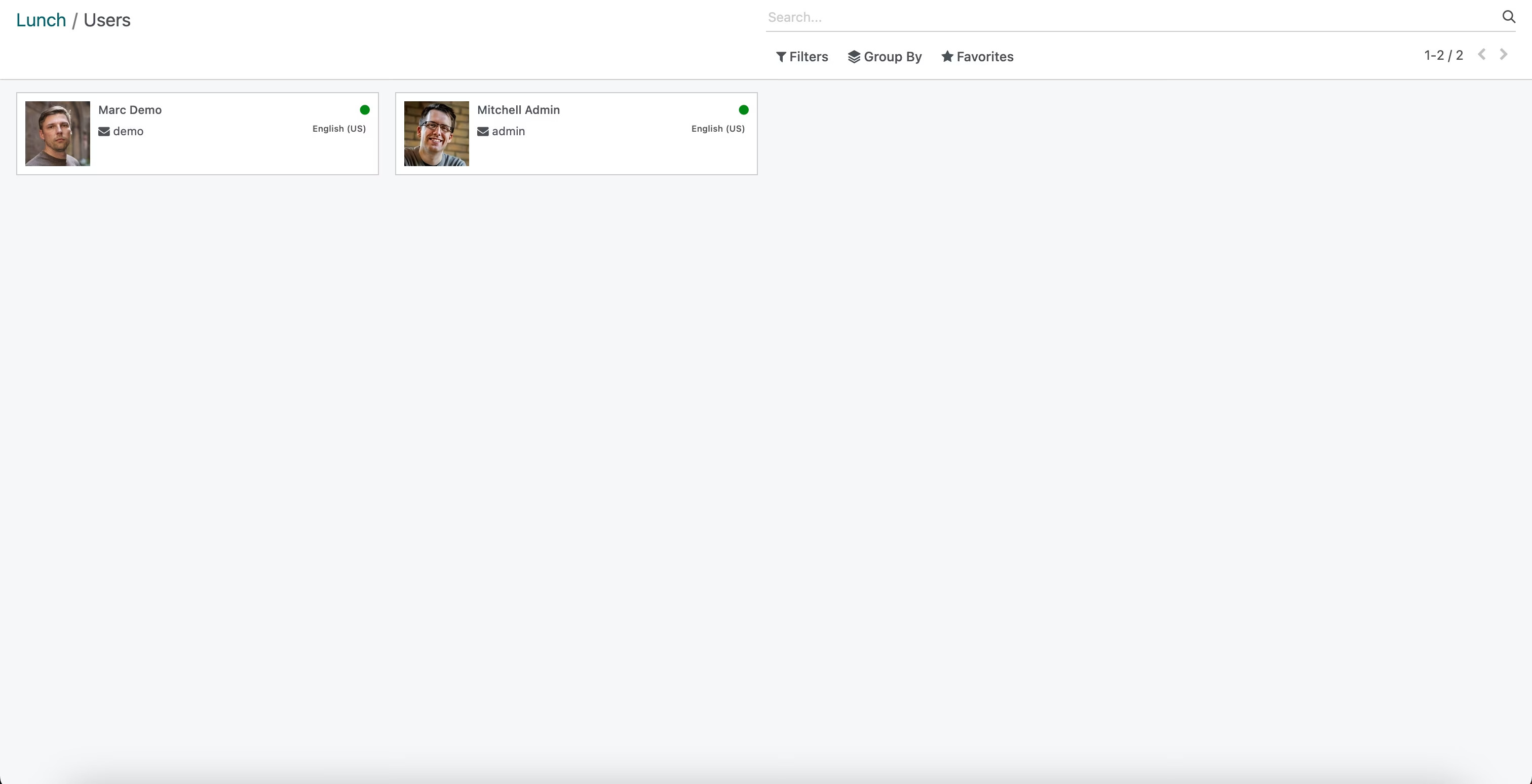
Lunch -> Kiosk -> Users -> Select User
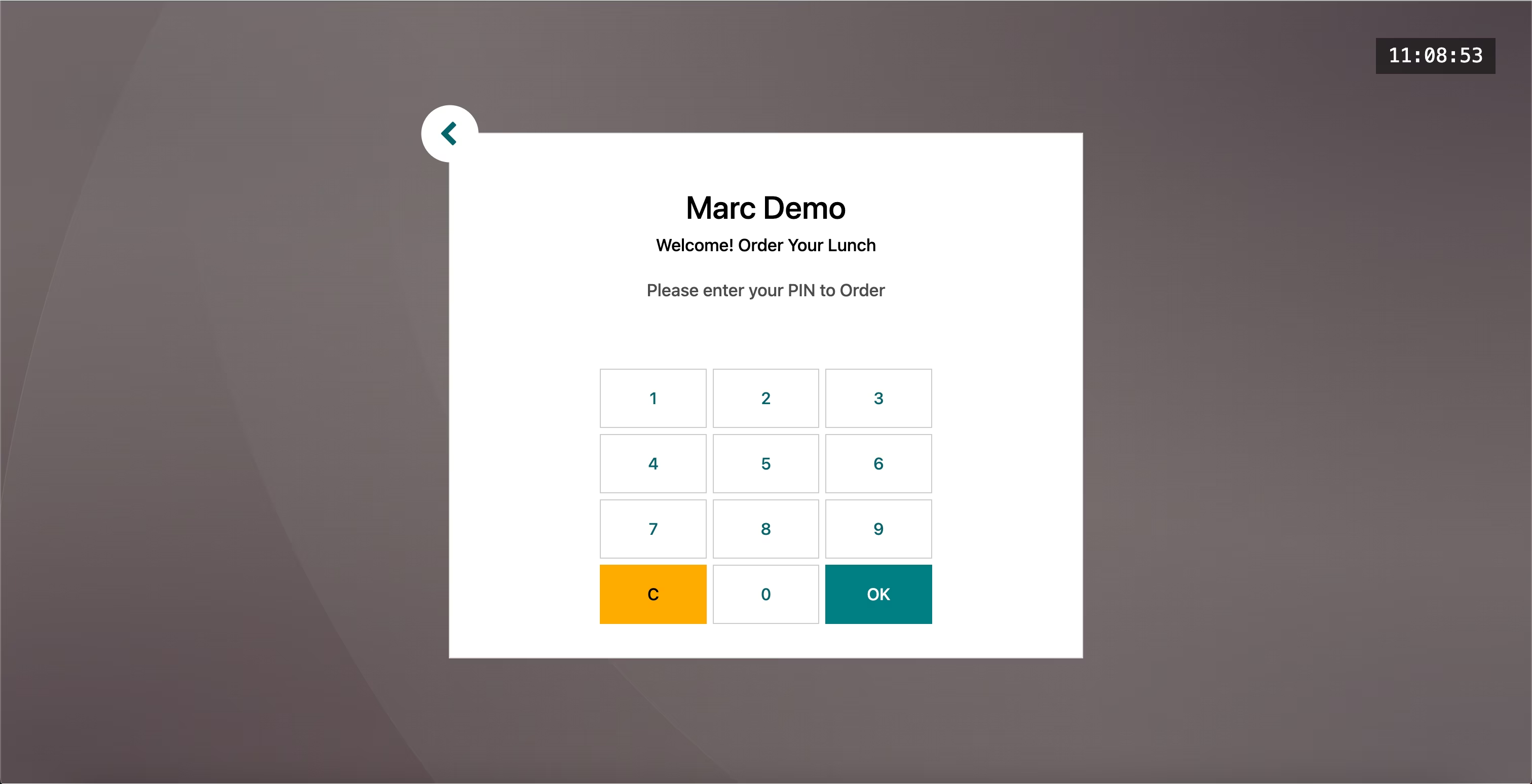
Lunch -> Kiosk -> Users -> Enter PIN
Lunch -> Kiosk -> Users -> Enter PIN -> Order Lunch
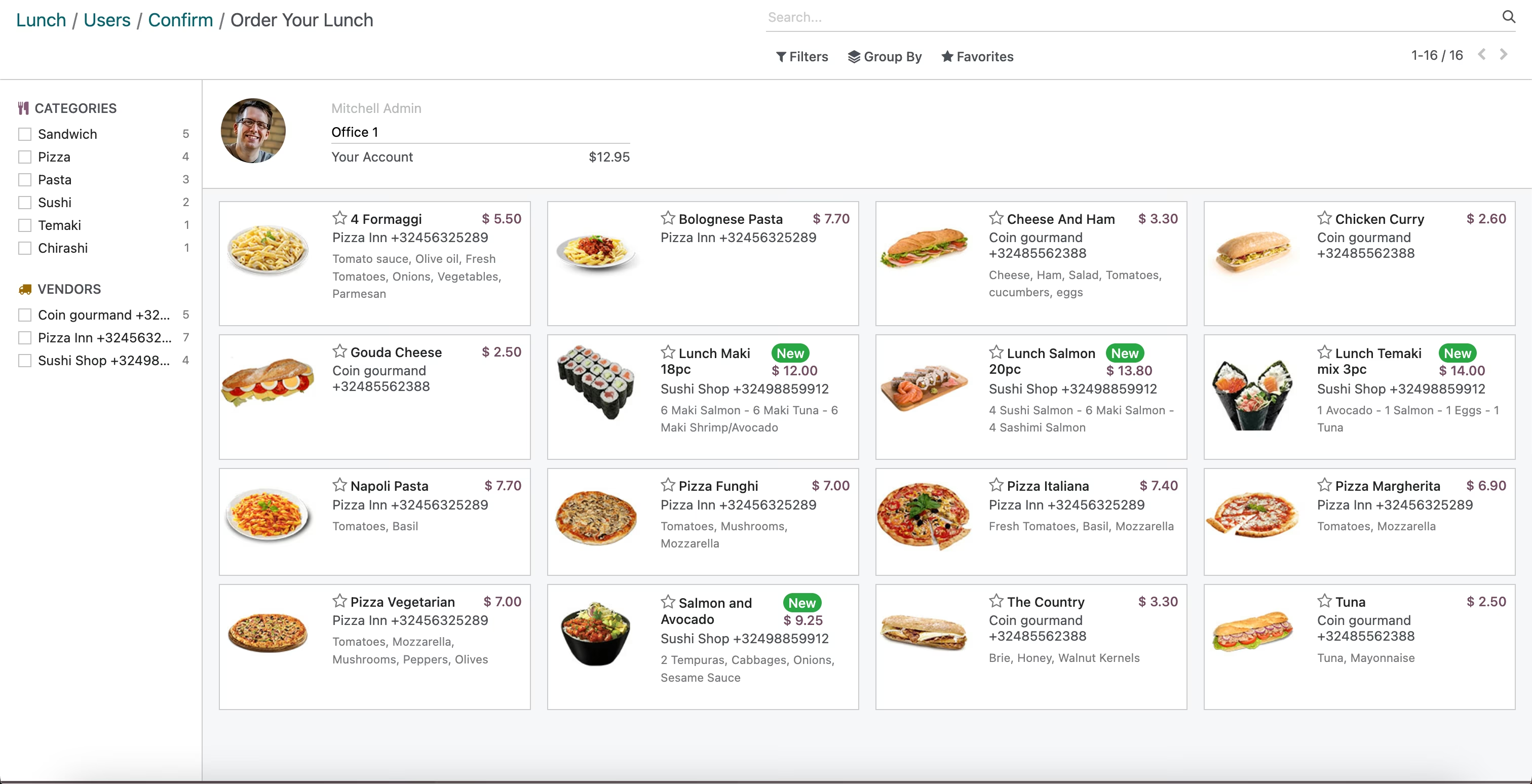
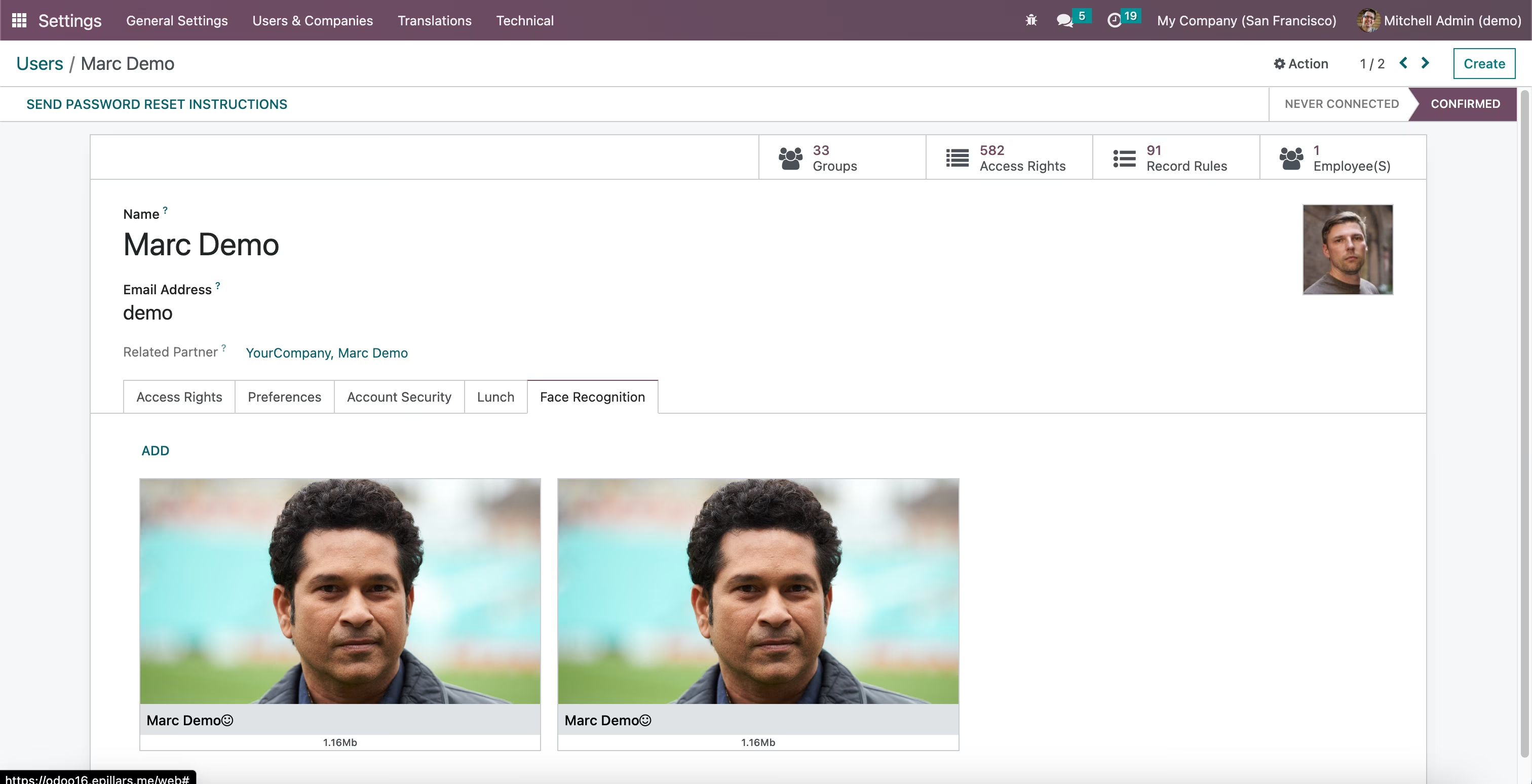
4. Set Faces for Users Face Recognition
Settings -> Users -> User -> Lunch -> Face Recognition
5. Lunch Kiosk Face Recognition
Lunch -> Kiosk -> Face Recognition
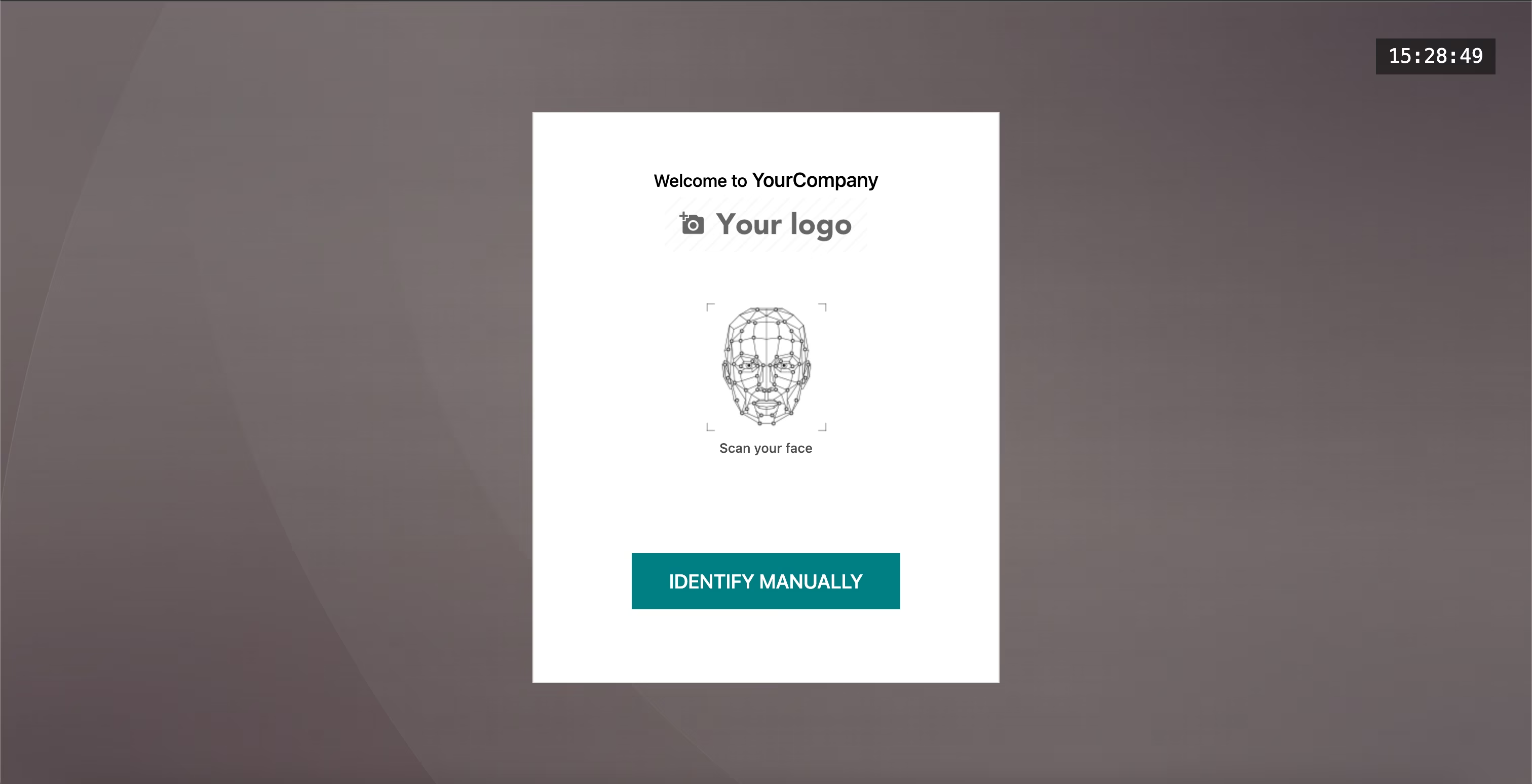
Scan your face -> Face Recognition