The module is a powerful application designed to provide a complete ERP solution for language schools and educational institutes. It streamlines the entire process of running a language school, from managing students and teachers to creating class schedules and generating invoices. By centralizing these operations, the module helps institutes improve efficiency, reduce administrative effort, and make informed decisions based on detailed reporting and analysis.
Student & Teacher Management: Easily create and manage detailed profiles for students and teachers.
Class & Lesson Scheduling: Create and manage multiple classes with flexible frequency options (daily, weekly, monthly) and automatically generate lessons based on the schedule.
Attendance Tracking: Teachers can easily mark student attendance (present/absent) for each lesson.
Automated Invoicing: Generate invoices for students based on their attendance, simplifying the billing process.
Comprehensive Reporting: Access a variety of reports and dashboards to analyze class performance, student attendance, and other key metrics.
Website Integration: Courses can be published on the website, and a student portal allows students to view their progress, attendance, and assignments.
Assignment Management: Create and manage assignments for lessons and track student submissions.
Improved Efficiency: Automates administrative tasks, freeing up staff to focus on teaching and student engagement.
Better Financial Management: Streamlines the billing process with automated invoice generation based on attendance.
Enhanced Decision-Making: Provides detailed reports and analytics to help administrators monitor performance and identify areas for improvement.
Seamless Workflow: Integrates multiple functions from enrollment and scheduling to billing and reporting into a single, cohesive system.
Language Student Class Management Apps
Educational Language Management Solution Apps
Language School Institute Management System Apps
Track Attendance & Automate Billing for Language Institutes
Language School Management app allows institutes to seamlessly handle their operations. Within this app, users gain the ability to effortlessly administer students, instructors, and classes, establish class schedules, create lesson plans, monitor student attendance, generate accurate invoices based on attendance, produce and review class reports, and access a multitude of additional features.
This innovative app serves as an integrated system that brings together diverse functions critical to the effective management of language institutes. From handling student enrollment to optimizing teacher assignments, and from ensuring consistent attendance tracking to the billing process, the app covers the entire spectrum of operational needs. Additionally, it permits institutes to analyze class performance through detailed reports, thus facilitating informed decision-making and continuous improvement.
Language School Menu
User can see the "Language School" menu.
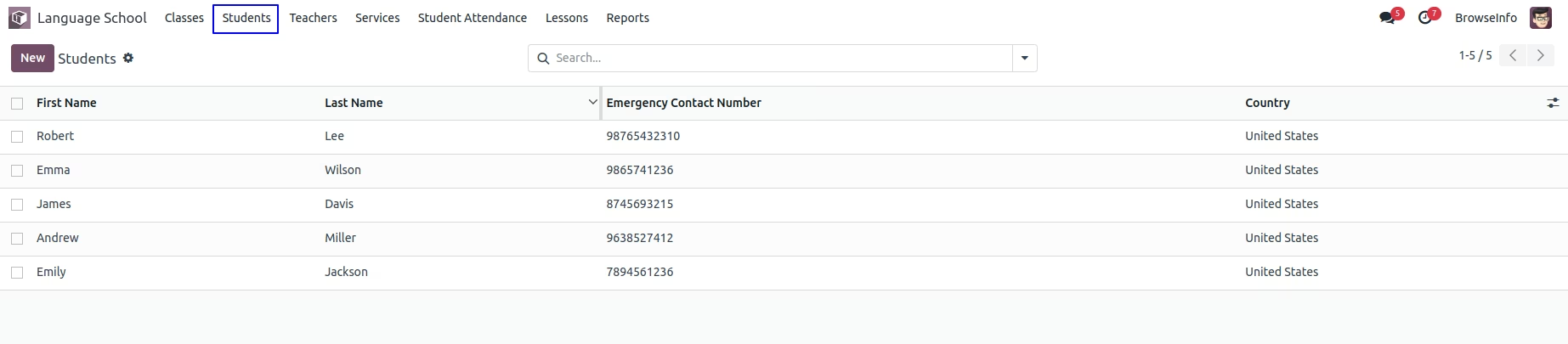
Students
User can create and manage students for language school.
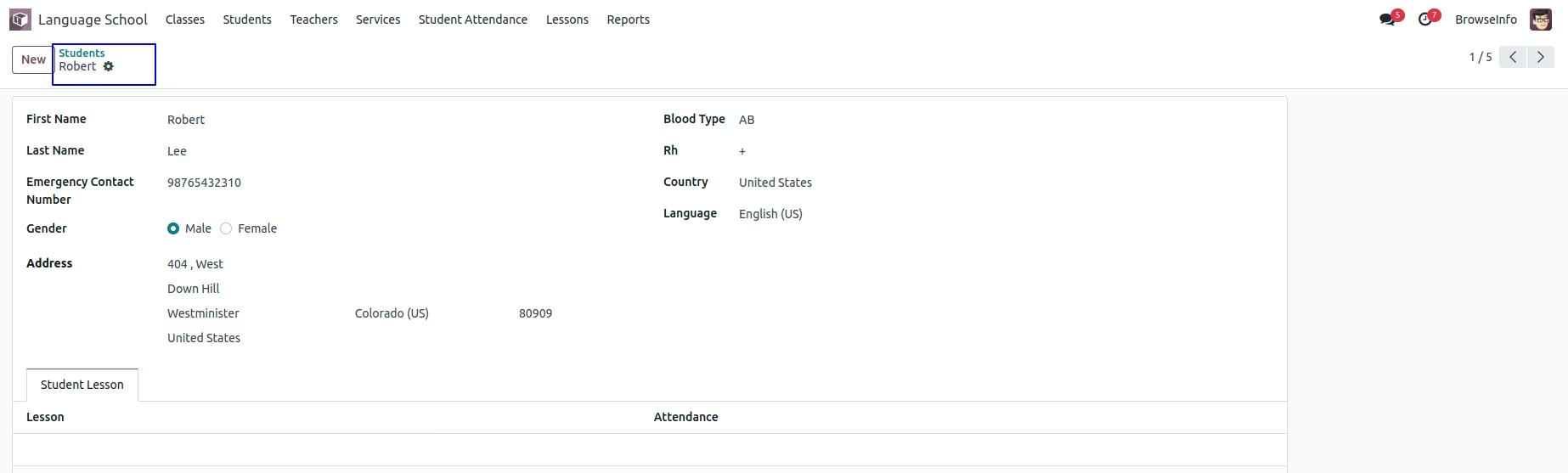
User can see and manage student details like address, blood type, contact number, etc.
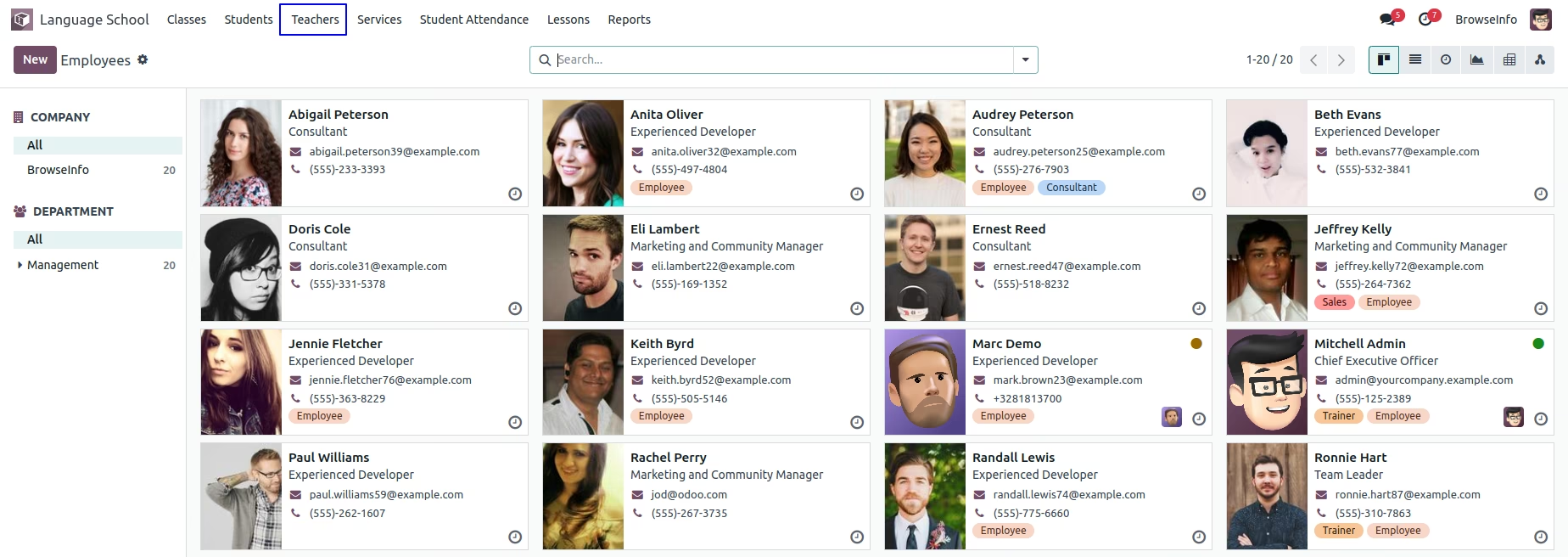
Teachers
User can also manage teachers for language school.
Services
User can create and manage different services for language school.

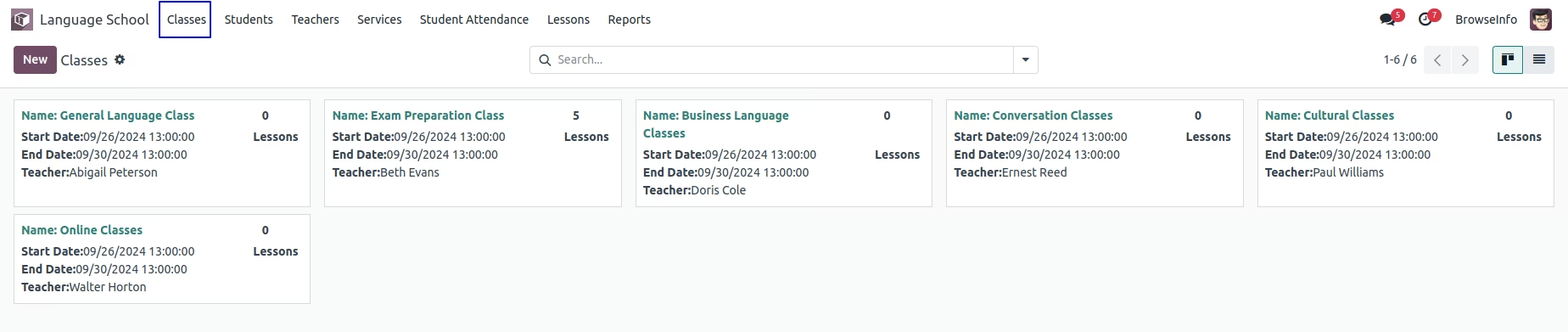
Manage Classes
User can create and manages different multiple classes for language school.
Class Repeat Frequency
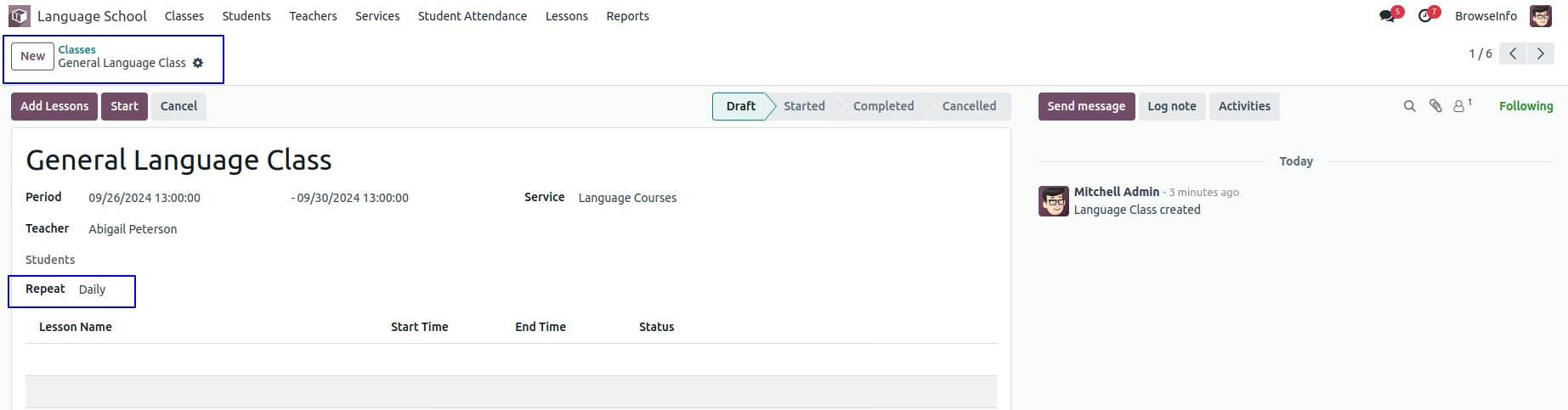
User can set frequency to repeat class on "Daily, Weekly, and Monthly". If user select class to repeat daily the lesson for class will created for each days of month.
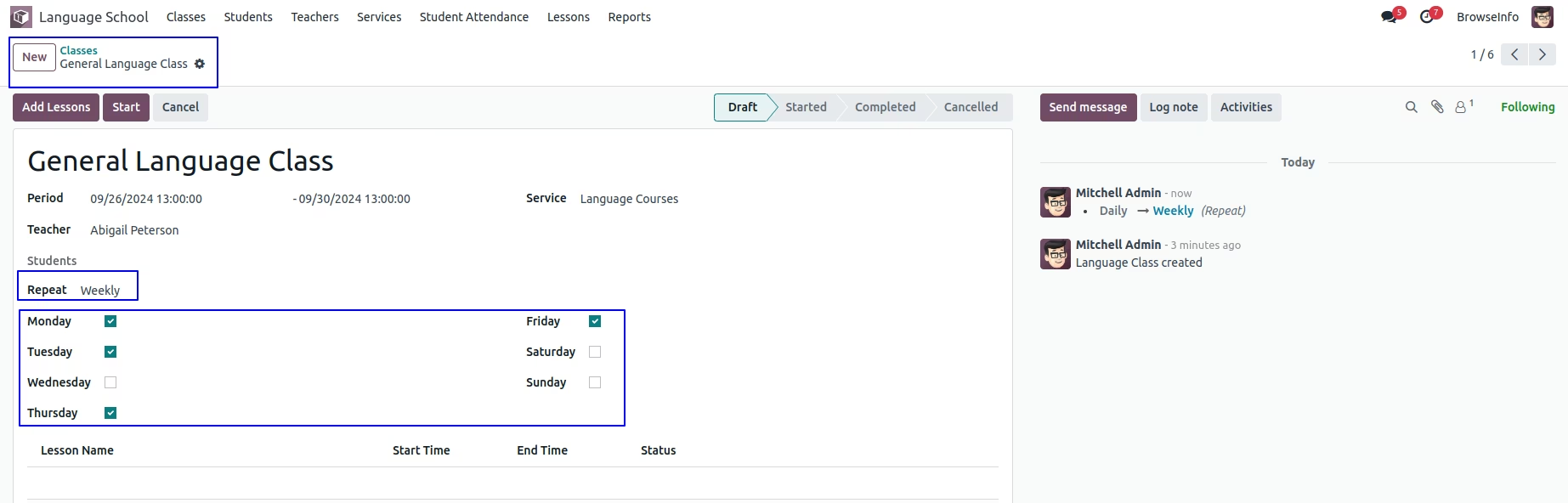
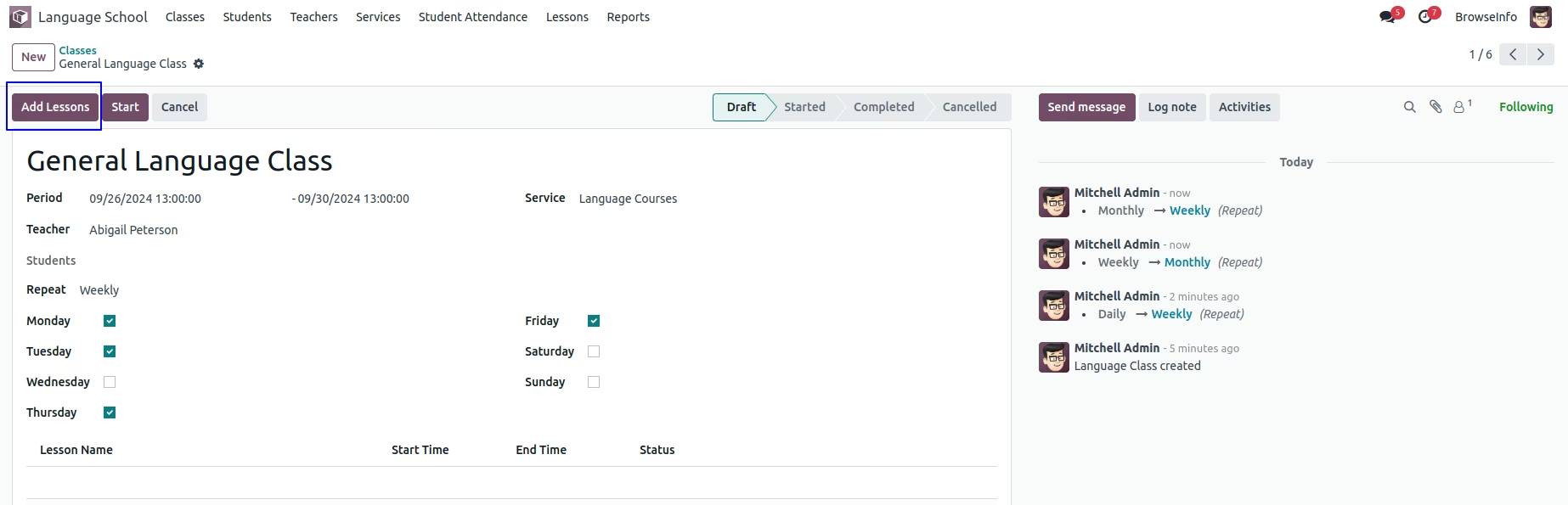
If user select class to repeat weekly then, user have option to select week days, and the lesson for class will created for each selected days of week.
If user select class to repeat monthly then, user have option to select date of month, and the lesson for class will created for each selected dates of month.
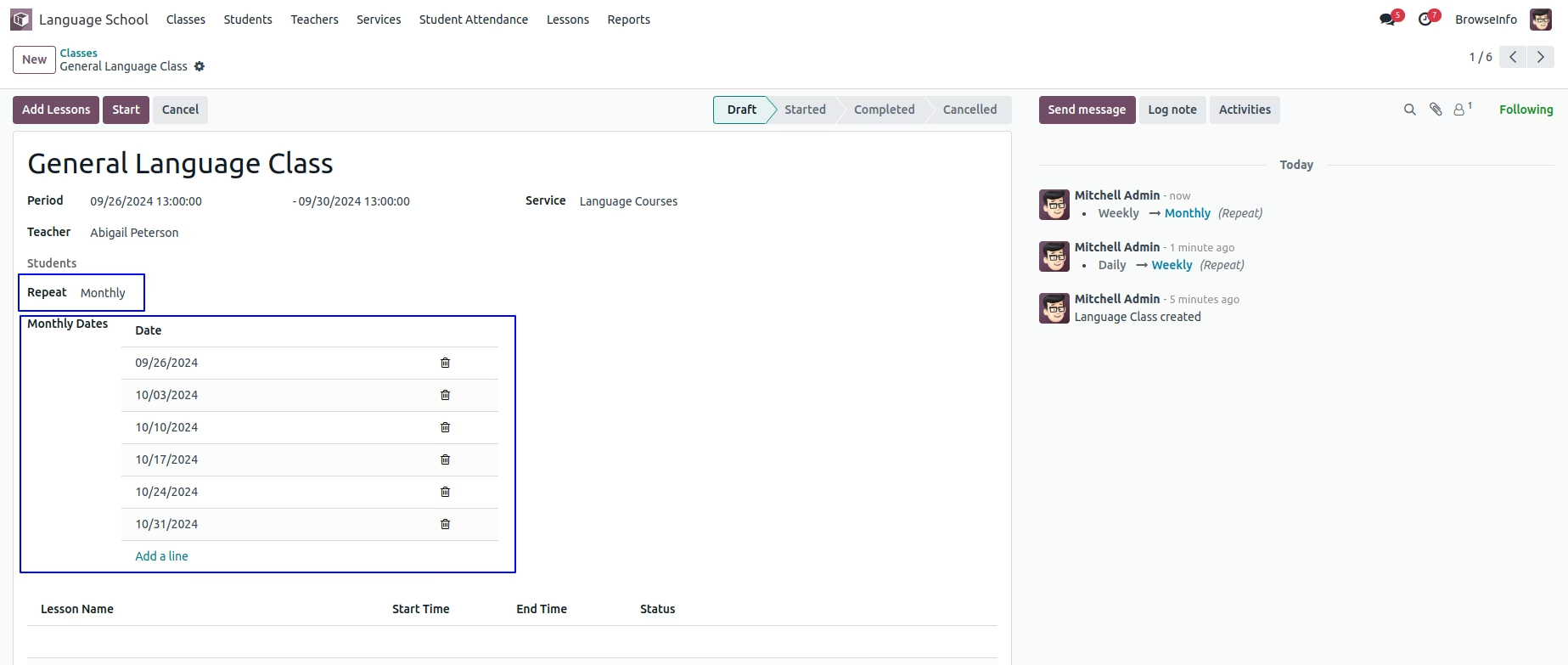
Add Lesson for Class
User can add lesson for class by clicking "ADD LESSON" button on class.
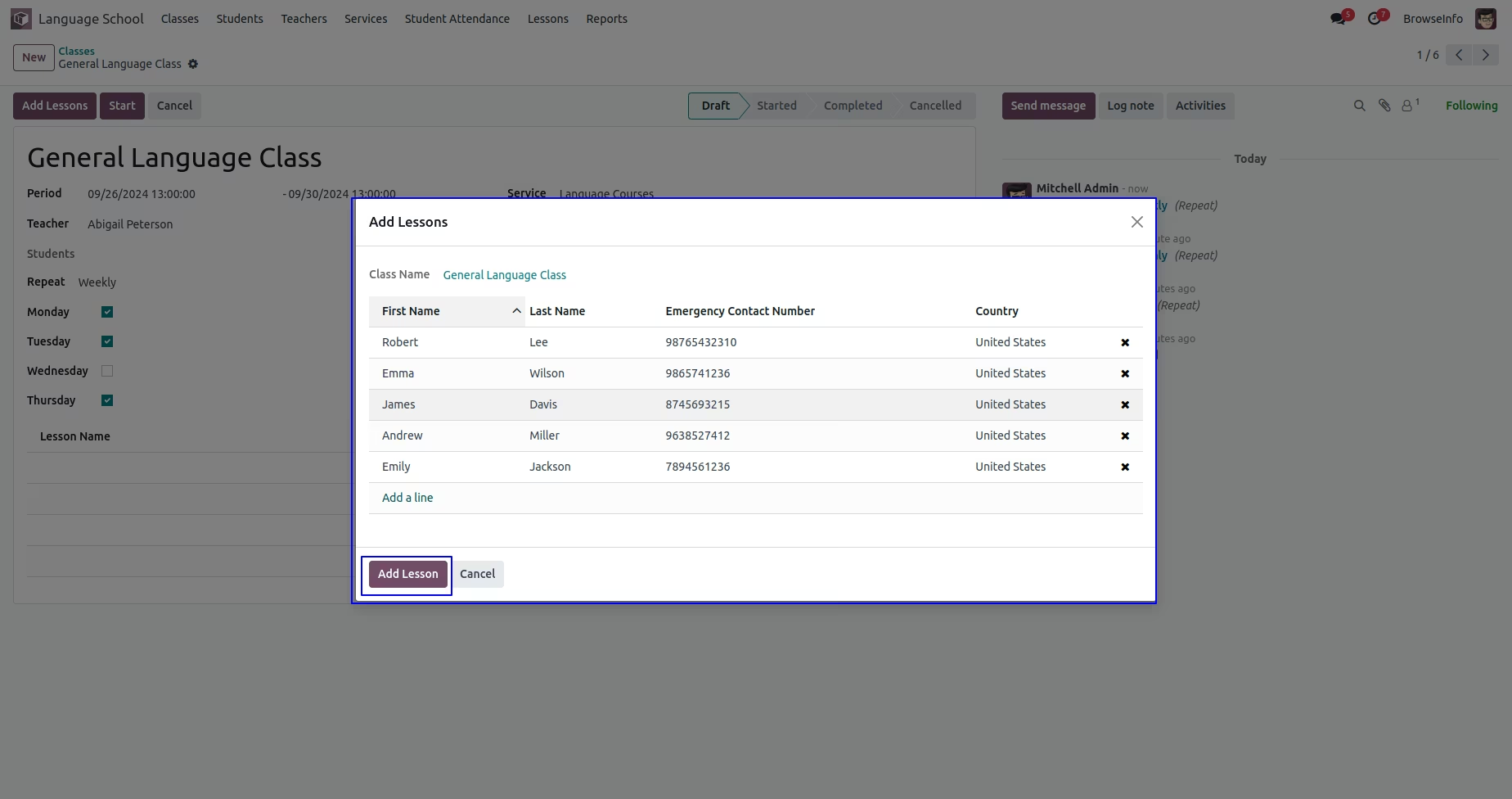
On wizard user need to select students for class and click "AD LESSON" button.
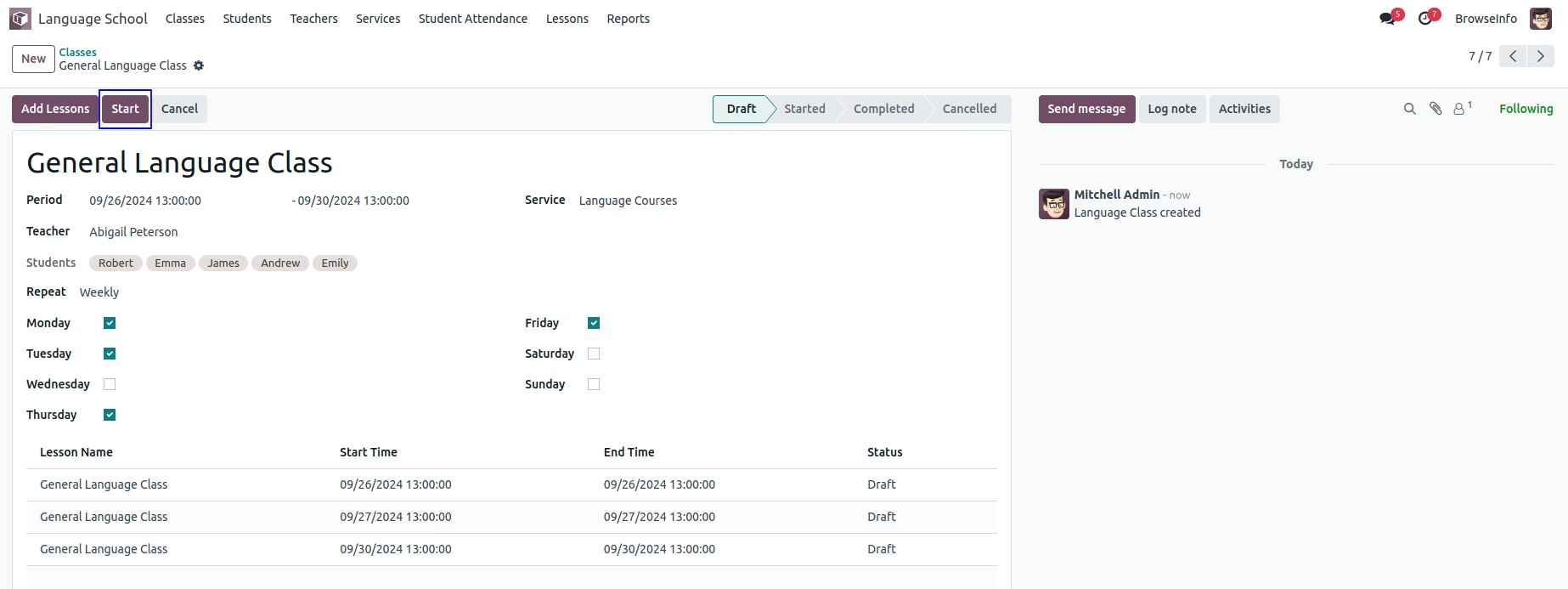
Start Class
User can see lesson has been added to class according to selected repeat frequency. User can start class by clicking "START" button.
Lessons
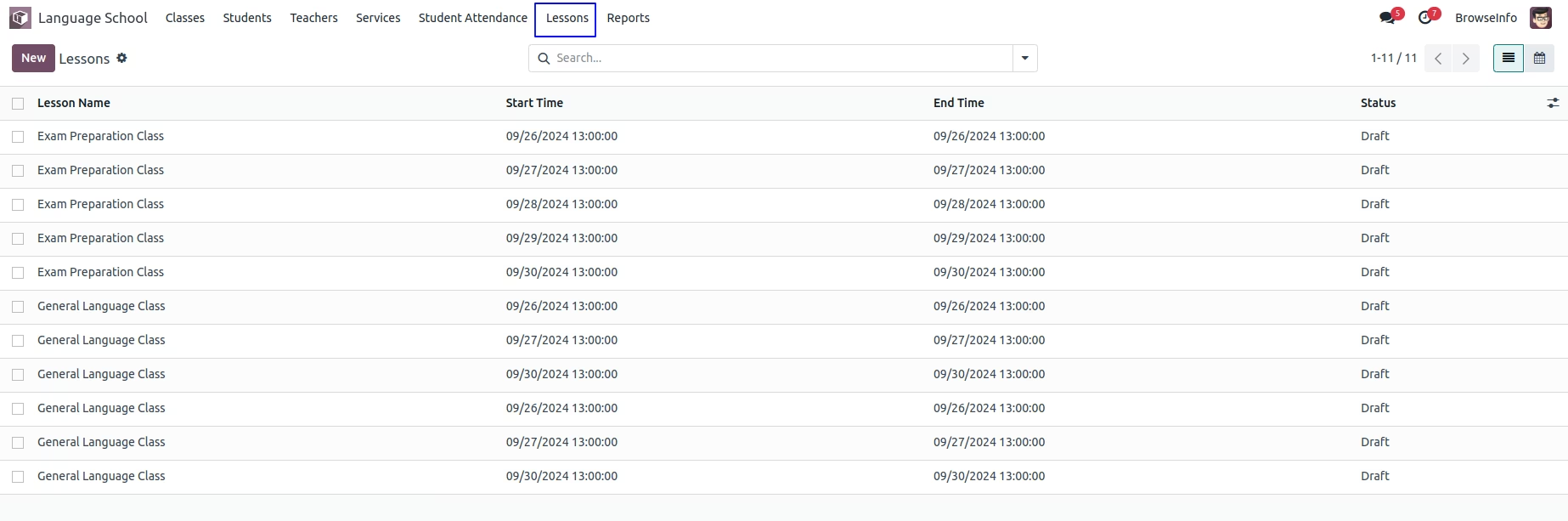
Under Law User can see all created lessons under Language School > Lessons menu.
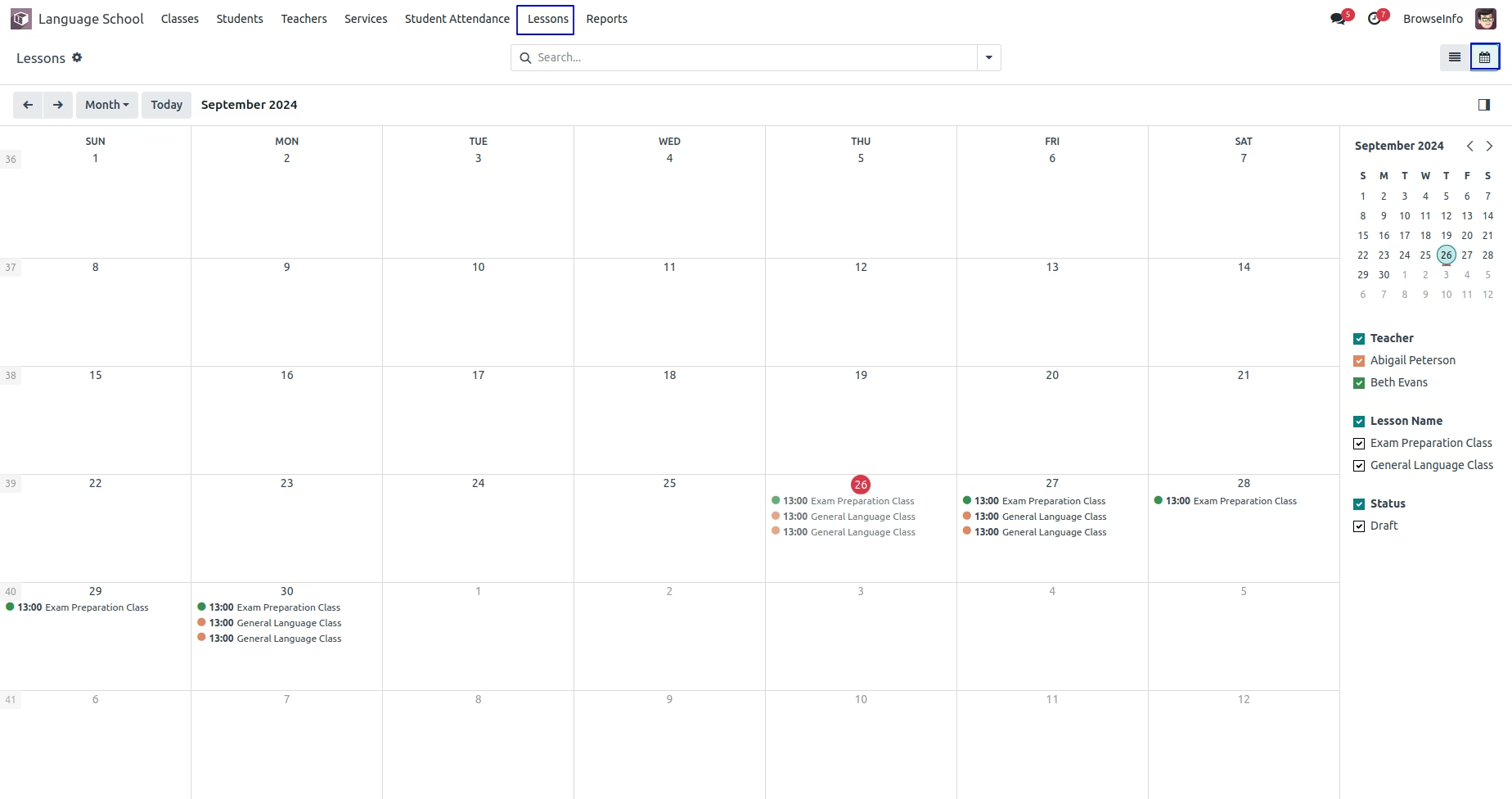
User can see created lessons in calendar view.
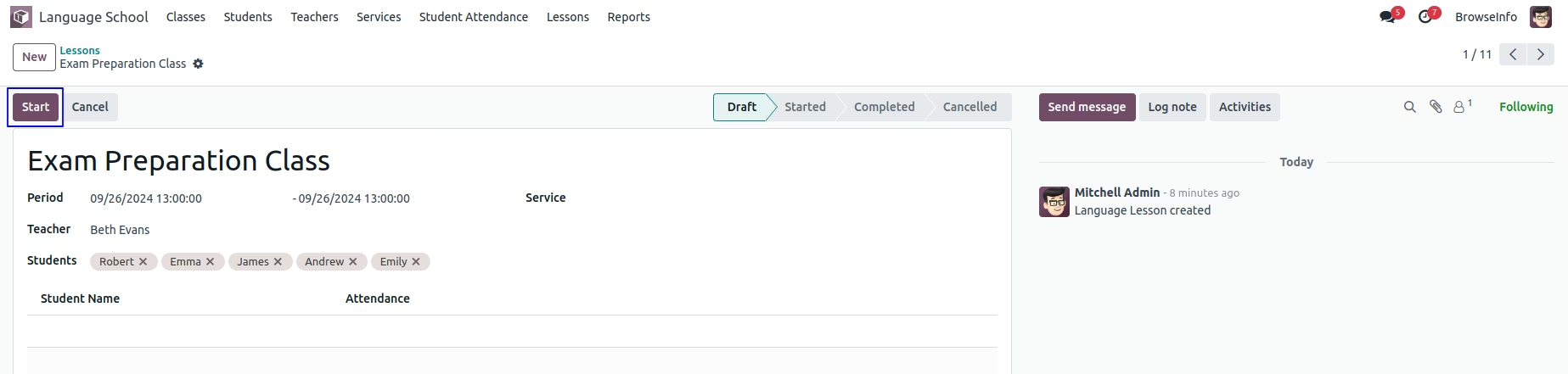
Start Lesson
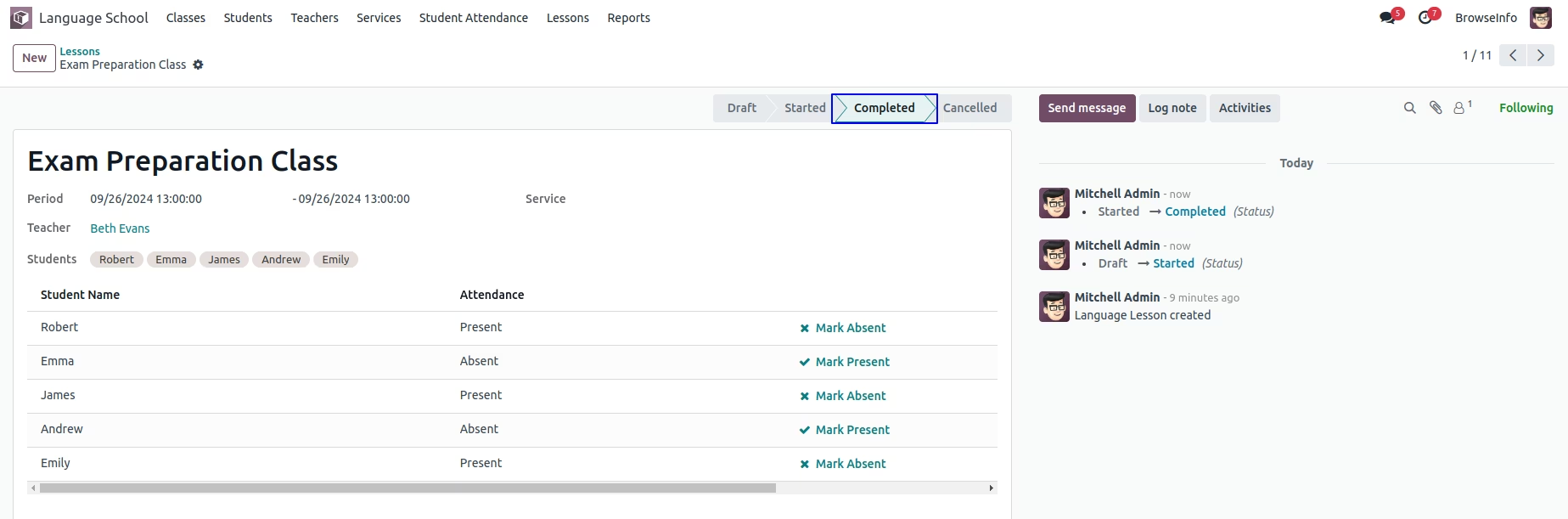
Teacher can start lesson by clicking "START" button on lesson.
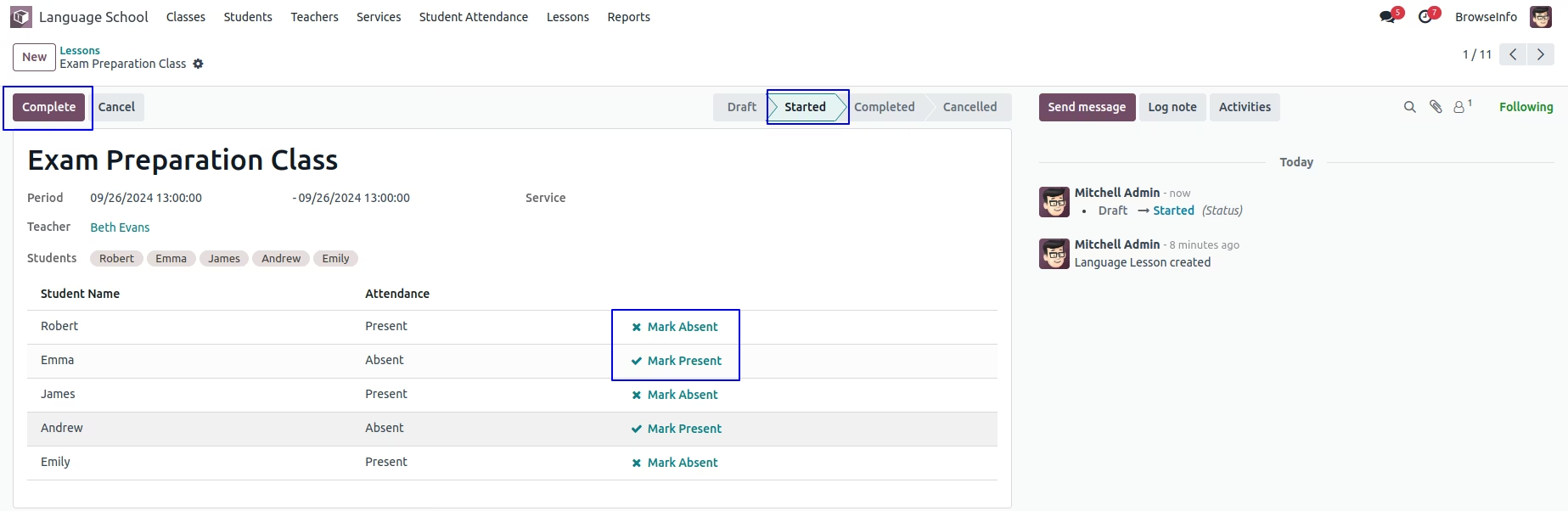
Student Attendance in Lesson
Teacher can see "Mark Present" and "Mark Absent" button to add attendance for student and click "COMPLETE" button to complete lesson.
Teacher can see completed class.
Group By Lesson
User can group by lesson using teacher, service and state.

Student Attendance
User can see student attendance for class under Language School > Student Attendance menu.
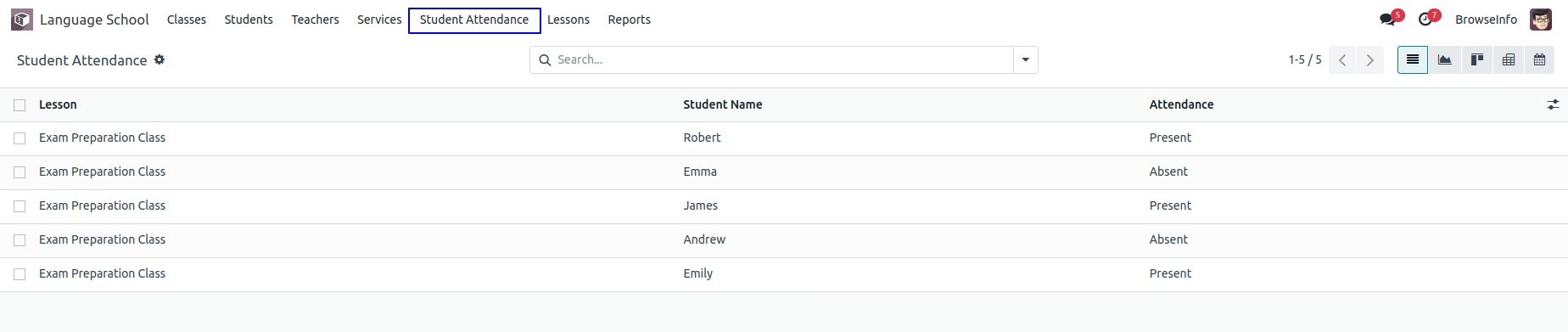
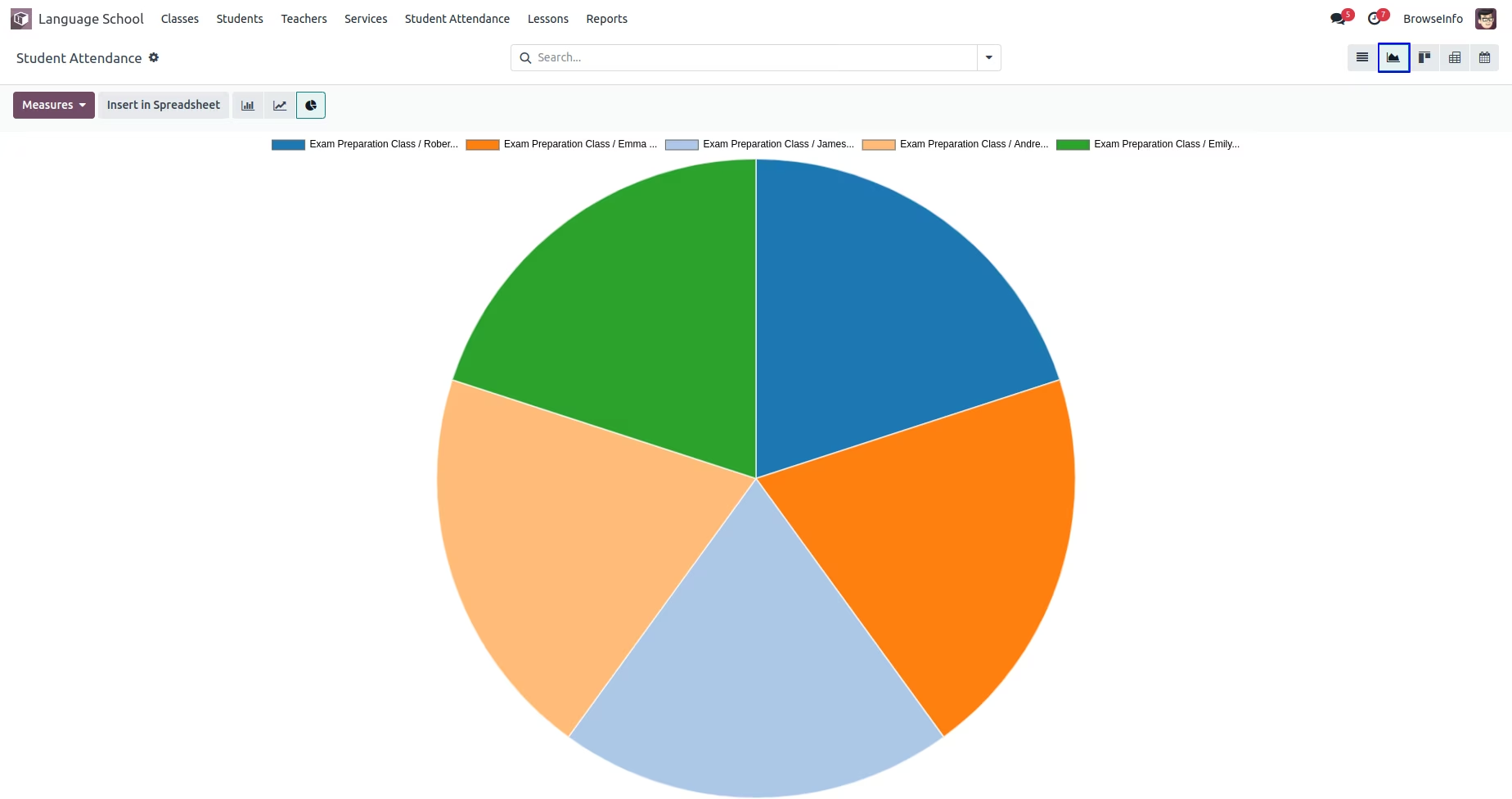
User can see student attendance in graph view.
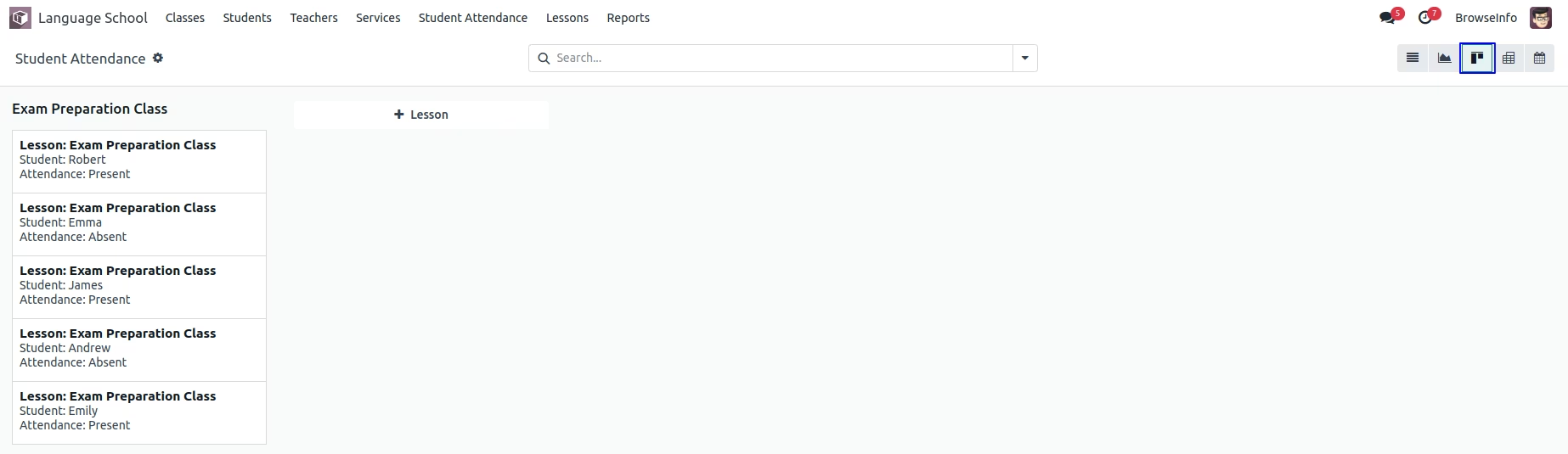
User can see student attendance in kanban view.
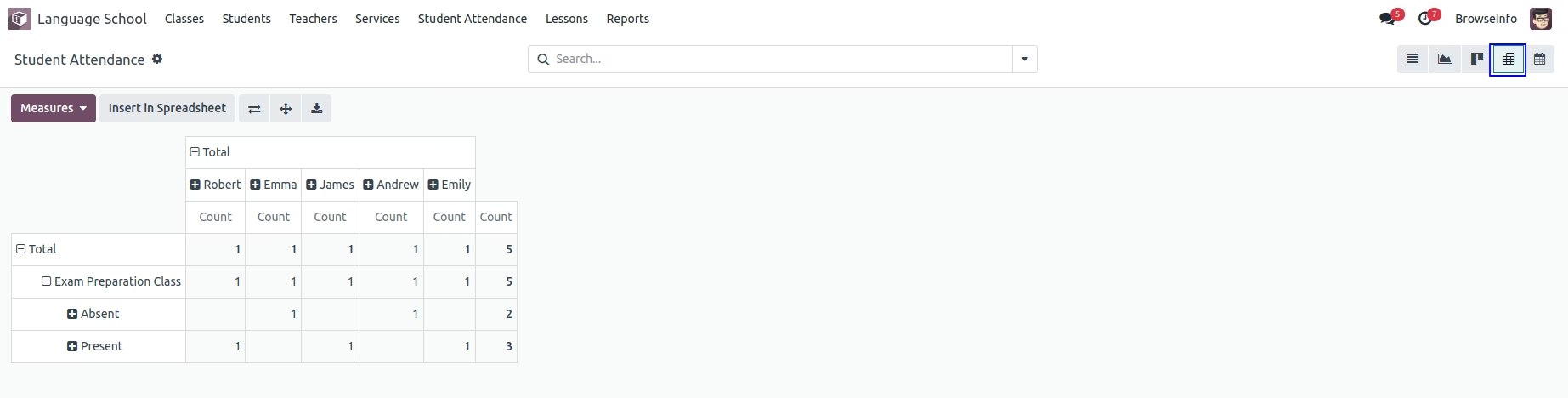
User can see student attendance in pivot view.
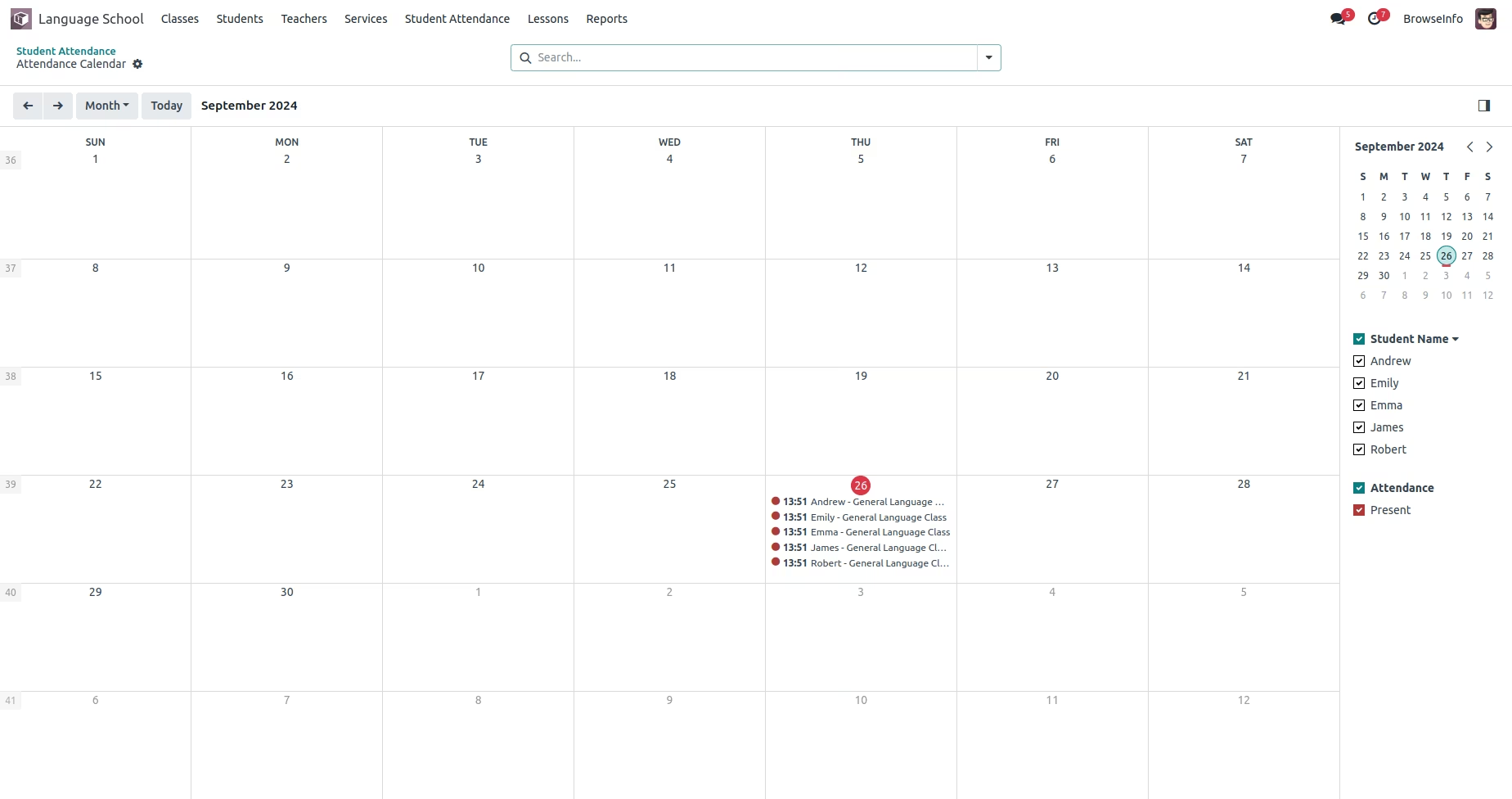
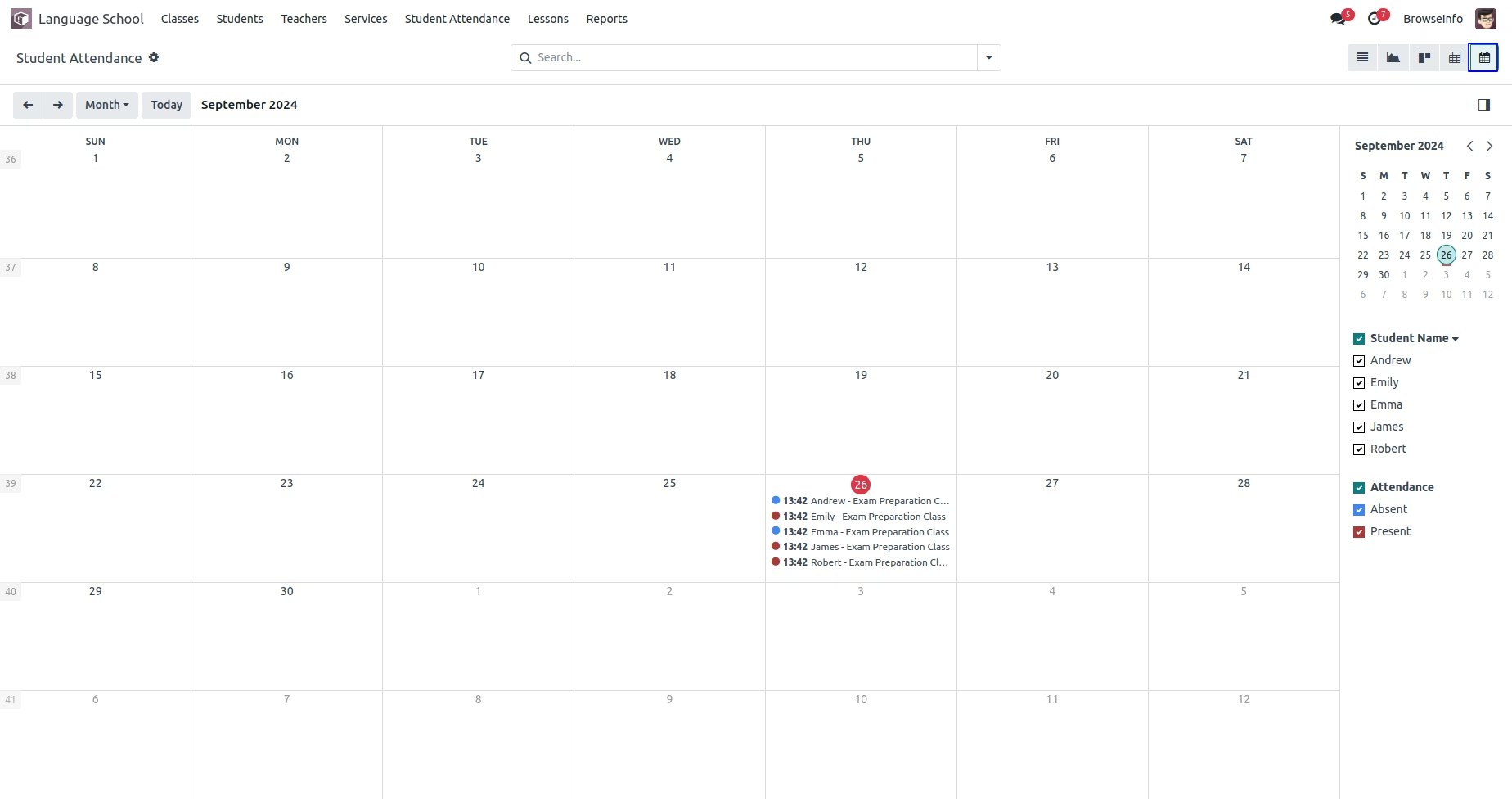
User can see student attendance in calendar view.
Group By Attendance
User can group by attendance with lesson, student , and attendance type.

Completed Class
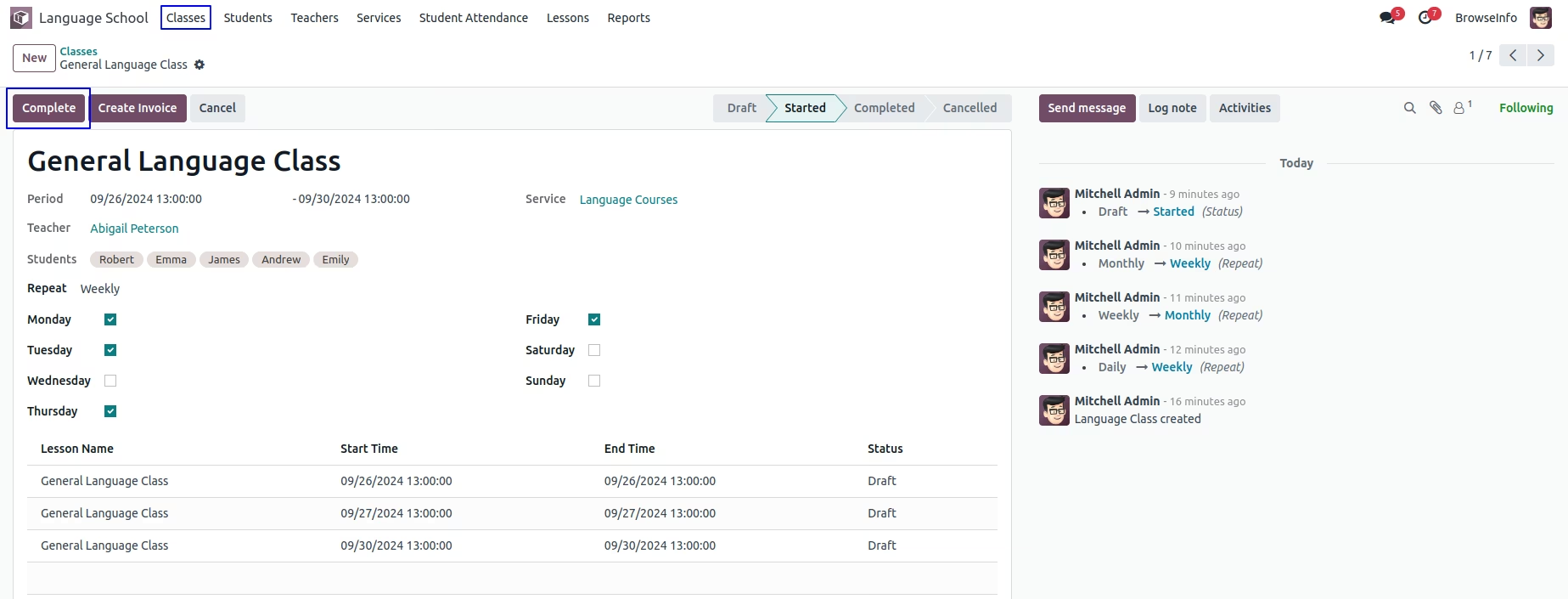
Once all lesson completed user can also complete the class by clicking "COMPLETE" button on class.
Create Invoice
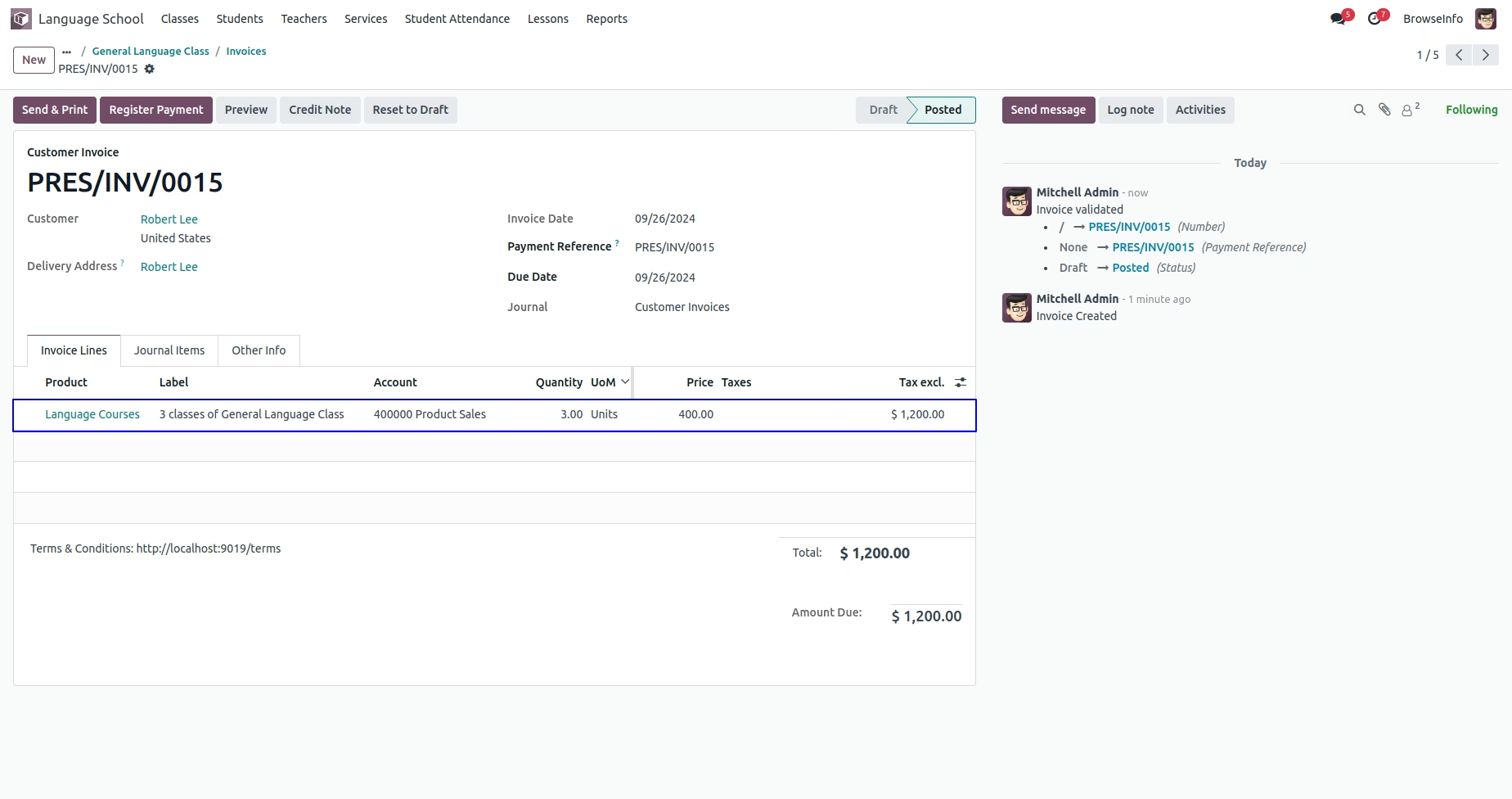
User can create invoice for class student based on attendance by clicking "CREATE INVOICE" button on class.
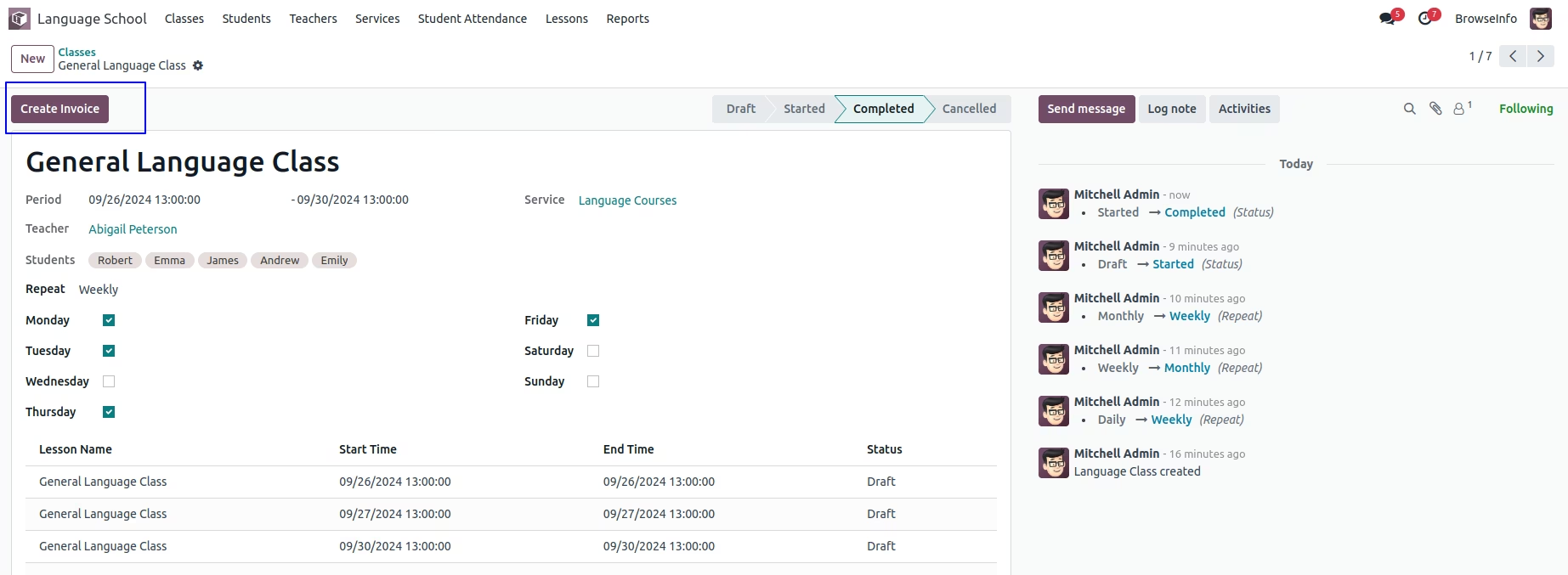
User can see and access created invoice from smart button on class.
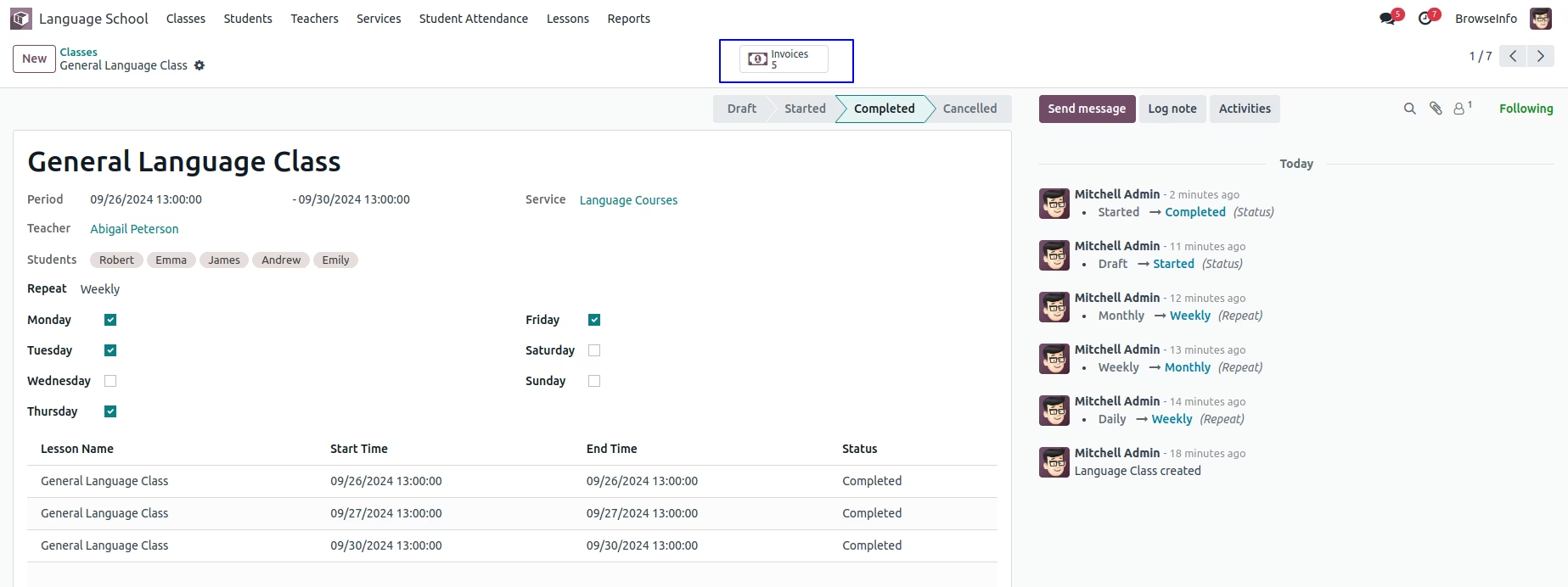
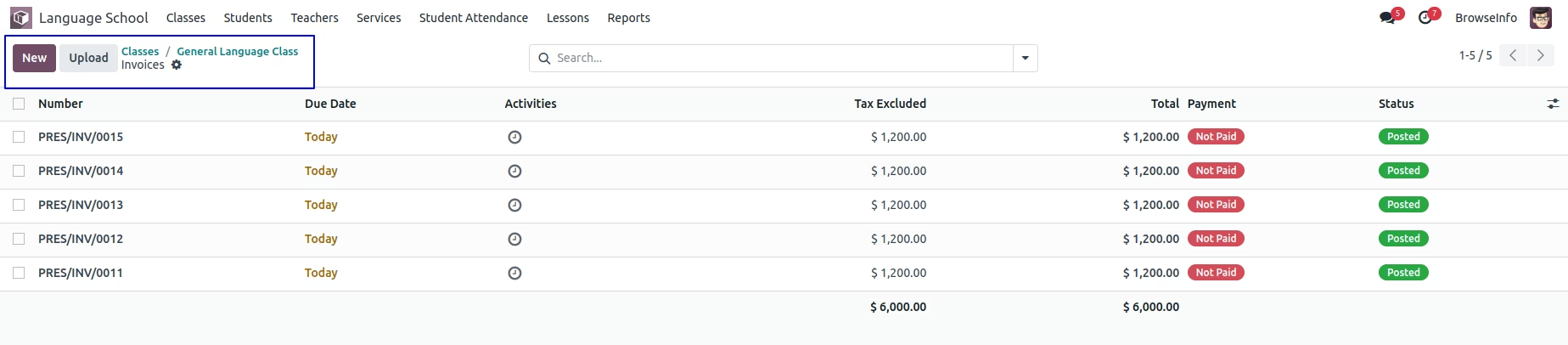
User can see created invoice for student based on class attendance.
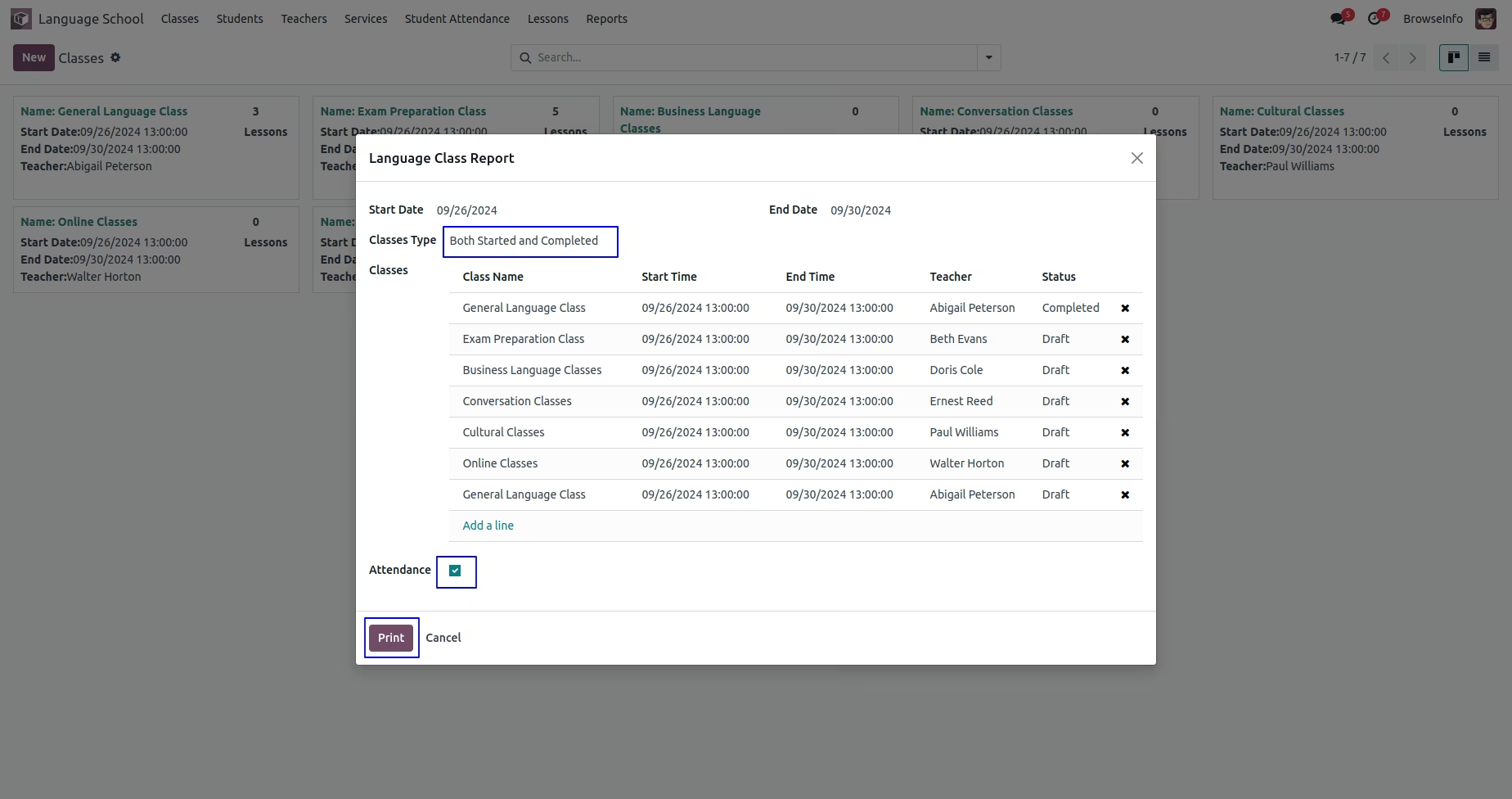
Language Class Report
User can check language class report under Language School > Reports > Language Class Report menu.
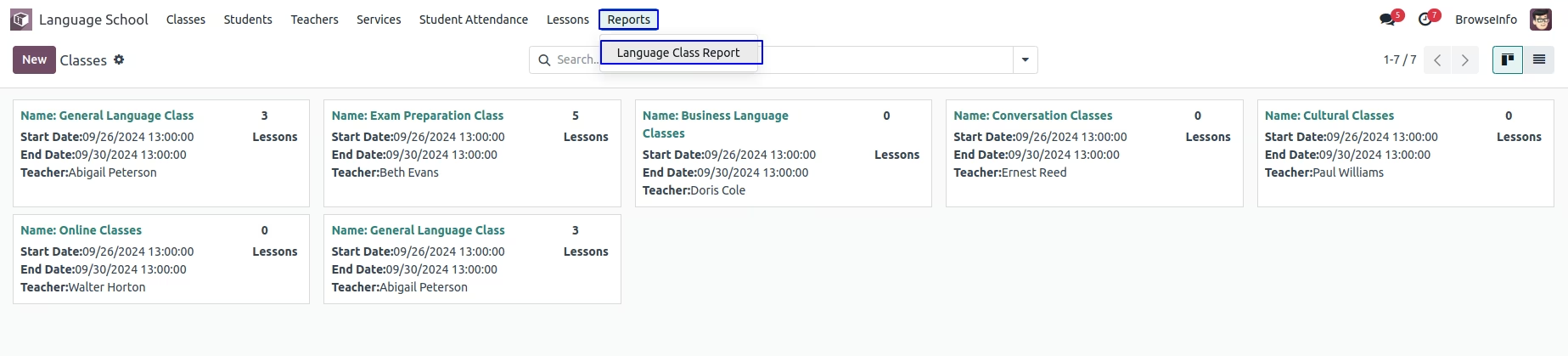
On wizard user can select start date, end date, classes type as "Started, Completed and, Both Started and Completed" and select classes.
User can see generated reports for classes.