
The module is a specialized application designed to facilitate direct printing to Zebra brand printers. Unlike standard printing methods that rely on PDF generation, this module sends commands directly to the printer, which is particularly useful for printing labels, barcodes, and other formats that require precise formatting. It is intended to streamline inventory, warehousing, and logistics operations by providing a fast and reliable way to print critical labels.
Direct Printer Commands: Sends ZPL (Zebra Programming Language) commands directly to the printer, ensuring quick and accurate label printing.
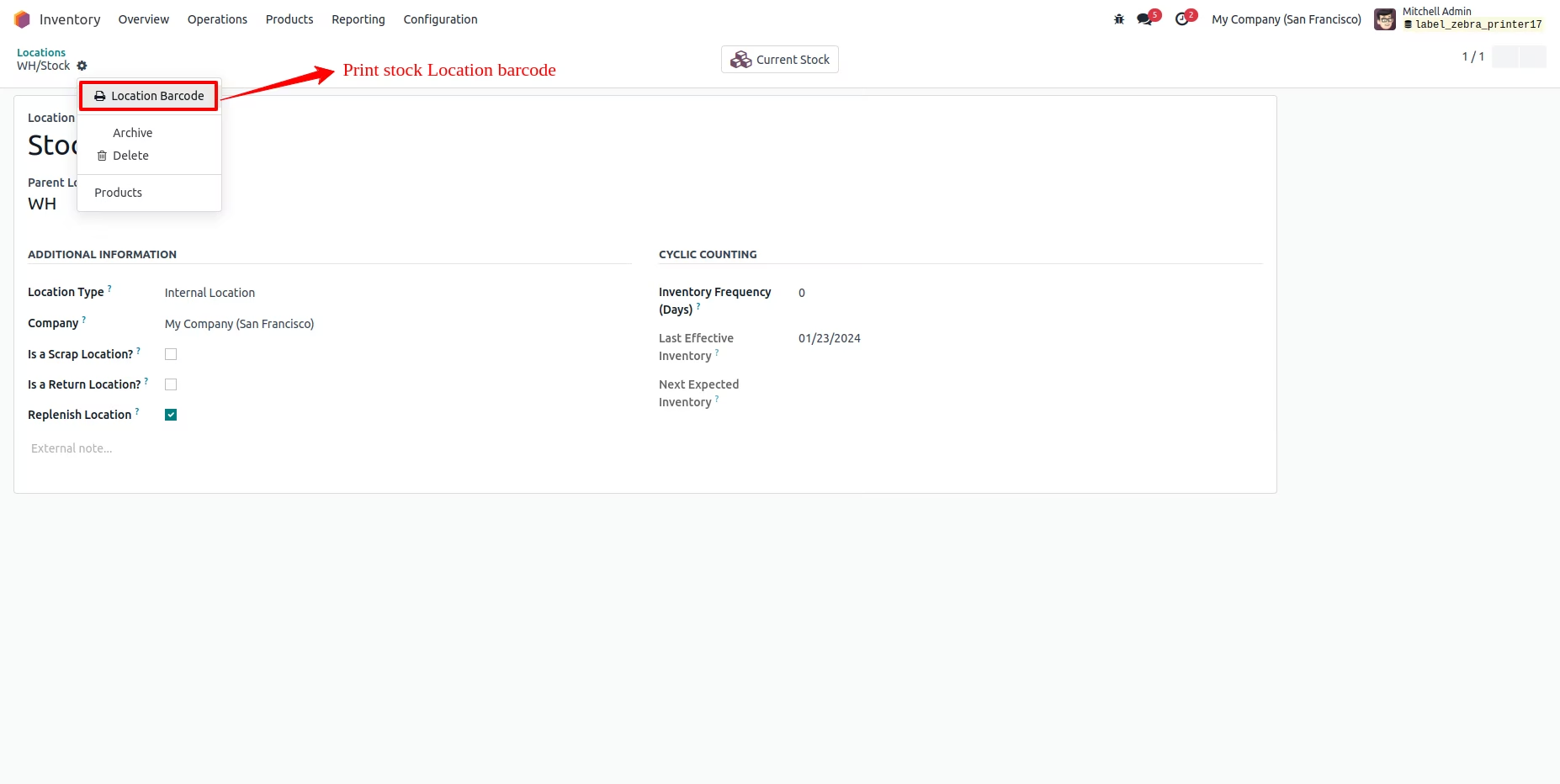
Versatile Label Printing: Allows for the printing of various labels, including product labels, location barcodes, and shipping labels.
Configurable Printing: Enables you to set up printer configurations, including the number of copies to print for each job.
Multiple Label Printing: Supports printing multiple labels at once from a list view.
Third-Party Integration: Uses a third-party JavaScript client, QZ Tray, for direct communication with the printer. Note that a certificate from QZ.io may be required for a seamless experience without pop-ups.
Increased Efficiency: Automates the printing process and reduces the time and effort required for label generation.
Improved Accuracy: Ensures that barcodes and labels are printed correctly by bypassing the complexities of standard printing drivers.
Seamless Workflow: Integrates with core inventory and product modules, providing a cohesive printing solution.
Enhanced Performance: Offers a faster printing solution compared to traditional PDF-based methods.

Label Printing From Zebra Printer
Label Printing From Zebra Printer module, which allows to send labels, barcodes etc. directly to the Zebra printers.

Note:
The purpose of this module is only to send the labels directly to the zebra printer. The formatting is not guaranteed or it has to be customized.
Please First Install QZ Tray From Here: https://qz.io/download
This module uses a 3rd party java-script client called qz which requires a certificate to whitelist your domain so that you don't receive any pop-ups and can work hassle free. You can either buy the certificate from qz or use a self signed certificate. For more information, kindly visit.https://qz.io/wiki/generate-certificate
Navigate to Technical > Printers
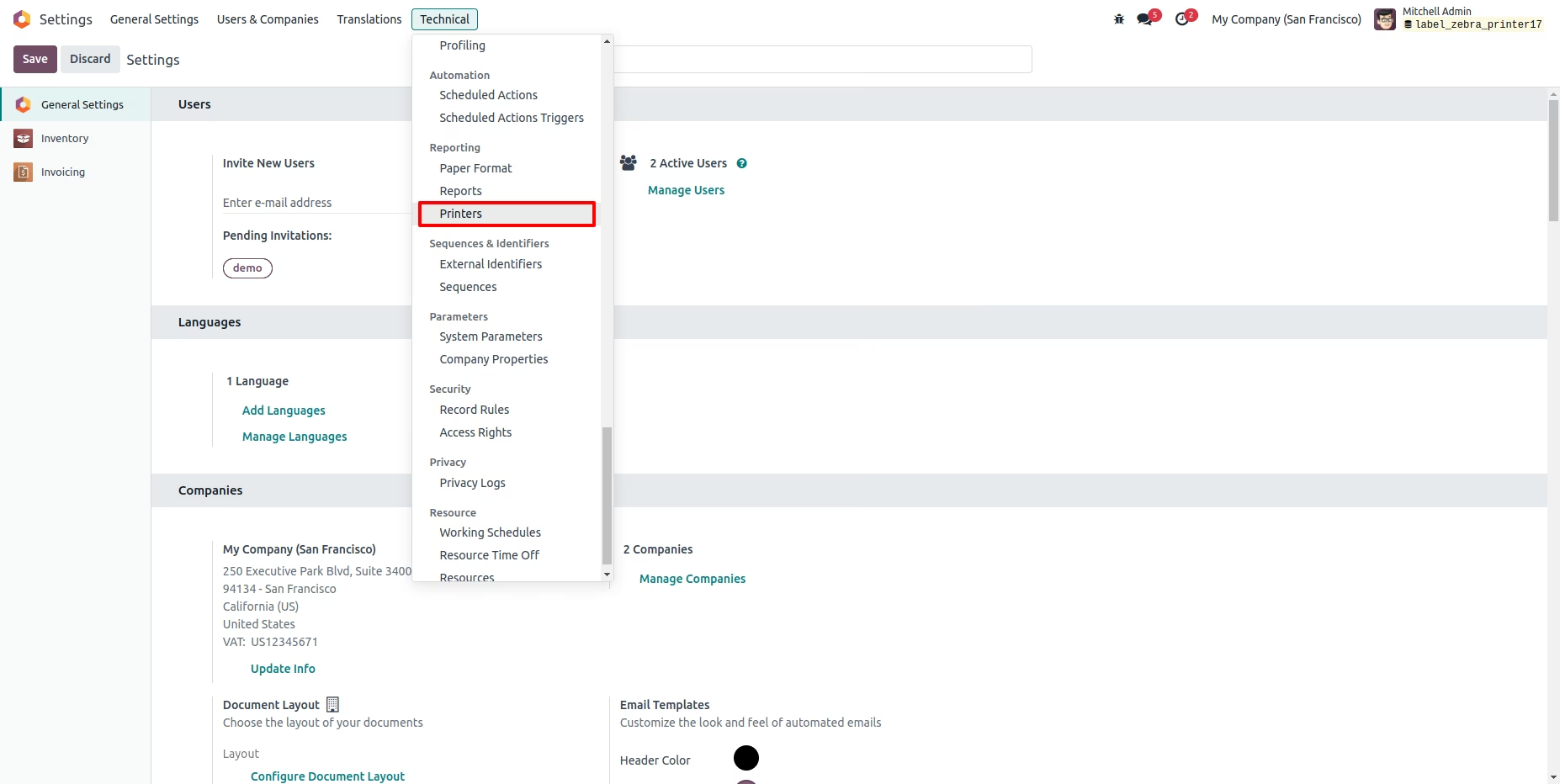
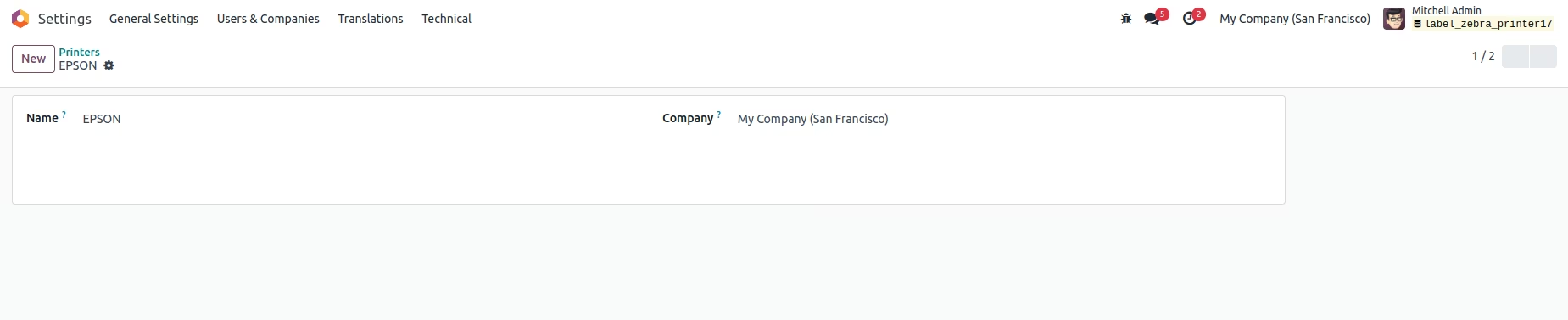
Here, we can set Printer Name & Company.
Navigate to Settings and open Company.
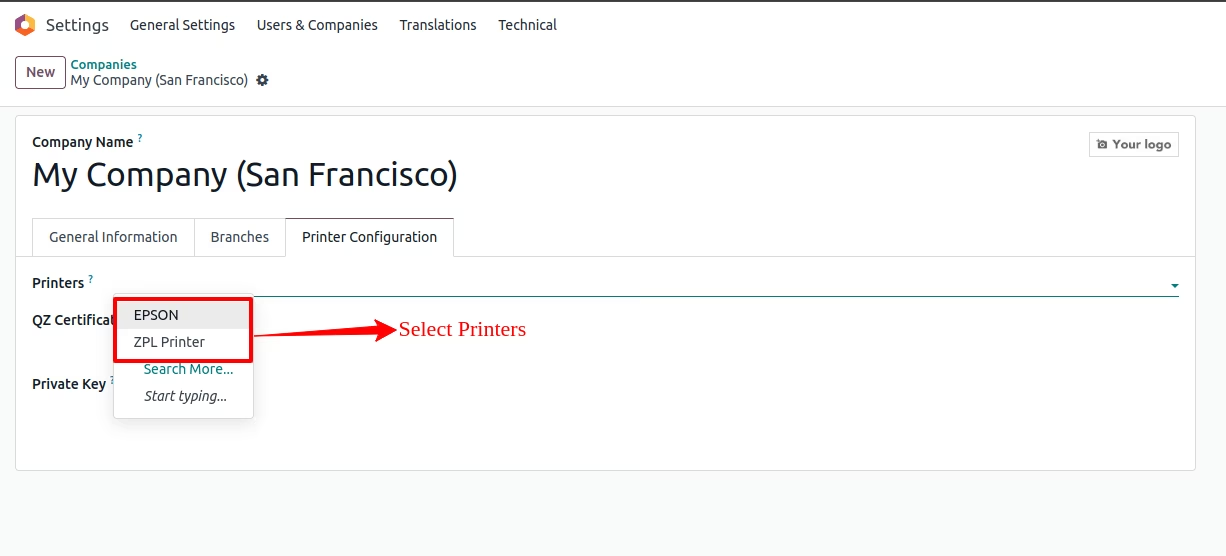
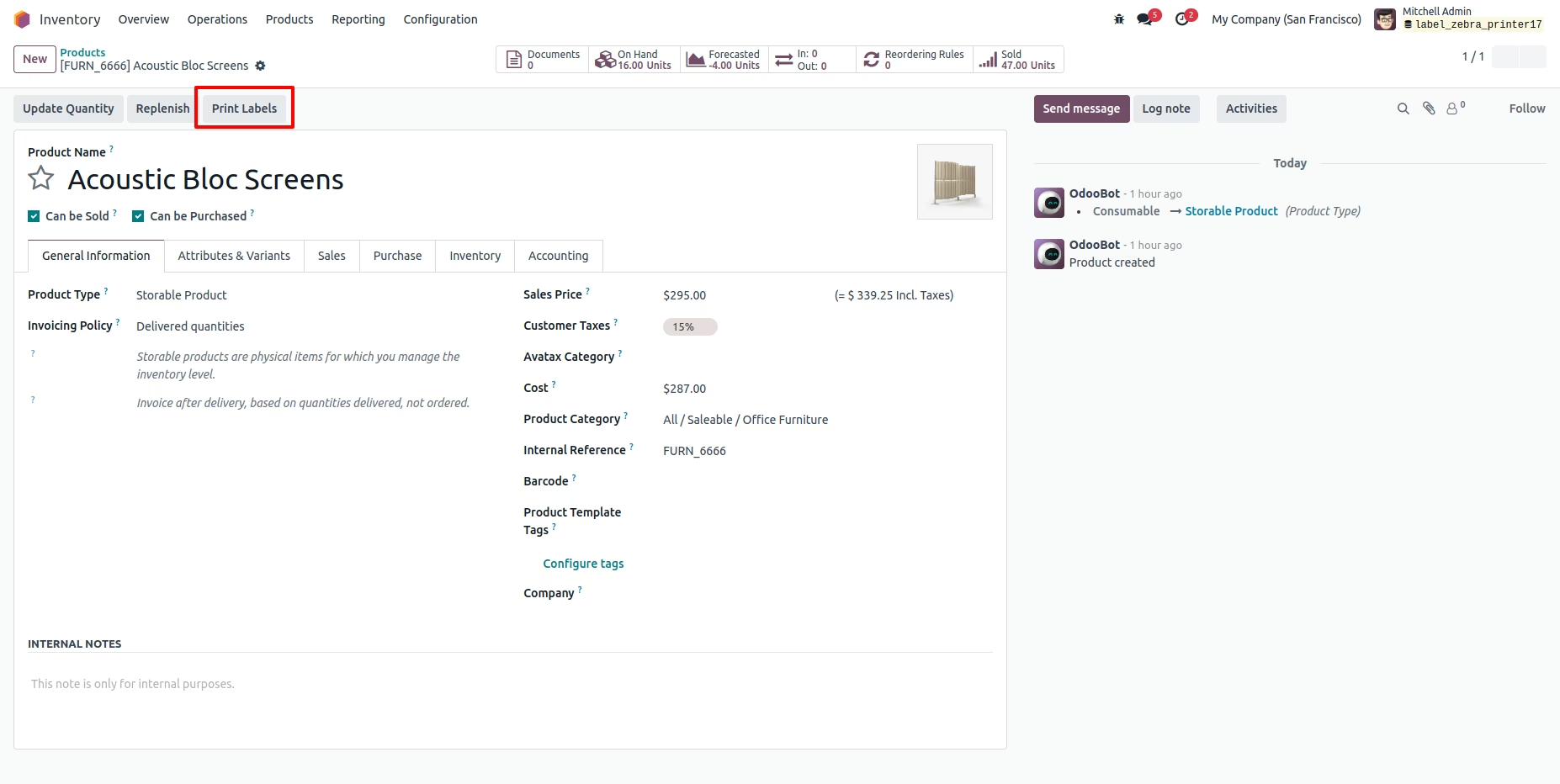
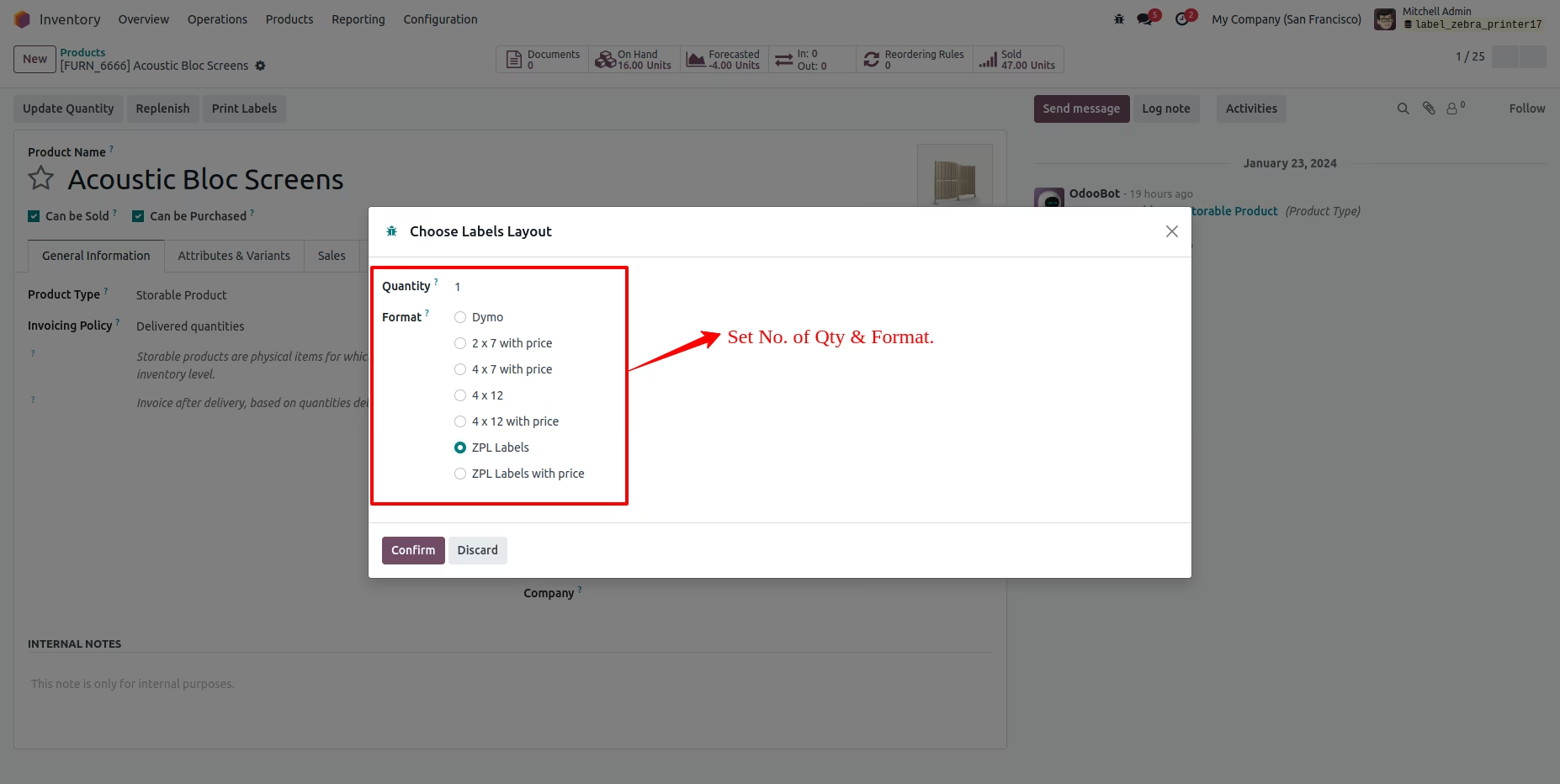
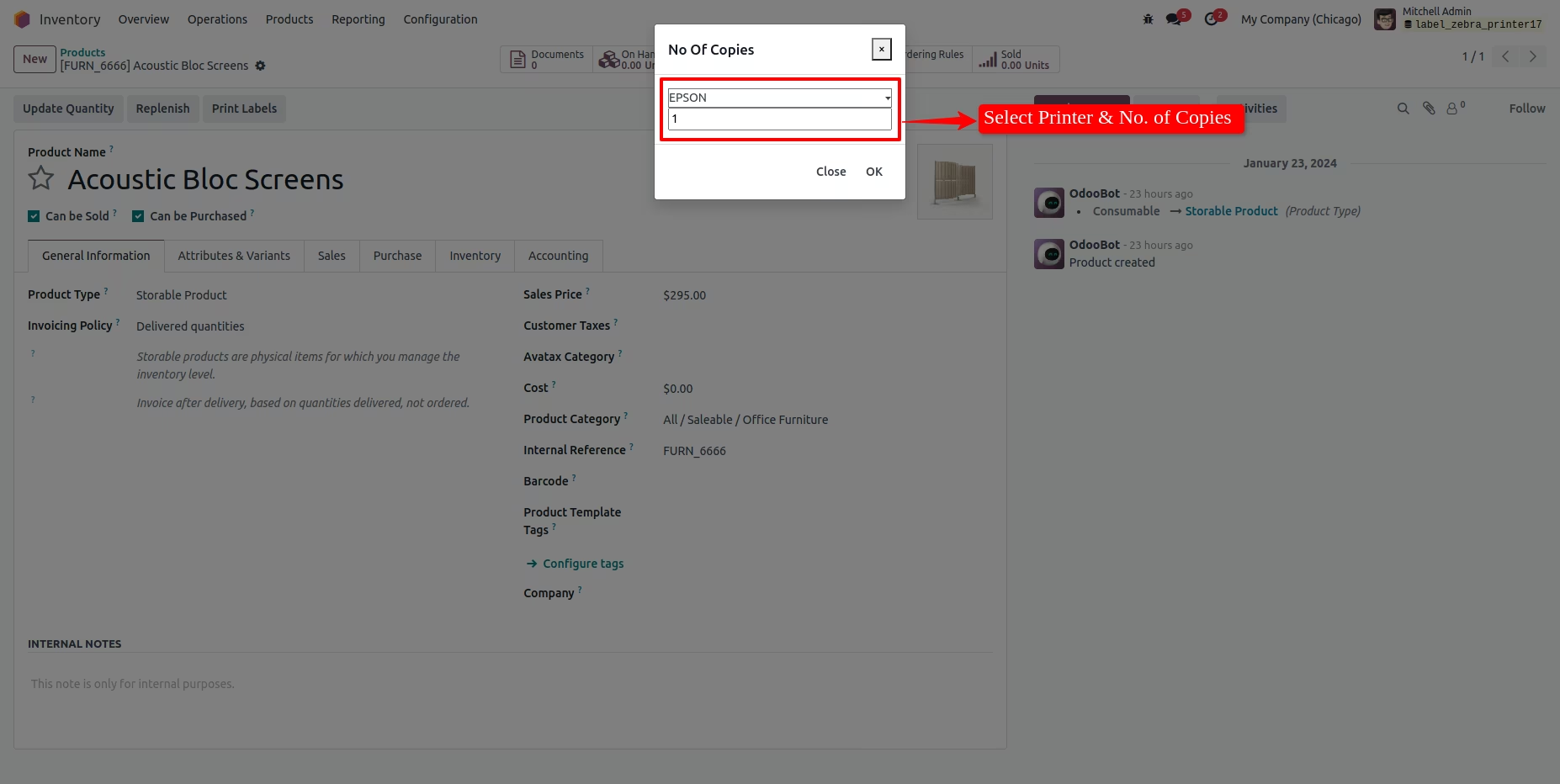
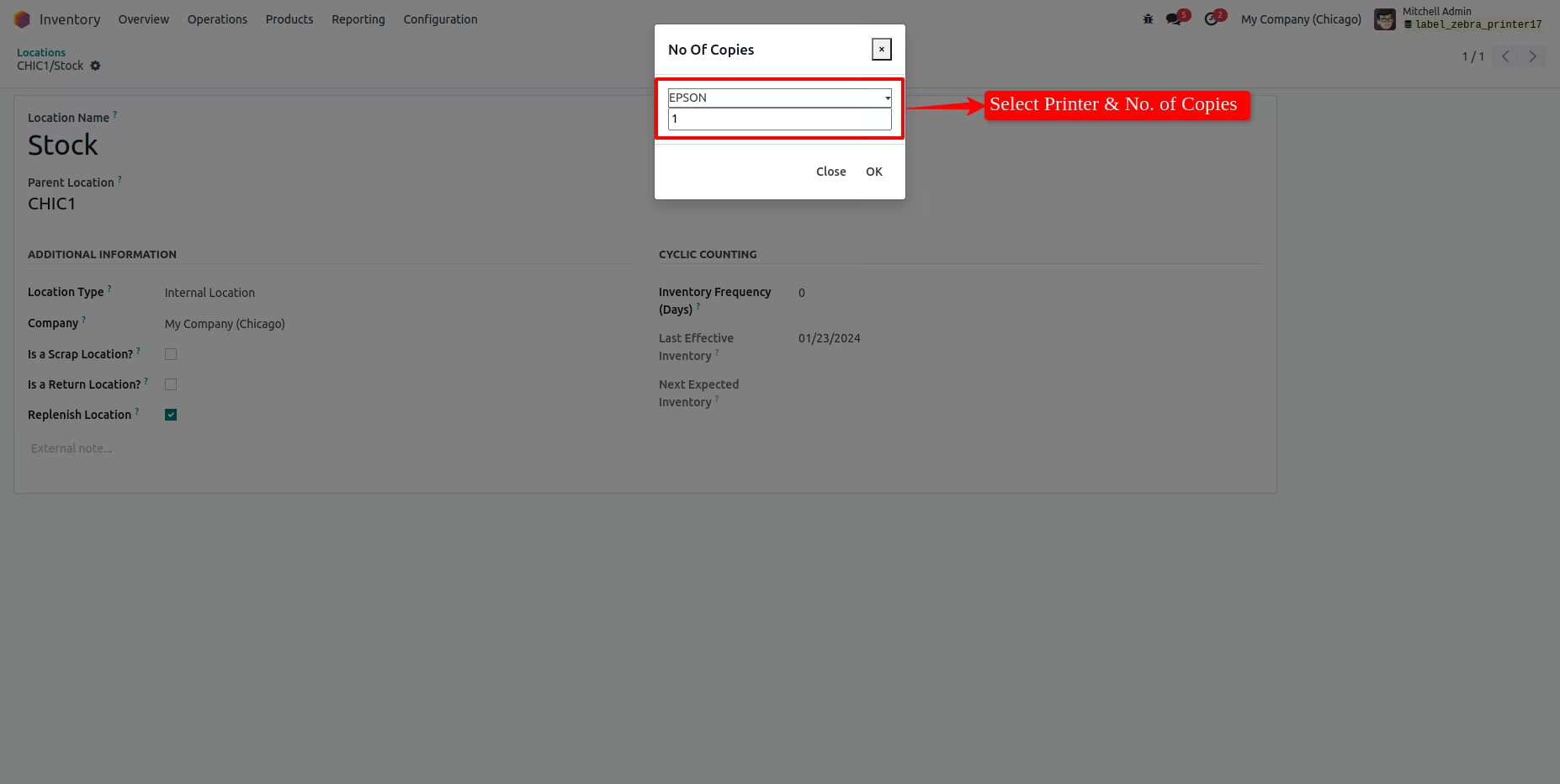
Here, Select Printer & No. Of Copies.
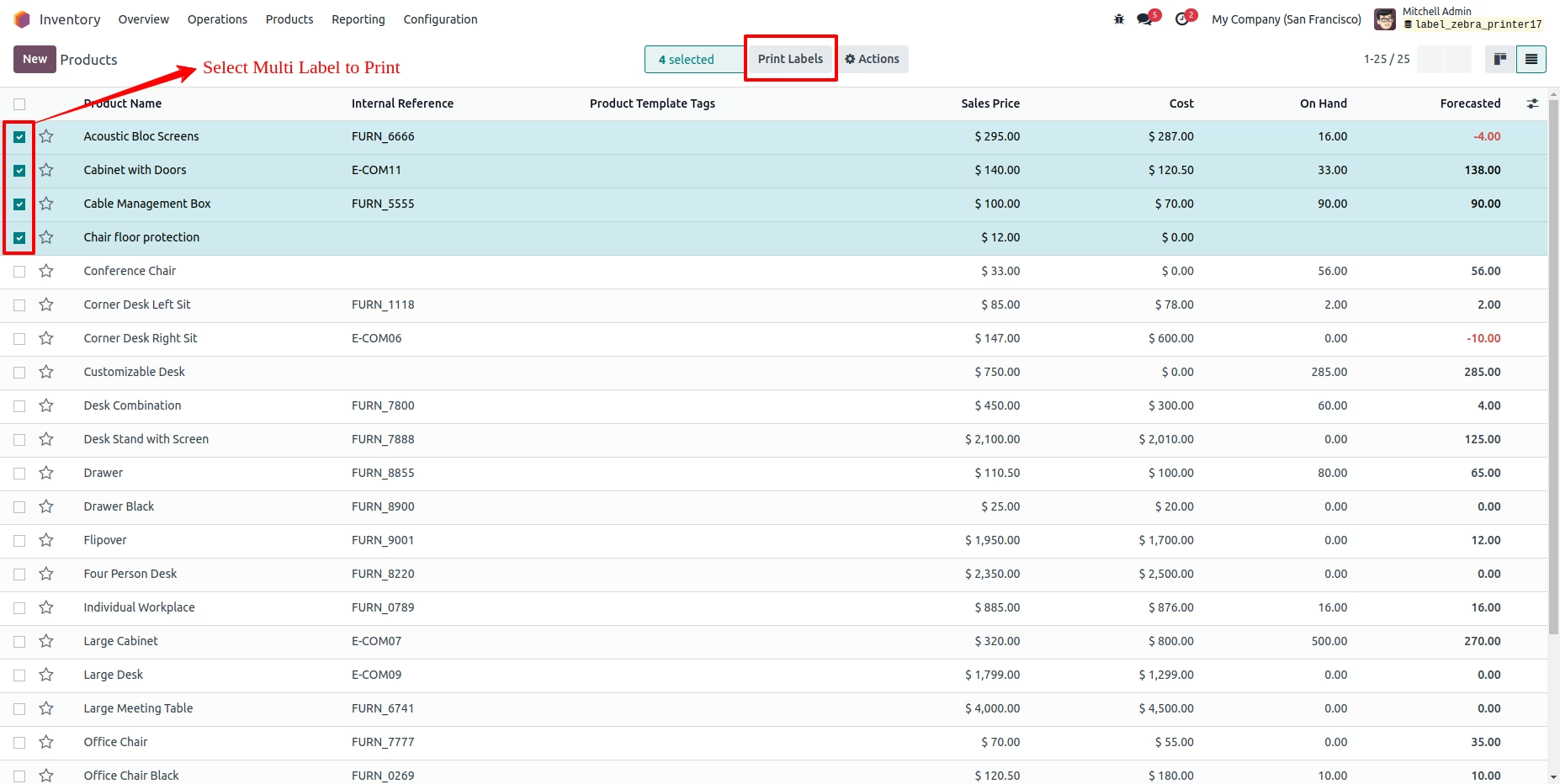

Send direct commands to Zebra Printer.
Easy to set the Printer Configuration.
Easy to set the customized printing configuration.
Easy to set no. of copies to print.
No. of copies pop-up will comes only pdf print.
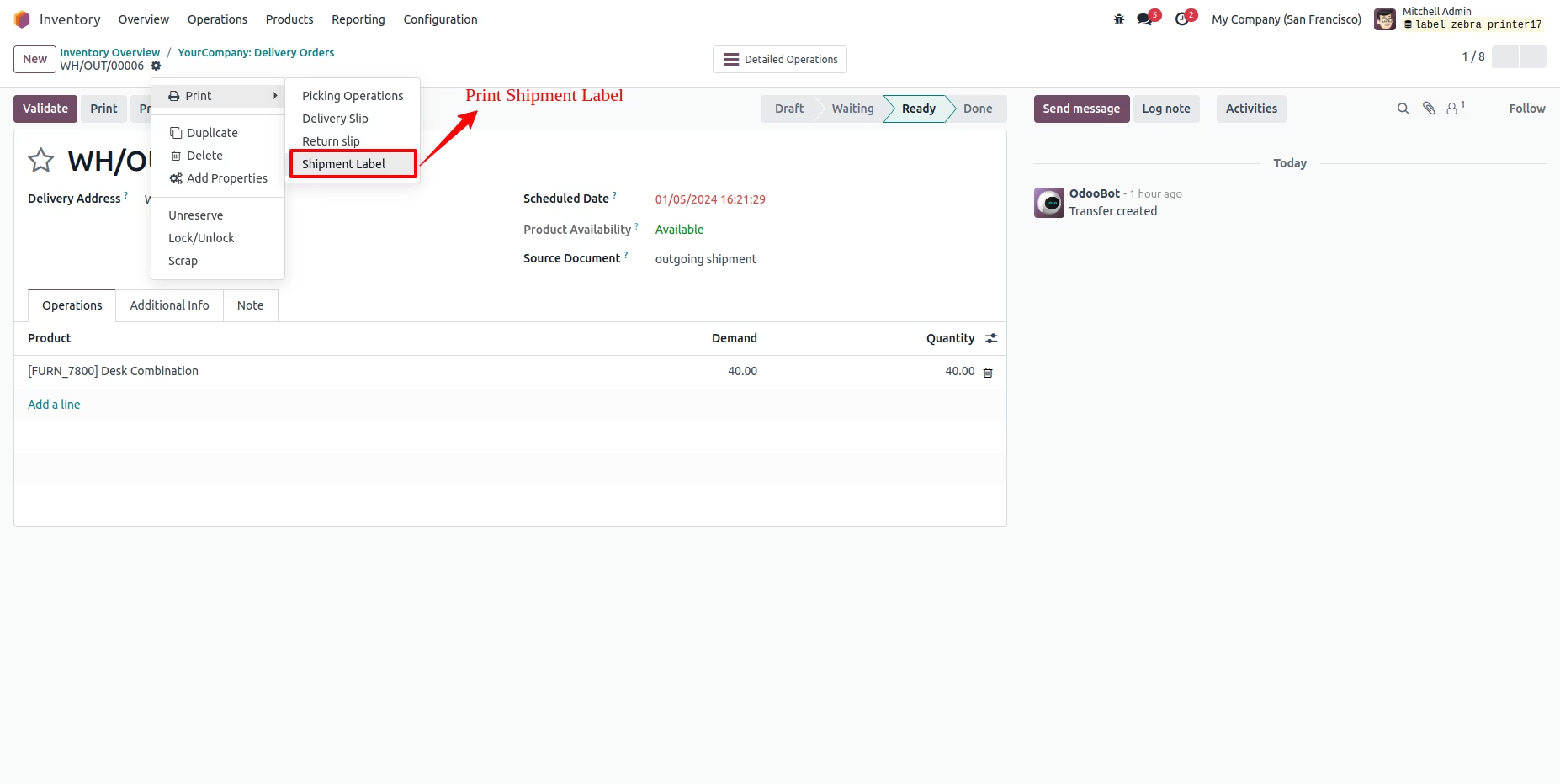
Easy to take print of Labels, Barcodes, Shipping Label, Location Barcodes.