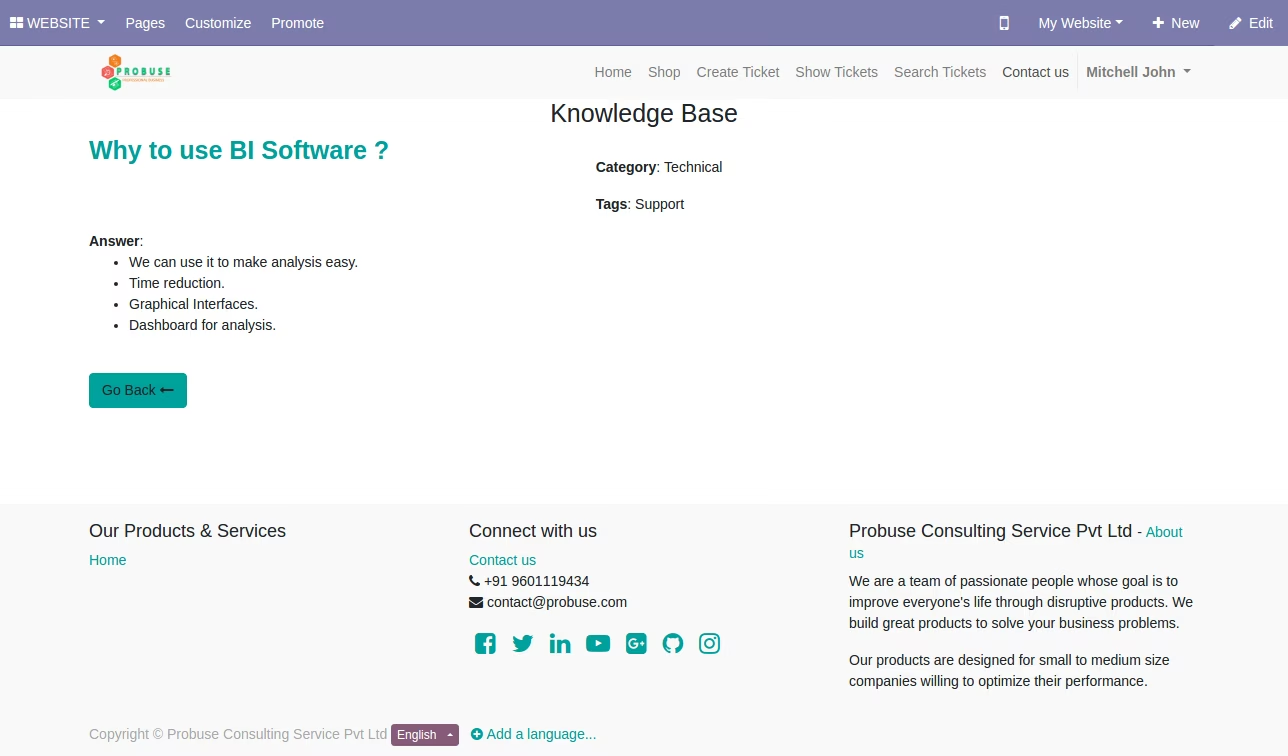
The module is a robust add-on designed to enhance the efficiency of your helpdesk and support operations. It seamlessly integrates a Q&A-style knowledge base into your helpdesk ticket management workflow. This tool empowers your support team to quickly create new knowledge articles from tickets and to use existing knowledge to provide faster, more consistent answers to customers. It also gives customers the ability to search for solutions on their own, reducing the number of new tickets created.
Quick Knowledge Base Creation: Allows your support team to instantly create new Q&A articles directly from a helpdesk ticket.
Efficient Searching and Replying: Enables support staff to search the existing knowledge base and quickly send a relevant article's URL to customers.
Article Management: Provides tools for the support team to categorize and tag knowledge base articles in the backend.
Customer Self-Service: Customers can view and search the knowledge base on your website and within their portal account before submitting a new ticket, promoting self-service support.
Two-way Visibility: Knowledge articles are visible to both your internal support team and external customers through the website and portal.
Accelerated Support: Reduces ticket resolution time by providing easy access to a library of pre-written answers.
Consistent Information: Ensures customers receive uniform and accurate information from all support agents.
Reduced Ticket Volume: Promotes self-service, which can significantly decrease the number of incoming support tickets.
Centralized Knowledge: Creates a central repository for all support-related Q&A, preventing knowledge silos within the team.
Helpdesk Ticket System with Knowledge Base with Questions and Answers
THIS APP ONLY SUPPORT COMMUNITY EDITION
This app allows the support team to see and create/manage knowledge base of questions and answers for helpdesk support tickets.
Main Features:
- Allow your support team to quickly create a Knowledge Base (Q&A) from the ticket in the backend.
- Allow your support team to search existing Knowledge Base (Q&A) and quickly reply to your customers with the URL of the website for that Knowledge Base (Q&A).
- Allow support team to set Category, Tags after creating Knowledge Base (Q&A) in backend.
- Allow your support team to quickly create a Knowledge Base (Q&A) from the ticket in the backend.
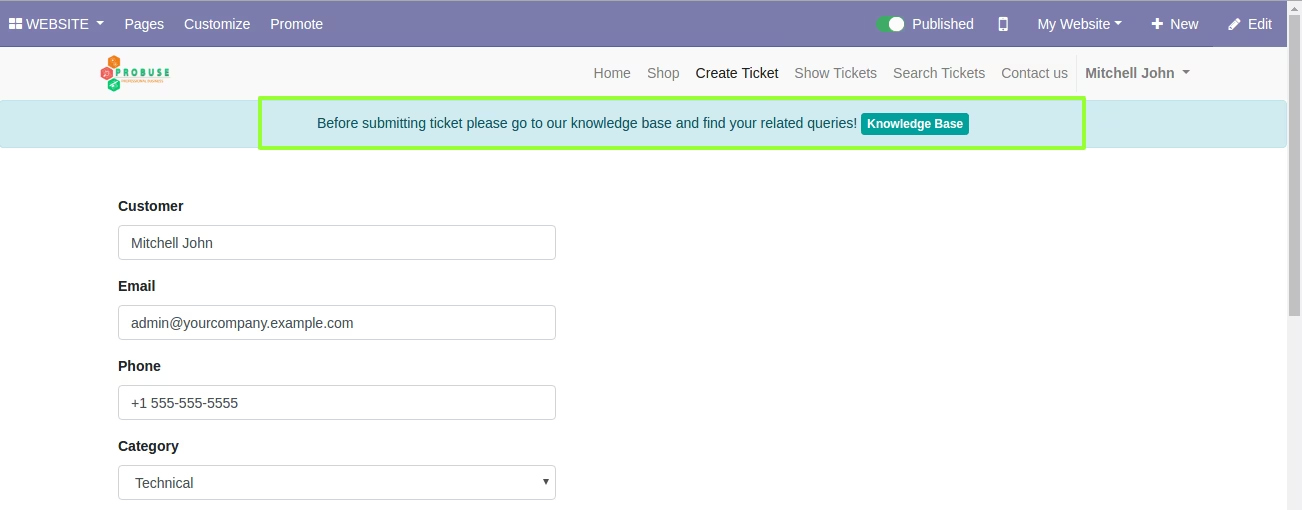
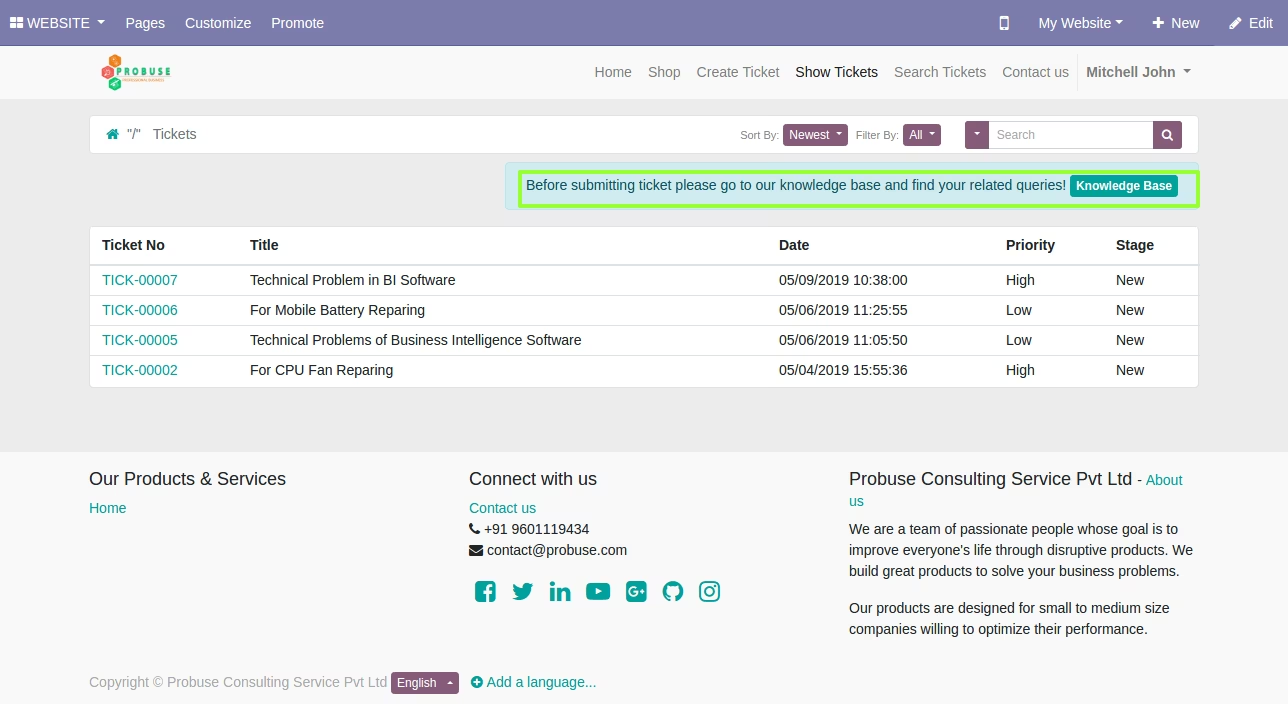
- Before submitting a support ticket allow your customer to view your Knowledge Base (Q&A).
- Allow your customer to also view Knowledge Base (Q&A) in my account portal.
- For more details about the helpdesk ticket app you can see the dependent app.
- For more details watch the video in live preview and check below screenshots.
Menus Available:
- Helpdesk
- Knowledge Base
- Knowledge Bases
- Knowledge Base Categories
- Knowledge Base Tags
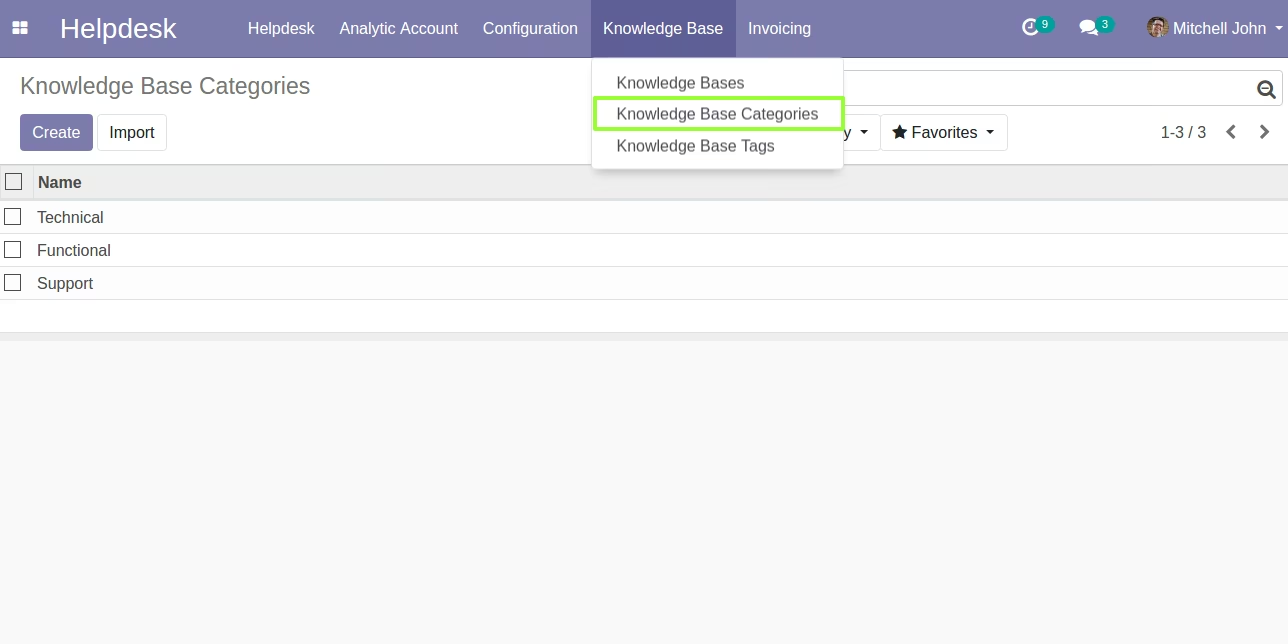
Knowledge Base (Q&A) - Category
Create Category for Knowledge Base (Q&A)
Configure Knowledge Base Category here. It will use to apply filter to your knowledge base quatation and answer.
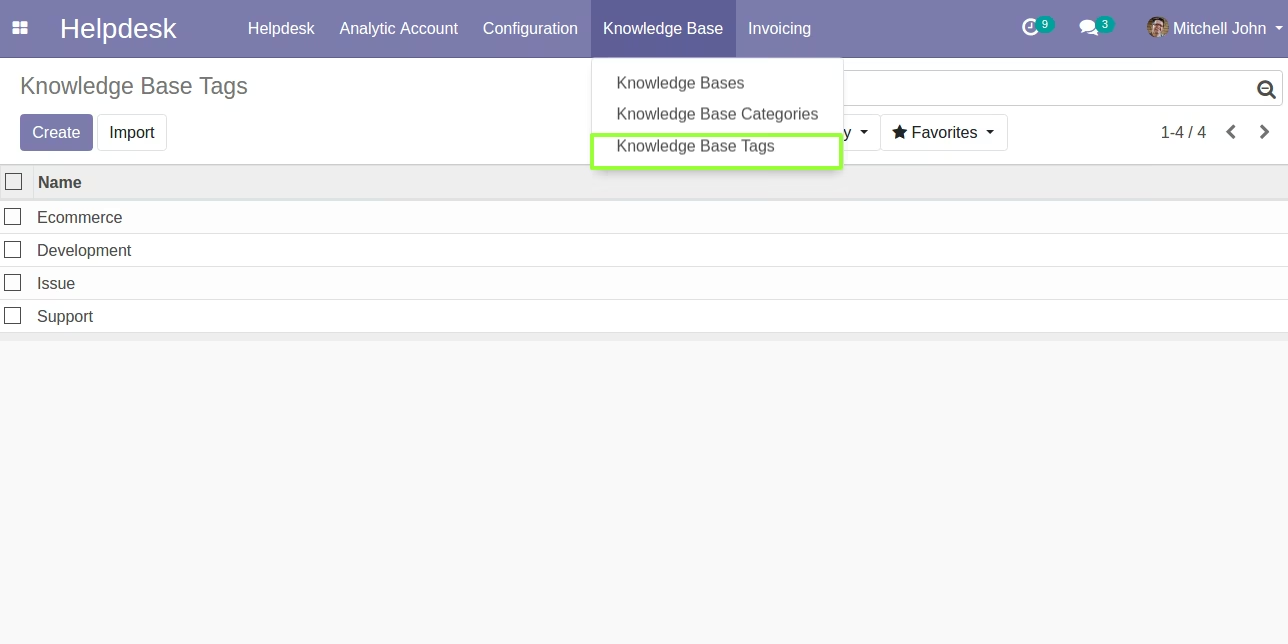
Knowledge Base (Q&A) - Tags
Create Tags for Knowledge Base (Q&A)
Configure Tags to apply stronger search for related questions.
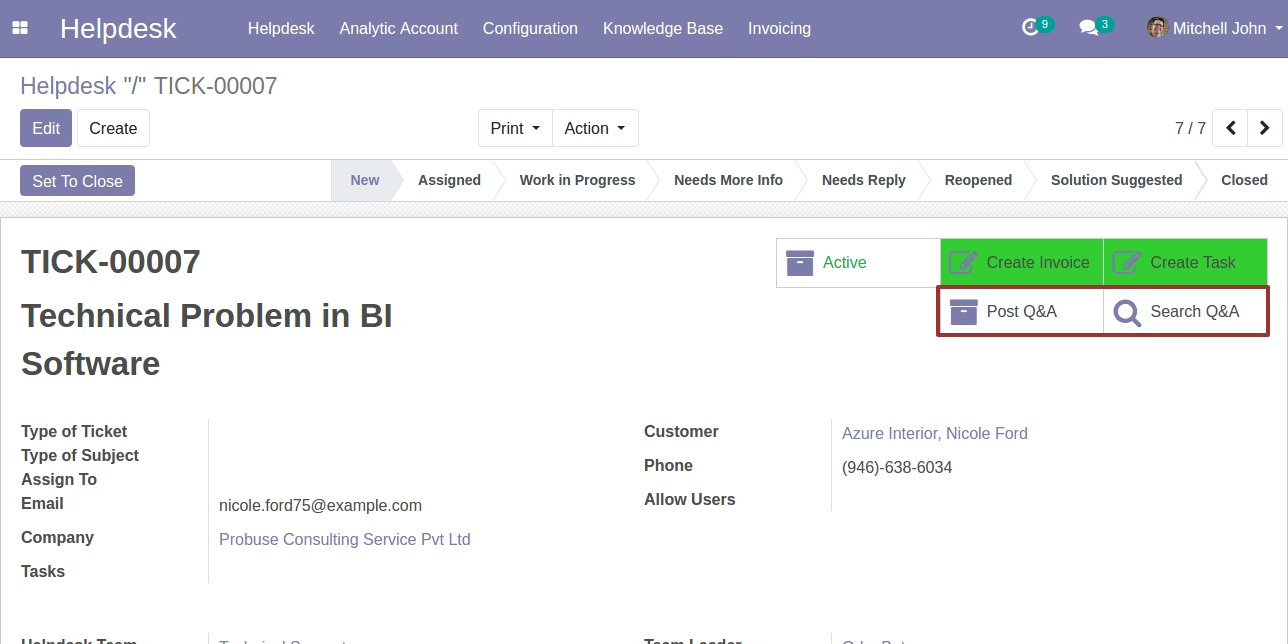
Create/Post Knowledge Base (Q&A) and Search Knowledge Base (Q&A) on Helpdesk Support Ticket Form
Support Team can quickly create/post into Knowledge Base (Q&A) and they can also search for already created Knowledge Base (Q&A) to give quick answers with URLs to customers.
Search Q/A Button : Use this to search your knowledge base questions.
Post Q/A Button : Use this to post your new question for knowledge base question.
Support Team can Post/Create New Knowledge Base (Q&A)
Team can design Questions and Answers and Save it for future support tickets.
Post Your Question Button : Submit your new question here and this question will be save for future use.
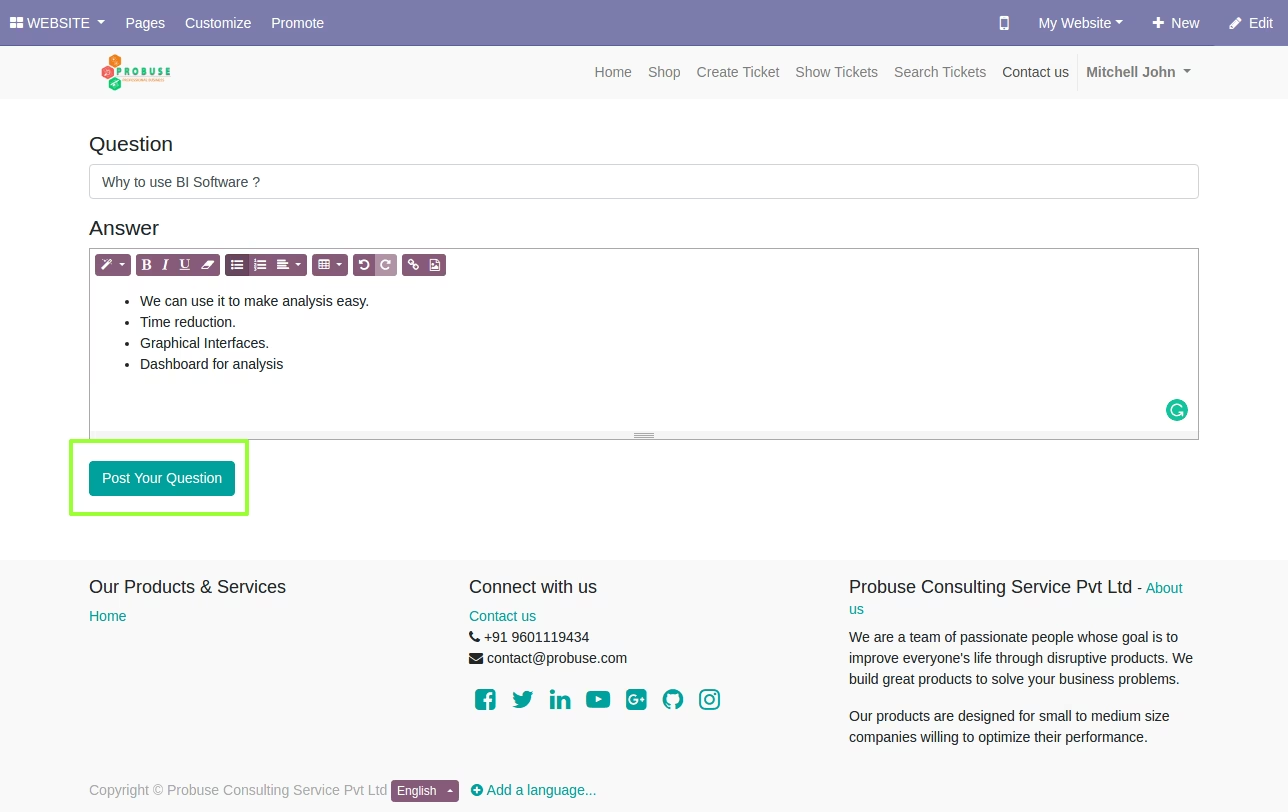
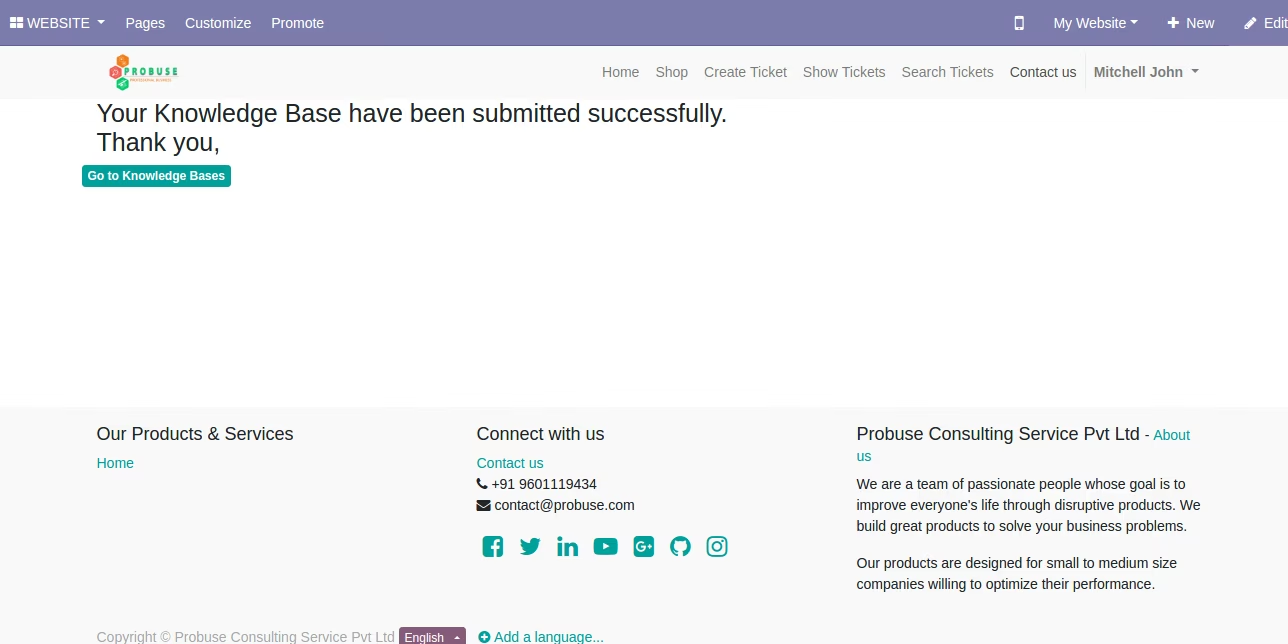
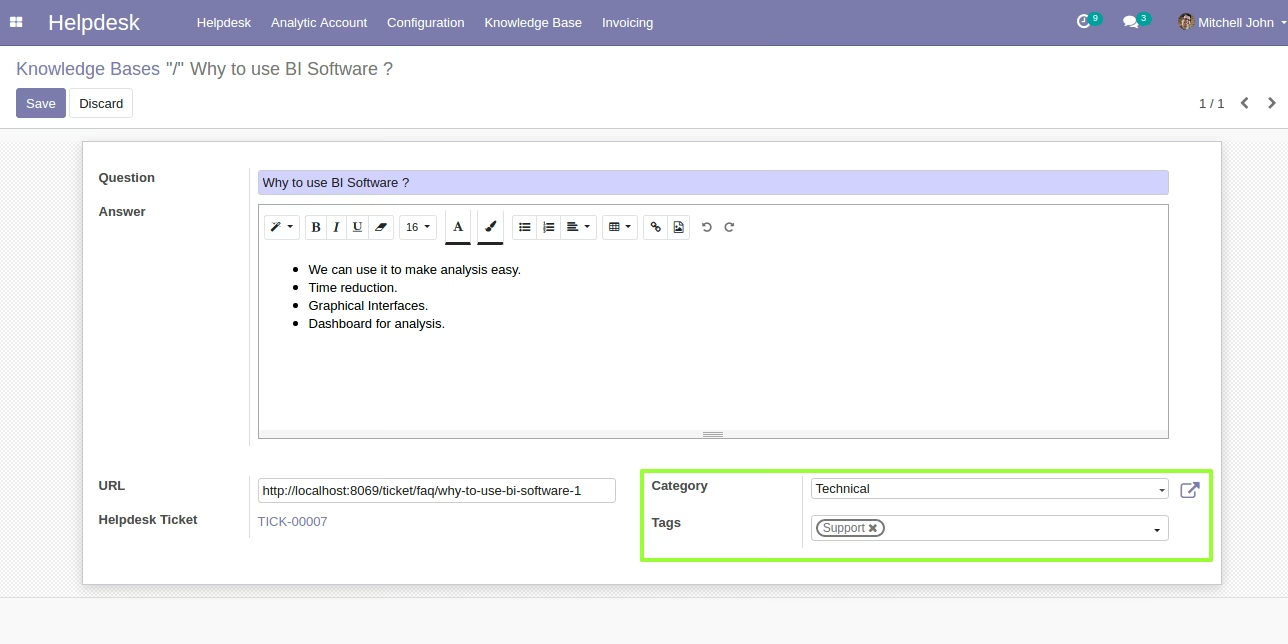
Support Team can Edit Knowledge Base (Q&A) in Backend
We can edit question and answer backend also.
URL : We can share url to other ticket users if they have the same query.
Category : Apply Category.
Tags : Add Tags.
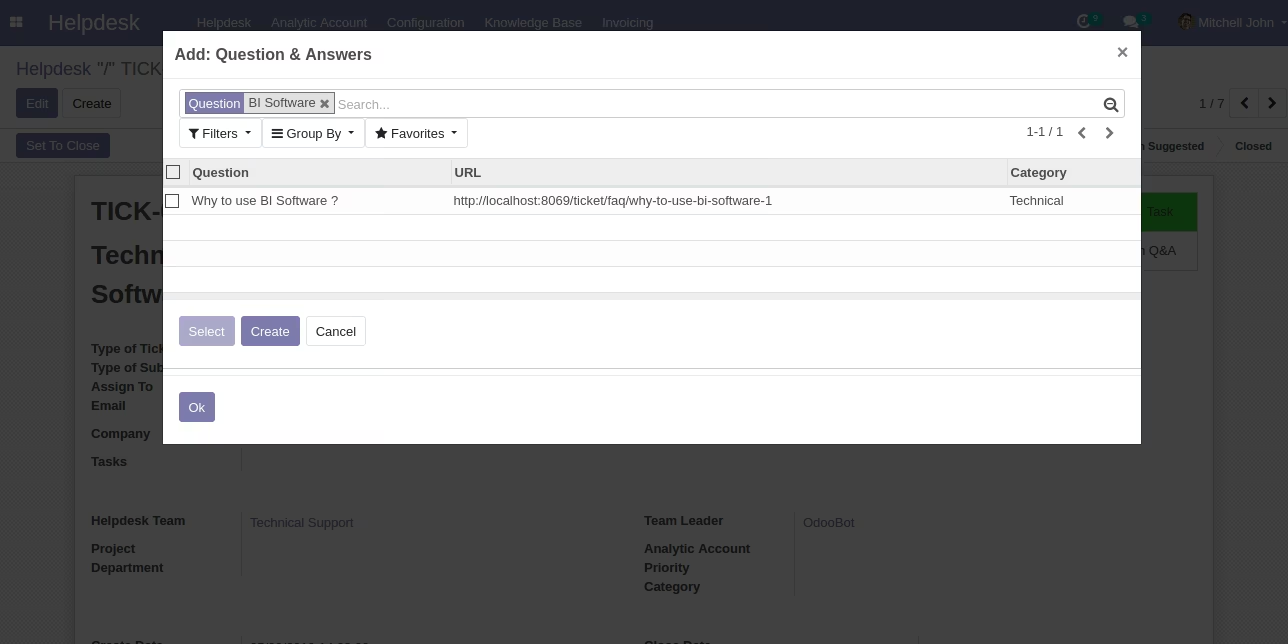
Search into Knowledge Base (Q&A) directly from Helpdesk Ticket
Search your Questions and share your url to the customer.
Allow your Customer to Search in Knowledge Base before Submitting Ticket
This will allow your customer to quickly search in knowledge base and find answer. It is allow them to search by content and tags and allow customer to group based on category of knowledge based.
Knowledge Base (Q&A) Page for Customer
Customer can group by category and search Knowledge Base (Q&A) with tags, content and query.
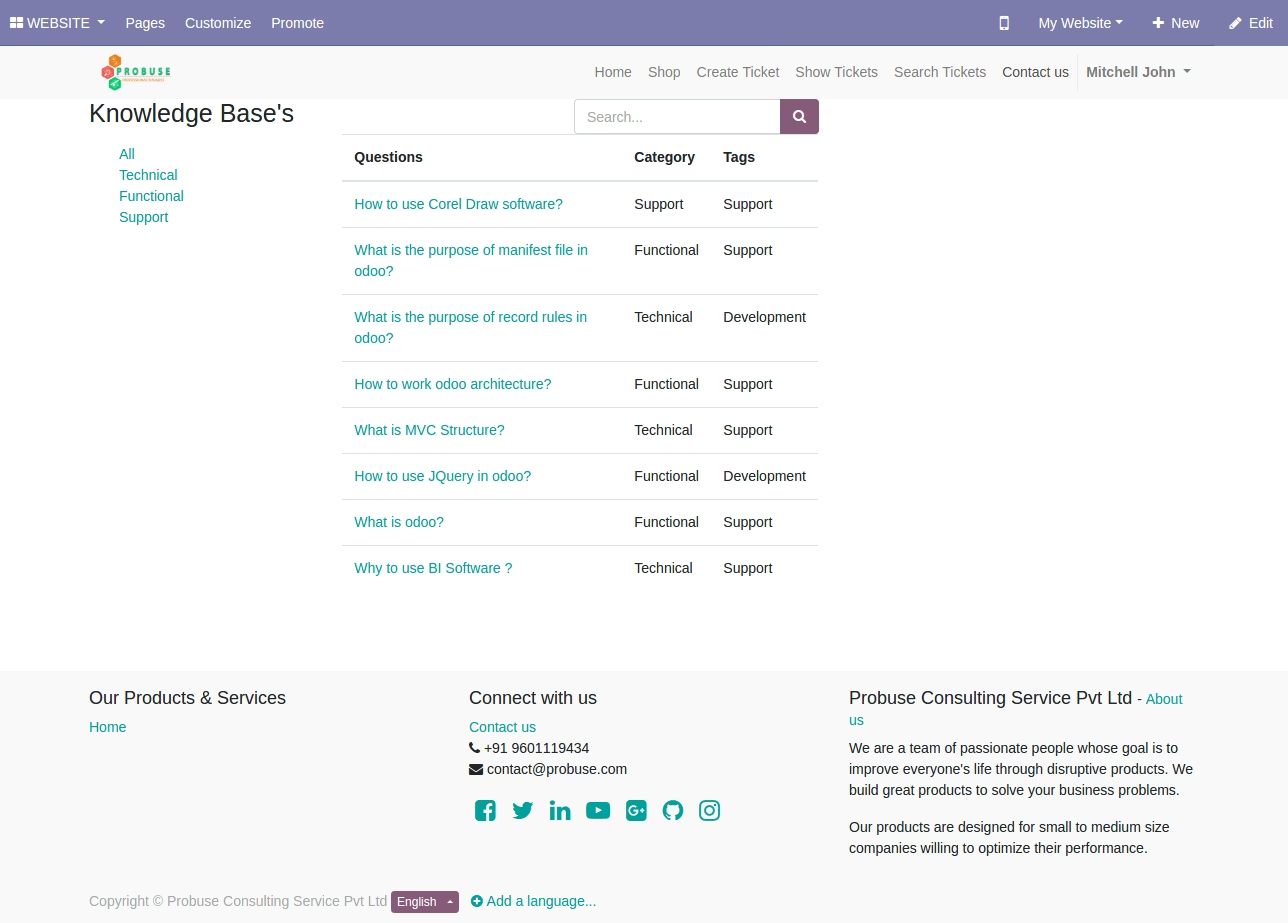
Knowledge Base (Q&A) Page Form for Customer