Transform your hiring process with the Job Application Portal, a complete solution for managing online job applications. This module enhances recruitment capabilities by providing a detailed, multi-step application form on your website. Candidates can submit comprehensive information, including their academic background, professional experience, and certifications, directly through the portal. This ensures that you receive structured, consistent data from all applicants, making it easier to screen, evaluate, and select the best talent for your organization.
A detailed, multi-step job application form integrated into your website.
Candidates can provide personal information, address details, and contact information.
Sections for applicants to list their academic qualifications and certifications.
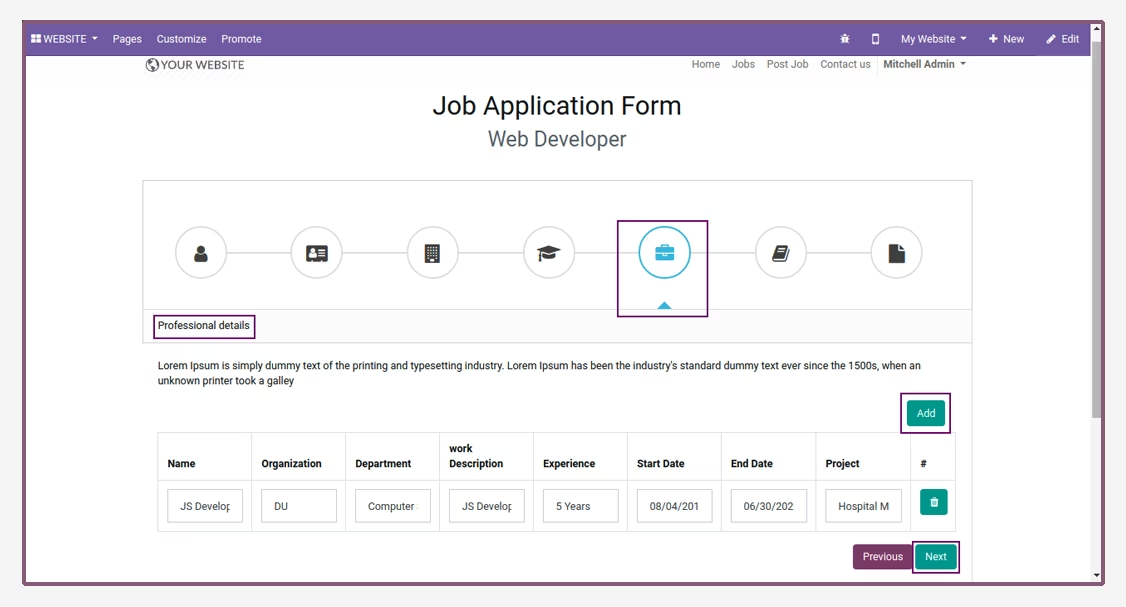
A dedicated area for candidates to detail their professional and work experience.
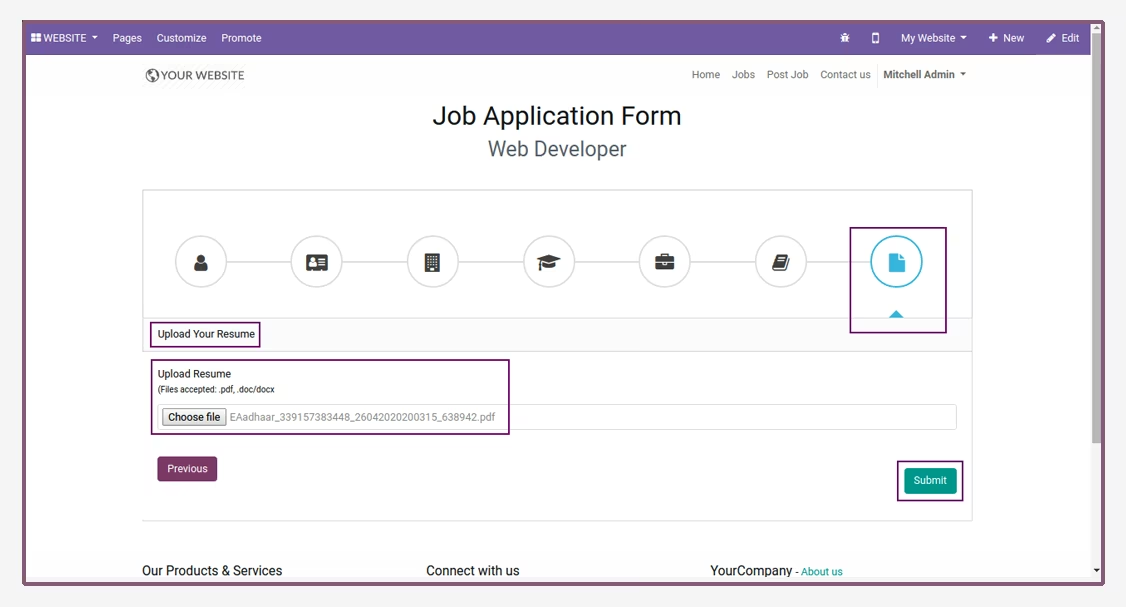
Allows applicants to upload their resume and other supporting documents.
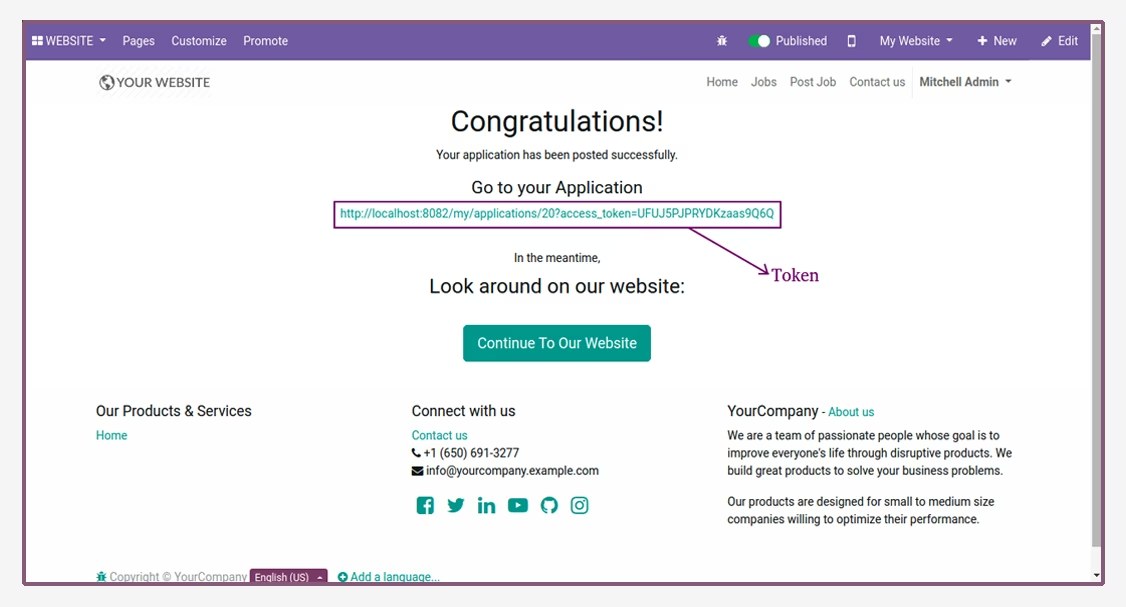
Automatic generation of a unique token for each applicant to track their submission.
All submitted application data is automatically captured in the backend.
Seamless transfer of applicant data to an employee profile upon hiring.
User-friendly portal interface for a smooth and professional candidate experience.
Configuration options for creating functional areas and departments for job postings.
Streamline your recruitment process by capturing detailed and structured applicant data.
Enhance the candidate experience with a professional and easy-to-use application portal.
Save time on manual data entry and applicant screening.
Ensure all necessary information is collected from candidates in a consistent format.
Improve the quality of your hiring decisions with comprehensive applicant profiles.
Reduce administrative workload for your HR and recruitment teams.
Create a professional and modern employer brand on your careers page.
Easily track and manage all job applications from a centralized backend.
Facilitate a smooth transition from applicant to employee with integrated data transfer.
Attract top talent by offering a seamless and efficient application process.
Supported Editions
Community
Enterprise
.sh
Job Application module allows to user/candidate and employee to fill the job application in details from portal.
Key Features
You can add some details in job application :-
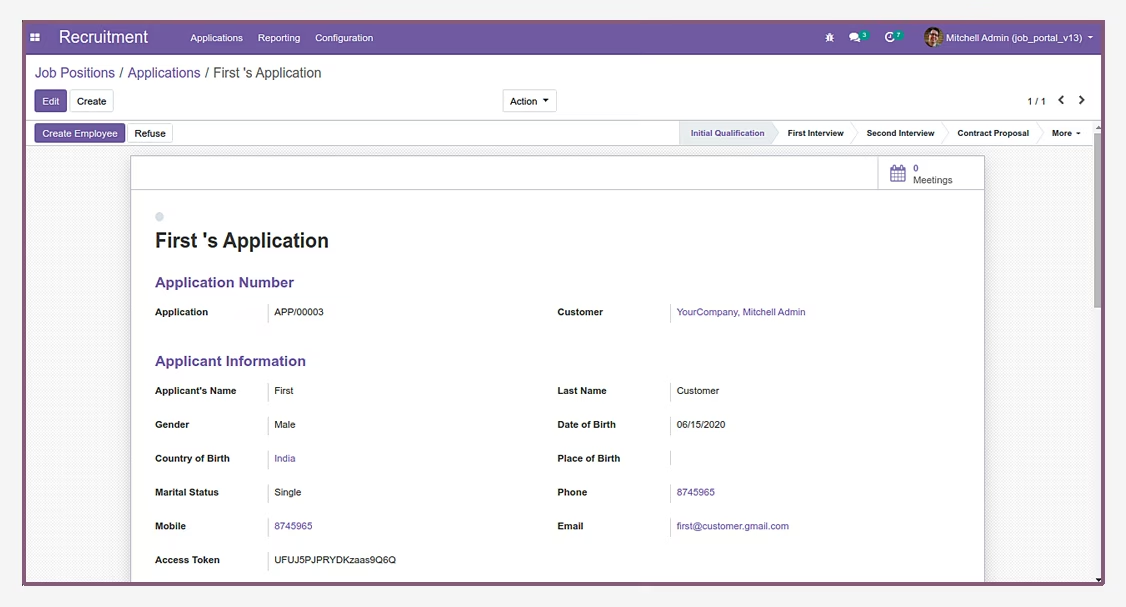
Applicant Information.
Applicant Address.
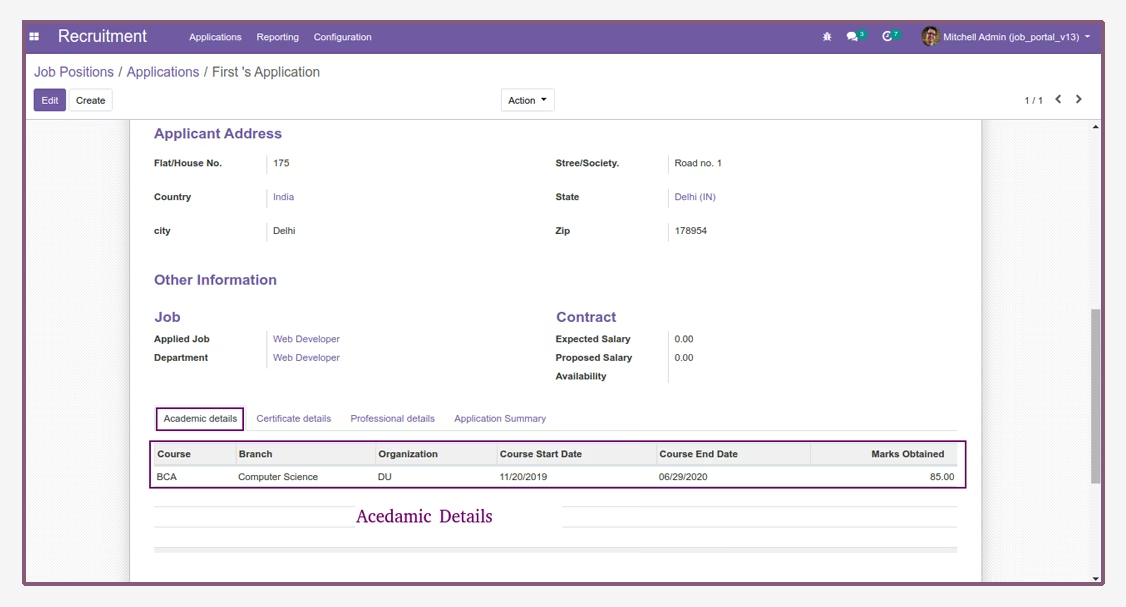
Academic Details.
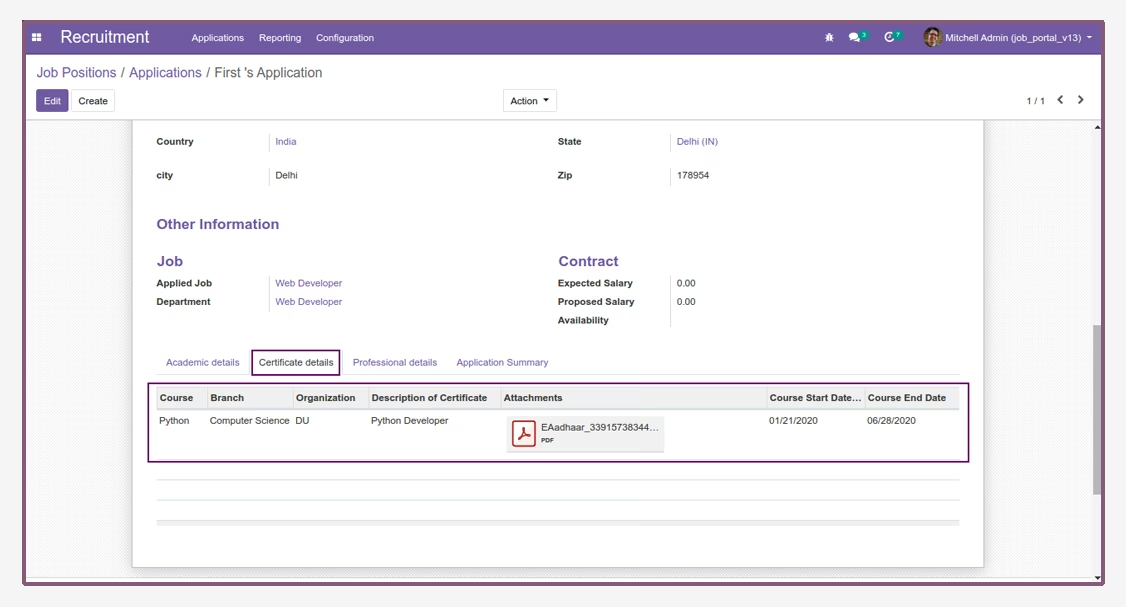
Certificate Details.
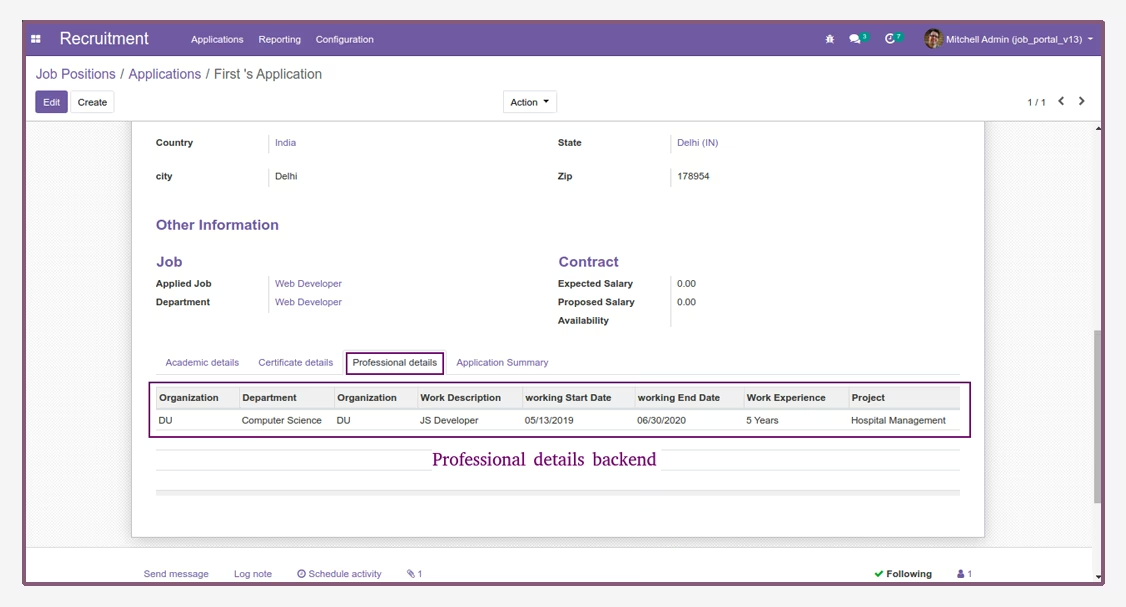
Professional Details.
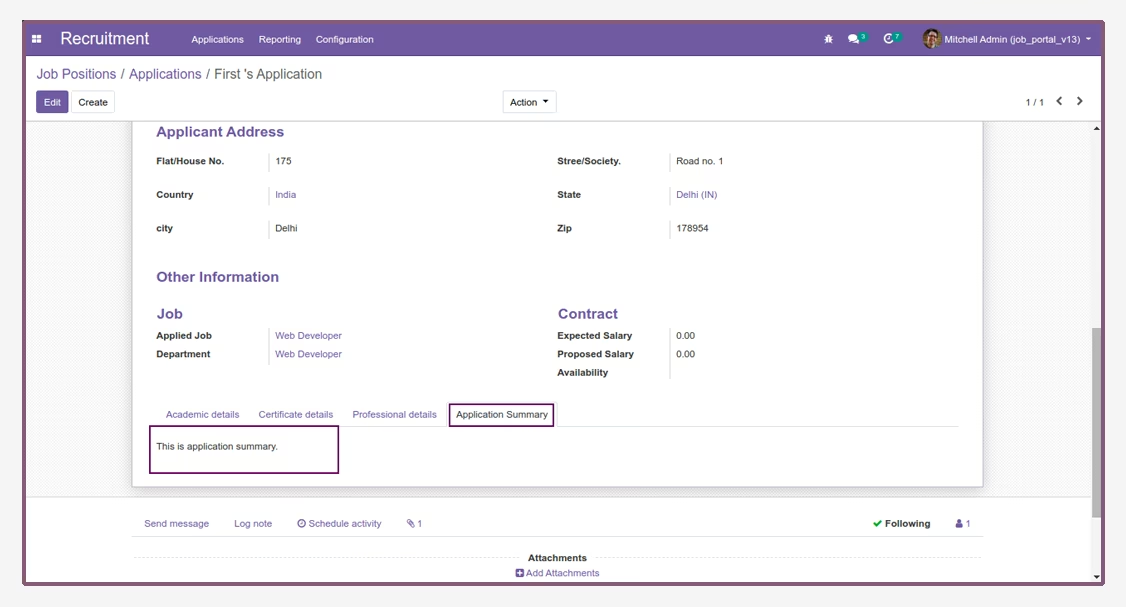
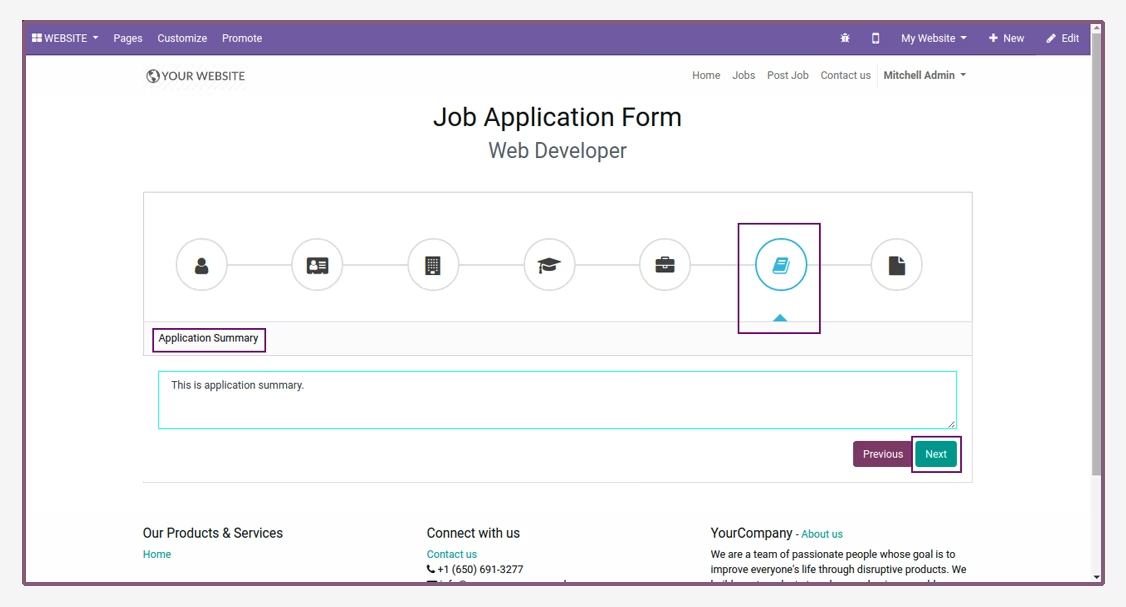
Application Summary.
Upload Your Resume.
Generate token to check application details.
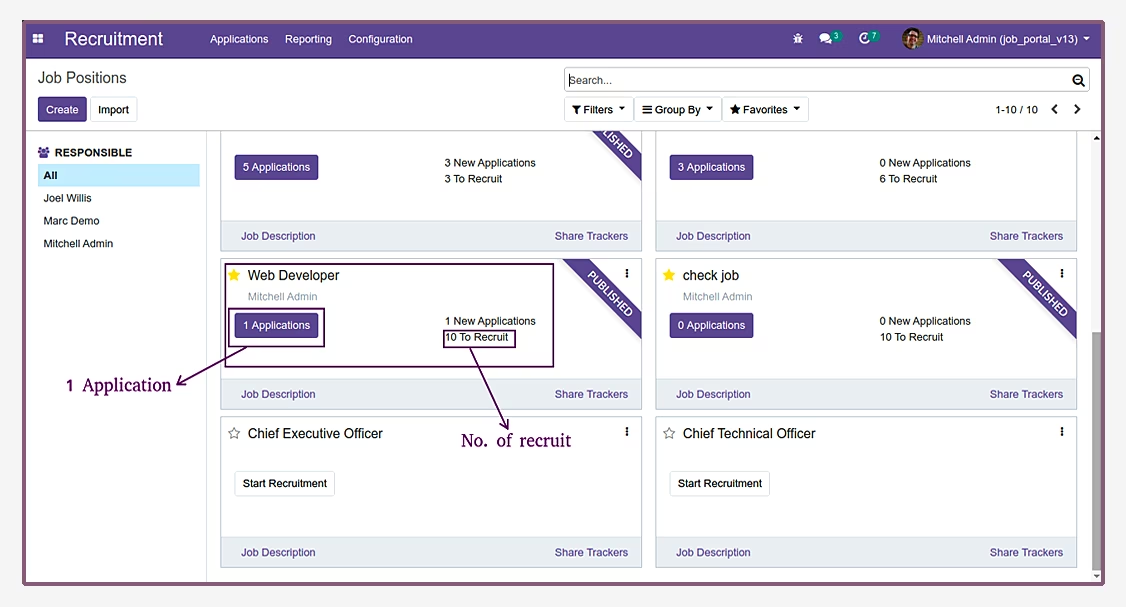
Check all application details from backend.
Admin create new job from website.
- Navigate to Recruitment and then configuration.
- Open Functional area.
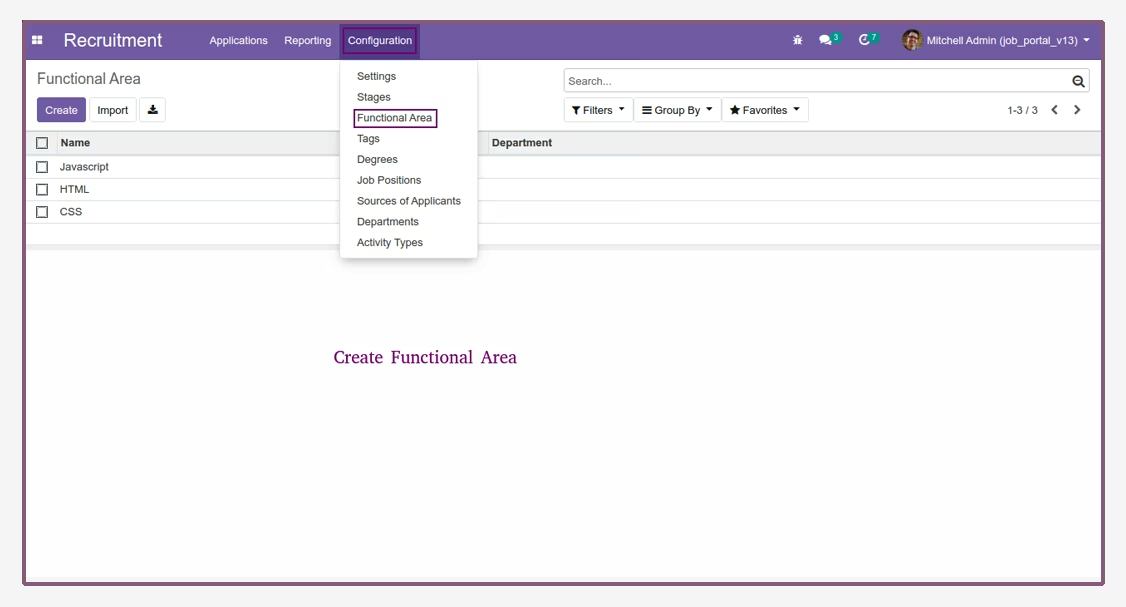
- Navigate to Recruitment and then configuration.
- Open Departments.
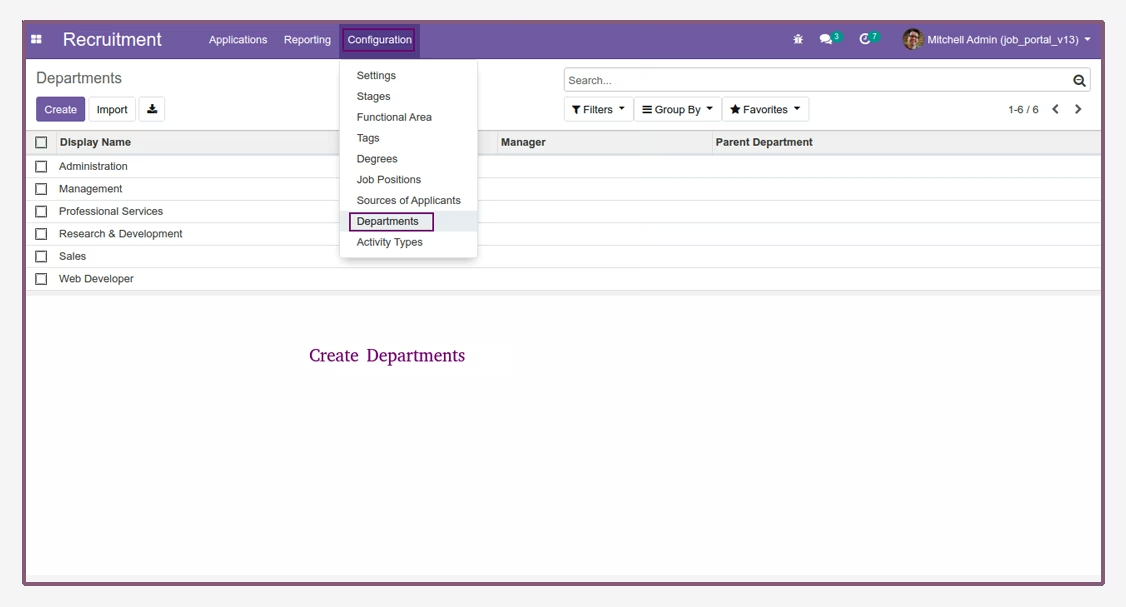
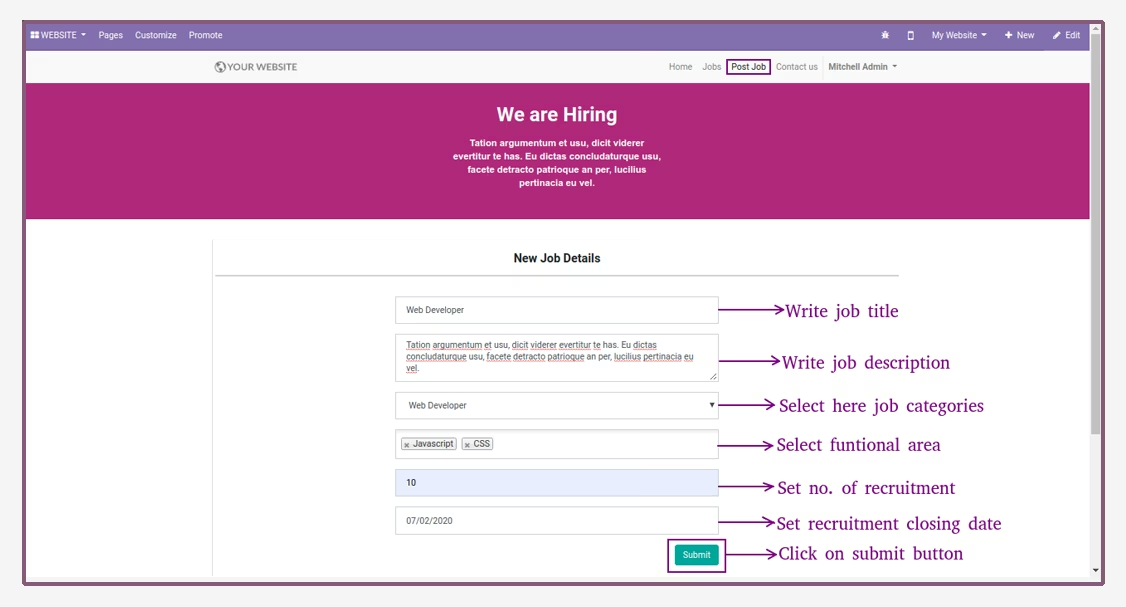
- Now, open website and click on post job menu.
- Then, enter job details and click on submit button to create new job.
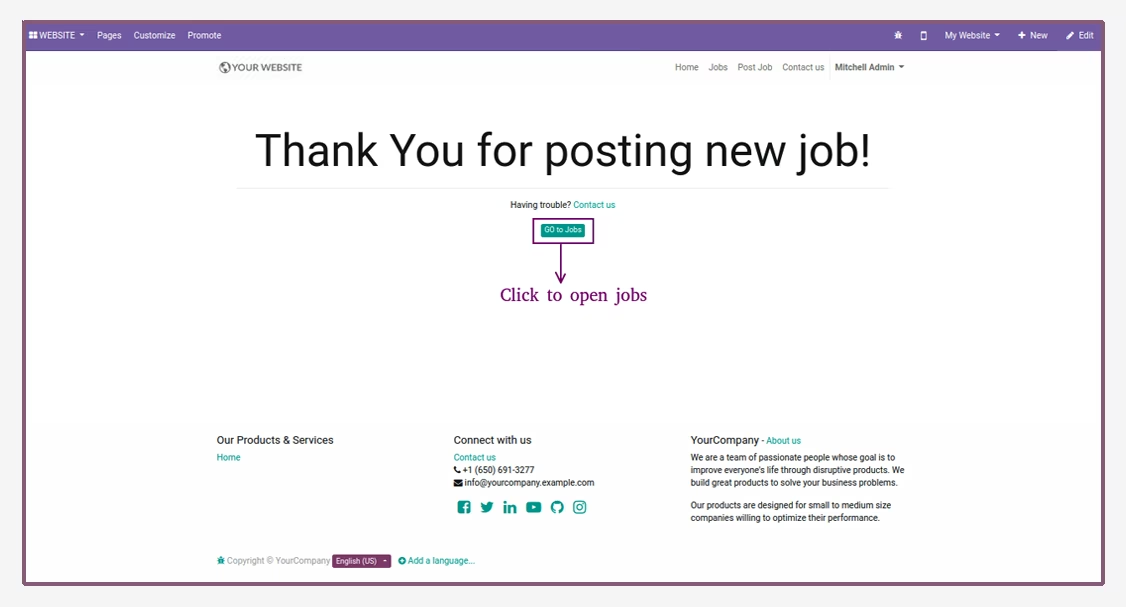
- Confirmation message after creating new job.
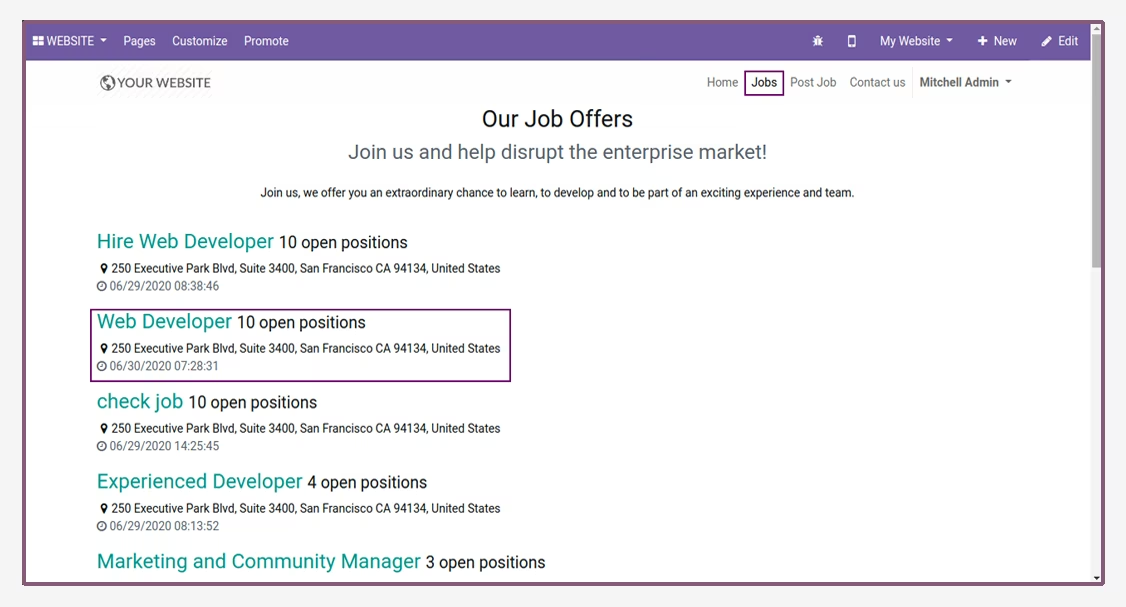
- Then, click on go to jobs button to open job list.
- Job Lists are shown on the website.
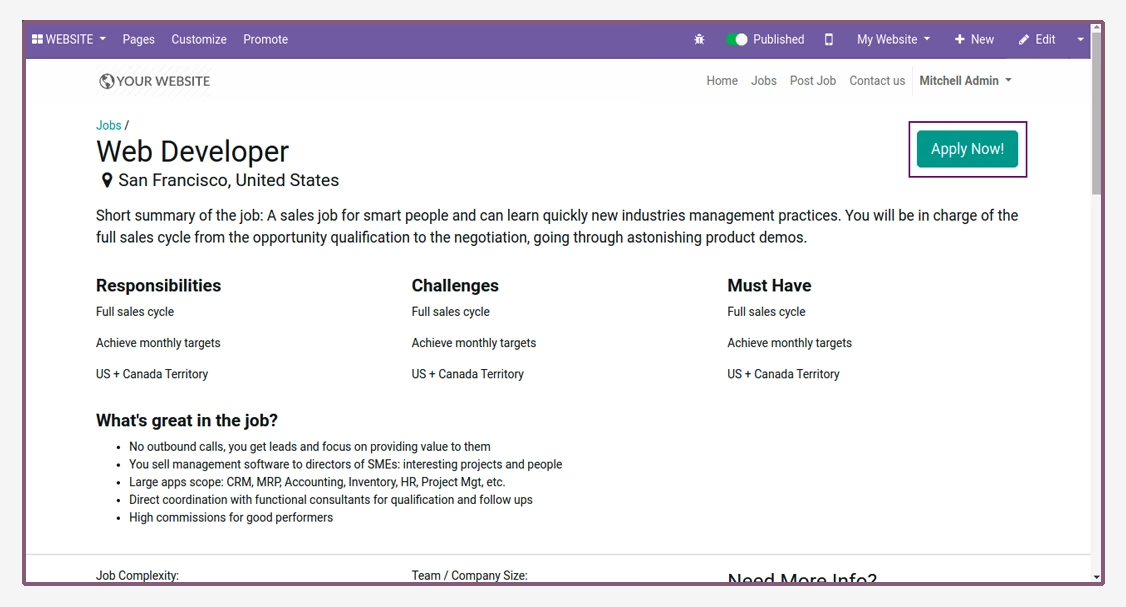
- User can apply for this job by clicking on apply now button.
- Here applicate write their Personal Details.
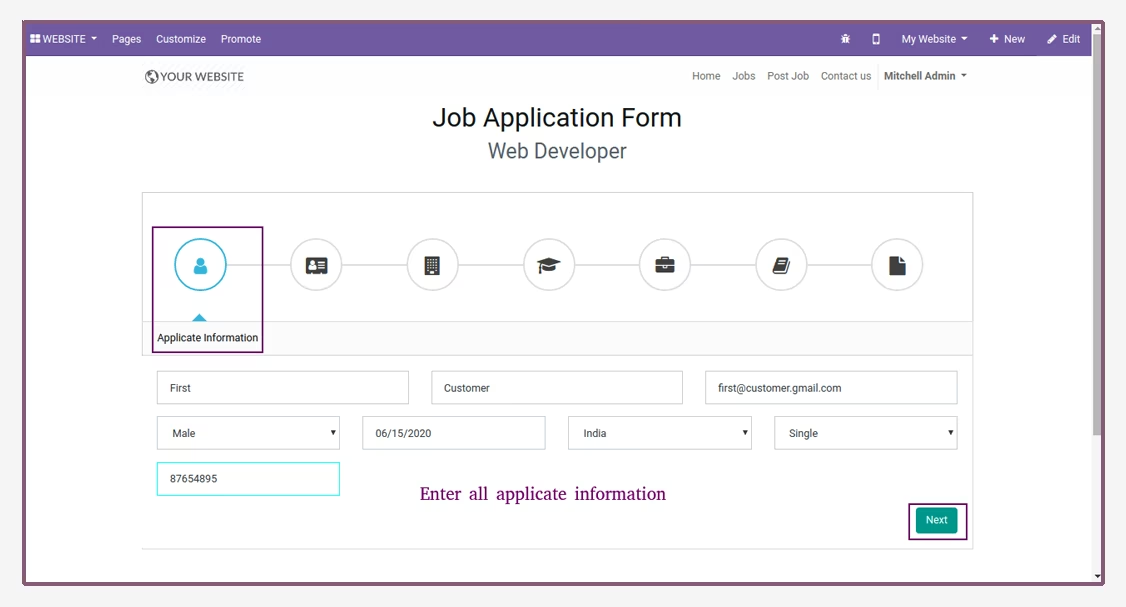
- Applicant write their address.
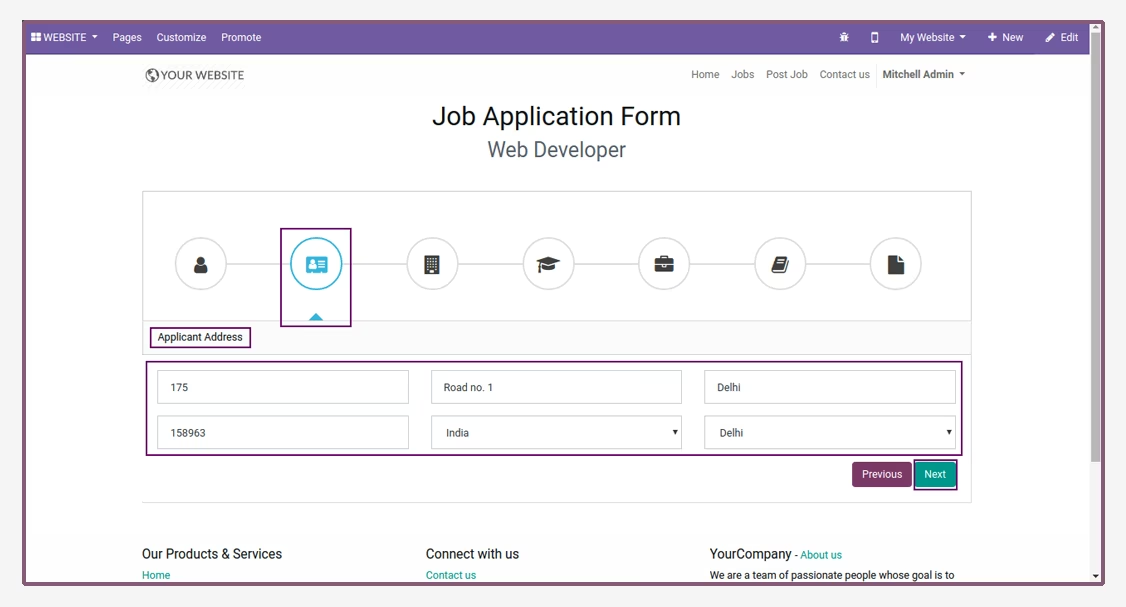
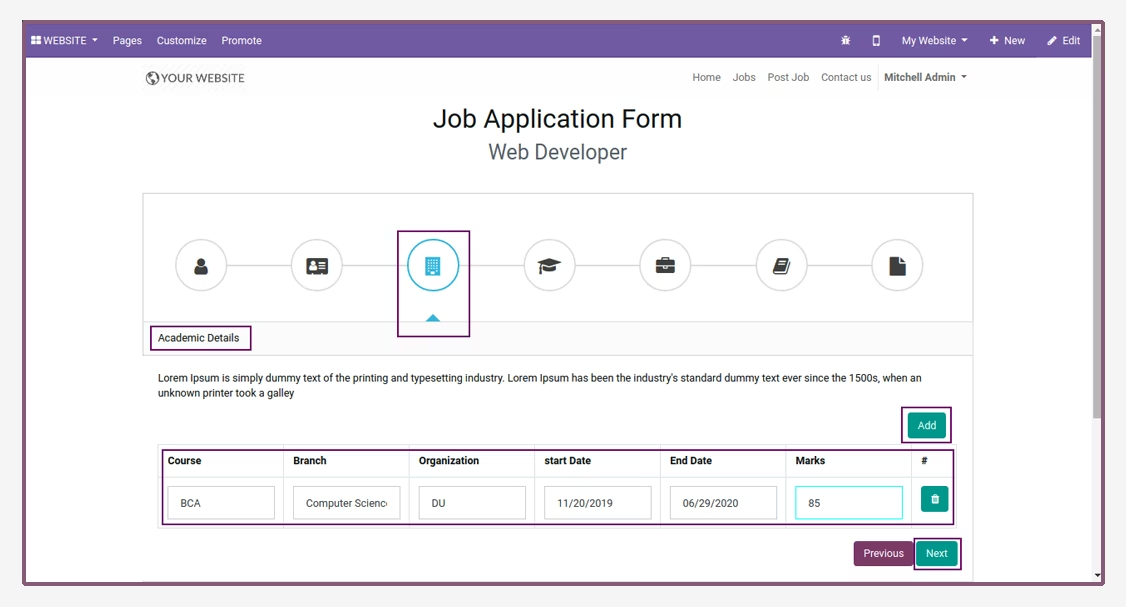
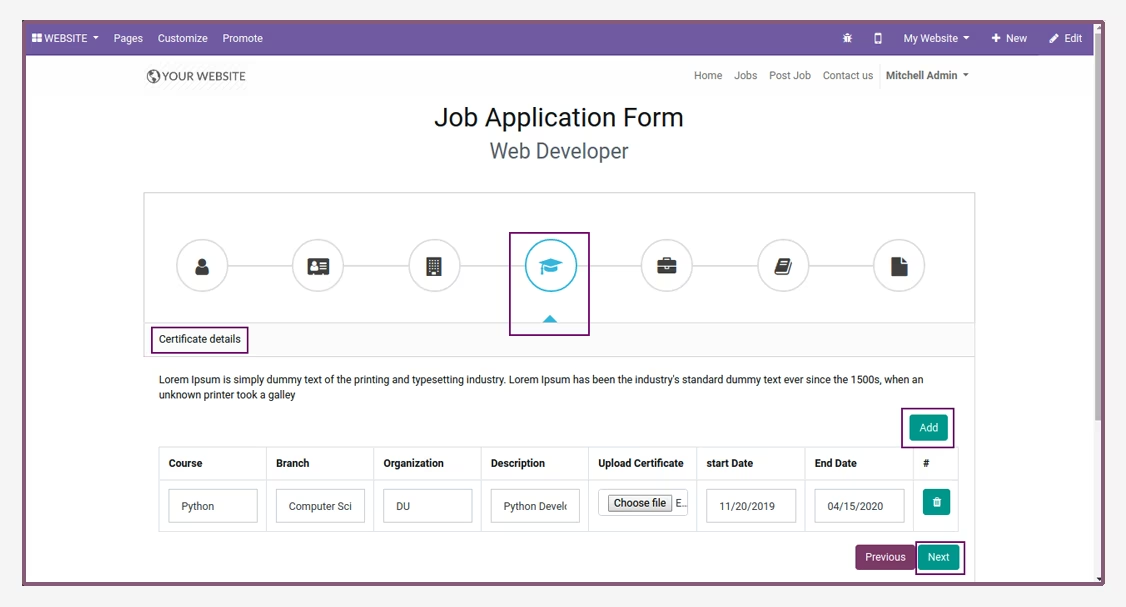
- When submit application, token will be automatically generated.
- Then, copy token and paste another window.
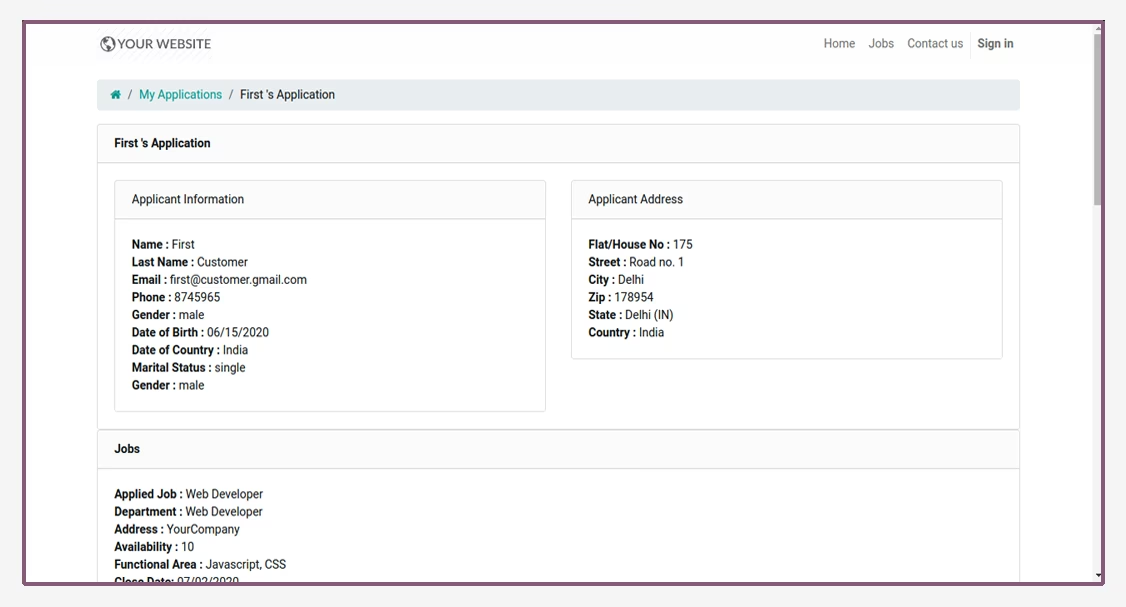
- Now, open backend and check application details.