Elevate your project's success with the Project Bugs & Issue Management module. This essential tool provides a robust framework for identifying, tracking, and resolving issues and bugs directly within your project and task workflows. Designed for both internal teams and clients, this module ensures that all project-related problems are captured, assigned, and monitored through to resolution. By integrating issue management directly into your project environment, you can improve communication, enhance transparency, and ensure a higher quality outcome for all your projects.
Create and manage issues and bugs directly from project and task views.
Allows clients to report bugs and issues through a dedicated customer portal.
Assign issues to specific team members for clear ownership and accountability.
Track the status and progress of each issue through customizable stages.
Attach screenshots, logs, and other relevant files to provide detailed context.
Facilitates communication and collaboration between team members and clients on each issue.
Smart buttons on projects and tasks for easy access to related issues.
Configure different issue types (e.g., Bug, Improvement, New Feature) for better classification.
Generate reports and analysis on project issues to identify trends and common problems.
Seamlessly integrated with the Project and Website modules for a unified experience.
Streamline your bug and issue tracking process for greater efficiency.
Improve project quality by systematically addressing and resolving all reported issues.
Enhance collaboration between your project team and clients.
Increase transparency by providing clients with visibility into the status of their reported issues.
Reduce resolution times by assigning issues to the right people and tracking their progress.
Maintain a comprehensive and auditable history of all project-related issues.
Gain valuable insights into the health of your projects and the quality of your work.
Empower your clients to become active participants in the quality assurance process.
Reduce the risk of critical issues being overlooked or forgotten.
Deliver higher quality projects and increase overall customer satisfaction.
Project Task Issue and Bug Management App
This app allows your project team to create an issue for a task of a project. Allow your project team to manage issues and bugs of projects and tasks.
Main Features:
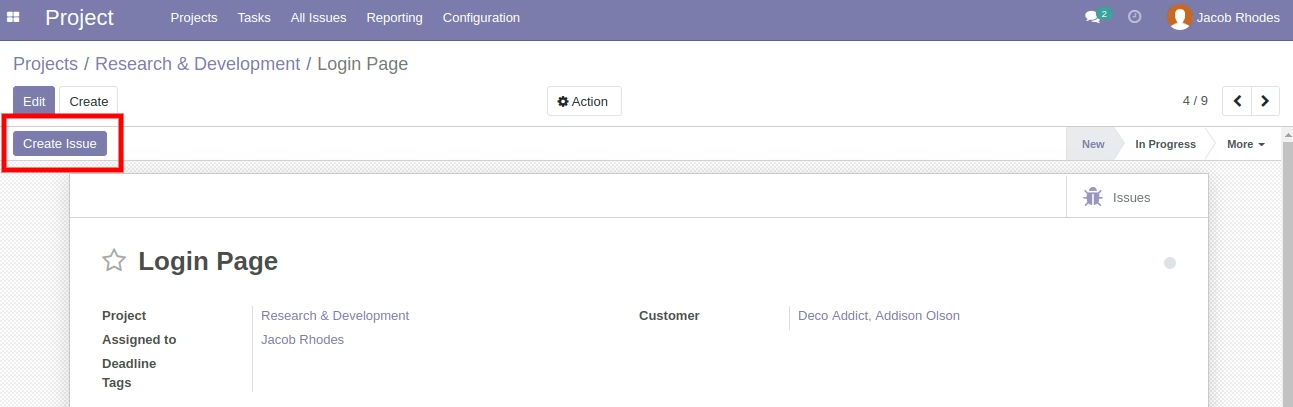
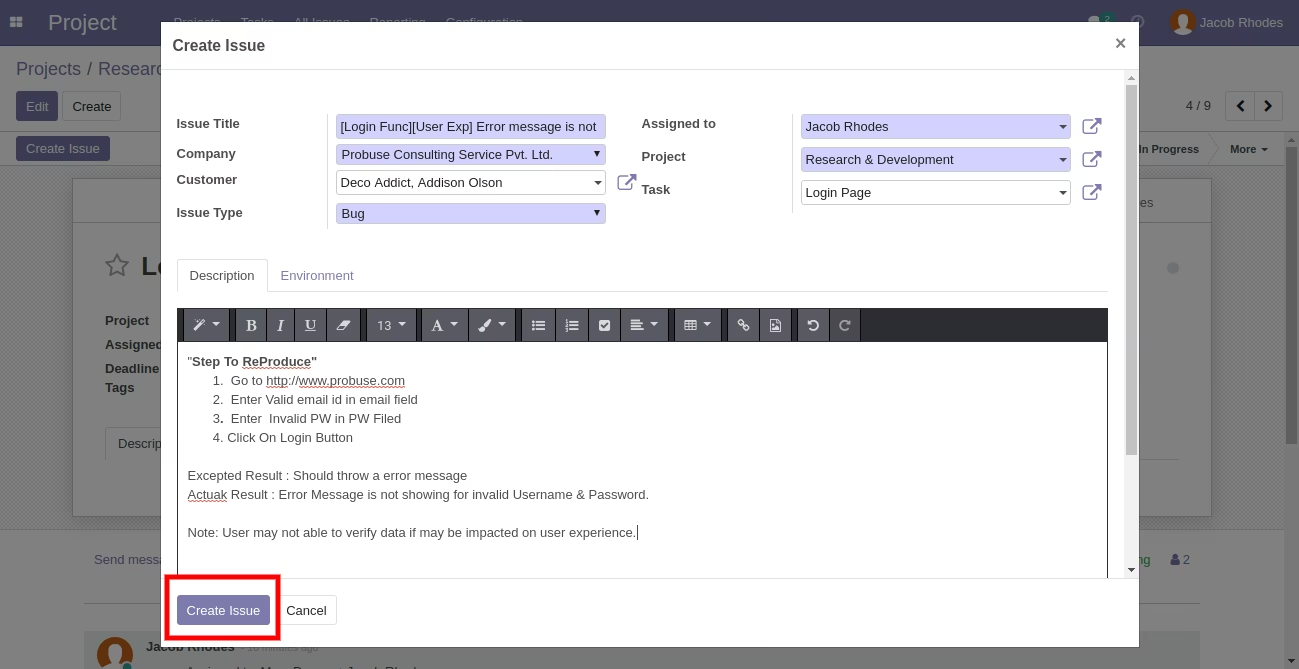
- Allow your project team to create an issue for a project task in the backend.
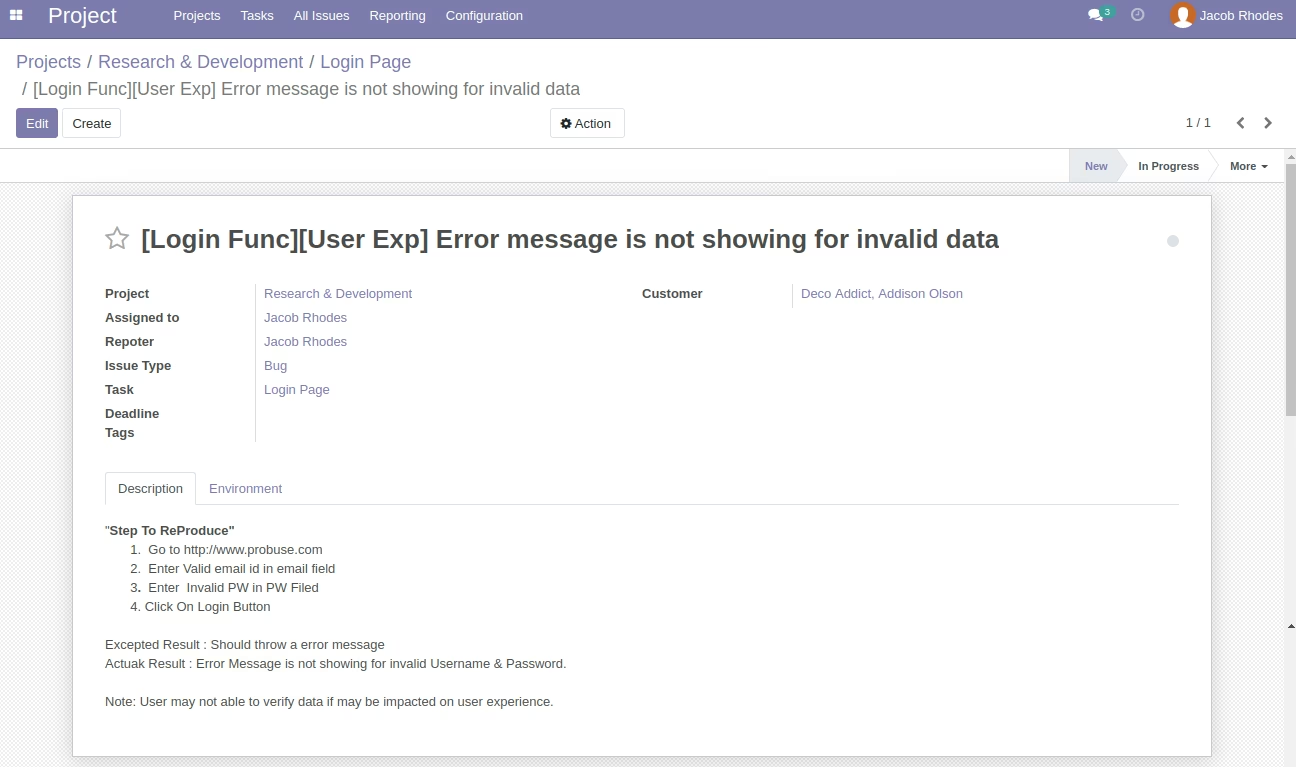
- After creating an issue assigned to the project user who can work on that issue as shown.
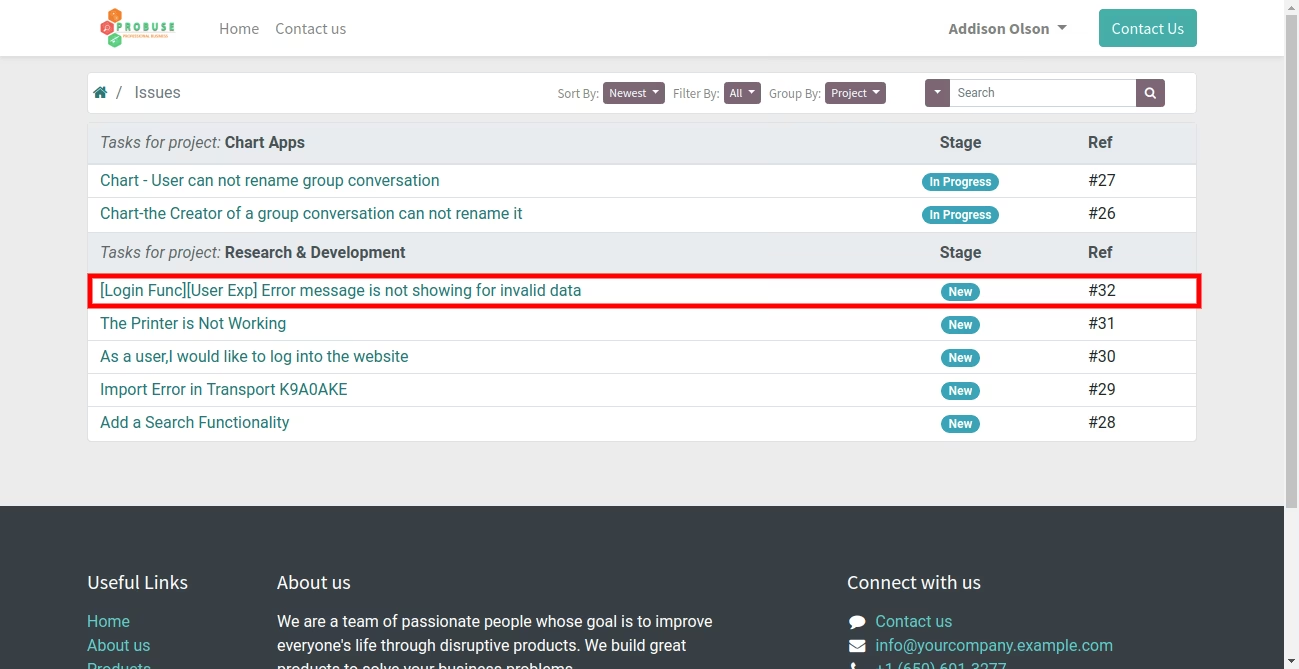
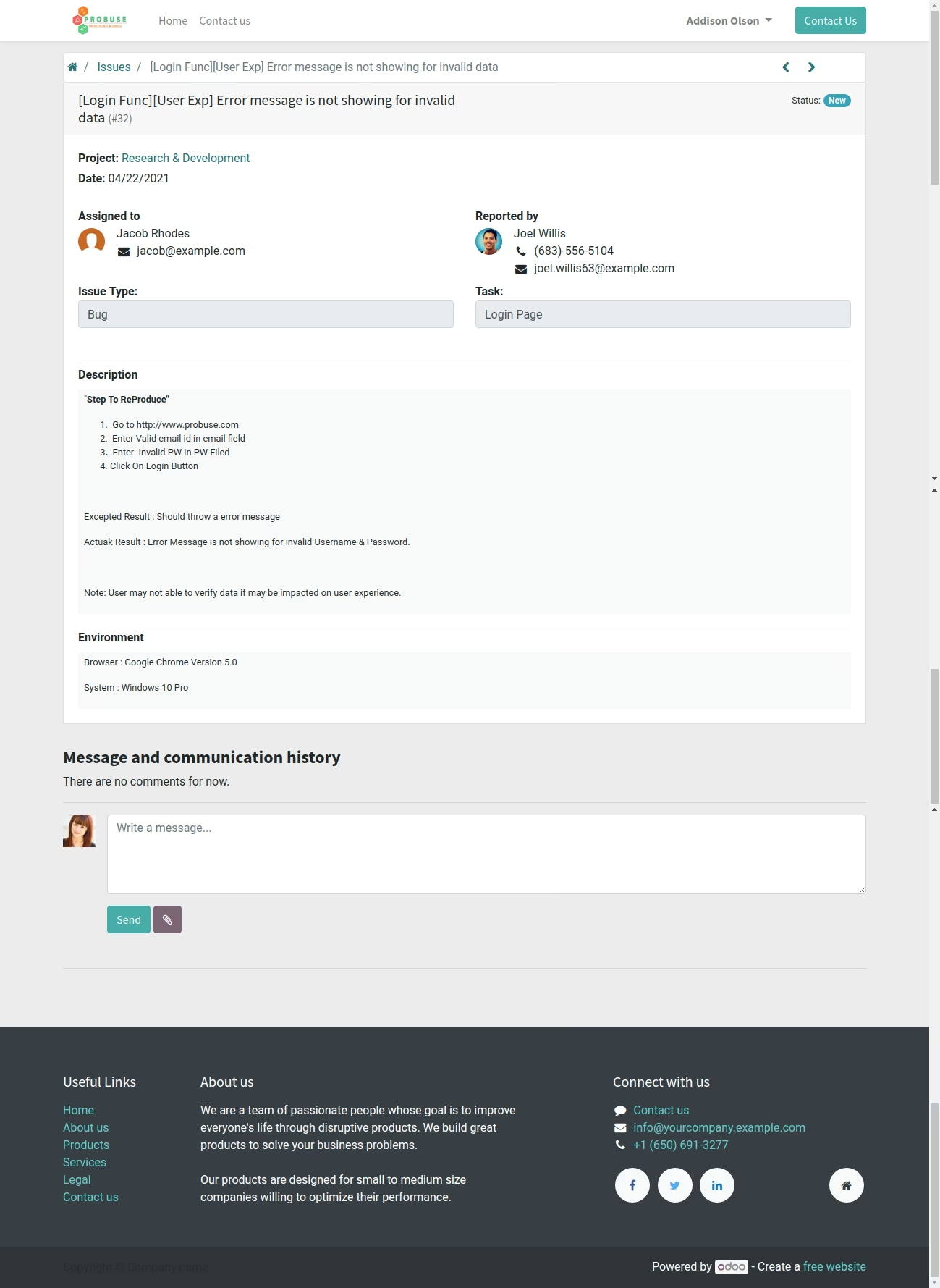
- Allow your customers to view bugs/issues on the portal of your website.
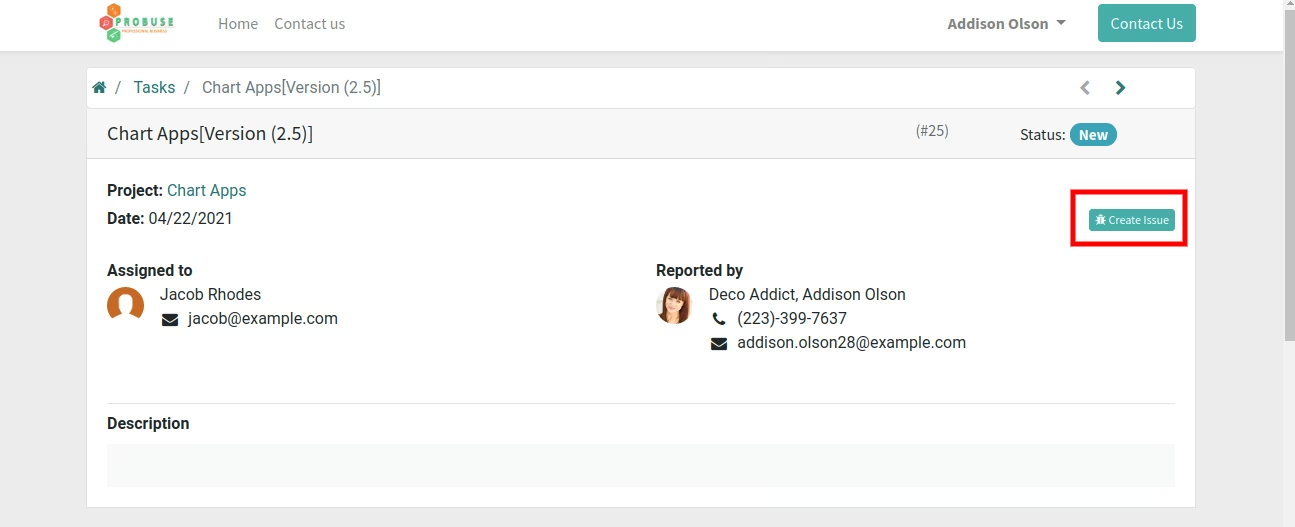
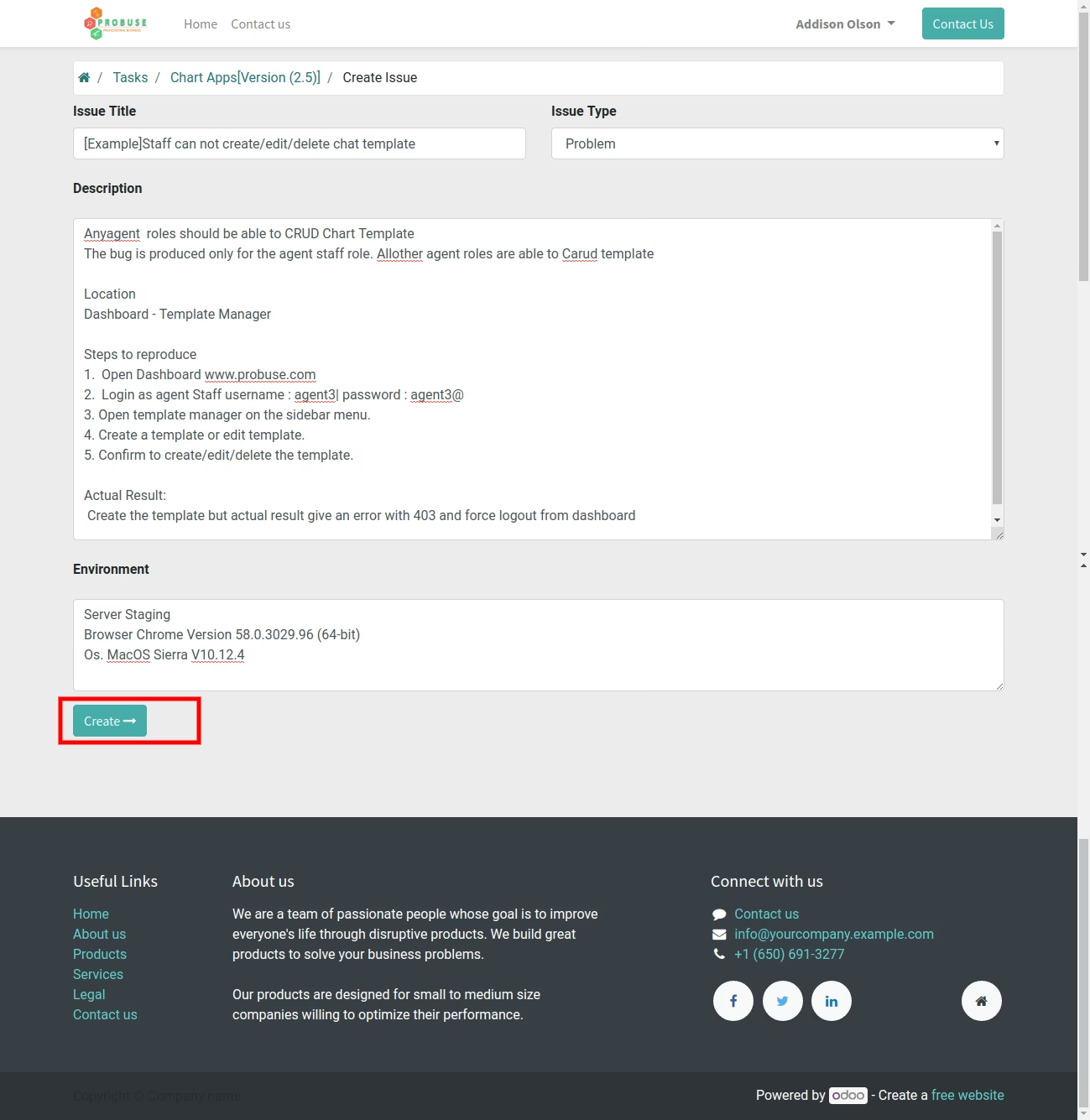
- Allow your customers to report bugs/issues directly from the task view on the portal of my account on your website.
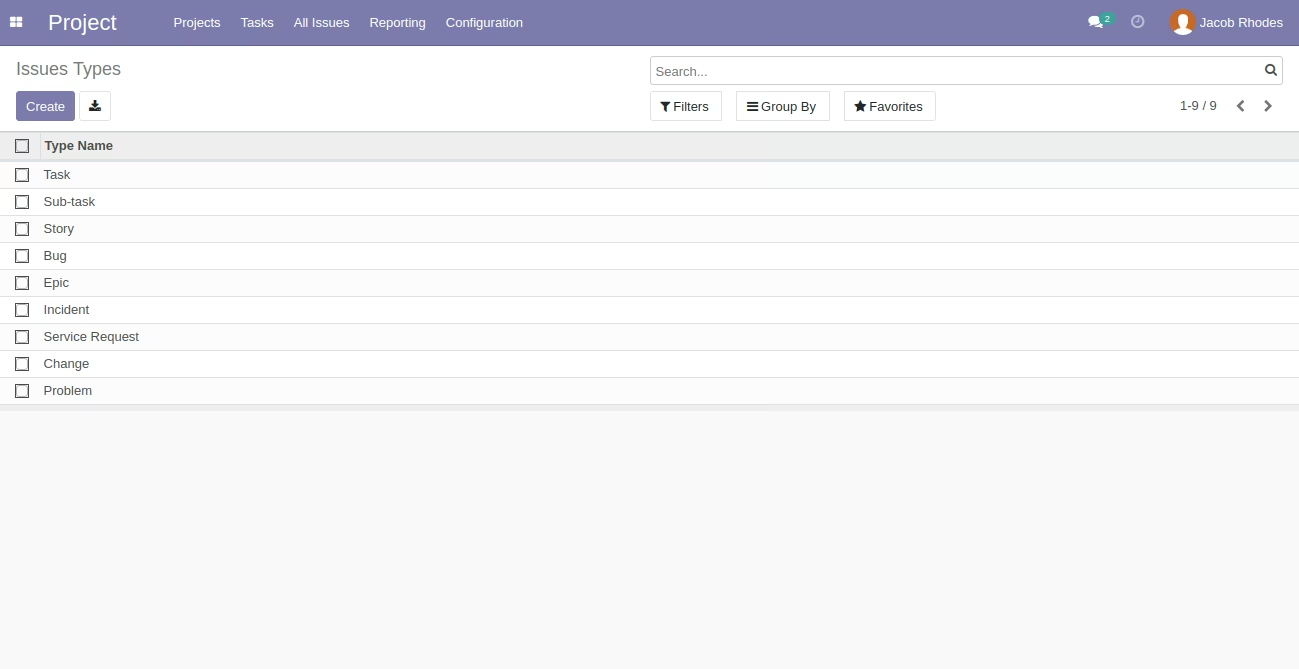
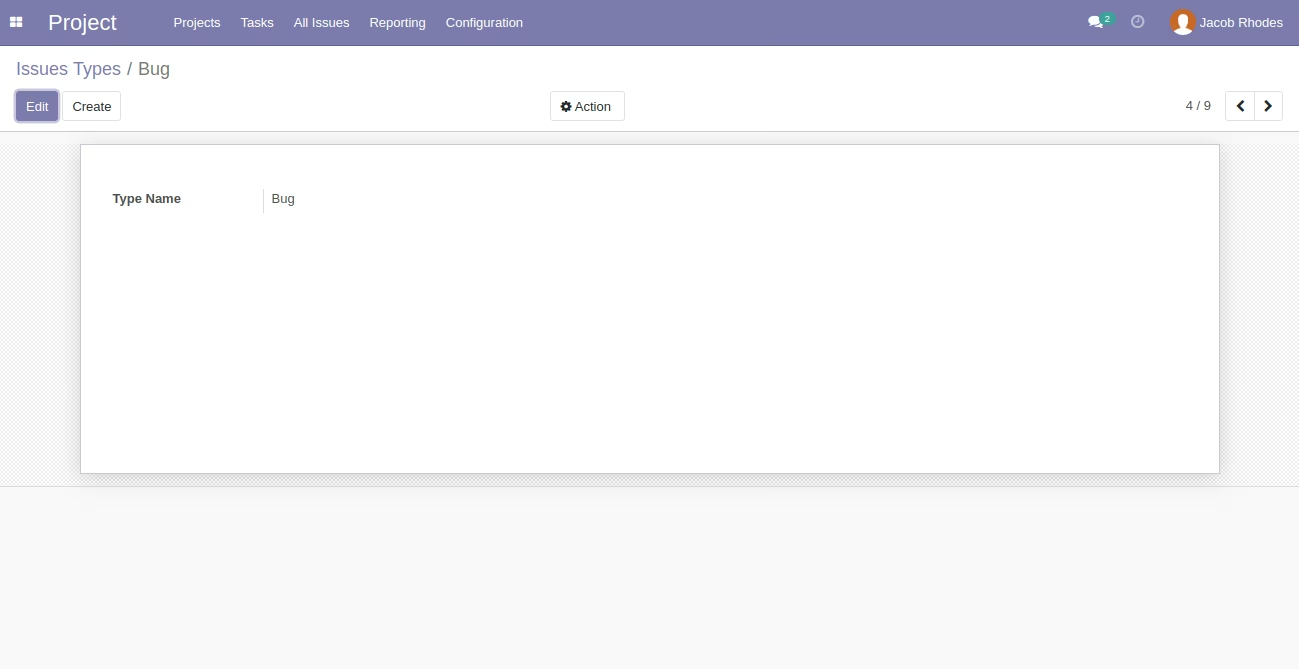
- Allow you to create and manage issues types under configuration.
- For more details please check the below screenshots and watch the video.
Project Menu - Standard
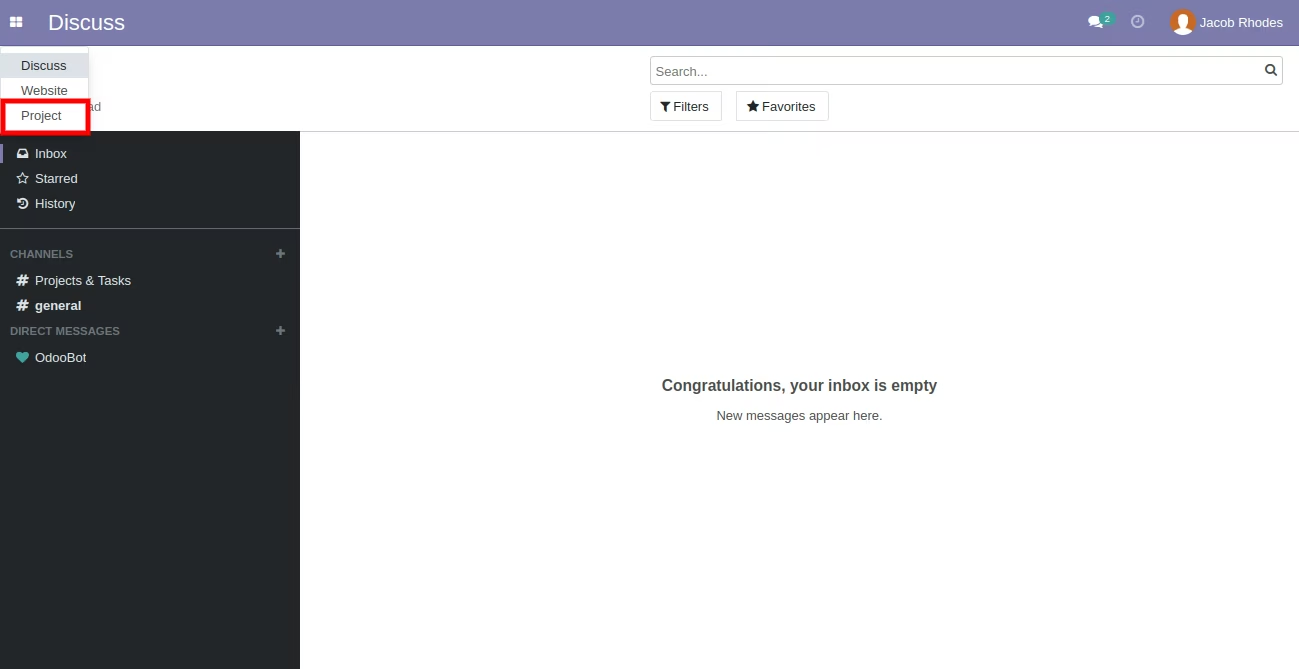
Issues Type Menu

Issues Type List View
Issues Type Form View
''Create Issue' Button on Task Form [Standard]
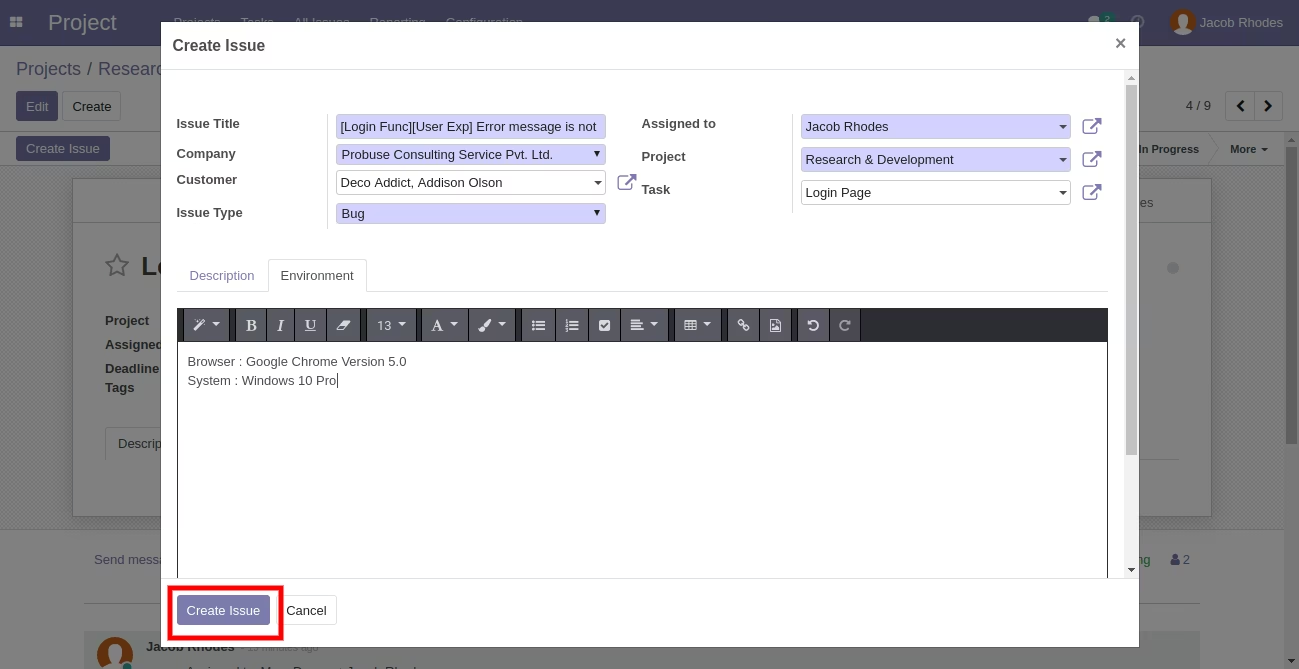
Create Issue Wizard
New Created Issue
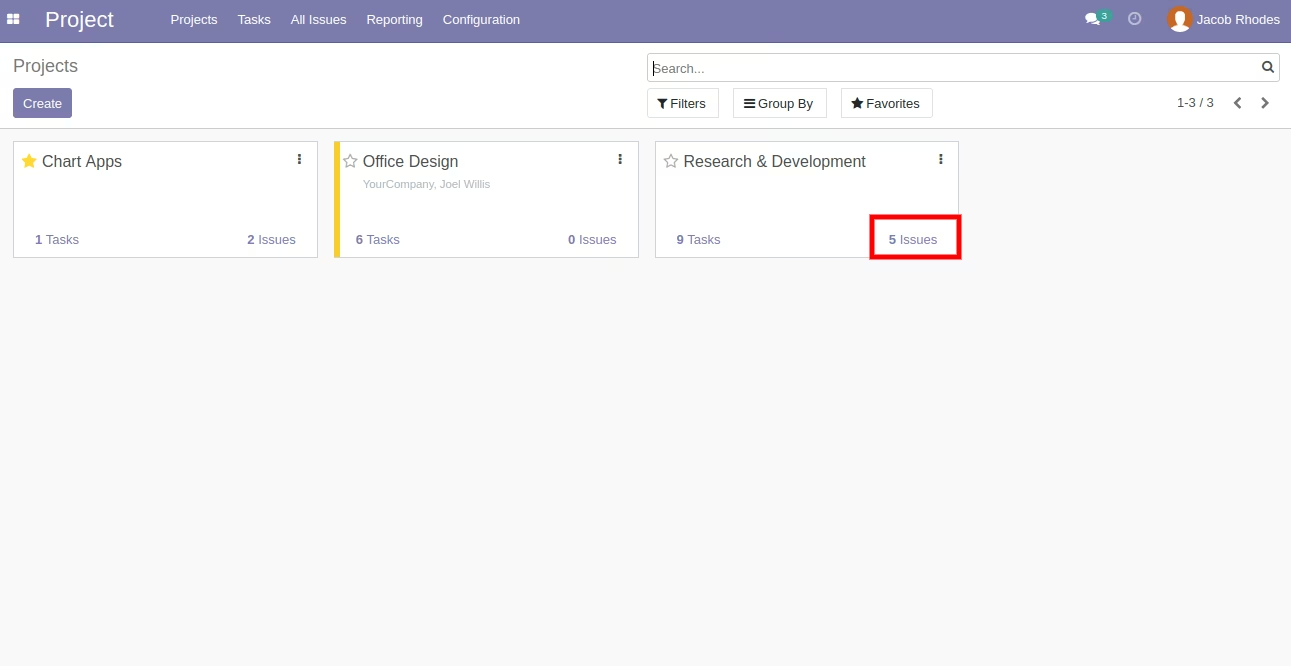
Issues smart Button on Project Kanban View [Standard]
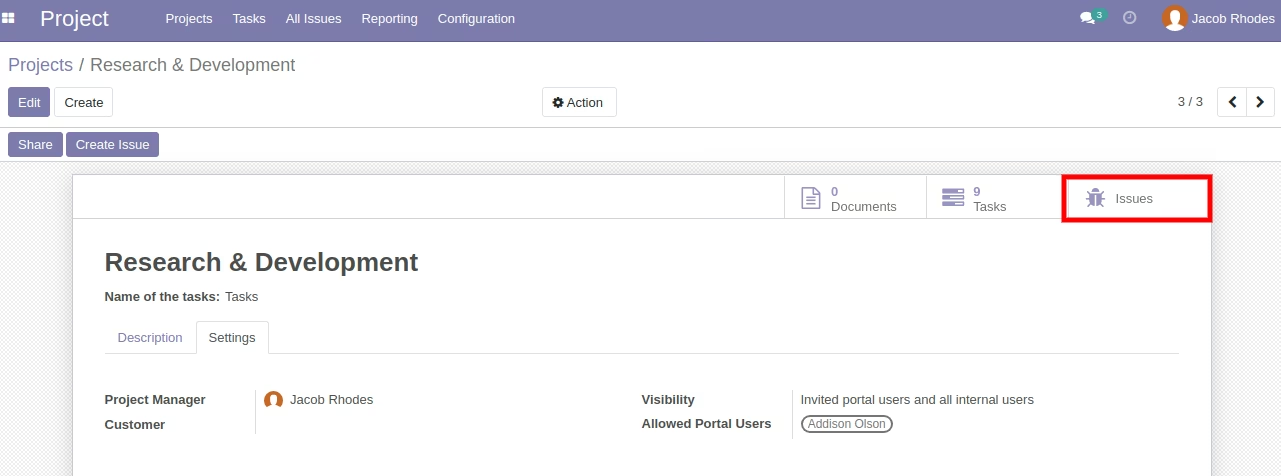
Issues smart Button on Project Form View [Standard]
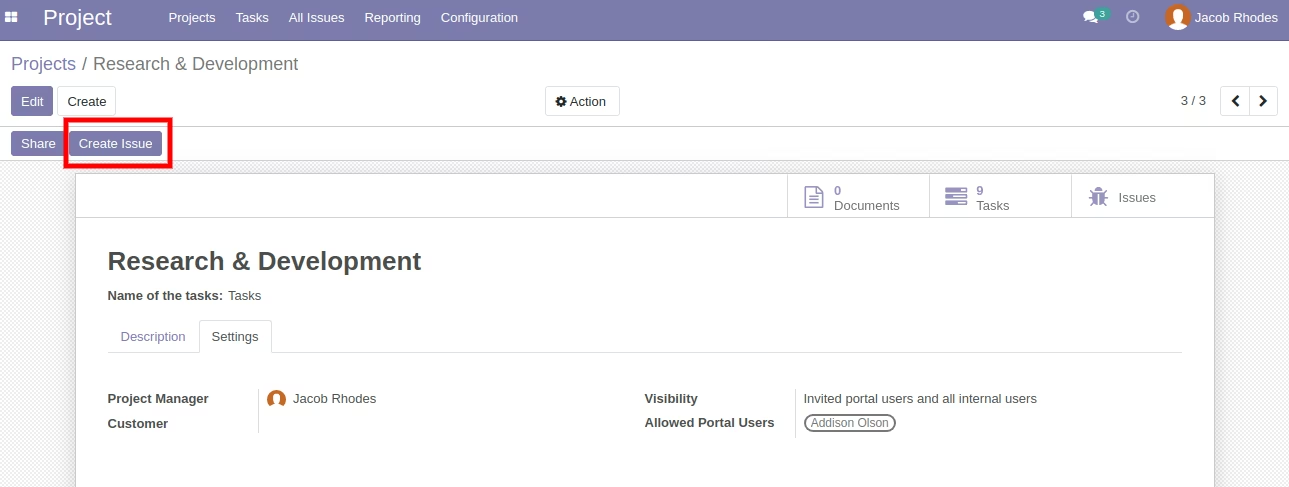
'Create Issue' Button on Project Form View
This button work same as a task 'Create Issue' button.
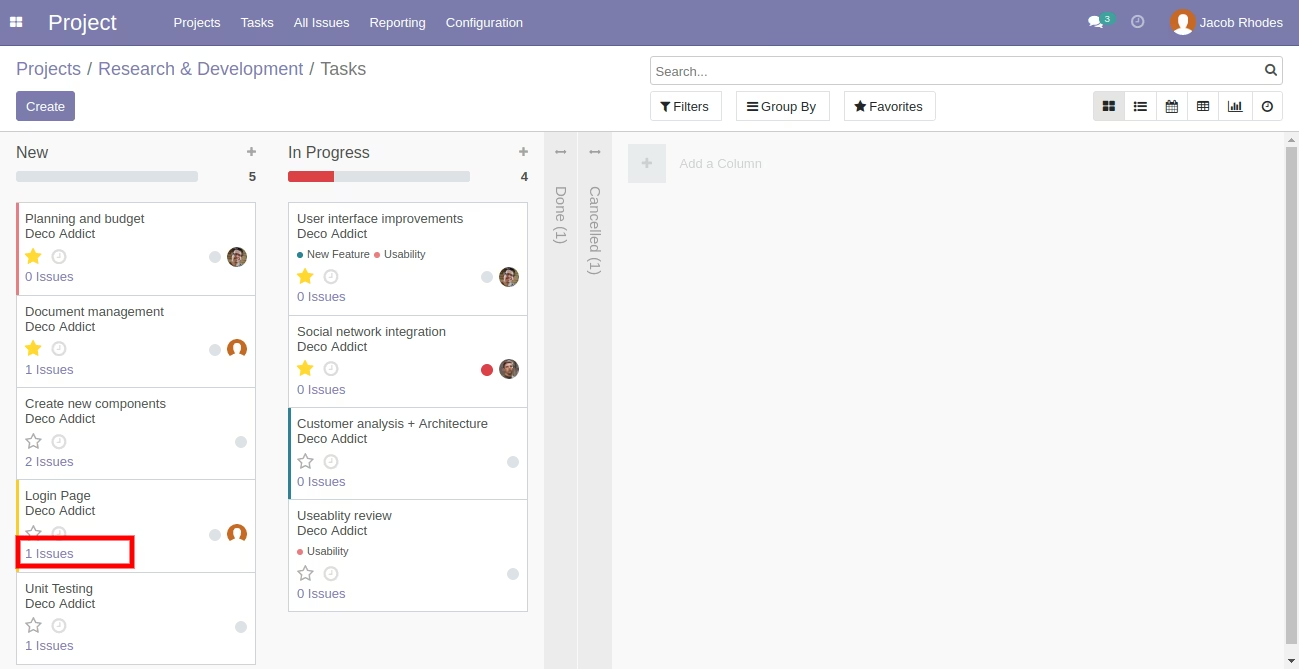
Issues smart Button on Task Kanban View
All Issues Menu
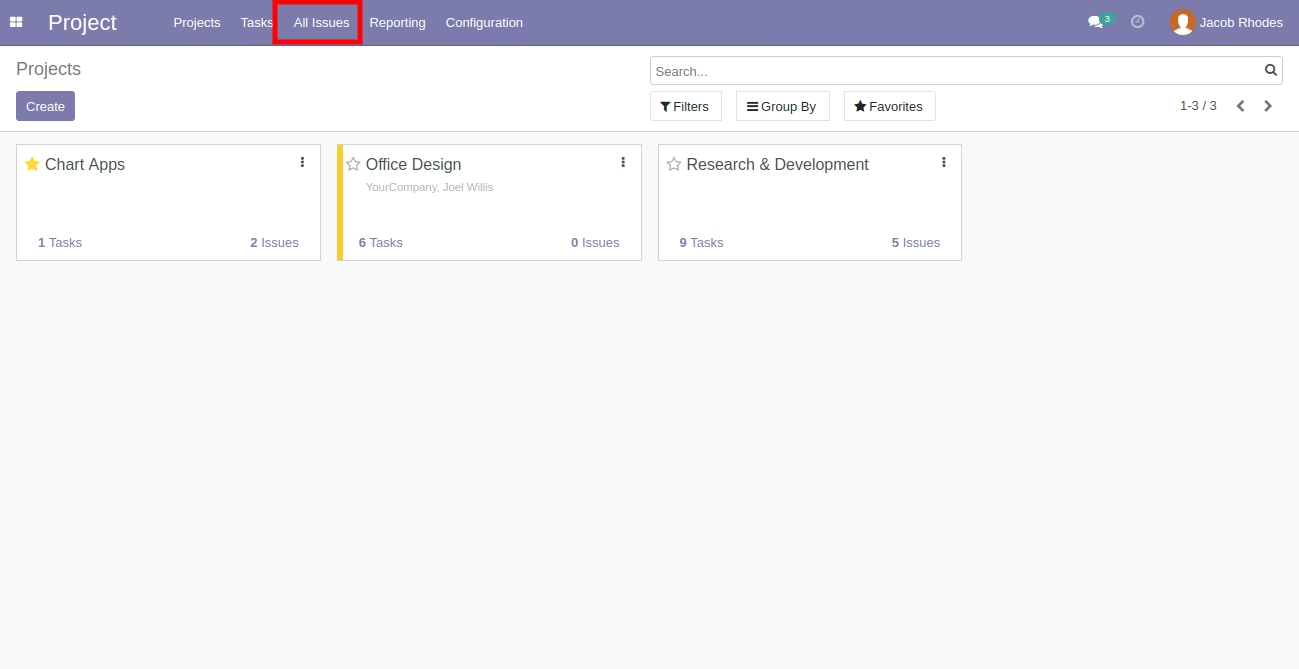
All Issues List View
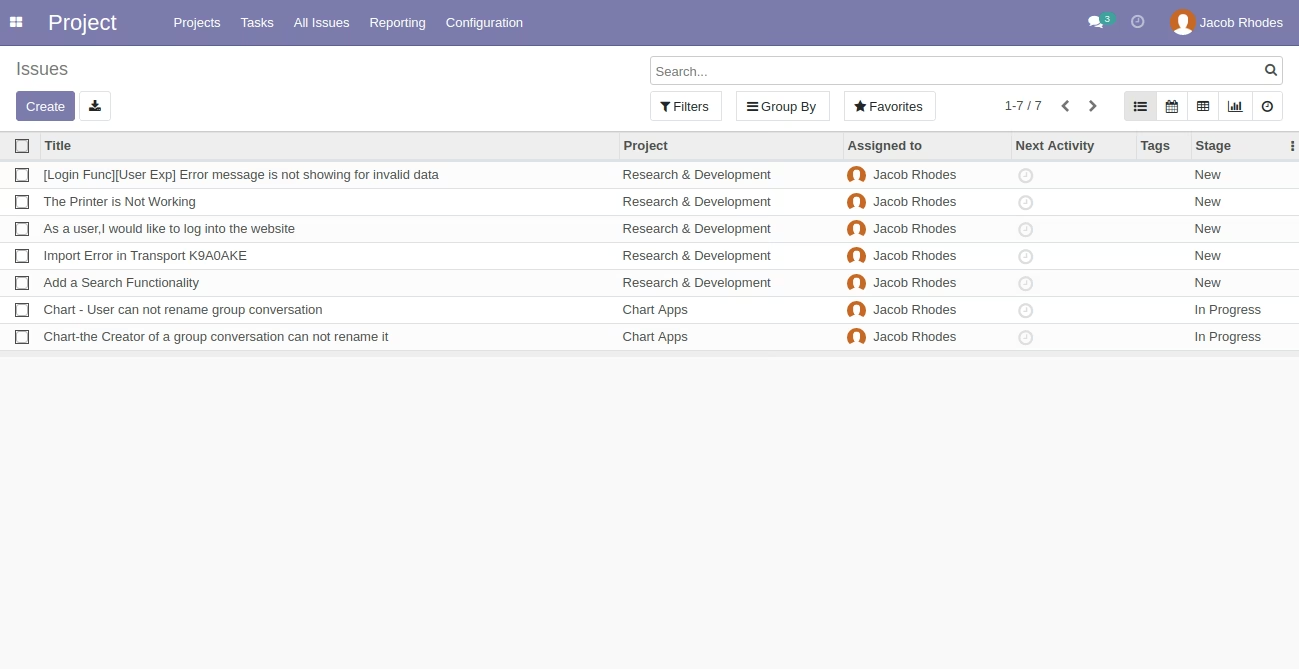
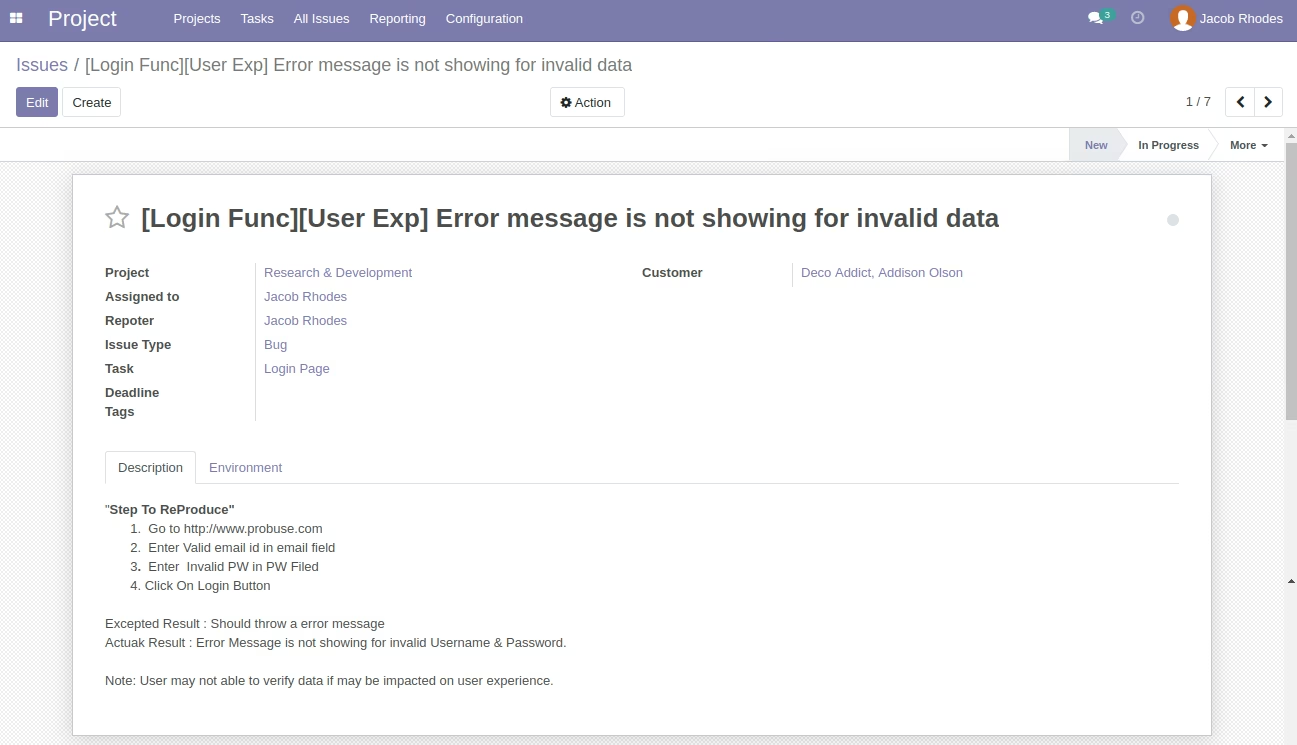
All Issues Form View
'Description' Page on Issue / Bug Form.
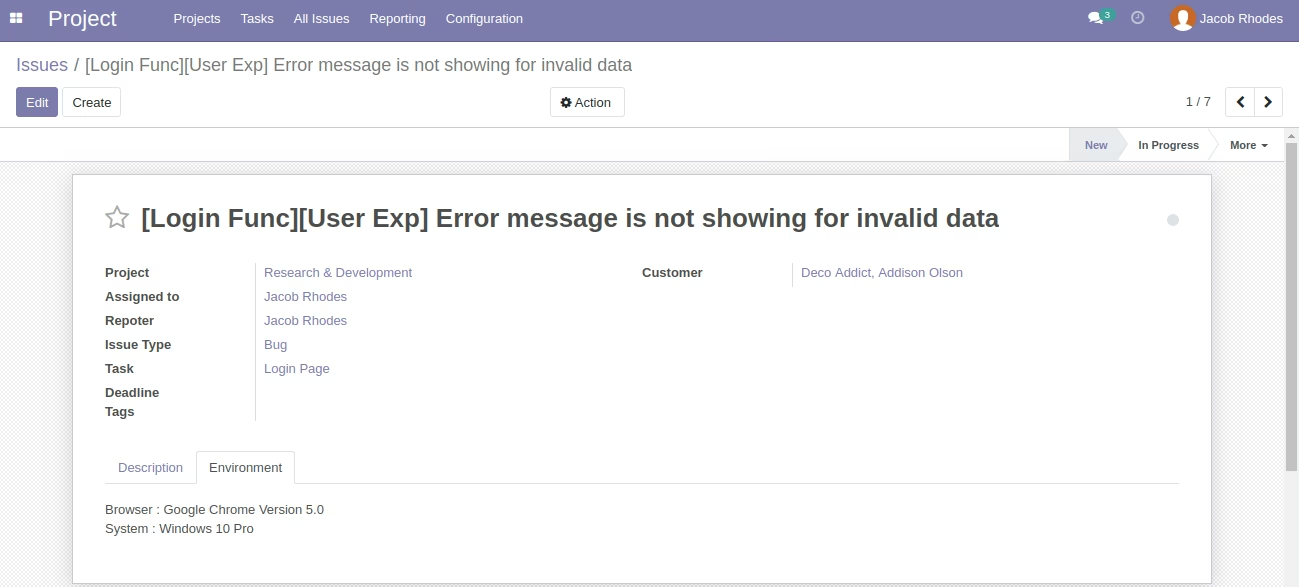
'Environment' Page on Issue Form.
'Issues' Menu on My Portal Account for Customers
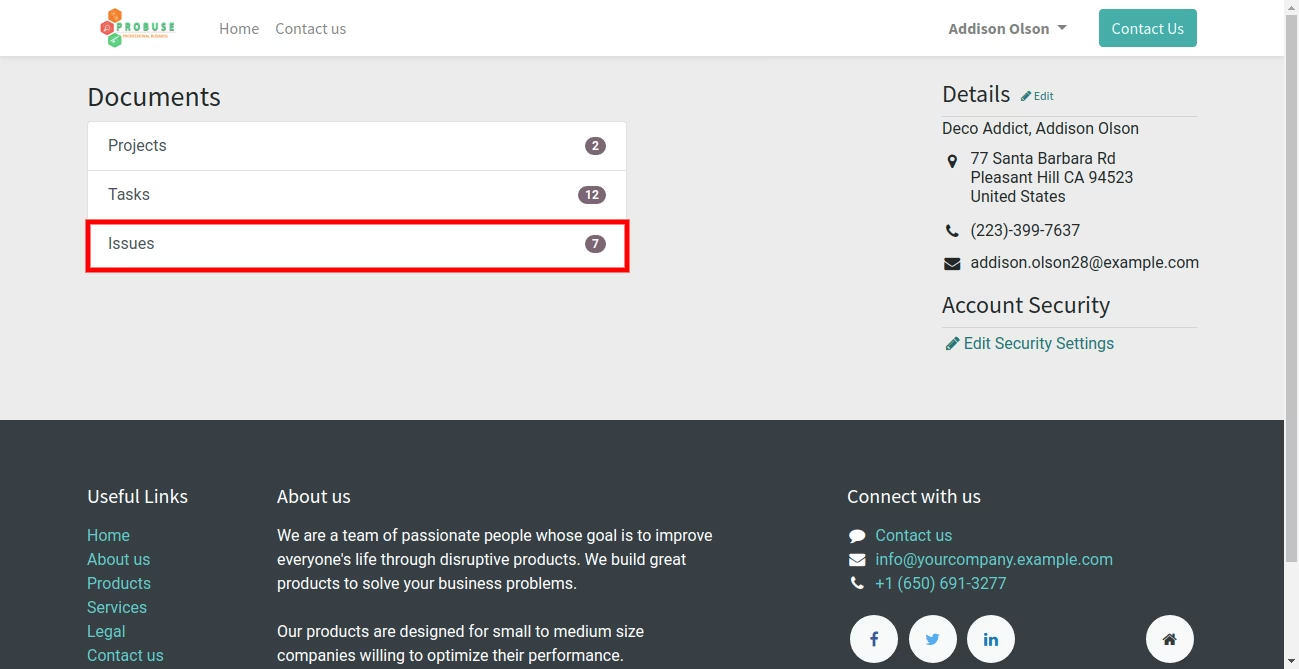
'Issues' List View on My Portal Account
'Issues' Form View on My Portal Account Website
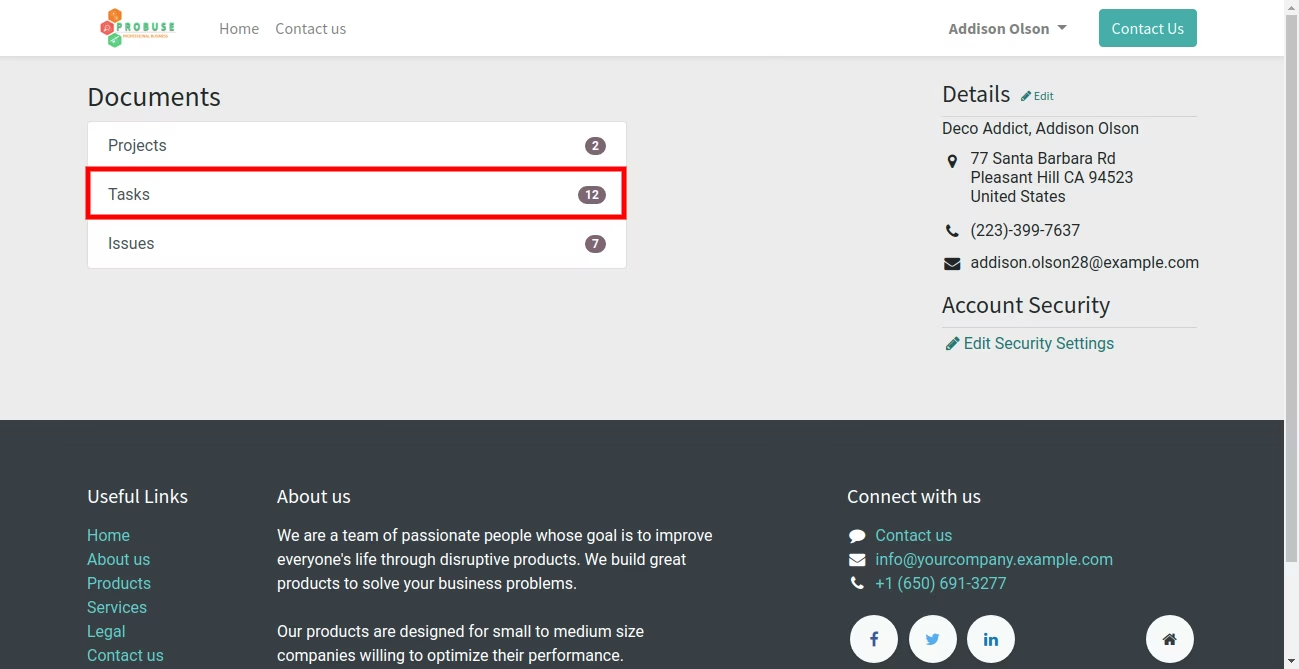
'Tasks' Menu on My Portal Account - Standard
'Create Issue' Button on Task Form View [Standard]
'Create Issue' Submit Form
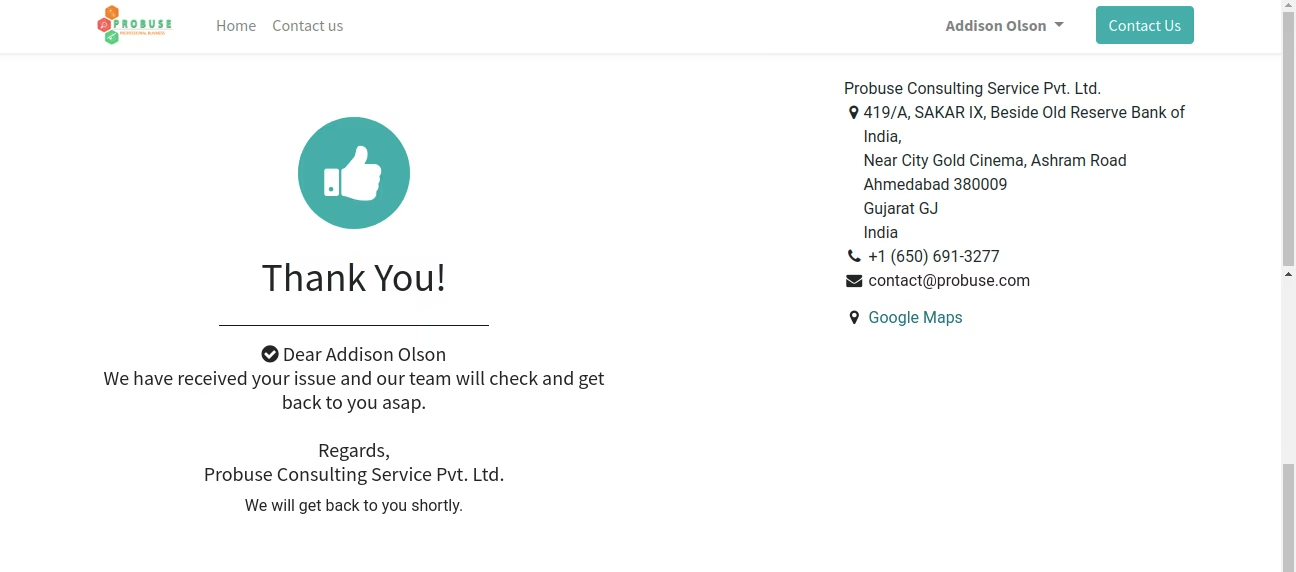
Issue Create Message - Thank you Page