The module allows users to create and manage requests for stock transfers between different warehouse locations. It streamlines internal logistics, ensures timely product availability, and reduces manual coordination in warehouse management.
Create stock requests with product, quantity, and destination location.
Automatic generation of internal transfer orders from approved requests.
User roles: employees request stock, managers validate and approve.
Cancelled requests automatically revoke pending transfers.
Track and manage stock request history directly.
Fully integrated with inventory and warehouse operations.
Improve warehouse efficiency with structured stock requests.
Save time by reducing manual follow-ups and paperwork.
Enhance internal logistics and product availability.
Increase accountability with clear workflows and approvals.
Ensure accurate and timely stock allocation between locations.
Stock Request for Internal Transfer Between Locations
This app allows your inventory stock user to create warehouse stock requests in inventory for internal transfer purposes of stock.
Main Features:
- Allow your inventory users to create a warehouse stock request by filling a form given in below screenshots and submit a request to the inventory manager.
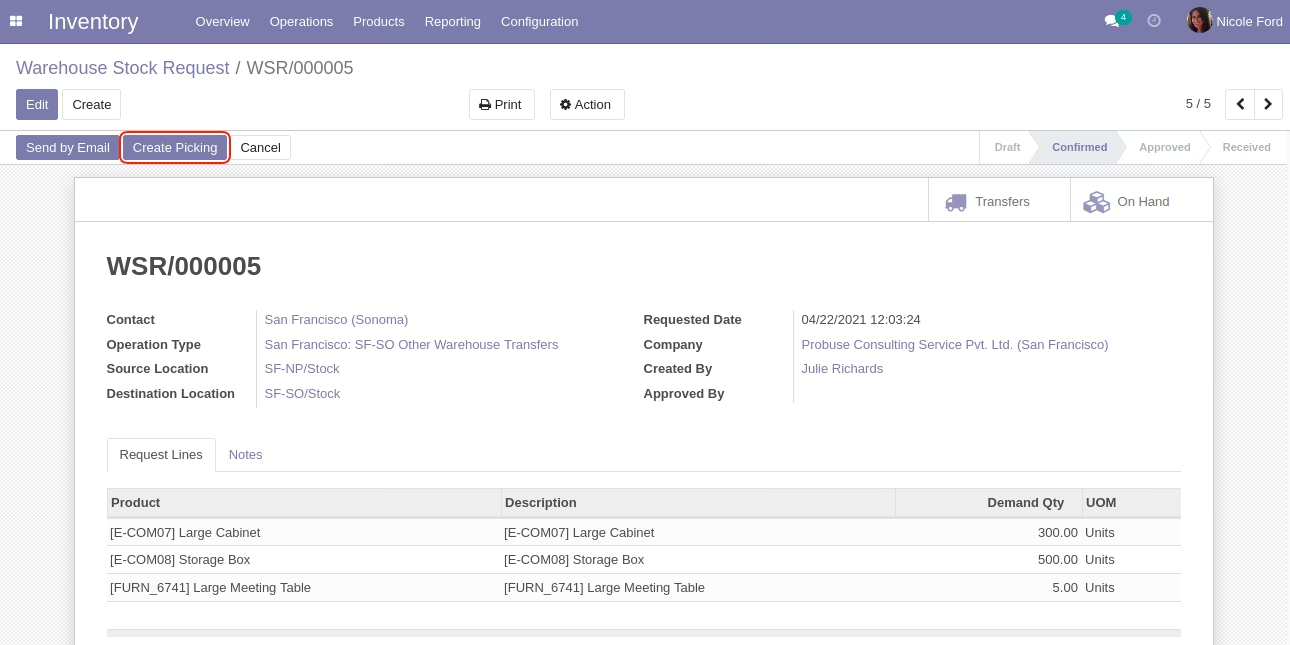
- Allow your inventory manager to create an internal stock picking using the âCreate Pickingâ button.
- Allow your inventory manager to finish a warehouse stock request manually.
- For more details please check below screenshots and watch the video.
Roles by Users:
- Inventory User
- Inventory Manager
Role of Inventory User:
- Inventory users create warehouse stock requests.
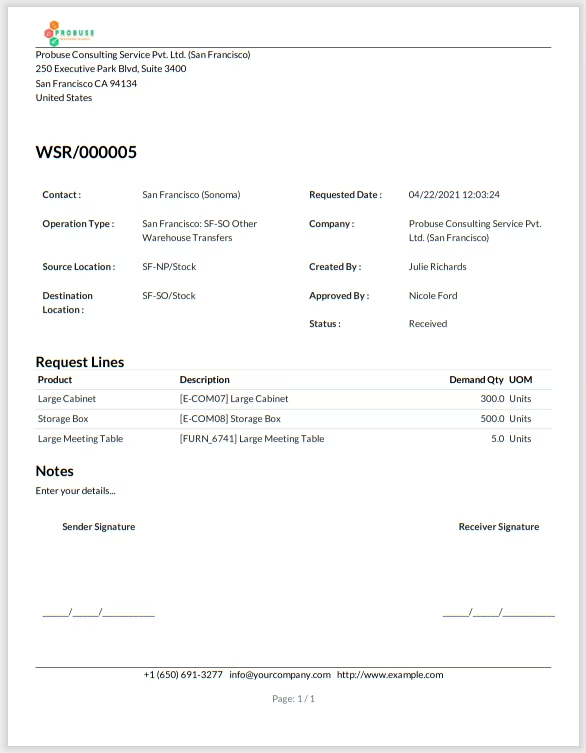
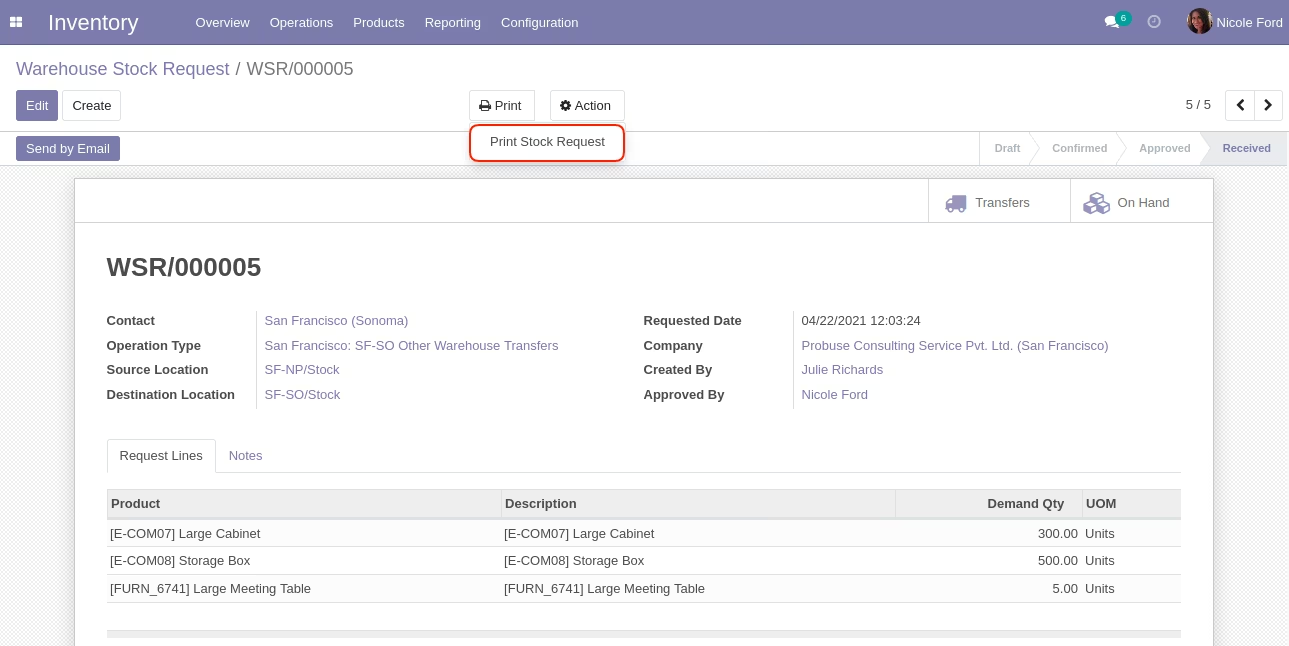
- Inventory user print PDF report.
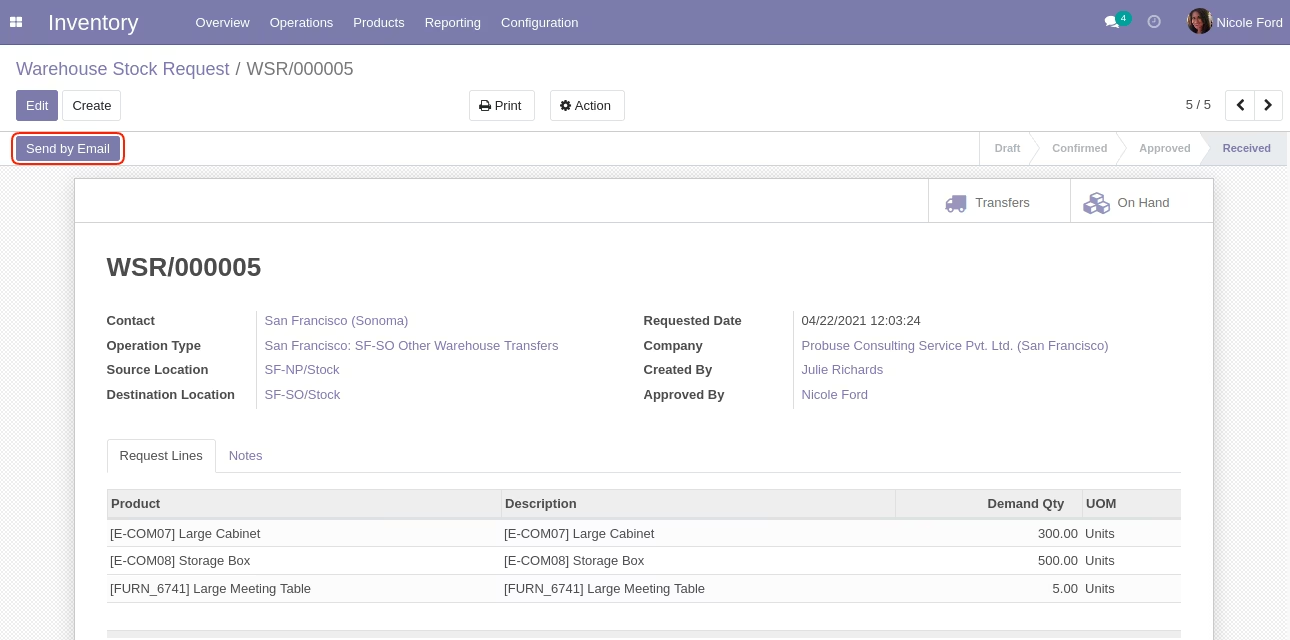
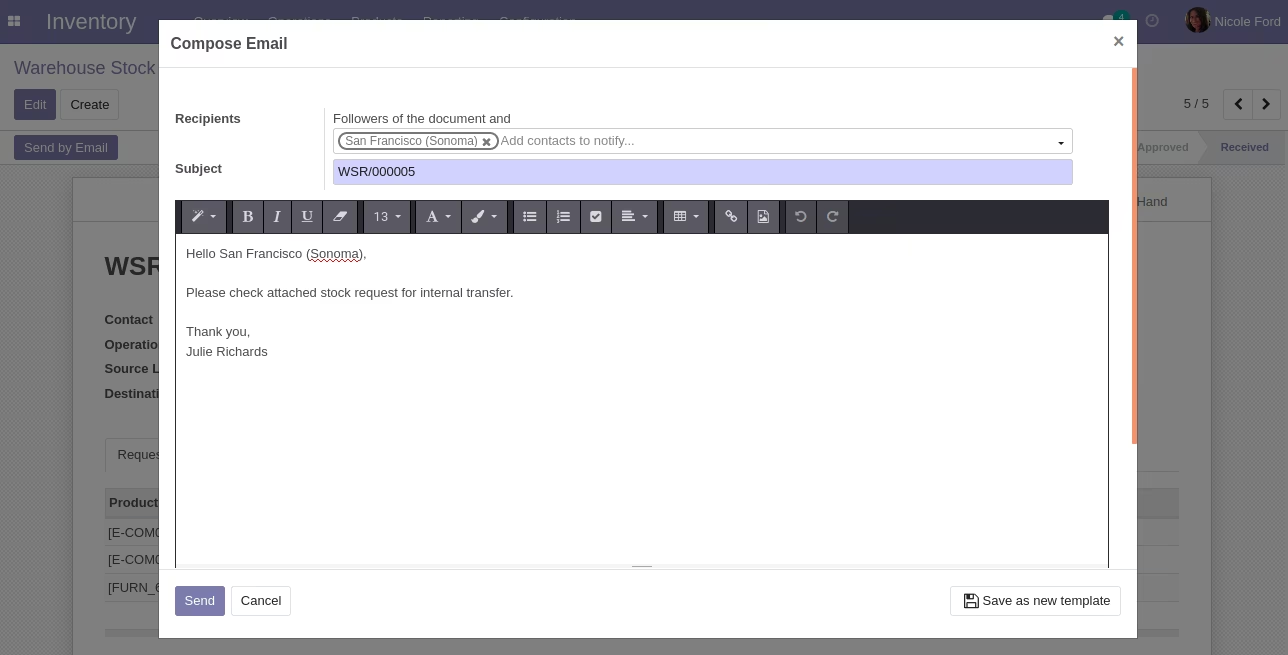
- Allow them to Send by Email a warehouse stock request.
Role of Inventory Manager:
- Inventory managers can review and create stock picking.
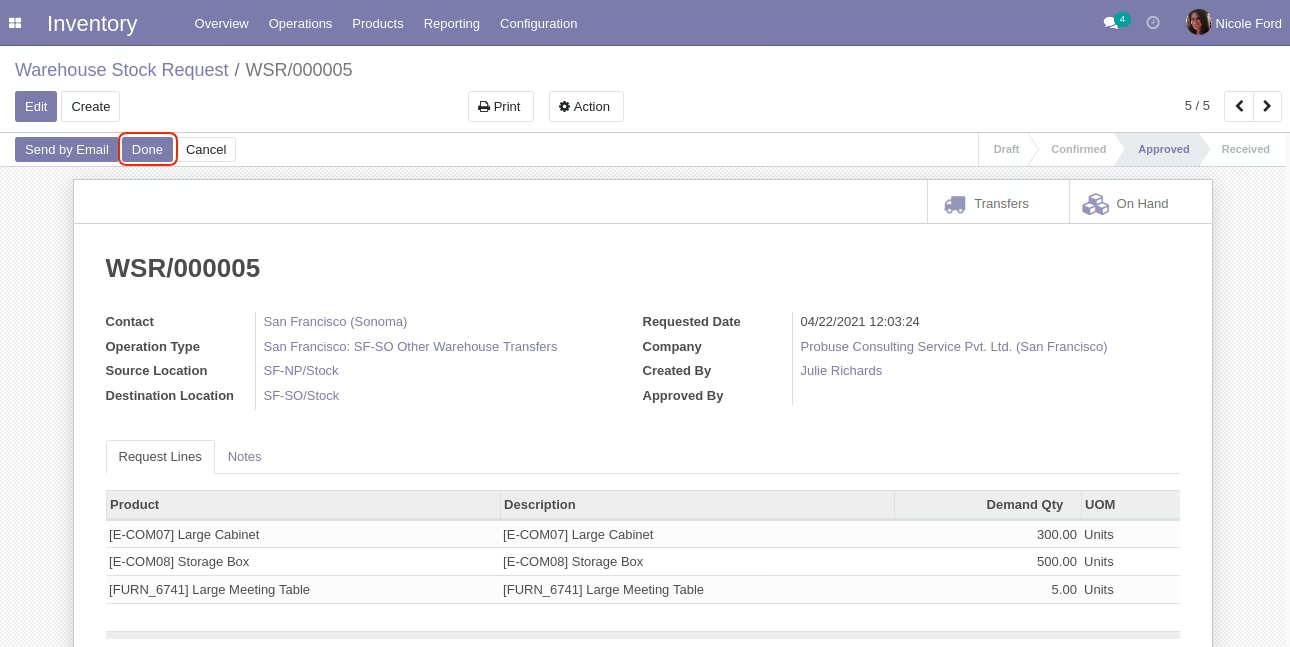
- Finish a warehouse stock request manually using the done button.
- Inventory manager can print PDF reports.
- Allow them to Send by Email a warehouse stock request.
Inventory Menu (Standard)
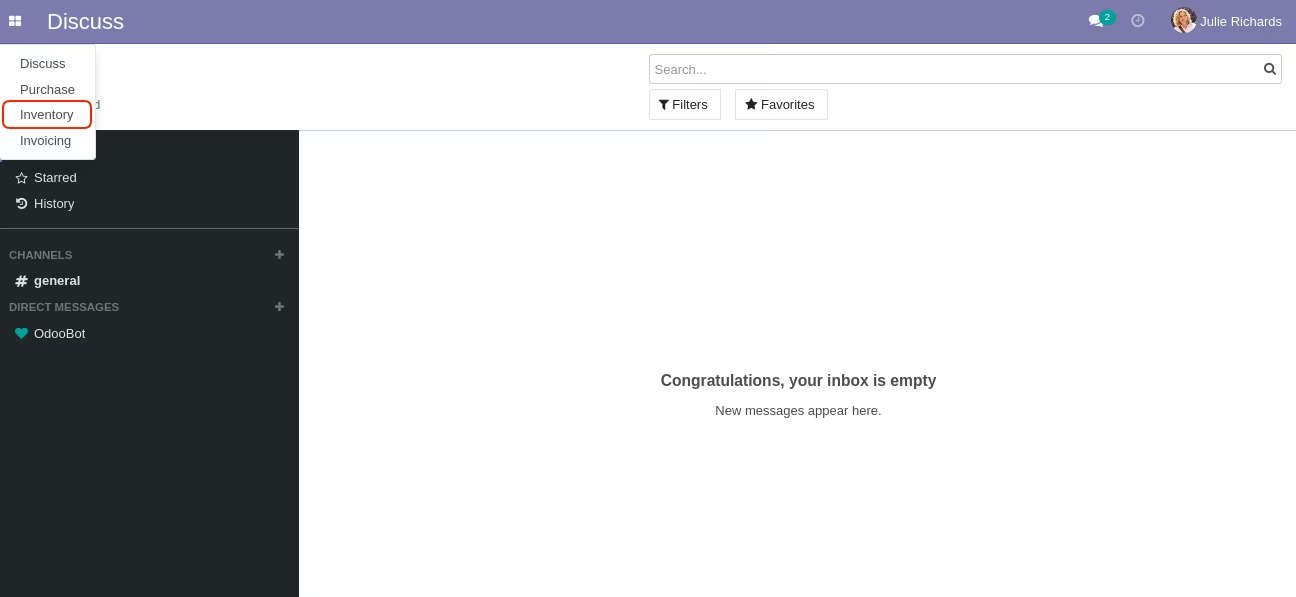
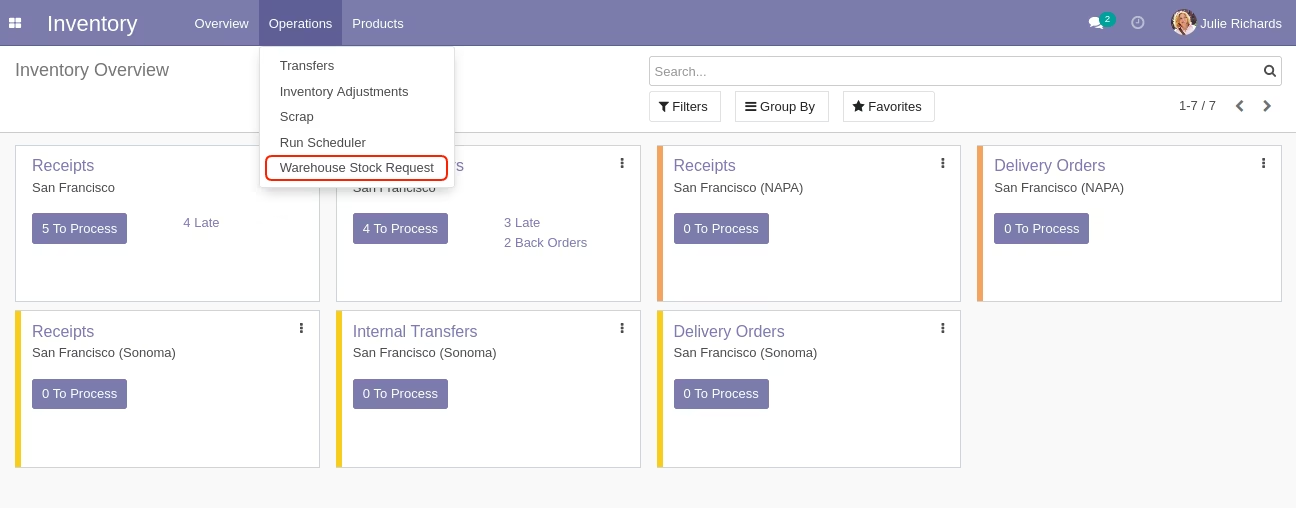
Warehouse Stock Request Menu
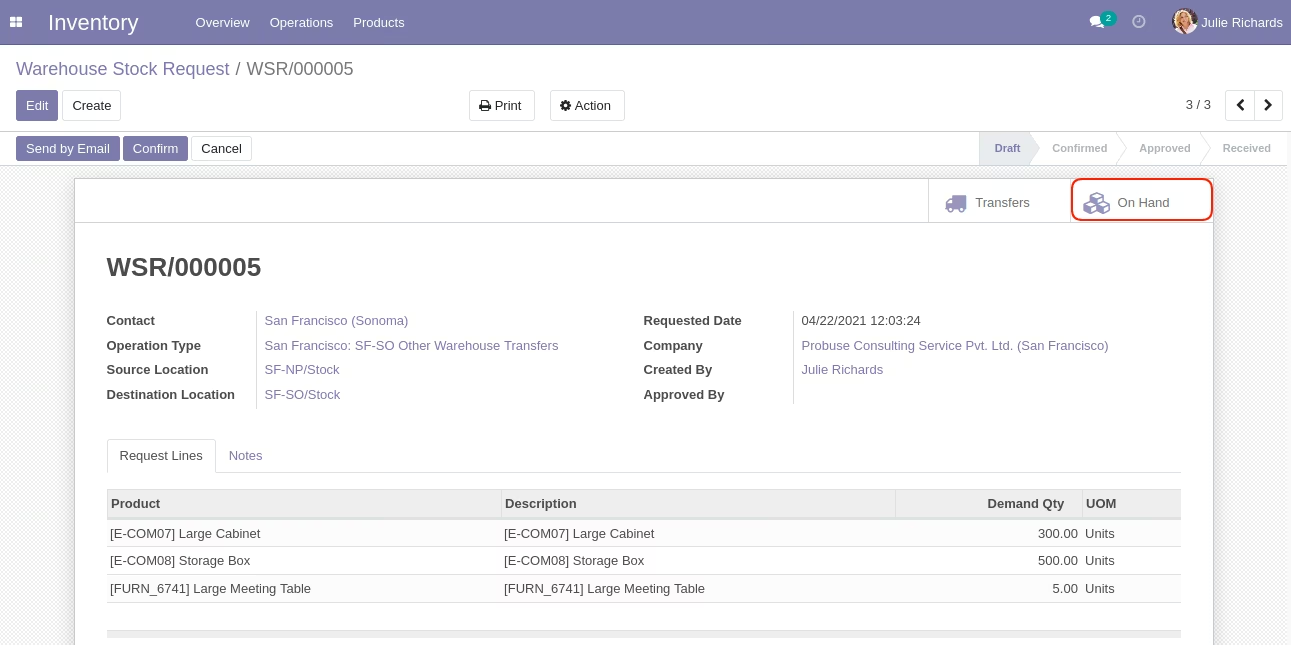
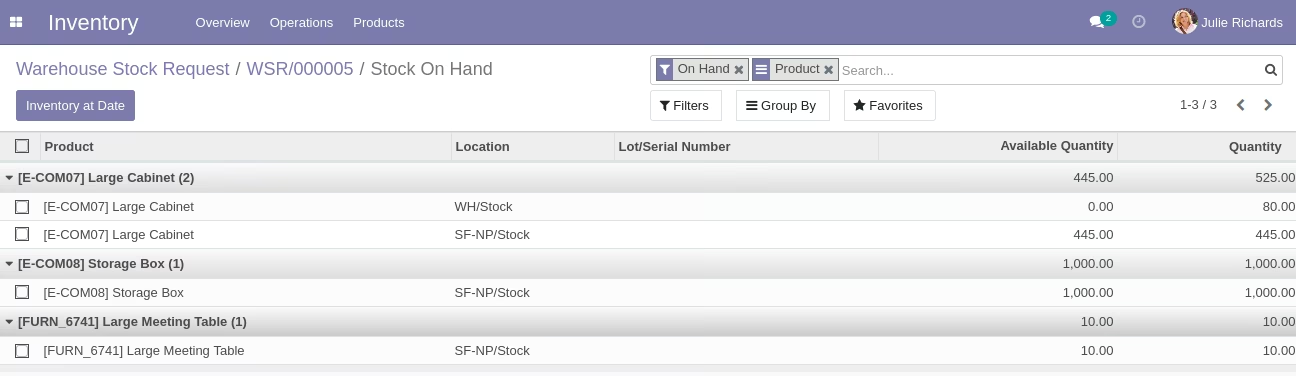
On Hand Smart Button
On Hand List View
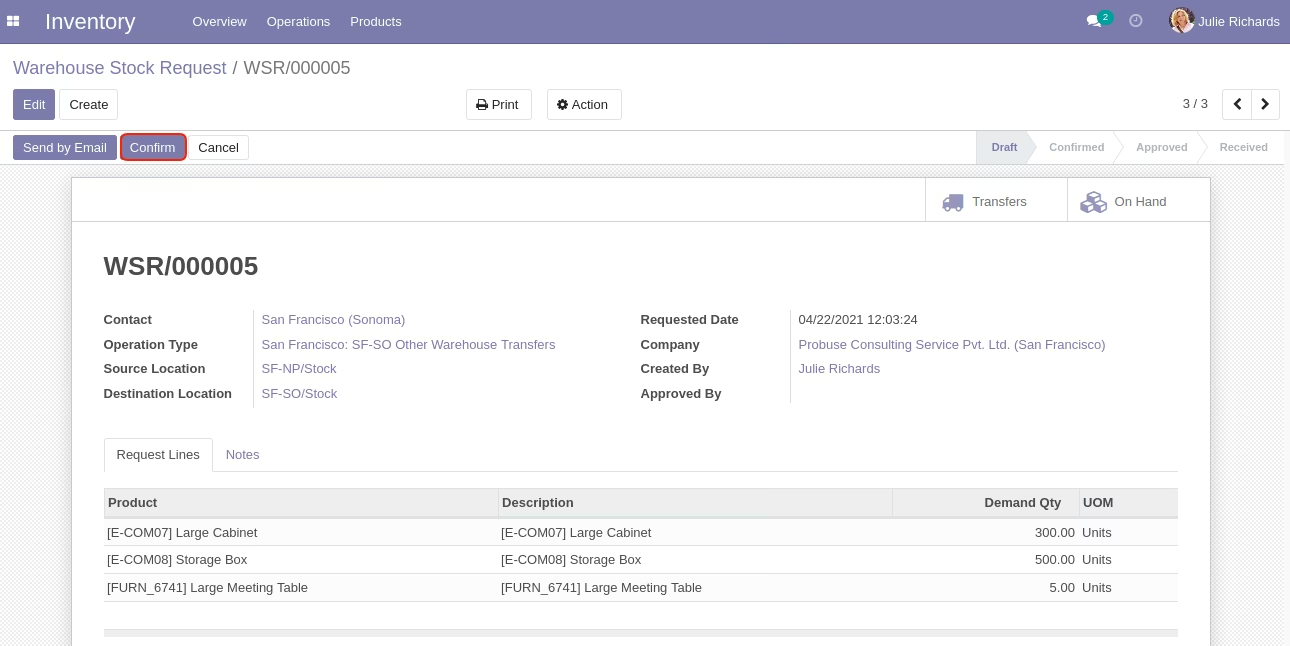
Confirm Button
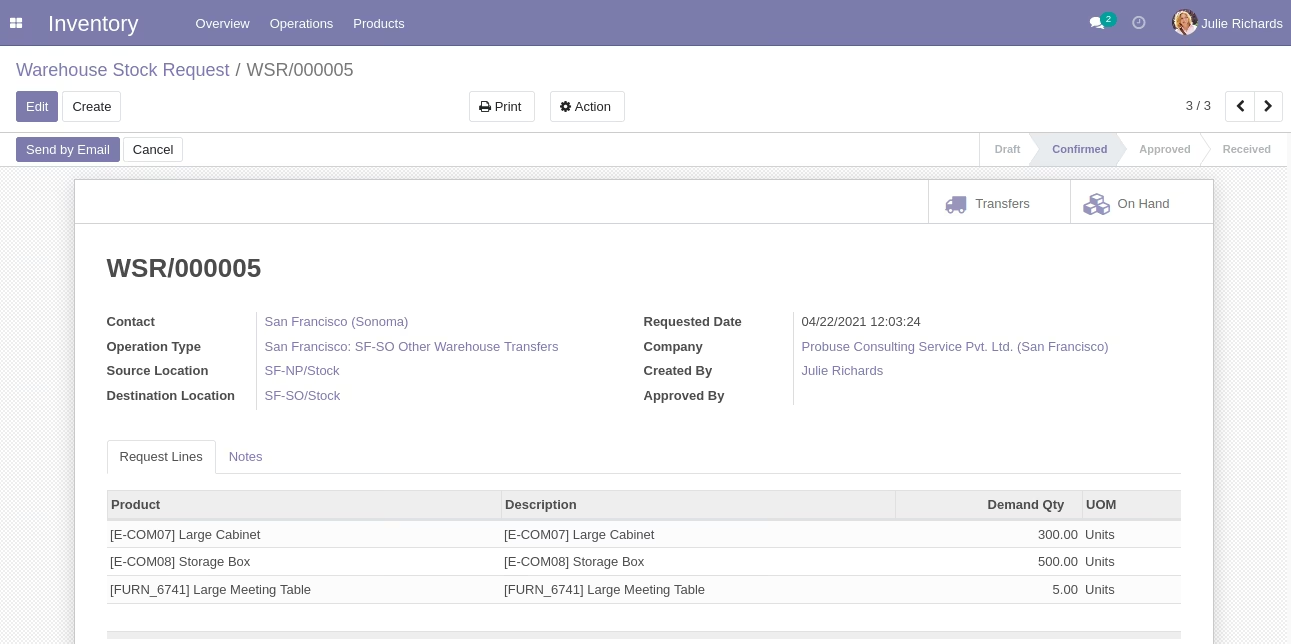
After Confirm
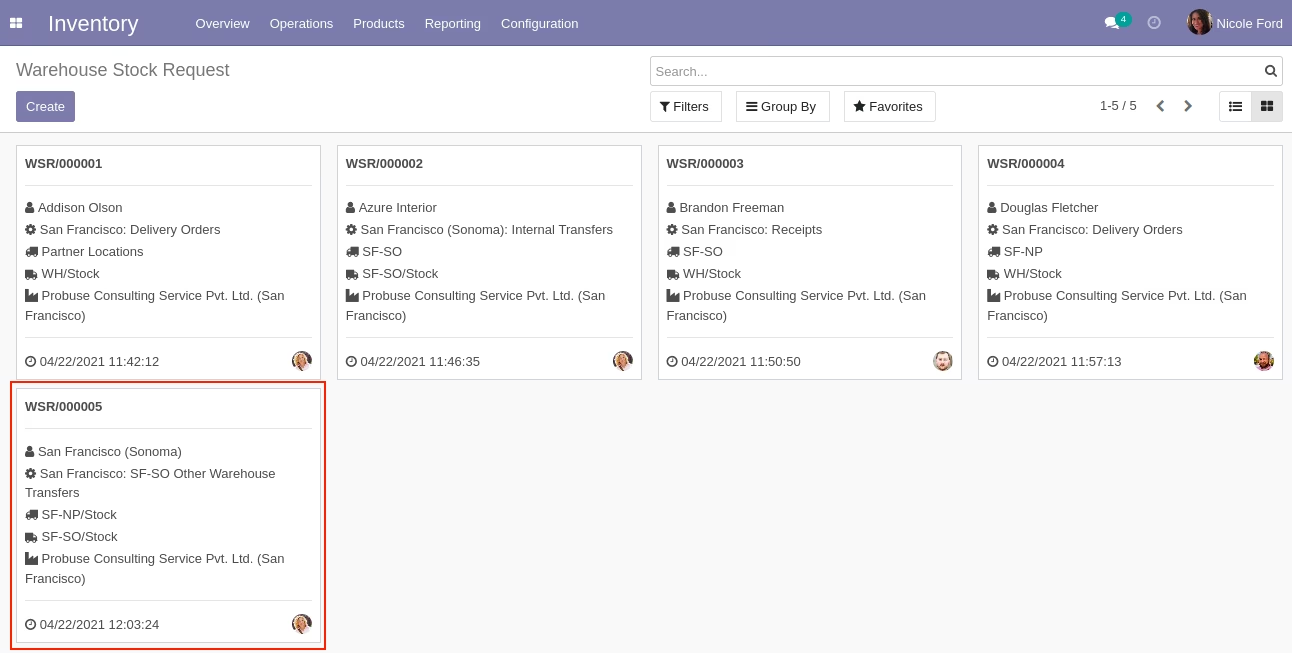
Warehouse Stock Request Kanban View
Create Picking Button
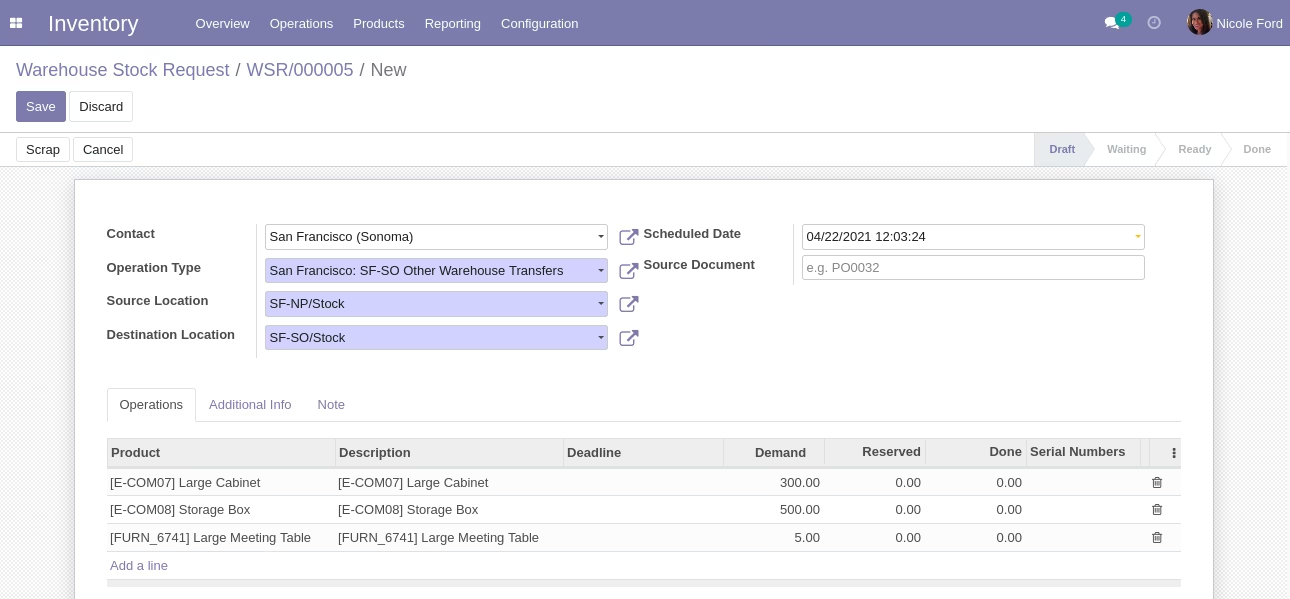
Create New Picking Edit Mode
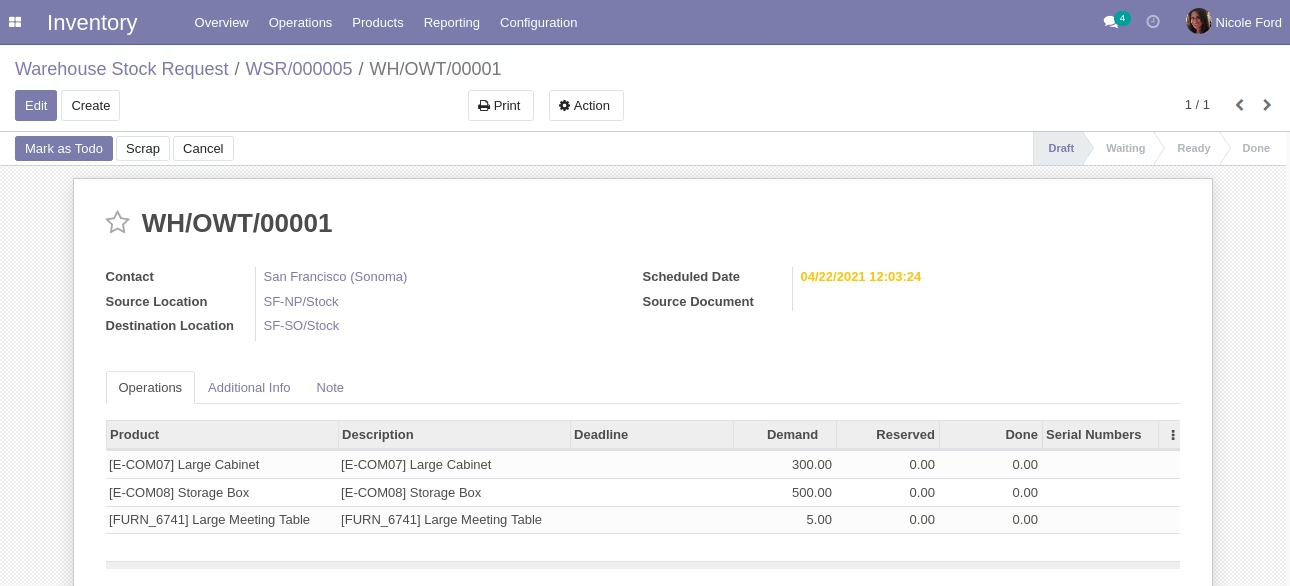
After Picking Save
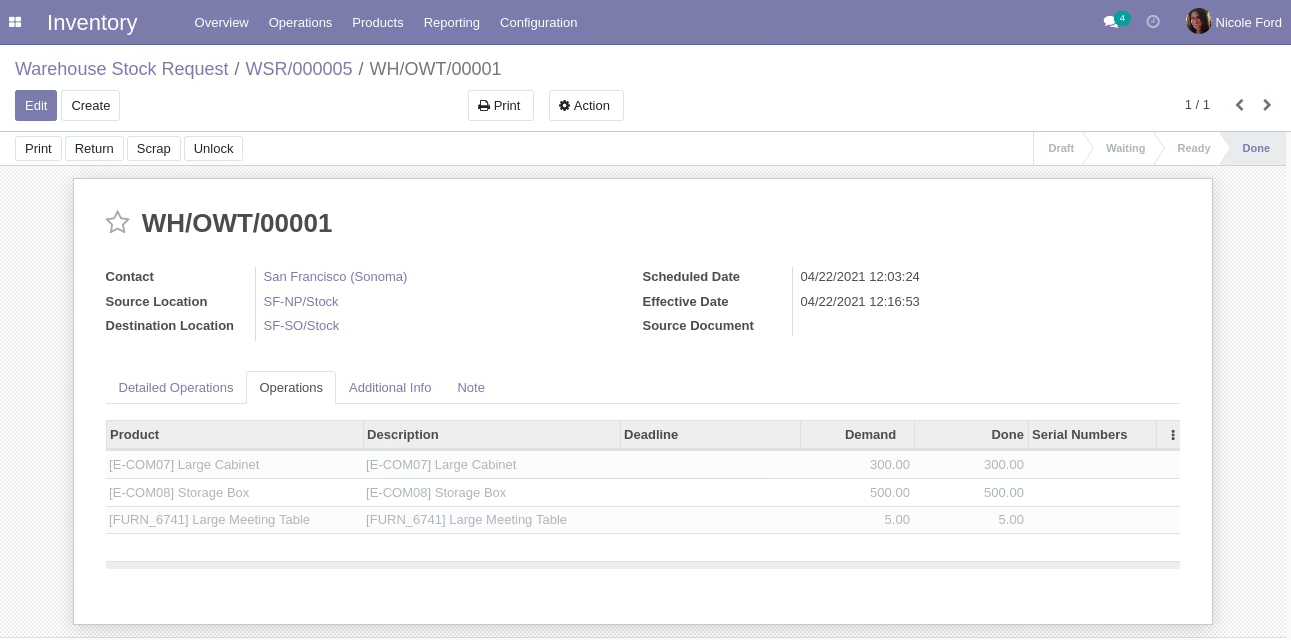
After Picking Done
Done Button
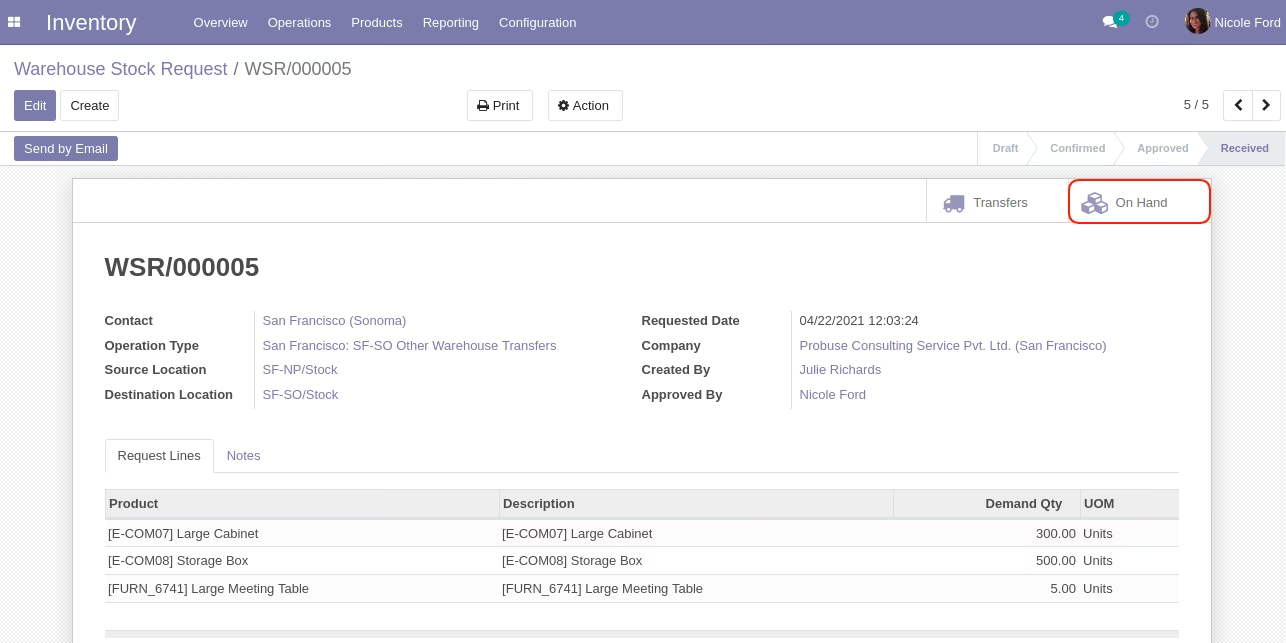
On Hand Smart Button (After Request Done)
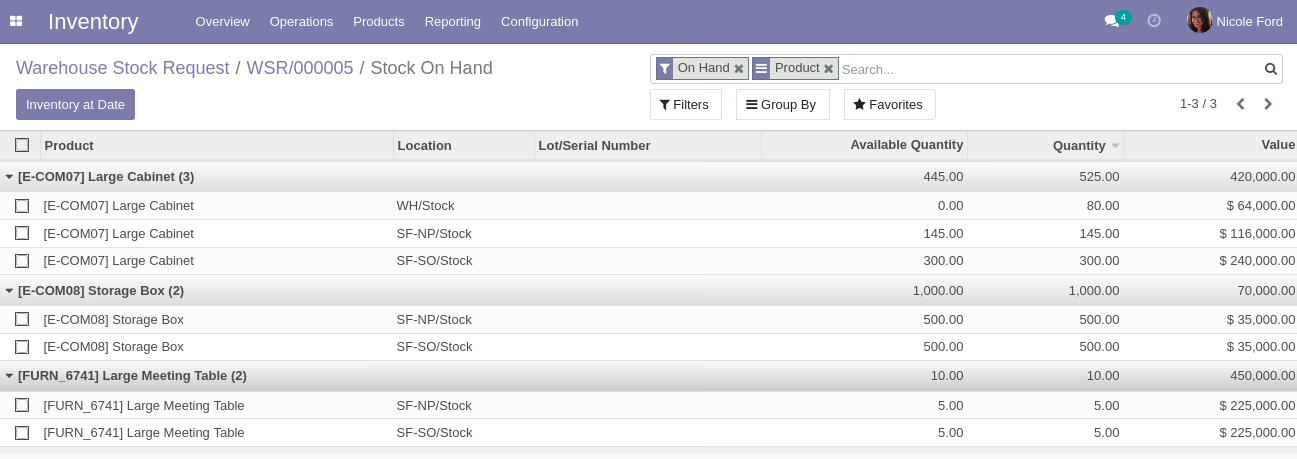
On Hand List View
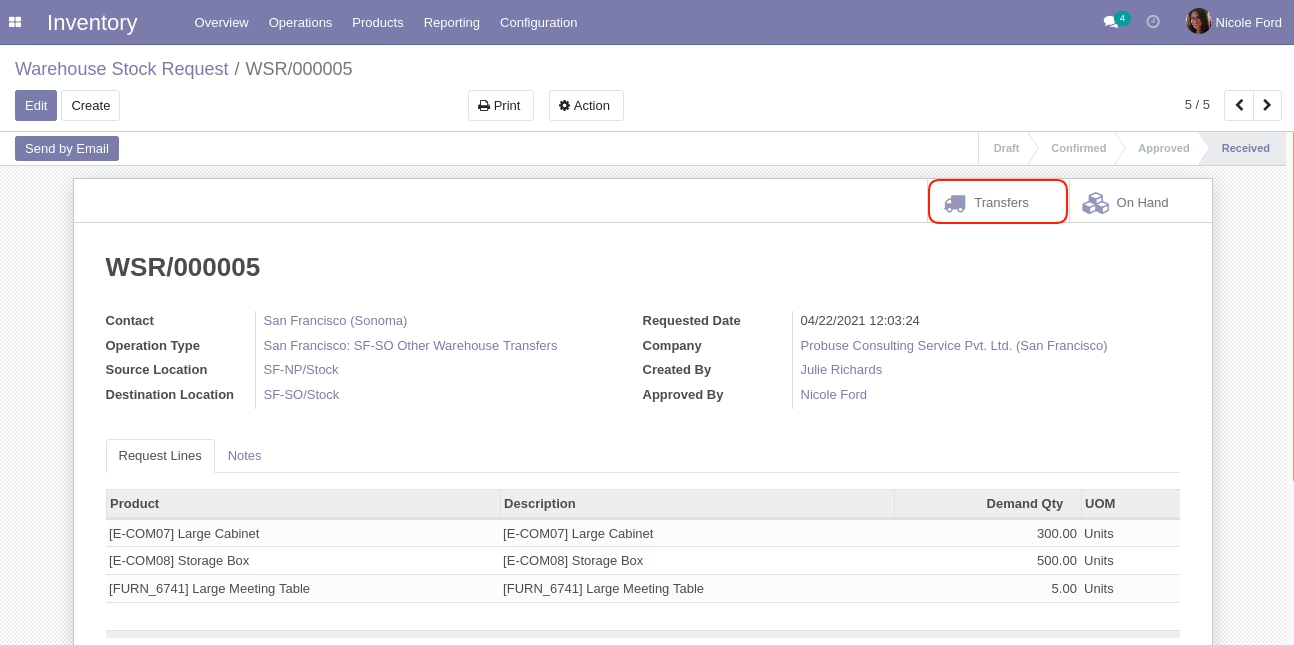
Transfers Smart Button
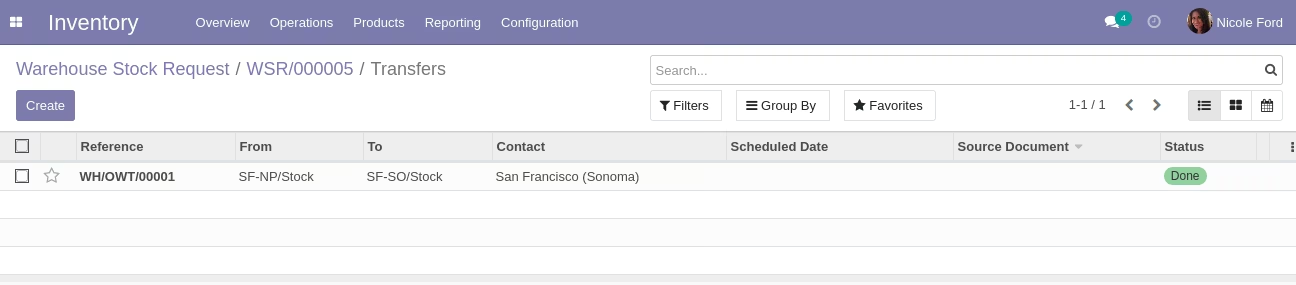
Transfers List View
Send by Email Button
Compose Email Wizard
Print Stock Request Menu
PDF Report