The SR Inventory Transfer Adjustment Force Backdate module enables businesses to backdate stock transfers and inventory adjustments, ensuring that inventory records accurately reflect historical data. This functionality is crucial for maintaining precise inventory tracking and financial reporting, especially when physical stock movements occur before they are recorded in the system.
Key Features
Backdating Capabilities: Allows users to specify a backdate for stock transfers and inventory adjustments, aligning system records with actual transaction dates.
Automatic Integration: Automatically applies the backdate to related stock moves and accounting entries, ensuring consistency across inventory and financial records.
User-Friendly Interface: Provides an intuitive interface for selecting backdates, simplifying the process of updating inventory records.
Comprehensive Coverage: Supports backdating for various inventory operations, including stock transfers and inventory adjustments, providing a holistic solution for inventory management.
Benefits
Accurate Historical Records: Ensures that inventory and financial records accurately reflect actual transaction dates, facilitating precise reporting and analysis.
Enhanced Traceability: Maintains a clear audit trail by applying backdates consistently across related records, improving transparency and accountability.
Operational Efficiency: Streamlines the process of updating inventory records with backdated information, reducing manual effort and minimizing errors.
Seamless Integration: Integrates smoothly with existing inventory and accounting modules, ensuring consistency and reliability across the system.
Inventory Adjustment And Stock Transfer Force Back Date
This odoo application allows you to transfer stock in back date also you can adjust inventory in back date from inventory Adjustment. It will adapt back date in related stock move and stock accounting entry either you transfer stock or adjust your inventory.
- Back Date in Stock Transfer
- Back Date in Inventory Adjustment
- Adapt Back Date in Related Stock Move and Stock Accounting Entry
- 50 days free support
Inventory Adjustment Back Date Flow
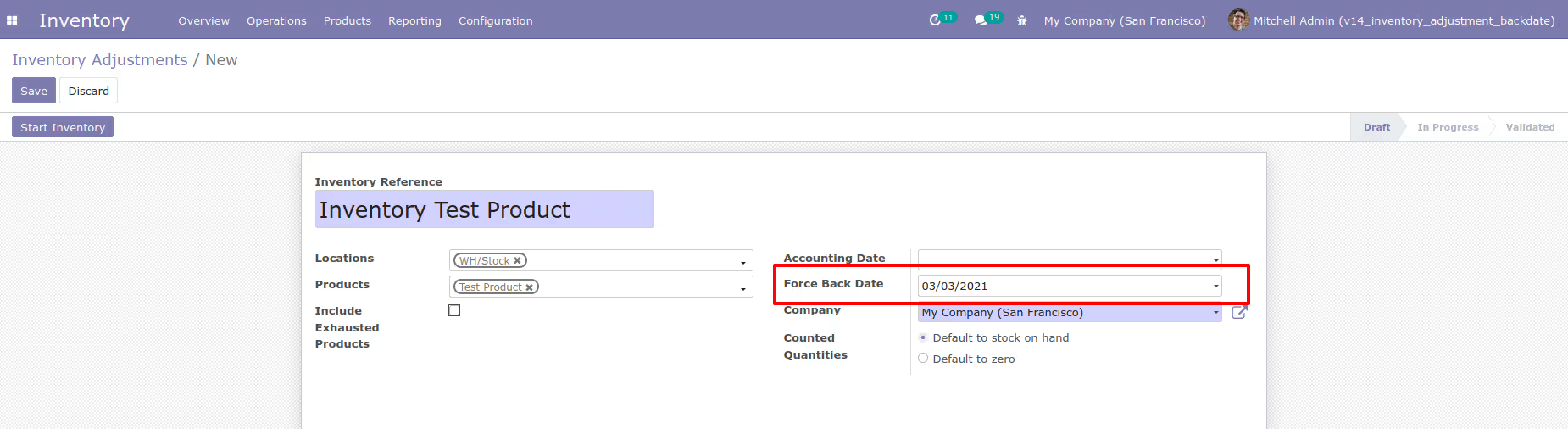
You can create inventory adjustment with back date.
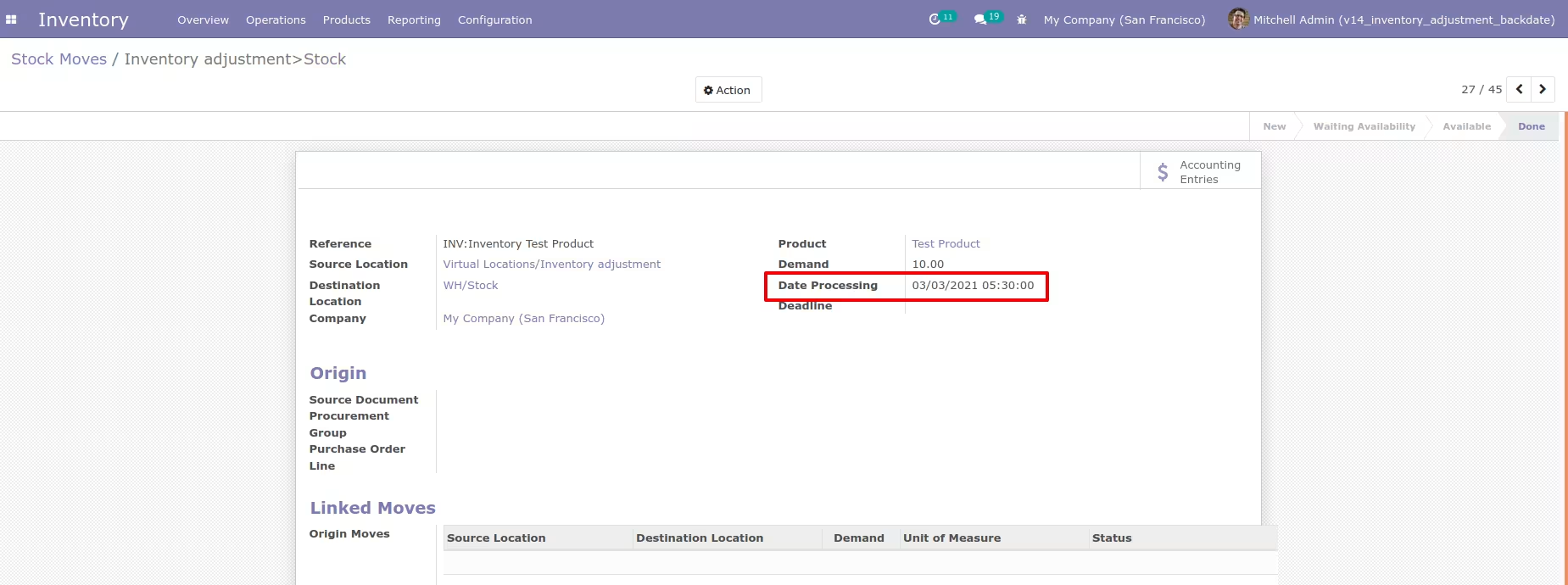
Generated stock move with back date from inventory adjustment.
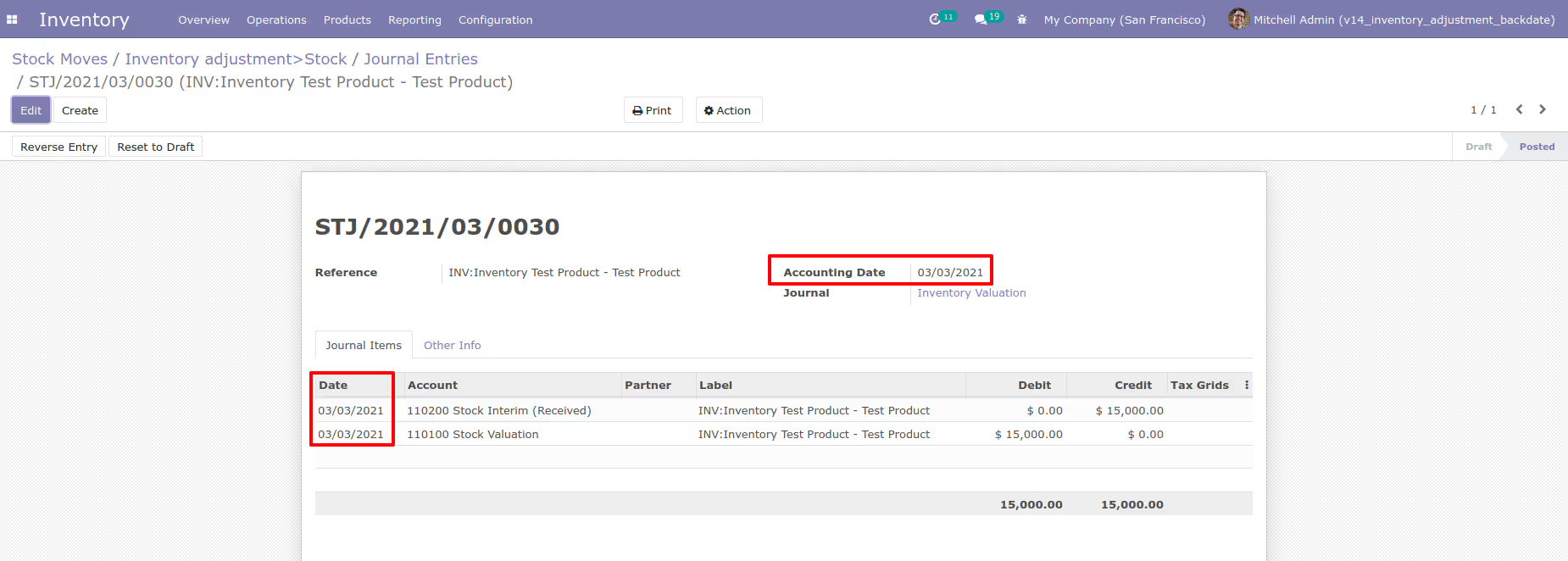
Generated stock accounting entry with back date from inventory adjustment.
Incoming Shipment Back Date Flow
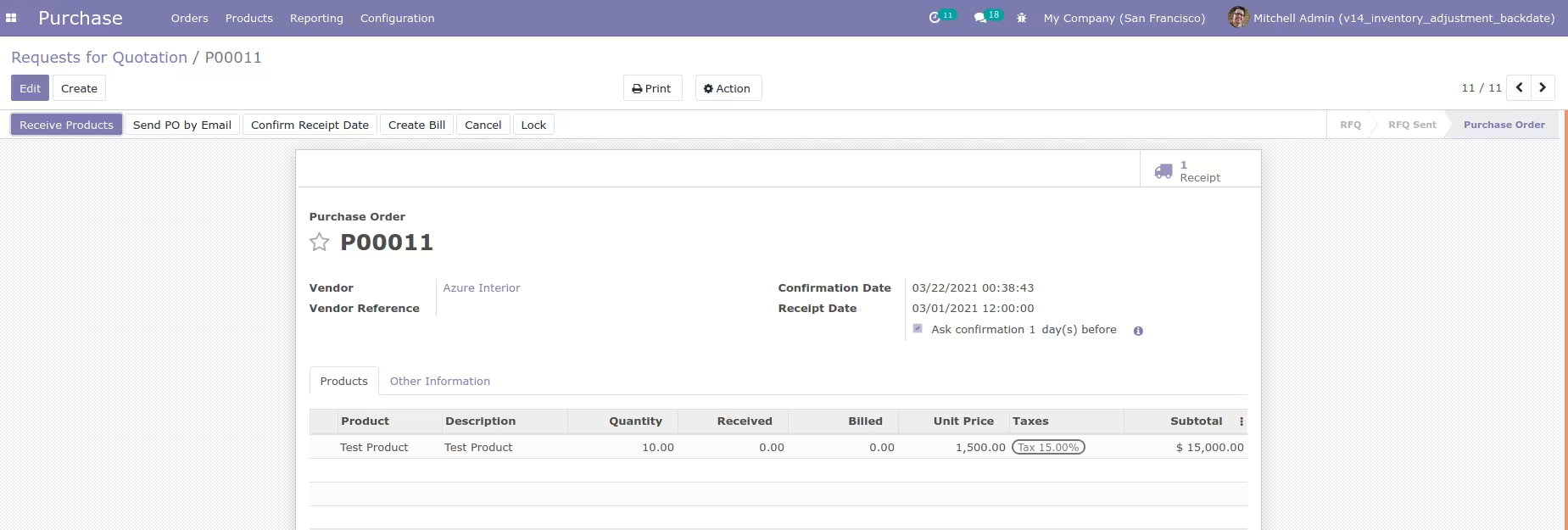
First you can create purchase order and comfirm it. It will generate incoming shipment.
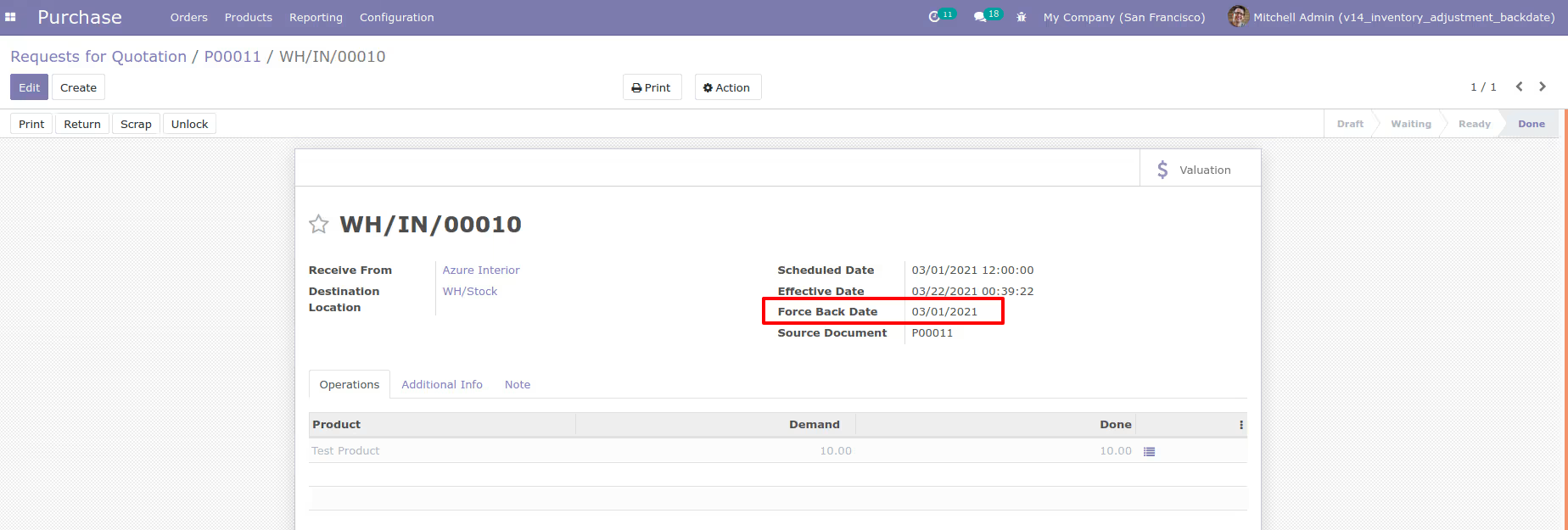
Enter back date and validate incoming shipment. It will generate stock move and stock accounting entry (Based on your costing method)
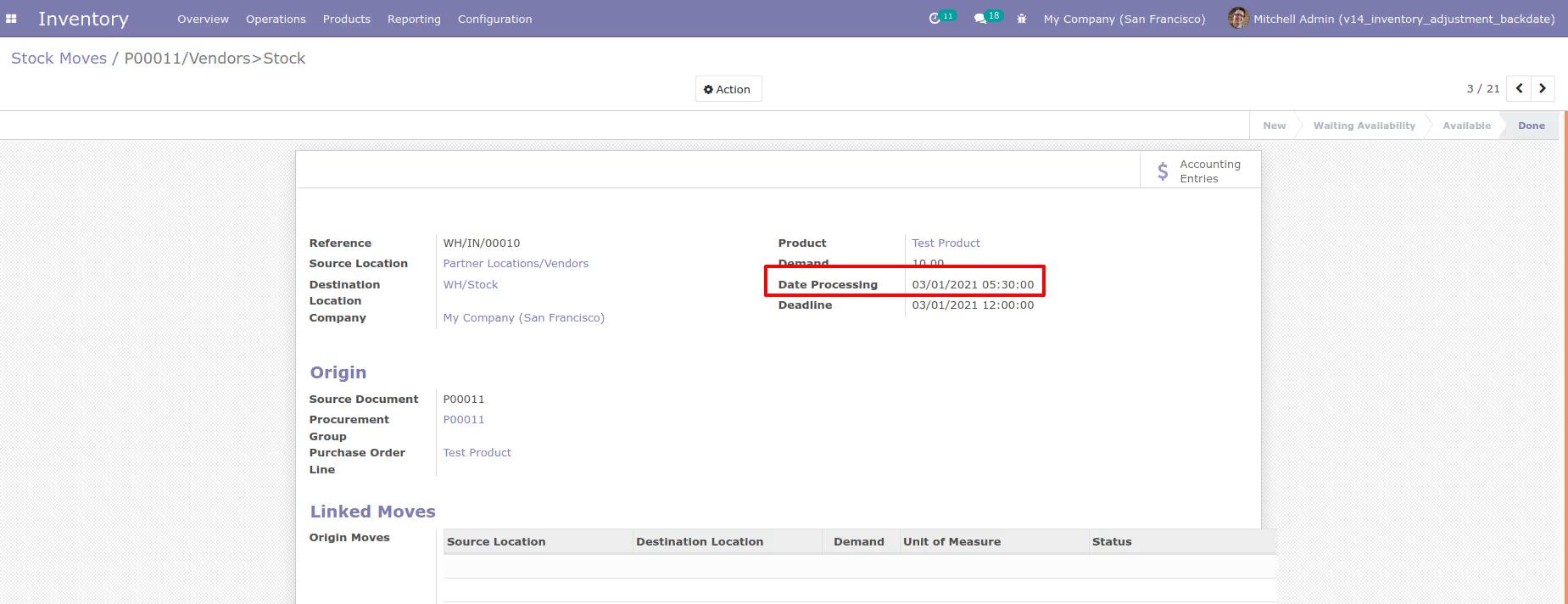
Generated stock move with back date from incoming shipment
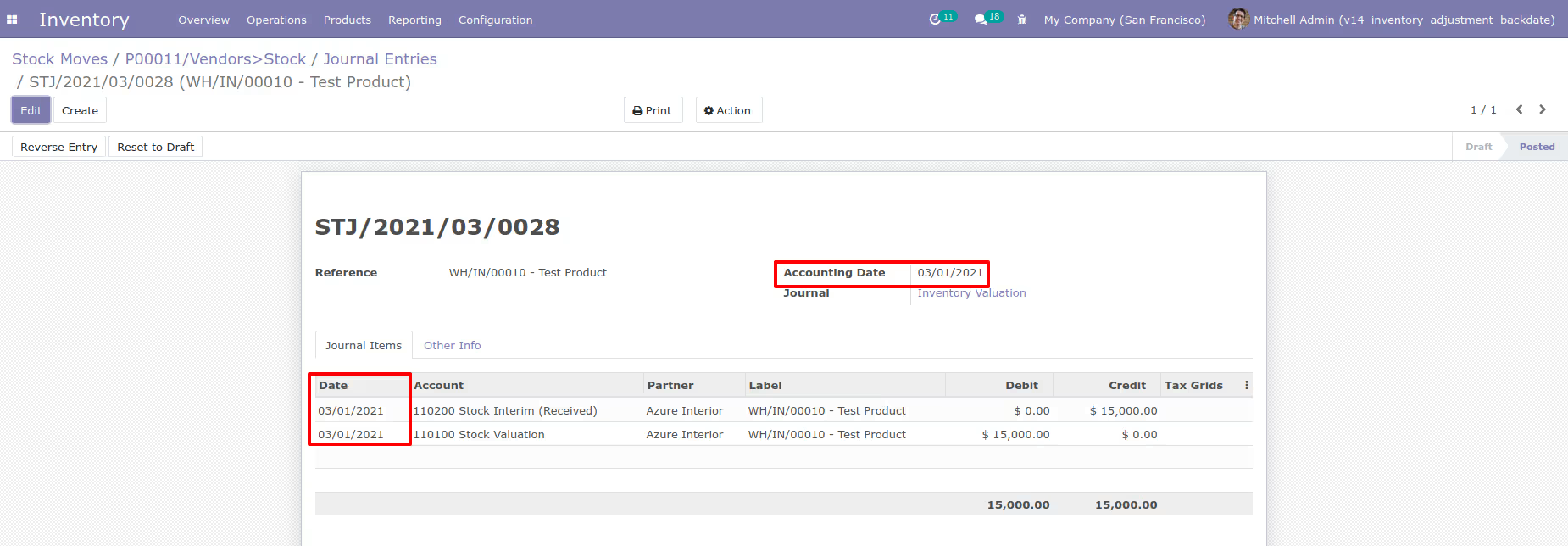
Generated stock accounting entry(Based on your costing method) with back date from incoming shipment
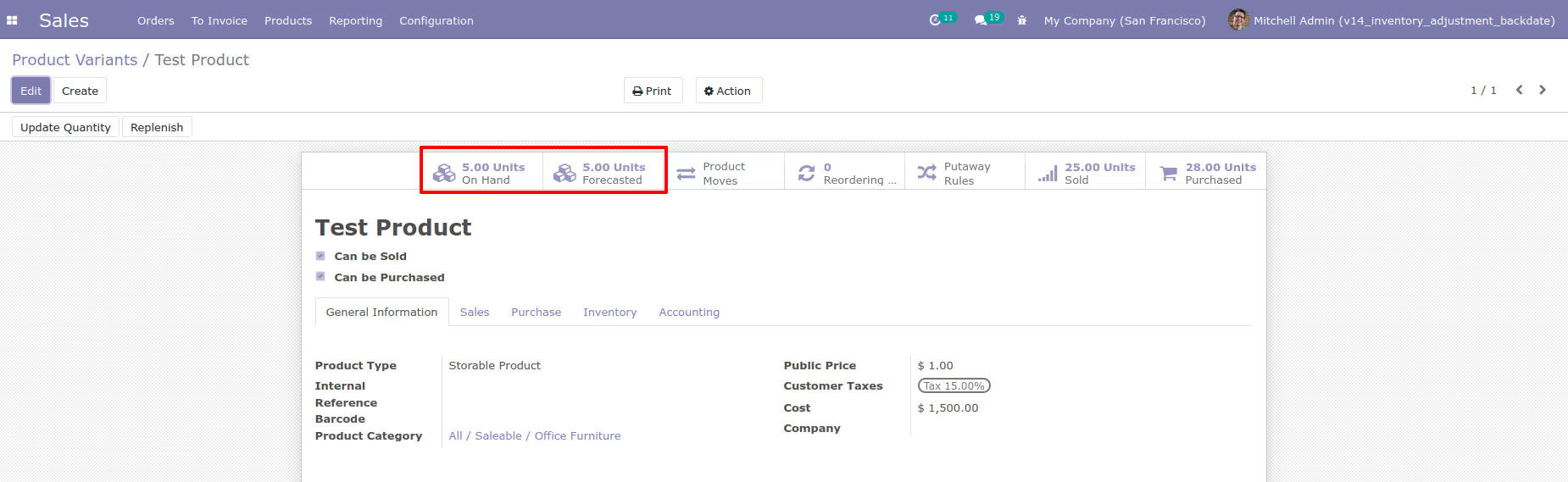
Here, you can see product on hand quantity
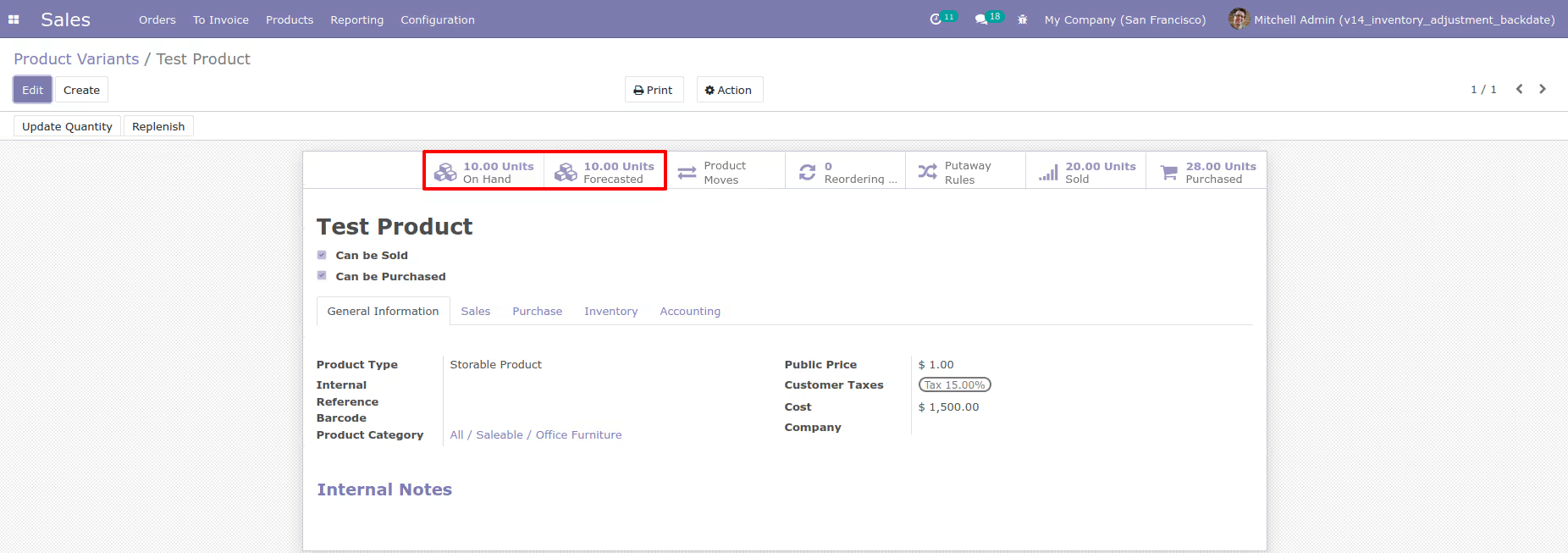
Outgoing Shipment Back Date Flow
First you can create sales order and comfirm it. It will generate outgoing shipment.
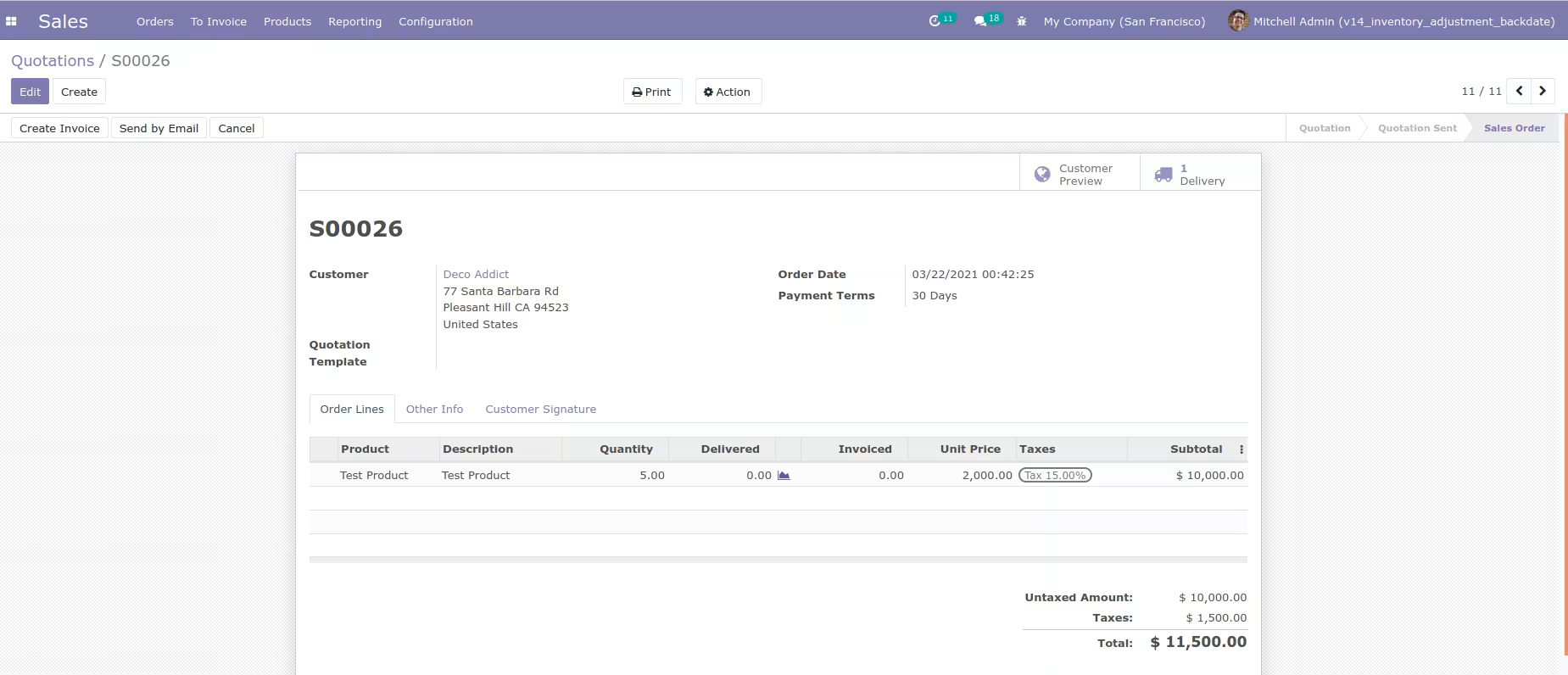
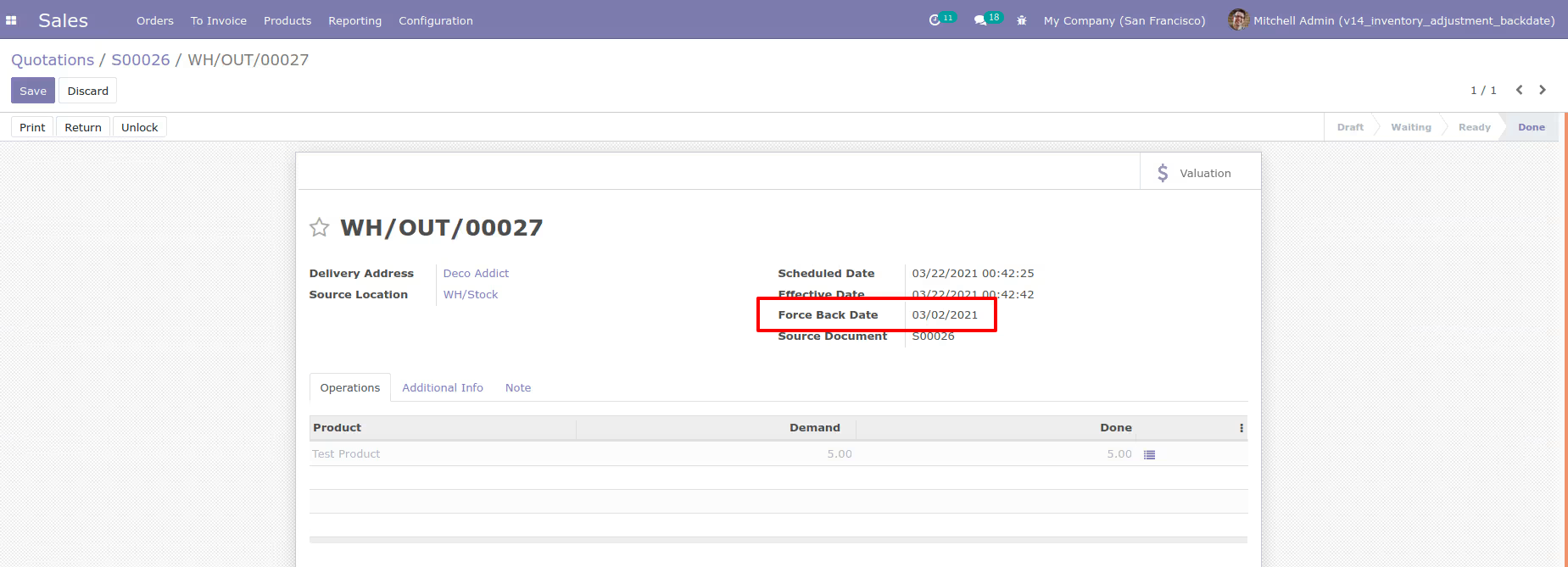
Enter back date and validate outgoing shipment. It will generate stock move and stock accounting entry (Based on your costing method)
Generated stock move with back date from outgoing shipment
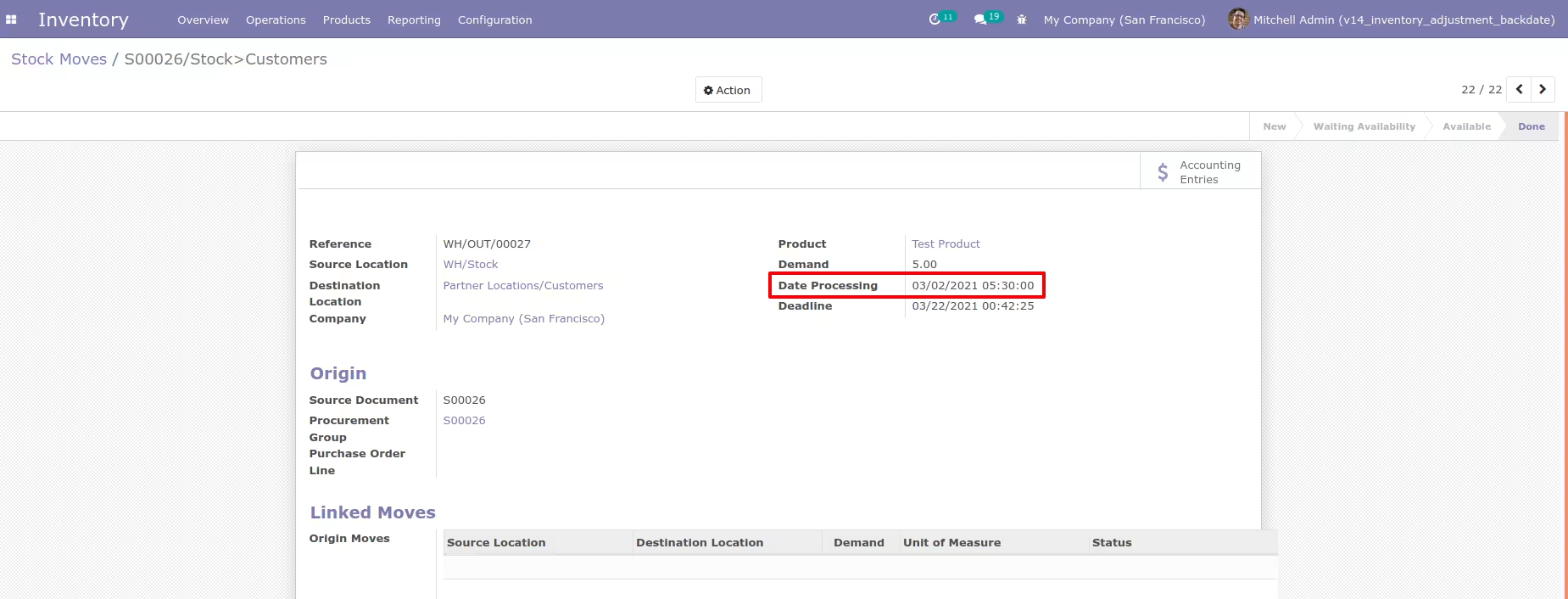
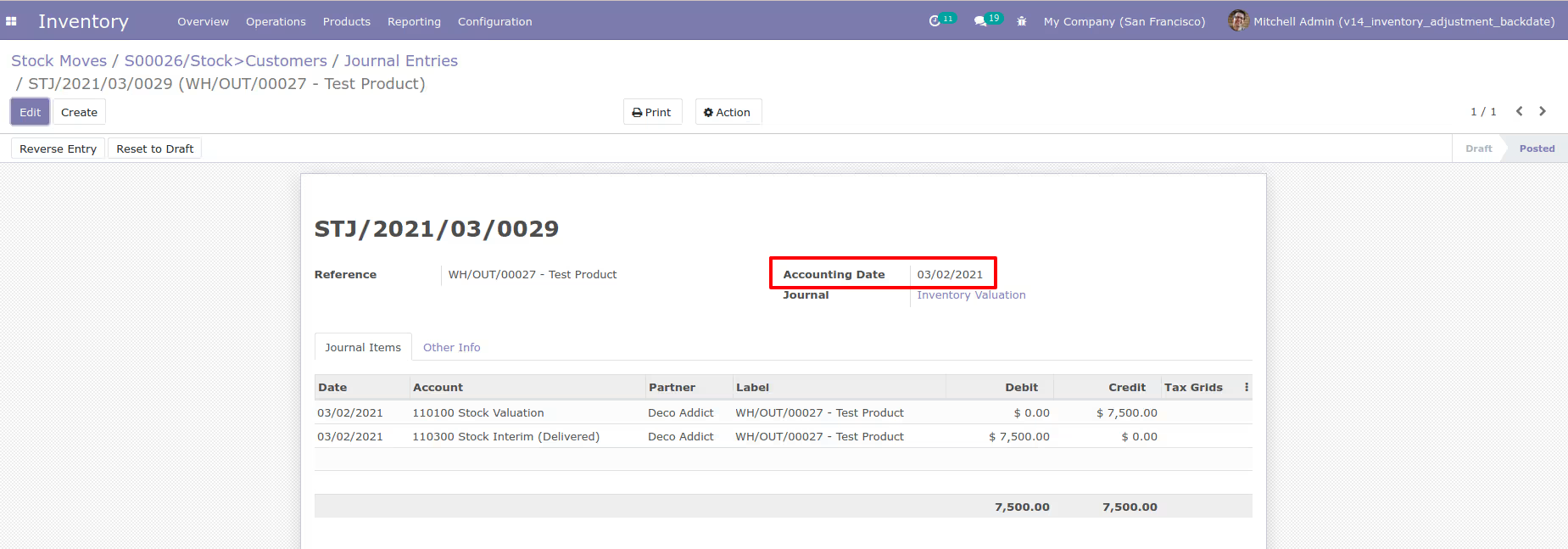
Generated stock accounting entry(Based on your costing method) with back date from outgoing shipment
Here, you can see product on hand quantity