Introduction
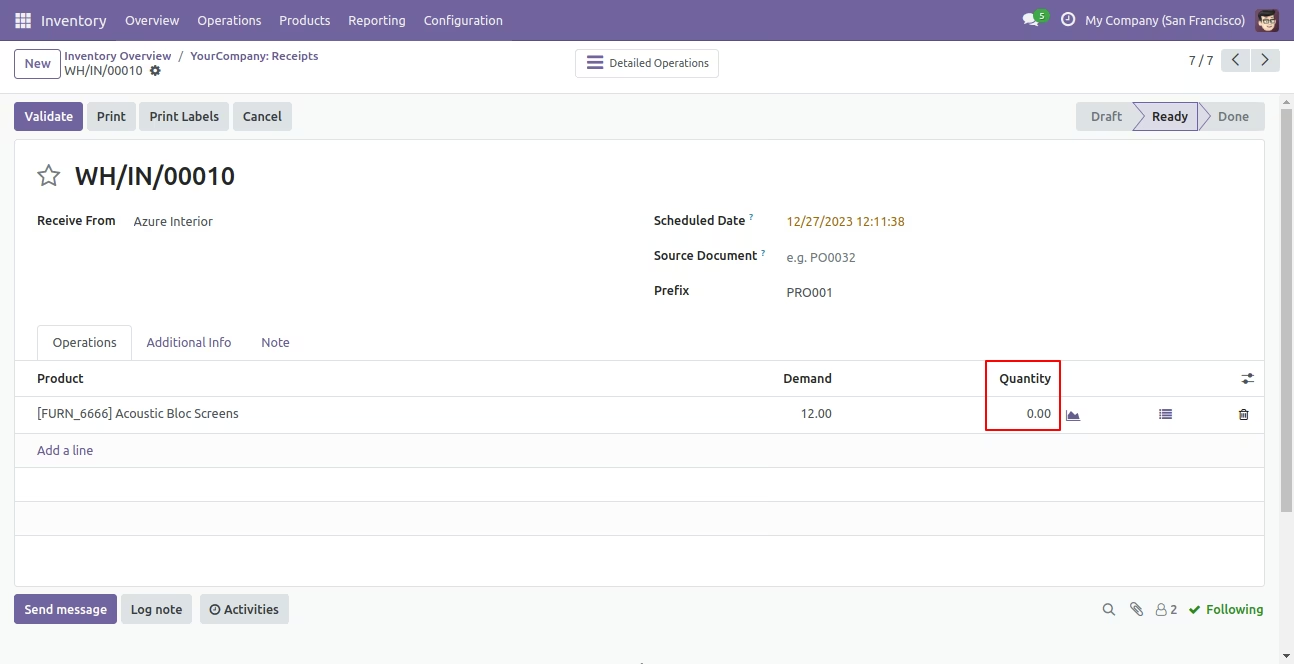
The module enhances inventory management by automating the generation of lot numbers during incoming shipments. By configuring product tracking to "By Lots" and specifying a prefix, users can quickly assign lot numbers to received products, improving traceability and reducing manual data entry.
Automatically generates lot numbers for incoming shipments based on specified prefixes and quantities.
Simplifies the process of assigning lot numbers during receipt of goods.
Improves inventory traceability and accuracy by automating lot number assignment.
Saves time and reduces errors associated with manual lot number assignment.
Enhances product traceability throughout the supply chain.
Streamlines inventory management processes, leading to increased efficiency.
This module auto generates lot numbers for receipts. Just select "By Lots" in tracking and enter prefix number in receipt then click "Assign Lot Numbers". So it generates lot number based on lot quantity and prefix number.
- You can generate lot numbers for receipts.
- No need to generate lot number manually.
- You can generate lot number based on prefix.
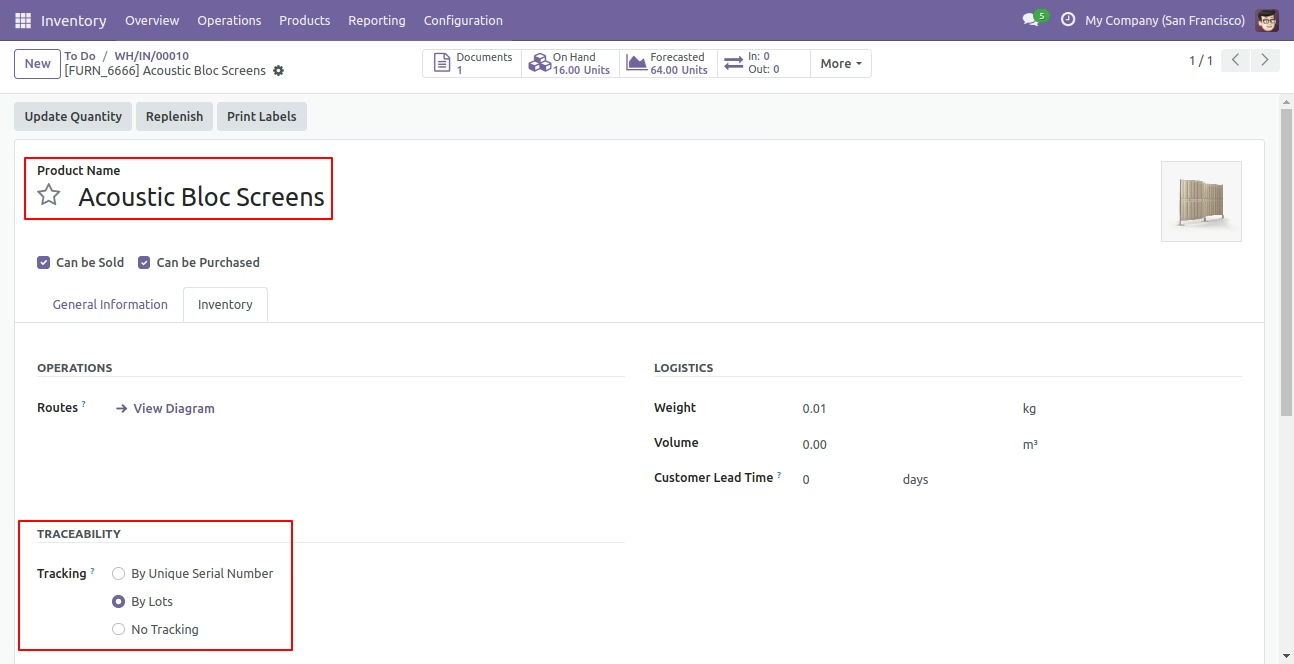
Select 'By Lots' in the tracking.
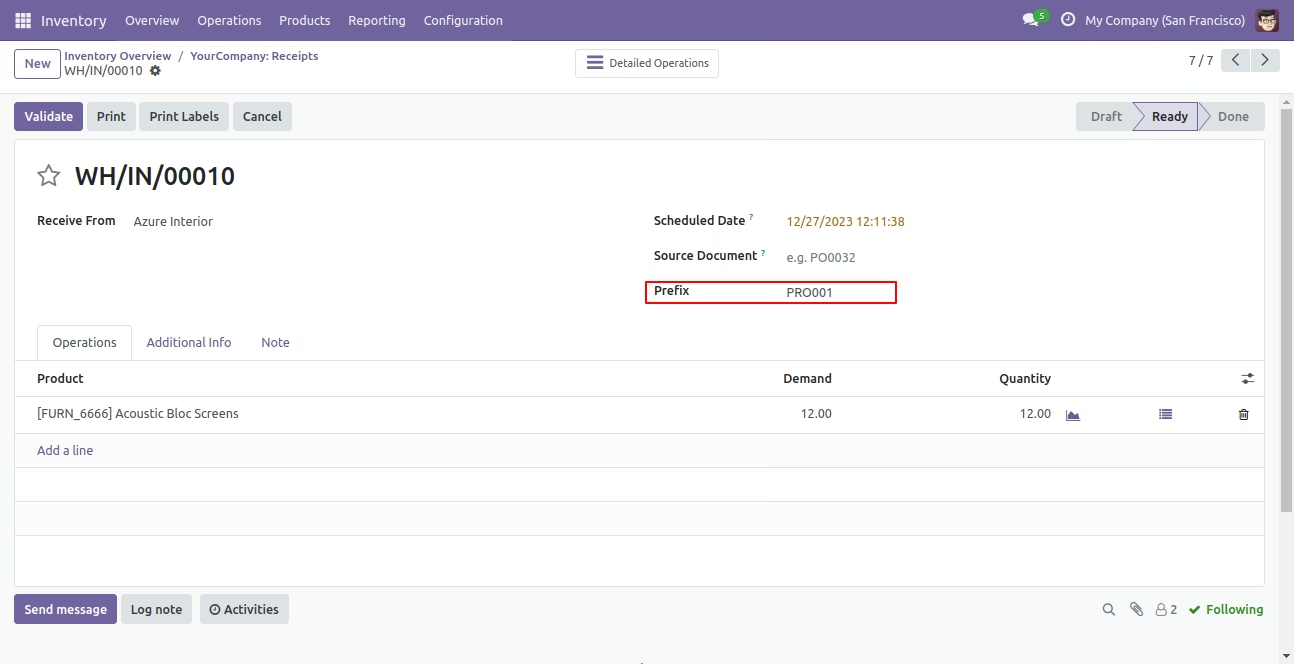
Enter prefix no in deliver order.
In the detailed operations, enter qty of lot number.
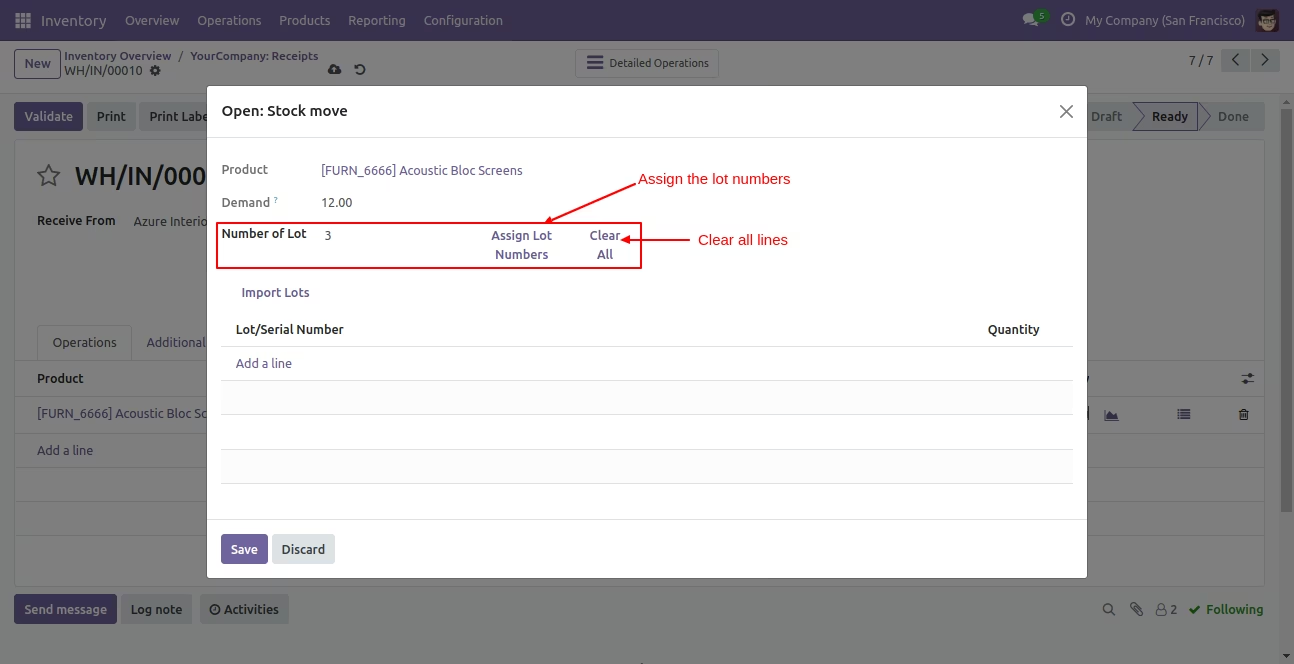
It will automatically assign lot number based on prefix and lot quantity.
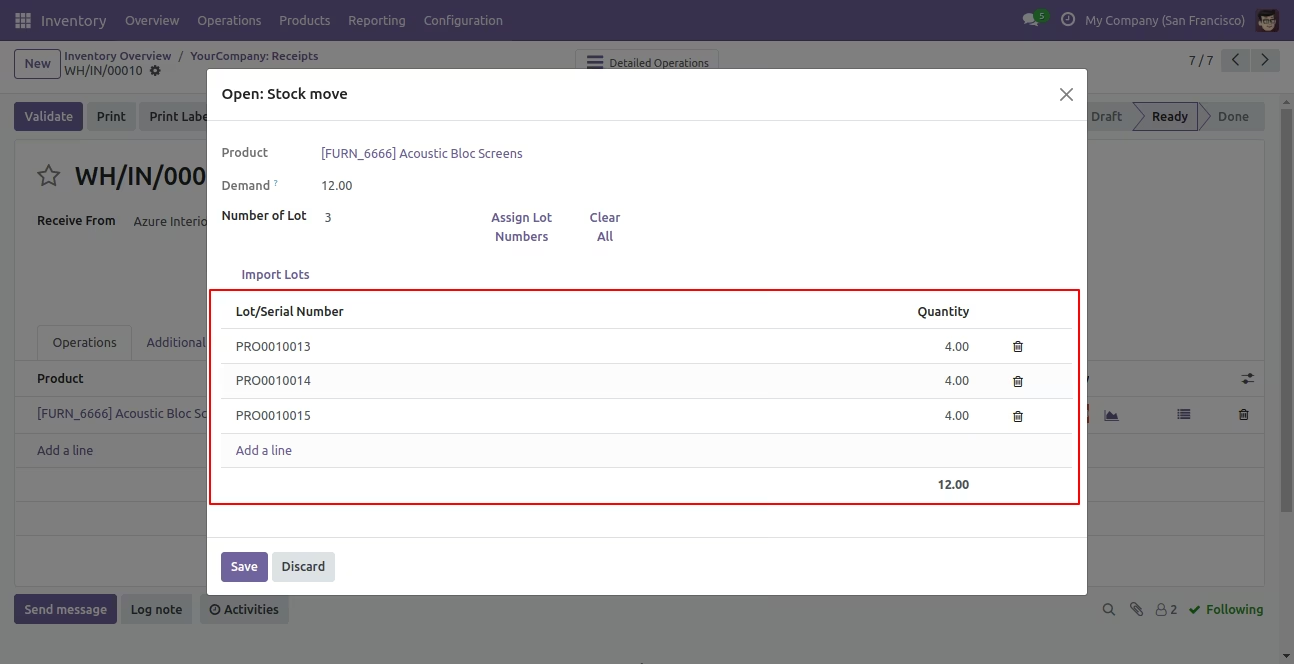
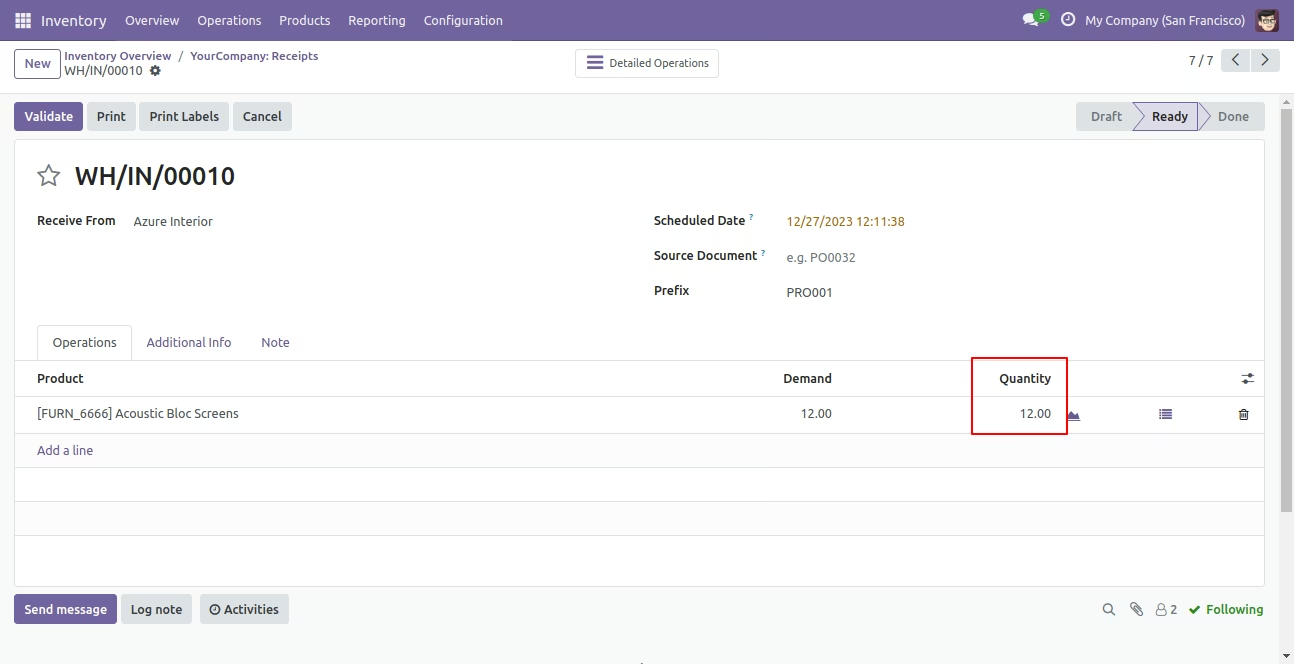
Done quantity in the delivery order.
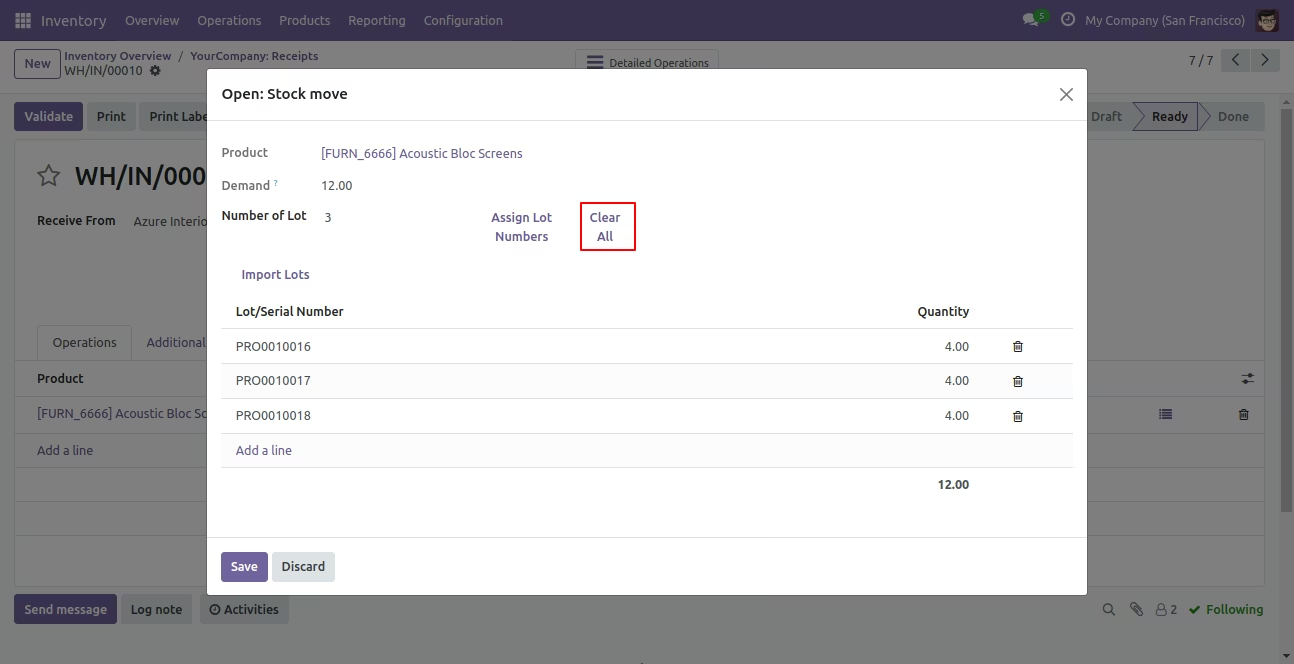
You can clear all lot numbers.
Lot no is cleared.
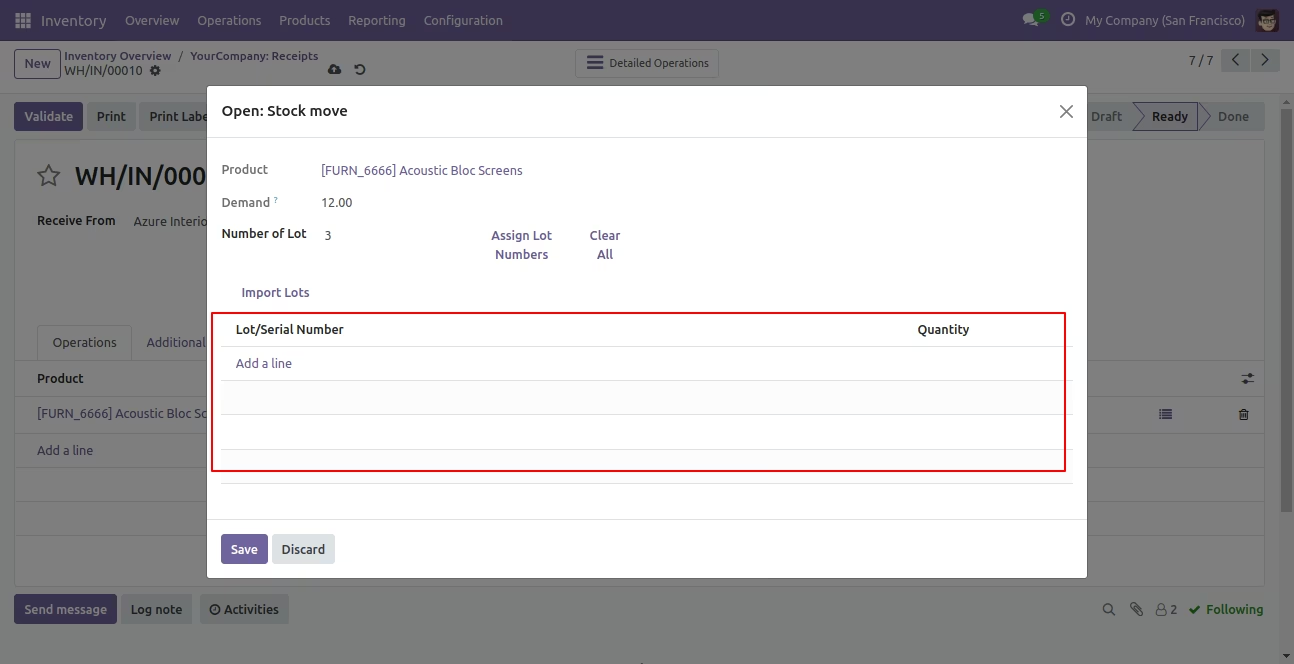
Lot no is cleared from the order as well.