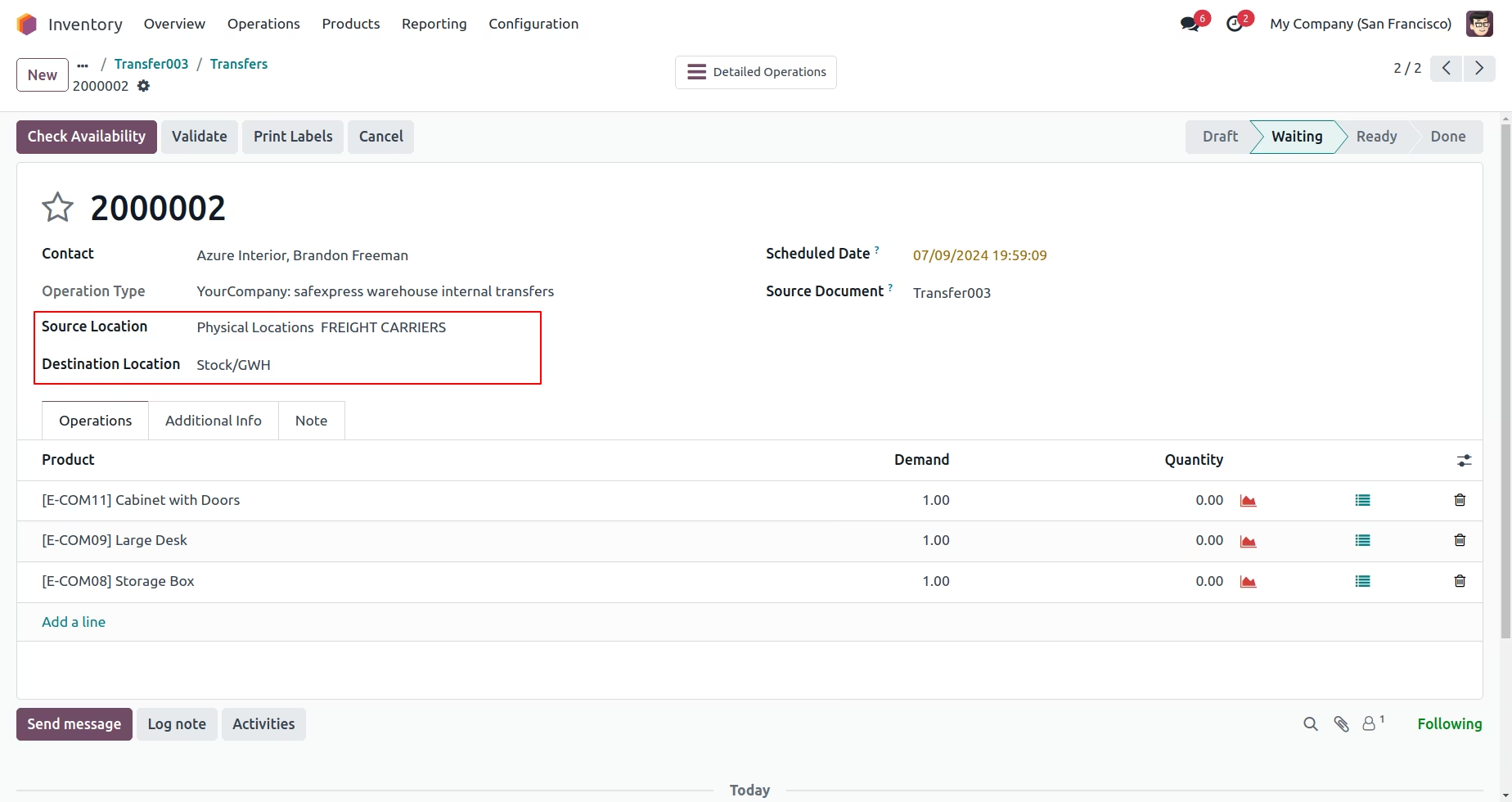
The module enhances internal logistics workflows by enabling seamless stock transfers between various locations such as warehouses or storage zones. It simplifies the administrative side of inter-location movement, offering businesses better control, accuracy, and efficiency in managing inventory flows.
Create internal transfer orders to move products between warehouses or stock locations.
Support transit stages using virtual or intermediate locations for controlled workflows.
Option to configure both single-step and multi-step transfer routes depending on complexity.
Support grouping and filtering of transfers by location, product, or status for organized tracking.
Compatible with multi-warehouse and inventory reordering capabilities.
Streamline internal logistics with a structured method for moving stock safely and efficiently.
Increase traceability and reduce errors by using proper transfer documentation and transit points.
Support operational complexity with configurable transfer workflows (direct or via transit).
Improve warehouse management visibility and inventory planning.
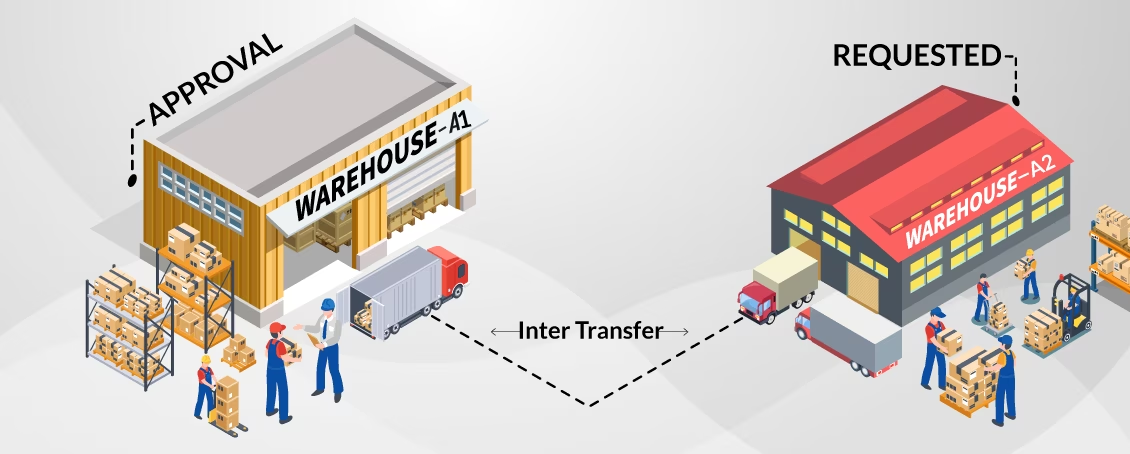
This application benefits inventory managers & users to transfer different products related stock between multiple warehouses managed under a same company
Here approval of a responsible person for example inventory manager will be required for internal warehouse stock transfer requests generated by different inventory users.
 Community
-
Enterprise
(On-premises) - .sh
 Online

Inter Warehouse Feature

Inventory Manager Approval

Easy Management

Location Change Feature

Users Product Check
| Inter Warehouse feature | Internal stock transfer operations are handled effectively within multiple warehouses of a same company. |
|---|---|
| Inventory Manager Approval | Approval of Inventory Manager will be required for internal warehouse stock transfer requests generated by Inventory users. |
| Easy Management | Internal stock transfers will be managed easily and efficiently with the help of Transit location. |
| Location Change Feature | Easily change product location while receiving product. |
| Users Product Check | Users can check stock availability for products from Inventory transfers. |
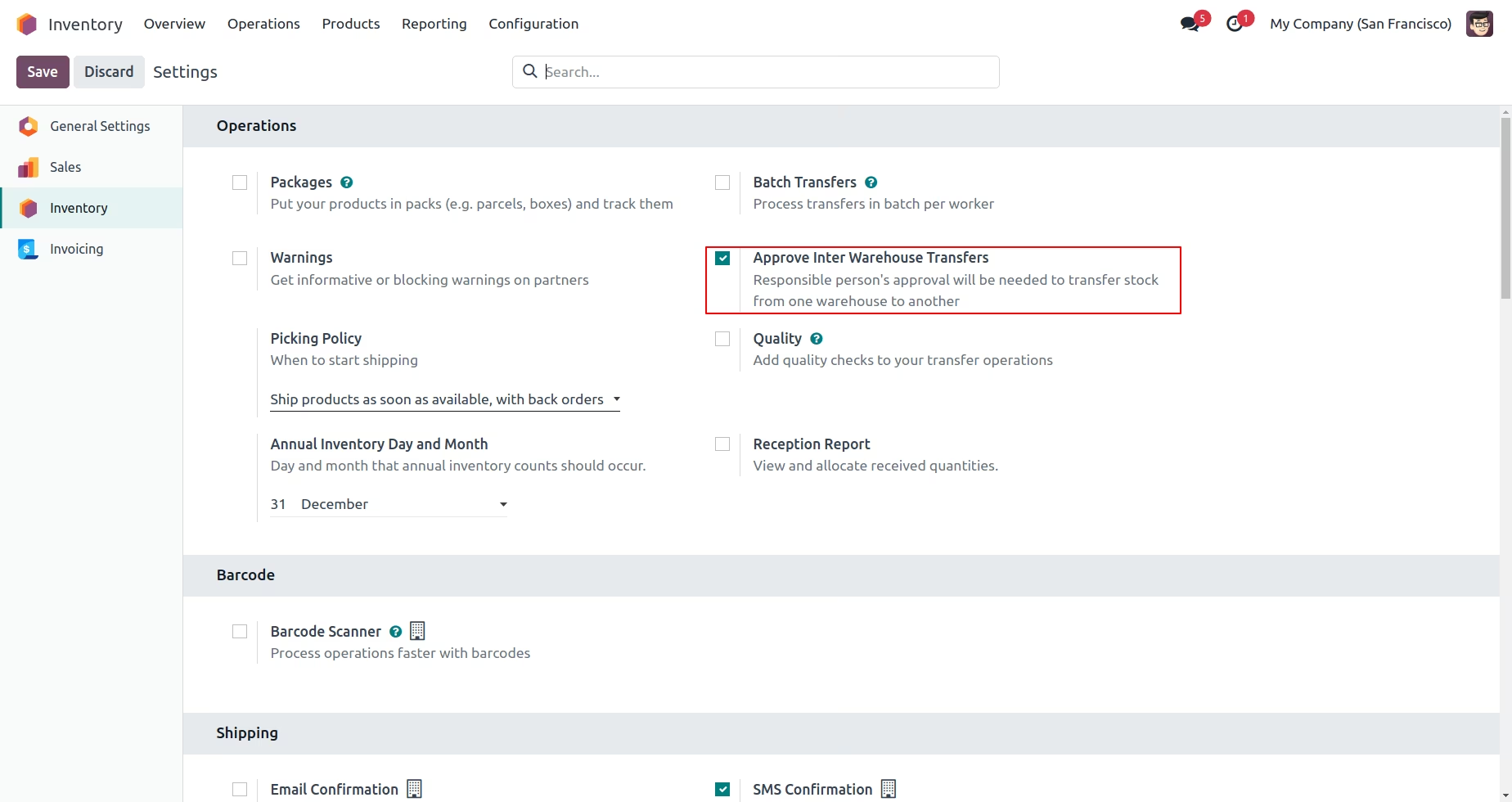
For configuration, Go to Inventory >> Configuration >> Settings
Users will be able to see "Approve Inter Warehouse Transfers" option is enabled, this option describes that when any Inventory user will generate internal transfer then Inventory Manager's approval will be necessary.
Menu Sequence: Inventory >> Operations>> Inter Warehouse Transfer >> Inter Transfer
Inventory user has rights to create an Internal Warehouse transfer from one warehouse location to another warehouse location internally.
From Source Location - Stock/SWH/SWH/Stock
To Destination Location - Stock/GWH/GWH/Stock
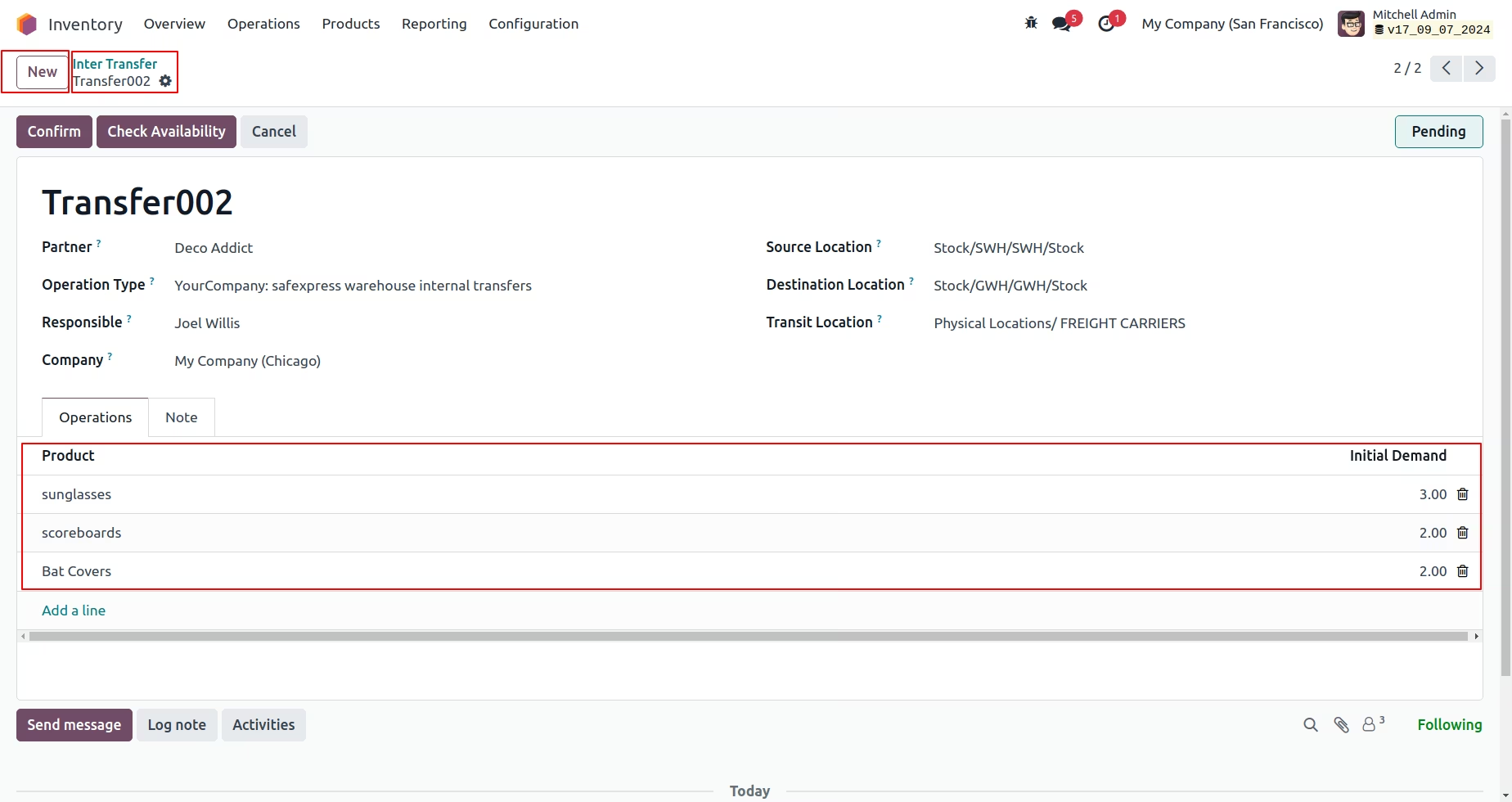
Inventory user are able to create request for Internal Transfer.
Inventory Manager have rights for Approve user request.
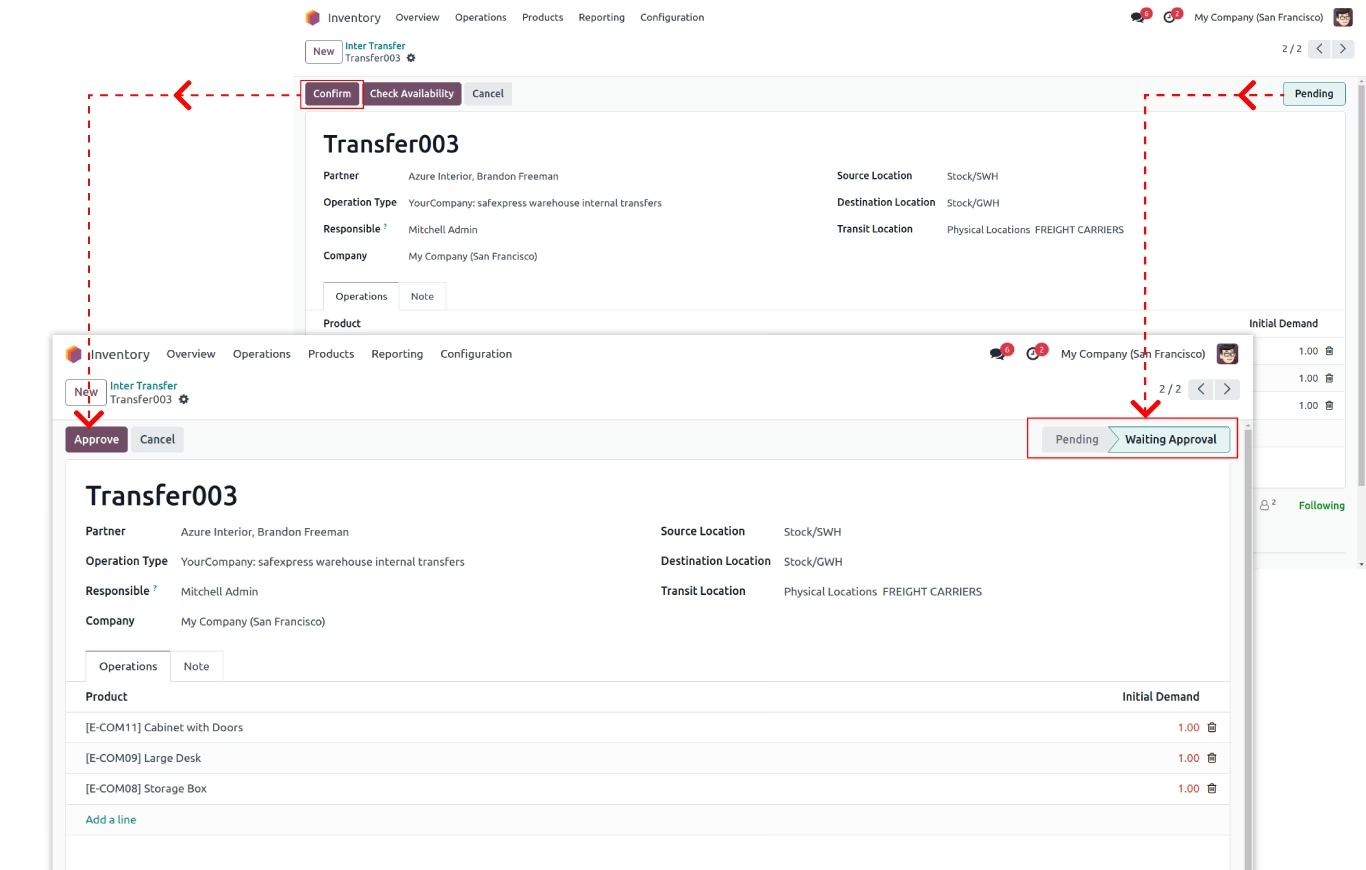
By clicking on "Generate Transfer" button system will create transfers according to selected locations.
Please note that here Inventory manager will be able to Generate Transfer or cancel it.
System will create 2 Transfers:- Source location to Transit location.
- Transit location to Destination location.
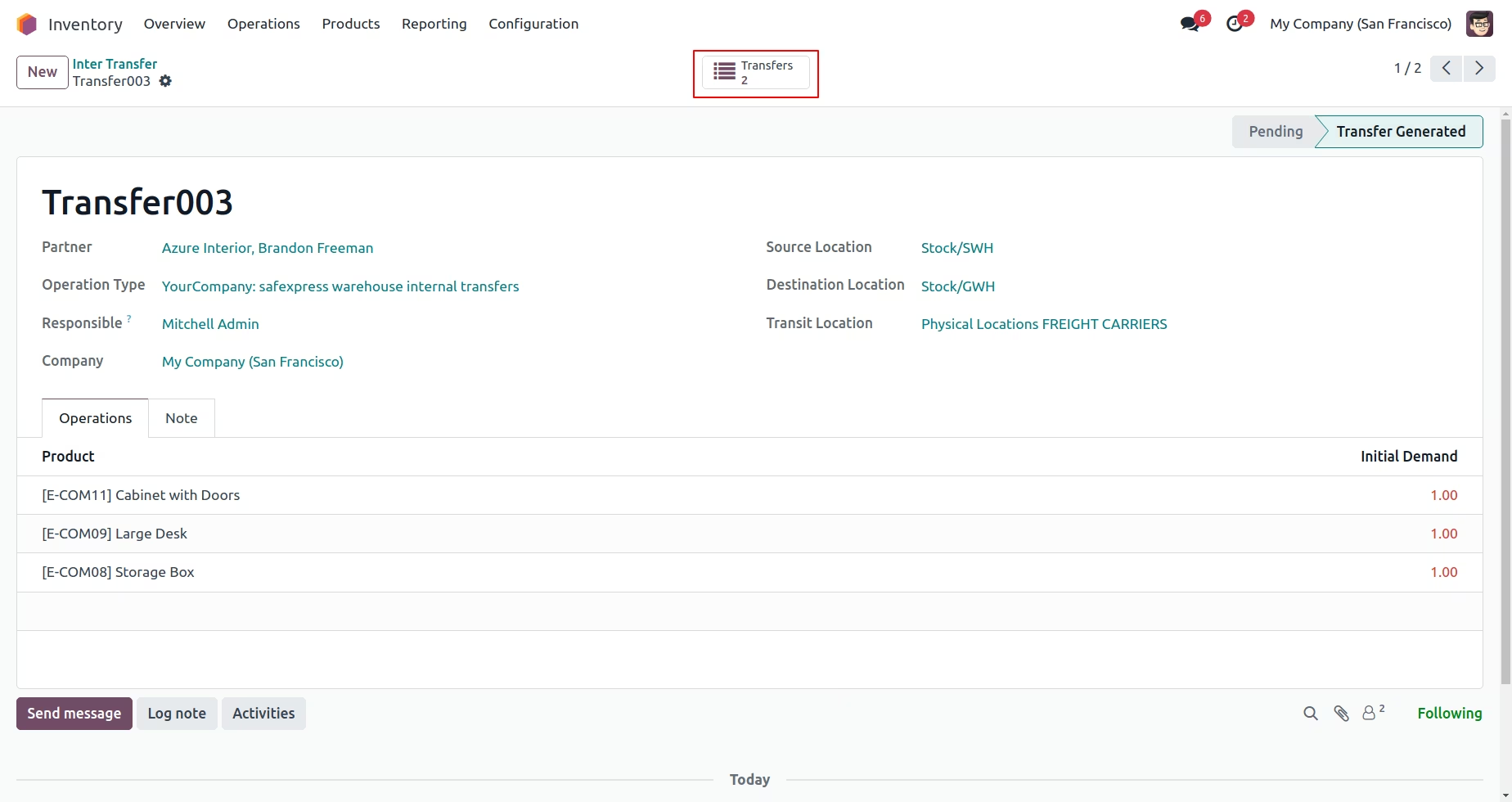
By clicking on "Transfers" records inventory users will be able to manage and proceed them ahead.
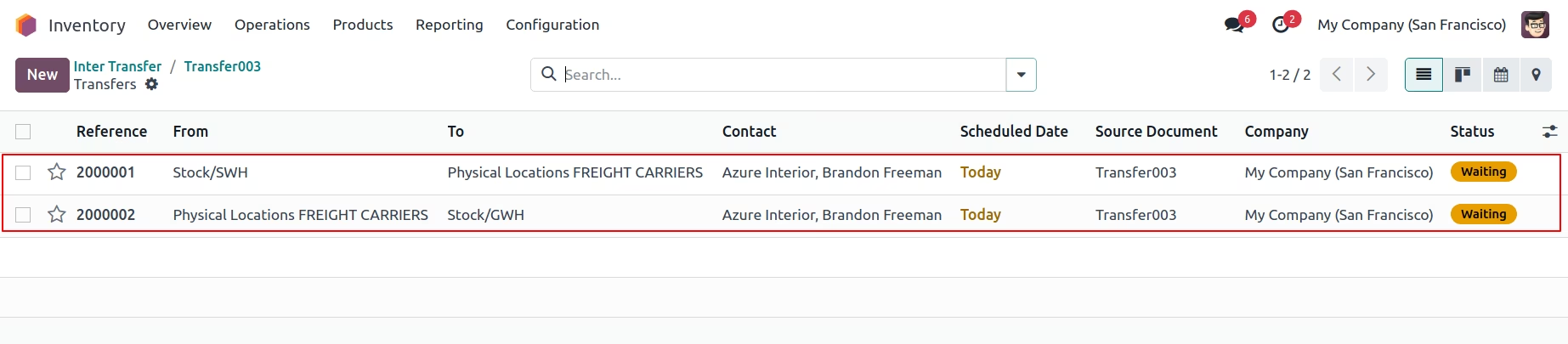
Inventory user will validate transfer orders.