The module is designed to automate business processes between companies within the same environment. Whenever one company creates a sales order, purchase order, invoice, bill, or stock transfer involving another company, the module generates the corresponding document in the other entity automatically.
This ensures seamless collaboration between multiple companies, reduces manual work, and improves accuracy in financial and operational records.
Automatic synchronization of sales and purchase orders across companies.
Mirror invoices and vendor bills between related entities.
Handle stock transfers between companies with proper documentation.
Configurable synchronization rules for greater flexibility.
Ensure consistency of products, partners, and accounting data across entities.
Save time by eliminating manual duplication of documents.
Improve accuracy with consistent data across all entities.
Enhance efficiency in managing inter-company sales, purchases, and inventory.
Support scalability for organizations with multiple branches or subsidiaries.
Facilitate reporting and consolidation across different companies.
Inter Company Transfer and Warehouse Transfer
The main purpose behind developing this app is to manage the product transfer between multiple companies and warehouses managed under the same roof. With an auto document generation facility, the transfer operations are handled effectively within companies or partners. With this app, you can now track your stock more effectively while fulfilling the demands.
Easy Interface to Exchange Stock
Superior user experience to carry out the exchange of stock between companies/warehouses.

Easy Interface to Return Stock
Return the stock to source companies/warehouses with the uncomplicated interface.

Automatic Documents Creation
Documents are automatically generated after each transfer in your as a part of the confirmation receipt.
Add Products faster
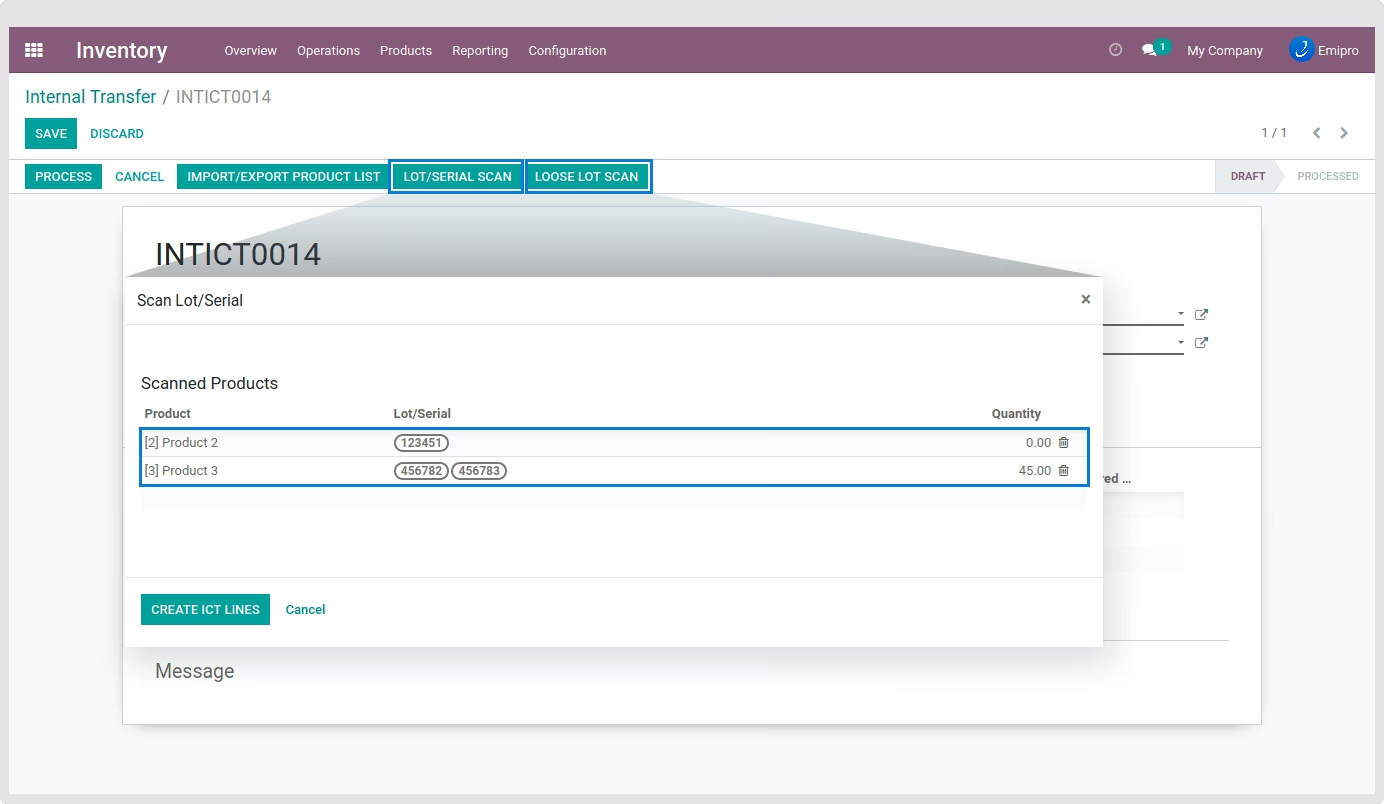
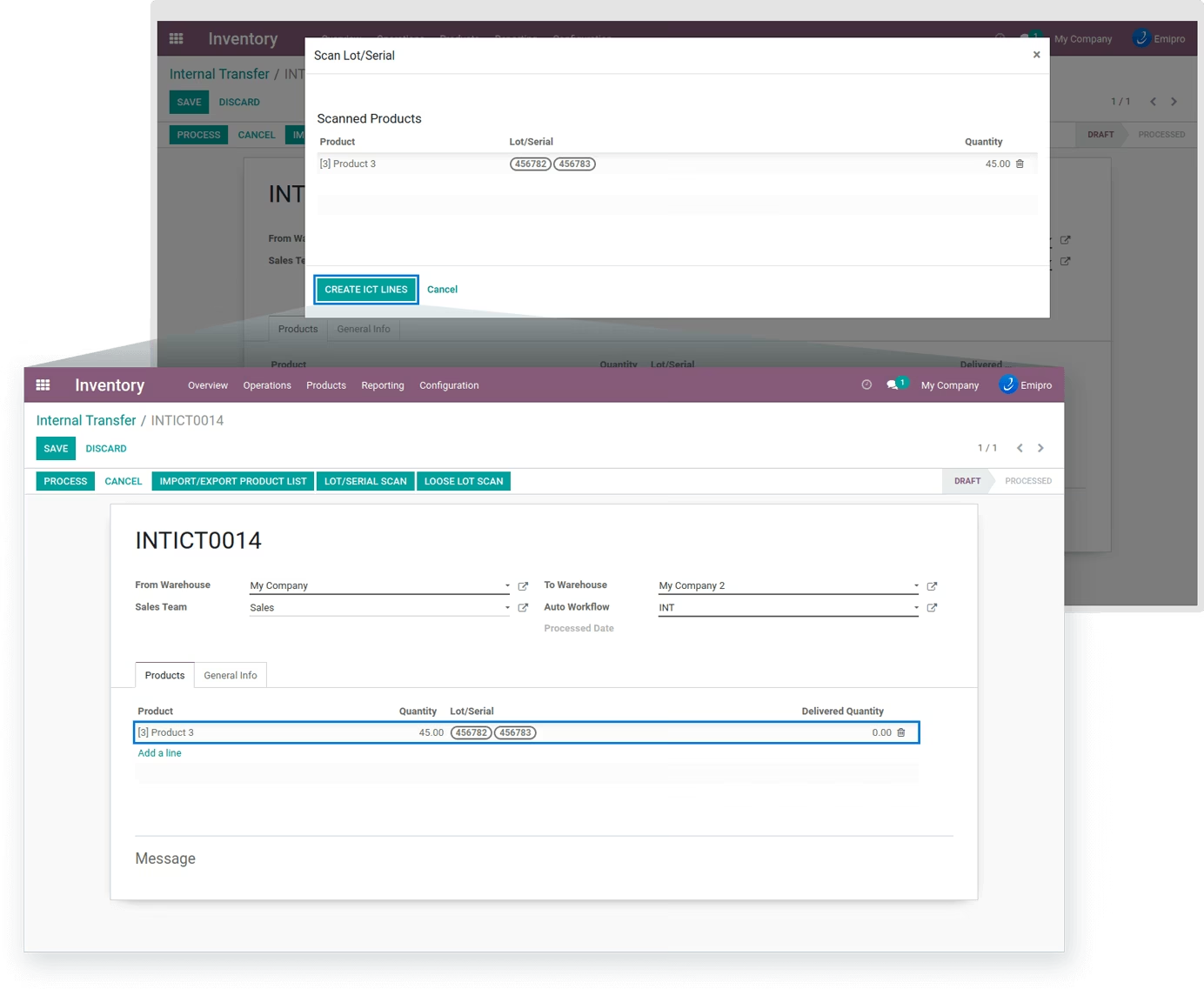
Scan Lot/Serial Number of product to rapidly add it in ICT lines for Inter-Company Transfer and Internal Transfer.
Control over pricing and invoicing
Take full command over managing prices & invoices for various types of transfers.

Automatic Workflow
A higher-level way to organize tasks by automating its operations & minimizing manual interventions.
 Features
 Screenshots
Inter Company Transfer
- Create Sales Order from Selling Company & Purchase Order in Receiving Company if warehouses belong to different companies.
- Control over Invoice numbering / Refund numbering by specifying separate journals company wise.
- System will allow you to control pricing from the same screen. Same price will apply on sales order of source company and purchase order of destination company.
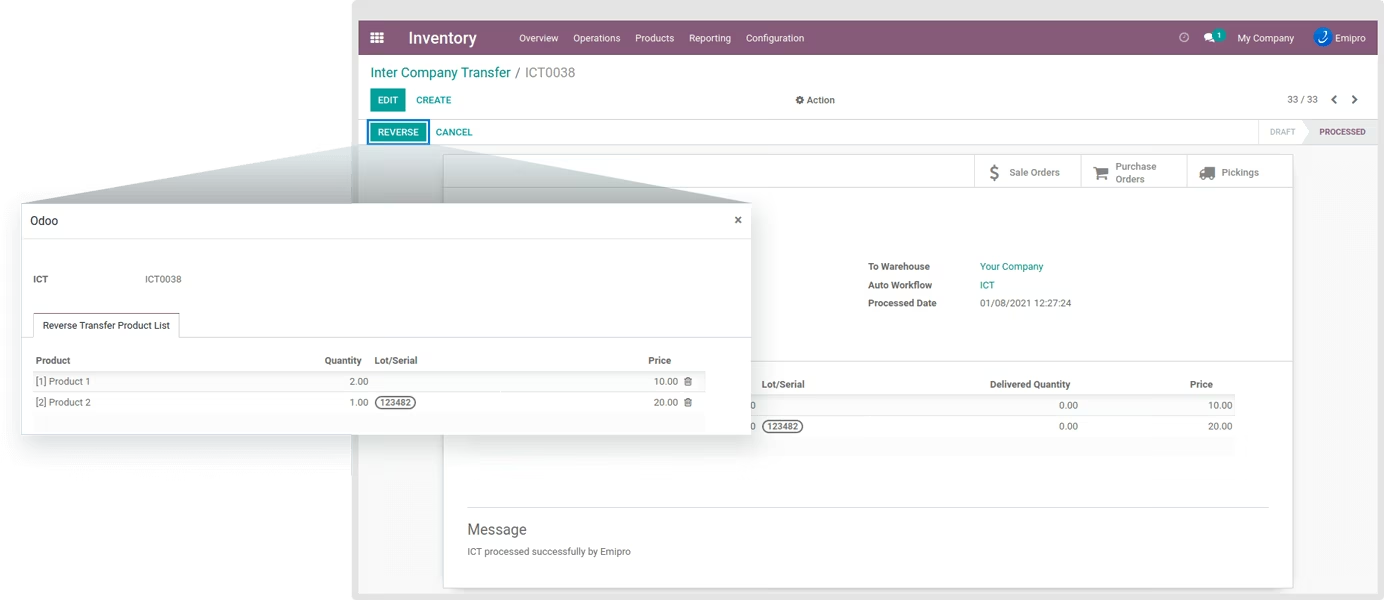
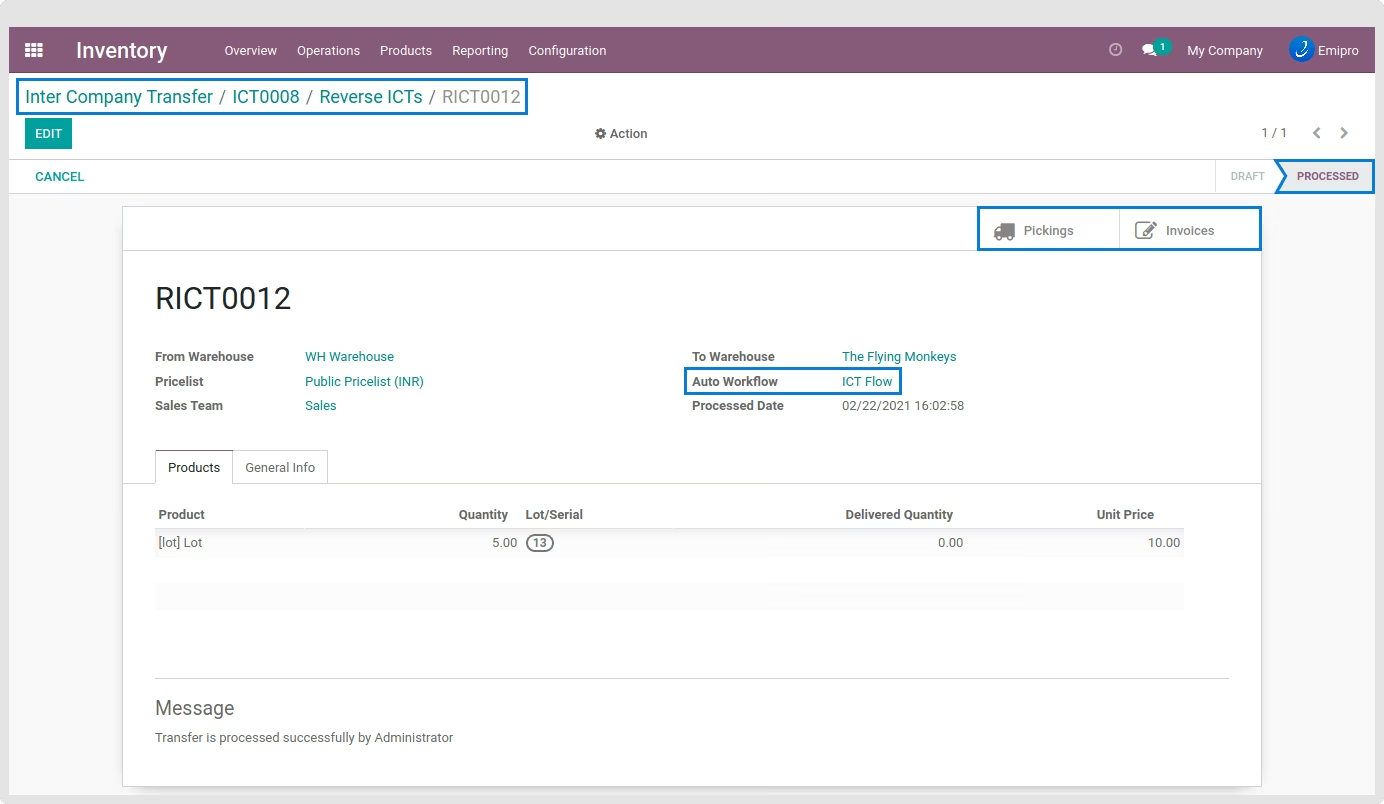
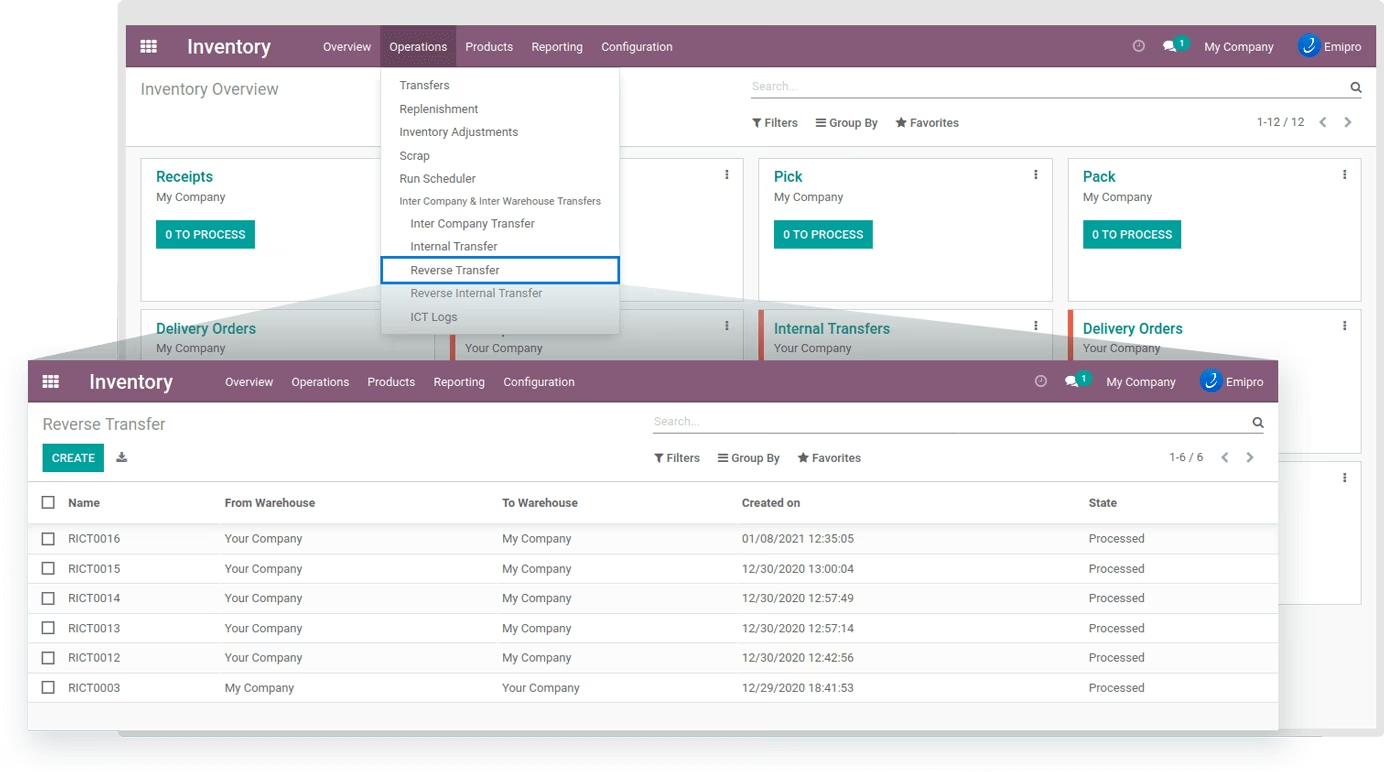
- An option to reverse entire / partial transactions with all effects. In case of Reverse intercompany transactions system will create reverse of delivery order, reverse of incoming shipment (only if they are done), debit note and credit note.
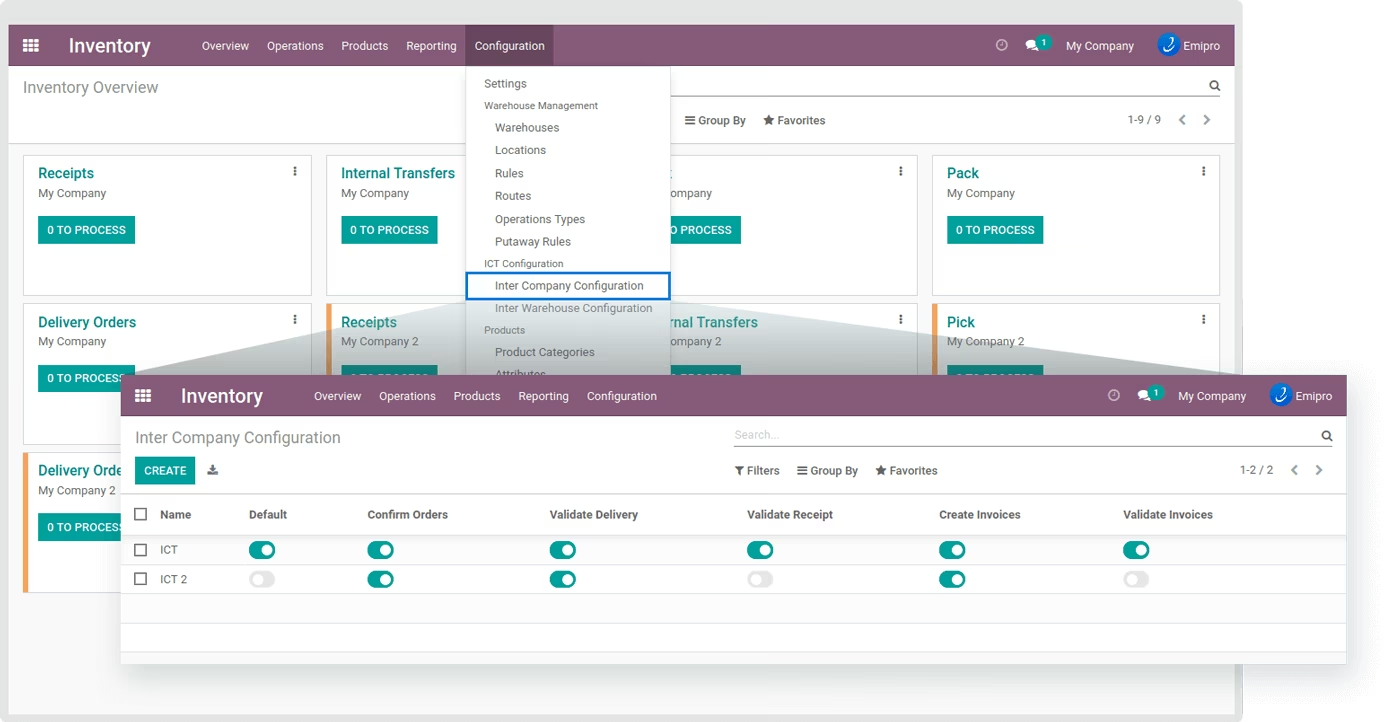
- Control overall document processes like the automatic workflow of all documents. Set automatic jobs like Auto confirm Sales Orders/Purchase Order, Create & Validate Invoices, Create Backorder, Validate Delivery & Receipt, Validate Transfers, and Create Credit Notes.
- In a multi-company environment it's not easy to create documents of multiple companies without login to that company. So, it is always recommended for a user to have sufficient rights for all the companies configured. After having it, you can create records and process transactions in a few clicks.
- Taxes applied on Sales Order & Purchase Order will be accurate according to the companies upon successful configurations.
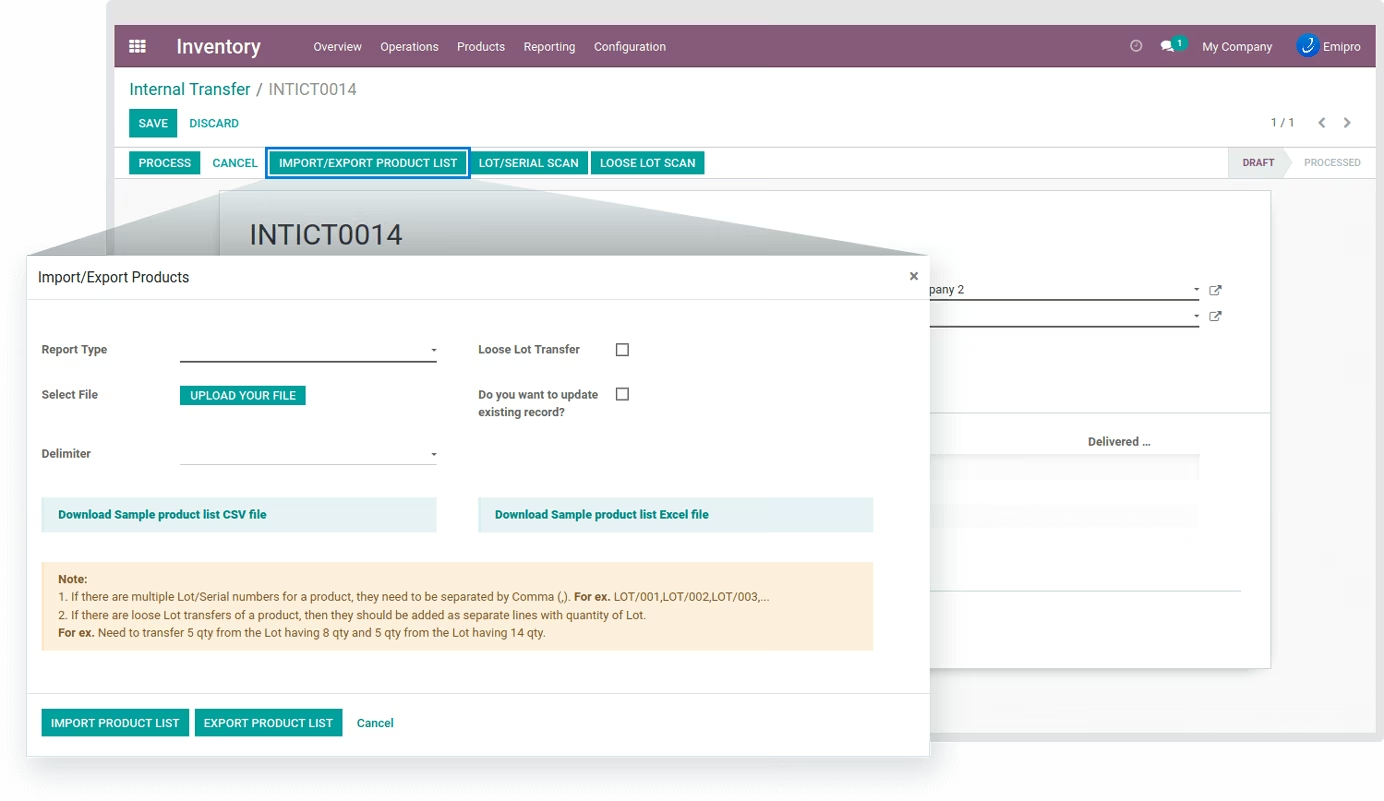
- Products with Lot/Serial Number are supported while carrying out Inter-Company Transfer. You can manually add Lot/Serial Number from records, also by Import/Export method or by scanning the barcodes.
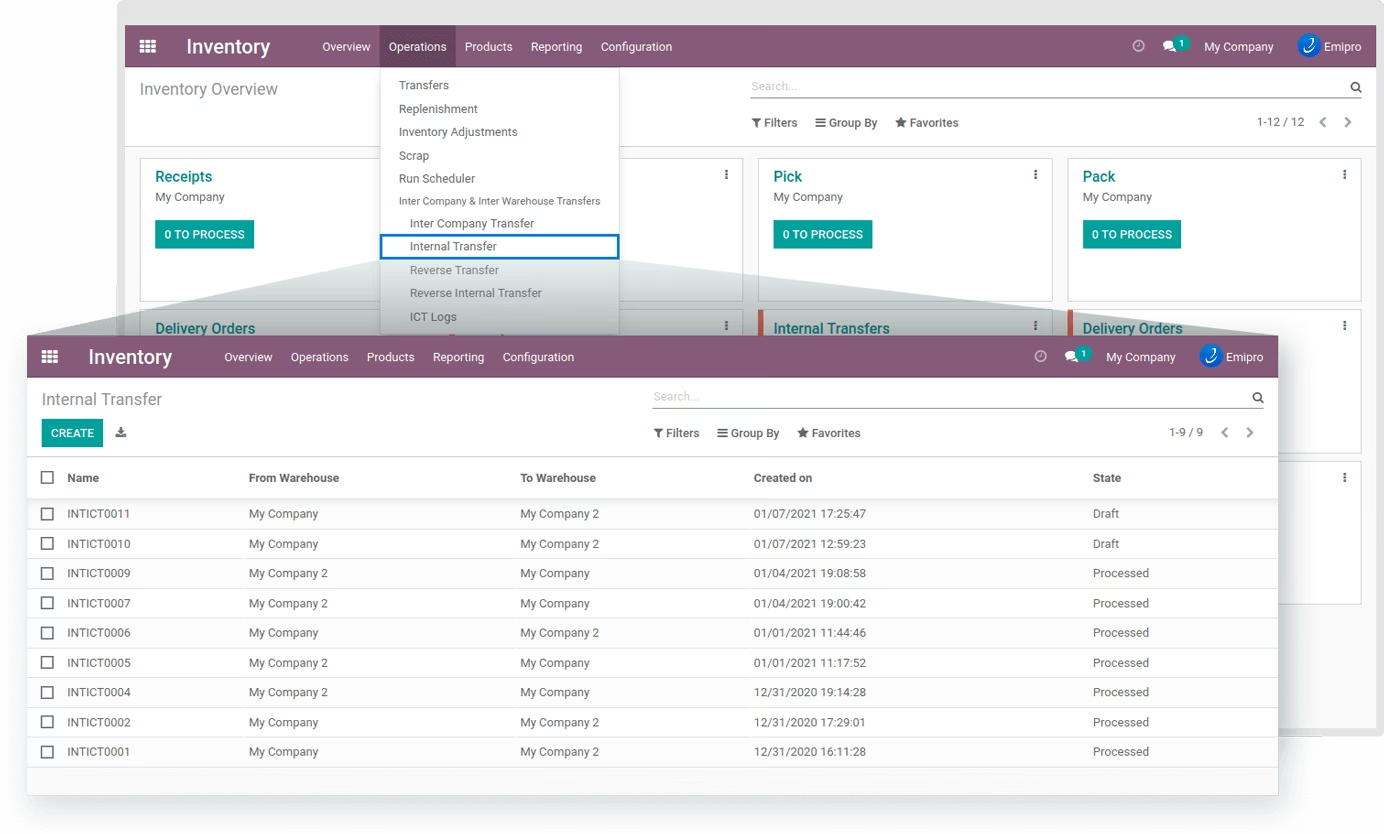
Inter Warehouse Transfer (Internal Transfer)
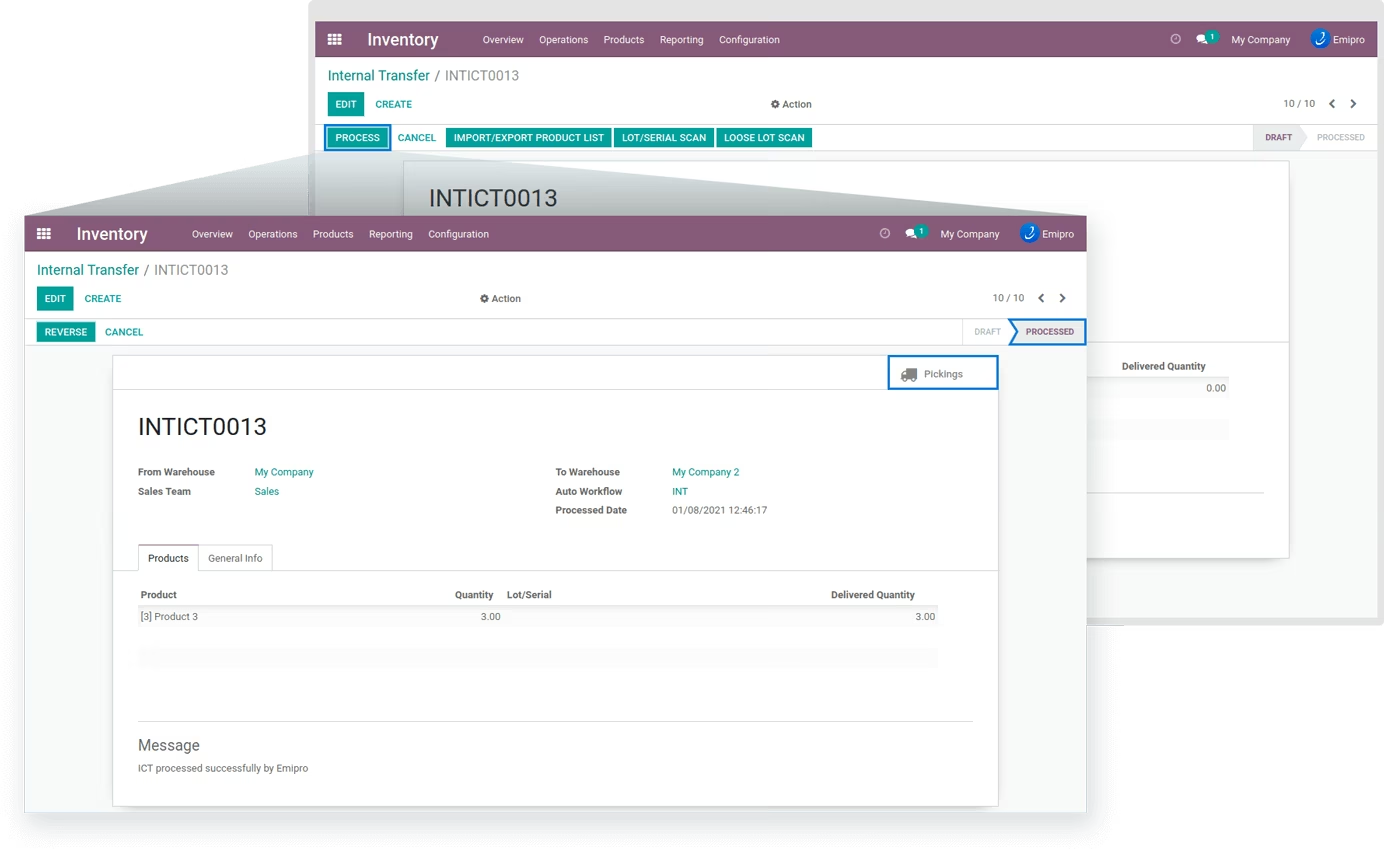
- Creates Delivery Order in source warehouse & Receipts in Destination warehouse.
- Smart buttons to view created Delivery Order & Receipt.
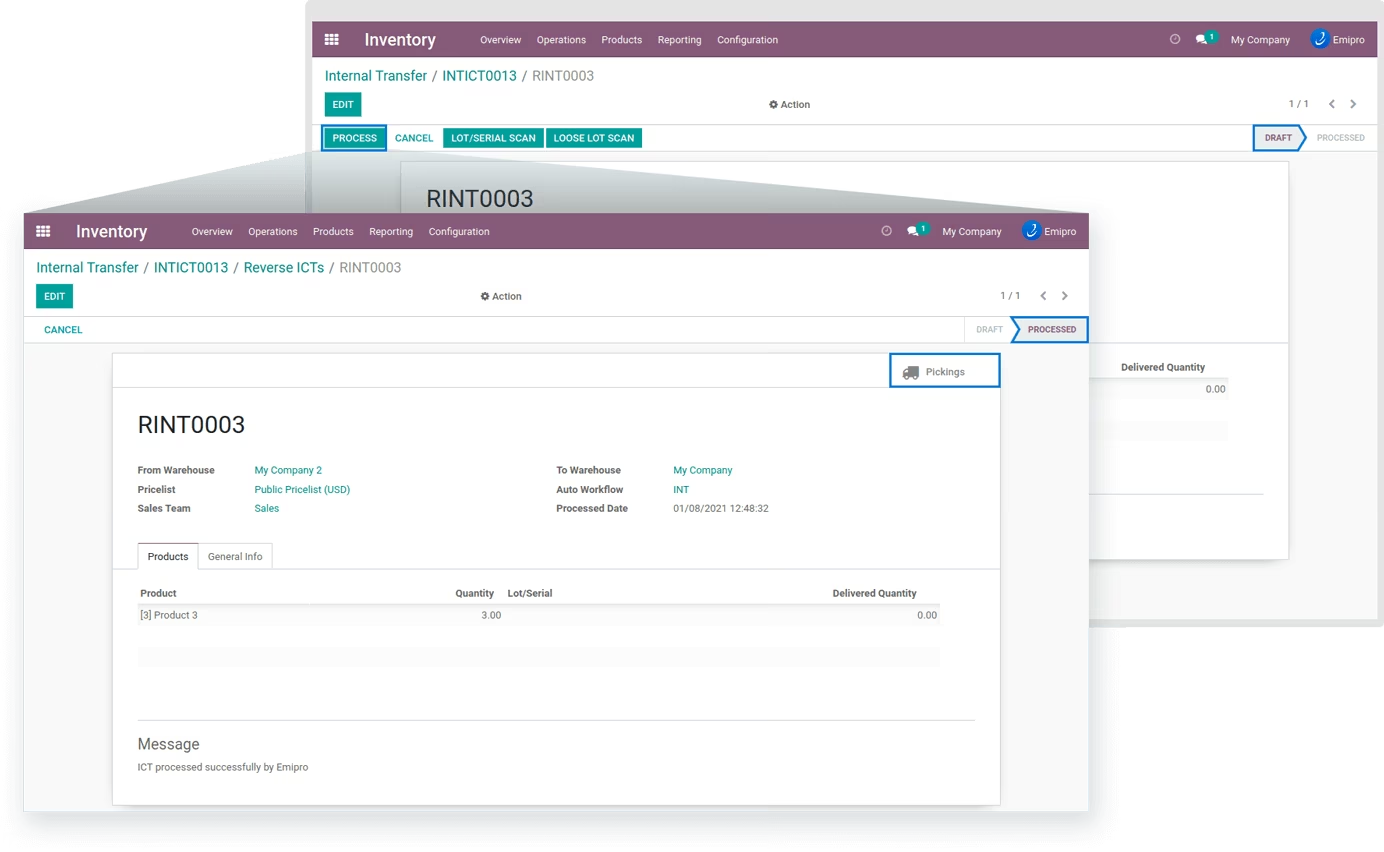
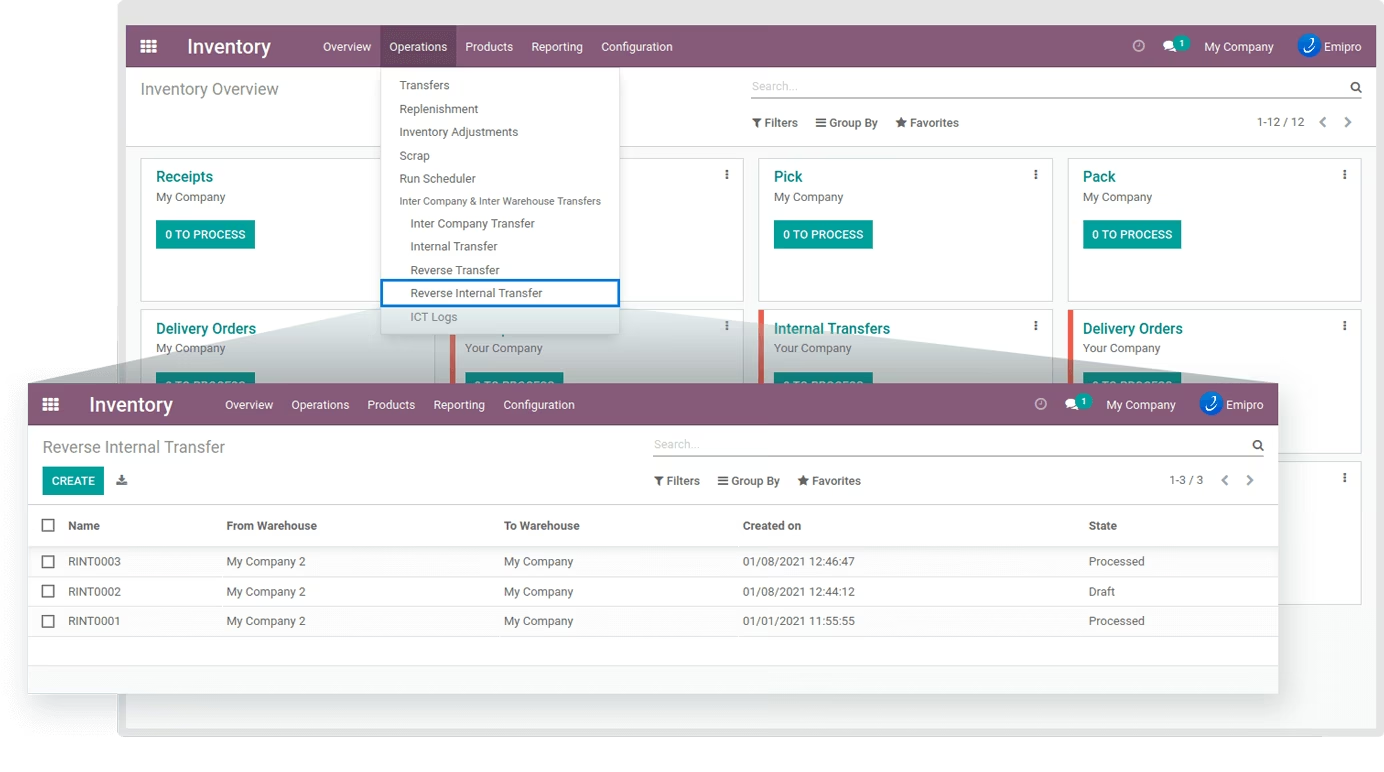
- Allows users to do reverse transfer from the same screen. It will reverse the delivery order & receipt.
- Products with Lot/Serial Number are supported while carrying out Inter Warehouse Transfer (Internal Transfer). You can manually add Lot/Serial Number from records, also by Import/Export method or by scanning the barcodes.
Imaginary Flow of Inter Company Transfer
Imaginary Flow of Inter Warehouse Transfer

Set user rights
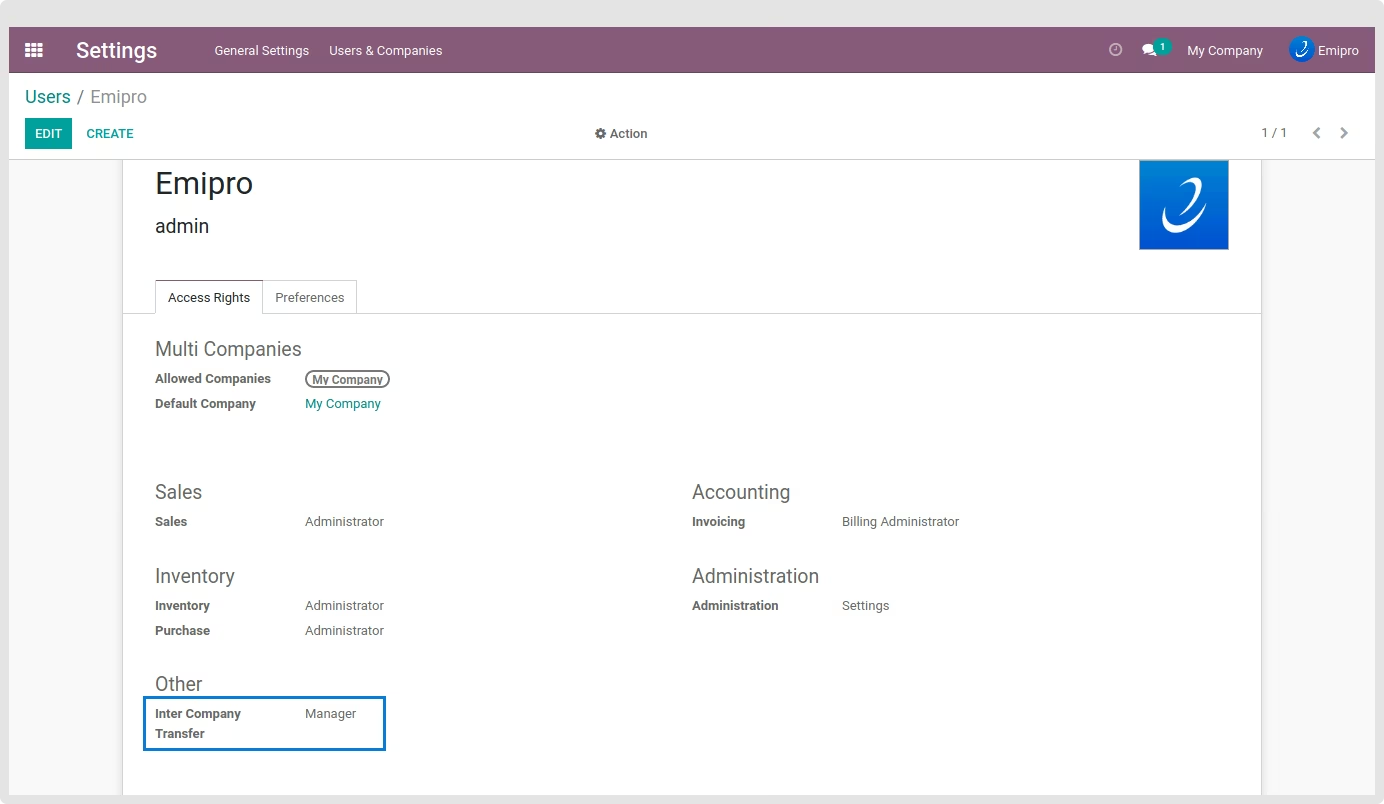
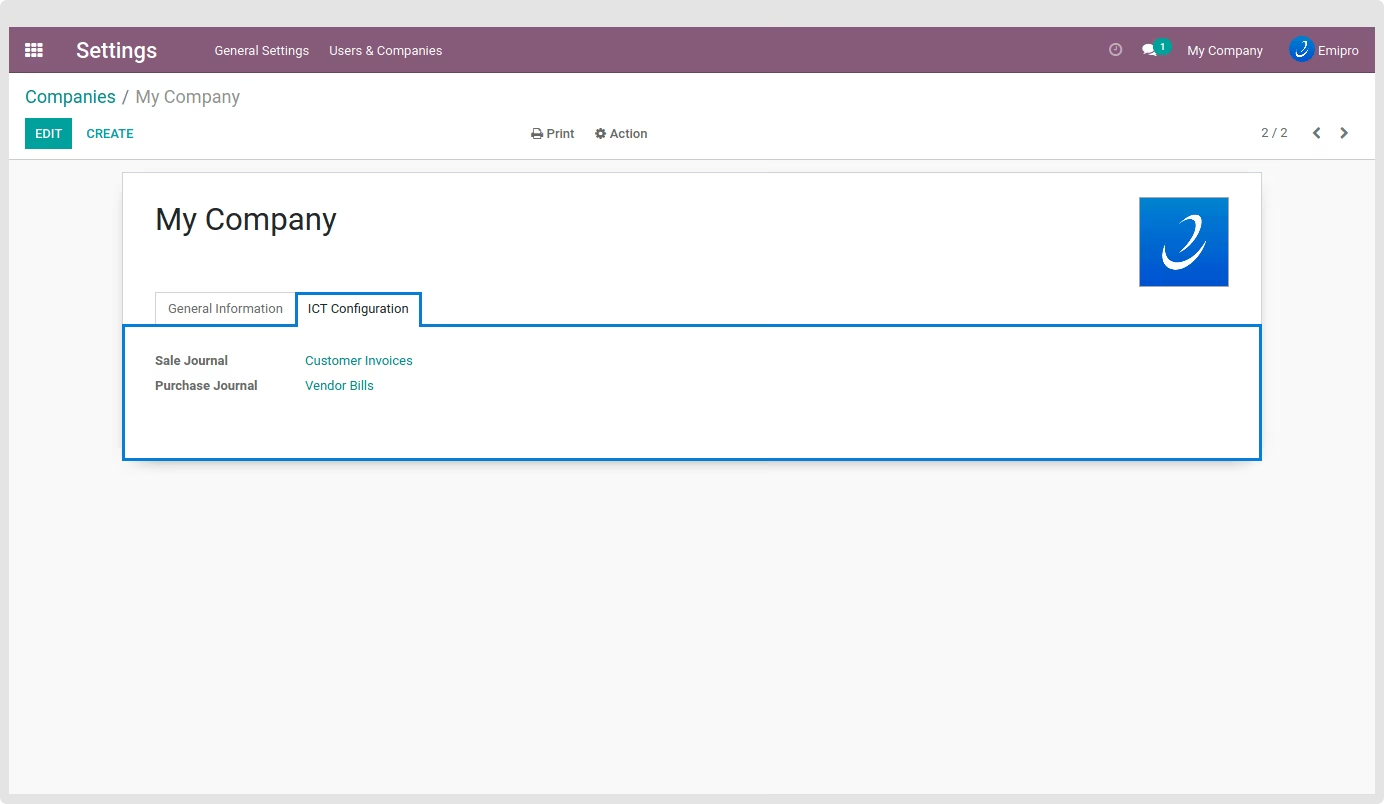
Basic ICT Configuration for Company
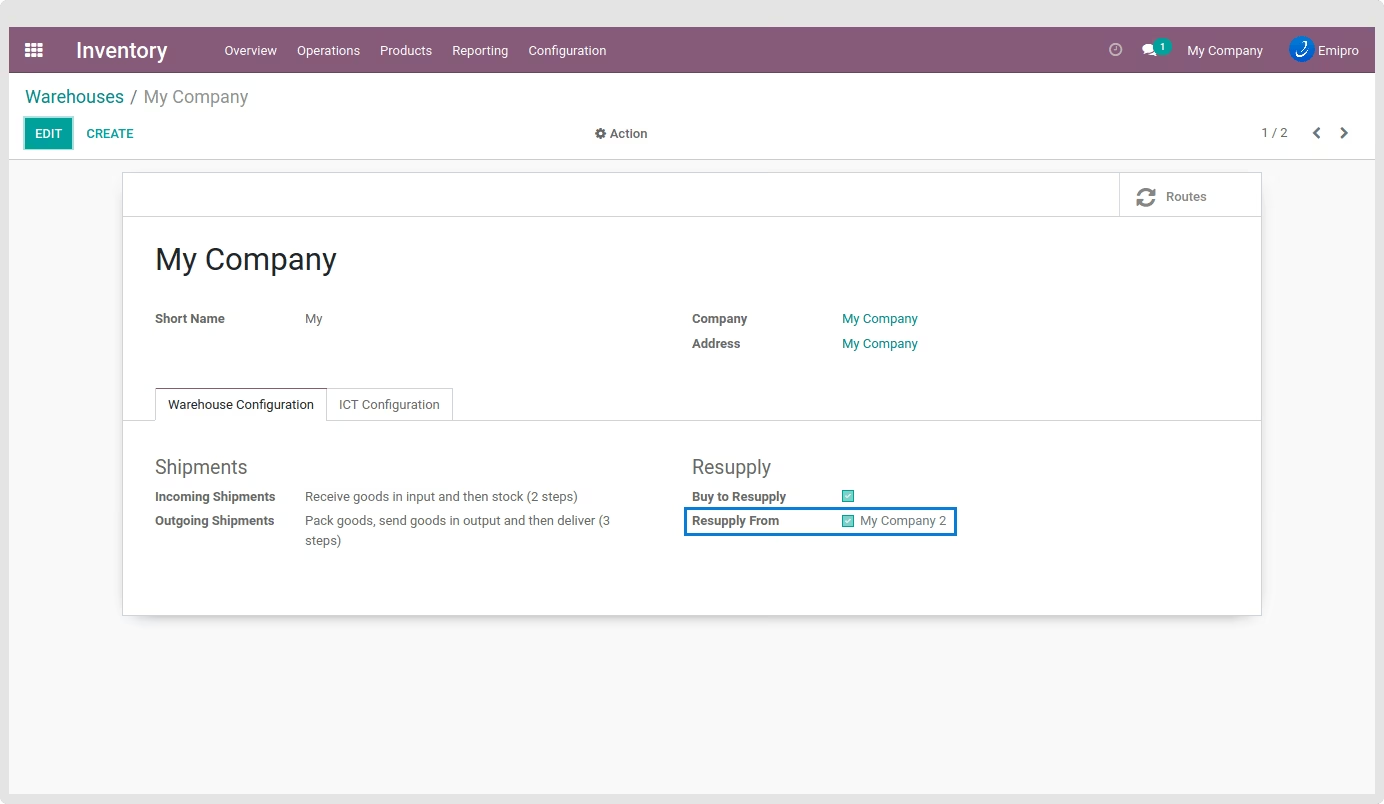
Configure Resupply Warehouse for ICT Transactions
Set your desired Auto Workflow settings
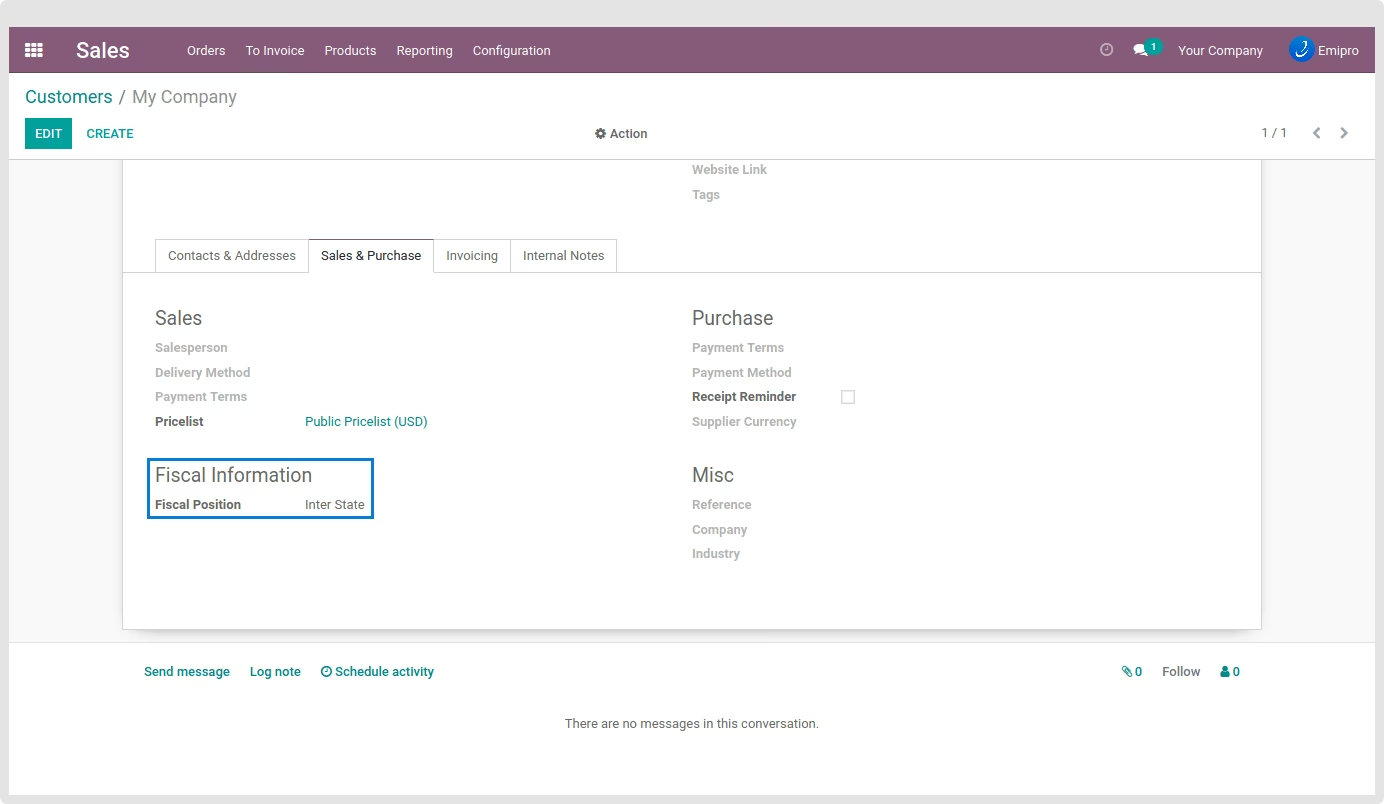
Set Fiscal Position for customers
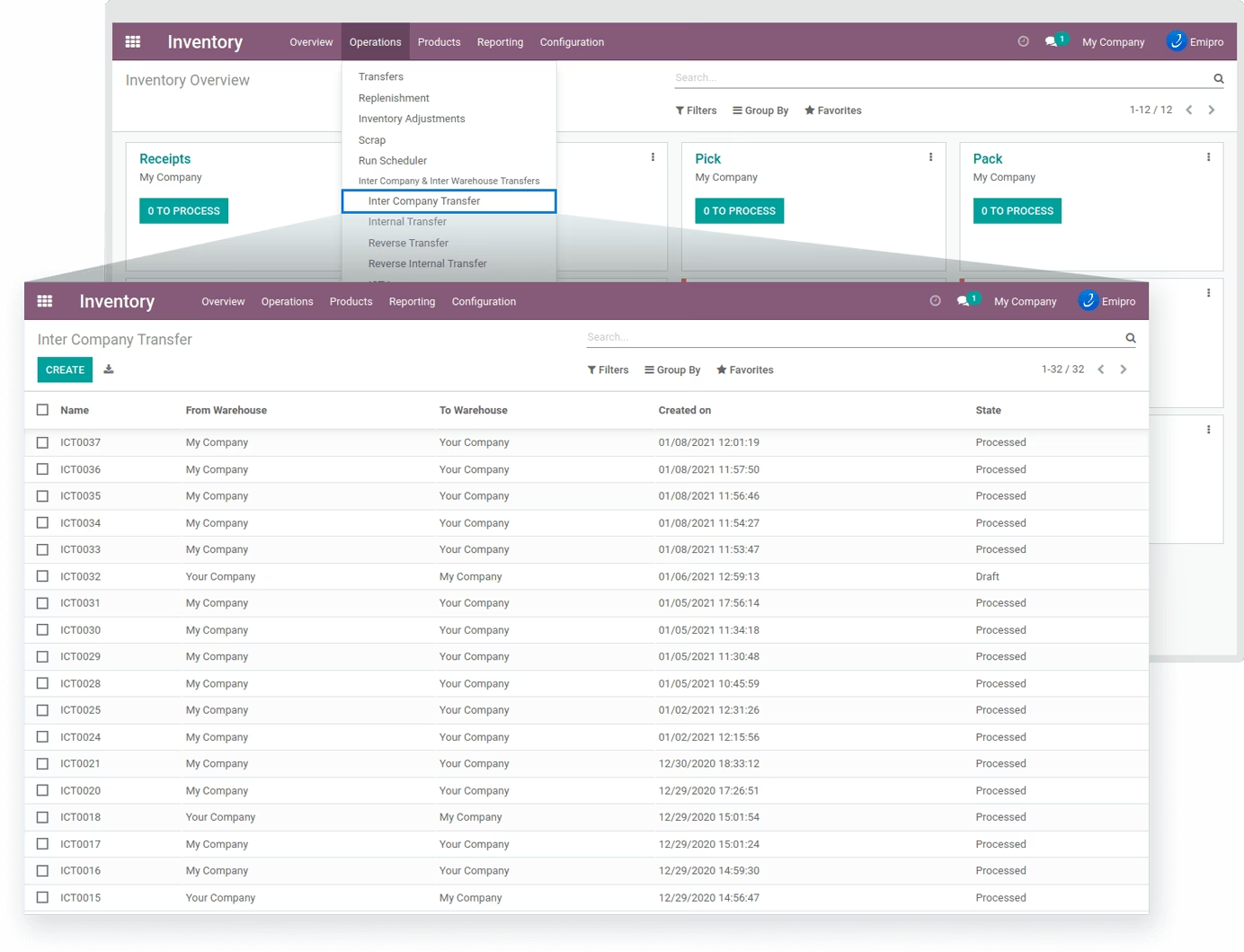
Inter-Company Transfer records
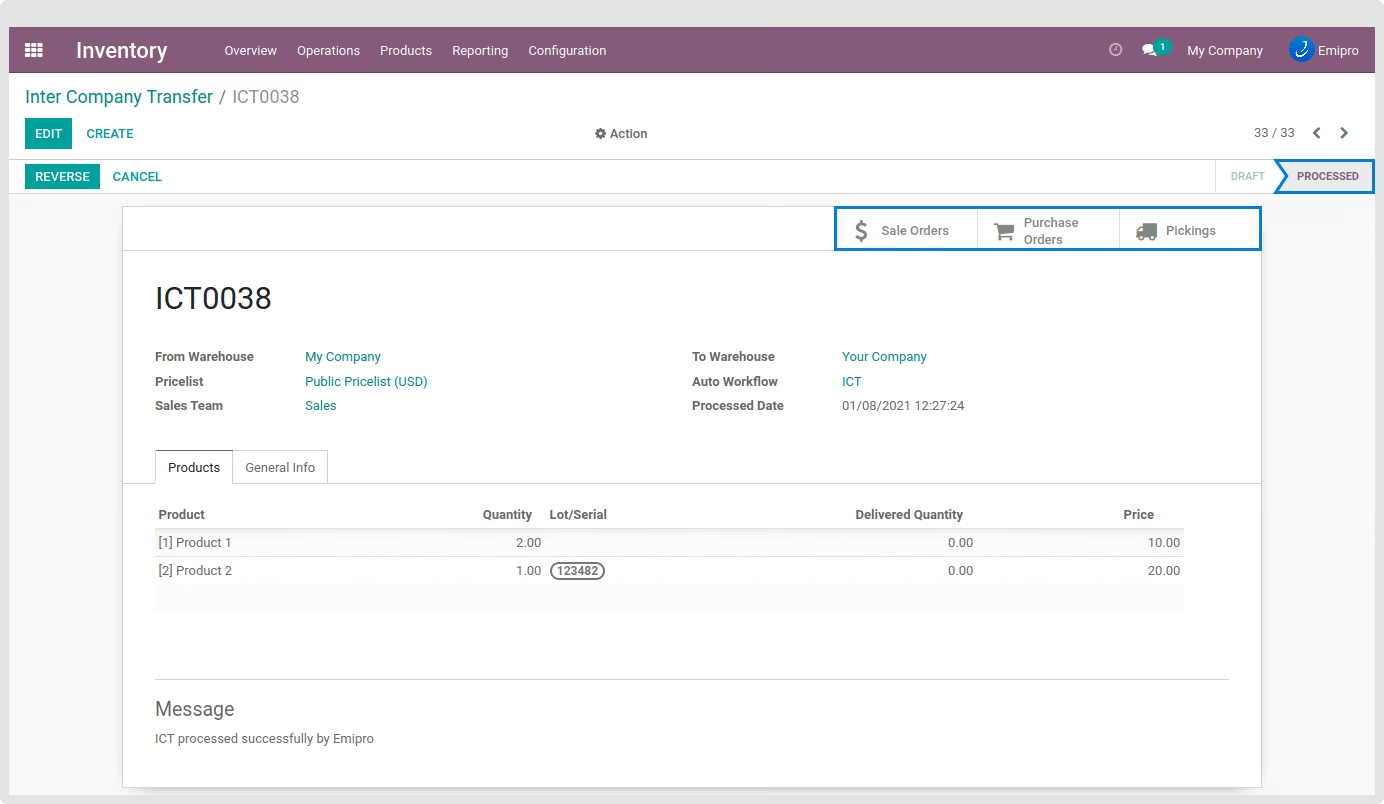
Inter Company Transfer Order processed
Reverse the ICT Order
Reverse ICT Order processed
Inter Warehouse Transfer records
Inter Warehouse Transfer processed
Reverse Inter Warehouse Transfer
All Inter Warehouse Transfer records and status
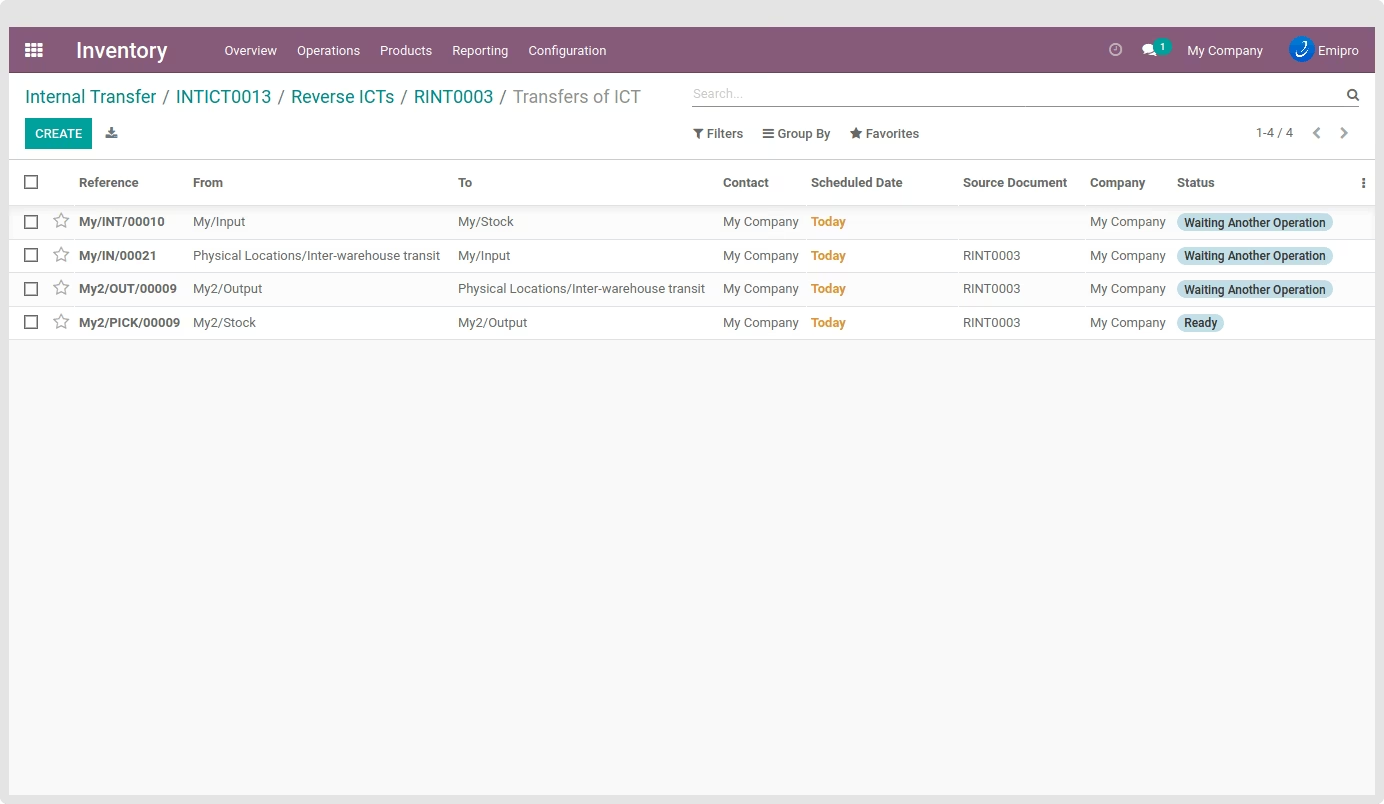
Reverse Transfer records
Reverse Inter Warehouse Transfer records
Add products with Lot/Serial Number
Import/Export Product list
Create ICT Lines after scanning Lot/Serial Number
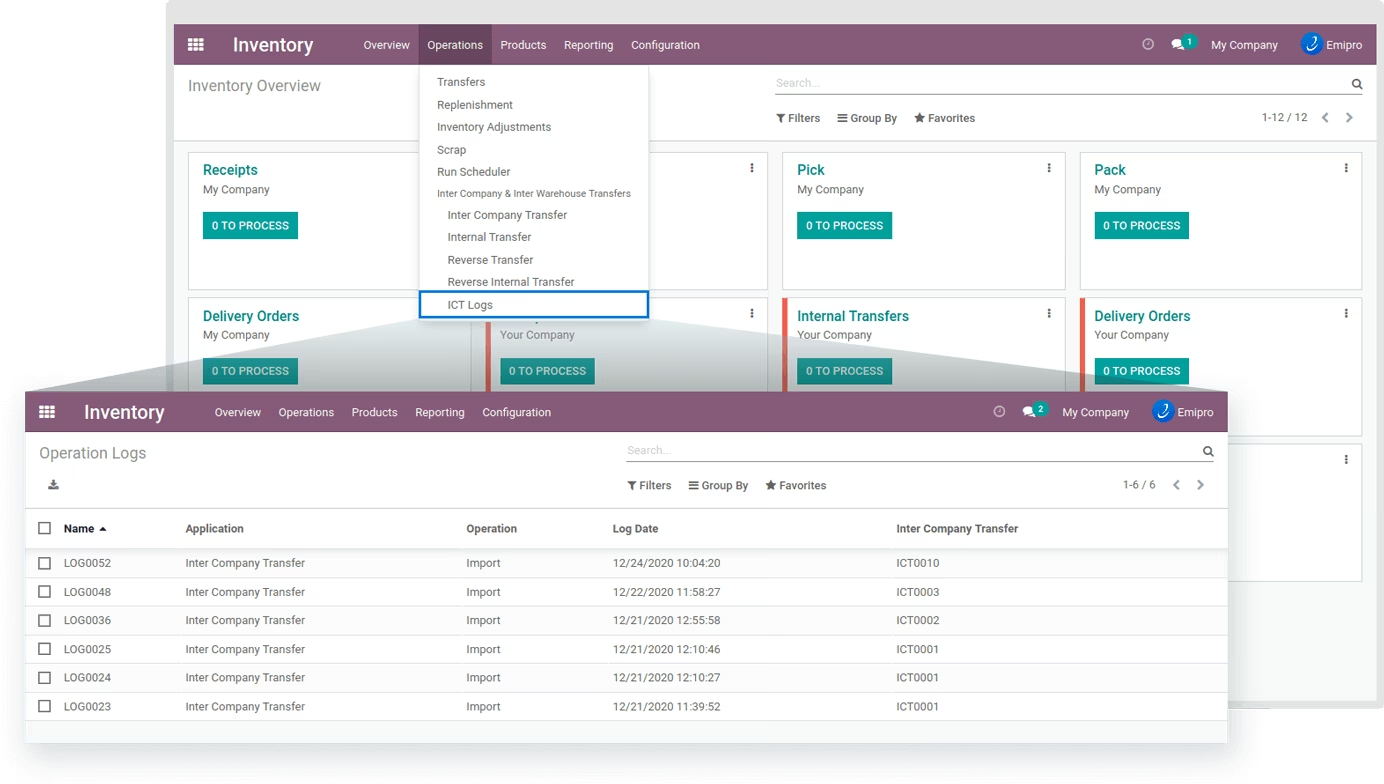
ICT Logs