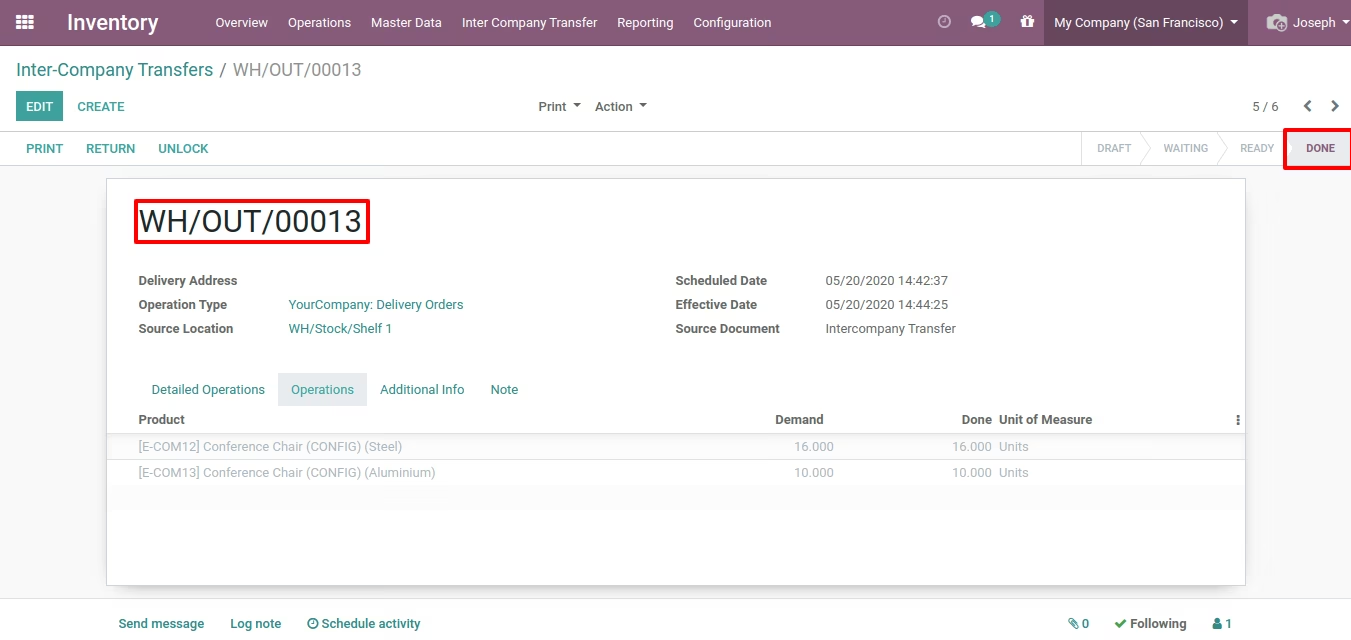
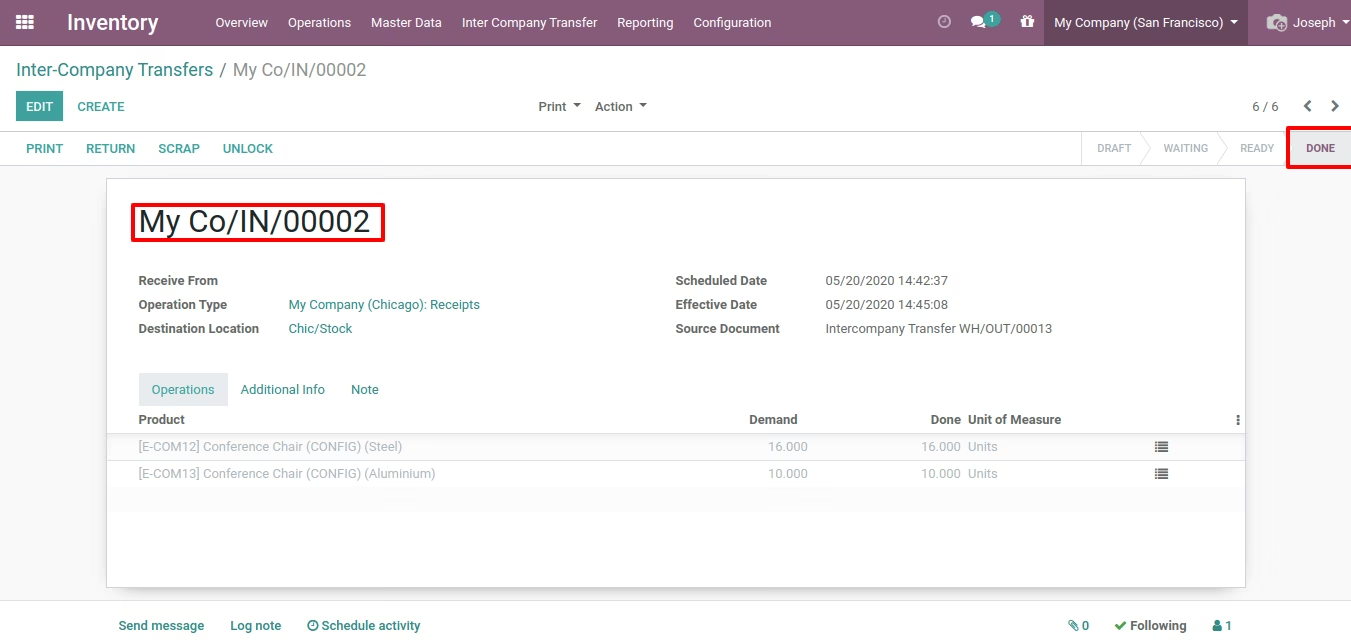
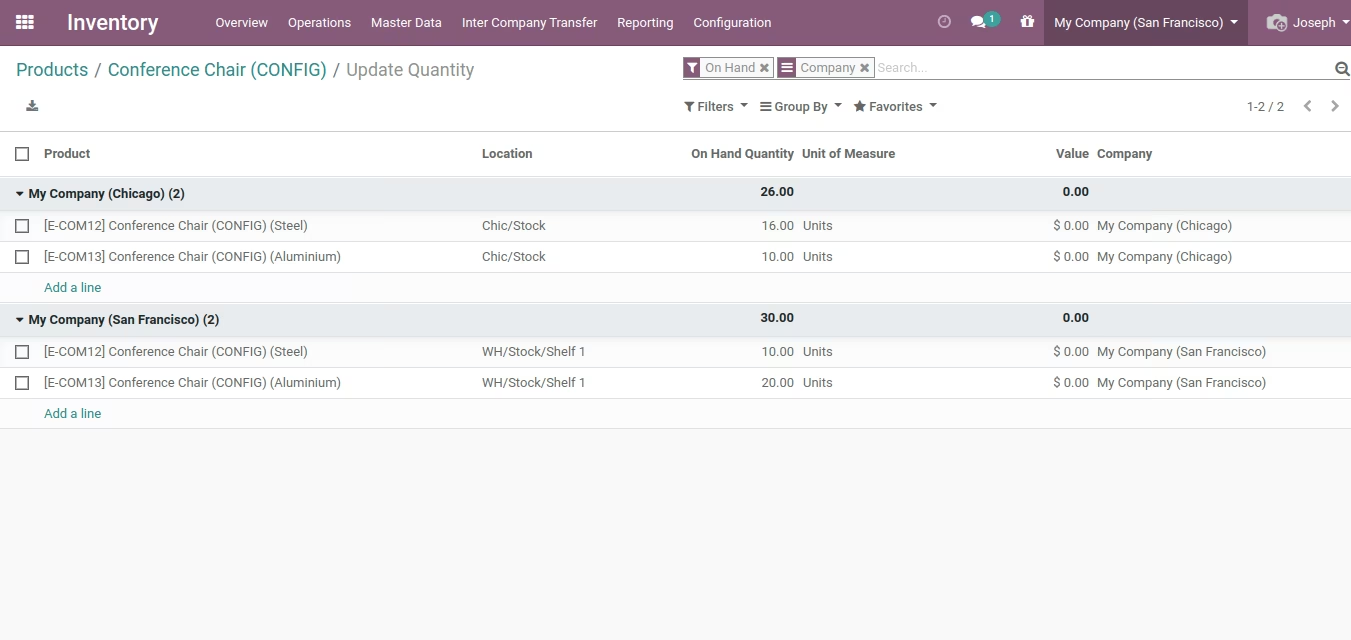
The module empowers businesses using multi-company environments in to seamlessly move inventory between entities. It automates the creation of linked internal transfers and stock moves, ensuring stock levels and financial records remain accurate and synchronized across all companies.
Automatic generation of corresponding stock moves between source and destination companies.
Integration with warehouse and accounting modules to ensure stock and valuation consistency.
Configurable rules to define transfer paths, transit settings, and accounting treatments.
Support for both on-demand and scheduled inter-company transfer workflows.
Assignment of users and approvals to manage and track transfers between companies.
Minimize manual intervention in moving inventory across entities.
Enhance data consistency by keeping stock and financial records aligned.
Improve operational efficiency with automated synchronization.
Strengthen multi-company governance and auditability.
Adapt quickly in multi-entity environments with flexible transfer configurations.
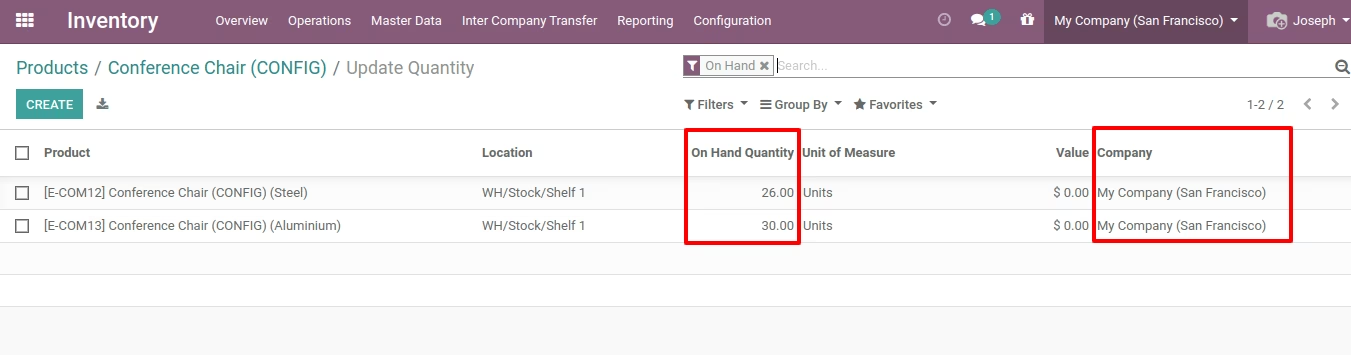
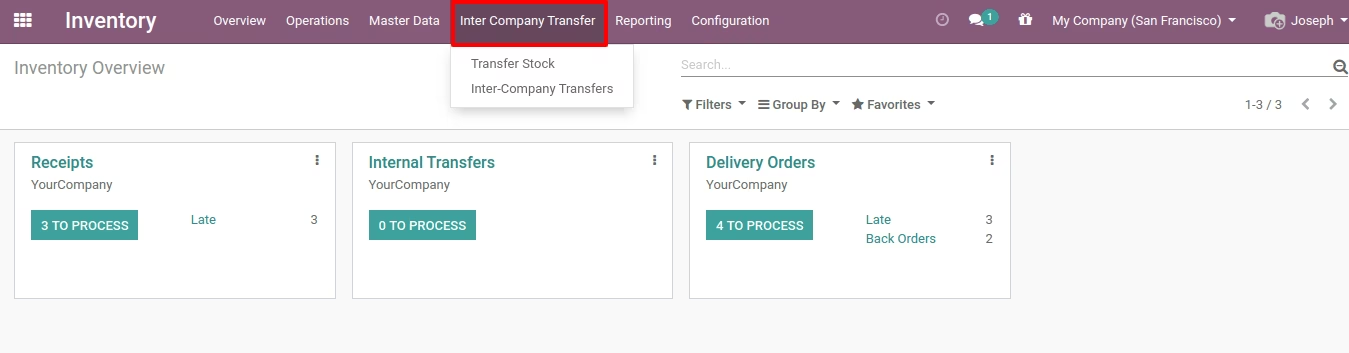
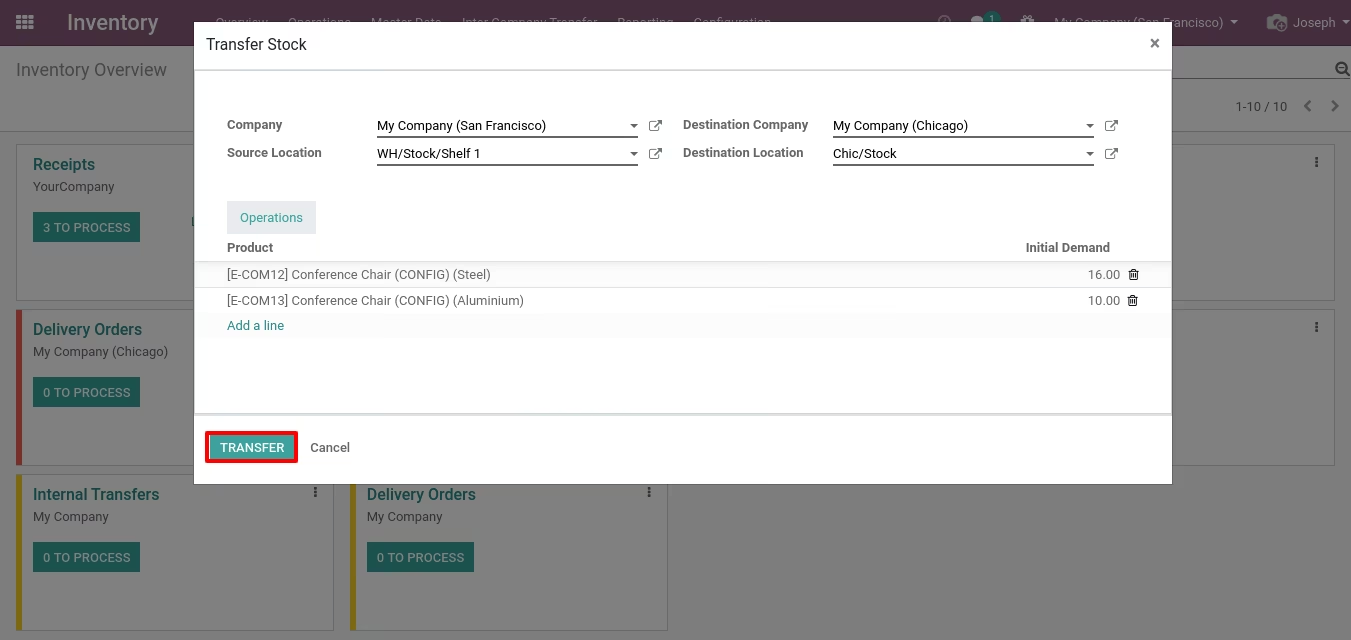
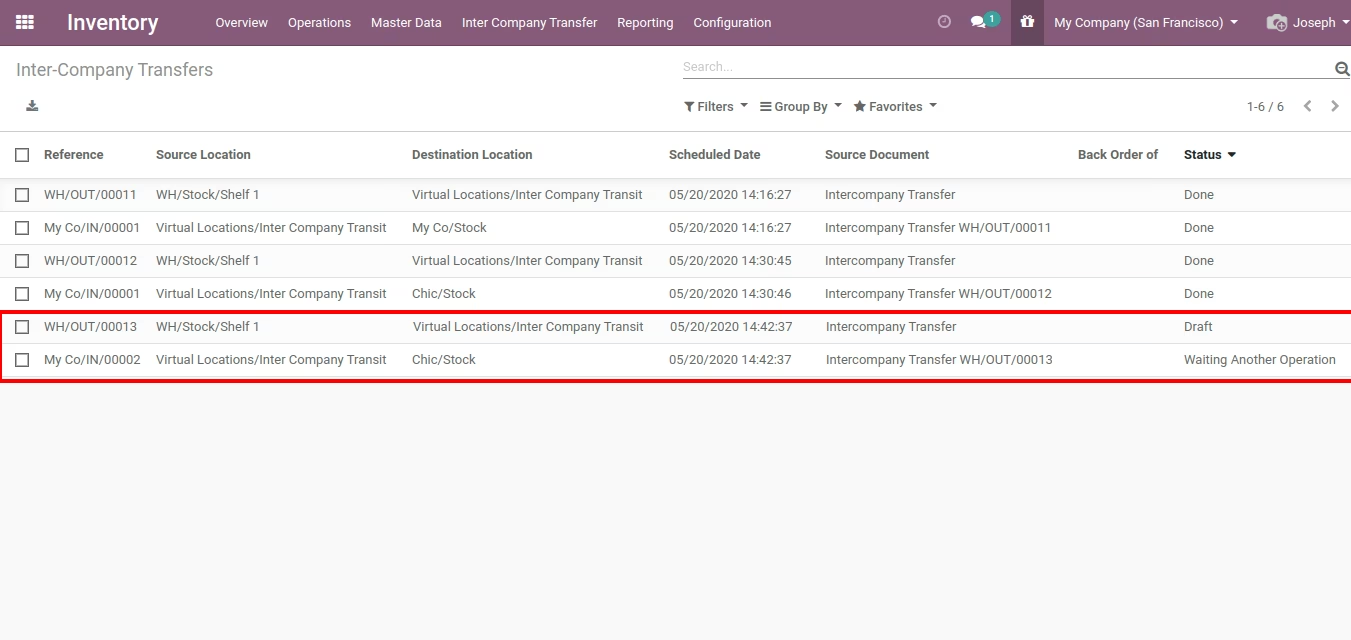
This module allows to transfer stock between two companies without creating SO & PO.
-
 Community
-
Enterprise
-
.sh
- Transfer Stock between two companies without creating SO/PO.
- Faster then normal inter-company transfer process.