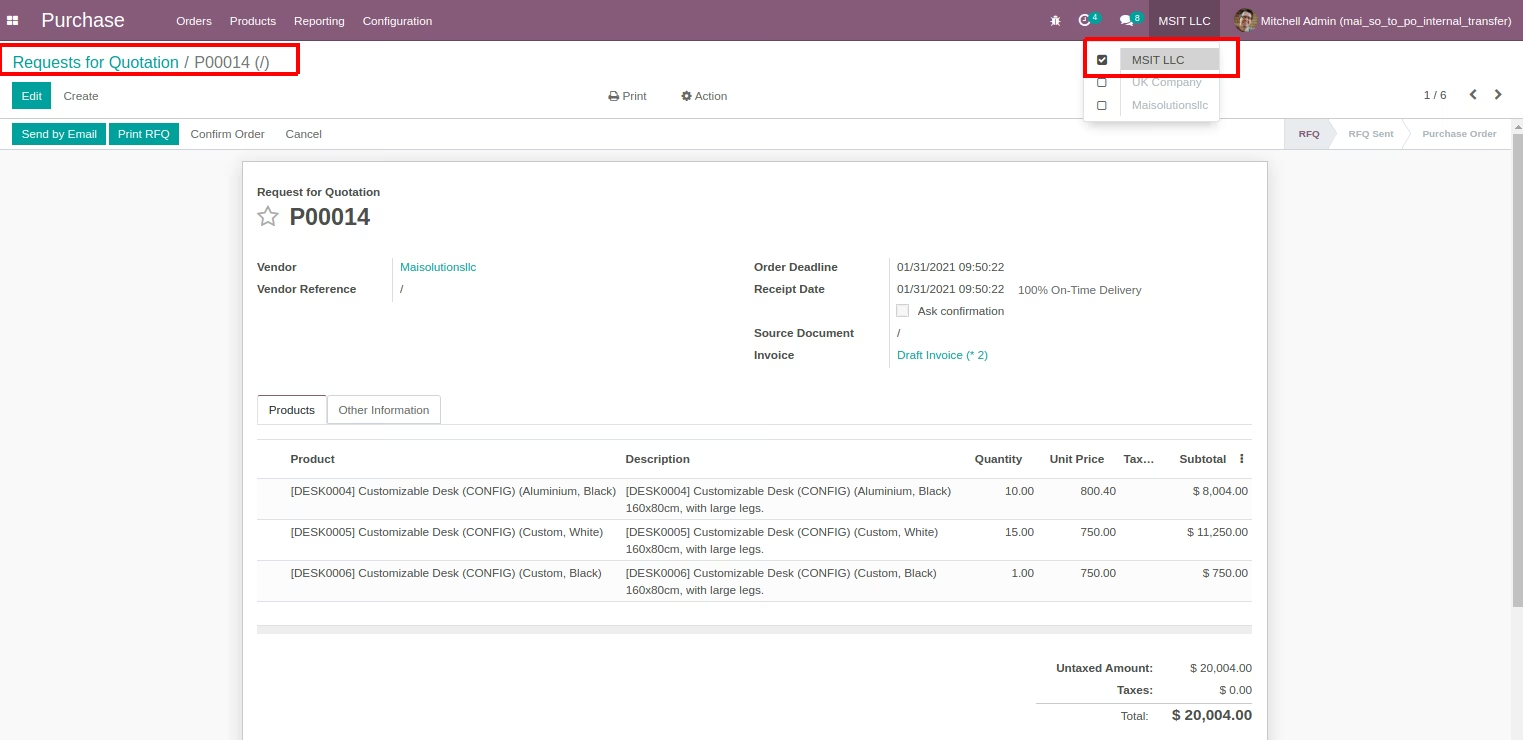
The module enables businesses to manage internal stock movement more efficiently by automatically generating purchase orders from internal transfer requests. It supports workflows where internal stock requirements such as inter-warehouse replenishment are formalized through purchase documents. This ensures accurate stock alignment and empowers procurement transparency across locations.
Allow users to initiate internal transfer requests between locations.
Automatically generate corresponding purchase orders upon approval of the transfer request.
Apply approval workflows for validations before purchase order creation.
Support configurable routing: direct internal transfer or procurement-driven movement.
Log transfer-to-order traceability for audit and stock tracking.
Streamlines internal replenishment by connecting inventory needs directly to procurement actions.
Reduces manual processes by automating purchase order creation from transfer necessities.
Improves stock accuracy through formal documentation and enforcement of transfer logic.
Supports auditability via traceable request-to-order conversion and approval tracking.
Aligns cross-location procurement with user-defined workflows for better control.
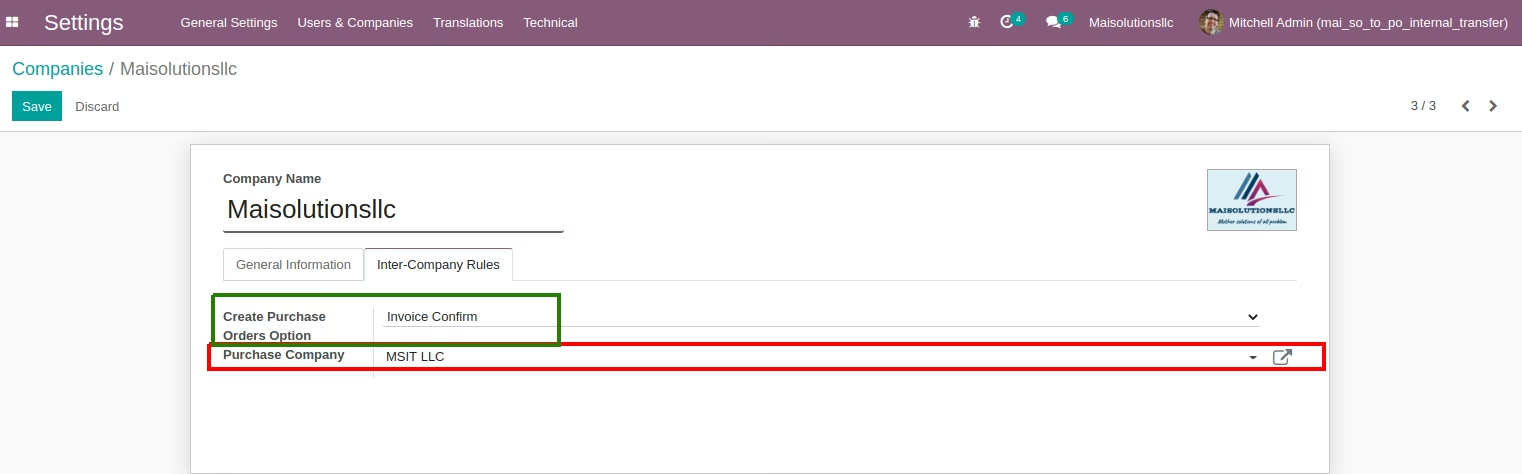
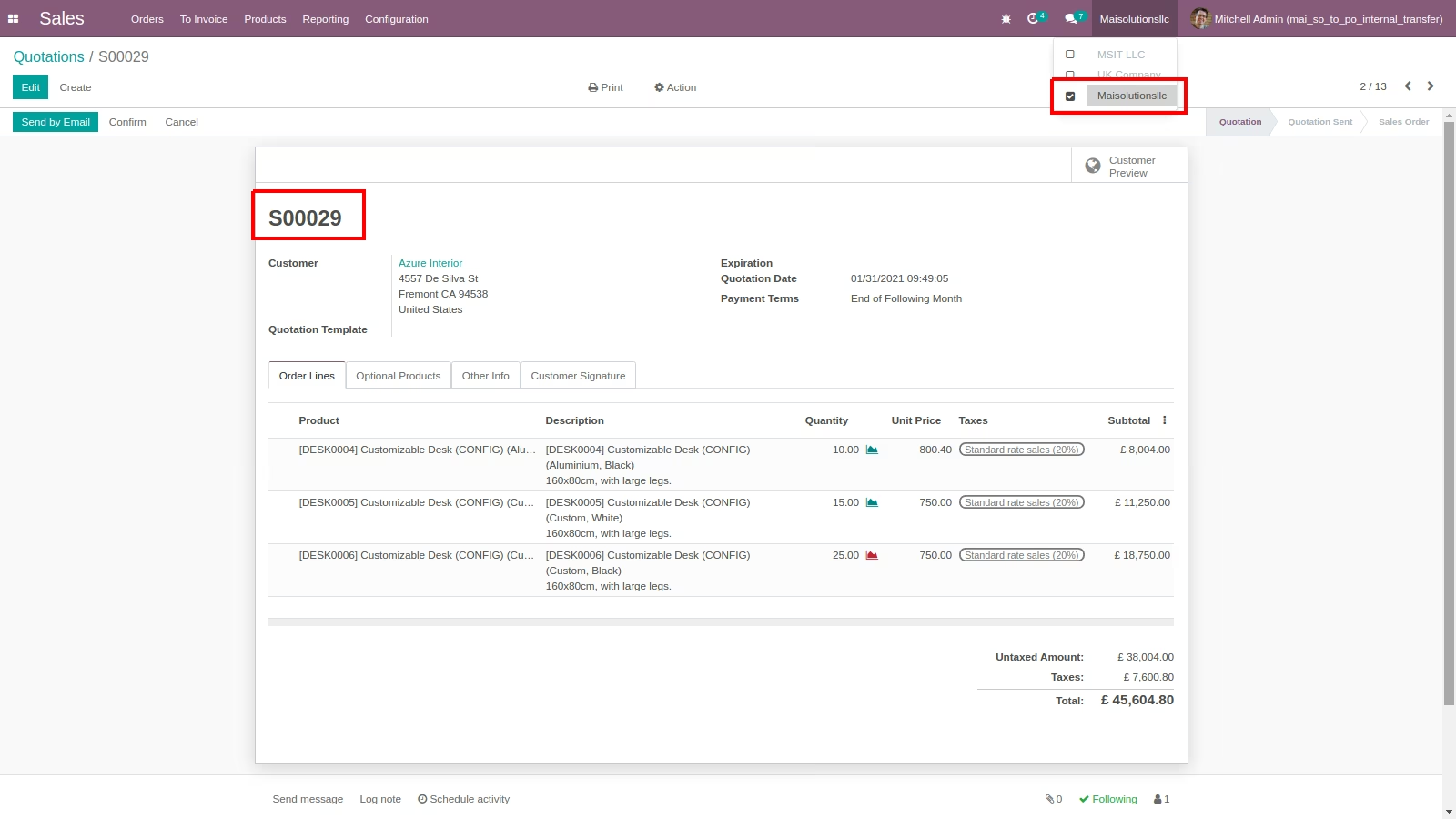
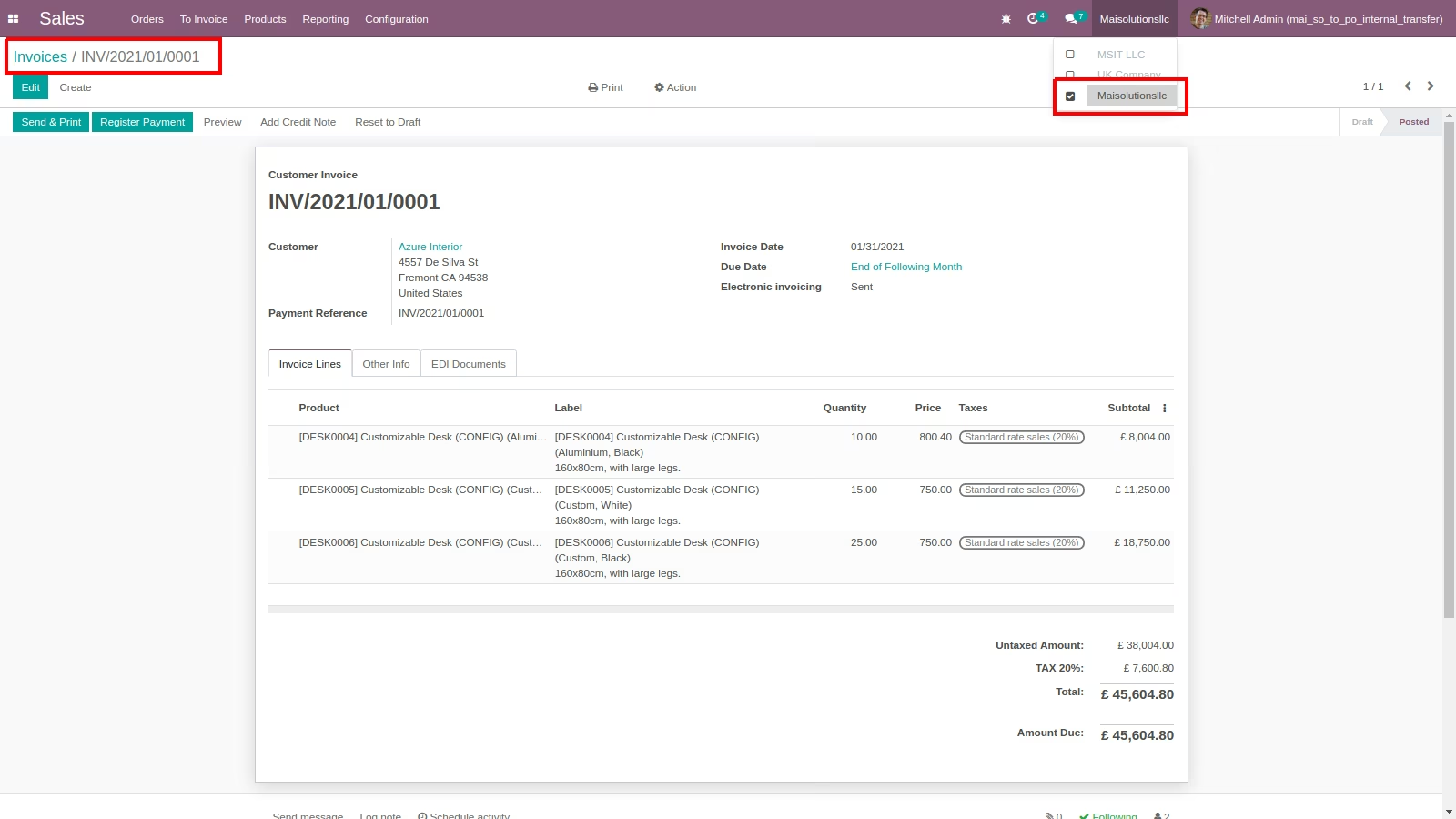
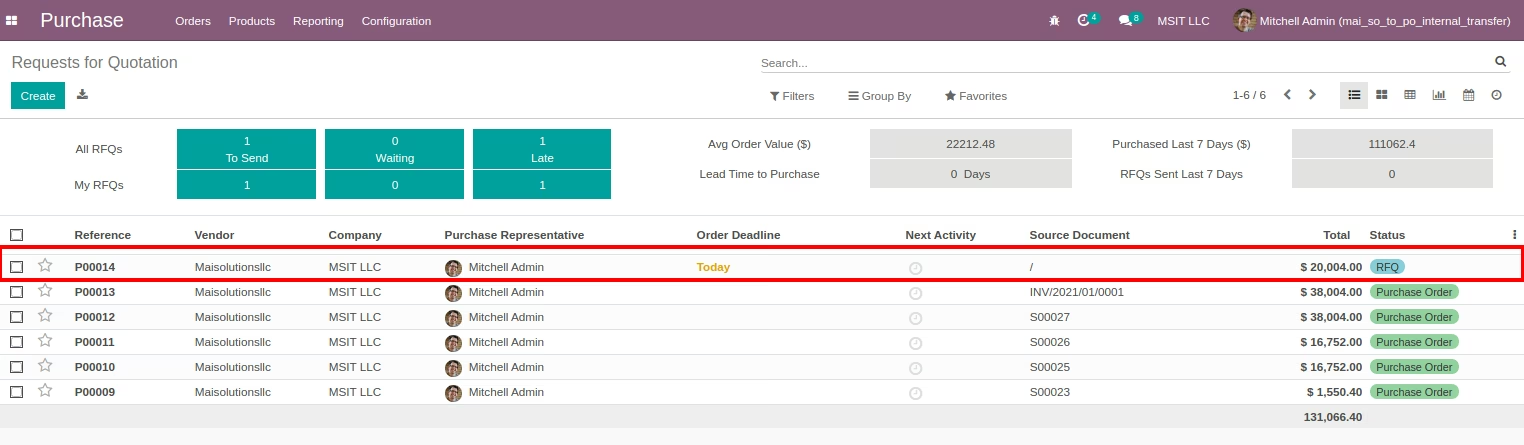
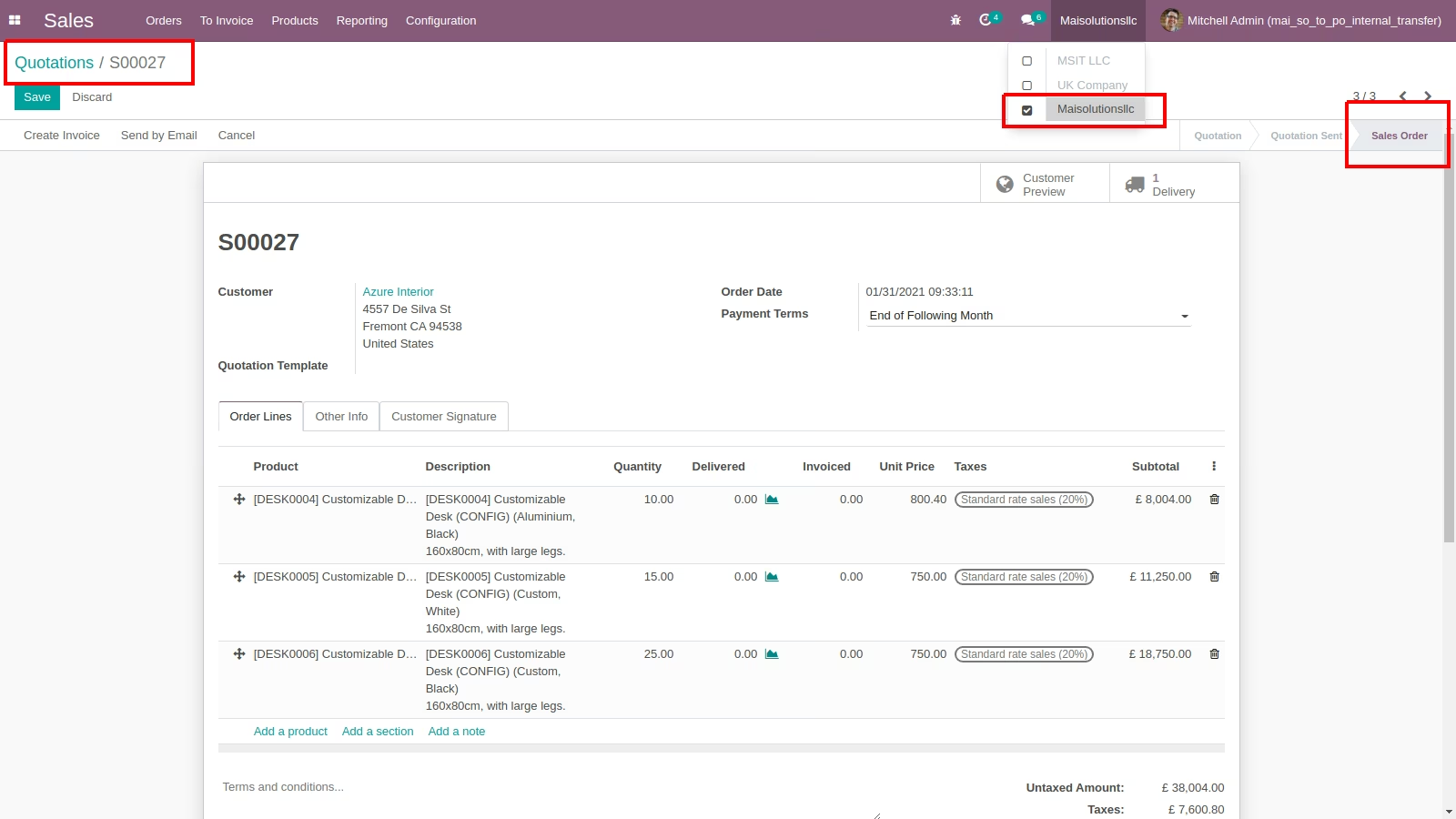
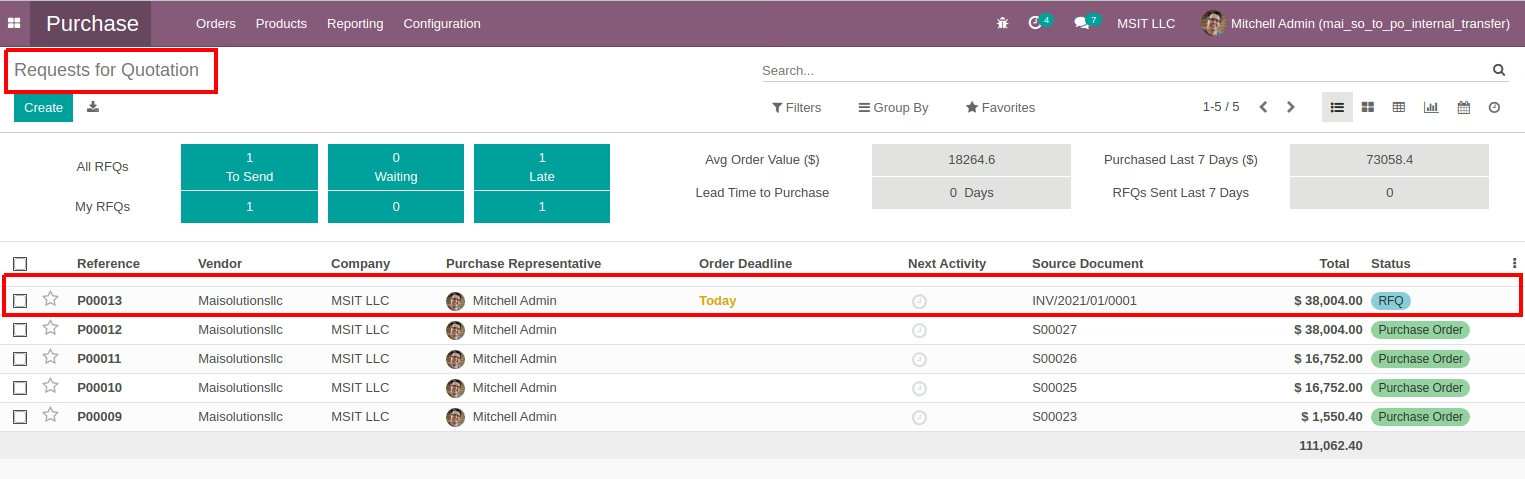
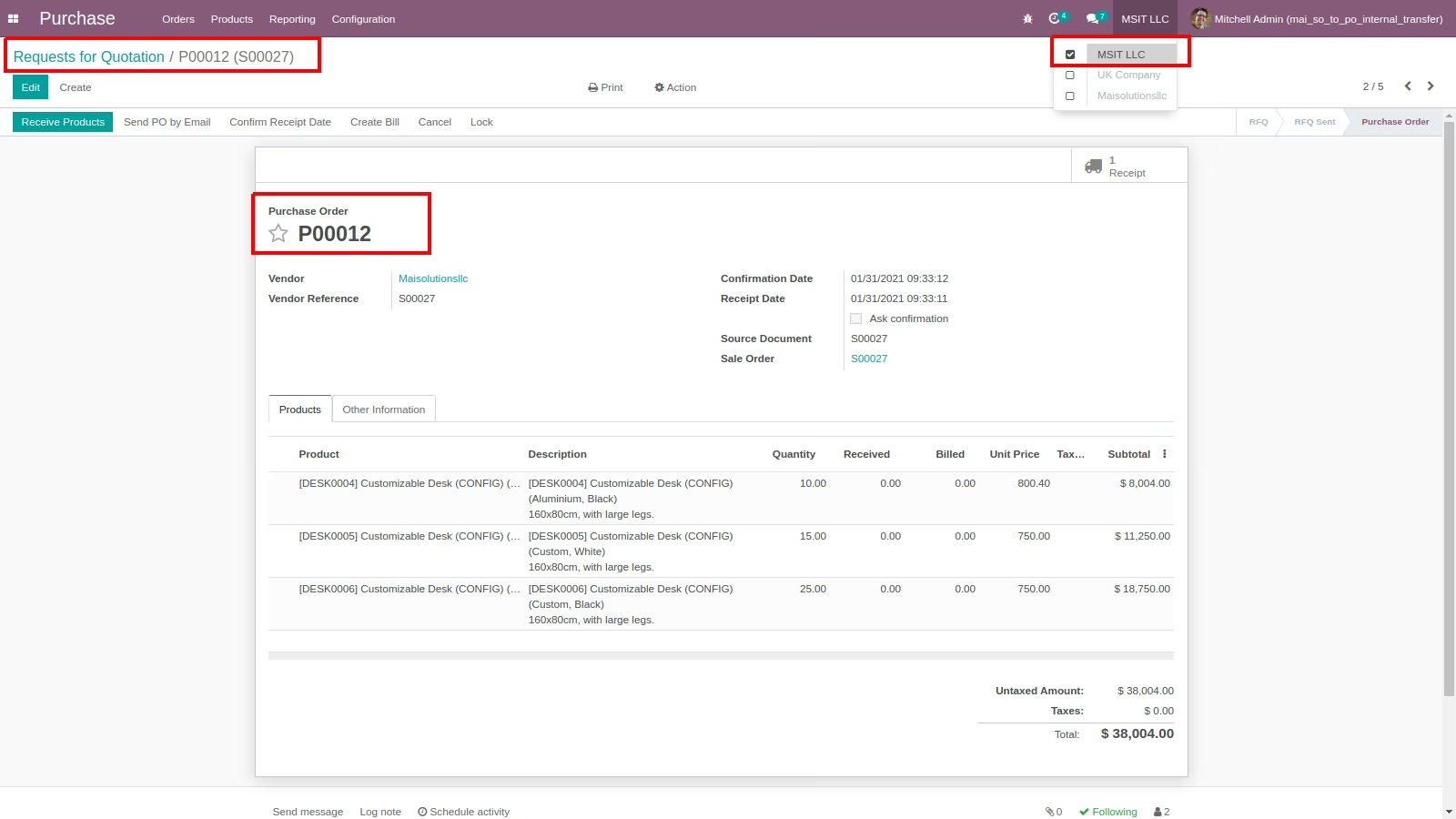
- Using this module you can auto create purchase order on Sale Confirmation and Invoice Creation in another Company
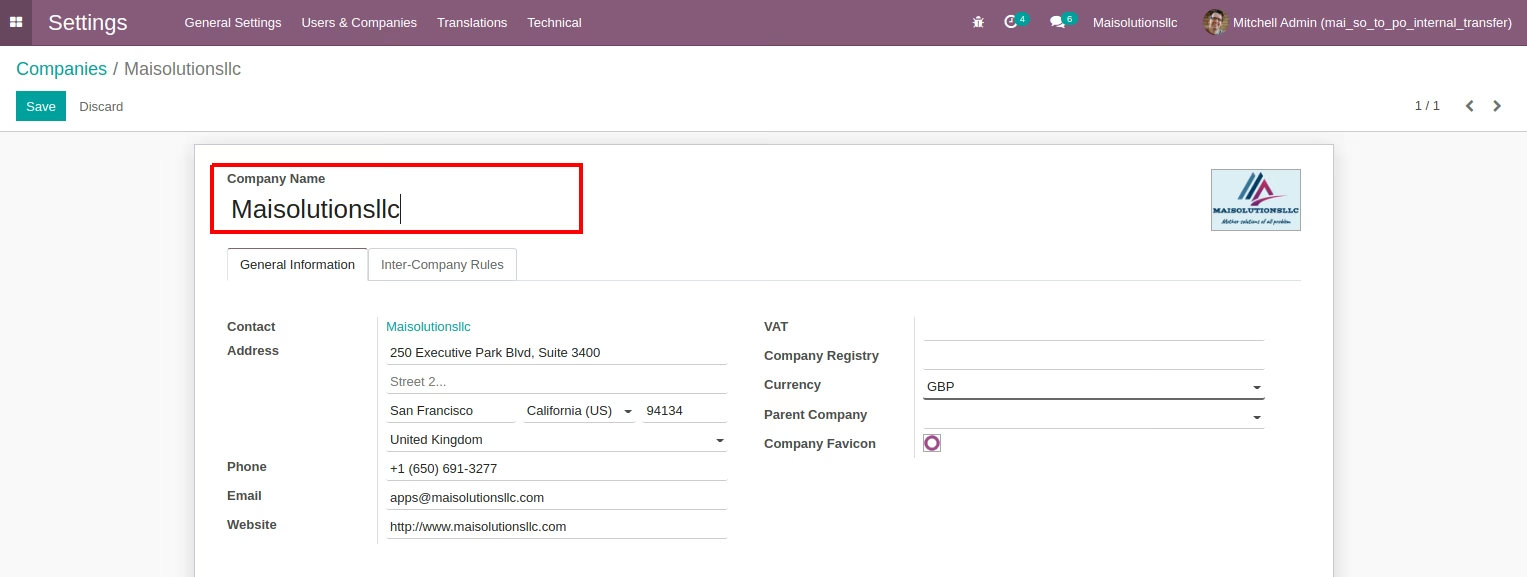
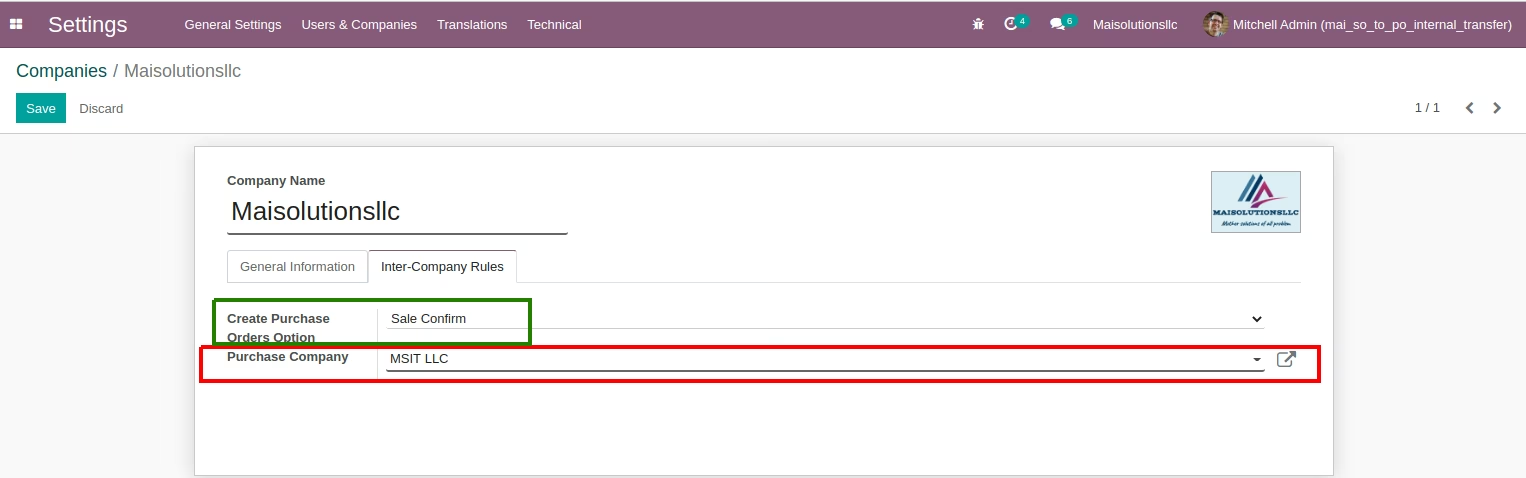
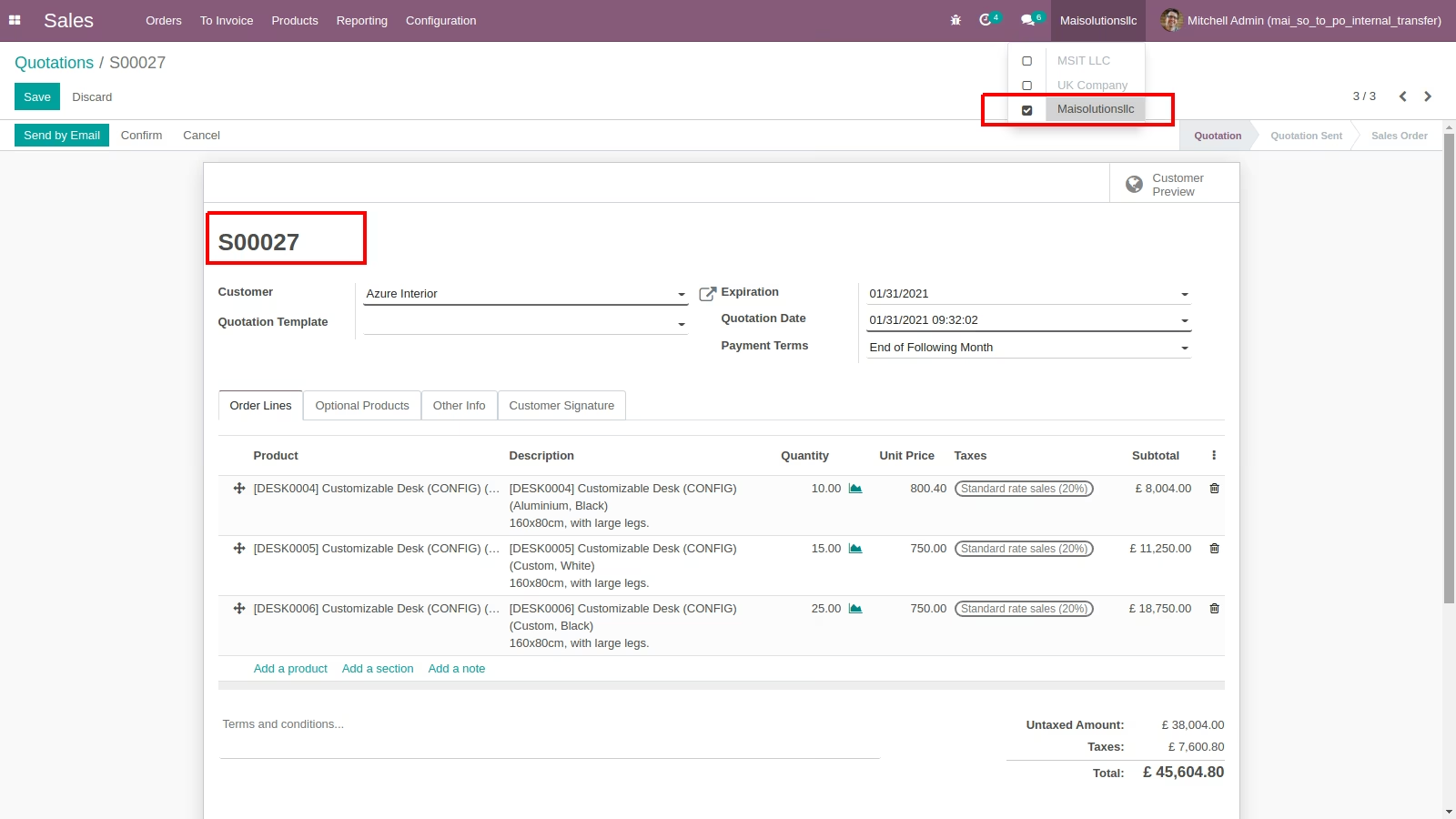
Inter-Company Sale to Purchase Auto Create on Sales Confirmation
Inter-Company Sale to Purchase Auto Create on Invoice Confirmation.