Elevate your sales strategy and enhance customer satisfaction by offering flexible payment options with the Installment Management module. This powerful and intuitive tool is designed to seamlessly integrate into your environment, allowing you to effortlessly create, manage, and track customer installment plans. By automating the entire installment process, from calculation to payment tracking and reporting, this module reduces administrative workload and minimizes the risk of human error. Empower your customers with greater purchasing power and provide a superior buying experience, ultimately leading to increased sales, improved cash flow, and stronger customer loyalty.
Create and customize multiple installment plans to suit diverse business needs.
Automate the calculation of installment amounts, including down payments and schedules.
Seamlessly generate and manage installment requests directly from sales orders.
Provides two distinct methods for installment computation for enhanced flexibility.
Maintain a comprehensive and centralized profile for each installment customer.
Track required documents for each installment plan to ensure compliance.
Automatically generate and manage monthly payment invoices for customers.
Features a user-friendly payment wizard for quick and easy settlement processing.
Manage delayed payments effectively with options to create penalty invoices.
Offers a dedicated settlement menu for a clear overview of all installment requests.
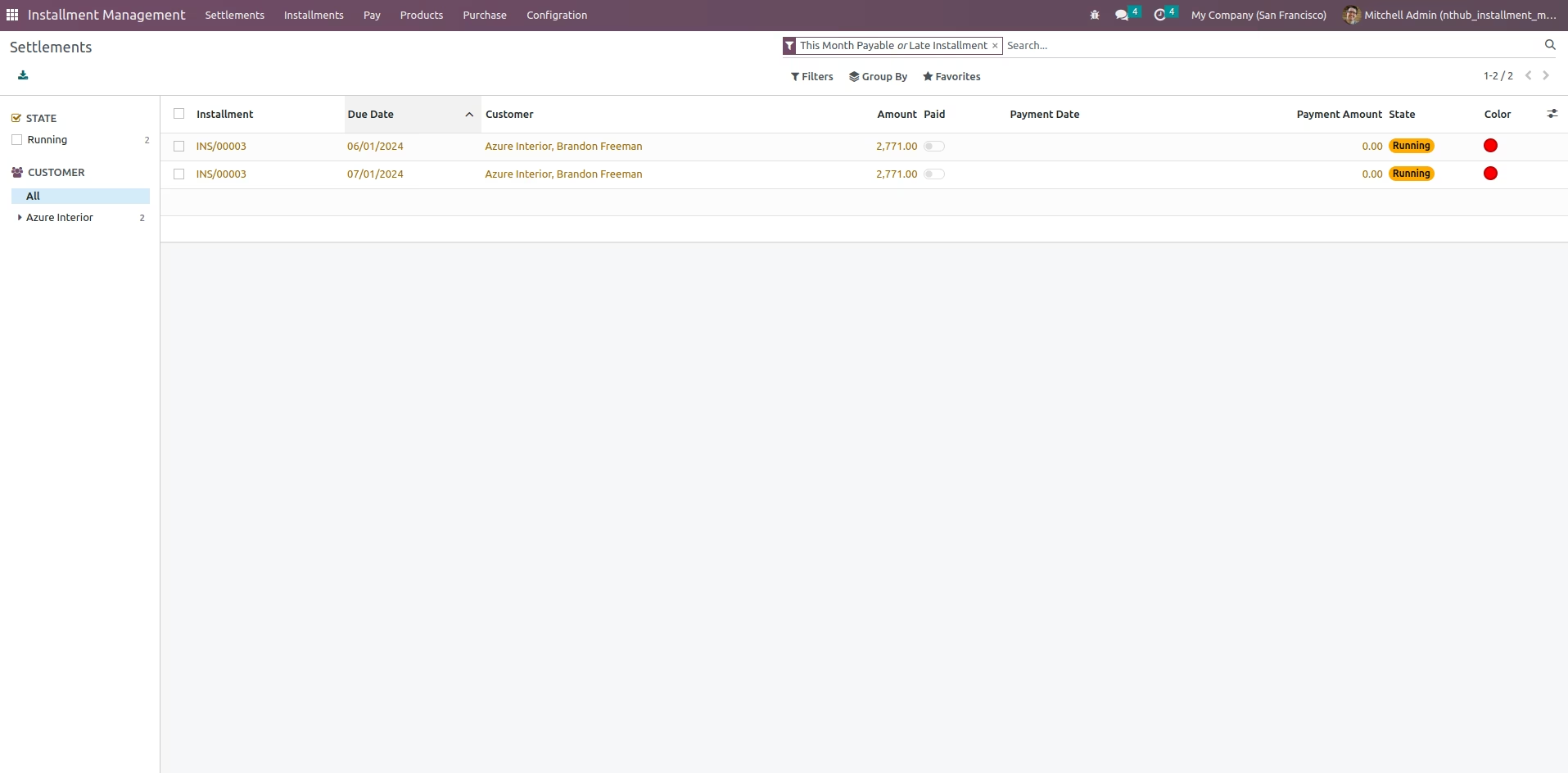
Filter and group installment lines by status, such as payable or late.
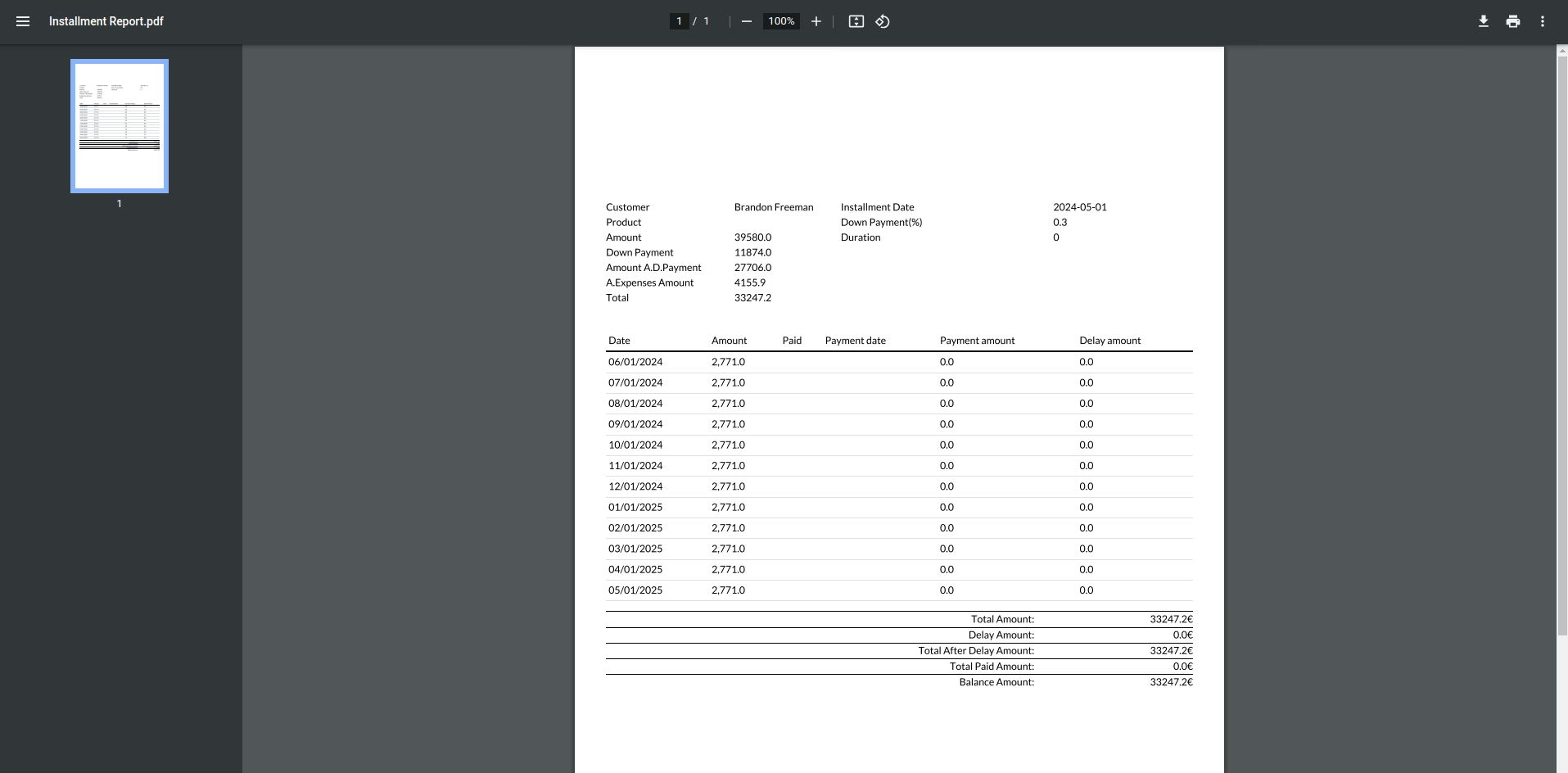
Generate detailed installment and invoice reports for insightful financial analysis.
Increase sales and average order value by making high-ticket items more affordable.
Enhance customer satisfaction and loyalty by offering flexible payment solutions.
Reduce the administrative burden of manually managing installment payments.
Improve cash flow predictability with scheduled and automated payment tracking.
Gain a clear, real-time overview of all installment activities and statuses.
Minimize payment delays and defaults through automated reminders and tracking.
Streamline accounting processes with seamless integration into Invoicing.
Empower your sales team to close more deals with attractive financing options.
Used to Installment Products for Customers

Explore This Module


Overview
The Installment Management Module is a powerful tool that makes it easy to create and manage installment plans for your customers. You can set the installment terms, process payments, and track your installment payments with ease.

Features
 Improve customer satisfaction by offering flexible payment options.
Reduce the administrative burden of managing installment payments.
Get a clear overview of your installment payments with comprehensive reports.
Configure installment settings
Make installment requests and compute installment
Improve customer satisfaction by offering flexible payment options.
Reduce the administrative burden of managing installment payments.
Get a clear overview of your installment payments with comprehensive reports.
Configure installment settings
Make installment requests and compute installment

Screenshots
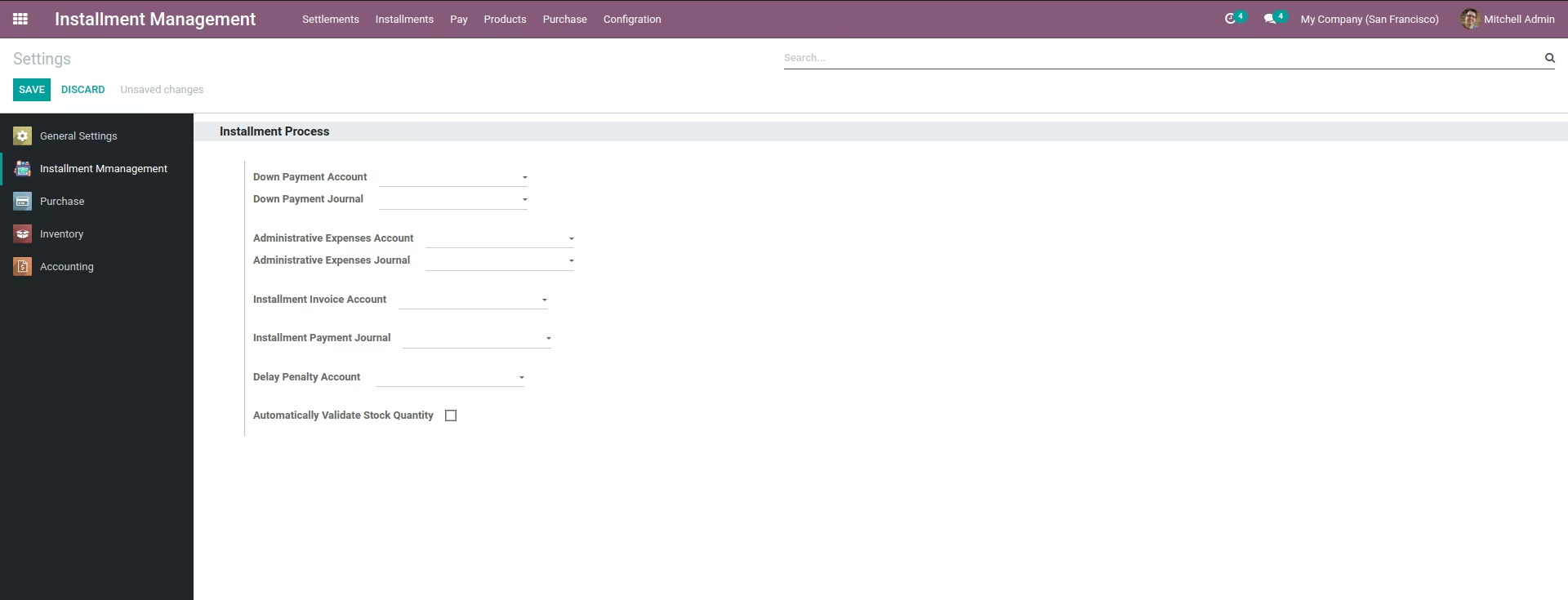
Create Installment Process
From setting Identity accounting for the Installment Process
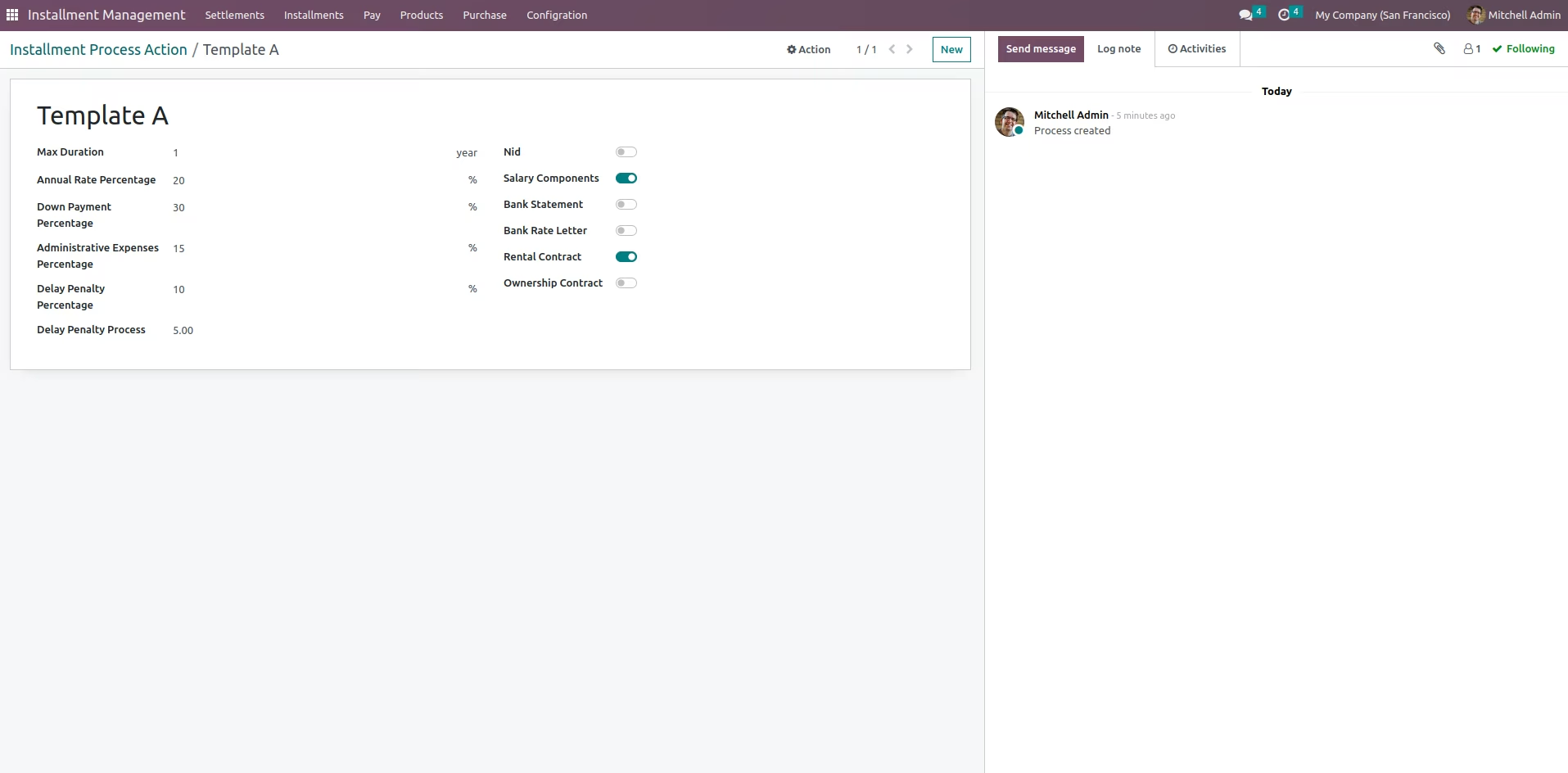
Create Installment plan
Identify Plan and needed documents that is requered for this plan and can be more than one plan
Add cost and Sales price
Create product and add cost and sales price
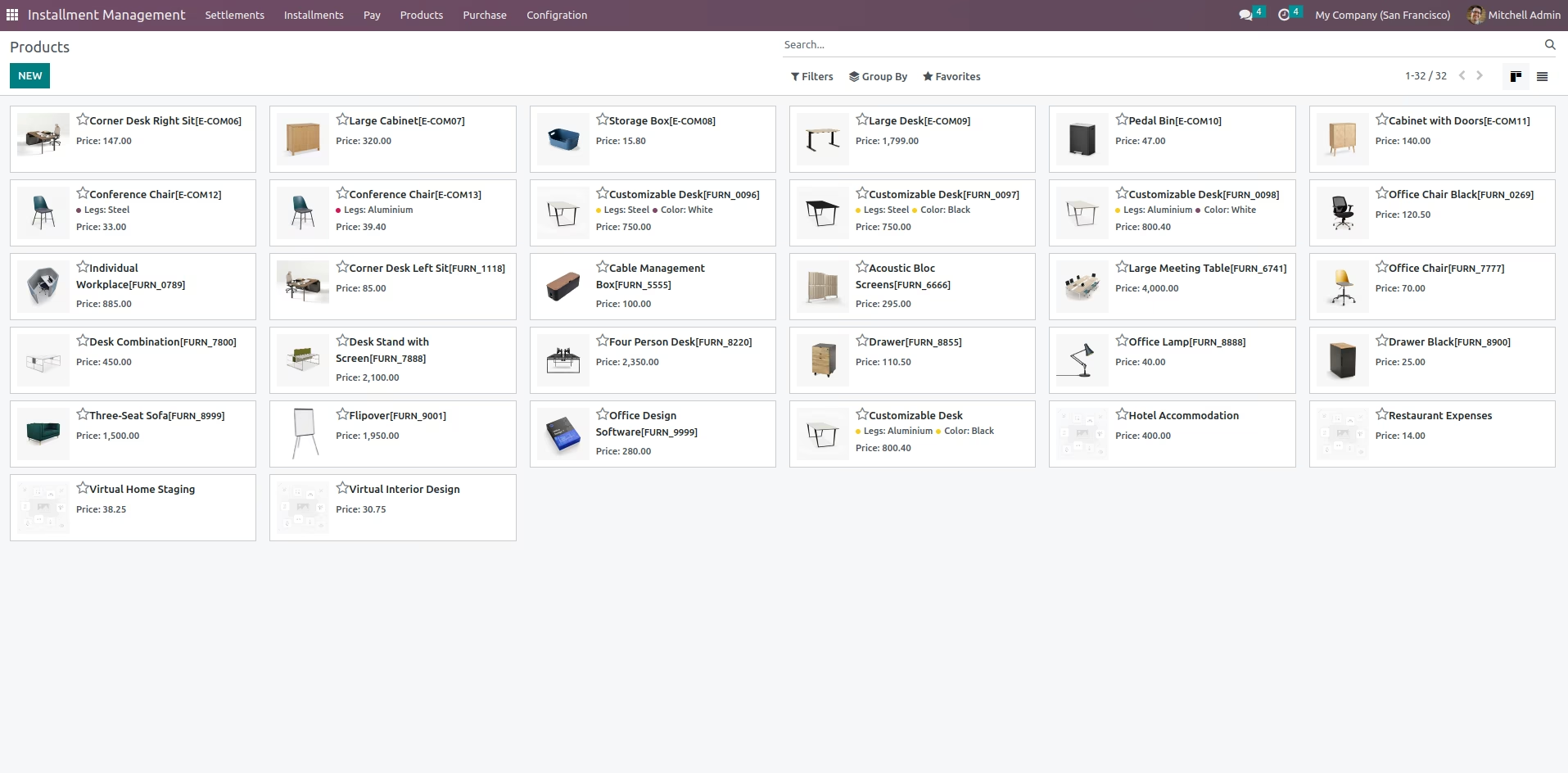
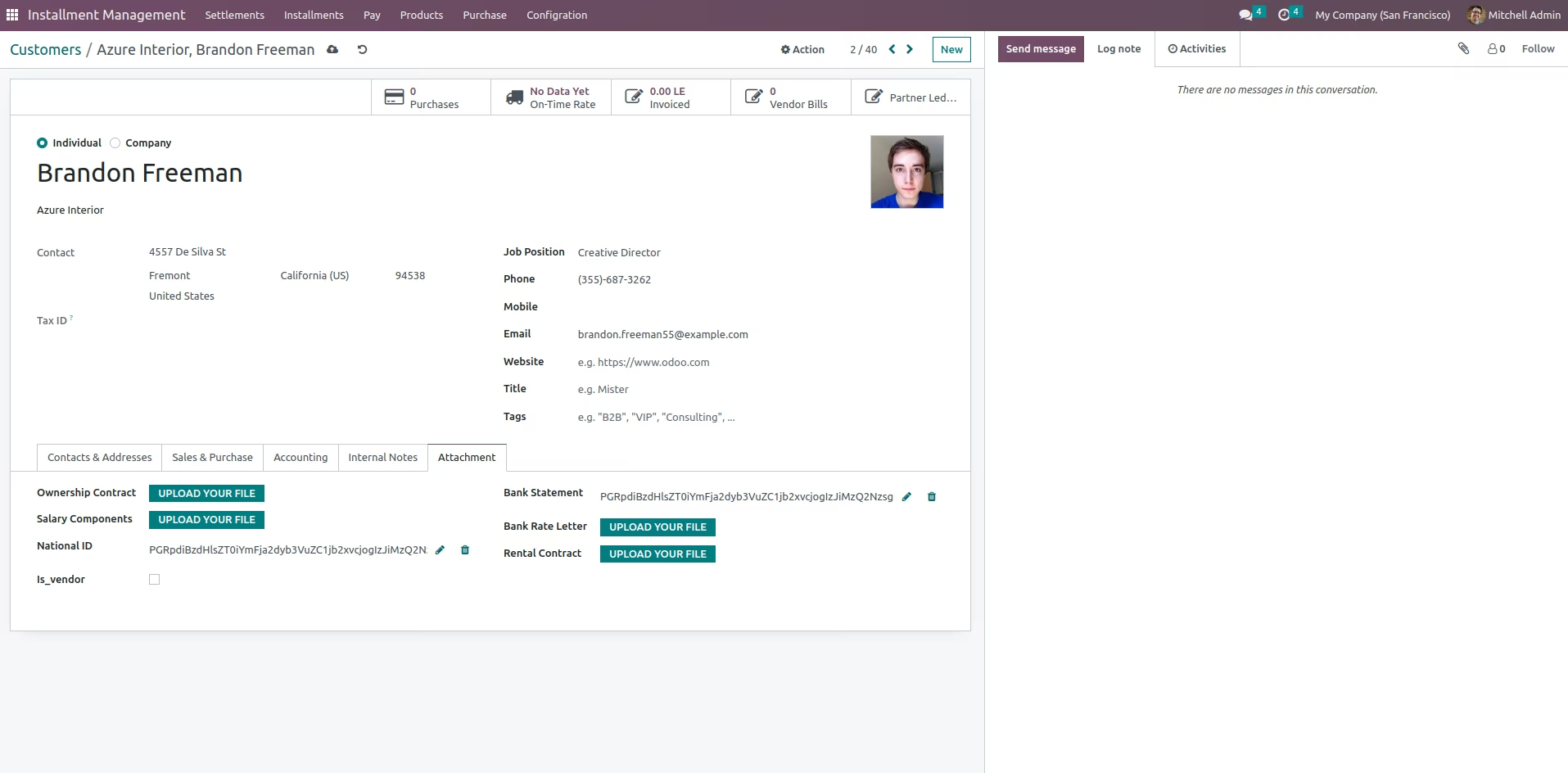
Customers Menu
Show all the customers

Customers profle
customer profile to store all the customer data and attach documents
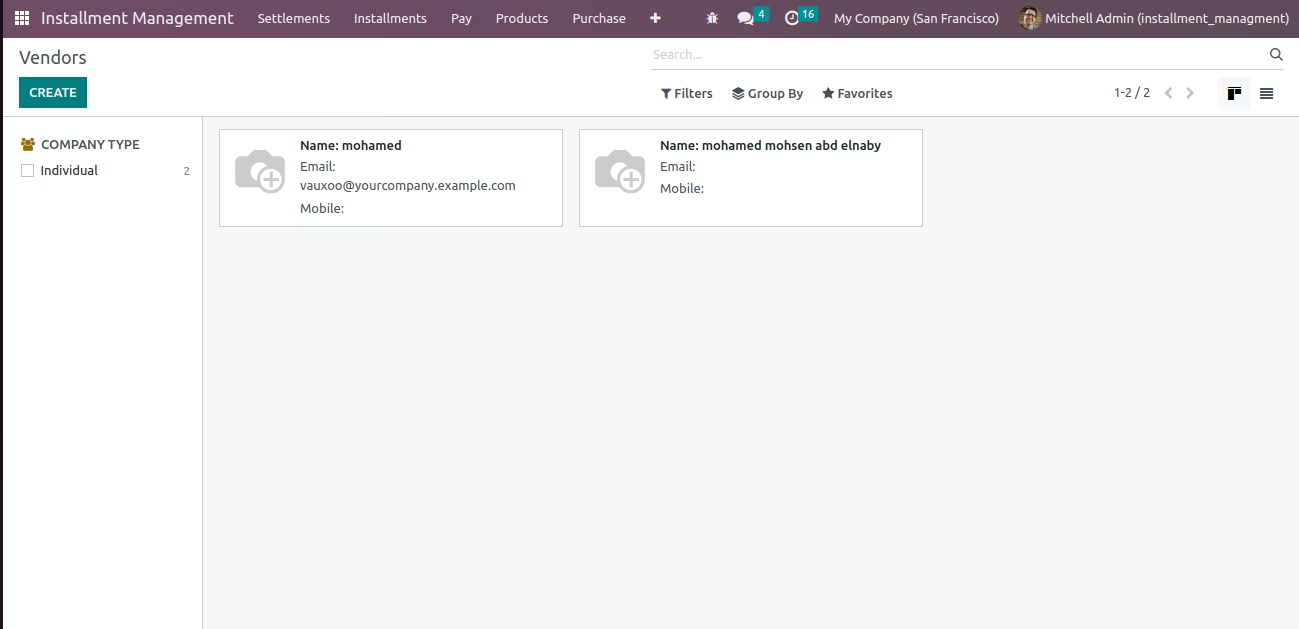
Vendor Menu
Show all the Vendors
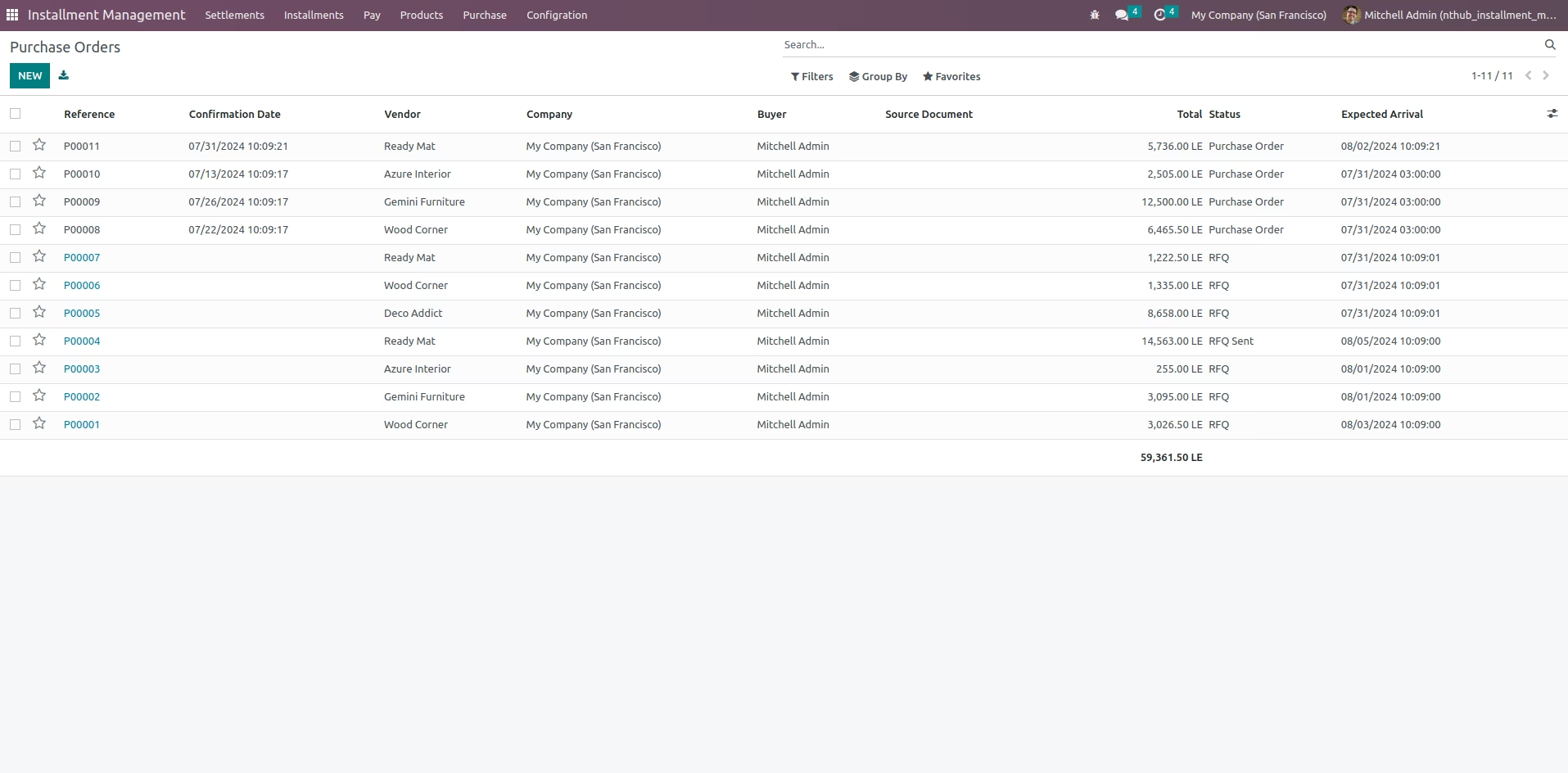
Purchase Menu
Show all the Purchase order
Installment View
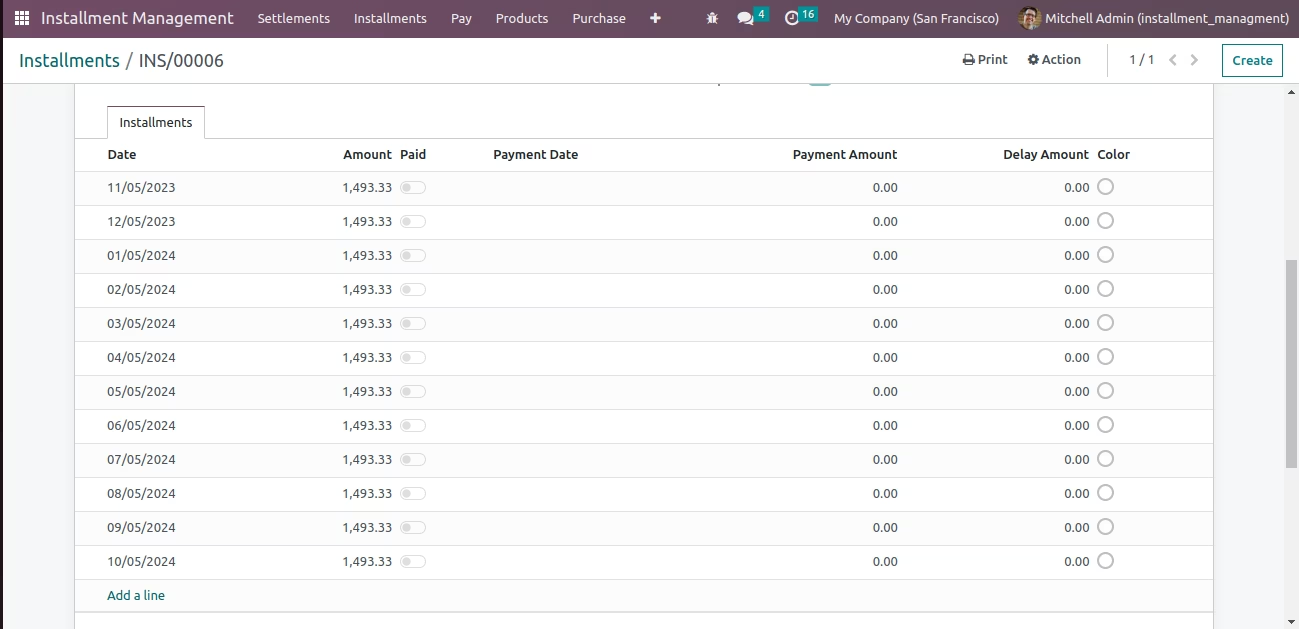
Start Installment proccess , choose customer and installment plan and date of the payment and products and services
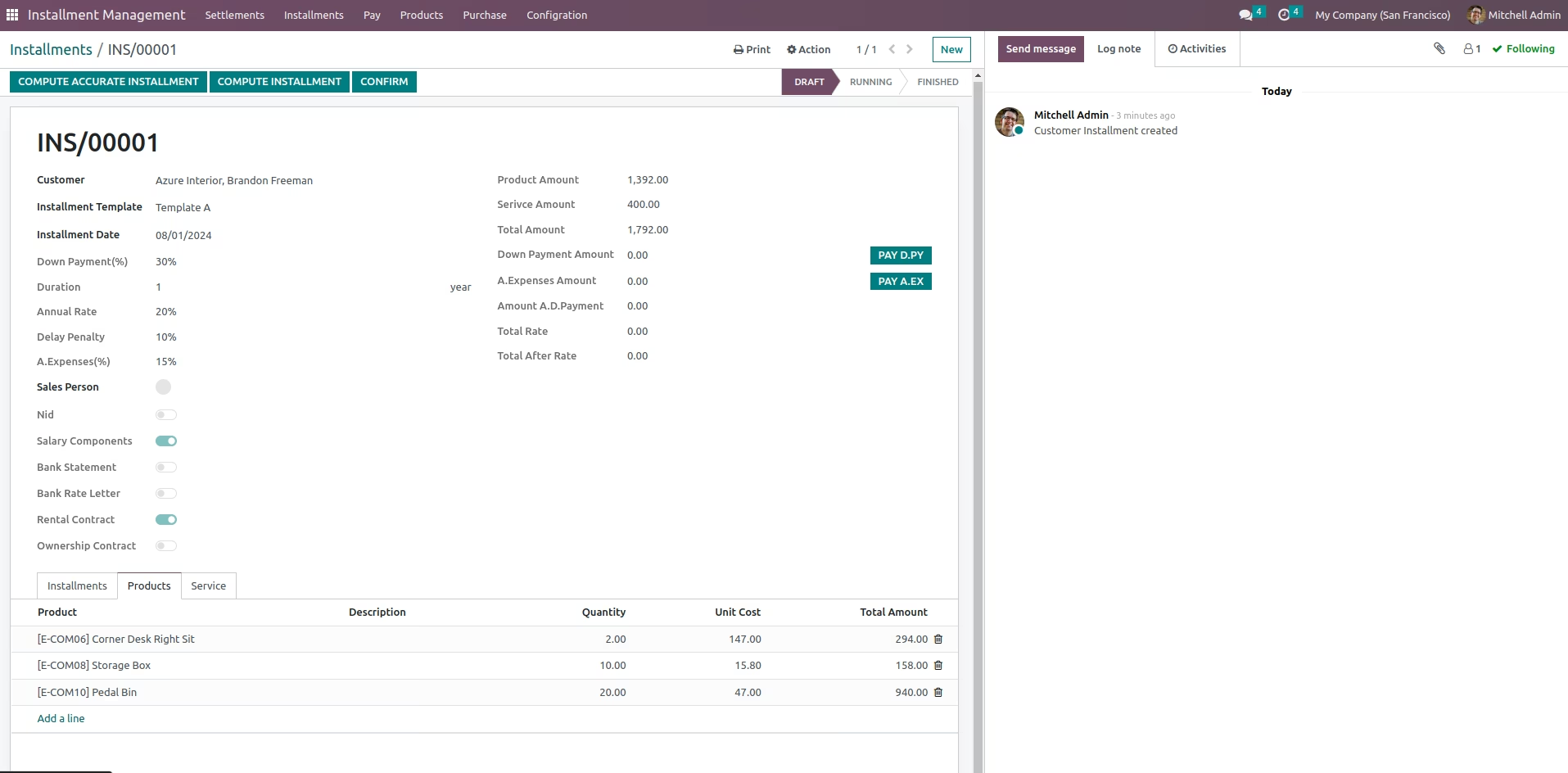
Compute Installment
There are Two way of Computing Installment Lines Amount, First one is Compute that set Fraction of Installment if Exist As Is, ad Second one is Accurate Computation that collect all Lines Fractions then add them to the Last Installment Line
Compute Accurate Installment
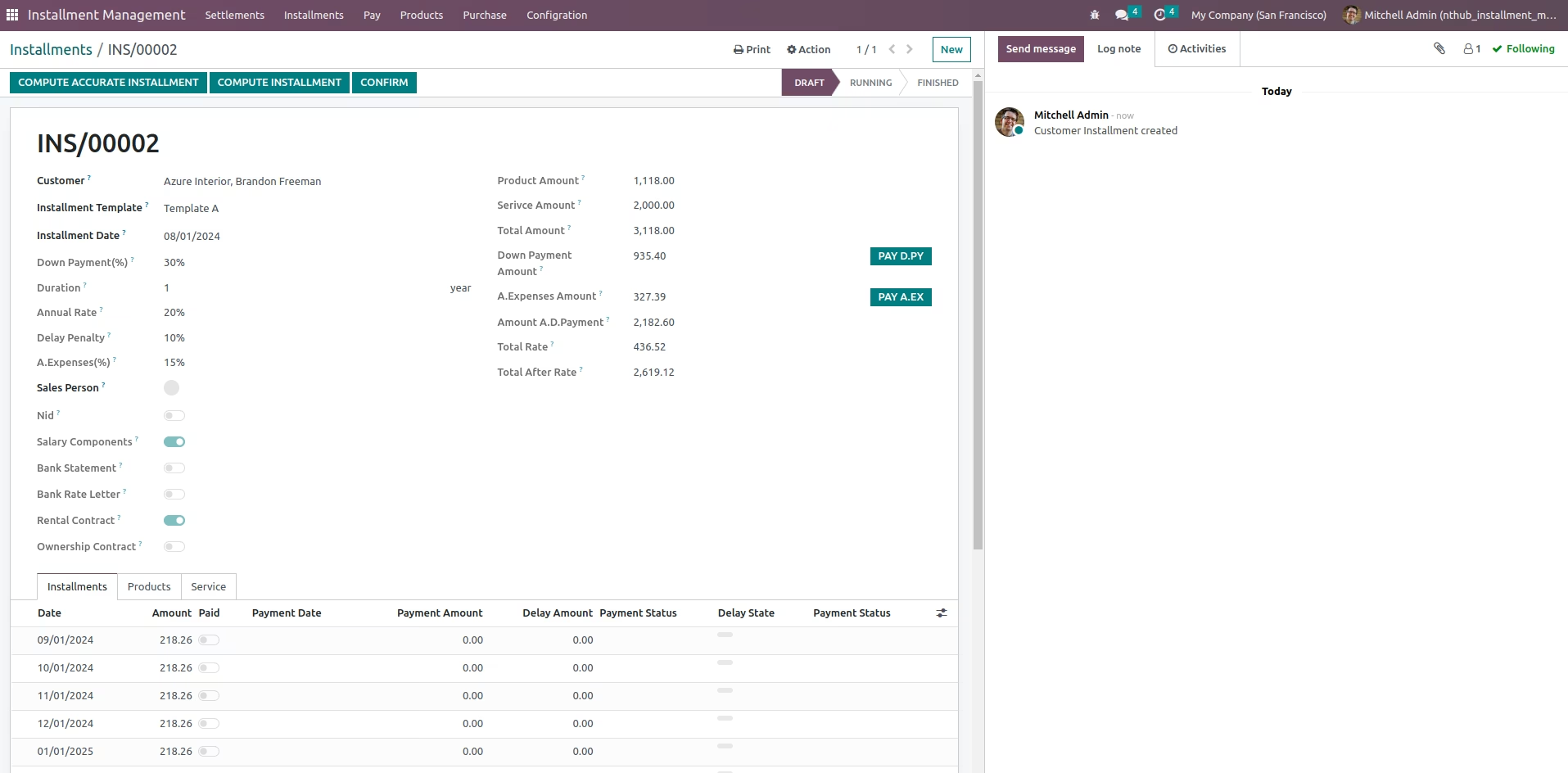
Compute Installment
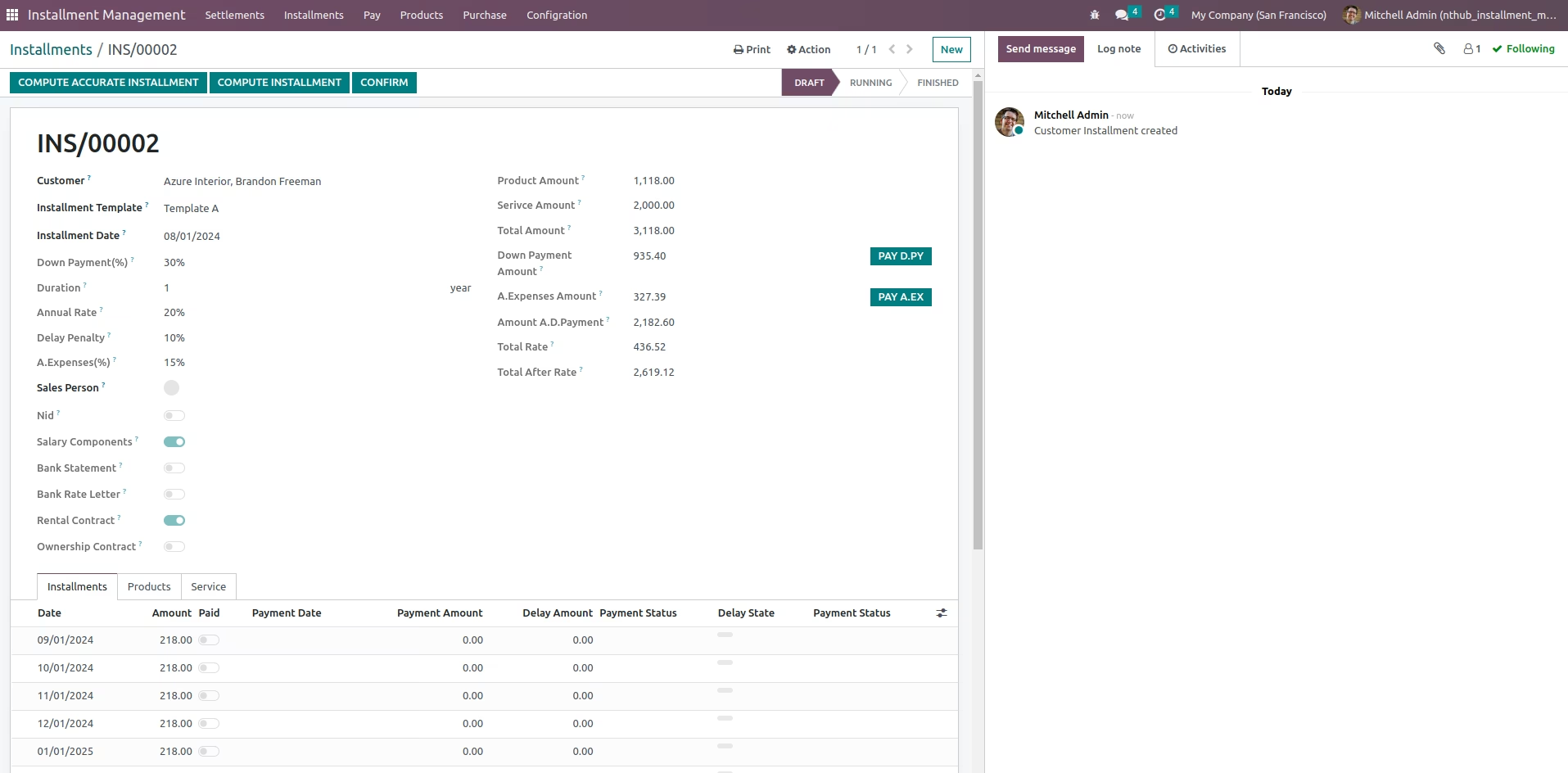
Confirm Installment Request
Confirm installment order to state running that means the installment has been confirmed
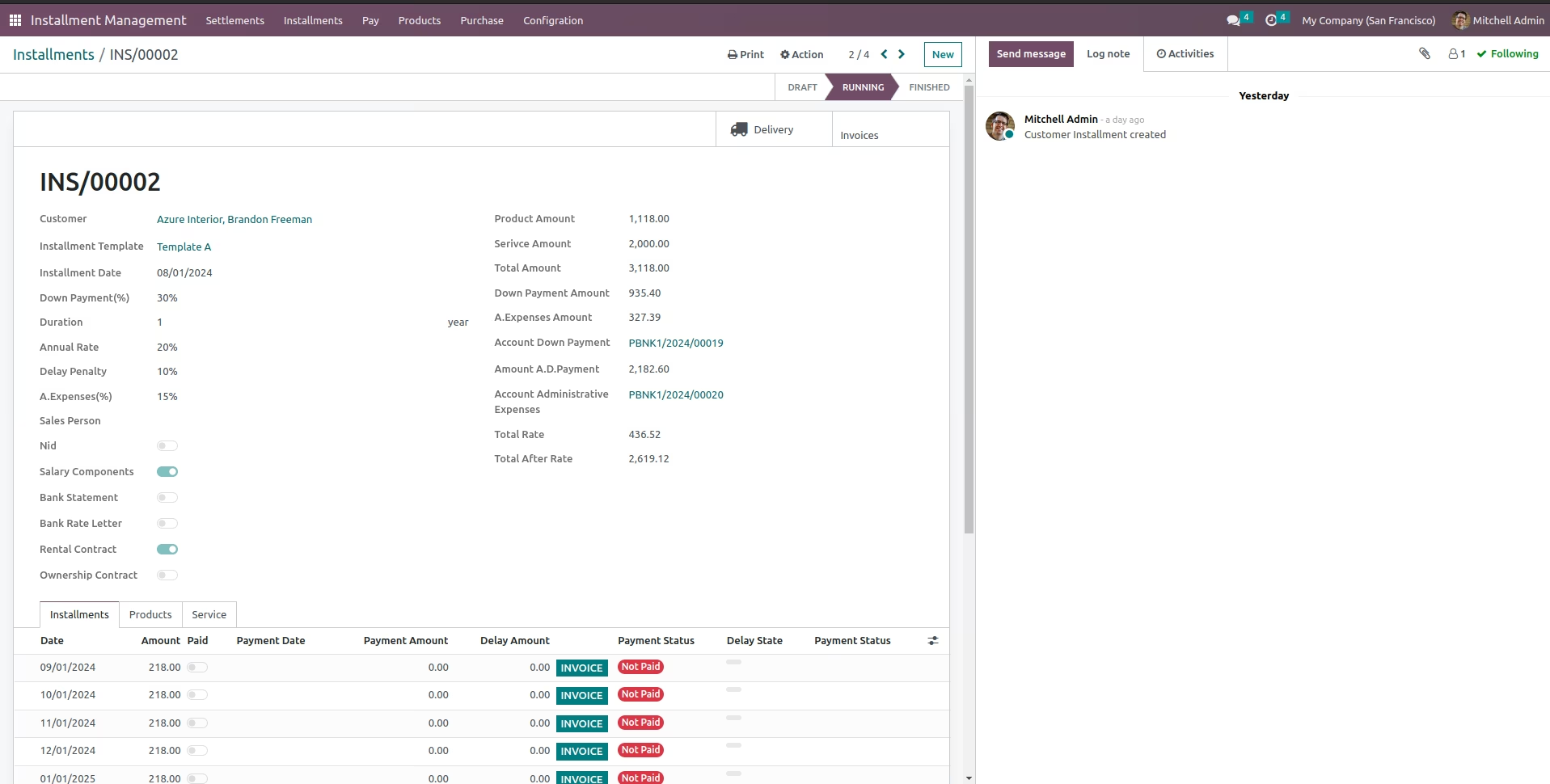
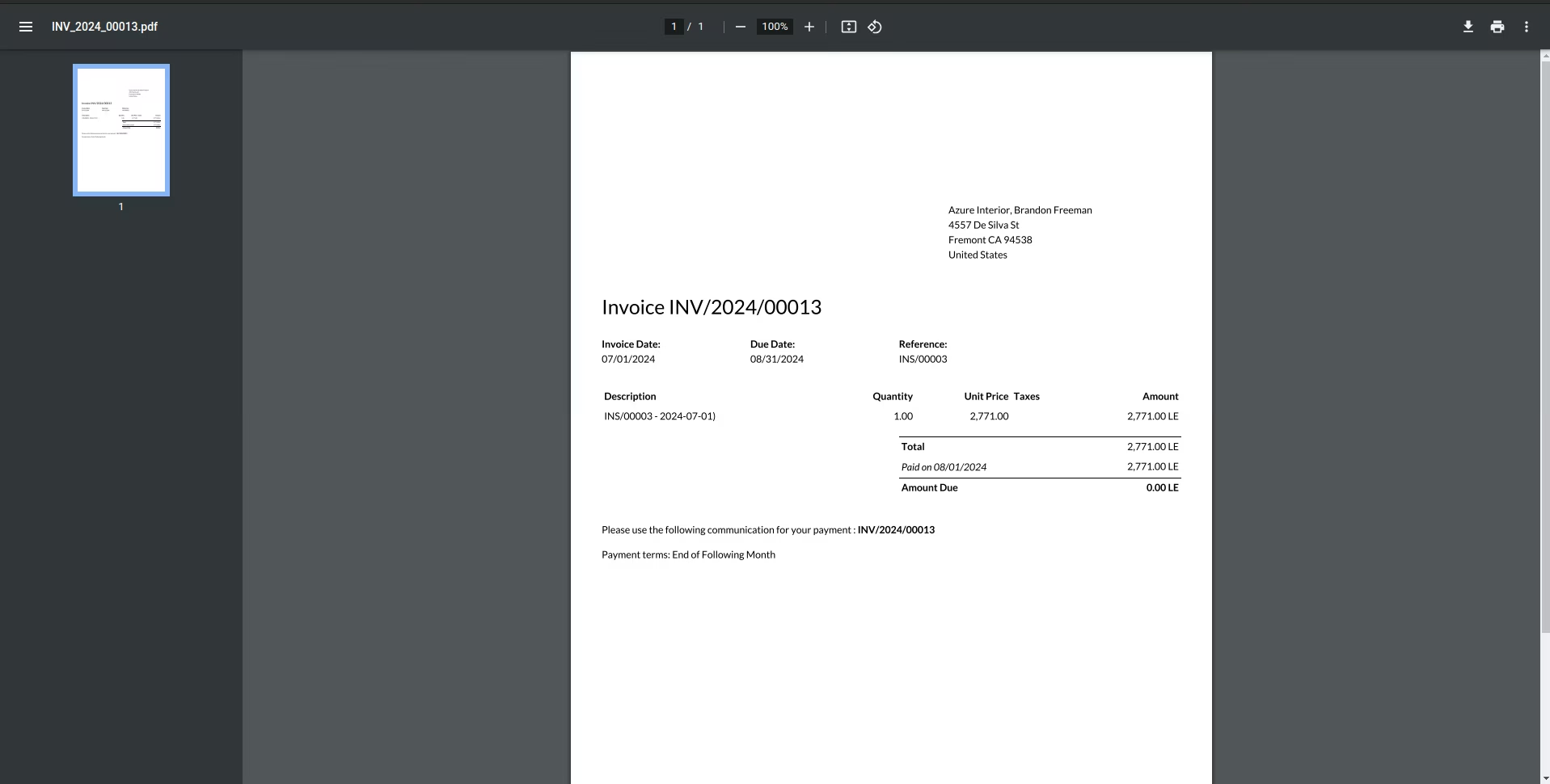
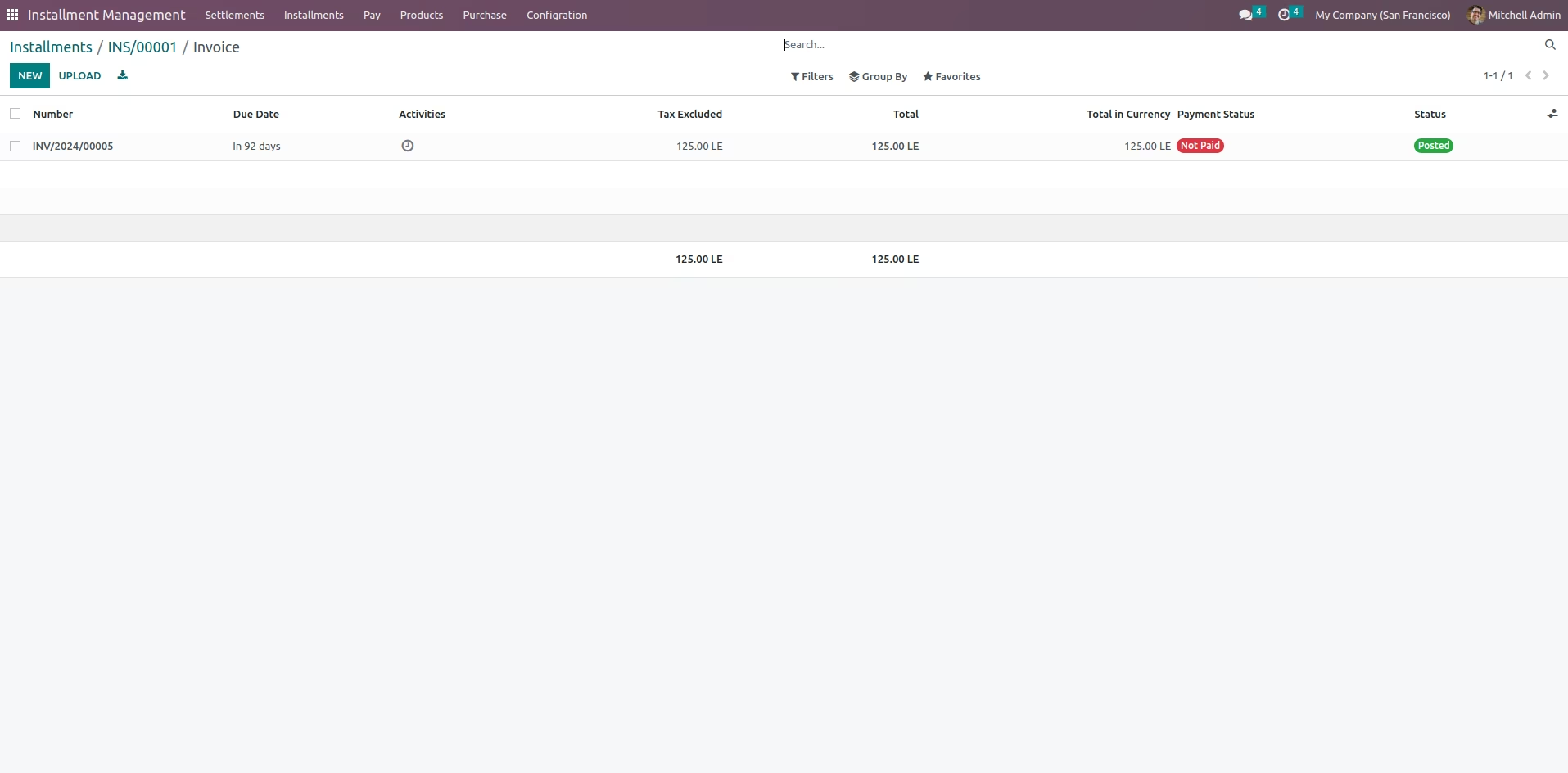
Payment Invoice for month
all the payment invoice for this month
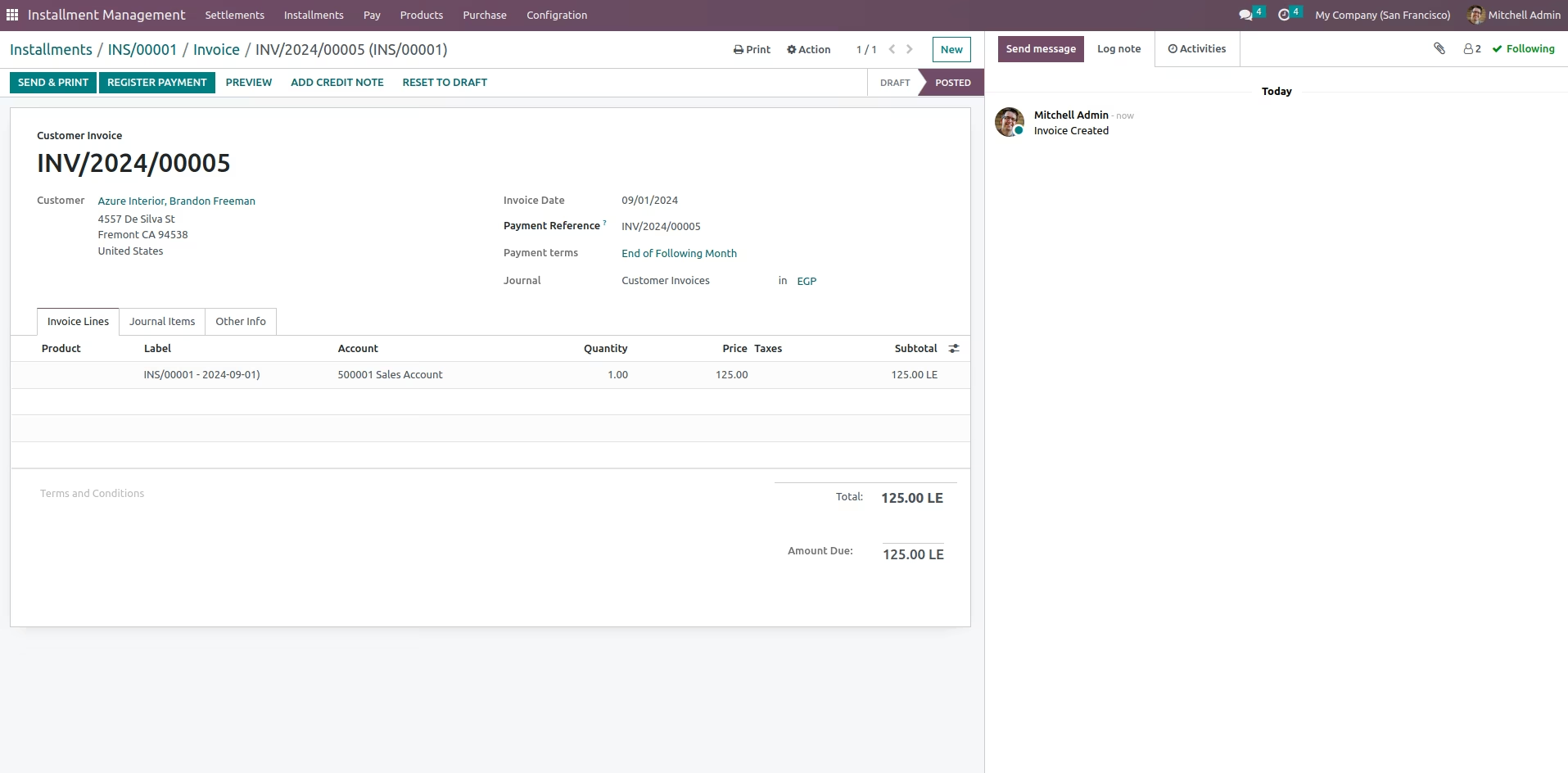
Invoice to pay
the Invoice that the customer should pay for this month
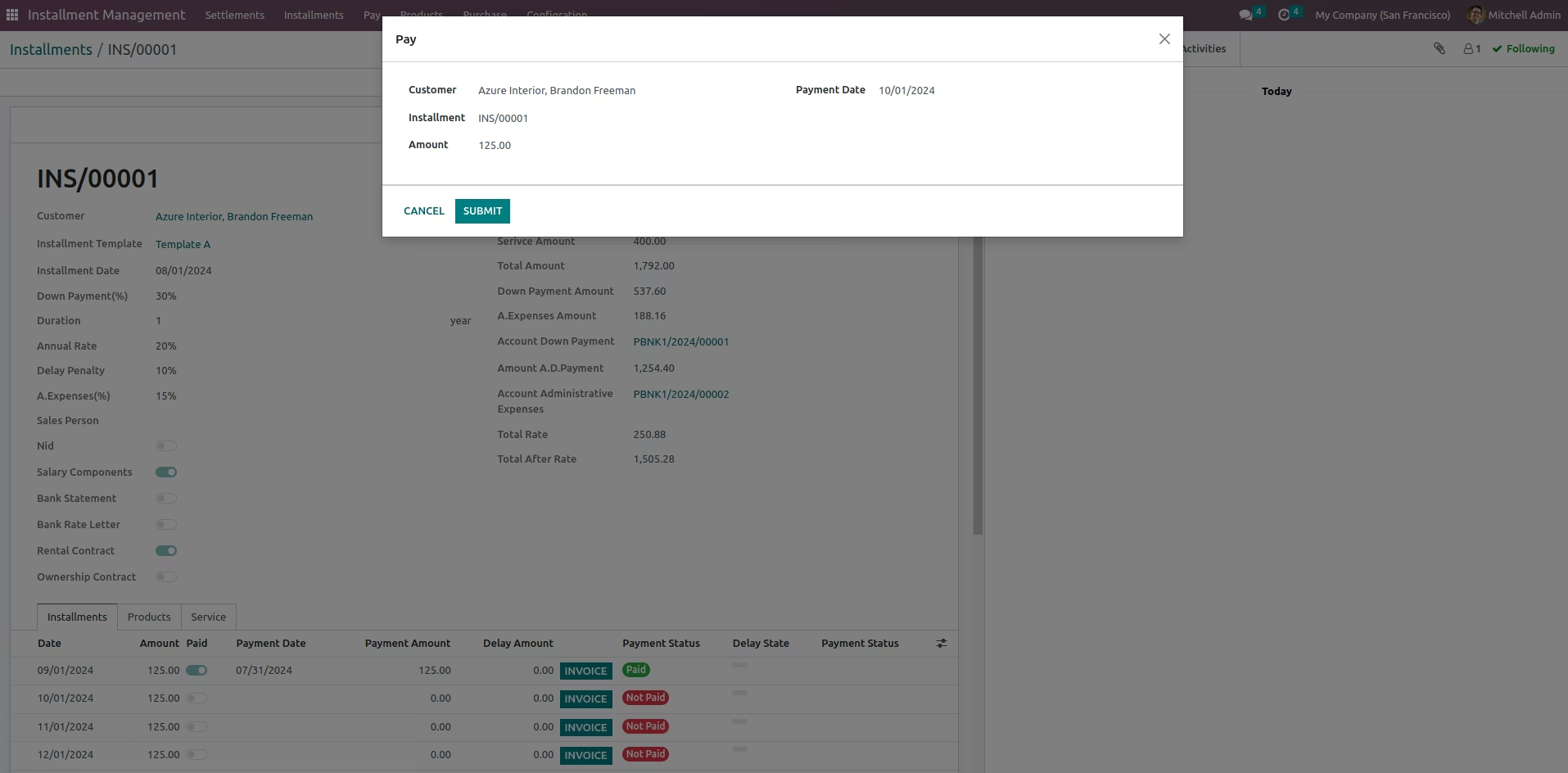
Pay Wizard
Open Pay Wizard to pay installment settlement amount from the customer
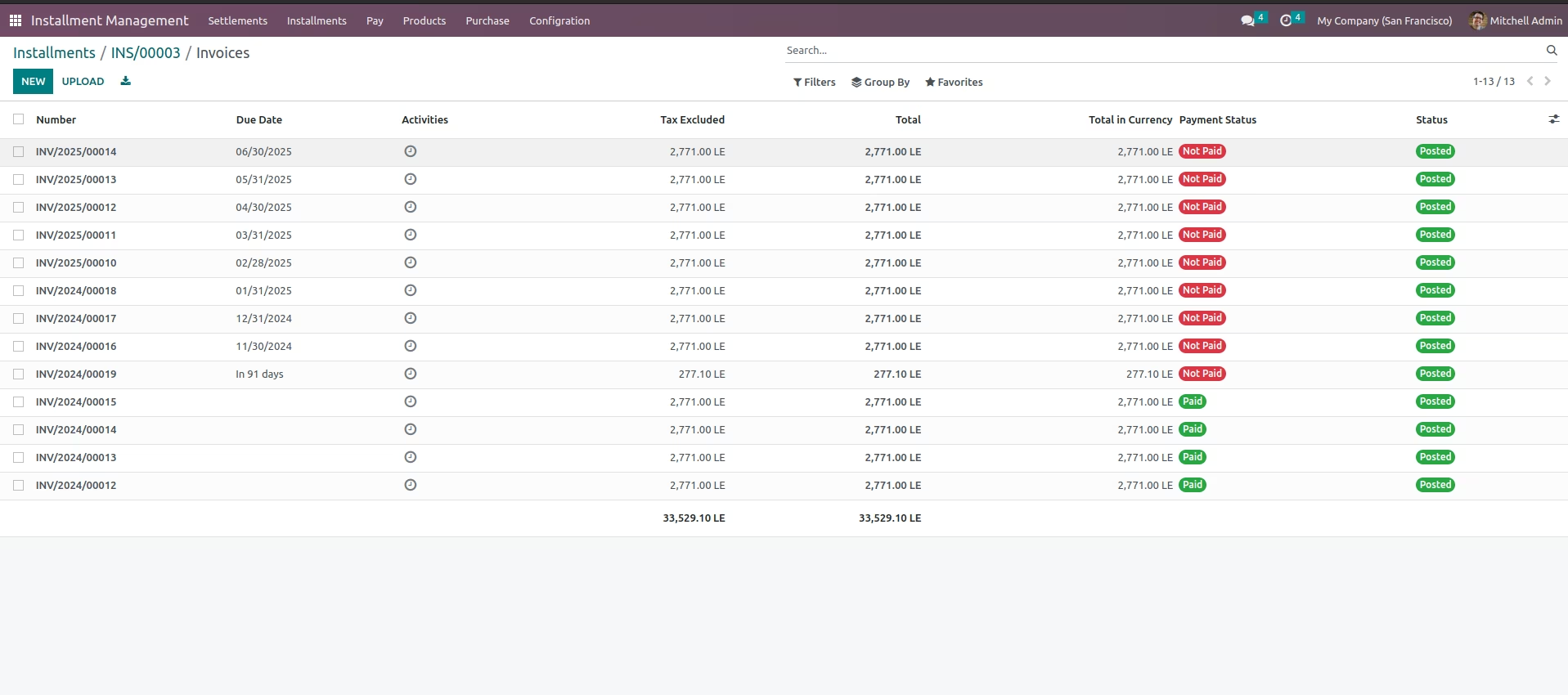
Show all Invoices
Get all invoices for installment
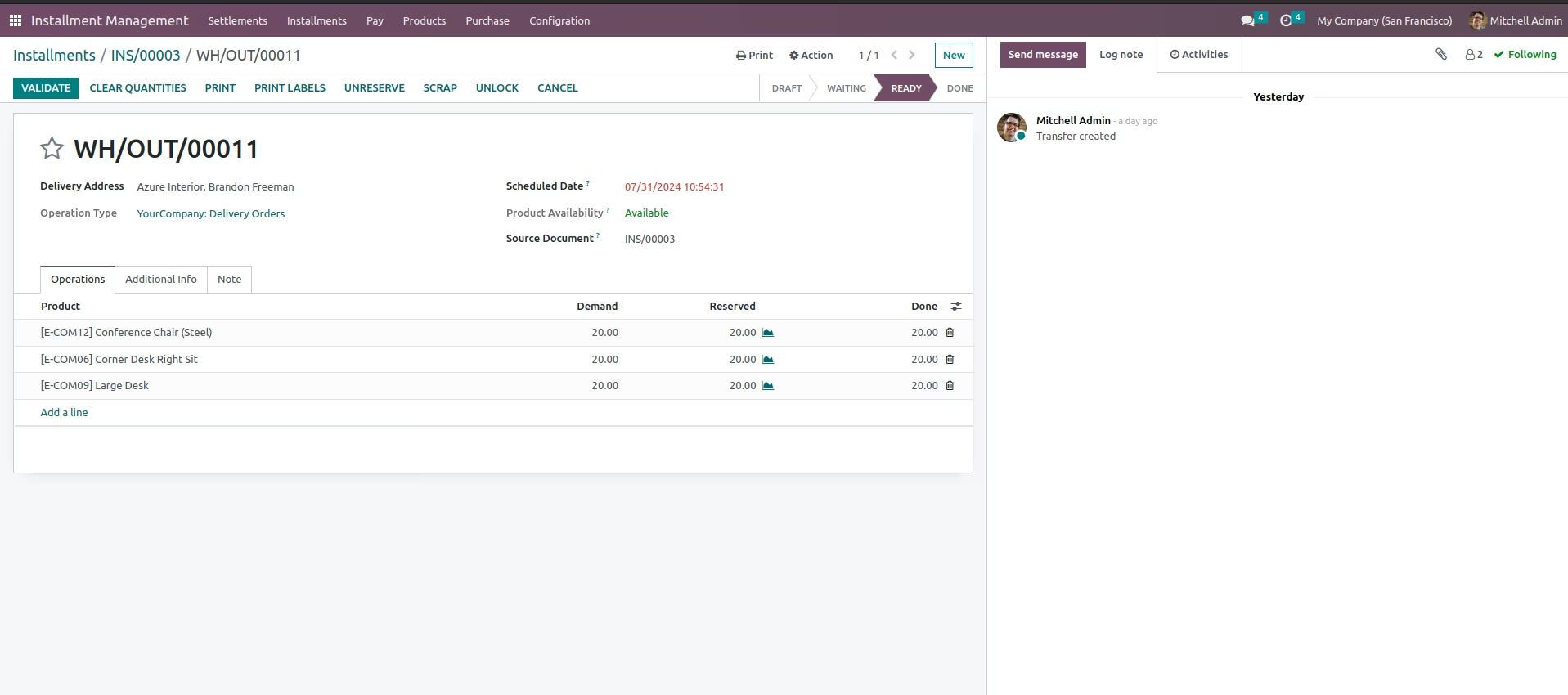
Show Deliverd Quantity
show all the deliverd quantity
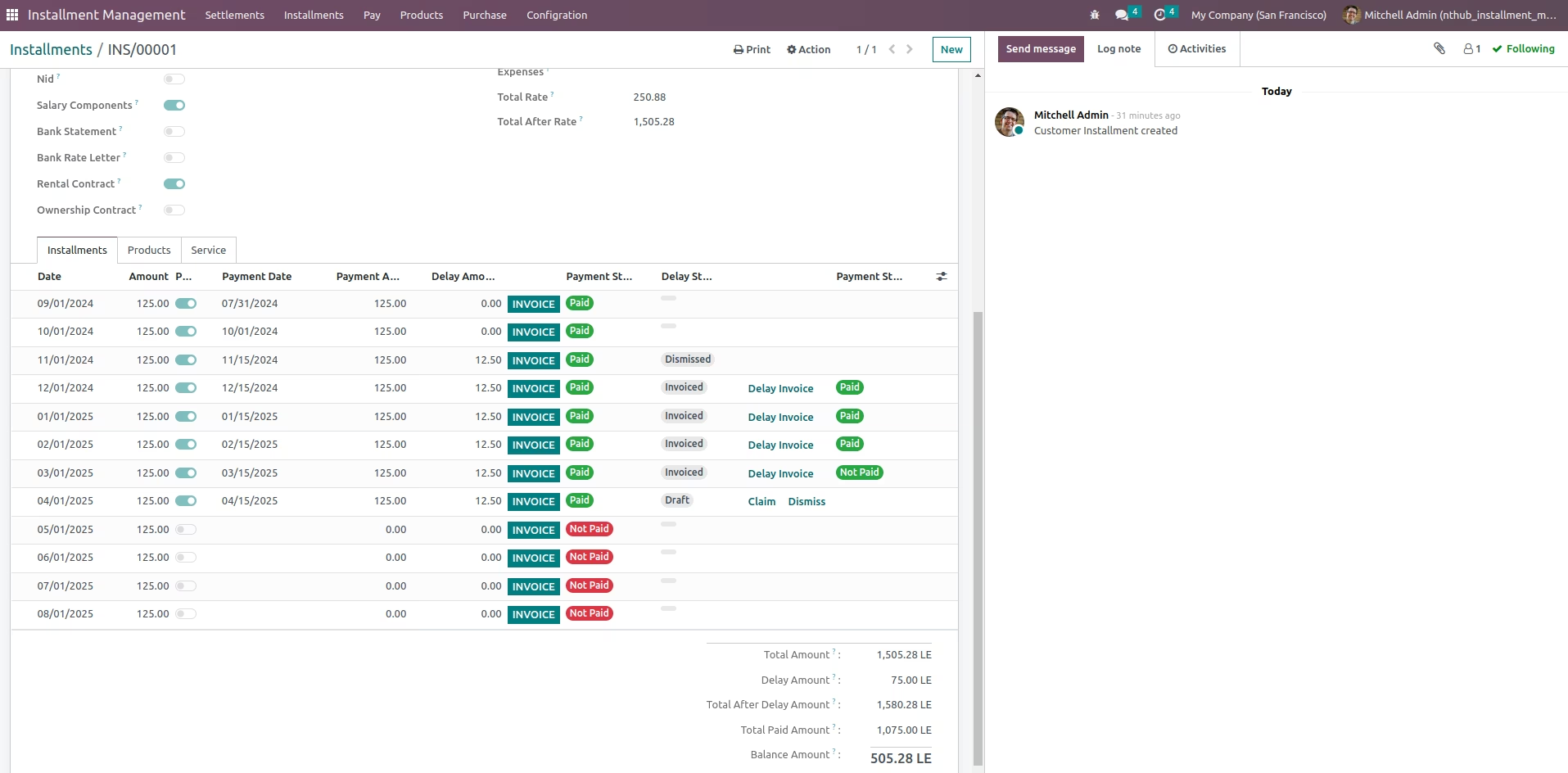
Delay Payment
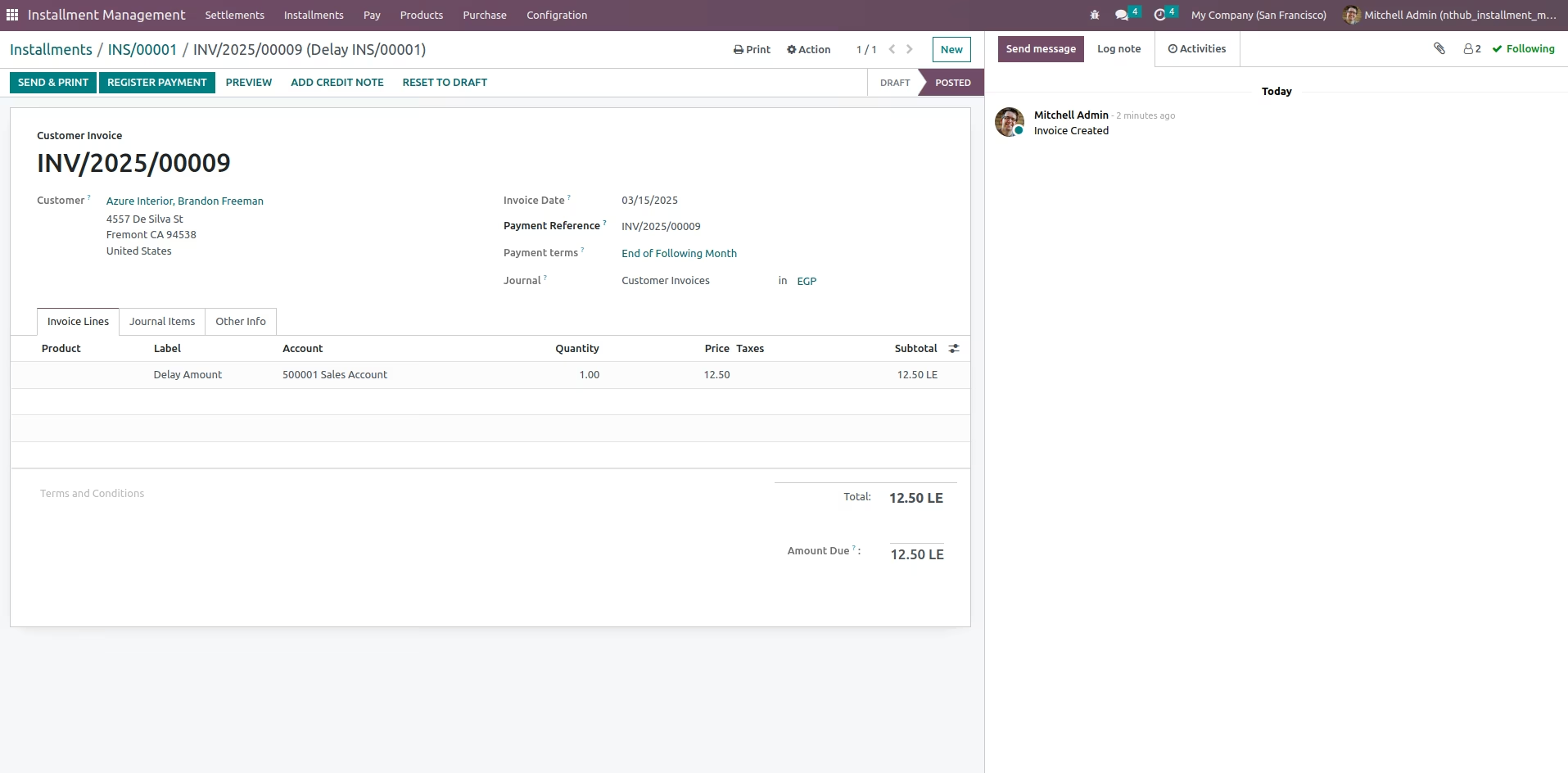
On Delay payment will show 2 options claim to create invoice with the Delay amount or Dismiss for do nothing with this one after choose Claim an invoice will be created with the Delay amount
Delay Invoice
view Delay Invoice
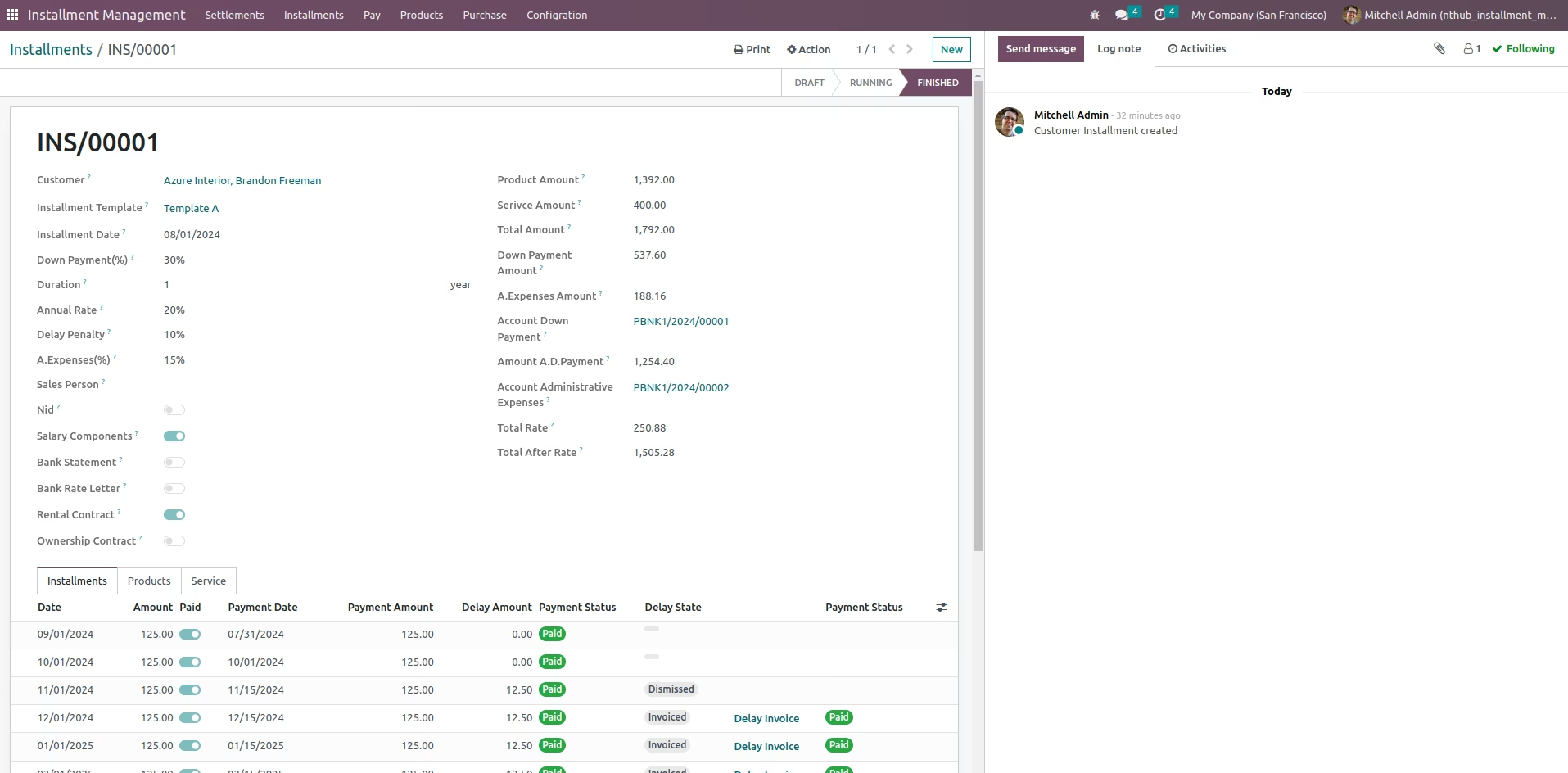
After Finished the Installment
When the Installment is done
Settlement menu
Settlement menu will show all installment request and settlement
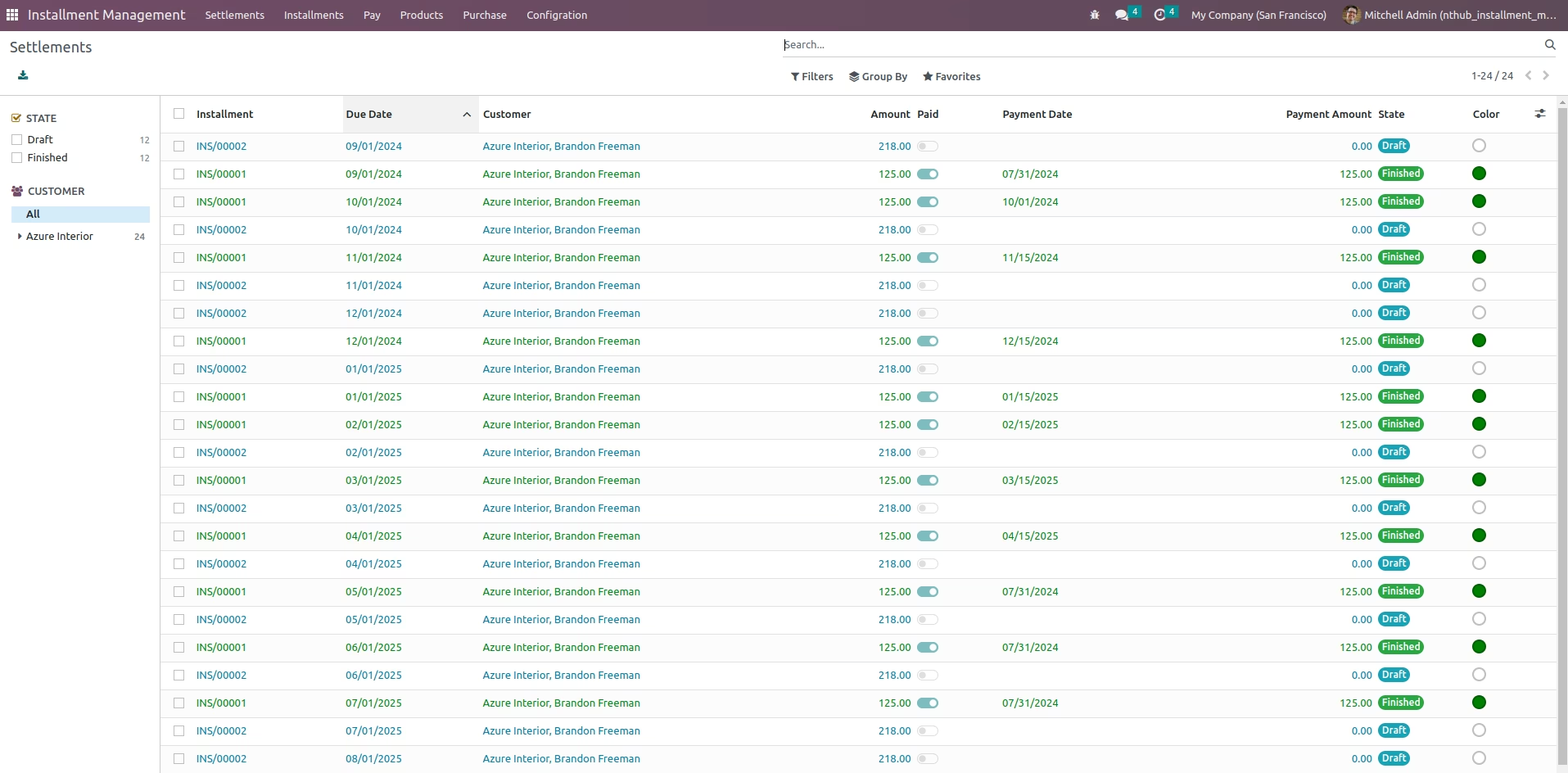
Settlement menu to show all installment lines
Settlement menu filter for payable or late insallment for this month
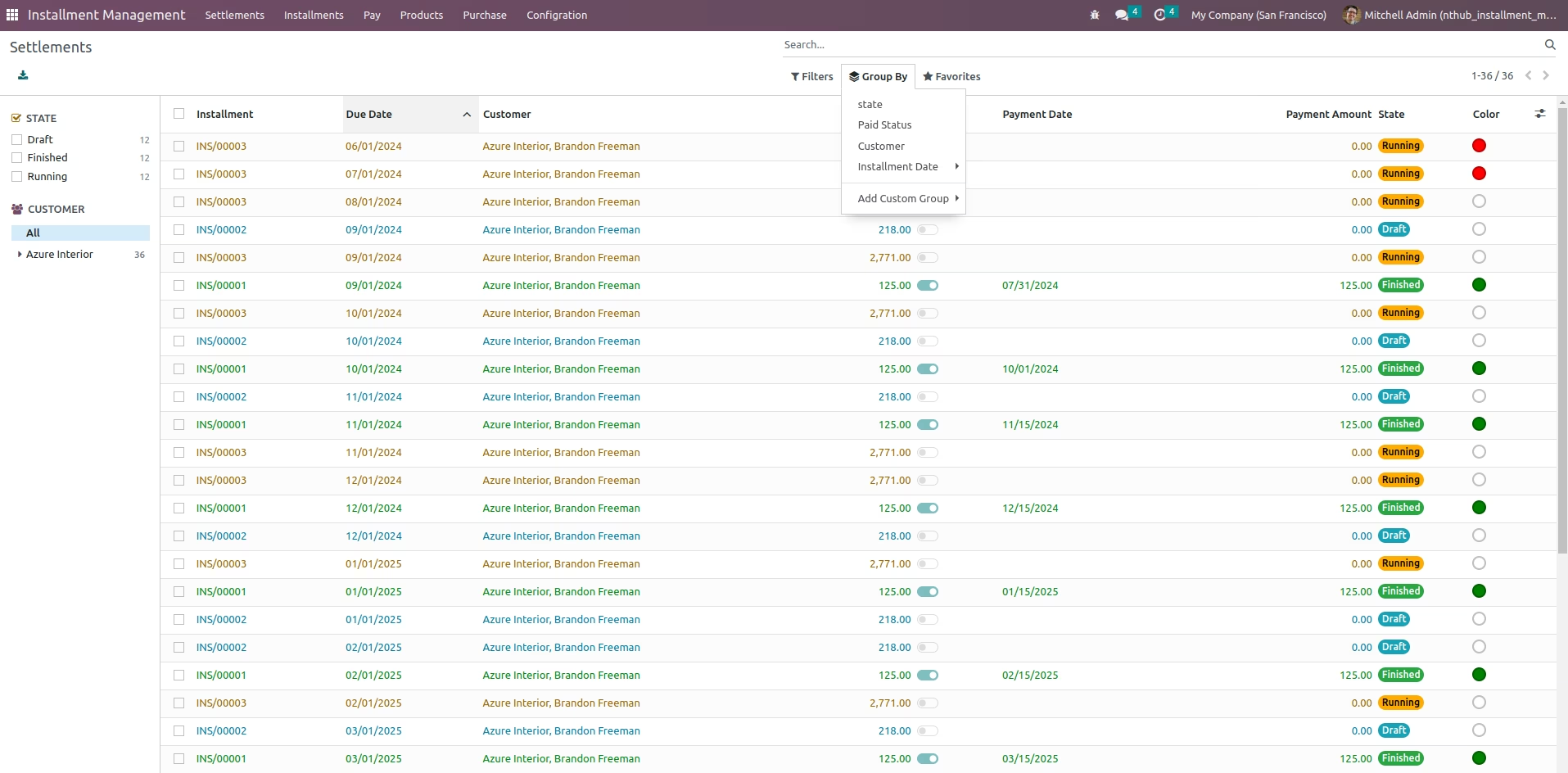
Settlement search filter and group by to filter installment line
Settlement search filter and group by to filter installment line
Installment report from installment request
Installment report from installment request
Invoice report
Invoice report