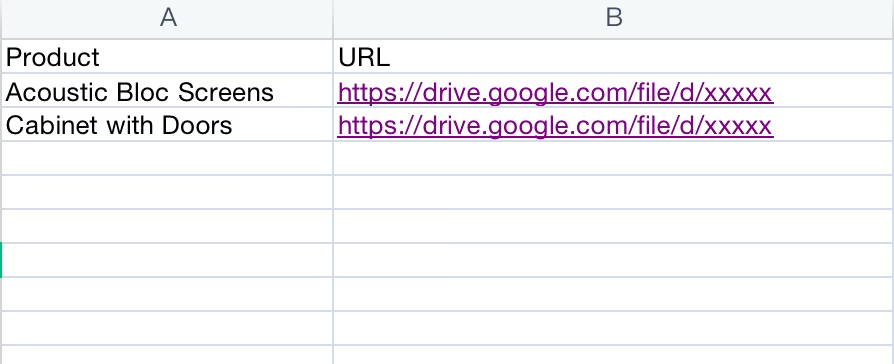
Create a visually stunning and professional product catalog with the Import Product Images module. This powerful tool is designed to solve one of the most tedious aspects of product management: uploading images one by one. By enabling you to bulk import product images directly from your local computer or via URLs using a straightforward Excel or CSV file, this module saves an incredible amount of time and effort. Whether you are setting up a new e-commerce store, migrating your product database, or refreshing your product visuals, this utility ensures your products are showcased with high-quality images, quickly and efficiently.
Bulk import product images for multiple products in a single operation.
Supports both local file paths and public image URLs for maximum flexibility.
Works with both Excel (.xlsx) and CSV (.csv) file formats.
Easily map images to the correct products using their name, internal reference, or barcode.
Functionality to import images for both product templates and individual product variants.
Choose to either create new products with images or update existing product records.
Includes clear, easy-to-follow sample files to ensure your data is structured correctly.
Provides validation to prevent errors and ensures a smooth import process.
Drastically reduces the manual effort and time required to populate product images.
Enhances the visual appeal and professionalism of your e-commerce website and product catalog.
Accelerates the process of launching new products by streamlining image management.
Ensures consistency and accuracy in product visuals across your entire inventory.
Simplifies the process of updating or replacing product images in bulk.
Improves the overall efficiency of your e-commerce and product management teams.
Perfect for businesses with large and frequently updated product catalogs.
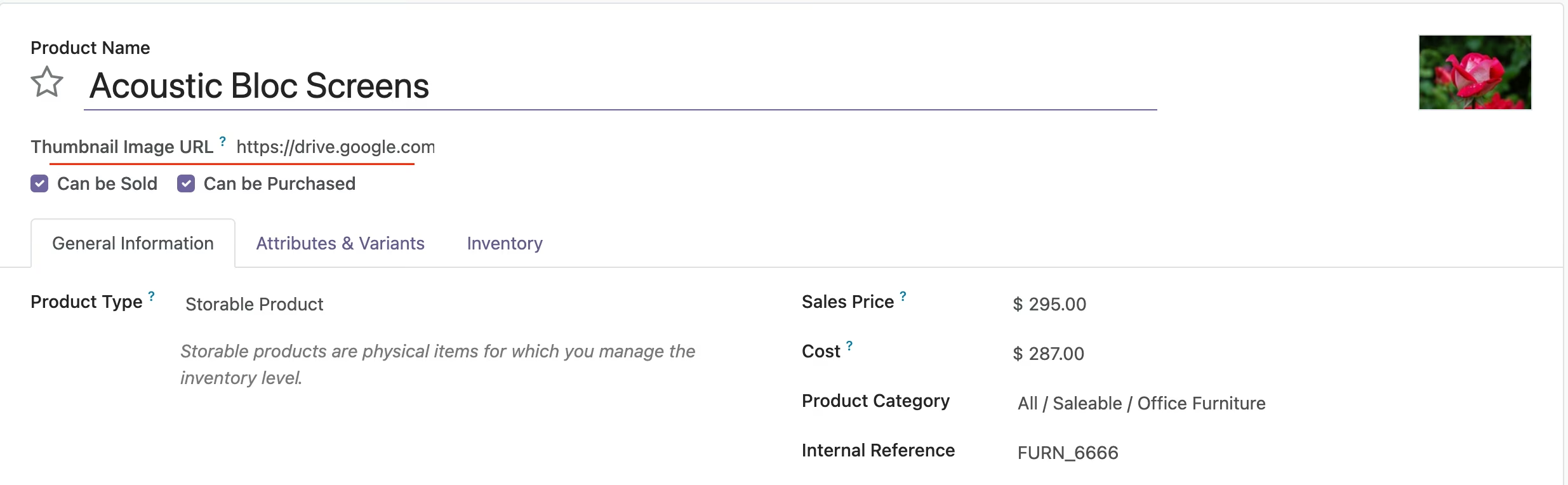
Upload google drive url on product template form.
*********
*********
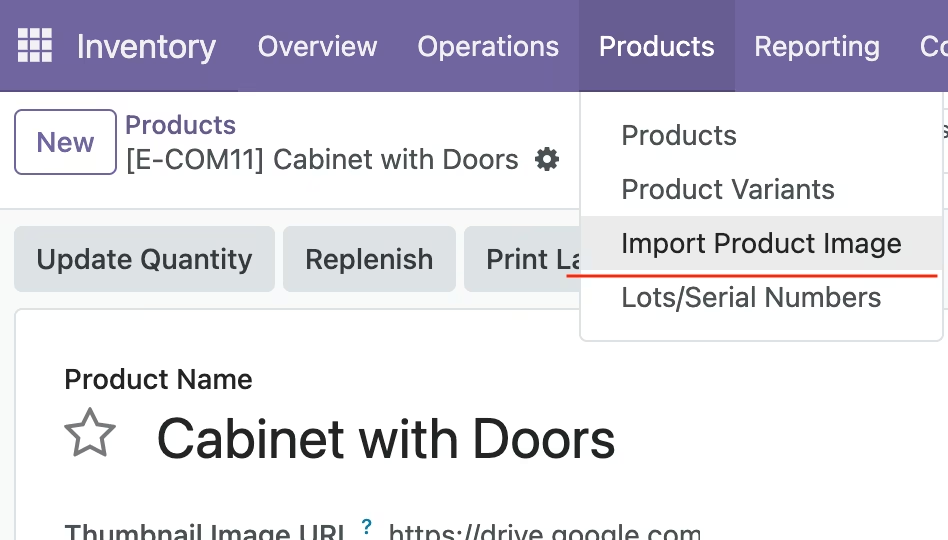
Import Product Image Function
*********
CSV Template