Accelerate your human resources management and simplify employee onboarding with the Import Employees from Excel/CSV module. This powerful tool is designed to eliminate the highly inefficient and error-prone process of manually creating employee profiles one by one. By allowing you to import comprehensive employee data from personal details and contact information to job positions and department assignments in bulk from a single spreadsheet, you can build a complete and accurate employee database in a fraction of the time. This module is the perfect solution for new implementations, company expansions, or any organization seeking to optimize its HR data management processes.
Import multiple new employee profiles in a single, streamlined operation.
Supports both Excel (.xlsx) and CSV (.csv) file formats for your convenience.
Import a wide range of employee data, including name, job title, contact information, and address.
Assign key HR details such as department, manager, and work location during the import.
Intelligently maps data to the correct fields within the Employees application.
Includes a clear, easy-to-use sample file to ensure your data is structured correctly for a seamless import.
Provides a user-friendly wizard to guide you through the import process.
Features robust data validation to prevent errors and provides informative logs to resolve any issues quickly.
Drastically reduces the administrative time and effort required to set up employee records.
Ensures a high degree of accuracy and consistency across your entire employee database.
Significantly speeds up the onboarding process for new hires.
Simplifies the migration of employee data from legacy HR systems or spreadsheets.
Improves the efficiency of your HR and payroll administration teams.
Provides a solid foundation of accurate data for all other HR-related modules and reporting.
Empowers your HR department to focus on strategic initiatives rather than manual data entry.
Import Employees with Image in using Excel
This app allows you to Import Employees from Excel files.
This module allows you to import Employees and their images using URL/Path from excel.
Make sure you have xlrd Python library installed.
Main Features:
- Allow you to Import Employees with columns listed below along with employee image.
- Allow to import *.jpg or .png or .jpeg ... files types.
- For more details you can see the screenshots below and watch the video.
- Allow you to have an image file path of your directory and Website URL where you keep your image. (Both options can work together with single import.)
- Allow you to give http or https as website URL to import employee image using Excel.
- Name : Rachel Peterson.
- E-mail :rachel@example.com
- Identification :1232
- Date of Birth : 02/11/1990
- Gender :male
- Work Location : Building 10 ,New York
- Mobile : 993449483777
- Phone : (870)-931-0592305
- Job title : Chief Executive Officer
- Passport : 23434524
- Emergency Contact : 1232384354
- Emergency Phone : (333)-222-11111
- Km home-work : 5
- Marital status :single
- Place Of Birth :New York
- School :The Beacon School
- Field Of Study :IIT
- Department : Sales
- Job Position : Chief Executive Officer
Menus Available:
- Employees
- Import Employees
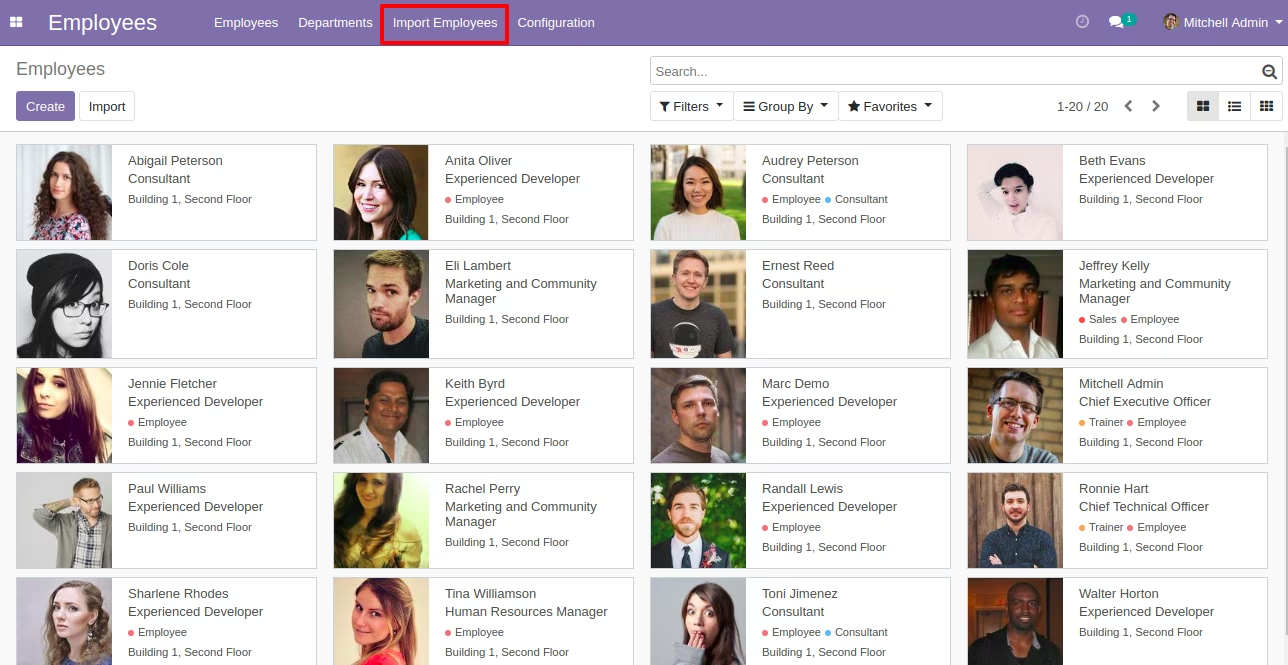
Menu of Import Employees
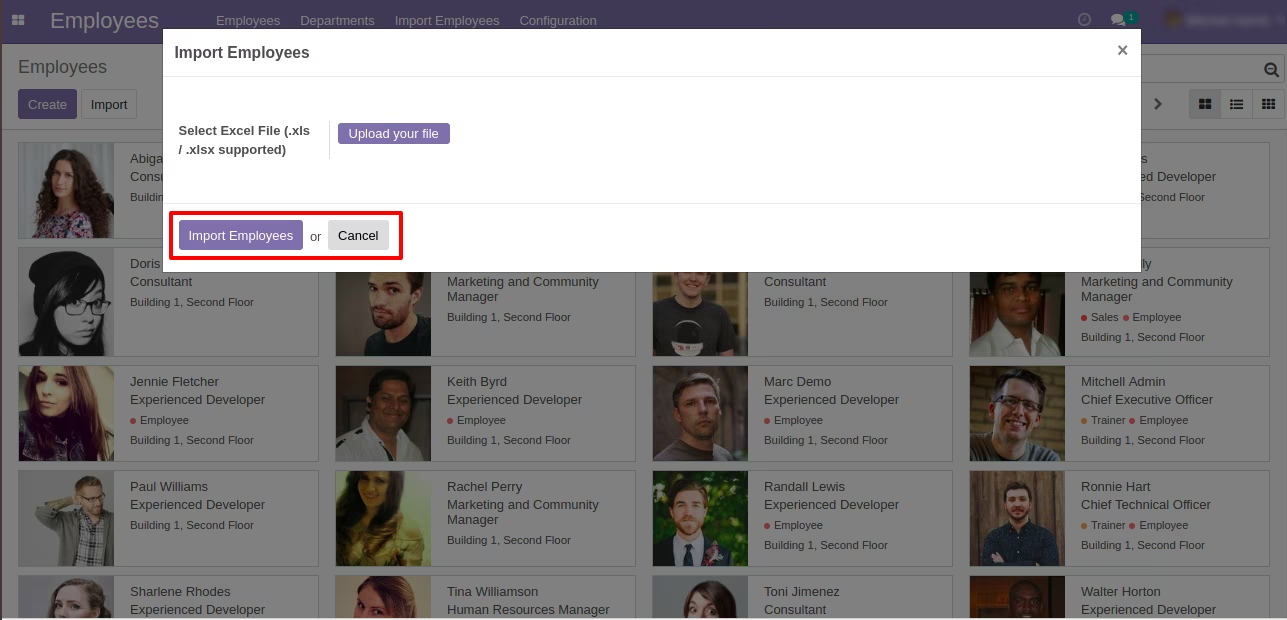
Import Employee from Wizard
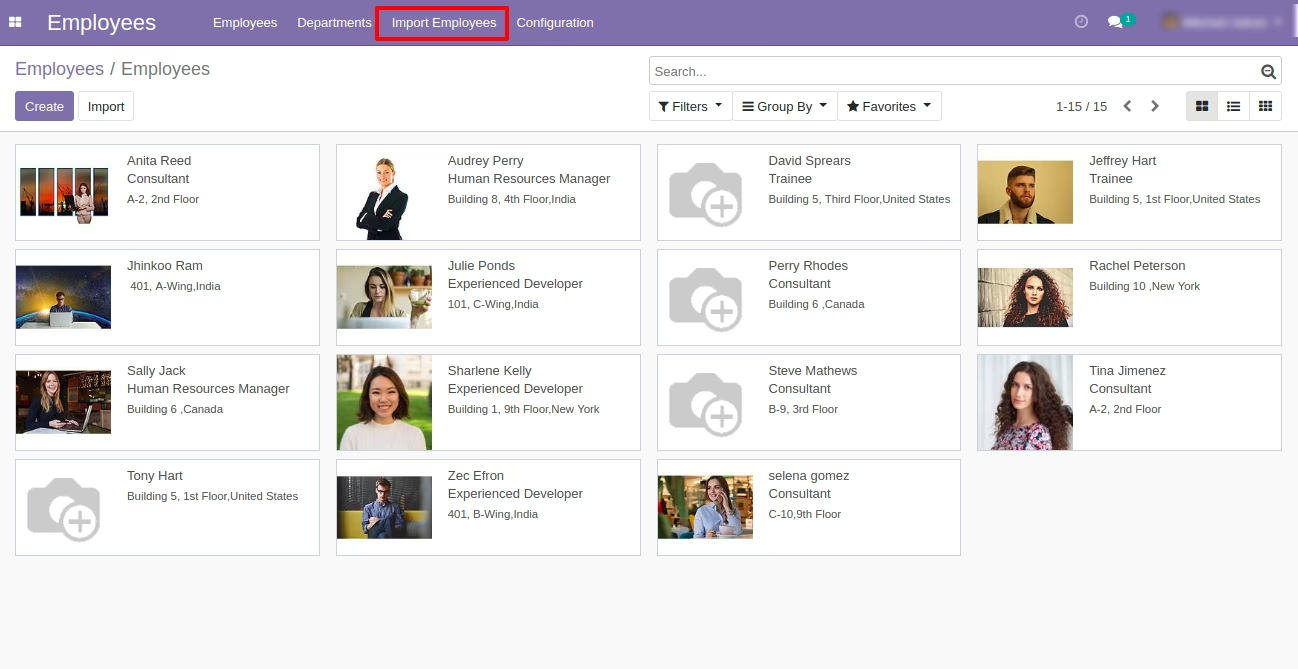
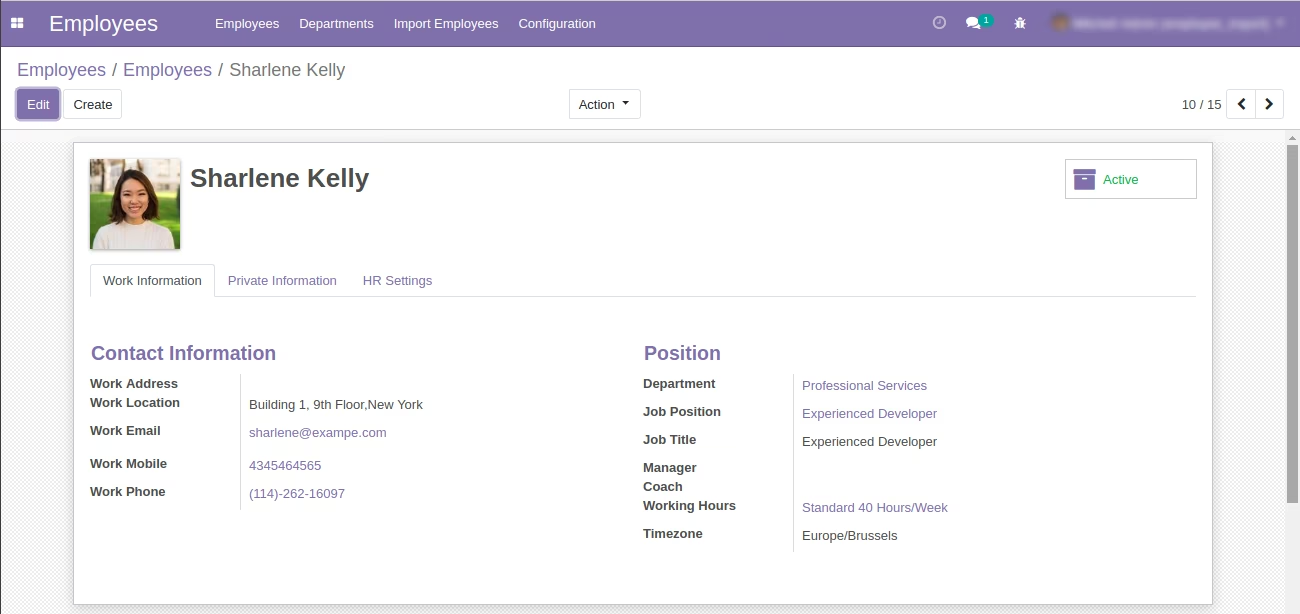
Created Employee
Import Employees Form View -Work Information
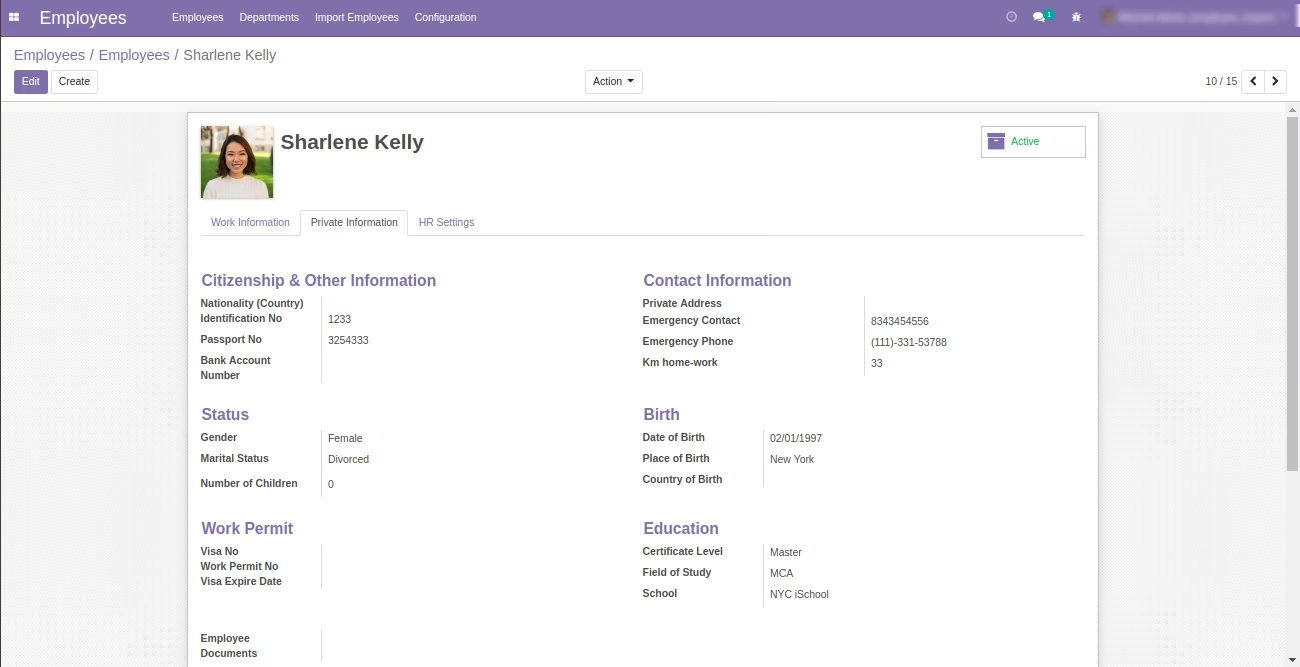
Import Employees Form View -Private Information