
Revolutionize your time management and project billing with the Import Employee Timesheets module. This powerful tool is expertly designed to eliminate the tedious and inefficient process of manually entering timesheet data. By enabling your team to import multiple timesheet entries in bulk from a simple Excel or CSV file, you can drastically reduce administrative overhead, minimize data entry errors, and ensure all billable hours are captured accurately. This module is an essential asset for any service-based business, consultancy, or organization that needs to track employee time against projects and tasks with precision and ease.
Import multiple timesheet entries for various employees, projects, and tasks in a single operation.
Supports both Excel (.xlsx) and CSV (.csv) file formats for maximum flexibility and convenience.
Intelligent mapping of data fields, including employee, project, task, description, date, and duration.
Automatically creates or updates timesheet records within the Timesheets application.
Provides clear and easy-to-use sample files to ensure your data is structured correctly for a seamless import.
User-friendly import wizard guides you through the process step-by-step.
Includes robust data validation to prevent errors and provides informative logs to resolve any issues quickly.
Drastically reduces the time and effort required for employees and managers to record and manage timesheets.
Significantly improves the accuracy of time tracking, leading to more precise project costing and client billing. -- Accelerates the payroll process by ensuring all work hours are logged promptly and correctly.
Enhances project management with real-time, accurate data on resource allocation.
Simplifies the process of migrating historical timesheet data from other systems.
Empowers your team with a faster, more efficient way to log their work, improving overall productivity.
Provides managers with a clear and up-to-date overview of team activities and project progress.
Streamline Timesheet Entry with Excel/CSV Upload
Bulk Upload Timesheet Entries for Multiple Employees
Import Timesheets from File with Auto Employee Creation
Manage Employee Hours Easily with File-Based Timesheet Import
Import timesheets from excel and csv file odoo apps helps user to import multiple employee timesheet in odoo from xls and csv file. If employee is not available on database then its also create/import employee list along with its timesheet from csv and excel file.
Data File Sample.

- DATE
- - Date for employee timesheet.
- EMPLOYEE
- - Name of employee for timesheet.
- DESCRIPTION
- - Timesheet description.
- PROJECT
- - Name of project for timesheet.
- TASK
- - Name of project task for timesheet.
- HOURS
- - hours of timesheet.
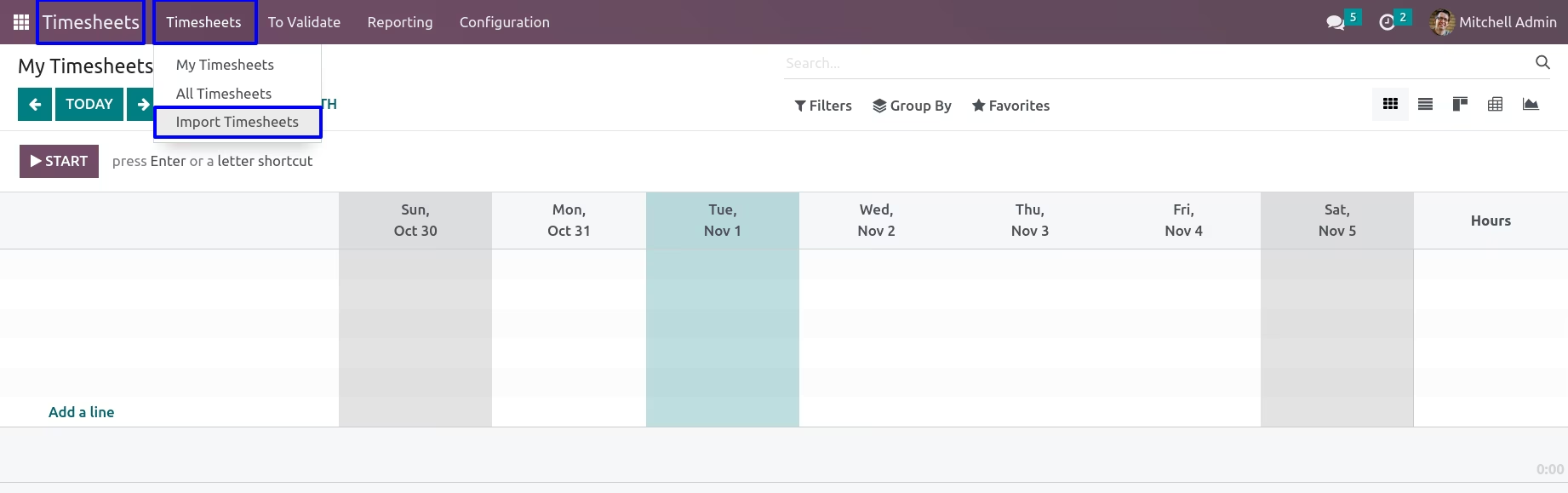
Import Employee Timesheet Menu
Under Timesheets > Timesheet > Import Timesheets menu user can import employee timesheets.
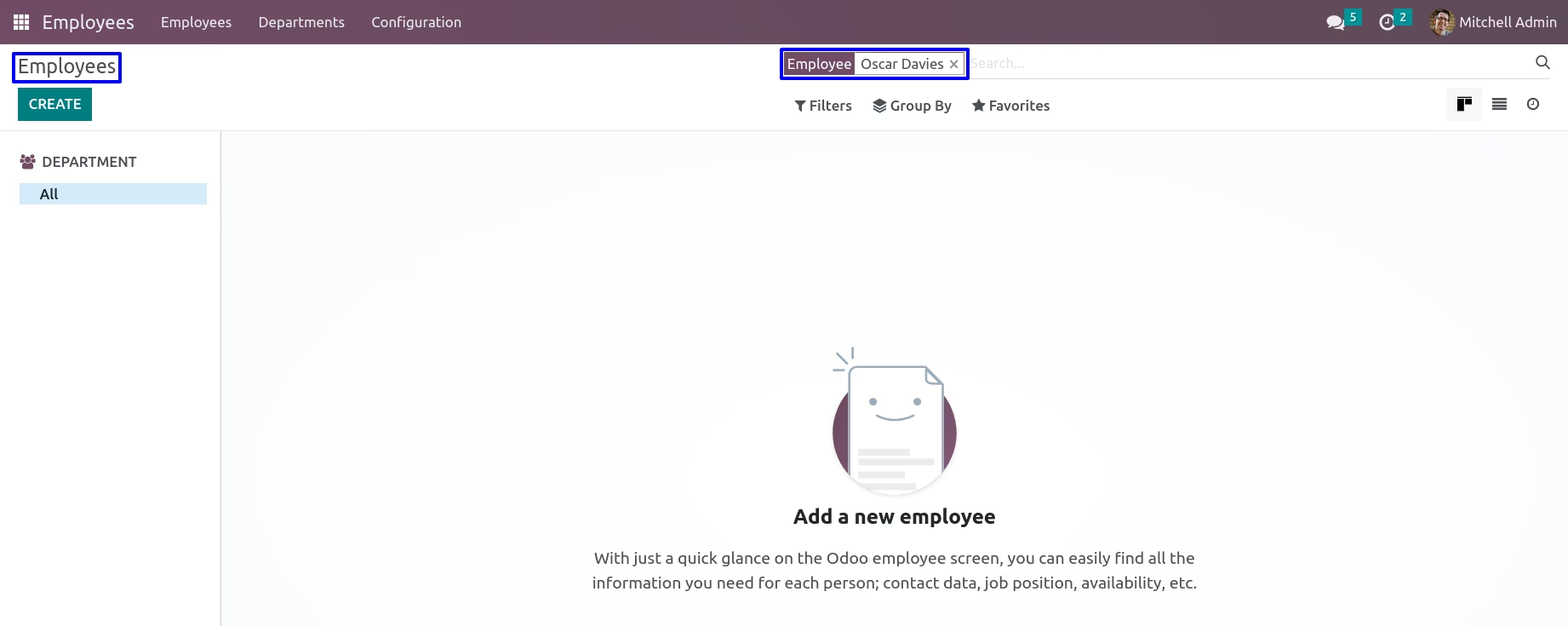
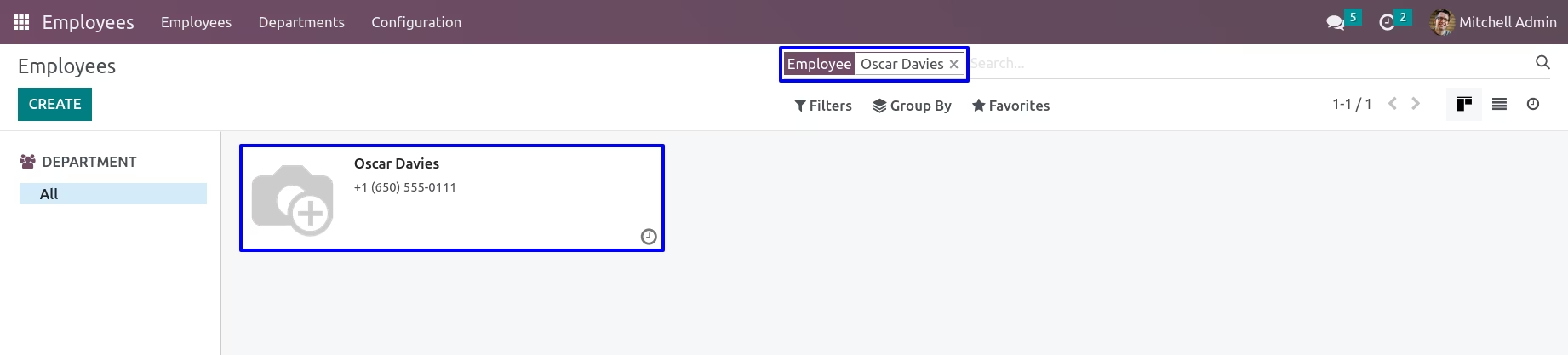
User can see there is no employee.
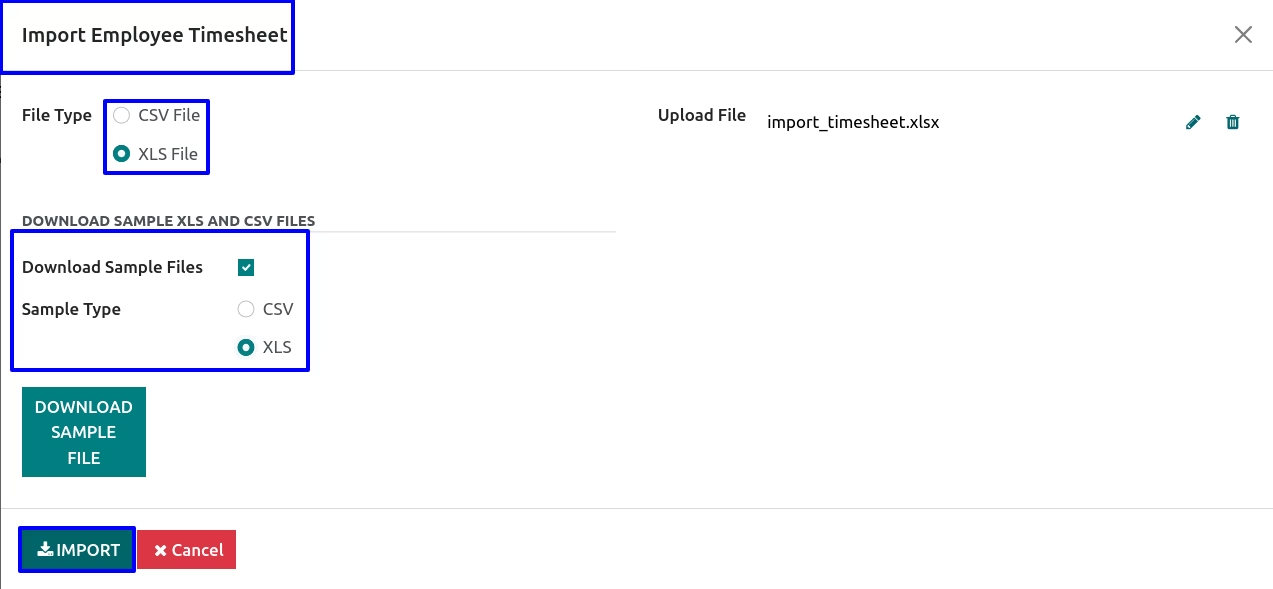
Import Employee Timesheet Wizard
In import employee timesheet wizard user have ti select file type and upload file and click "Import" button.
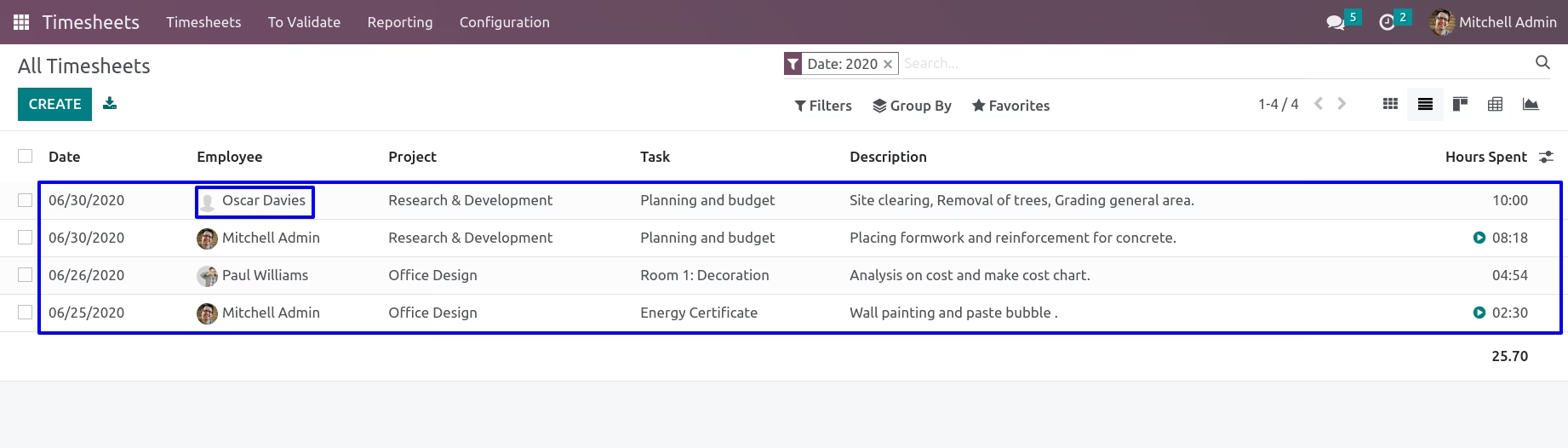
Employee Timesheet
User can see imported employee timesheet from XLS/CSV file under "All Timesheets" menu.
Employee
User can see new created employee.
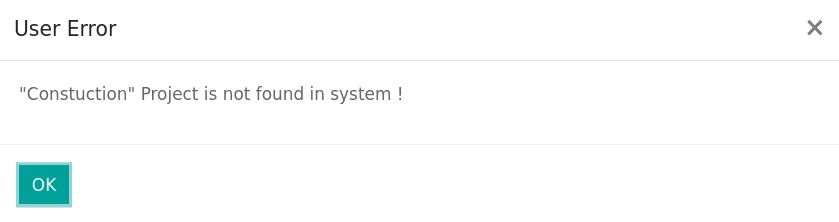
Warnings
If project not exist in system it will raise warning.
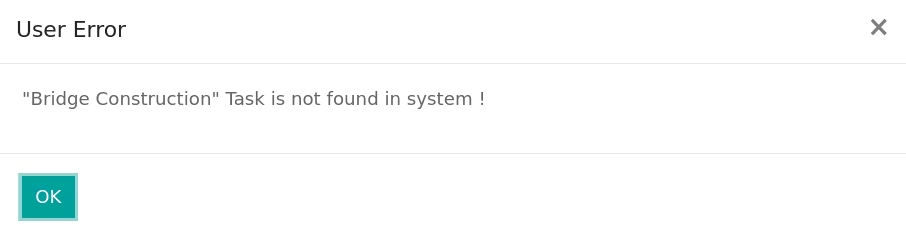
If task not exist in system it will raise warning.
Before installing this module you have to install following packages in your system.
1.sudo pip install xlrd
2.sudo pip install xlwt
OR
1.sudo apt-get install python-xlrd
2.sudo apt-get install python-xlwt
Version : 16.0.0.0
03 October 2022
Initial release of the app.