Establish a powerful and granular financial tracking system with the Import Analytic Accounts module. This essential tool is designed for finance professionals and system administrators who need to create a detailed analytic accounting structure quickly and accurately. By eliminating the time-consuming task of manually setting up each analytic account, this module allows you to import your entire analytic structure including account names, codes, plans, and contact information in bulk from a single Excel or CSV file. It is the perfect solution for businesses implementing project-based accounting, departmental cost tracking, or any advanced financial analysis that requires a robust analytic framework.
Import multiple analytic accounts in a single, streamlined operation.
Supports both Excel (.xlsx) and CSV (.csv) file formats for your convenience.
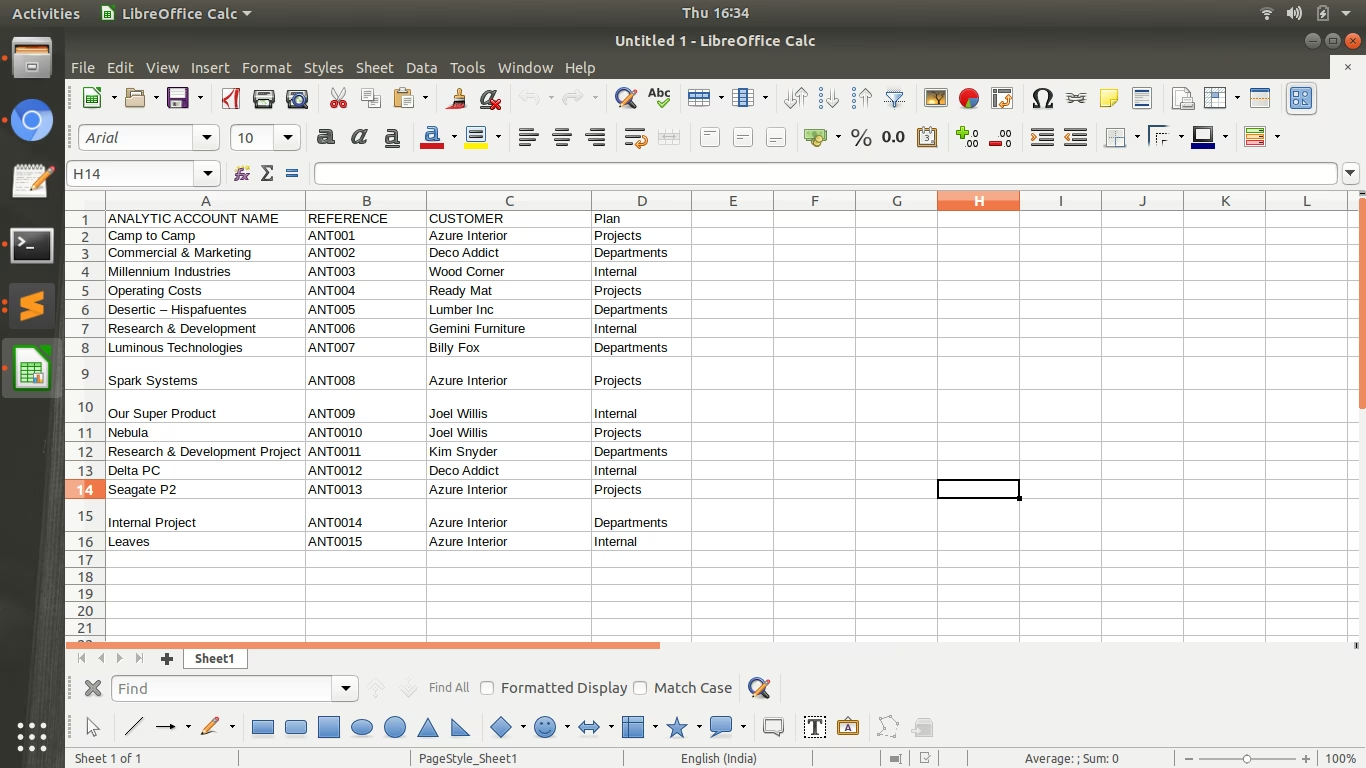
Import key account details, including Name, Reference, Partner, and Currency.
Assign accounts to specific analytic plans to create a hierarchical structure.
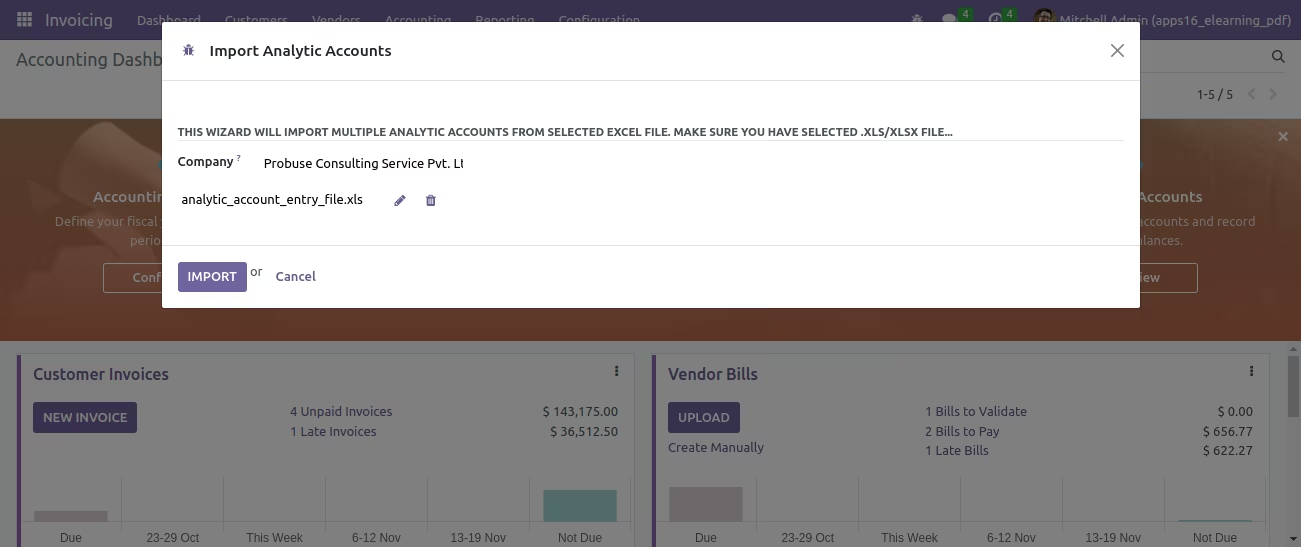
User-friendly import wizard to guide you through the file selection and mapping process.
Includes a clear, easy-to-use sample file to ensure your data is structured correctly.
Features robust data validation to prevent errors and ensure the integrity of your analytic setup.
Drastically reduces the time and effort required to configure analytic accounting.
Ensures a high degree of accuracy and consistency across your analytic accounts.
Significantly accelerates the setup process for project accounting, cost centers, and profit centers.
Simplifies the migration of analytic account structures from legacy systems.
Empowers finance teams to create detailed and flexible reporting structures with ease.
Improves the accuracy of financial analysis for projects, departments, and other business units.
Provides a solid foundation for insightful, data-driven decision-making.
This app allows you to import multiple Analytic Accounts from a selected excel file on wizard.
Main Features:
- Allow you to import Analytic Accounts from a selected excel file.
- Please Install Python xlrd library in order to use the app.
- For more details please see below screenshots and watch the video.
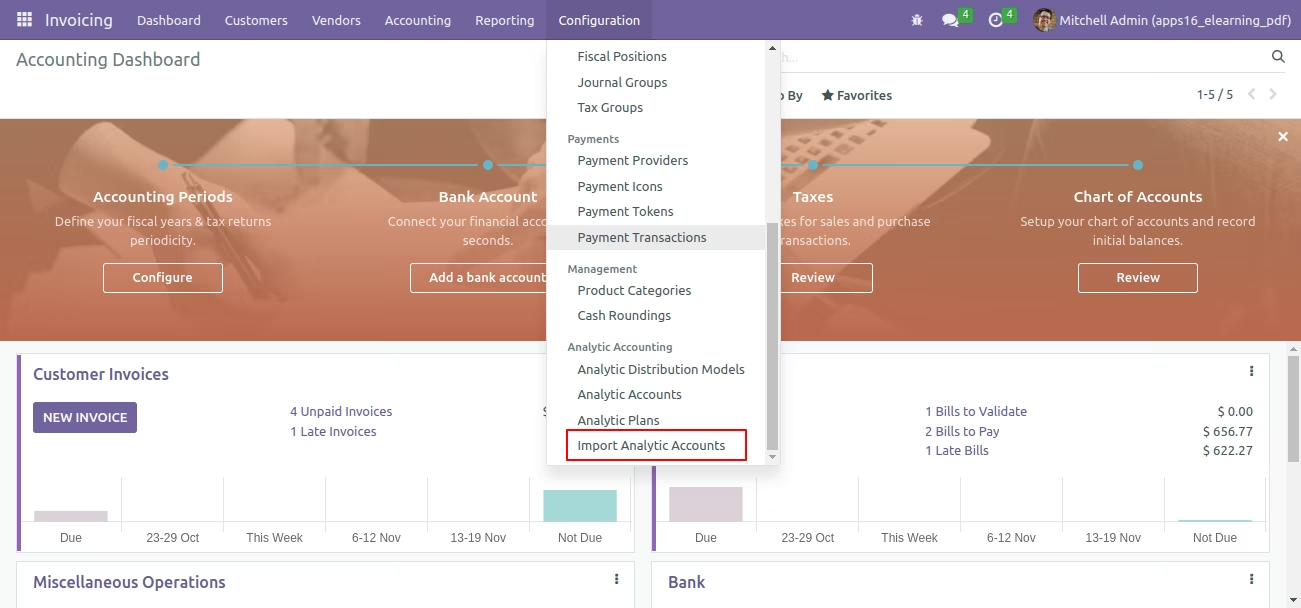
Menus Available:
- Invoicing
- Configuration
- Analytic Accounting
- Import Analytic Accounts
Import Analytic Accounts - Wizard
Sample Excel File
Import Analytic Accounts Wizard.
Created Analytic Accounts in List View
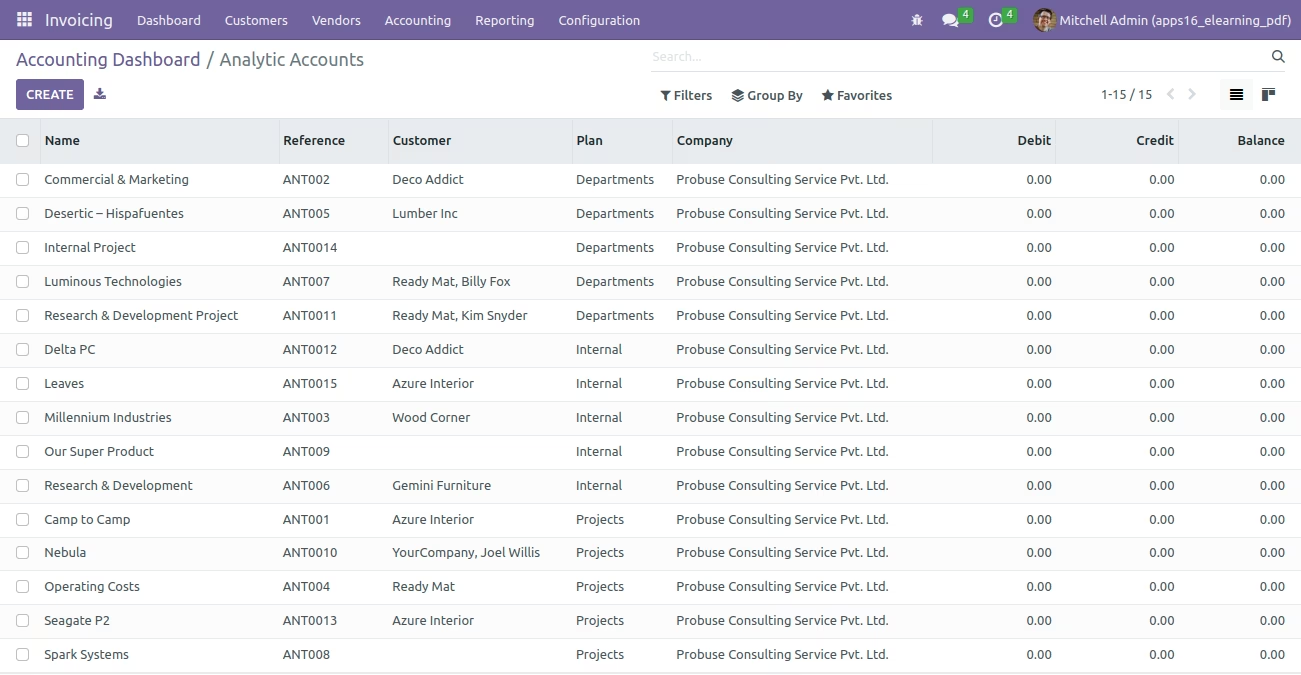
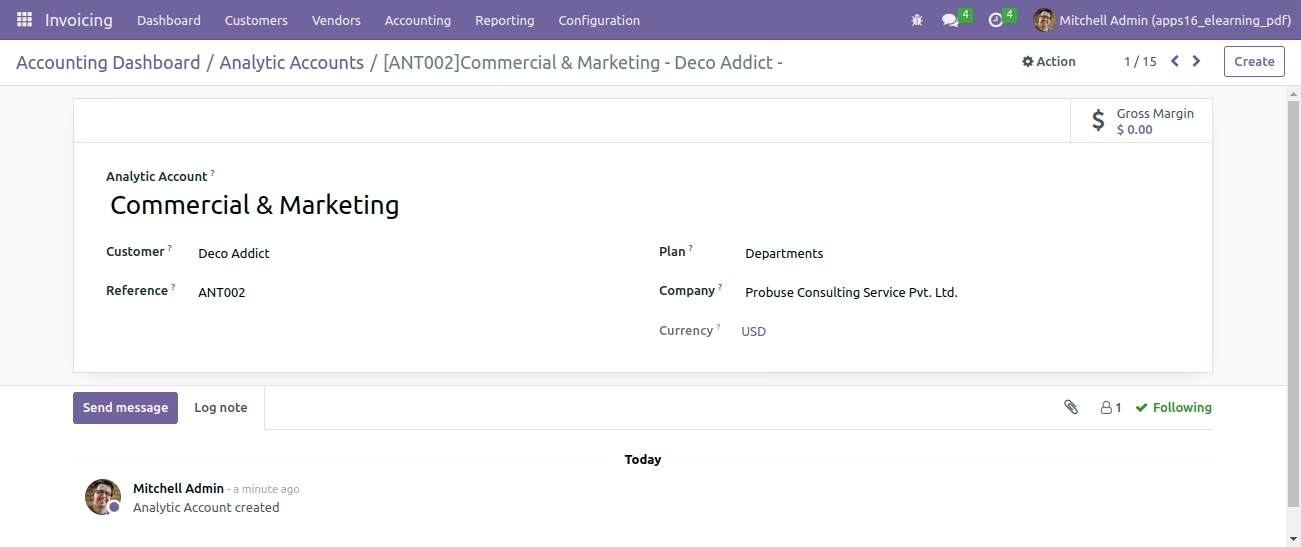
Created Analytic Accounts in Form View