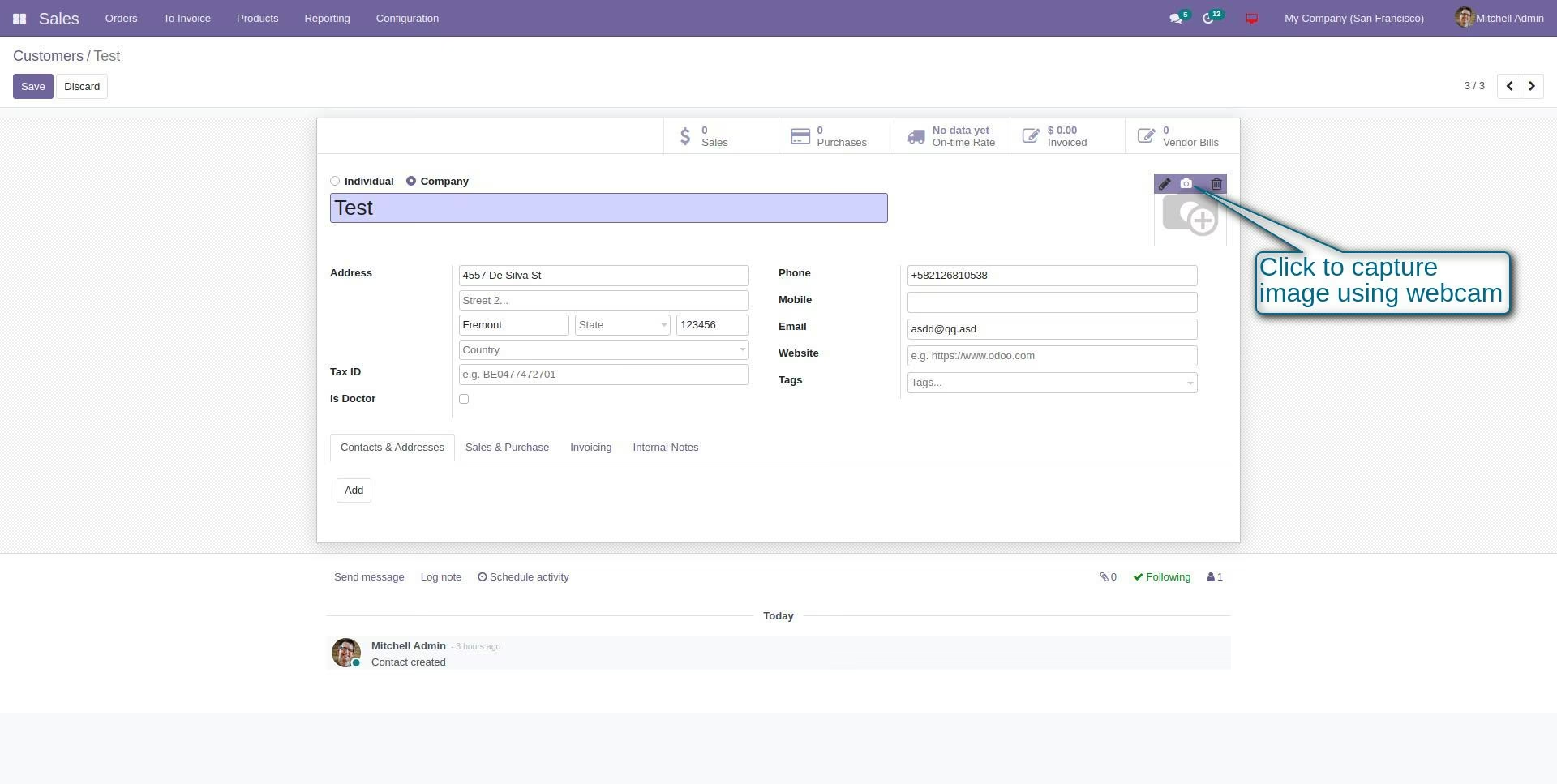
Streamline your data entry processes and add dynamic functionality to your system with the Webcam Image Capture Widget. This innovative tool enhances any image field, giving users the ability to capture a live photo directly from their computer or mobile device's camera. By eliminating the need to take a photo separately, save it, and then upload it, this widget saves valuable time and simplifies workflows across various applications. It's the perfect solution for creating employee profiles, updating contact photos, documenting quality control, or any scenario where a live, instant image is required.
Live Image Capture: Adds a "Capture with Camera" button to any image field.
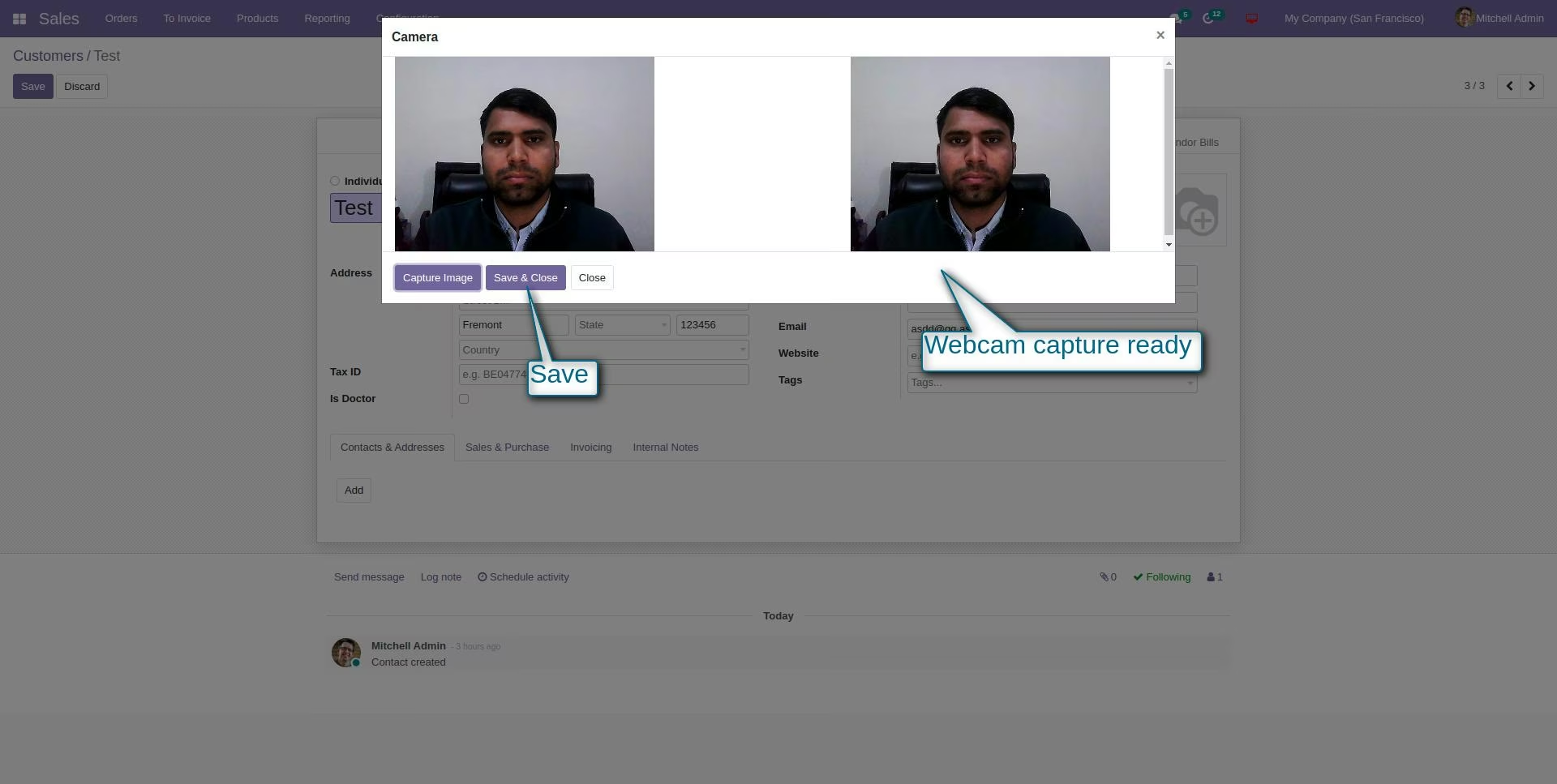
User-Friendly Interface: Opens a simple and intuitive camera popup to preview and take a photo.
Cross-Device Compatibility: Works seamlessly with webcams on laptops, desktops, and cameras on mobile devices.
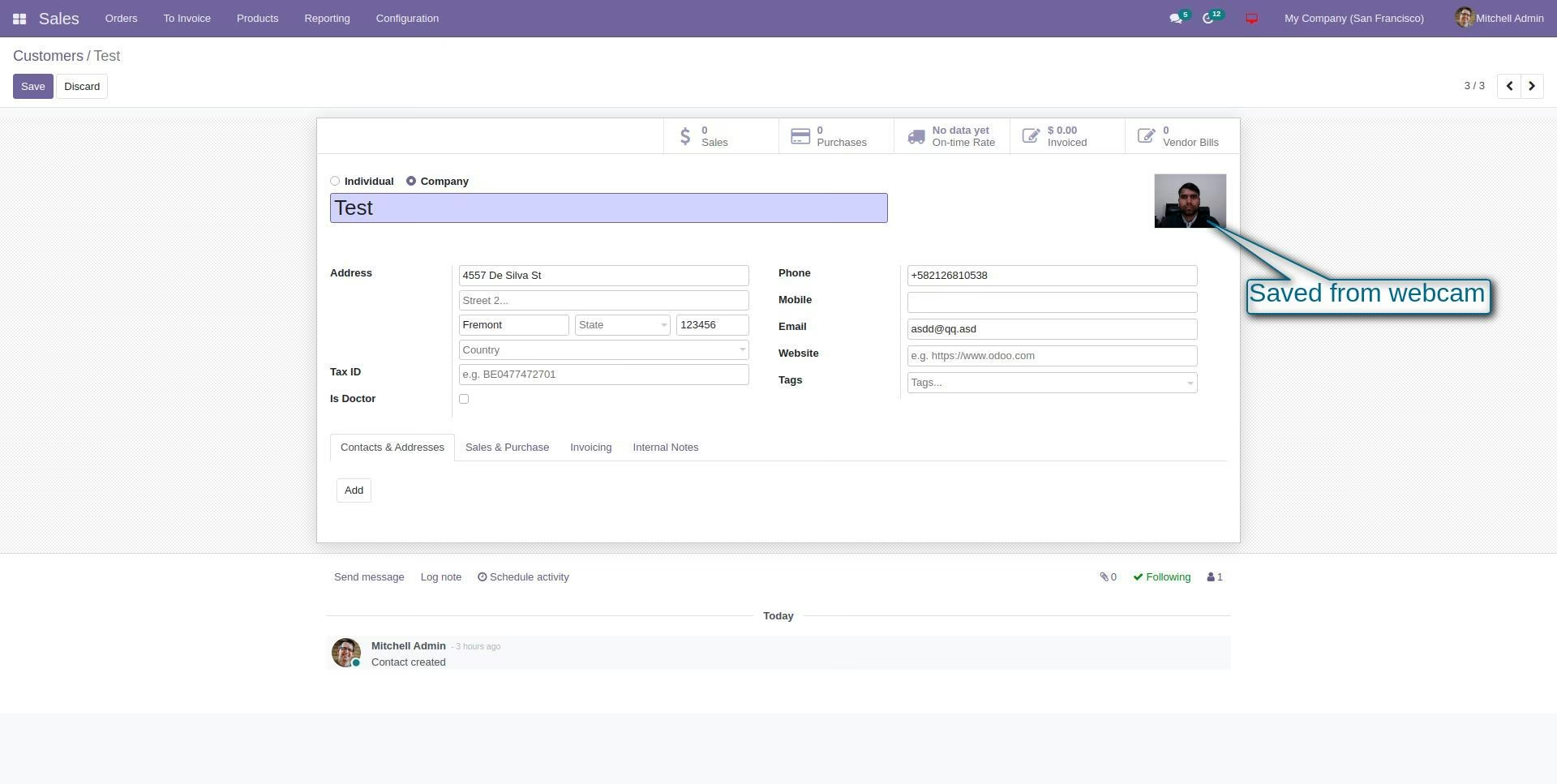
Instant Upload: The captured image is immediately loaded into the image field without extra steps.
Versatile Application: Can be used on any model and any binary image field throughout your system.
Easy Implementation: Simply install the module to add this functionality system-wide.
Increased Efficiency: Drastically speeds up the process of adding images to records by removing the upload step.
Improved User Experience: Provides a modern, convenient, and interactive way for users to input data.
Enhanced Data Accuracy: Ensures the photo is current and relevant by capturing it in real-time.
Streamlined Workflows: Ideal for HR onboarding, CRM contact management, field service reports, and manufacturing quality checks.
Reduced Administrative Burden: Simplifies tasks for both end-users and administrators.
Mobile-Ready: Empowers users in the field to capture and upload images directly from their phones or tablets.
Allow you to capture image from your webcam in image widget.
Allow you to capture image from your webcam in image widget.