Enhance your retail operations and streamline expense tracking with the Create HR Expenses from POS module. This powerful tool bridges the gap between your front-end sales and back-end expense management by allowing authorized cashiers to create employee expense records directly from the Point of Sale screen. Eliminate cumbersome paper trails and manual data entry for petty cash or operational expenses incurred at the store level. With this module, every expenditure can be quickly and accurately recorded, assigned to the correct employee, and submitted for approval, ensuring a transparent and efficient expense workflow.
Create Expenses from POS: A dedicated button on the POS interface allows users to create new HR expense records.
Simple Expense Entry: Users can easily select the appropriate expense product, enter a description, and specify the quantity or amount.
Automatic Employee Assignment: The expense record is automatically linked to the logged-in POS employee (cashier).
Seamless Integration: The created expense record appears instantly in the HR Expenses module, ready for the standard approval process.
User Access Control: A specific access right ensures that only authorized POS users can create expenses.
Improved Efficiency: Drastically speeds up the process of recording store-level and petty cash expenses.
Enhanced Accuracy: Reduces the risk of data entry errors by capturing expense details at the source.
Streamlined Workflow: Eliminates the need for paper receipts and manual expense report creation after the fact.
Greater Financial Control: Provides real-time visibility into operational expenses as they occur.
Simplified Reimbursement: Accelerates the approval and reimbursement process for employee-paid expenses.
Better Accountability: Creates a clear and auditable trail for all expenses originating from the Point of Sale.
HR Expense with POS Apps
POS HR Expense app helps user to create hr expenses from point of sale, user can select product and enter description and product quantity and create hr expenses from point of sale.
Features

Create HR Expense from POS.
User can create HR Expense from point of sale.
Warnings.
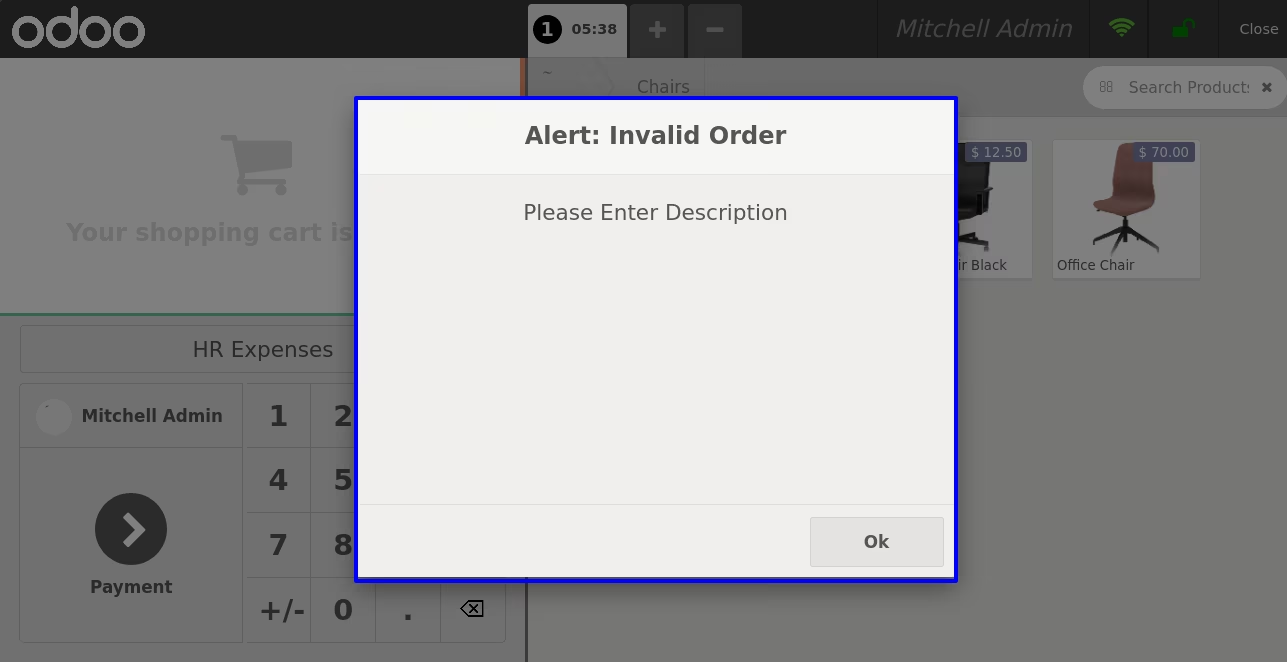
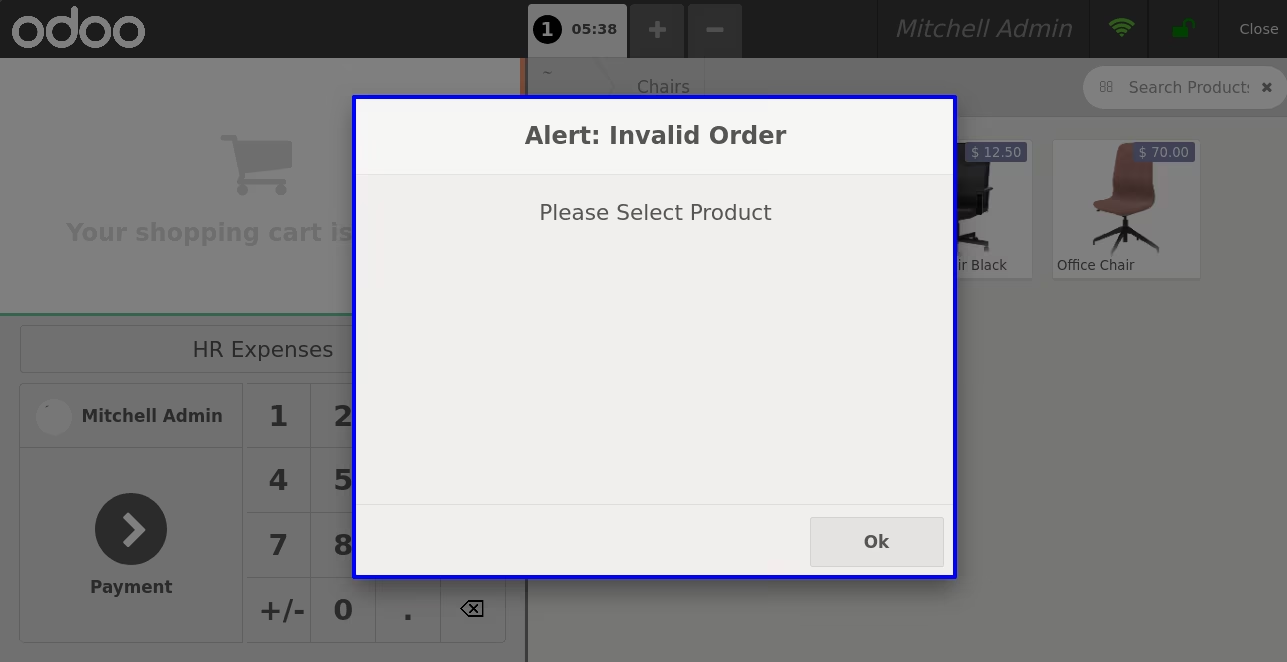
It will raise warning if expense product or description not added.Expense Product Configuration
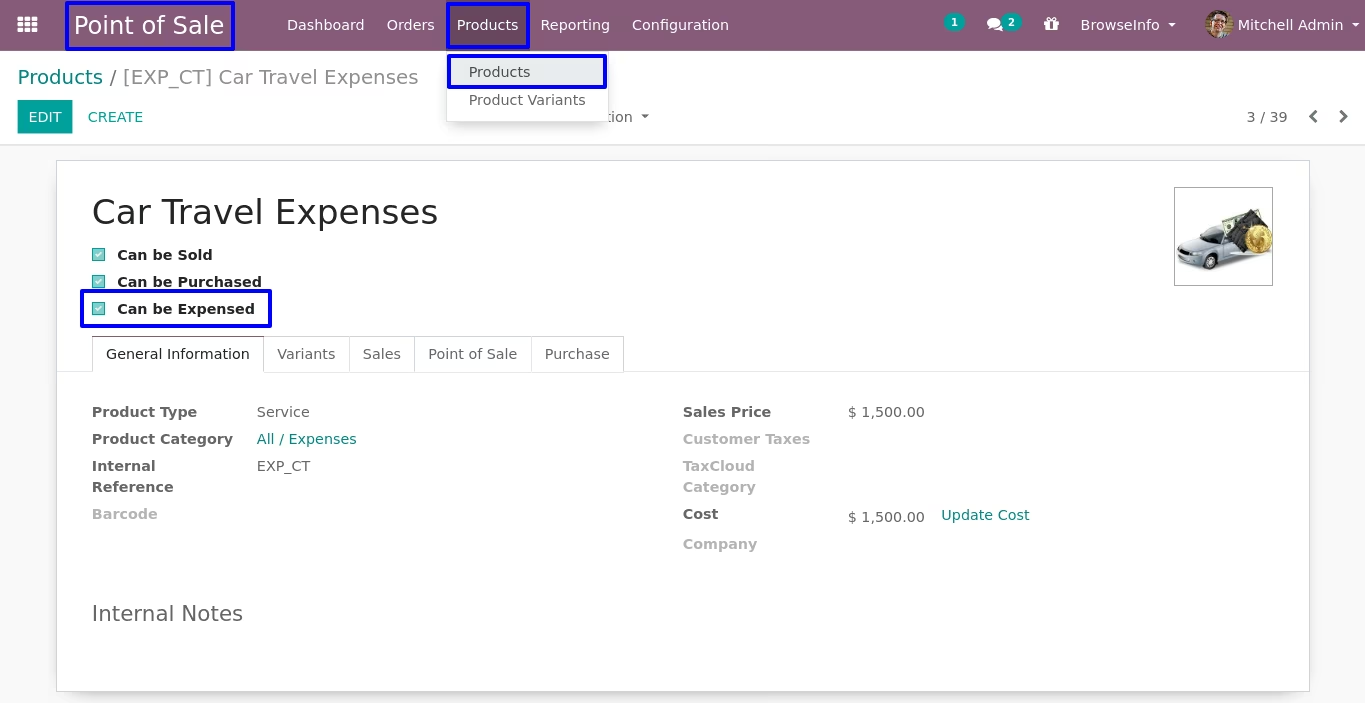
User heve to enable "Can be Expensed" checkbox under product, only this product will shown on point of sale to create expense.
Employee Configuration
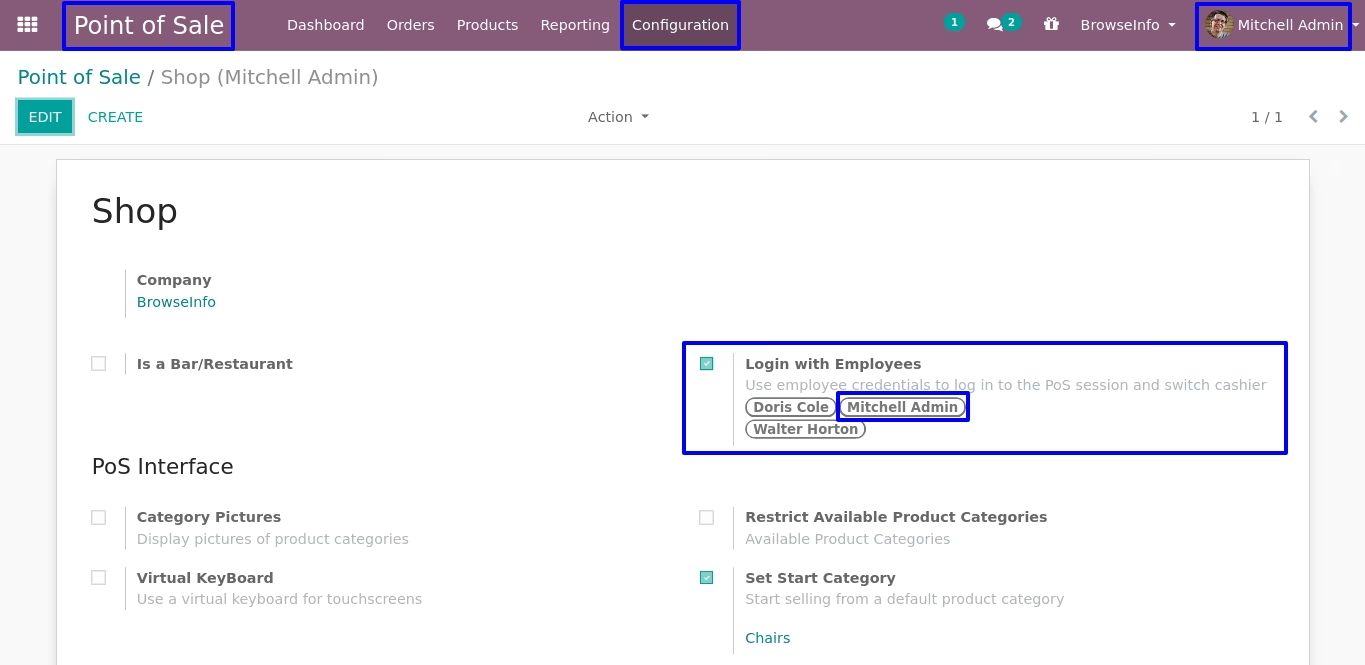
On point of sale configuration if employee related to user not added then user can not see "HR Expenses" button.
Create HR Expenses
Usr can create hr expenses from point of sale by clicking"HR Expenses" button on point of sale screen.
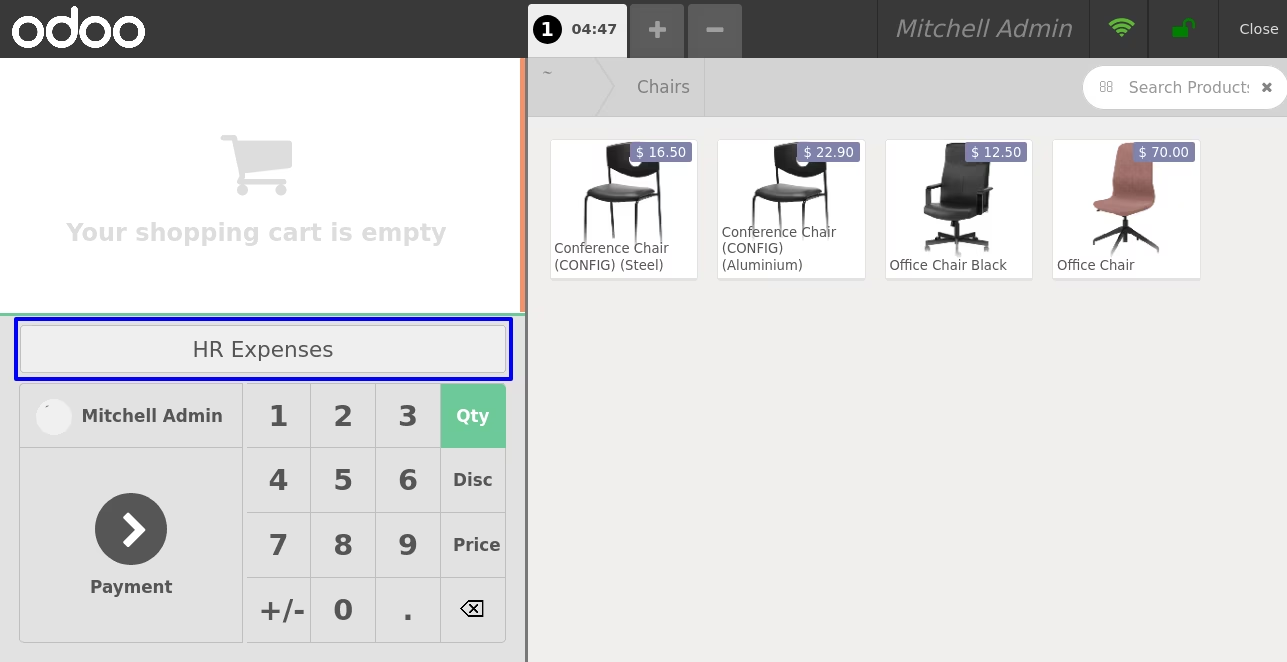
On clicking "HR Expenses" button new pop-up will open, here user can see all expense product and select one.
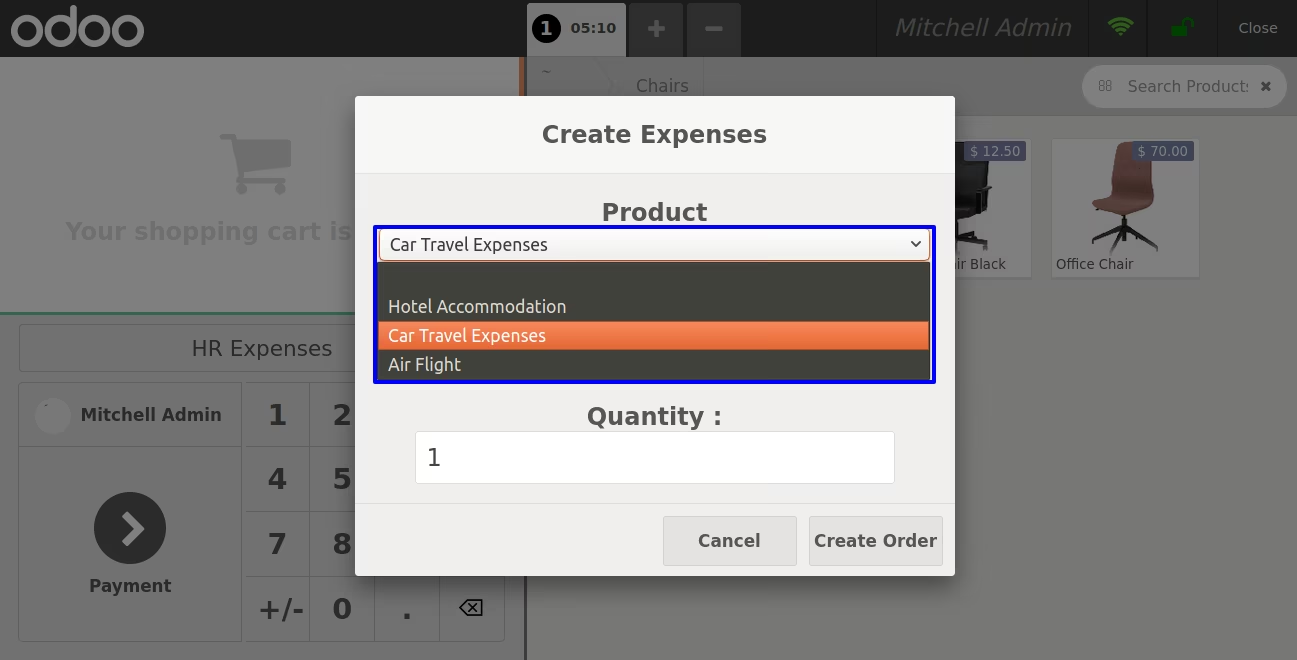
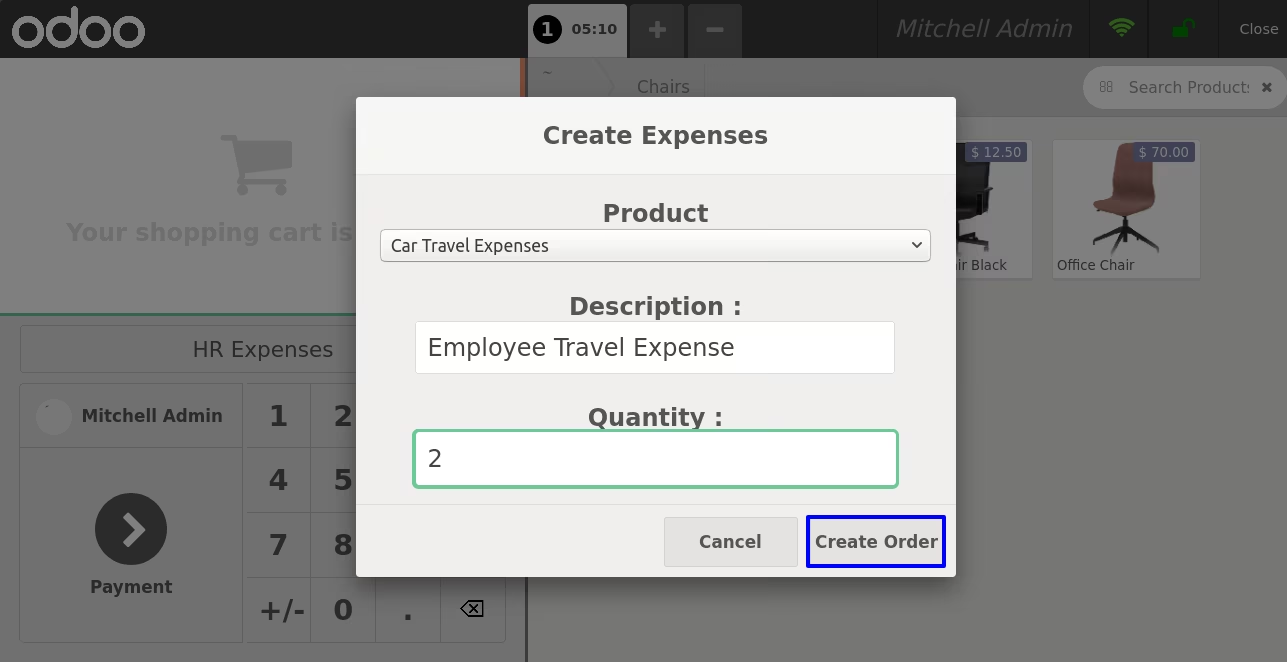
User have to also enter description and product quantity for expenses and click "Create Order" button.
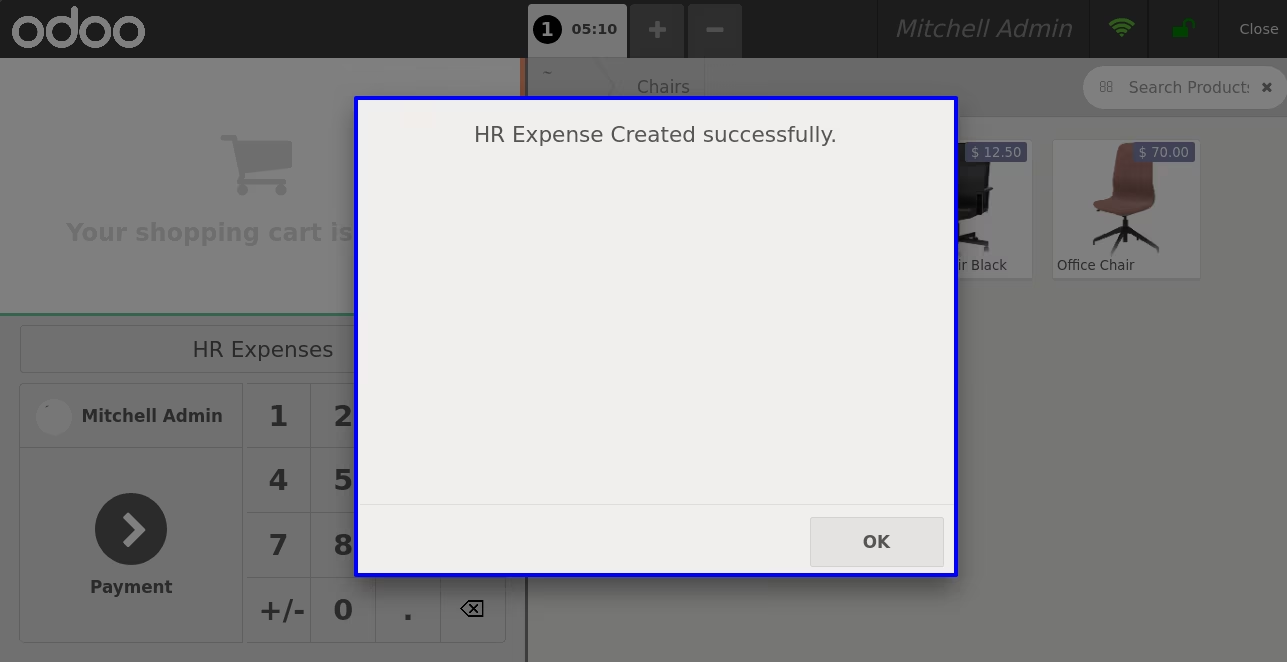
User can see success message on pop-up on successfully creating expense.
HR Expenses
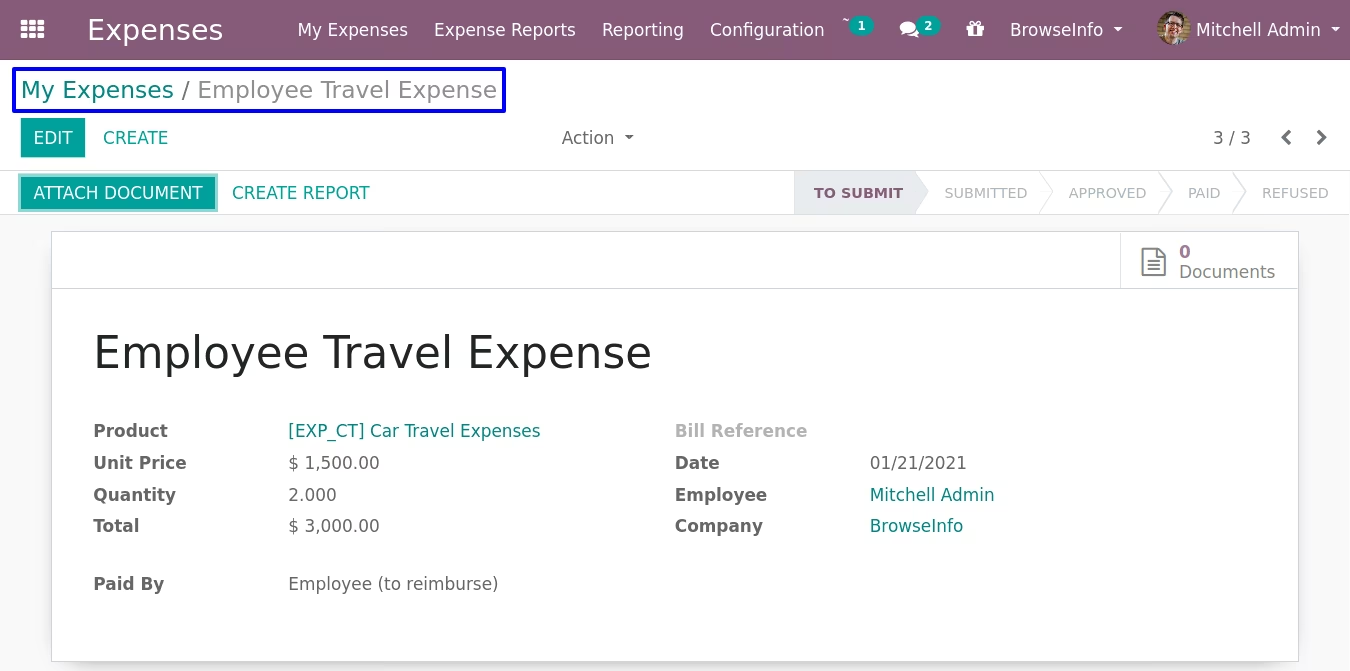
User can see created hr expenses under Expenses > My Expenses menu.
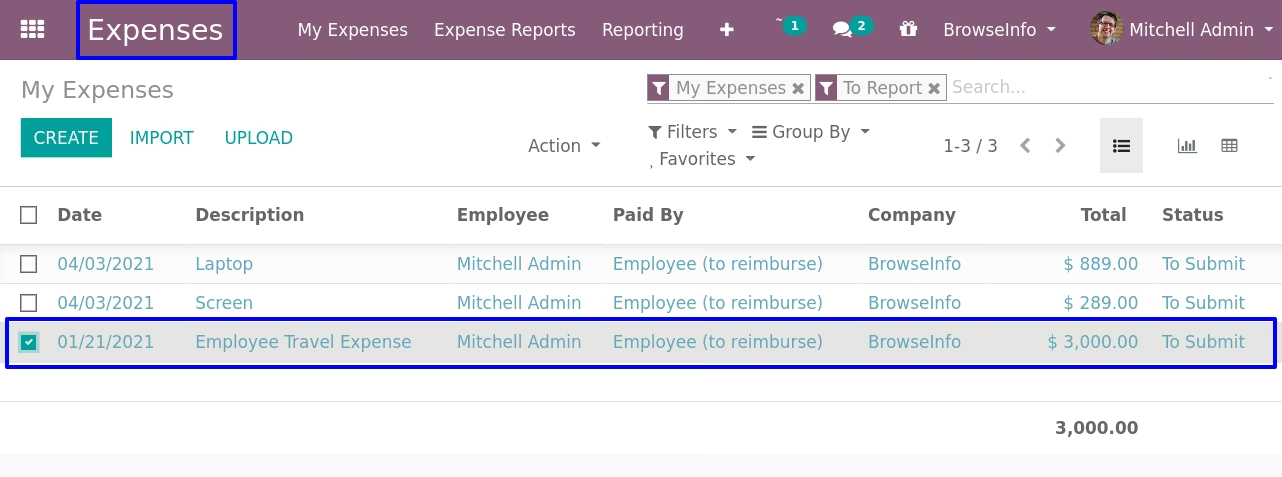
User can see created expenses for selected employee with selected product, quantity and description entered before.
Warnings
It will raise warning if expense product not added.
It will raise warning if expense description not added.