Implement a robust system of checks and balances for your expense management with the Employee Expense Triple Approval module . This powerful tool is designed for organizations that require stringent oversight and multi-layered validation for employee expenses. By establishing a sequential, three-tiered approval process involving department managers, finance managers, and a final approver you can ensure that every expense report is thoroughly vetted for policy compliance, budget alignment, and accuracy. This module is essential for businesses looking to enhance financial control, minimize risk, and create a transparent, auditable trail for all employee reimbursements.
Three-Level Approval Chain: Enforces a sequential approval workflow where an expense must be approved by a Department Manager, then a Finance Manager, and finally a senior Manager/Director.
Clear Segregation of Duties: Assign specific approval roles and responsibilities to different user groups for enhanced security and control.
Automated Email Notifications: Keeps all relevant parties in the loop with automatic email notifications sent to the next approver in the chain when an expense is ready for their review.
Seamless Integration with Expenses: Works directly within the Expenses application, maintaining a familiar and user-friendly interface.
Controlled Workflow: Users can only approve expenses at their designated stage in the hierarchy, preventing unauthorized approvals.
Comprehensive Audit Trail: The chatter on each expense report clearly logs every approval step, creating a complete and transparent audit trail.
Enhanced Financial Governance: Significantly strengthens internal controls and reduces the risk of fraudulent or non-compliant expense claims.
Improved Budgetary Control: Allows multiple stakeholders to review and validate expenses against departmental and company budgets.
Increased Accountability: Creates a clear chain of responsibility, as each level of management must sign off on the expenses.
Ensured Policy Compliance: Guarantees that all submitted expenses are thoroughly checked against company policies by multiple approvers.
Streamlined High-Value Approvals: Provides a structured and efficient process for approving large or sensitive expense reports.
Greater Transparency: Offers complete visibility into the approval status of every expense report for employees, managers, and the finance team.
Reduced Administrative Errors: A systematic, multi-step review process helps catch errors and discrepancies before payment is processed.
Automated Email Alerts for Each Approval Stage
implified and Transparent Expense Validation Flow
Double Approval Workflow for Employee Expense Requests
Manager and Expense Manager Sequential Approval Process
Human Resource Employee Expense Double Approval Request App allows your employees to create requests for expenses with double approval with expense and hr manager approval validation process with email notification. Once an Employee Expense Request is submitted to the manager then the manager gets mail notification then they will approve the request after that second approval done by the expense manager. After an approved expense request by the expense manager employee gets mail for expense approval.
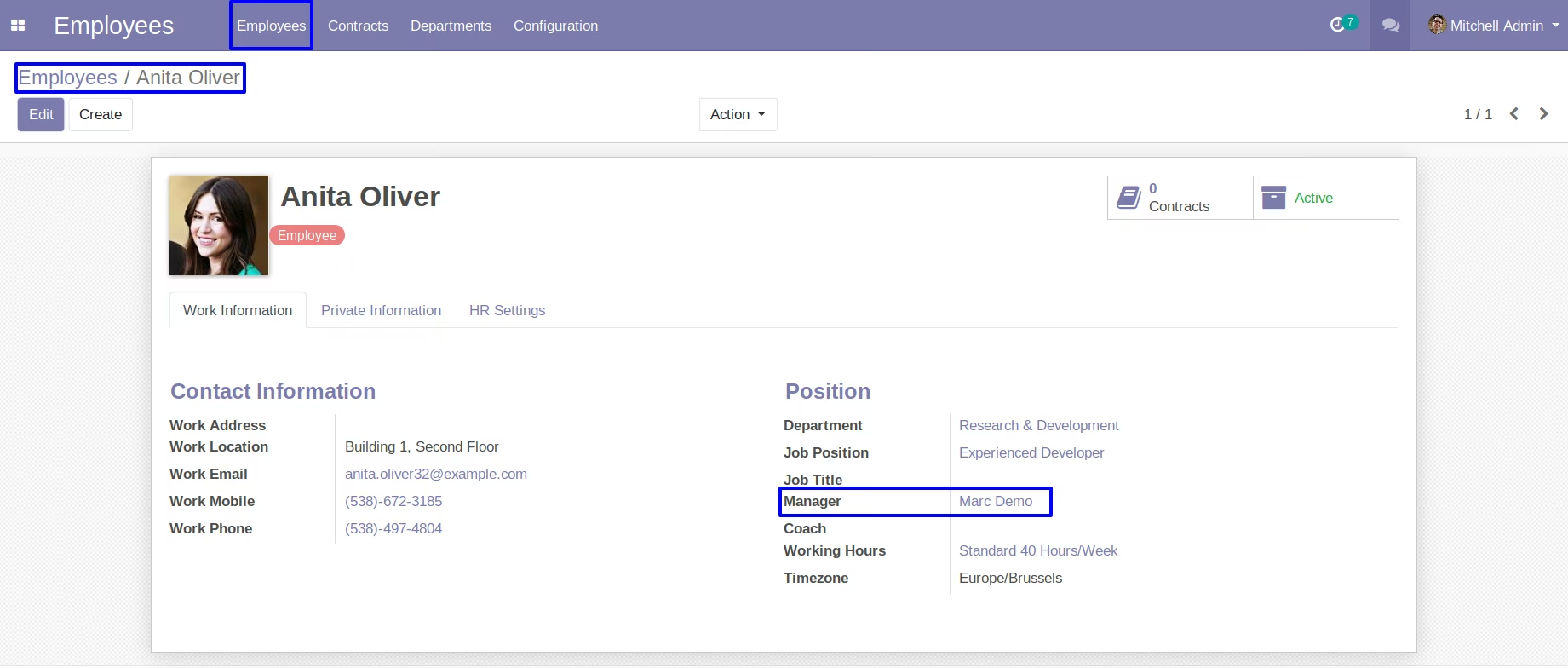
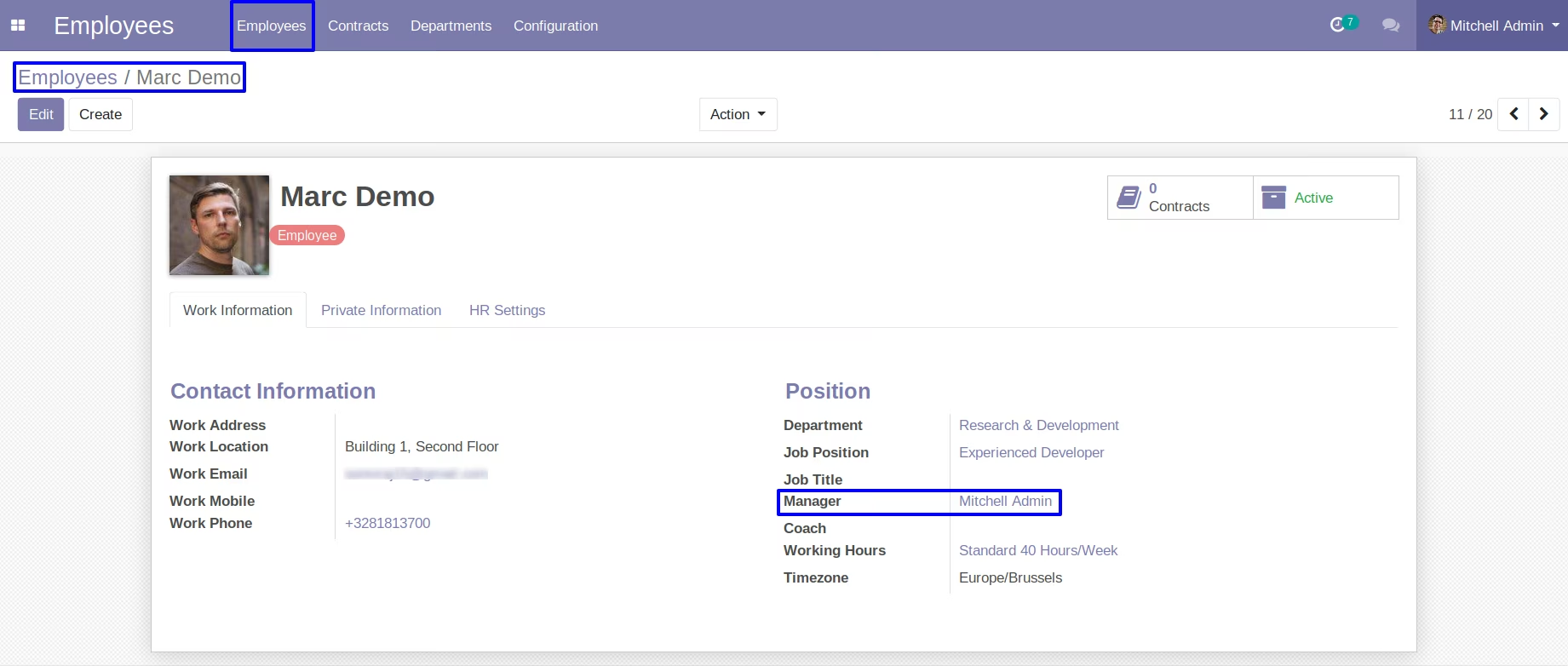
Set an Employees Manager
Here you can set employees manager to send expense requests.
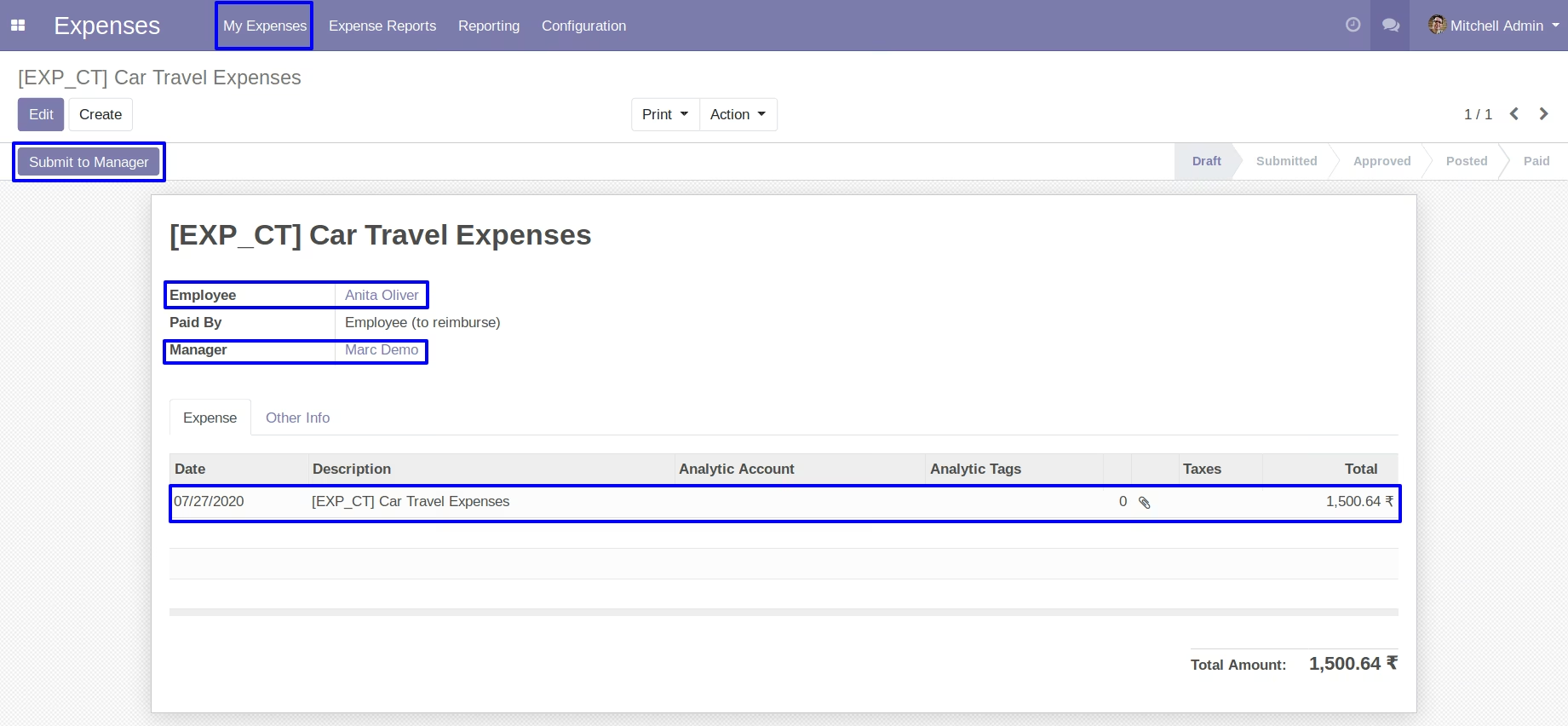
Create an Expense Request
Create an expense request and click on submit to manager button so request sent with mail.
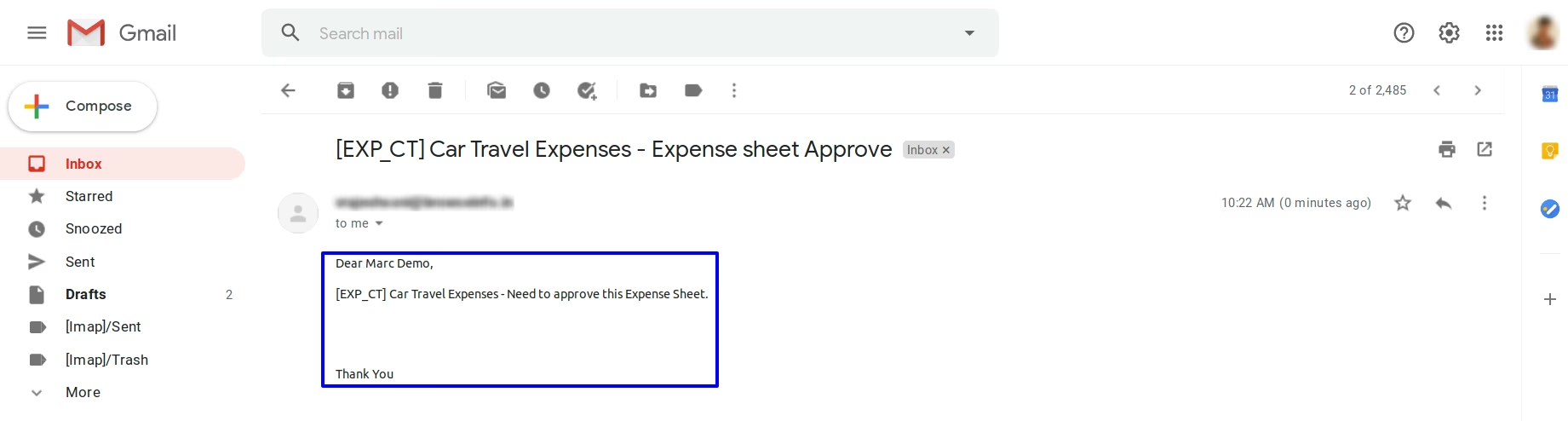
Manager See Expense Request by Mail
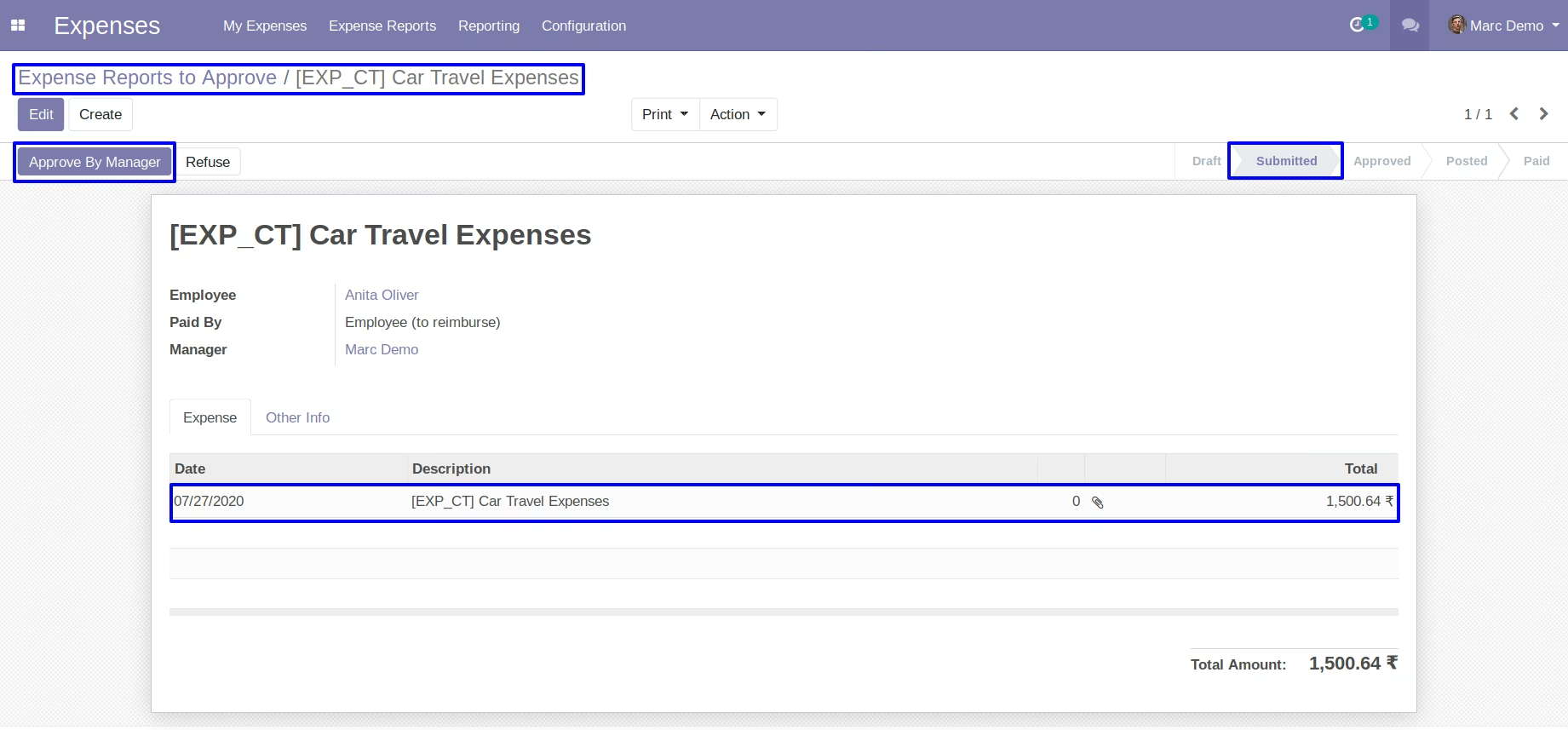
View Expense Request and Approved by Manager
Manager can see expense request and click on approve by manager button so request approved.
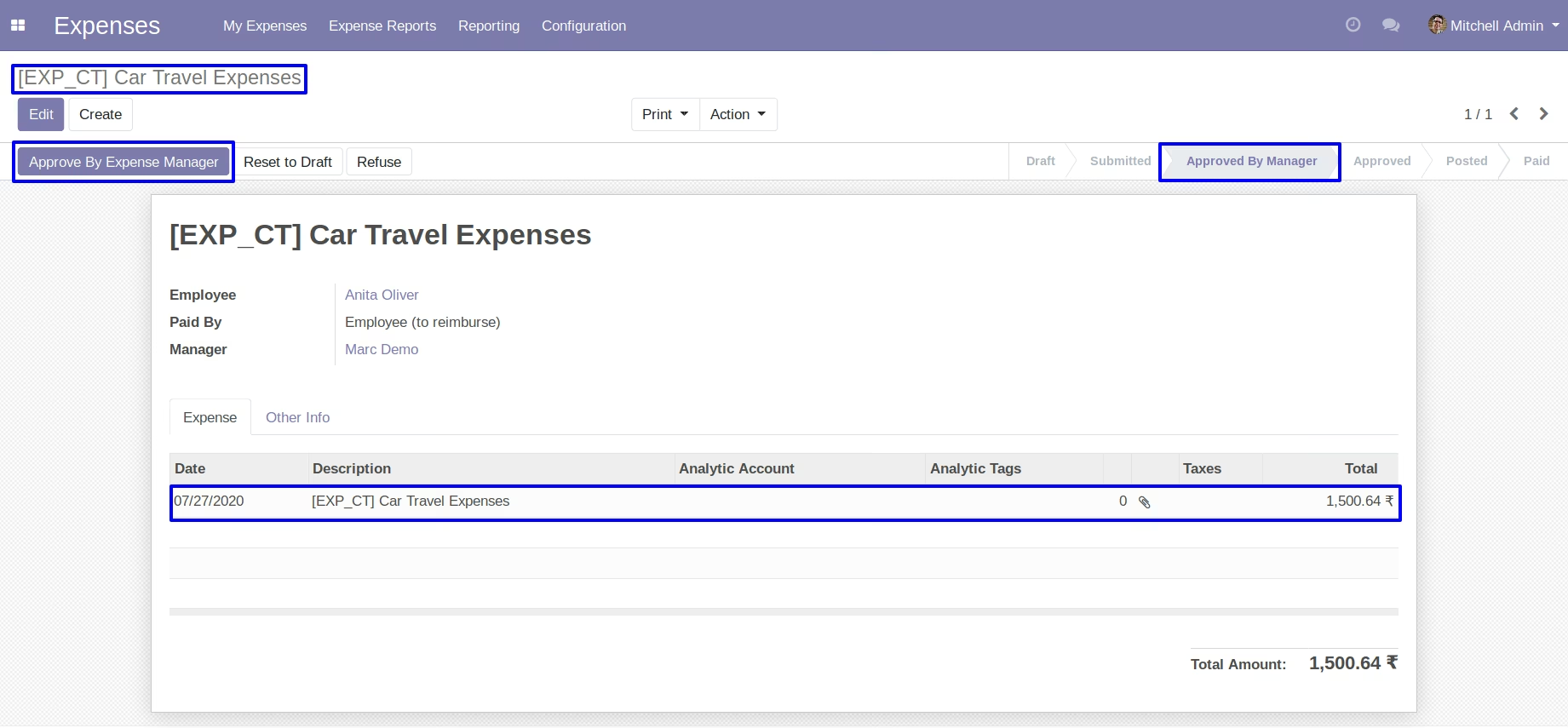
View Expense Request and Approved by Expense Manager
Expense Manager can see expense request and click on approve by expense manager button so request approved and sent mail to employee.
Employee See Expense Request Approval by Mail
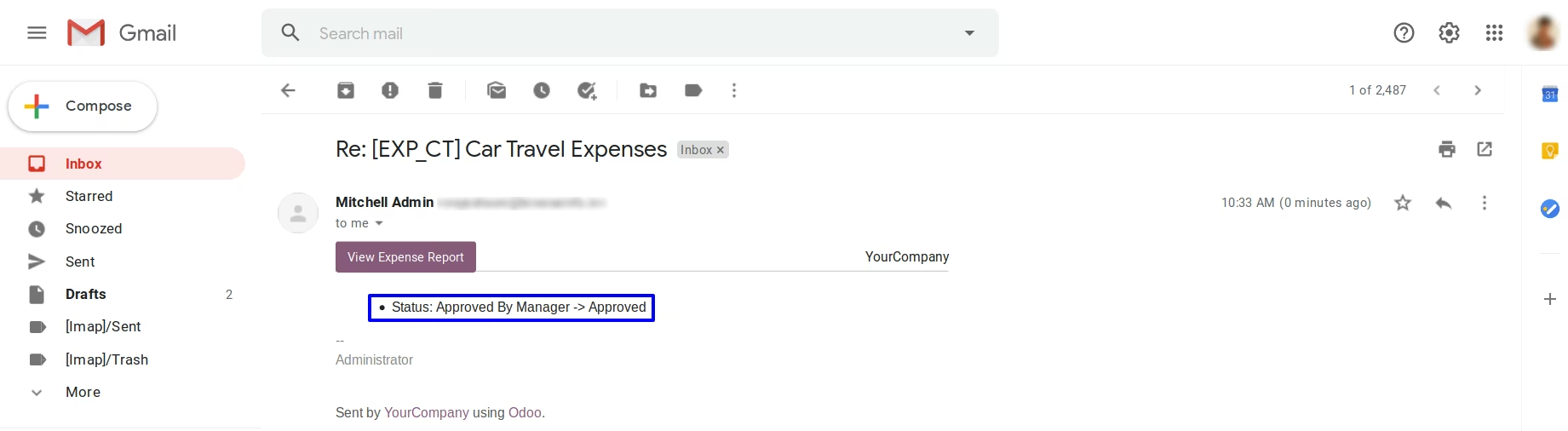
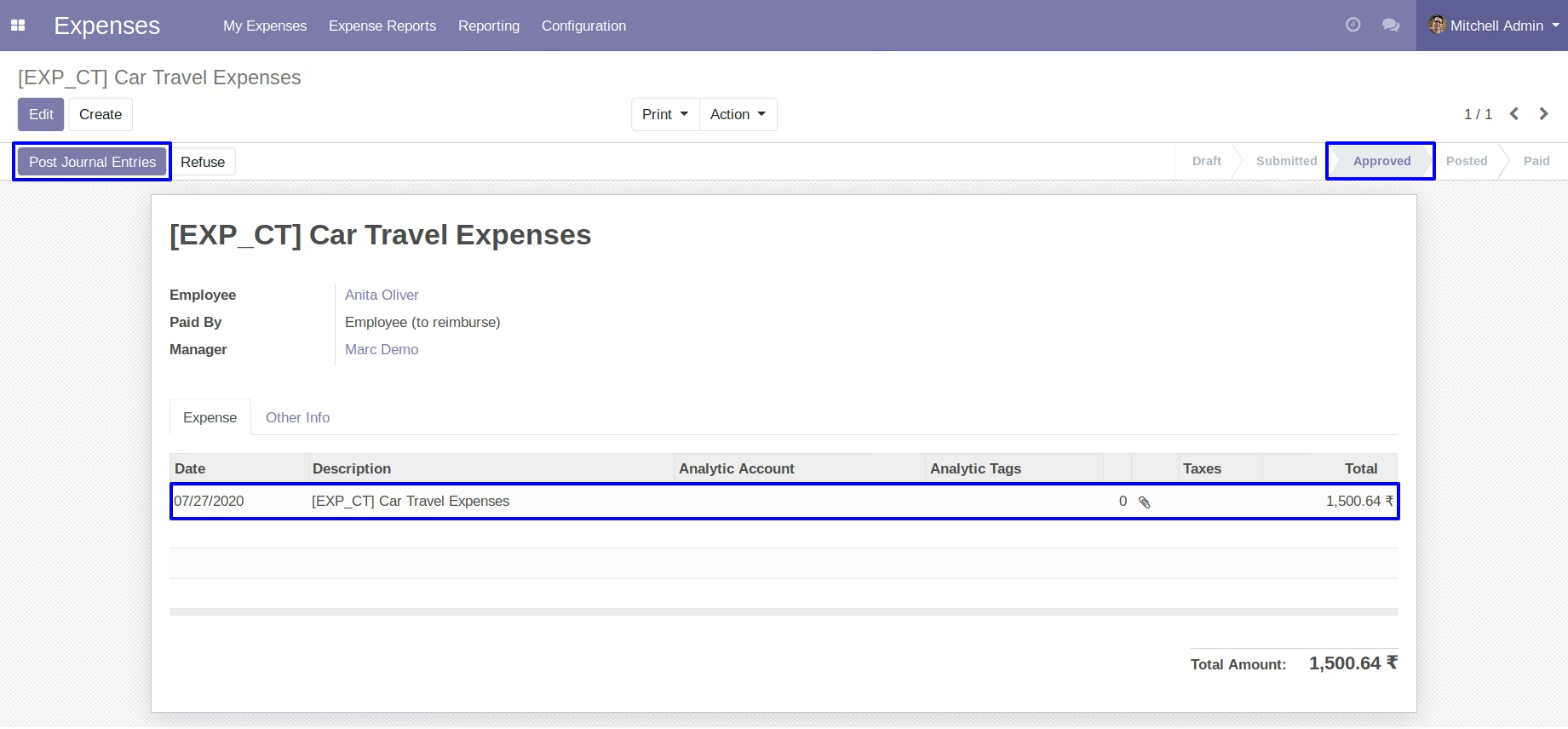
Expense Manager Approved Request than going to Approved stage
Expense Manager Approved Request than going to Approved stage and click on post journal entry.
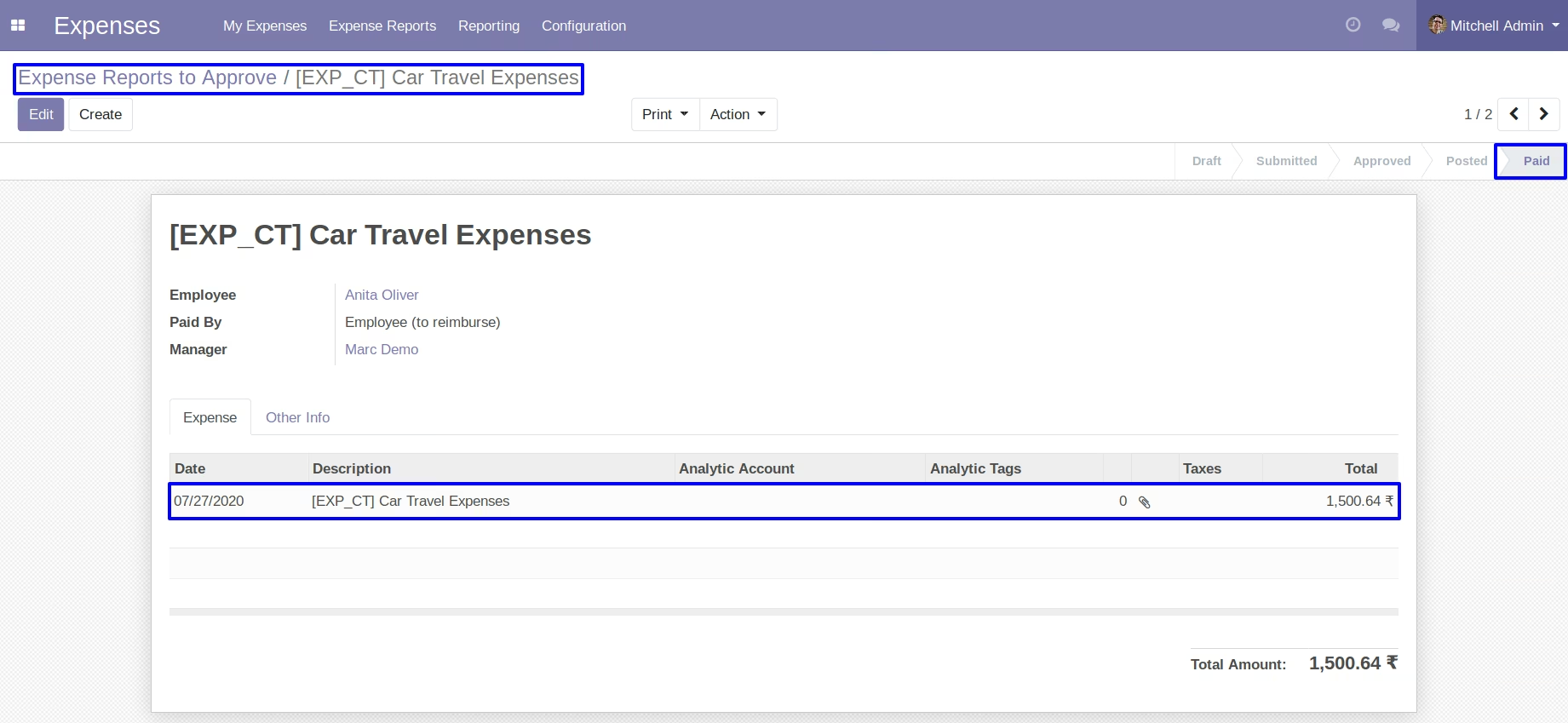
After Payment Done Expense Moved to Paid Stage
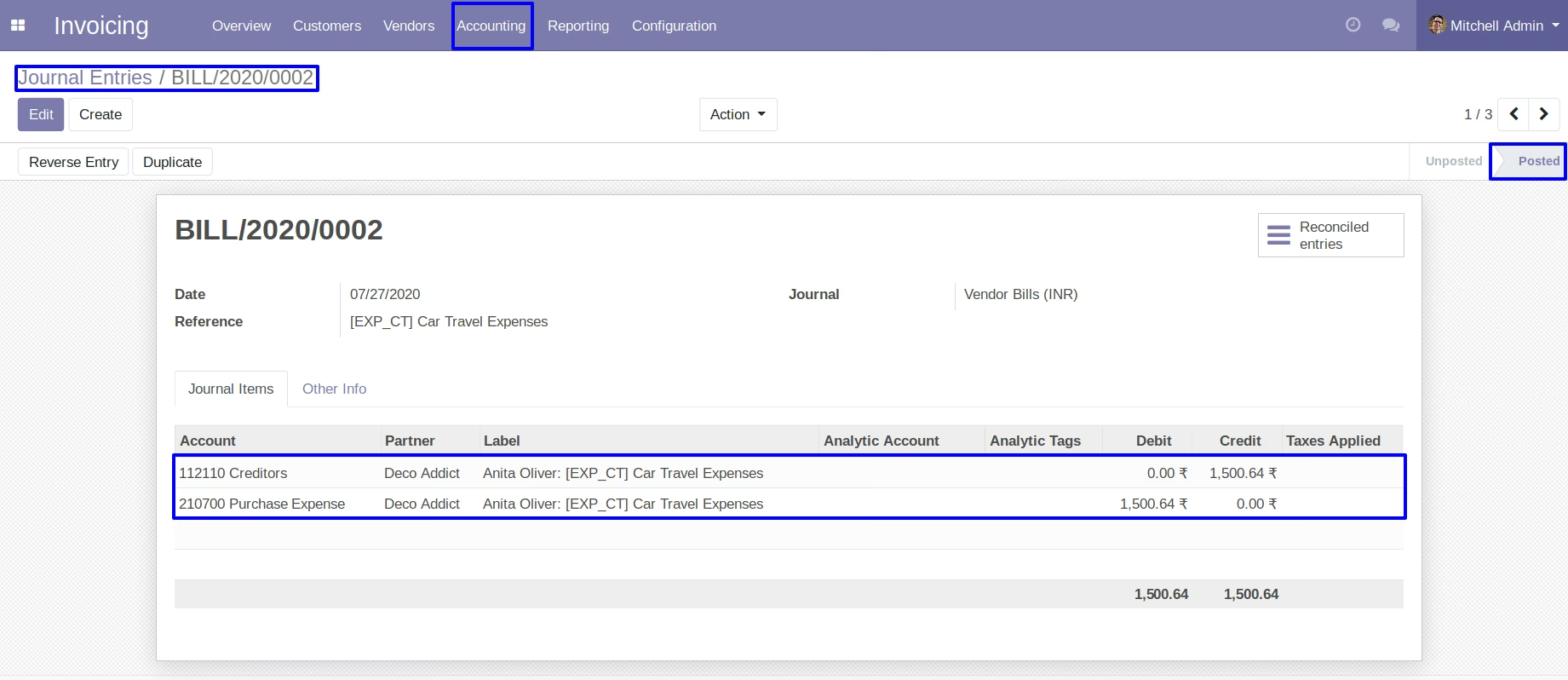
Journel Entry can be Easily Seen
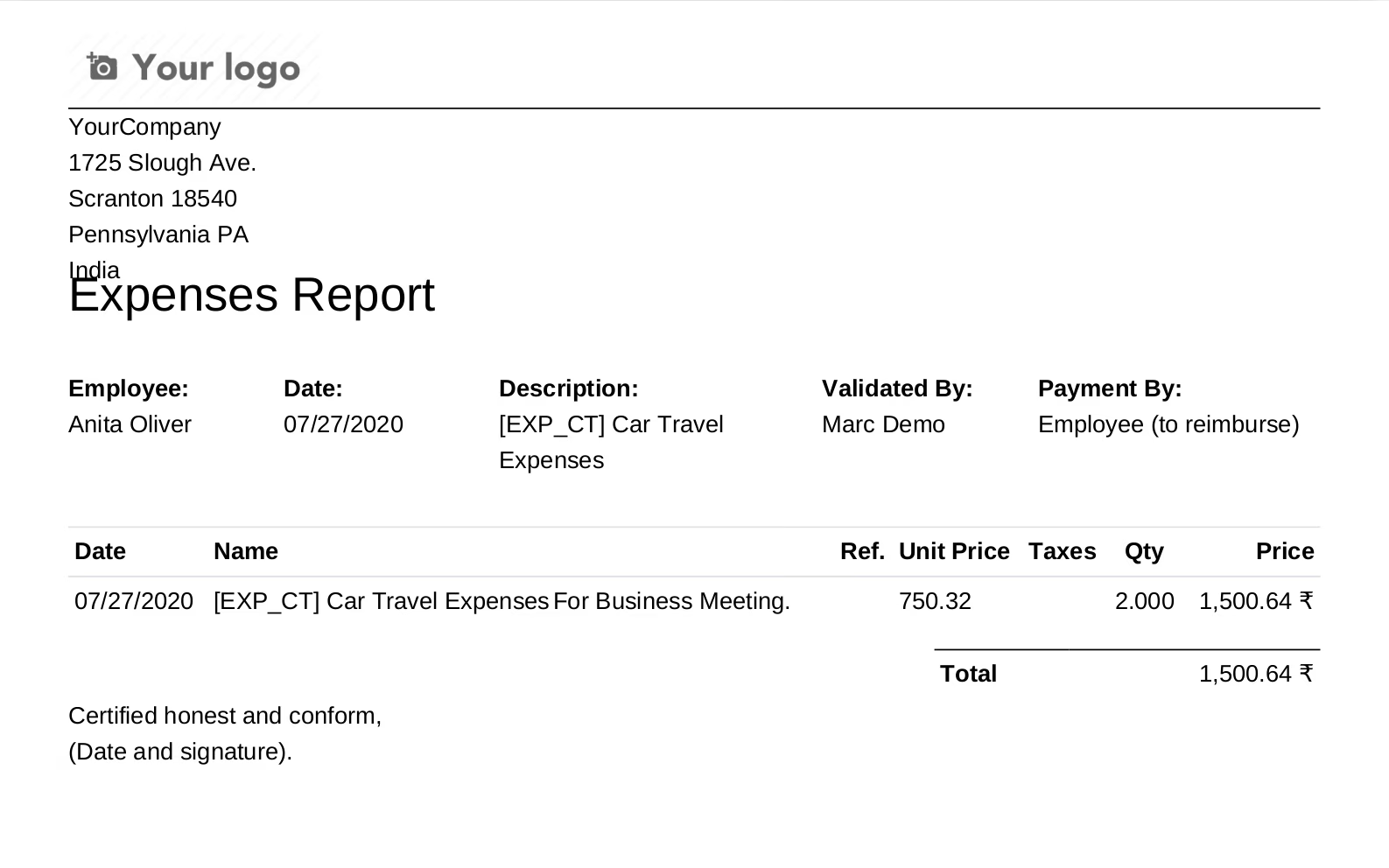
Print Report about the Expenses.