Bring unparalleled accuracy and control to your employee attendance system with the HR Attendance Geofencing module. This powerful tool leverages GPS technology to create virtual geographic boundaries around your designated work locations, ensuring that employees can only check in and out when they are physically present on-site. By automating location validation, this module eliminates the possibility of remote buddy punching and inaccurate time logging. It is the perfect solution for businesses with single or multiple worksites, field-based teams, or any organization looking to enhance the integrity and reliability of their attendance data.
Geofence Creation: Easily define virtual perimeters (geofences) around your office buildings, worksites, or any specific location using an interactive map.
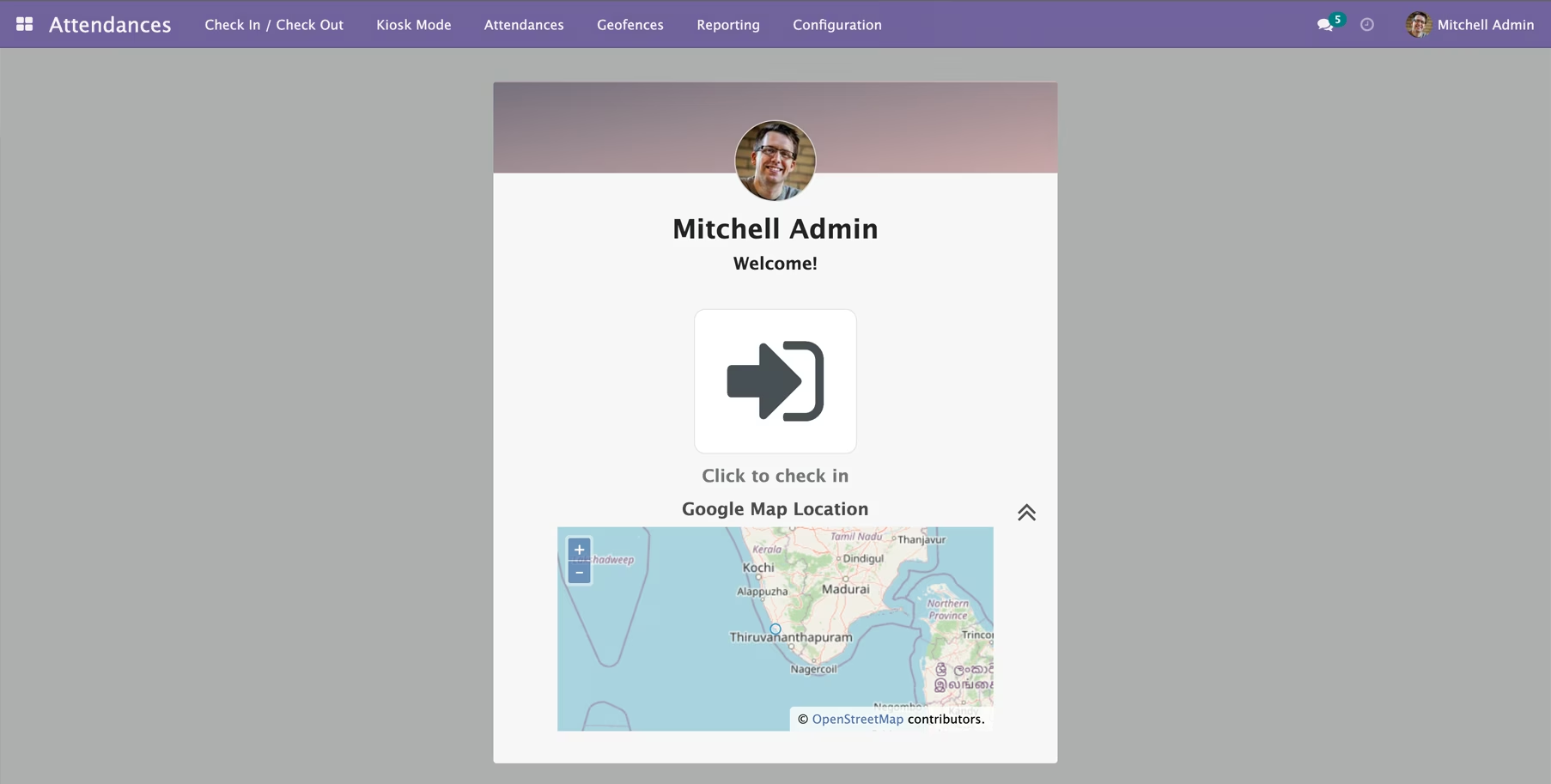
Location-Based Check-in/Out: Restricts employees from checking in or out unless their device's GPS location is within a pre-defined geofenced area.
Real-time Location Validation: The system instantly verifies the employee's location at the moment of clocking in or out.
Multi-Location Support: Create and manage multiple geofences for different company branches, project sites, or client locations.
User-Friendly Configuration: Simple setup allows you to define a geofence by setting a central point and a radius in meters.
Seamless Integration: Works perfectly with the HR Attendance module to provide an enhanced, location-aware workflow.
Prevents Time Theft: Effectively eliminates buddy punching and off-site check-ins, ensuring you only pay for hours worked on-site.
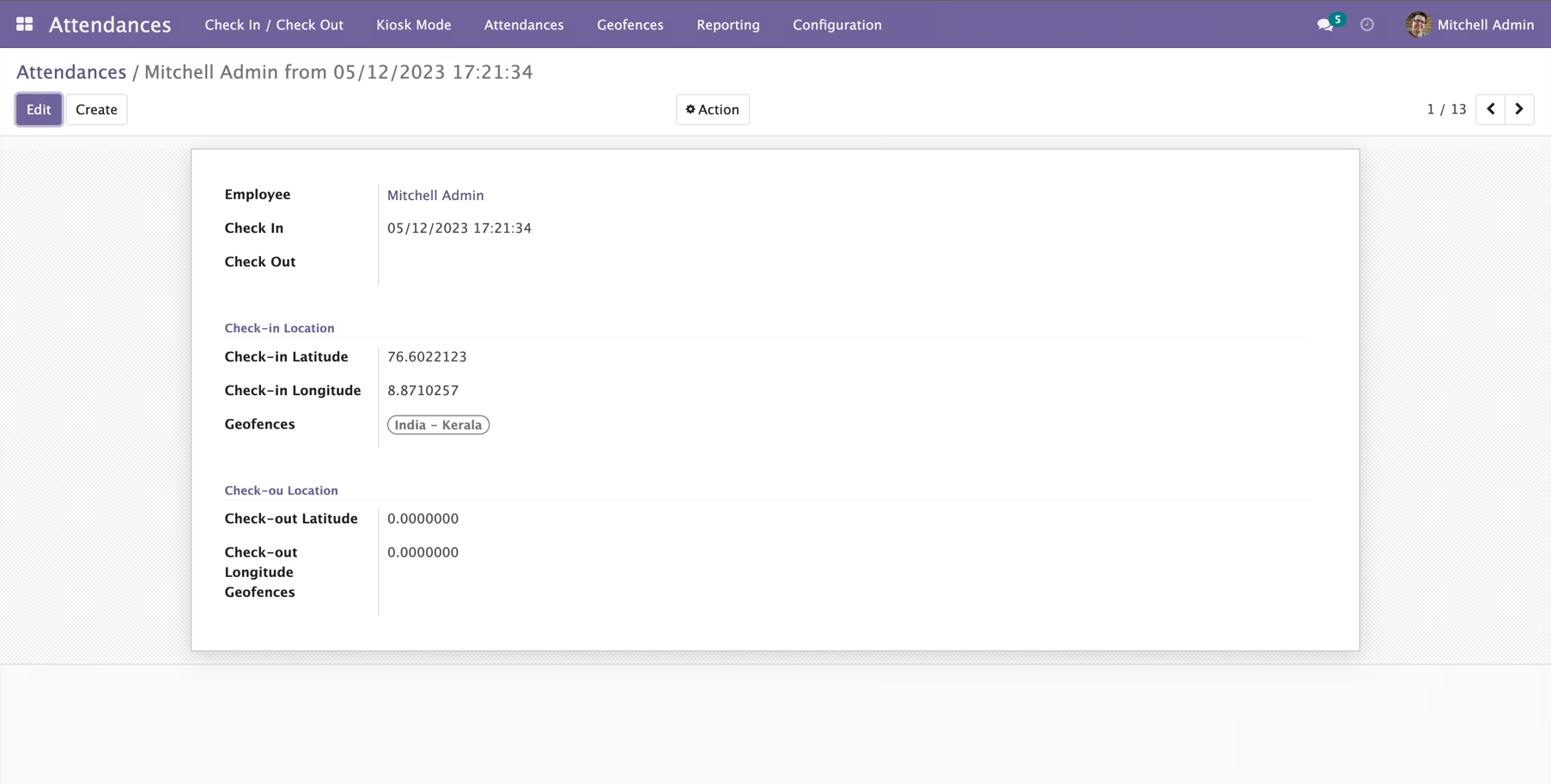
Increased Accuracy and Reliability: Guarantees that all attendance records are accurate and backed by verifiable location data.
Enhanced Employee Accountability: Fosters a culture of punctuality and accountability by requiring employees to be at their designated work location.
Automated and Streamlined Process: Automates location verification, saving managers and HR staff the time and effort of manually confirming employee presence.
Improved Workforce Management: Provides confidence in your attendance data, which is crucial for accurate payroll, project costing, and performance analysis.
Ideal for Mobile and Field Teams: Ensures that your mobile workforce is checking in from the correct client sites or designated work zones.
-- HTTPS is recommended --.
The Hr Attendance Manager / Administrators can use this module to create a virtual geographic boundary for attendance locations, and employees can only check in and out within one of these Geofence areas.
Installation
- Copy hr_attendance_geofence module to addons folder
- Install the module normally like other modules
Installation
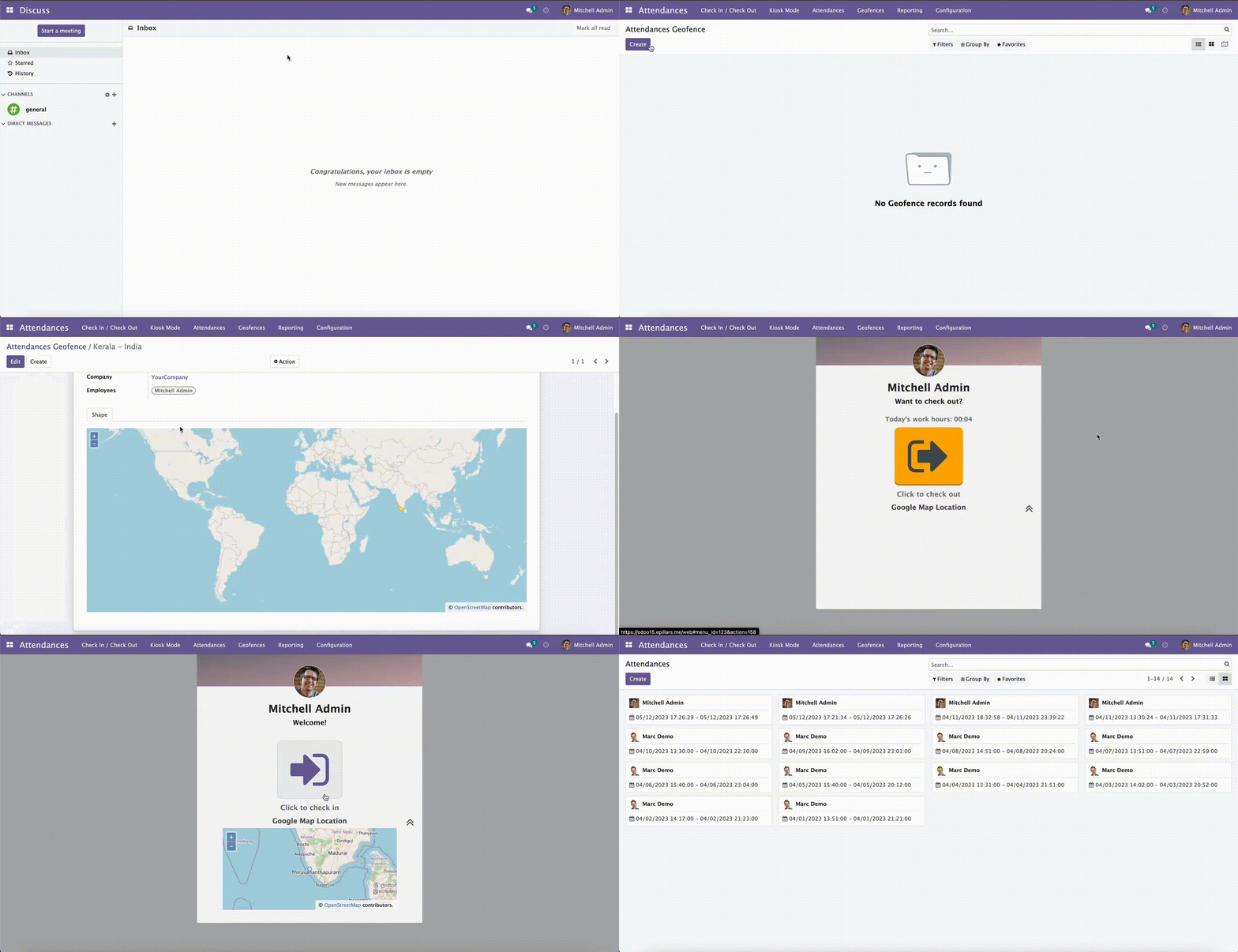
1. Create Geofence
Attendances -> Manager -> Geofence
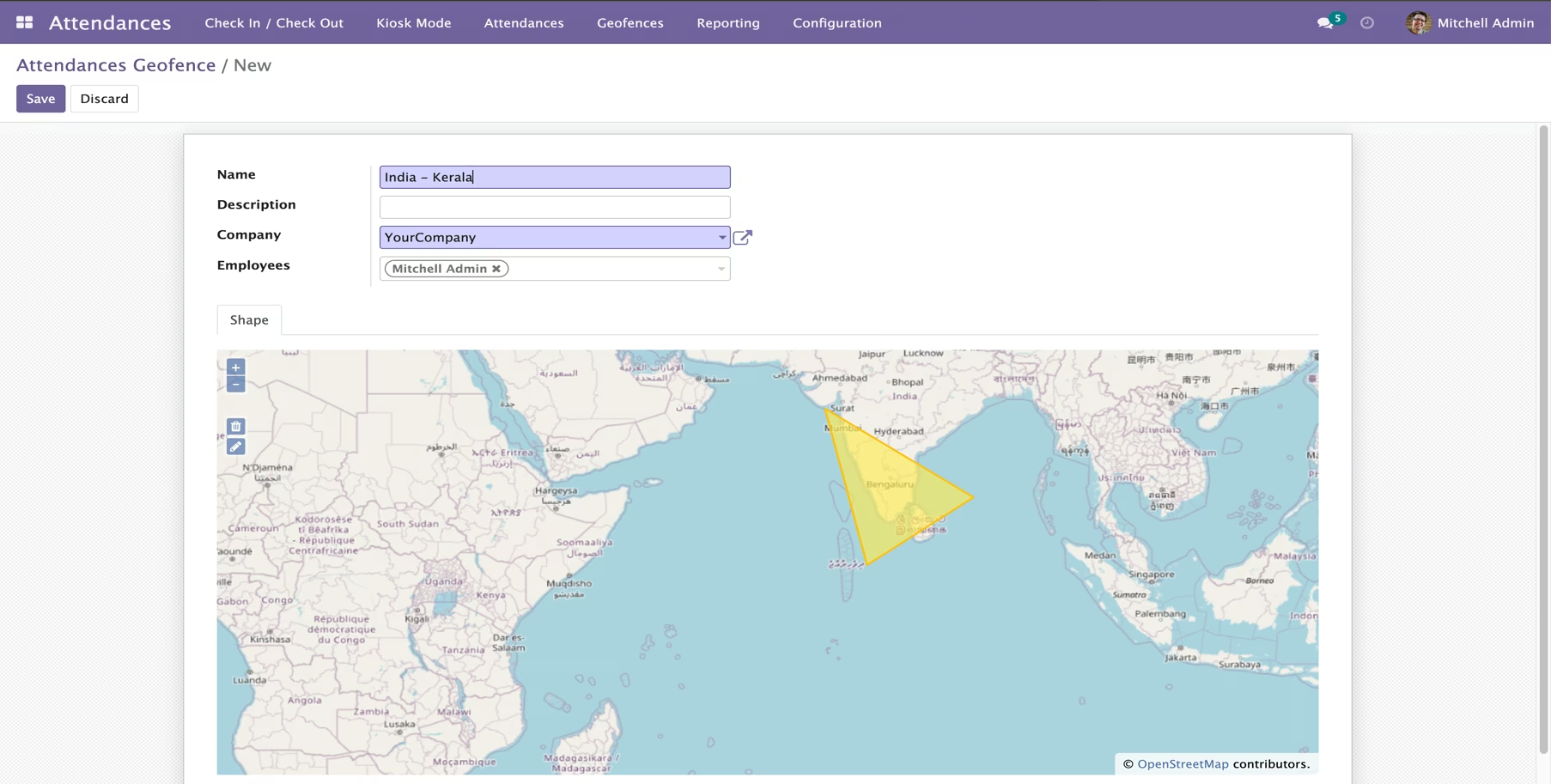
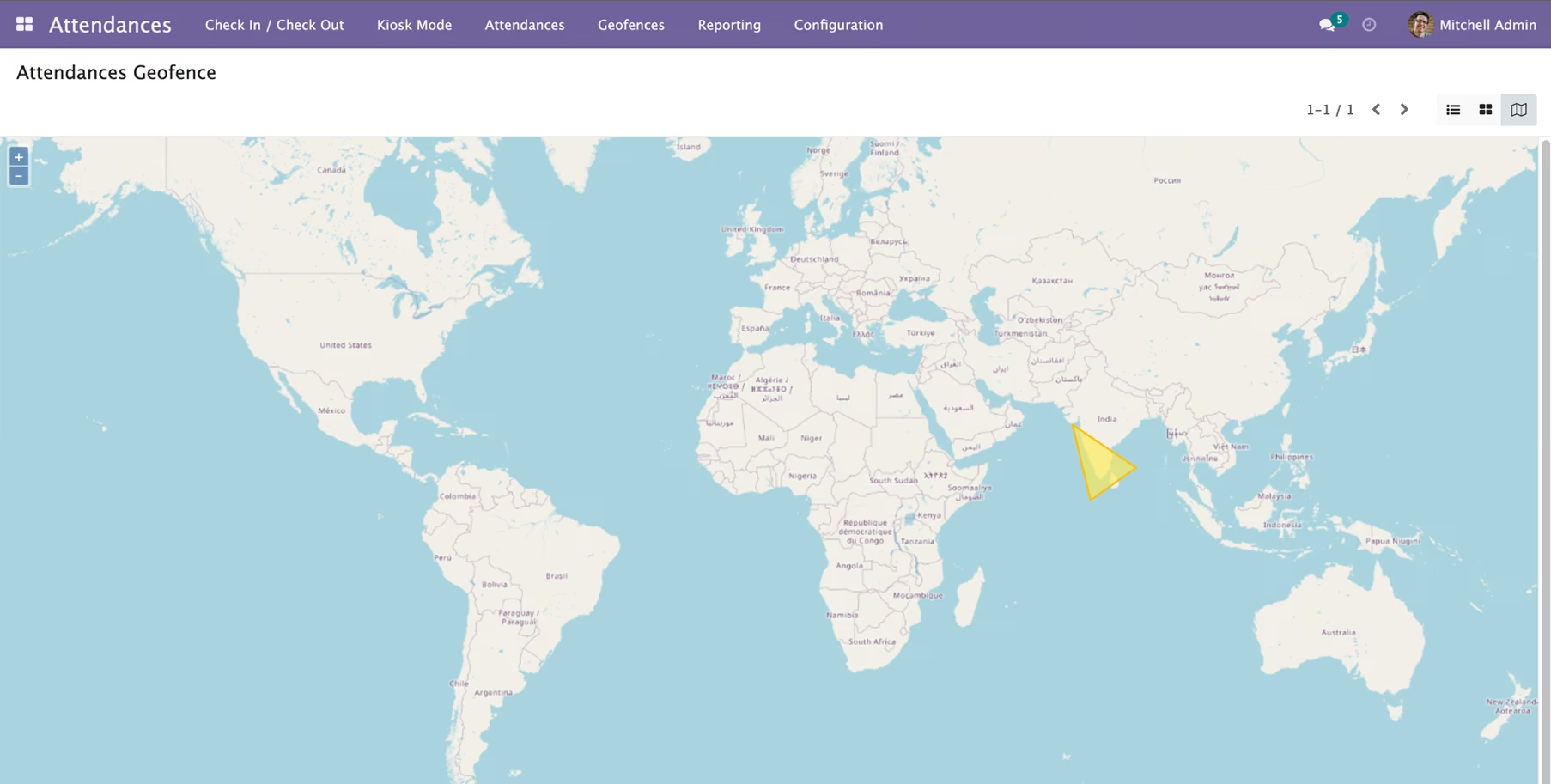
2. Employee Geofence
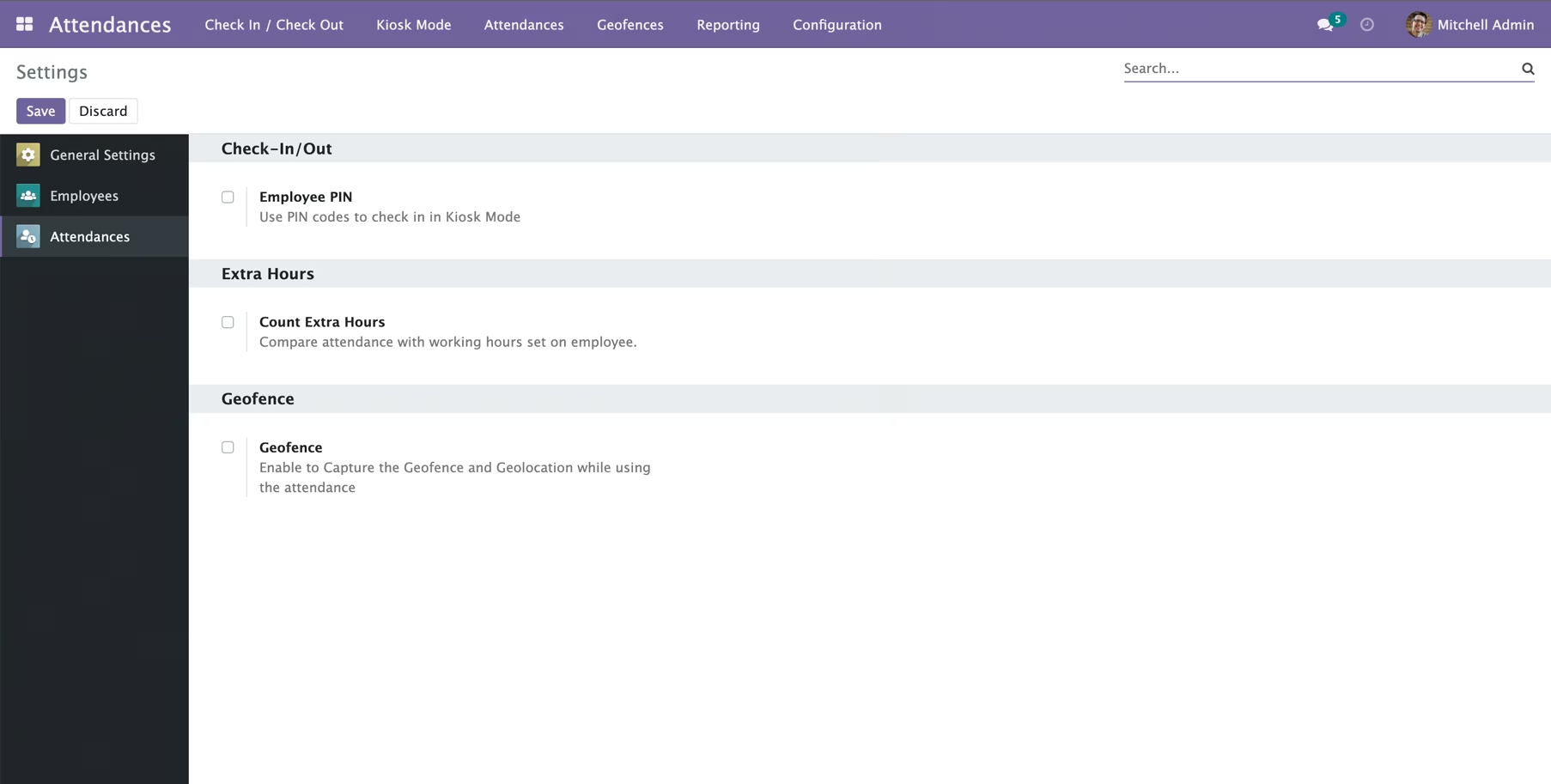
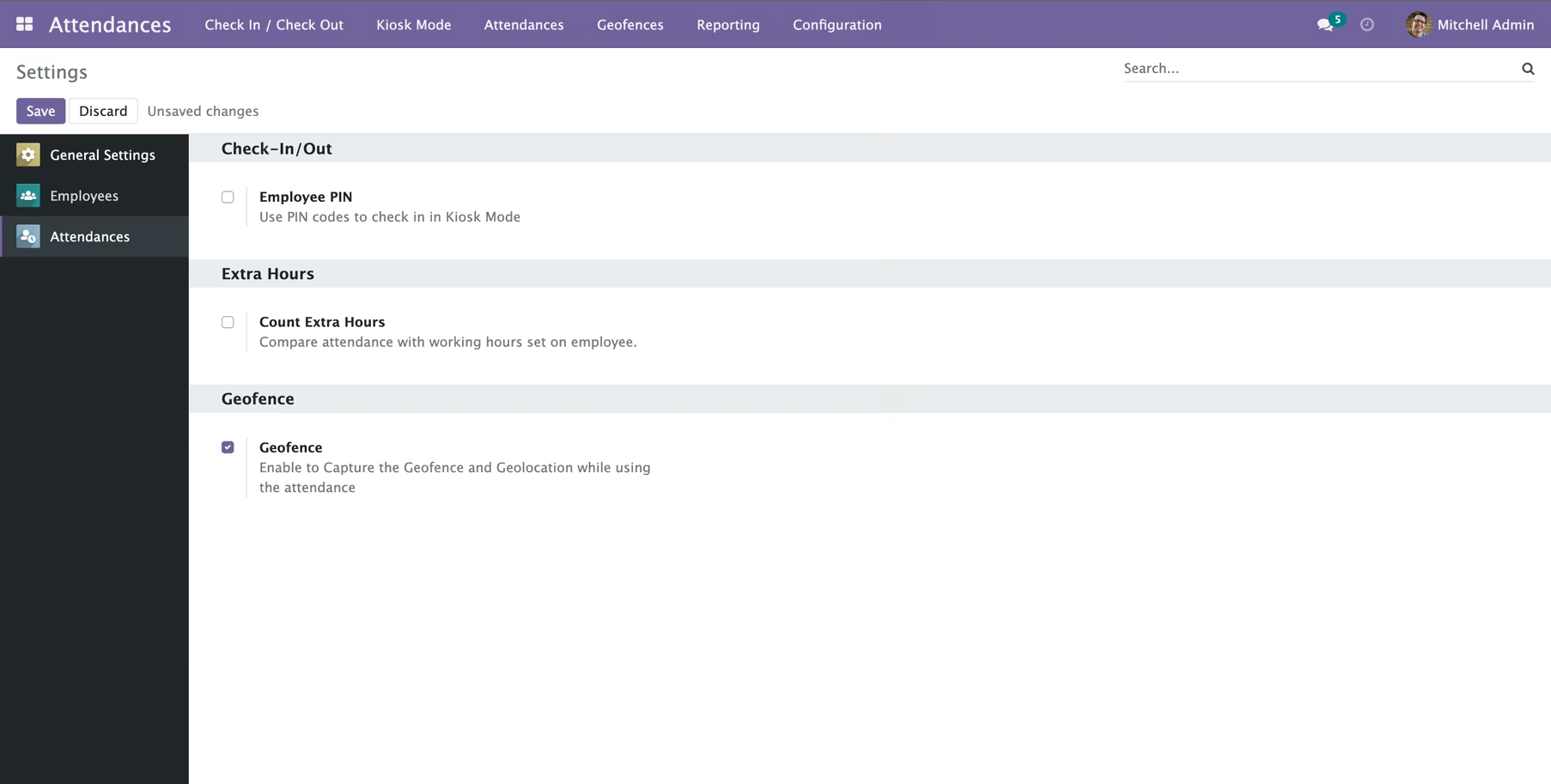
Attendances -> Configuration -> Settings -> Enable Attendances Geofence
User Profile -> Attendances Geolocation