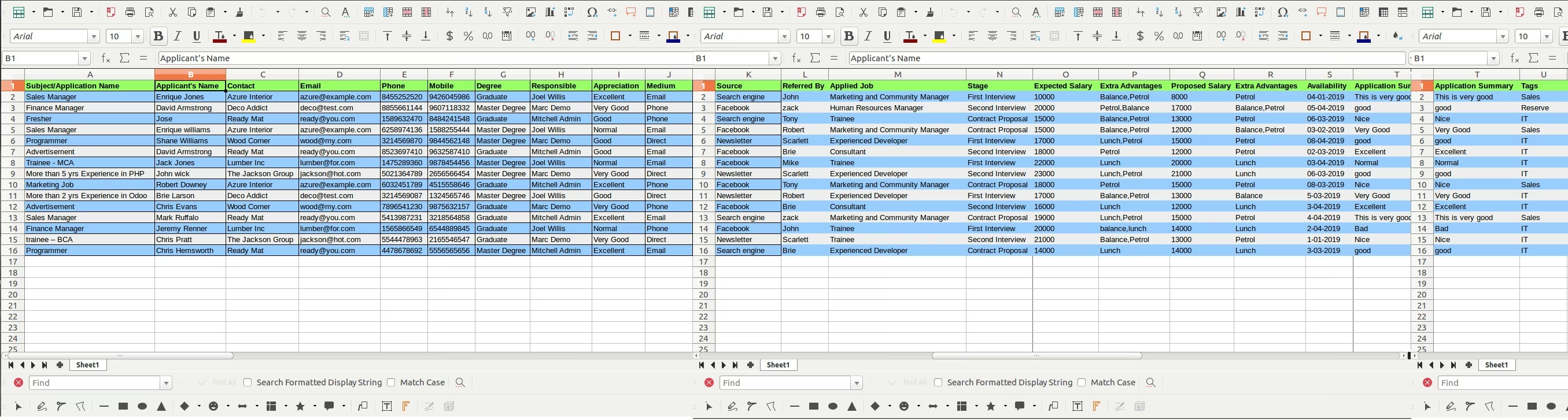
Accelerate your talent acquisition process with the Import Applicants from Excel/CSV module. This essential HR tool is designed to eliminate the inefficient and time-consuming task of manually creating individual applicant profiles. By allowing you to import comprehensive candidate data—including names, contact information, applied job, and qualifications—in bulk from a single spreadsheet, you can populate your recruitment pipeline in minutes. This module is the perfect solution for businesses managing high-volume recruitment drives, migrating data from other hiring platforms, or looking to build a robust talent pool quickly and accurately.
Import multiple new applicant profiles in a single, streamlined operation.
Supports both Excel (.xlsx) and CSV (.csv) file formats for your convenience.
Import a wide range of applicant details, including Applicant's Name, Email, Phone, and the Job Position they applied for.
Assign key recruitment information such as the source of the application (e.g., social media, job board).
Intelligently maps data to the correct fields within the Recruitment application.
Includes a clear, easy-to-use sample file to ensure your data is structured correctly for a seamless import.
Provides a user-friendly wizard to guide you through the import process.
Features robust data validation to prevent errors and provides informative logs to resolve any issues quickly.
Drastically Reduces Manual Data Entry: Saves countless hours for your recruitment team by eliminating the need to enter applicant data one by one.
Ensures Data Accuracy: Minimizes the risk of data entry errors, ensuring your applicant database is reliable and professional.
Speeds Up Time-to-Hire: Accelerates the initial stages of your recruitment process, allowing you to engage with candidates faster.
Simplifies Data Migration: Makes it easy to import applicant data from career fairs, online job boards, or previous recruitment systems.
Improves Talent Pool Management: Quickly build and organize a comprehensive database of potential candidates for current and future roles.
Enhances Recruiter Efficiency: Frees up your recruitment team to focus on high-value activities like screening, interviewing, and engaging with top talent.
This app allows you to import recruitment applications from an excel file.
Main Features- Allow you to Import HR Applications Applicants from excel file.
- Make sure you have the xlrd Python library installed on your server.
- For more details please watch the video and check below screenshots.
- Recruitment
- Recruitment/Applications
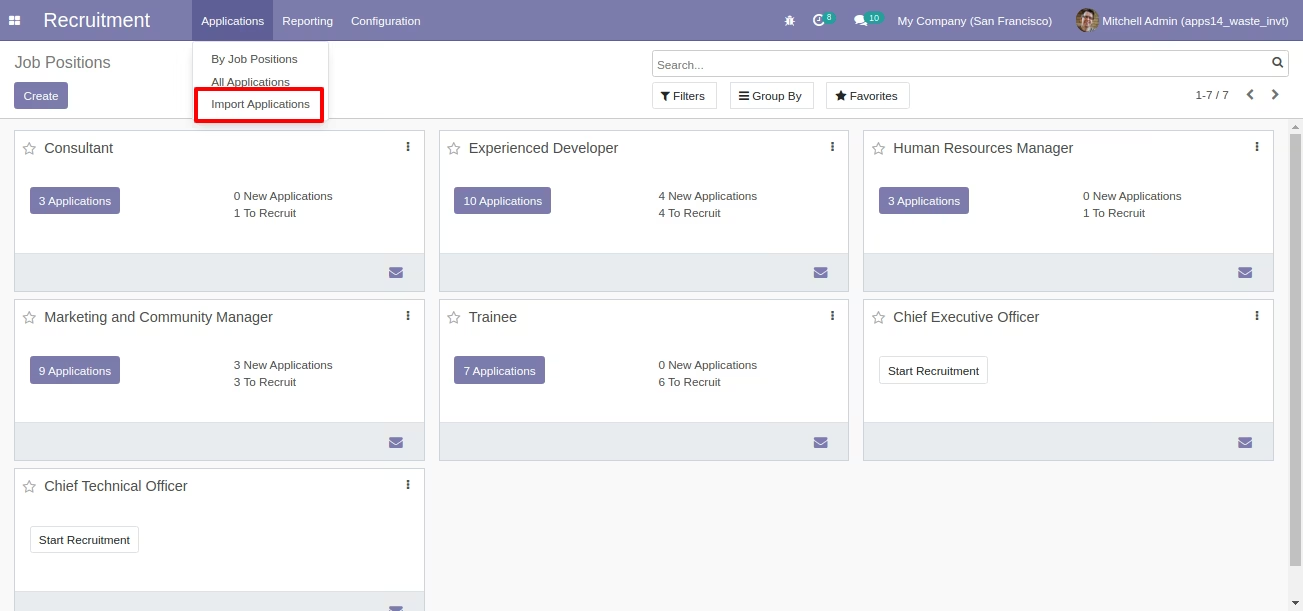
- Recruitment/Applications/Import Applications
Sample Excel is available inside module.
Import Applications Menu
Wizard for Import Applications from Excel
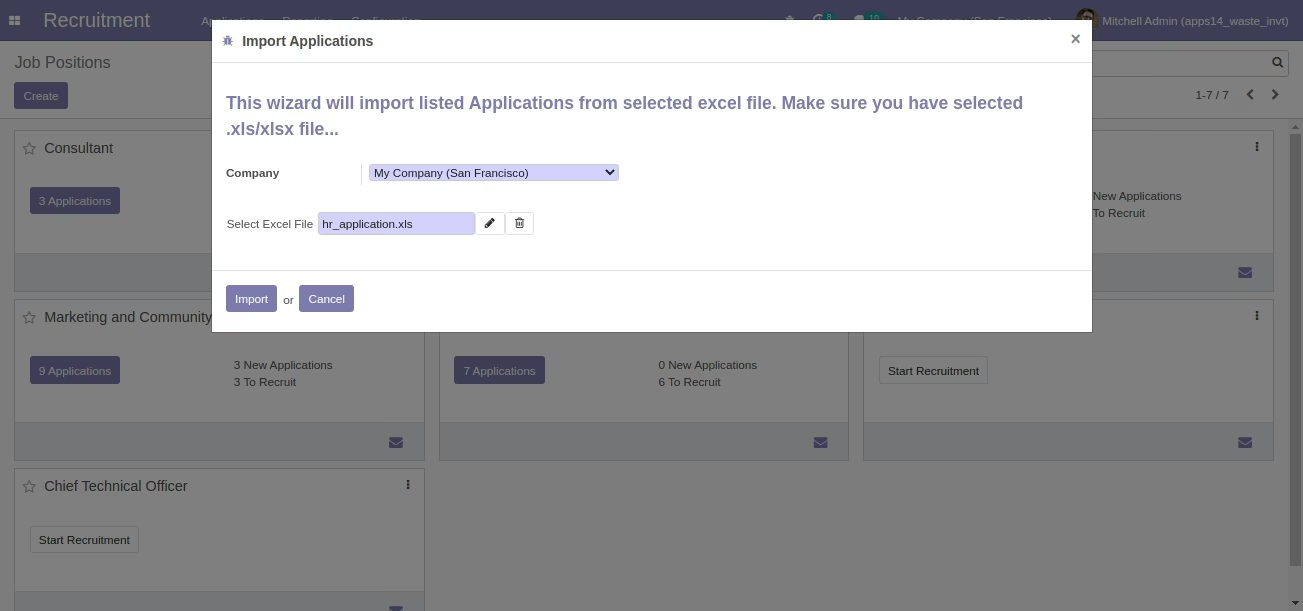
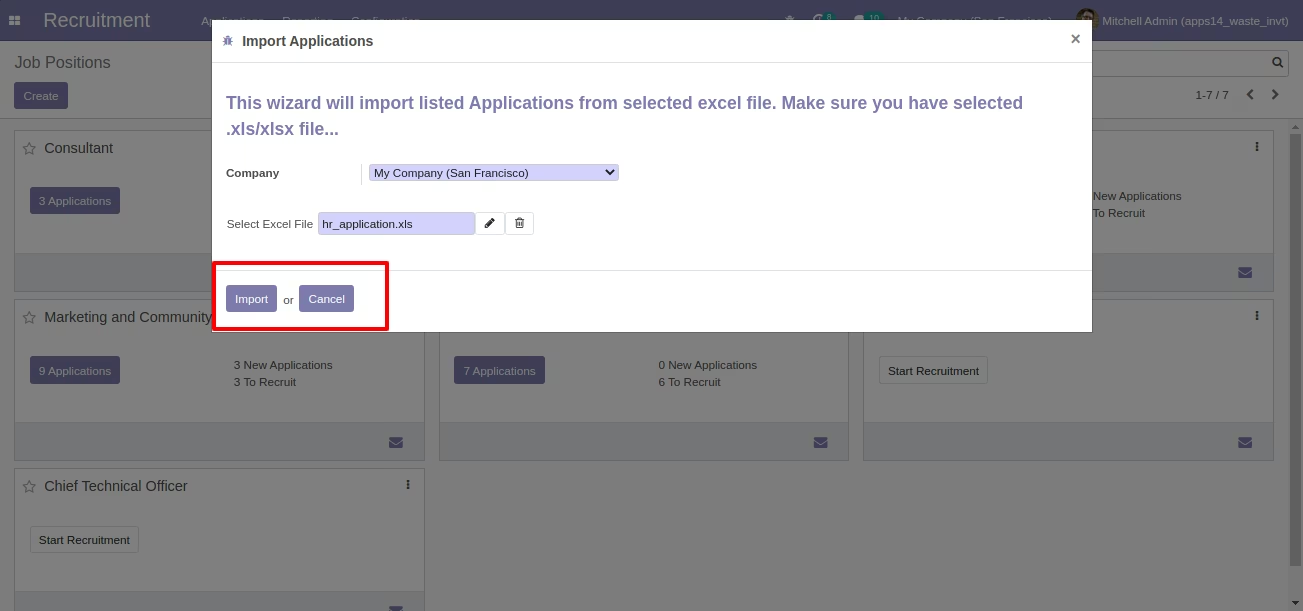
Select Import xls File in Wizard
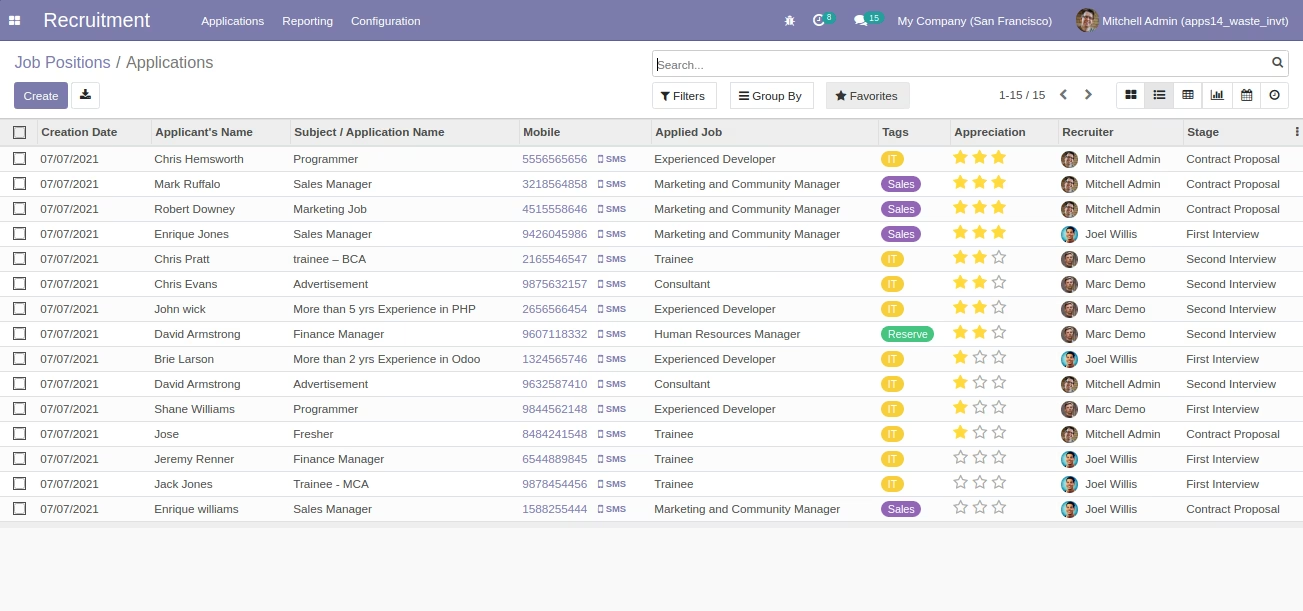
After Running Wizard Imported Applications in List View [Standard]
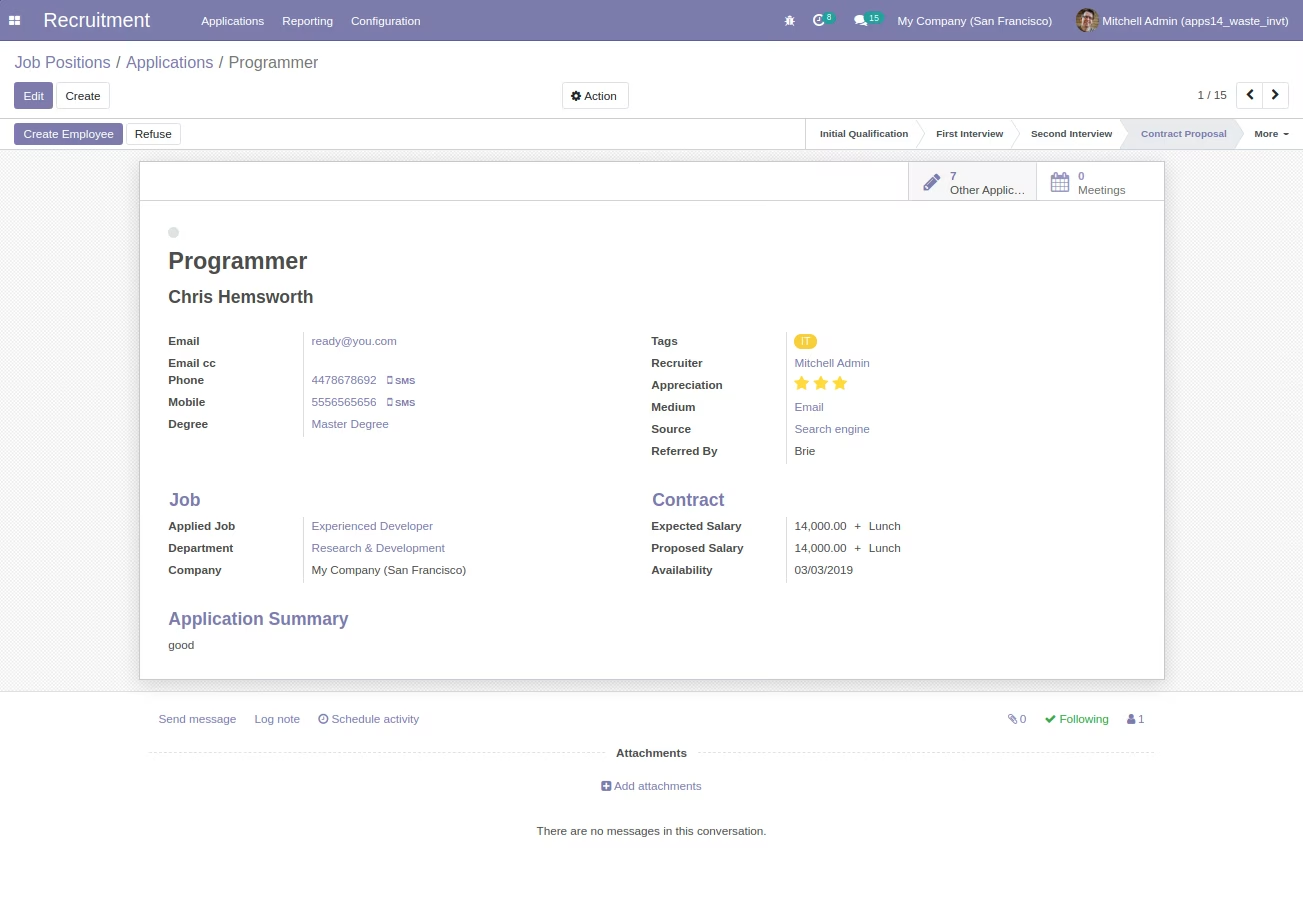
Application Form View [Standard]
Sample Excel File for Import Applications [Sample also Avaialble inside Module]