This specialized module provides advanced control over product price visibility on e-commerce websites, enabling businesses to implement sophisticated pricing strategies tailored to different customer segments. It addresses the growing need for flexible pricing display options, particularly in B2B environments where price visibility may depend on customer status, login requirements, or specific business agreements. The system allows merchants to selectively show or hide prices based on customizable conditions, creating opportunities for personalized pricing approaches and enhanced customer engagement. Key benefits include improved pricing strategy implementation, increased lead generation through price inquiry mechanisms, and better alignment with complex B2B sales processes.
Configurable price visibility rules based on user login status and customer groups
Customizable replacement messages for hidden prices to maintain user engagement
Category-specific price display settings for targeted pricing strategies
Integration with customer segmentation and partner categorization systems
Responsive design that maintains website aesthetics while hiding price elements
Quick toggle functionality for easy activation and deactivation of price visibility rules
Comprehensive coverage across product pages, category views, and search results
Enables effective B2B pricing strategies by controlling price visibility for different customer tiers
Increases qualified leads by encouraging price inquiries from potential customers
Enhances customer experience with personalized pricing approaches
Protects sensitive pricing information from competitors and unauthorized viewers
Improves conversion rates through strategic price revelation at optimal moments
Maintains website professionalism while implementing complex pricing rules
Product Shop Hide Price on Shop Website
Call for Price Feature
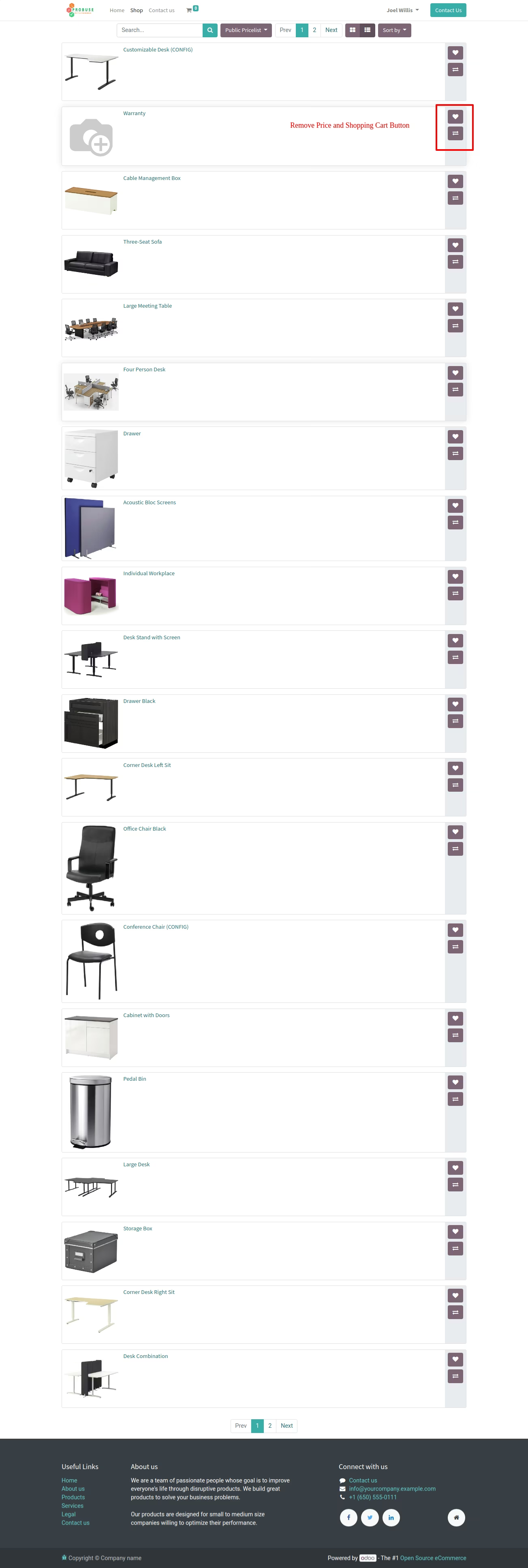
The application is designed to conceal the prices of products and remove the shopping cart buttons from the e-commerce website, as depicted in the screenshots below.
Main Features:
- Allow your website shop to hide prices from customers and visitors.
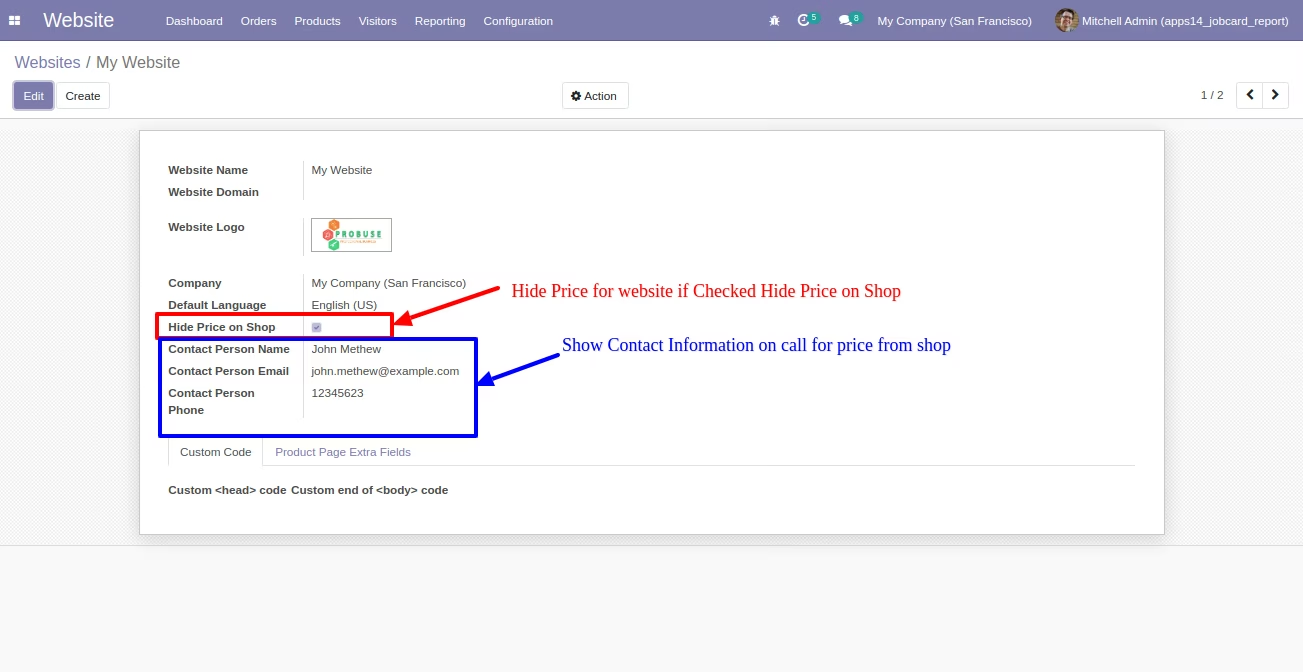
- The "Hide price" feature will function across multiple websites based on the configurations in the website settings.
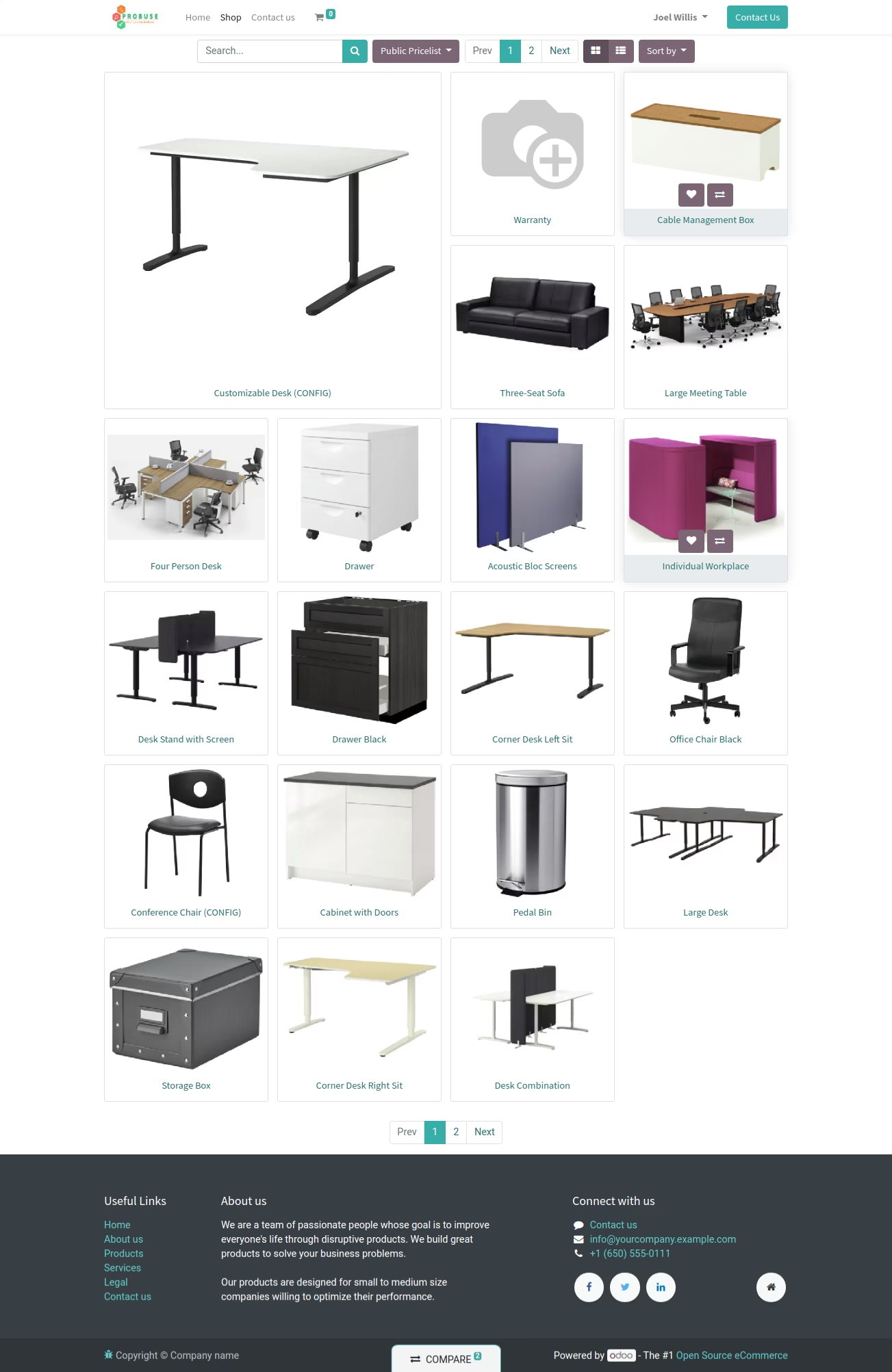
- Hide the price from the product shop page to ensure that prices are hidden for customers and guest/public users.
- Ensure that the price is hidden from the product view on the website's shop grid or kanban view.
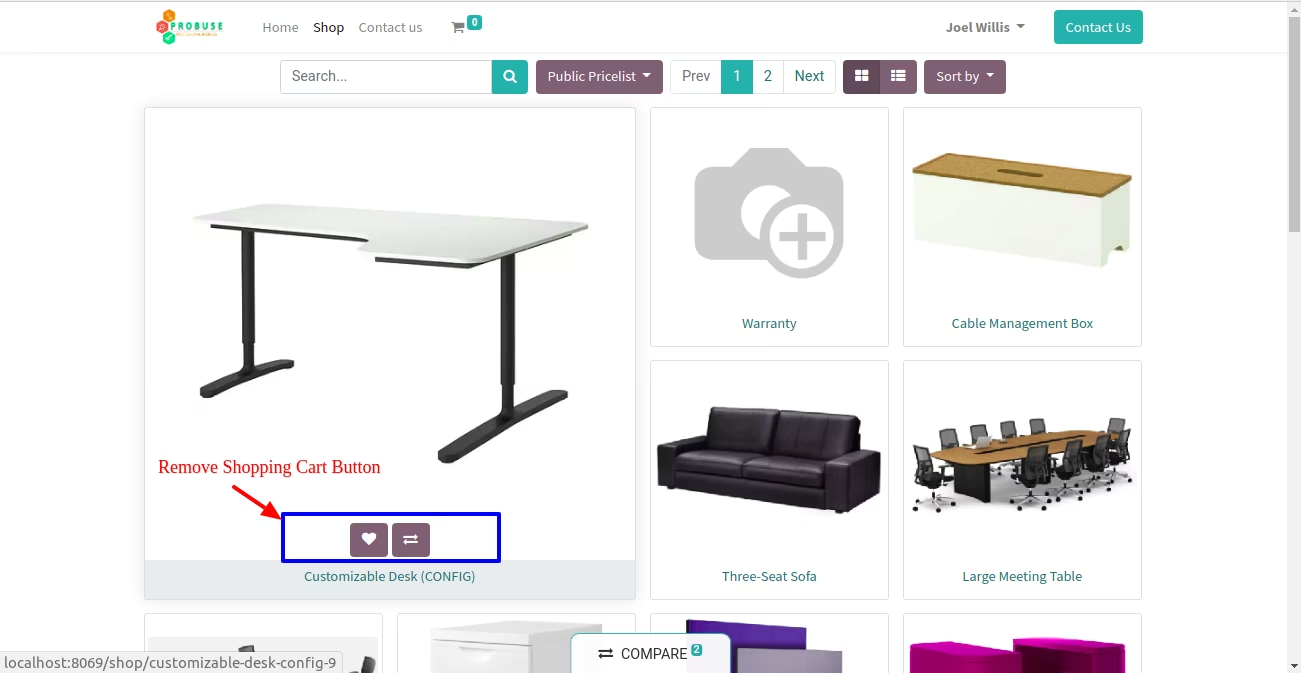
- Hide the shopping cart button from the product kanban box.
- Hide the price from the product list view on the website shop.
- Hide the shopping cart button from the product list view.
- Hide the price and shopping cart button from the product page on the website.
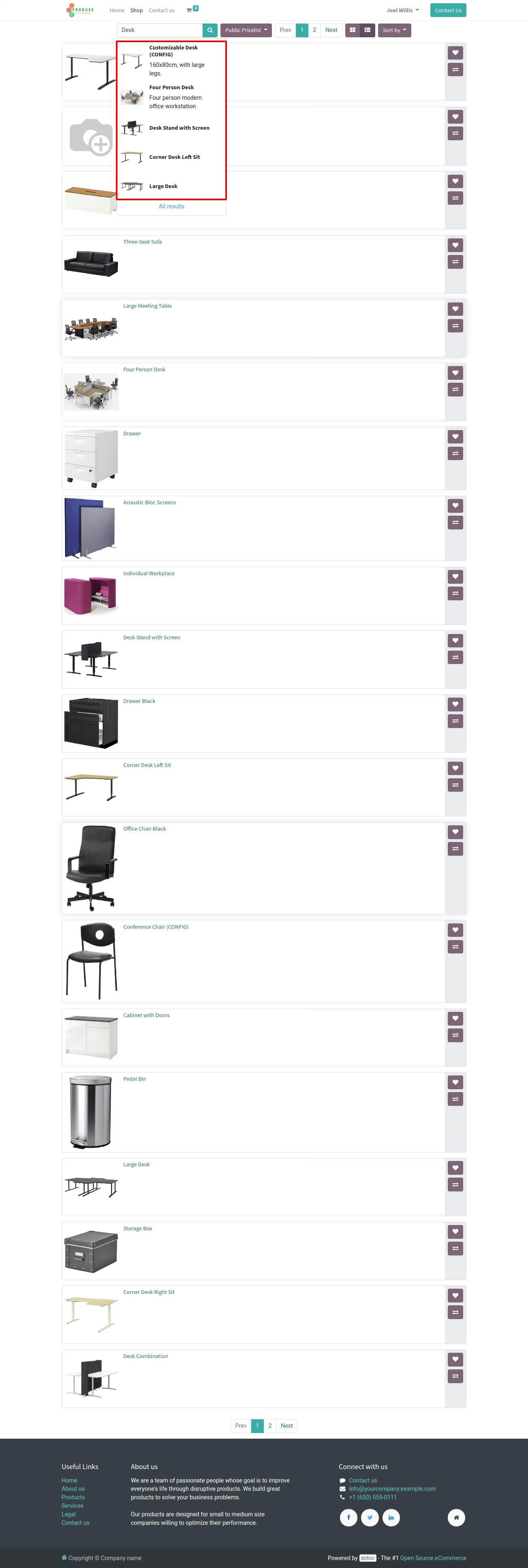
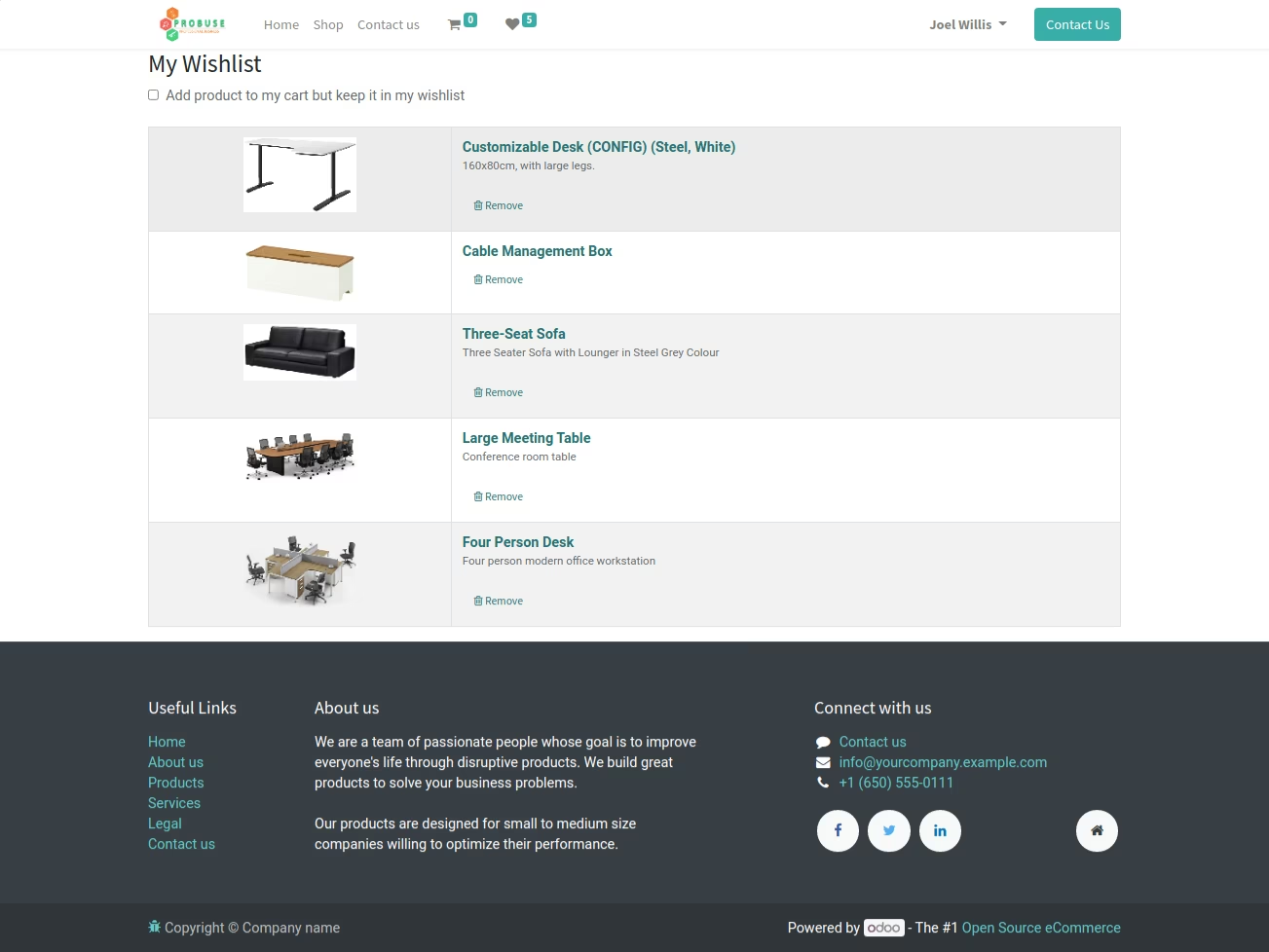
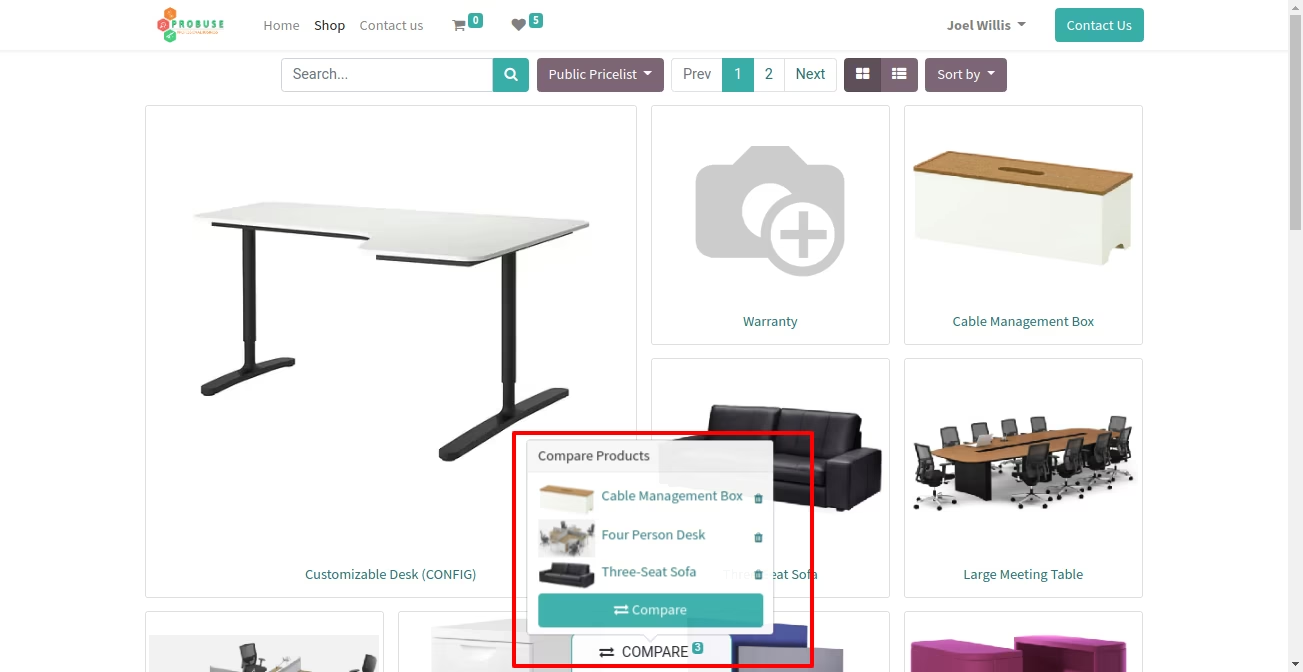
- Hide price and shopping cart buttons from wishlist and compare product lists. Also, hide the price from the search input box dropdown list.
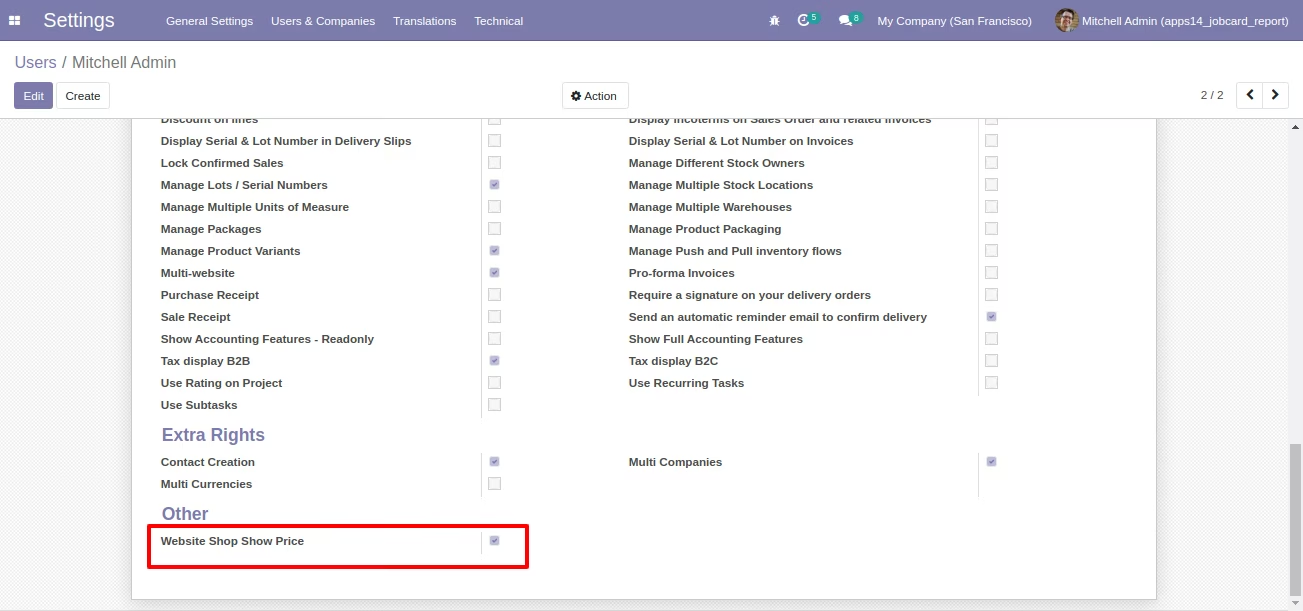
- Only internal employees assigned to the "Website Shop Show Price" group can view product prices on website shops.
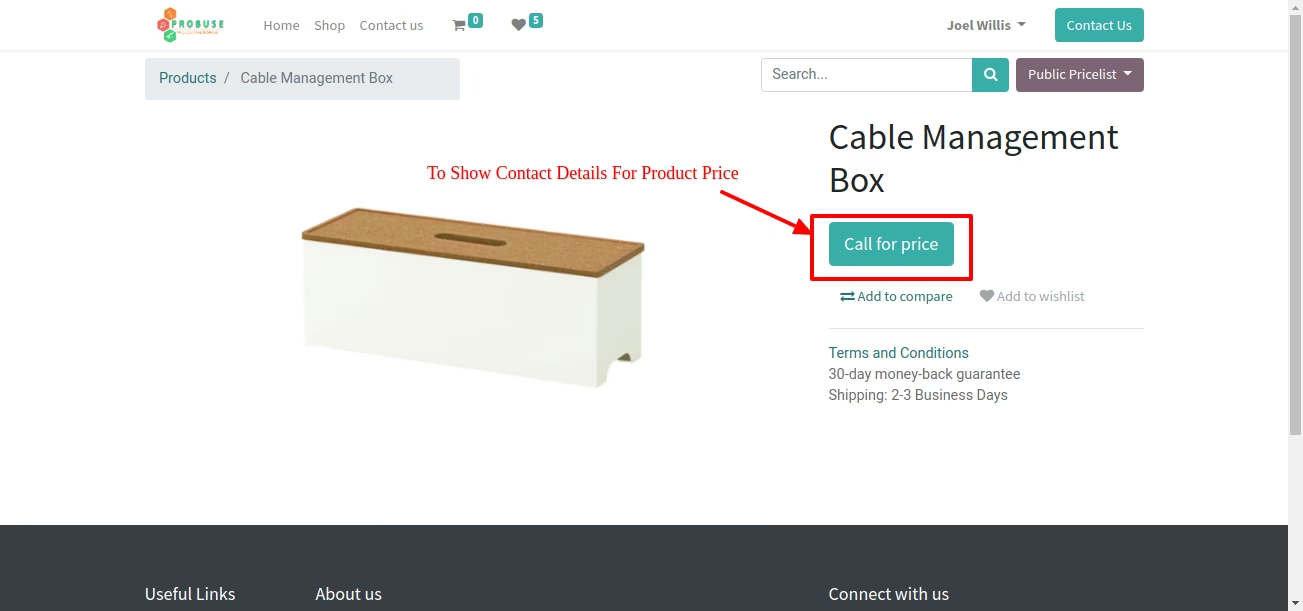
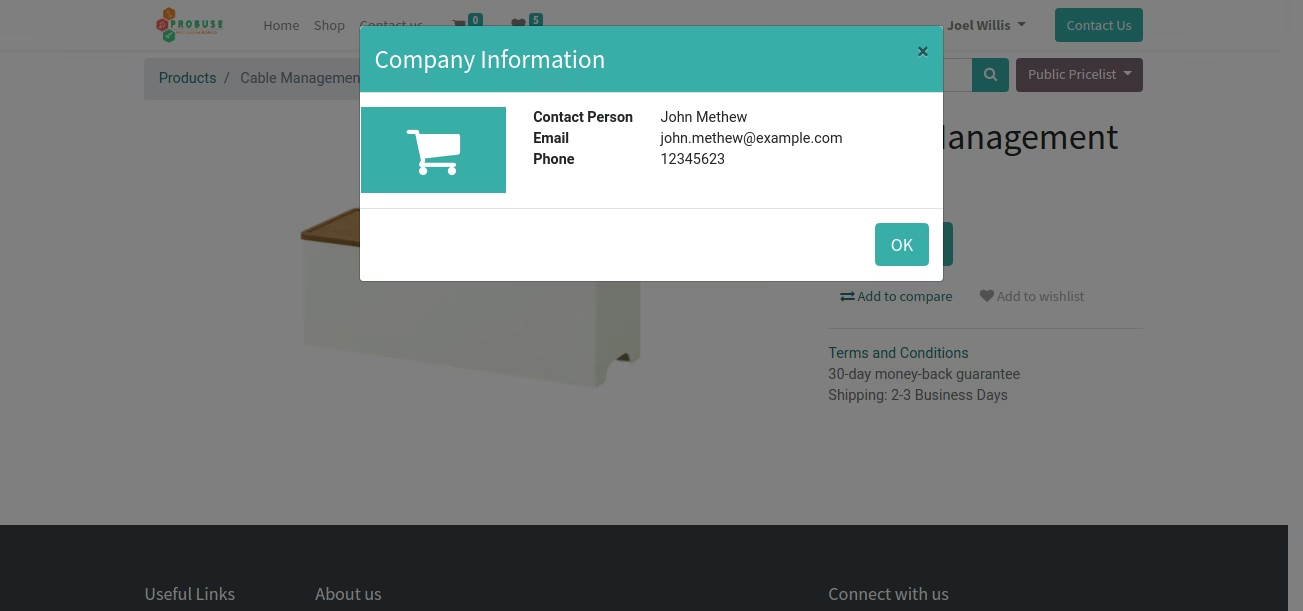
- Obtain contact information by clicking the 'Call for Price' button on the product shopping page.
- Please refer to the following screenshots and watch the video for more details.
Website - Set up the "Hide Price" feature for the website shop
Website: Configure the "Hide Price" feature for the website shop and update contact person details.
Hide the price from the website's shop page
Remove Shopping Cart Button from Website Product Kanban Page
Remove the shopping cart button and the pricing information from the product listing page of the website
Remove price from the product search input list dropdown view on the website
Hide the price from the product shopping page
Hide the shopping cart and price from the product shopping page
To Get product's price information from Call for price
Get contact person information from the window labeled "Company Information"
Hide price from product wishlist table
Hide the shopping cart button and price from Wishlist table
Hide the price from the product comparison table
Hide the price from the product comparison table popup
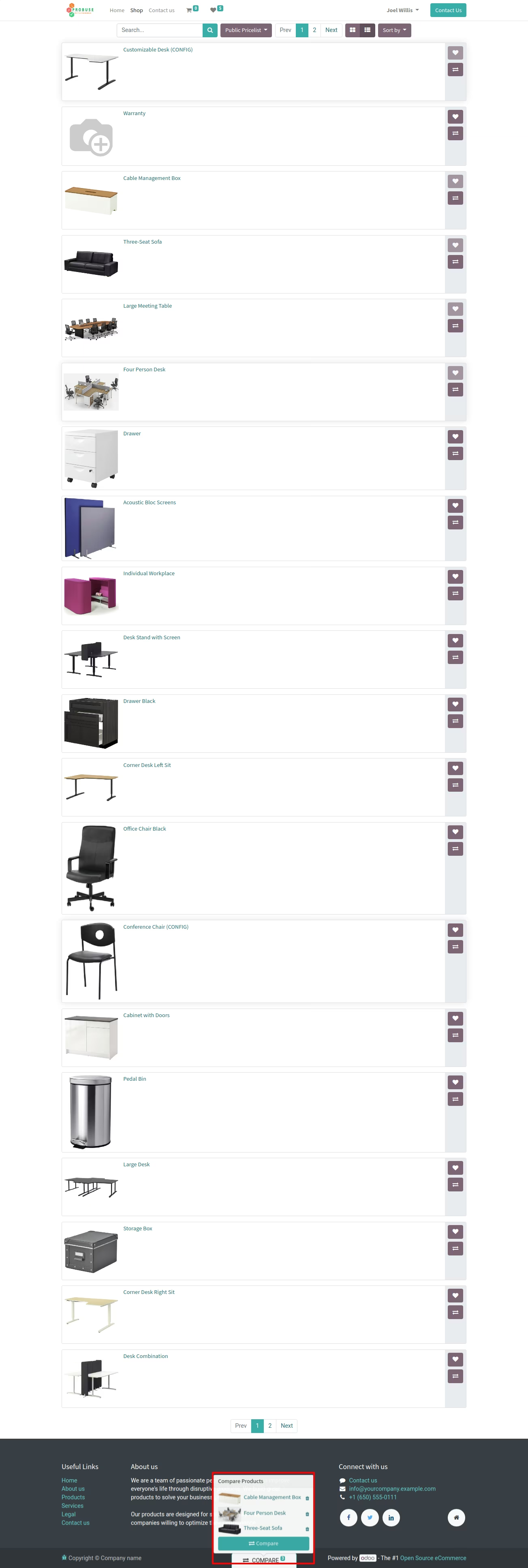
Hide price from product compare table
Display the website, shop, show the price, and group the users.