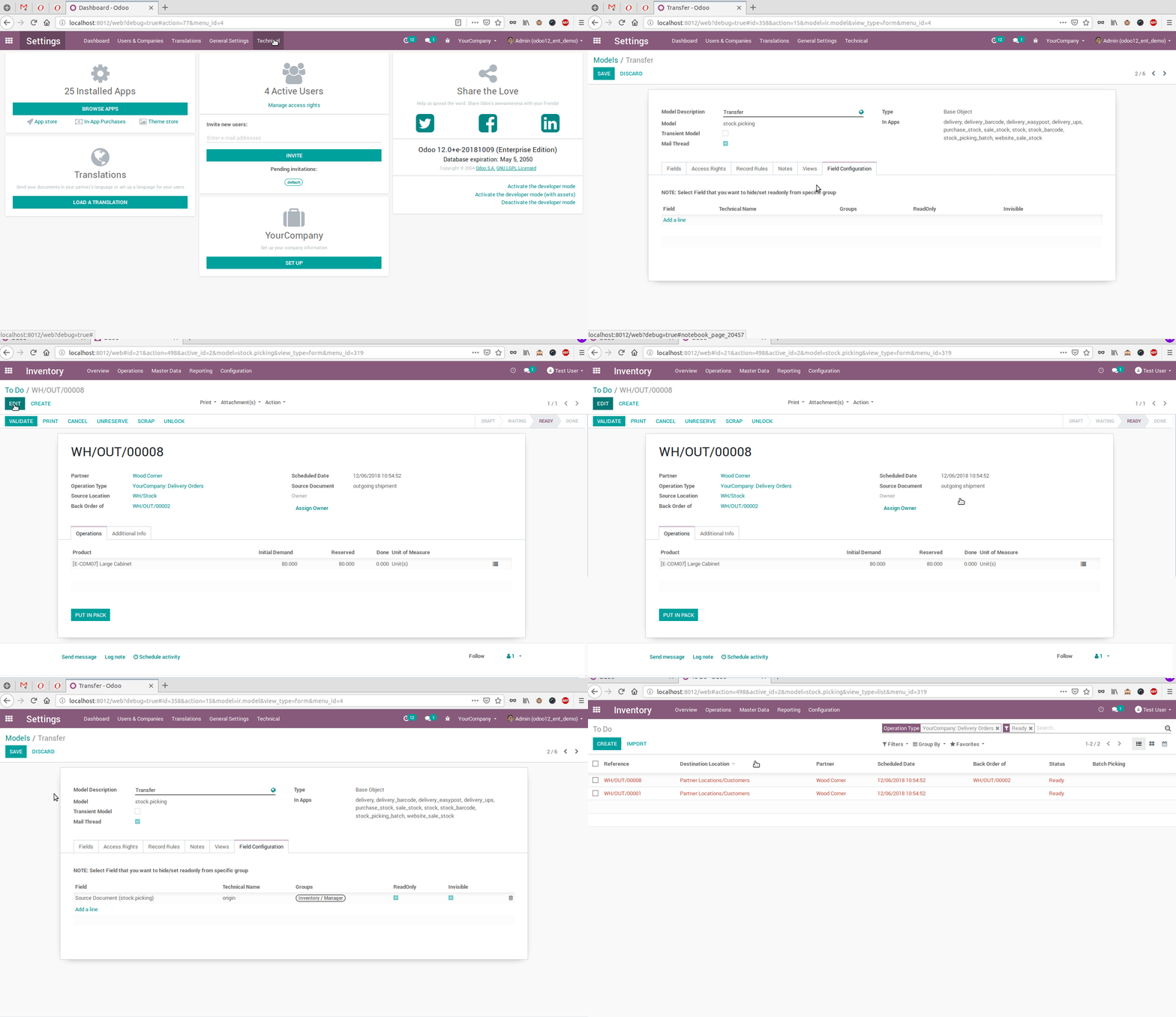
This module allows administrators and developers to hide any menu, sub-menu, field, or report based on specific users or groups. Designed for both Community and Enterprise editions, it simplifies navigation, improves interface clarity, and enhances security by controlling access visibility. Ideal for tailoring UI for different roles and workflows, this module delivers professional customization while helping maintain a focused and streamlined user experience.
Hide any menu or sub-menu per user or group using user configuration view
Conceal selected fields or set them readonly based on roles
Disable access to specific reports while preserving backend functionality
Configuration directly from user or menu form views for intuitive control
Ensures default admin (super user) remains unaffected for safety
Streamlines the user interface by removing unnecessary options
Enhances security and access control without altering core code
Reduces confusion and improves navigation for end users
Provides fine-grained UI customization tailored to roles and workflows
Supports both Community and Enterprise versions
Hide/Invisible Any Menu, Sub-Menu, Field, Report, Button(Smart Button And Regular) From Any User Or Any Group And Its User
Work With Both Community And Enterprise Version.
If you want to hide unwanted menu, sub-menu,fields,button(smart button and regular button), report action for any users or groups and its users then you can this app.
- Easy To Configure
- Hide Any Menu, Sub-Menu And Report From User Configuration On User Form View
- Hide Any Menu, Sub-Menu And Report From User Configuration On Menu Form View
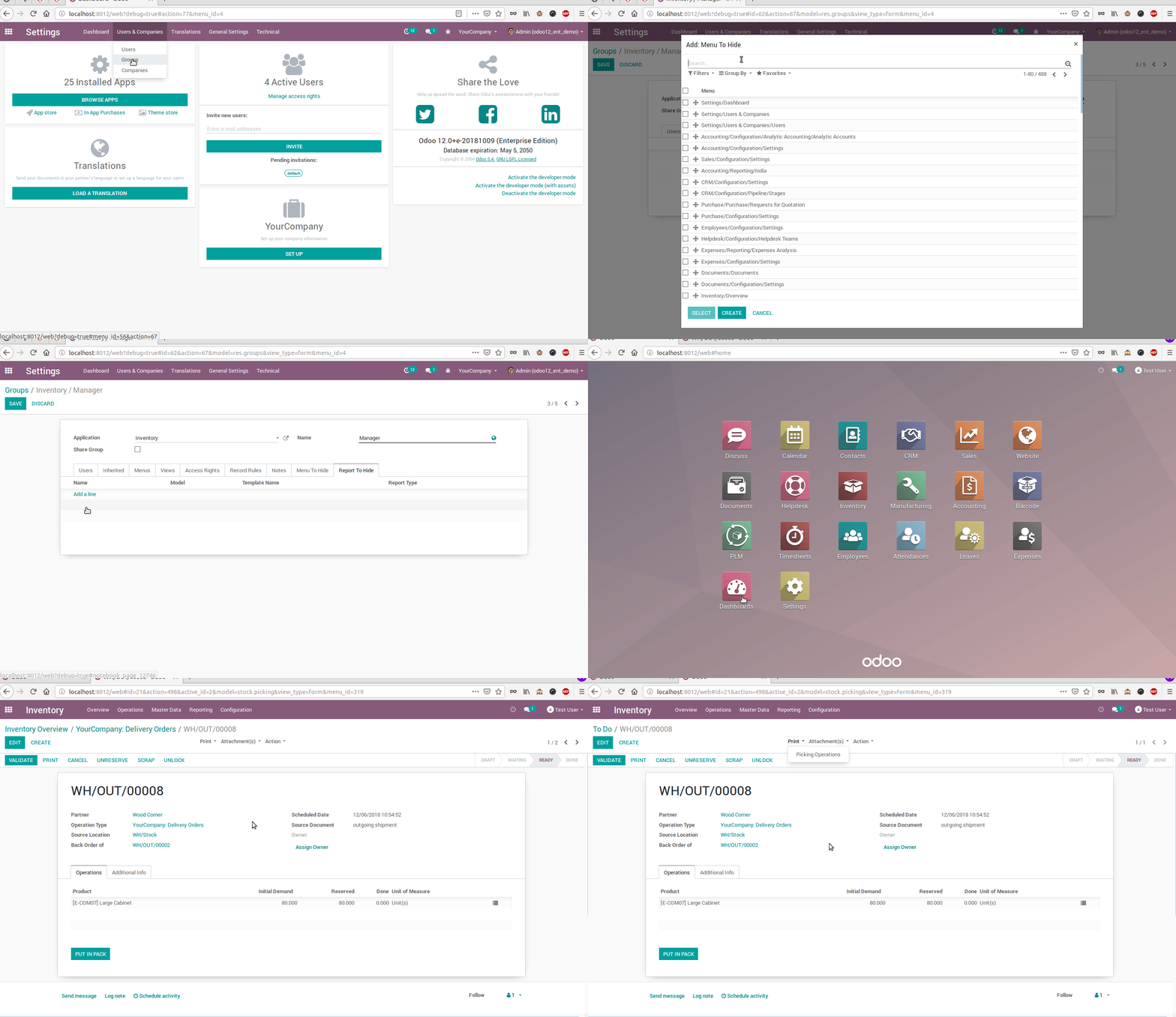
- Hide Any Button(Smart Button And Regular Button)Report From Specific Group And Its Users
- Hide Report From Menu, User Configuration On Report Form View
- Hide, Set Readonly Any Field From Any Group And Its Users Configuration On Models Form View.
- For Security Reason We Do Not Apply Above Configuration On Super User(Administrator).
Hide Report Quotation / Order From Sale Quotation
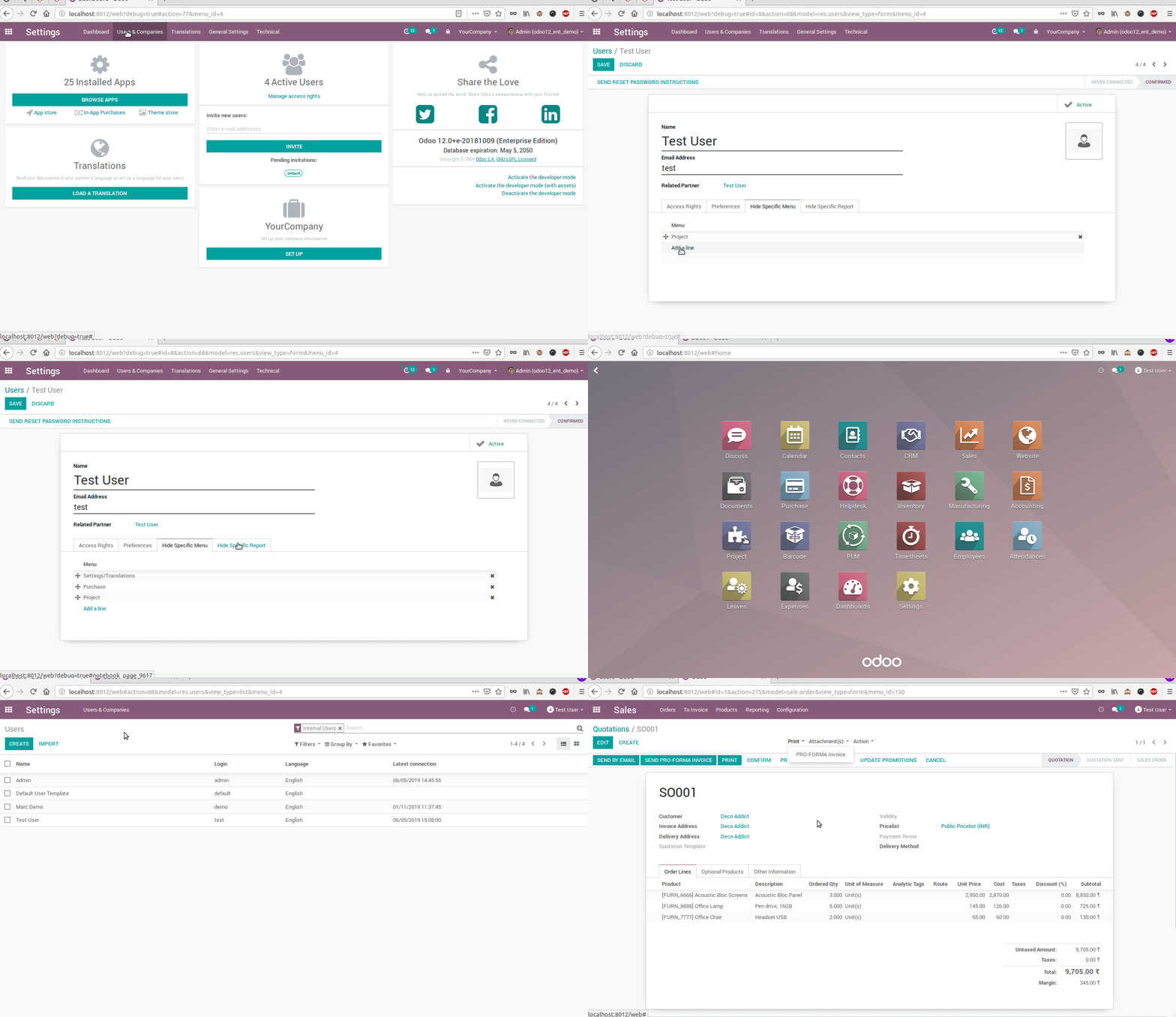
Hide Report Delivery Slip From Delivery Order.
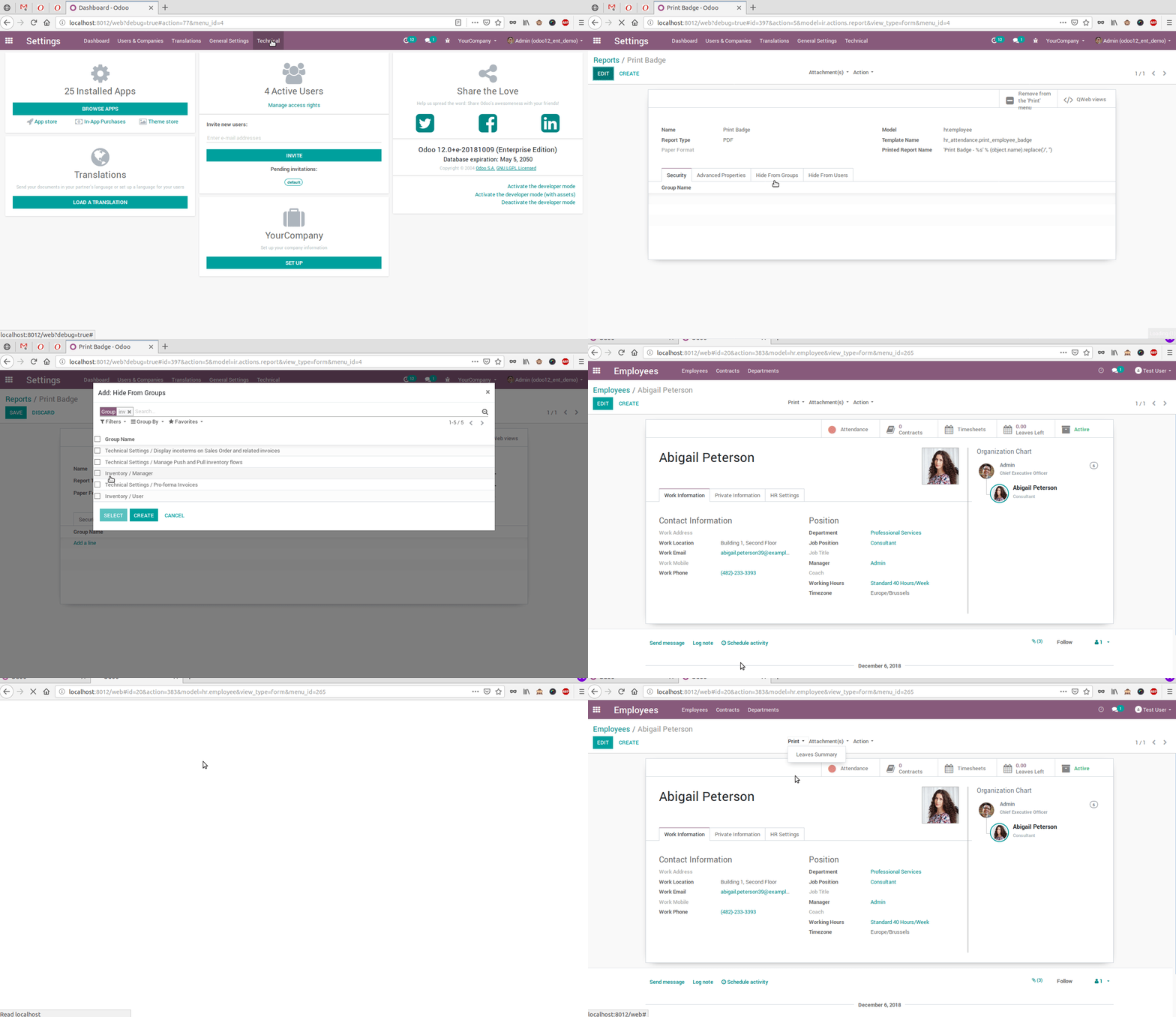
Hide Source Document Field From Transfer(Delivery Order)