This module enables customers to scan and upload photos directly within the helpdesk ticket form, improving visual issue reporting and support communication. By allowing users to attach images instantly, it streamlines support requests, enhances clarity, and accelerates troubleshooting. Ideal for businesses seeking to elevate helpdesk engagement and service quality through effective visual context.
Allow customers to upload photos when submitting helpdesk tickets
Support instant image capture via scan within the helpdesk form
Enhance clarity of issue reporting with visual attachments
Seamlessly integrate with website, CRM, invoicing, project, sales, calendar, contacts, mail (Discuss), and HR modules
Lightweight implementation for improved helpdesk user experience
Improves accuracy by enabling visual context at ticket submission
Accelerates issue resolution through clearer, image-supported requests
Simplifies support workflows with direct photo uploads
Enhances customer experience and satisfaction through streamlined reporting
Offers professional helpdesk enhancement without complexity
Support Ticket Scan and Upload Photo / Image by Customers using Module
This app allows your customers to scan and submit images/photos from the helpdesk support tickets in the website my account portal menu.
Main Features:
- Customer(s) can scan and upload images and submit from the support ticket on the website from my account menu.
- Uploaded Images are stored as attachments and chatter in the backend of support tickets view.
- Download allows for images and photos as attachments in the backend for the team.
- Please note that this is NOT an android or iphone app.
- Mobile views shown below are taken using the browser of mobile and showing its responsiveness in mobile web view.
- ONLY COMPATIBLE FOR COMMUNITY EDITION.
- for more details please see below screenshots and watch the video.
Helpdesk Ticket Capture Photo Videos
Part 1: Flow of Capture Photo for ticket By Mobile
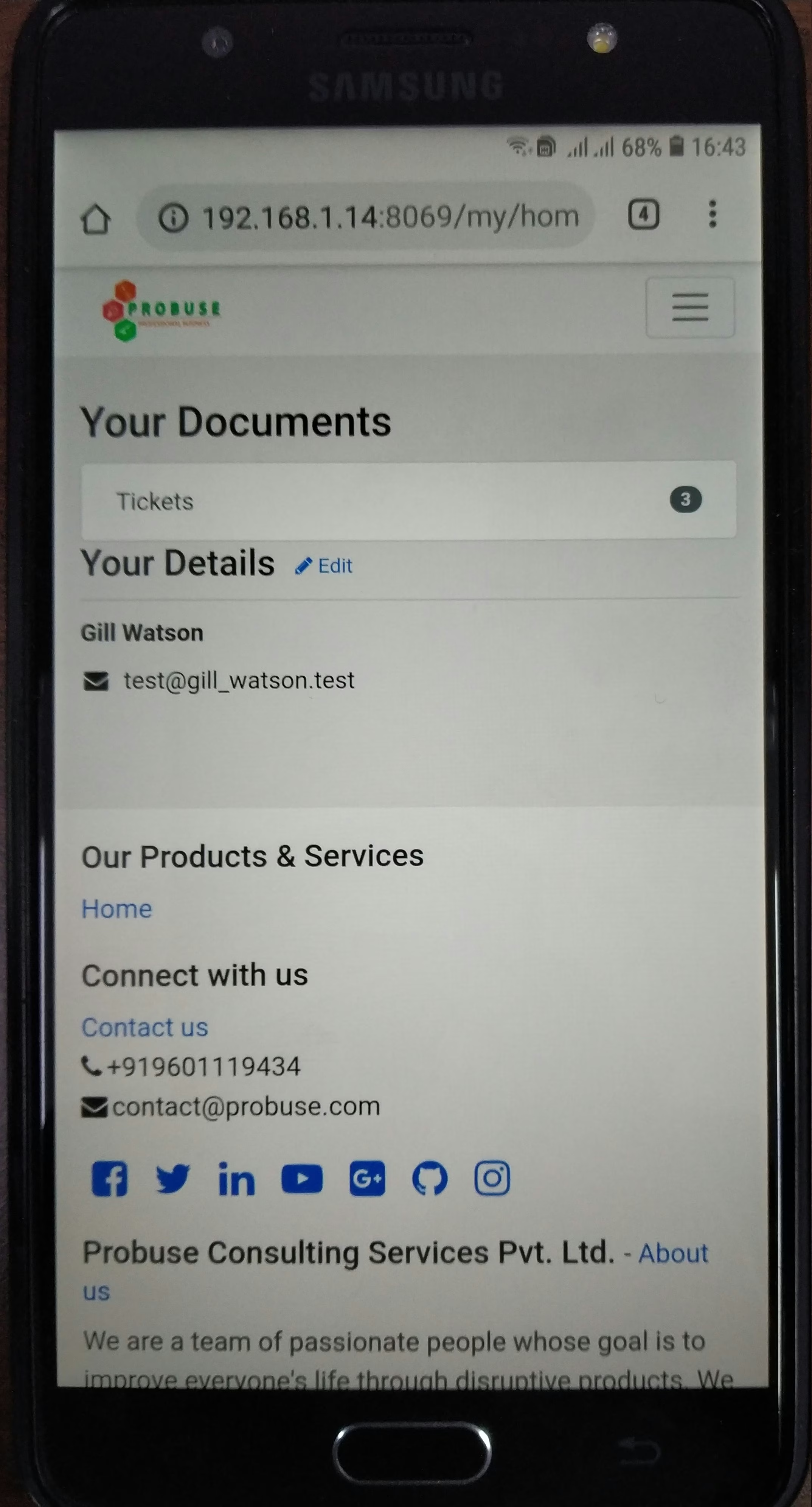
Customer Tickets on Portal/My Account
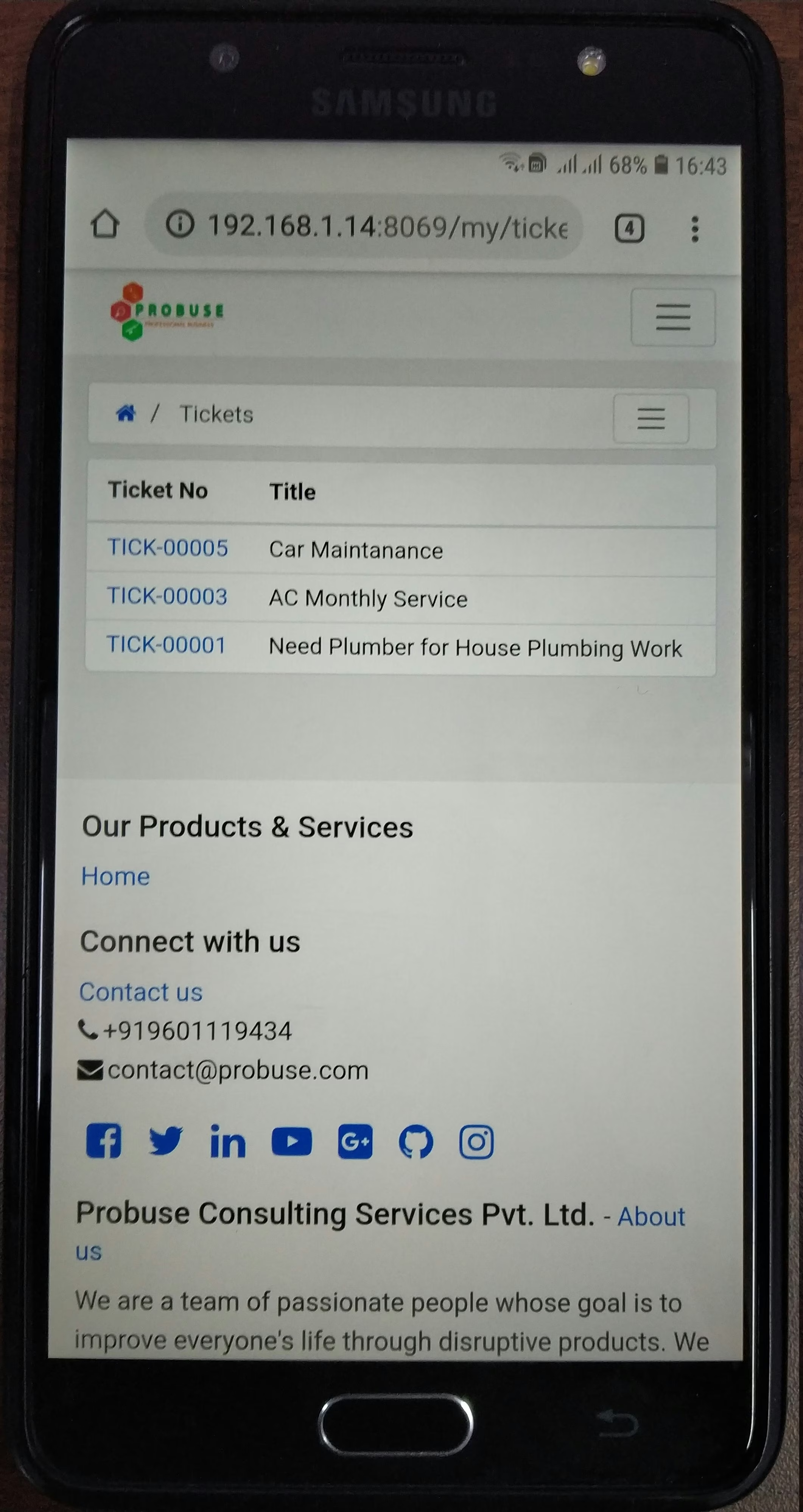
Customer Tickets List on Portal/My Account
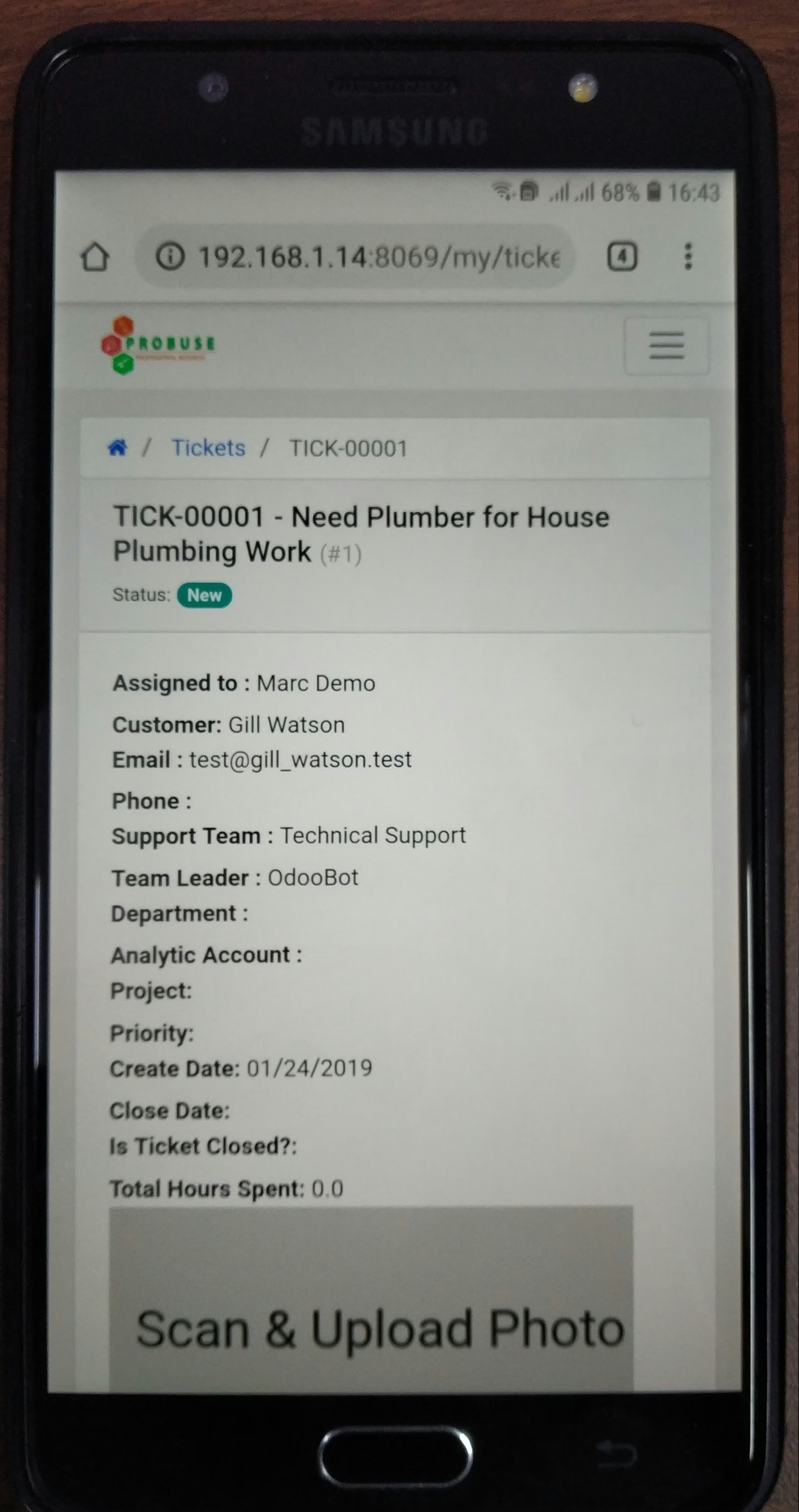
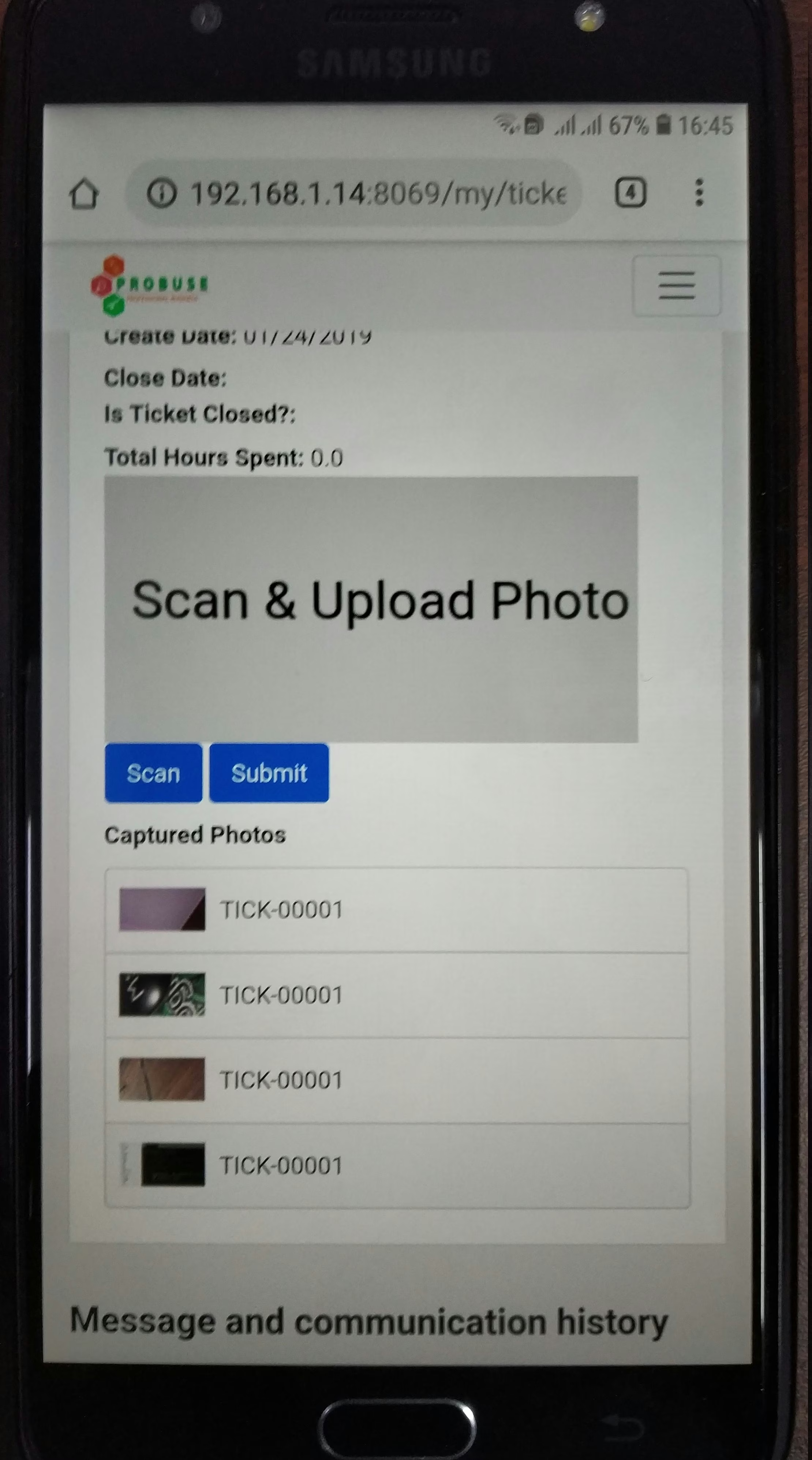
Scan and Submit option on Form of Customer Tickets Portal My Account
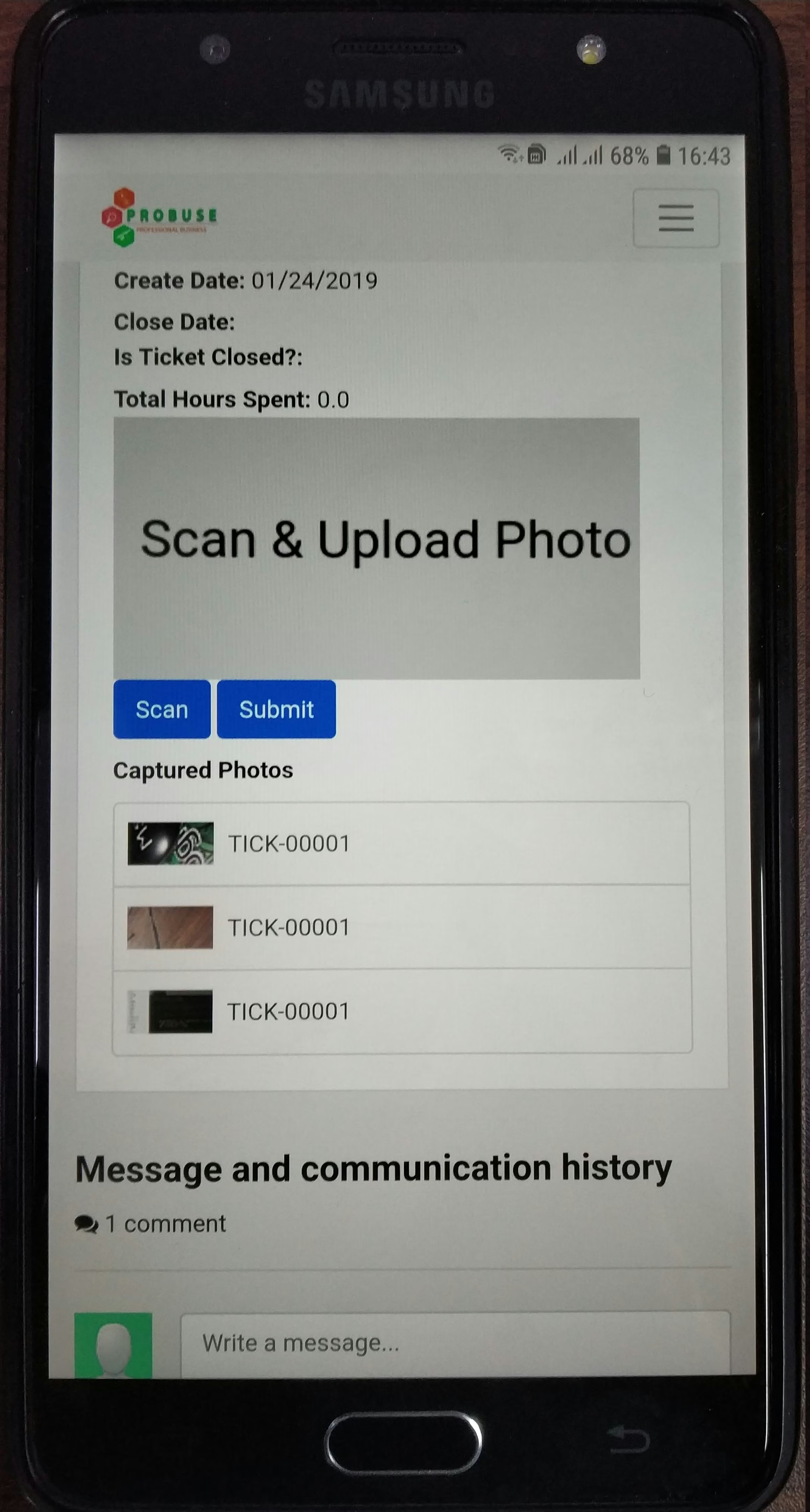
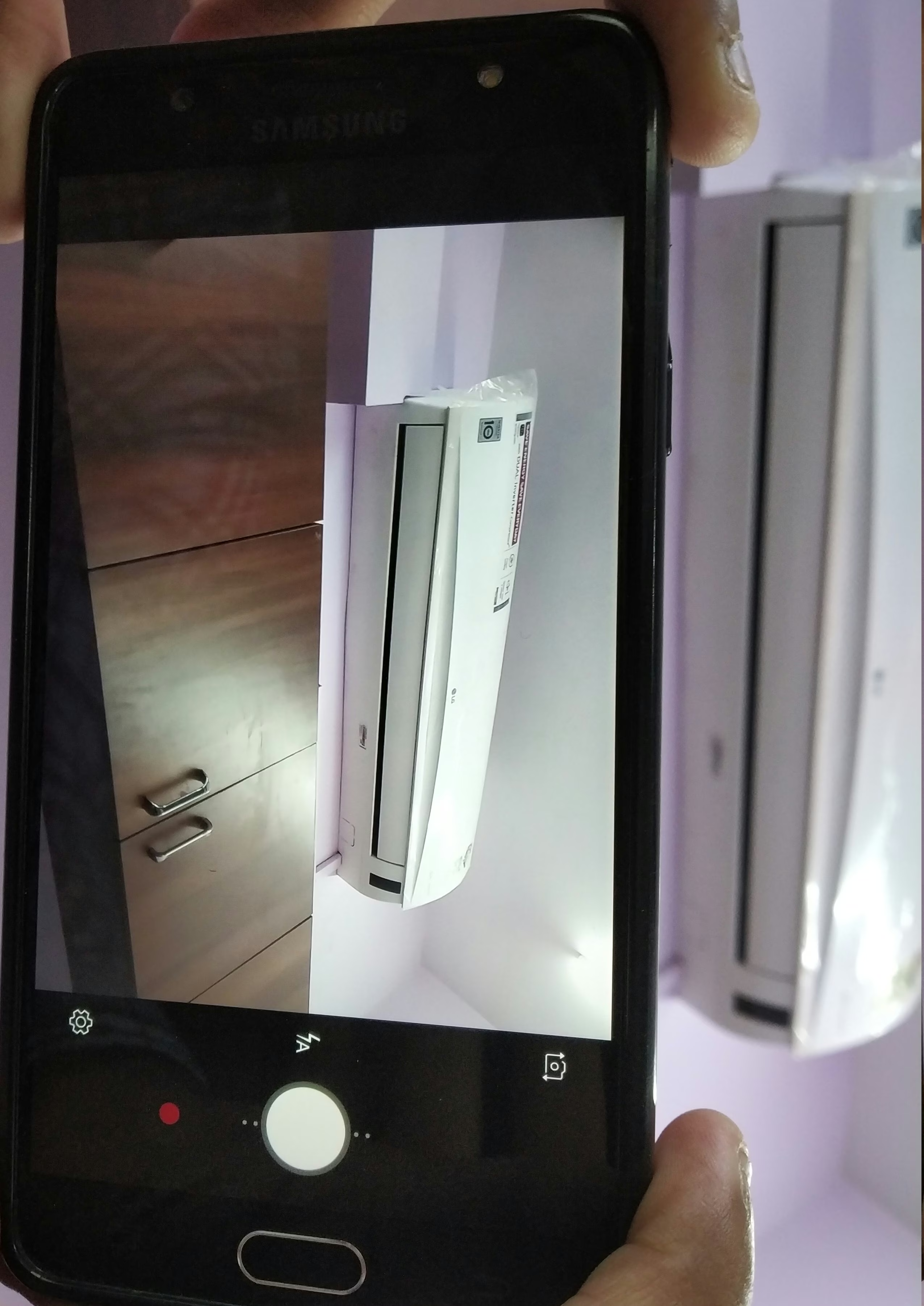
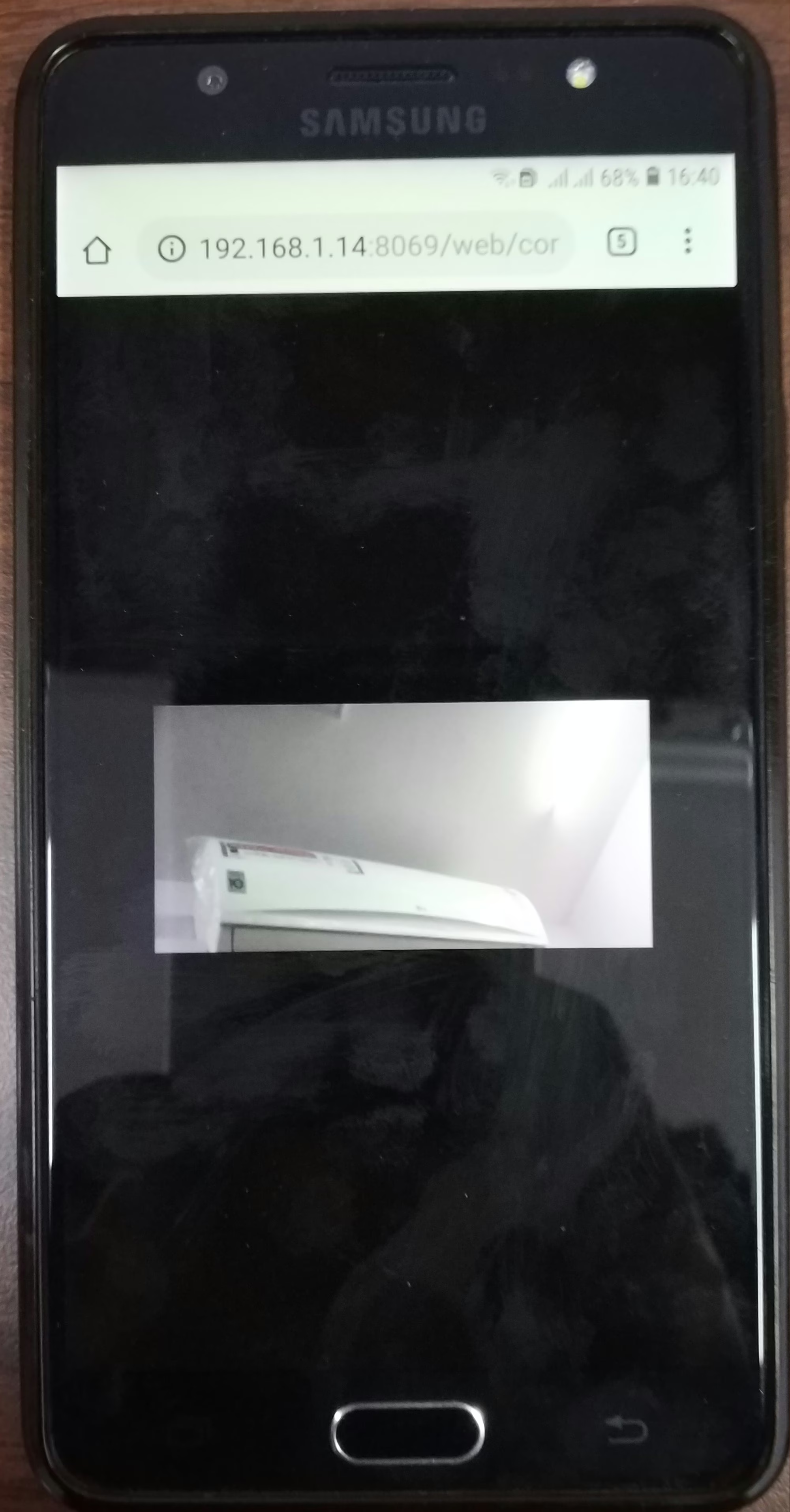
Scan your Image / Photo
Scan and Upload By Customer

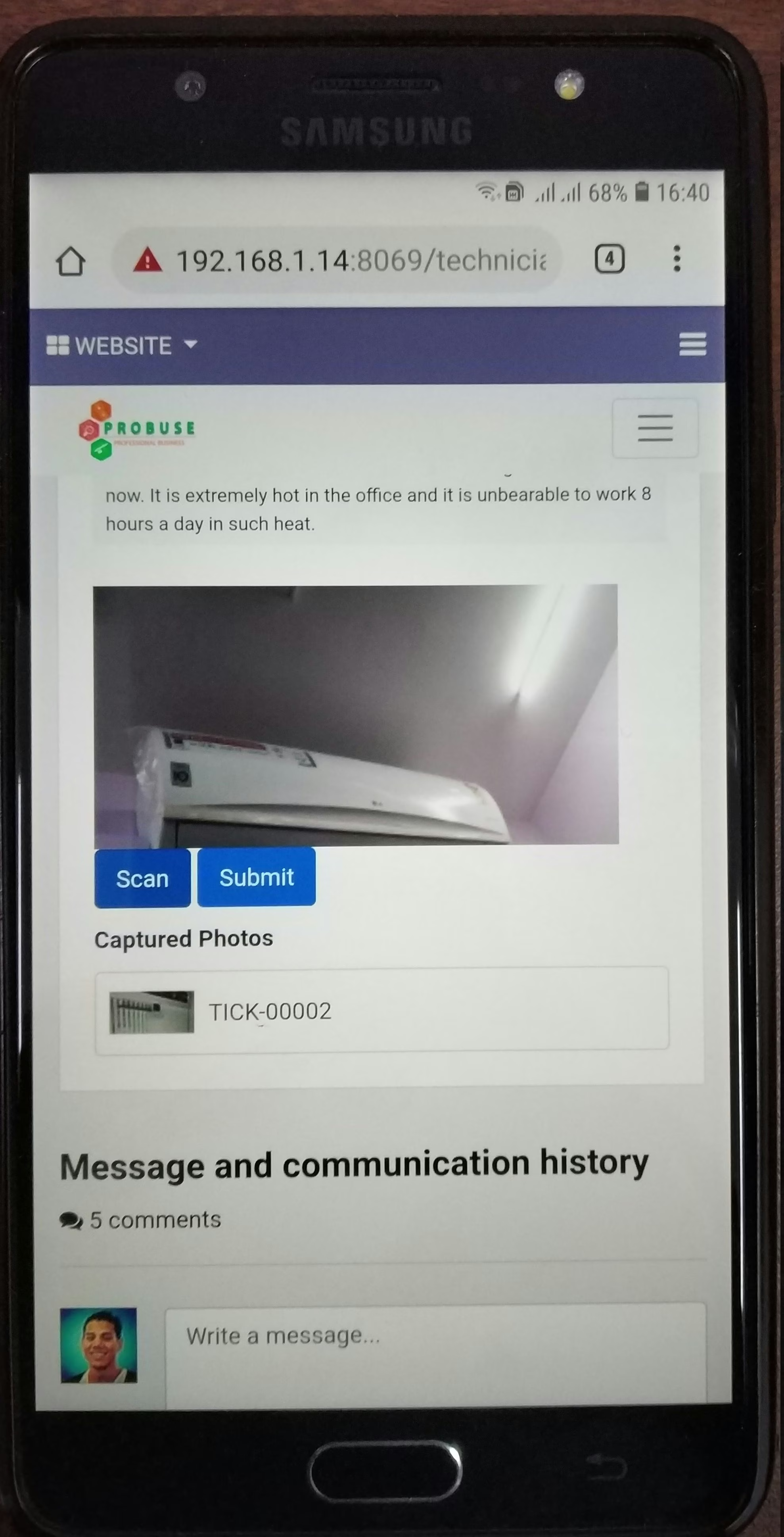
Submit your images/photos
Submit Images By Customer
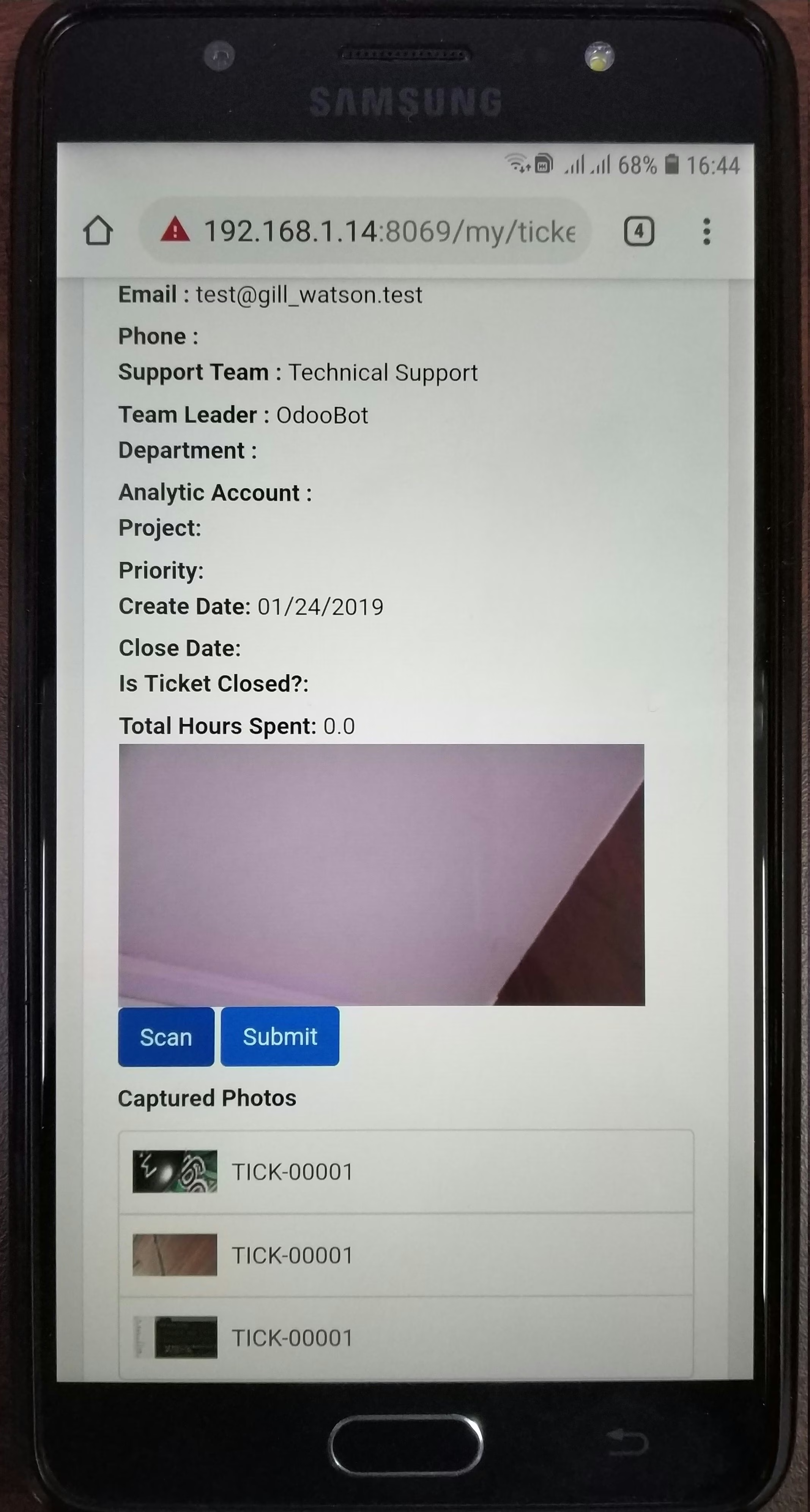
Check your image/images as attachments and preview
Check your image/images as chatter
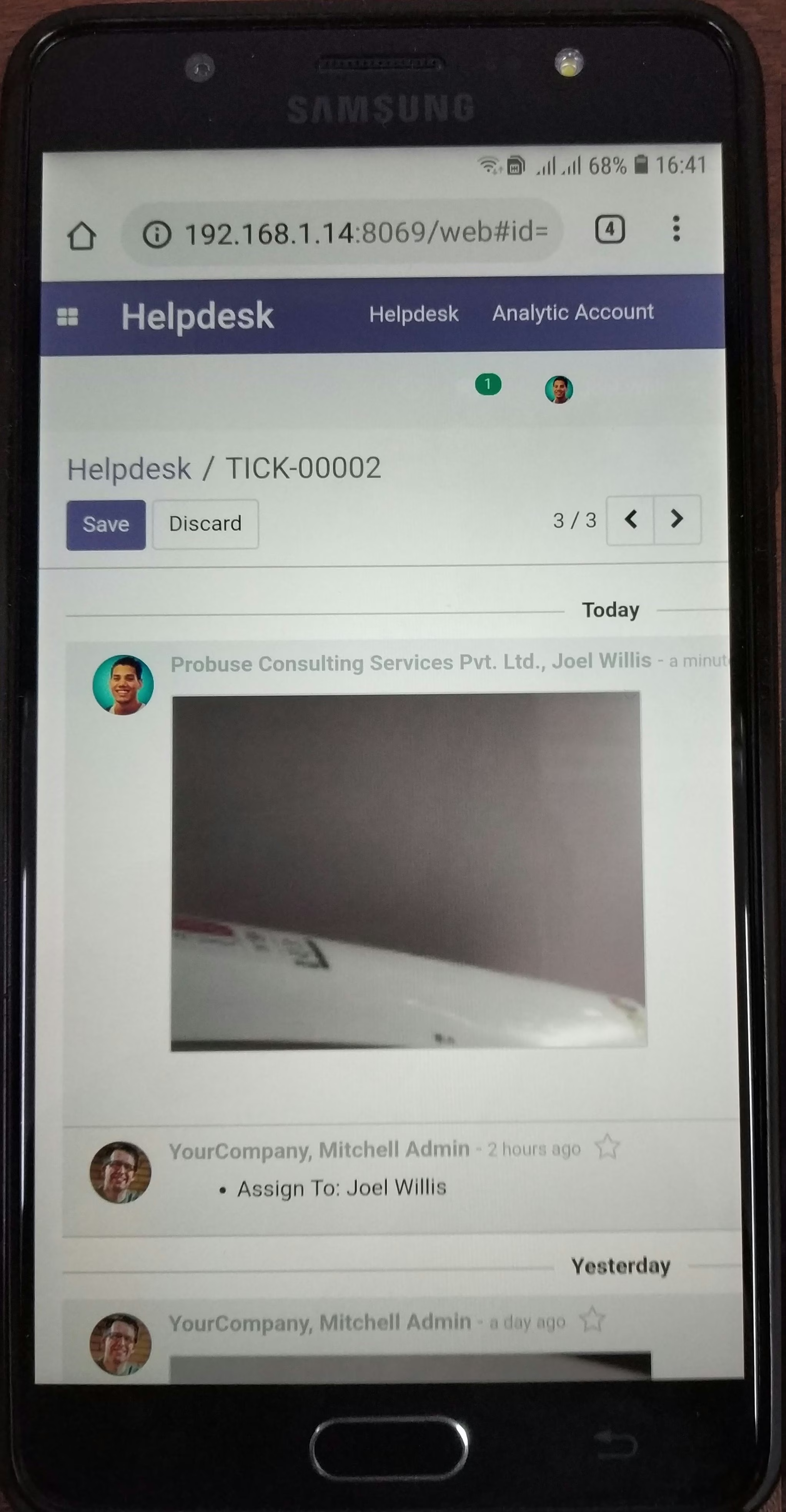
Submitted Images is also available in chatter of Customer
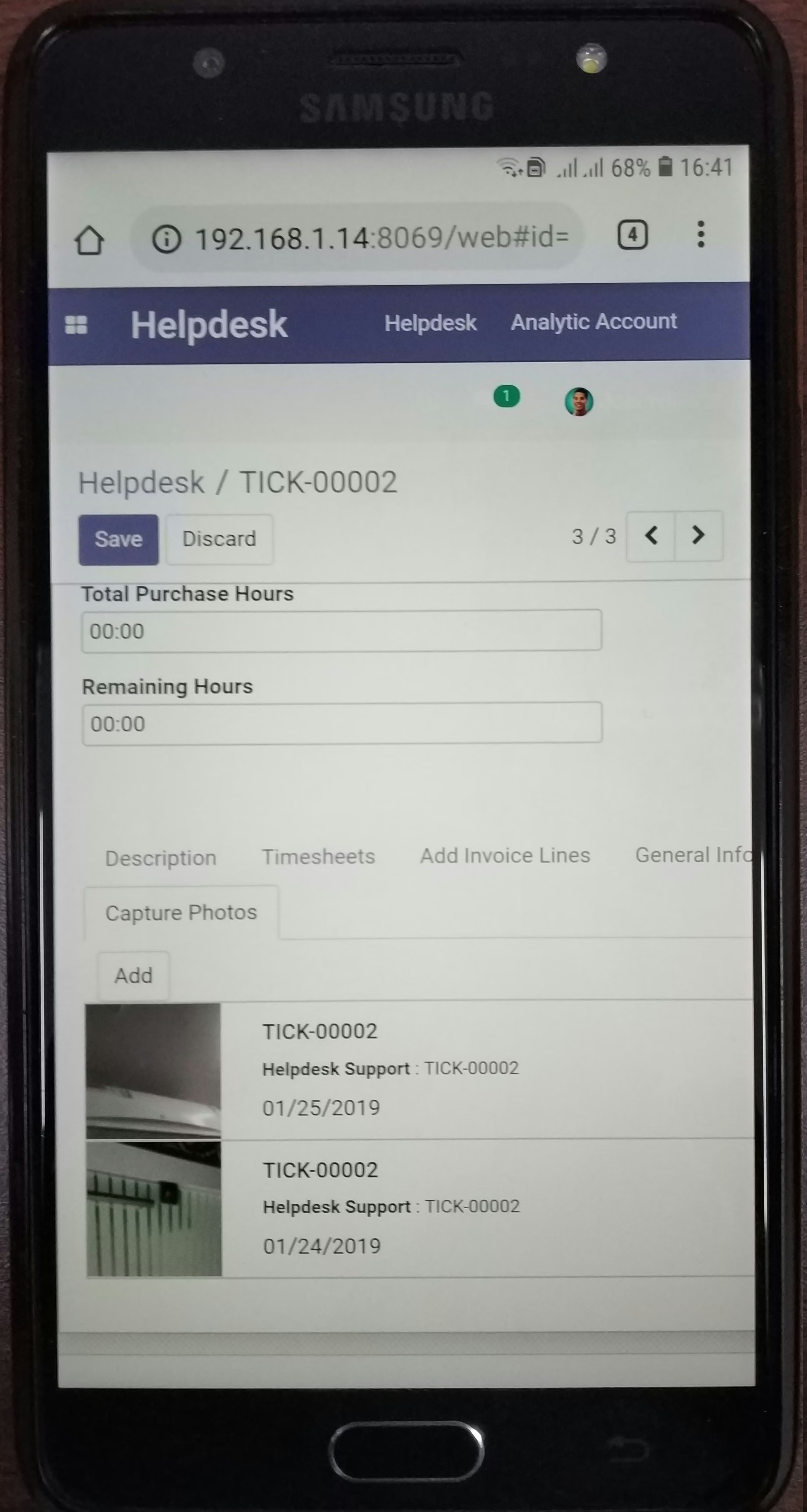
Image/images stored in backend
All the Submitted Images/Photos are also stored in backend of Ticket View