Skip to Content

Google Shopping Feed

40.00 50.00

Required Apps
  • wk_wizard_messages
Technical Name
google_shop
Subscribe to download Add to collection

This module enables seamless integration between your store and Google Merchant Center. It supports domain verification, product feed synchronization, and Google Shopping campaign preparation all. Ideal for eCommerce businesses aiming to amplify product visibility and run marketing campaigns without manual data exports or external tools.

  • Integrate with your Google Merchant Account for efficient synchronization 

  • Verify your store domain with Google in one step

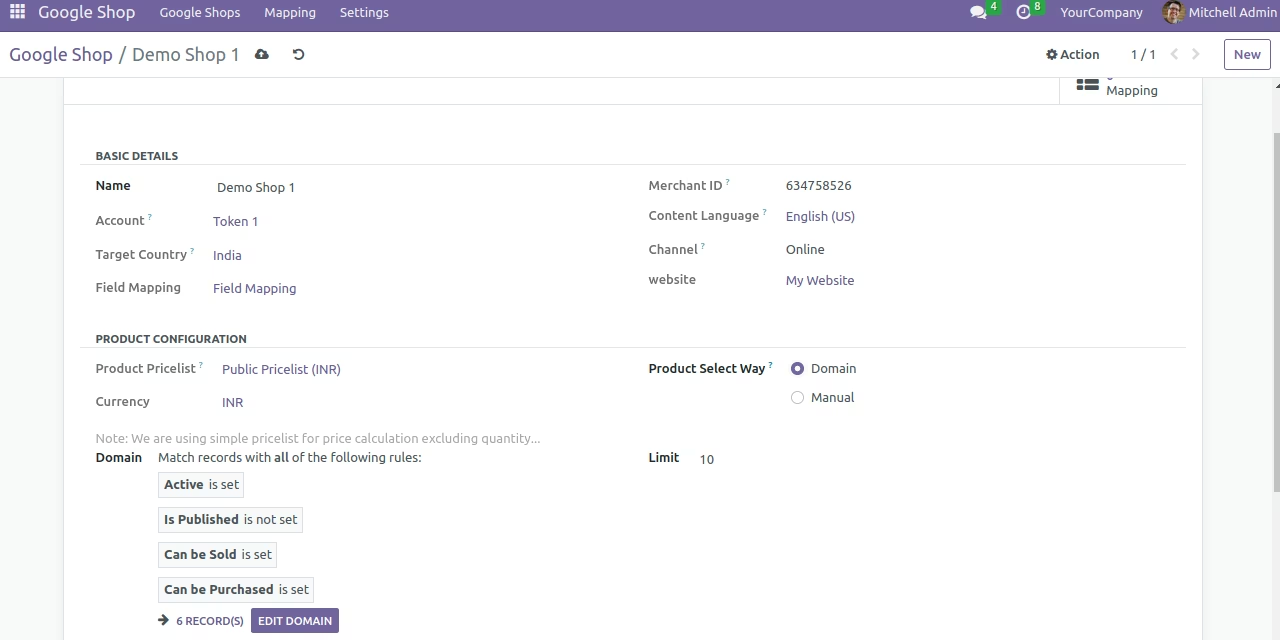
  • Selectively send product information either domain-wide or individual to Google Shopping feeds 

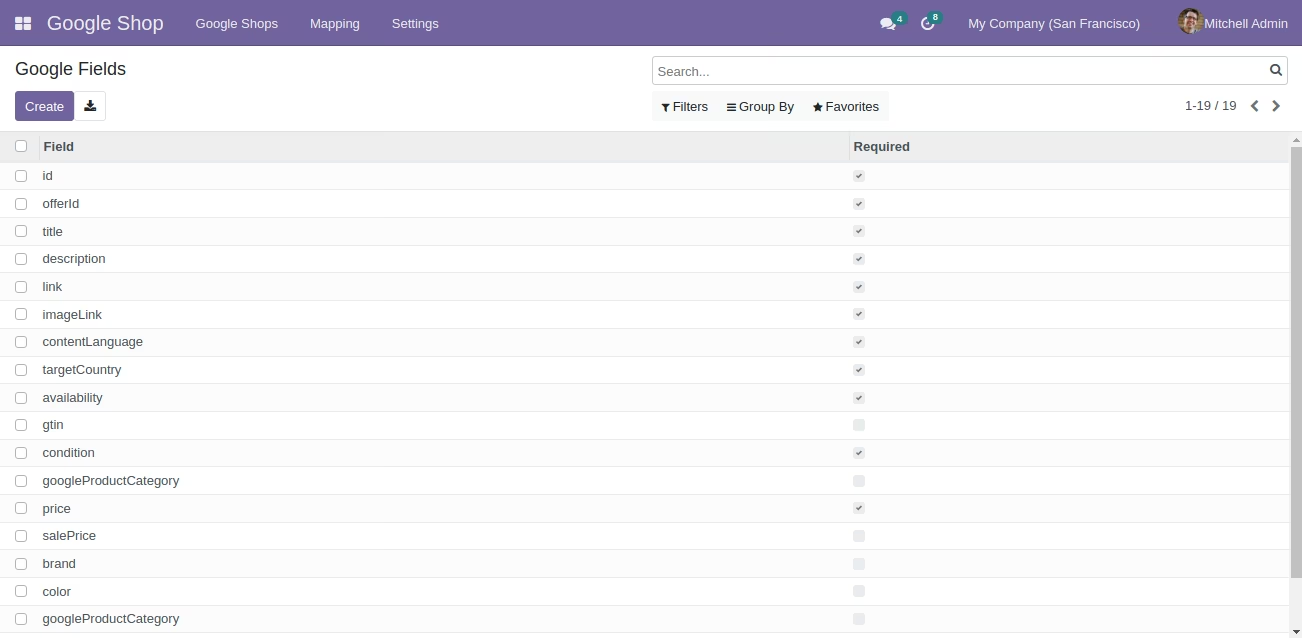
  • Map product fields and categories to Google’s product schema for accurate representation 

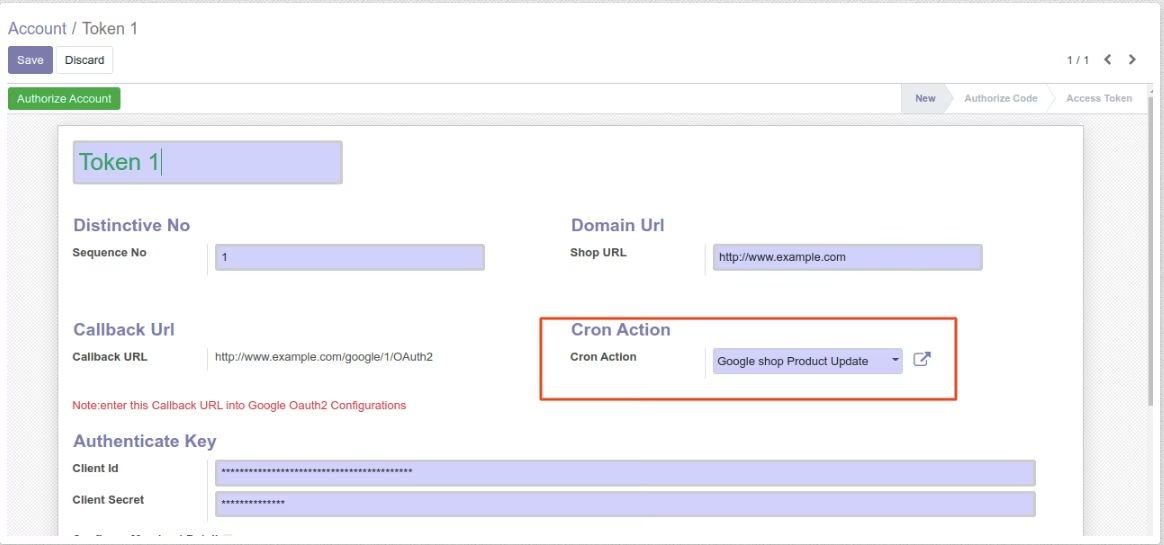
  • Automate updates to Google Merchant Center via cron jobs for real-time synchronization

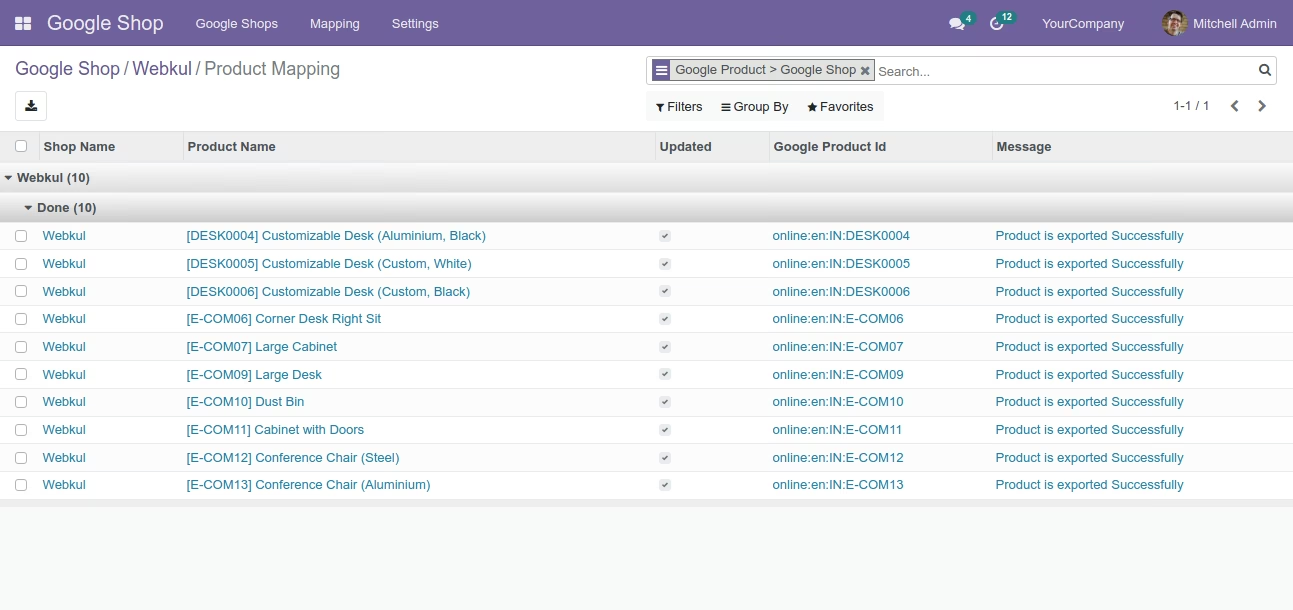
  • Manage product mapping statuses and attribute synchronization directly from the backend

  • Elevates product visibility with direct Google Shopping feed integration

  • Eliminates manual export and upload processes, saving time and reducing errors

  • Ensures products appear accurately on Google Shopping using mapped fields and categories

  • Supports real-time updates to keep listings current and compliant

  • Optimizes marketing effectiveness with streamlined data synchronization

Google is not just about search, but it also offers a powerful platform on target marketing which can drive a lot of traffic to your website and lead to higher conversions. Google product feeds or Google shopping is one of the most effective advertising tools present at your disposal.

About Google Shop

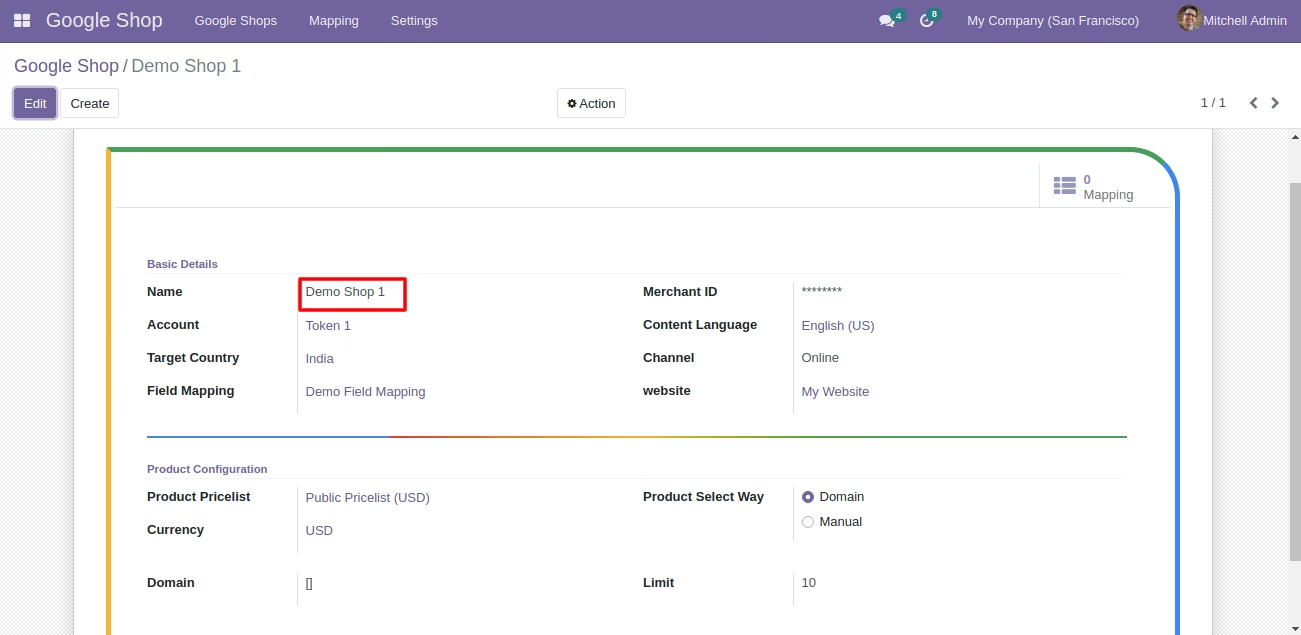
The Google Shopping Feed Module is intended to enable you to create product feeds on with your Google Merchant Center, allowing you to send product information from to your Google Merchant account.
Additionally, map the Product fields to the Google fields in order on the product price, description, and so on to appear correctly on Google Shopping. Originally, the service listed merchant-submitted prices and was monetized through AdWords advertising, similar to other Google services. Nevertheless, Google announced in late 2012 that the service would transition to a paid model in which merchants would have to pay the company to list their products on the service.

About Google Shopping

Google Shopping is one of the most targeted advertising tools available from Google. Google Shopping represents the most significant growth opportunity on most online retailers in 2019 (link >>https://searchengineland.com/google-shopping-represents-the-most-significant-growth-opportunity-for-most-online-retailers-in-2019-309913).
Depending on the size of your business, your potential audience/visitors can increase tenfold with Google Shopping. With proper management, your products can appear in organic searches from customers for the targeted population. It makes use of two platforms: Google Merchant and Google Adwords.
Google Merchant allows you to keep track of your website's information, including photographs and pricing so that it appears in correct Google Shopping searches. While Google Adwords is the venue for promoting your products. You can manage your bidding, your budget, and much more from here. Posting your products on Google Shopping, on the surface, appears to enhance your consumer base and conversions.

Why Google Shop ??

Are you running an online web store where you are allowing your customers to search on products that you sell? If yes, you can use Google Shop to advertise your entire product catalog on the google shop where you have installed the Google Shop and add your products to the Google Shop.
Suppose that we are having an online store of "Dresses" and we want our products to come on Google Searching. It will surely be a time-consuming process as one has to manage its products on his online store as well as on Google Shop. But, if we make use of the Google Shop and put all of our products in the Google shop Addons it would on sure be that the Dresses will be sent to the google shop. This reduces the time to sync the products to the google shop.

What is Google Merchant Account?

Google merchant account is your product control center on Google shopping Ads campaigns. It is where you save product data from your store. You can manage your product data on your google ads.
Once you have set up your advertisement strategy using Google Adwords and other platforms, this data is then rendered as feeds and automatically picked by Google.
It is appropriately displayed as ads feed to the customers in accordance with their intent, behavior on the internet and search queries.
Prerequisites to configure Google Product module with Google Merchant Console To configure the module successfully, you would need the following:
  • A Google Developer Console account. This account is needed to obtain client Id and client secret on the configuration.
Click on the following link to create a Google Developer console account >> https://console.developers.google.com/
  • A Google Merchant Account to get a merchant ID. Google merchant account is also needed to sync your and upload your product details.
To create a new account open link https://www.google.com/retail/solutions/merchant-center
Then paste the merchant ID in under account menu.
Follow the steps below to verify your website.
Generating Client ID and Client Secret on Google Developer console.
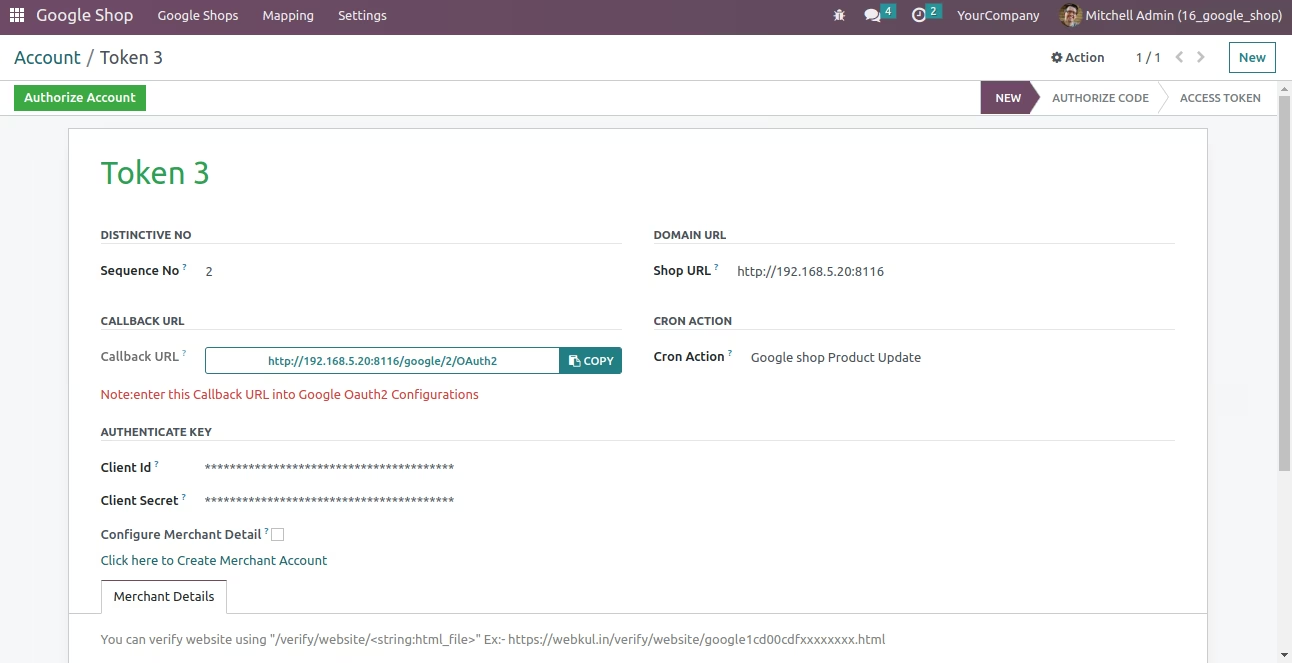
  • Once you have set up your Google Dev console account, click on credentials >> OAuth Client ID >> Web application.
  • Now, choose any name on the configuration.
  • Enter your website URL under field -"Authorized JavaScript origins"
  • next, copy the callback URL from account menu in and paste it under the field - "Authorized redirect URIs"
  • The client ID and client secret are automatically generated.
  • Once you have obtained the Client ID and Client secret key form the Google dev console, go to your backend.
  • Paste the client ID and Secret key in the account menu under Google product.

Verifying your Website with Google Merchant Account

  • If you have logged into your Merchant account on the first time you would need to verify your shop domain with Google.
  • Go to Business information >> Website.
  • Enter your website URL and then choose the "I have access to my server" option to verify your website. (You can also use any one of the other two options available.)
  • Then, click on "Upload an HTML file on my website".
  • Now, download the HTML file which is shown in the page under the steps. For example : google8156543780c743.html
  • Then go to account >> Token 1. Here, under merchant details. Paste the entire name of the file next to the field - "URL to verify".
  • Now, open the file and paste the text inside it under the field- "Data in URL"
  • Go back to your Google merchant account and click on the URL in step 3 on that page.
  • Your URL should be verified and you can start to send and sync product information to Google Shopping.
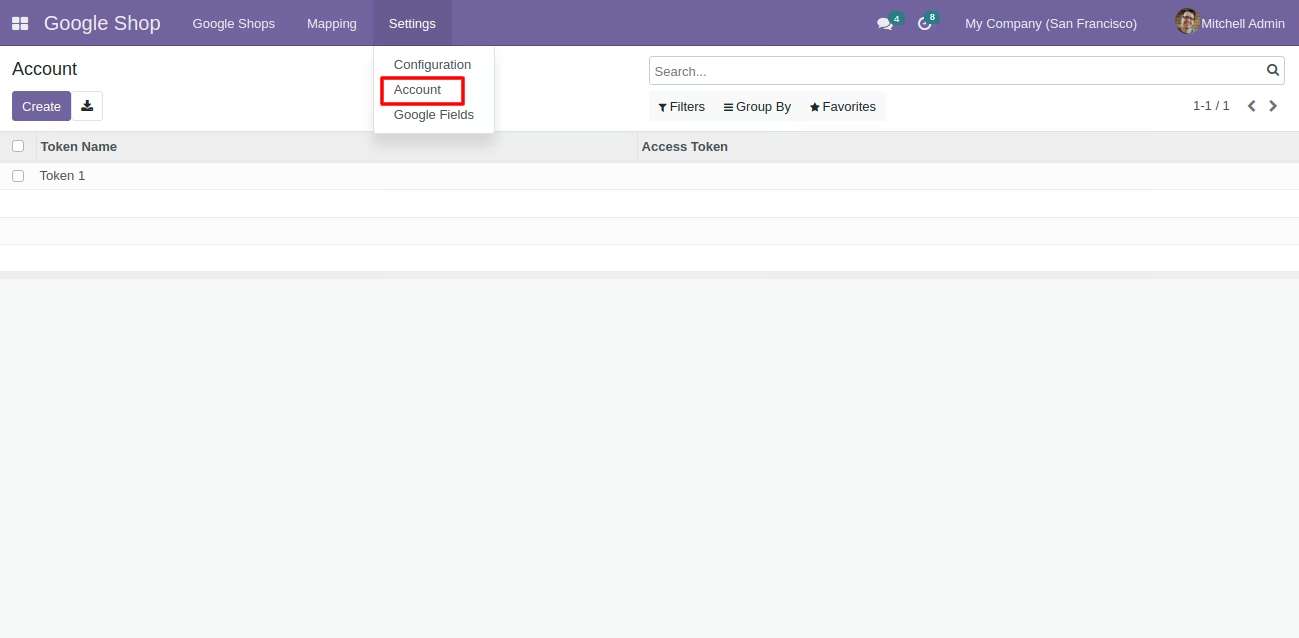
Account settings option
Account details and Tokens
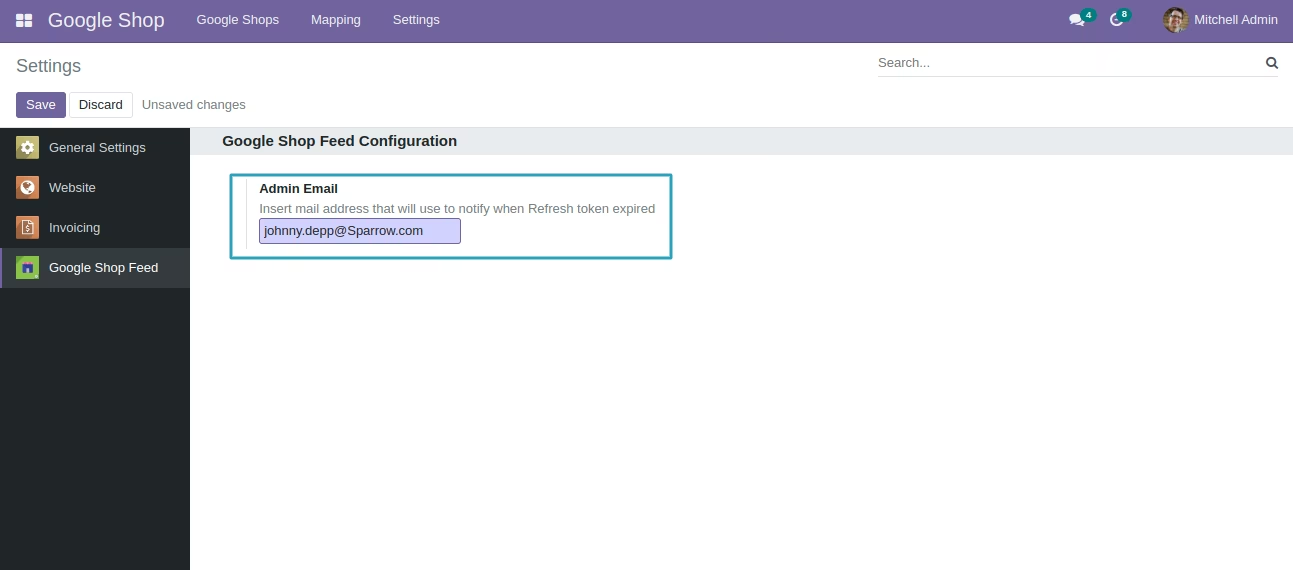
Token expiry notification through mail
Google fields option
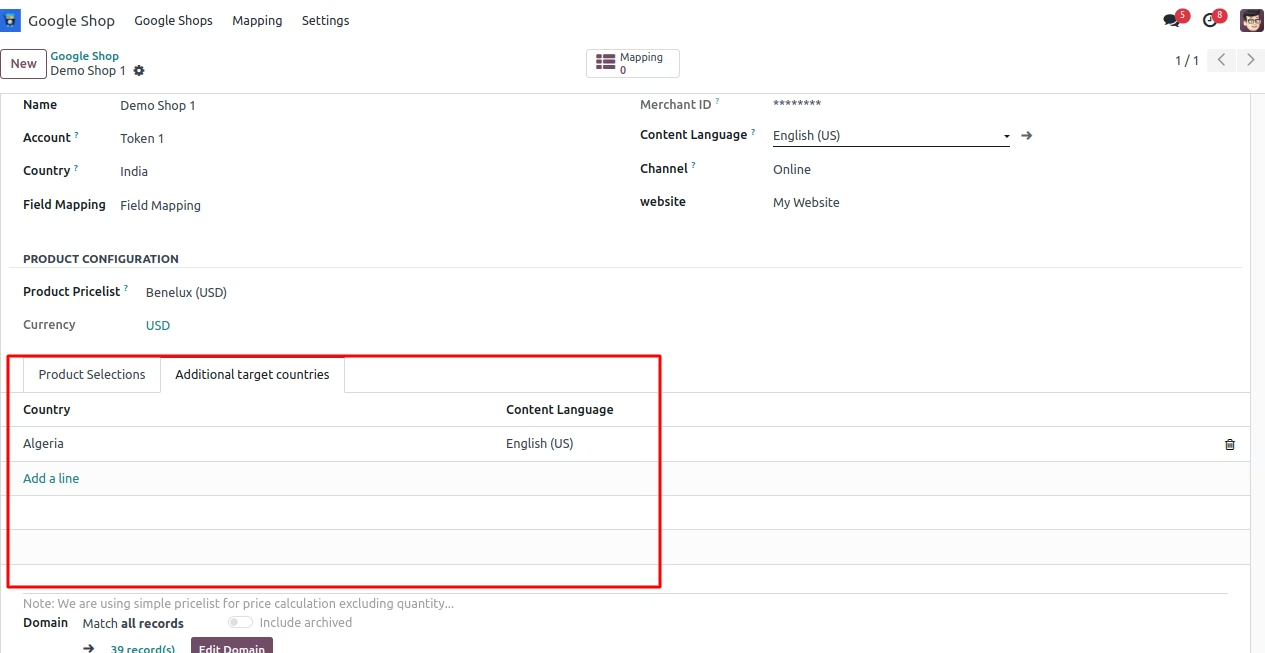
Additional Target Countries
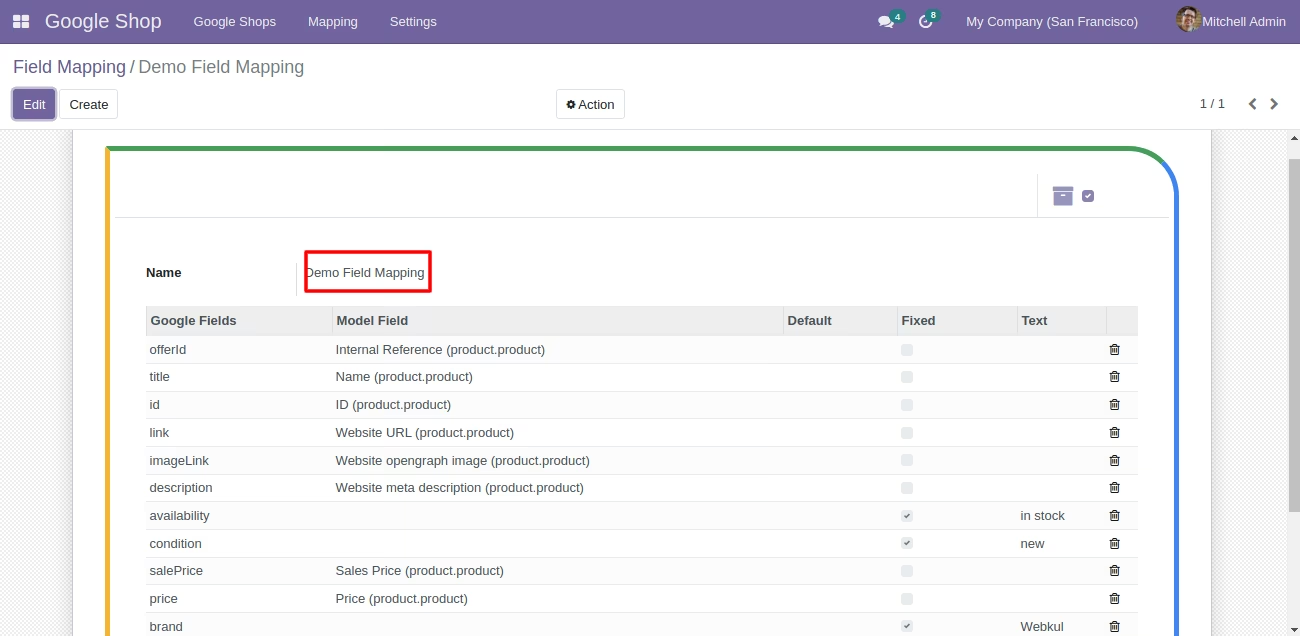
Field Mapping
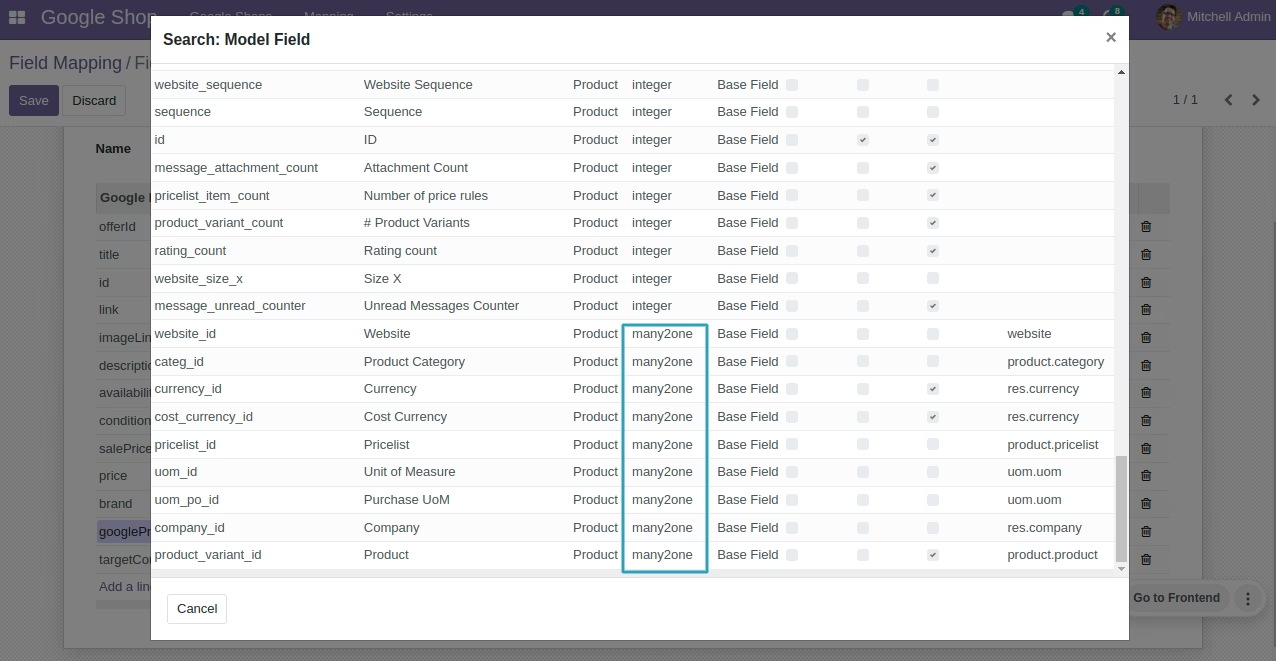
Support Relation Types Field
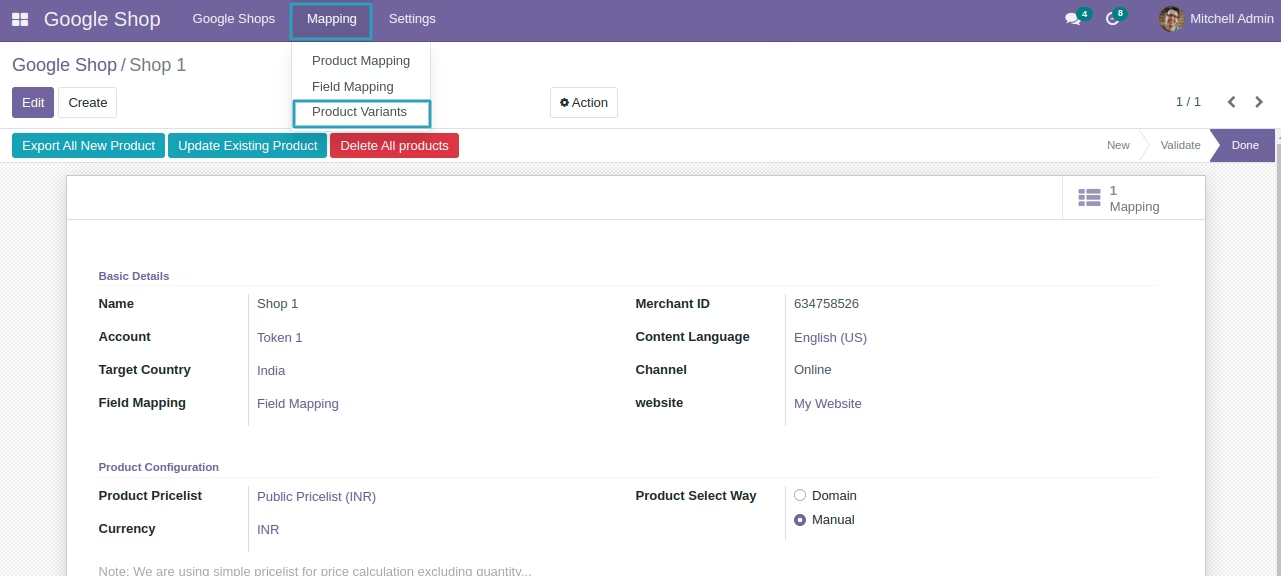
Product Variant Easy Access
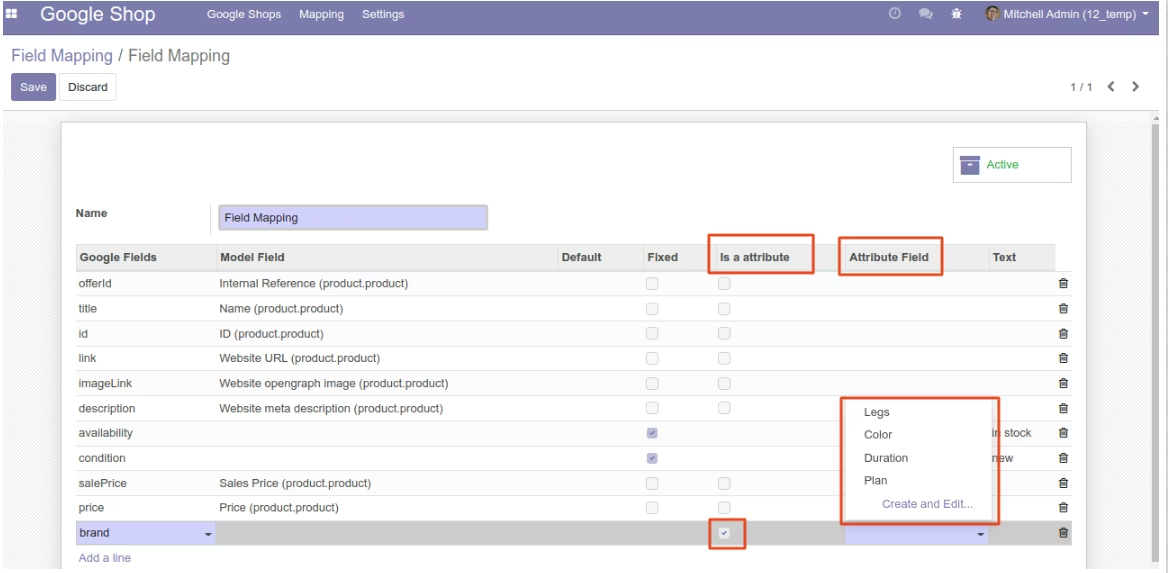
Attribute Mapping
Google shop account
Cron option in account
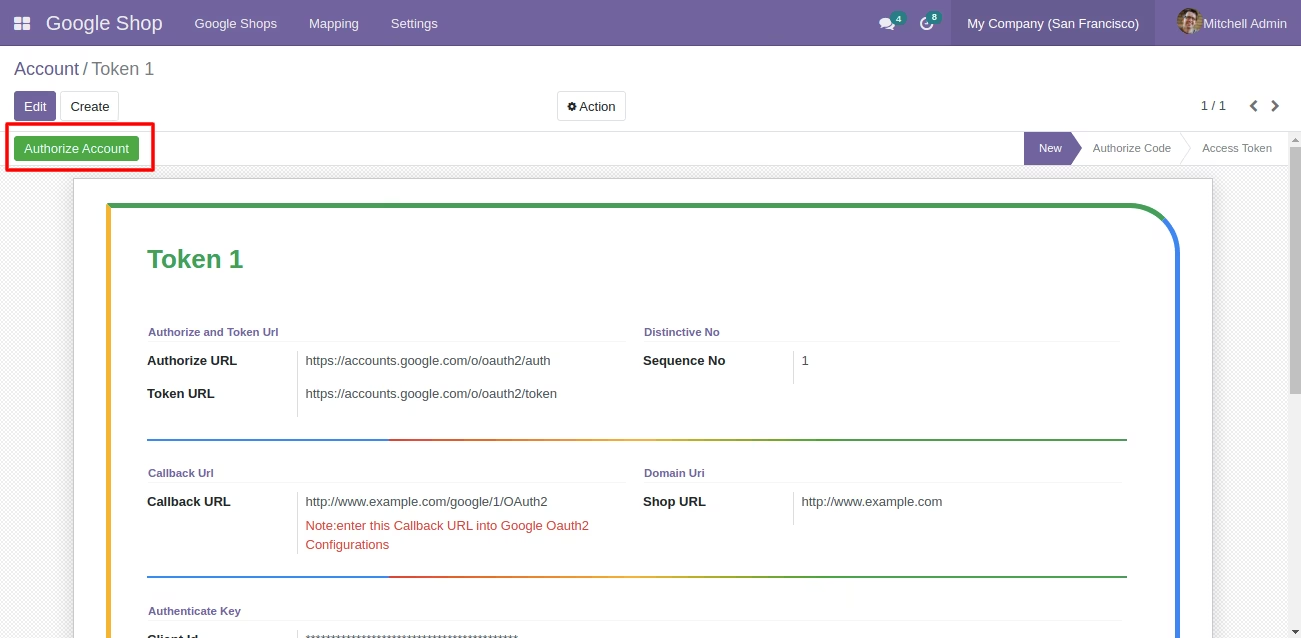
Authorize account button
Validate Merchant Account
Product Mapping
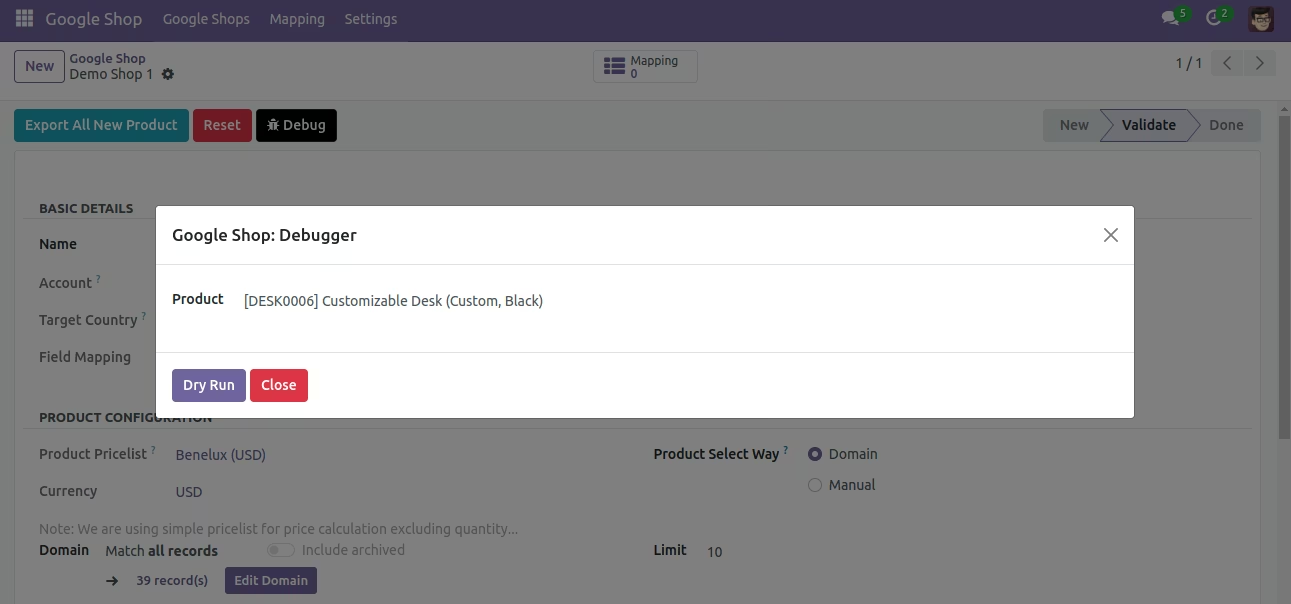
Dry Run
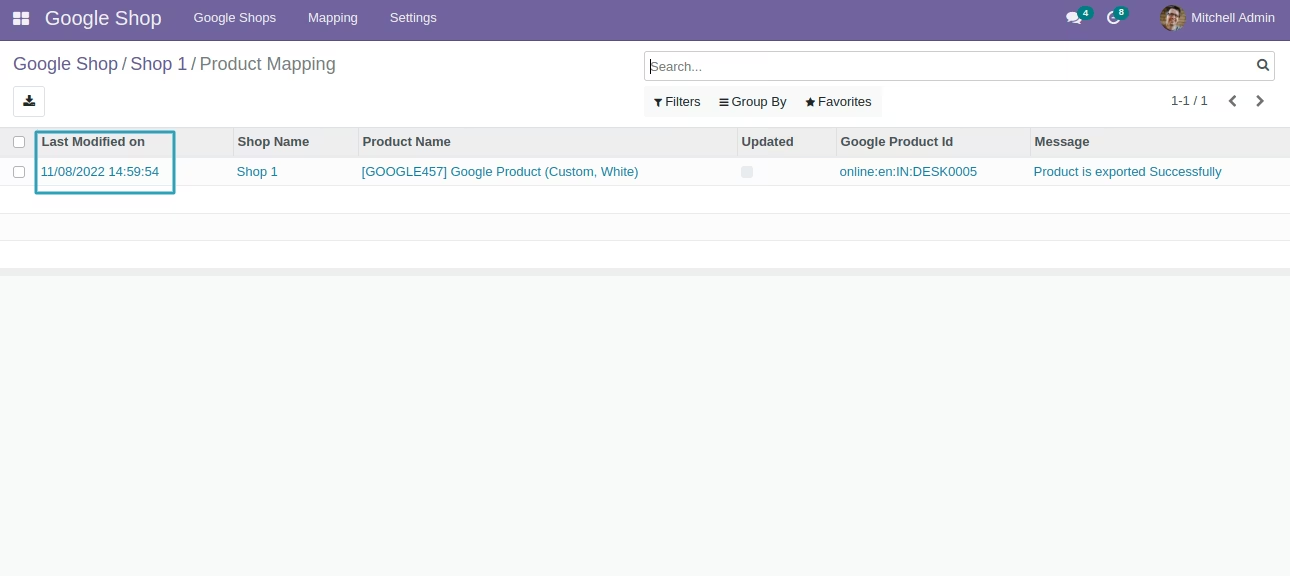
Product Last update timing in Mapping
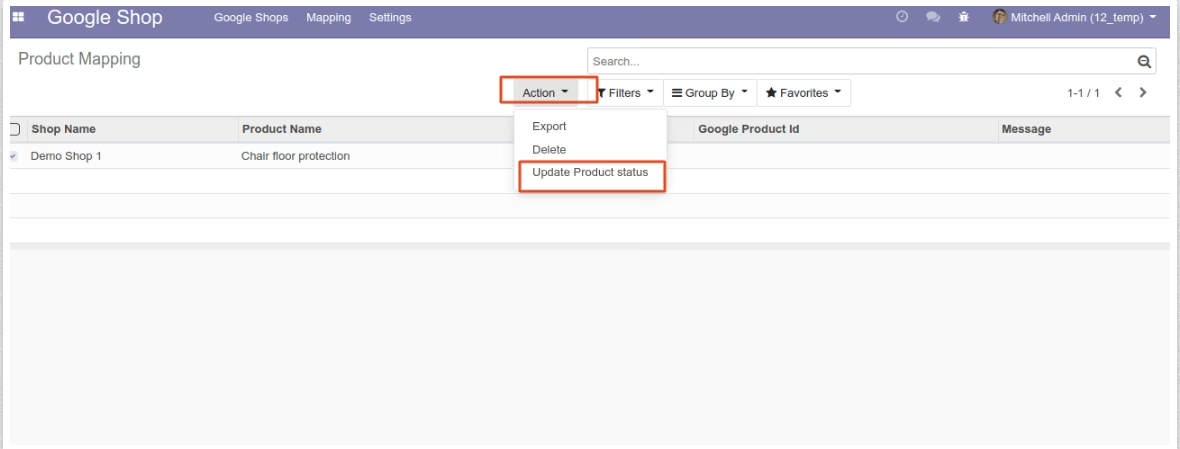
Update product status
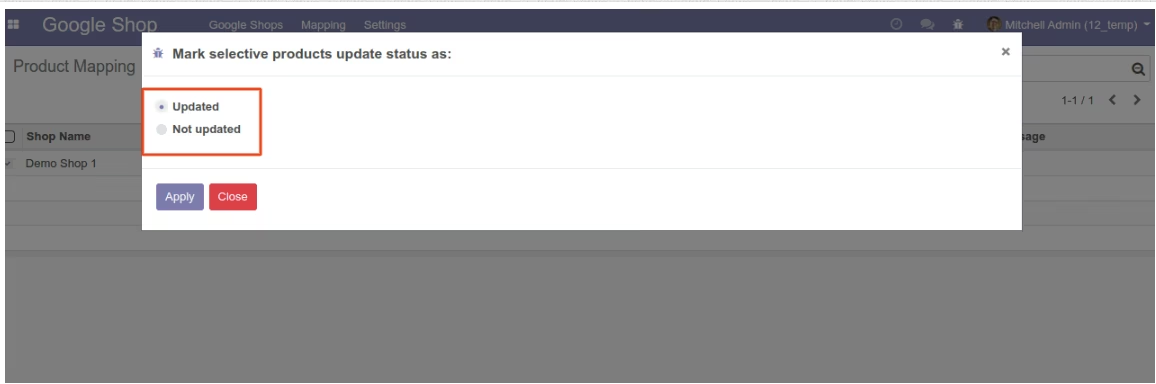
Manage status as updated or not updated
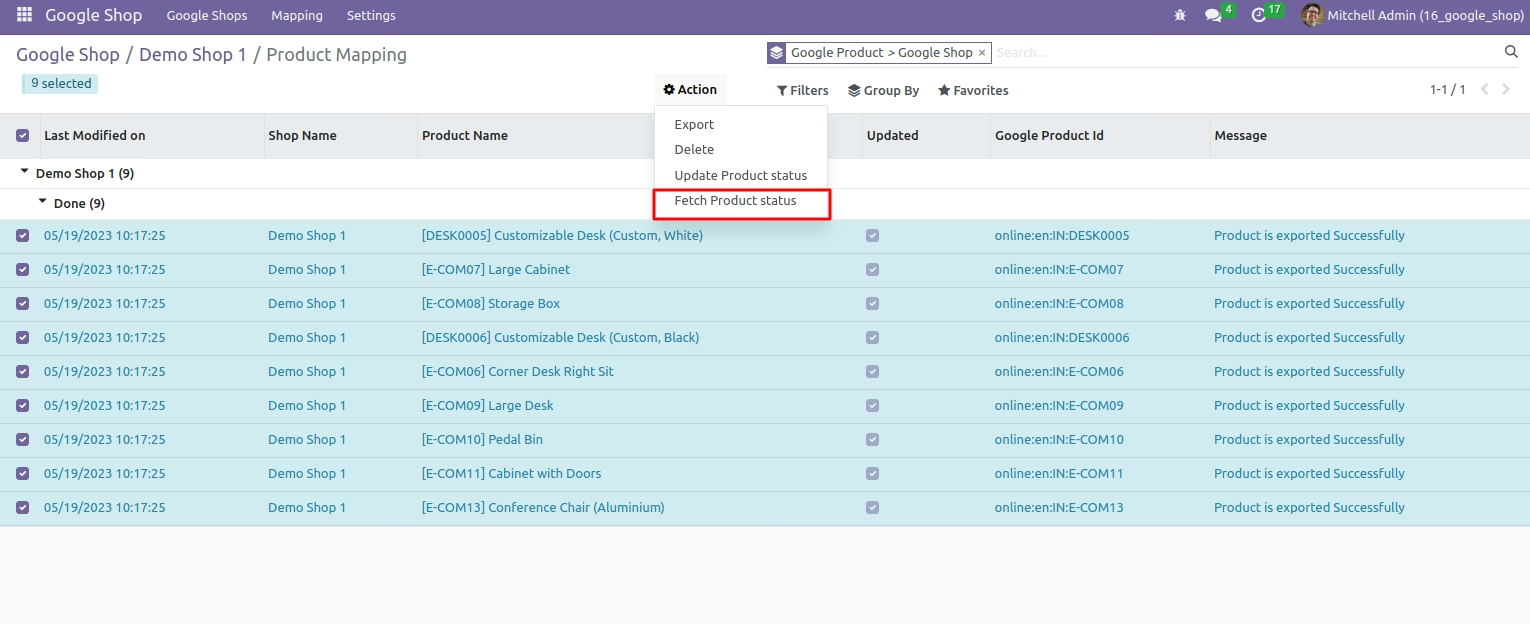
Fetch product status in bulk.
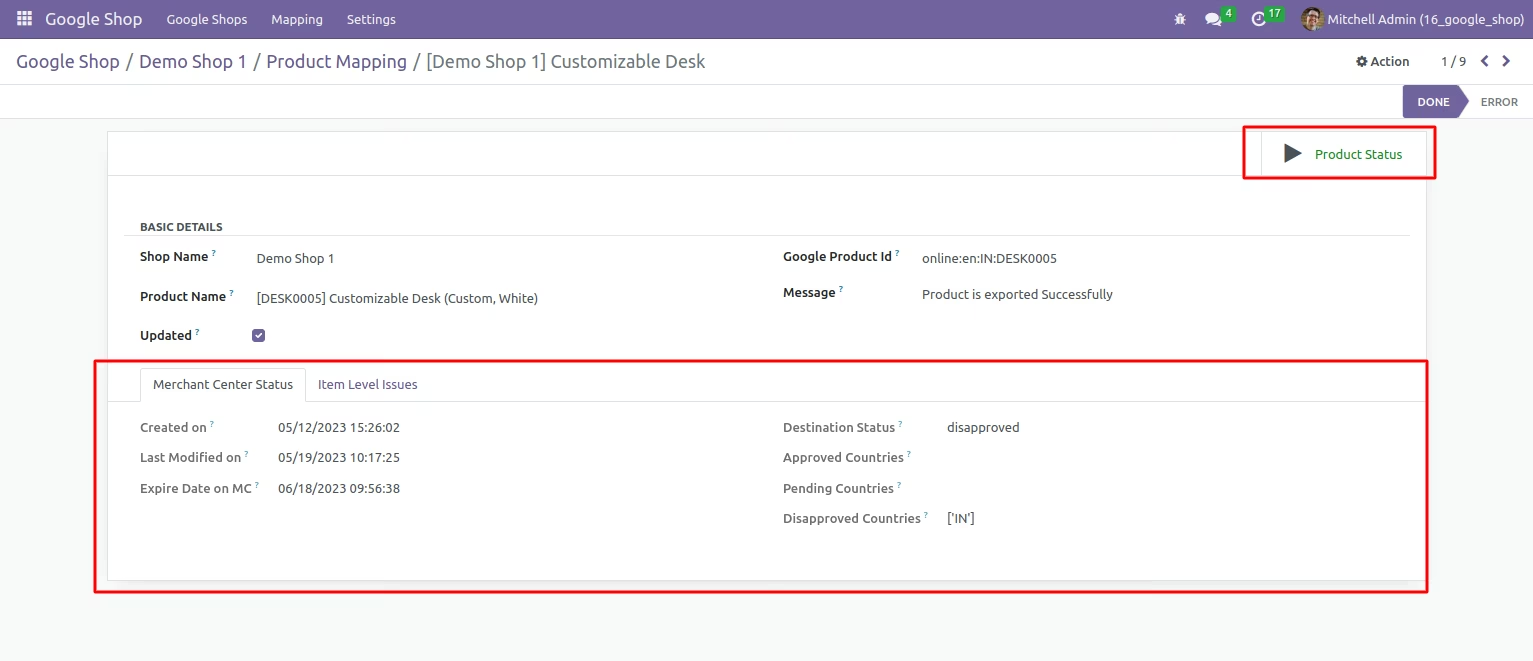
Fetch product status of single record.
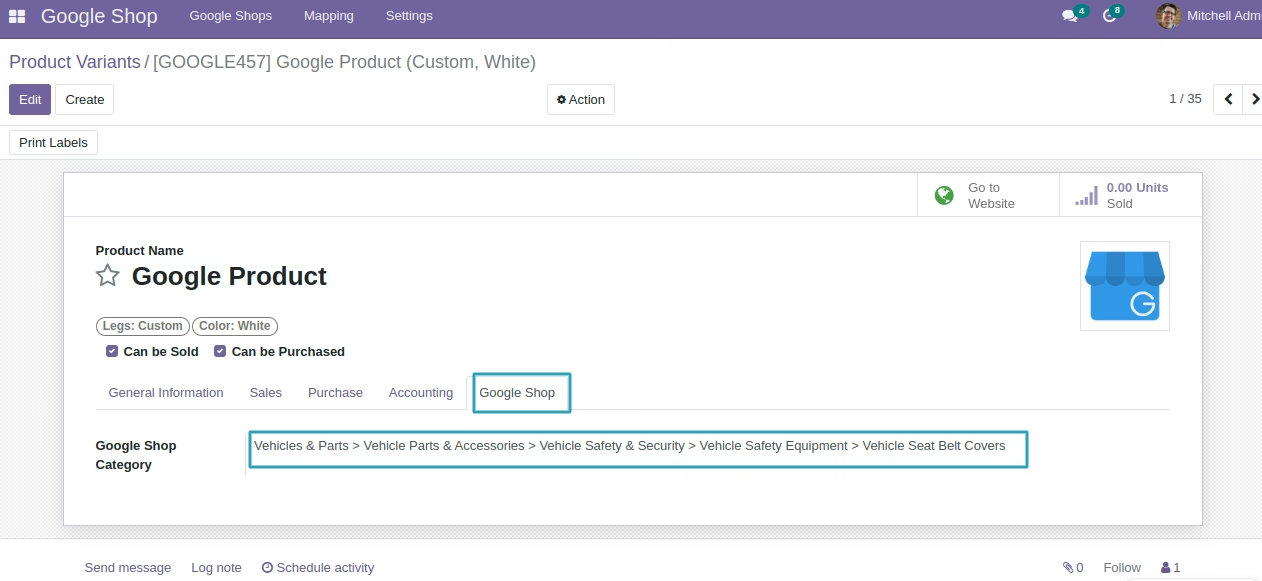
Google Shop product categories available