The module for simplifies product tracking and identification by automatically generating unique QR codes for each product. Seamlessly integrated within interface, it supports both new and existing product records, enhancing inventory workflows and facilitating fast access to product information in a polished and efficient manner.
Automatically generates a unique QR code when a product is created or updated
Supports QR code generation for existing product records
Displays QR codes within the product form view for easy access and visibility
Enhances inventory operations with built-in QR image handling
Streamlines product identification and scanning with automatic QR code creation
Reduces manual effort and minimizes human error in product tracking
Improves inventory speed and accuracy via visual QR representation
Enhances user experience through integrated QR functionality within product workflows
Auto Product QR Code Generator App
Generate Product QRCode Apps
Product and Variant QR Code Generator
Generate QR Code for Products Apps
Product QR Code Generator App helps users to configure QR code generator fields. When a user creates a product QR code generates automatically with its image. Users can generate QR code manually for multiple products and it's variants. Users can easily search products based on QR code.
Configuration for QR Code Generator
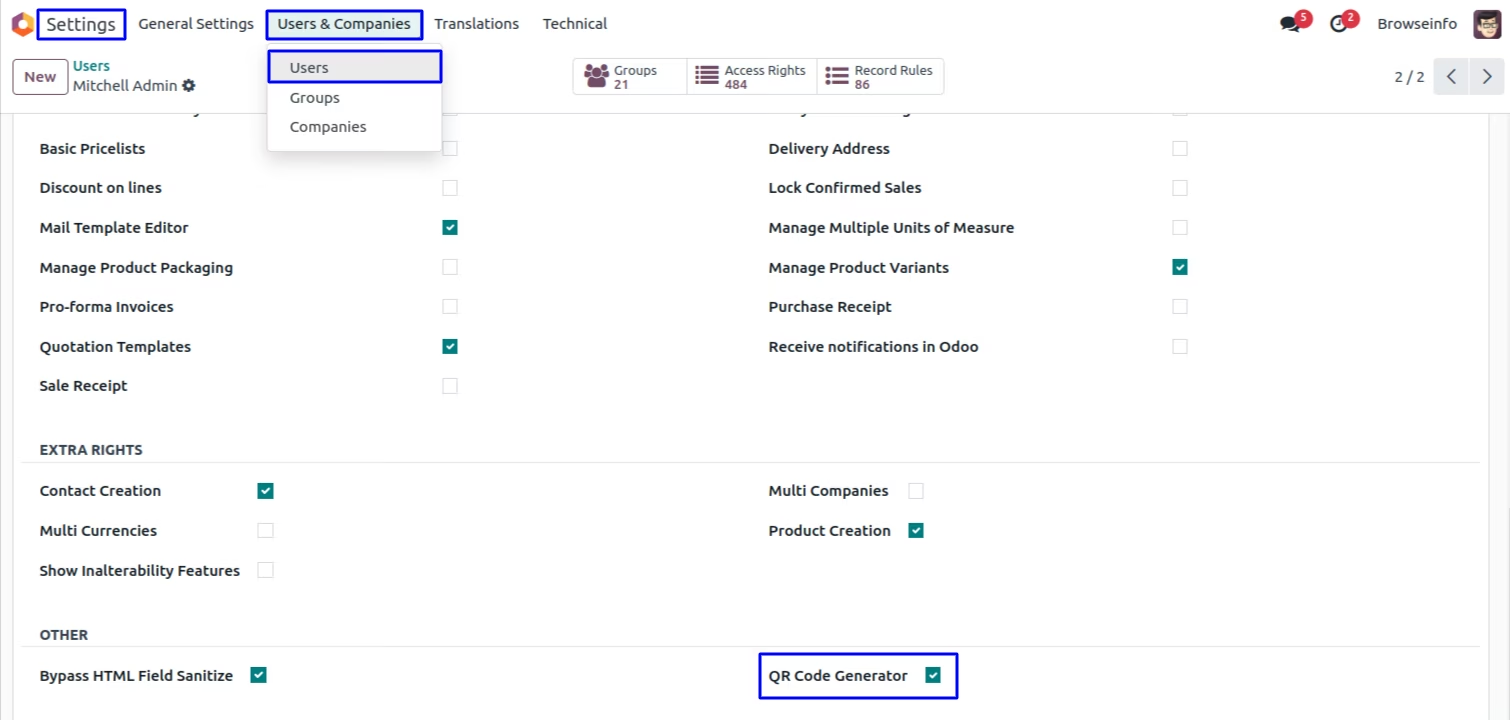
Under user configuration tick the 'QR Code Generator' field.
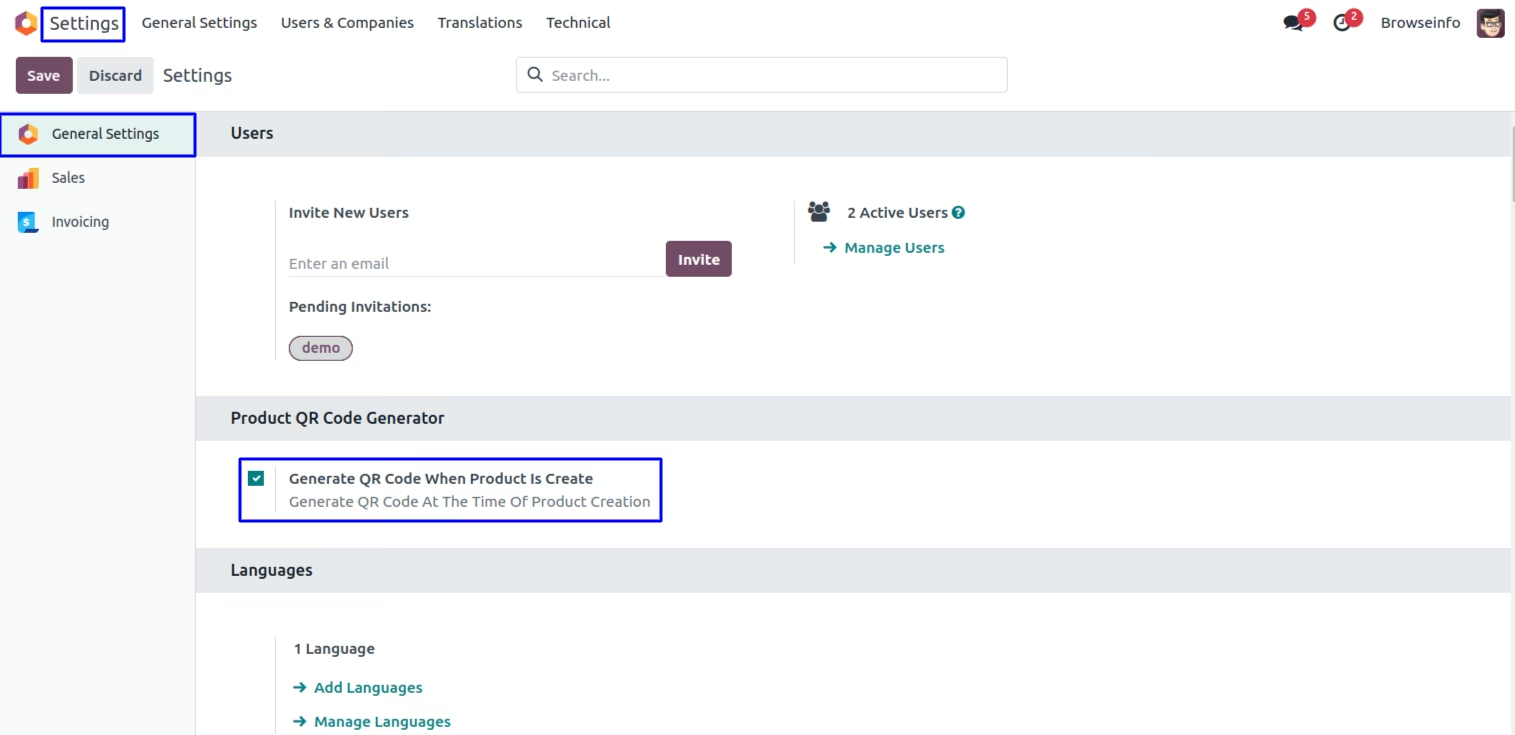
Tick on Generate QR Code When Product Is Create
User can tick on generate QR code at the time of product creation.
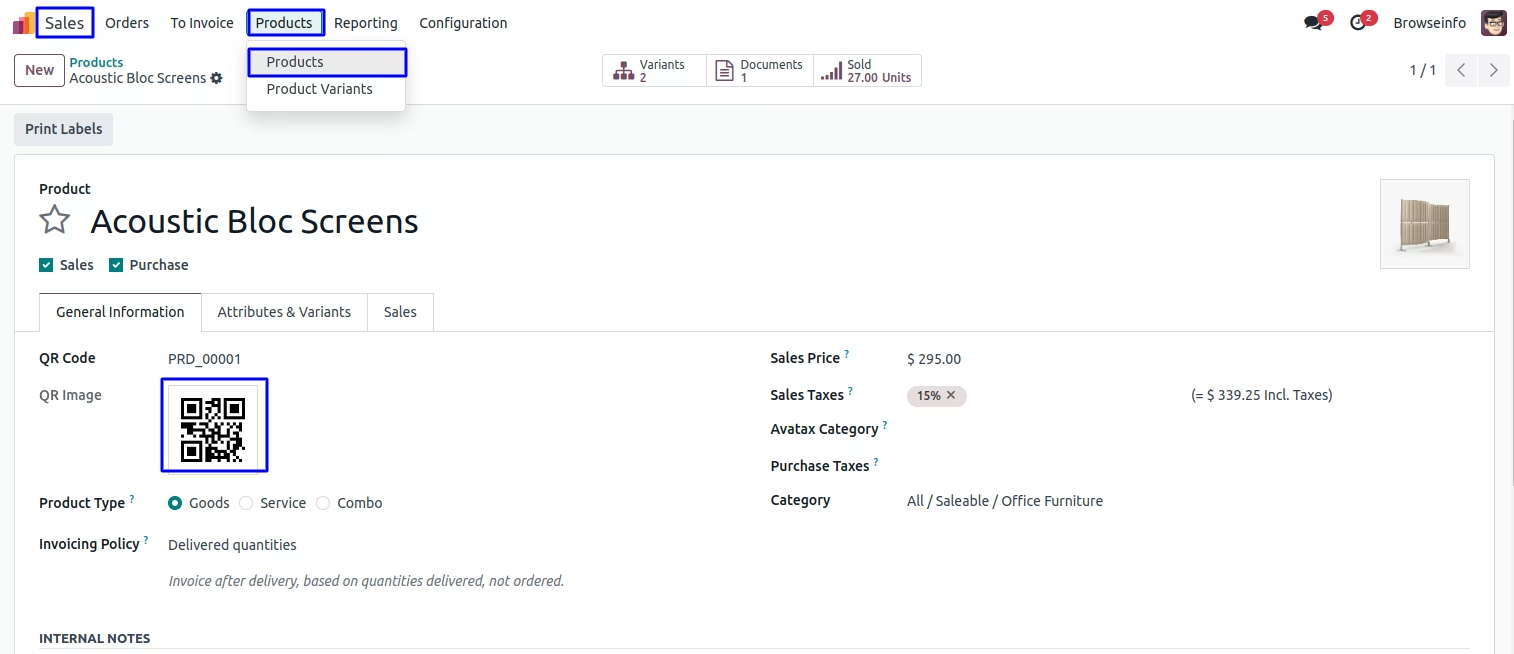
Auto Generate QR Code When Product Is Create
When user create a product at the time automatical generate QR code with its image.
User can also set QR code manually.
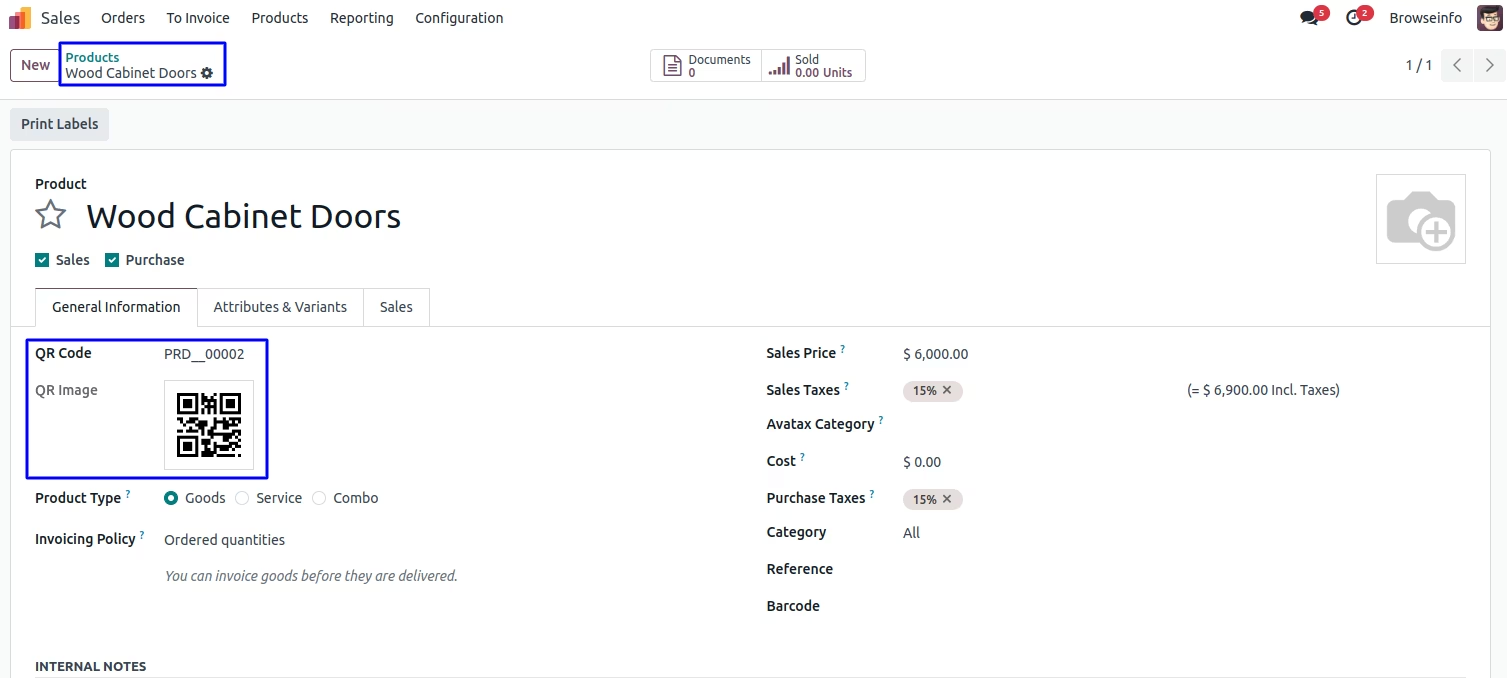
Manually Generate QR Code for Multiple Product
Select multiple product and tick on 'Generate QR Code' under action menu.
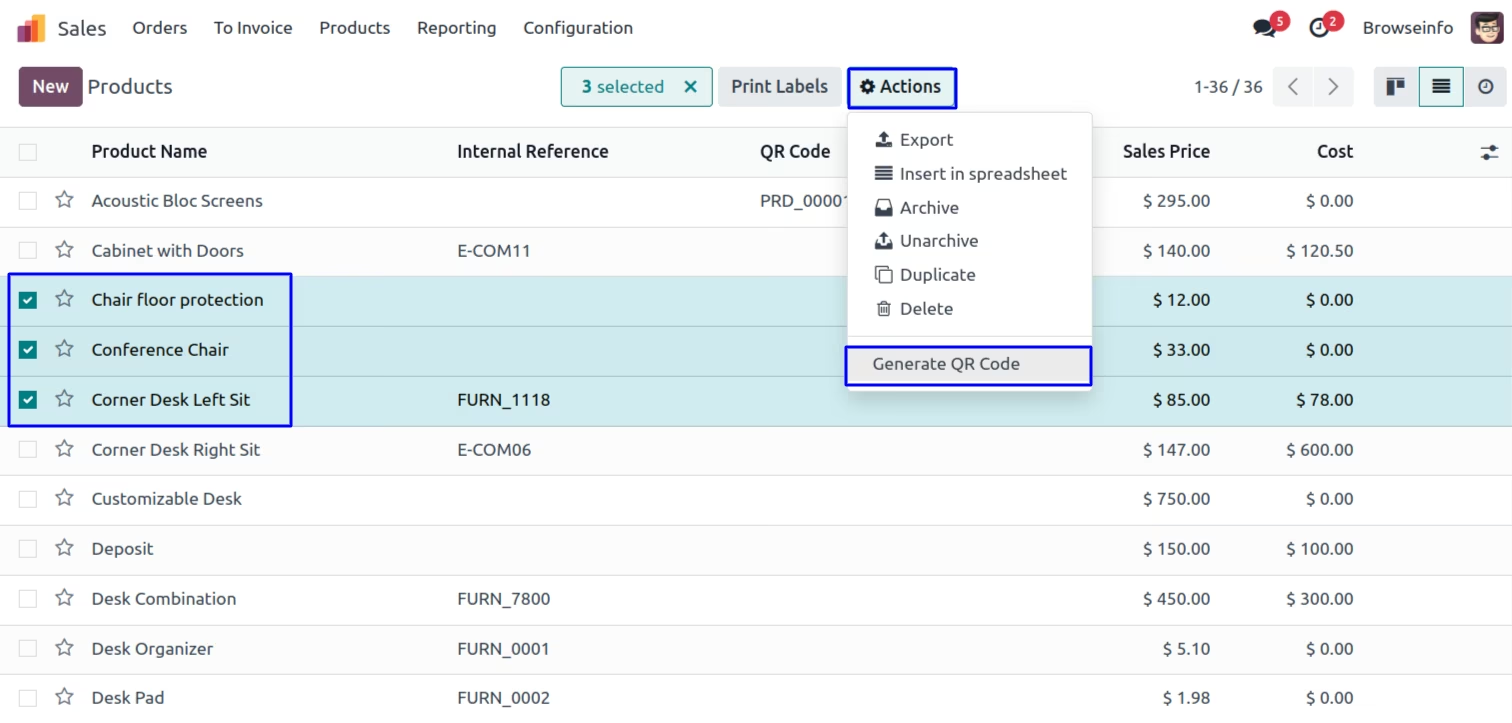
Generate QR Code Wizard
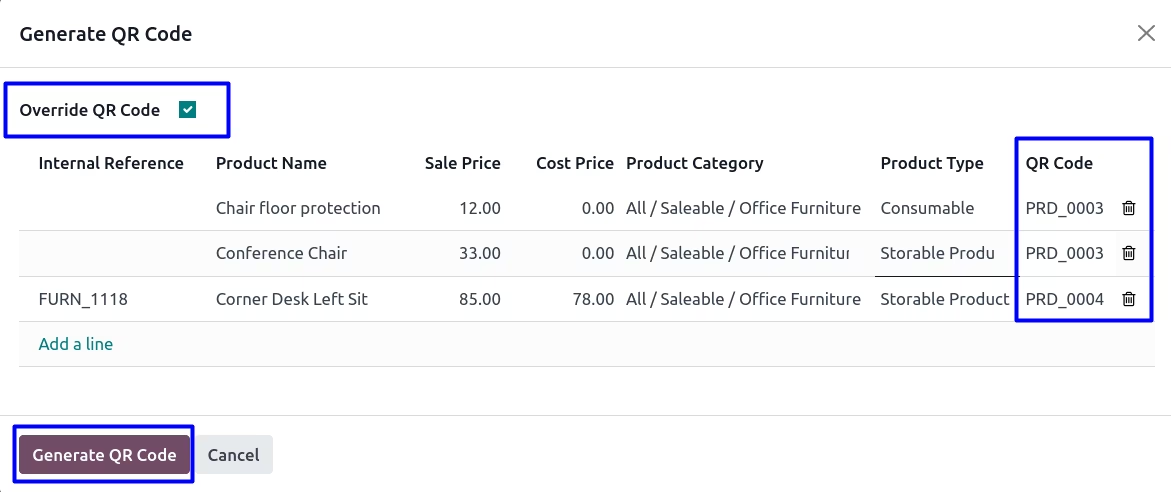
User can see selected product with its details under wizard.
Tick on 'Override QR Code' checkbox if you want override existing QR code of the product.
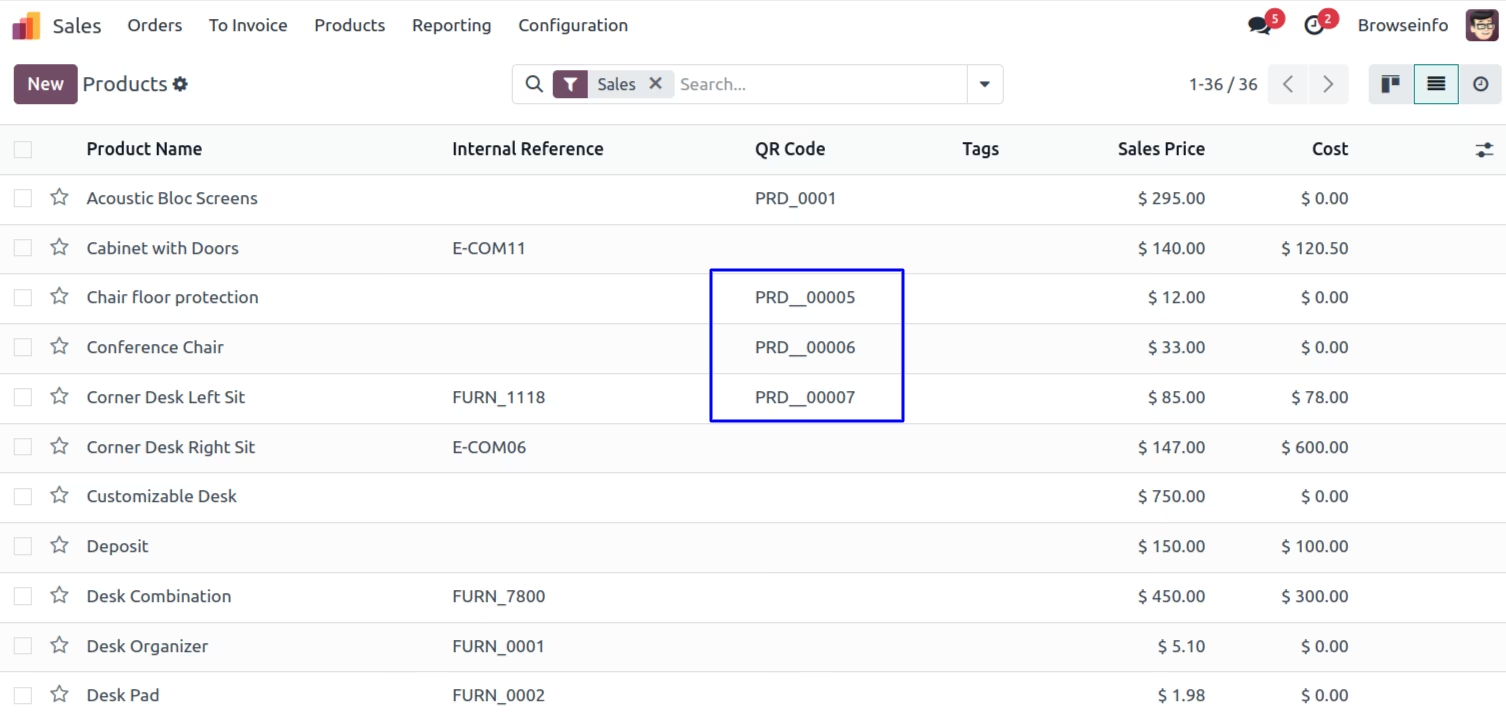
Generated QR Code for the Product
User can see newly generated QR code for the product.
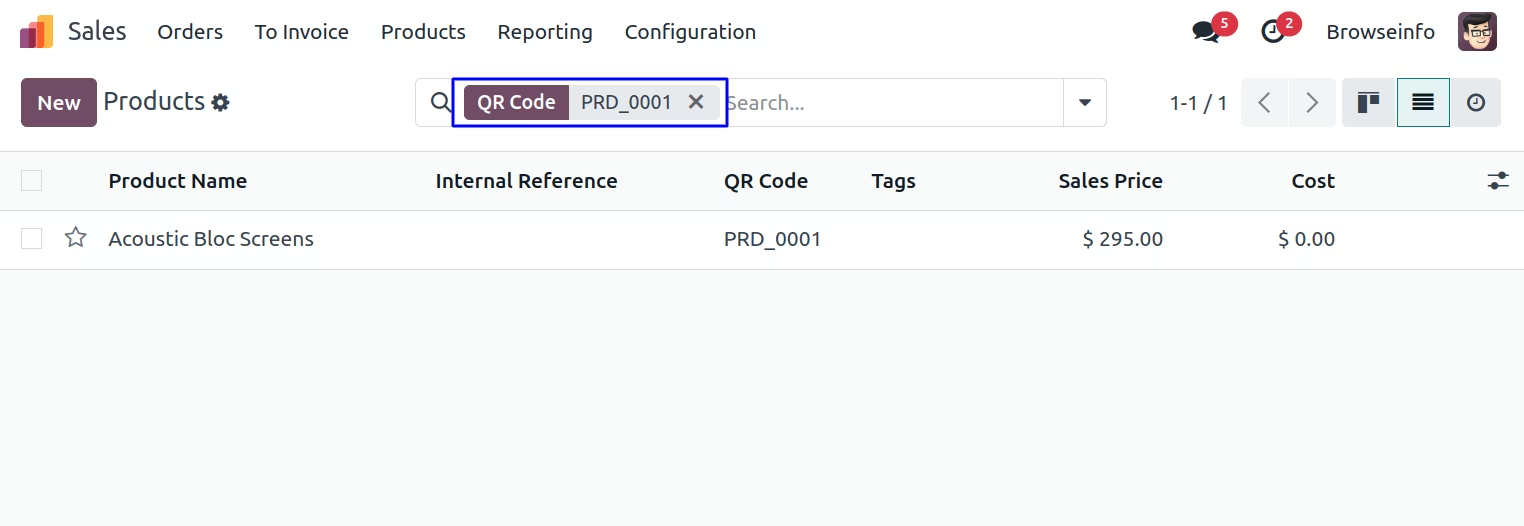
Product Search Based on QR Code
User can search product based on QR code.
Auto Generate QR Code When Product Variant Is Create
When user create a product Variant at the time automatical generate QR code with its image.
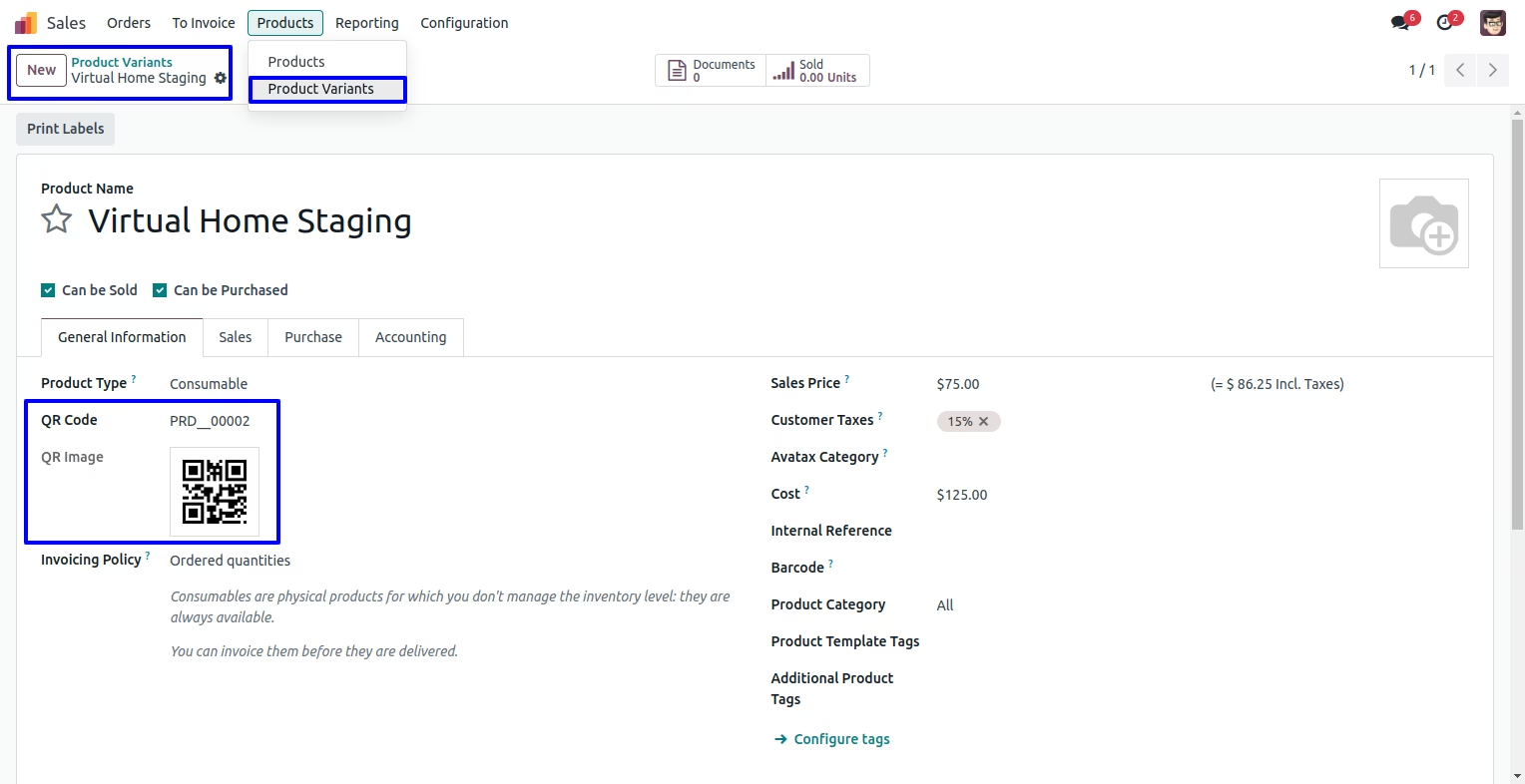
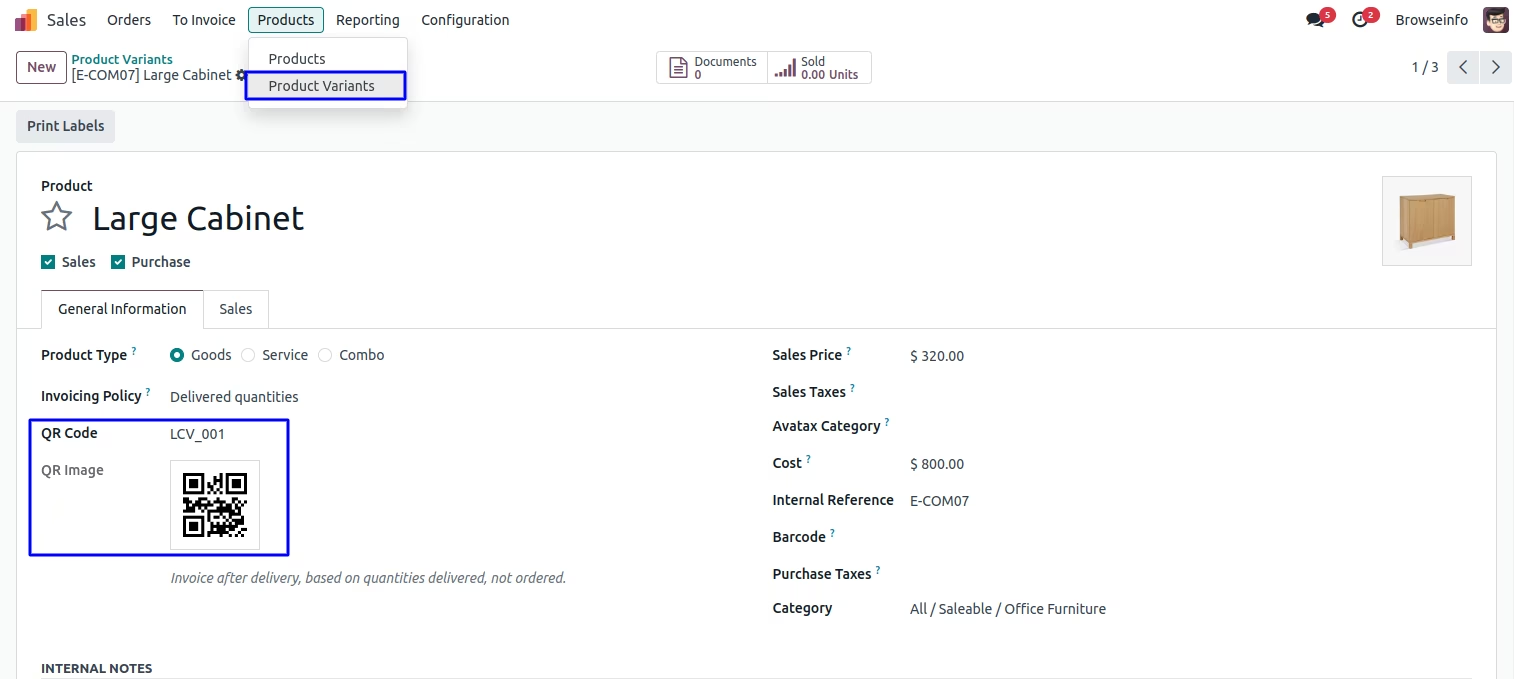
User can manually set QR code in product variants.
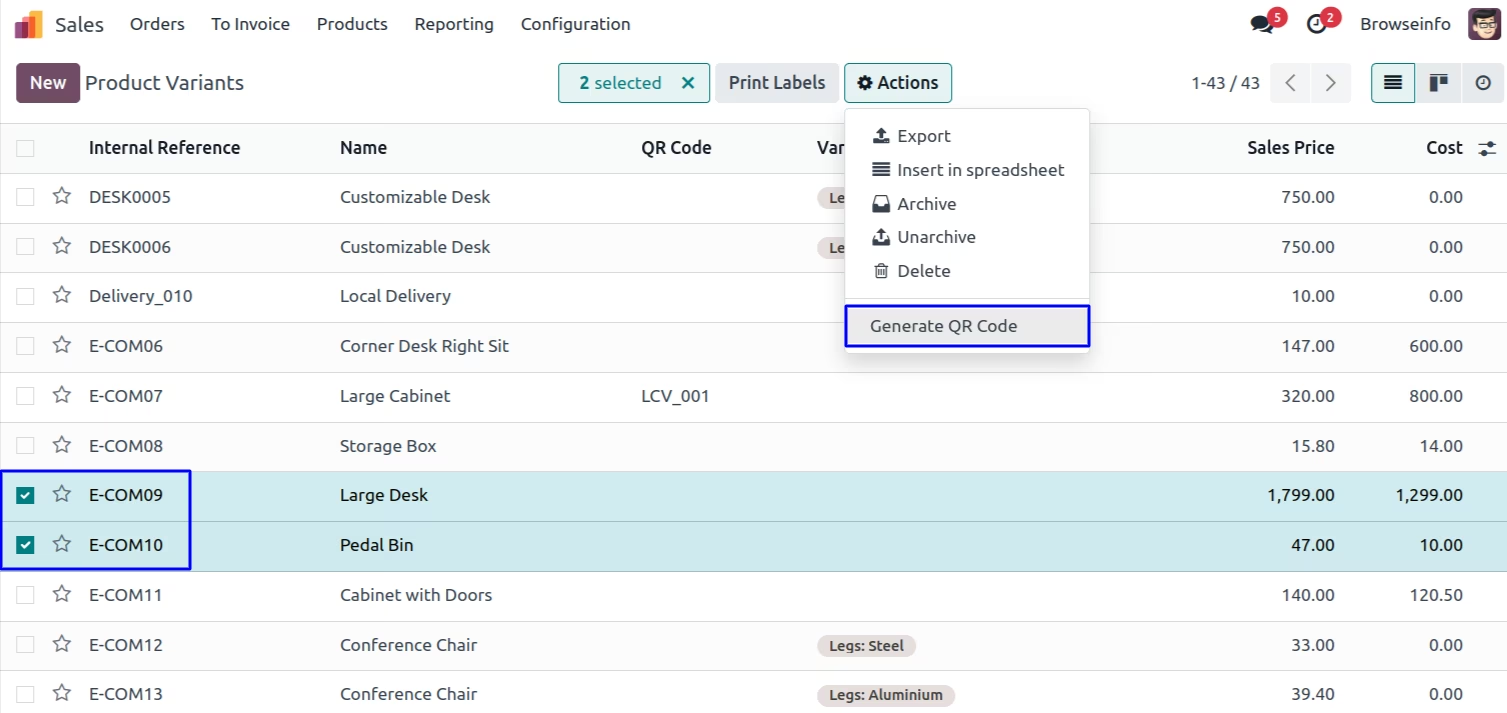
Manually Generate QR Code for Product Variants
Select product variants and tick on 'Generate QR Code' under action menu.
Generate QR Code Wizard
User can see selected product variants with details under wizard.
Tick on 'Override QR Code' checkbox if you want override existing QR code of the product variants.
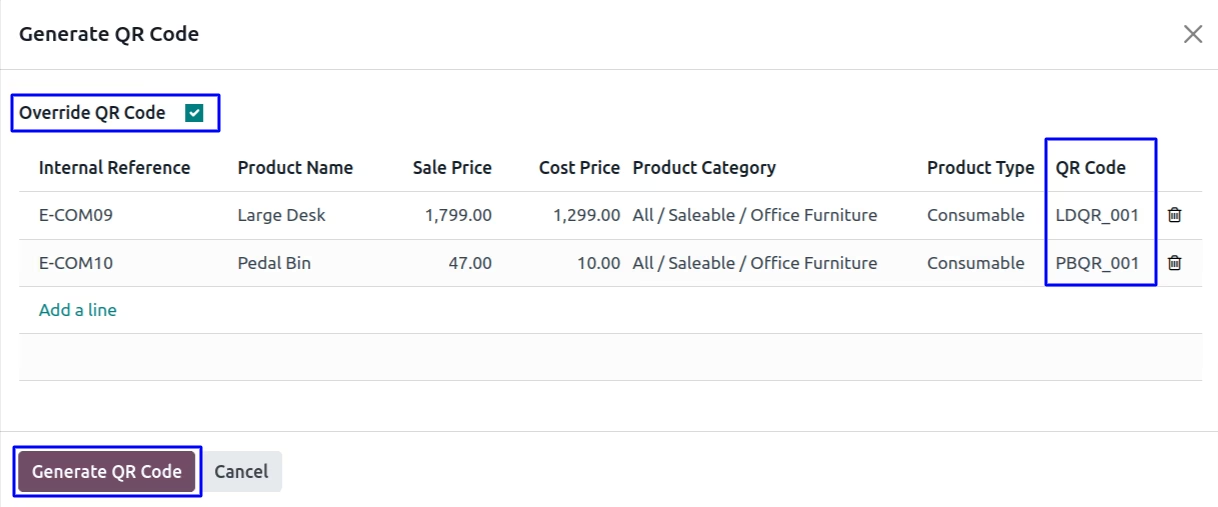
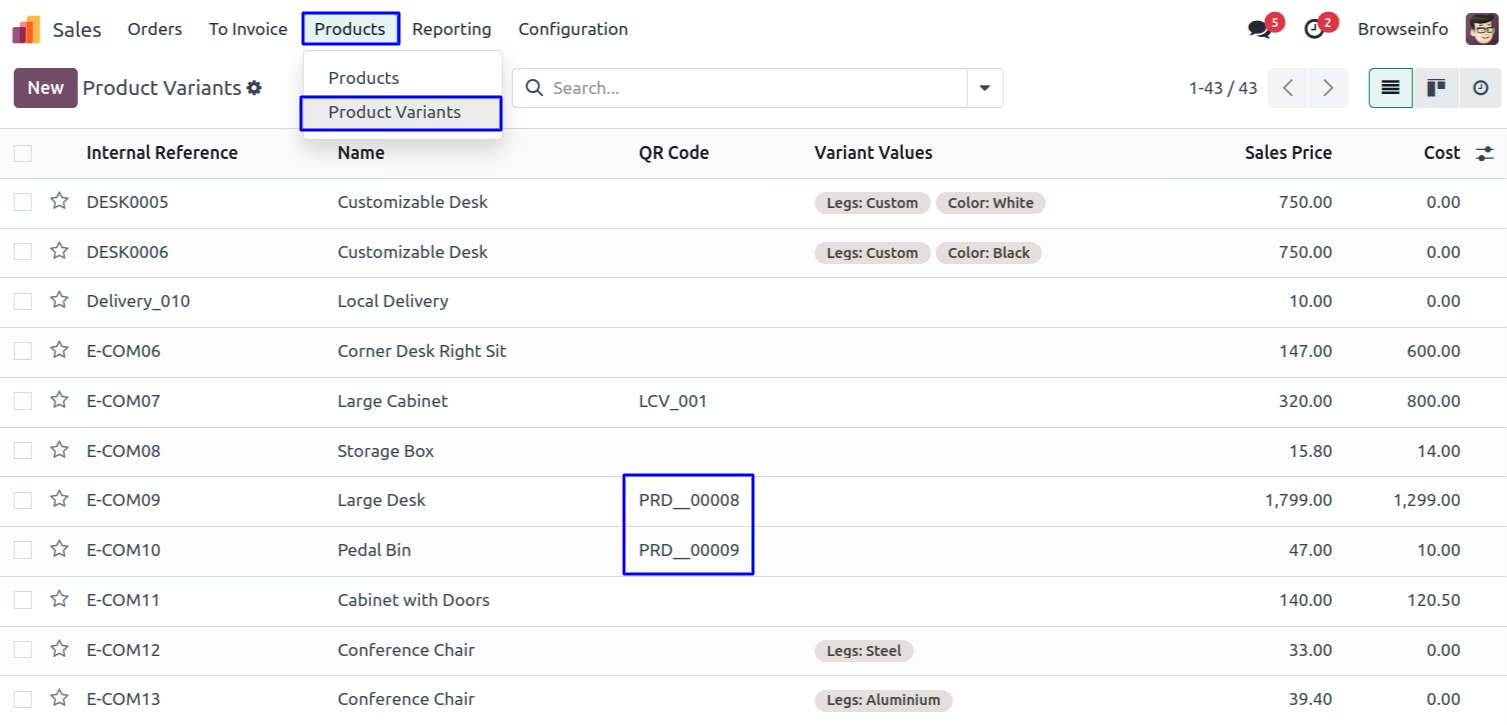
Generated QR Code for the Product Variants
User can see newly generated QR code for the product variants.
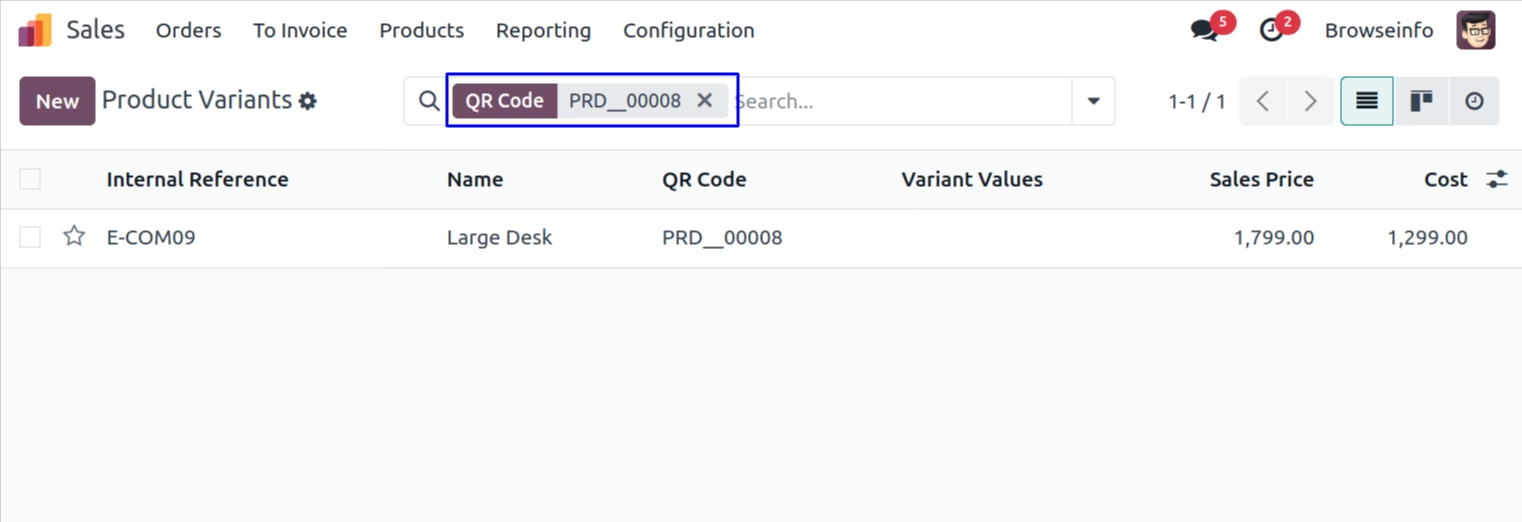
Product Variants Search Based on QR Code
User can search product variants based on QR code.
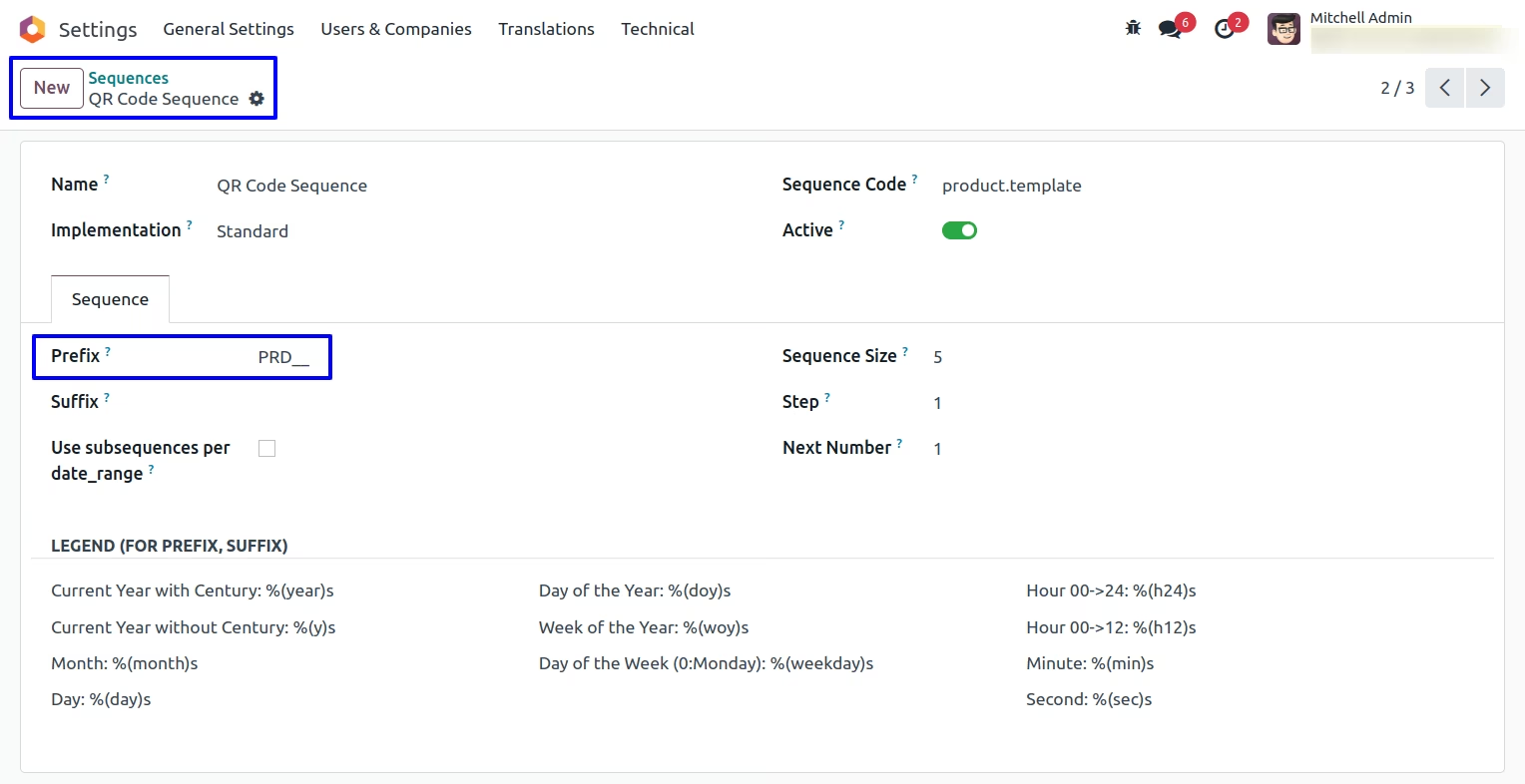
The QR Code sequence can be altered by users
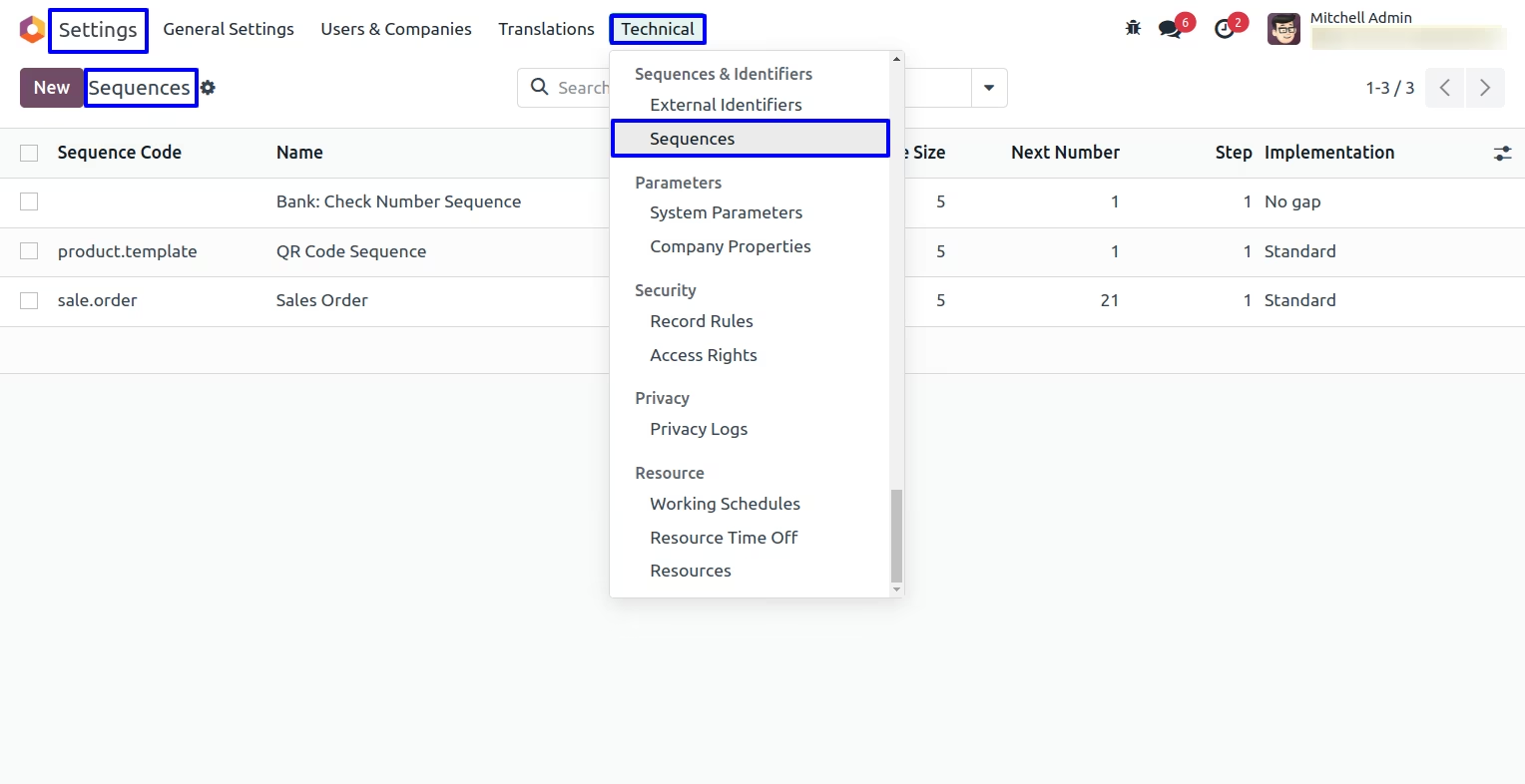
The QR code template for sequence looks like this