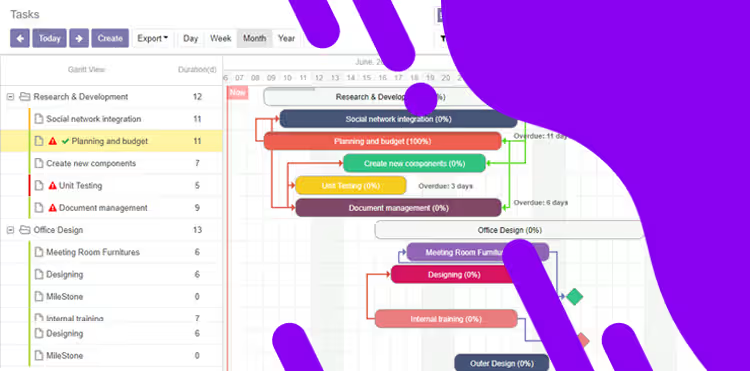
The Project Gantt View module brings visual clarity to workload management by introducing an interactive timeline for project tasks. Featuring an intuitive Gantt chart integrated into project module, this tool enables teams to schedule, monitor, and plan tasks with ease—boosting project oversight and efficiency in a polished and user-centric manner.
Key Features
Interactive Gantt chart displaying project tasks across a visual timeline
Drag-and-drop functionality for adjusting start and end dates intuitively
Grouping and filtering capabilities by project stages, assignees, or task status for enhanced filtering power
Multi-scale view options—daily, weekly, monthly, and yearly time perspectives
Task progress indicators and deadline visualization directly on the timeline for clarity at a glance
Benefits
Improves project visibility by visualizing task status and timelines in a clear chart
Enhances planning precision and responsiveness through direct timeline manipulation
Reduces workload confusion with powerful grouping, filtering, and scale views
Supports timely decision-making with intuitive progress and deadline indicators
Gantt view for Projects / Project Gantt View
The Planning view gives you a clear overview of what is already planned and what remains to be planned using Start Date and End Date.
Installation
- Copy web_project_gantt module to addons folder
- Install the module normally like other modules
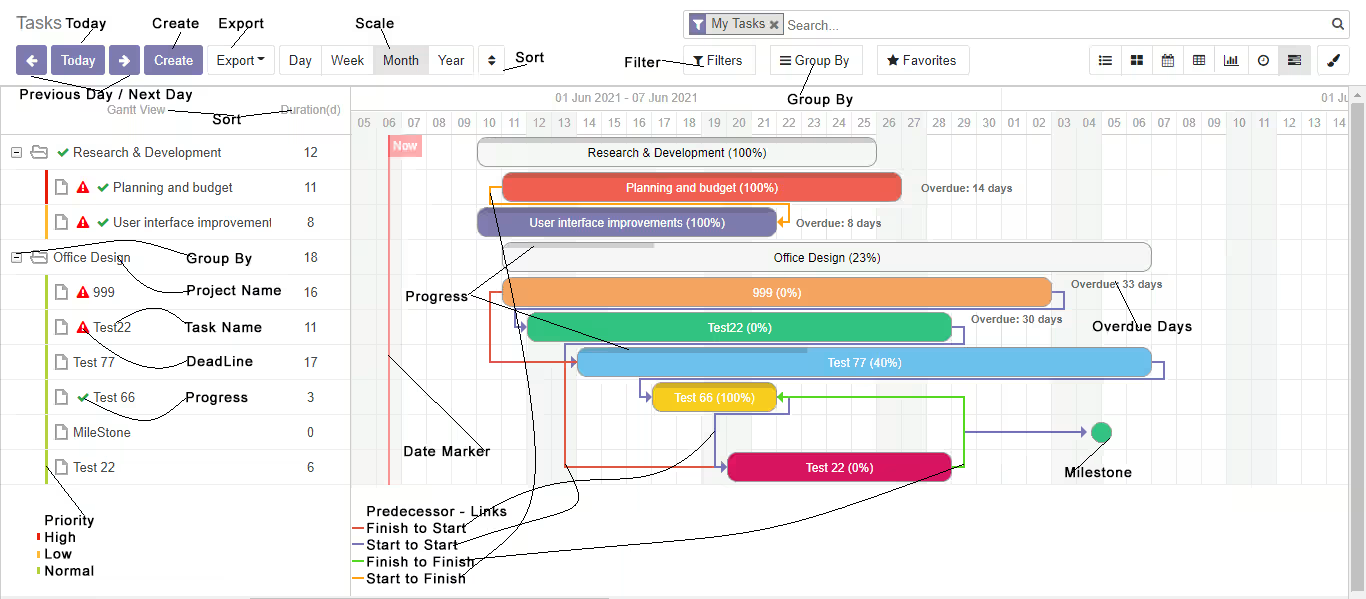
Features
- TreeView for Gantt Items
- Deadline Indicator
- Task Priority Indicator
- Task Progress Indicator
- Multiple Scales
- Navigate to Todat, Previous and Next Day
- Grouping Task/Project
- Filter
- Progress bar on Task
- Popup Task Informations
- Overdue Indicator
- Milestone Task in Different Shape
- Predecessor Links
- Todyas Marker
- Sorting
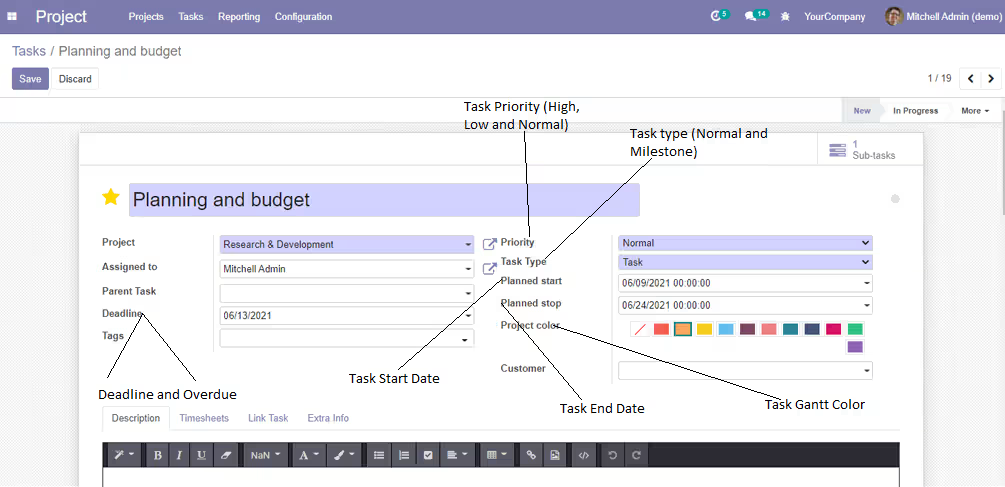
1. Task Configuration
Projects -> Tasks -> Task
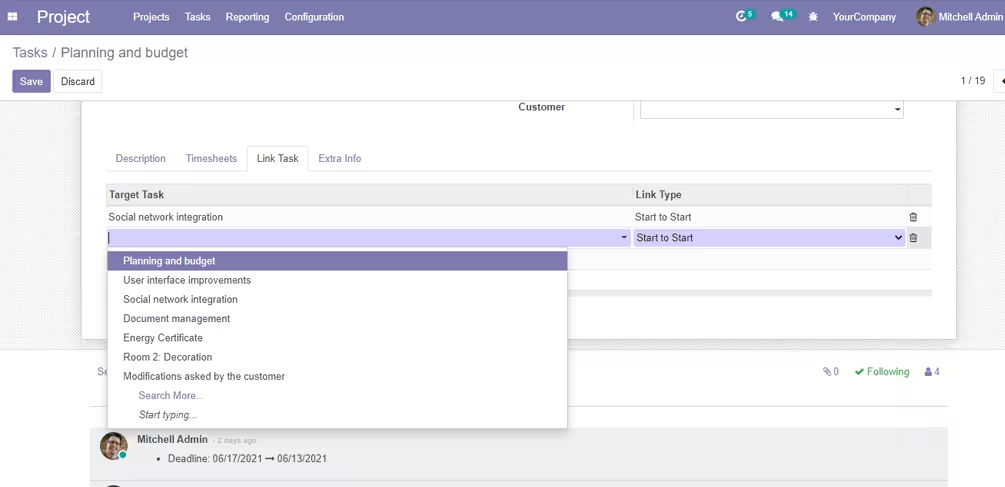
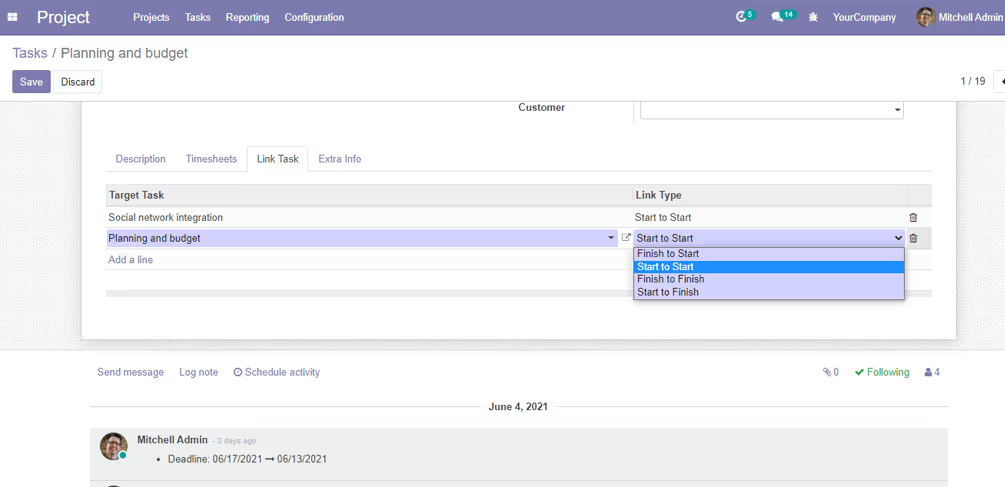
2. Task Predecessor Links Configuration
Projects -> Tasks -> Task -> Task Links