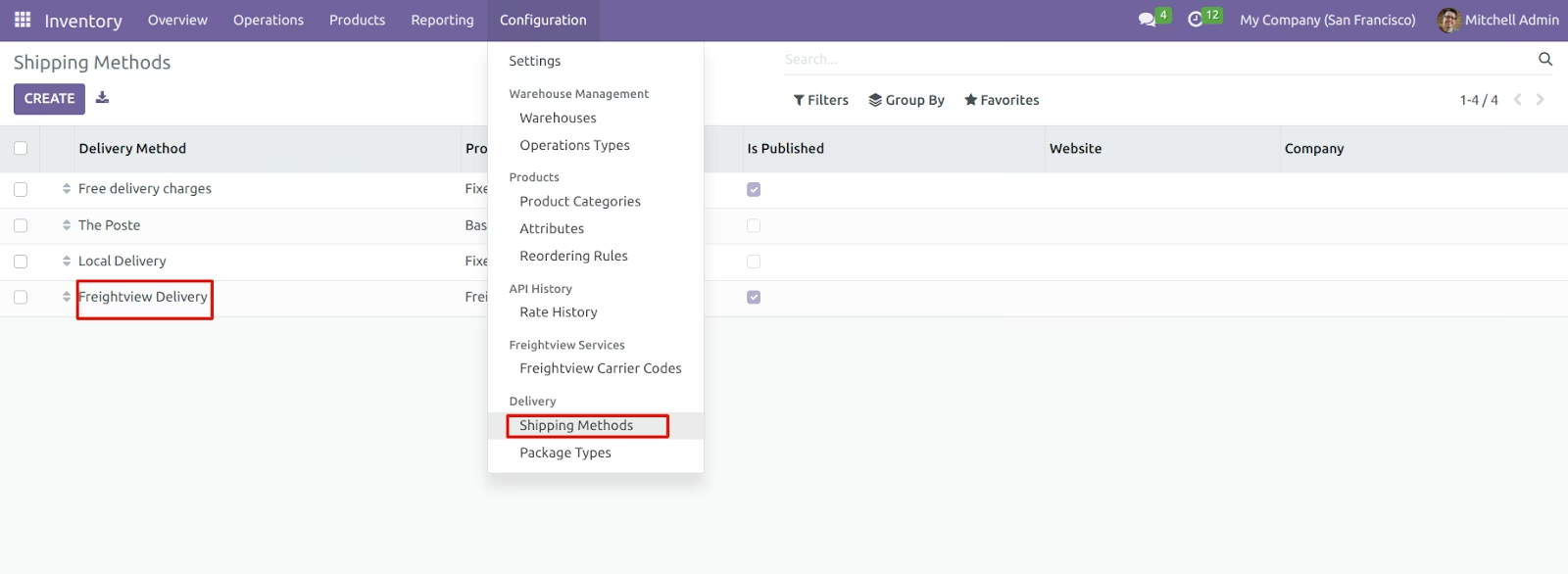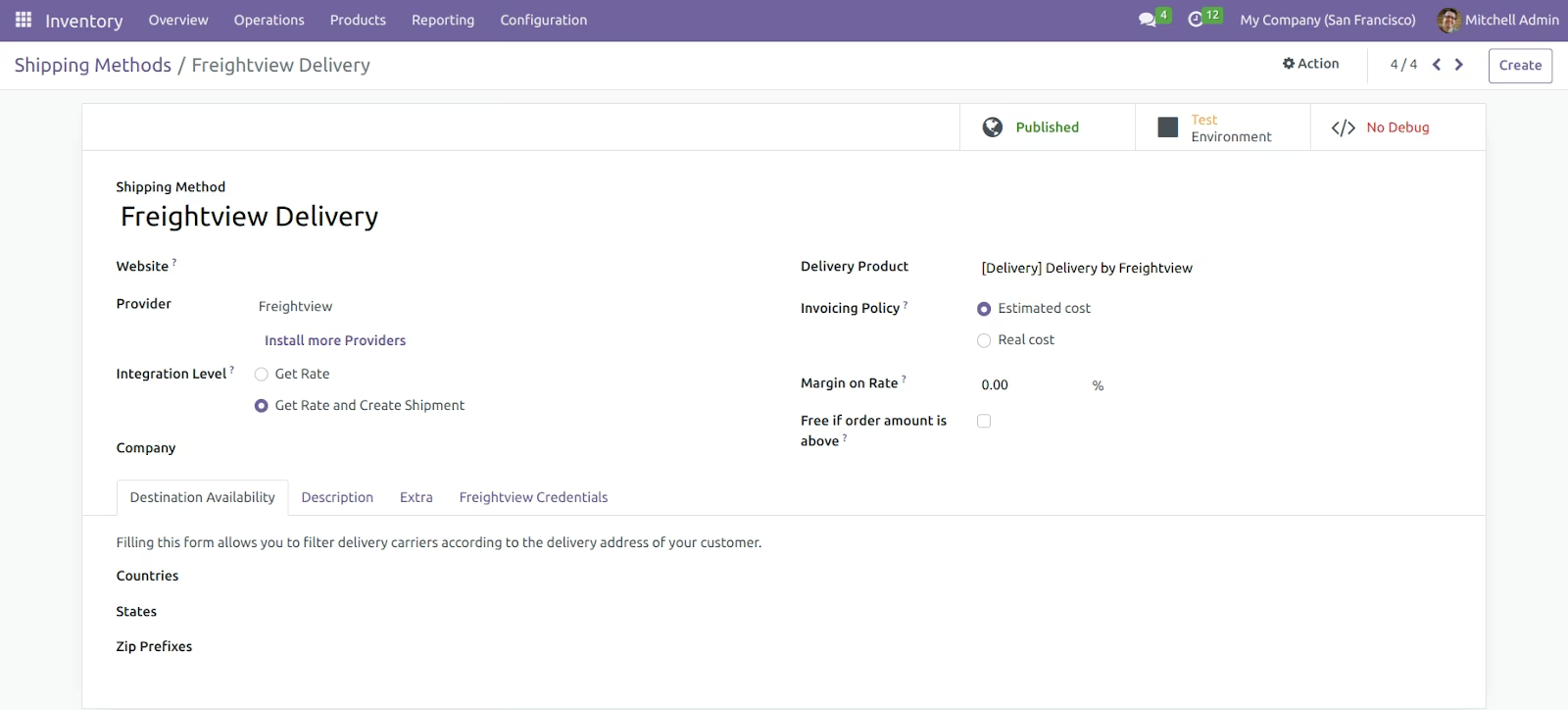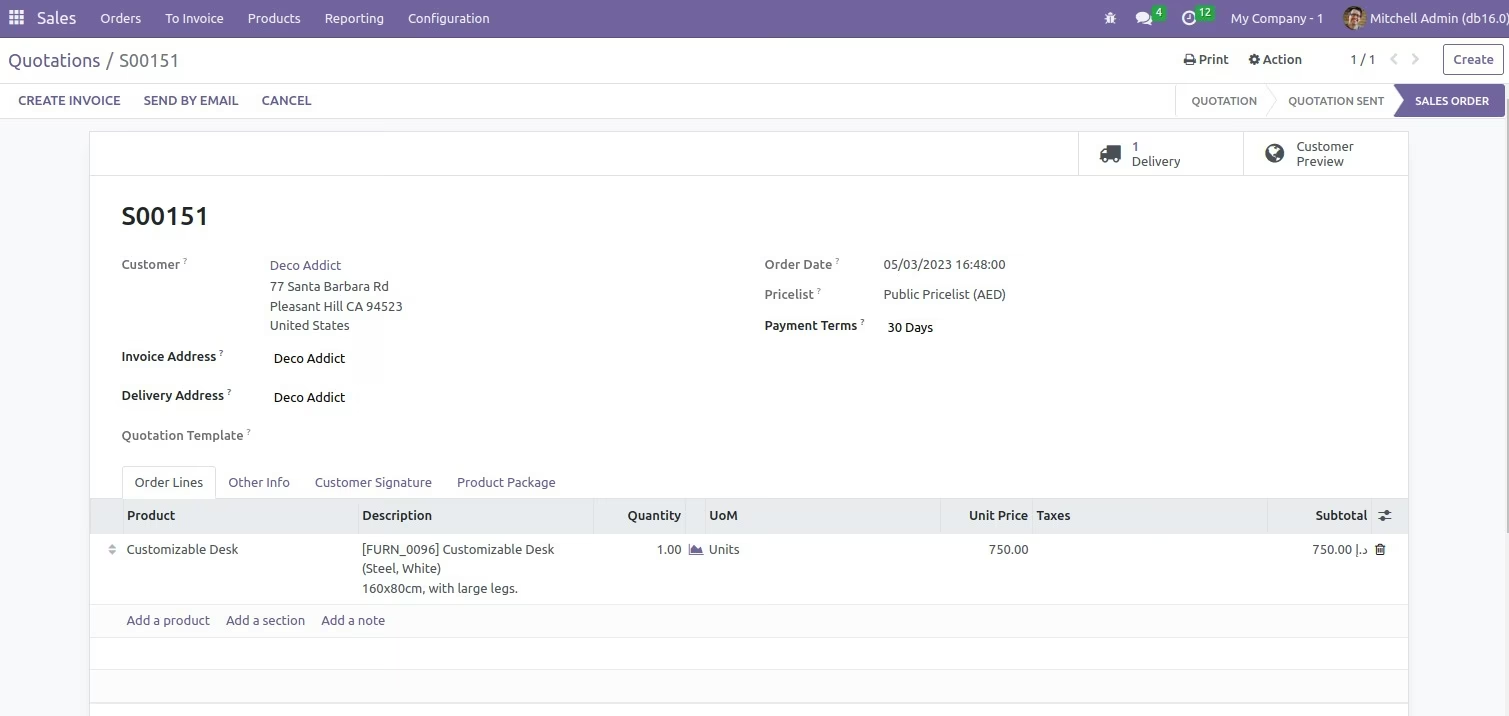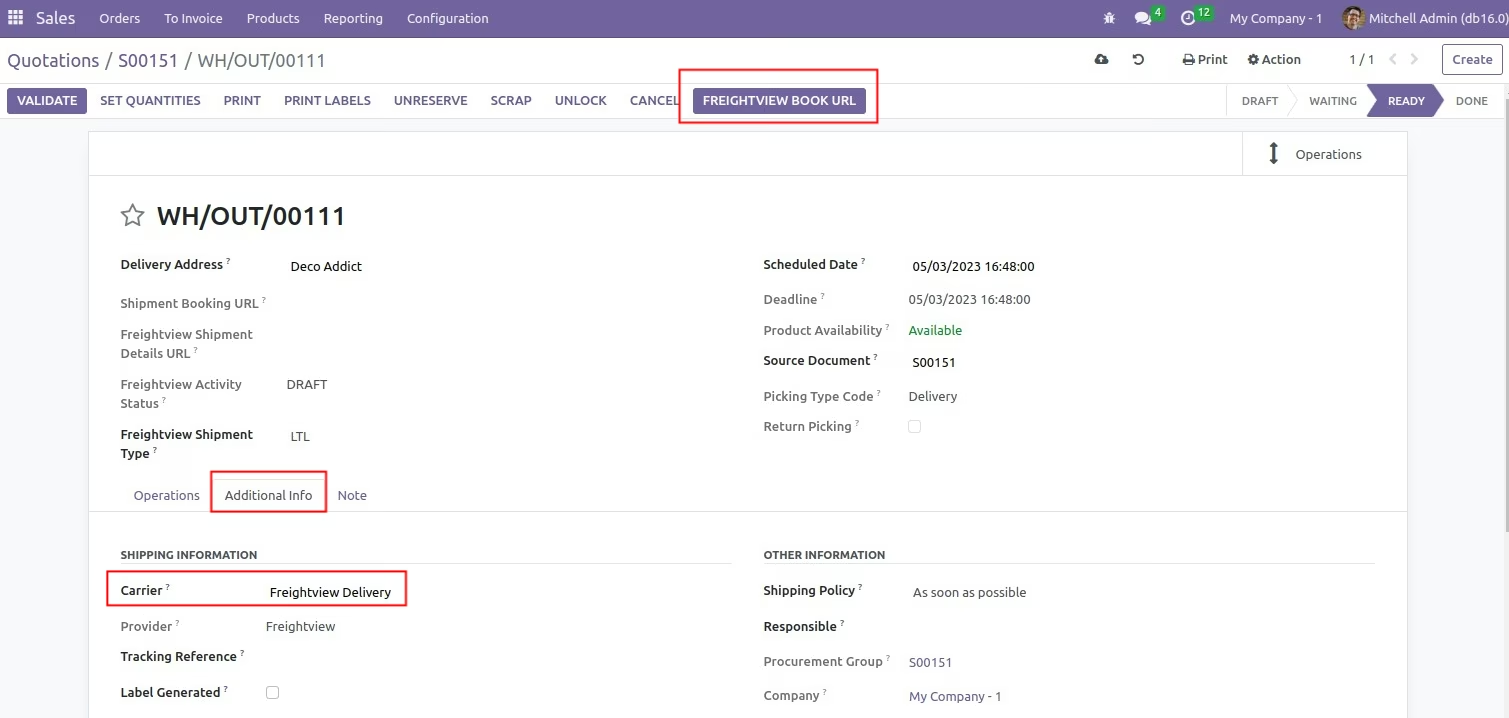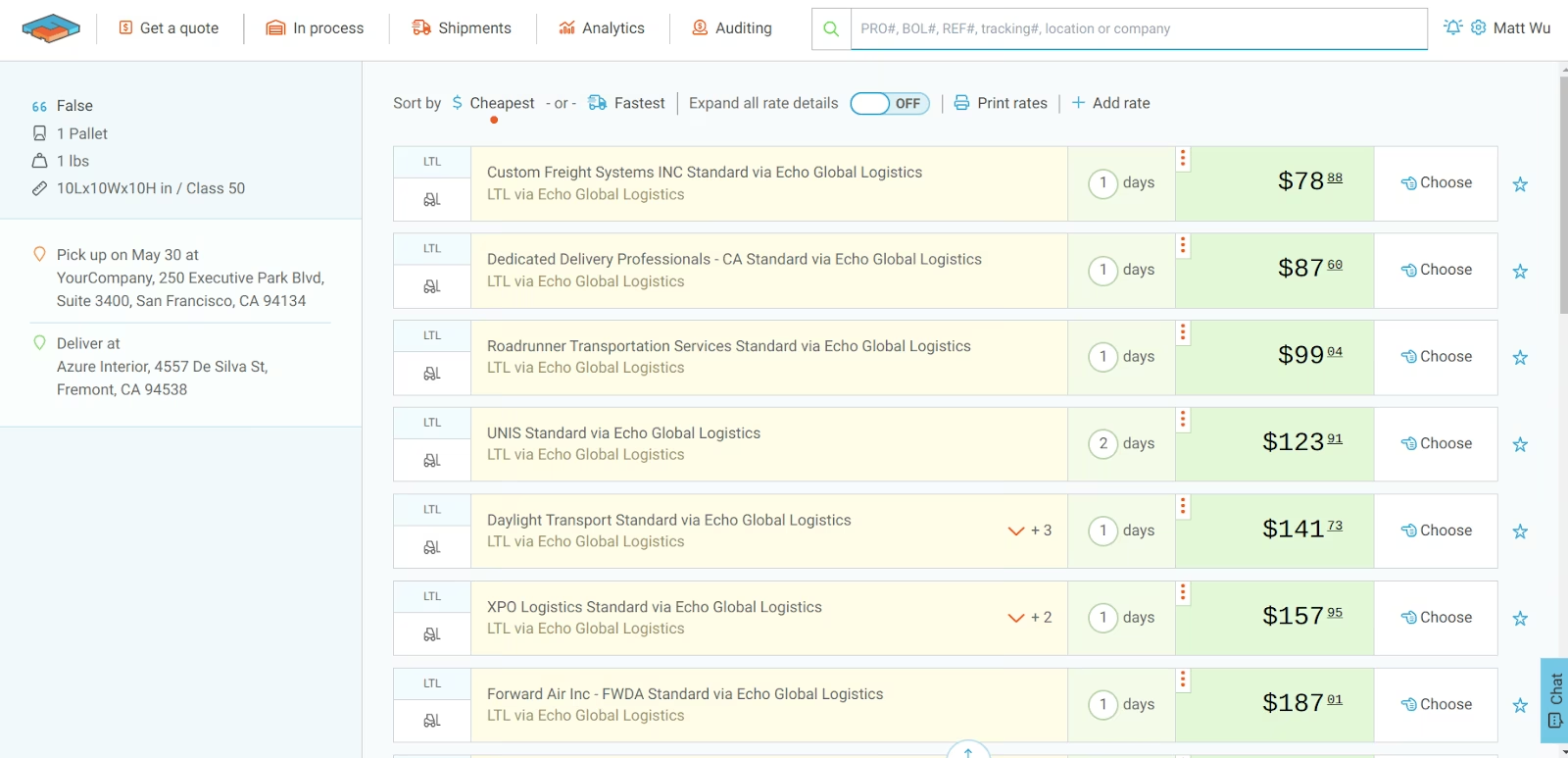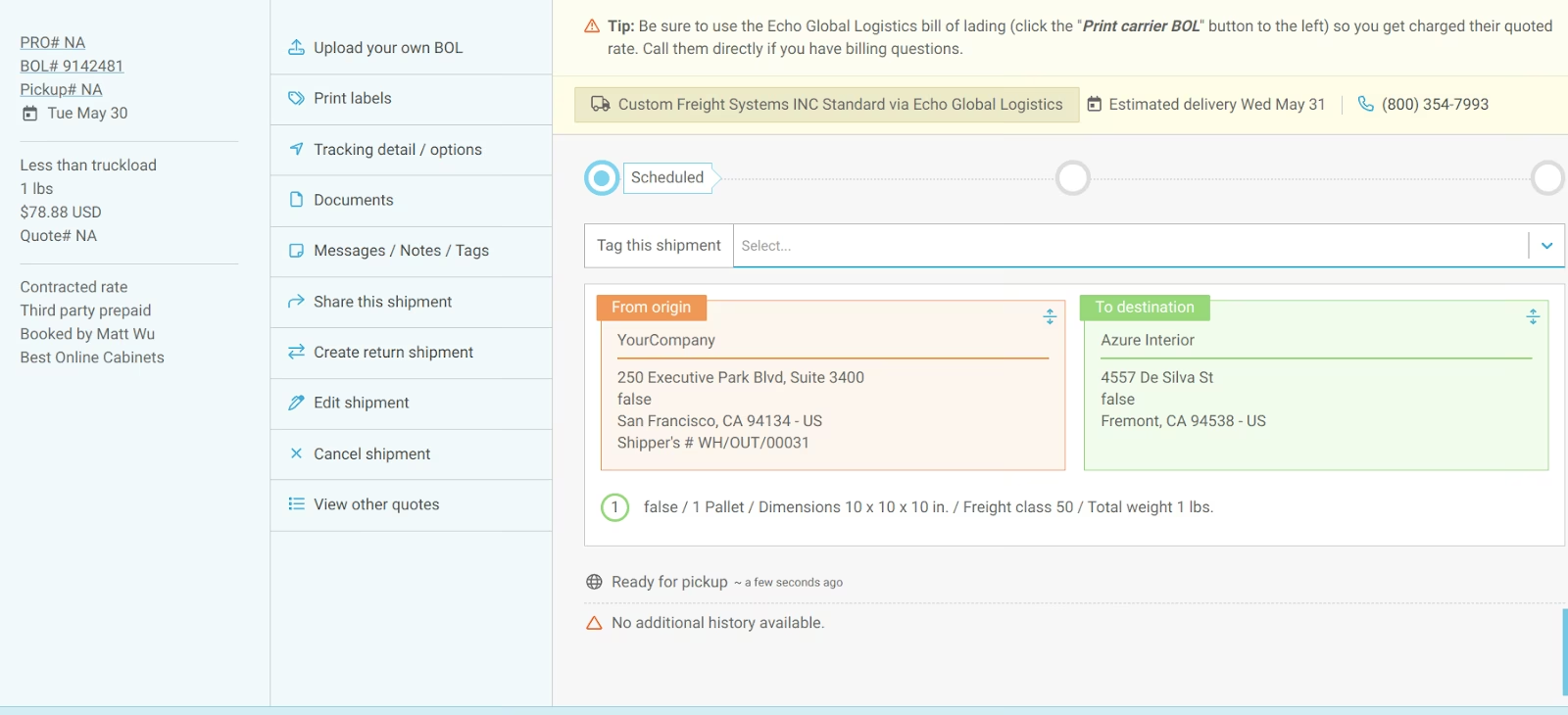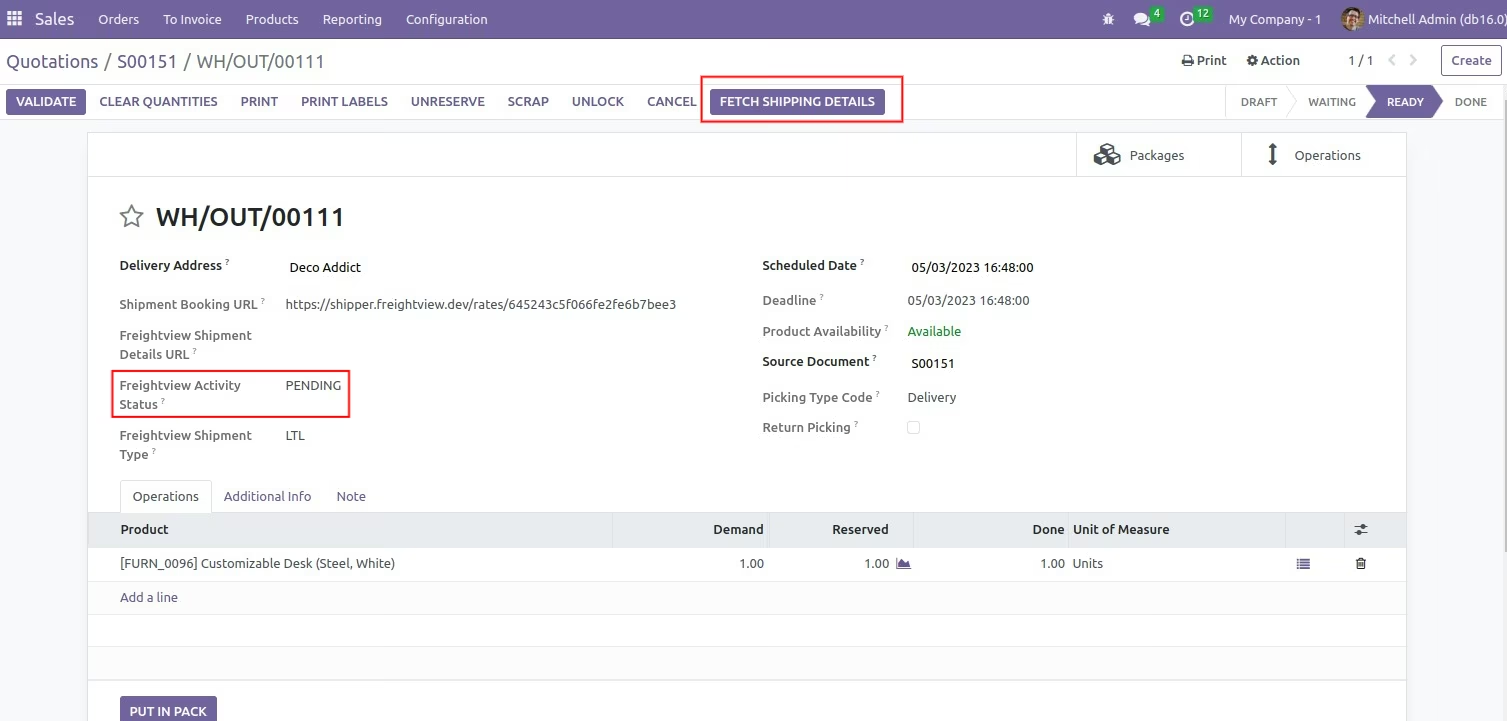
The module brings full-service shipping management directly by integrating with Freightview. It empowers users to instantly compare carrier rates, book shipments, and synchronize tracking details all from the delivery order interface. By connecting to Freightview’s robust shipping ecosystem, this module simplifies delivery workflows and streamlines logistics operations.
Enables rate comparison and shipment booking via Freightview directly from a delivery order
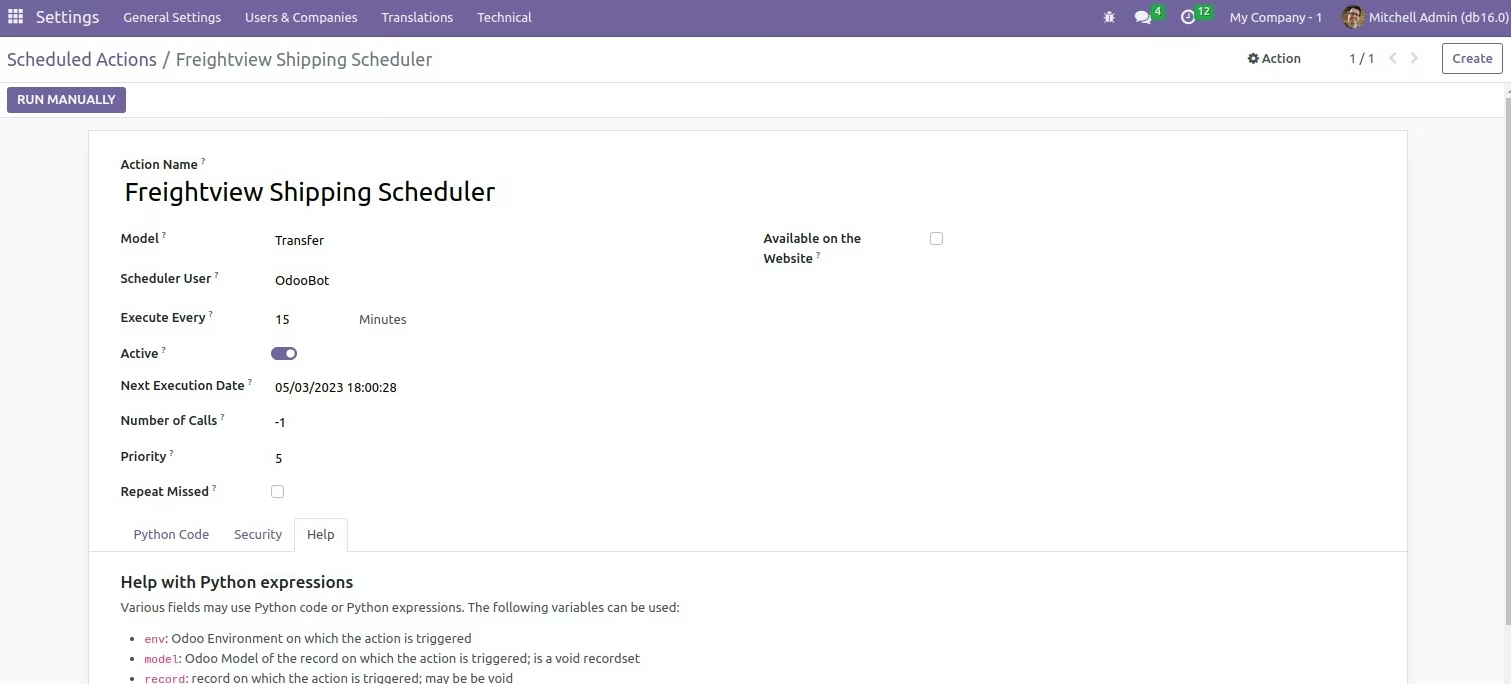
Allows dynamic synchronization of tracking information and shipping costs
Supports both parcel and truckload shipping modes, unifying multiple transport options in one interface
Accelerates shipping processes by eliminating manual carrier selection and booking
Enhances cost visibility and control by surfacing Freightview rates
Improves order tracking and customer transparency with synchronized tracking updates
Simplifies shipping workflows and reduces operational errors through integrated automation
Make shipping easy with Freightview Shipping Integration!
The module integrates the FreightView shipping service with so the orders can be delivered through FreightView delivery through the backend. FreightView Shipping Integration helps to ship products from one place to another efficiently. It offers the choice to quickly process orders by creating a Freightview shipment label in the backend. Admin can compare and choose shipping prices, track order delivery, packaging options, etc.

Technical Requirements for FreightView API Integration
- Provider: FreightView
- Additional information: The shipment details is uploaded from to the freightview portal. Rate and Other Shipment operations are managed from the FreightView portal.
- Used for: Shipping, and Tracking
- API: REST Based - v2.0 for Auth
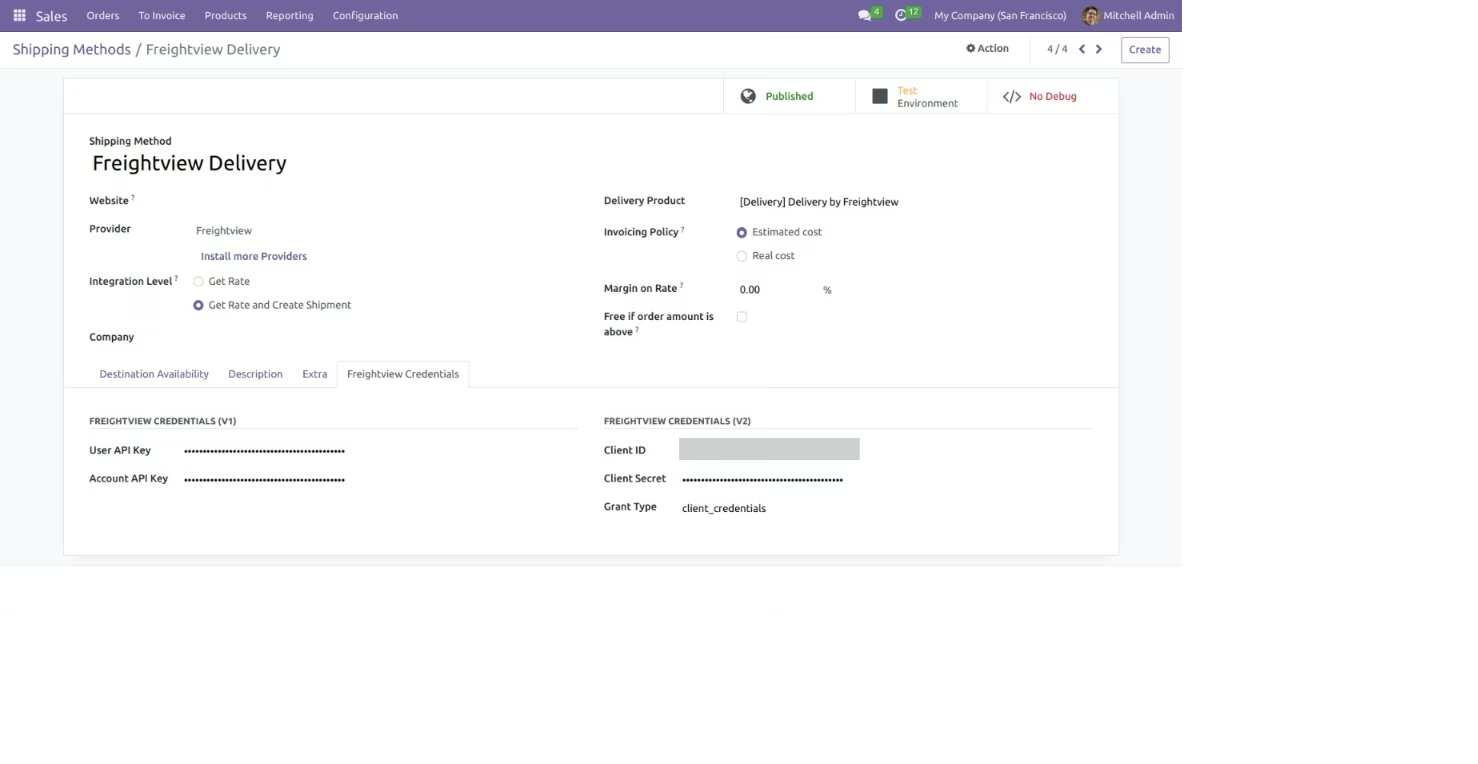
- Get API access: Register with https://www.freightview.dev/login Please ensure that you have a valid FreightView API keys and secret to integrate FreightView.

Why Should You Use FreightView Shipping To Deliver Your Customer's Orders
FreightView is one of the most known delivery methods in the US and Canada.
- Allows to choose from different shipping carriers for order shipment.
- Ensure accurate and timely delivery to promote customer satisfaction.
- Offers detailed tracking of the package for admin.

Choose various shipping Price Computation Methods
- Uses shipper, and receiver's data to generate shipping label
- Provides shipping details with a single click
Highlighted-features
Below is the detailed list of Feature for FreightView Shipping Integration
 One-step integration
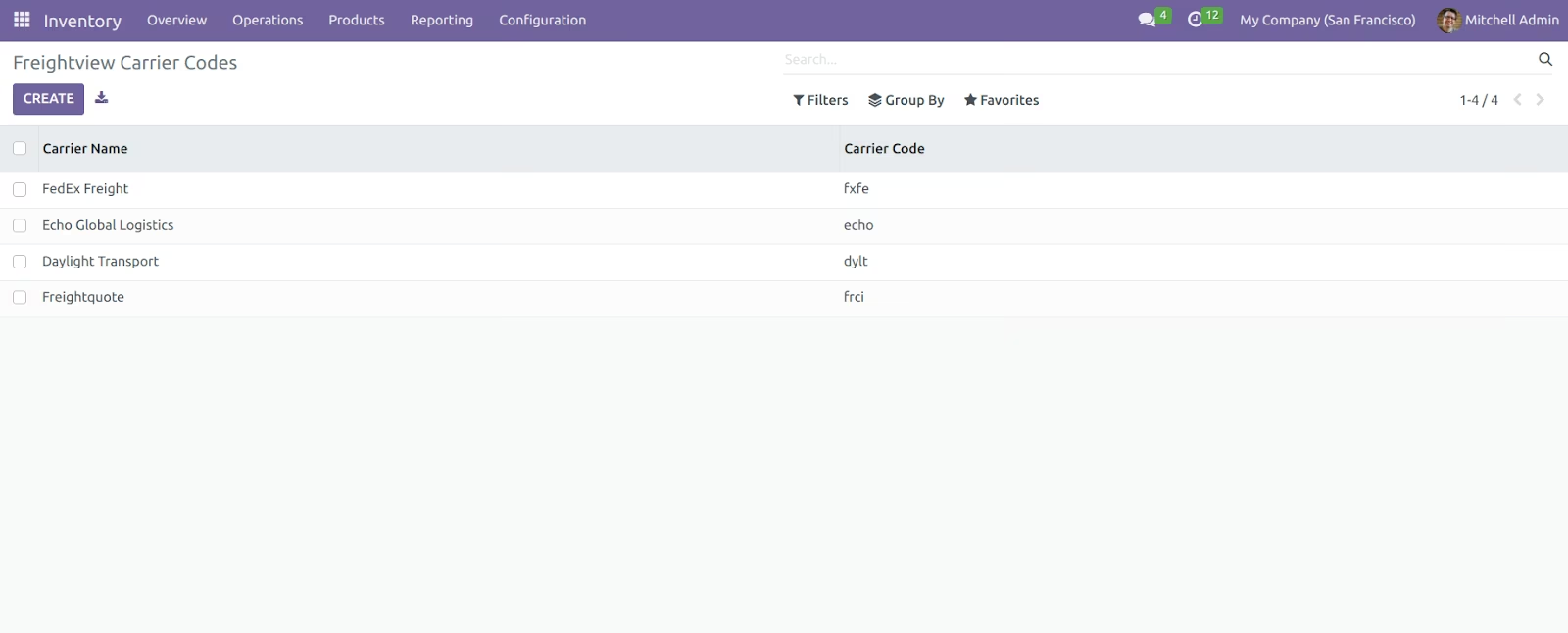
 Compare and choose Shipping carriers
 Fully Managed by admin
 Shipping Label Generation
One-Step Integration With
- Simple configuration to allow fast integration of FreightView.
- You only need valid account details from FreightView shipping.
Real-Time Shipment Generation
- The Shipping is generated when the shipping carrier is selected from the freightView end.
- Generate FreightView shipping labels in real-time with a click of a button.
Select And Specify Packaging Options
- After packages are created, the admin can choose the shipping carriers through FrieghtView with their cost.
- The module also generates the FreightView shipment label for the order in the backend.
Easily works with Backend for smooth shipment
- The user can add the FreightView Shipping to order from the backend.
- Admin can easily compare and book the shipping carrier for shipment.
Choose Or Add the FreightView Shipping Service Type
- Select the type of services availed from FreightView Shipping among the given options.
- Alternatively, you can create a new service type as per your requirement.
Set Default values for faster operations
- The user can set default values for fields such as product weight, Units of Measure (UoM) for both FreightView, packaging, etc.
- The packaging type available again depends upon the service opted from FreightView.