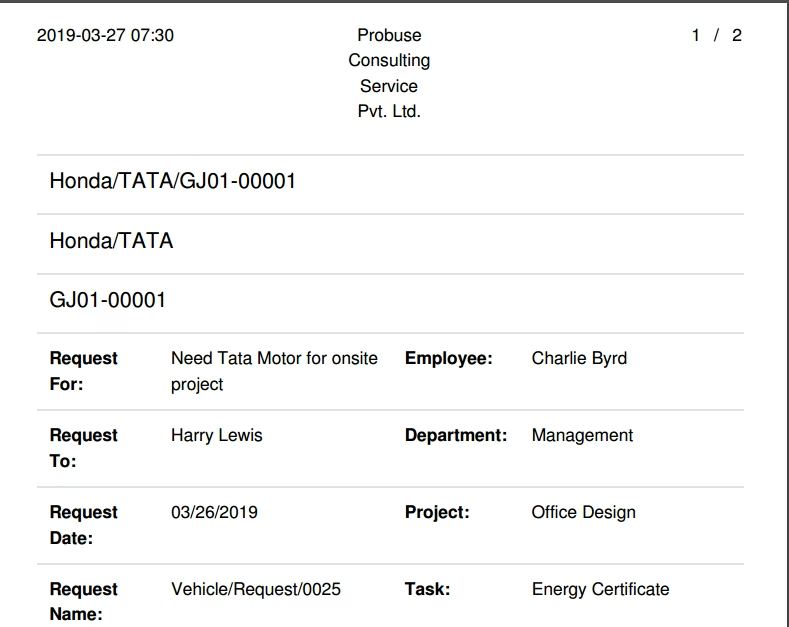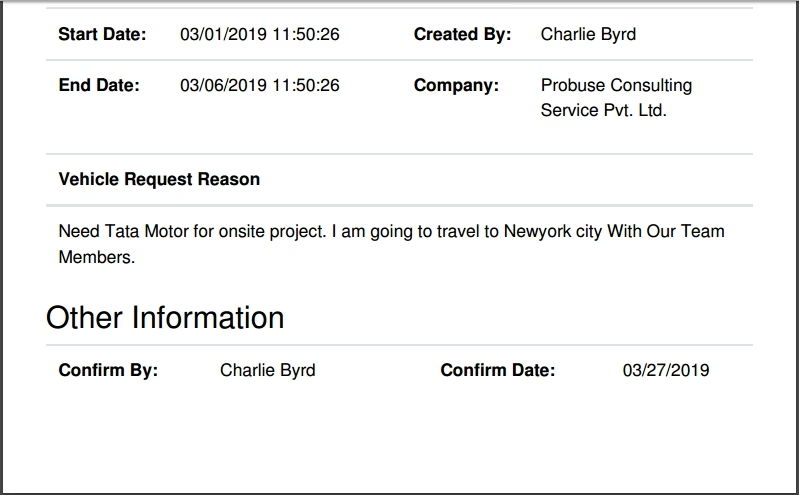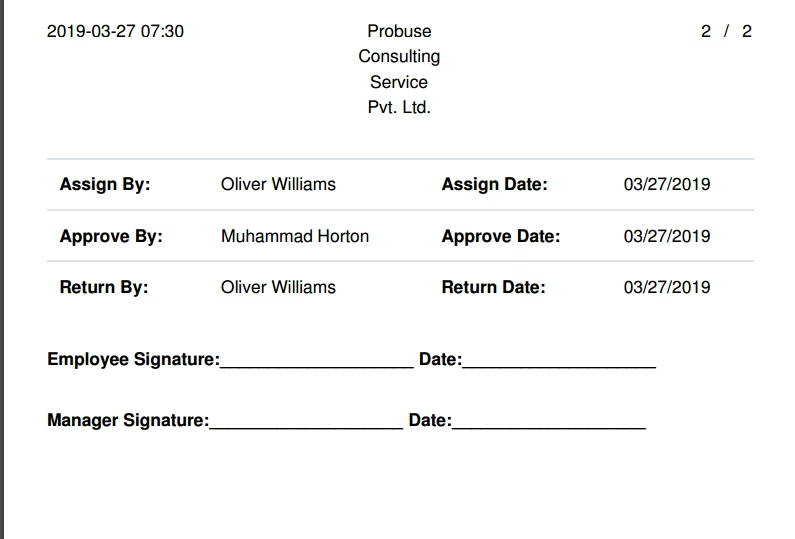
The module empowers users to streamline fleet operations by enabling employees to submit vehicle requests for specified periods. This module incorporates an approval workflow where fleet administrators manage requests, assignments, and returns, while providing detailed visibility through PDF reporting and status tracking for seamless fleet coordination.
Enables employees to submit vehicle requests directly, specifying details like dates and purpose
Includes approval workflow with defined stages: New → Confirmed → Approved → Assigned → Returned
Fleet managers can assign and return vehicles through the interface, maintaining organized usage tracking
Generates PDF reports for fleet requests, offering documentation and audit readiness
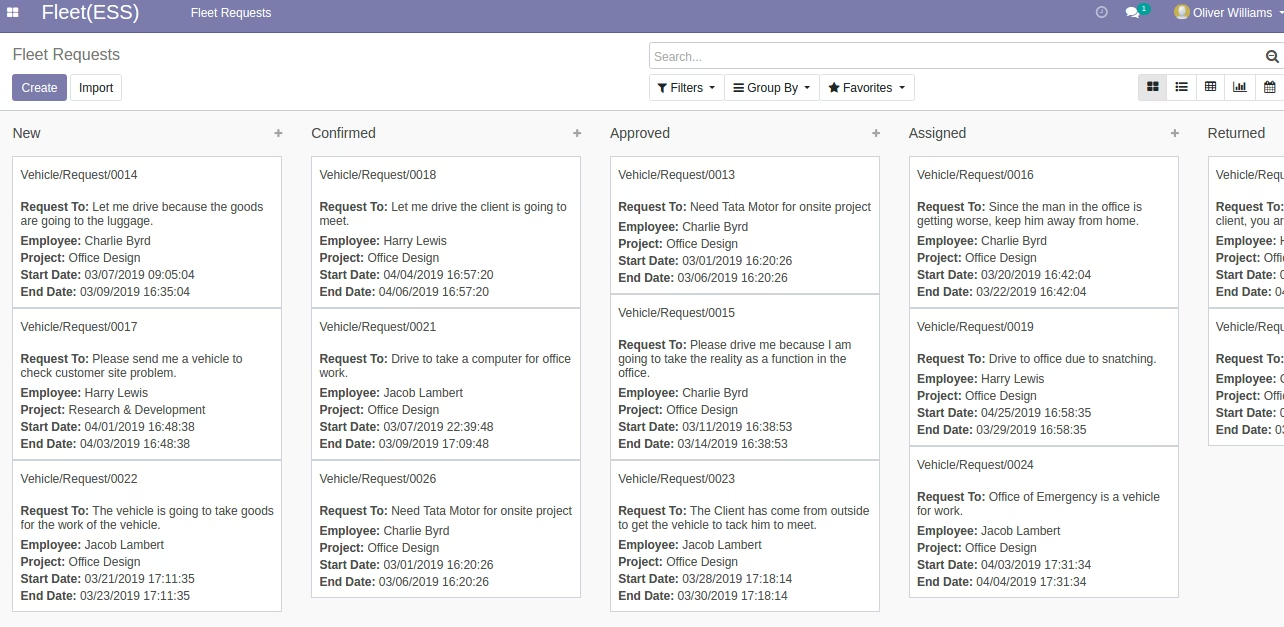
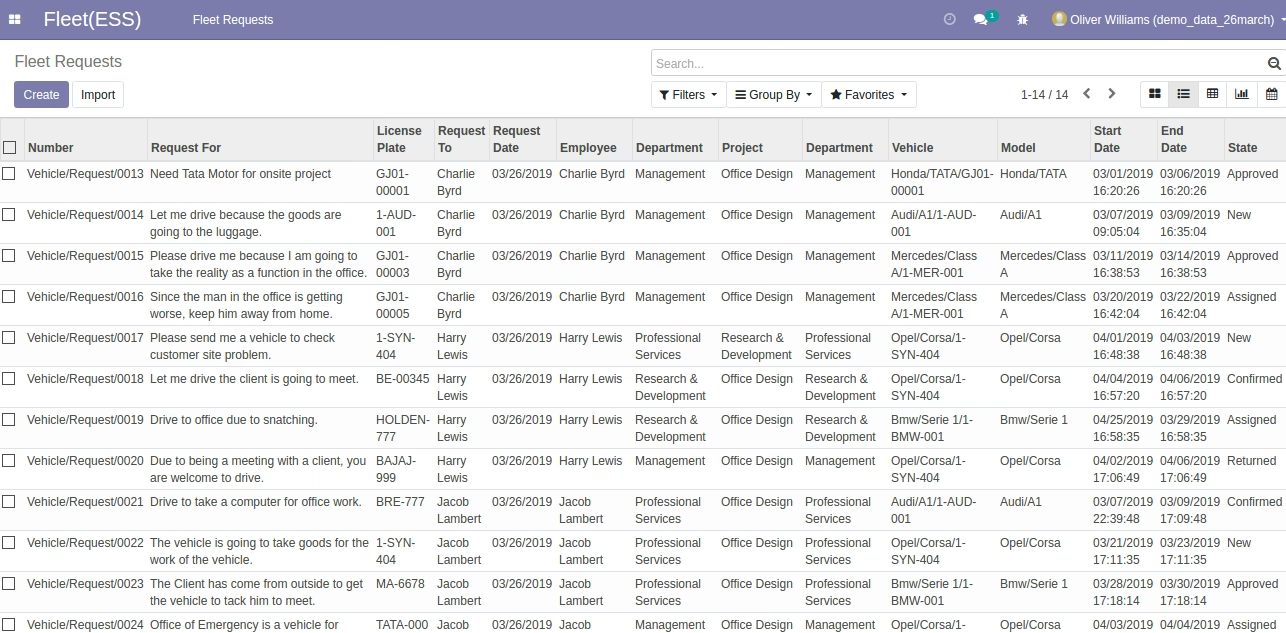
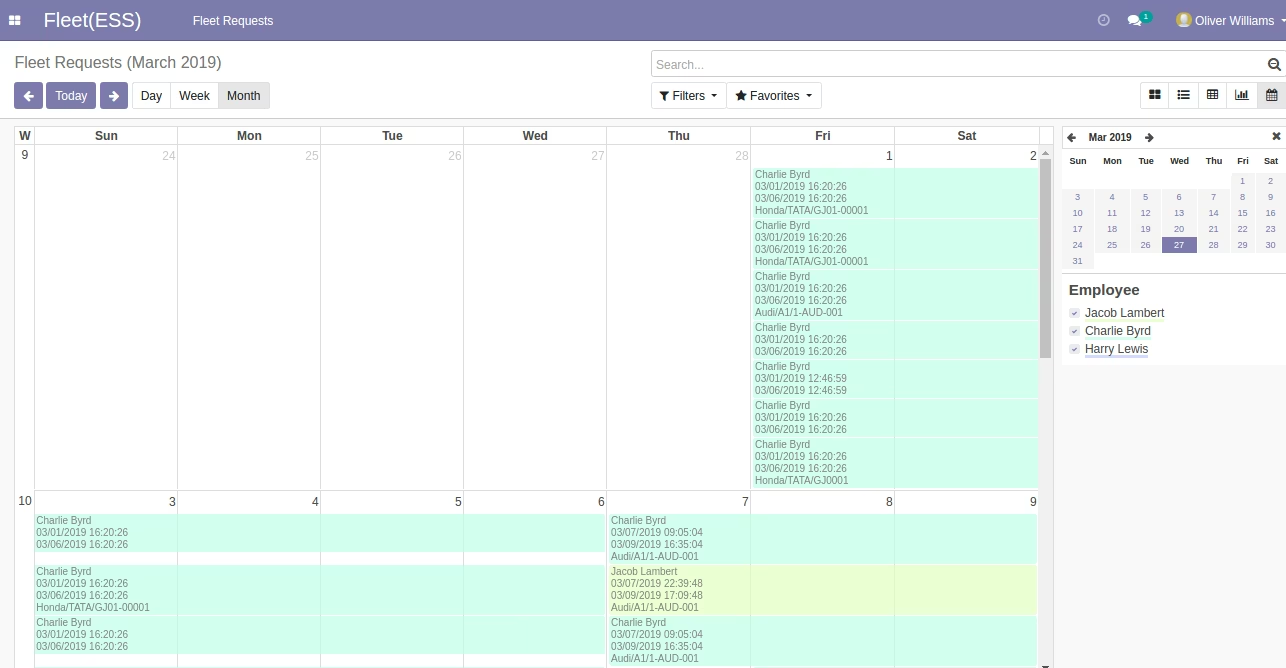
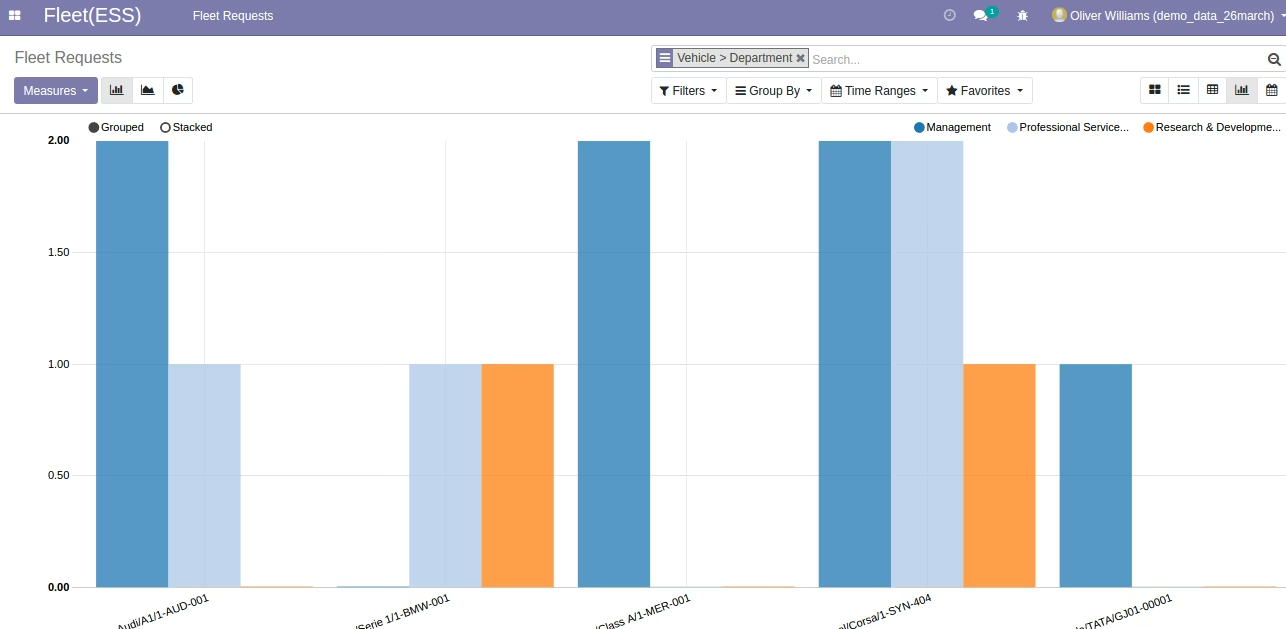
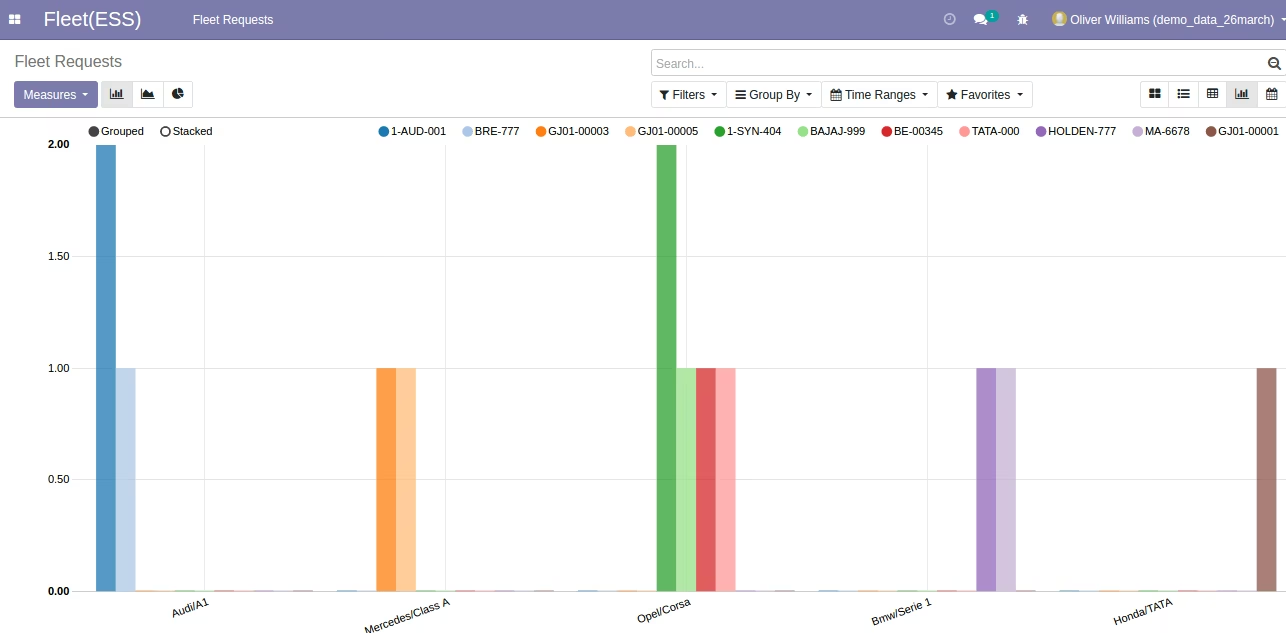
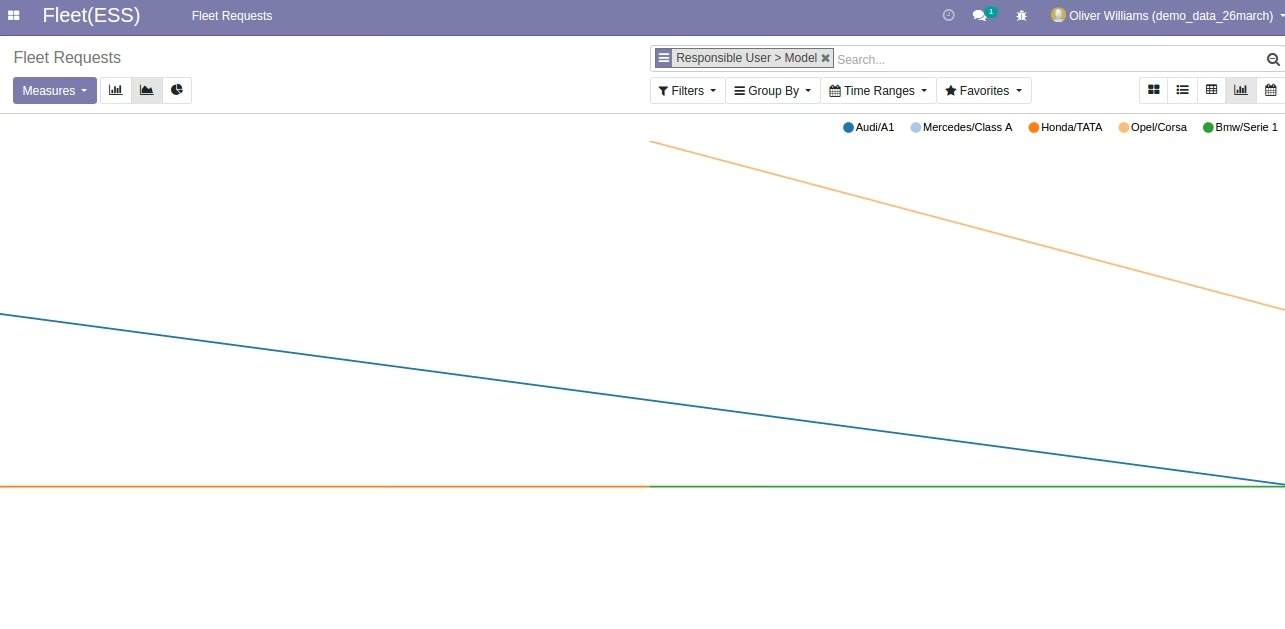
Offers various user views (kanban, tree, calendar, charts, pivot) for comprehensive tracking of fleet requests
Simplifies fleet operations by unifying request, assignment, and return workflows
Enhances transparency and compliance with a clear, documented approval process
Improves fleet utilization and scheduling through structured status tracking and visualization
Strengthens administrative oversight via request reporting and configurable interfaces
This app allows your employee(s) to request for Fleet or Vehicle in the company for a specified period. Requests will go to the fleet team for approval and the Fleet User / Fleet Manager can approve requests for fleet and assign fleet to employees.
Main Features:
- This app allows your employees to create fleet vehicle requests as shown.
- PDF report of employee fleet requests is also available as shown in the sample below.
- Workflow of approval by Fleet User/Fleet Administrator and assignment and return of the fleet.
- For more details please watch the below screenshots and watch the video.
Menus Available:
- Fleet (ESS)
- Fleet Requests
- Fleet Requests
- Fleet Requests to Approve
- Fleet Requests to Return
- Fleet Requests to Assign
- Employee: Charlie Byrd
- Fleet User/Administrator: Oliver Williams
Workflow of Module: New -> Confirmed -> Approved -> Assigned -> Returned
Flow of Fleet Vehicle Request:
- Employees can create fleet vehicle requests.
- Employees can confirm fleet vehicle requests.
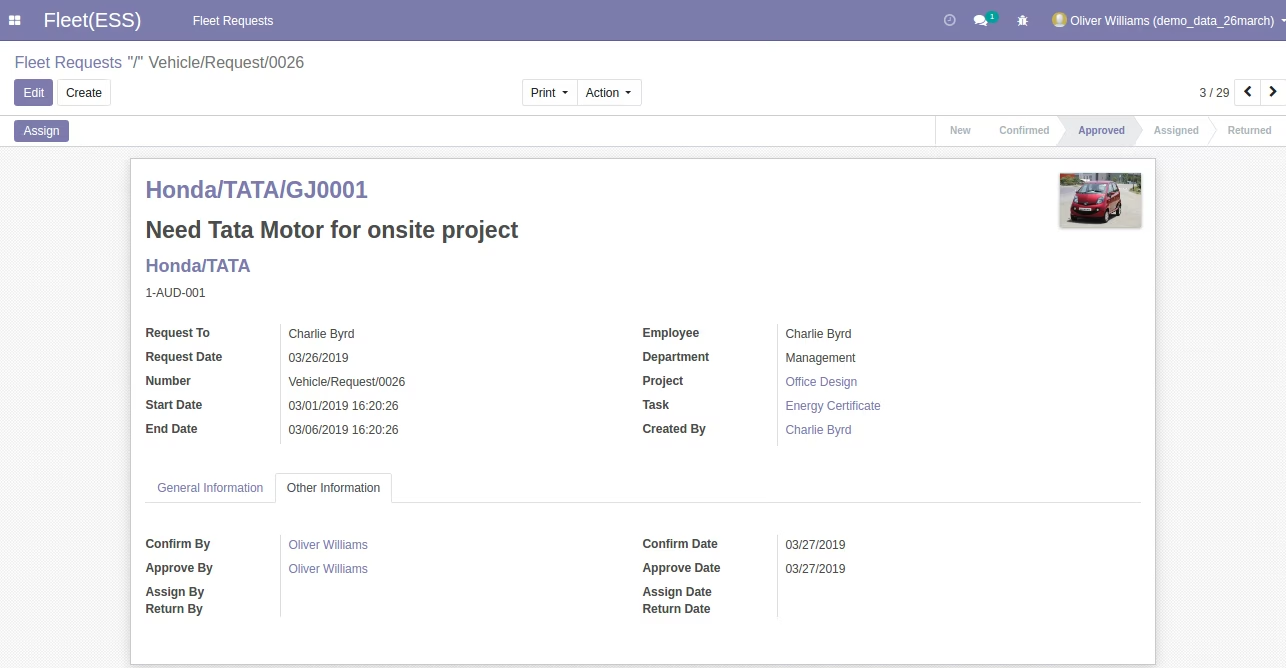
- Fleet User/Administrator can approve fleet vehicle request of employee.
- Fleet User/Administrator can assign fleet vehicle requests of employee.
- Fleet User/Administrator can return fleet vehicle request of an employee.
- Print PDF report of employee fleet requests by users.
Employee Fleet Vehicle Request Form (Employee Logged In)
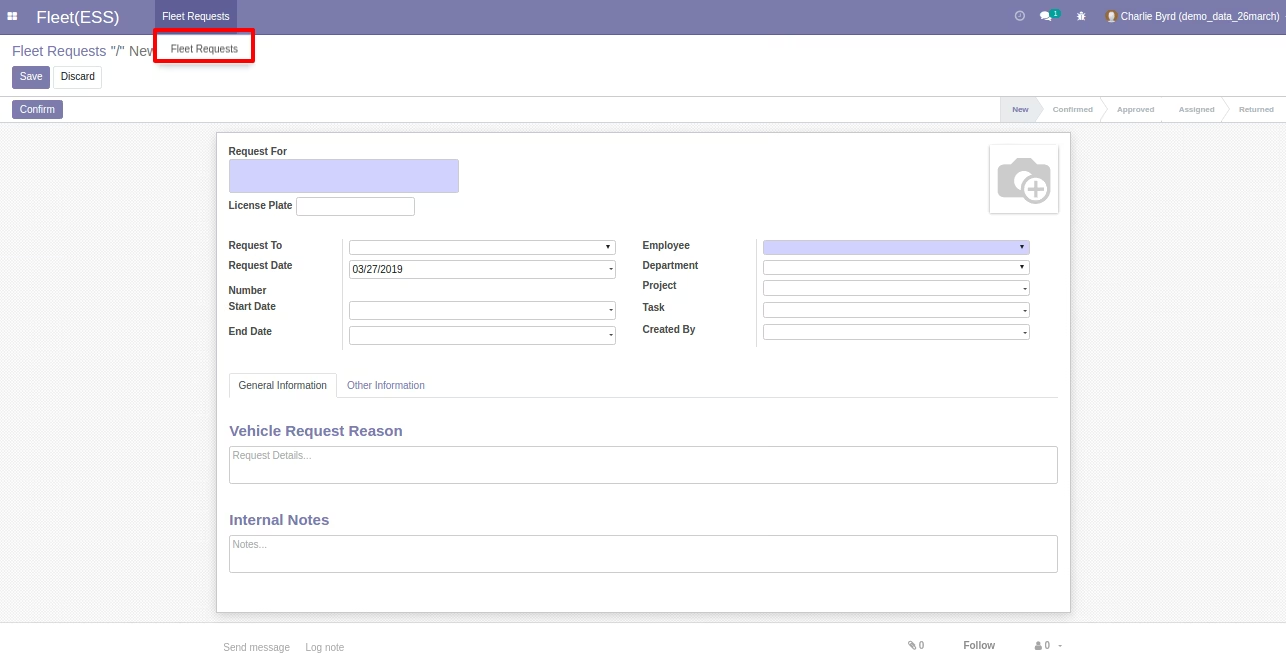
Employee Fleet Vehicle Request Form (Employee Logged In)
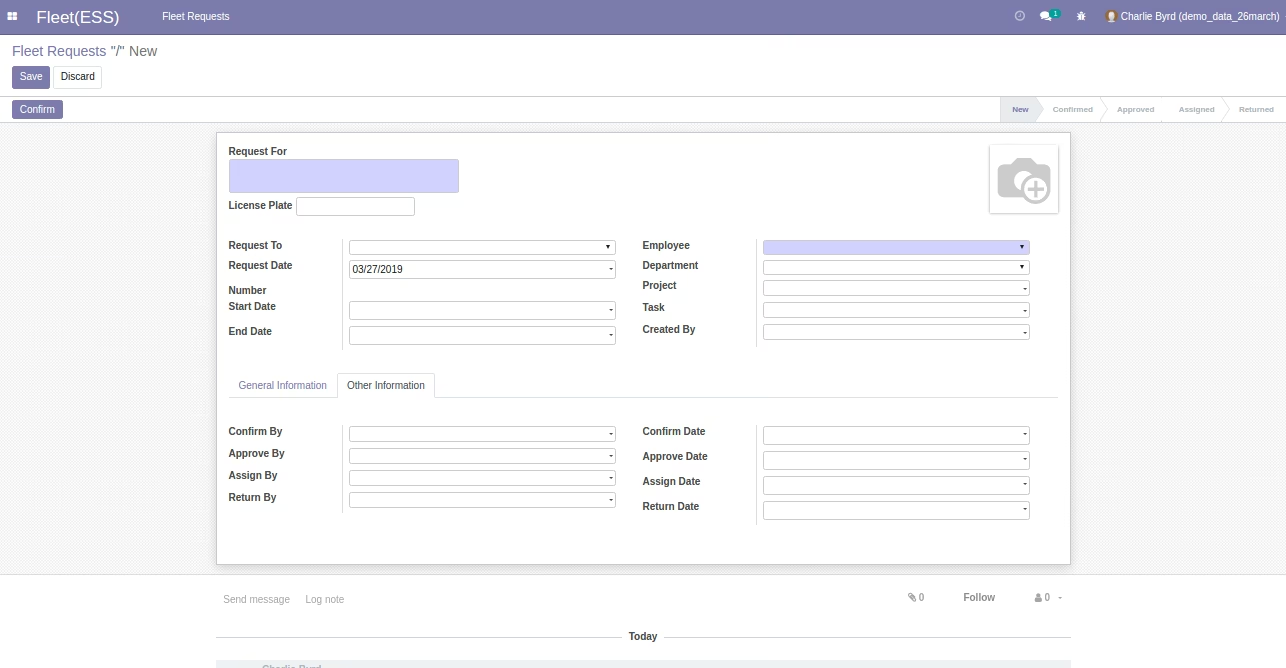
Employee Fleet Vehicle Request Form (Employee Logged In)
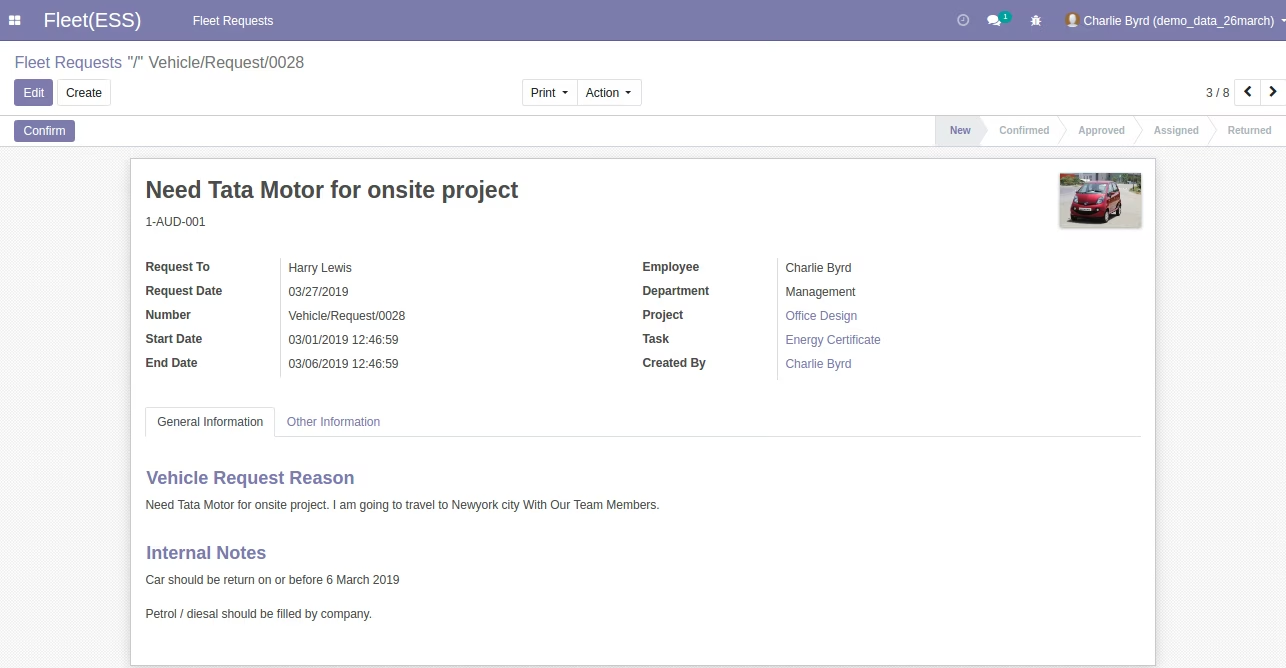
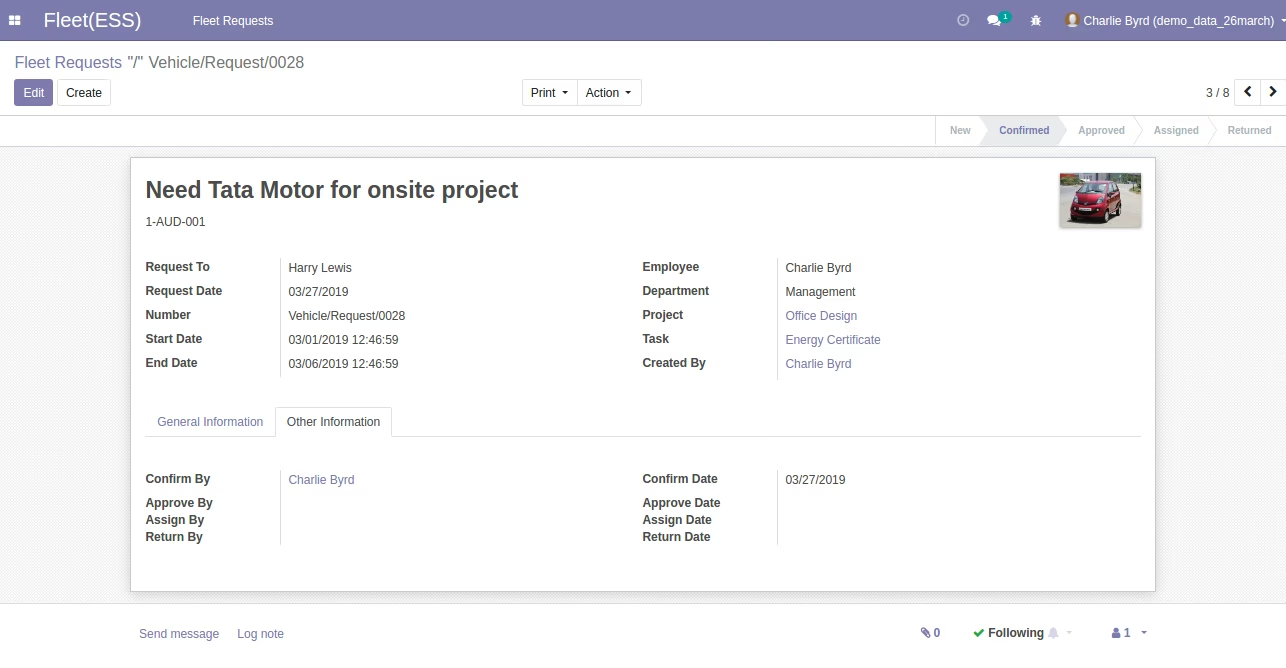
Employee Fleet Request Confirmed by Employee (Employee Logged In)
Employee Fleet Request Approved by Fleet User / Fleet Administrator
Employee Fleet Request Assigned by Fleet User / Fleet Administrator
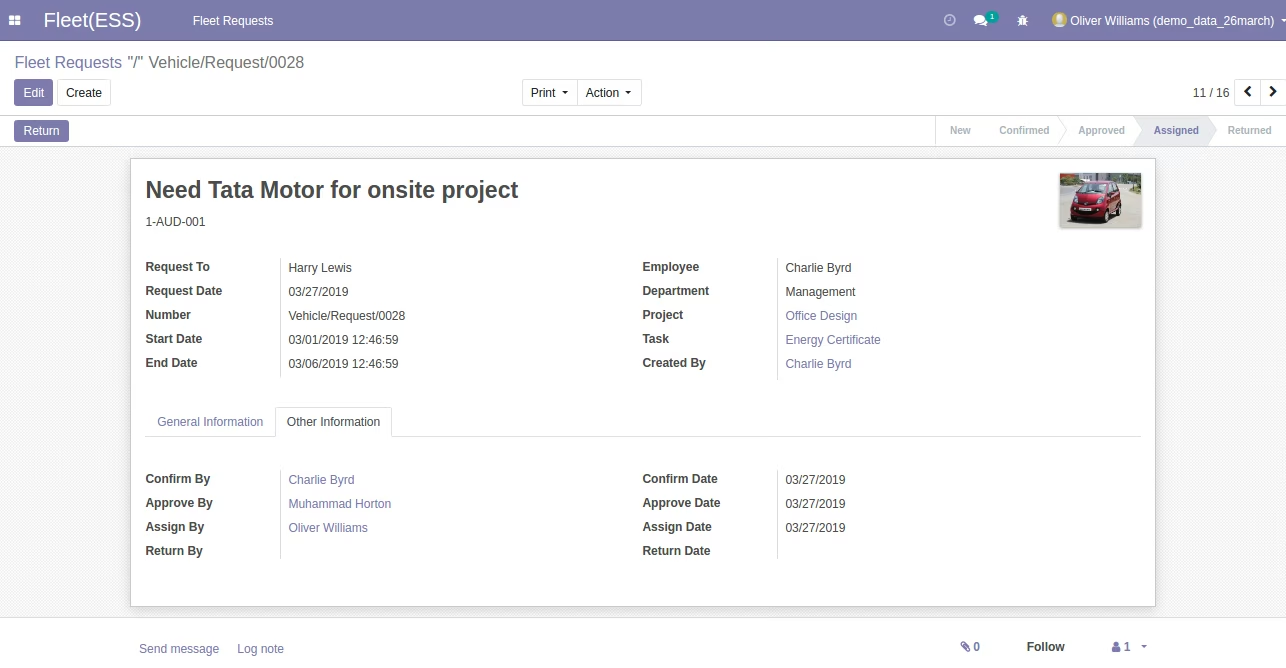
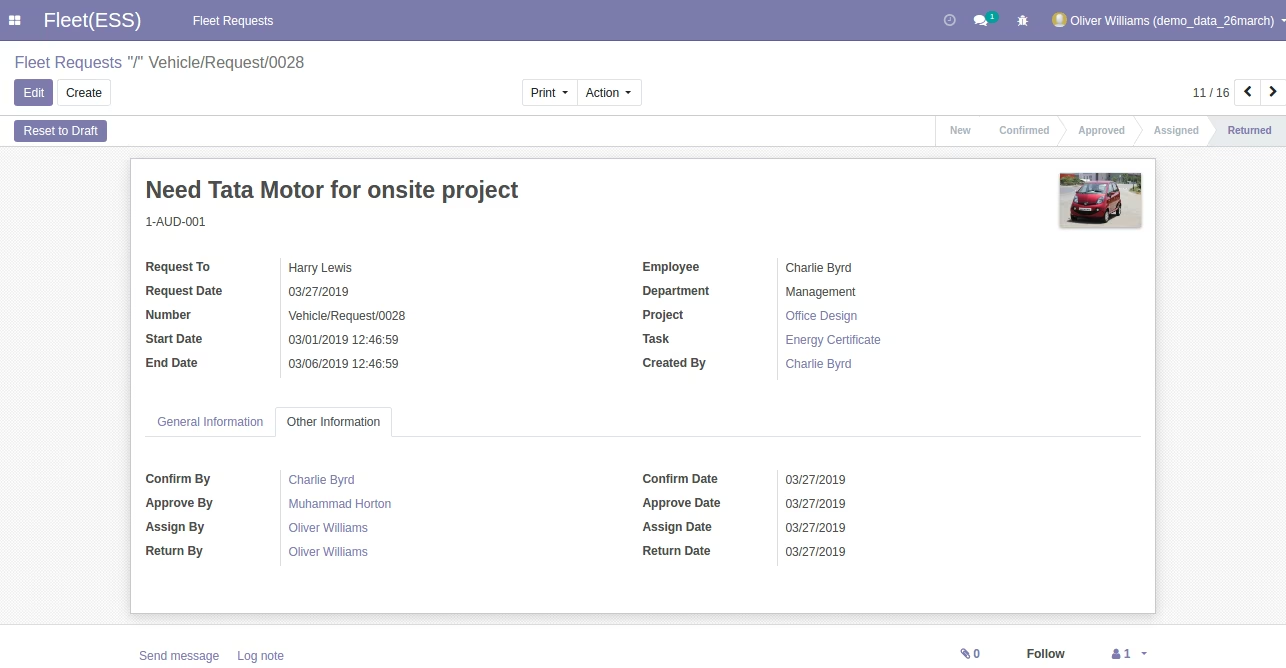
Employee Fleet Request Return by Fleet User / Fleet Administrator
Employee Fleet Vehicle Request Kanban View
Employee Fleet Vehicle Request Tree View.
Employee Fleet Request Calendar View
Employee Fleet Vehicle Request Bar Chart View
Employee Fleet Vehicle Request Bar Chart View
Employee Fleet Vehicle Request Line Chart View
Employee Fleet Vehicle Request Pie Chart View
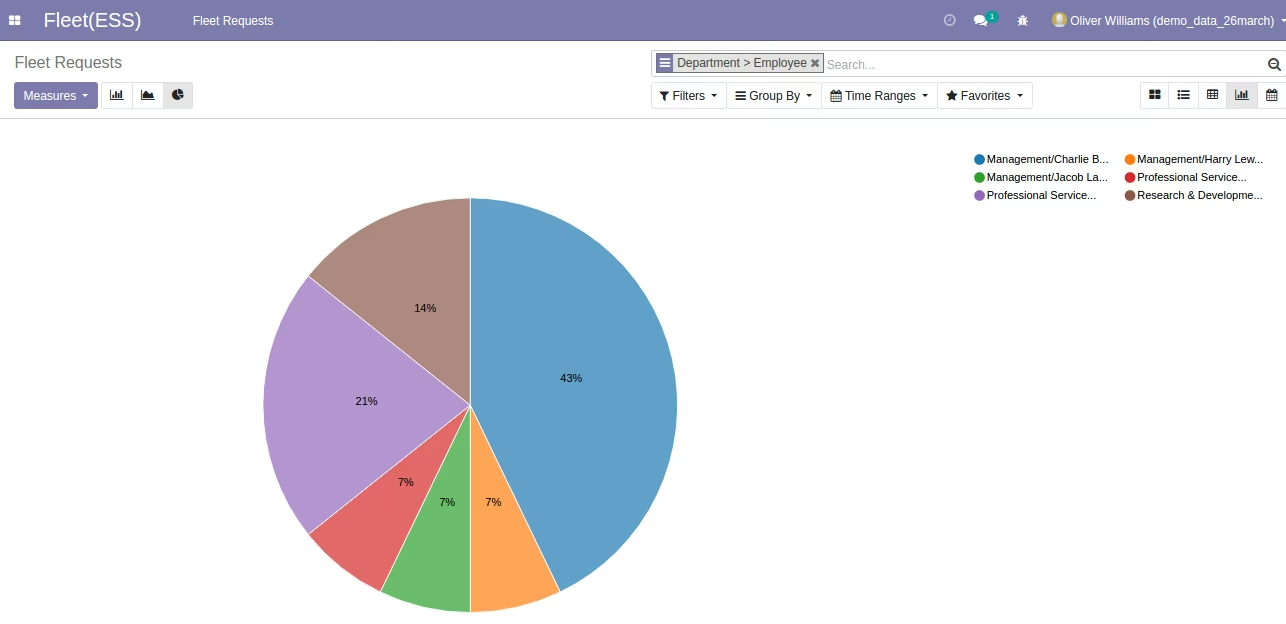
Employee Fleet Vehicle Request Pivot View.
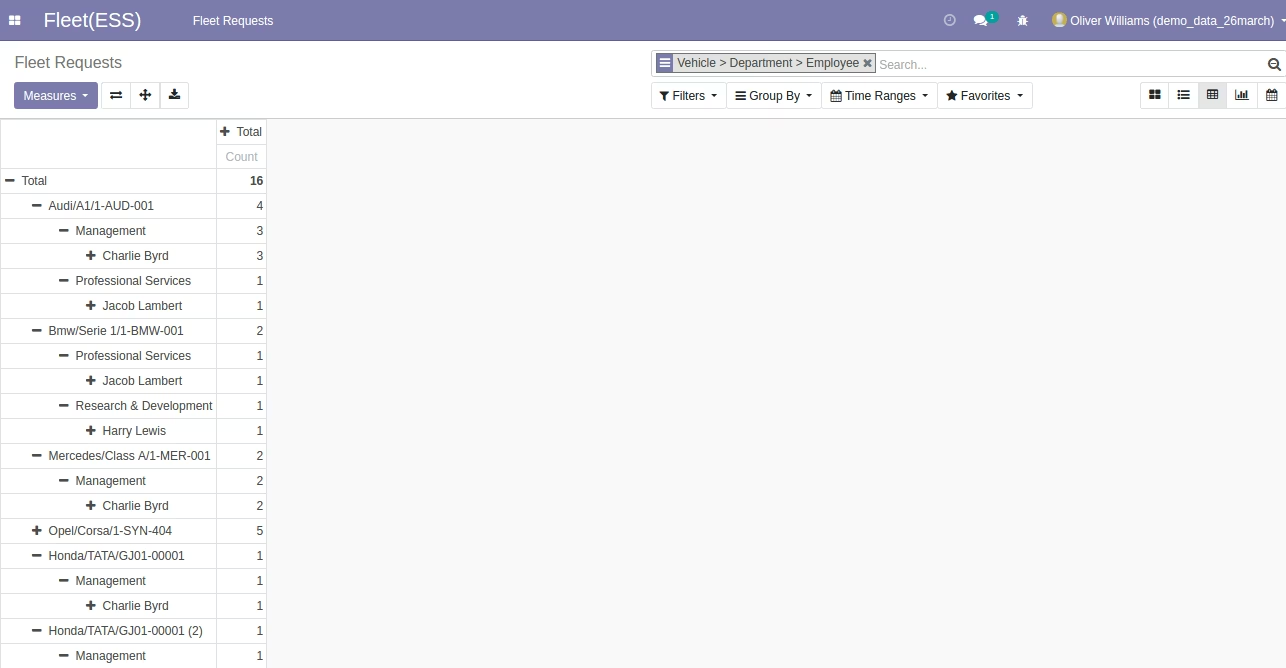
Menus Available

Employee Fleet Request Without Selected Vehicle and Model Warring Message using Fleet User/Administrator.
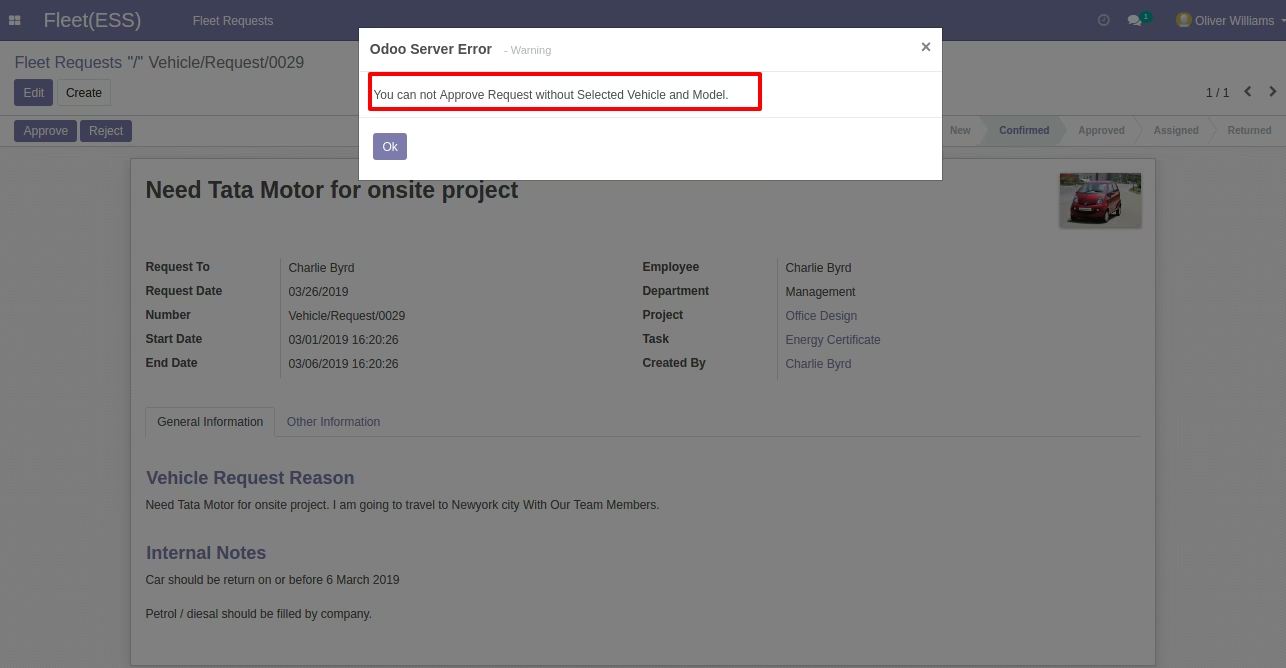
Warring Message by App
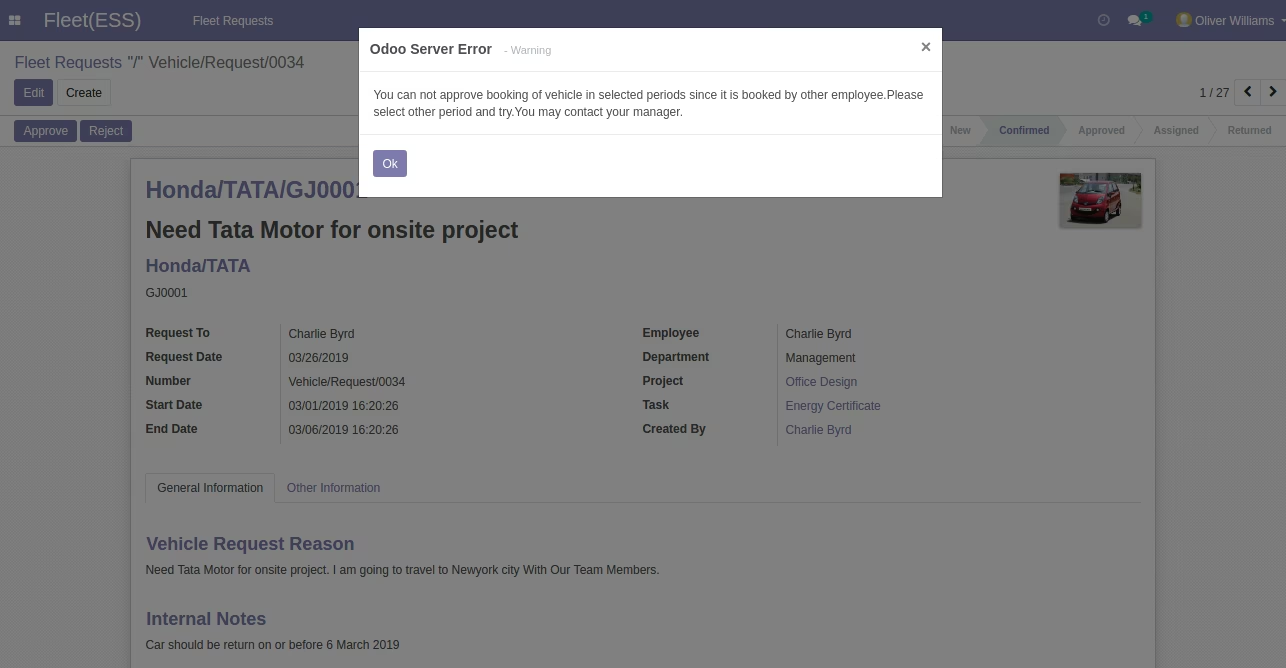
Employee Fleet Vehicle Request PDF Report