The module bridges vehicle service management with task workflows by enabling automated creation of job orders or project tasks from fleet service entries. It simplifies operations by streamlining service-to-workflow transitions, empowering your fleet team to efficiently process service requests and track tasks within unified project or work order environments.
Adds a button in vehicle service entries to generate corresponding job orders, project tasks, or work orders
Opens a configurable wizard allowing selection of key fields to include in the job order creation
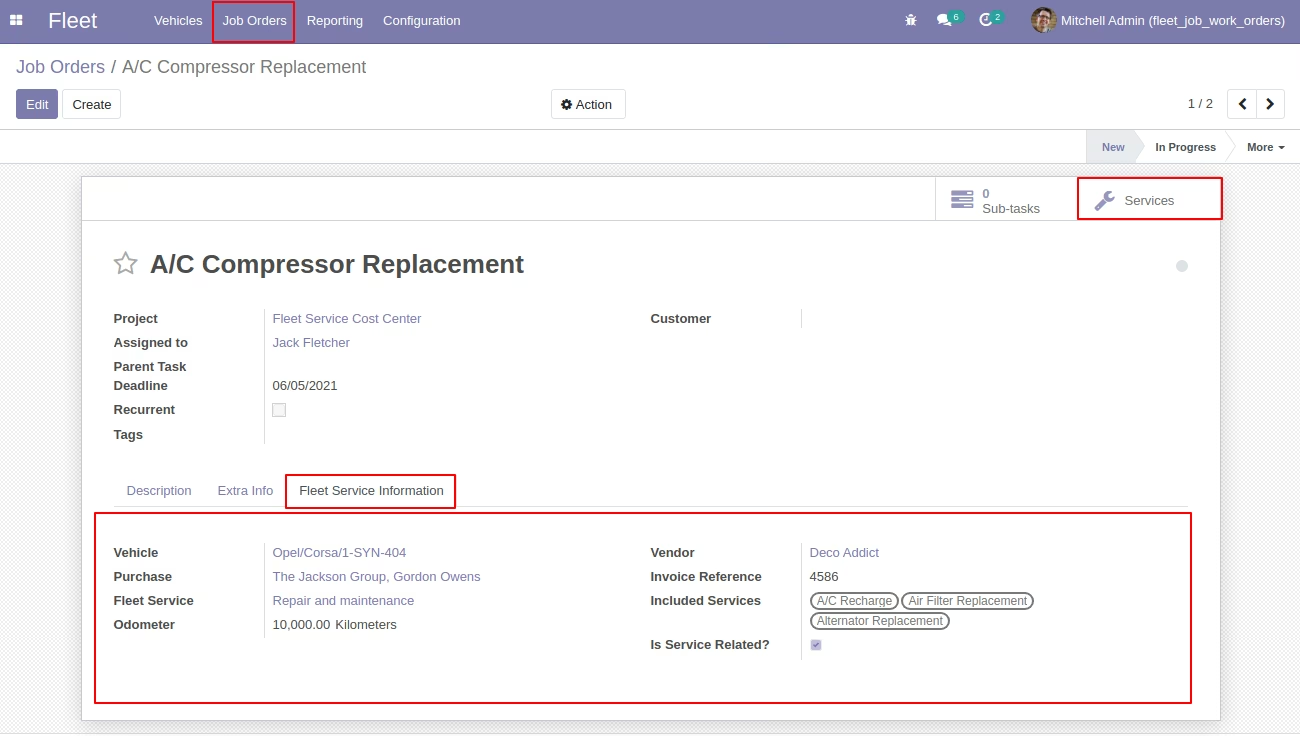
Embeds vehicle service details directly into newly created job orders for context-rich task tracking
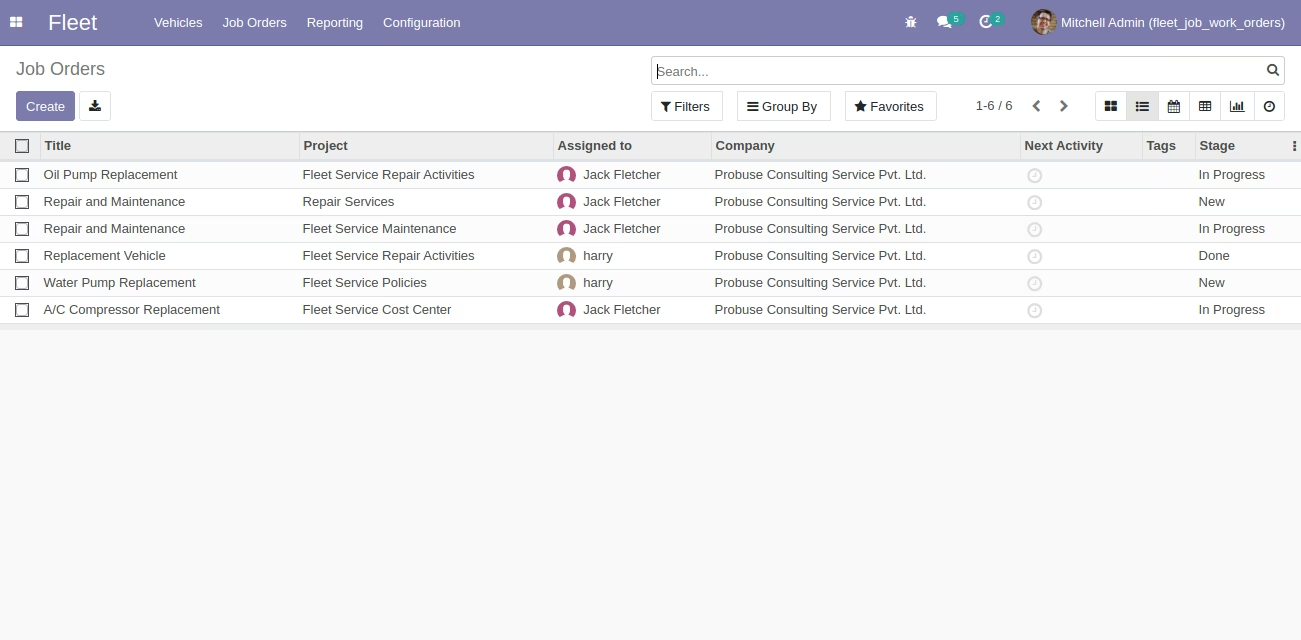
Creates a dedicated menu entry under Fleet for managing all linked job orders centrally
Reduces manual effort by automating conversion of service records into actionable work tasks
Improves task traceability by embedding service context into job orders or project tasks
Enables better collaboration between fleet and operations teams via integrated workflows
Enhances task organization by providing a centralized interface for service-based work orders
This app allows you to create Job Orders / Project Tasks / Work Orders under specific projects from fleet vehicle service.
Main Features:
- This app allows you to create a job order from vehicles services of the fleet module.
- Allow the fleet team to work on job orders / work orders for assigned vehicle / fleet services.
- View vehicle fleet services details directly on the job order form as shown.
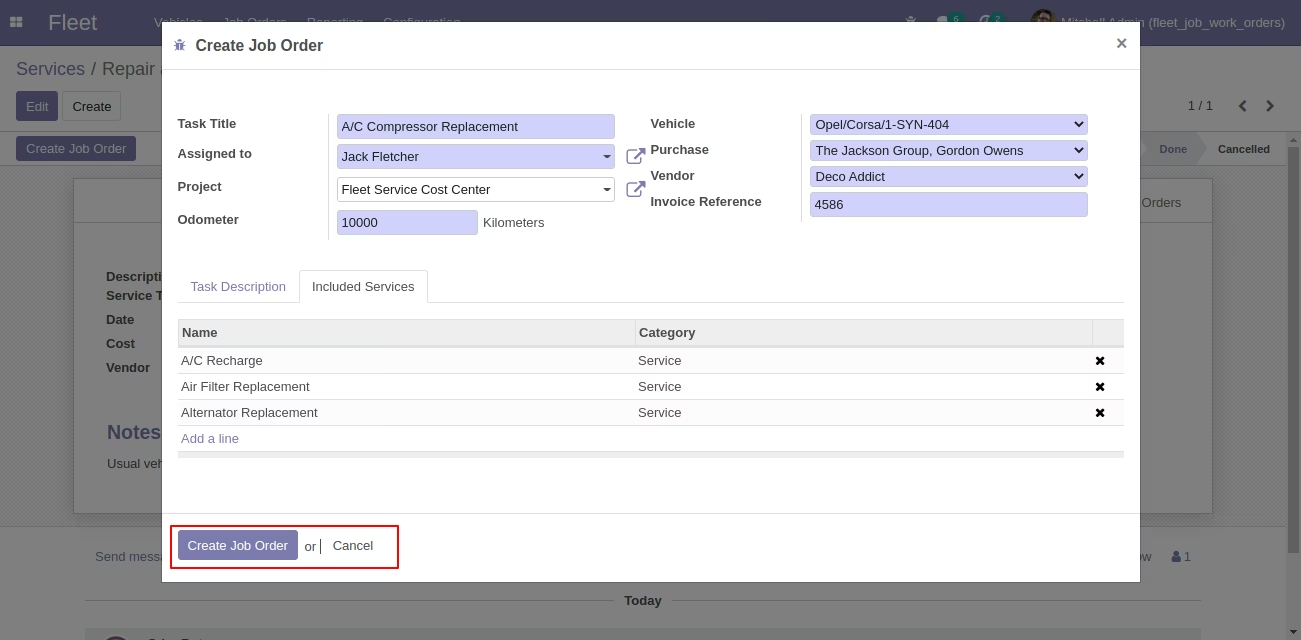
- System adds a job order button on vehicle fleet service which opens a wizard and allows you to select some fields related to job order and then it creates a job order for you.
- For more details please see below screenshots and watch the video.
Menus Available:
- Fleet
- Job Orders
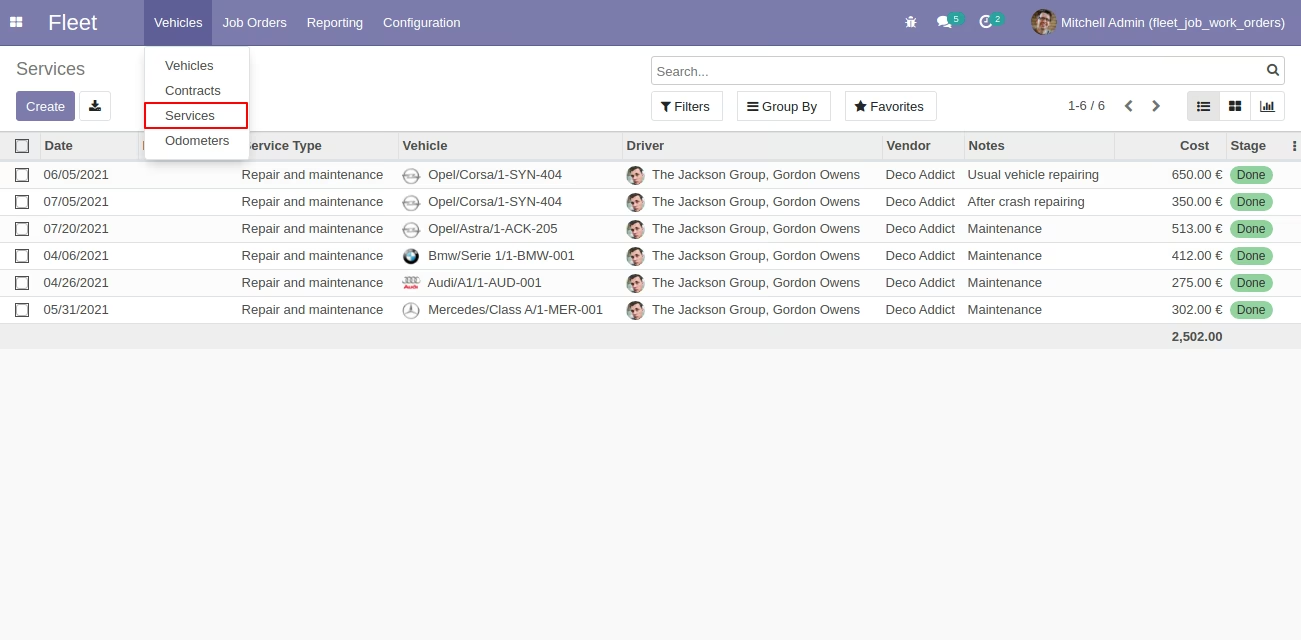
Services Menu (Standard Menu)
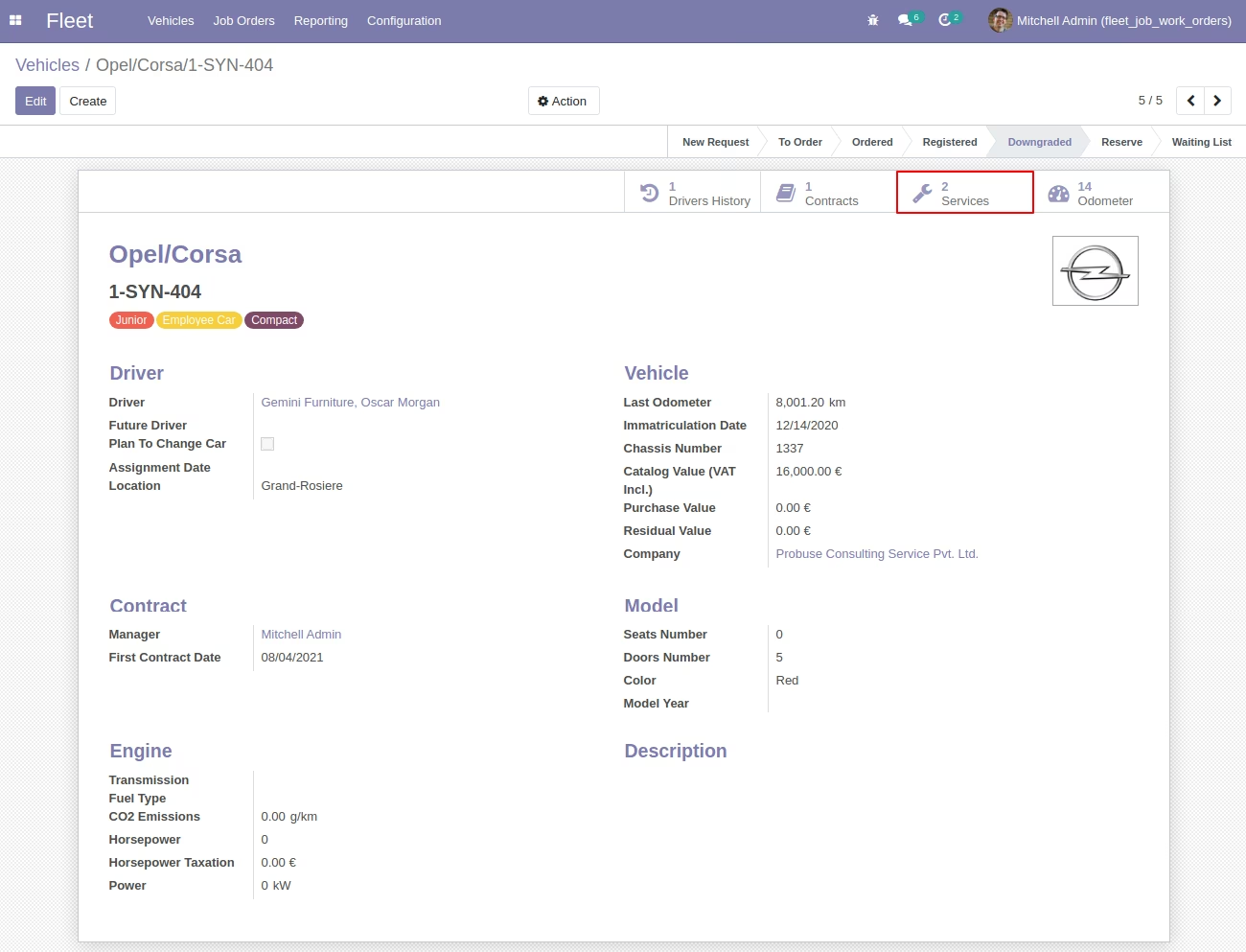
Vehicles Form (Standard) with Services Button (Standard)
Vehicle Services Form View (Standard)
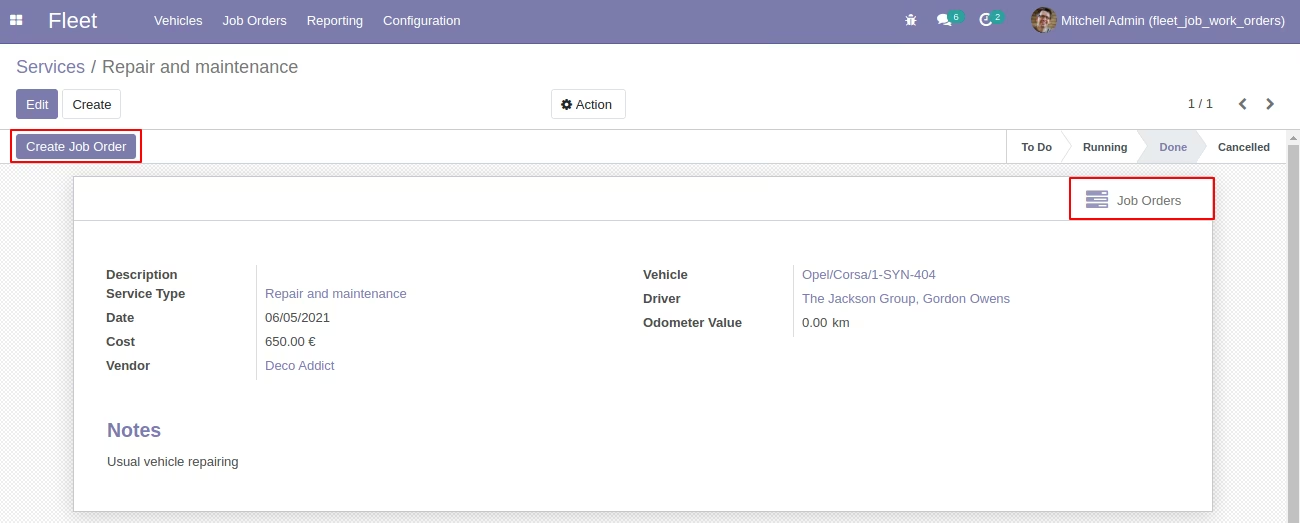
Create Job Order / Work Order / Project Task from Services
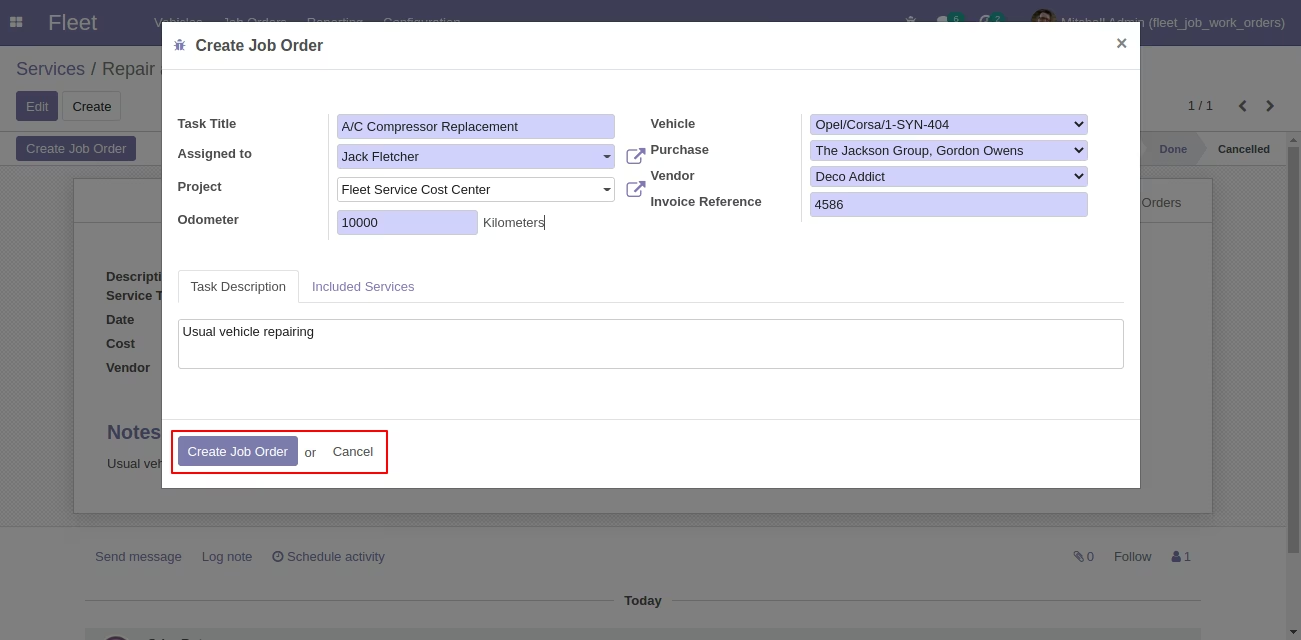
Create Job Order on Wizard with Included Services Tab
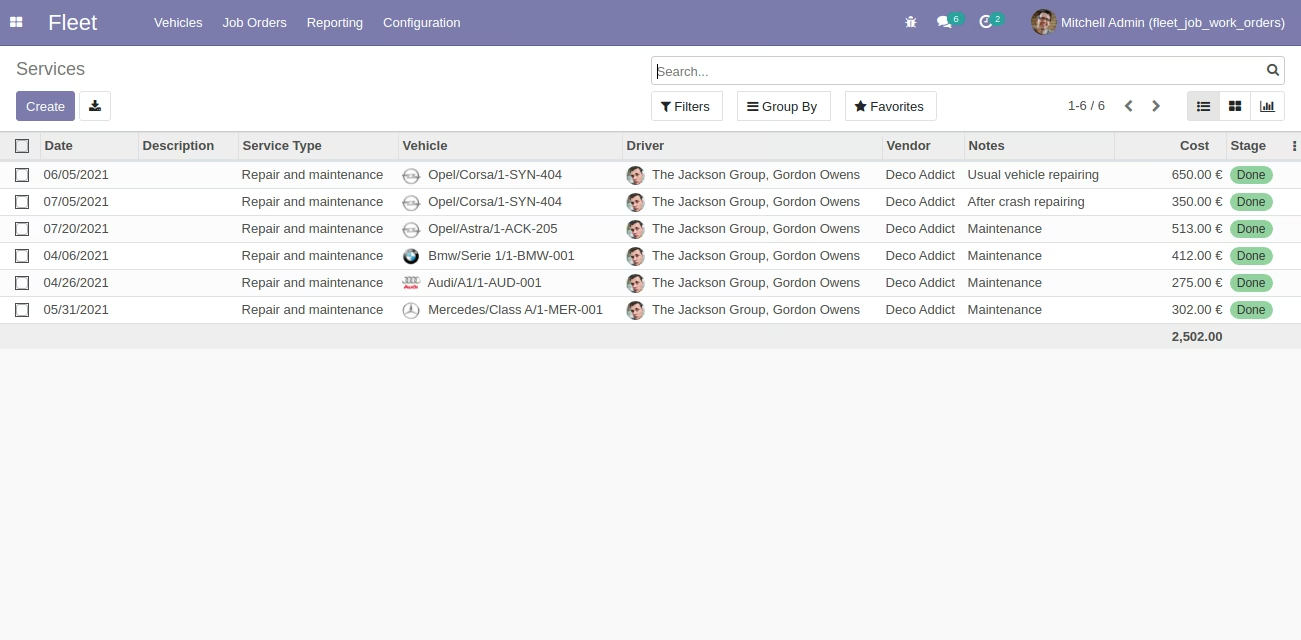
Vehicles Services Tree View (Standard Menu)
Job Order Form View with Fleet Services Information
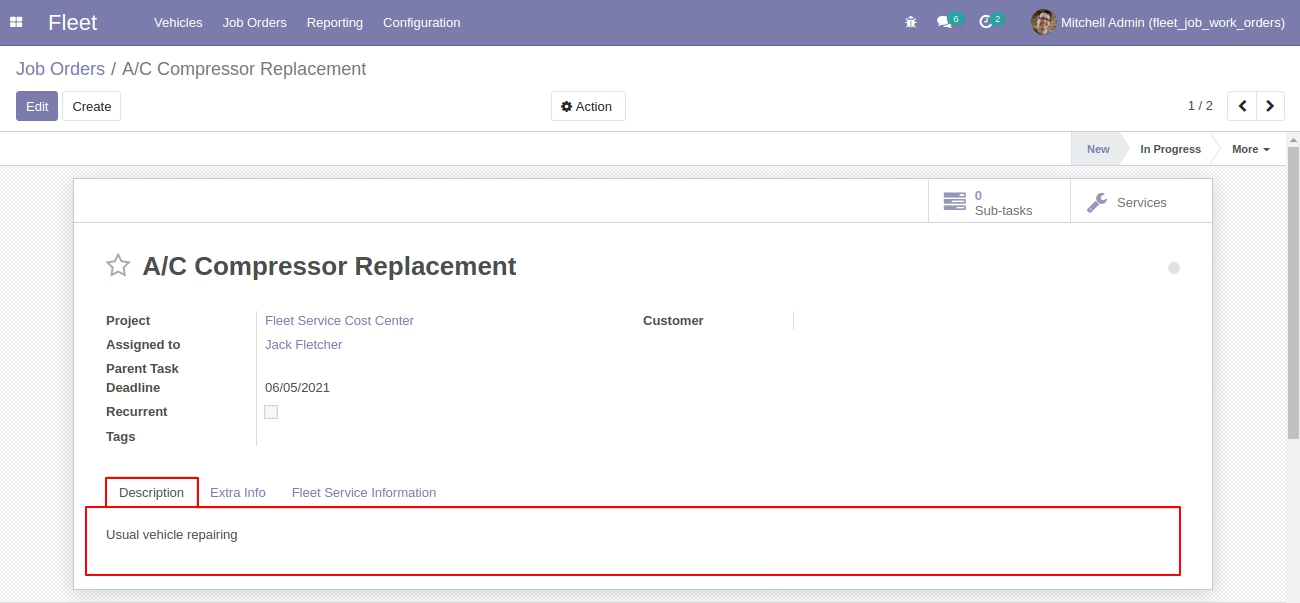
Job Order Form View with Description Field
Job Orders Tree View