The module brings a seamless end-to-end workflow for handling fleet repair needs directly from your website. Customers can submit online repair requests with attachments, and these requests automatically integrate into backend repair system empowering your fleet team to manage scheduling, job assignment, feedback, and closure with streamlined efficiency.
Allow customers to submit fleet repair requests through a website form, including attachments.
Automatically create unique repair request records in fleet repair workflow.
Enable customers to monitor their request status via their portal account.
Permit technicians to communicate via chatter and log time spent on requests.
Allow managers to assign repair teams, close requests, and request customer feedback.
Support customer feedback collection and ratings at the end of repair jobs.
Provide printable PDF reports of each repair request for documentation.
Automates customer repair intake and integrates seamlessly with backend operations.
Enhances transparency with portal-based request tracking for customers.
Boosts collaboration between technicians and managers through chatter and assignment.
Encourages continuous improvement via customer feedback and ratings.
Supports operational accountability with centralized documentation and reporting.
This app allows you to manage online requests from your customer for fleet/vehicle/service repairs and it also integrates standard fleet app.
This module is fully integrated with the fleet module and repair module.
Main Features:
- Your customers can send Fleet/Auto/Vehicle repair requests from your website and also attach documents/images as attachments while submitting a form.
- Generation of unique repair request on submission and record it as fleet repair request in the backend.
- Customers can check the status of all their own fleet repair requests submitted by them on the account page of your portal.
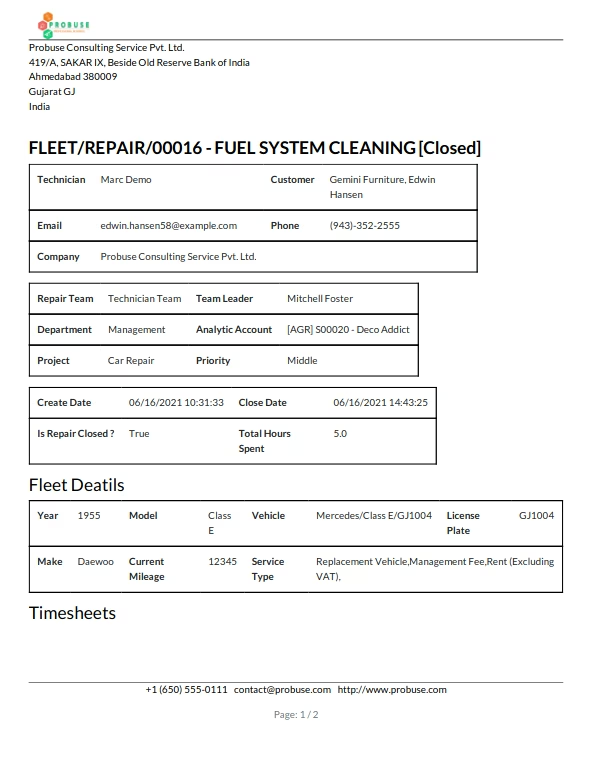
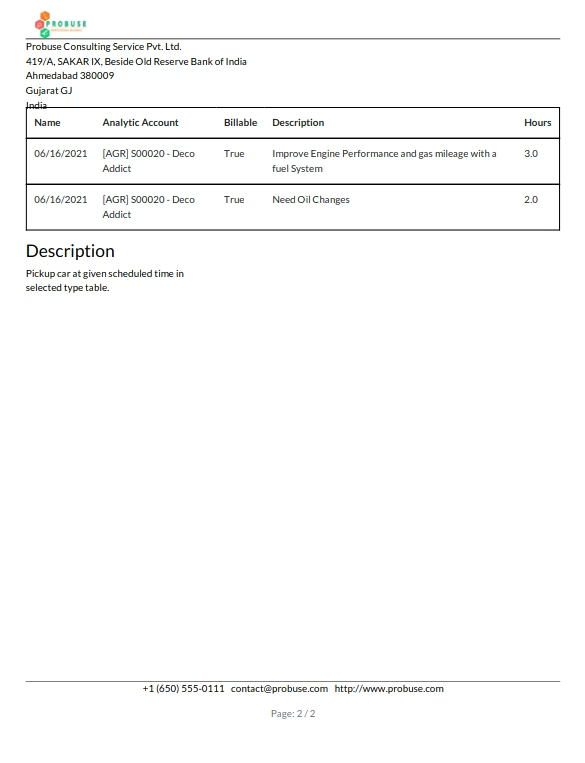
- Allow your user to print a PDF report of fleet repair requests.
- Repair User / Technician can communicate with customers using chatter and fill timesheets on workings on their requests.
- The repair Manager can close fleet repair requests and send repair requests for feedback to customers.
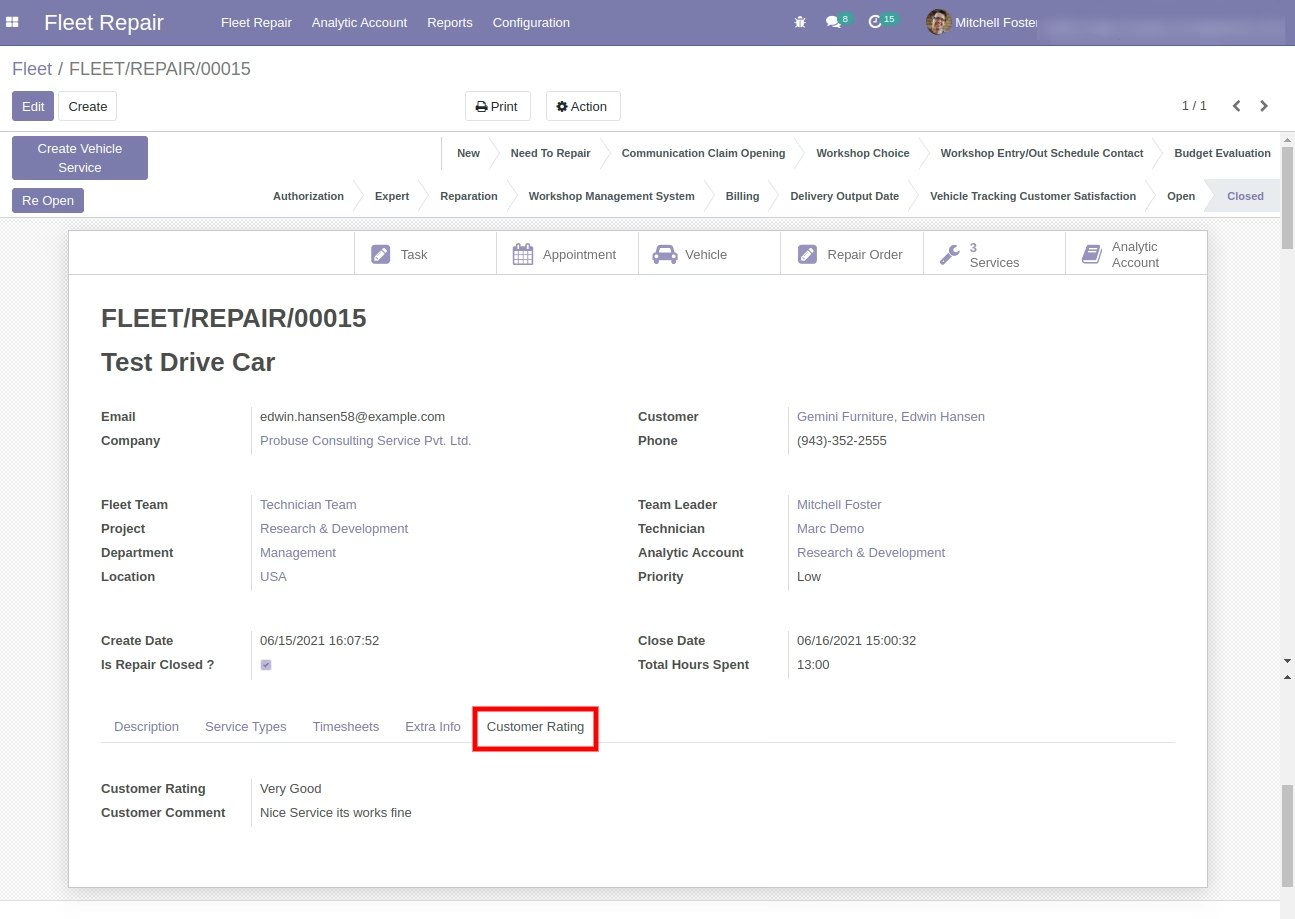
- Customers can give feedback and rating of fleet repair requests done by the user.
- Manage your fleet repair request using the assignment repair team.
- For more details please watch the video and check the below screenshots.
General Workflow:
- Customers come on websites and want to book fleet/auto/vehicle repair requests.
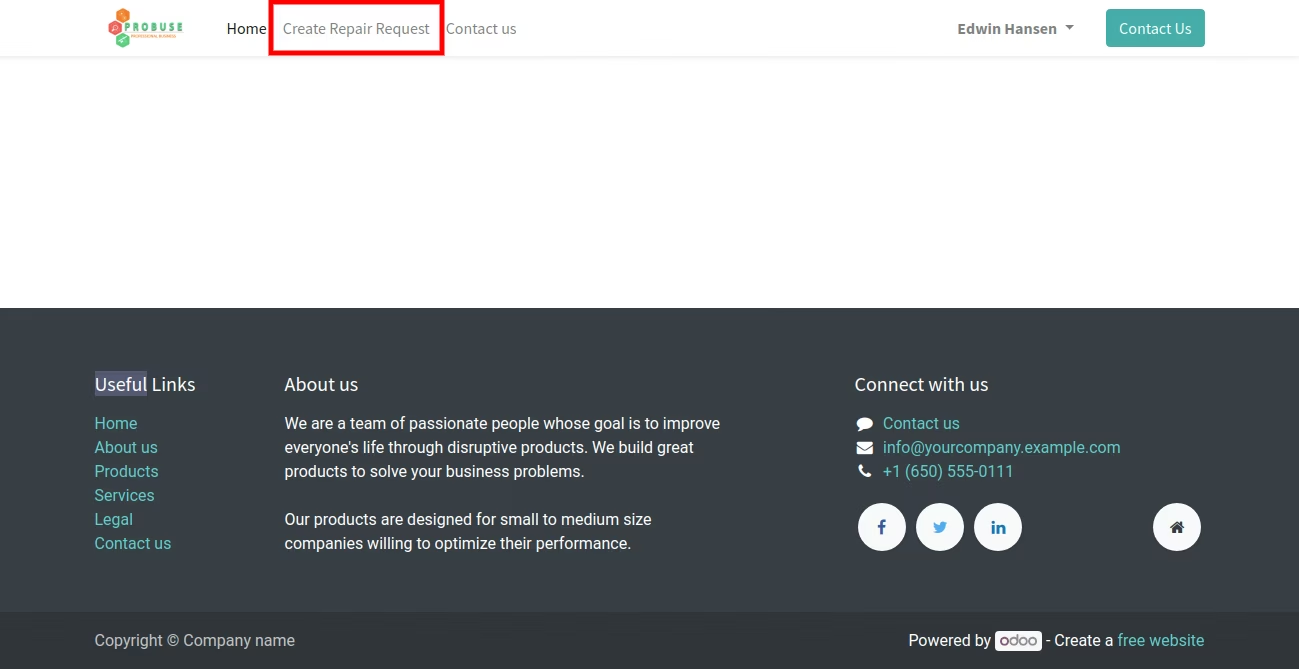
- Customers go to the link to create a fleet/vehicle repair request.
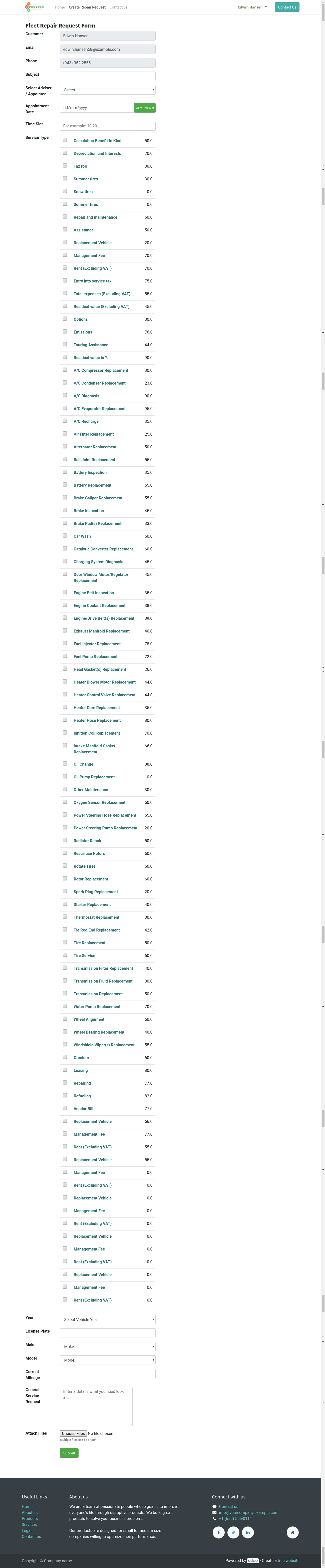
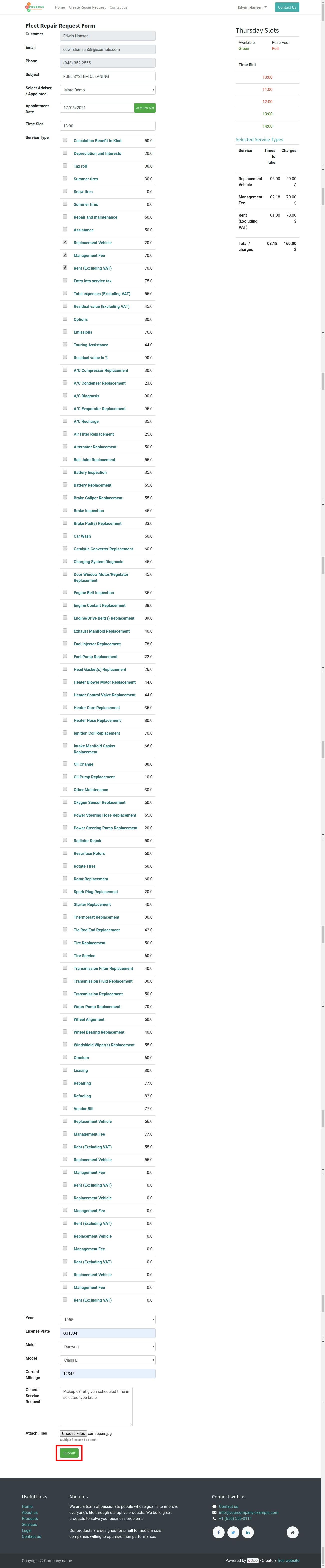
- Customers can see the form and fill in details. (view timeslots button allows him to see available time to meet advisor/representative).
- Customer can choose multiple services - Pricing is shown if price is not available on the service form in the backend then it will show 'Ask Advisor for Pricing'
- Customers can choose Year, Make, Model, and enter a number plate / License Plate. (System will search License Plate in list of fleets/vehicle and if found then it automatically link Vehicle in backend otherwise repair manager has to create a new vehicle.).
- On submission of repair request system will create repair request in the backend as well as create an appointment/meeting with an advisor.
- The repair manager can open a repair request in the backend, see details entered by the customer and also fill some details manually and assign that request to technical or repair use.
- The repair manager will create the vehicle (if not available in the system), service logs, and repair order.
- Repair users can work on repair requests and fill in timesheets.
- Repair managers can close the request and will send an email to the customer to request feedback.
- Customers can fill in online feedback after getting service.
Menus Available:
- Fleet Repair
- Analytic Account
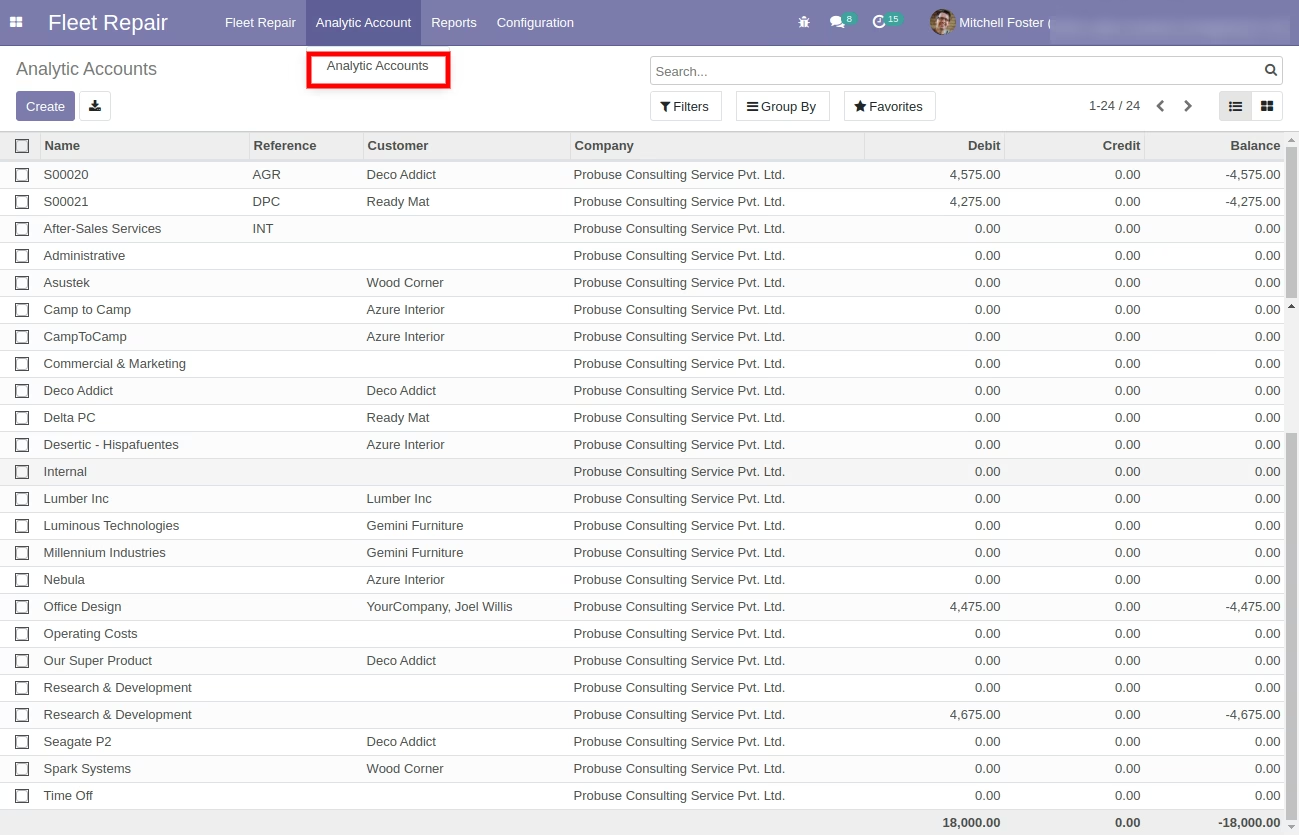
- Analytic Accounts
- Configration
- Appointment Slots
- Fleet Teams
- Fleet Repair
- Fleet Repair Request
- Reports
- Repair Analysis
Repair users examples for screens below
- Customer :- Edwin Hansen
- Repair Manager:- Mitchell Admin Edward Foster
- Repair User :- Marc Demo
Role of customer
Role of repair manager
Role of Repair User/Technician
Create Repair Request Page Menu on Website
Fleet Repair Request Submit Form / Page
Repair request online form - Logged in with Edwin Hansen Customer Example
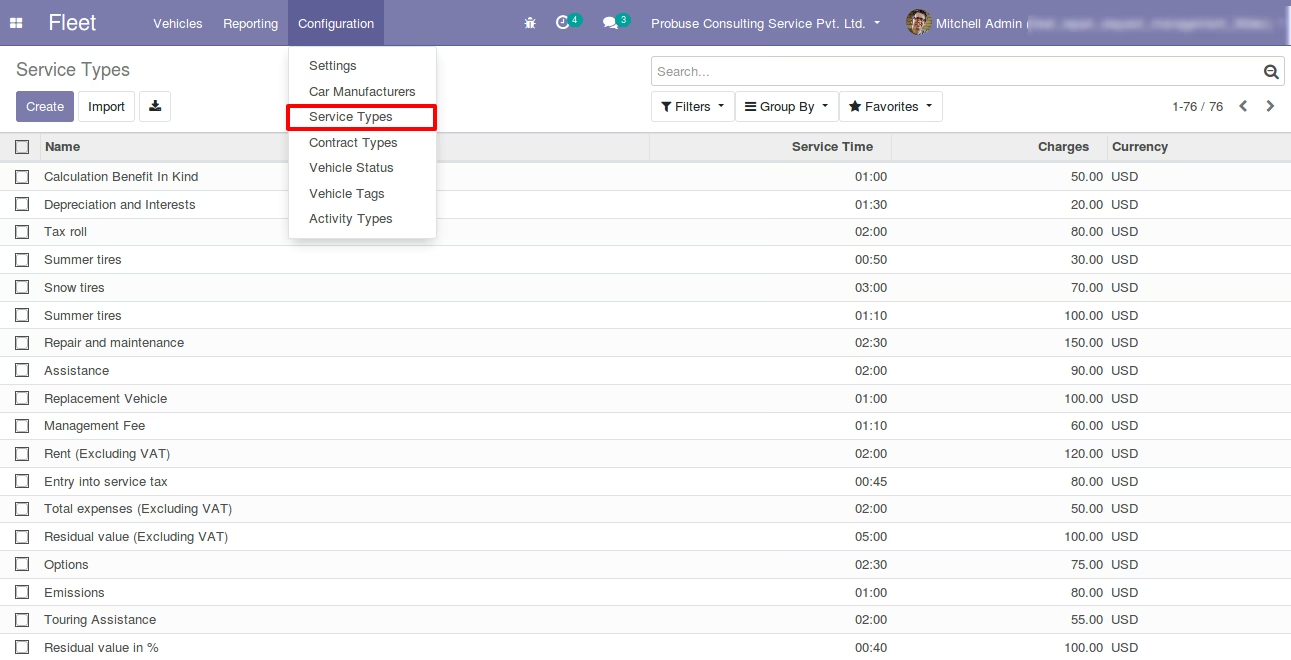
Service types listed are dynamic and coming from fleet services
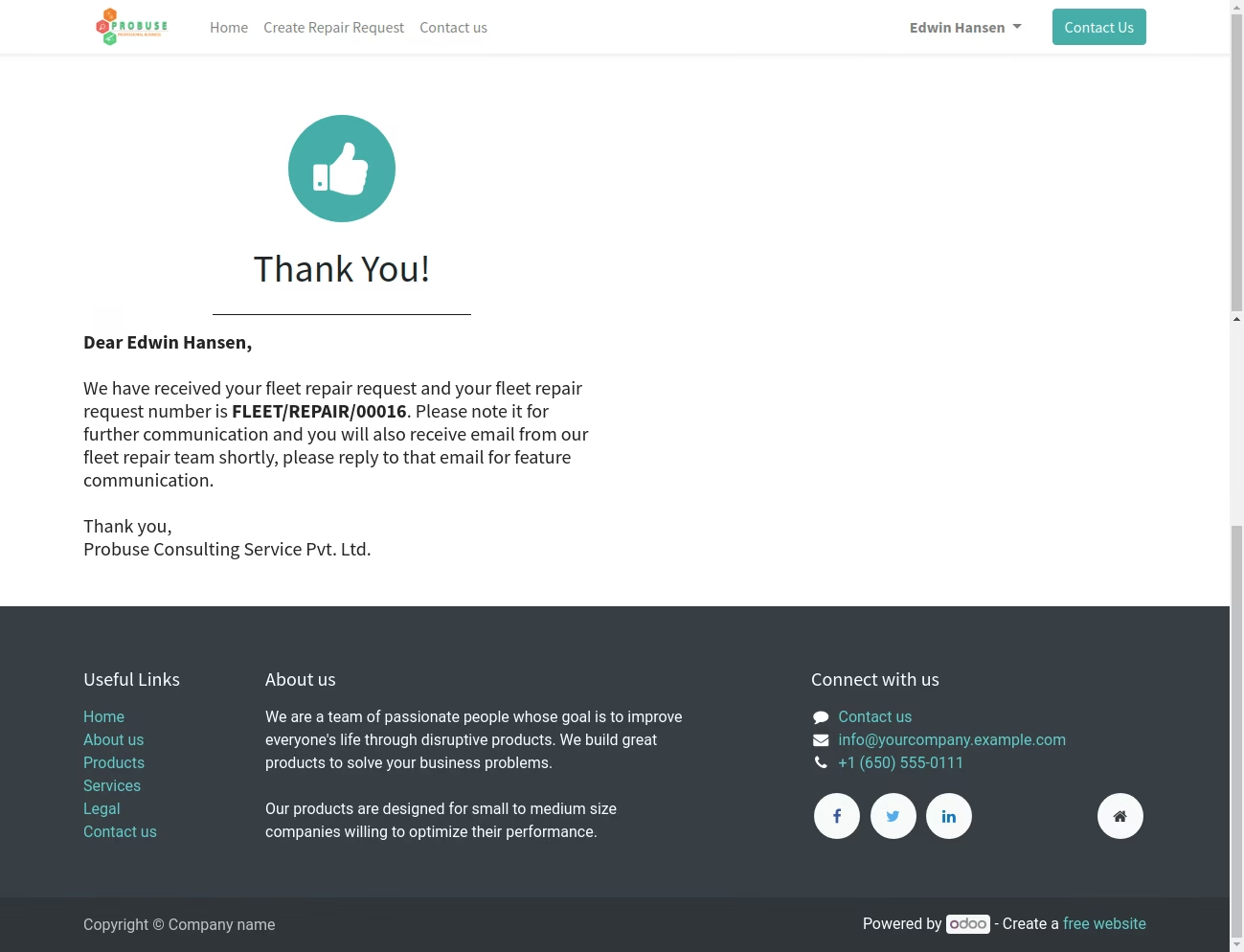
Acknowledgement Message on Submit
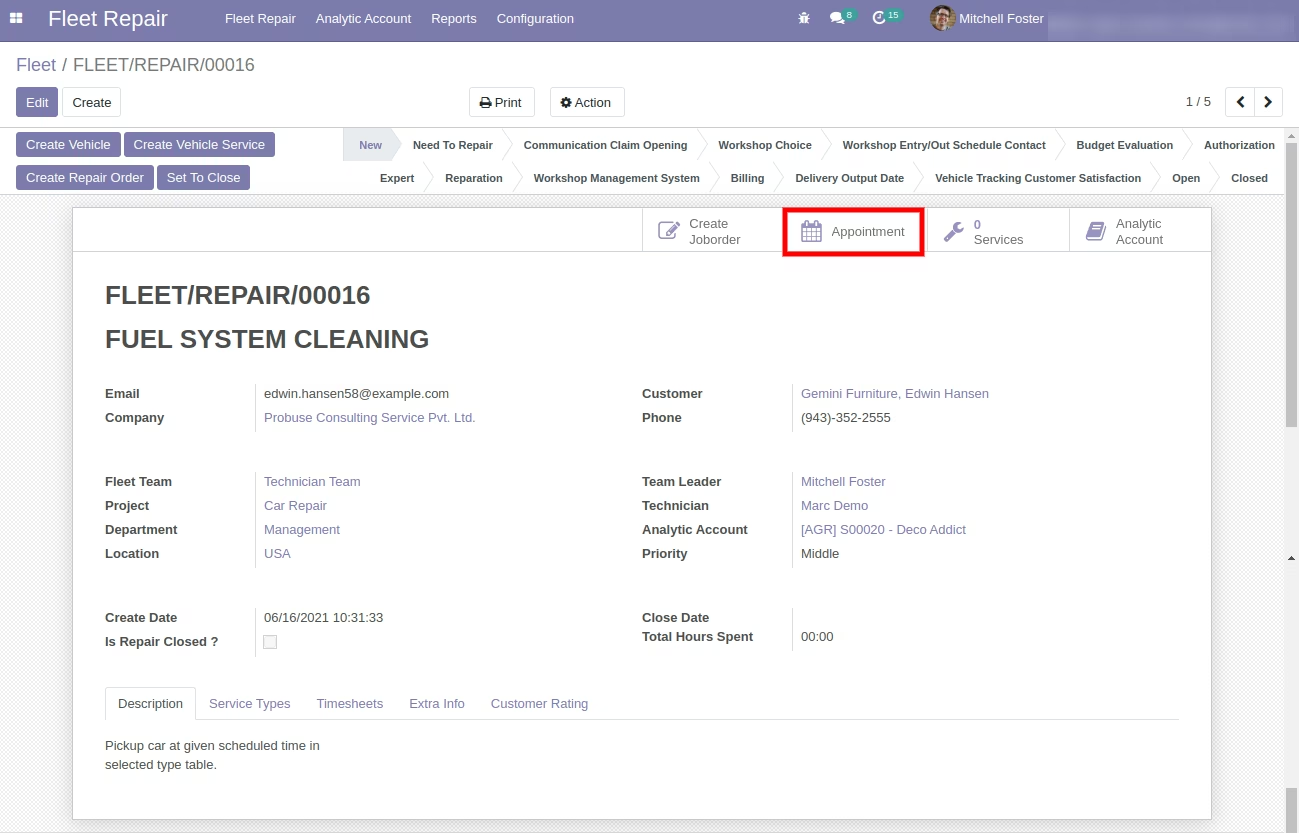
Repair Manager Mitchell Foster assigning Repair Request
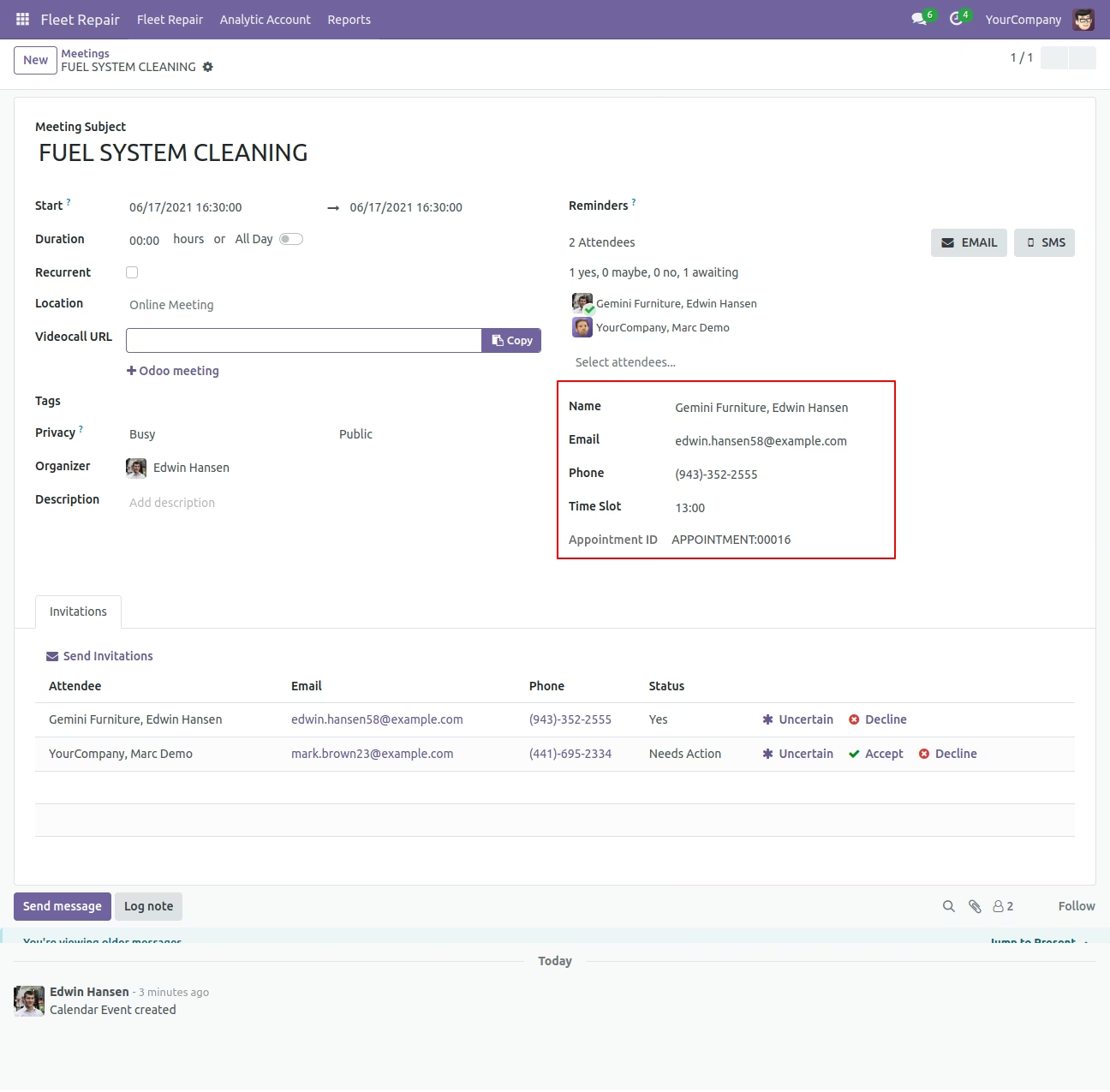
Repair Manager Mitchell Foster View Meetings
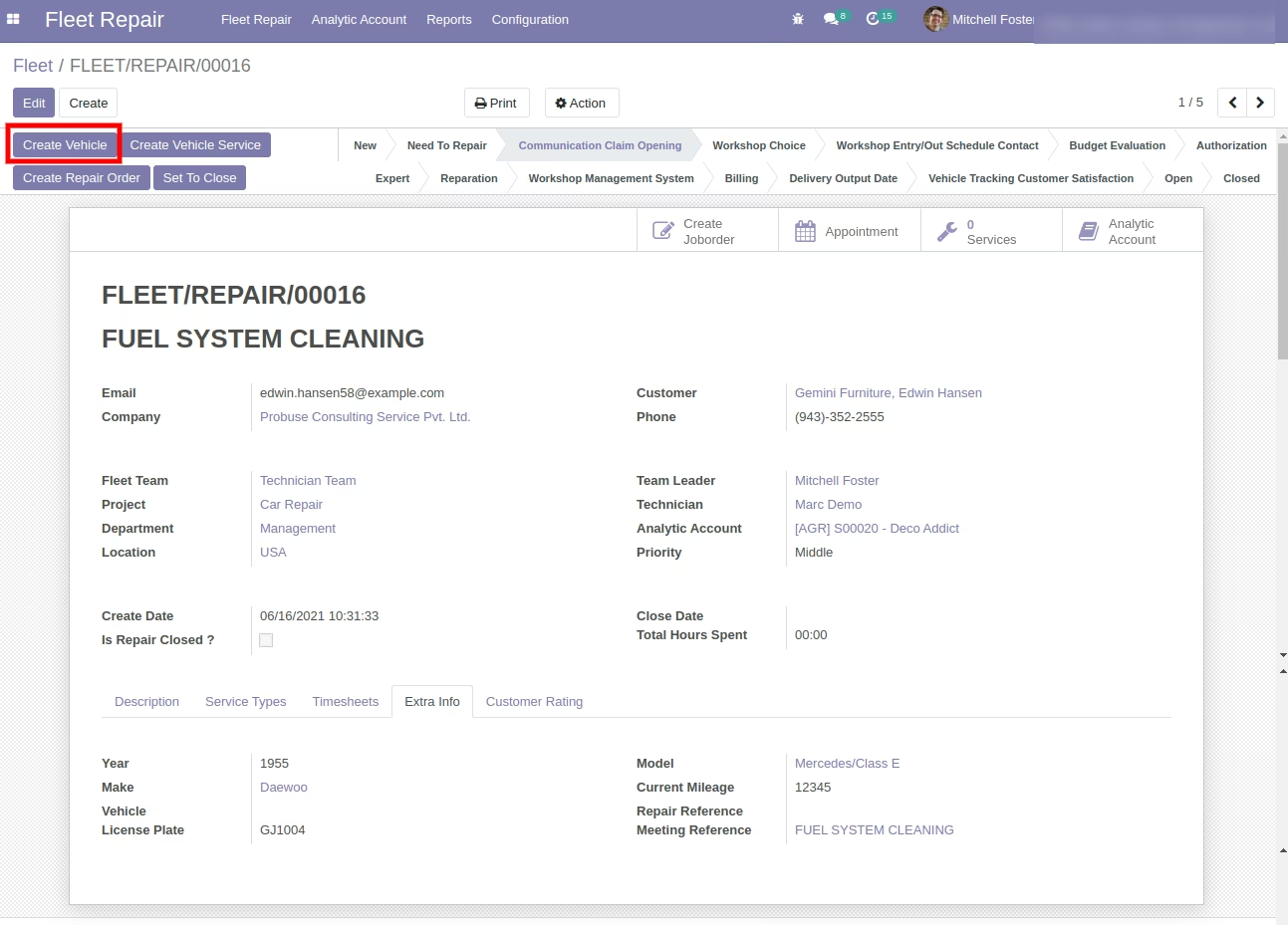
Repair Manager Mitchell Foster With Create Vehicle button
Repair Manager Mitchell Foster ==> Created Vehicle Show
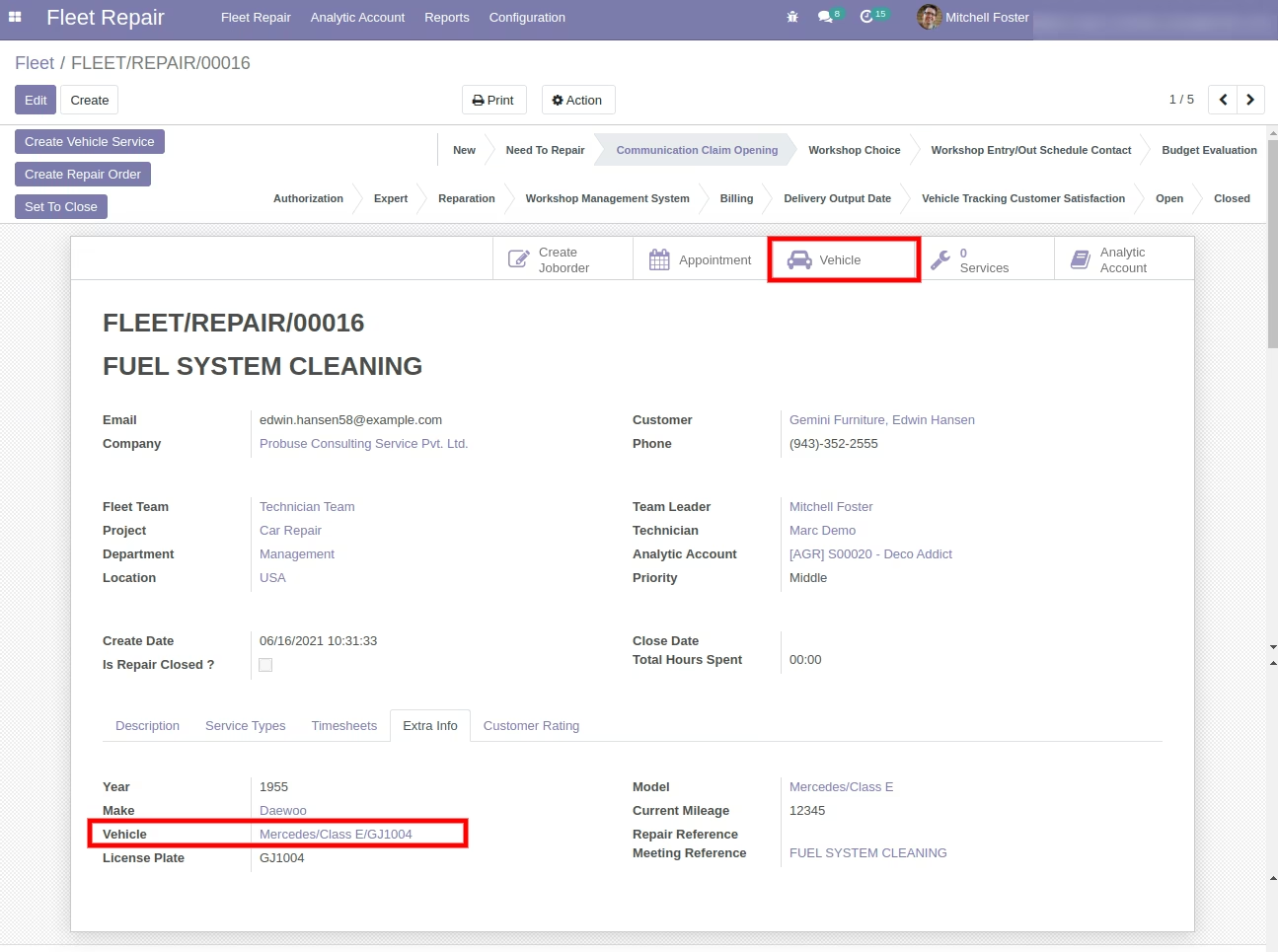
Repair Manager Mitchell Foster ==> Created Vehicle Show
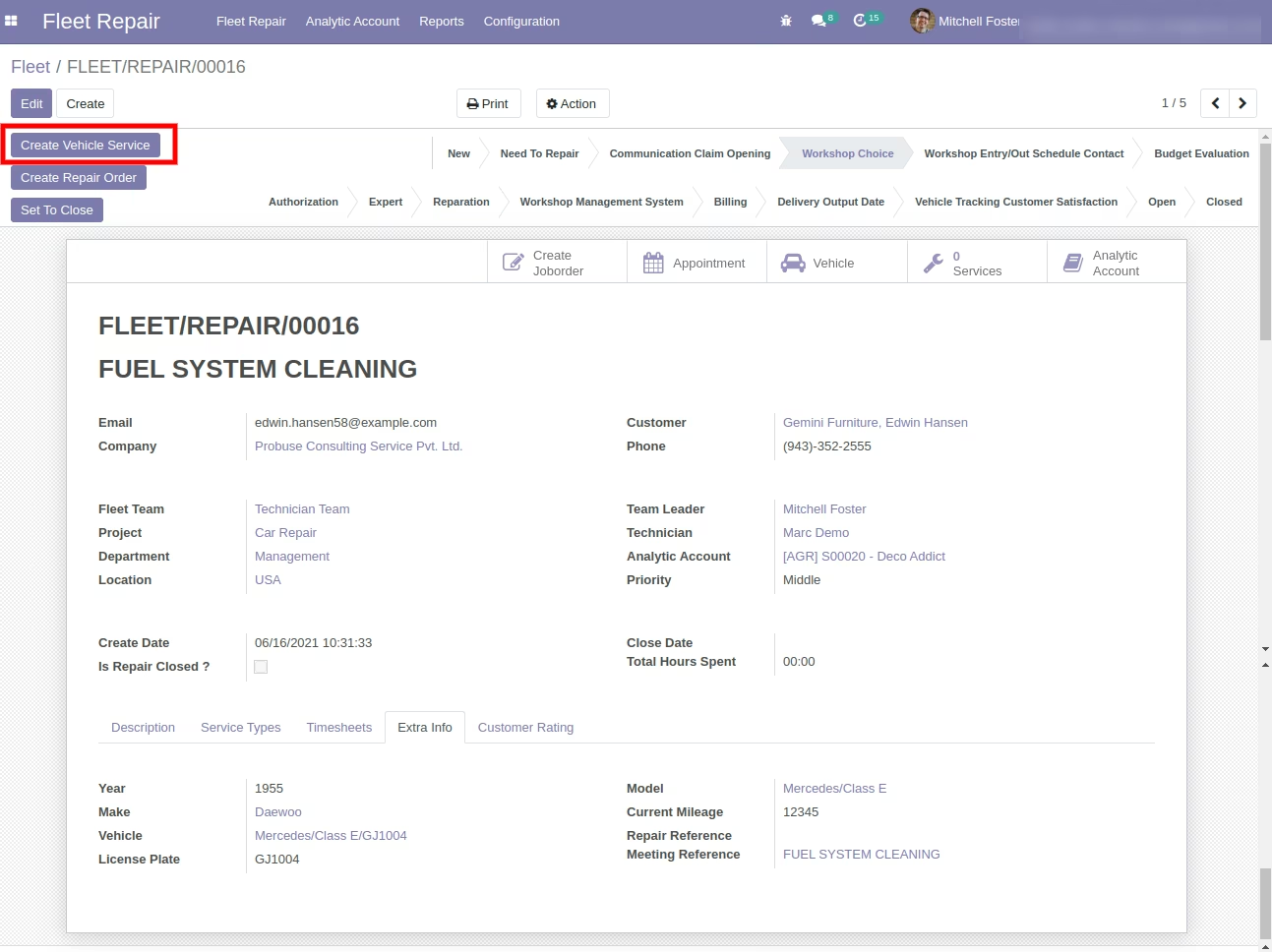
Repair Manager Mitchell Foster ==>Create Vehicle Services Button
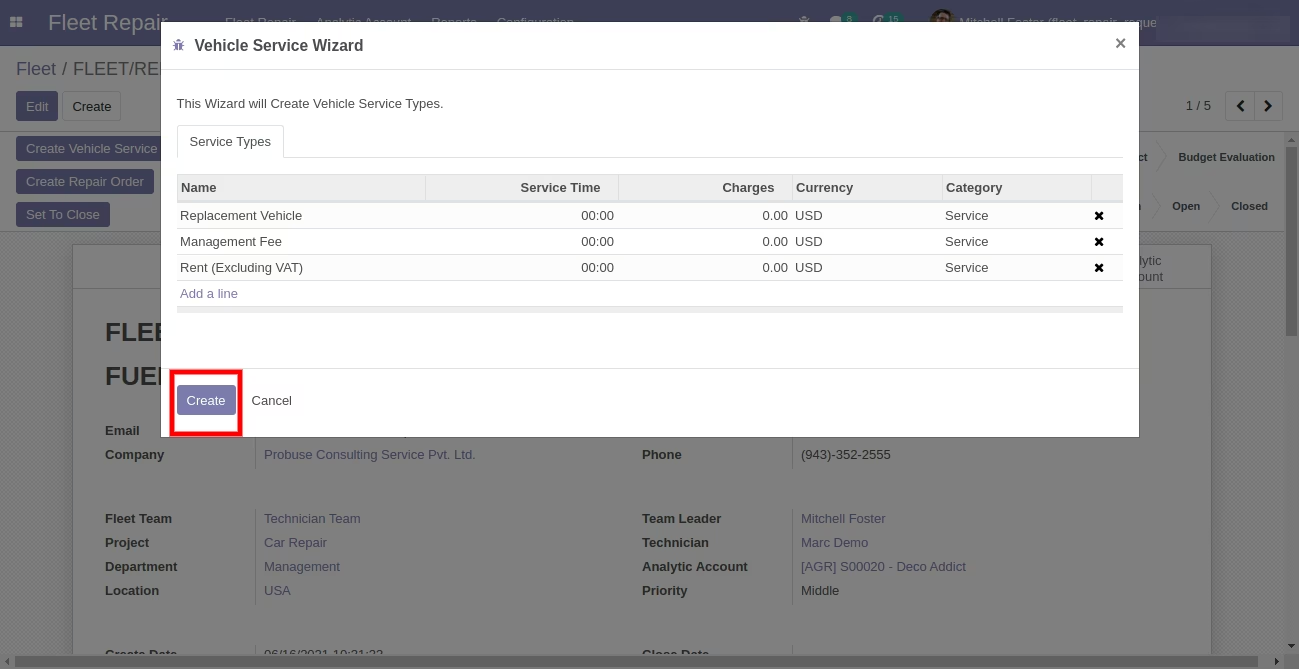
After Click Open Wizard
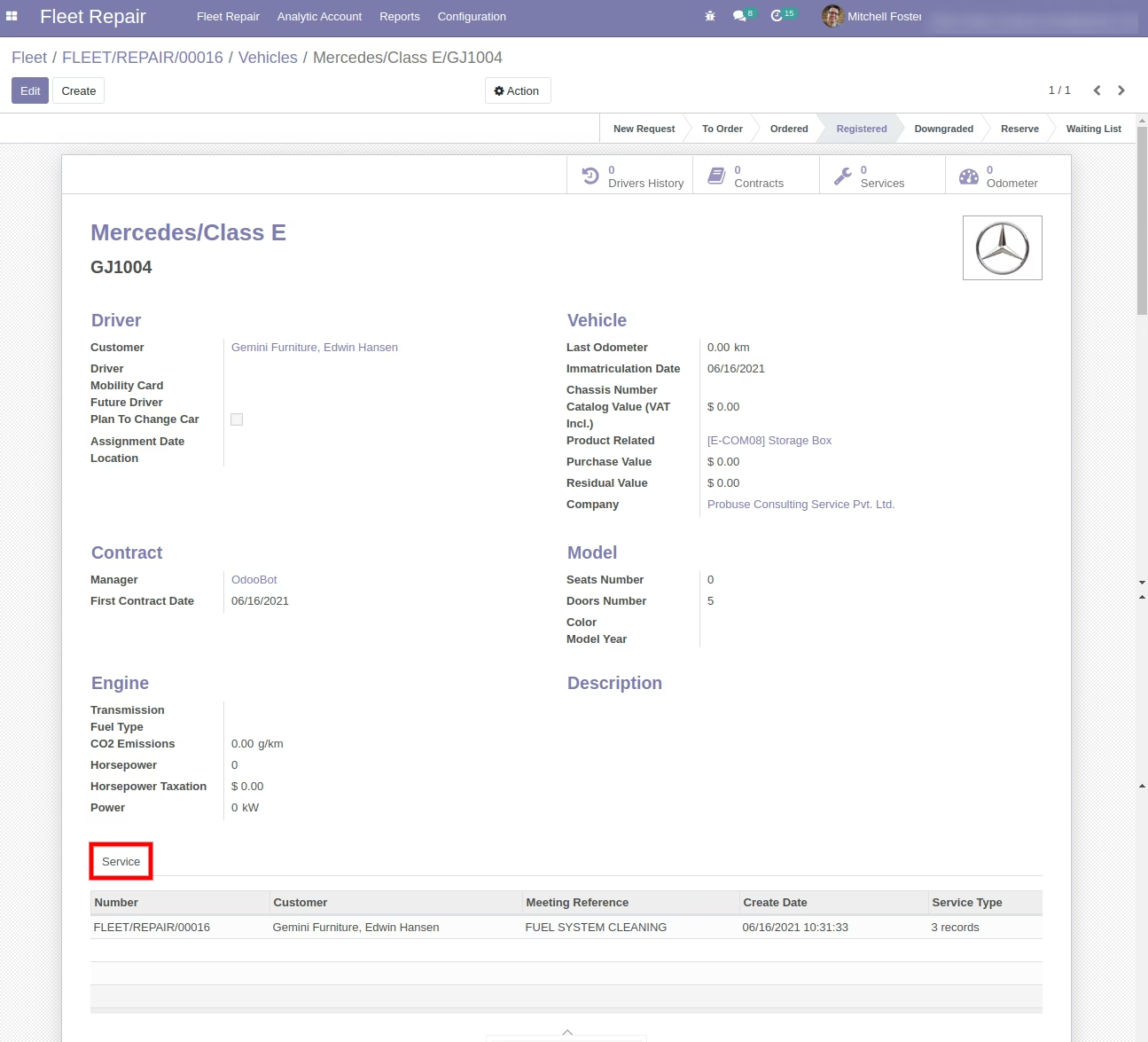
Repair Manager Mitchell Foster ==> View Created Vehicle Services Now
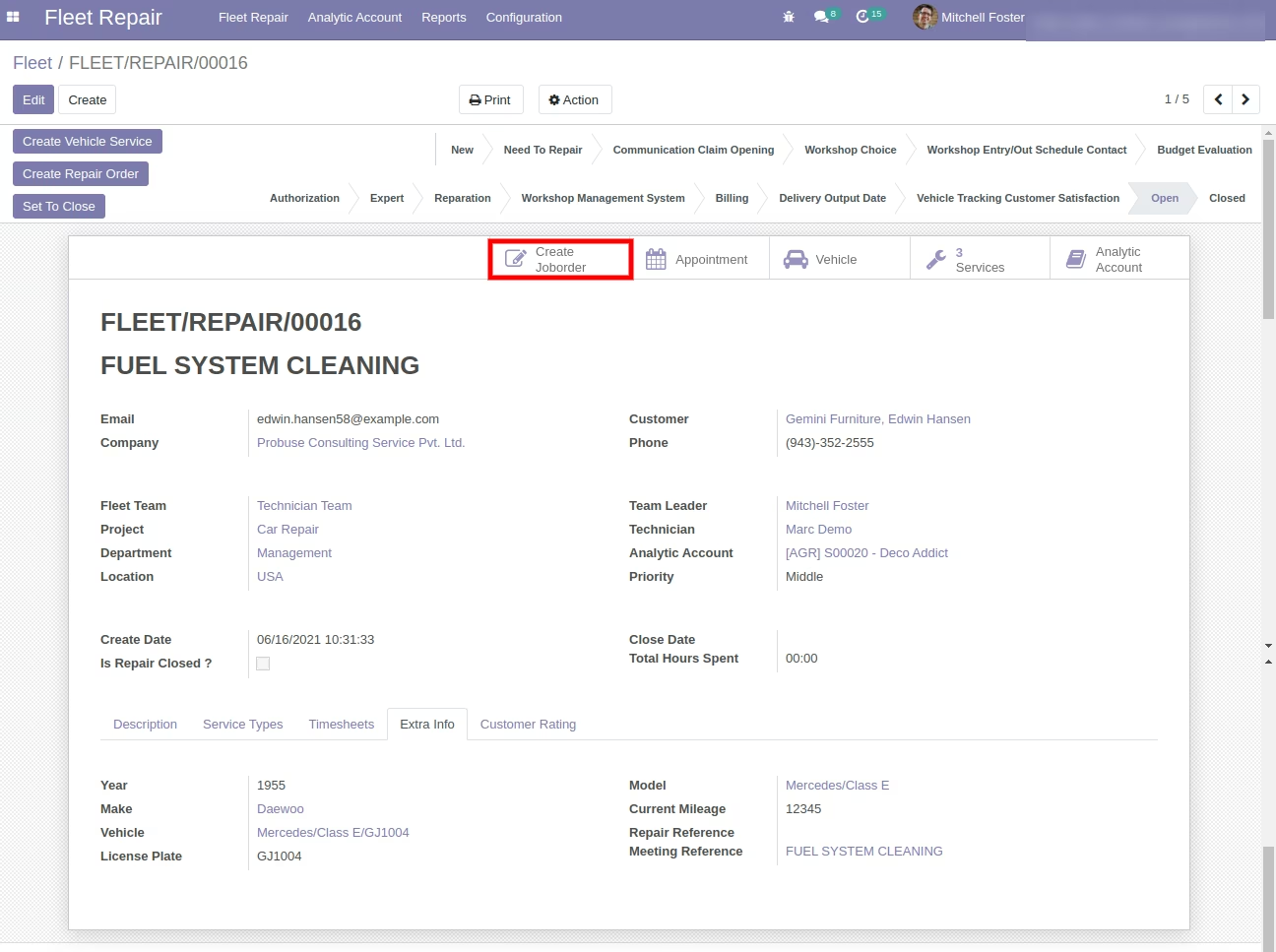
Repair Manager Mitchell Foster with Create Job Order / Work Order Button
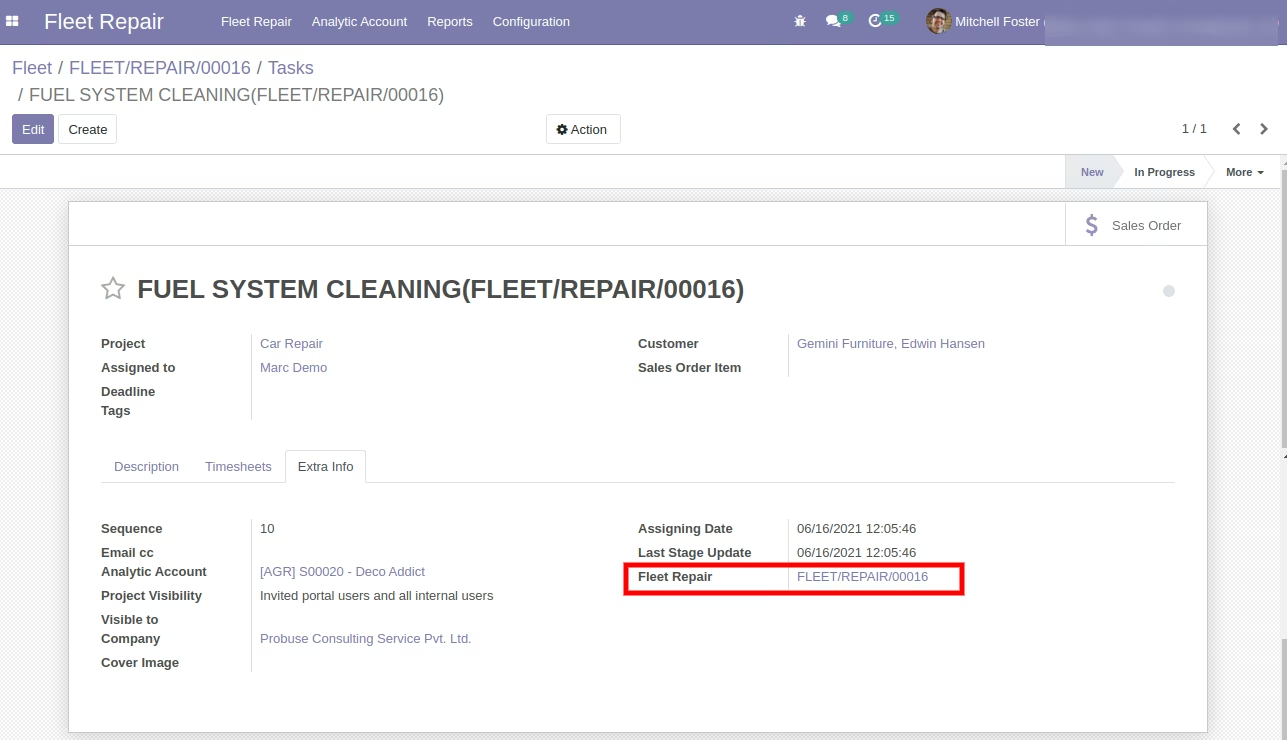
Repair Manager Mitchell Foster ==> Create Job Order / Work Order
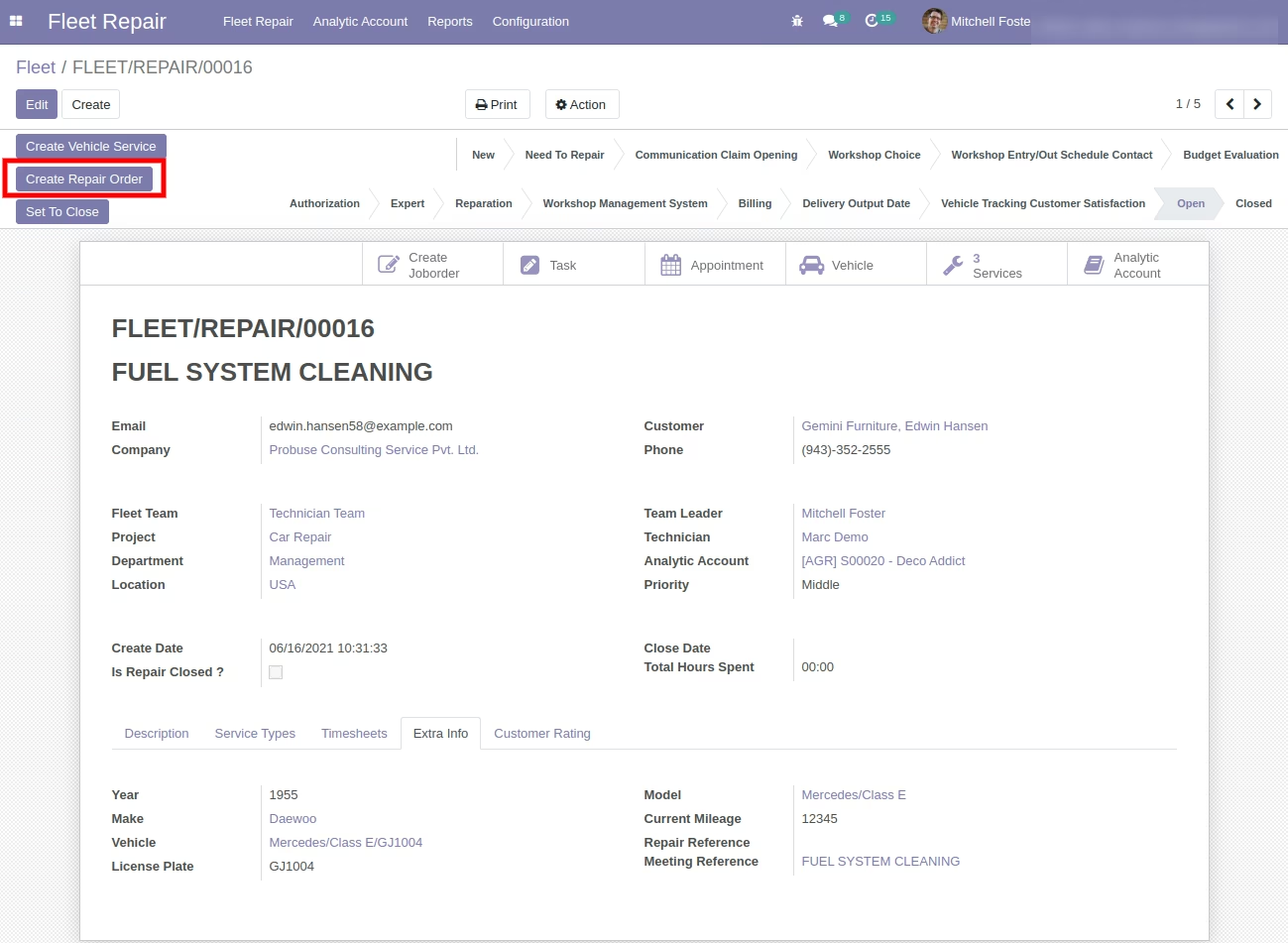
Repair Manager Mitchell Foster with Create Repair Order button
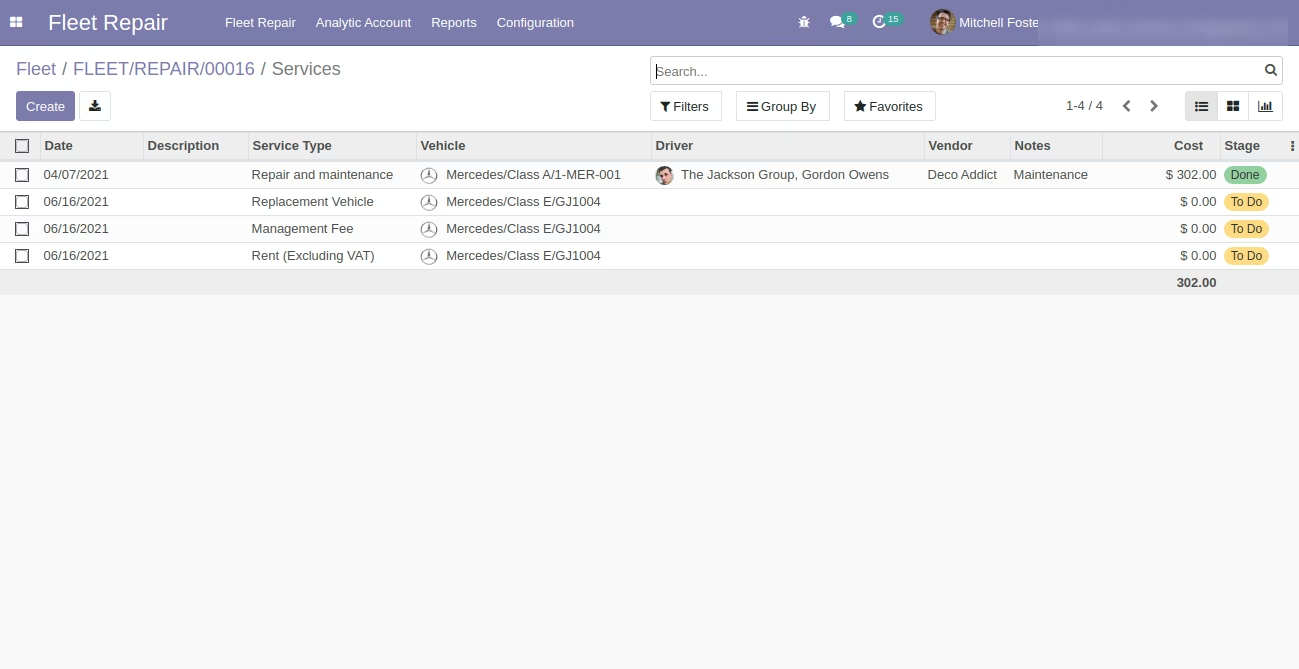
Repair Manager Mitchell Foster ==>View Repair Order Now
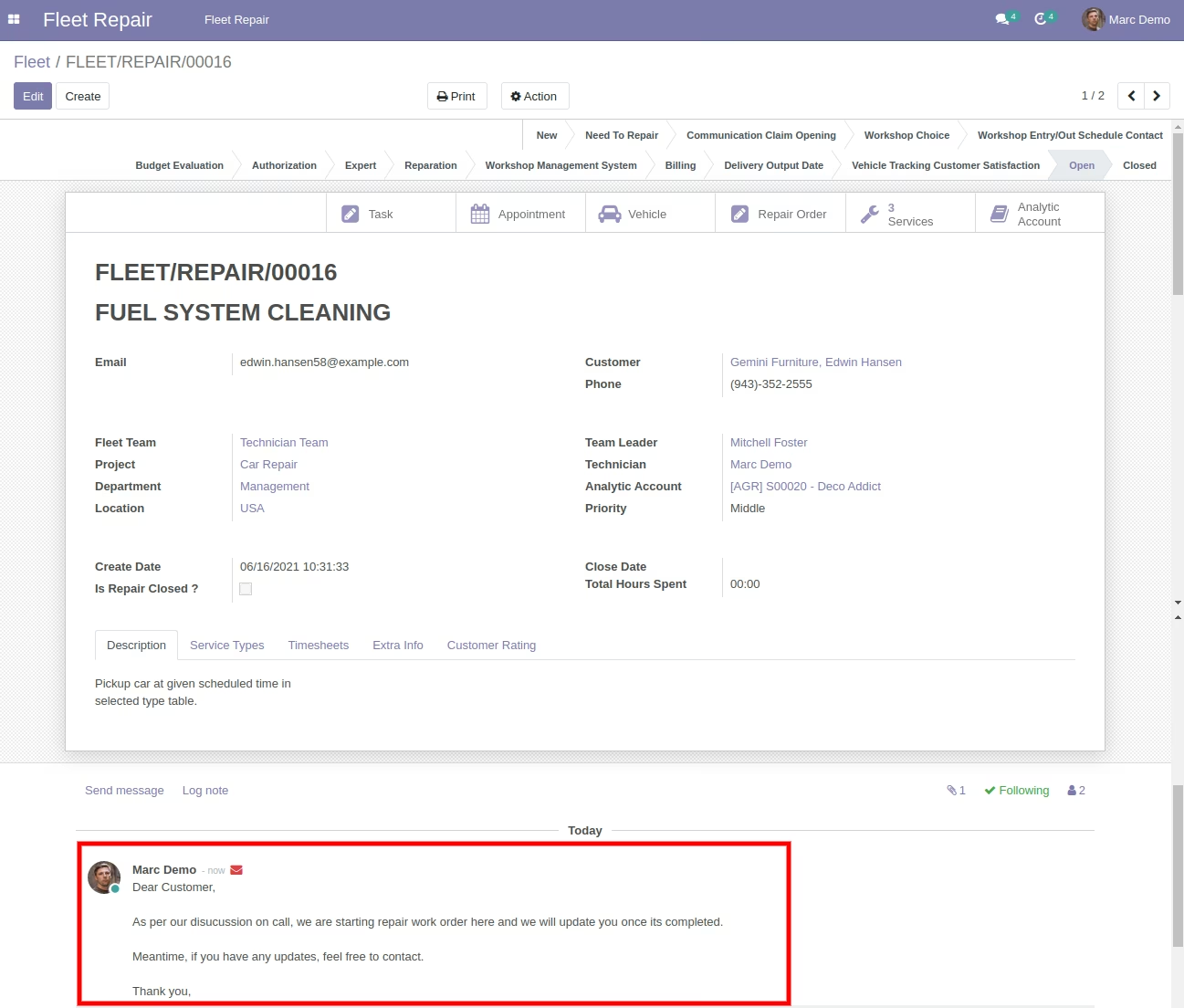
Repair User Marc Demo Send Message On Customer
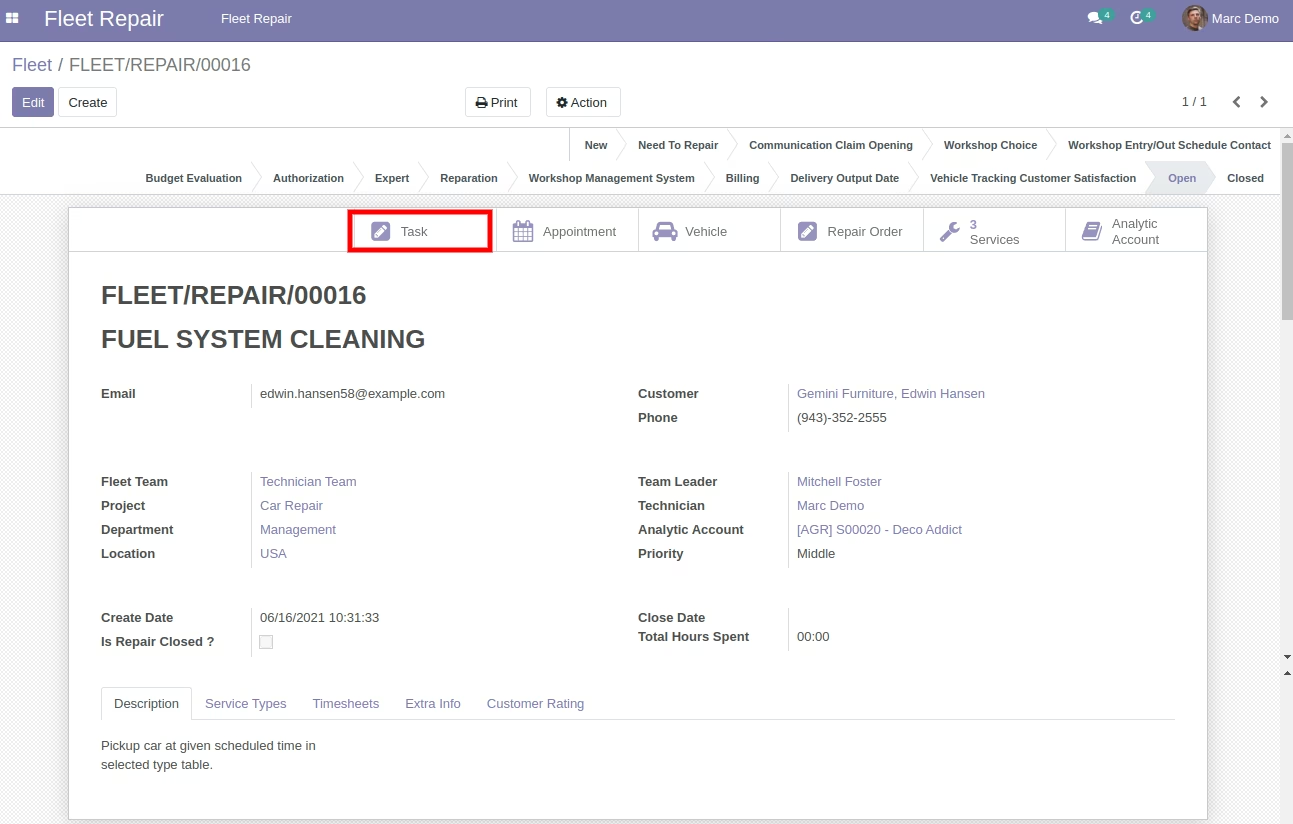
Repair User Marc Demo ==> Created Task/JOb Order/Work Order Show
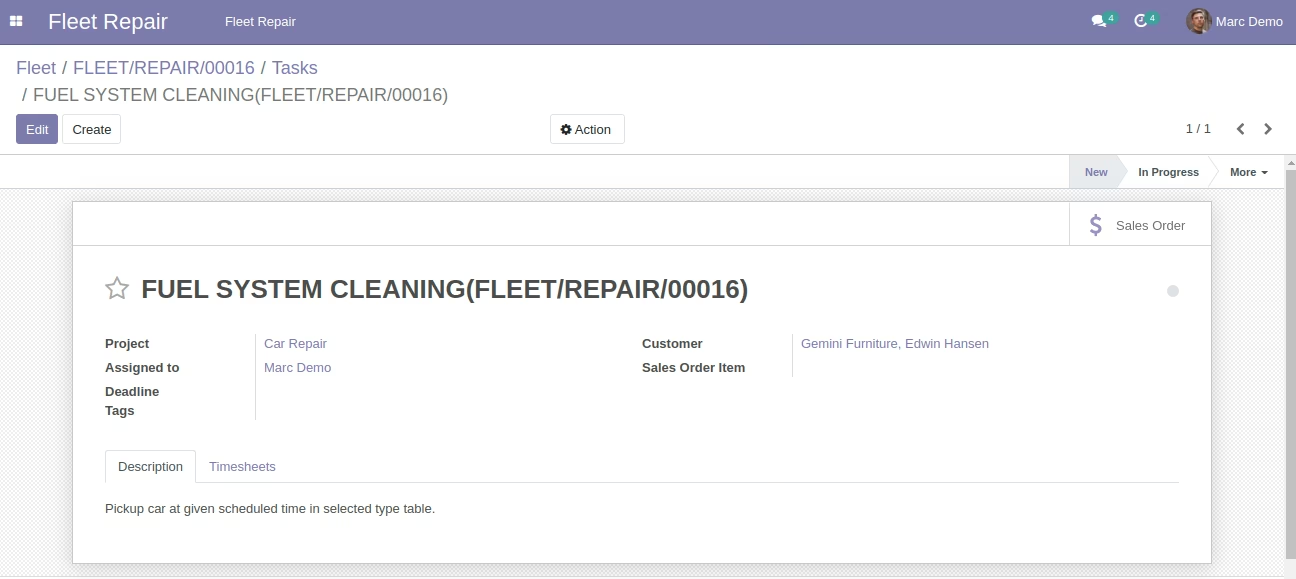
Repair User Marc Demo ==> Created Task/JOb Order/Work Order Form View
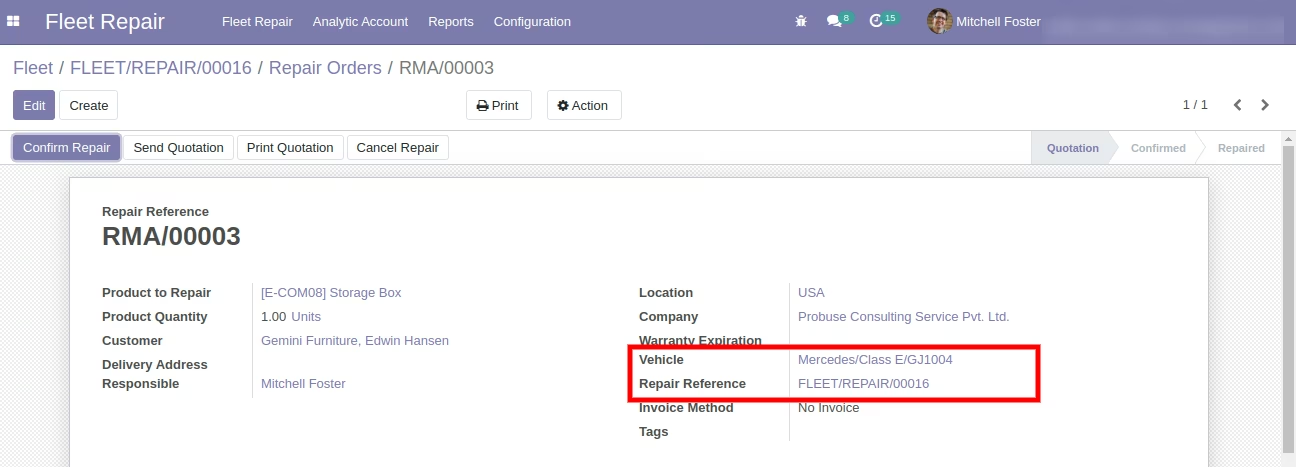
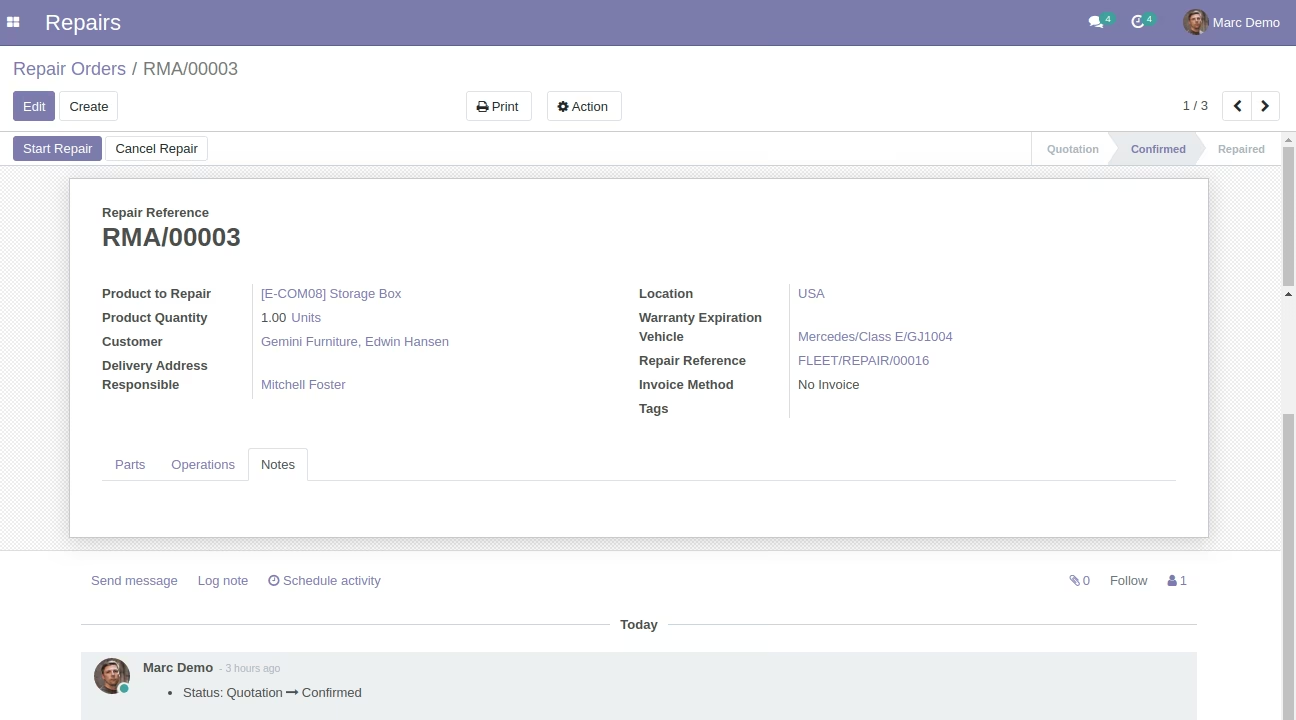
Repair User Marc Demo ==> Repair Orders Form View
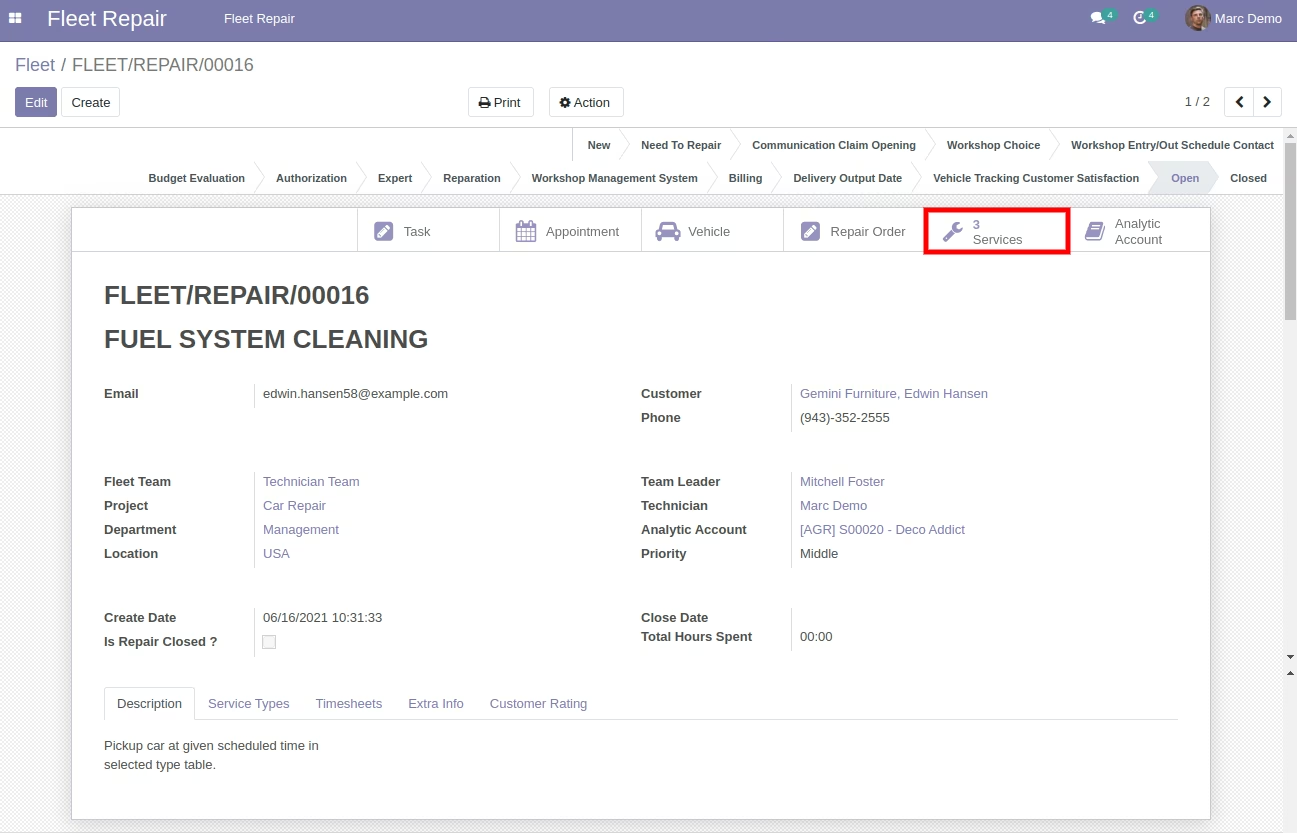
Repair User Marc Demo ==> Services Smart Button
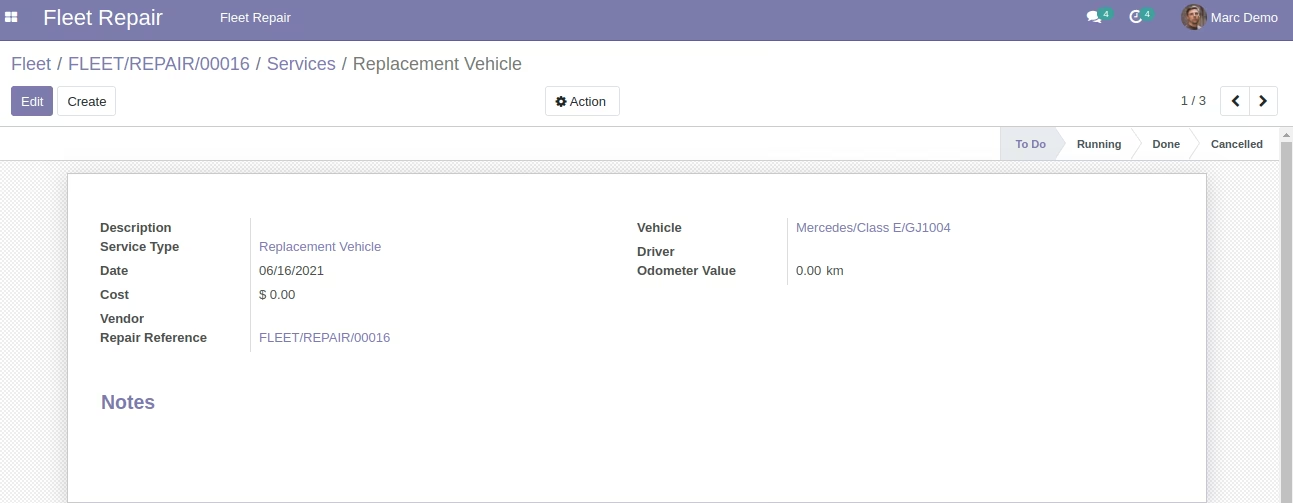
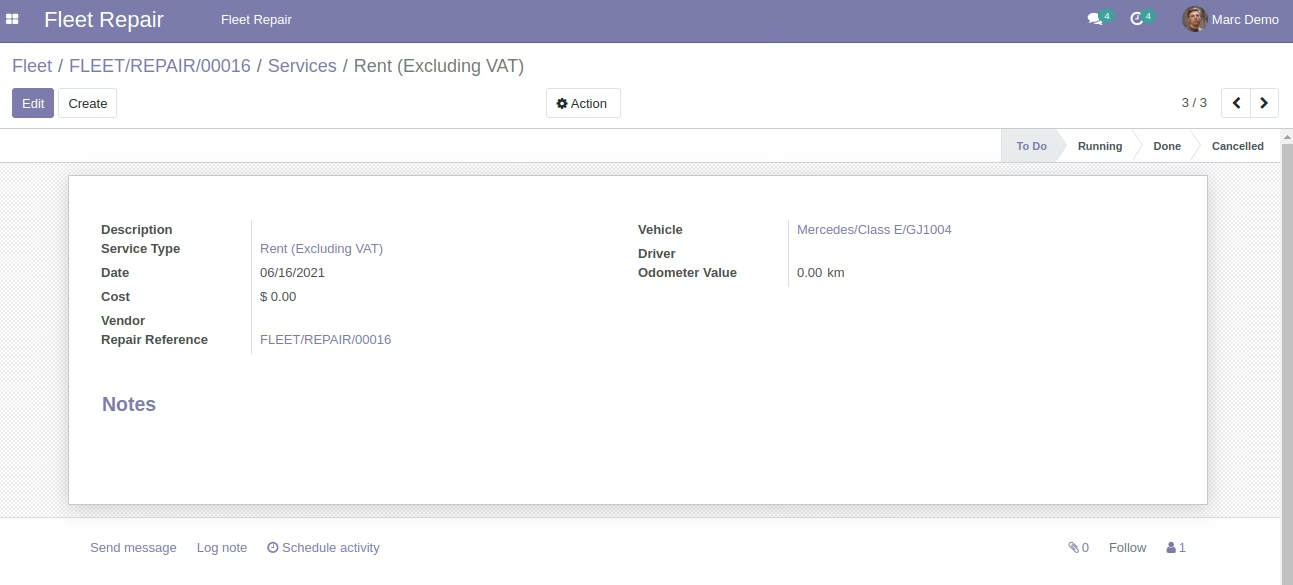
Repair User Marc Demo ==> Services Form View
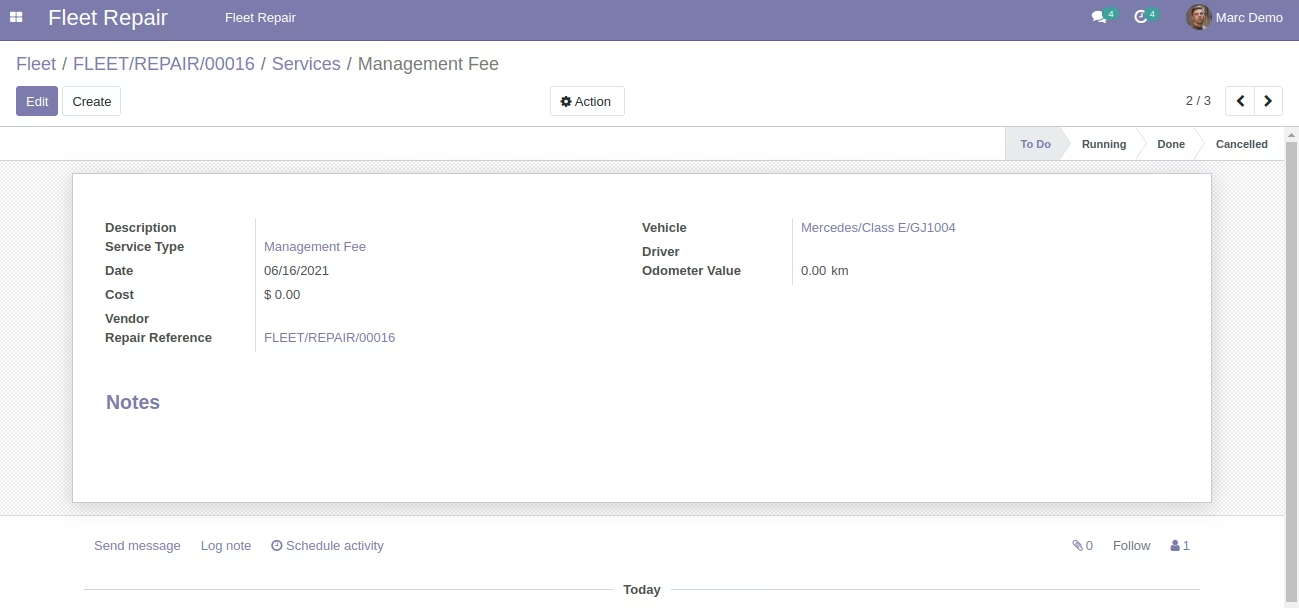
Repair User Marc Demo ==> Services Form View
Repair User Marc Demo ==> Services Form View
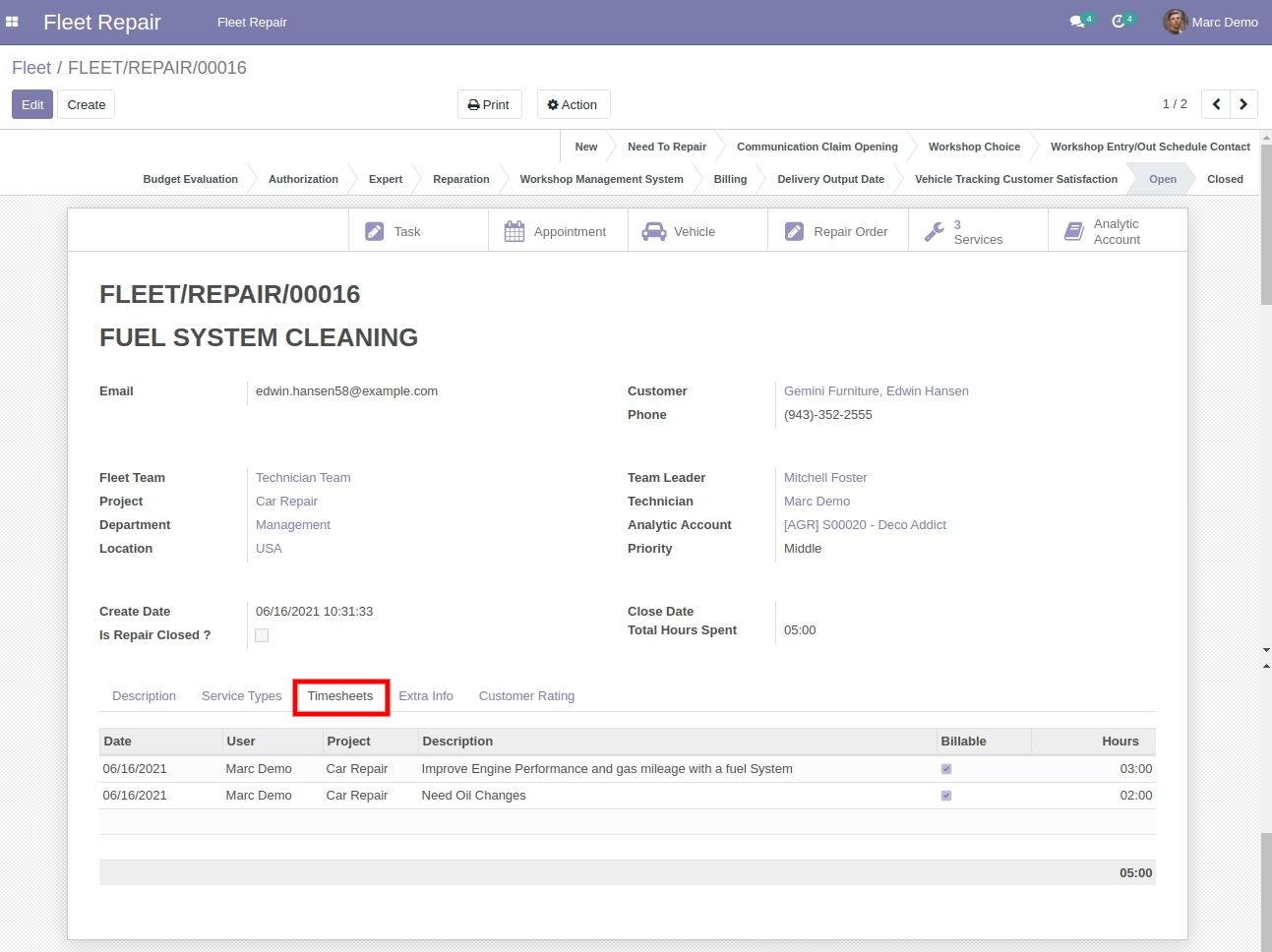
Repair User Marc Demo works on Repair Request and fills Timesheets
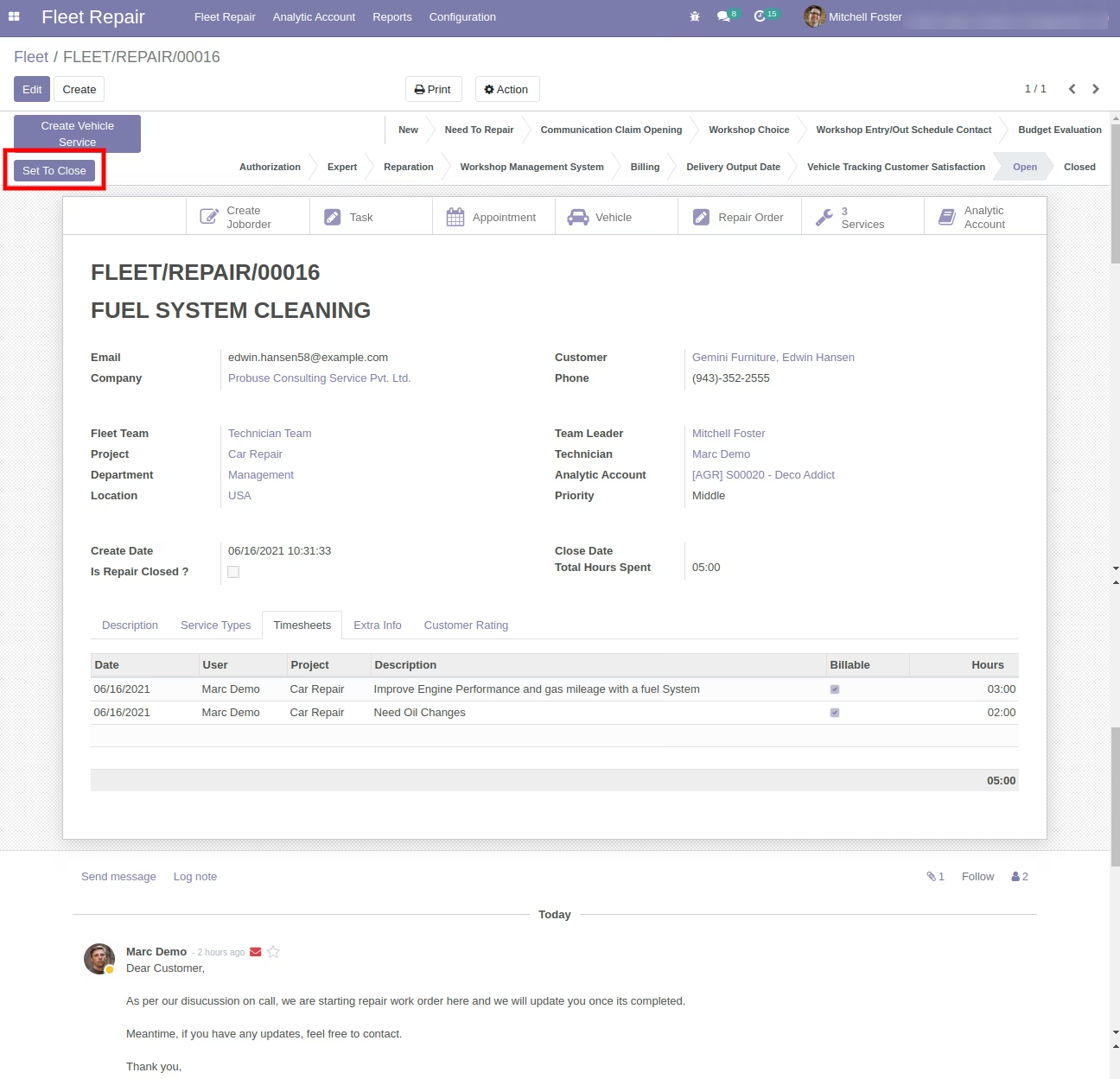
Repair Manager Mitchell Foster Set to Close Fleet Repair Request on Request is Completed.
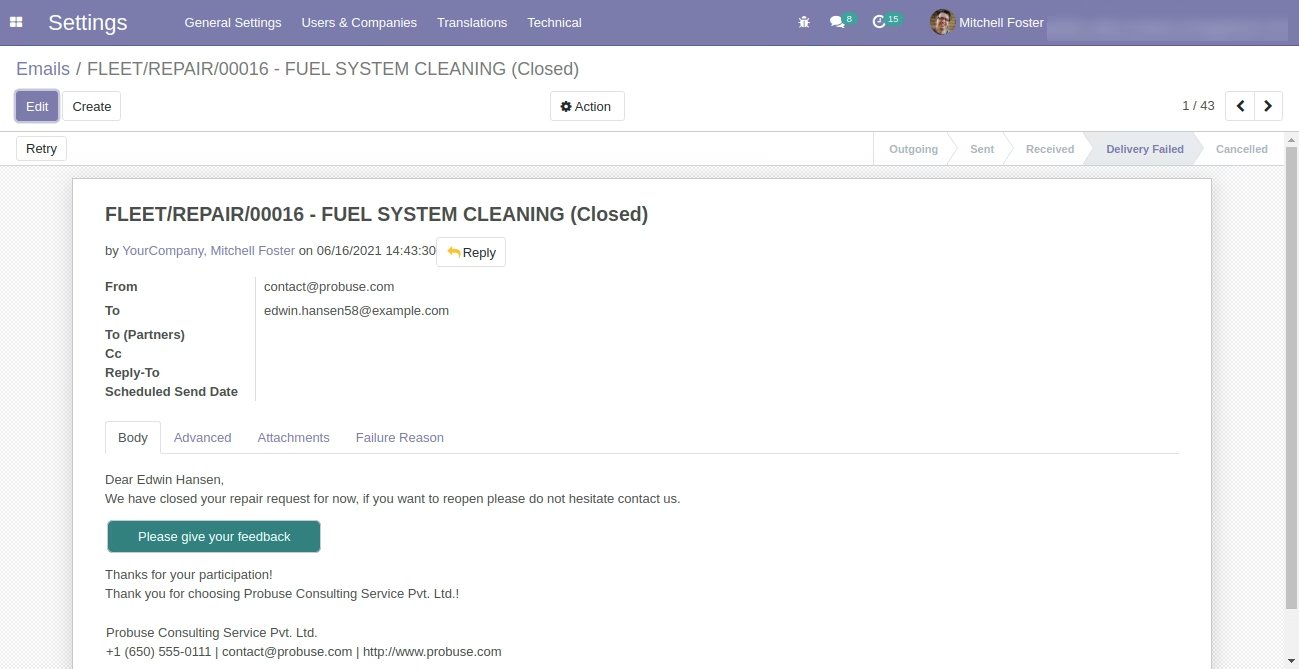
Customer Edwin Hansen Received Email
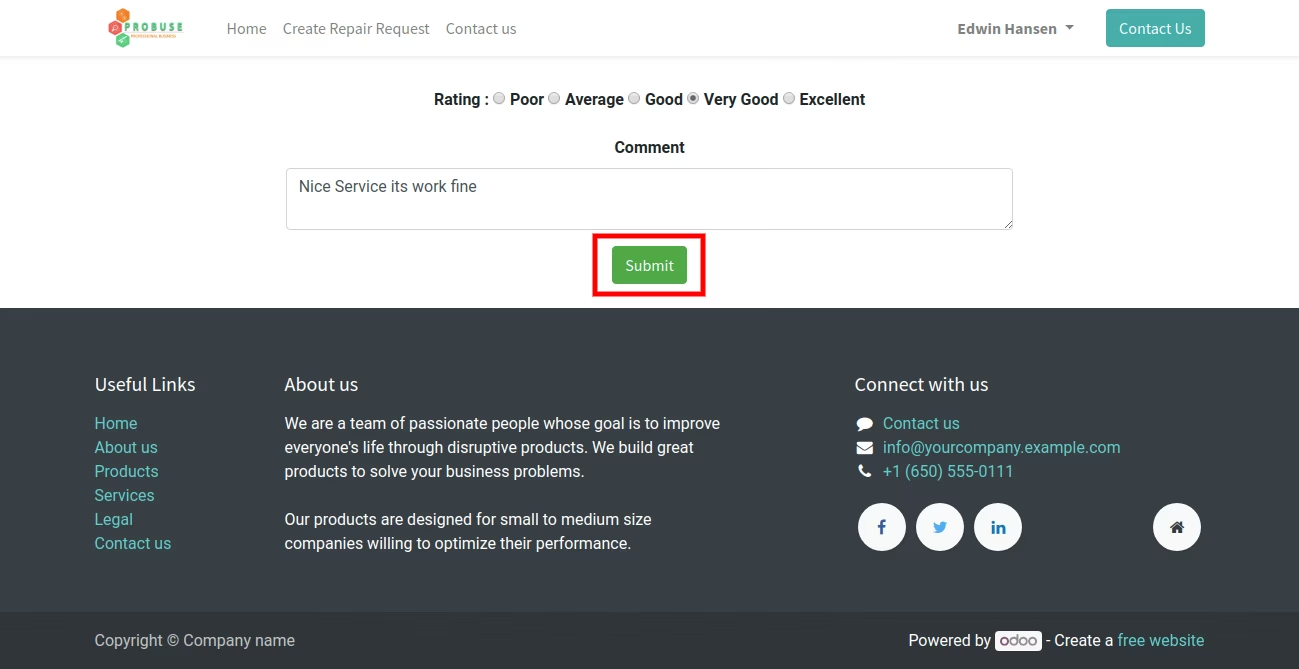
Customer Edwin Hansen give Repair Work Feedback
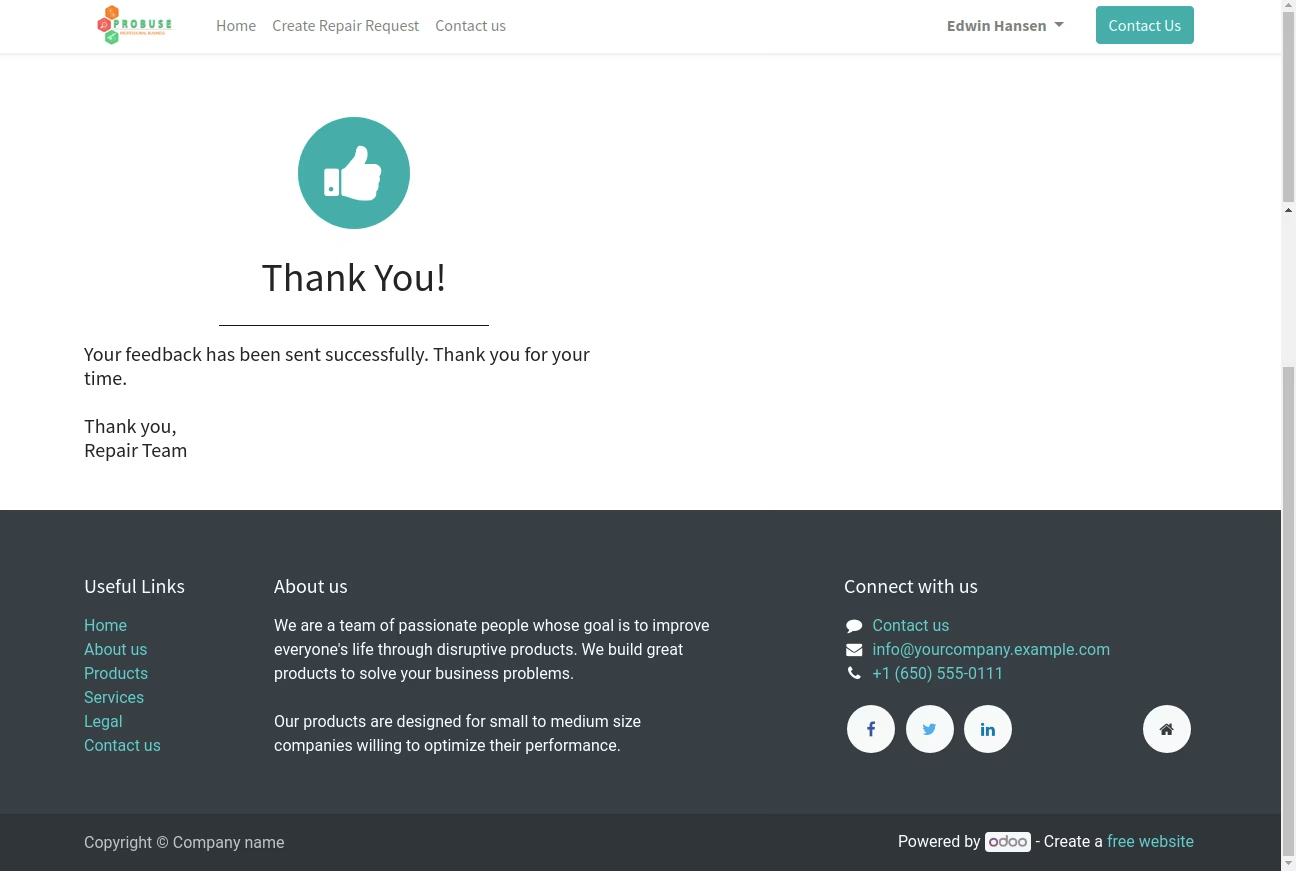
Thank You Message for Giving Feedback to Customer
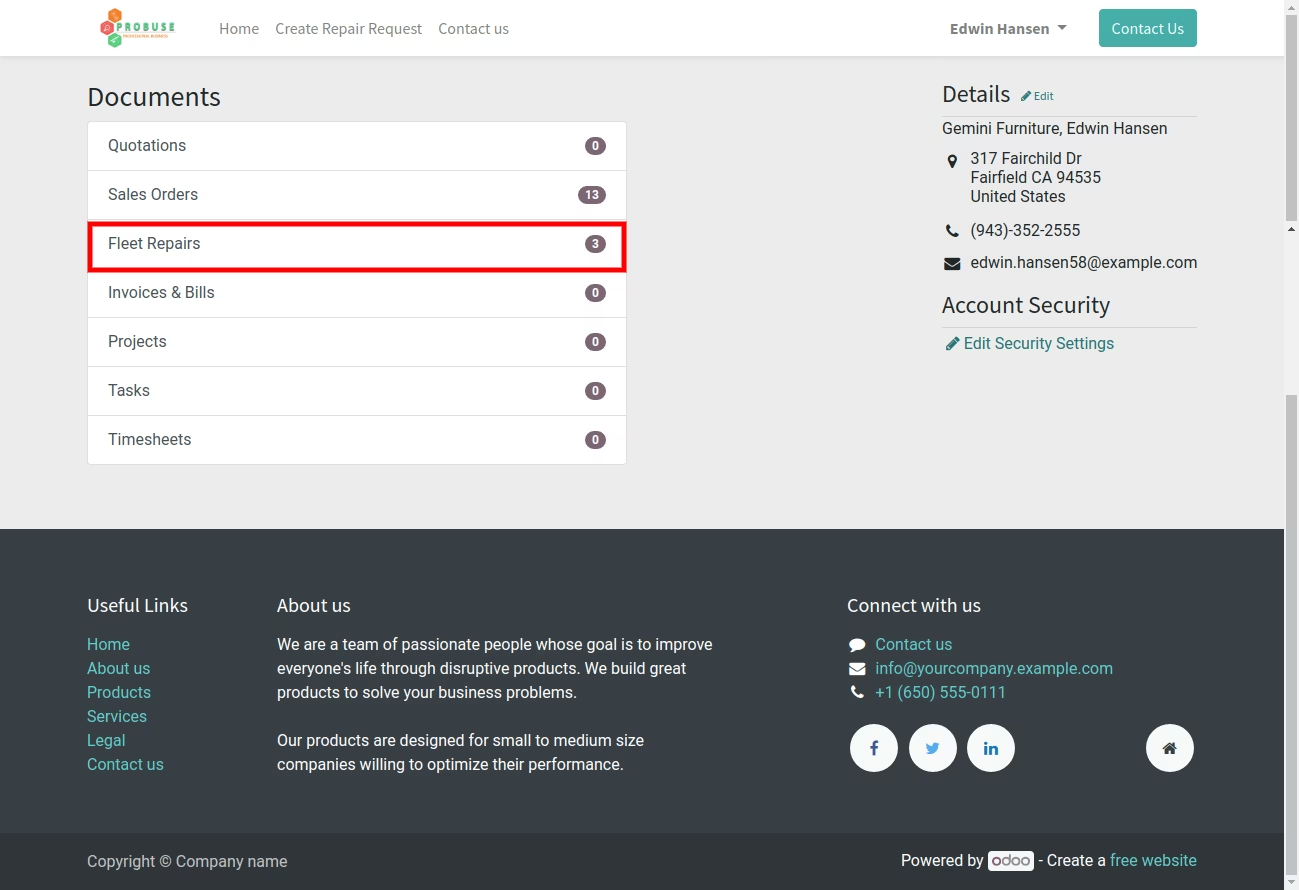
Your Fleet Repair Request on Portal/My Account for Customer
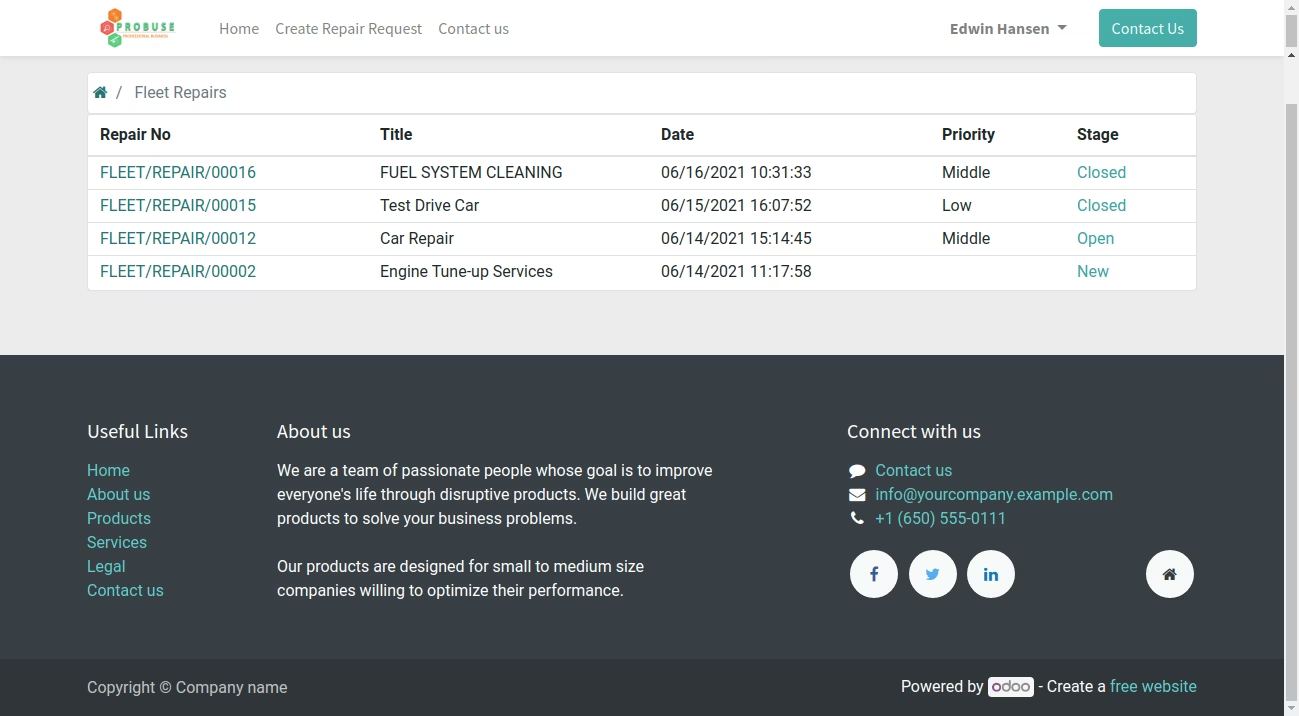
List of Repair Requests - Login with Edwin Hansen Customer on My Account / Portal on Website
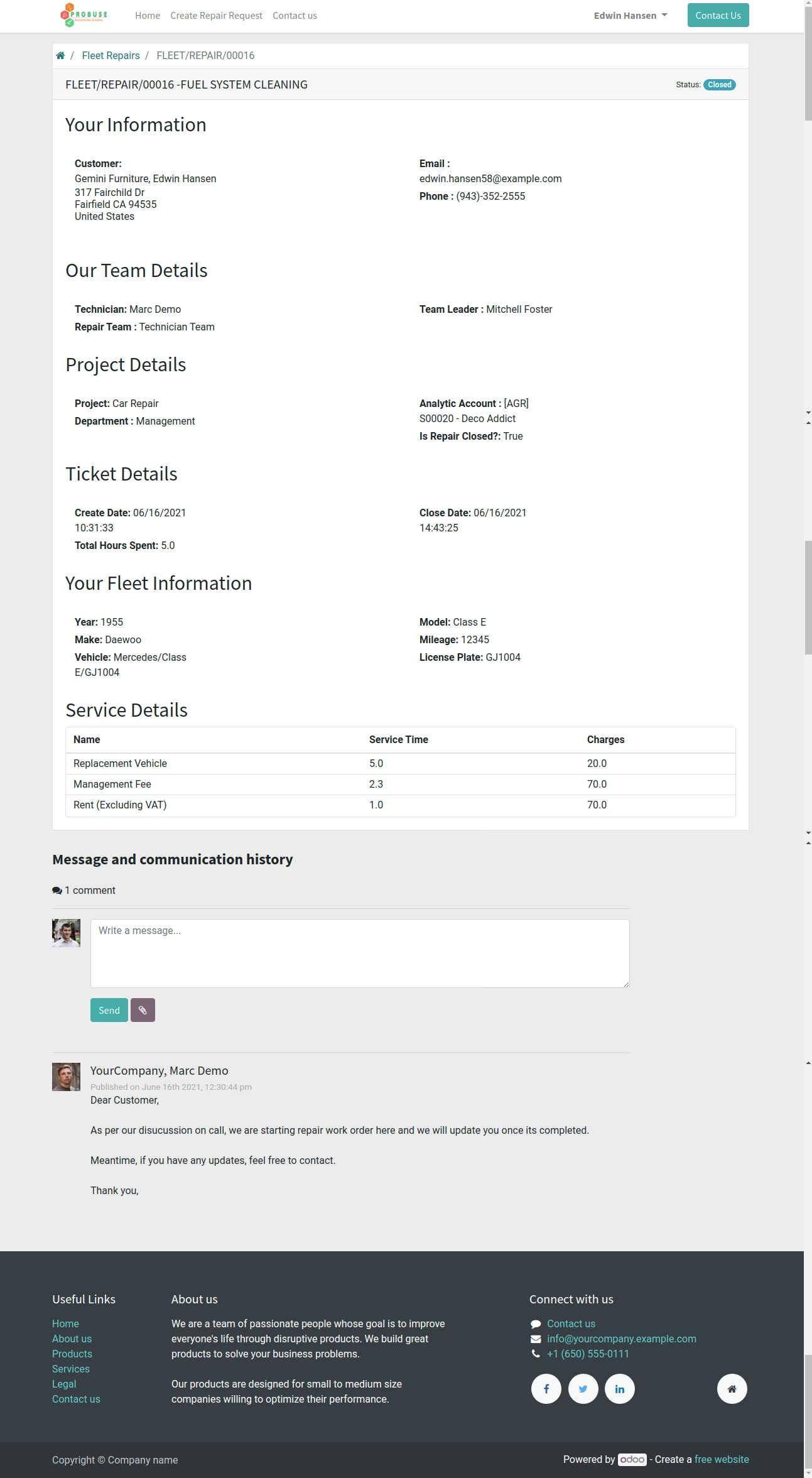
Display Fleet Repair Request Form to Edwin Hansen Customer on Portal
Repair Manager Mitchell Foster ==> View Feedback on Repair Request in the Backend
Print Fleet Repair Request PDF Report Sample
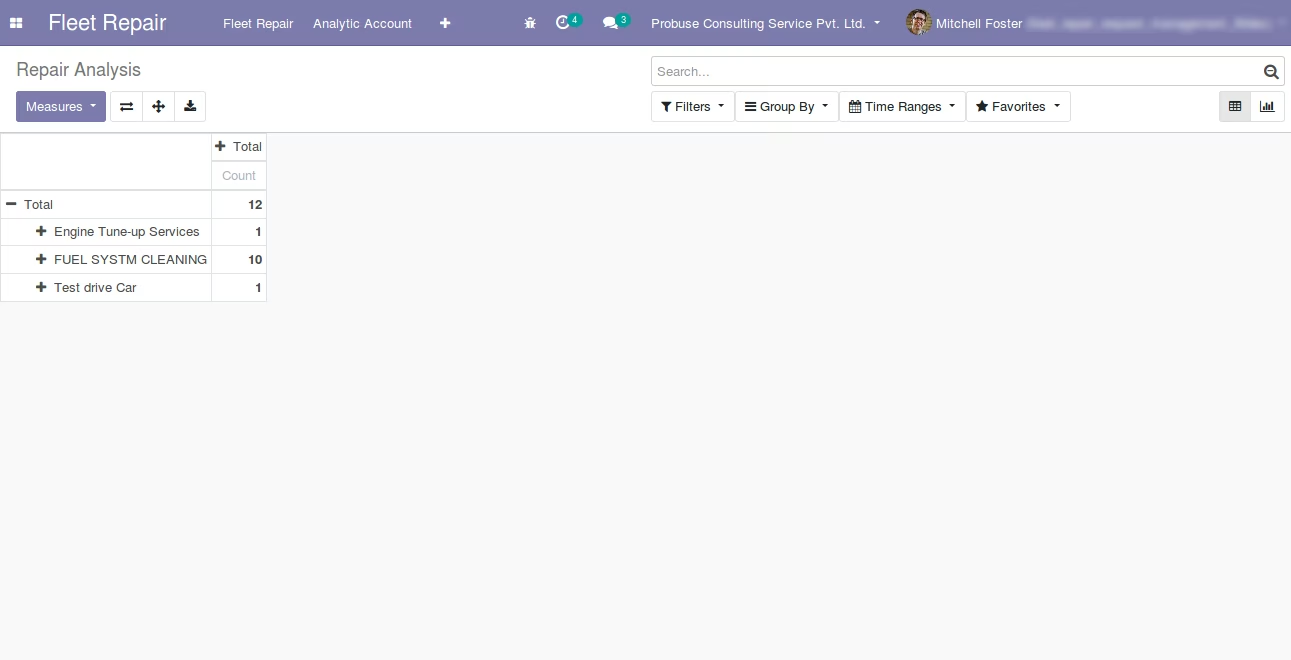
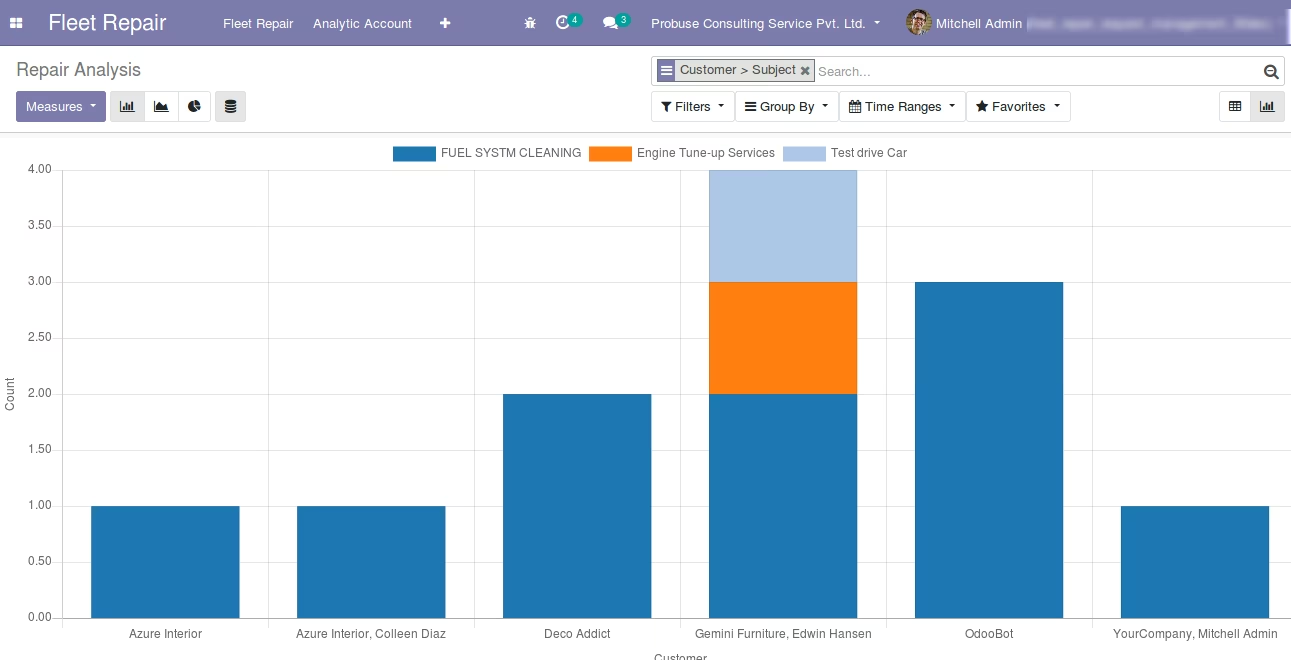
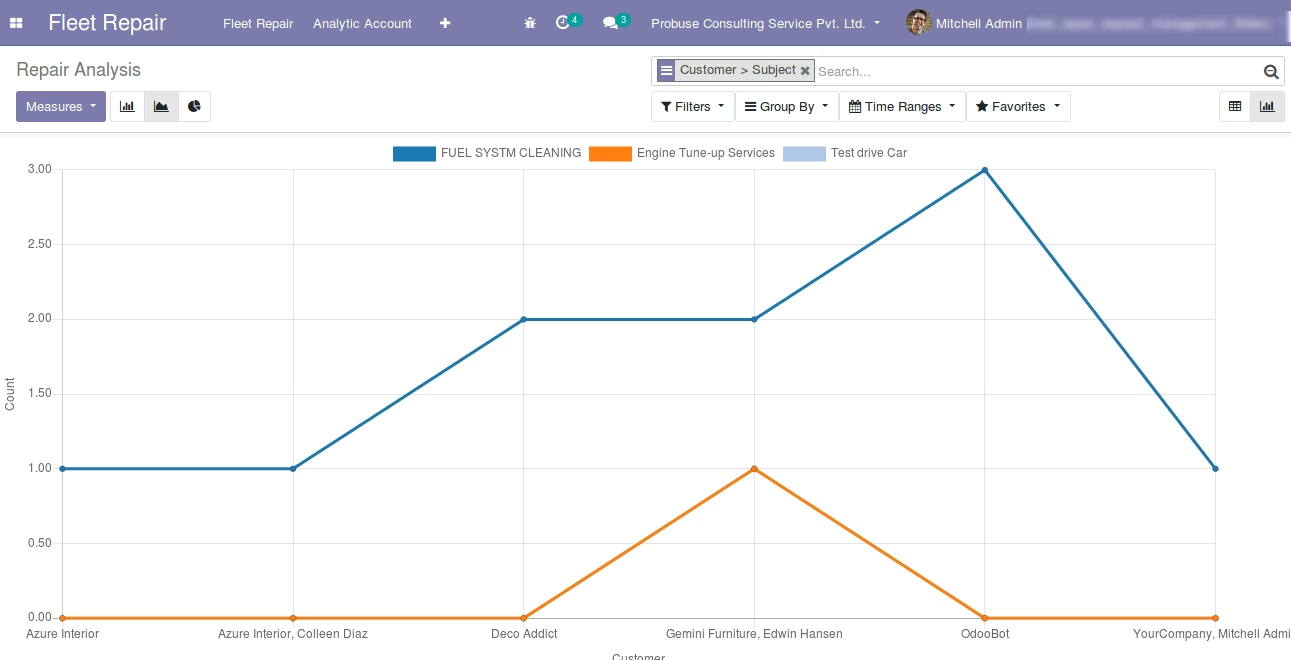
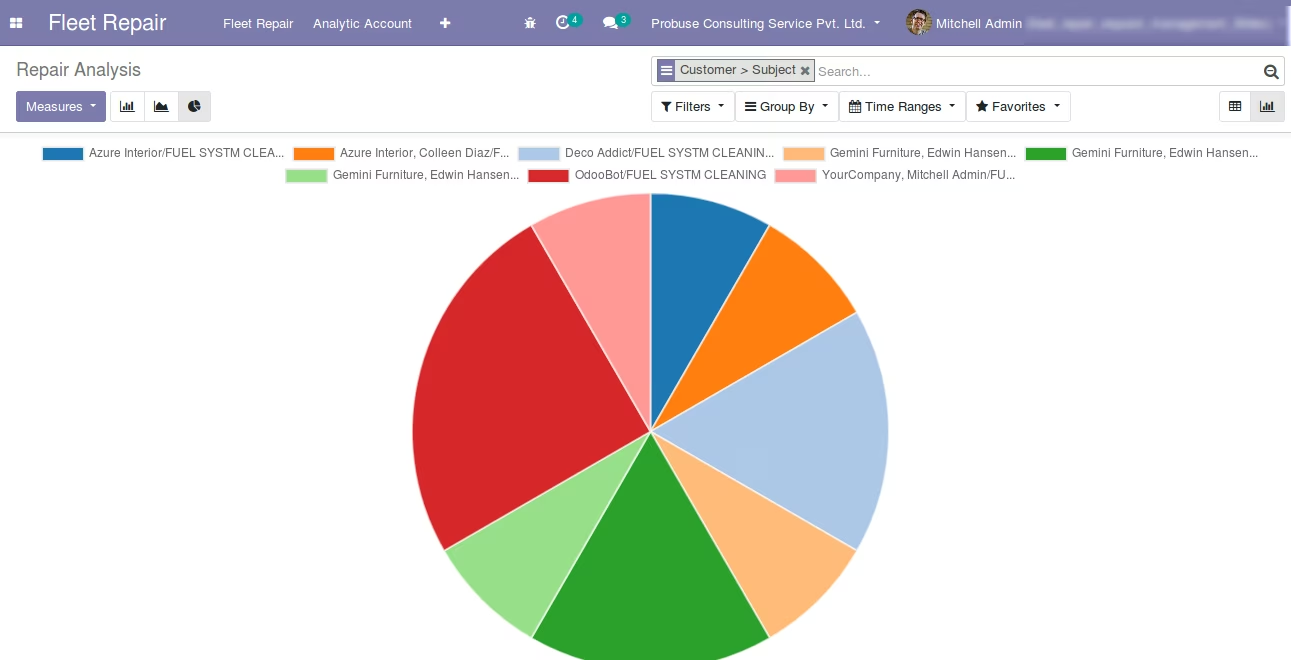
Repair Request Analysis Report for Manager
Repair Request Bar Chart Report
Repair Request Line Chart Report
Repair Request Pie Chart Report
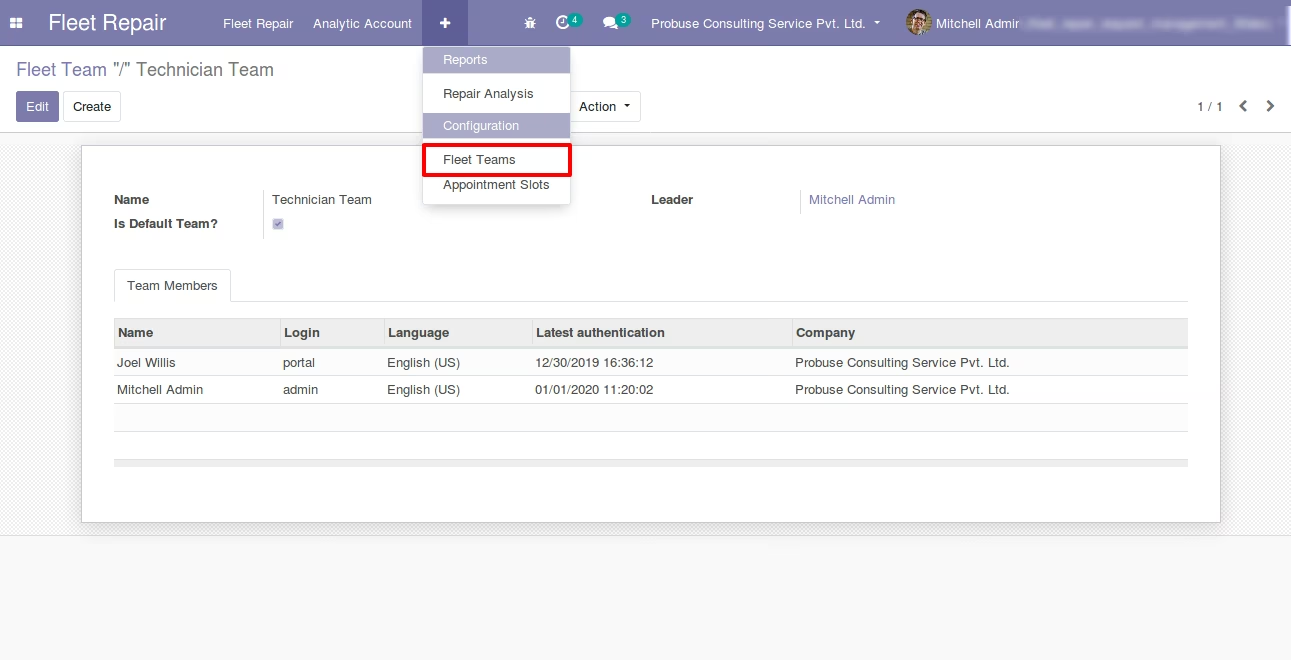
Fleet Repair Team - Form View
If you set any team as the default team then the repair request created from the website will be set as the default team but later you can change it.
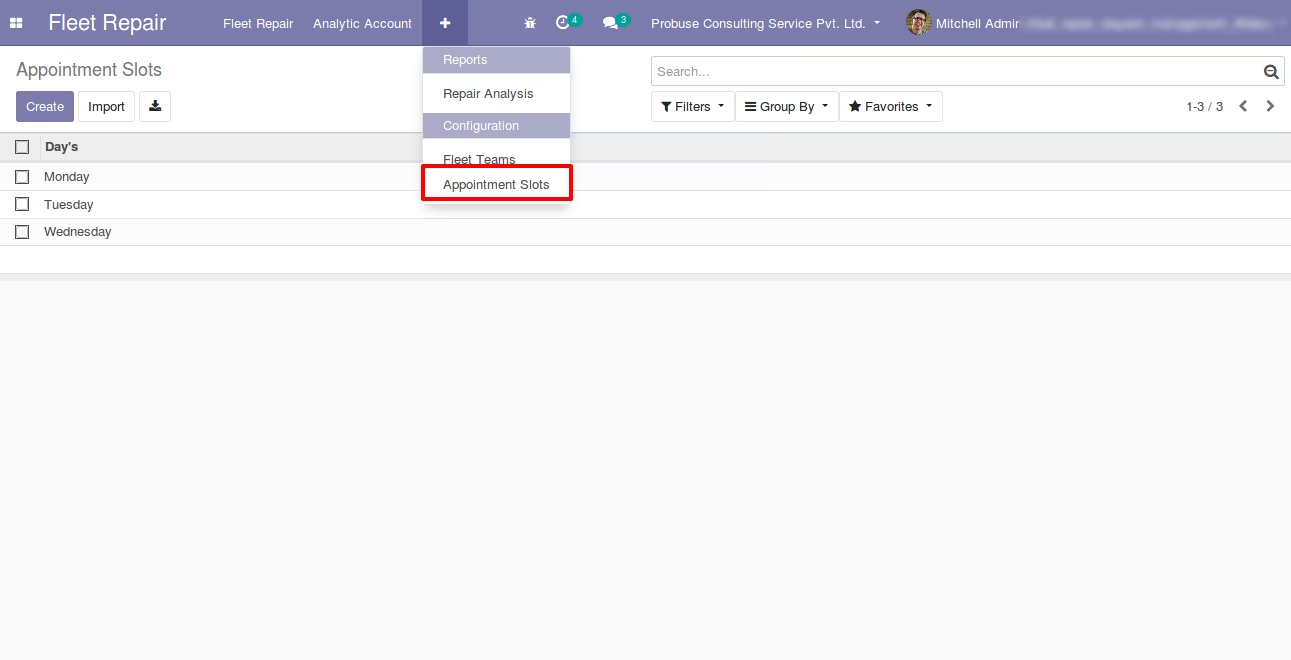
Appointment Slots- List View for Online Appointment with Customer
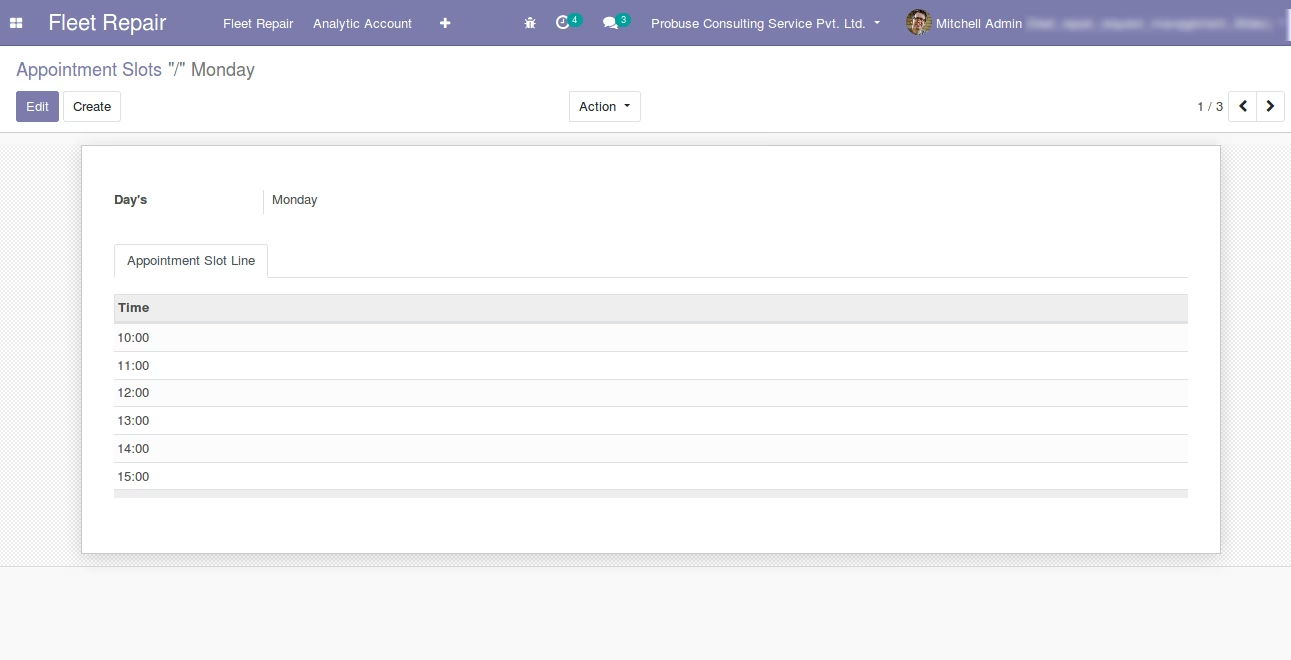
Appointment Slot Form View
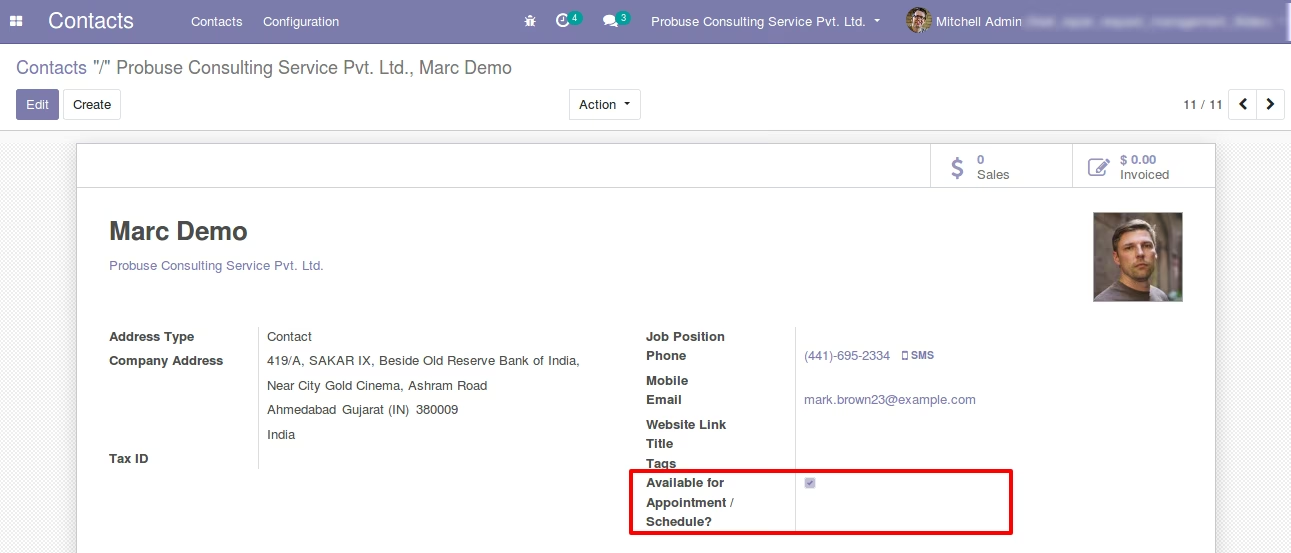
Set Adviser / Appointee
Configure Adviser / Appointee.
Service Types List View Setup
Analytic Accounts List View - [Standard]