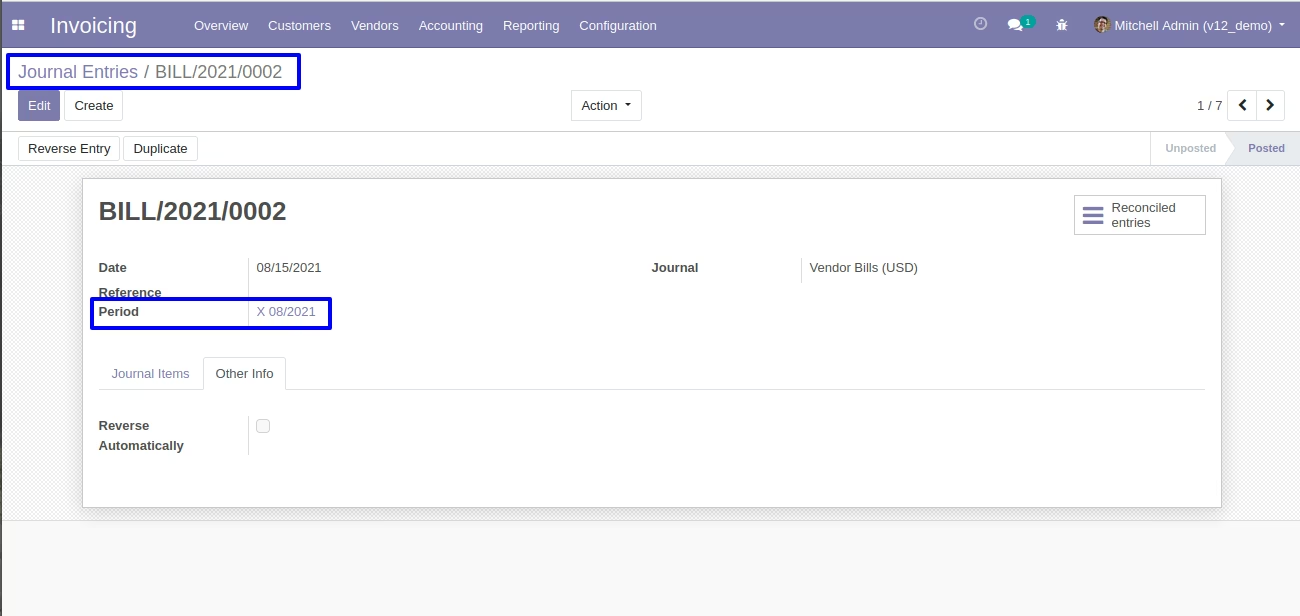
The designed to streamline fiscal period management in multi-company environments. It automatically synchronizes fiscal years across all companies, ensuring uniform fiscal structure and reducing manual maintenance. This module enhances accounting consistency, simplifies financial setup, and saves time for administrators overseeing multiple entities.
Automatically creates and aligns new fiscal years in child companies when a parent company's fiscal year ends
Maintains uniform fiscal year duration and dates across companies
Eliminates repetitive manual fiscal year setup in multi-company configurations
Runs as a scheduled process for seamless synchronization
Ensures consistent fiscal periods across all companies for cleaner financial reporting
Reduces administrative effort by automating year-end fiscal setup
Enhances accuracy and comparability of financial statements across entities
Supports multi-company governance through standardized accounting structure
After version 8 stop supporting finacial fiscal year and fiscal period setup and management for accounting system. with this apps we support same feature so user can create their own fiscal year and peroid for accounting management and generate monthly or three monthly period for fiscal year and it also have feature to close fiscal financial year , transfer opening/closing entry etc.

Manage Accounting Fiscal Years and Accounting Periods
Manage accounting fiscal years and accounting periods.

Generating Opening and Closing Entries For Fiscal Year
Generating opening and closing entries for fiscal year.

Option To Close Entries, Years And Periods
Option to close entries, years and periods.
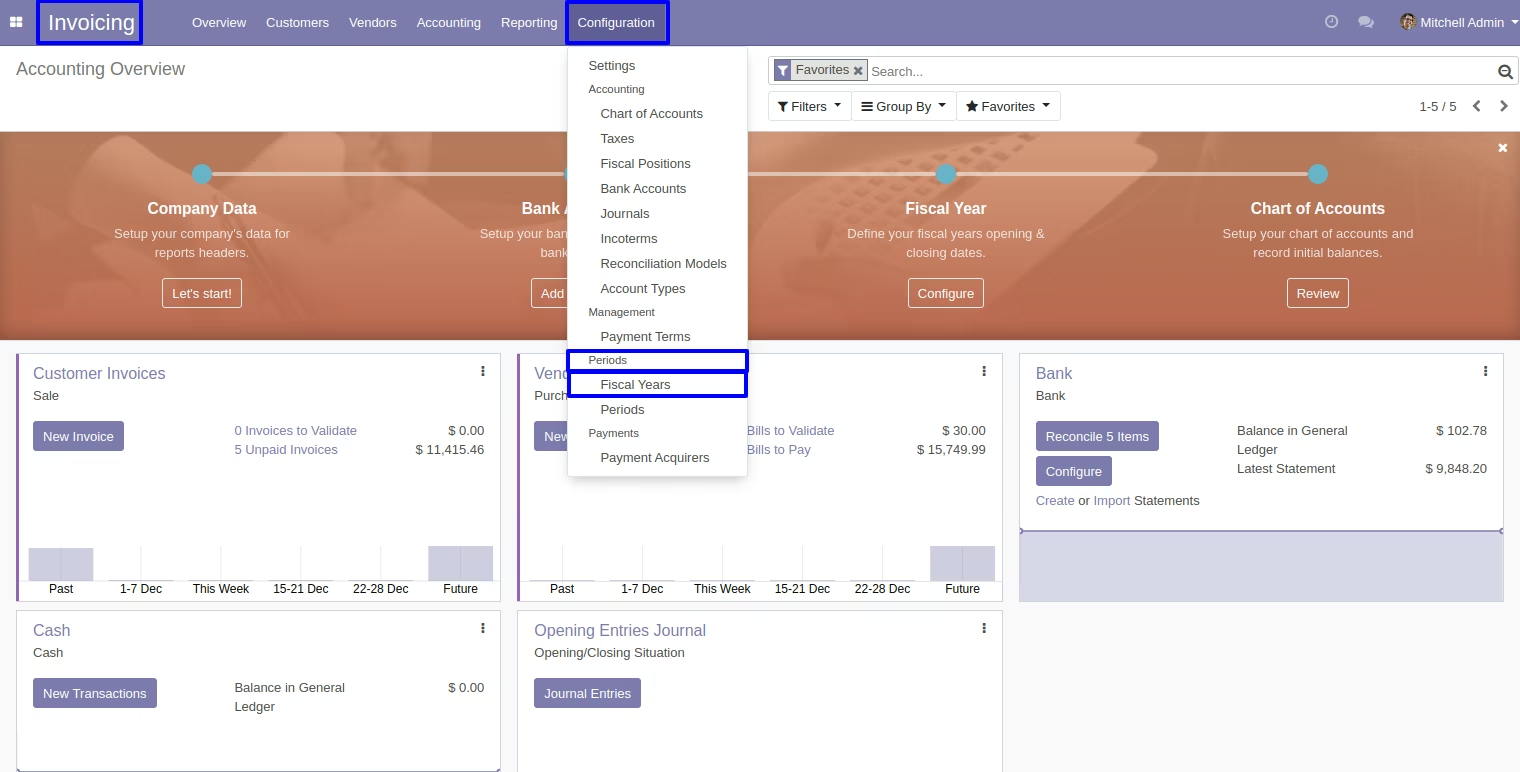
Create Fiscal Year Record
Go to invoice > configuration > periods > fiscal years.
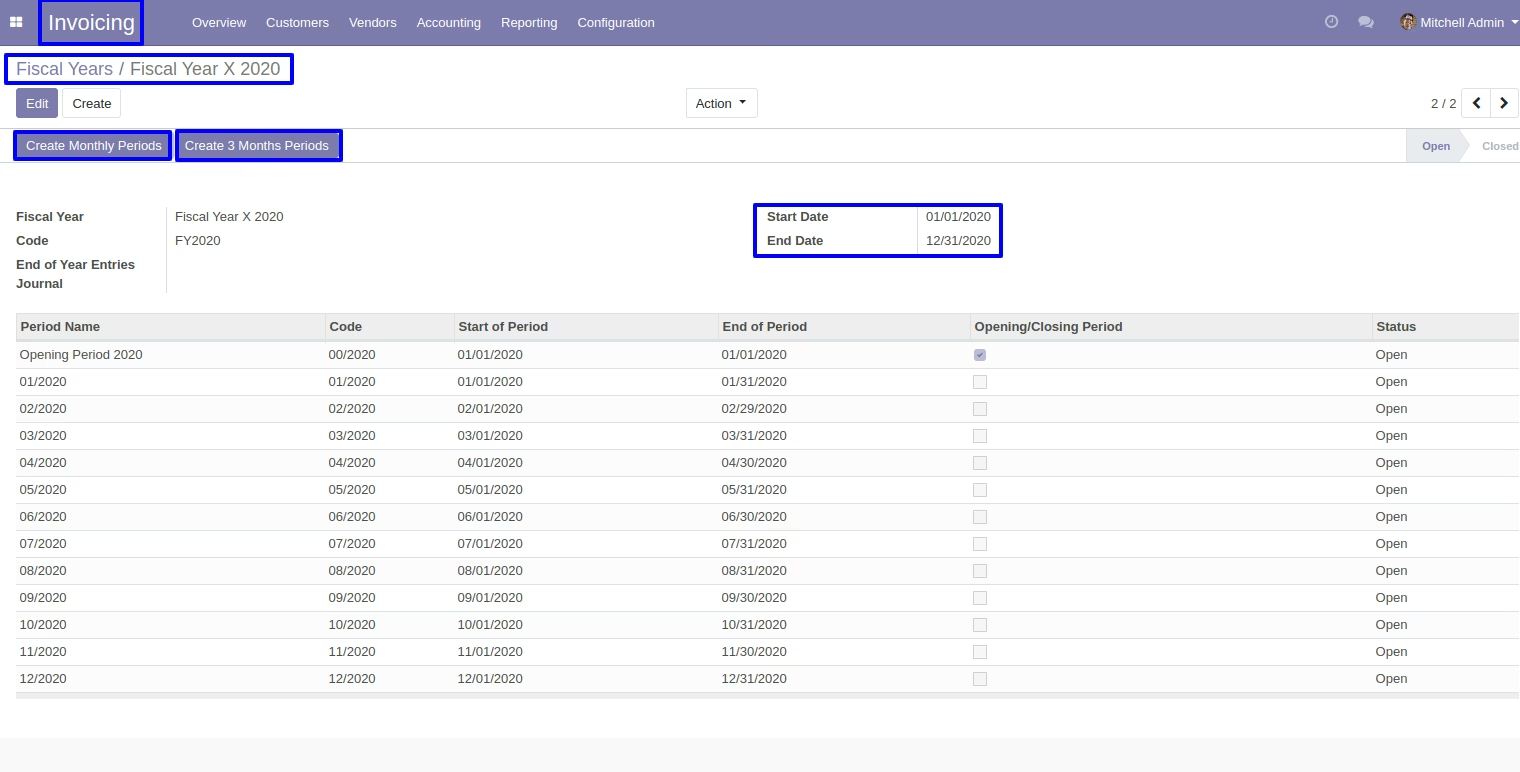
After creating record user can 'create monthly periods or 3 months periods' base on start date and end date.
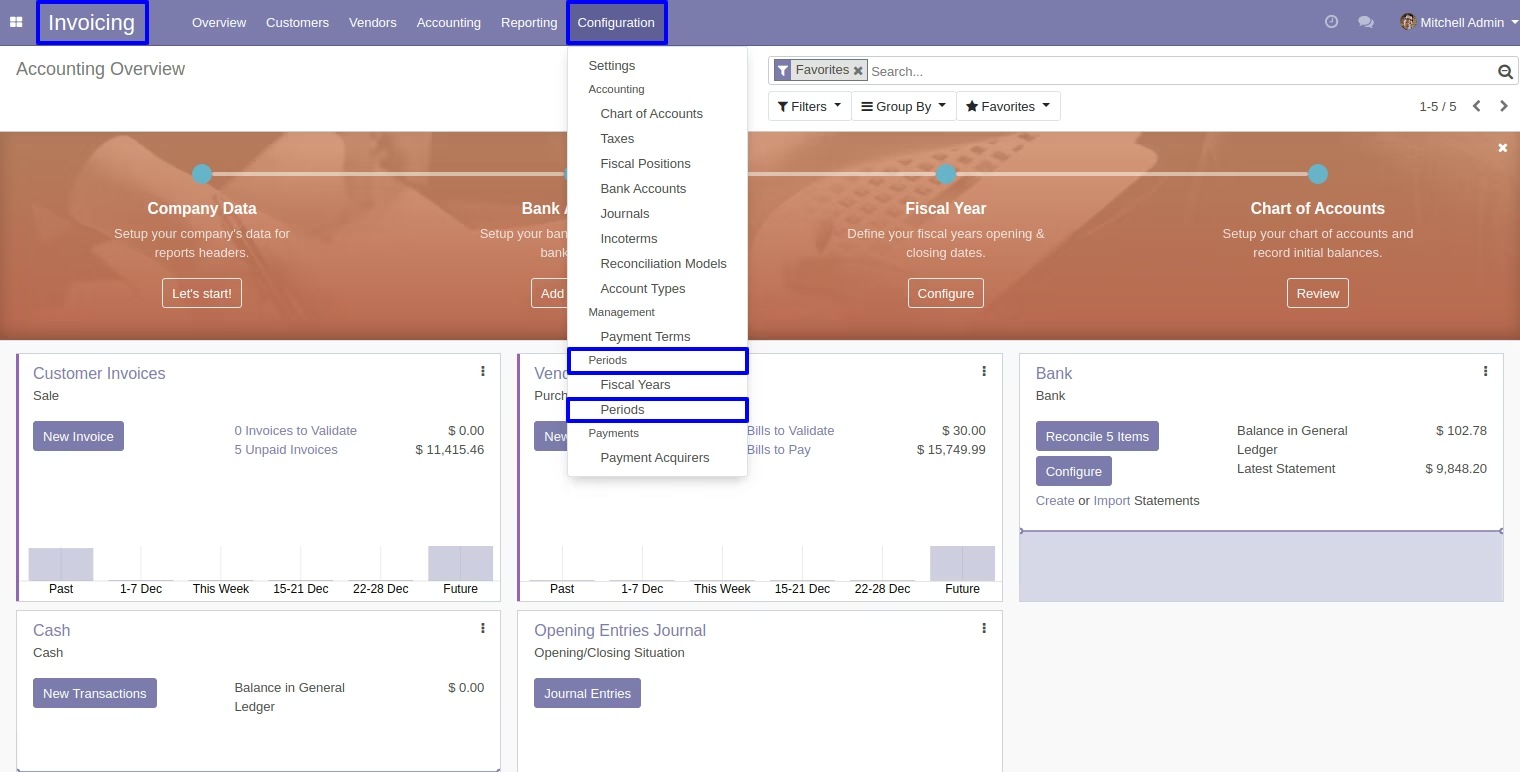
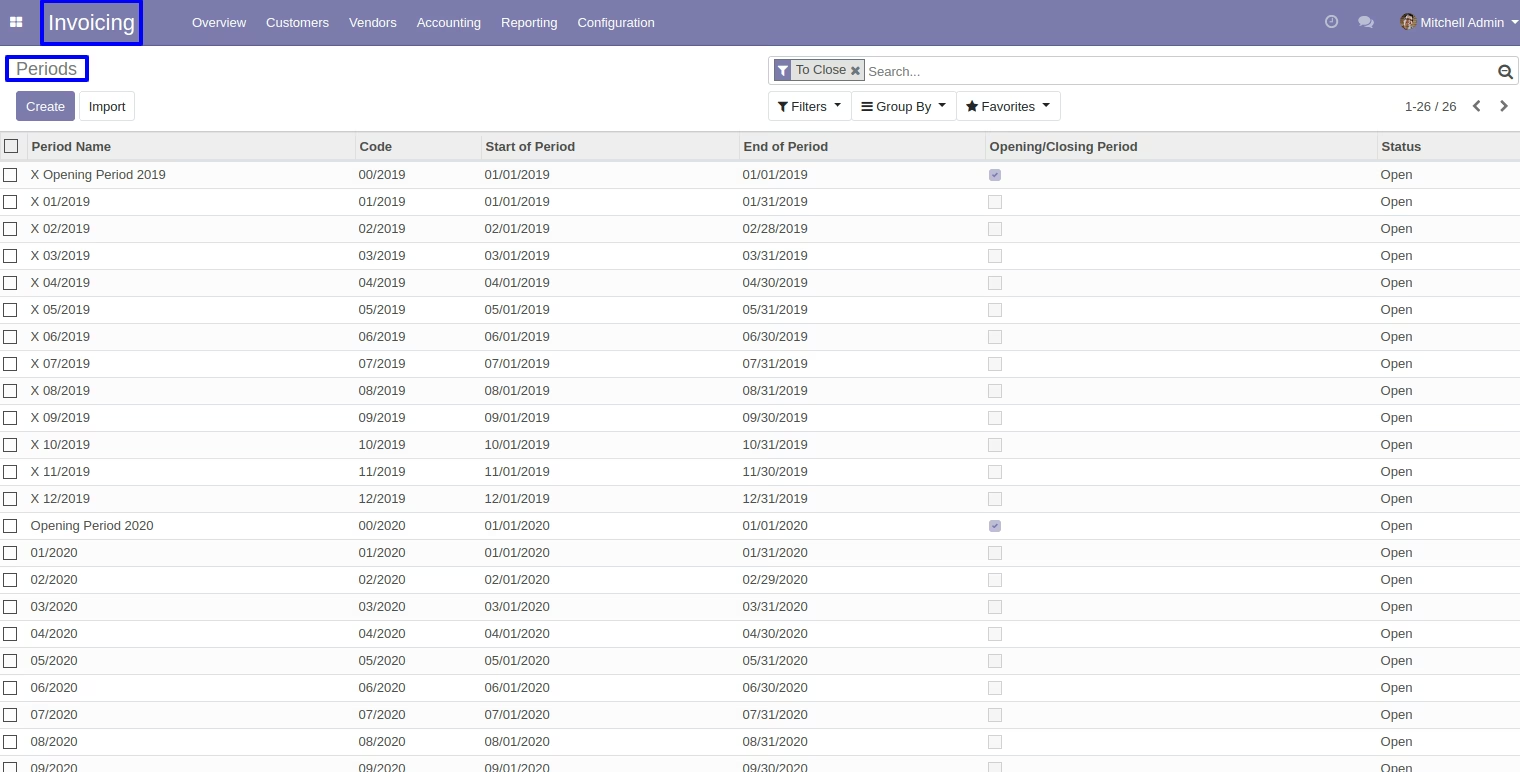
User can see "created monthly periods" in invoice > configuration > periods.
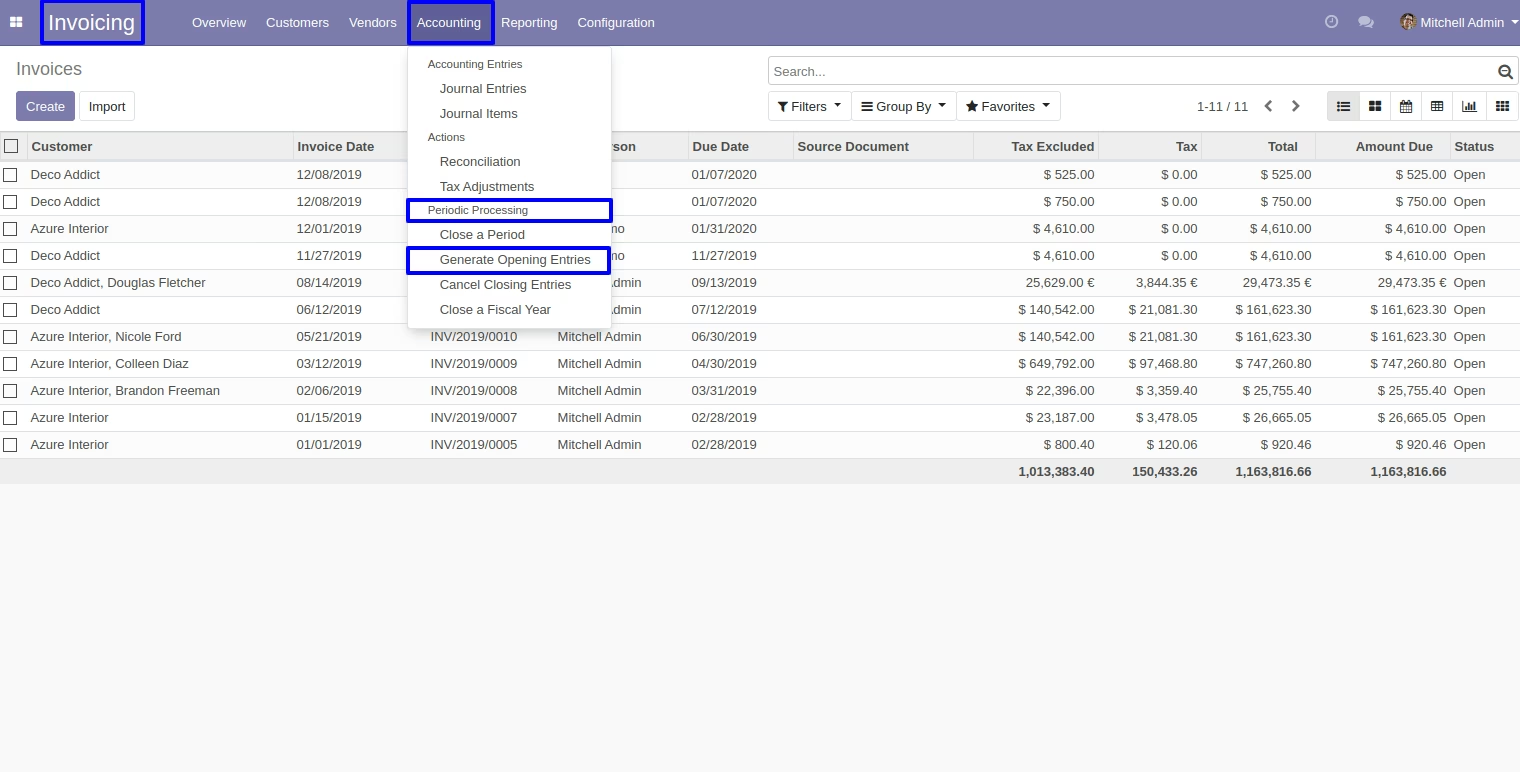
Generate Opening Entries
Go to invoice > accounting > periodic processing > generate opening entries.
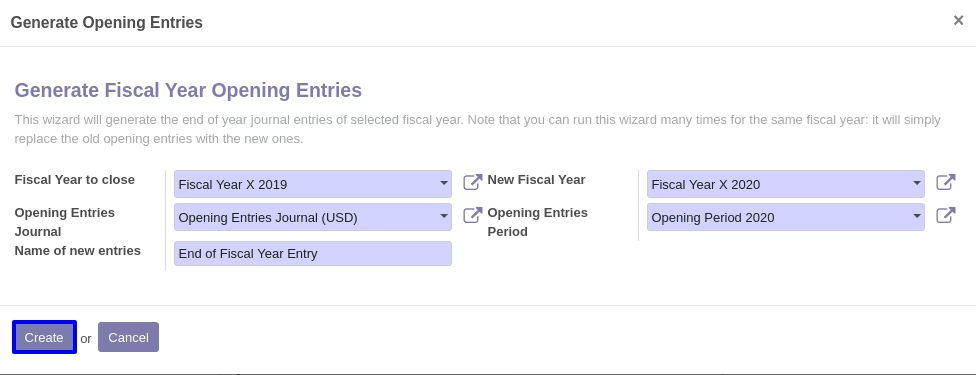
Generate opening entries.
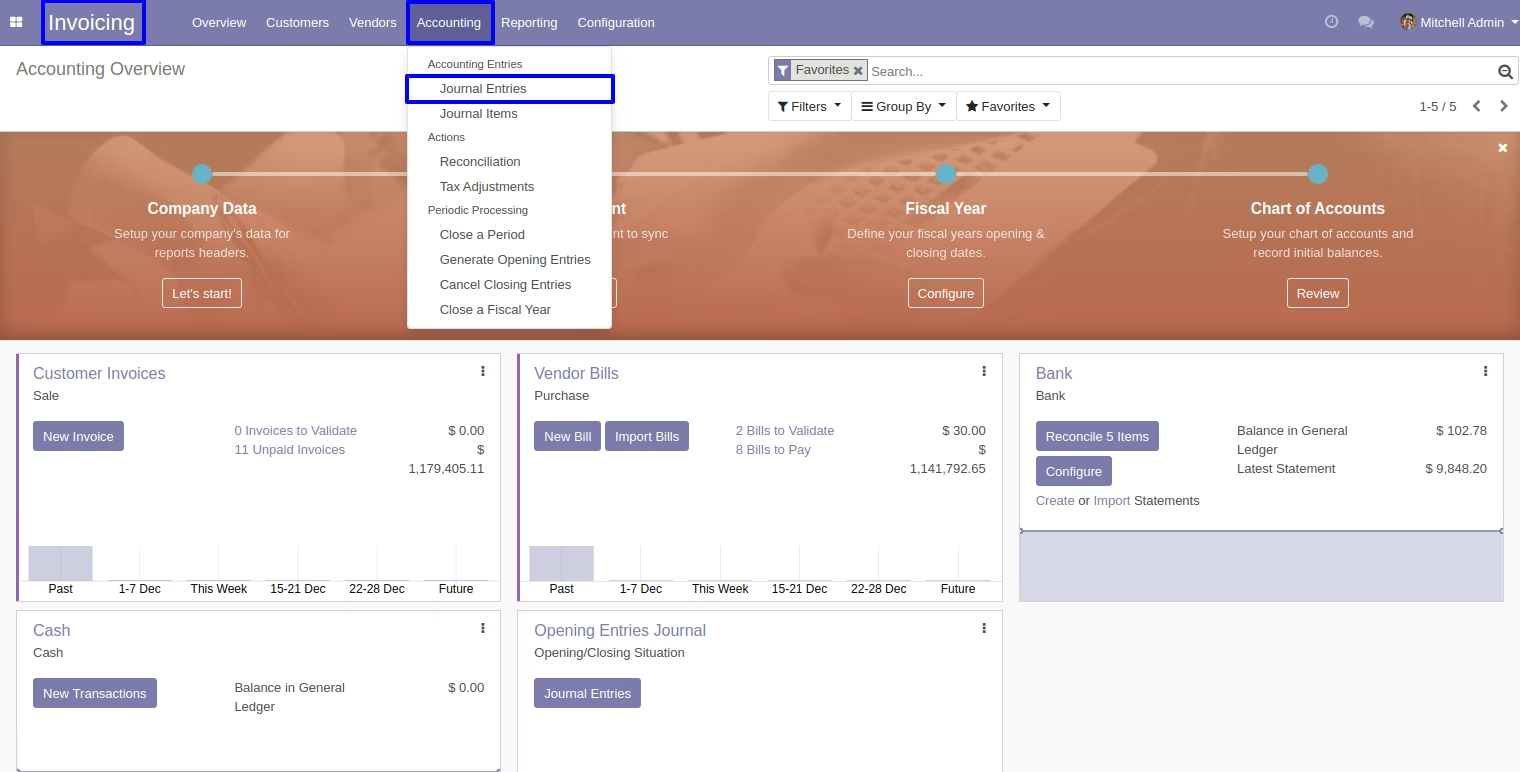
Created journal entry record in invoice > accounting > journal entries.
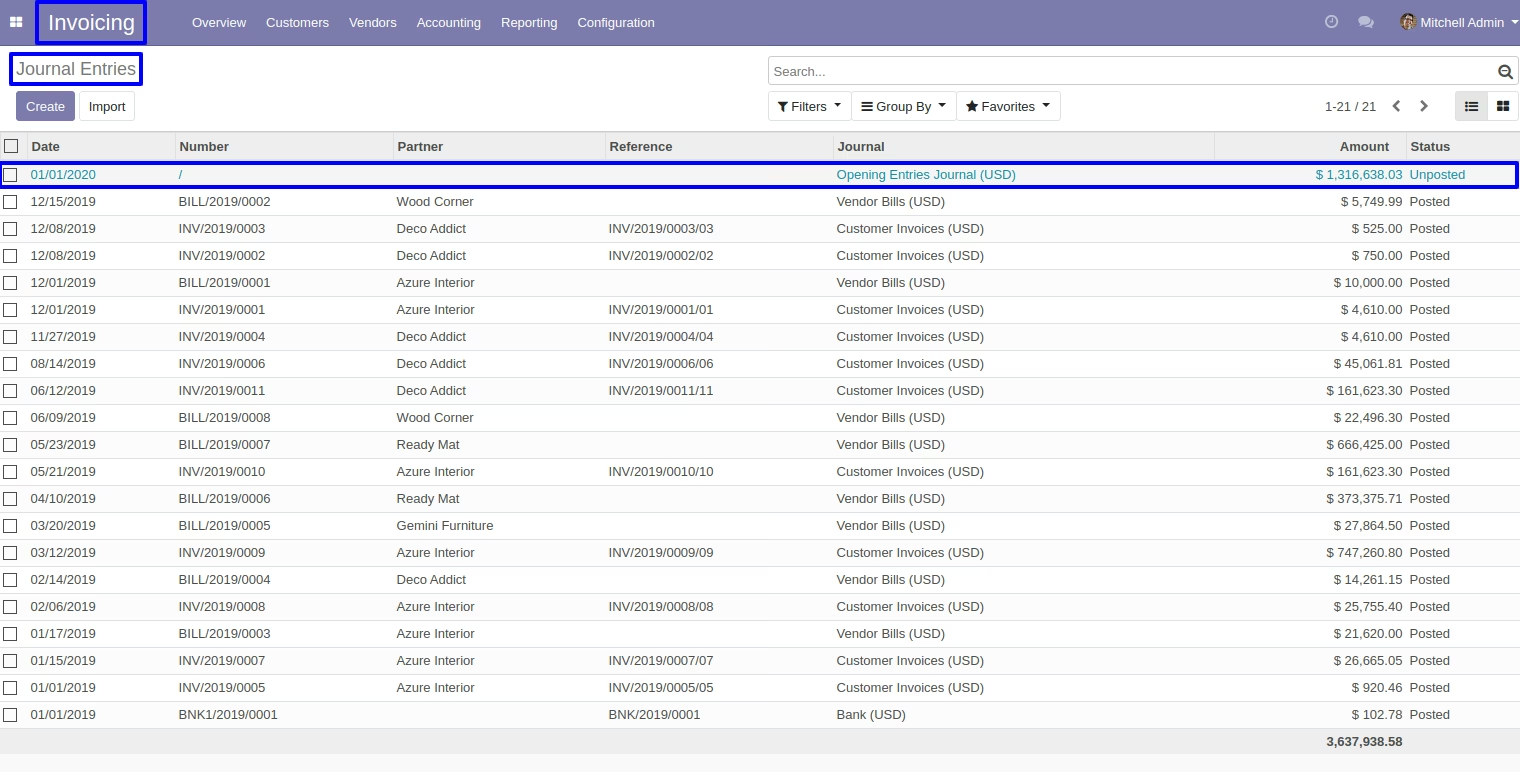
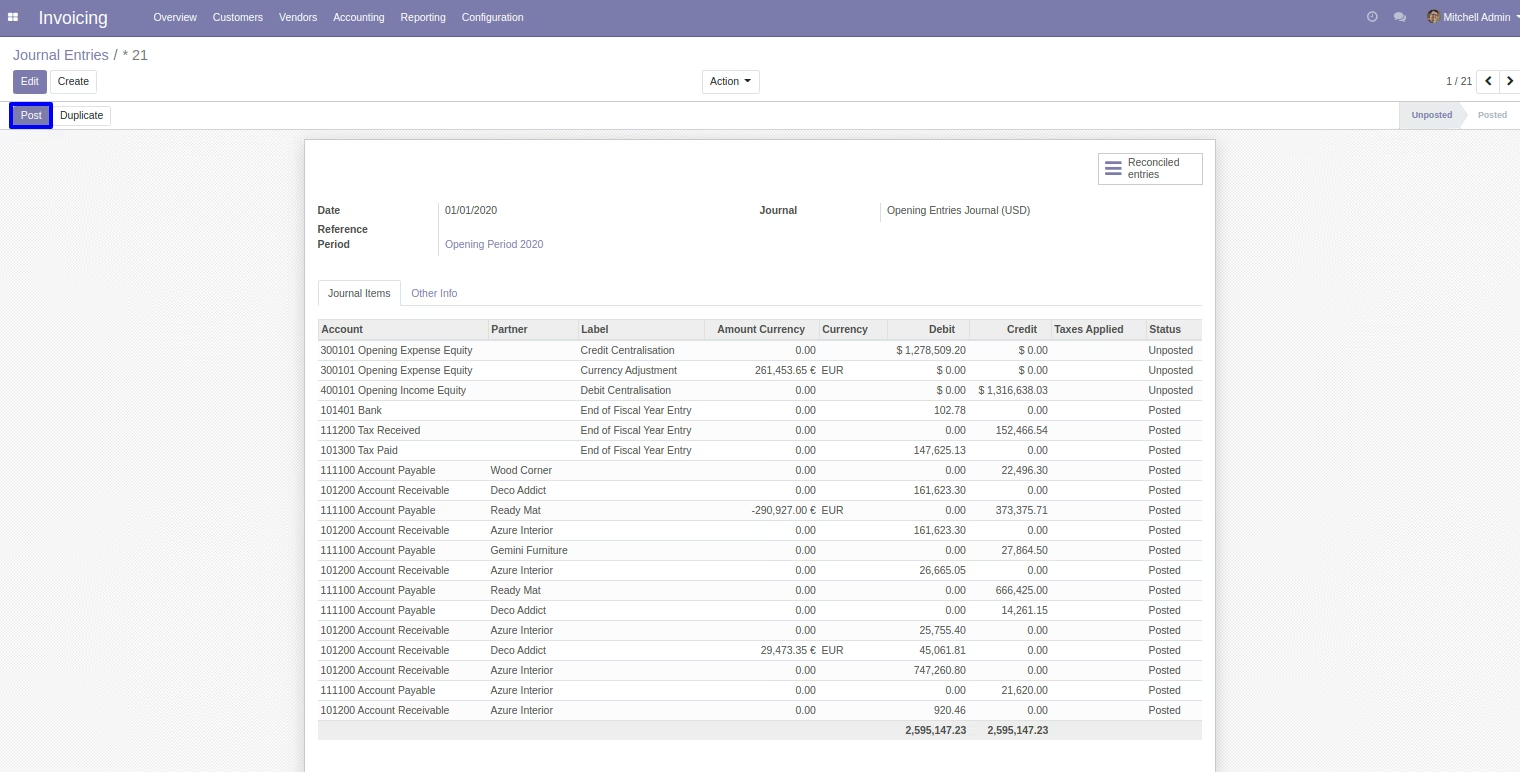
User have click on "post" button to validate unposted "opening journal entry".
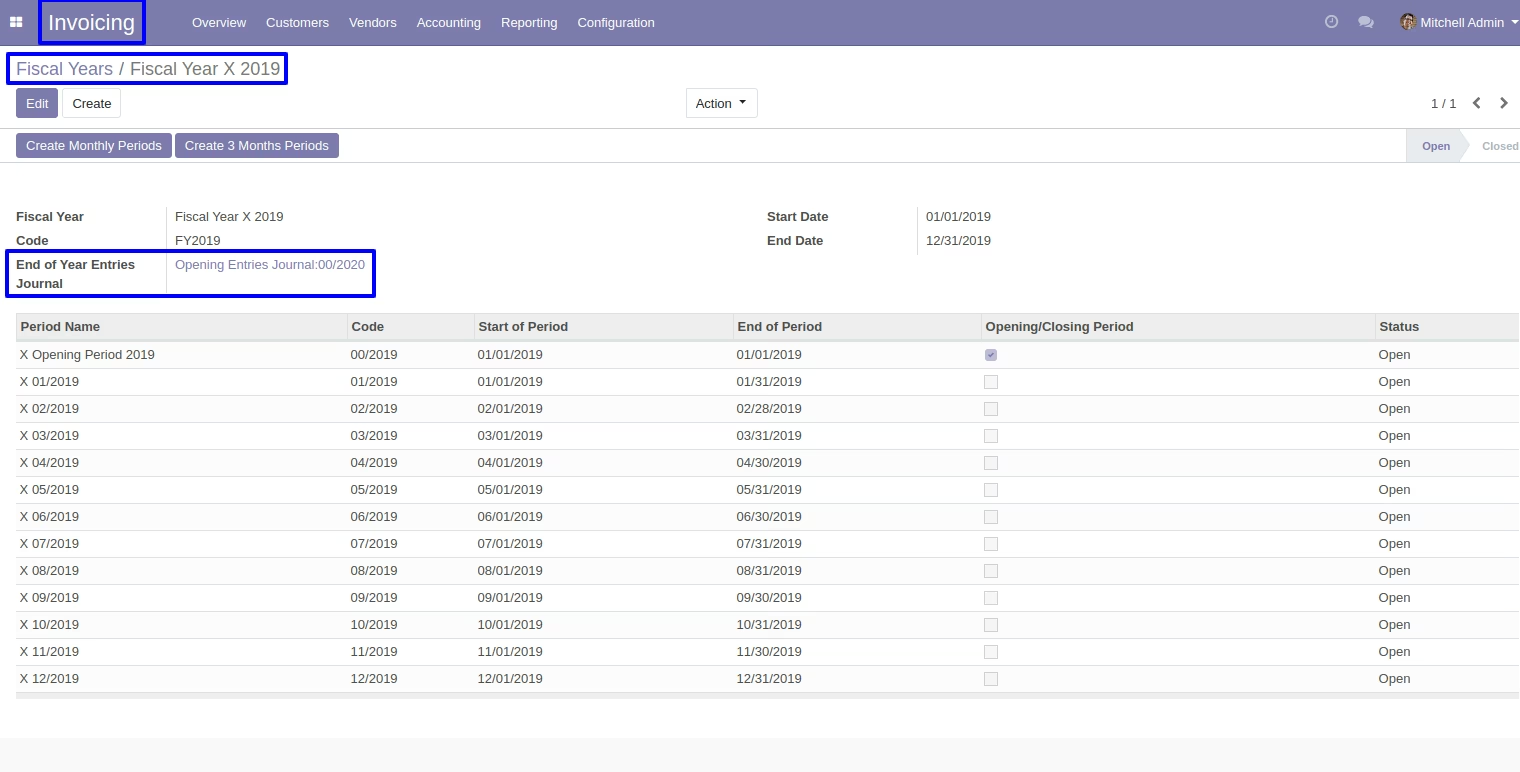
User can view "created journal entry" in fiscal year.
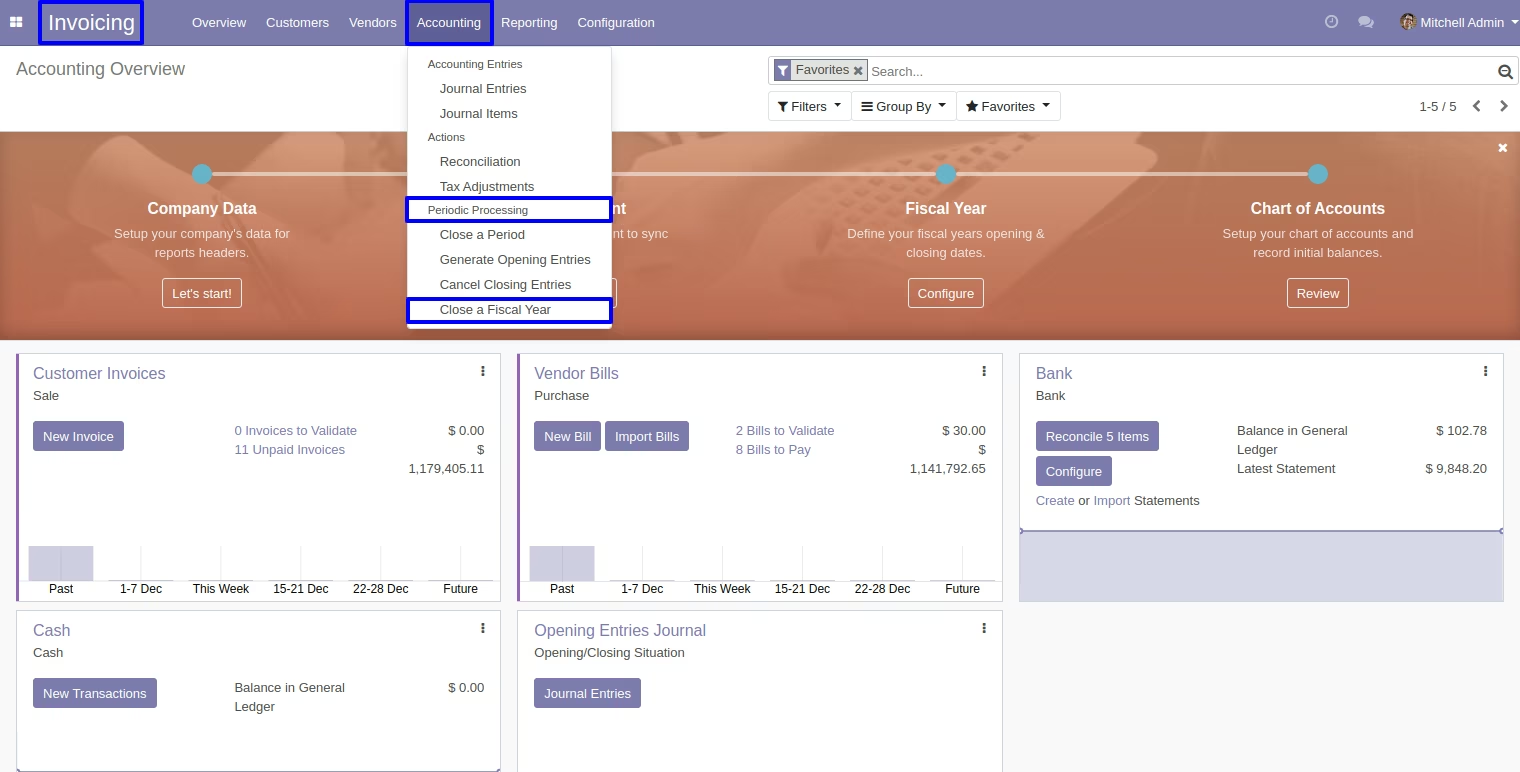
User Can Close A Fiscal Year
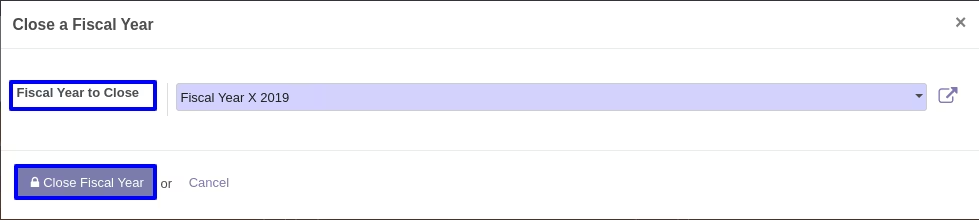
Go to invoice > accounting > periodic processing > close a fiscal year.
Select a fiscal year in "fiscal year to close" and click on "close fiscal year" button.
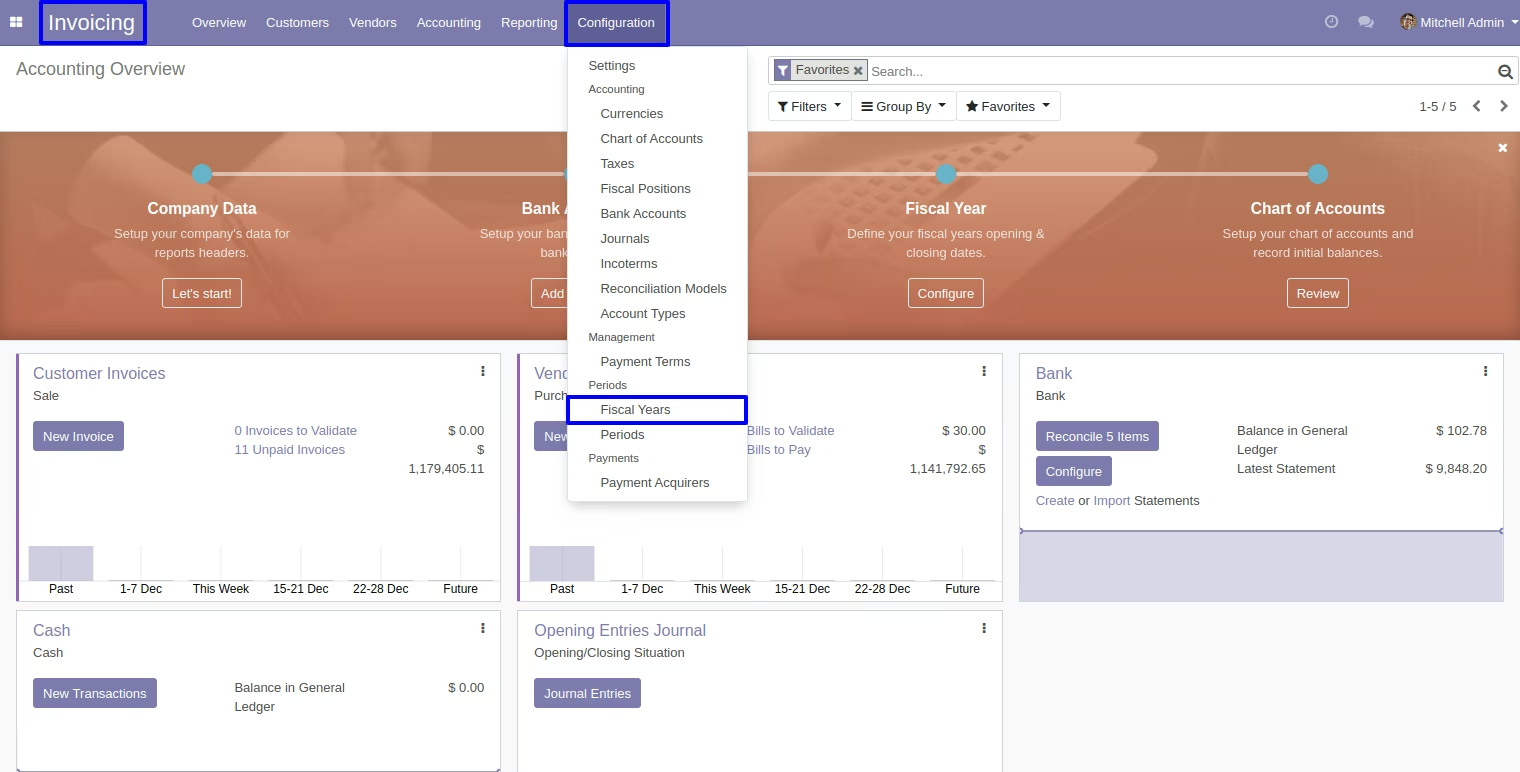
Go to invoice > configuration > fiscal years.
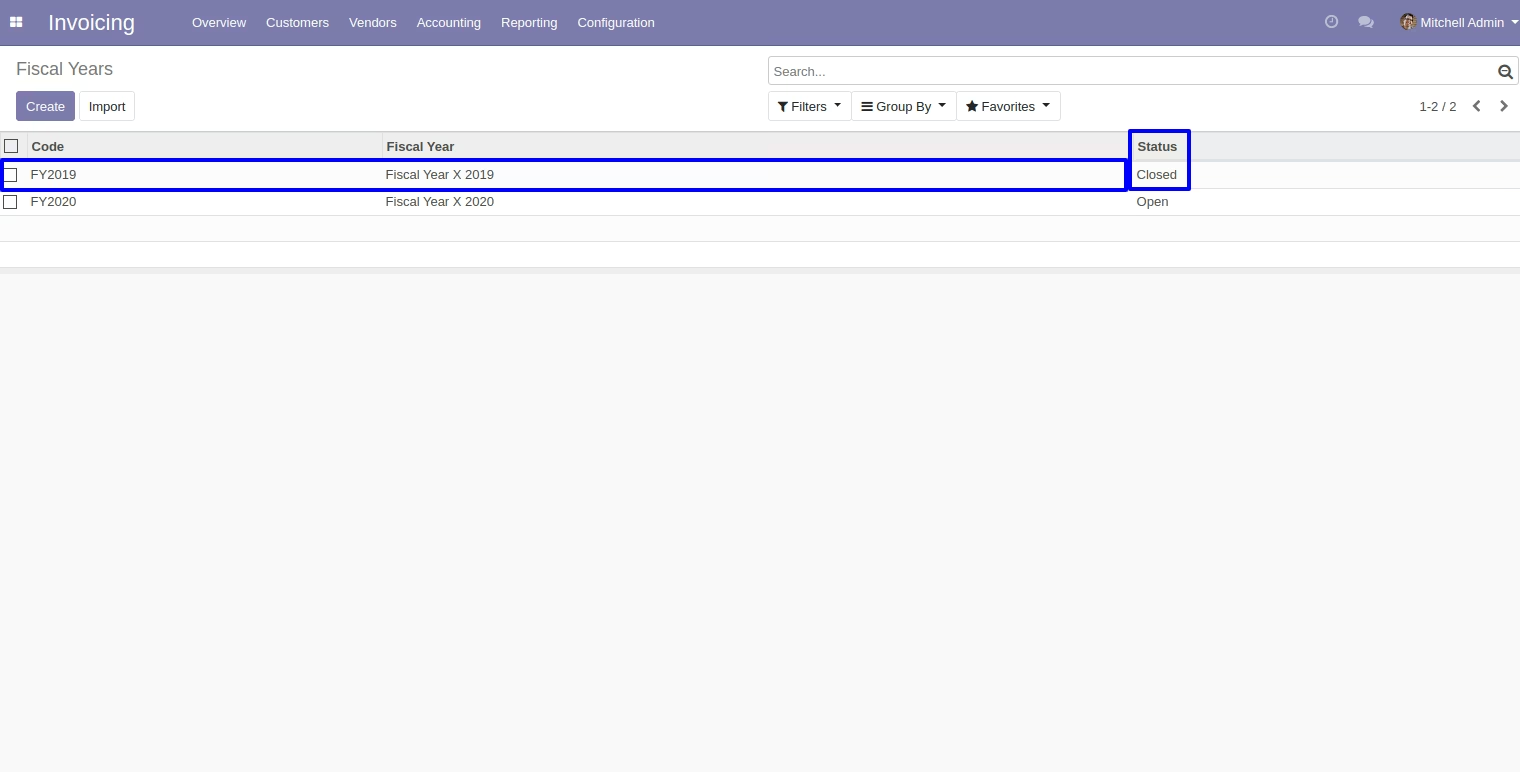
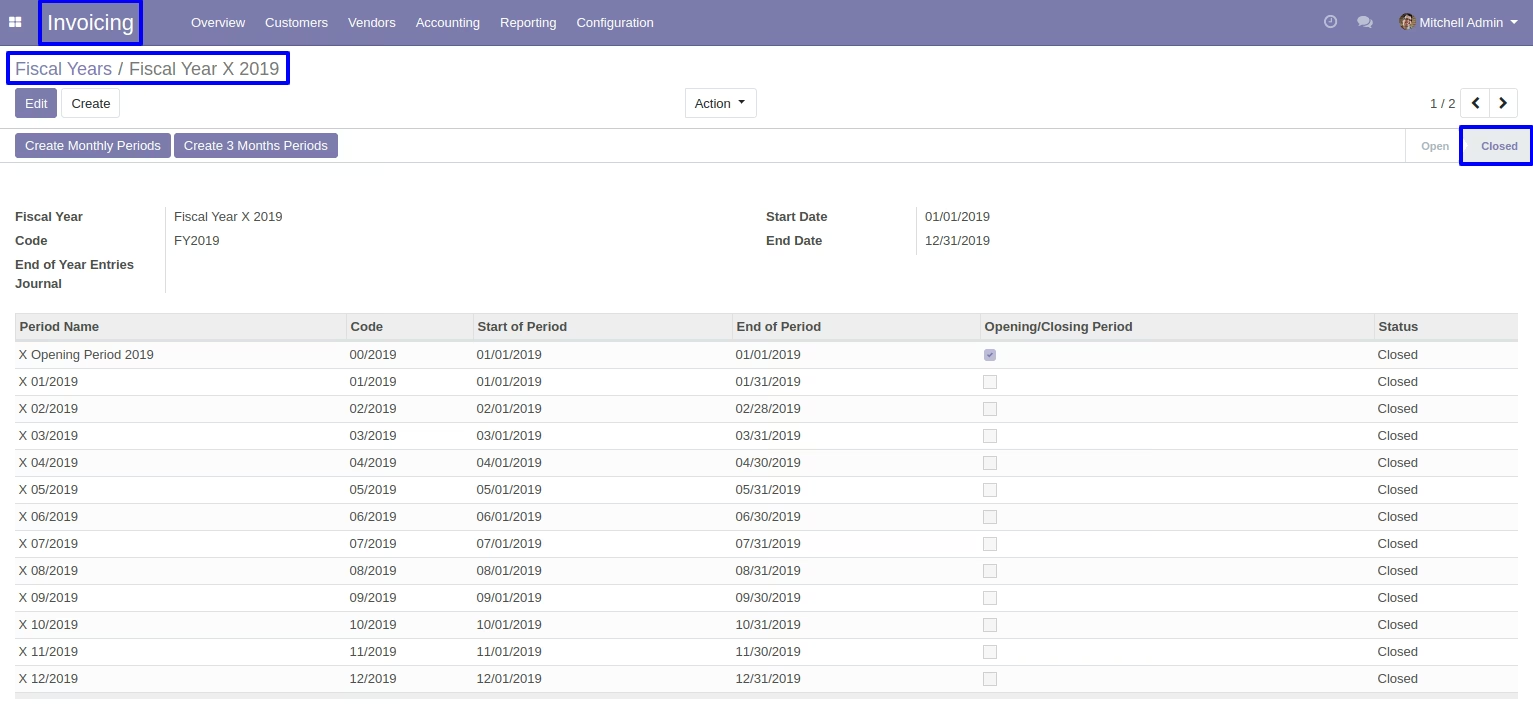
Closed fiscal year.
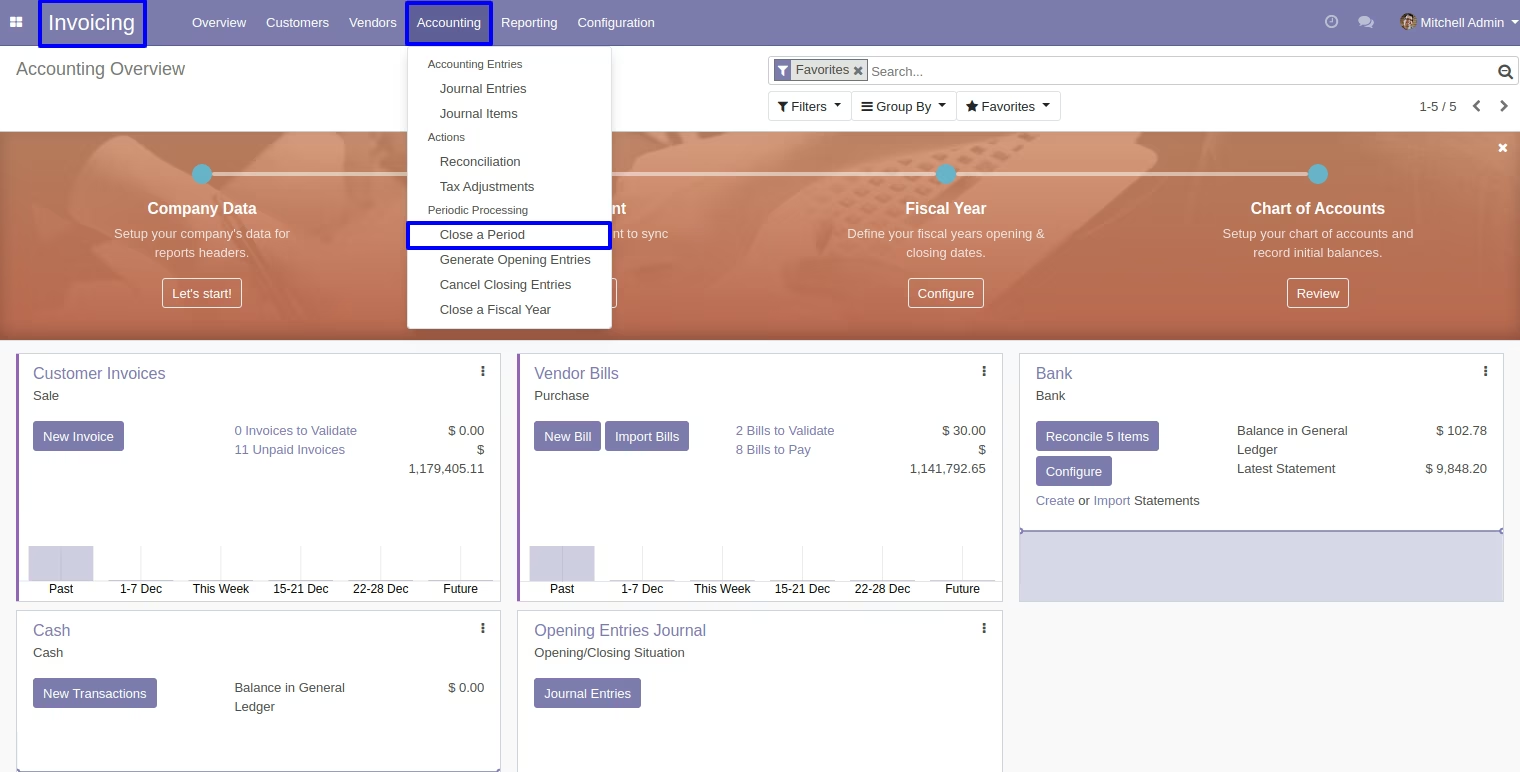
User Can Close A Particular Period
Go to invoice > accounting > periodic processing > close a period.
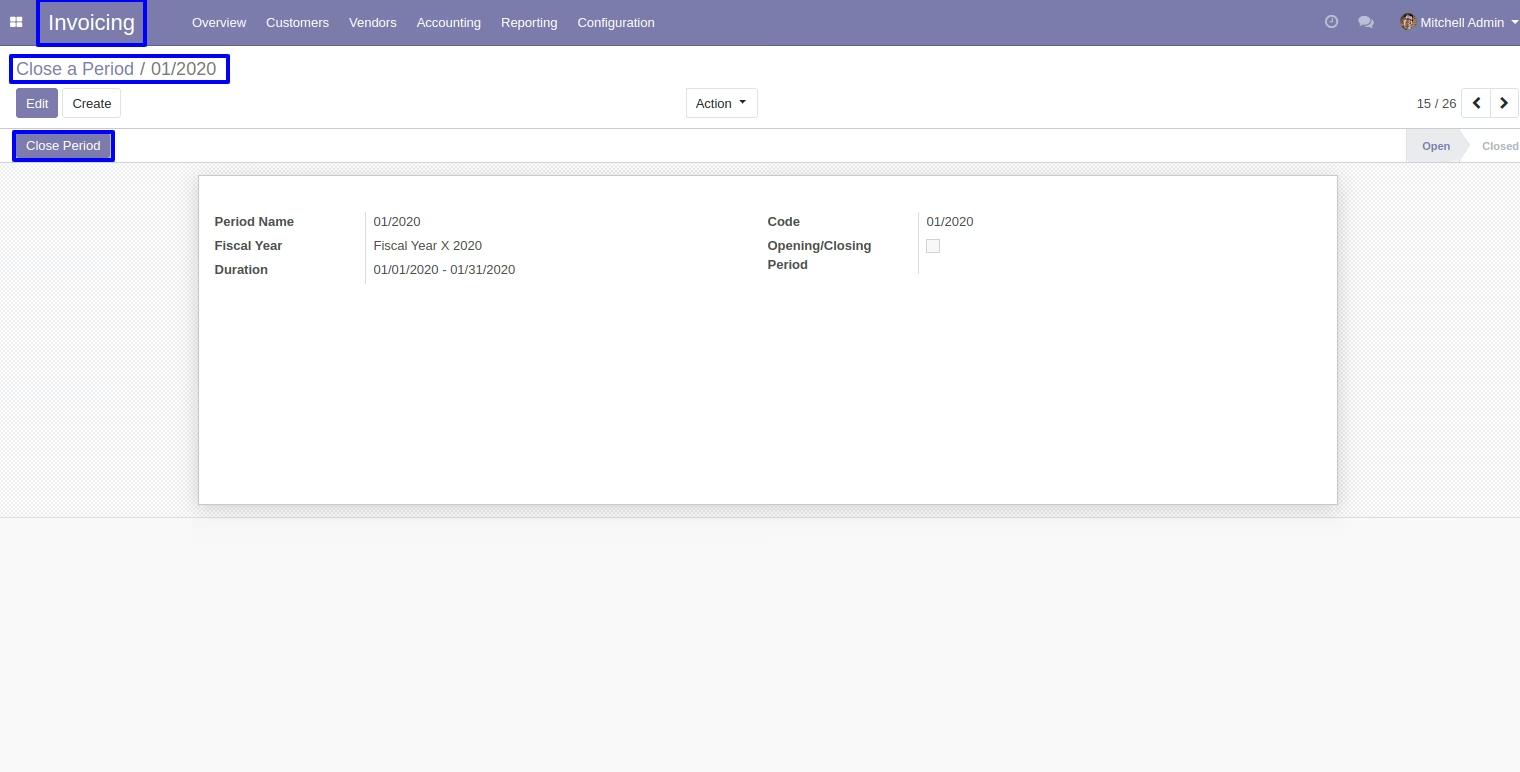
User can click on "Close Period" button for closing accounting period.
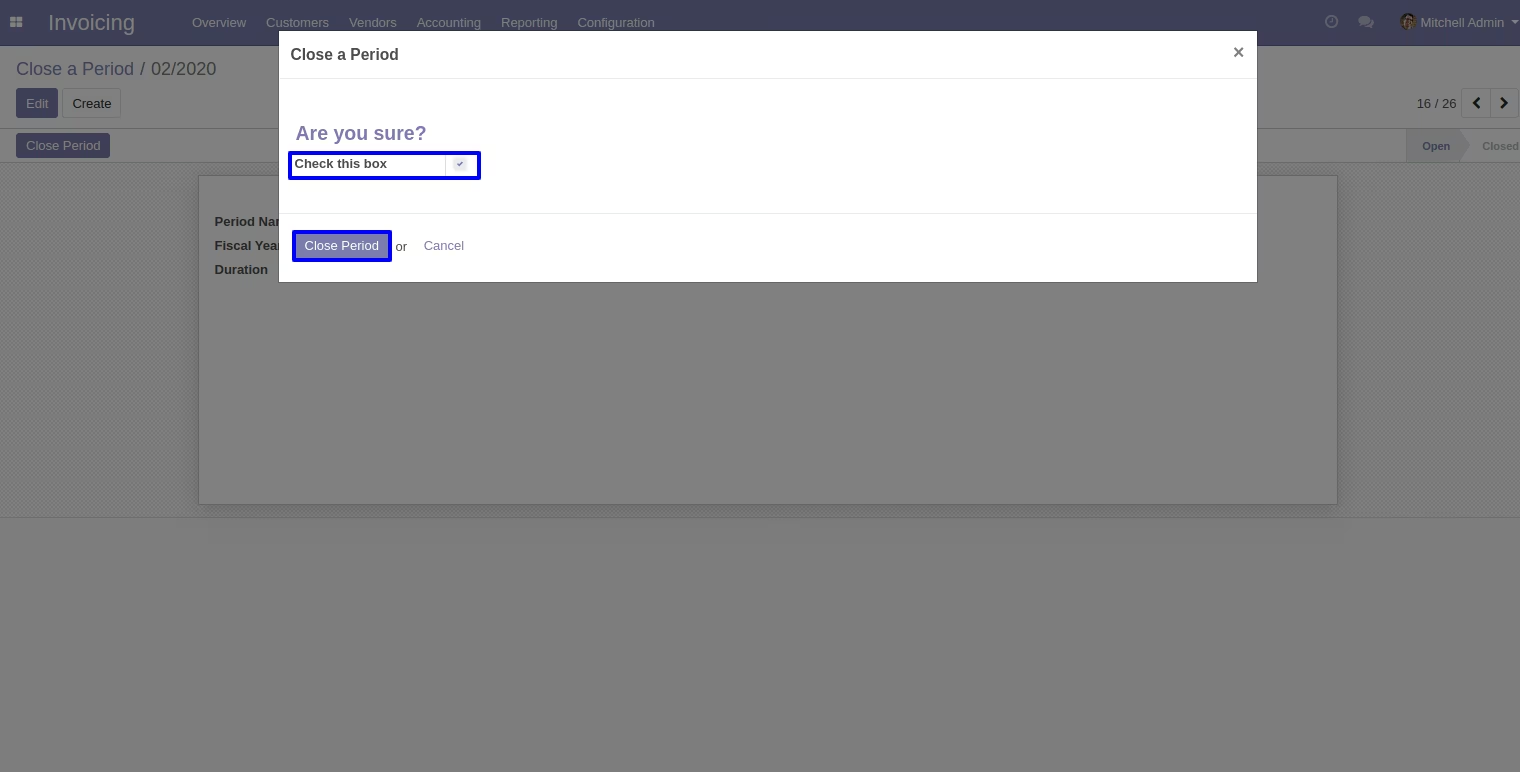
Click on check box then "close a period".
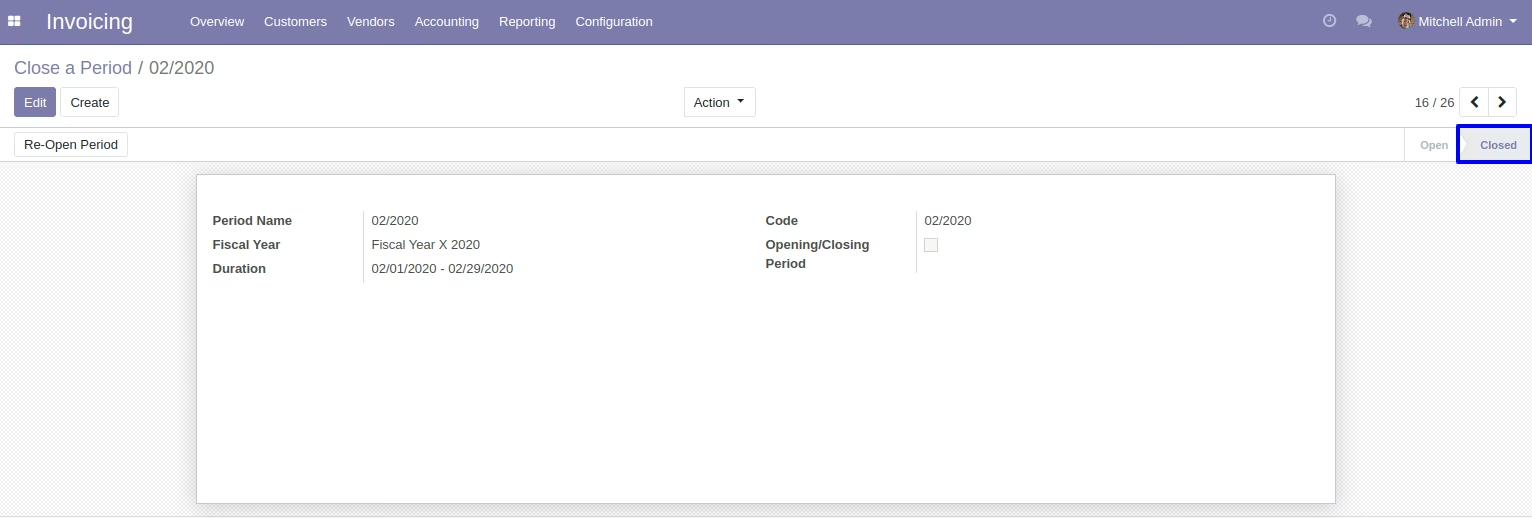
User can Close Created Journal Entries
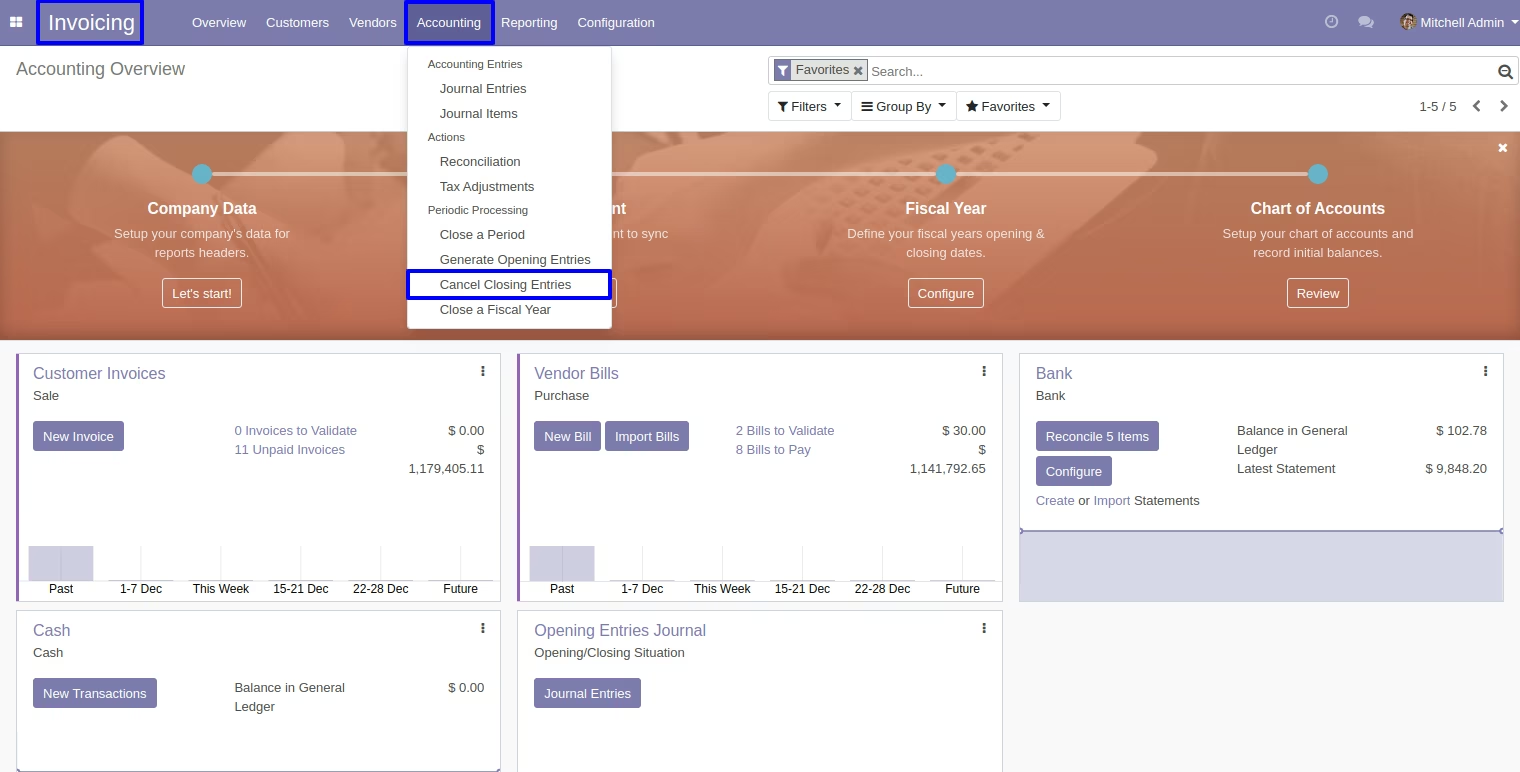
Go to invoice > accounting > periodic processing > cancel closing entries.
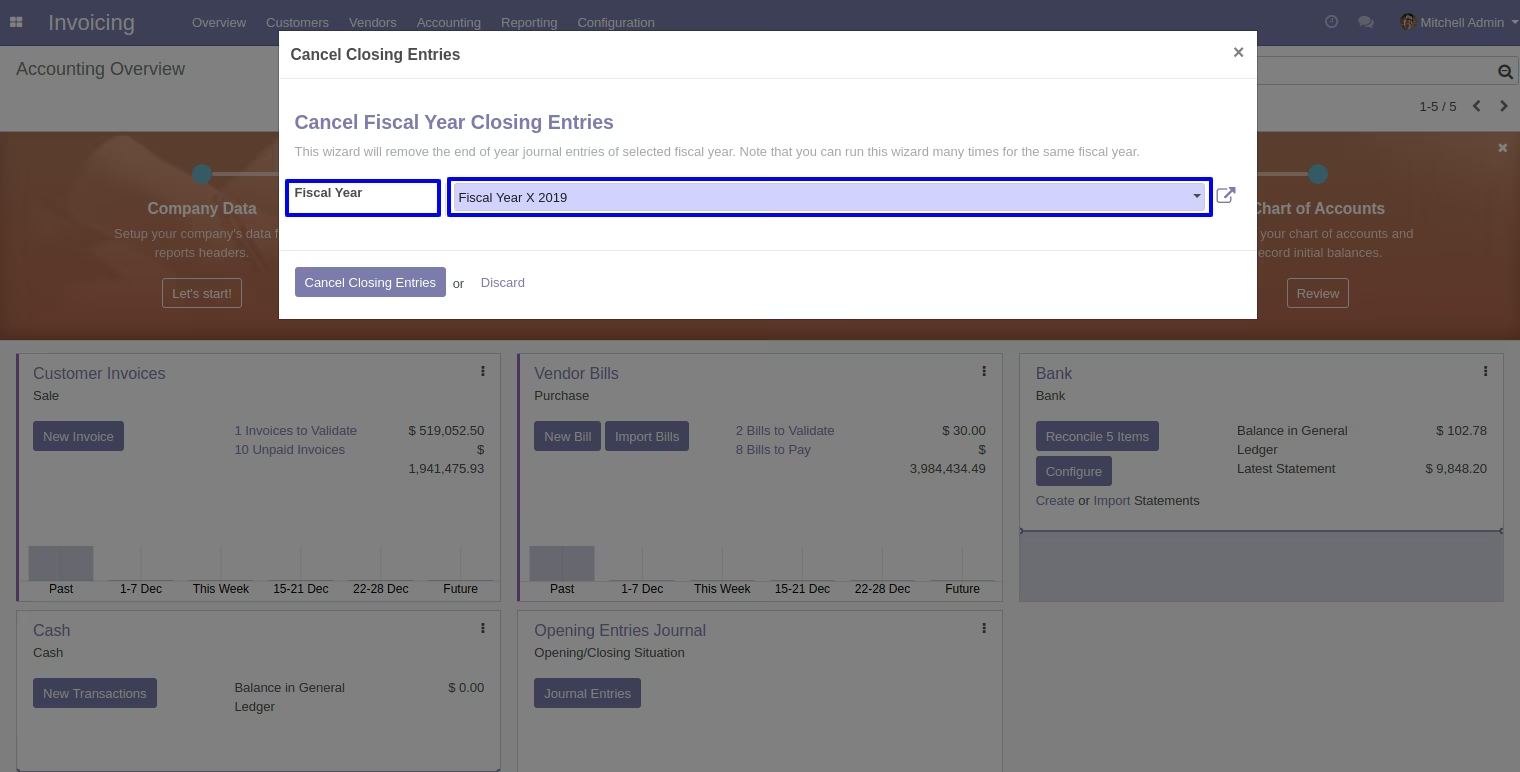
Select a fiscal year to cancel closing entries.
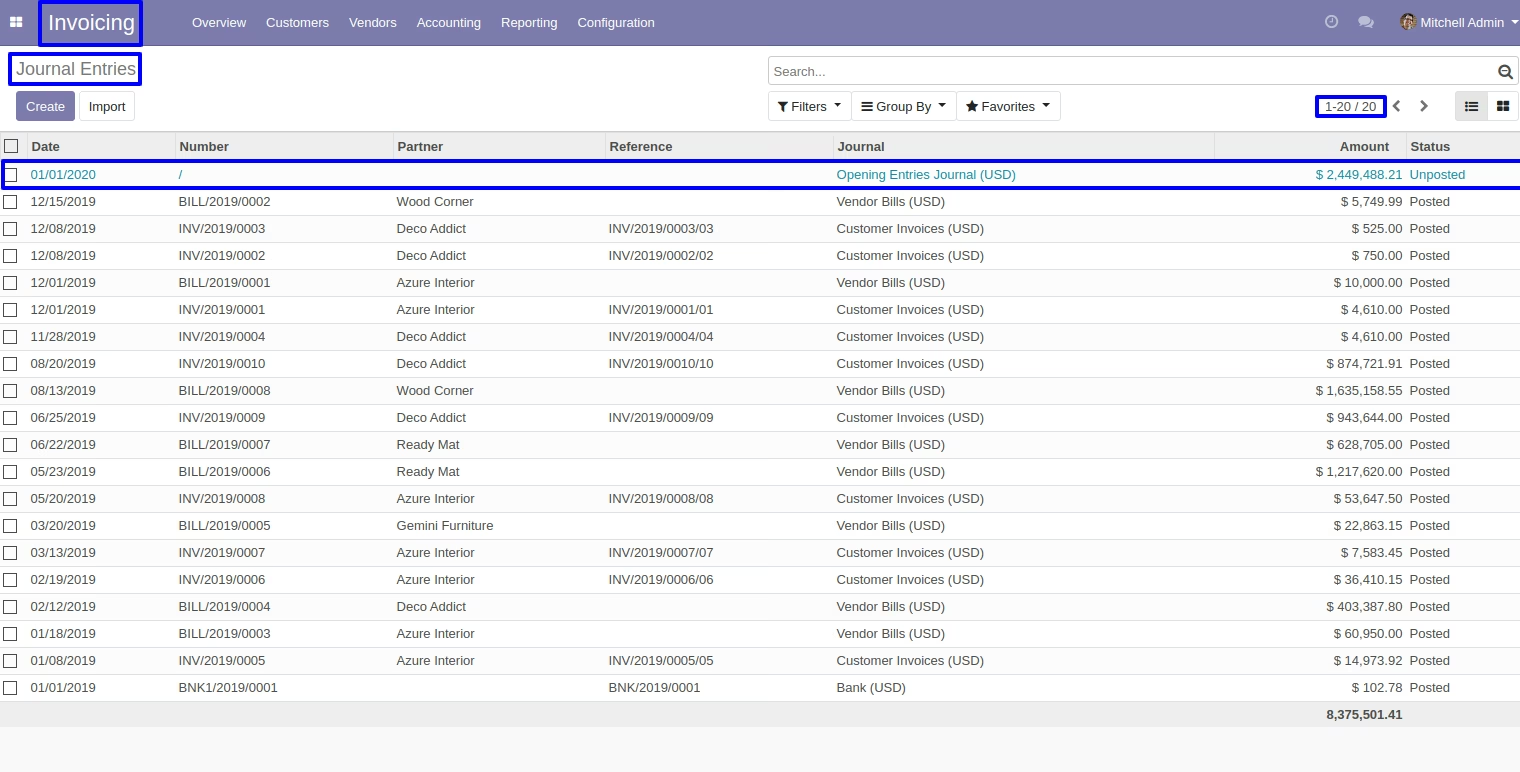
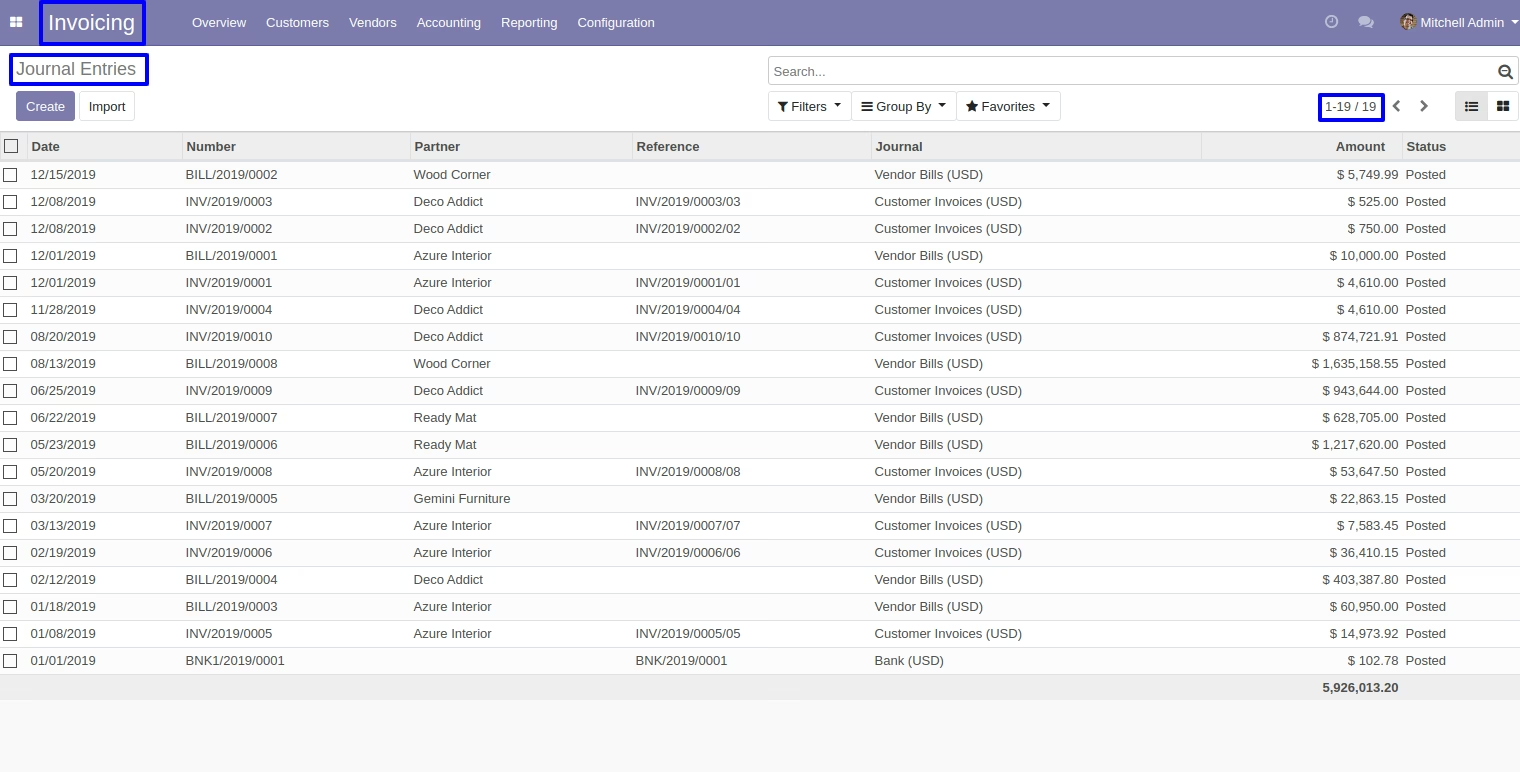
Selected fiscal year journal entries will be unlinked.
Here, accounting period should be the same as the invoice date.
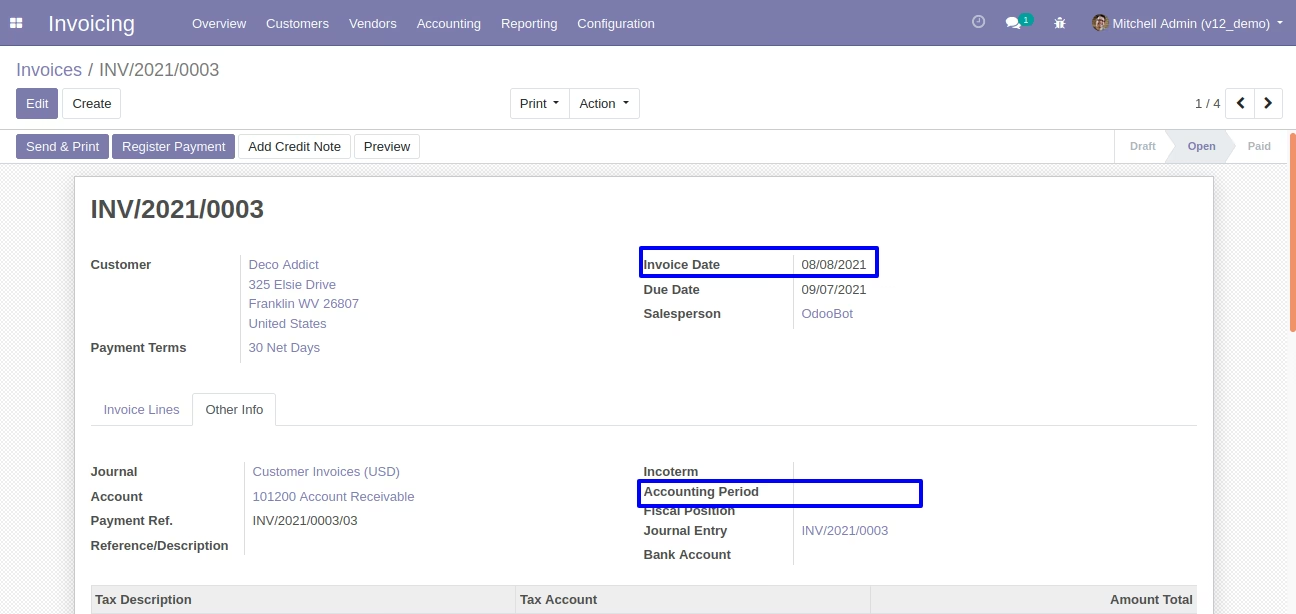
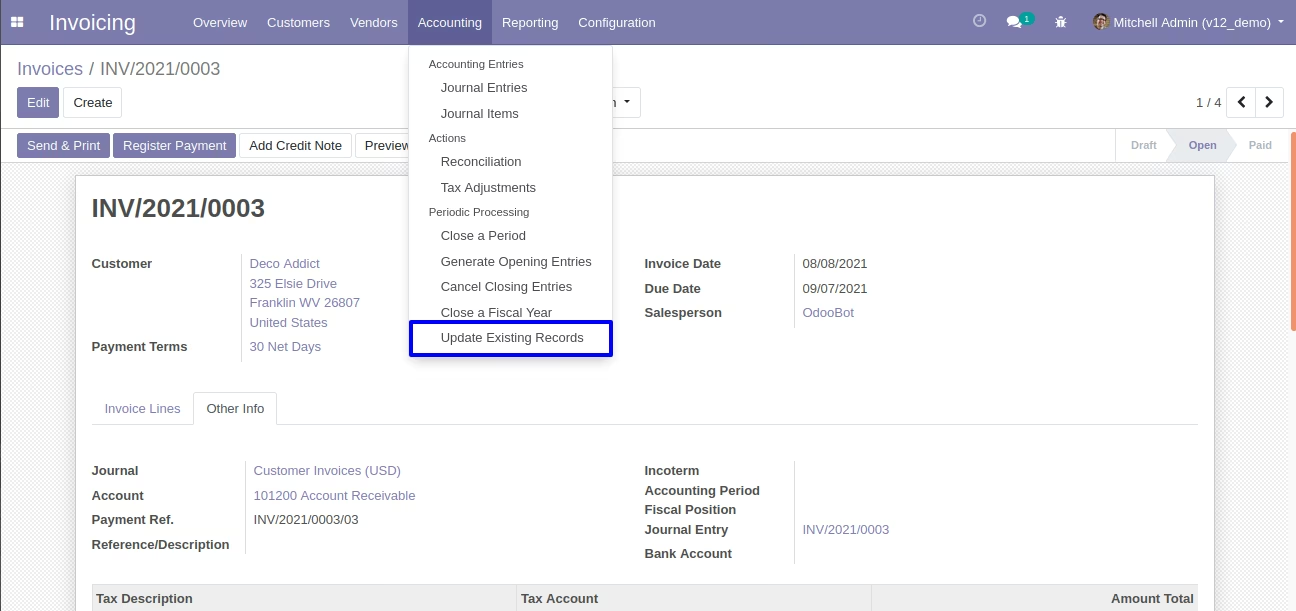
Added new menu update existing records by clicking on it will open wizard.
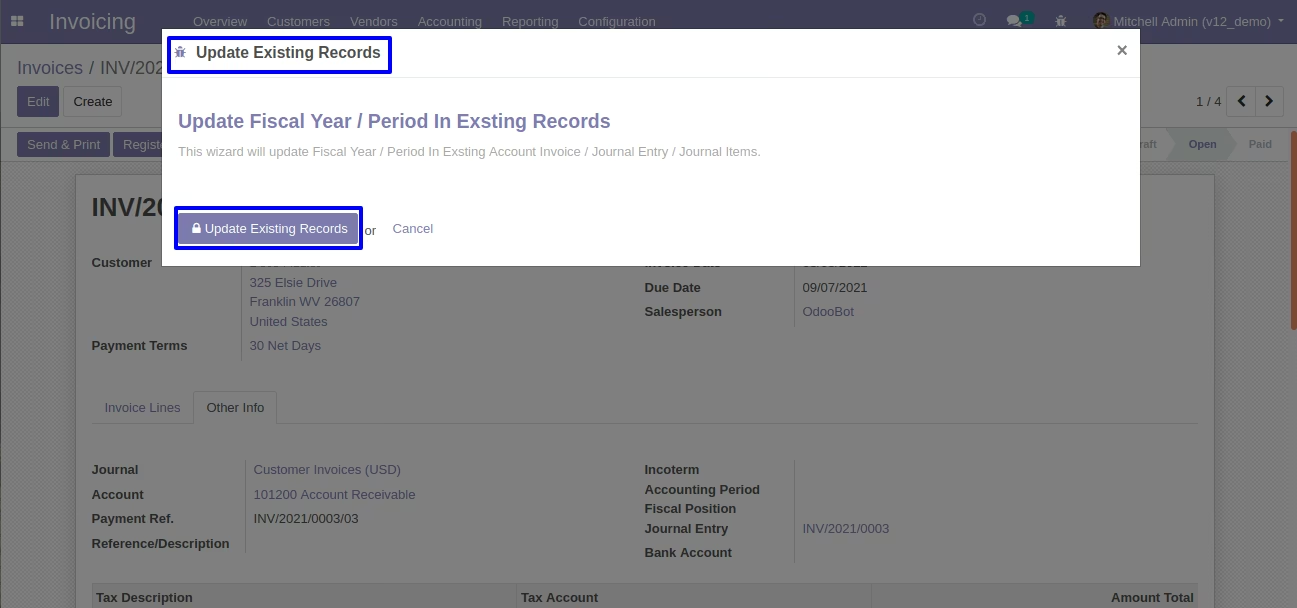
By clicking on the update existing records button it will update the accounting period in the invoice.
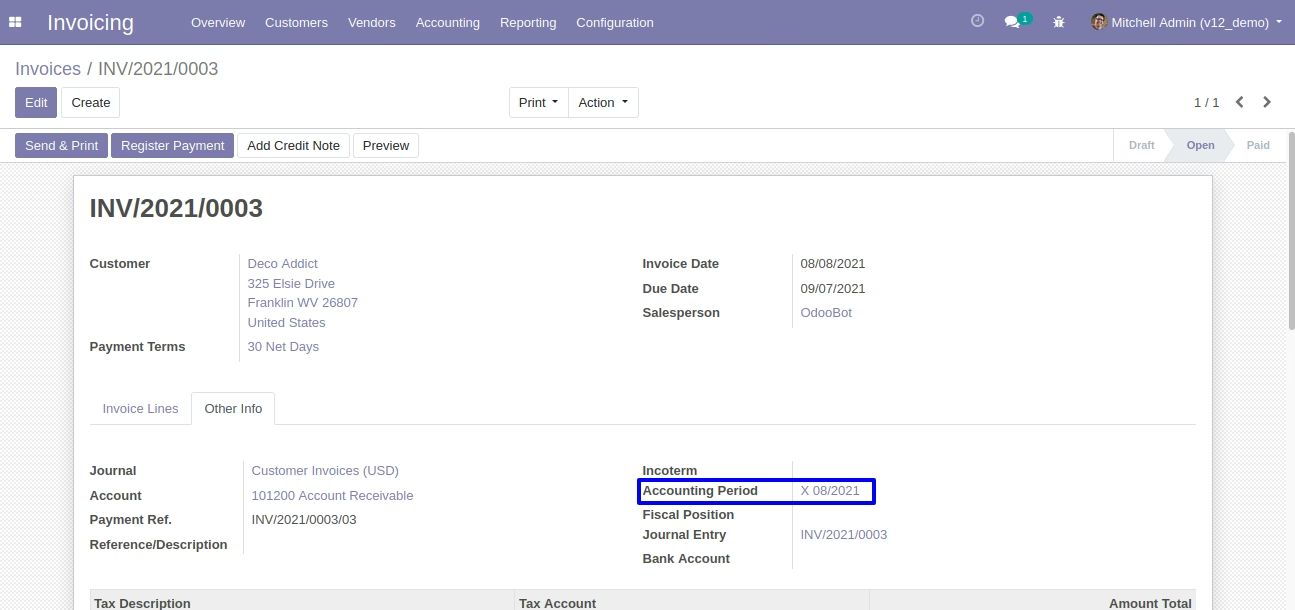
Here, you can see the accounting period has been updated.
By clicking on the same button it will also update the period in journal entry.