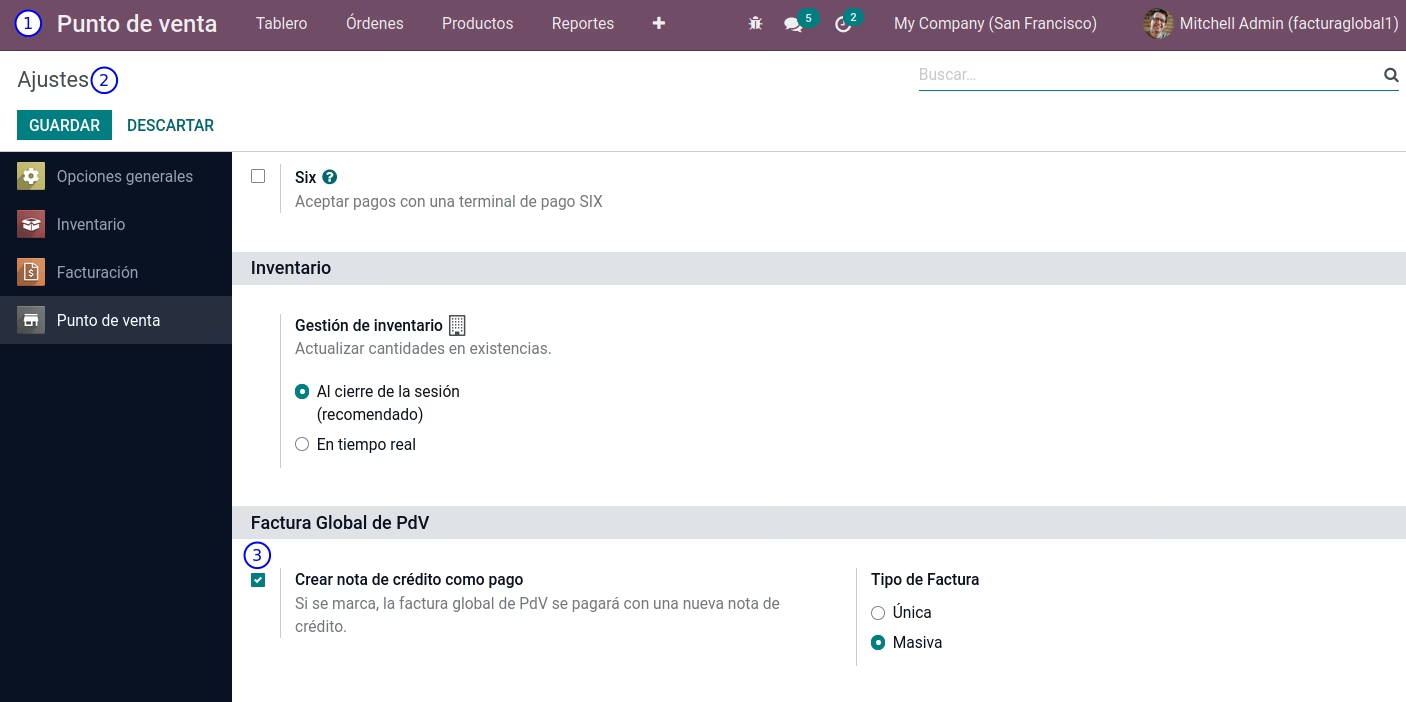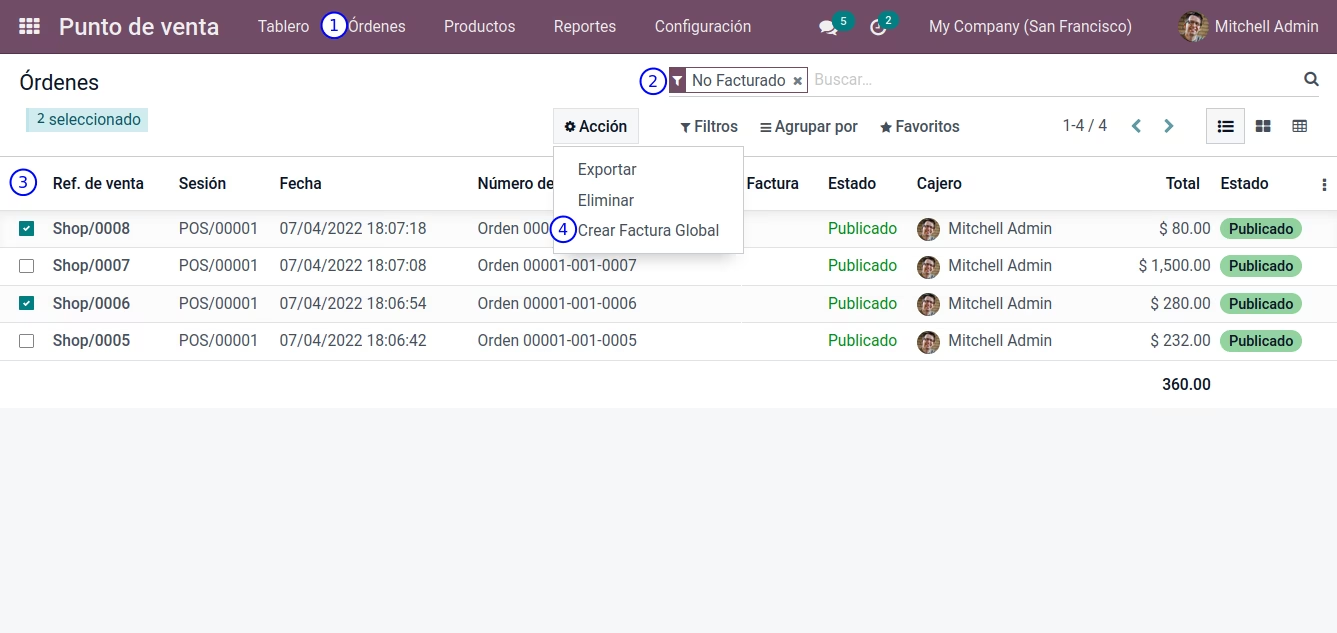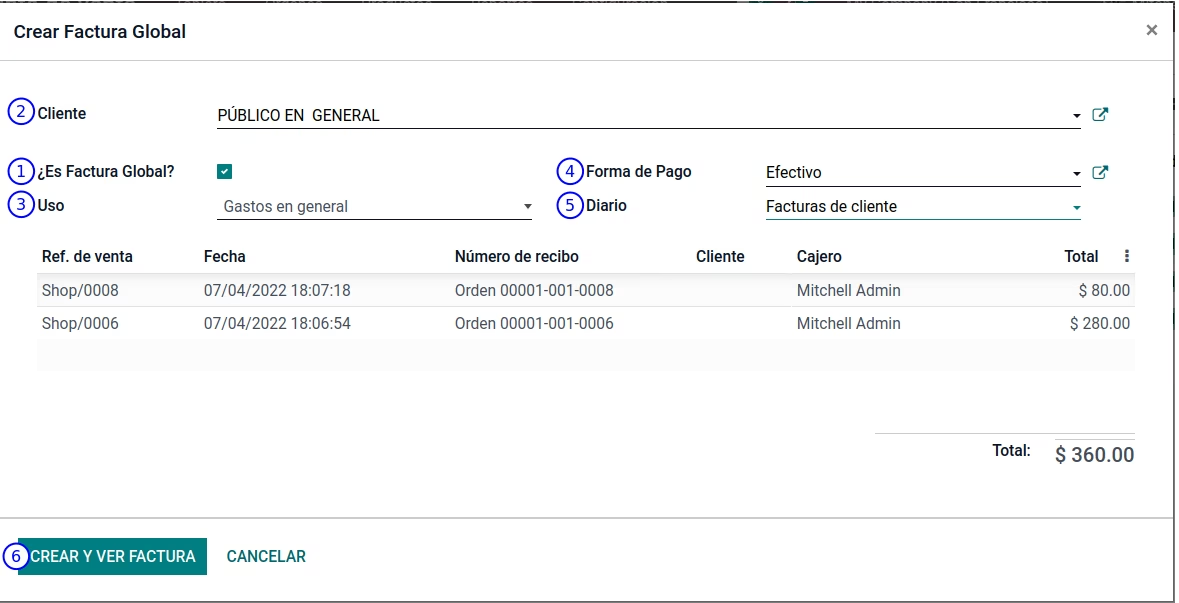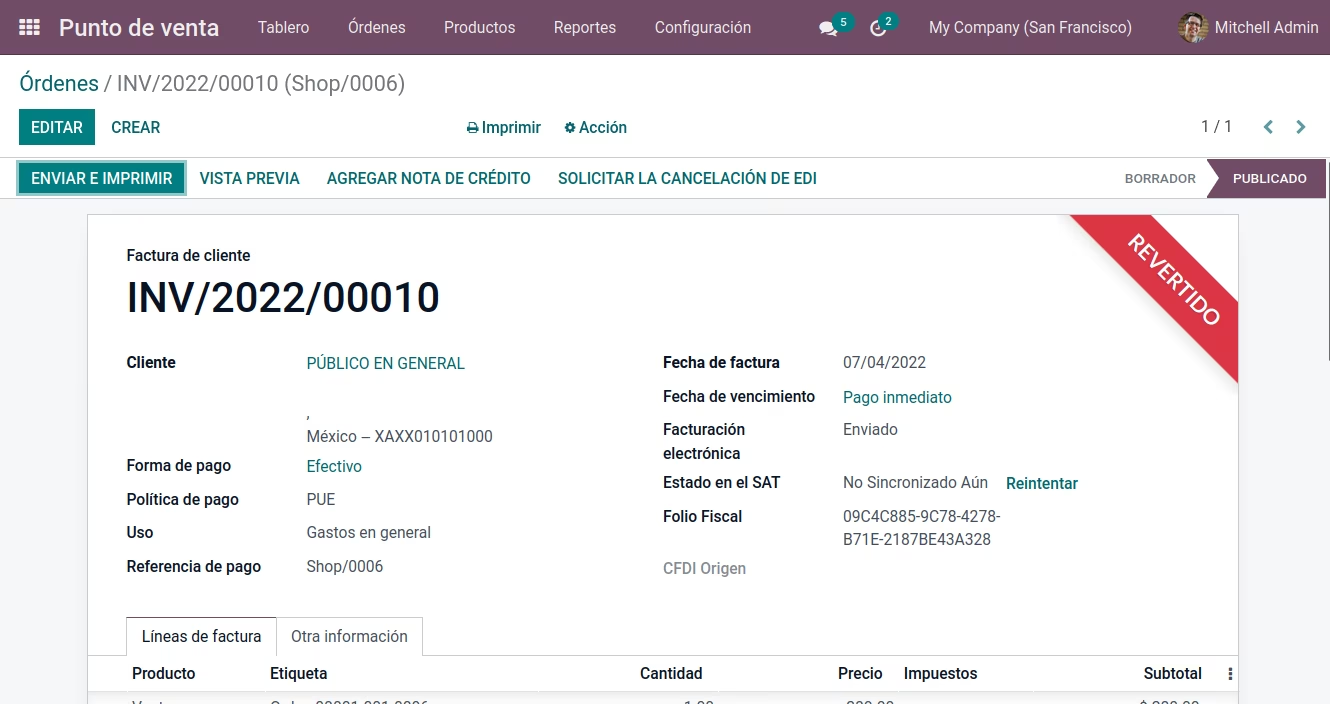
The in One Invoice module empowers users to streamline Point of Sale (POS) billing by allowing multiple POS orders to be consolidated into a single invoice. This simplifies end-of-day processing, improves administrative efficiency, and supports clearer accounting workflows by aggregating several POS transactions into one document.
Enables selection of multiple POS orders to generate a single consolidated invoice
Simplifies POS order management by reducing the number of invoices generated
Supports cohesive end-of-day billing and centralized report generation
Integrates transparently with existing POS and accounting workflows
Reduces clutter in the accounting system by consolidating multiple transactions
Improves workflow efficiency by cutting down repetitive invoicing tasks
Enhances clarity in financial documentation and reporting
Optimizes POS operations, especially for high-volume daily activity
Factura Global POS (Mexico SAT)
Soportado:
Factura Global de pedidos de Punto de Venta que cunple con los requisitos del SAT o factura genérica para cualquier cliente.
- Pedidos de PdV de sesiones abiertas o cerradas.
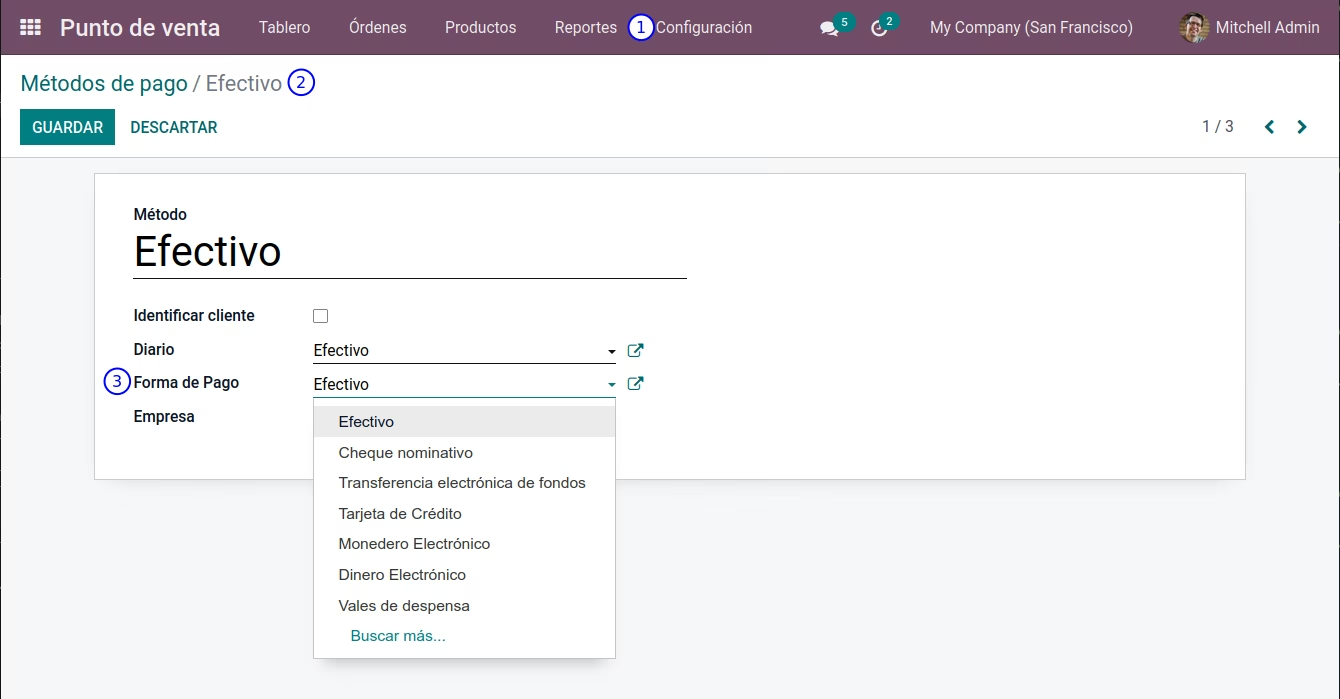
- Cumple con los requisitos del SAT (xml).
- Genera facturas genéricas, no solo a PUBLICO EN GENERAL.
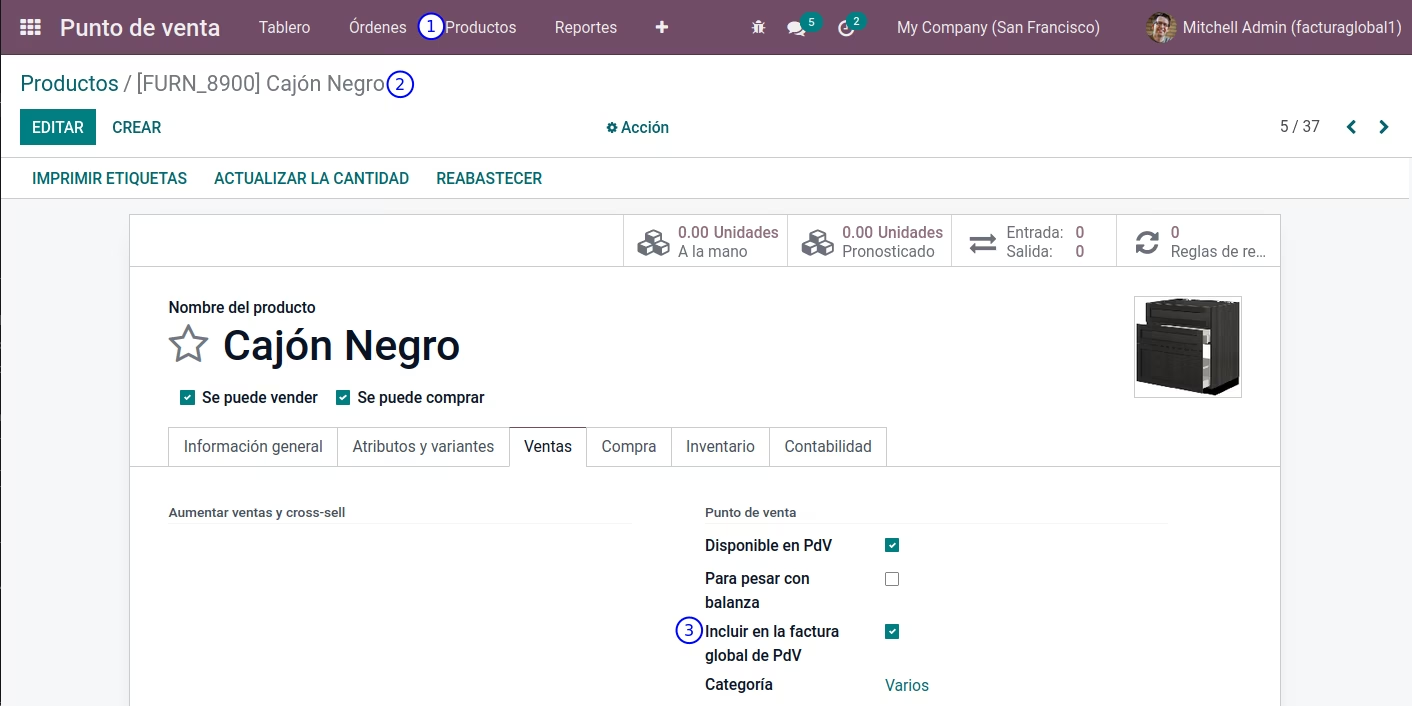
- Descarta productos configurados.