The module integrates bol.com marketplace directly into, automating tasks from product synchronization to order and return management. With efficient data flow and marketplace visibility, it centralizes operations across sales, inventory, pricing, and fulfillment. This integration is ideal for businesses aiming to scale e-commerce operations, reduce manual workload, and maintain real-time marketplace control.
Automate import and export of products, inventory levels, pricing, orders, returns, and shipment statuses
Support for both fulfillment methods Fulfilled by bol.com (FBB) and Fulfilled by Retailer (FBR)
Schedule regular synchronization to keep data consistent between bol.com.
Manual sync option for on-demand updates whenever needed
Dashboard for monitoring marketplace instances, queue management, and error logging
Manage multiple bol.com accounts/instances from a single database
Automatic error handling without disrupting synchronization workflows
Streamline operations and reduce manual intervention across products, orders, and stock management
Ensure real-time inventory and pricing accuracy to avoid overselling and maintain competitiveness
Improve order fulfillment efficiency regardless of FBB or FBR model
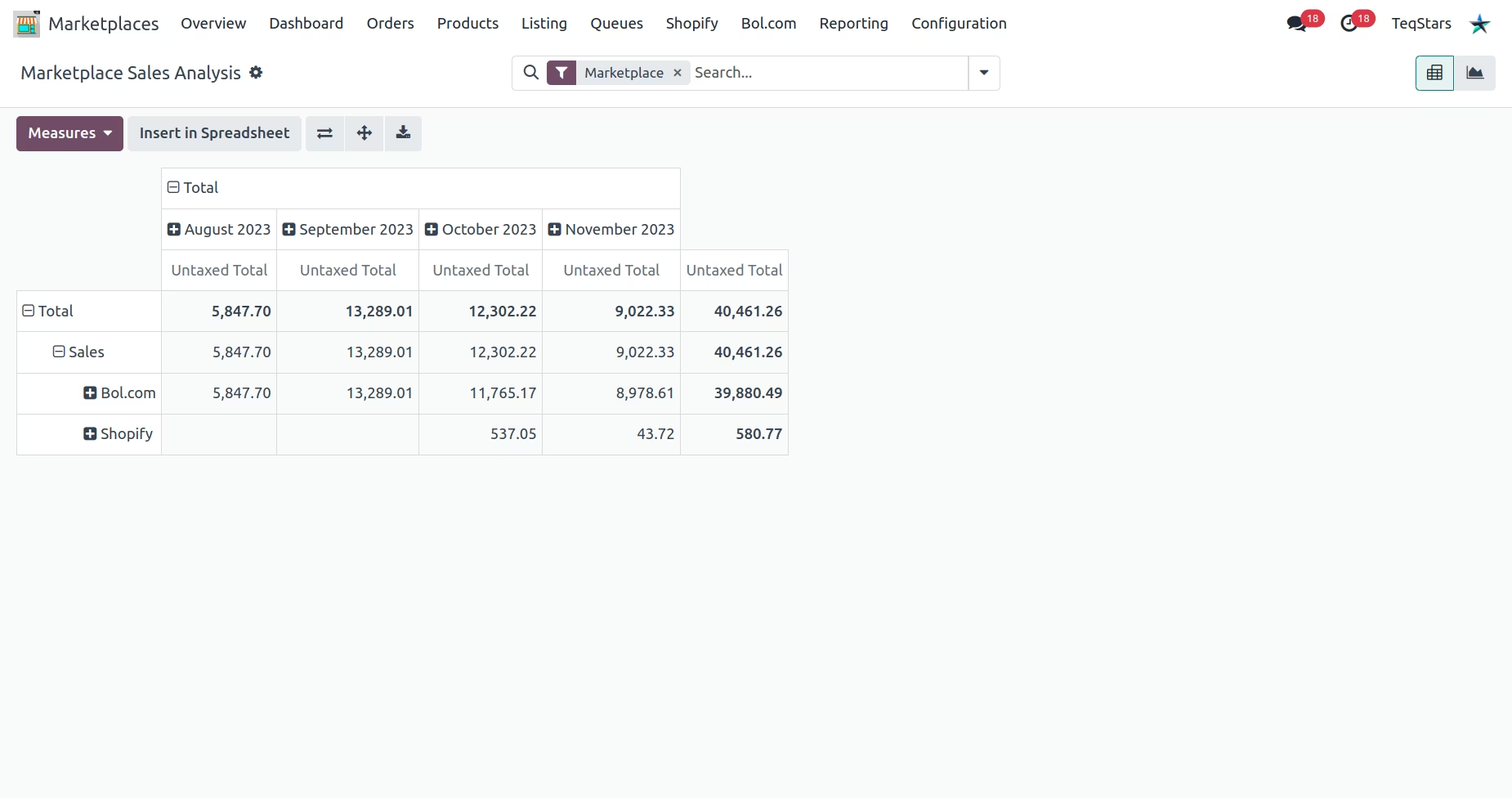
Centralize marketplace data, simplifying reporting and analytics for better decision-making
Enhance reliability through robust queue and error handling mechanisms
Scale effortlessly with support for multiple bol.com instances in one platform

Odoo Bol.com Integration
Bol.com is a complete commerce platform that lets you start, grow, and manage a business. By Connecting Bol.com with Odoo Say no to spending lots of time by Automate almost all Operations like Import/Update Products, Orders, Returns and Shipments, Publish/Unpublish Products, etc. Analyze marketplaces with the help of Detailed Reports and Comparison to grow your business.


Synchronization
| Fulfilled By Bol.com (FBB) | Fulfilled By Retailer (FBR) | |
|---|---|---|
| Order | Import | Import |
| Fulfilment Status | Import | Bi-directional |
| Stock | Import | Export |
| Price | Export | Export |
| Return | Import | Import |
| Fulfilled By Bol.com (FBB) | Fulfilled By Retailer (FBR) | |
|---|---|---|
| Order | Import | Import |
| Shipment | Import | Import |
| Process Status | Import | Import |
| Fulfilled By Bol.com (FBB) | Fulfilled By Retailer (FBR) | |
|---|---|---|
| Product | Bi-directional | Bi-directional |
| Order | Import | Import |
| Stock | Import | Export |
| Price | Bi-directional | Bi-directional |
| Return | Import | Import |
| Fulfilment Status | Import | Bi-directional |

Export Operations
- Export and update products along with their details.
- Update product stock and prices on Bol.com
- Managing the publication or unpublishing of products on Bol.com directly from Odoo.
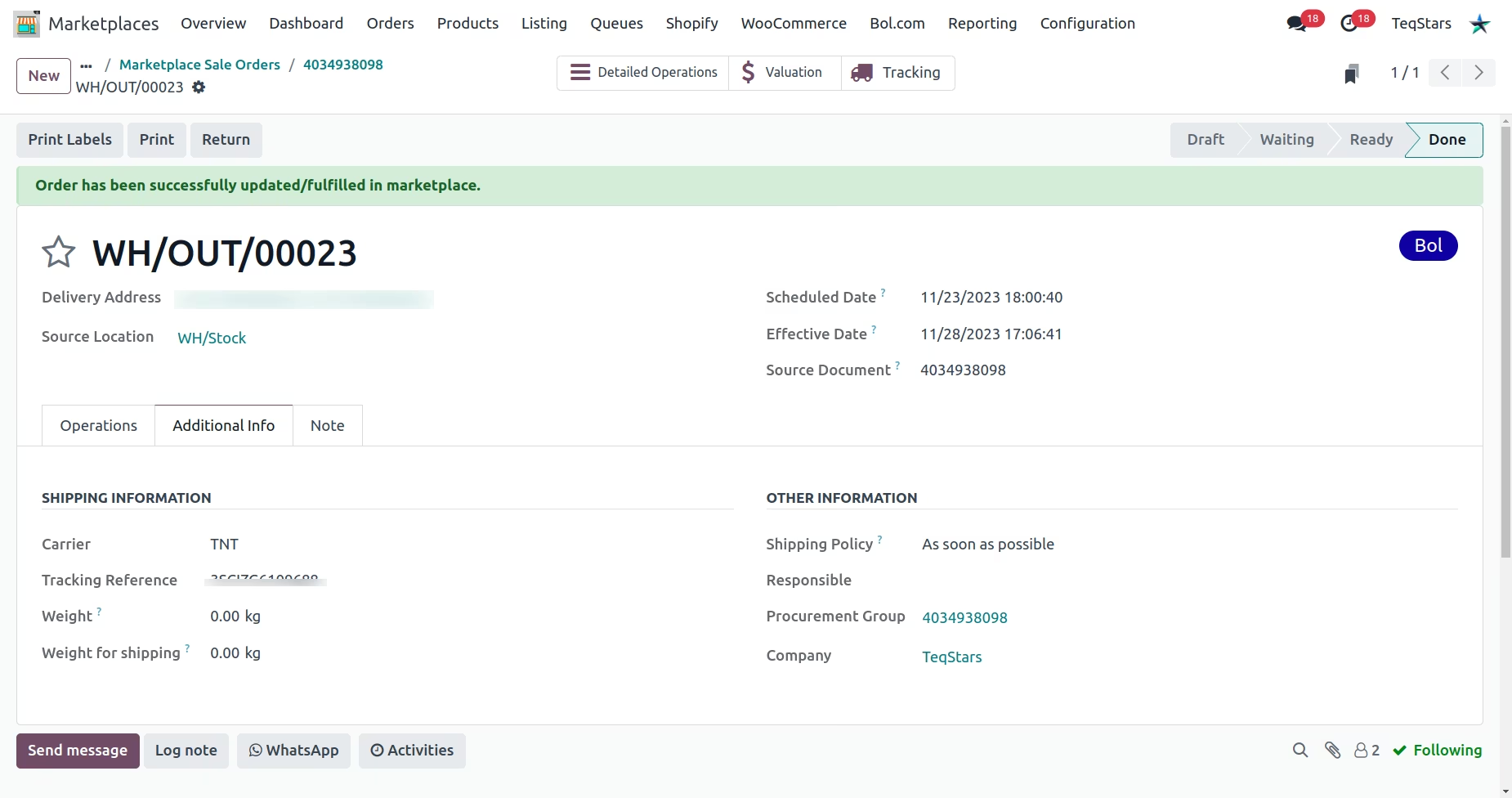
- Update Order Status of Fulfilled and Cancelled orders
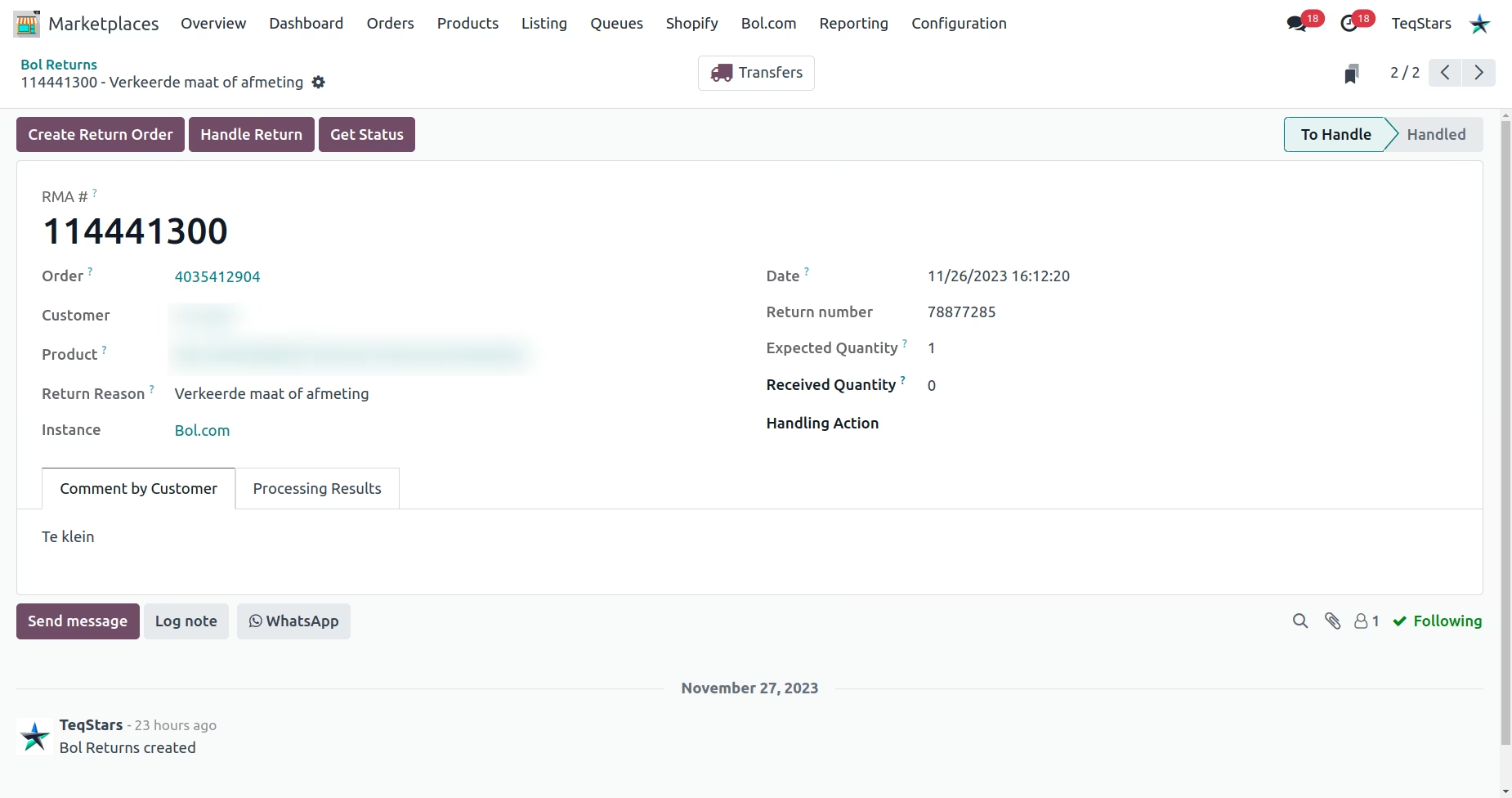
- Handling unhandled returns seamlessly within Odoo.
- Invoice request handling and invoice upload to Bol.com.

Import Operations
- Import products along with their details.
- Import product price and stock levels of FBB products
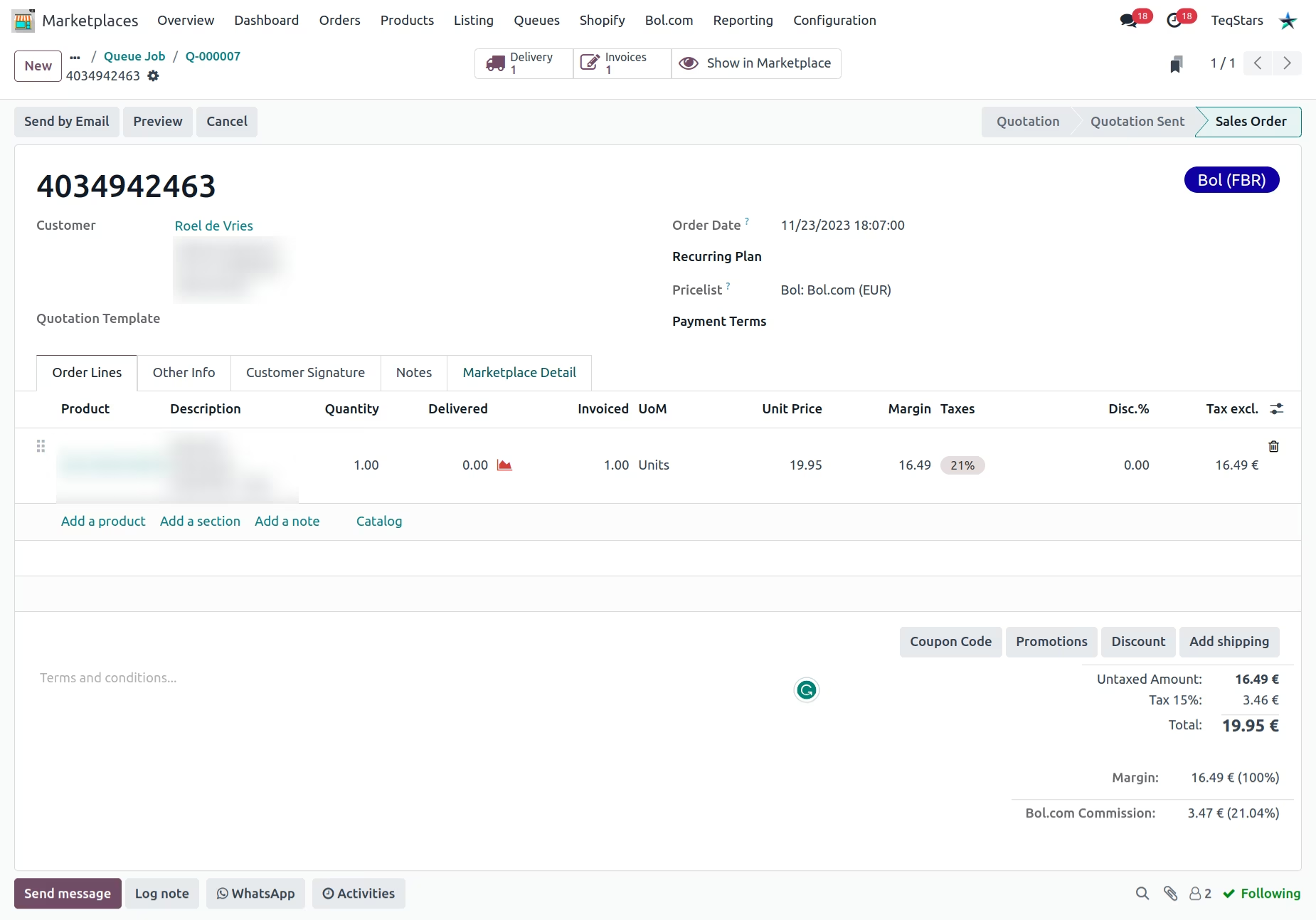
- Import shipped and unshipped Orders.
- Import fulfillment/shipment for open order in a case if you're managing fulfillment in Bol.com
- Import unhandled or handled return of imported order.
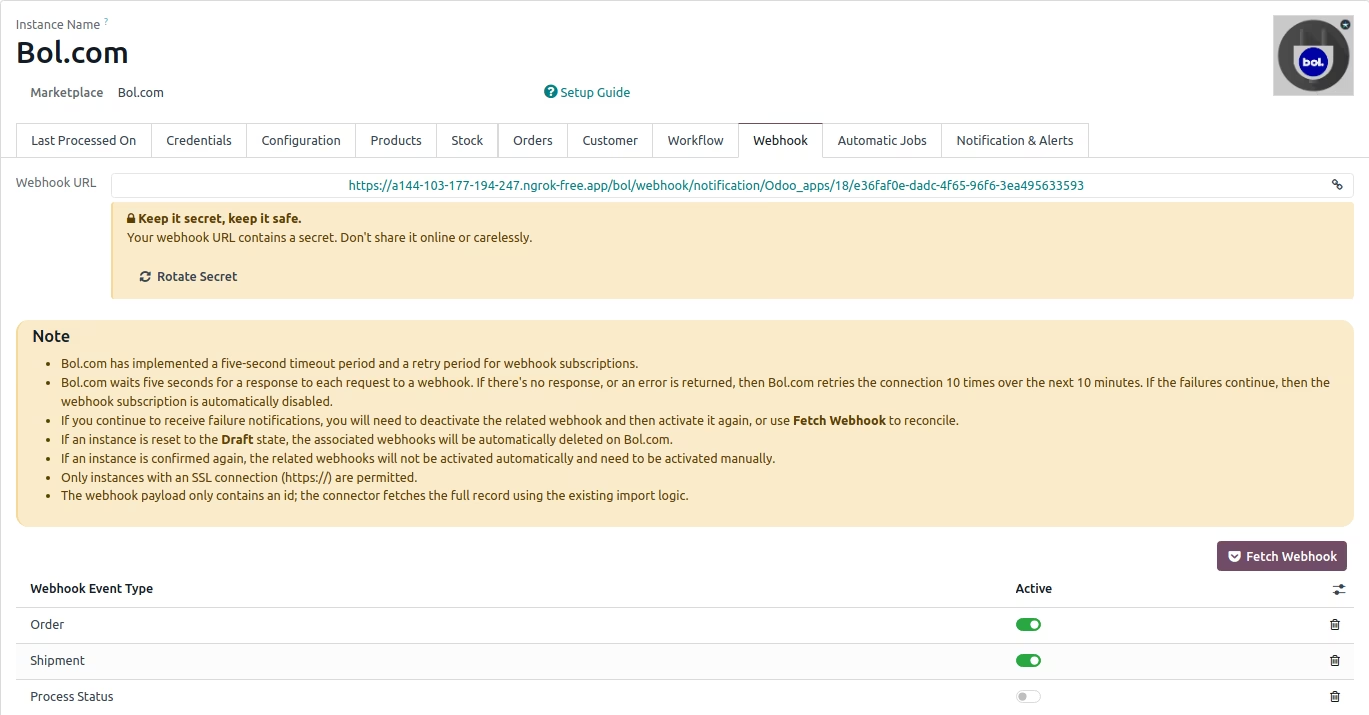
- Receive instant updates in Odoo via Webhook when a new order is created on Bol.com, when a shipment is created, or when a process status changes eliminating the need to wait for the next cron job.
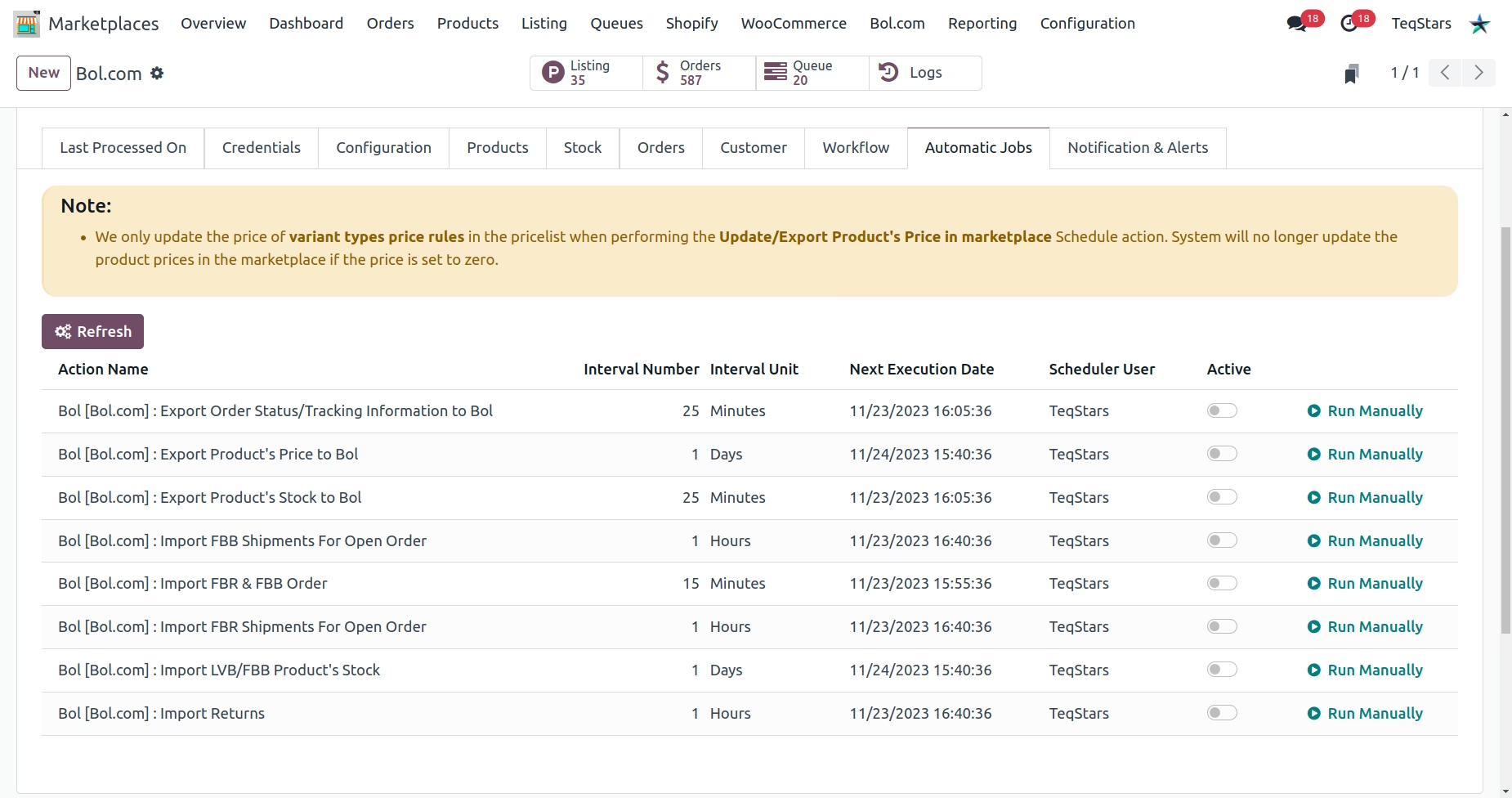
Set up scheduled actions
Eliminate the need for manual tasks by automating diverse operations between Odoo and Bol.com, tailored to your preferred timing and frequency.
Real-Time Import (Webhook)
Bol.com send real-time webhook notifications to Odoo when certain events(such as orders, shipments, and process status) happen. This allows Odoo to automatically create or update records in Odoo at real-time based on the events that happen in Bol.com.
Stylish Dashboard
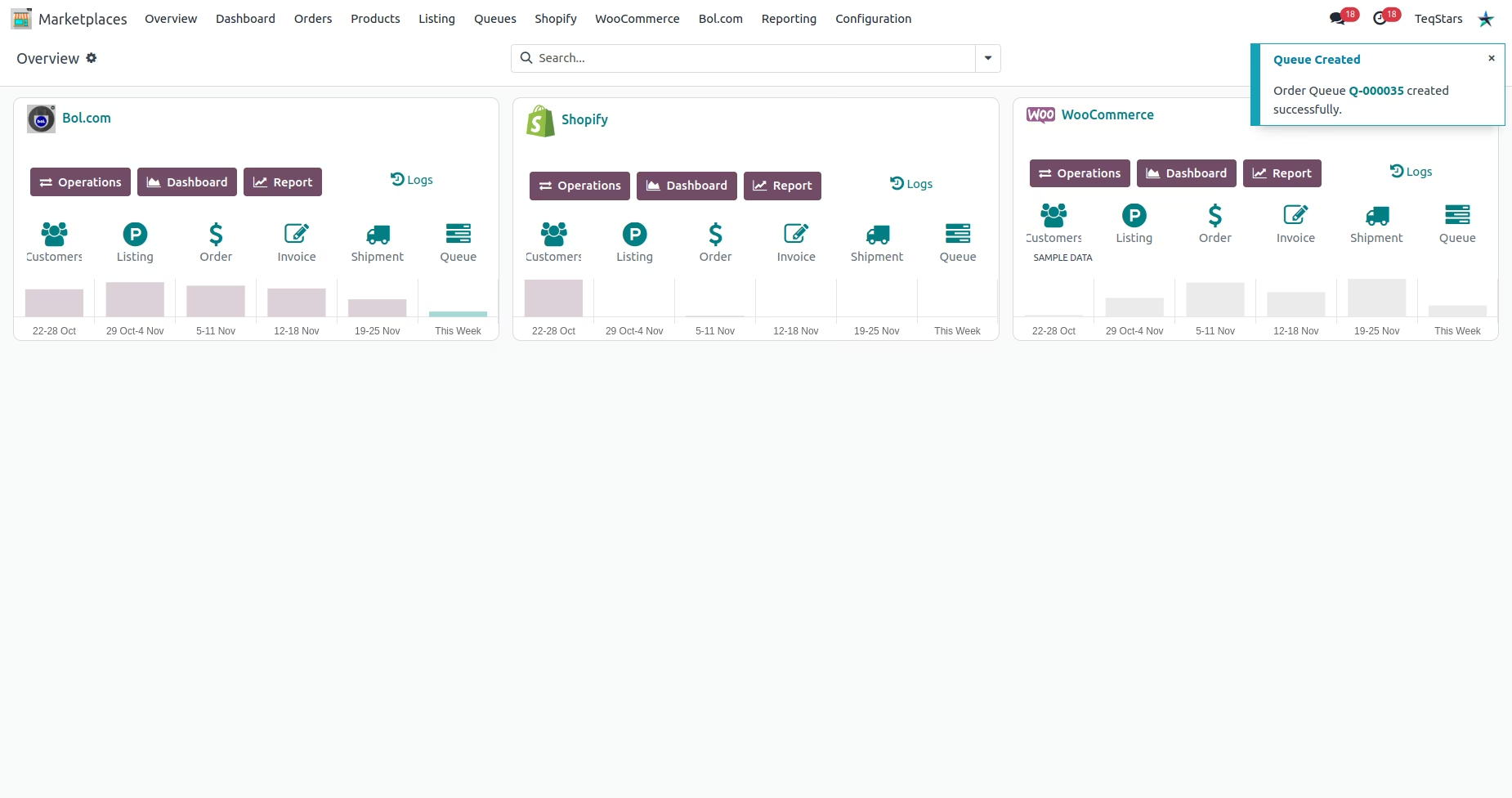
Presenting the Sleek Dashboard Preview, crafted to empower you with the capability to analyze and compare different marketplace instances.
Management of Queues and Log Mismatches
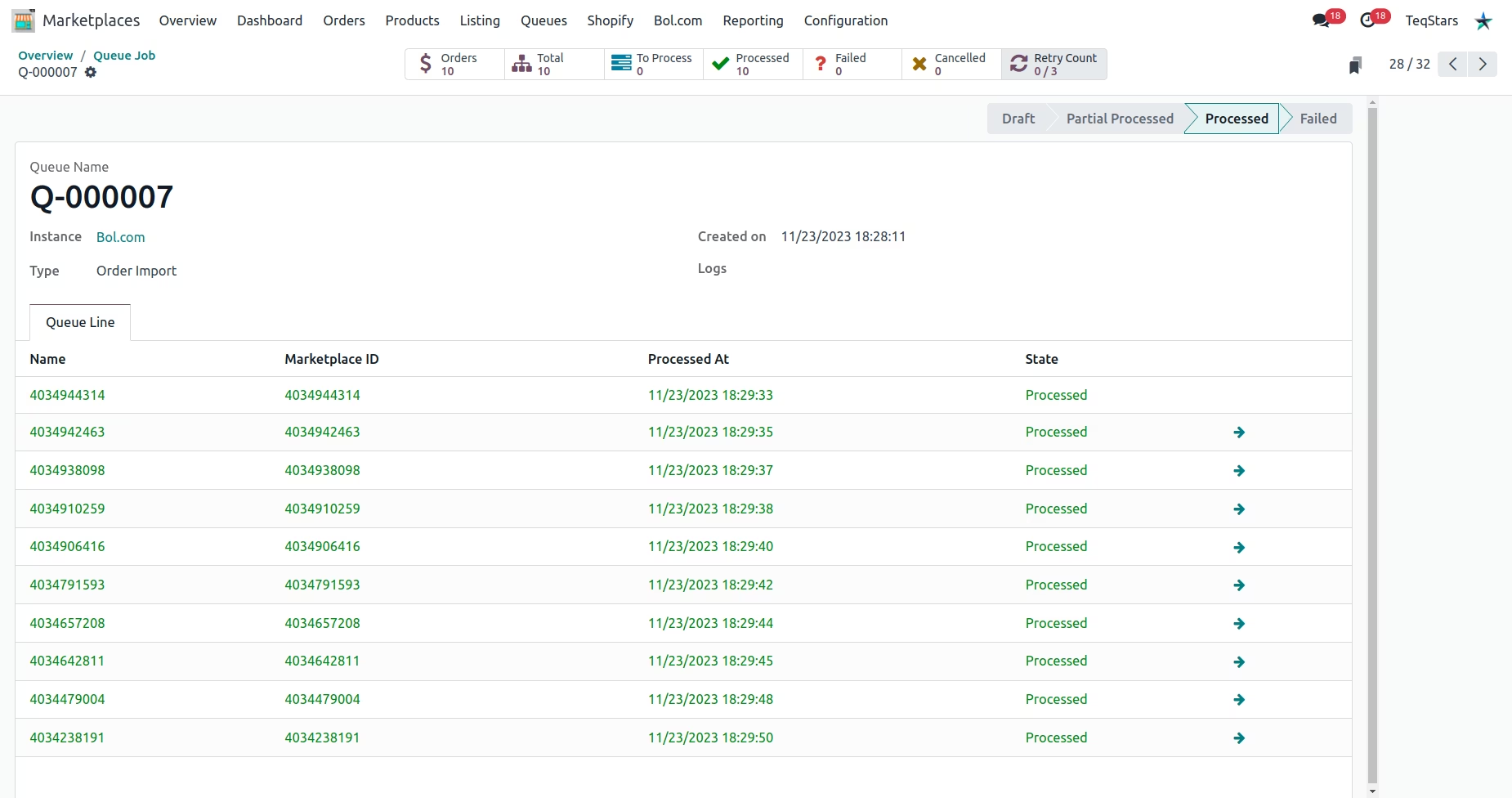
Queues are generated for data import. If an error occurs, the specific record is bypassed, an error log is created, and the queue resumes without disrupting the ongoing process.
Connect Multiple Bol.com Instance
Effortlessly integrate and set up multiple Bol.com instance using a Odoo database.
Powerful Dashboard for Simultaneous Execution of All Marketplace Operations
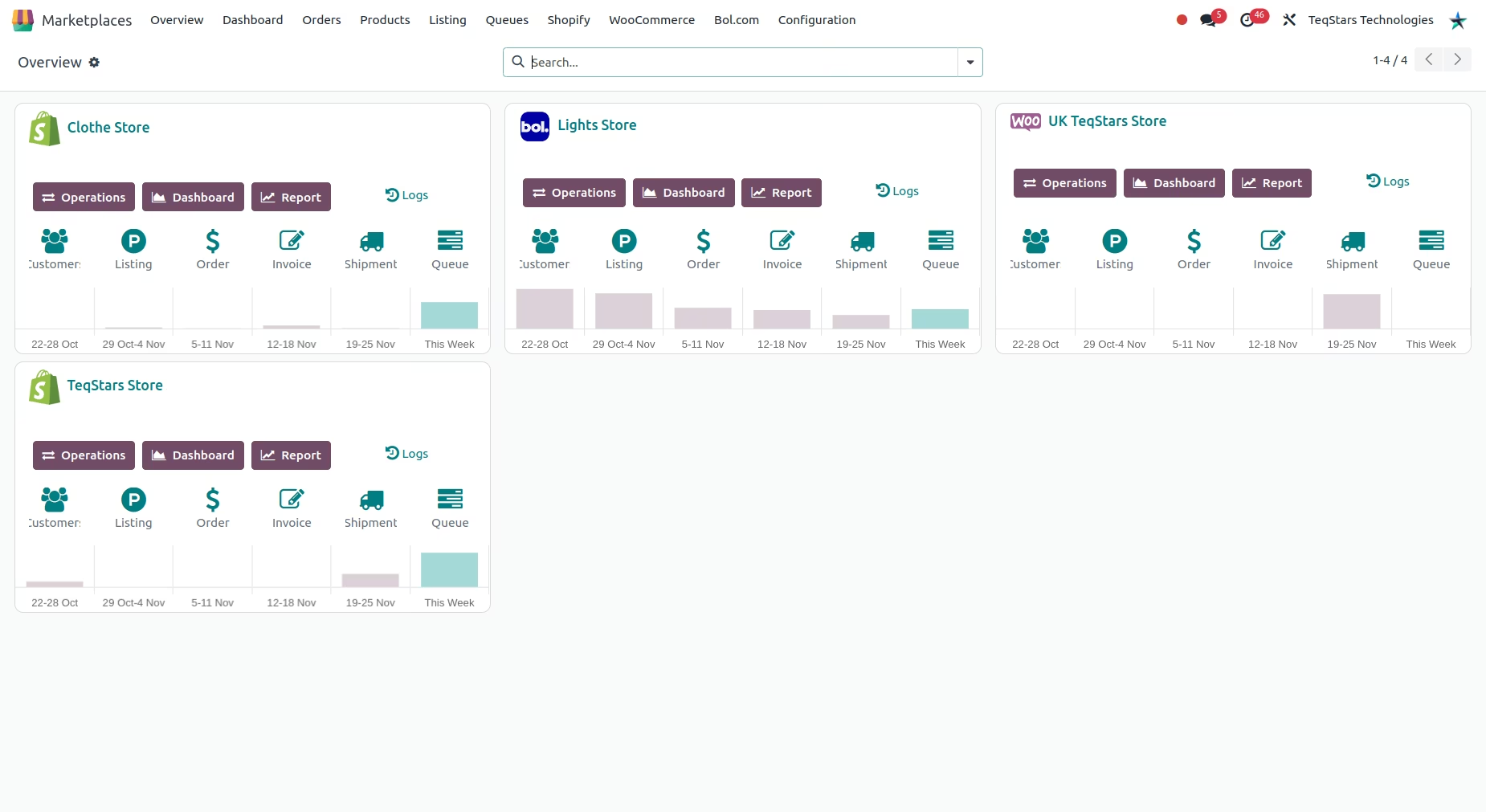
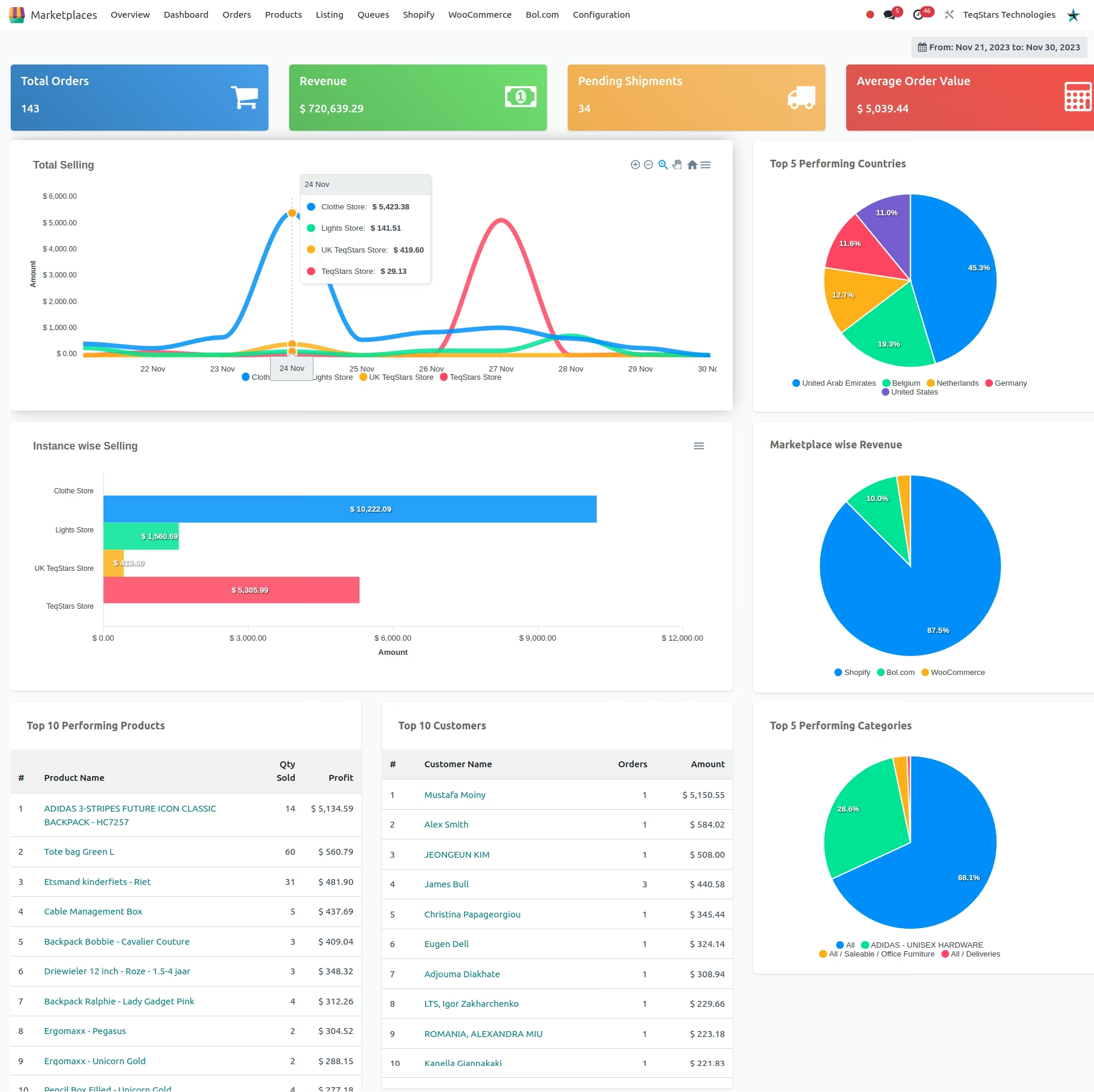
Introducing the Stylish Dashboard Preview, designed to empower you with the ability to analyze and compare various marketplace Instances
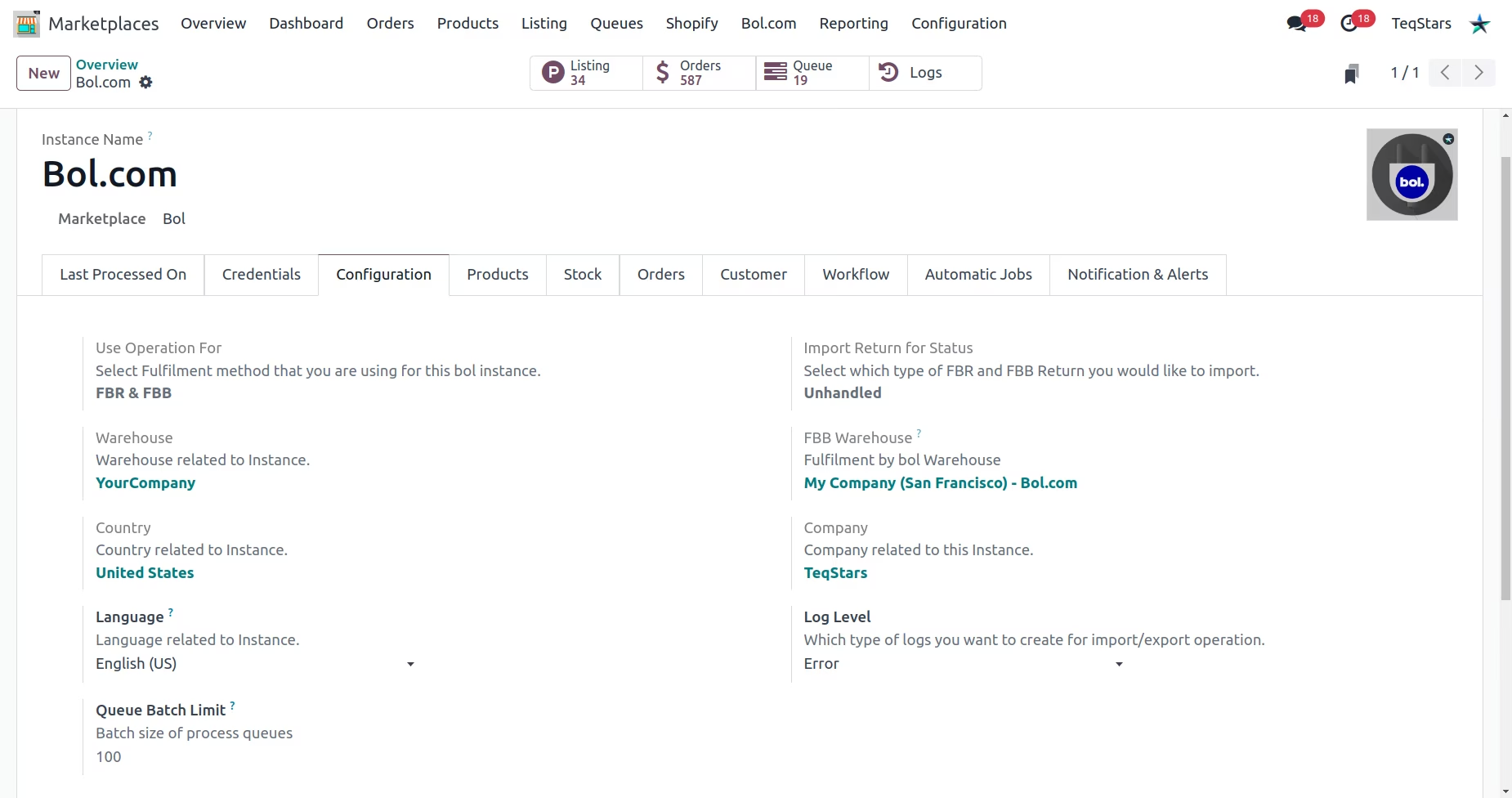
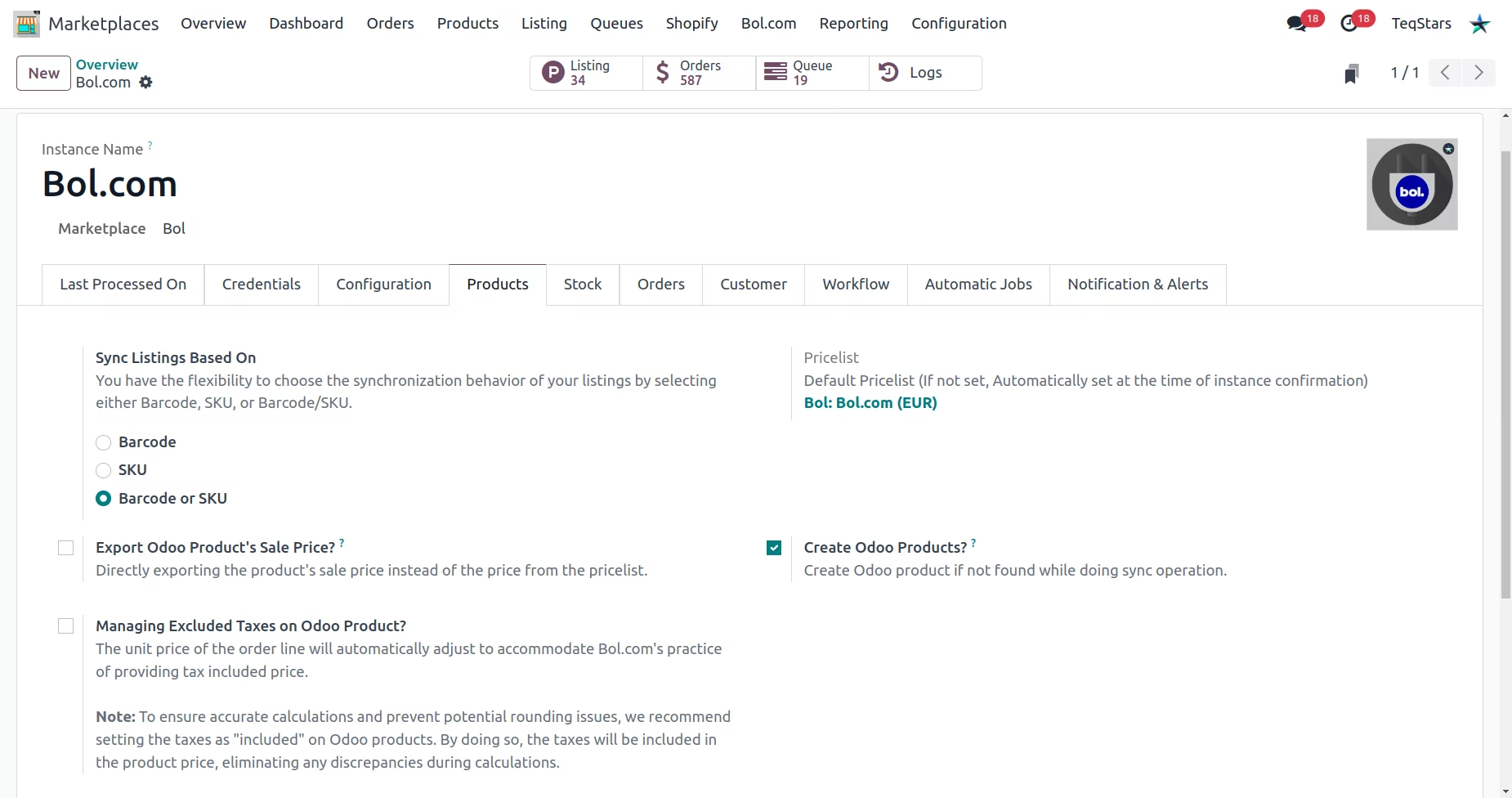
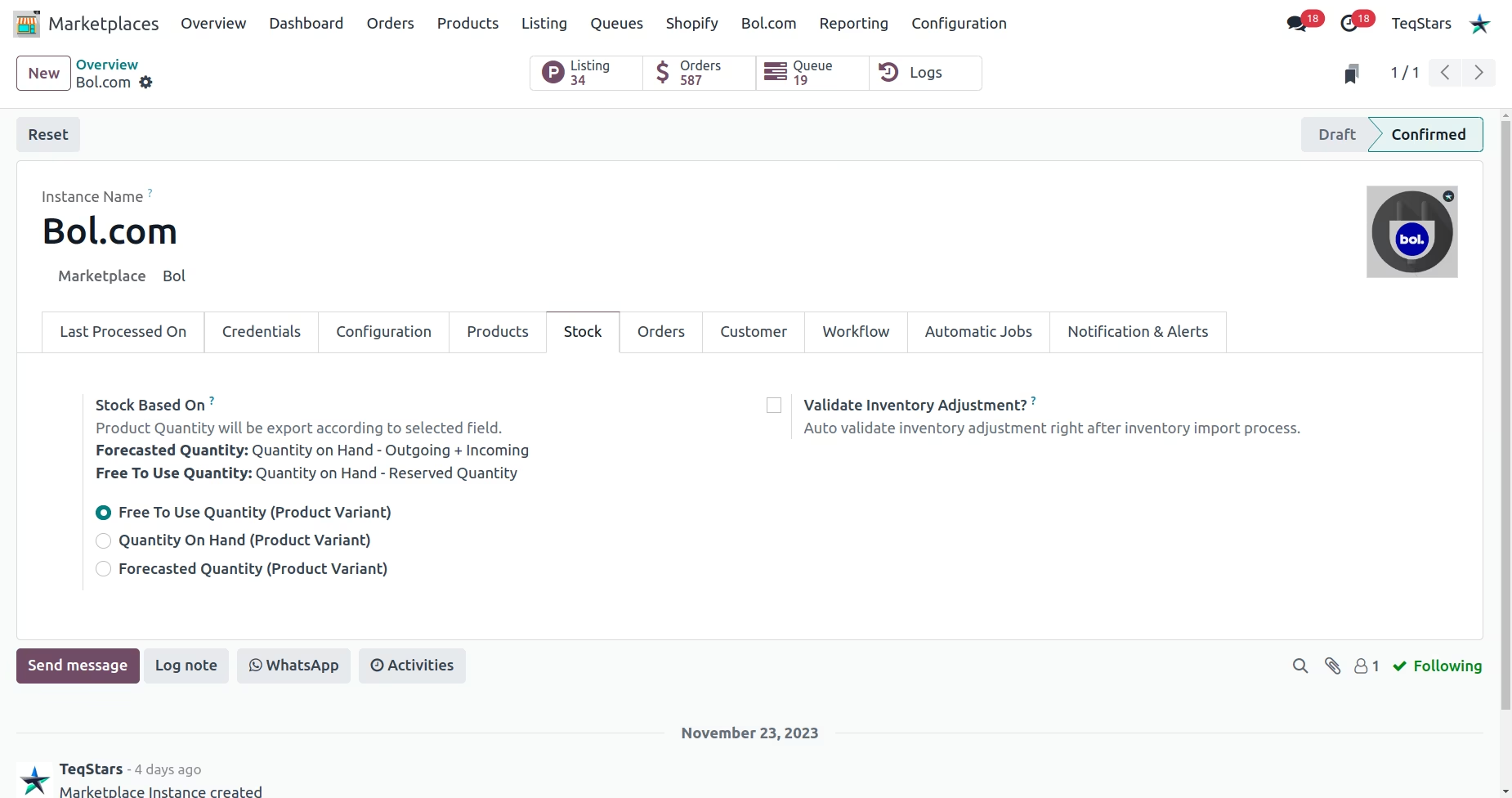
Setting Up Instance in Odoo
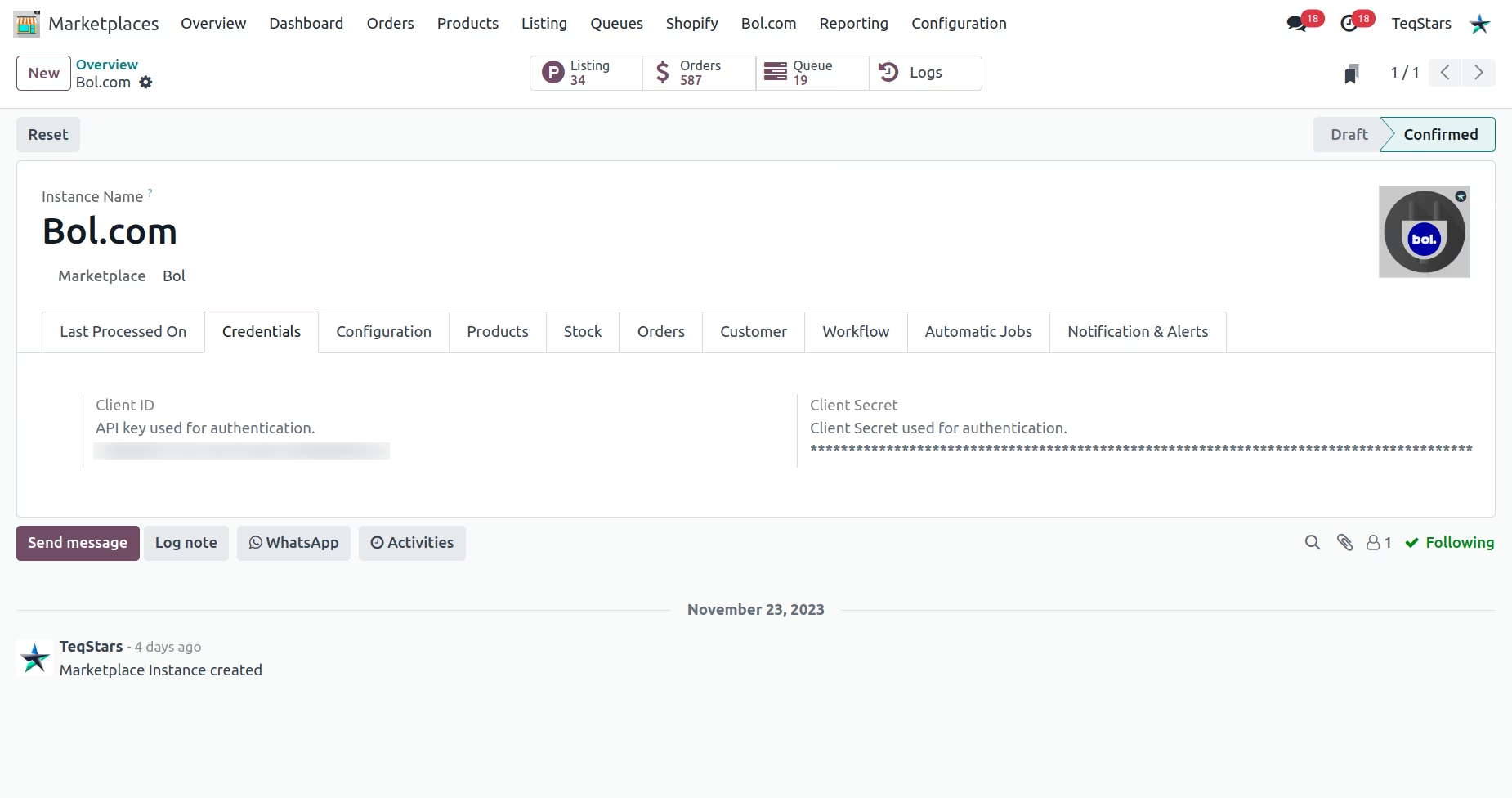
General configuration
Product related configuration
Stock related configuration
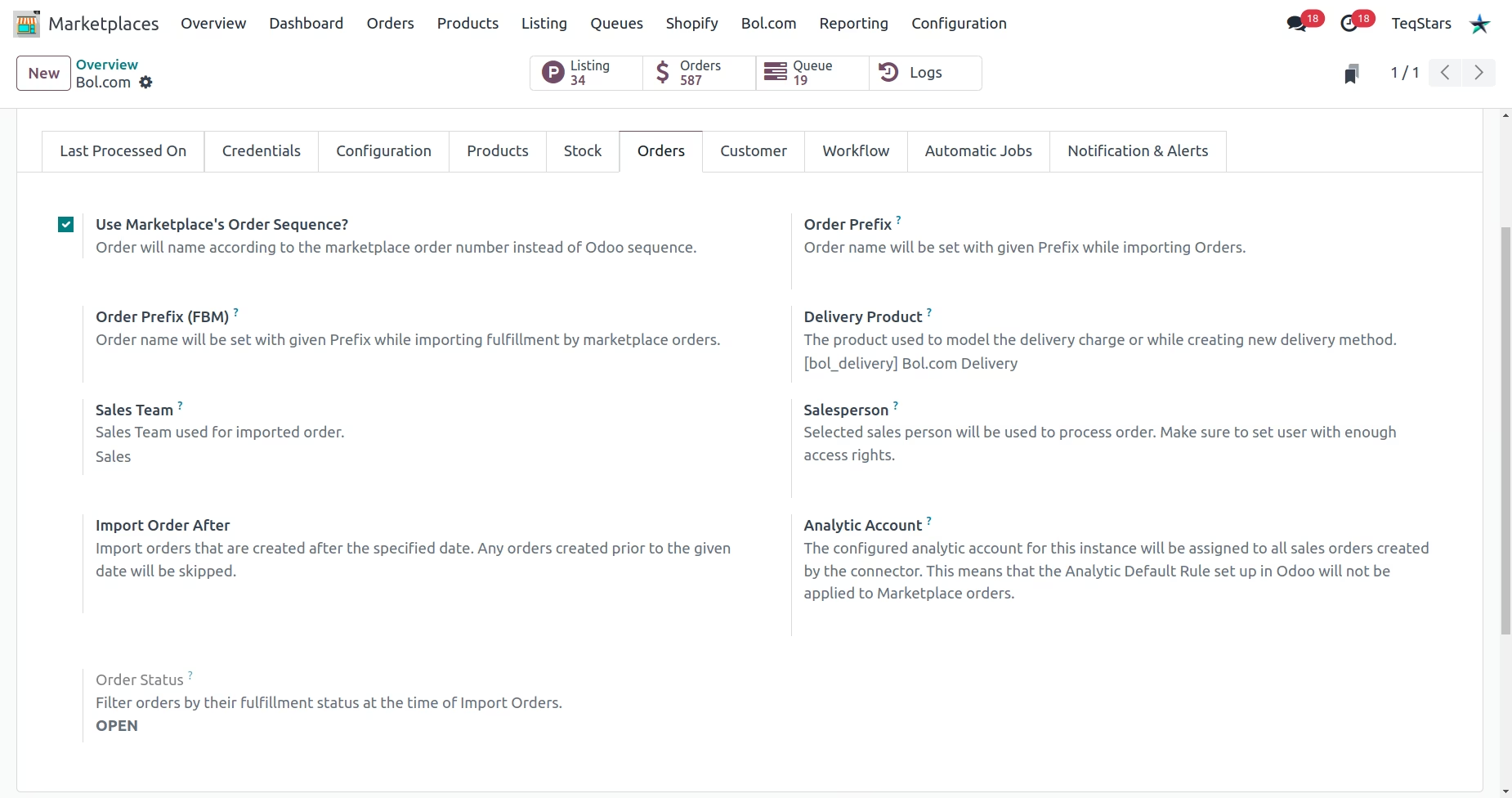
Order related configuration
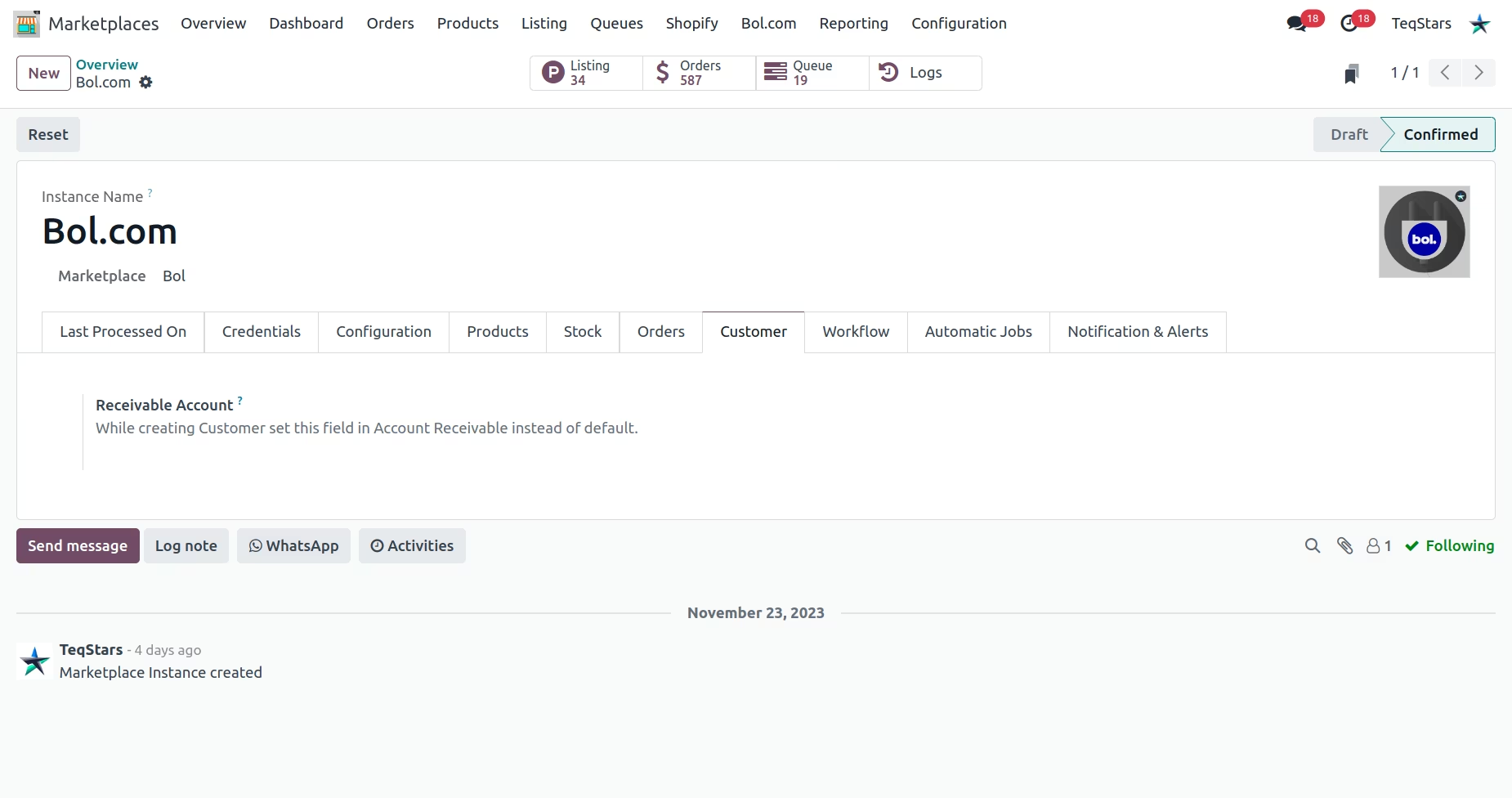
Customer related configuration
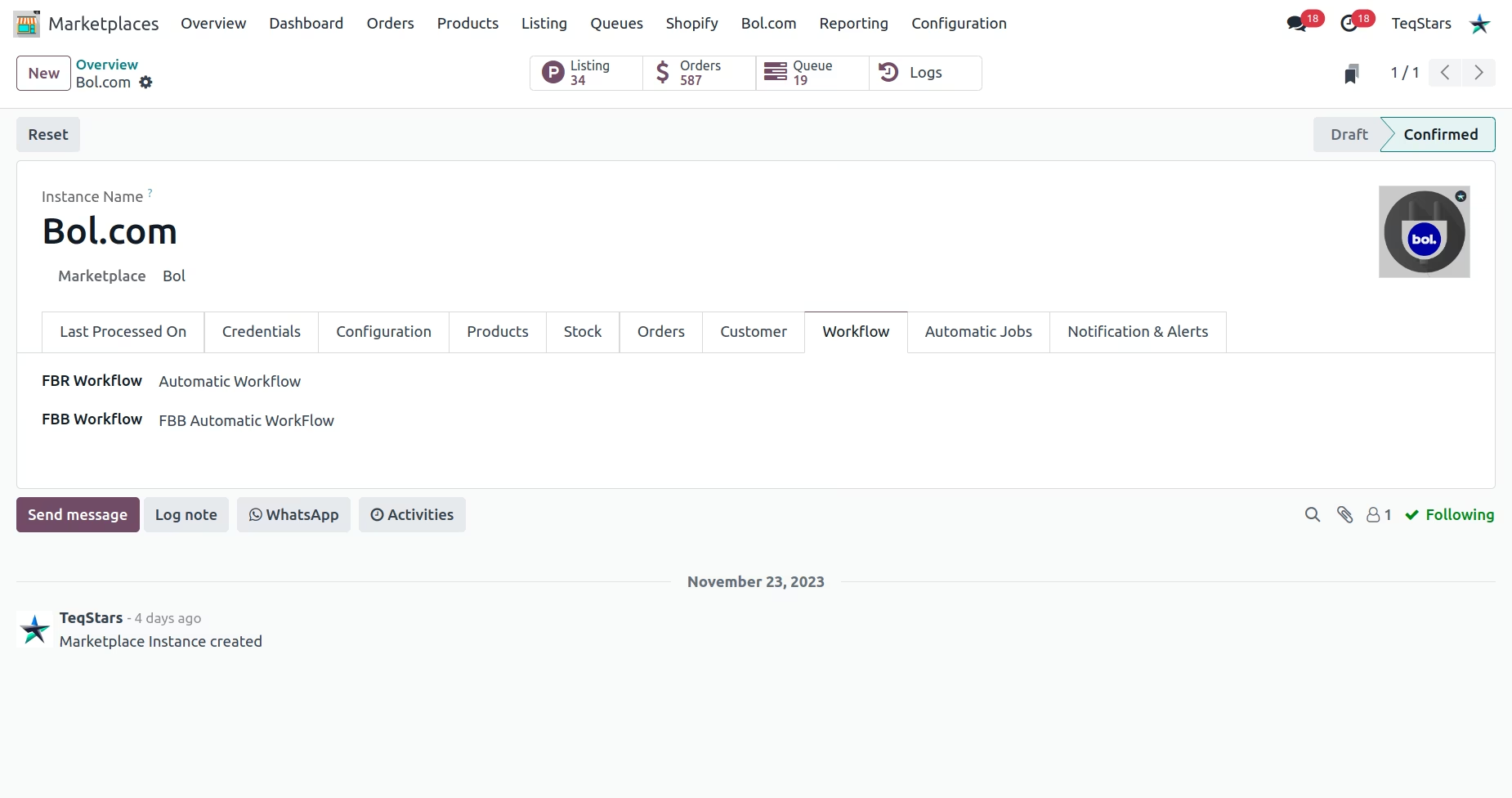
Automated Workflow configuration
Webhook Configuration
Available scheduled actions
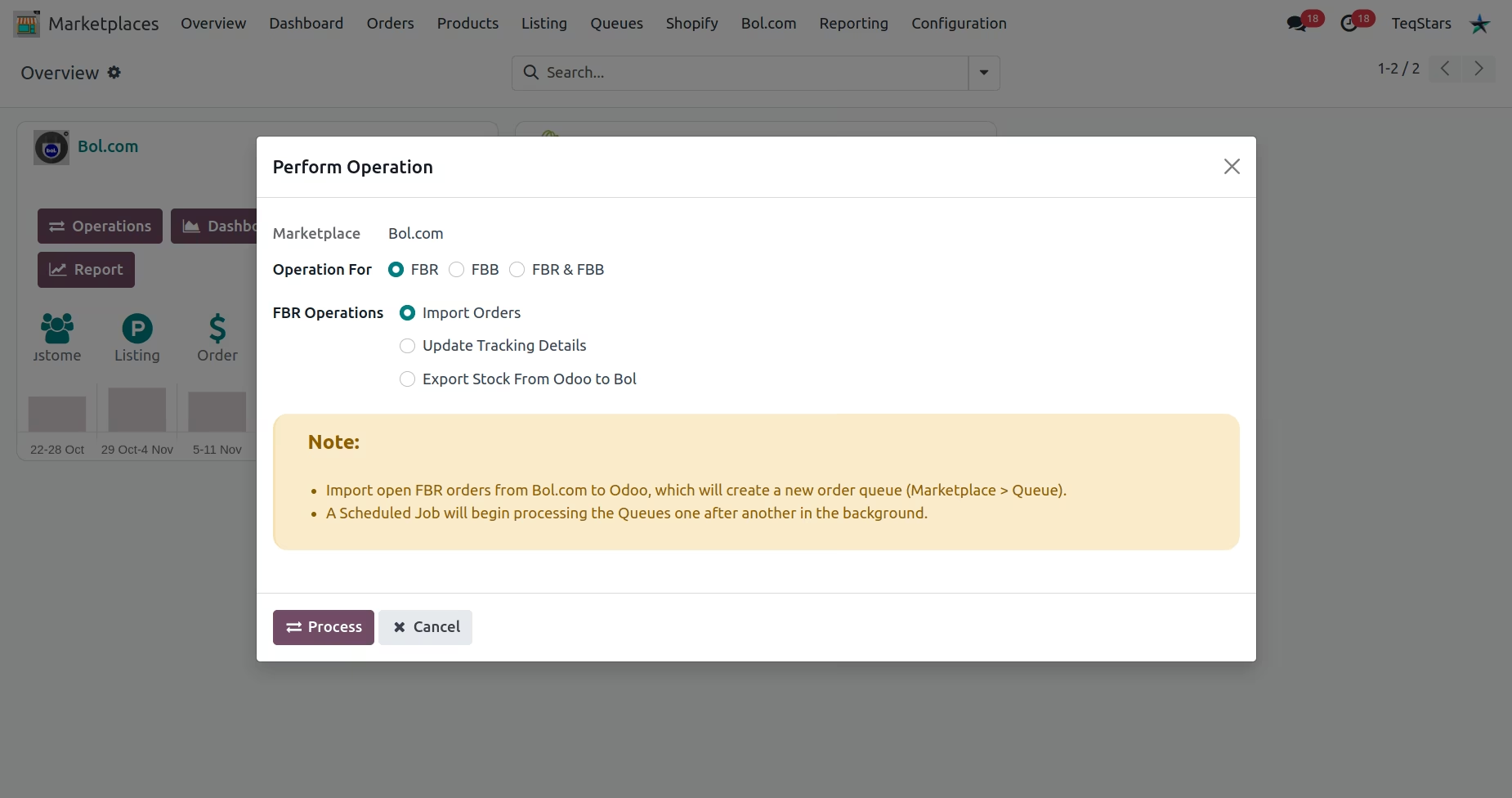
FBR Operations
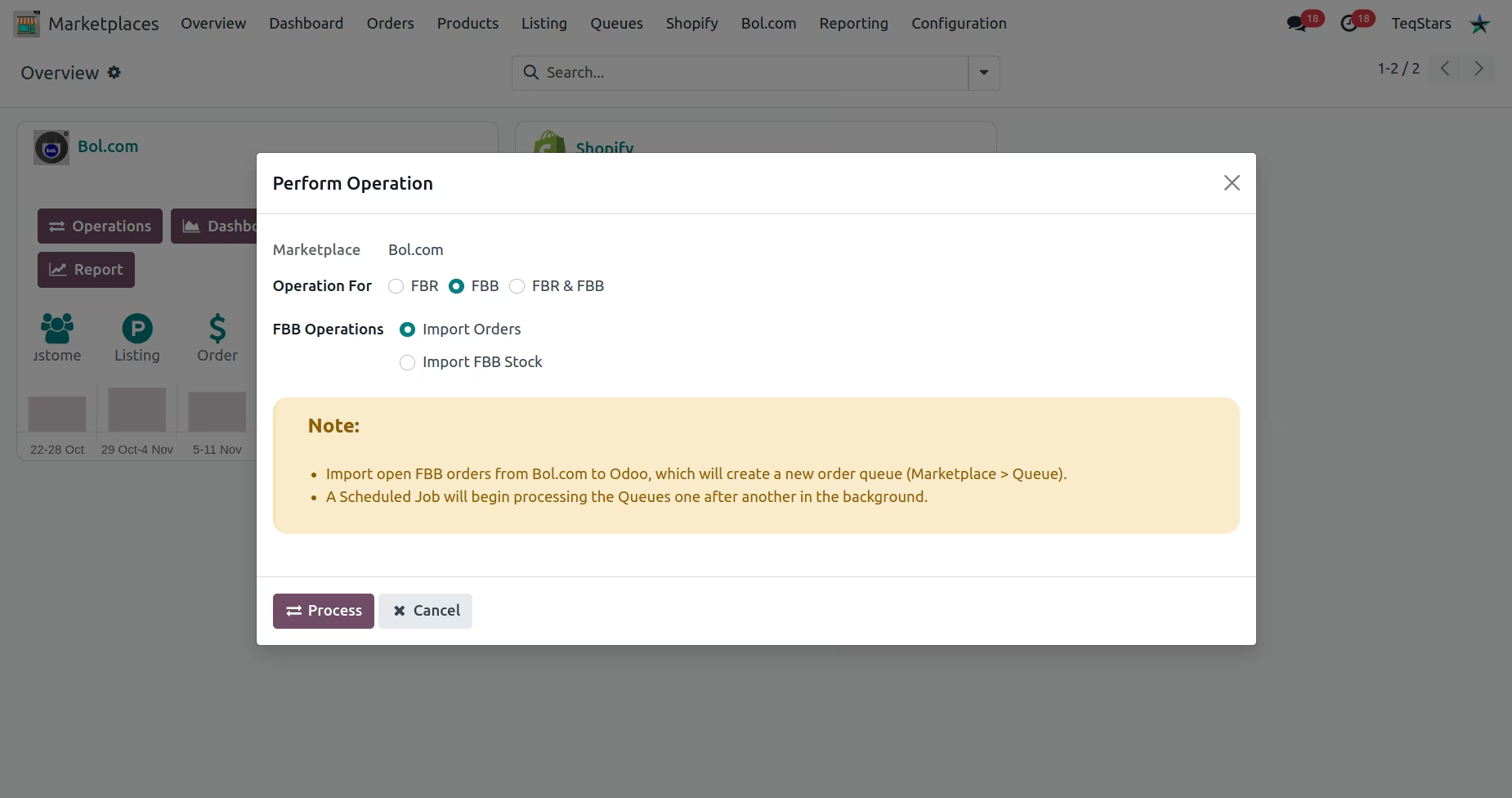
FBB Operations
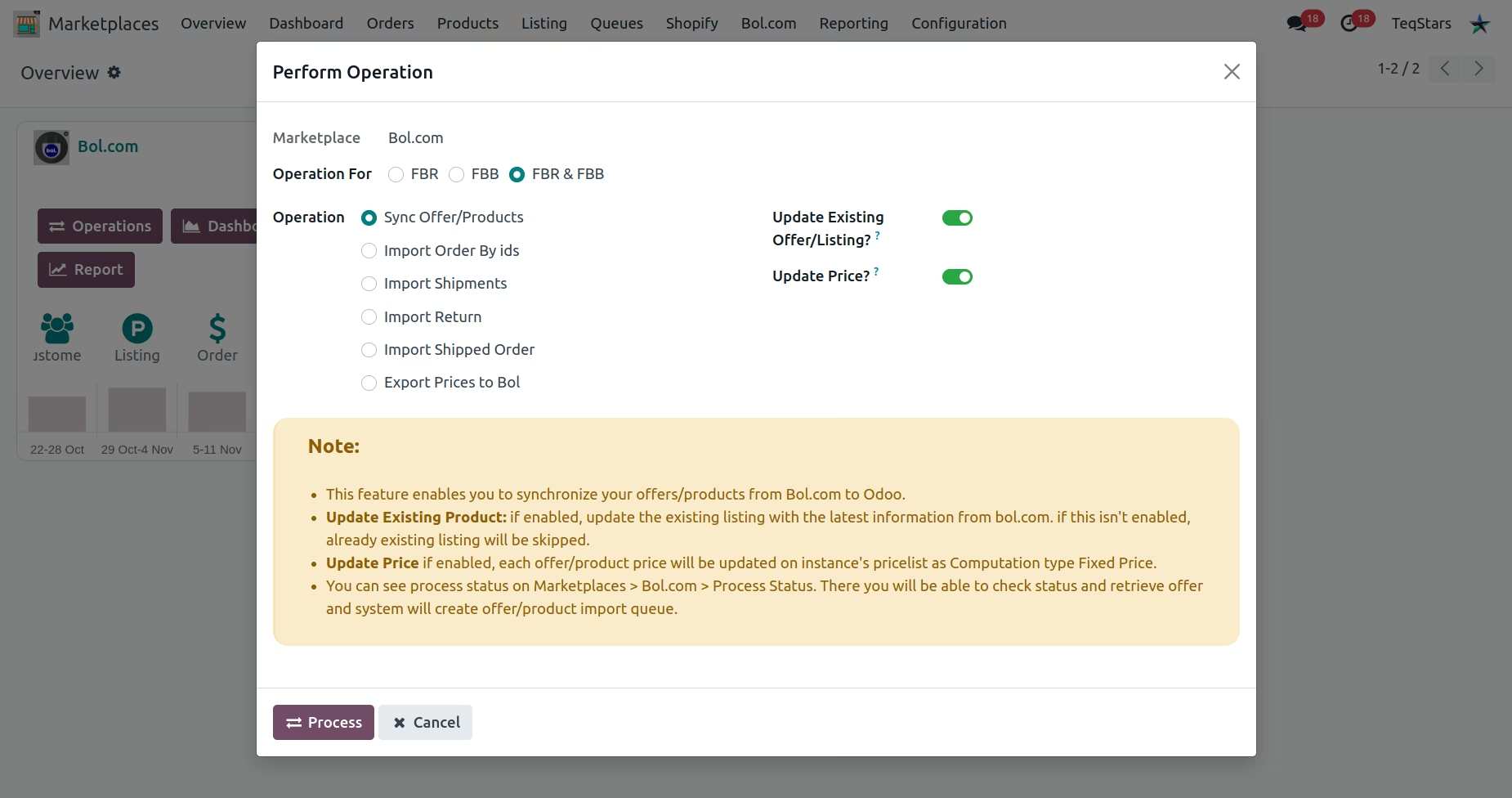
FBR & FBB Operations
Offer/Product import Queue
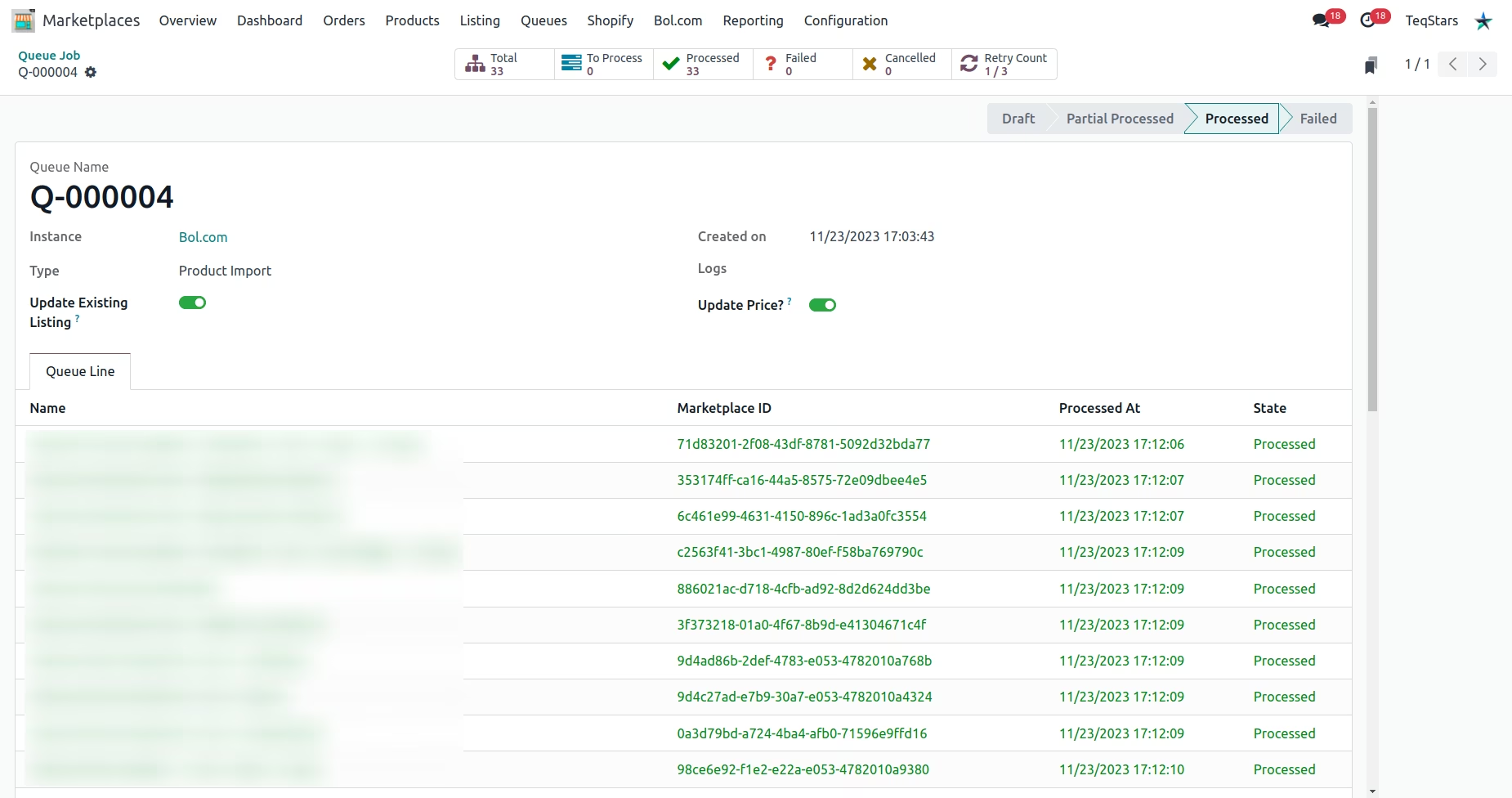
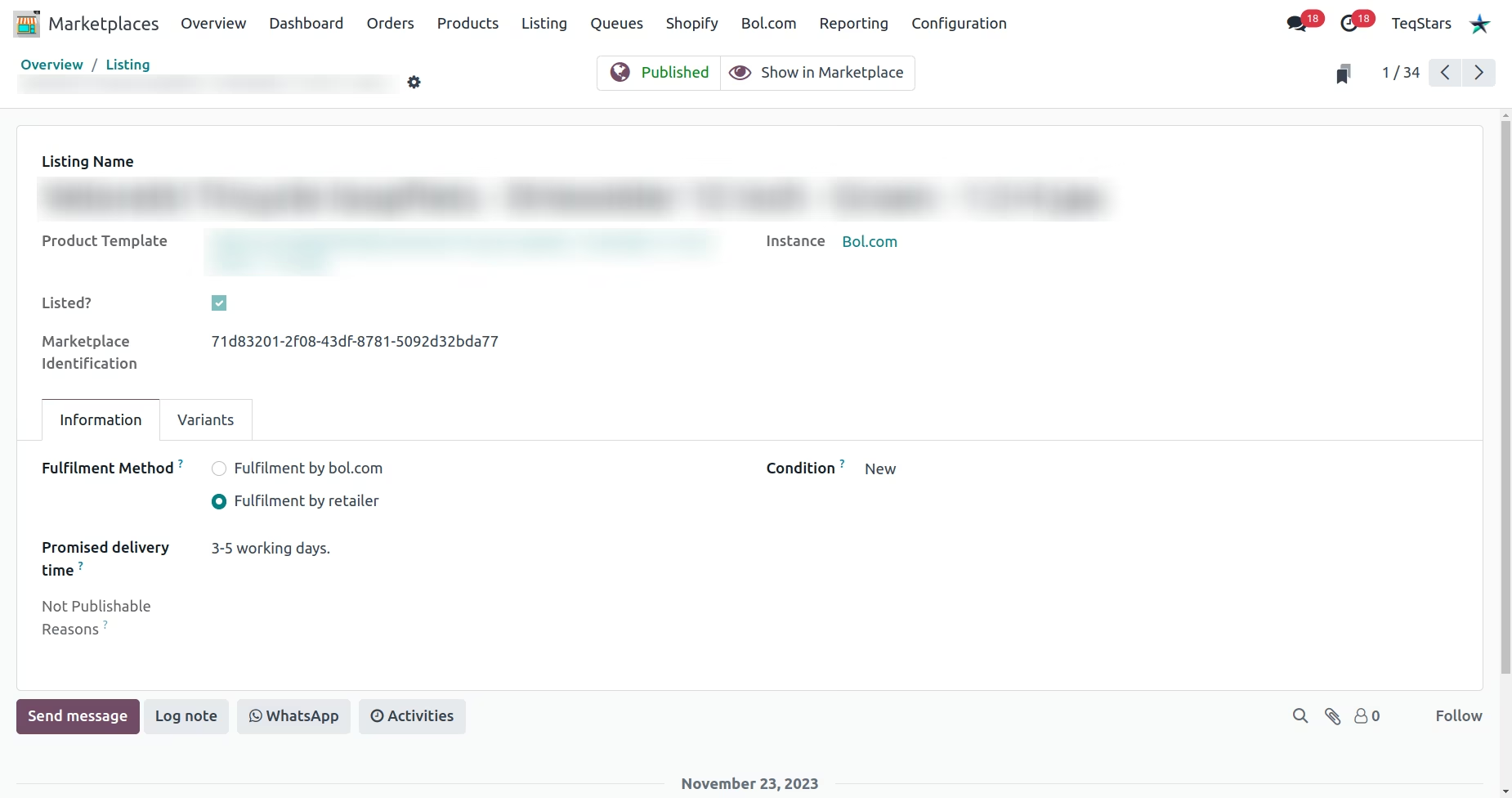
Imported offer/product with all details
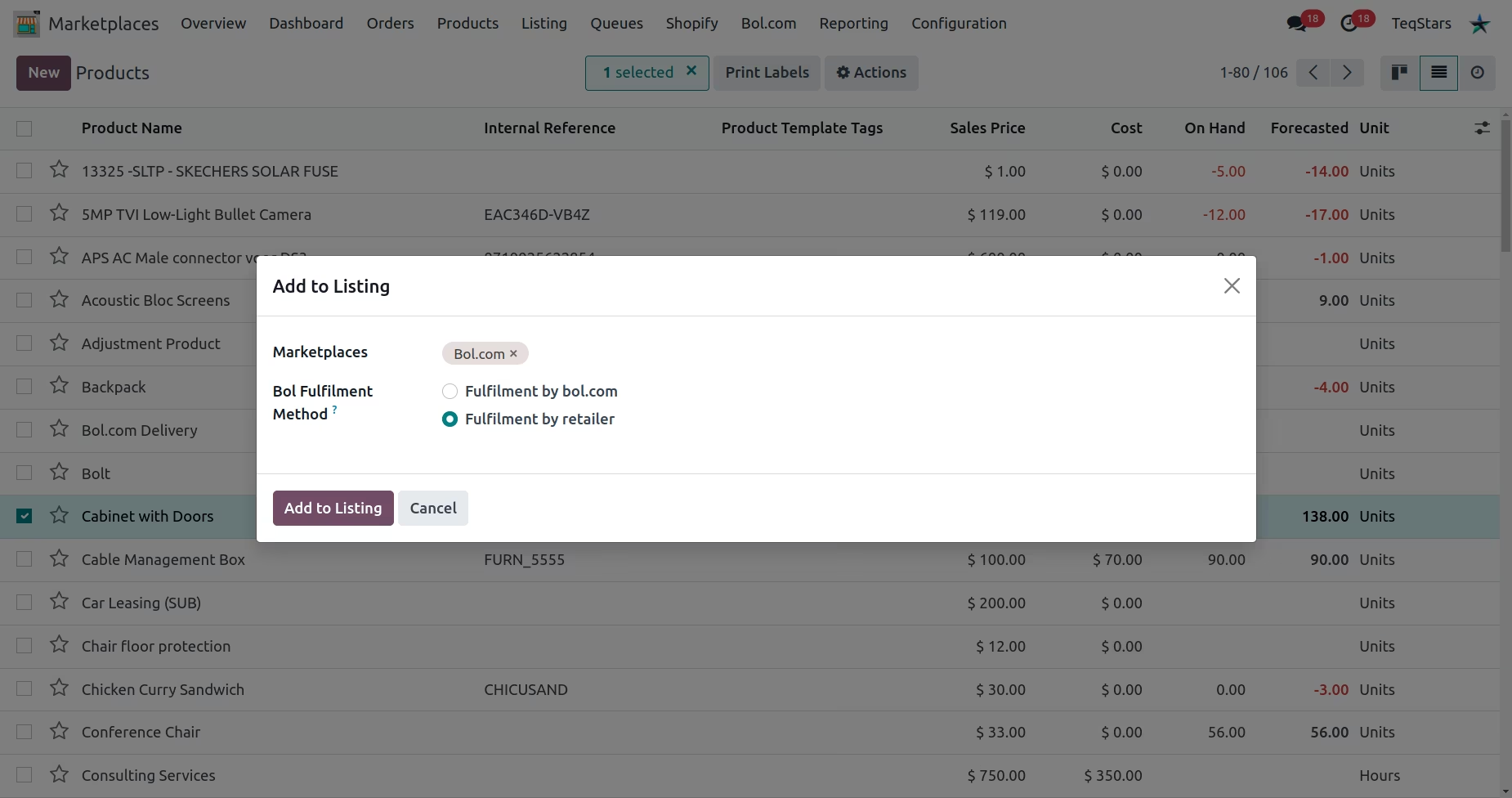
Preparing a new offer/product for export to Bol.com
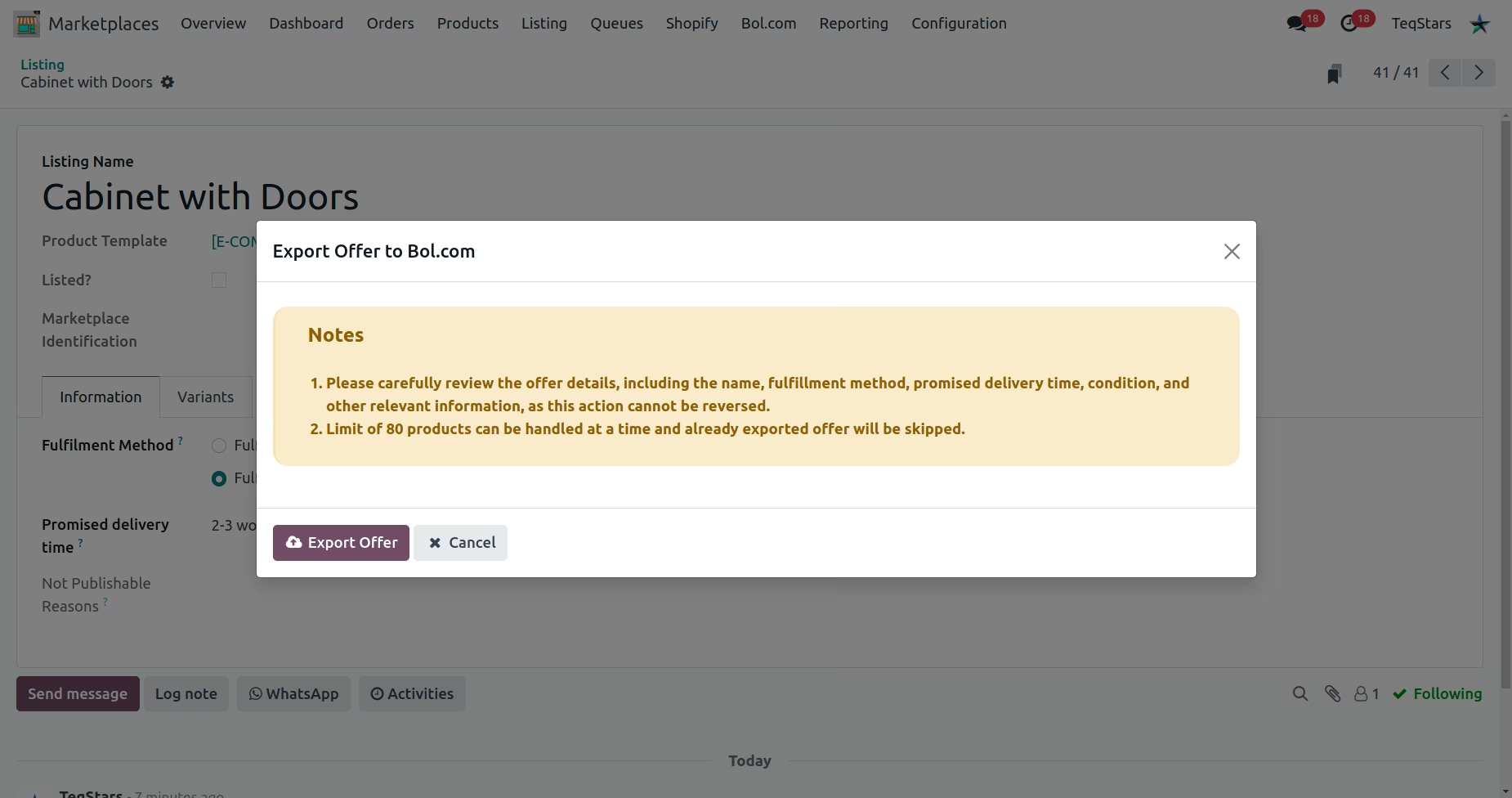
Export a new offer/product to Bol.com
Update existing offer/product to Bol.com
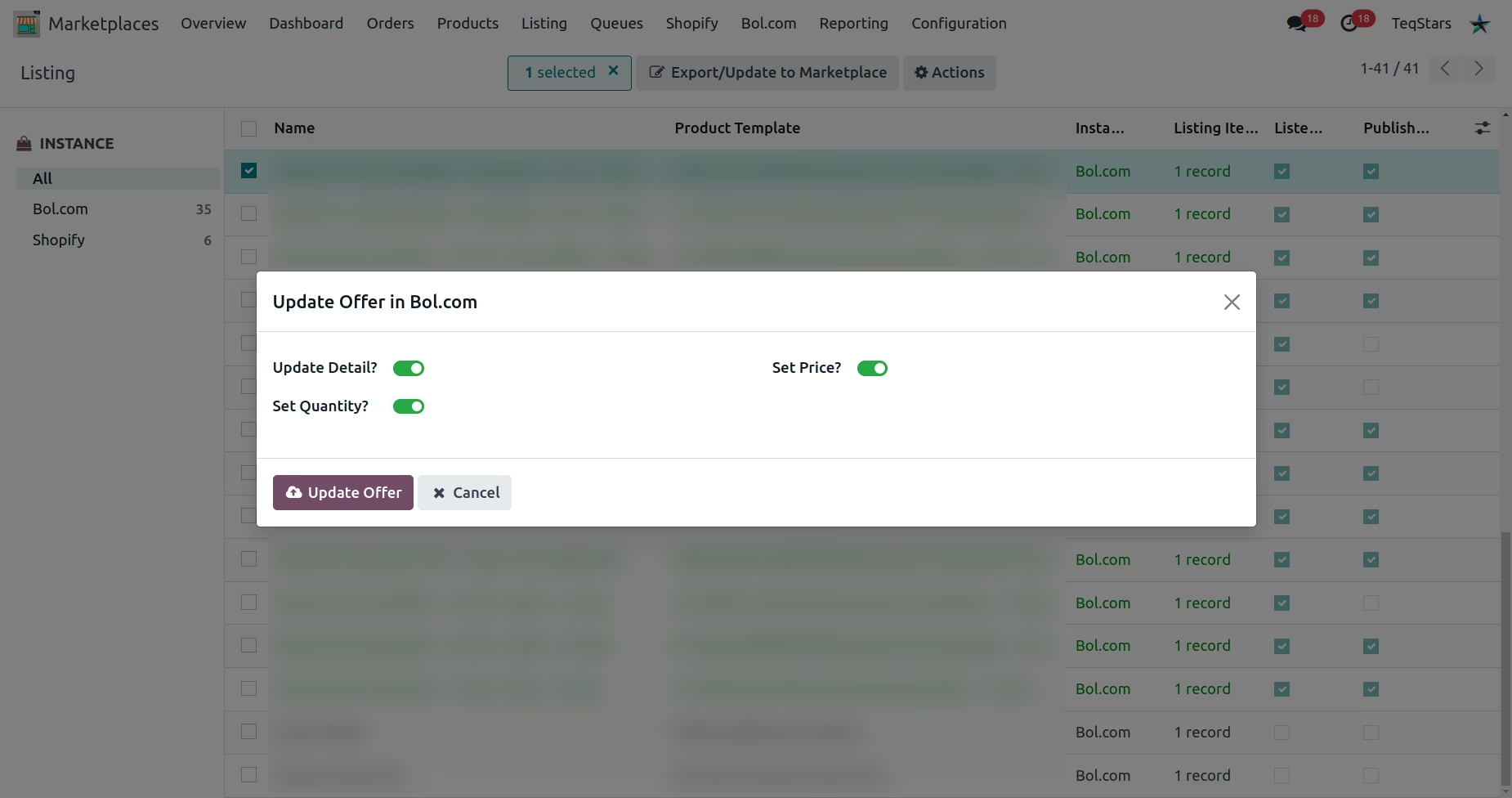
Order import Queue
Imported order
Automatically updating the order status to fulfilled/shipped on Bol.com
Imported Return
Detailed Level Reporting
Smart Notification